

8 LearnUpon Alternatives for Employee and Customer Training in 2026
The best LearnUpon alternatives in 2026 include Docebo, Coursebox, TalentLMS, Absorb LMS, LearnWorlds, 360Learning, Litmos, iSpring LMS. Choose by the workflow you need to replace.

The best LearnUpon alternatives in 2026 include Docebo, Coursebox, TalentLMS, Absorb LMS, LearnWorlds, 360Learning, Litmos, iSpring LMS. Choose by the workflow you need to replace.
- Create, assign, assess and support the learner.
- Counted users, portals, authoring and paid add-ons.
Answer three questions to compare the four tools below. The result balances your preferences; the entries explain the features, limits and costs to check.

Run your own branded LMS with unlimited learners
LearnUpon lets a team run separate learning portals for employees, customers and partners. If you use that setup, a replacement needs to keep those audiences organised. If you only use one part of it, you may be looking for something simpler or a different way to create the training.
I’m Alex. Software procurement has taught me to look at what the team actually uses and what the contract commits them to. Here I’d compare the audiences you need to serve, the work of keeping their courses current and the bill for that arrangement.
I work at Coursebox, whose AI LMS is included for course creation, assessment, learner support and branded delivery. The entries explain how its setup differs from the portal and administration options elsewhere in the list.
How I compared these tools
I used four criteria:
- Workflow: Create, assign, assess and support the learner.
- Audience: Branding, administrators, catalogues and audience reports.
- Connections: Identity, employee or customer data and reporting exports.
- Cost: Counted users, portals, authoring and paid add-ons.
The alternatives compared
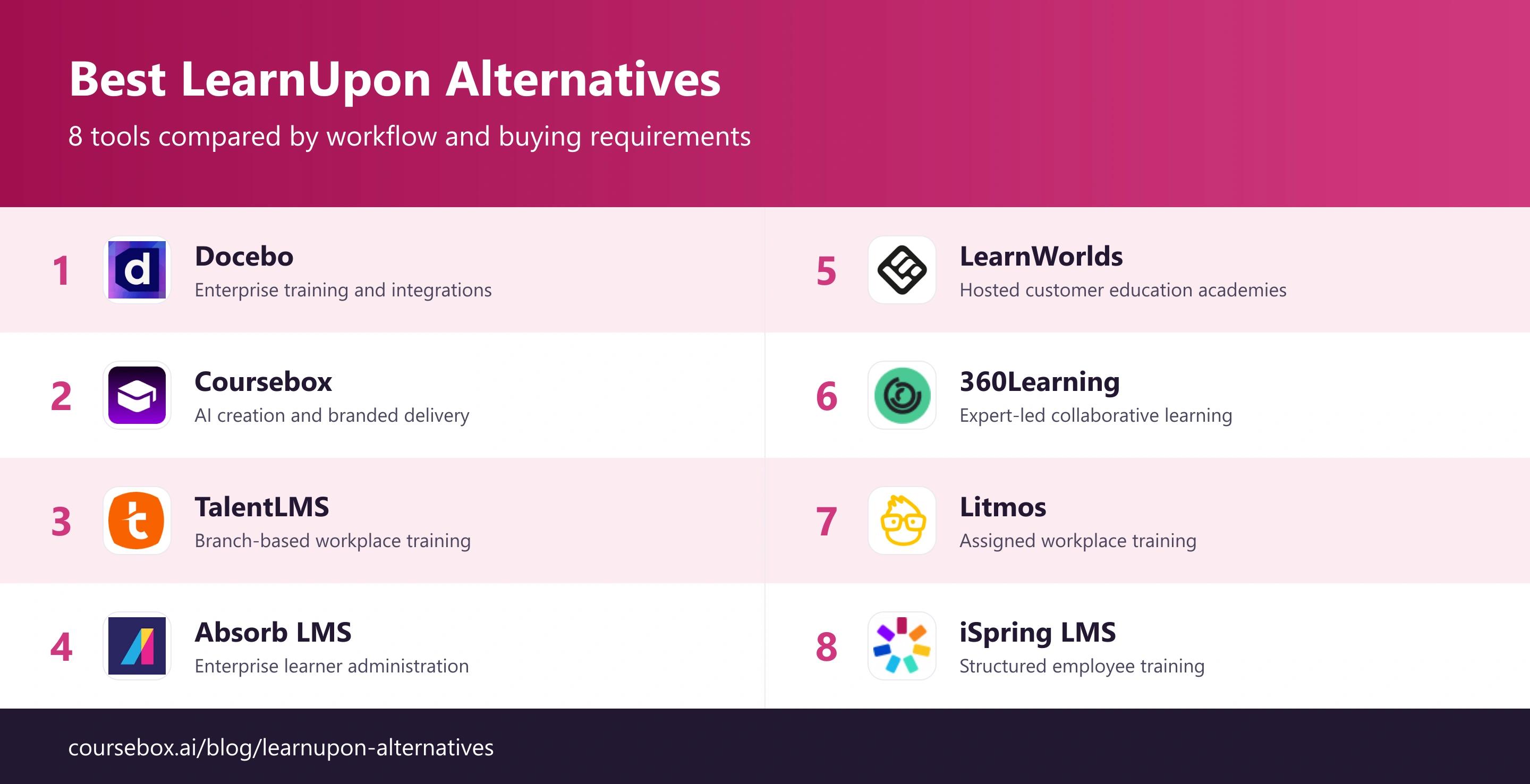
| Tool | Useful starting job | Starting cost |
|---|---|---|
| Docebo | Enterprise training and integrations | Quote-only |
| Coursebox | AI creation and branded delivery | Free; Creator AU$500/year; LMS tier costs more |
| TalentLMS | Branch-based workplace training | US$119/mo (up to 40) |
| Absorb LMS | Enterprise learner administration | Quote-only |
| LearnWorlds | Hosted customer education academies | From US$29/mo |
| 360Learning | Expert-led collaborative learning | From US$8/user/mo |
| Litmos | Assigned workplace training | Quote-only |
| iSpring LMS | Structured employee training | 100-user Business US$8,286/year |
Prices checked in October 2026. Billing terms, currencies and included features differ; the entry notes explain restrictions that can change the total.
The 8 alternatives
1. Docebo
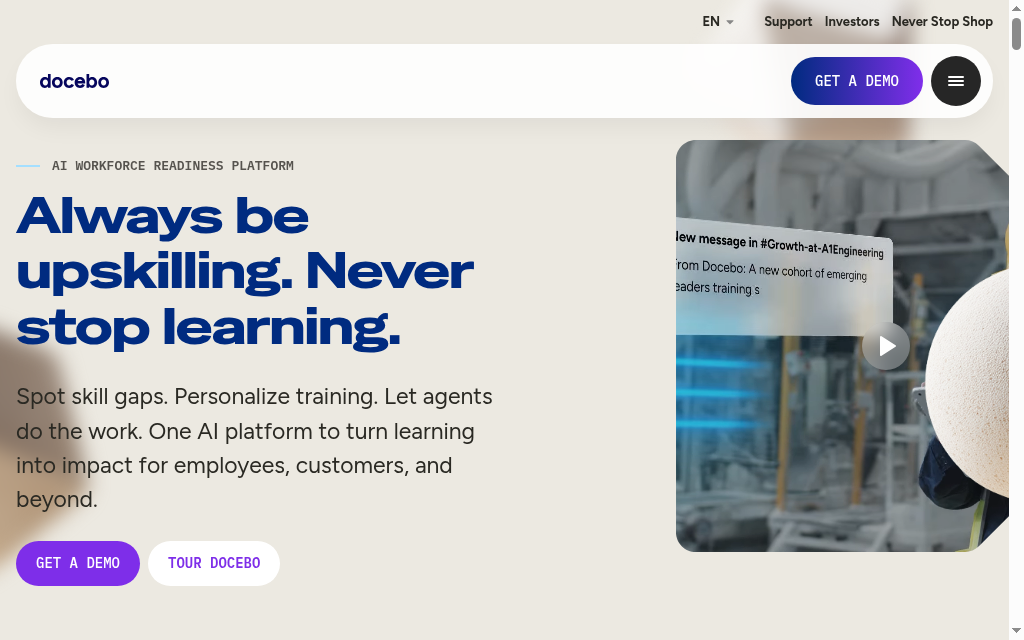
Docebo suits distributed organisations that need to assign and manage training across roles, regions and audiences. Learning plans, automation and delegated administration give a central team a way to set requirements while local managers follow up their employees. The platform covers on-demand learning and scheduled sessions, rather than forcing every task into a live meeting.
The multi-audience value is in the administration. Employee data and group rules can determine who receives a course, while permissions determine what a regional administrator can manage. Integrations and advanced modules are part of the buying scope. Ask which connections are included and what each actually does: launching a meeting, synchronising people and delivering learning inside another application are different capabilities.
My review: My rollout checklist starts with existing employees. Adding an enrolment rule does not automatically enrol people who already belonged to the group, so that cohort needs a separate enrolment step. I would map the initial assignment and future joiner process together before trusting the automation.
My verdict: Choose Docebo when audience rules and delegated learning administration justify a larger implementation. A small team with one onboarding path should compare the configuration and commercial scope with a simpler deployment.
Pricing: Current plans are quoted. Request the learner basis, integration allowance, implementation work and required analytics or audience modules in writing. The advertised platform should not be treated as a promise that every connected module is included.
2. Coursebox
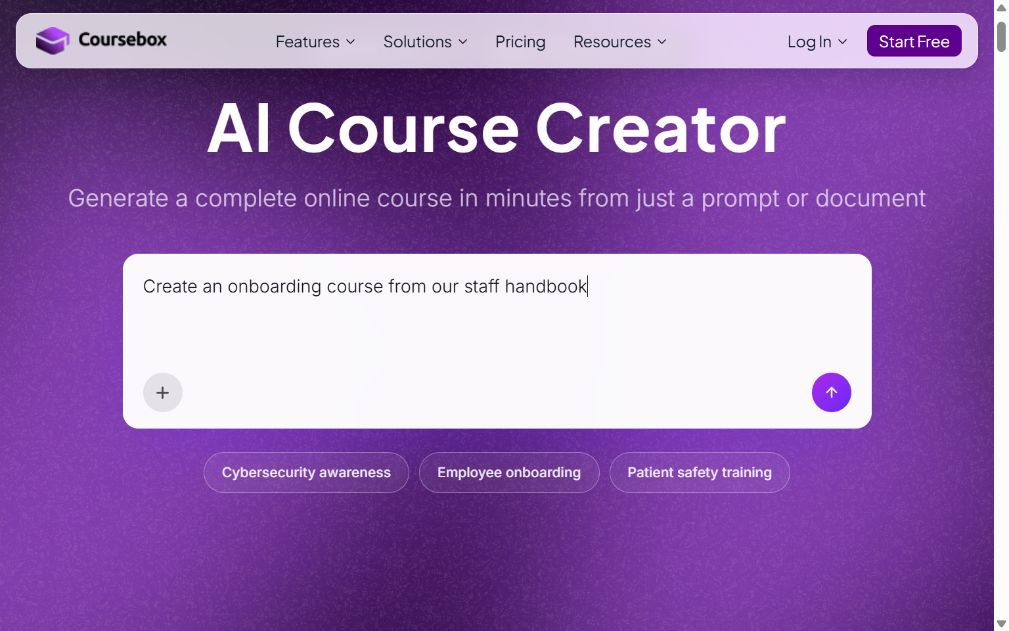
Coursebox combines AI course creation with learner delivery. A topic, document or existing material can become an editable course with quizzes, AI video and assessments. Authors can deliver it through Coursebox or export it for another LMS.
Paid plans add branding, learner groups, pathways and reporting. Enterprise supports multiple portals and an API, with SSO available as an add-on. Learner communities support announcements and questions. LTI 1.3 can return grades and progress to a connected LMS. Compare these capabilities at the required tier rather than assuming everything is in the free account.
What stood out: In my review, the useful test is the complete learning activity: create the lesson, edit the assessment, ask the AI tutor a question and inspect the learner result. That shows whether saved authoring time also produces a course the team can maintain. The subject expert should check the source material and answers.
My verdict: Choose it when creating and delivering training is the main job. For an institutional replacement, map student records and integrations first. For a creator business, compare checkout and the marketing workflow separately.
Pricing: A limited free plan includes three mini courses and unlimited learners. In the current Australian price feed, Creator is AU$500/year, Pro AU$1,400/year and Pro + LMS AU$4,200/year. Feature scope and AI allowances differ. Enterprise and its SSO add-on require separate budgeting.
3. TalentLMS
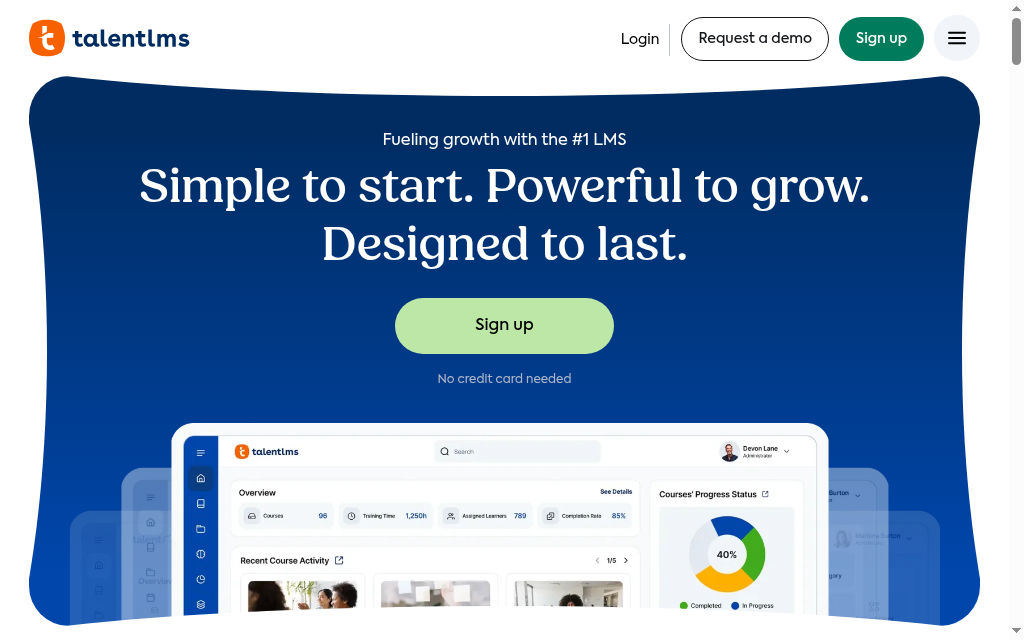
TalentLMS is a useful starting point for a training team that needs a manageable course catalogue, assignments and progress reports without a large implementation project. Authors can build lessons in the browser or import existing training, while branches separate audiences with different courses and administration needs.
For employee onboarding, a learning path can organise the sequence and managers can follow completion instead of asking for updates in chat. The plan still needs to match the organisation: user bands, branches, reporting and AI capabilities vary. A live-session integration helps schedule or join training; it does not automatically make the LMS available inside every collaboration tool.
From my comparison: In my comparison, the practical attraction was keeping the first rollout contained. I would set up one role, assign its required courses and check the manager’s report before creating branches for every department. That shows whether the team needs more structure, or whether a shared catalogue will be enough.
My verdict: Choose TalentLMS for a straightforward cloud LMS with published entry pricing. Compare the necessary branch and reporting tier before treating the starting price as the cost of a larger distributed organisation.
Pricing: The free plan supports five users and ten courses. The pricing page lists Core at US$119/month for up to 40 users; confirm the selected billing term and user band at checkout. Content-library and higher-tier requirements affect the total.
4. Absorb LMS
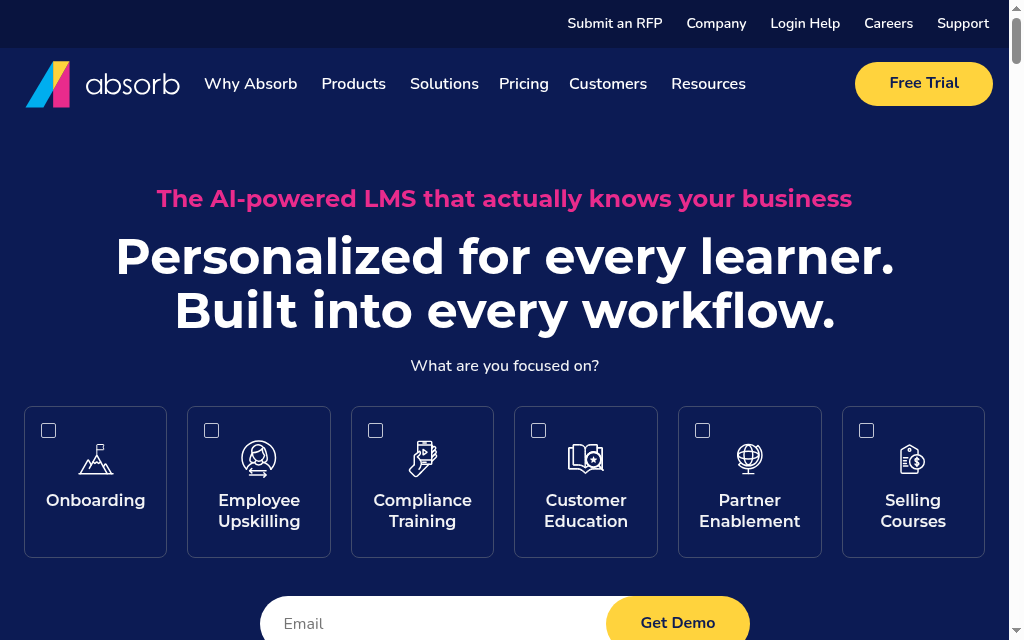
Absorb LMS suits organisations that need to administer employee learning across departments and other audiences. Course assignments, learning paths and reporting give managers a way to follow required training without relying on informal updates from staff. The platform can also support externally facing learning programmes.
Course creation is a separate scope to inspect. Absorb Create integrates with the LMS, but author licences and workspace permissions determine who can build and manage content. A learner subscription should not be assumed to include unlimited author access. For a distributed rollout, map learner access, local administration and content ownership before pricing the deployment.
My practical check: My first review would be the manager’s working view. I want to see the assigned cohort, overdue learning and assessment results without giving every manager platform-wide administration rights. A representative team and course make that demonstration more useful than a dashboard filled with sample data.
My verdict: Choose Absorb when learning administration and manager oversight justify a configured LMS. Compare the required integrations and authoring scope with the implementation effort; a simple onboarding project may need less configuration.
Pricing: Pricing is by enquiry. Request the learner licensing basis, implementation, integrations and Absorb Create author licences as separate line items. The cost depends on the proposed deployment, so a competitor’s starting price is not a reliable substitute for a quote.
5. LearnWorlds
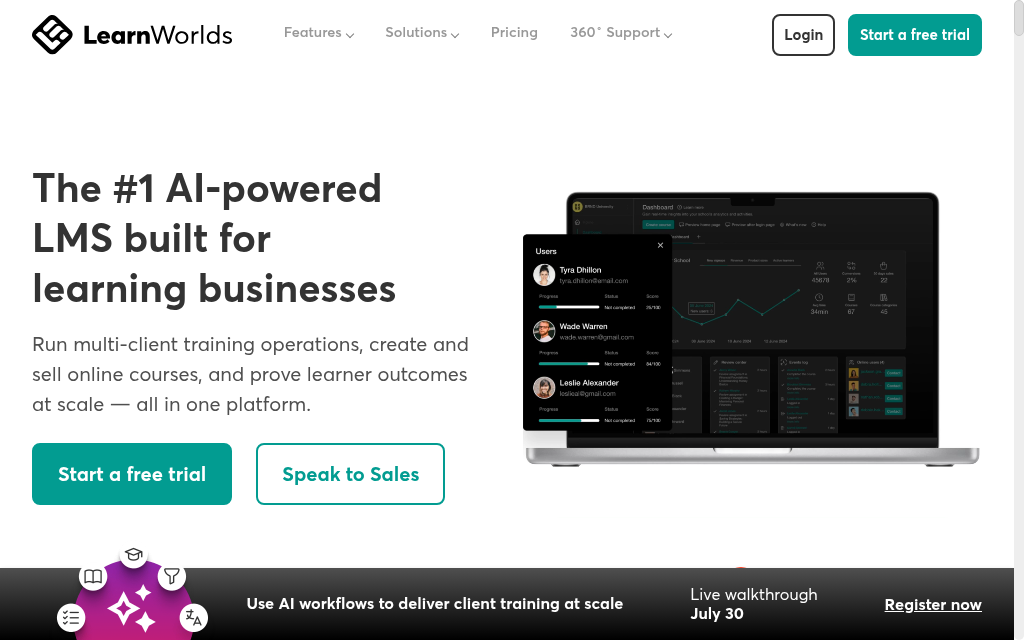
LearnWorlds suits a organisation running an academy with courses, assessments and a branded learning site. It is especially useful when the audience includes customers, partners or paying learners as well as employees, because course delivery and commerce sit within the same platform.
For internal training, compare the learning requirements with the commercial features you will actually use. Interactive video, SCORM capacity, reporting and administration depend on the tier, while a branded mobile app is an additional purchase. The Starter plan also charges US$5 per paid course enrolment, which can change the budget for an external academy.
My review: In my review, I would separate employee access from customer checkout. An employee should reach assigned training without navigating a purchasing journey; a customer may need payment, bundles and enrolment emails. Seeing both journeys clarifies whether the platform’s academy model fits the programme.
My verdict: Choose LearnWorlds when a learning website and external academy are part of the job. For employee-only training, compare manager reporting, identity requirements and the appropriate plan before paying for unused sales features.
Pricing: Starter is US$29/month or US$24/month billed annually, plus US$5 per paid course enrolment. Pro Trainer is US$99/month or US$79 annually. Higher-tier learning features and the mobile-app add-on require a separate budget check.
6. 360Learning
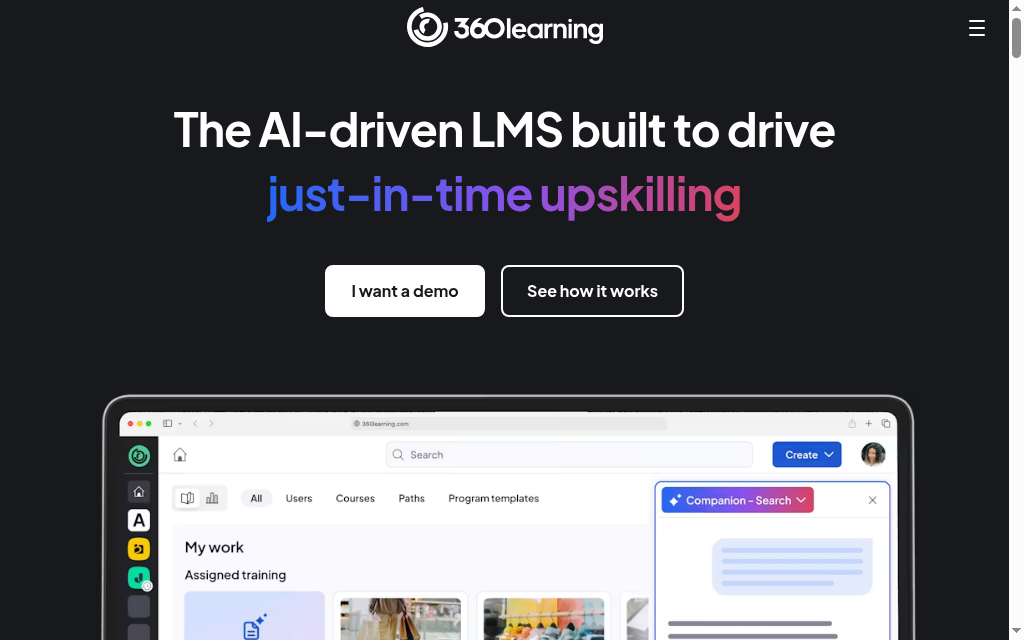
360Learning suits organisations whose training depends on knowledge held by colleagues across the business. Subject-matter experts can contribute courses, and learner feedback helps identify where an explanation needs improvement. The platform combines that production workflow with assignments and learning delivery, rather than acting only as a shared editor.
That can help a product team turn a release into training or an operations team document a changed process. The maintenance responsibility remains important: name the person who approves the content and the person who revisits it after a change. A large number of contributors can produce conflicting lessons unless the team agrees which source is authoritative.
What stood out: What stood out in my review was the feedback loop after launch. A learner’s question can expose a gap that a content owner can repair for the next cohort. I would make that part of the operating process, alongside completion reports, rather than judge the platform only on how quickly a colleague can publish a first course.
My verdict: Choose 360Learning when expert contributions and ongoing refinement are central to the training programme. Compare the required integration, governance and administration scope before expanding beyond the initial team.
Pricing: Team is US$8 per user/month for up to 100 users. Larger deployments require a quote. This is an LMS user price, so compare it with the number of people using the platform rather than only the authors.
7. Litmos
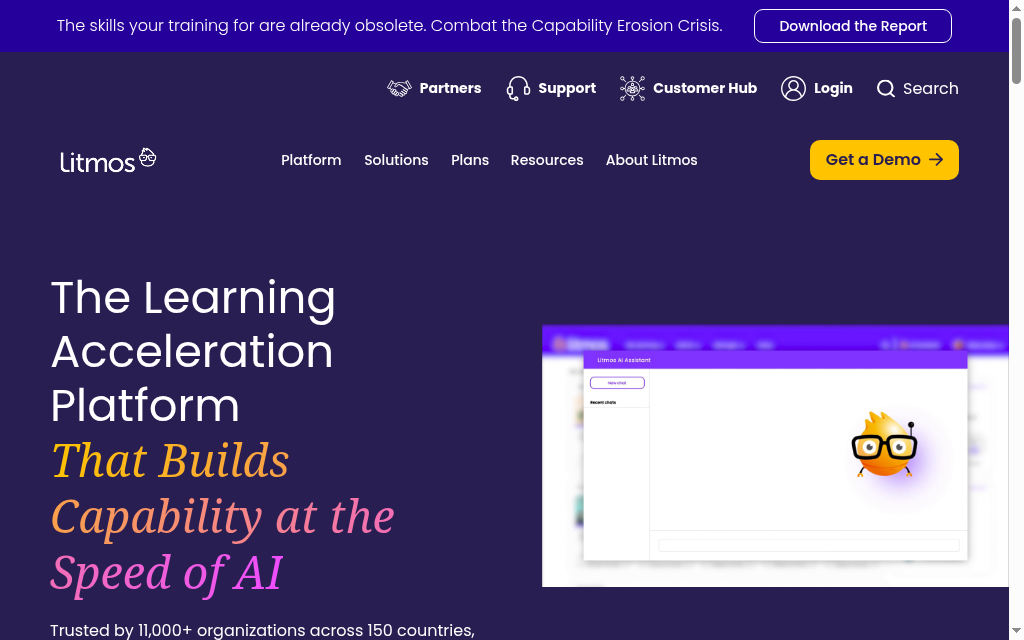
Litmos suits training teams that need an LMS and access to ready-made workplace training. Its delivery platform provides assignments, assessments and reporting, while separately scoped content libraries can reduce the work of producing common topics from scratch. That can help a team launch a broader programme while it builds its own product and process training.
The library and the LMS are separate buying dimensions. Check which courses, languages and update arrangements are included in the selected package. A general security lesson may cover awareness, while employees still need your own reporting procedure, tools and escalation contacts. Built-in authoring can support those organisation-specific additions.
From my comparison: My review priority would be the handoff from a catalogue lesson to the employee’s actual job. I would pair the general topic with a short local exercise, then check that managers can distinguish course completion from the assessment result. That gives the library a useful role without treating it as a substitute for the company’s procedures.
My verdict: Choose Litmos when ready-made content and LMS delivery are both useful. If most of the programme is specialist internal knowledge, compare the authoring workflow and library value separately.
Pricing: Foundation, Premier and Platinum are quoted. Confirm learner licensing, content-library access, implementation and required integrations together. Do not assume every catalogue or authoring feature is included in the entry LMS quote.
8. iSpring LMS
iSpring LMS, previously called iSpring Learn, suits organisations that need structured employee training with a practical mobile option. Learning tracks organise the required sequence, while assignments, deadlines and reports let managers follow progress across distributed teams. It can deliver existing courses and connect with iSpring’s separately sold authoring products.
Its mobile app supports downloading compatible learning for offline access and synchronising progress when a connection returns. That is useful for travelling or field-based employees, but office staff can also use its online delivery. An offline requirement needs a course-level test: embedded external resources and connected activities may still require internet access.
My practical check: My review would follow a learner through the whole assignment: receive it, open it on the intended device, complete the assessment and appear in the manager’s report. For an offline pilot, I would repeat the final steps after reconnecting and check that the record shows the expected result.
My verdict: Choose iSpring LMS for structured employee learning, especially when mobile access is part of the rollout. If the team mainly needs new content, include the separate authoring licence in the comparison.
Pricing: For 100 active users, Business is US$8,286/year. Larger-volume rates differ; fewer than 100 users require a quote. iSpring Suite authoring is a separate purchase.
Compare audience separation, assignment rules and reporting
| Requirement | What to compare | Useful pilot |
|---|---|---|
| Audience separation | Portals, branches and roles are different arrangements | Test who can view each catalogue and report |
| Existing learners | A new assignment rule may not backfill existing users | Test a new user and someone already in the group |
| Course creation | Included authoring differs from a separate licence | Create and update one representative lesson |
| Customer training | CRM, access rules and paid enrolment | Follow a customer from invitation or purchase to completion |
| Budget | Active users, total users, portals and add-ons | Quote the same audiences and services in each platform |
Retain the original course material and records. Verify access, assessments and the required report with a small group before retiring the old workflow.
Compare creation and learner support
Thinkific’s 2026 survey of 1,039 learning professionals found that 44% used AI to create educational content. Compare editing and review as well as generation.
In the same survey, 38% used AI to answer learner questions or provide support. Check answer sources and how learners reach a person.
Which alternative should you choose?
| Your main job | Starting shortlist |
|---|---|
| Enterprise training and integrations | Docebo |
| AI creation and branded delivery | Coursebox |
| Branch-based workplace training | TalentLMS |
| Enterprise learner administration | Absorb LMS |
| Hosted customer education academies | LearnWorlds |
| Expert-led collaborative learning | 360Learning |
| Assigned workplace training | Litmos |
| Structured employee training | iSpring LMS |
Start with the required workflow, then compare the tier and migration work. The quiz covers four starting choices; the full comparison is above.
For a closer comparison, see docebo alternatives.
For a closer comparison, see talentlms alternatives.
Frequently Asked Questions
Docebo, Absorb, TalentLMS and Coursebox offer ways to separate audiences, with different portal, branch and plan arrangements. Confirm branding, administrator permissions and reporting isolation at the quoted tier.
Yes. Enterprise supports multiple portals and an API; SSO is available as an add-on. Pro + LMS adds branded delivery, groups, pathways and advanced reports. Match the required audience model to the plan.
Keep the useful parts of the existing workflow in the requirements. Compare creation, assignments, audience separation and manager reporting rather than assuming a replacement must work differently in every area.
Alex Hey
Alex Hey is a technical marketer with 10 years of hands-on growth and digital marketing experience. He cofounded Coursebox together with Travis Clapp who he met online when looking for a cofounder to build a globally impactful software product. He works in the Perth, Western Australia office as the COO. He built the world's first automated funnel for patient recruitment before building Coursebox. After launching Coursebox in mid 2023, he drove +400k organic sign ups for Coursebox. Alex leads the marketing and digital growth of Coursebox and works with the product development team bringing a passion for data-driven product decision and exceptional user experience. Alex is determined to build the world's easiest way to build the perfect course.

