

10 Types of Learning Management Systems in Education (2026 Guide)
Learn about the 10 types of learning management systems in education, their features, benefits, and how to choose the right LMS for your school or institution.


Give every learner a tutor that answers instantly
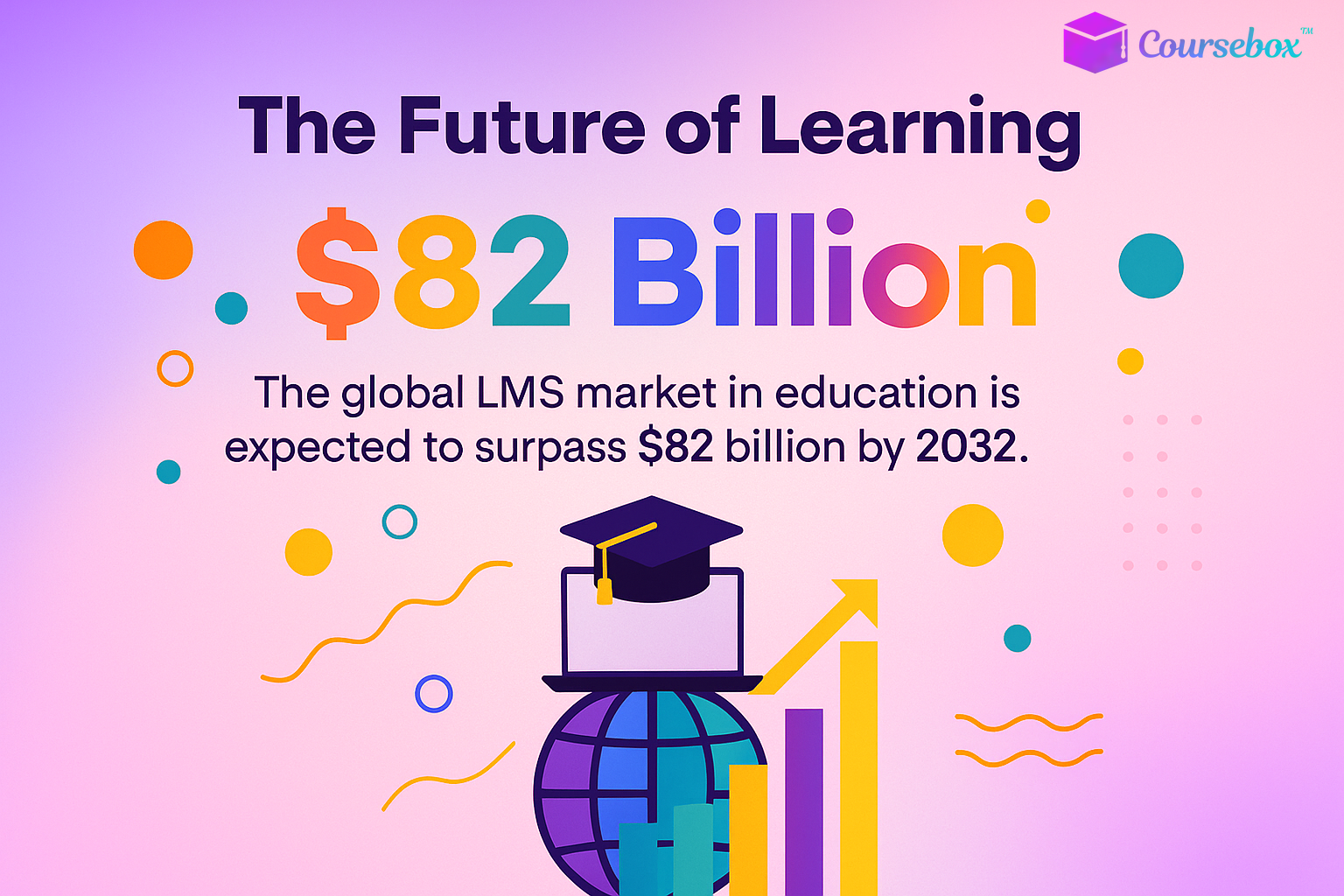
Did you know that the global LMS market in education is expected to surpass $82 billion by 2032? That’s because schools, universities, and training institutions are rapidly moving toward tech-driven learning experiences.
From virtual classrooms to mobile learning, today’s LMS platforms are more versatile than ever.
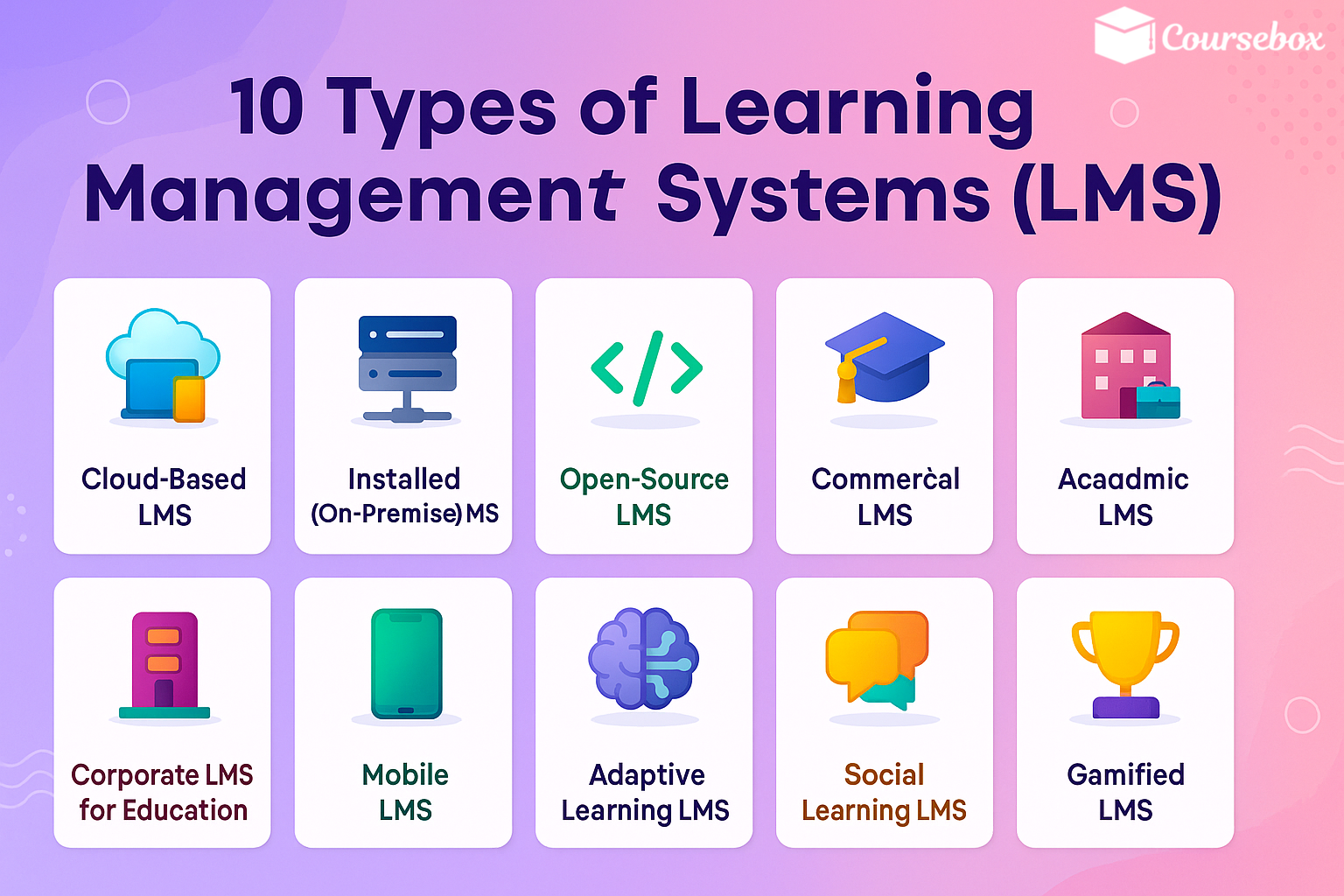
In this guide, I’ll walk you through the 10 main types of learning management systems used in education, how they work, and which might be the best fit for your needs. Whether you’re a teacher, admin, or EdTech enthusiast, you’ll leave with a clear understanding of the LMS landscape!
Types of Learning Management Systems
1. Cloud-Based LMS
A cloud-based learning management system (LMS) is a platform you can access through the internet instead of installing software on your own computers. This means you can log in from anywhere, whether you’re at school, home, or traveling. All you need is a stable connection and a device like a laptop, tablet, or phone.
One of the biggest advantages is that the provider takes care of updates and maintenance. You don’t need to worry about downloading new versions or fixing technical problems on your end. The system is kept up to date automatically, which saves time and reduces the need for an in-house IT team.
This type of LMS works well for schools that have limited IT resources. Since the hosting and security are managed externally, you can focus more on teaching and learning instead of technology upkeep.
Common features you can expect include:
- Secure login for students and teachers
- Course creation and content sharing tools
- Messaging and collaboration options
- Integration with other online tools
Examples include Google Classroom and MoodleCloud, both widely used in education for their ease of use and flexibility. These platforms let you deliver lessons, share resources, and track student progress without complex setup.
2. Installed (On-Premise) LMS
An installed learning management system (LMS), also called an on-premise LMS, is software that runs on your school’s own servers instead of being hosted online by a provider. This means the system lives in your building, and you control how it’s set up and maintained.
With this setup, you have full control over customization and data security. You can adjust the design, features, and access settings to meet your exact needs.
You also decide how student data is stored and protected, which is important if your institution follows strict privacy rules or government regulations.
Because the system is managed in-house, you’ll need an IT team to handle updates, troubleshooting, and backups. This can require more resources compared to a cloud-based option but offers more control.
An installed LMS is a good choice for schools or universities with strict compliance needs, such as medical or government training programs, where security and privacy are critical (Educause, 2023).
Key points include:
- Runs on local servers you own
- Highly customizable for features and design
- Strong control over data storage and security
- Needs regular maintenance from trained IT staff
This type of LMS works best if your institution values control and has the technical staff to support it.
3. Open-Source LMS
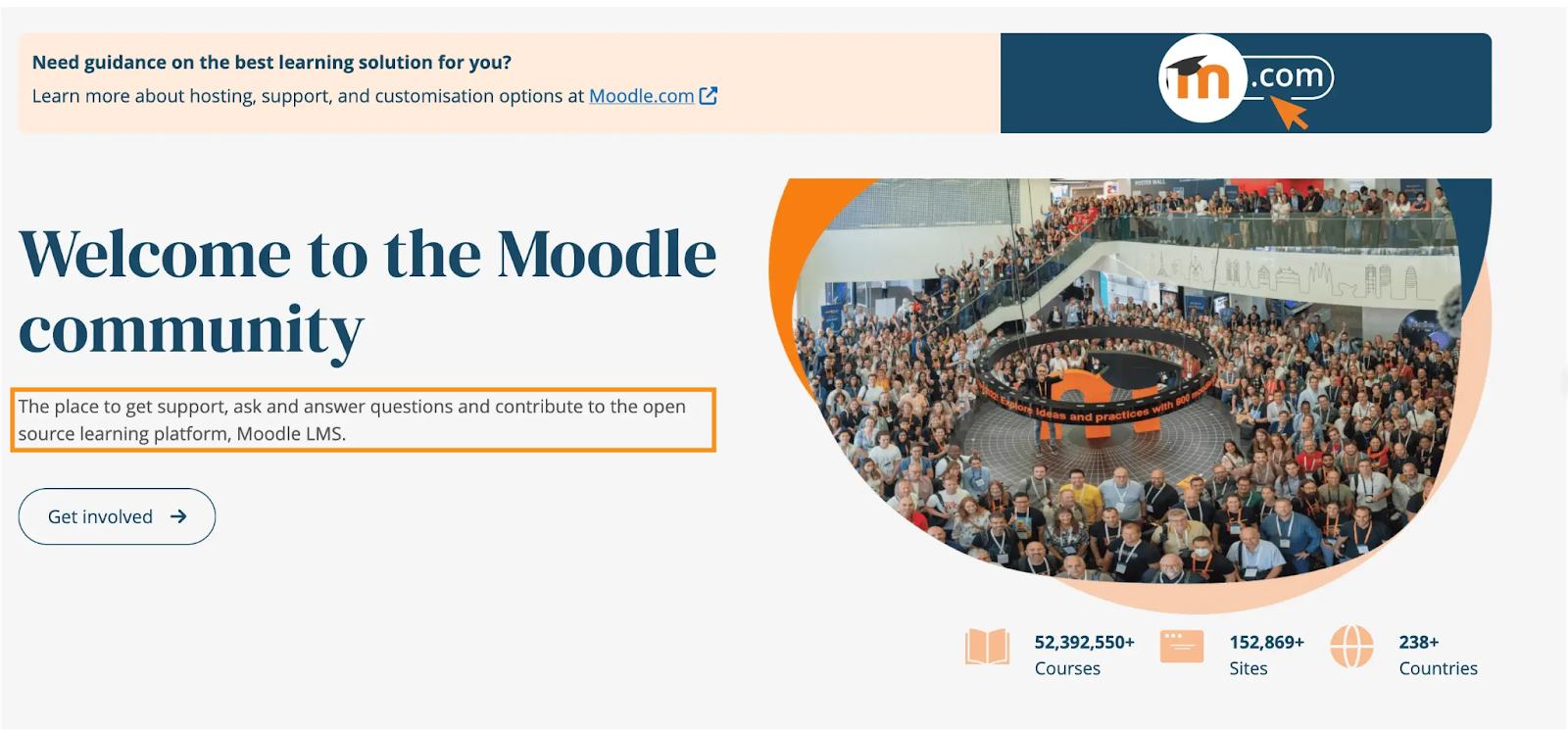
An open-source learning management system (LMS) is software you can use for free and modify to fit your needs.
The “open-source” part means the source code — the instructions that make the program run — is available for anyone to view, change, and share. This gives you the freedom to customize the look, features, and functions to match your school’s goals.
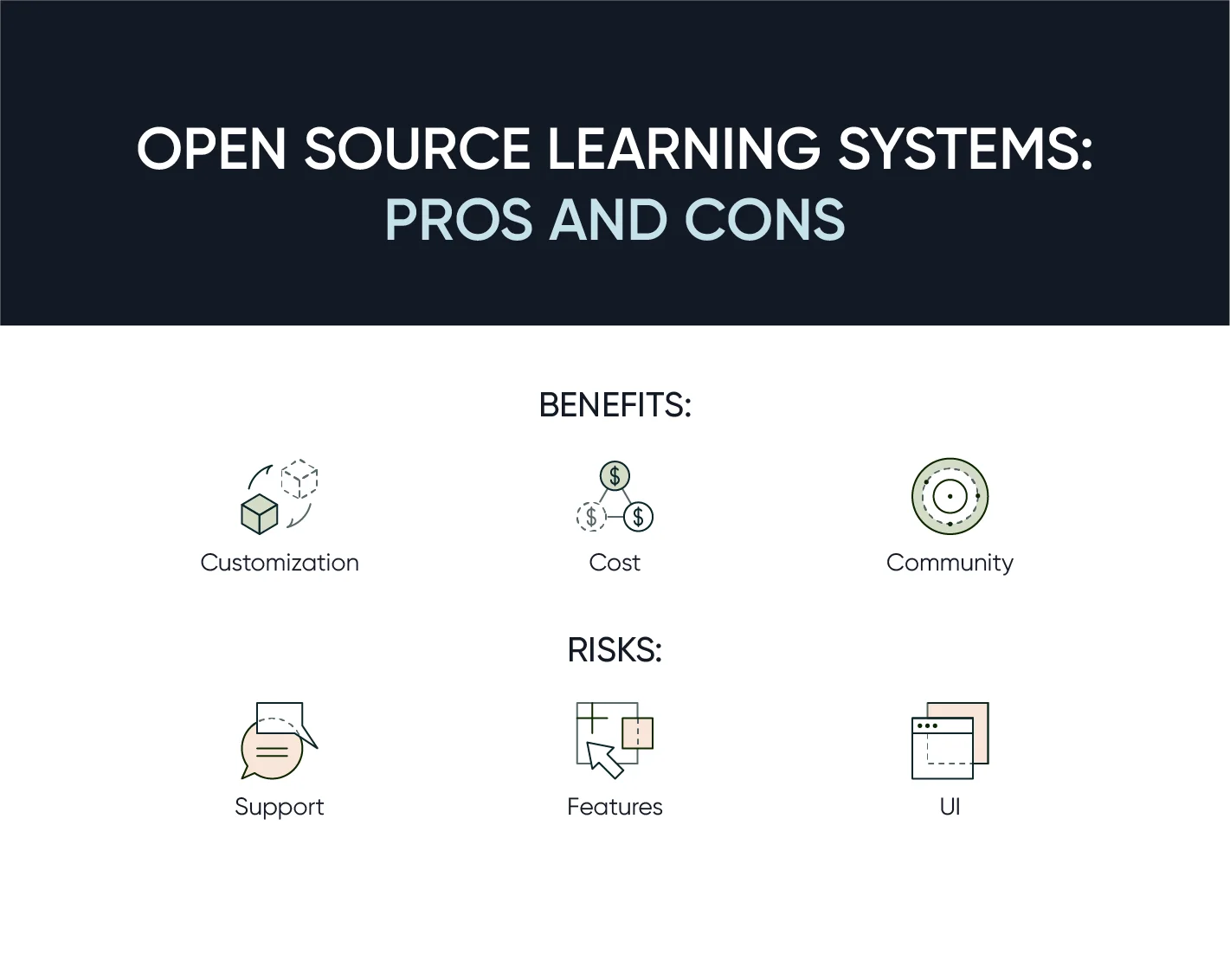
These systems are often supported by large developer communities. Volunteers and organizations around the world work together to improve the software, create plugins, and fix issues. This community support can be a valuable resource when you need advice or technical solutions.
However, an open-source LMS usually requires technical expertise to install, update, and maintain. You’ll need IT staff or skilled volunteers to set up the system and keep it running smoothly.
Popular options include Moodle and Open edX, both widely used in schools and universities.
Common features you might find are:
- Flexible course creation tools
- Integration with other educational software
- Options for quizzes, assignments, and grading
- Multi-language support
If you have the right technical skills or support, an open-source LMS can give you full control without licensing costs. They come with their own set of pros and cons, though.
4. Commercial LMS
A commercial learning management system (LMS) is a paid platform that comes with ready-to-use features and built-in support. Unlike open-source or on-premise systems, you don’t have to set everything up from scratch.
The provider handles most of the technical work so you can focus on teaching and managing courses.
These platforms often include customer service, training, and regular updates as part of the subscription. If something goes wrong or you need help learning a feature, support staff are available to guide you.
Updates happen automatically, which keeps the system secure and up to date without extra effort on your part.
A commercial LMS is well suited for schools or institutions that want a quick setup without technical hassle. It’s a good option if you don’t have an in-house IT team or if you want to launch an online learning program quickly.
Typical features you might get include:
- Easy-to-use course creation tools
- Student progress tracking and reports
- Built-in quizzes and assignments
- Integration with video conferencing tools
Because these systems are maintained by the provider, you can get started faster and keep your focus on delivering a smooth learning experience.
5. Academic LMS
An academic learning management system (LMS) is built specifically for the needs of schools, colleges, and universities. It’s designed to support the full academic process, from teaching and grading to tracking attendance and managing course materials.
One key feature is grading tools that let teachers enter, calculate, and share grades with students. Many systems also have attendance tracking, so you can monitor student participation over time.
Course management features make it easy to organize lessons, assignments, and resources in one place.
Academic LMS platforms often integrate with Student Information Systems (SIS). An SIS is a database that stores important student records, such as enrollment, transcripts, and contact details. This integration saves time by syncing information automatically, so you don’t have to enter the same data in multiple places.
Common functions in an academic LMS include:
- Digital gradebooks and feedback tools
- Attendance and participation reports
- Online assignments and quizzes
- Resource sharing for lectures and study materials
Because they’re built for education, these systems align closely with how schools operate. If you need a platform that connects learning activities with official student records, an academic LMS can be a practical choice.
6. Corporate LMS for Education
A corporate learning management system (LMS) for education is adapted from the platforms businesses use to train employees.
Instead of focusing on workplace policies, these systems are tailored for schools, vocational programs, and training centers that prepare students for specific careers.
The main goal is skills development, certifications, and career readiness. Courses are often designed to meet industry standards, so students leave with practical abilities and credentials that employers recognize. This approach works well for technical colleges, trade schools, and continuing education programs.
Corporate-style LMS platforms often include tools for tracking progress toward certifications, managing skill assessments, and providing structured learning paths.
They can also connect with job placement services or internship programs, helping students move from training into the workforce more smoothly.
Common features include:
- Modules for specific skills or industries
- Digital certificates for completed courses
- Progress tracking toward career goals
- Integration with professional development resources
If your program focuses on preparing learners for a trade, profession, or advanced skills, a corporate LMS adapted for education can be an effective way to manage training and ensure graduates are job-ready.
7. Mobile LMS
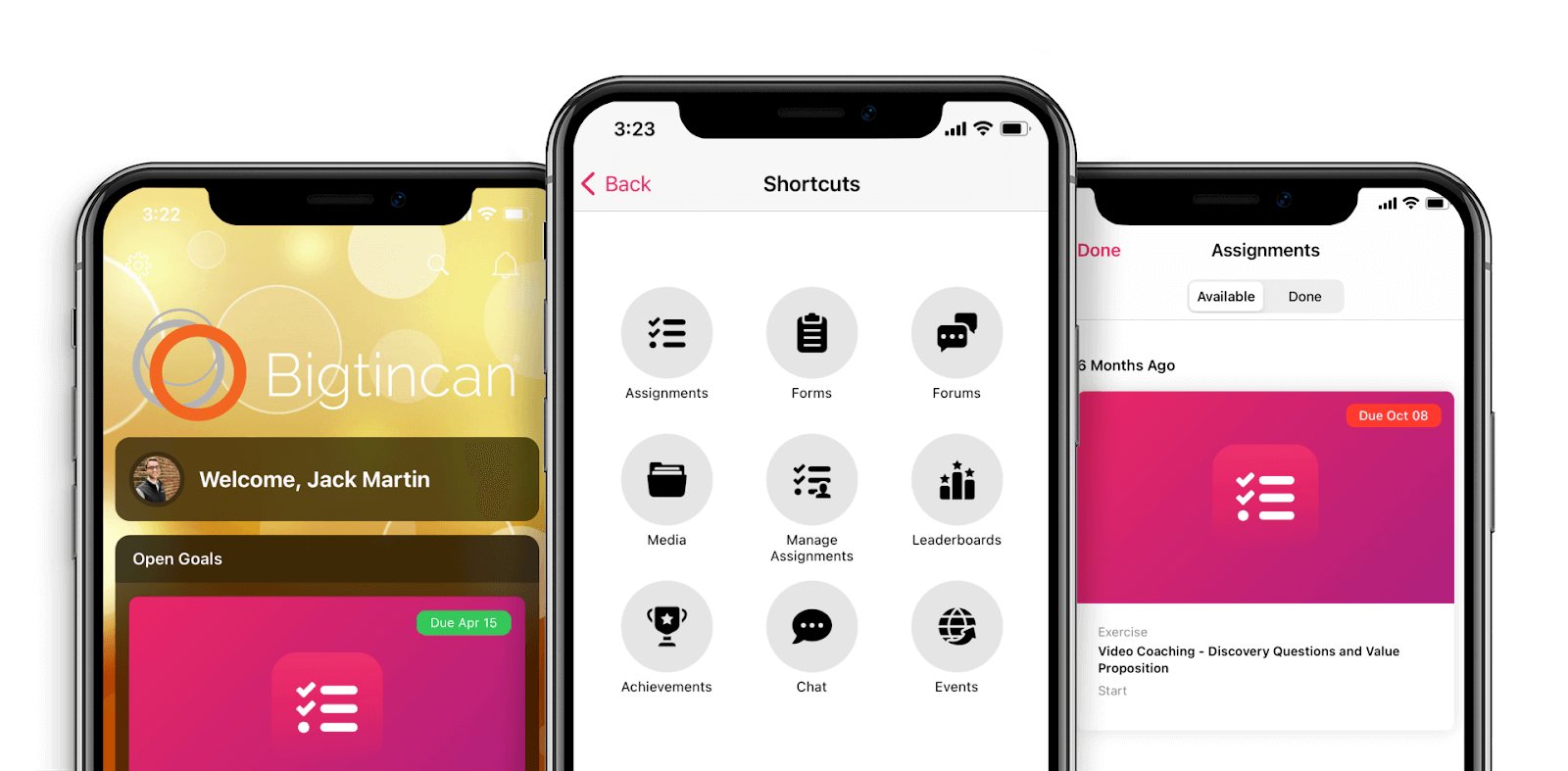
A mobile learning management system (LMS) is built so students can access their courses directly from smartphones or tablets. The design adapts to smaller screens, making lessons, assignments, and discussions easy to view and use without a desktop computer.
This type of LMS is ideal for students on the go or in remote areas. If you travel often, commute, or live far from a school campus, you can still follow your courses and submit work without interruptions. Mobile LMS platforms often work well even with slower internet connections.
They also support push notifications, which are short alerts sent to your device to let you know about deadlines, new lessons, or teacher feedback (Educause, 2024). Many systems include offline learning, letting you download materials to study without internet access, then upload your progress when you’re back online.
Typical features include:
- Mobile-optimized content for videos, quizzes, and readings
- Offline access for lessons and assignments
- Push notifications for important updates
- Simple file uploads from a phone or tablet
If you want a learning option that fits into daily life and works anywhere, a mobile LMS can make it easier to stay engaged and meet course requirements.
8. Adaptive Learning LMS
An adaptive learning management system (LMS) uses artificial intelligence (AI) to create a unique learning path for each student. The system analyzes how you perform on lessons, quizzes, and activities, then adjusts what you see next. This helps focus your time on areas where you need more practice while moving quickly through topics you already understand.
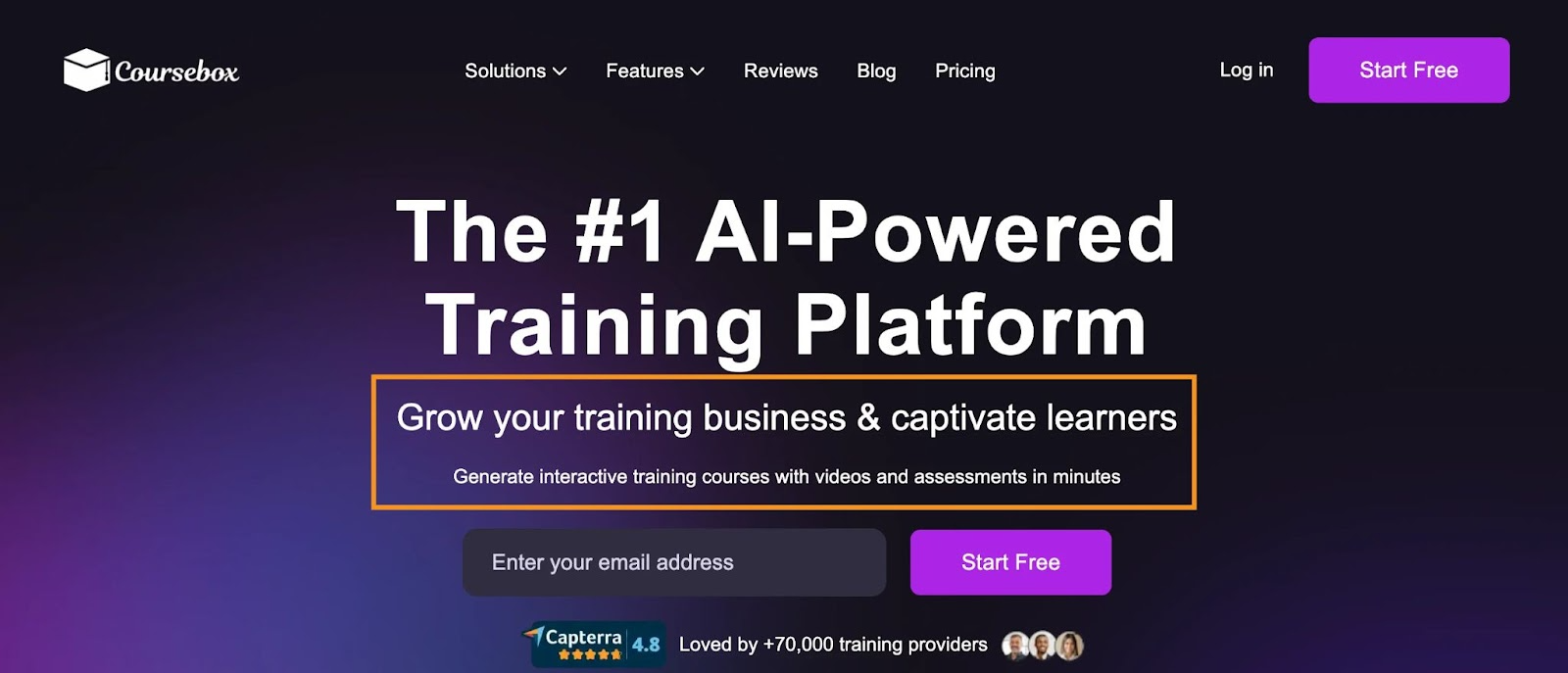
Platforms like Coursebox.ai take this approach further by using AI to design courses, generate training videos, and provide instant feedback, making adaptive learning both scalable and highly personalized.
The main advantage is that it adjusts difficulty and content based on performance. For example, if you’re doing well on a math concept, the system might give you more challenging problems. If you struggle, it can provide extra explanations or practice exercises.
This kind of LMS also supports self-paced learning. You can work through lessons at your own speed instead of following a fixed schedule. Many adaptive systems follow a mastery-based progress model, meaning you move on only after showing a strong understanding of a topic.
Key features often include:
- Real-time data tracking of student performance
- Customized assignments and resources
- Feedback tailored to your learning style
- Flexible pacing to suit different learners
If your goal is to make learning more personal and efficient, an adaptive LMS can help match lessons to your strengths and needs.
9. Social Learning LMS
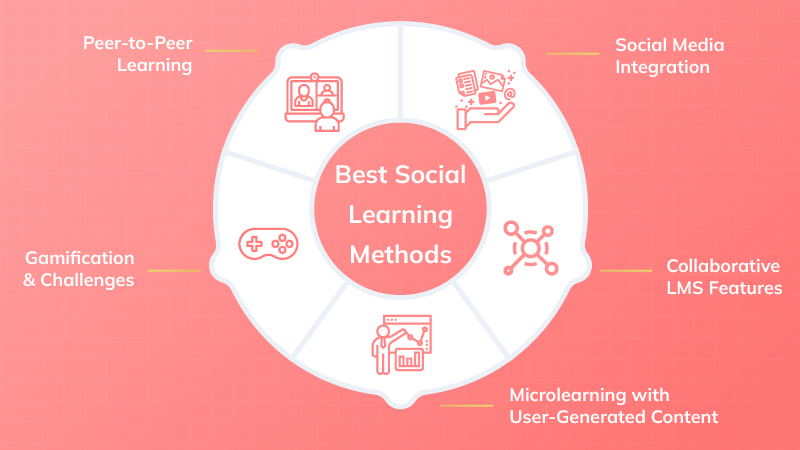
A social learning management system (LMS) is designed to make learning more interactive by connecting students with each other.
It encourages peer-to-peer learning through tools like discussion forums, live chats, and shared workspaces. This setup allows you to ask questions, share ideas, and learn from your classmates, not just your teacher.
Many social LMS platforms also integrate gamification. Gamification means using game-like elements such as points, badges, and leaderboards to make participation more engaging. These features can motivate students to take part in discussions or complete activities on time.
This type of LMS works especially well for project-based and group assignments. Students can work together in shared online spaces, track progress, and submit work as a team. Teachers can monitor contributions and give feedback to the whole group or to individuals.
Typical features include:
- Online forums and chat rooms
- Group workspaces with shared documents
- Gamification tools like badges and leaderboards
- Real-time collaboration on projects
If you want to build a learning environment where communication, teamwork, and engagement are just as important as the lessons themselves, a social learning LMS can be an effective choice.
10. Gamified LMS
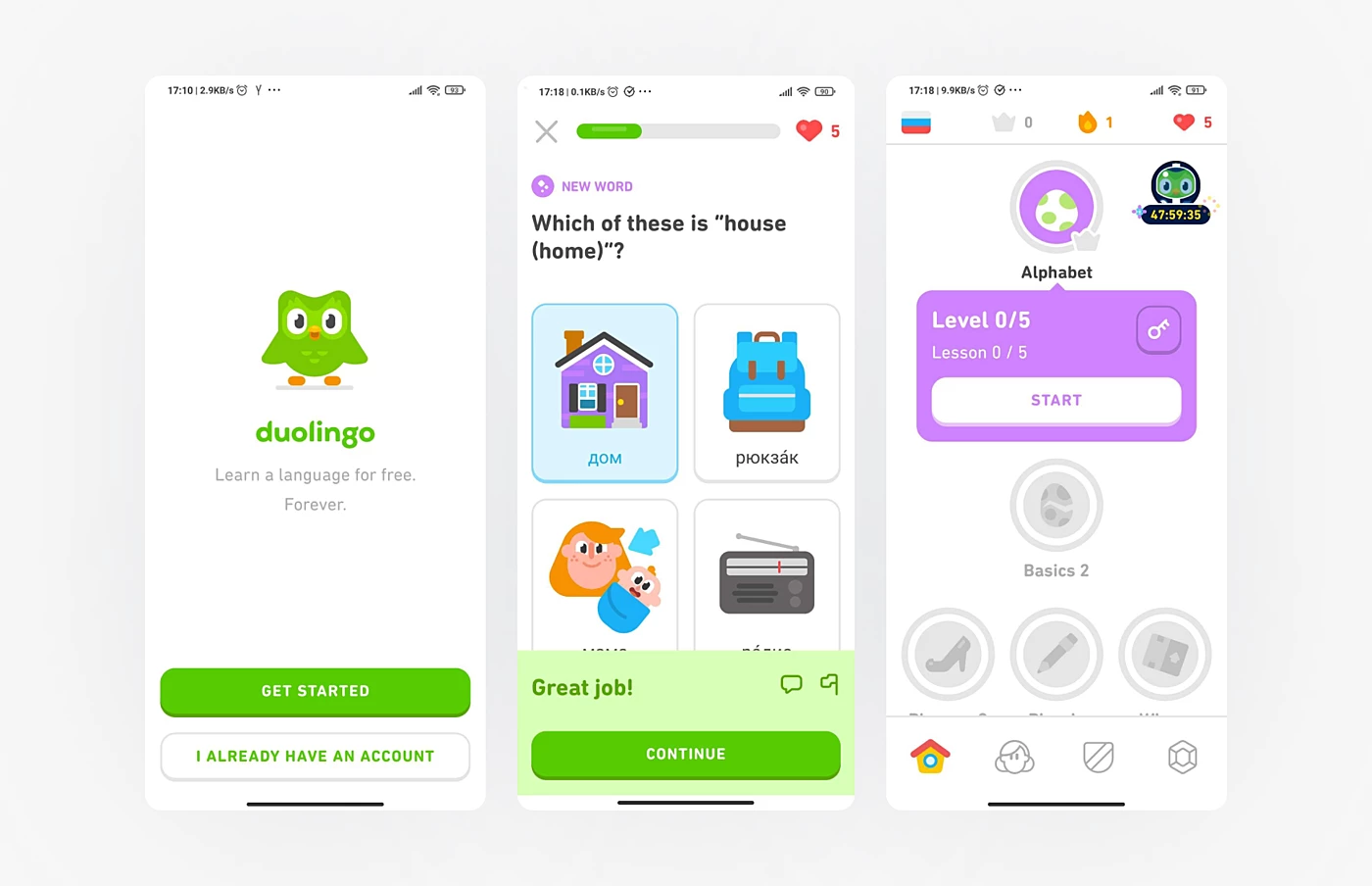
A gamified learning management system (LMS) uses elements from games to make learning more engaging. This can include points, badges, and leaderboards that track progress and reward achievements. The idea is to turn lessons and assignments into activities that feel more like challenges to complete.
Gamification works by motivating students through competition and rewards.
Earning points for completing tasks, collecting badges for milestones, or seeing your name move up a leaderboard can encourage consistent participation. It can also make lessons feel more interactive and less like traditional classroom work.
This approach is often best for younger learners or for programs where keeping students actively engaged is a top priority. However, it can also work for adult learners in training programs that want to maintain high participation levels.
Common features in a gamified LMS include:
- Points for completed lessons or activities
- Badges for achievements or skill mastery
- Leaderboards to track and compare progress
- Challenges and levels to unlock new content
If your goal is to create a more active and enjoyable learning environment, a gamified LMS can provide structure, motivation, and a sense of achievement as students move through their courses.
Conclusion
Learning management systems come in many forms, from cloud-based and open-source platforms to adaptive and gamified options.
Each type offers different tools to support teaching, track progress, and make learning more engaging. The right choice depends on your goals, resources, and the experience you want to create for students.
Ready to try a modern LMS that brings AI into the process? Test out Coursebox.ai and see how it can make course creation and management simple.
FAQ
What are the main types of learning management systems?
The main types include cloud-based, on-premise, open-source, commercial, academic, corporate, mobile, adaptive, social, and gamified LMS. Each one supports different needs depending on your school or organization.
Which LMS is best for schools and universities?
An academic LMS is usually the best fit because it includes grading tools, attendance tracking, and links with student information systems. These features make it easier to manage classes and student records in one place.
Is a cloud-based LMS better than an on-premise LMS?
It depends on your priorities. Cloud-based LMS platforms are easier to set up and maintain, while on-premise systems give you more control over customization and data security.
What is the most flexible type of LMS?
Open-source LMS platforms like Moodle or Open edX are the most flexible. You can customize them to fit your needs, but they require more technical skills to set up and maintain.
How do I choose the right type of LMS?
Think about your goals, budget, and technical resources. If you need quick setup with support, a commercial LMS works well. If you want control and customization, an open-source or on-premise LMS might be a better choice.
Alex Hey
Digital marketing manager and growth expert

