

12 Best Cloud-Based LMS Platforms in 2026: From Setup to Training
Compare 12 cloud-based LMS platforms by launch workflow, learner delivery, reporting, hosting responsibility and total cost.

The best cloud-based LMS platforms in 2026 include Coursebox for connected creation and delivery, TalentLMS for self-serve training and iSpring Learn for structured employee learning.
- Time to launch includes content approval, learner access, assignments and a usable report, not only opening a trial account.
- Coursebox combines creation, assessment, learner support and LMS delivery. Branding, reporting, portals and integration entitlements depend on the plan.
- Hosted enterprise options may require more implementation work because of audience and integration needs. Compare the required workflow rather than assume cloud means instant deployment.
- Match billing units, modules, setup, support and ongoing administration. MoodleCloud is a paid hosted service; free Moodle software is a different operating model.
Answer three questions to compare the four tools below. The result balances your preferences; the entries explain the features, limits and costs to check.

Run your own branded LMS with unlimited learners
A cloud-based LMS takes server hosting off your team’s hands. It does not automatically take away the work of preparing courses, connecting employee records, assigning learning or building the manager’s report. Those steps decide when training is actually ready.
I am Carolina, a learning designer at Coursebox. I compared these 12 options with time to launch as my starting point, then checked the delivery, reporting, integration and cost requirements that could change the decision. A self-serve first course and a multi-division rollout are different projects.
I work on Coursebox, so weigh that affiliation. Its cloud-based LMS combines AI creation with learner delivery and support. The entries explain when that connected workflow fits, and when another operating model deserves a closer look.
How I evaluated these cloud-based LMS platforms
I compared the first launch with the work of running the service afterward, using four checks:
- Launch workflow. Source content, enrol a learner, complete a course and retrieve the required record.
- Ongoing delivery. Check learning paths, audiences, learner support and course updates.
- Systems and controls. Compare reporting, identity, integrations, access and hosting requirements.
- Full cost. Include billing units, content, implementation, administration and optional modules.
Cloud-based LMS platforms compared
| Platform | Best starting use case | Cost basis |
|---|---|---|
| Coursebox | Creating, supporting and delivering your own training | Free mini-courses; paid creation and LMS tiers |
| TalentLMS | Self-serve employee training with structured administration | Free 5 users; Core displayed from US$119/month |
| iSpring LMS (formerly iSpring Learn) | PowerPoint-based training with mobile and offline delivery | Business US$8,286/year for 100 active users |
| 360Learning | Expert-led course creation and collaborative learning | Team US$8/user/month; larger plans quoted |
| LearnWorlds | Selling structured courses through a branded school | Starter US$29/month + US$5/paid enrolment |
| Absorb LMS | Central learning administration across teams and audiences | Quote, modules and implementation scoped |
| SkyPrep | A focused hosted training rollout | Quote; 14-day trial |
| Litmos | Workforce training with optional ready-made course libraries | Foundation from US$8,000/year |
| LearnUpon | Separate training portals for employees, customers and partners | Quote by audience and portal requirements |
| Docebo | Complex enterprise learning and integrations | Custom proposal |
| Canvas | Academic programmes and skills-focused institutional learning | Institutional/product-specific quote |
| Moodle / MoodleCloud | A choice of managed hosting or open-source control | Free software or paid hosting; Workplace separate |
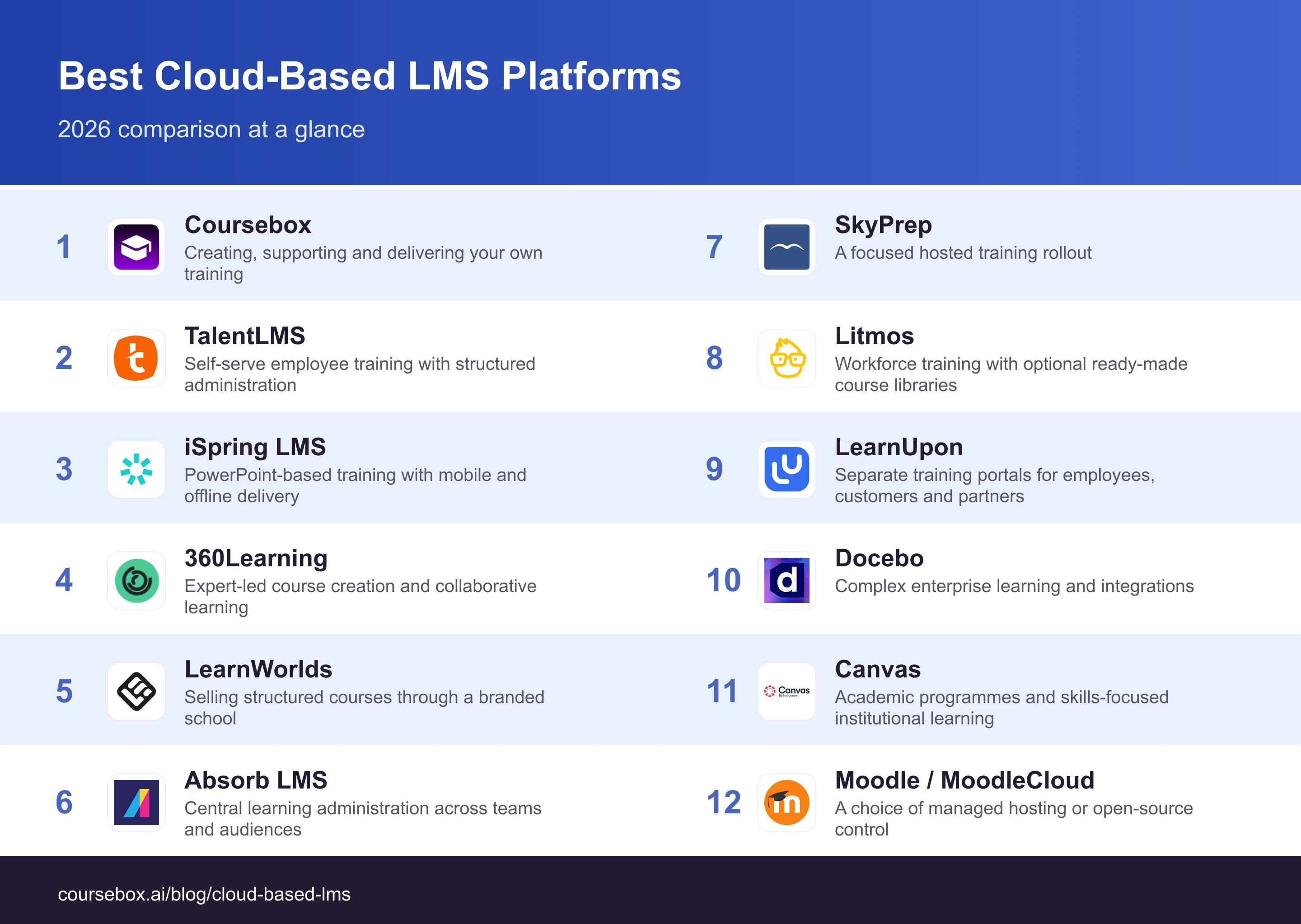
Pricing was checked in October 2026. A quoted platform is not directly comparable with a small self-serve plan until learner counts, modules, implementation and support are matched.
The 12 best cloud-based LMS platforms
1. Coursebox

Coursebox combines AI course creation with learner delivery and support. Upload a procedure, presentation or other source material, review the generated lessons and assessments, then assign the course. AI tutoring and rubric-based feedback help learners work through the material while the LMS records their progress.
Paid LMS features include learner groups, learning paths, branded delivery and advanced reports with CSV export. Course selling, communities and Enterprise multiportal options broaden its use beyond an authoring tool. Compare the reporting fields and access controls your programme needs rather than assume a platform described as AI-first has no LMS administration.
My take: My launch check starts with the entire journey: source material, approved lesson, invitation, learner help and completion report. Generating the first draft quickly helps, but approval, login and reporting still have to work before a programme is ready. If using an existing LMS, test the selected SCORM or LTI route and which interactive features it retains. A strong shortlist option for teams creating and maintaining their own training, with delivery and learner support in the same system. Match the chosen plan to the administration you need.
What it costs: Free includes unlimited learners and three mini-courses of up to five pages. Creator and Pro expand creation; Pro + LMS adds branded LMS delivery and advanced reporting. Enterprise covers broader portal and integration needs. Export functions differ by plan.
2. TalentLMS
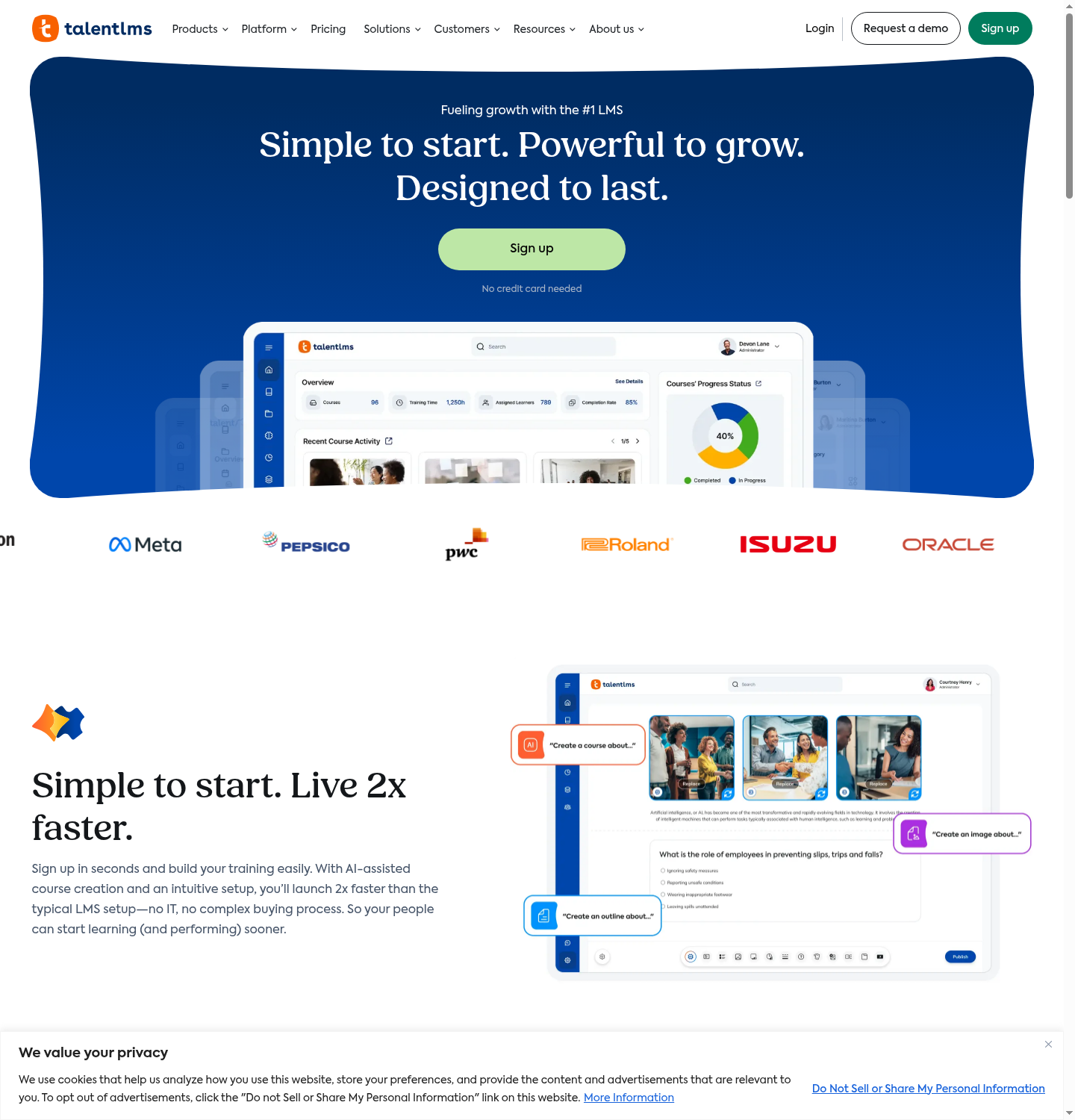
TalentLMS is a hosted LMS for building courses, assigning learning and tracking employee progress. Its editor, tests and imported SCORM content support a mixed course library, while TalentCraft adds AI-assisted authoring. Branches can separate audiences without asking each team to run its own platform.
Branches separate learning environments, while groups organise people who share courses. The group or branch report calculates completion from the courses assigned to that audience. I would agree which courses belong in that set before using the percentage as an onboarding measure. Compare the reporting tier and standard user bands with optional Flex billing, which counts unique monthly logins.
My take: For a launch test, I would create the first team, assign a real course and send the manager the report they will use each week. That reveals the role and plan needed before a larger import. Compare the standard user band and Flex billing against your busiest month, not just the dormant roster. A good candidate for a smaller or growing training team wanting self-serve delivery and familiar administration. Select the branch, reporting and automation tier deliberately.
What it costs: Free supports five users and 10 courses. Core is displayed from US$119/month, with billing-period and user-band selections affecting the total. Flex, higher tiers and optional content subscriptions change the comparison.
3. iSpring LMS (formerly iSpring Learn)
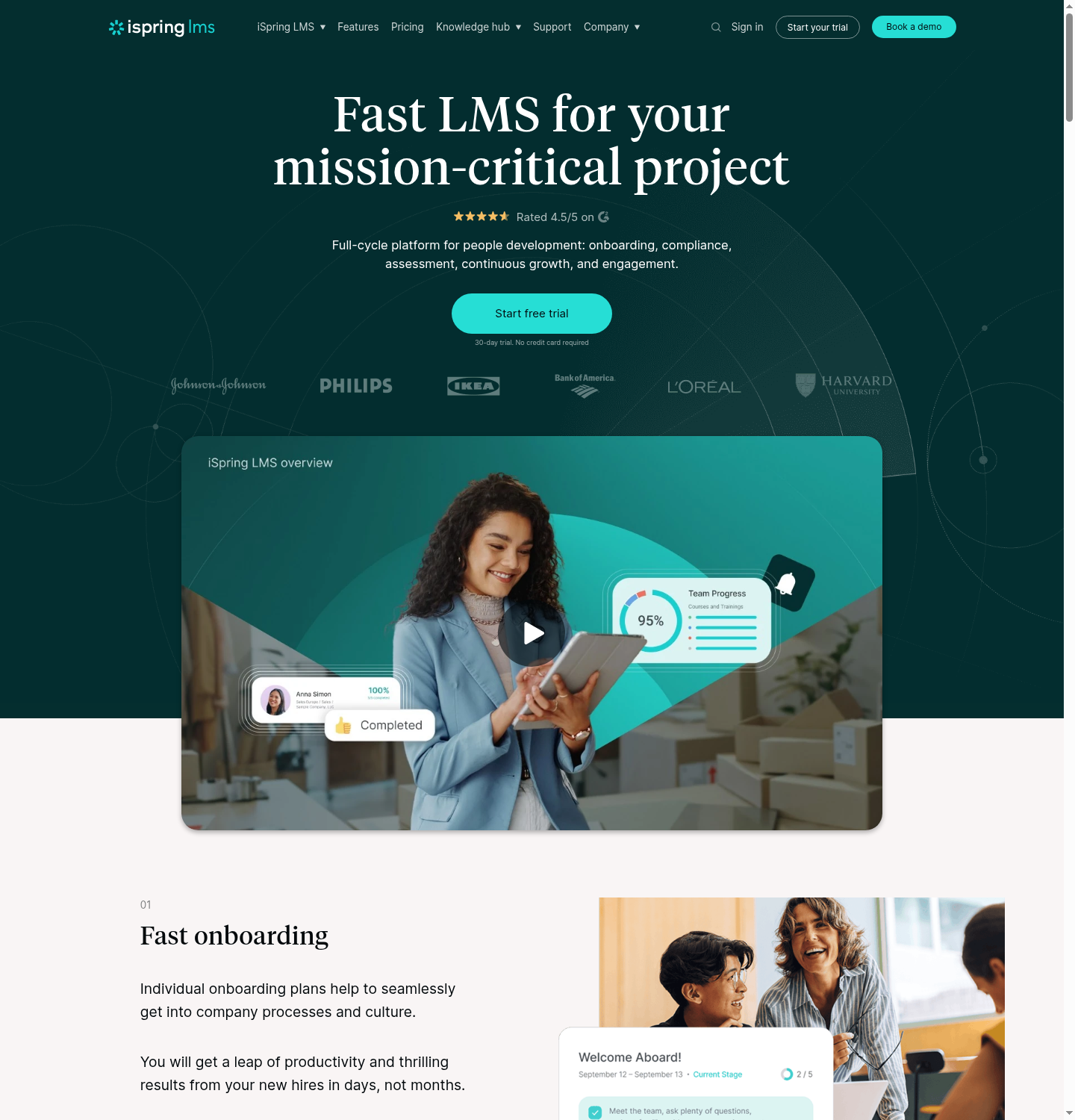
iSpring LMS pairs learner administration with course delivery, reports and mobile apps that support offline learning. It suits teams working from existing presentations and structured training programmes. iSpring Suite is the familiar PowerPoint-based authoring route, while the LMS also supports course and quiz creation.
The current LMS page lists training automation, custom roles, scheduled reports and on-the-job assessment. Check which report fields and manager permissions are included on the proposed tier. Its Business package also lists Suite AI; confirm included author seats and licence scope instead of automatically adding two full subscriptions.
My experience: The support has stood out in my experience, including when comparing notes with other administrators. I would still make the required support channel and response terms part of the buying discussion. My rollout test would download the actual course, complete it offline and inspect the result after reconnection. Then compare the manager’s report with the central administrator’s view. A simple slide conversion is useful, but a working learner record is what makes the first launch usable. Shortlist it for presentation-based content and structured employee training, particularly when supported offline completion is required.
What it costs: Business lists US$8,286/year for 100 active users, US$16,050 for 300 and US$23,790 for 500. An active user logs in during the month. Below 100 users, request pricing; confirm the authoring entitlement.
4. 360Learning
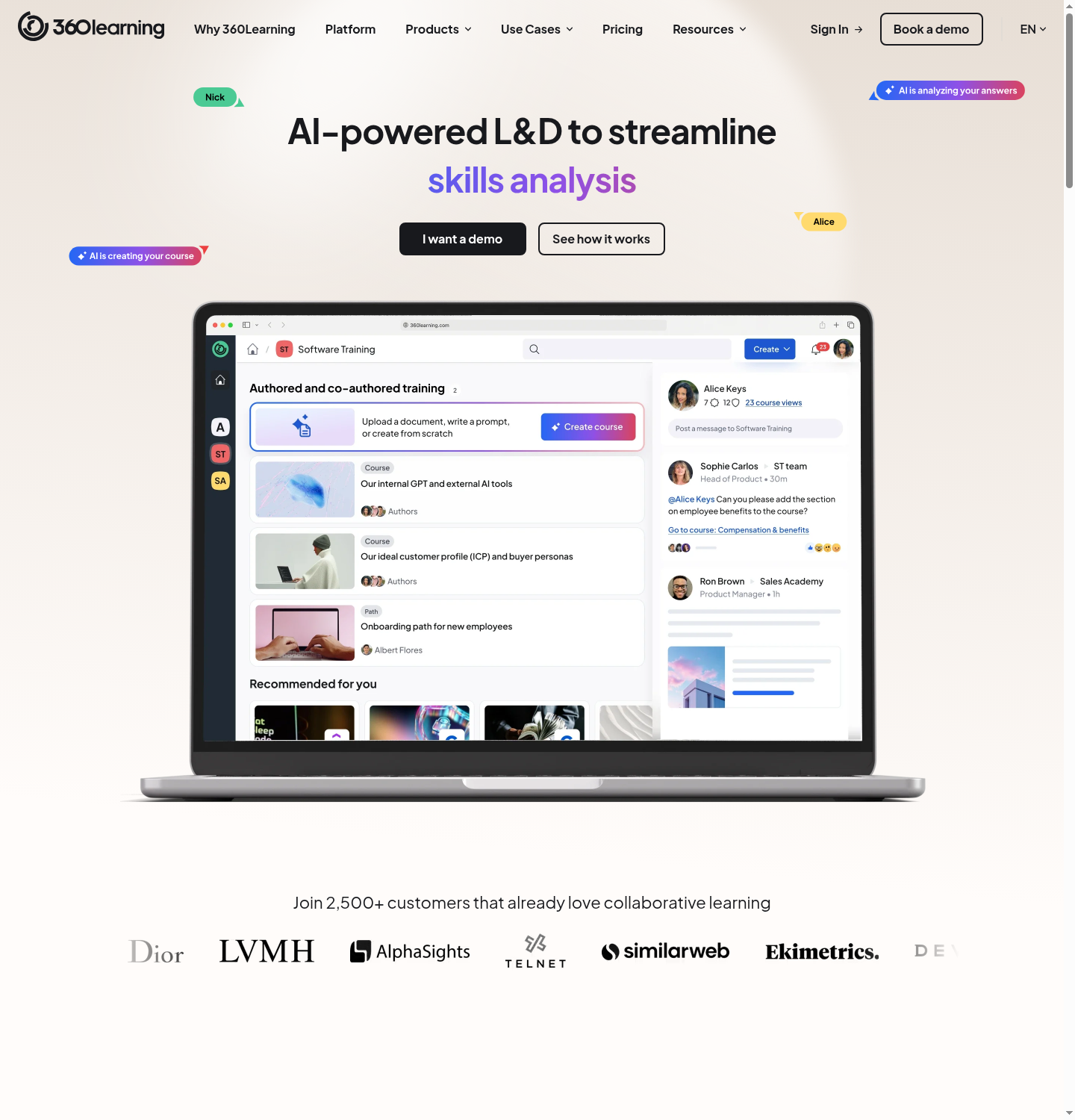
360Learning lets subject-matter experts contribute to courses while learners ask questions and give feedback in the learning flow. That makes it useful where the knowledge changes inside the business and a central instructional designer cannot maintain every topic alone.
Course collaboration is only part of the operating model. The platform also supports reporting and compliance-oriented training, so peer learning is not a reason to exclude it automatically from regulated programmes. Compare the selected plan’s deadlines, reporting, identity and integration features against your requirements.
My experience: I have watched subject experts without a design background build usable courses in the shared authoring workflow. That is useful when updates would otherwise wait for one designer. I would give one expert a real process to explain, then follow the review and publication steps. Check who approves the content and who owns the next revision. A quick first contribution saves little time if nobody can see which version is approved or who should update it. A strong candidate when internal experts will maintain training and answer learner questions. Validate governance and reporting on the same programme.
What it costs: Team is advertised at US$8/user/month for up to 100 users. Larger or more complex deployments require a quote. Check the counted-user definition, integrations and administration scope rather than assuming every tier uses active-user billing.
5. LearnWorlds
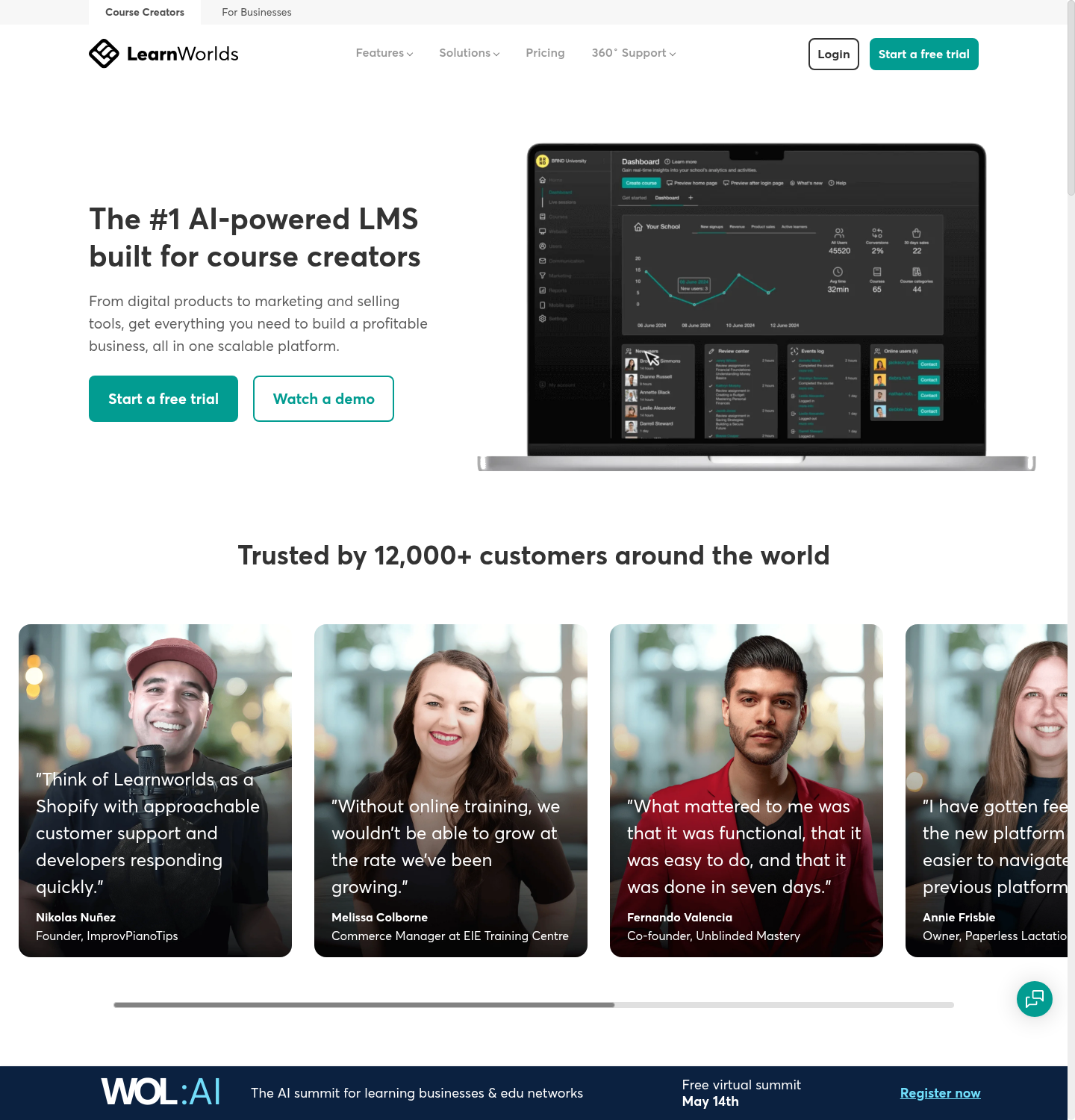
LearnWorlds combines a course site and checkout with learning activities, assessments and interactive video. It suits an academy or training business that needs to manage both the learning experience and how customers purchase access. AI assistance can support course development within that wider workflow.
The plan controls the finished service as much as the editor does. Compare certificates, advanced assessment, branding, community and mobile-app requirements with the chosen tier. Starter limits the public site to three pages; this is separate from lesson length.
My experience: I have used its site builder and interactive video to help a small team build a branded course site with a checkout. First-time creators I have onboarded needed time to get comfortable with the editor. My first launch test would buy a course as a new learner and follow the path from payment to the first lesson. Check the account invitation and access rules before refining the storefront. It is a different launch problem from assigning a free induction to employees. Consider it for a course business or customer-facing academy. Match the teaching features and sales model before comparing only LMS subscriptions.
What it costs: Starter is US$29/month or US$24/month annually, plus US$5 per paid course enrolment. Pro Trainer is US$99 monthly or US$79 annually and removes that platform enrolment fee. Processing and optional app costs need separate checking.
6. Absorb LMS
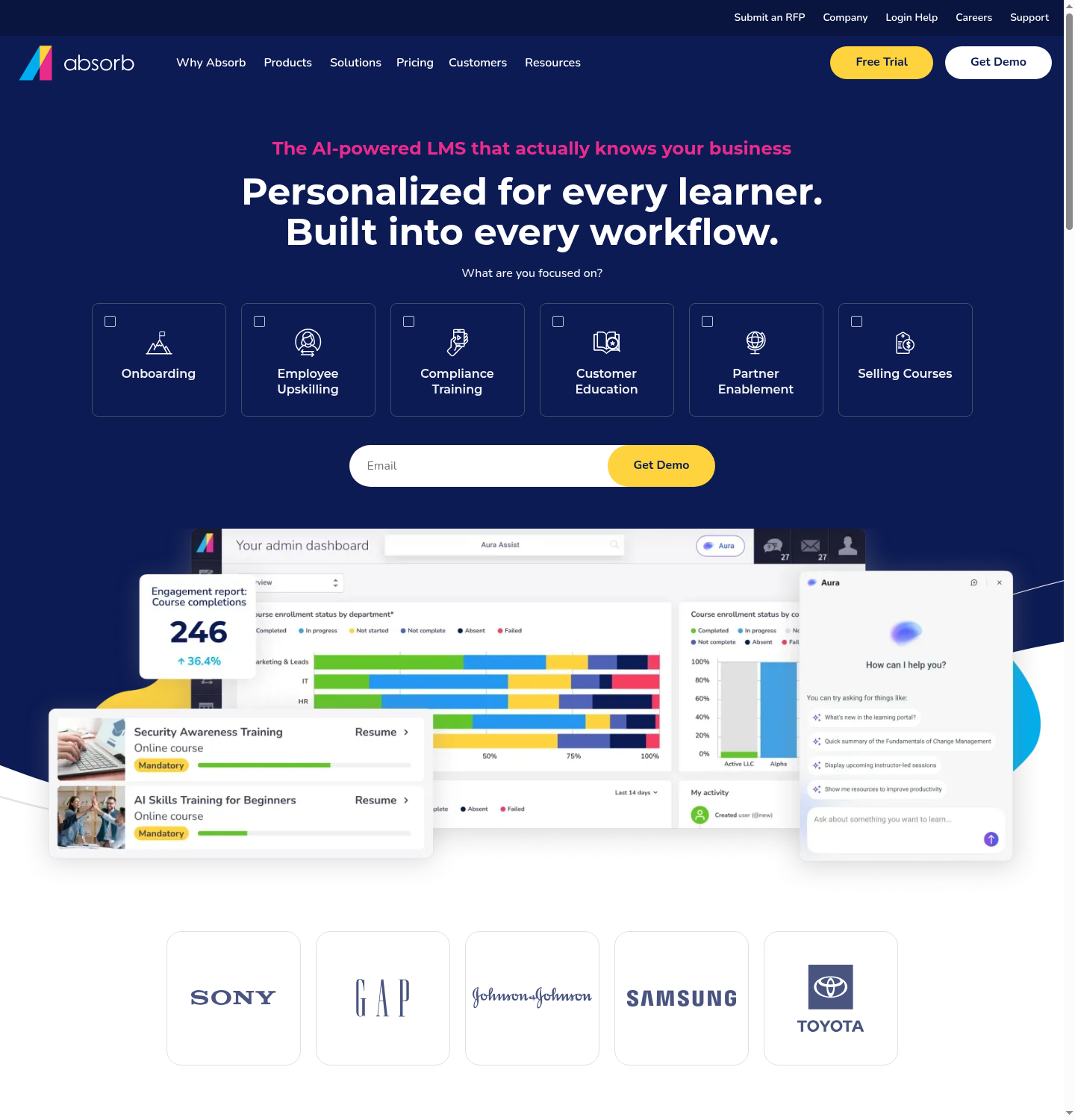
Absorb LMS supports a central course library, learner administration, reporting and delivery to different audiences. Its mobile app and course-creation products broaden the experience beyond browser-only learning. It is a candidate for organisations coordinating several programmes with an internal training owner.
For recurring training, Allow Re-Enrollment sets the eligibility and duration; Re-enroll Automatically can then start the next cycle. These rules act separately from initial automatic enrolment, and can trigger even after a user becomes inactive. I would test that exception before connecting renewal reminders. Standard reports and optional Analyze also need separate scope in the proposal.
My experience: I have rolled it out to non-technical staff and watched them get productive quickly. I would keep that learner experience in the evaluation alongside the administration the team needs. For launch planning, I would separate content preparation from the platform configuration. Import one real package, set the enrolment rule and inspect completion before migrating the library. Quote-led onboarding can be worthwhile when it resolves those tasks, rather than simply delay a signup. Shortlist it when central administration and a supported rollout are valuable. Scope the reporting and content migration before agreeing the total.
What it costs: Organisational quote. Specify the learner-count model, implementation, course creation, required integrations and whether Analyze or a content library is included.
7. SkyPrep
SkyPrep provides hosted course delivery, assessments and learner progress tracking. Its simpler training-management positioning can suit a team moving from documents and spreadsheets to a central course library. Use the trial to assess the administrator’s work as well as the learner interface.
The public pricing route separates packages and invites a sales conversation rather than establishing one universal price. Learner volume, reporting needs and integrations influence the proposal. Do not treat a trial alone as proof that the production rollout is self-serve.
My take: I would ask the person who will run training to enrol a group, set a completion requirement and retrieve the result during the trial. Record the configuration that needed help. That gives a more useful launch estimate than comparing the trial length with an enterprise implementation. A candidate for teams wanting focused course delivery without choosing on the longest feature list. Validate the proposed package with a representative programme.
What it costs: Request current package pricing and the learner definition. A 14-day trial is advertised; confirm the trial scope, required reports and integration charges in the proposal.
8. Litmos
Litmos combines course delivery with learning paths, assignments, mobile access and administration. Its ready-made content libraries can reduce the amount a training team has to produce, while authoring and imported content support local procedures.
The current plans distinguish Foundation, Platinum and Platinum AI, with libraries and additional tenants scoped separately. A package can cover common training without automatically including every compliance course or the same AI features. Check the actual library and required jurisdiction.
My take: My launch test would select a ready-made course and one local procedure, assign both to a group and compare their completion records. Check the administrator’s follow-up process before assuming that having a catalogue makes the whole rollout immediate. Consider it when ready content and workforce administration belong in the same service. Verify the course scope and report using your own programme.
What it costs: The current public page advertises Foundation from US$8,000/year and Platinum from US$15,000/year; Platinum AI is quoted. Confirm included learners, libraries, authoring and any additional tenants.
9. LearnUpon

LearnUpon supports distinct learning portals for different audiences, with separate branding, administration and access. That can help an organisation serve employees, customers and partners without treating every learner as part of the same internal programme.
The important comparison is the number of portals, who controls each one and how content and records move between them. Coursebox also offers multiportal options on Enterprise, so separate audiences should be compared as a workflow rather than presented as a capability unique to LearnUpon.
My take: I would start with two audiences that need different permissions and build the first course in each portal. Check which setup and content tasks the vendor handles during onboarding. The supported route may save work, even though it starts differently from a small self-serve account. A strong candidate for a multi-audience training operation that values a supported setup. Compare the required portals and delegated permissions explicitly.
What it costs: Quote-based. Request a proposal covering audience volume, portal count, integrations, onboarding and support.
10. Docebo
Docebo supports enterprise learning programmes with course delivery, enrolment automation, reporting and integrations. It suits organisations connecting learning with wider employee or customer systems and willing to assign an owner to the configuration.
Automatic groups and the Enrollment Rules app can connect employee attributes with course or learning-plan assignments. The identity connection therefore affects both login and training allocation. SAML provisioning can create or update fields such as branch, language and additional employee fields; those mappings need an owner. I would test a changed record and confirm the resulting assignment before scaling the workflow.
My take: My implementation plan would put the identity connection, enrolment rules and report requirements ahead of importing the whole catalogue. For example, verify what happens to existing group members when a new enrolment rule is added. Rule setup and historical enrolment can be separate tasks. Shortlist it for a complex programme with a named administrator and integration requirements. Scope the implementation work against the programme’s value.
What it costs: Custom quote. Confirm learner-count rules, contract duration, implementation, support, optional modules and AI allowances. Do not turn third-party minimums or estimates into universal purchasing terms.
11. Canvas
Canvas supports course delivery, assignments, grading and connections to institutional systems. It remains relevant to schools and universities, while Canvas Career addresses skills-focused workforce learning. Choose the product that fits the audience and required records.
An academic programme needs different records and workflows from a small internal training team. Assess the relevant Canvas product rather than assume every plan includes the same grading, commerce or workforce features. Institutional rollout and individual educator access are separate routes.
My take: I would define the required course, assignment and gradebook connection before evaluating launch speed. If an institution must retain academic records or connect a student system, a few more setup steps can be necessary. A small self-serve LMS is not automatically a substitute for those obligations. Consider the relevant Canvas product for institutional or skills-focused learning. Compare it with simpler hosted tools only after defining the records and connections you need.
What it costs: Institutional and product-specific quote. Confirm implementation, integrations and audience scope; individual free access is not an institutional licence.
12. Moodle / MoodleCloud
Moodle can be self-hosted or delivered through managed services. MoodleCloud removes server maintenance from the buyer, while Moodle Workplace adds organisational features through partners. These are different operating and purchasing models, not one free cloud product.
Core Moodle supports courses, assessments and extensibility. Hosting, updates, backups and plugin management still need an owner somewhere. Workplace is a commercial offering, so a free Moodle LMS software licence should not be presented as a free Workplace installation.
My take: My comparison starts by choosing the deployment model. For MoodleCloud, check user, storage and plugin restrictions against the first programme. For a partner or self-hosted deployment, identify who maintains it and how upgrades are tested. Only then is the launch estimate comparable with a hosted vendor. Choose the operating model deliberately: managed service for reduced infrastructure work, or partner/self-hosted delivery for more configuration control.
What it costs: Moodle LMS software is free to self-host; hosting and administration are extra. MoodleCloud has paid annual plans and a trial, not a permanent free Starter tier. Workplace is supplied through partner proposals.
What does cloud-based LMS hosting include?
A hosted service runs the application and infrastructure for you. Your team still owns the training content, learner access decisions and the records it needs to retain. Self-hosted Moodle, MoodleCloud and a partner-managed Workplace installation distribute those responsibilities differently.
| Responsibility | Hosted vendor | Your organisation |
|---|---|---|
| Application and hosting | Confirm uptime, updates, backups and incident support | Agree the service and escalation requirements |
| Learner identity | Provide the supported authentication route | Keep employee records and access rules current |
| Content and assessment | Provide editing and delivery tools | Approve instructions, questions and revisions |
| Reporting and retention | Provide records and export functions | Define the required fields, retention and manager actions |
| Leaving the service | Provide the contracted export or transition route | Check the usable files and records before signing |
In the World Economic Forum’s Future of Jobs Report 2025, employers expected 39% of workers’ existing skills to change or become outdated by 2030. I would therefore test how a cloud LMS handles a course revision, not just how quickly it publishes the first version.
What can delay a cloud LMS launch?
- Content approval. A generated or imported lesson still needs the correct instructions and assessment. Name the approver before setting a launch date.
- Identity and employee data. Confirm login, required fields, audience changes and which system supplies the record.
- The first useful report. Specify the learner, course, completion and other required fields before importing the whole catalogue.
- The operating agreement. Check data location, access controls, support, retention and export against the organisation’s requirements.
A trial account is not a rollout estimate. Include one actual course, a representative learner group, the manager’s report and a revision. For a complex organisation, include the identity and integration owner in that pilot.
How much should you budget beyond the subscription?
| Cost line | The question to settle |
|---|---|
| Learner billing | Registered users, monthly active users, annual users or another unit? |
| Creation and content | Author seats, AI credits, content libraries or an additional authoring licence? |
| Setup | Data migration, branding, integrations, configuration and staff time? |
| Running the programme | Who maintains courses, assignments and reports? |
| Change or exit | What happens to records, exports and hosted interactions when the contract ends? |
The same WEF employer survey found 63% describing skills gaps as a major barrier to business transformation. The useful budget comparison is the complete training programme needed to address a gap, with the LMS as one part of that cost.
Which cloud-based LMS would I choose?
| Your priority | Starting shortlist | What to verify |
|---|---|---|
| Create and deliver your own training | Coursebox | Content review, learner support, records and the right LMS tier |
| Conventional self-serve employee training | TalentLMS or iSpring Learn | Assignments, reporting, billing band and renewal needs |
| Subject-expert collaboration | 360Learning | Review ownership, discussions and required integration |
| A branded paid school | LearnWorlds | Checkout, assessment and enrolment cost |
| Multiple audiences and complex administration | Absorb, LearnUpon or Docebo | Portals, identity, reports and implementation scope |
| A managed open-source route | MoodleCloud or a Moodle partner | Hosting responsibility, plugins, storage and support |
Make the final comparison on the same learner journey and cost period. A quick first course is useful; the system also has to remain manageable when the next team, course update or reporting request arrives.
For recurring programmes, the employee compliance training guide helps define the records and follow-up work to include in the LMS pilot.
Disclosure: I work at Coursebox. This comparison combines my practitioner perspective with public product and pricing information checked in October 2026. Coursebox usage figures cover the stated historical window and do not establish comparative platform performance.
Frequently Asked Questions
It is a learning management system hosted and operated through a service provider rather than on infrastructure your organisation manages itself. Content, assignments, identity and reporting still need an owner in your team.
Hosted infrastructure removes server setup, but content, identity, integrations and approvals can still take time. Compare a complete first programme rather than an empty trial account.
Moodle can be self-hosted or delivered through a hosted provider. MoodleCloud is a paid managed service with a trial; Moodle Workplace is a separate commercial offering delivered through partners.
Match the billing unit, user band and required plan. Add creation tools, content, implementation, integrations, support and administration, and check the cost of exporting records or leaving the service.
Carolina Martin
Carolina is a highly experienced learning designer with tech start-up experience. She is based in Sydney and previously designed courses alongside Coursebox founder Travis in a previous job. She is passionate about delivering engaging learning experiences and brings the same perspective to customer experience too. She manages our customer support documentation and product testing processes.

