

15 Proven E-Learning Delivery Methods for Smarter Training
Discover 15 e-learning delivery methods with pros, cons, and best uses to make employee training smarter, engaging, and more effective.

Training delivery methods are the formats used to get training to people, and they fall into three groups: self-paced online formats, live formats led by a trainer online or in a room, and on-the-job formats that teach inside the work.
- E-learning works about as well as classroom teaching when the instruction is equivalent, and blended designs often do better because they add time and practice.
- Choose each method by its job: transfer knowledge, give live feedback, provide safe practice or keep fast-changing content current.
- A sensible default is a self-paced module for the knowledge plus one live session for practice and questions.
- Physical or high-risk skills need on-the-job practice with sign-off, or a simulation, before anyone does the task for real.

Go from storyboard to an interactive course in minutes
Training delivery methods shape how organisations train and upskill people as work and technology keep changing. Most teams now mix live, online and on-the-job formats rather than relying on one.
The methods fall into three groups: self-paced online formats learners complete on their own, live formats led by a trainer online or in a room, and on-the-job formats that teach inside the work itself.
In this guide, you’ll find each method with its pros, cons and best fit, then a framework for choosing. First, here is what the evidence says about e-learning effectiveness. For the self-paced formats, AI employee training software can turn the PDFs and slide decks you already have into structured modules for the LMS you run.
Is E-Learning Effective?
E-learning works about as well as classroom teaching when the instruction is equivalent, and blended designs often do better. A US Department of Education meta-analysis found that the mean effect size in studies comparing blended with face-to-face instruction was +0.35, but its authors noted that the blended groups often included additional learning time and instructional elements, so the gains "should not be attributed to the media, per se". Online training also cuts costs linked to travel, printed materials, and instructor time, making it easier for businesses to scale learning programmes.
Effectiveness depends on design, engagement strategies, and learner needs more than on the medium. When content is relevant, interactive, and accessible across devices, learners are more likely to finish it and to retain what they learn. The practical consequence: use self-paced modules for knowledge, and budget live time when learners need feedback on a skill.
15 E-Learning Delivery Methods for Employees
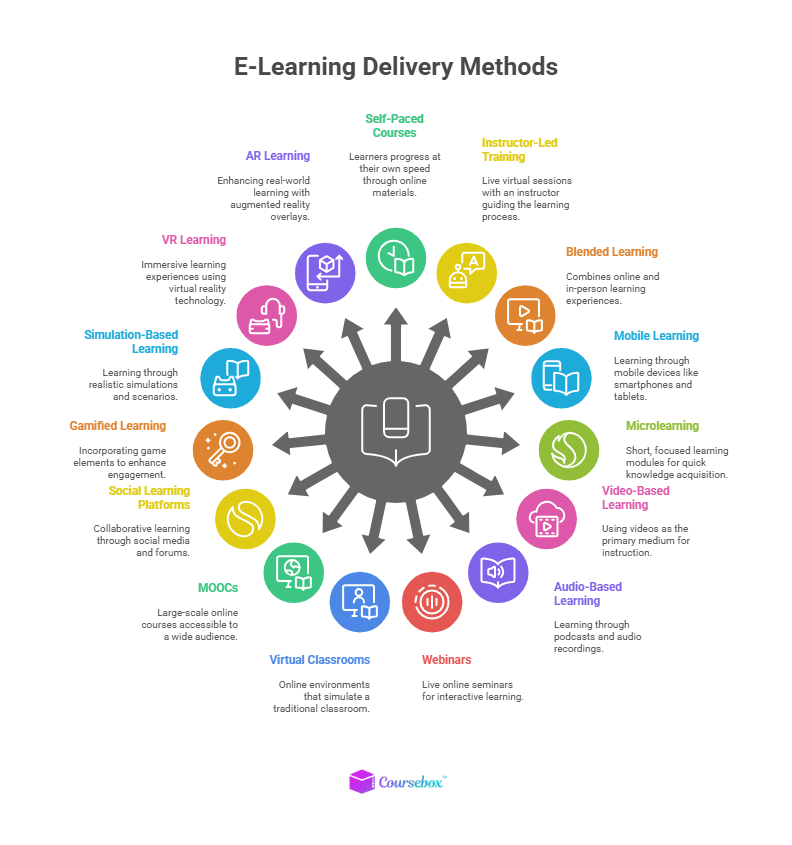
Use the list below to match each method to a training job, from compliance knowledge to live skills practice.
1. Self-Paced Online Courses (classic web-based training, LMS delivery)
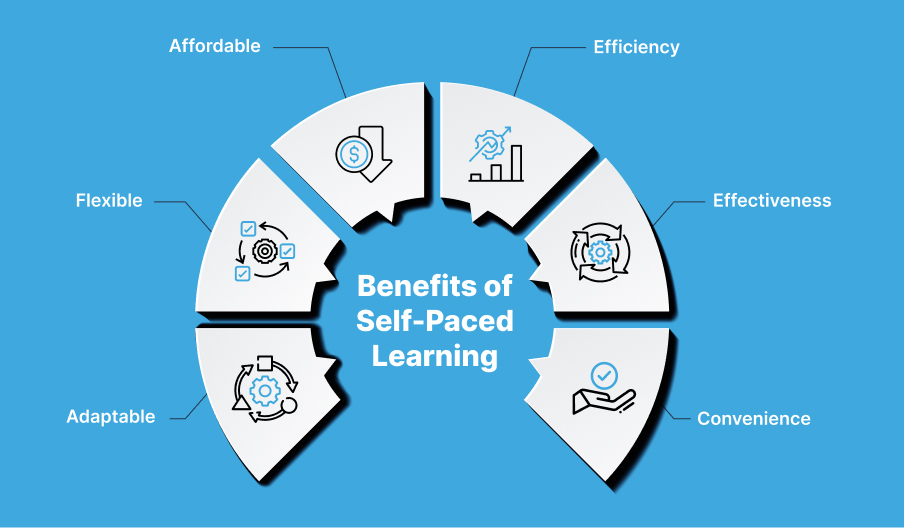
Self-paced online courses let learners move through training content at their own speed, anywhere and anytime. These courses often include videos, quizzes, interactive modules, and downloadable resources.
Many companies use learning management systems (LMS) to host courses and track progress, so they can see that employees complete required training.
- Why we like it: One build reaches every new starter and every site, which makes it the default for induction and compliance content that rarely changes.
- Considerations: Limited social interaction and requires self-motivation from learners.
2. Instructor-Led Virtual Training (VILT)
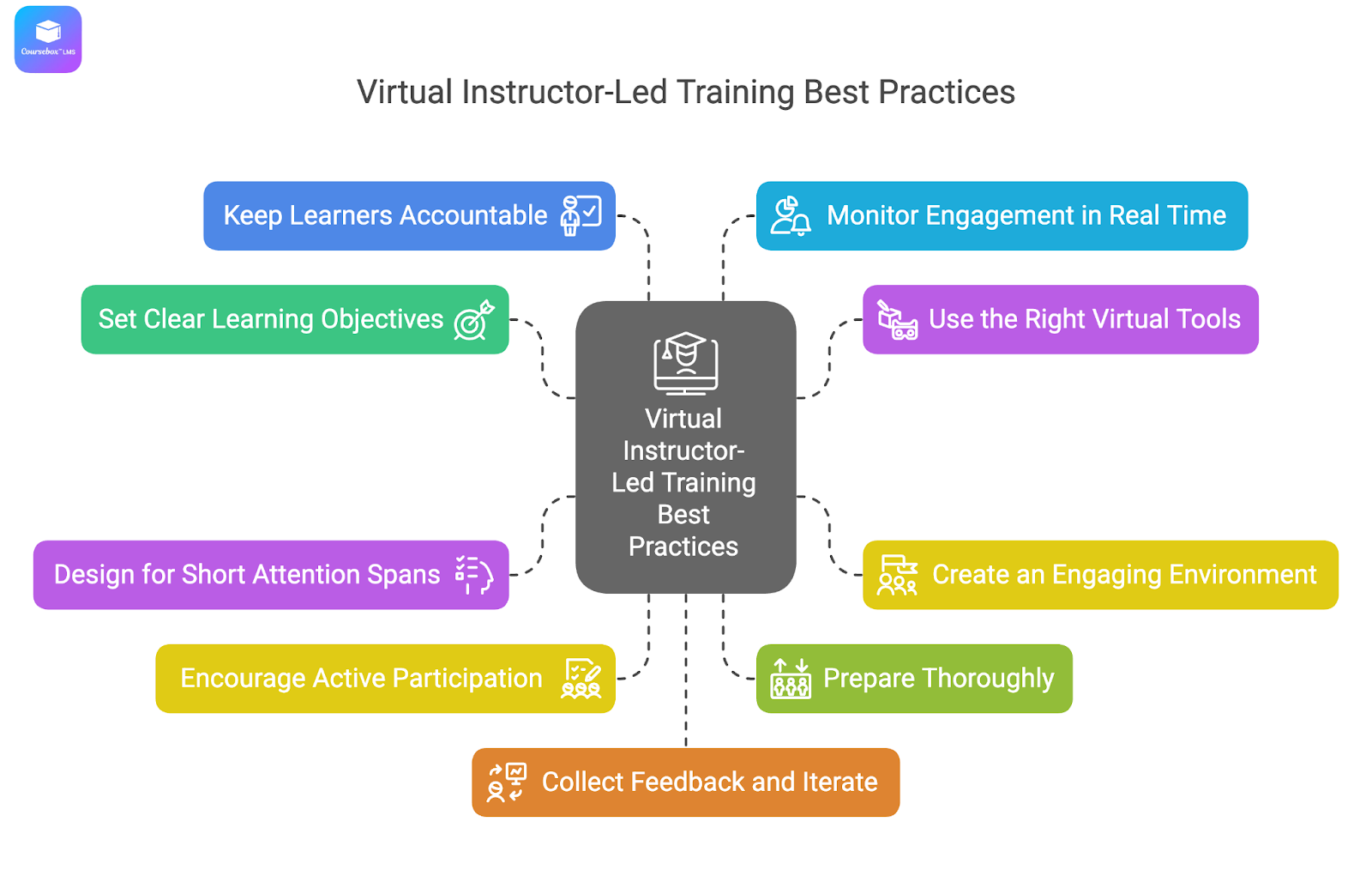
Instructor-led virtual training brings live, real-time instruction into a digital space. Employees join online sessions via video conferencing platforms, participating in discussions, Q&A, and collaborative activities as they would in a classroom.
VILT suits complex topics that need guidance, feedback, or practice with an expert watching. Sessions work best when they include interaction and exercises rather than a long presentation.
- Why we like it: A trainer can see mistakes and correct them in the session, which self-paced modules cannot do for skills like coaching conversations or software walkthroughs.
- Considerations: Scheduling is harder, and learners need reliable devices and stable internet access.
3. Blended Learning (hybrid model)
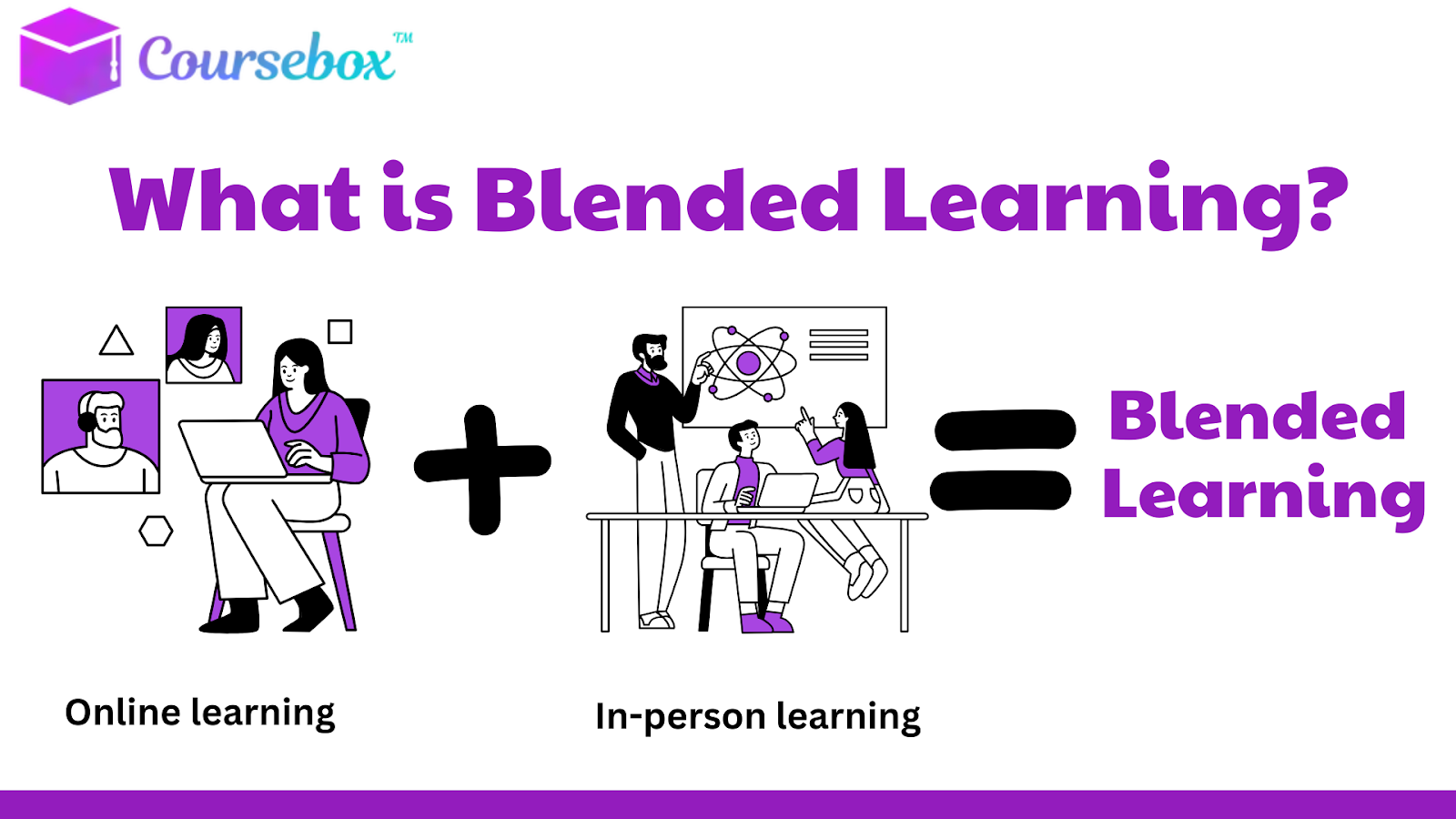
Blended learning combines self-paced online courses with live instruction, either in-person or virtual. Learners complete theoretical content independently, then apply knowledge during workshops, discussions, or practical exercises.
This approach balances flexibility with engagement, helping employees retain information while still benefiting from guidance and peer interaction.
- Why we like it: Learners arrive at the live session already knowing the theory, so the session time goes on practice and questions.
- Considerations: Planning is complex and requires coordination between online and live elements.
4. Mobile Learning (m-learning)
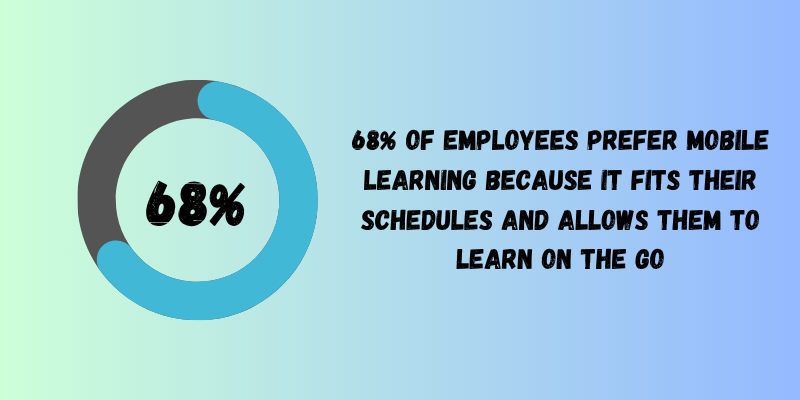
Mobile learning delivers training directly to smartphones or tablets, letting employees learn anytime, anywhere. Short lessons, training videos, quizzes, and interactive modules or learning pills adapt well to small screens, making it a good fit for busy professionals or remote teams.
This format also supports microlearning, reinforcing knowledge through quick, digestible content throughout the day.
- Why we like it: Frontline and field staff without a desk can complete training on the device they already carry.
- Considerations: Smaller screen size can limit complex content, and offline access may require extra setup.
5. Microlearning/Bite-Sized Learning
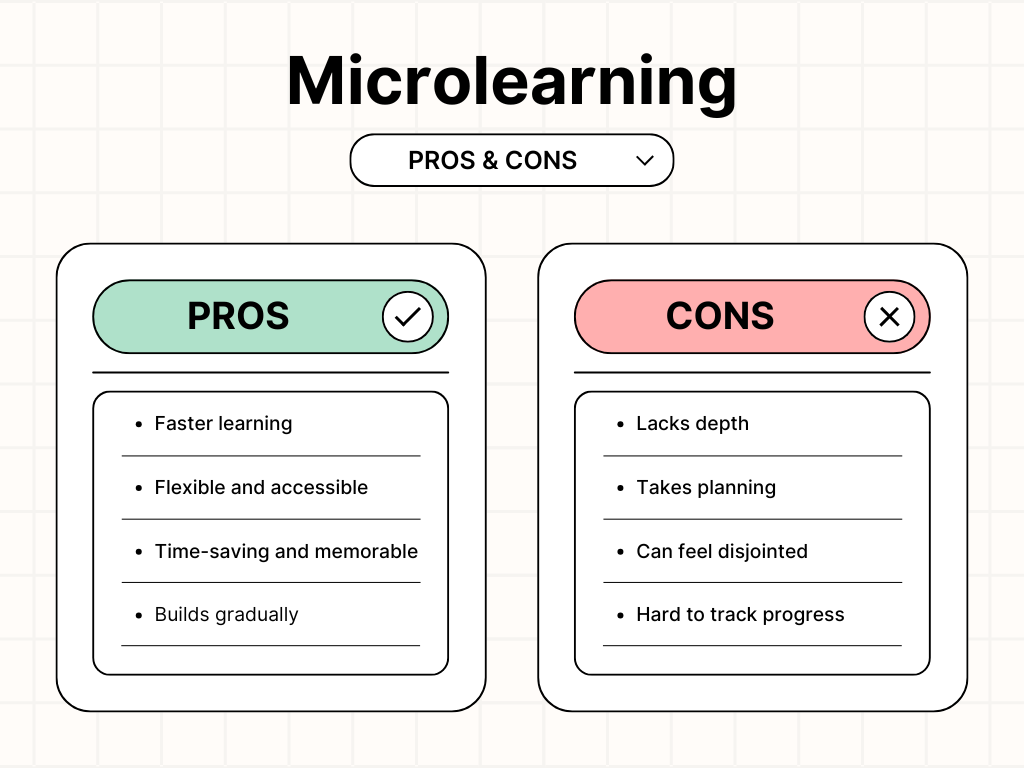
Microlearning delivers content in small, focused bursts, usually lasting 3 to 10 minutes. Lessons often include short videos, quizzes, or interactive exercises.
Breaking a lesson into learner-paced segments helps: a meta-analysis of 56 investigations found a significant segmenting effect with small to medium effects for retention and transfer. This method works well with mobile learning, enabling employees to complete training during short breaks or while commuting.
- Why we like it: Short lessons are quick to update and suit refreshers and single procedures, such as a new returns process.
- Considerations: Not suitable for in-depth topics requiring complex explanations or hands-on practice.
6. Video-Based Learning
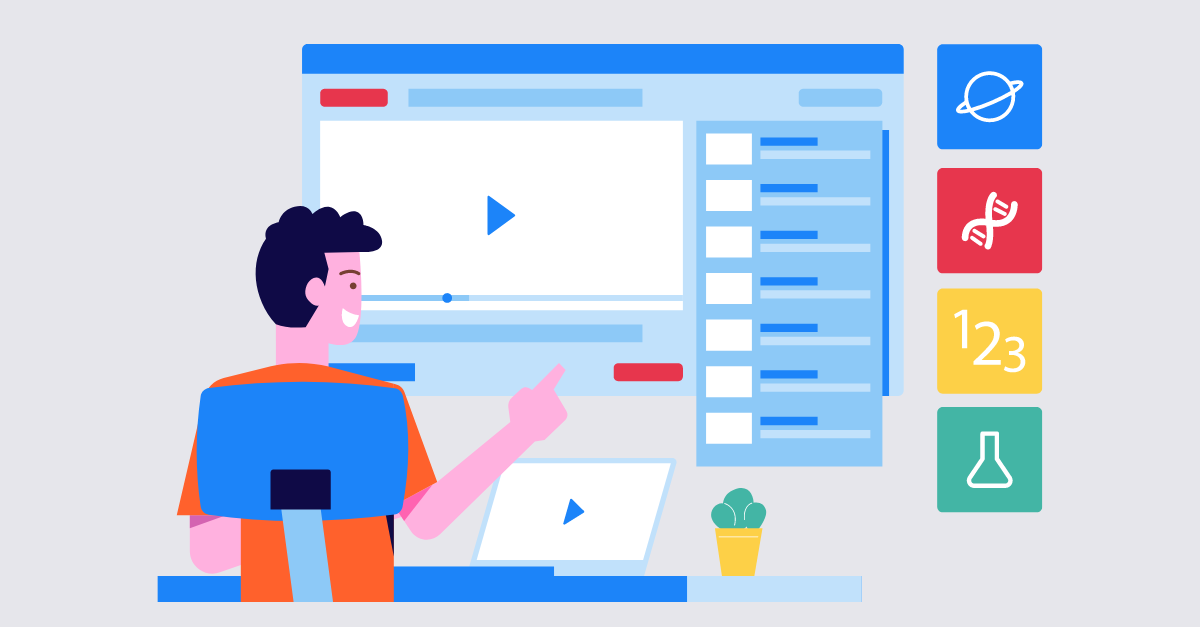
Video-based learning uses recorded or live videos to teach concepts, demonstrate skills, or share expert insights. Showing a procedure on screen is often clearer than describing it in text, especially for physical or software tasks.
Videos can be standalone lessons or part of a broader course, and they are reusable, scalable, and easy to distribute across teams. Pair them with a short question or task so learners do something with what they watched.
- Why we like it: A two-minute screen recording shows a software task more clearly than a page of numbered steps.
- Considerations: Production requires good equipment and planning, and long videos may lose attention.
7. Podcast or Audio-Based Learning
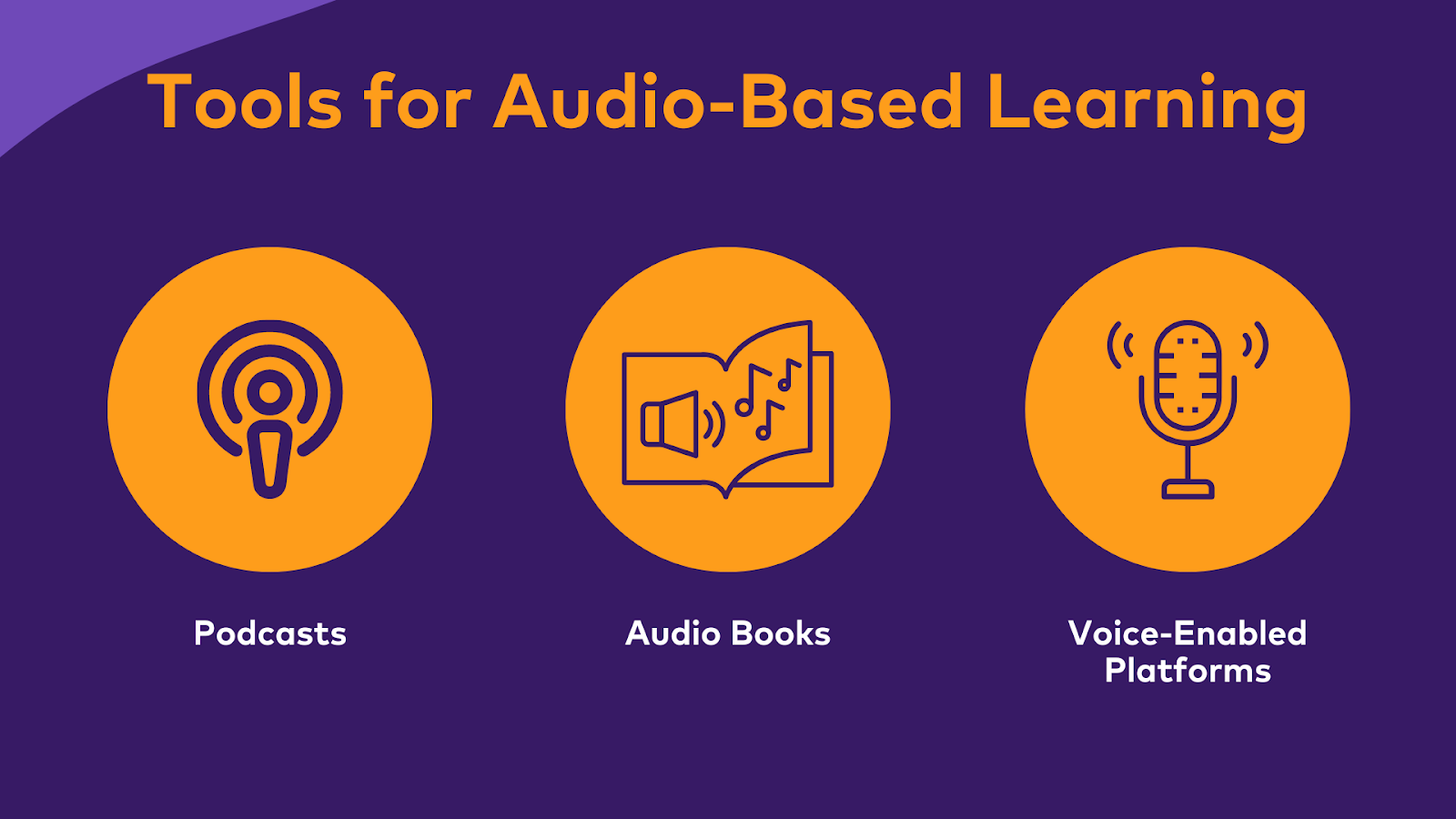
Podcast or audio-based learning delivers training through recorded audio files that employees can listen to anytime: during commutes, workouts, or while performing simple tasks. This method allows learners to consume content without being tied to a screen, making it highly flexible.
Podcasts often focus on specific topics, industry trends, or soft skills, and they can be released as a series for ongoing learning. Follow each episode with a short quiz or reflection question so listening turns into practice.
- Why we like it: Drivers, field staff and commuters can learn when they cannot look at a screen; it suits stories, interviews and soft-skill topics more than procedures.
- Considerations: Limited interactivity and not suitable for complex skill practice.
8. Webinars (live online seminars)
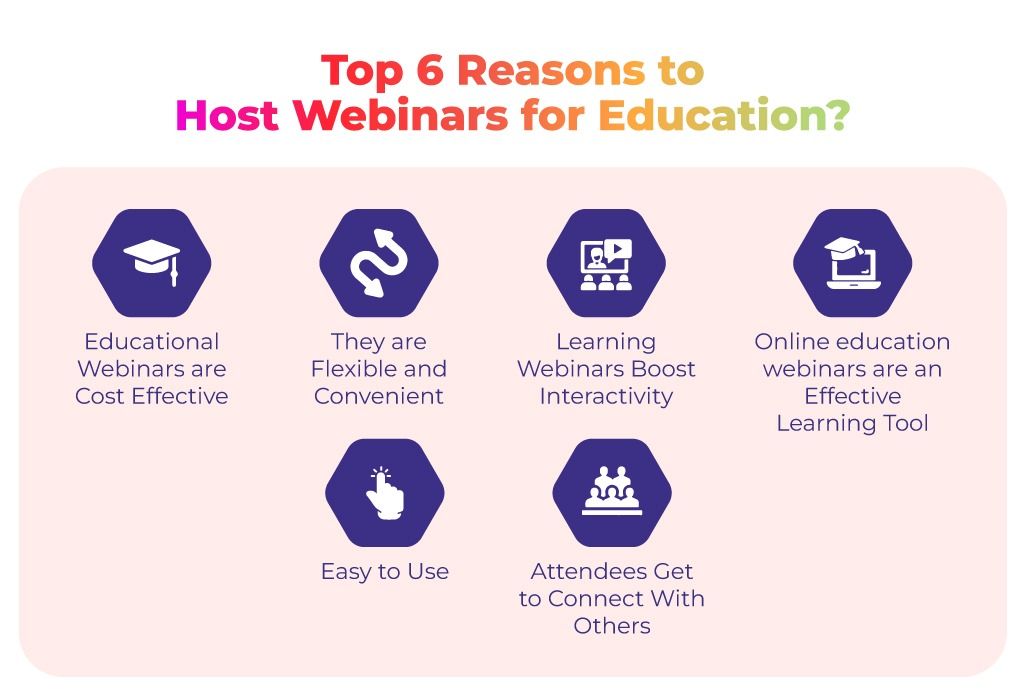
Webinars are live online seminars that allow employees to learn in real time from instructors or experts, no matter their location. They often include slides, demonstrations, polls, and Q&A sessions, providing interaction similar to a classroom.
Webinars are particularly useful for reaching large groups or dispersed teams and can be recorded for later reference. Use webinars for broadcast-style updates to many people, VILT for facilitated skills practice with a smaller group, and virtual classrooms for cohort work with breakout activities across several sessions.
- Why we like it: One presenter can brief hundreds of people at once, and the recording becomes the on-demand version.
- Considerations: Learners must be available at scheduled times, and attention can wane without interactive elements.
9. Virtual Classrooms
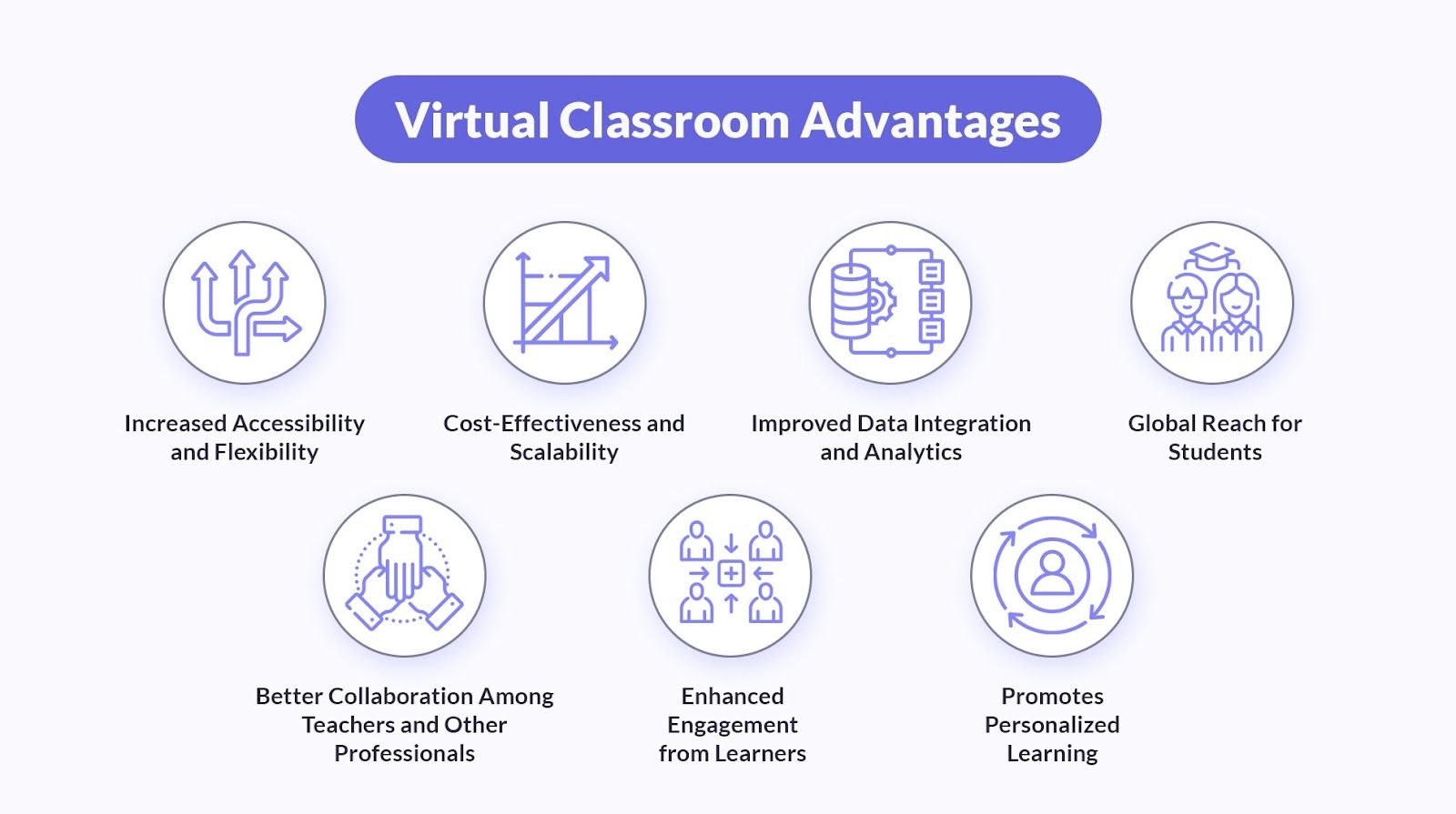
Virtual classrooms create an online environment that replicates traditional classroom experiences. Features often include video lectures, live chats, breakout rooms, interactive whiteboards, and collaborative exercises.
This method supports social learning and peer engagement while maintaining flexibility for remote teams.
- Why we like it: Breakout rooms and whiteboards let a remote cohort do group exercises, not only listen.
- Considerations: Requires stable internet and skilled facilitators to manage activities effectively.
10. Massive Open Online Courses (MOOCs)
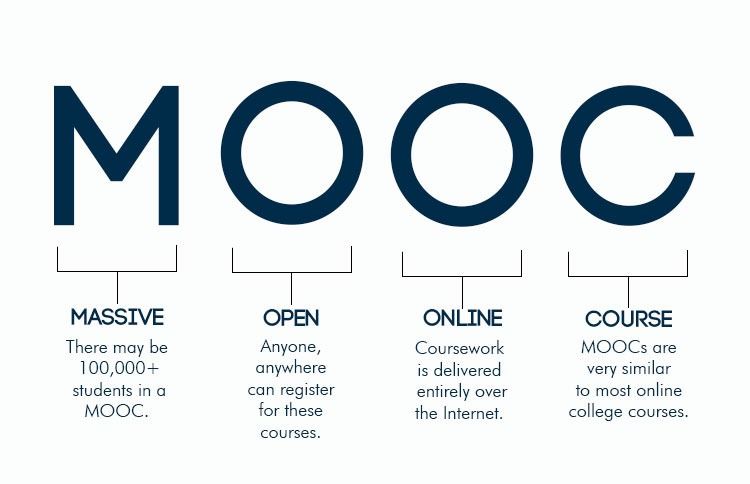
MOOCs (massive open online courses) provide structured, large-scale online courses accessible to employees worldwide. These courses often include lectures, readings, assignments, quizzes, and discussion forums.
Employees can learn at their own pace while benefiting from community interaction. Platforms like Coursera, edX, and FutureLearn offer MOOCs on diverse topics.
- Why we like it: Ready-made courses from universities cover general topics such as data skills without you building anything.
- Considerations: Less personalised support, and engagement may vary among learners.
11. Social Learning Platforms (discussion boards, peer exchange, collaborative tools)
Social learning platforms facilitate knowledge sharing, collaboration, and peer-to-peer learning through online communities, discussion boards, and group projects.
Employees can ask questions, share experiences, and learn from colleagues in real time. Communities stay useful when someone seeds questions and experts answer them.
- Why we like it: Answers to real questions from the job get captured where the next person can find them.
- Considerations: Requires active participation and moderation to maintain quality.
12. Gamified Learning
Gamified learning incorporates game mechanics like points, badges, leaderboards, and challenges into training programmes. Used well, it adds motivation and a reason to come back to practice.
Game elements work best around practice that already has value; points on top of a dull module do not fix the module.
- Why we like it: Points and challenges give learners a reason to repeat practice, which suits product knowledge and drills.
- Considerations: Designing effective gamification requires planning, and not all content fits a game format.
13. Simulation-Based Learning (digital simulations without VR headsets)
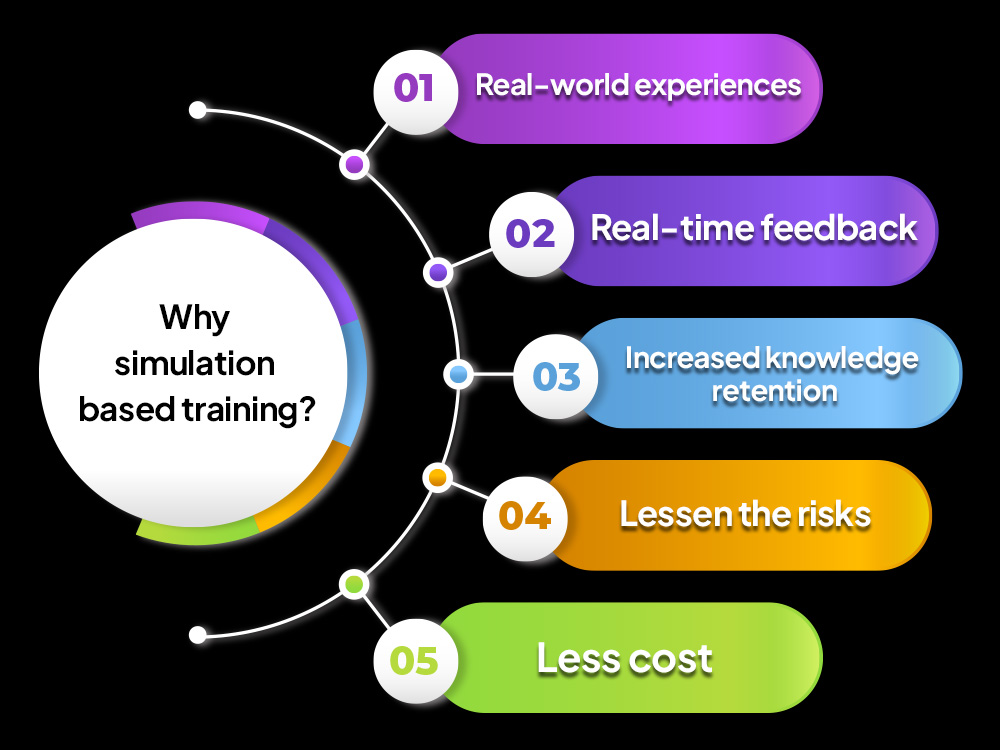
Simulation-based learning uses realistic, interactive scenarios to practise skills in a safe, controlled environment. Common in industries like healthcare, aviation, and manufacturing, simulations let employees make decisions, see outcomes, and learn from mistakes without real-world risks. Scenario-based learning is a lighter version that runs in any eLearning tool.
- Why we like it: Learners can make the costly mistake in practice, for example mishandling a difficult customer, and see the consequence.
- Considerations: Development can be costly and time-consuming.
14. Virtual Reality (VR) Learning
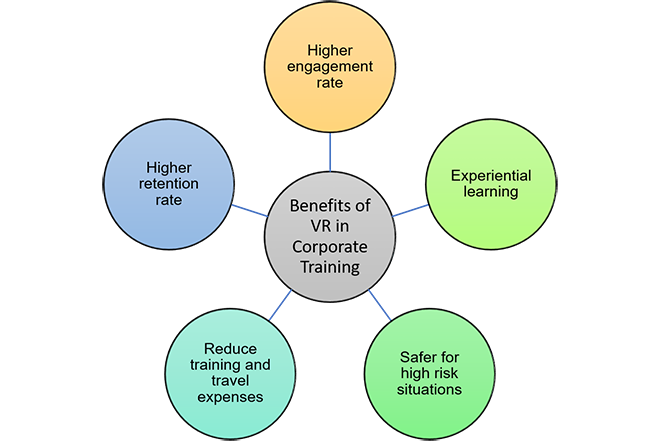
VR learning immerses learners in a fully digital, 3D environment where they can interact with objects and scenarios. It suits technical training, safety drills, or complex simulations where practising for real would be dangerous or expensive.
Companies like Delta Air Lines have used VR for employee training.
- Why we like it: Rehearses dangerous or rare situations, such as an emergency evacuation, that you cannot stage for real.
- Considerations: High cost, hardware requirements, and potential motion sickness for some learners.
15. Augmented Reality (AR) Learning
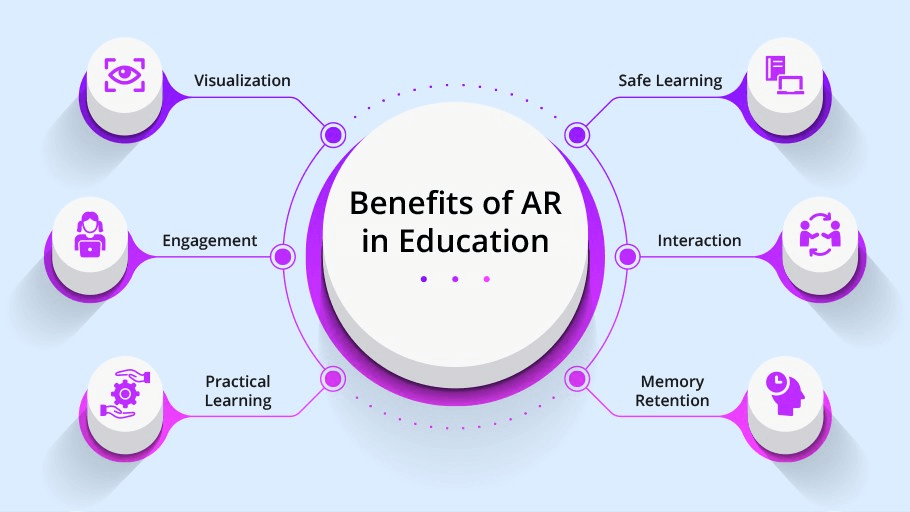
AR learning overlays digital content on the real world, providing contextual information during tasks. For example, technicians can see step-by-step instructions on equipment through AR glasses while working.
AR is most useful as performance support at the point of need, where the learner is already in front of the equipment.
- Why we like it: Puts the instructions on the equipment itself, so the learner does not have to remember the steps from a course.
- Considerations: Requires AR-enabled devices and specialised content development.
Training Delivery Methods Beyond E-Learning
Most programmes still mix the formats above with two delivery methods that do not depend on a screen.
Instructor-Led Classroom Training
A trainer and a group in the same room. It suits skills that need hands-on practice with equipment, sensitive topics where discussion needs a skilled facilitator, and team events where building relationships is part of the goal. The trade-offs are cost, travel, and scheduling, so many teams move the knowledge content online and keep the classroom for practice.
On-the-Job Training
An experienced colleague shows a new starter how to do the work, then watches them do it and gives feedback. It is the most direct route from learning to performance and costs little to set up, but quality depends on the person doing the training, so give them a checklist of what to cover and how to sign off each task.
Choosing the Right E-Learning Delivery Methods
Choose each e-learning delivery method by the job it has to do: transfer knowledge, give live feedback, provide safe practice for high-risk tasks, or keep fast-changing content up to date. These steps help you match the method to the job.
1. Define Training Goals
Start with clear learning objectives. Is the goal to boost soft skills, like communication, or to teach a new tool?
- Soft skills benefit from live sessions or mentoring.
- Technical knowledge can be delivered effectively via e-learning courses or interactive video modules.
- Always pick a method that lets learners practise the skill, not only hear about it.
2. Consider Timeline and Resources
Assess how much time, budget, and tools you have.
- Quick launches work well with short e-learning courses or webinars.
- If you have more time, blended learning or high-production video training becomes viable.
- Check if your team can develop content in-house or if external resources are needed.
3. Understand Your Learners
Analyse employees’ roles, locations, and working patterns.
- Remote staff may prefer self-paced modules or mobile learning, while in-office teams can benefit from live workshops.
- Also, consider group size and engagement needs. Smaller groups can thrive with live interaction, and larger teams may need scalable online formats.
4. Match Method to Topic
Some topics require discussion, hands-on practice, or real-time feedback.
- Complex technical skills may benefit from VR, simulations, or on-the-job training.
- Knowledge-based content can be delivered via videos, podcasts, or e-learning courses. Topic complexity drives method selection.
5. Pick a Training Platform
Your chosen method influences the platform you’ll need.
- For live sessions, pick software with built-in video conferencing, scheduling, and tracking.
- For self-paced courses, look for platforms with course authoring tools, automation, and SCORM/xAPI support, which lets courses and learning records move between training systems.
A quick note: Coursebox is one example of a platform that supports both instructor-led and self-paced delivery in one place.
6. Pilot, Gather Feedback, and Iterate
Test the chosen method with a small group before full rollout.
- Gather feedback and review performance metrics to tweak delivery, timing, or content.
- Repeat the pilot after big changes, so each version is tested before it reaches everyone.
7. Blend Methods for Best Results
Methods can complement one another. Combining live sessions with e-learning, microlearning, or simulations gives learners flexibility and more chances to practise.
Maximise Learning with the Right Training Methods
The right training delivery method is the one that fits the job the training has to do, and most programmes need a mix of self-paced, live and on-the-job formats rather than one.
If you are unsure, start with a self-paced module for the knowledge and one live session for practice and questions. Change that default in two cases:
- The skill is physical or high-risk: add on-the-job practice with sign-off, or a simulation, before anyone does it for real.
- The content changes often: keep it in short modules or a searchable resource, so you can update one piece without rebuilding the course.
Final tip: In your first pilot, measure two things: how many learners finish, and whether they can do the task afterwards.
Frequently Asked Questions
Common training delivery methods include self-paced online courses, instructor-led virtual training, blended learning, mobile learning, microlearning, video, podcasts, webinars, virtual classrooms, MOOCs, social learning platforms, gamified learning, simulations, VR and AR, plus instructor-led classroom training and on-the-job training.
The three main groups are self-paced online formats that learners complete on their own, live formats led by a trainer online or in a room, and on-the-job formats that teach inside the work itself. Most programmes mix all three.
Deliver e-learning through a central platform or learning management system (LMS). Choose formats that match the objective, the complexity of the content and where learners work, such as self-paced courses, live webinars, video lessons or microlearning modules, then track progress and give feedback.
E-learning methodology refers to the strategies used to design, deliver and assess online training. It includes synchronous and asynchronous learning, microlearning, blended learning and practice-based approaches such as simulations or VR.
E-learning works about as well as classroom teaching when the instruction is equivalent. A US Department of Education meta-analysis found a mean effect size of +0.35 for blended over face-to-face instruction, but its authors linked the gain to extra learning time and design rather than the medium.
Alex Hey
Alex Hey is a technical marketer with 10 years of hands-on growth and digital marketing experience. He cofounded Coursebox together with Travis Clapp who he met online when looking for a cofounder to build a globally impactful software product. He works in the Perth, Western Australia office as the COO. He built the world's first automated funnel for patient recruitment before building Coursebox. After launching Coursebox in mid 2023, he drove +400k organic sign ups for Coursebox. Alex leads the marketing and digital growth of Coursebox and works with the product development team bringing a passion for data-driven product decision and exceptional user experience. Alex is determined to build the world's easiest way to build the perfect course.

