

10 Best Udemy Alternatives to Sell Your Own Course (2026)
The 10 best Udemy alternatives for creators who want to sell their own courses: keep far more of the revenue (Udemy leaves you 37% on a marketplace sale), own your students, and brand the school as your own.

The best Udemy alternatives for selling your own courses in 2026 include Teachable, Thinkific, Coursebox, Kajabi and LearnWorlds, with Podia, Skool, Mighty Networks, Gumroad and Systeme.io offering other selling and community workflows.
- For a self-owned storefront: Teachable is the mature all-in-one (watch the 7.5% entry-plan fee), and Thinkific is the focused, course-first tool (marketing is lighter). Both dropped their free plans for trials.
- Coursebox connects AI creation, tutoring, assessment and course delivery with unlimited learners. Free has course and AI limits plus a watermark; paid branding and LMS features vary by plan.
- To run courses plus marketing in one place: Kajabi at the premium end, or Systeme.io for a free all-in-one. For an interactive branded academy, LearnWorlds; for a simple home base, Podia.
- If your course is really a community, Skool (gamified and simple) or Mighty Networks (deeply branded, even your own app). And if you already have an audience, Gumroad is the lightest way to just sell.
Use three preferences to compare four starting options. Check the entries for required features, free limits and plan conditions.

Build, launch and sell quality courses in minutes
Udemy can bring you buyers you would not have reached yourself. Moving to your own course site changes that arrangement: you set the offer and build the customer relationship, but you also have to bring people to the checkout. I would compare those two jobs before deciding that a lower platform fee means a better business.
The economics depend on where a sale comes from. Udemy pays instructors 37% of net revenue on marketplace sales without an instructor promotion, versus 97% when an instructor coupon or referral link is used. Its subscription arrangements are different again. The ten options below cover course storefronts, AI creation, marketing suites and communities, so you can choose what you actually want to run.
I have grouped them by what they really are, an AI course builder, a dedicated course platform, an all-in-one business suite, a community-first tool, or a simple checkout, because “Udemy alternative” means something different depending on whether you want to spin up a course fast, run a whole business, or drop a buy button next to an audience you already have.
I work at Coursebox, whose AI course creator is included below. The comparison focuses on creators selling their own courses; it is not a list of other marketplaces that will automatically supply an audience.
How I picked these
I compared the course-building workflow, selling model, customer access and ongoing cost. A storefront can give you more control over your offer, while leaving you responsible for marketing and learner support. I would price that whole job before switching.
The 10 alternatives at a glance
| Platform | Best for | What it is | Free to start? | Watch out for |
|---|---|---|---|---|
| Teachable | A mature, own-branded storefront | All-in-one course platform | Trial only (7-day) | 7.5% fee on the entry plan |
| Thinkific | A focused course-building tool | Dedicated course platform | Trial; check current offer | Marketing tools are lighter |
| Coursebox | Building + selling a course fast with AI | AI course builder + LMS | Yes, real free plan | Free course/AI limits; paid LMS branding |
| Kajabi | Running the whole business in one place | Premium all-in-one | Trial only | Premium price; no free plan |
| LearnWorlds | A polished, interactive academy | Branded academy platform | Trial only (30-day) | Starter has a per-sale fee |
| Podia | Selling fast without a tech stack | Simple all-in-one | Trial only (14-day) | Entry plan has a 5% fee |
| Skool | A community-led course | Community + courses | Trial only (14-day) | Course tools are simple |
| Mighty Networks | A branded community, even an app | Community + courses | Trial only (14-day) | Community-first; pricier entry |
| Gumroad | The lightest way to just sell | Checkout / digital store | Yes, per-sale fee only | Not a full course platform |
| Systeme.io | An all-in-one on a budget | Free all-in-one | Yes, real free plan | Less polished than premium |
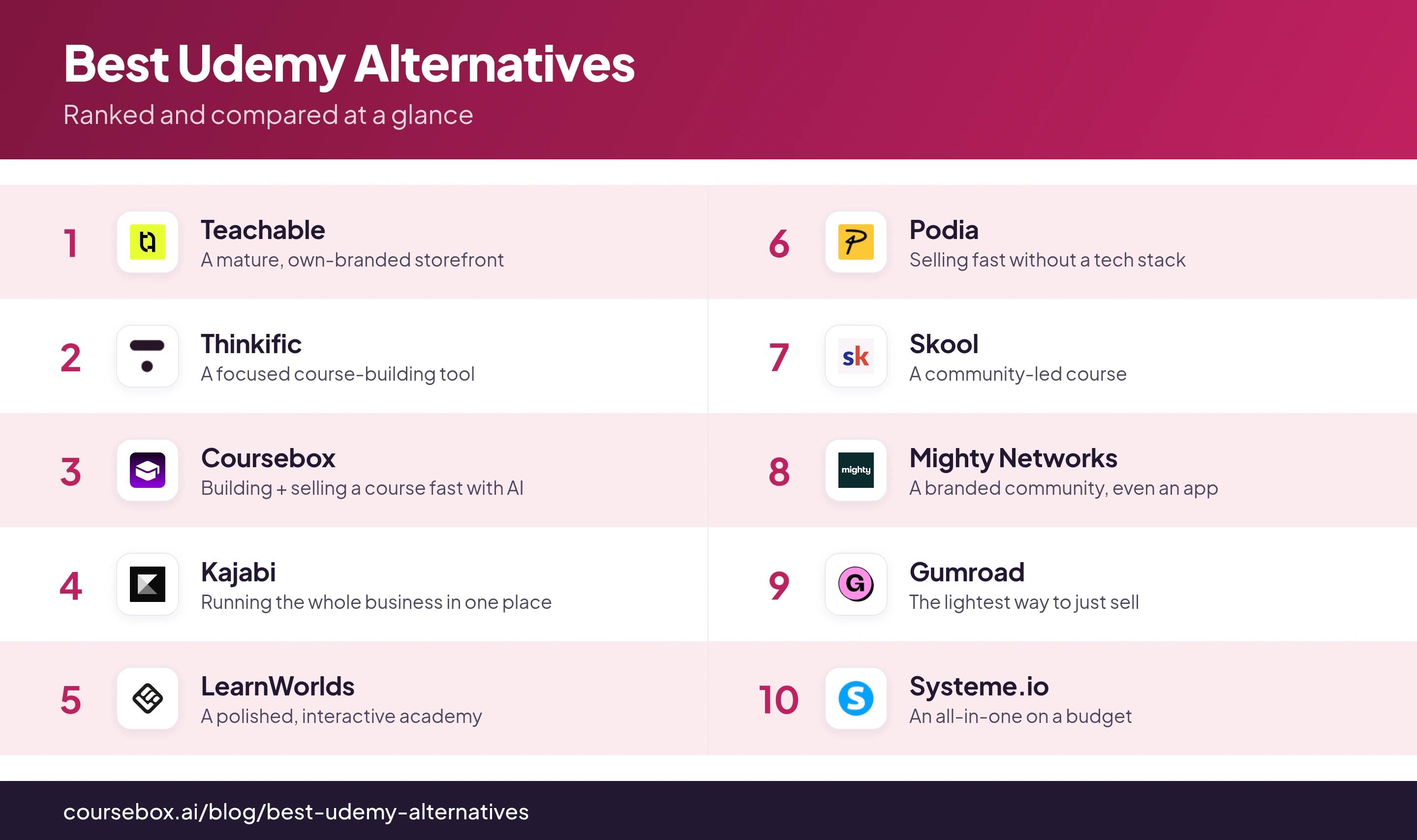
User ratings are out of 5 with review counts in brackets, from Capterra as of September 2026 (* LearnWorlds from G2). "Not listed" marks a platform absent from both G2 and Capterra.
The 10 best Udemy alternatives for creators
1. Teachable
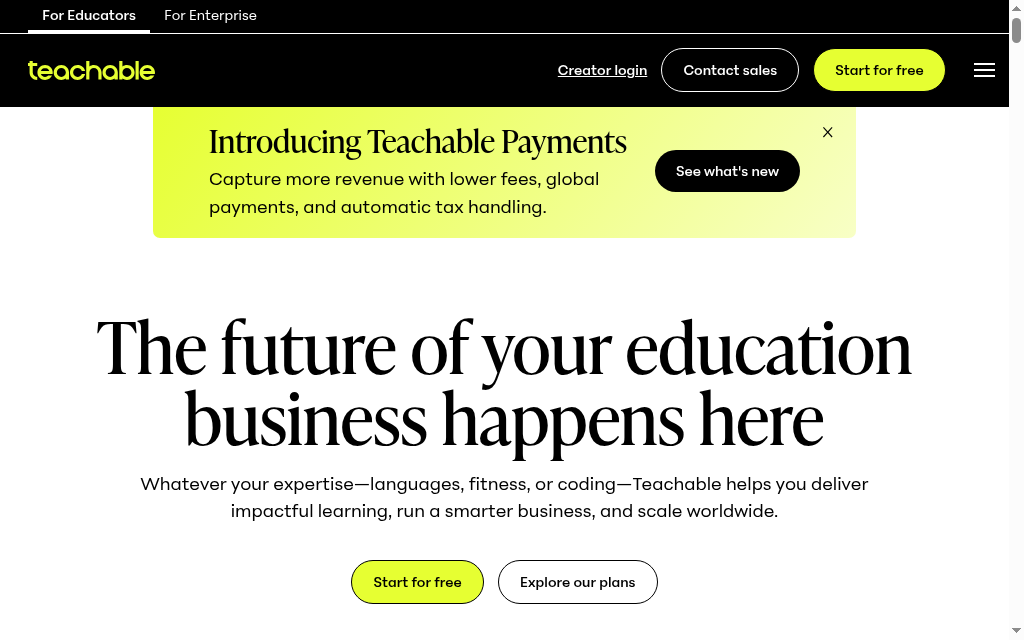
Teachable is the mature, own-branded storefront: a hosted platform where you build courses, coaching and digital products, then sell them from your own site with payments handled for you. It has been doing this for years, so the site builder, checkout and coaching tools are polished and there is little you cannot set up. Your school lives at your own address, not inside a marketplace.
Teachable suits an established creator who wants a course storefront and can bring an audience. Its curriculum, checkout and student administration keep the course business together. Starter charges a 7.5% platform sales fee; higher plans remove that fee, while processing and applicable usage fees remain. Branding removal is also plan-dependent.
My experience: I had a curriculum outlined and a first module standing within about ten minutes of signing up, and the AI quiz generator wrote questions straight from my lesson text rather than me typing them out. The thing I kept clocking was the entry-plan transaction fee (7.5% on the cheapest tier), sell any real volume and it pushes you up a tier.
Cost and plans: Starter is US$39/month, or US$29/month billed annually, with a 7.5% platform sales fee. Higher plans remove that fee; processing and applicable usage fees remain. Check imported or free-student usage when migrating a large audience.
2. Thinkific
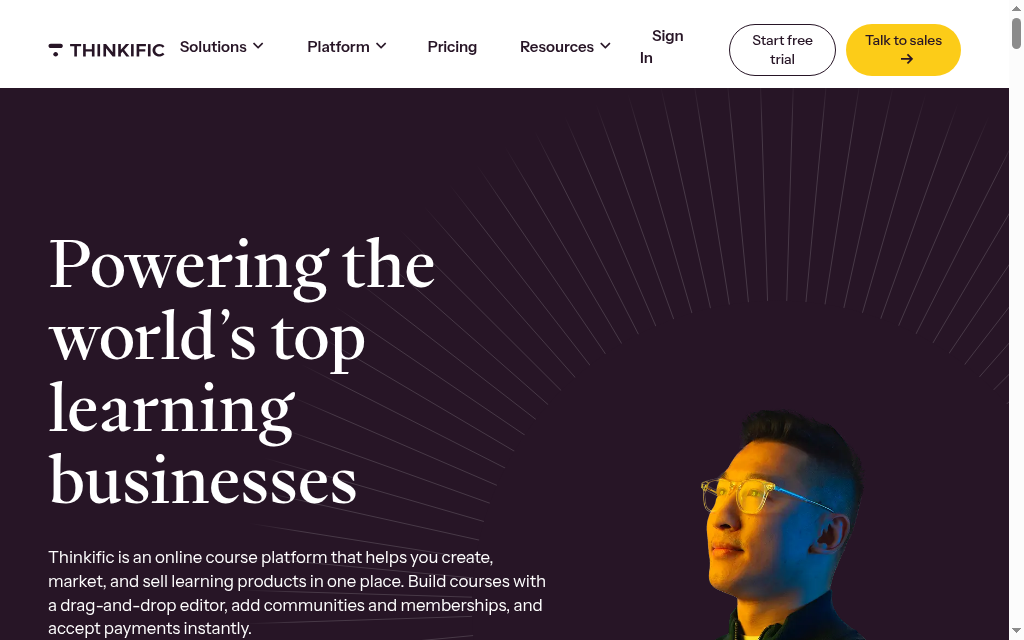
Thinkific is a dedicated course platform, more focused than an all-in-one: it does the teaching-and-selling core, build, host and sell courses, communities and memberships on your own branded site, without trying to be your whole marketing stack. It pairs a drag-and-drop course builder with quizzes and certificates, plus an AI outline generator that drafts the module-and-lesson structure for you to fill in. So framing a course is quick, but the AI stops at the outline, you still write the lessons yourself.
Thinkific suits a course-first business that wants a curriculum, storefront and student access together. Compare its marketing workflow with a broader business suite before deciding which separate tools you can retire. Paid plans follow a trial; check the current trial and billing offer rather than relying on an older free-plan description.
My experience: I asked its AI for a course on my topic and got a clean module-and-lesson outline in seconds, but that is where the AI stops, I still wrote every lesson myself. What I liked is that Thinkific takes no platform cut of my sales even on paid plans; the gap I hit later was marketing, when I wanted funnels and email and had to bolt on a separate tool.
Cost and plans: Paid plans and a trial; use the current currency and billing selector. Match the course, community, branding and administration allowances to your school, and include processing and any gateway-related charges.
3. Coursebox

Coursebox combines AI course creation with delivery, tutoring and assessment. Start with a document or prompt, review the generated structure and lessons, then edit the questions and learning activities before publishing. You can host the course and sell access, with unlimited learners included on every plan.
It suits a creator who needs to turn existing expertise into learning people can take, rather than assemble only a video storefront. Course-grounded tutoring and assessment add learner support after the sale. Branding has a plan condition: Free displays a Coursebox watermark, paid plans remove it, and the fully branded LMS and custom domain belong to the appropriate paid LMS plan.
My experience: I dropped in a slide deck and had a course draft with written lessons, quizzes and a tutor. I spent the next pass tightening the lessons and checking the questions. The useful comparison for me was the connected creation and learner-support workflow, not a claim that an AI draft could be sold without editing.
Cost and plans: Free includes three mini-courses of up to five pages each, unlimited learners and defined AI allowances, with a Coursebox watermark. Paid plans expand capacity and remove the watermark; branded LMS, exports and integrations depend on the selected plan.
4. Kajabi
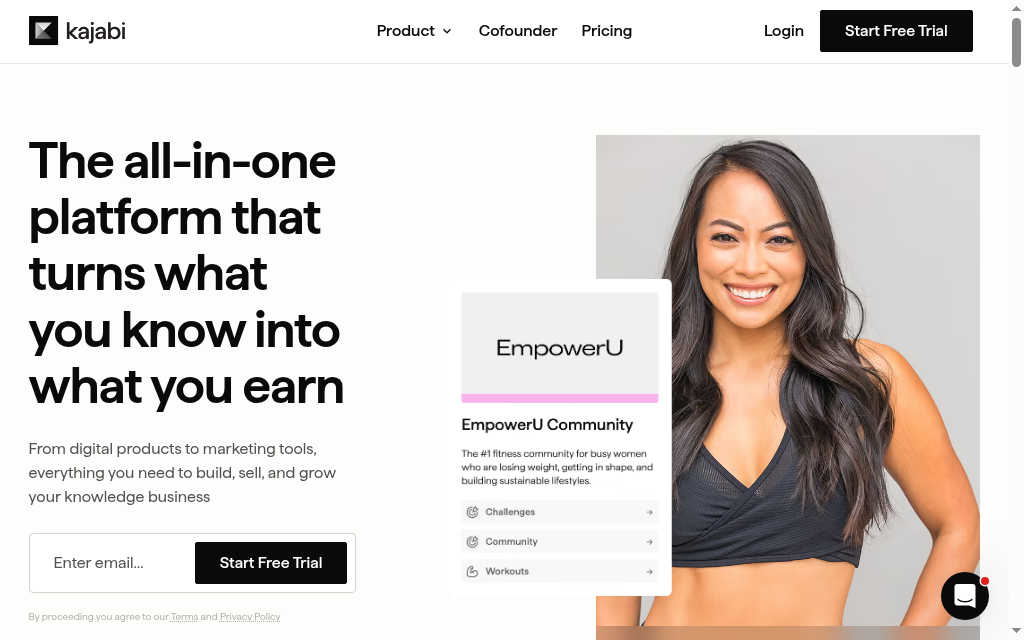
Kajabi is the premium all-in-one, it calls itself “the operating system for human expertise.” It bundles your courses with the entire business around them: website, landing pages, email, checkout, automation and analytics, all in one system, so you run the whole thing from a single login instead of stitching five tools together. It is built for selling, not just hosting.
Best for the established expert who wants everything connected and will pay for it. You own the audience, the marketing and the payments end to end, which is the reason most people leave Udemy in the first place. The cost of that positioning is literal: there is no free plan, only a trial, and the entry price is a real commitment (around $179 a month), so it is a lot for someone still finding their footing after Udemy.
My experience: The one-system payoff showed immediately, launching a course meant my pages, email and checkout were already wired together, not three separate integrations. Its AI framed a course outline with lesson descriptions, but I still wrote the lesson content myself, and the tool I did not expect to like was Creator Studio turning one course video into social posts and emails. The barrier is price, you commit to the whole suite (around $179 a month) before you have sold anything.
Cost and plans: Basic is US$179/month or US$143/month billed annually, with product and contact limits. Compare the full business stack and payment-processing costs, not just course hosting.
5. LearnWorlds
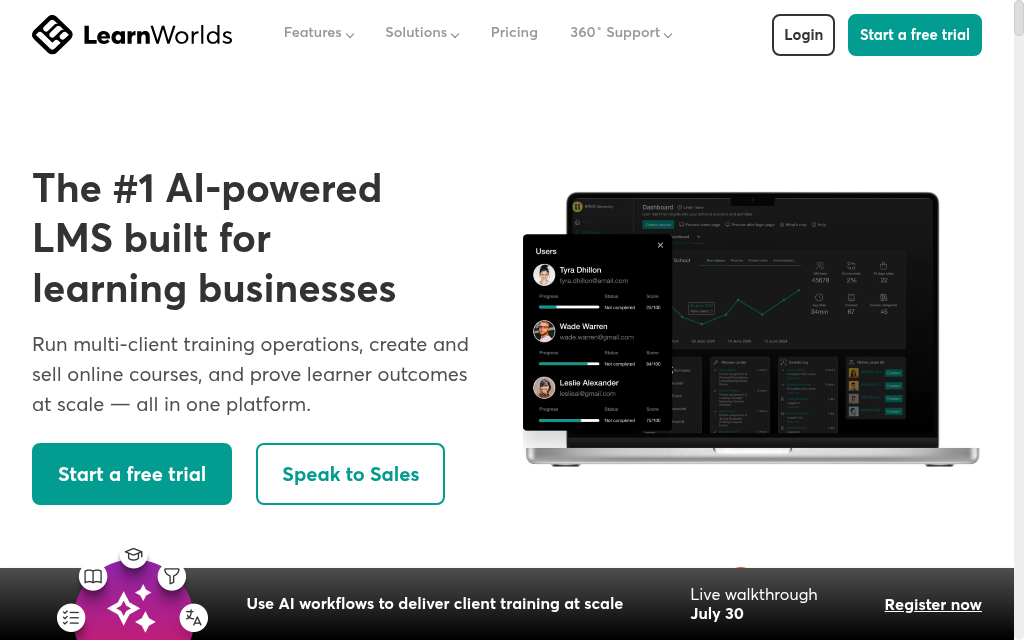
LearnWorlds is for building a polished, deeply branded online academy, and its calling card is interactive video: you can drop a quiz, a transcript or a clickable table of contents straight into a video lesson, so watching becomes doing. You launch your own branded school, design it in detail, set your prices and sell from it, which suits creators who care about how the learning feels, not just hosting a video behind a paywall.
This suits the creator or training business that wants a professional, highly customizable academy and cares about course design and engagement. You own the school, the brand and the student, though it is more builder-minded than plug-and-play, so expect to invest time in the design. There is no free plan (a 30-day trial), and the entry Starter plan carries a small per-enrollment fee that higher plans drop.
My experience: The first thing I tried was dropping a quiz straight into the video timeline, so a learner answers inside the lesson instead of leaving it, that is the feature you come here for. Its AI also built quizzes and exams from content I imported, which saved real time. The trade is hours, the more I customized the school the better it looked, and the AI tools sit on the pricier tier.
Cost and plans: Starter has a per-enrolment fee; higher plans change the selling and learning features. Use the current billing selector for the subscription, and include interactive-video, branding and mobile-app requirements.
6. Podia
Podia is the simple all-in-one home base: courses, digital downloads, coaching, community, plus the email and website around them, run from one dashboard. The pitch is that everything is connected from day one, so you are not wiring separate tools together, and setup is deliberately easy, you can be selling quickly without a tech stack. In its own words, it replaces “courses, community, coaching, events, email, and your site.”
Podia suits a creator who wants courses, downloads, email and checkout managed together. It now lists a 14-day trial, with paid product and email-subscriber allowances. Mover takes a 5% sales fee in addition to payment processing; higher plans remove Podia’s sales fee.
My experience: The appeal was managing the course, its marketing email and checkout from one place. In that setup I built the lessons by hand and found that the available course controls shaped the programme. Podia now also lists AI tools, so compare the current editor rather than treating my manual build as proof that it has no AI.
Cost and plans: Mover is US$42/month billed annually, plus 5% on sales and payment processing. Shaker is US$84/month annually without Podia’s sales fee. Product, video and email allowances vary.
7. Skool
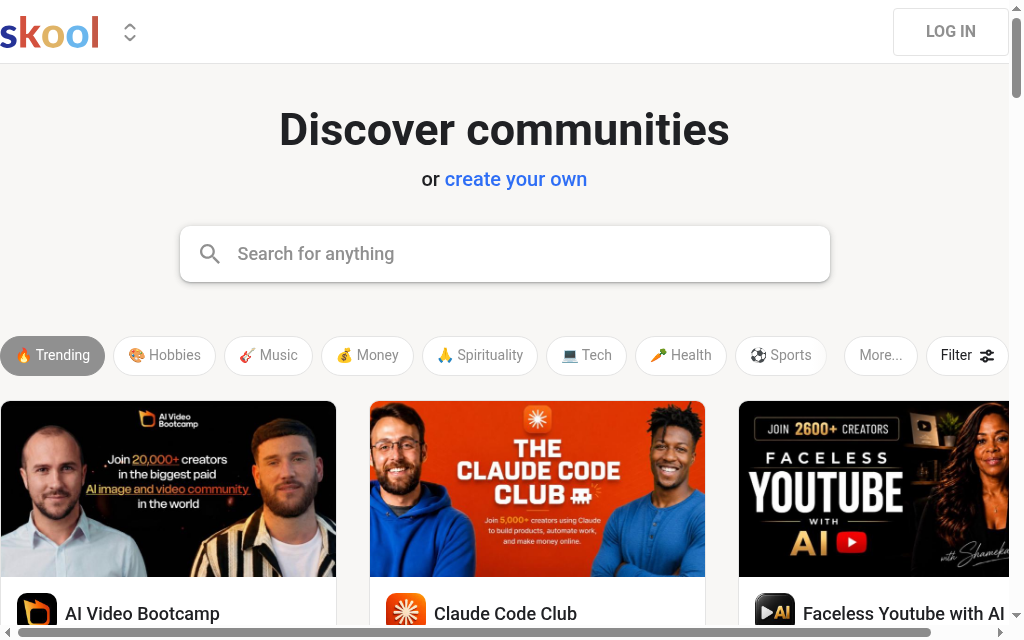
Skool flips the usual order: the course lives inside an active paid community, not the other way round. You run a group where members discuss, learn and level up together, with your courses sitting in the same simple interface, so people learn alongside others instead of watching lessons alone. Its signature is gamification, members earn points, level up and appear on a leaderboard, and you can gate lessons behind levels so content opens up as people take part.
Skool suits a course delivered through an active community: members discuss the material, join calls and earn points and levels, with course access tied to the setup you choose. The paid plan changes the sales fee. A custom Skool URL is not a guarantee of a fully white-labelled site on your own domain.
My experience: I used level-based access to connect participation with course progression. That made the community part of the learning experience. I would still demonstrate the release schedule, assessment and completion evidence needed for a structured programme before choosing it over a dedicated LMS.
Cost and plans: Hobby is US$9/month with a 10% transaction fee; Pro is US$99/month with a 2.9% fee. Both list unlimited members and courses. Compare the actual checkout and fee conditions for your buyers.
8. Mighty Networks
Mighty Networks is the more configurable community platform: build your own branded space that combines courses, events, memberships and discussion under your own name and design, with the option, on higher tiers, of your own app in the App Store. It is more flexible than Skool, with design tooling and an AI cohost, so it suits creators who want real control over how their community and courses look and feel.
This is for the creator who wants a flexible, fully branded home for a paid community with courses attached, and who cares about design and a native-app presence. You own your members and the direct relationship, and can brand the whole thing right down to an app under your name, ownership taken about as far as it goes. Two things to weigh: like Skool it is community-first, so the course builder is one part of a broad suite, and the entry price is higher (around $79 a month).
My experience: What stood out is that on higher tiers you can ship your community and courses as your own branded app members download under your name, not Udemy’s. Its AI generated a course outline instantly once I set the lesson count and level, but it stops there, I wrote the lessons, and that AI sits behind the paid Launch plan. It is a lot of platform, and the course side is thinner than a dedicated LMS.
Cost and plans: Launch is listed at US$79/month; compare billing period, course features and payment fees. Your own branded apps require a separate Mighty Pro quote.
9. Gumroad
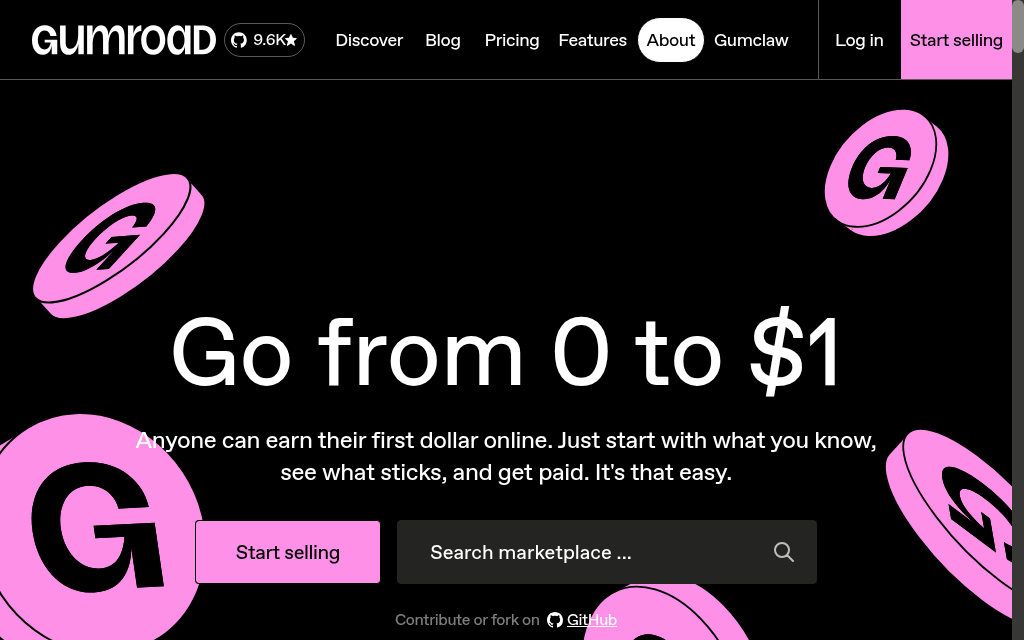
Gumroad is the lightest option here: a checkout you can put behind a course or any digital product in minutes and start selling to your own audience. You paste a link, people pay, the money comes to you, there is no course platform to build first and no monthly fee (Gumroad takes a flat cut per sale instead, around 10%). Since 2025 it also handles your worldwide sales tax as the merchant of record, meaning Gumroad is the legal seller for tax and collects and remits it for you.
Already have an audience, an email list, a YouTube channel, a following? This is the least-friction way to charge it. The customer is yours and you keep the revenue minus a per-sale fee, without any of the setup. The real limit, though: it is a store, not a course platform, structured lessons, quizzes, progress tracking and drip content are minimal, so it fits a simple download or a light course, not a rich multi-module program.
My experience: There was no course to build, I pasted a link and could sell in minutes, which pays off fastest when you send your own audience to it since there is no monthly fee. Two things to know: the per-sale cut is a flat 10% plus 50 cents, not tiny, and sales through Gumroad’s own Discover marketplace are charged 30%. Structured lessons, quizzes and progress tracking are minimal, so it fits a download or a light course, not a rich program.
Cost and plans: No monthly subscription. Direct sales carry 10% plus US$0.50; Discover sales carry a 30% fee. Check the current payment and tax handling for your location.
10. Systeme.io
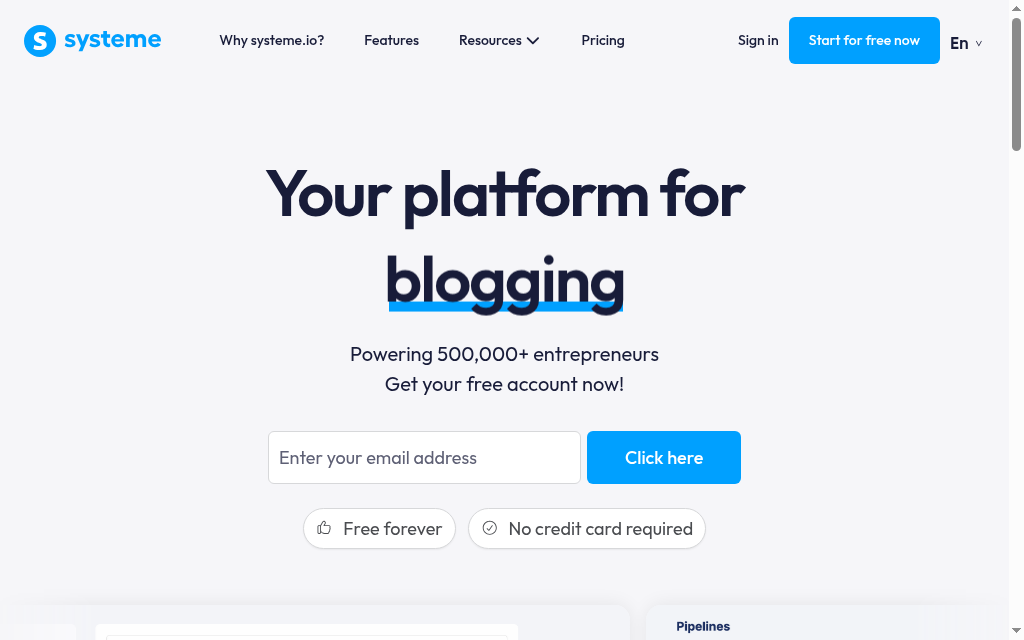
Systeme.io is the all-in-one for people on a budget: courses, sales funnels, email marketing and a website in one login, with a real free plan that never expires. Instead of paying for a stack of separate tools, you run the whole business, landing page to checkout to course delivery, in one place, and it charges no transaction fees on your sales.
Systeme.io fits a creator who wants everything under one roof without paying for it up front, and who can live with less polish for the price. You host your own courses, funnels and list, keep the customer and pay no cut on sales, and the free plan alone covers a course, funnels, email and a custom domain. The tradeoff: the interface and templates feel less refined than premium single-purpose tools, you trade design polish for breadth and price.
Moving to your own course platform gives you more control over the offer, branding and customer relationship. It also makes marketing, payment costs and learner support your responsibility. Compare the total cost at your sales volume, including the difference between Udemy marketplace sales and instructor-referral sales.
My experience: The free plan is the reason to look, it bundled what would otherwise be several paid subscriptions and let me build and sell a course at zero cost, with module locking and drip built in. There is no AI doing the work though, I built every module and lesson by hand, and the templates are where the free shows: functional, not beautiful.
Cost and plans: A continuing free plan includes limited courses, contacts and funnels with no platform sales fee. Paid subscriptions expand the limits; payment processing is still separate.
What a Udemy alternative really means (five kinds of platform)
These are not interchangeable, and picking the wrong kind is the usual regret. There are five things you might be shopping for.
- AI course builders (Coursebox). Generate a full course, the written lessons, quizzes and a tutor, from a document or a prompt, then host and sell it. This is the kind that writes the actual course, not just an outline you fill in yourself, so it is the fast path from raw material to something sellable.
- Dedicated course platforms (Teachable, Thinkific). Focused tools to build, host and sell courses on your own branded site. The straightforward middle.
- All-in-one business suites (Kajabi, Podia, Systeme.io). Combine course delivery with a website, email, funnels and checkout. Compare the specific AI and editing features in the current plan rather than assuming the business suite writes, or cannot write, the lessons.
- Community-first platforms (Skool, Mighty Networks). The course lives inside an active paid community. Best when engagement and belonging are the product.
- Simple checkouts (Gumroad). A buy button for a course or download, sell to an audience you already have, with almost no setup.
Separate control over pricing, customer access and branding from the amount you take home. Subscription fees, payment processing, sales fees and the work of finding buyers still affect the result.
What you give up when you leave Udemy (and how to replace it)
Be honest about the one thing Udemy actually gives you: an audience. Its marketplace puts your course in front of millions of buyers you did not have to find. Leave, and you keep the revenue and the customer, but you inherit the marketing Udemy was doing for you. That is the real switching cost, not the platform fee.
You can keep a course on Udemy while developing a separate audience for your own school, subject to the agreements that apply to the content. Do not assume you can export Udemy students’ contact details or direct them to an outside checkout through every promotional surface. Keep a separate plan for permission-based email signups and marketing.
Which should you use
Start with the business you want to run. Coursebox connects creating the course with tutoring, assessment and delivery. Teachable and Thinkific offer course storefronts; Kajabi connects a wider marketing stack; Skool and Mighty Networks put the community alongside the learning. Match the purchase to those workflows and compare the full cost at your sales volume.
One route the list above leaves out on purpose: self-hosting on WordPress with an LMS plugin like LearnDash or LifterLMS. It charges no revenue share at all, which fits the own-everything instinct exactly, but you take on the hosting, updates and support yourself. Reach for it only if you want maximum control and have the appetite to run it.
If you are weighing two of these head to head, our Thinkific vs Teachable comparison goes deeper on the two most popular course platforms.
And if the goal is not just picking a platform but making sales, our guide on how to create and sell online courses is the next step. Whichever you choose, the move off Udemy is the same one: you stop renting an audience and start owning one.
Frequently Asked Questions
Teachable and Thinkific suit course storefronts; Coursebox connects AI creation with delivery and learner support. Kajabi and Systeme.io combine courses with marketing tools, while Skool and Mighty Networks focus on community. Compare the selling workflow, customer access and full cost rather than assuming a move guarantees higher profit.
You can rebuild a course elsewhere using material you have the rights to reuse, subject to the agreements that apply to it. Check any exclusivity conditions first. Course files, reviews, learner records and permission to contact students are separate issues; plan the migration and audience-building work before closing the old course.
Coursebox and Systeme.io have continuing free plans with limits. Coursebox Free includes three mini-courses, unlimited learners, AI allowances and a watermark; fully branded LMS features require the relevant paid plan. Gumroad has no monthly subscription but charges per sale. The other listed platforms offer trials or paid subscriptions.
Compare actual sales channels and costs. Udemy’s instructor share is 37% of net revenue without an instructor promotion and 97% with an instructor coupon or referral link. Your own platform has subscription, processing, marketing and sometimes sales or usage fees. More control does not guarantee higher profit at every sales volume.
Skool and Mighty Networks. Skool puts your course inside a gamified community with points, levels and leaderboards and is simple to run; Mighty Networks is more customizable and can even ship your community and courses as your own branded app. Both are community-first, so the course tools are lighter than a dedicated platform like Coursebox or Thinkific.
Alex Hey
Alex Hey is a technical marketer with 10 years of hands-on growth and digital marketing experience. He cofounded Coursebox together with Travis Clapp who he met online when looking for a cofounder to build a globally impactful software product. He works in the Perth, Western Australia office as the COO. He built the world's first automated funnel for patient recruitment before building Coursebox. After launching Coursebox in mid 2023, he drove +400k organic sign ups for Coursebox. Alex leads the marketing and digital growth of Coursebox and works with the product development team bringing a passion for data-driven product decision and exceptional user experience. Alex is determined to build the world's easiest way to build the perfect course.

