

8 Best ProProfs Alternatives for Quizzes and Training in 2026
Compare 8 ProProfs alternatives in 2026 for quizzes, employee training and course sales, with practical workflow checks and current plan limits.

The best ProProfs alternatives in 2026 include iSpring for PowerPoint-based assessments, Coursebox for AI-assisted creation and LMS delivery, and TalentLMS for structured employee training.
- ProProfs already offers AI generation. Compare workflows, reporting, export options and licence scope rather than switch solely for AI.
- Wayground supports interactive practice, Jotform handles scored forms, and Moodle offers configurable quizzes inside a managed course environment.
- Thinkific and Teachable suit course-selling workflows. Their current entry offers are trials; Teachable Starter also takes a 7.5% platform fee.
- Before migrating, check question types, grading, learner records, paid access and the cost of the actual replacement plan.
Answer three questions to compare the four tools below. The result balances your preferences; the entries explain the features, limits and costs to check.

Run your own branded LMS with unlimited learners
The best ProProfs alternative depends on what you are replacing: a scored quiz, an employee training programme or a course business. ProProfs already offers AI-generated courses and questions, so switching needs a clearer reason, such as a different assessment workflow, portable content, course-selling tools or a better fit for your audience and budget.
I spent a decade selling and demoing learning platforms, and I built and sold an LMS before Coursebox. I’d separate the quiz job from the training programme before choosing a replacement: a scored public quiz, an employee course and a paid learning business need different things after someone submits an answer.
I co-founded Coursebox, whose AI quiz generator is included with its course creation and learner-support tools. This comparison covers the quiz and training side of ProProfs, rather than its help desk or knowledge base.
How I picked these ProProfs alternatives
I compared quiz creation, course delivery, assessment controls and the relevant plan costs against ProProfs. These four criteria shaped the shortlist:
- Which ProProfs slice it replaces: The Quiz Maker (assessments and quizzes), the Training Maker (courses and an LMS), or both.
- The mechanism for that slice: What the tool actually does to build a quiz or a course, not a feature list.
- Real cost, free tier included: The entry price and the cap or branding rule that pushes you to upgrade.
- Product fit: The strengths, constraints and price that change who should choose each tool.
Quiz Maker and Training Maker serve different jobs. A scored public quiz needs response handling; employee training needs assignments and learner records; a course business needs checkout and paid access. ProProfs sells individual products as well as wider bundles, so compare the licence you actually use with the replacement workflow.
ProProfs Quiz Maker and LMS alternatives compared at a glance
| Tool | ProProfs slice it replaces | Best for | Starting price | Free option |
|---|---|---|---|---|
| iSpring | Quiz Maker + Training Maker | PowerPoint quiz authoring plus an LMS | Suite US$970/author/year; LMS package separate quote | Trial only |
| Coursebox | Quiz Maker + Training Maker | AI-built quizzes and courses in one | Free; creation and LMS plans | Yes, unlimited learners |
| TalentLMS | Training Maker | A fast, simple training LMS | Core displayed from US$119/month | Yes, up to 5 users |
| Wayground | Quiz Maker | Gamified, live assessment | Free individual option; institutional quote | Yes |
| Jotform | Quiz Maker | Scored quizzes, surveys, lead capture | Free Starter; paid tiers by allowance | Yes, capped |
| Moodle | Training Maker | Open-source LMS with deep quizzes | No self-hosted licence fee; hosting extra | Yes, self-hosted |
| Thinkific | Training Maker | Building and selling courses | Basic US$54/month or US$40 annually | Trial |
| Teachable | Training Maker | Polished course selling | Starter US$39/month or US$29 annually + 7.5% | Trial |
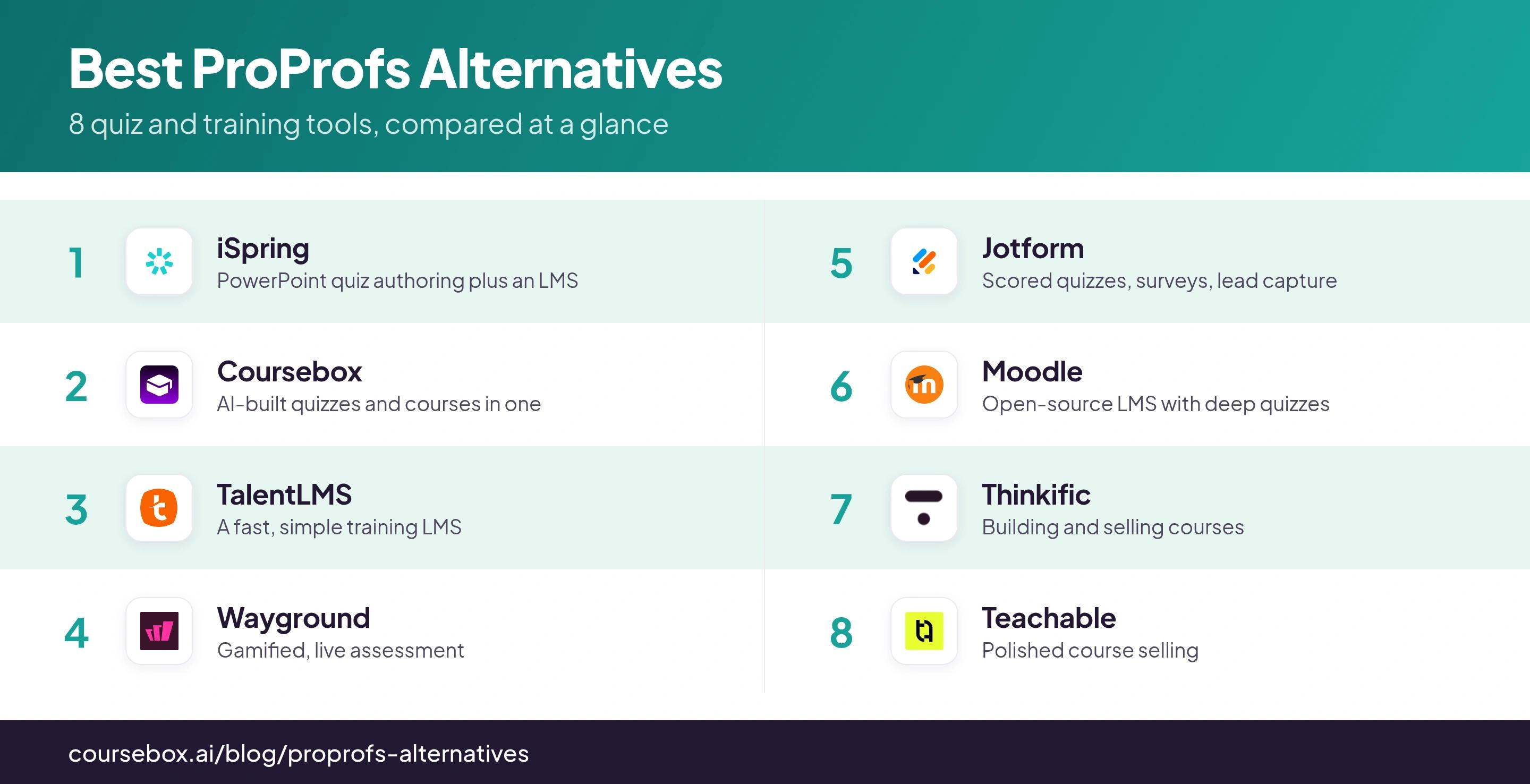
Product and plan details were checked in October 2026. Compare the quoted scope and billing period before purchasing.
The 8 best ProProfs alternatives
1. iSpring
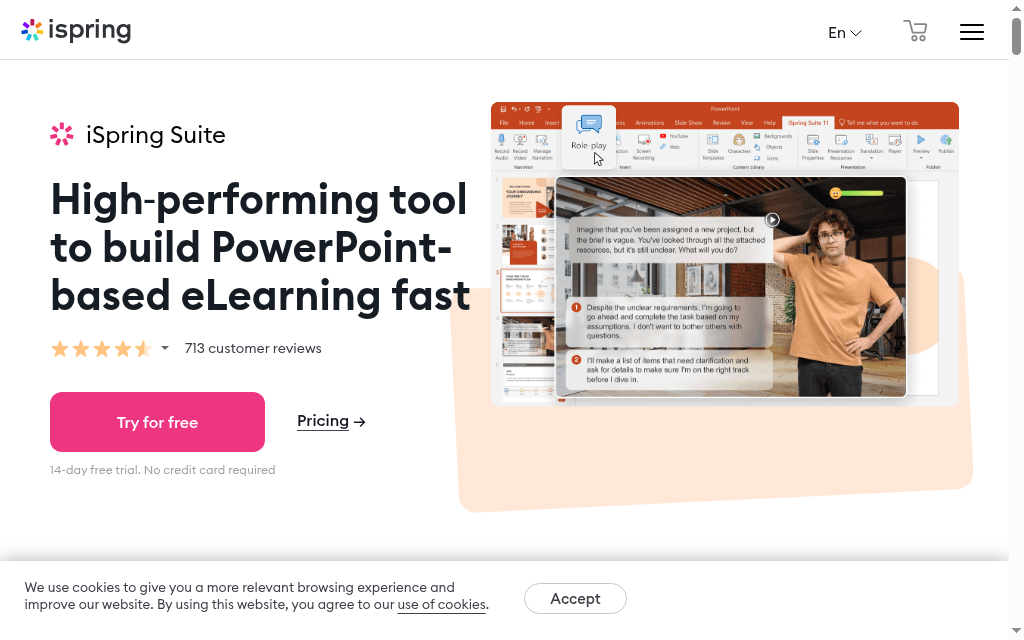
iSpring is a route from ProProfs-style quizzes to slide-based courses and an LMS. Suite builds interactive assessments inside PowerPoint; iSpring LMS handles assignment, deadlines and reporting. Choose the authoring product when you need a package for an existing LMS, or compare the full delivery package when replacing Training Maker.
Suite supports varied question types and publication to SCORM, xAPI and cmi5. Windows and PowerPoint are required for Suite, while iSpring also offers browser-based Cloud AI as a different authoring product. These are different workflows, not interchangeable licences.
What I would test: Publish one scored assessment to the destination LMS and check attempts, pass status and score. A quiz that looks right in PowerPoint can still send different completion information under the selected publishing settings. That export workflow is the reason to consider Suite over a web-only quiz builder.
My verdict: My pick for teams reusing PowerPoint and needing controlled, portable assessments. Choose browser authoring if installing Windows software does not suit the team.
Pricing: Suite is US$970/author/year; Suite AI is US$1,290. The LMS Business page lists US$8,286/year for 100 active users and includes Suite AI among its features. Confirm included author seats in the proposed package rather than automatically adding two full subscriptions.
2. Coursebox

Coursebox covers quiz creation, course creation and delivery in one platform. Upload training material or give it a topic, review the draft questions and lessons, then deliver them with learner support and reporting. That is useful when a quiz is part of a broader induction or training programme.
It supports AI tutoring, rubric-based grading, learner groups and learning paths, alongside branded LMS delivery and SCORM options on paid plans. ProProfs also offers AI generation, so the buying question is the full workflow and plan scope, rather than whether one vendor uses AI.
What I look for: The useful review starts with the source document and checks whether the questions assess the decisions you need people to make. I would edit ambiguous answers and inspect the learner’s feedback before release. If publishing SCORM elsewhere, confirm which tutor, discussion and assessment functions remain in the chosen export format.
My verdict: A strong fit when you want to build training and assessments together, support learners and manage delivery. It does not replace ProProfs Help Desk or Knowledge Base.
Pricing: Free includes unlimited learners and three mini-courses of up to five pages each. Creator, Pro and Pro + LMS add different creation and delivery features; advanced LMS reporting and branding require the relevant plan. Enterprise supports broader portal and integration requirements.
3. TalentLMS
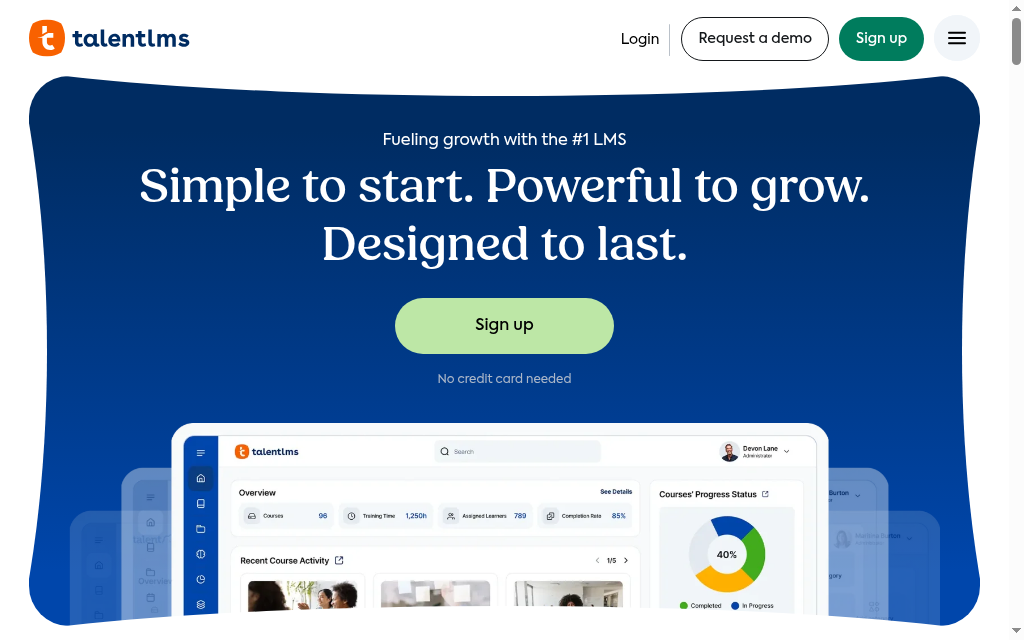
TalentLMS replaces the course-delivery side of ProProfs with a hosted LMS. Build lessons, import SCORM content, add tests and assignments, then organise learners and review their progress. Optional content subscriptions are separate from having a built-in course editor.
Its current plans include TalentCraft and AI-assisted test creation, with differing credit allocations. Branches, automation, learning paths and branding controls vary by tier. The Flex option changes the learner-count model to unique monthly logins; standard plans should not all be described as active-user billing.
The detail I compare: For a seasonal audience, I would price both registered-user and Flex routes against the busiest month. Flex can reduce costs when many registered learners rarely log in, but extra active users can add charges. The lowest headline subscription does not answer which model is cheaper for your rollout.
My verdict: Shortlist it for structured employee training with assignment and reporting. Check the specific quiz behaviour if replacing a standalone examination workflow.
Pricing: Free supports five users and 10 courses. Current Core pricing starts at US$119/month on the displayed pricing page; annual and monthly billing differ. Select the user band, Flex option and any content subscription before comparing totals.
4. Wayground (formerly Quizizz)
Wayground suits classroom-style quizzes, live sessions and assigned practice. Build a question set with AI assistance or your own items, run it with a group or let learners complete it asynchronously, and inspect learner and question reports.
It is a different experience from a standalone lead quiz or a formal examination portal. The interaction is designed around participation and practice. Schools and districts can require broader management and reporting than an individual teacher, so the paid institutional offering needs a separate comparison.
What stood out: The useful difference in this workflow is between learners answering together and completing practice at their own pace. My assessment check would inspect answer feedback and the report after both modes. Engagement features alone do not establish learning progress or replace any required examination controls.
My verdict: Choose it for interactive teaching and recurring knowledge practice. Verify identity, retakes and export requirements if your use goes beyond classroom learning.
Pricing: An individual free option is available. Paid school and district plans depend on the institutional offering; request the current feature and licence scope rather than assume one business seat price.
5. Jotform
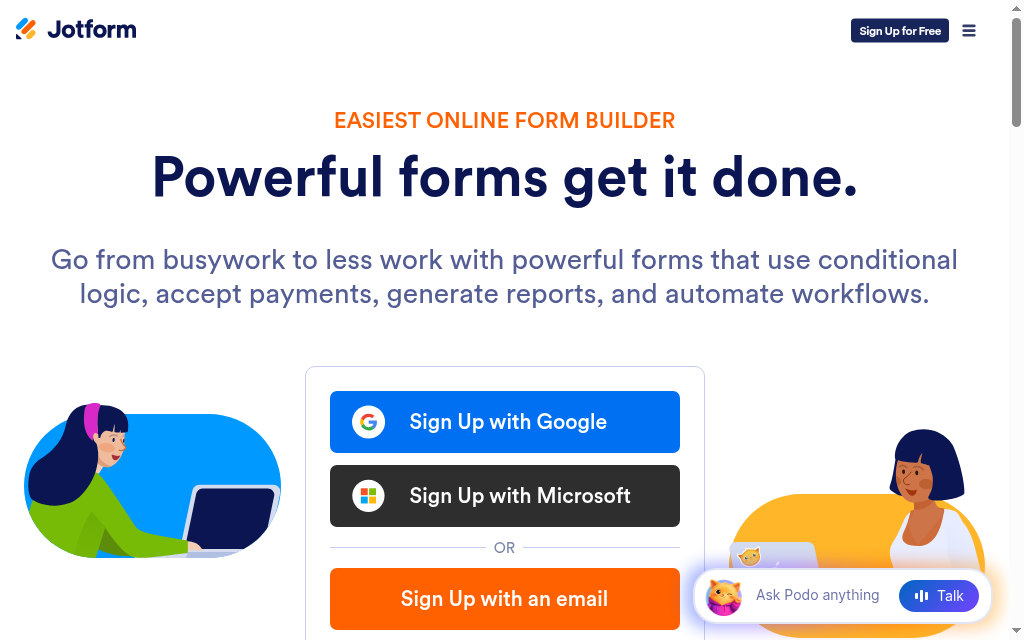
Jotform is useful when the ProProfs quiz is also a form: collecting contact details, routing a lead, gathering feedback or taking a payment. Its builder supports scoring, conditional logic and integrations, so the response can trigger a follow-up process.
It is a forms and data-collection platform rather than a course LMS. Design the result, confirmation and follow-up around the answer rather than stopping at a score. That can suit a product-selection quiz or pre-training survey, but course assignment and ongoing learner progress need another system.
My plan check: Count submissions across the account at your busiest point, not just the number of forms you create. A campaign with repeat responses can reach its allowance while the form count remains low. I would also check who needs editor access; Enterprise is Jotform’s multiuser plan.
My verdict: A good choice for scored forms and lead workflows. Use a training platform when the result must sit inside a continuing learner record.
Pricing: Starter is free with submission and storage limits and Jotform branding. Bronze is the lowest paid tier; check the current monthly or annual checkout price and required allowance. Enterprise has custom pricing for multiuser administration.
6. Moodle
Moodle combines course delivery with a configurable quiz engine. Question banks, randomised question selection, attempt rules and detailed grading can support recurring assessment inside a course. Self-hosted Moodle has no software licence fee, but it still needs hosting and administration.
You can control course access and grading more closely than with a simple public quiz form. Extensions add functions, although they also create upgrade and compatibility work. MoodleCloud is a managed hosting route; Moodle Workplace is a separate commercial offering.
My review priority: I would build one question bank and inspect how repeat attempts select questions and contribute to the final grade. That is a more useful comparison than calling the platform powerful. Someone must maintain question quality, access permissions, backups and updates after launch.
My verdict: Shortlist Moodle for assessment control and a managed learning programme when you have an administrator or partner. The free licence is not a free operating service.
Pricing: Self-hosted Moodle is open source. Budget hosting, support and maintenance; MoodleCloud has paid plans and Workplace is supplied through commercial partners.
7. Thinkific
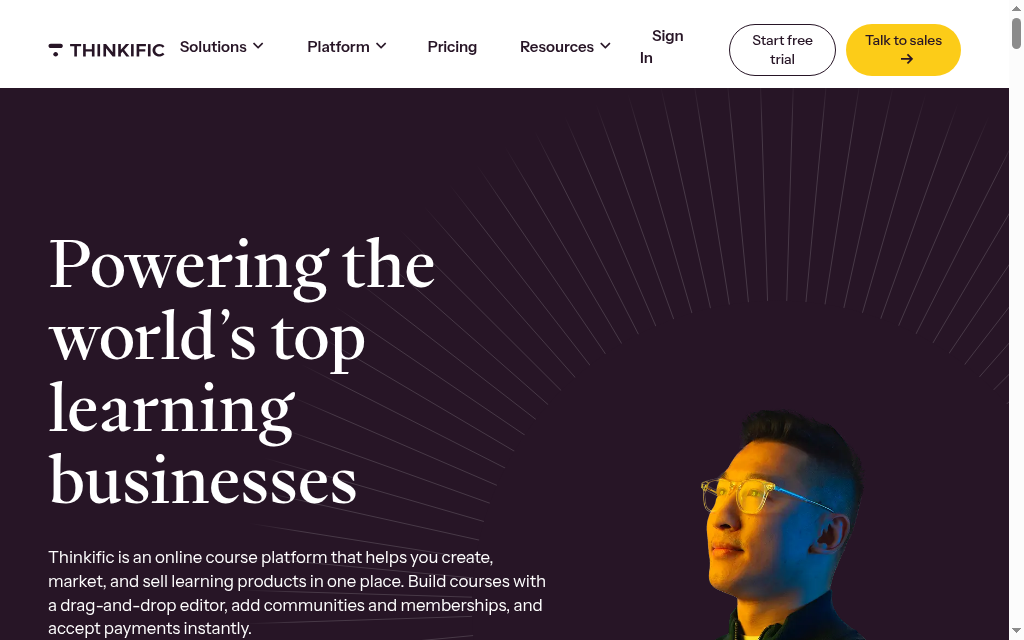
Thinkific fits a ProProfs replacement when the main job is selling and delivering courses. Its course builder, site, checkout and student dashboard keep purchases and learning in one place. Quizzes support the course rather than operate primarily as standalone public assessments.
Basic includes quizzes and a community. Start adds assignments, completion certificates, memberships and payment plans. Higher tiers add features such as brand removal, group orders and deeper reports; SCORM is listed under Plus. The plan needed for your learning workflow may therefore be above Basic.
The migration detail: I would map paid access, completed lessons and certificates before moving learners. Recreating course pages does not prove that historical attempts or purchases transfer. For a commercial school, preserving who bought what is as important as reproducing the quiz.
My verdict: A strong candidate when course sales and learner access are the centre of the job. Compare a dedicated assessment tool if independent exams are the priority.
Pricing: Basic is US$54/month or US$40/month billed annually. The current offer is a free trial, not the draft’s permanent one-course free plan. Payment processing and third-party gateway terms need a separate check.
8. Teachable
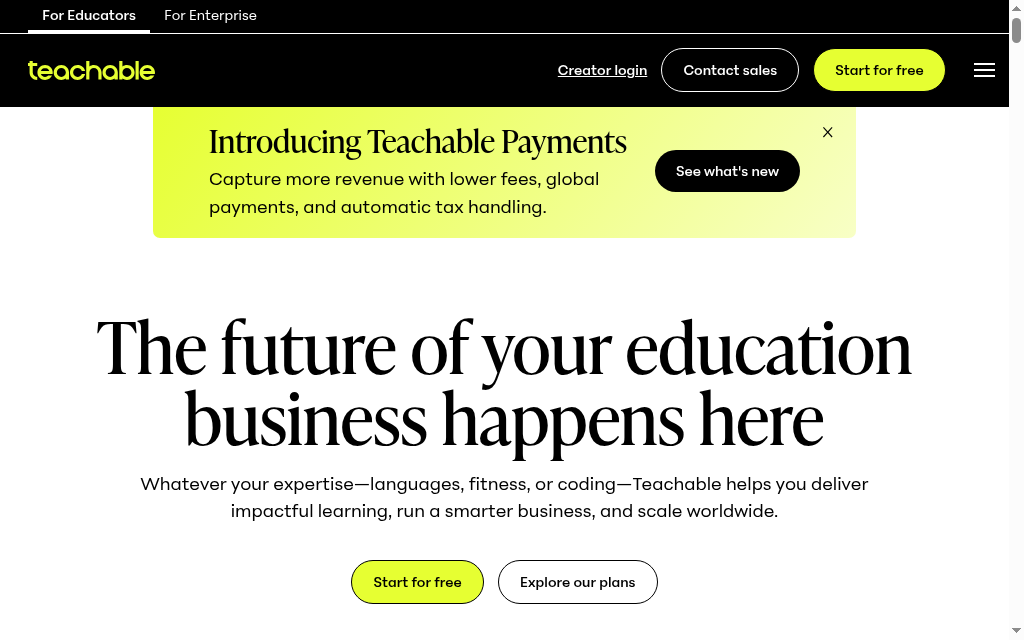
Teachable combines course delivery with checkout, payments and selling tools. It suits a creator replacing ProProfs Training Maker to sell courses rather than manage a workforce assessment programme. Quizzes and other learning features should be compared against the selected plan.
The platform supports selling several product types, learner access and mobile student apps. Course certificates and brand removal are listed on Growth, so they should not be promised with the entry subscription. Starter also takes a platform transaction fee in addition to applicable payment processing.
The cost detail: My first calculation is the subscription plus the fee on expected sales. Moving from annual Starter at US$29/month to annual Builder at US$69/month adds US$40/month but removes the 7.5% platform fee when using Teachable Payments. At about US$533 in monthly sales, that fee alone reaches US$40. Other plan needs can change the choice.
My verdict: Consider it for a course business with an integrated purchase experience. Check learning-feature tiers and total fees rather than choose on checkout appearance alone.
Pricing: Starter is US$39/month or US$29/month annually, with a 7.5% platform fee. Builder is US$89/month or US$69/month annually with 0% platform fees through Teachable Payments. Processing fees still apply; the current entry offer is a trial.
Which ProProfs alternative should you choose?
Eight tools, matched to the slice of ProProfs you actually use:
| If your priority is | Go with |
|---|---|
| Quiz authoring plus an LMS, PowerPoint-based | iSpring |
| AI-built quizzes and courses in one tool | Coursebox |
| A fast, simple training LMS | TalentLMS |
| Gamified, live assessment | Wayground |
| Scored quizzes, surveys and lead capture | Jotform |
| A free, self-hosted LMS with deep quizzes | Moodle |
| Building and selling courses | Thinkific |
| A polished course-selling experience | Teachable |
Choose the workflow first, then compare its cost. Our AI quiz generator can turn your training material into questions within a wider course and delivery workflow.
What to carry over from ProProfs
A replacement is ready when the learner can do the required task and the administrator can retrieve the right result. Before cancelling the old licence, check a real quiz or course against these steps.
- Assessment: Map the question types, answer feedback, pass mark, attempt rules and certificate requirements.
- Result: Rebuild one representative assessment and inspect the saved result, not just the preview.
- History: Check which learner history can be imported. Archive old attempt records separately when the new system cannot accept them.
- Paid access: For paid courses, reconcile learner access and purchases before sending invitations.
The World Economic Forum’s 2025 employer survey found that 63% identified skills gaps as a major barrier to business transformation. For employee training, the useful comparison is whether the system helps identify and address a gap, rather than simply count quiz completions.
Price the plan for your actual learners, administrators, courses and busy month. An author licence, a monthly response allowance and an active-learner subscription measure different things. Include hosting, optional libraries and transaction fees where relevant.
Employers in that survey expected 39% of workers’ existing skills to change or become outdated between 2025 and 2030. My preference is a system where questions and lessons can be updated without losing the historical training record.
Frequently Asked Questions
Choose by the job: iSpring for PowerPoint assessment packages, Coursebox for AI-assisted courses and delivery, TalentLMS for employee training, Wayground for interactive practice and Jotform for scored forms. Moodle suits configurable course quizzes; Thinkific and Teachable suit course sales.
Coursebox has unlimited learners on Free, with three mini-courses of up to five pages. Moodle has no self-hosted licence fee, but hosting and maintenance cost money. TalentLMS, Jotform and Wayground have limited free options. Compare these with ProProfs’ own current free plan rather than assume every alternative removes all limits.
Reasons can include a different assessment workflow, export format, delivery model, selling features or cost at scale. ProProfs already supports AI generation and sells individual products as well as bundles. Check the actual missing feature or licence cost before choosing a replacement.
iSpring fits portable PowerPoint-based assessments, Wayground fits interactive classroom practice and Jotform fits scored forms and lead collection. Coursebox combines AI-assisted questions with courses and LMS delivery. Compare question types, feedback, attempts and reporting for your assessment.
Yes. Coursebox combines quizzes, courses and LMS delivery. TalentLMS and Moodle also support tests inside courses. iSpring combines authoring and delivery products, with included authoring seats dependent on the package. None of these is a complete replacement for ProProfs’ wider support suite.
Travis Clapp
Travis Clapp is the original founder and CEO of Coursebox. As an experienced instructional designer, he has lived through the process of building high quality courses. These experiences brought about his idea to upload all your documents and ideas into a virtual box that could convert those magically into a course. Prior to Coursebox, he successfully founded and built a social based LMS. Travis has 15+ years of experience designing courses and EdTech platforms from university MOOCs to enterprise LMS. Travis has built training for reputable companies like Johnson & Johnson, Electrolux, Michael Hill and SA Health. One of his courses reached 20,000+ learners which was a flagship edX course. He is based in the Adelaide, South Australia office and passionately works on customer support, sales and bringing the original product vision to life every day.

