

How to Create Knowledge Check That Improves Learning Outcomes in 7 Steps
What is a knowledge check? Discover different types, benefits, and a step-by-step guide to creating effective knowledge checks in online courses.


Build high quality courses that actually sell
Learners often forget new information quickly if nothing reinforces it. Knowledge checks solve that problem by giving quick, low-stakes assessments that confirm understanding immediately. They help identify gaps, reinforce lessons, and keep learners engaged without overwhelming them.
In this guide, you’ll learn what a knowledge check is, why it matters, explore different types, follow a step-by-step process to create one, and discover what to do after conducting a check.
Whether for corporate training, online courses, or educational programs, this article shows how to make knowledge checks effective and practical.
What is a Knowledge Check and Why Does it Matter?
A knowledge check helps confirm whether learners understood a lesson before moving forward. Instead of waiting until the end of a course, instructors insert short questions during or right after a training module. This approach keeps learning active and prevents confusion from building up.
Knowledge checks usually involve quick activities such as multiple-choice questions, short scenarios, drag-and-drop tasks, or true-false statements. Because these checks remain short and low-pressure, learners feel comfortable answering honestly. As a result, instructors gain a clearer picture of what learners actually understand.
This method matters for several reasons.
- First, it reinforces key concepts immediately after exposure.
- Second, it reveals knowledge gaps early, so instructors can adjust lessons if needed.
- Third, it keeps learners engaged instead of passively consuming information.

Expert Tip: AI course builders can automatically generate quizzes and knowledge checks from course content, which makes reinforcing learning faster and easier.
Different Types of Knowledge Checks
Knowledge checks come in many formats. Each type helps learners recall information, apply concepts, or reflect on what they just learned. Choosing the right format depends on the lesson goal and the type of skill being taught.
1. Multiple-Choice Questions
Multiple-choice questions remain one of the most common knowledge check formats. Learners choose the correct answer from several options. This format works well for checking understanding of definitions, facts, or key concepts.
2. True or False Questions
True or false questions provide a quick way to test basic comprehension. Because learners must quickly decide whether a statement remains correct, this format helps reinforce simple ideas or rules.
3. Scenario-Based Questions
Scenario questions present a realistic situation and ask learners how they would respond. This type works especially well for workplace training, customer service lessons, or leadership development because learners apply knowledge rather than simply recall facts.
4. Matching Activities
Matching exercises ask learners to connect related concepts, terms, or definitions. For example, learners might match marketing terms with correct descriptions or safety rules with proper actions.
5. Short Answer Questions
Short answer checks encourage learners to explain a concept in their own words. This format often reveals a deeper understanding since learners must recall information without prompts.
6. Interactive Activities
Interactive knowledge checks may include drag-and-drop tasks, flashcards, or simple simulations. These formats increase engagement and help learners practice applying knowledge immediately.
How to Create a Knowledge Check: Step-by-Step
A strong knowledge check starts with clear learning goals. Instead of adding random questions, each check should connect directly to the lesson outcome. Follow these steps to build knowledge checks that actually reinforce learning.
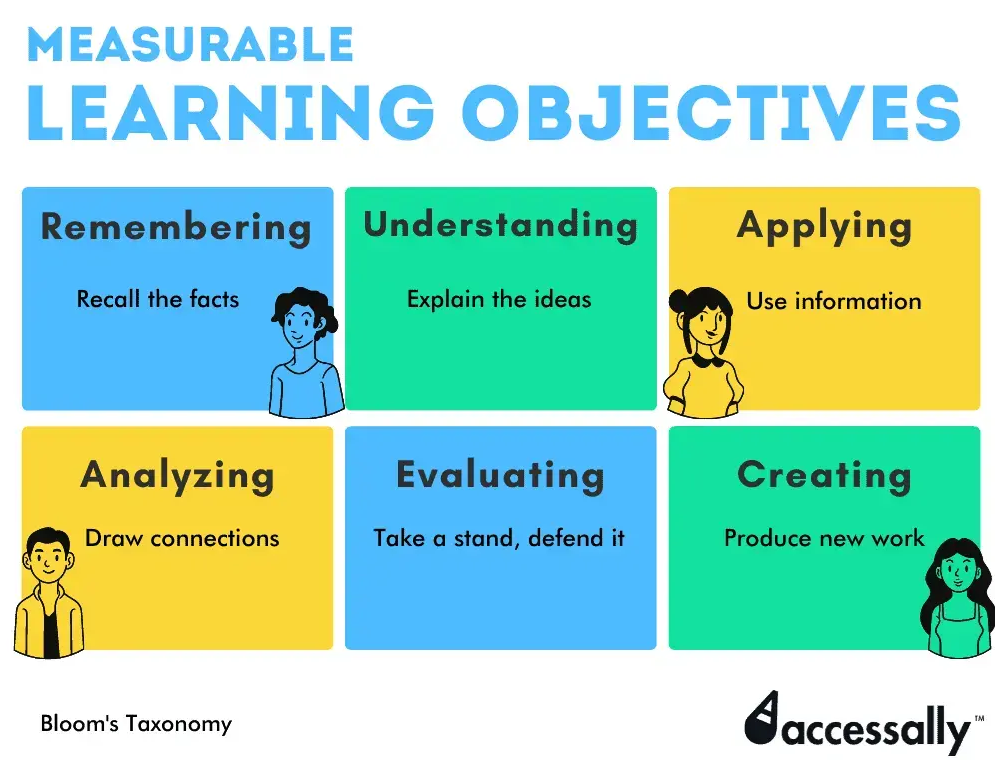
1. Identify the Key Learning Objective
Start by defining what learners should understand after the lesson. Every knowledge check should confirm one concept or skill. For example, if a lesson teaches workplace safety rules, the knowledge check should focus on applying those rules in realistic situations.
2. Choose the Right Question Format
Next, select a format that fits the topic. Multiple-choice questions work well for factual knowledge. Scenario questions help test decision-making. Matching activities reinforce definitions or processes. Choosing the right format improves engagement and accuracy.
3. Keep Questions Short and Clear
Knowledge checks should remain simple and easy to understand. Long or confusing questions can frustrate learners and distort results. Use clear wording and focus on one idea per question.
4. Place Knowledge Checks Throughout the Lesson
Instead of adding all questions at the end, insert knowledge checks after important sections. This approach reinforces information immediately and helps learners stay focused.
5. Use AI to Generate Questions Faster
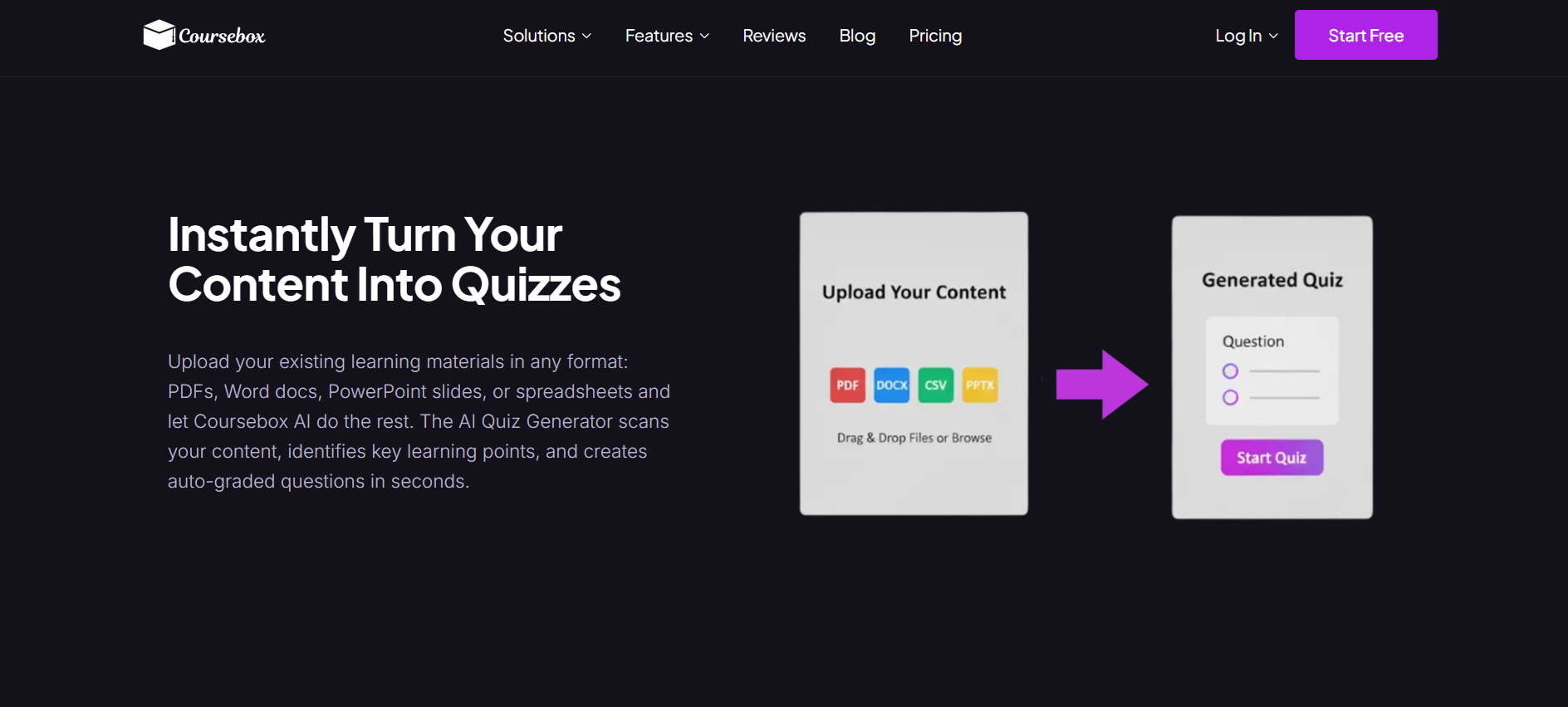
Creating quizzes manually can take time. Many instructors now use AI course builders to generate knowledge checks automatically from course materials. For example, Coursebox AI can transform lesson content into quizzes and interactive assessments within seconds. Instructors can then review, edit, and customize the questions.
6. Provide Immediate Feedback
Feedback helps learners understand why answers remain correct or incorrect. Even a short explanation reinforces learning and prevents misunderstandings from continuing into later lessons.
7. Review Results and Improve the Course
After learners complete the knowledge check, review the results. If many learners struggle with the same question, the lesson may need clarification. This feedback loop helps improve the course content and the learning experience.
What’s the Next Step After Conducting a Knowledge Check?
Completing a knowledge check does not mean the lesson ends. What learners do next and how instructors act can significantly impact learning outcomes.
1. Analyze Results
First, review learner responses. Look for patterns such as questions most learners missed or areas with inconsistent answers. This insight helps identify knowledge gaps and reveals which parts of the lesson may need clarification or reinforcement.
2. Provide Feedback and Remediation
Next, give learners feedback. Explain why answers were correct or incorrect and provide additional resources if needed. Some AI course platforms can automatically suggest supplementary materials or follow-up mini-lessons based on performance, making remediation faster and more targeted.
3. Adjust the Course Content
If multiple learners struggle with the same concept, consider updating the lesson. Adjust wording, add examples, or create new micro-lessons to reinforce understanding. Continuous improvement keeps courses relevant and effective.
4. Plan the Next Learning Activity
Finally, decide the learner’s next step. This could involve moving to the next lesson, repeating the knowledge check, or practicing applied skills through interactive exercises. By connecting knowledge checks to actionable next steps, learners remain engaged and retain more information.
Create Knowledge Checks Quickly with Coursebox AI

Knowledge checks remain essential for effective learning. They help confirm understanding, reveal gaps, and keep learners engaged throughout a course. Using a mix of question types, placing checks strategically, and providing immediate feedback ensures knowledge sticks.
Modern tools like Coursebox AI make creating knowledge checks faster and easier. AI can generate quizzes, interactive exercises, and summaries directly from course content, saving time while maintaining quality. For educators, trainers, or online creators, embedding knowledge checks transforms lessons into active learning experiences.
Start small, focus on clear learning outcomes, and leverage AI tools to make knowledge checks an integral part of every course. This approach improves retention, engagement, and overall course effectiveness.
FAQs
Frequently Asked Questions
Knowledge checks work best when spaced throughout lessons, not just at the end. Frequent short assessments after each module or key concept help reinforce learning and identify gaps early. Many platforms, including Coursebox AI, let creators automatically insert checks at strategic points, ensuring learners stay engaged without feeling overwhelmed.
Yes. Research shows that frequent, low-stakes assessments strengthen memory and help learners retain information longer. By recalling key concepts soon after learning, knowledge checks reduce forgetting and improve application in real-world tasks. Using AI tools, such as Coursebox AI, makes it easy to generate repeated practice questions for better retention.
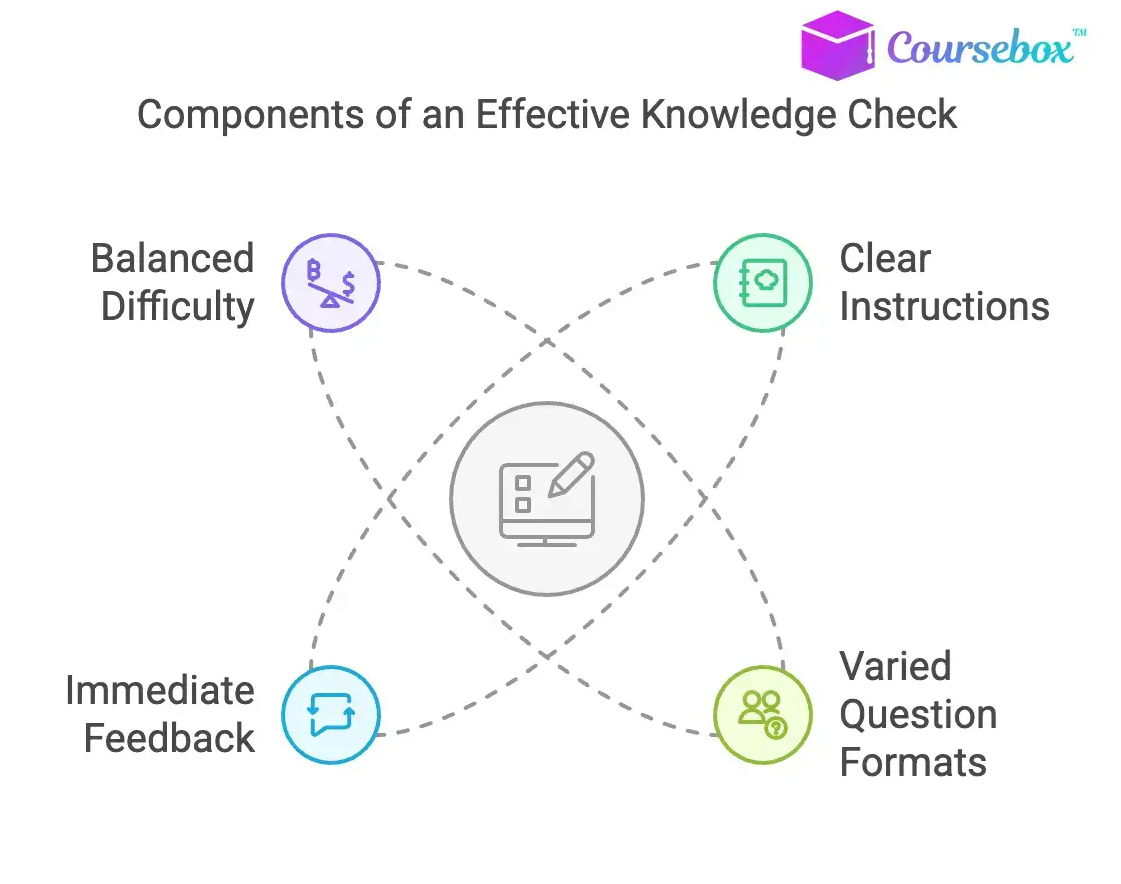
An effective knowledge check aligns directly with learning objectives, uses clear questions, and provides immediate feedback. It should be short, relevant, and interactive whenever possible. Mixing question types like multiple-choice, scenario-based, and short answer also increases engagement and insight into learner understanding. AI-assisted platforms like Coursebox AI can help create these checks quickly while maintaining quality.
Alex Hey
Digital marketing manager and growth expert

