

10 Best LMS for Staff Training That Boost Onboarding and Skills
Discover the 10 best LMS for staff training to speed up onboarding, boost skills, and keep your team learning efficiently.


Train teams faster and more effectively with AI
Staff training often slows down due to messy tools, limited time, plus low engagement. Teams need clear lessons, quick updates, smooth tracking, plus support for steady skill growth. Old methods and traditional LMS platforms fall short, so companies turn to AI tools built for simple setup, fast course creation, plus flexible delivery.
This guide breaks down top options for staff training, focusing on tools with strong value, smooth workflows, plus solid results.
Why Use a Learning Management System for Staff Training?
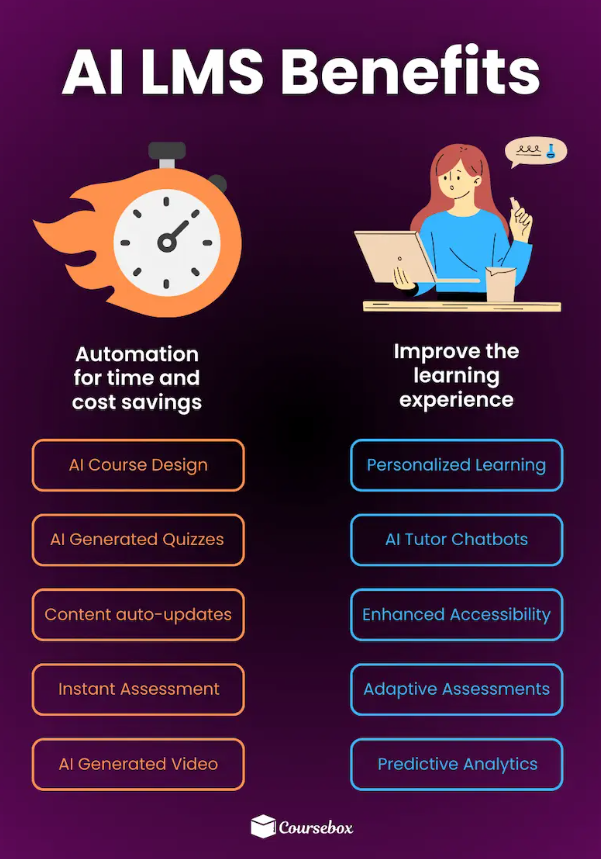
Modern teams deal with tight deadlines, new tools, fresh tasks, plus constant skill shifts. Training must keep up. Old manuals, long workshops, or scattered files slow everything down.
Employee training systems fix this by giving staff one place for learning, tracking, support, plus steady progress. Below is a quick look at key benefits.
1. Standardized Learning
LMS tools deliver the same content to every staff member, no matter the location. This helps limit knowledge gaps. It also supports compliance needs because progress, course completion, plus required updates sit in one system.
2. Consistent Training Experience
All training lives in one hub. Staff use the same flow, same format, plus content, with unified rules. This keeps lessons clear, steady, plus relevant for each role.
3. Full-Time Access
LMS platforms work like training libraries. Staff can log in anytime. They study once tasks finish. They revisit modules for a quick refresh. Output stays strong because skill growth fits daily routines instead of disrupting them.
4. Tracking Plus Reporting
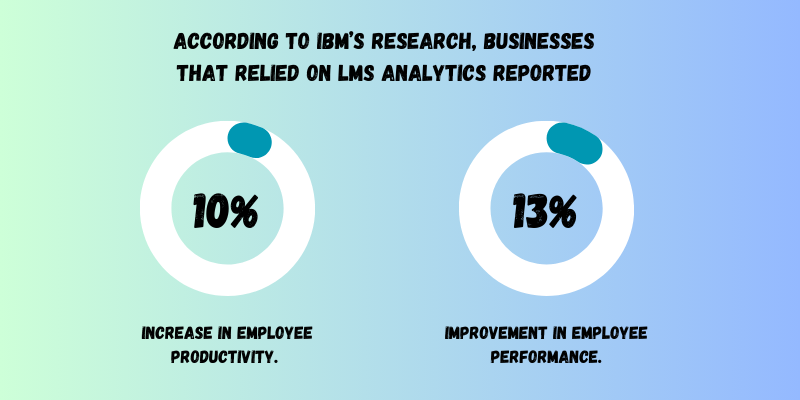
Detailed progress data sits inside every LMS. Managers spot weak spots fast. They adjust content, give support, or shift goals based on real results. This pushes learning forward with focus, not guesswork.
5. Lower Training Costs
Using a learning management system cuts travel, coaching fees, printed guides, plus long sessions. One subscription covers the tools needed for steady staff growth. It fits small teams, big teams, plus fast-changing groups.
6. Flexible Scaling
Fresh hires, new projects, or new rules come in with little delay. LMS platforms let teams upload new lessons, update old ones, and then push fresh content within minutes. Growth stays smooth without heavy work.
Types of Employee Courses
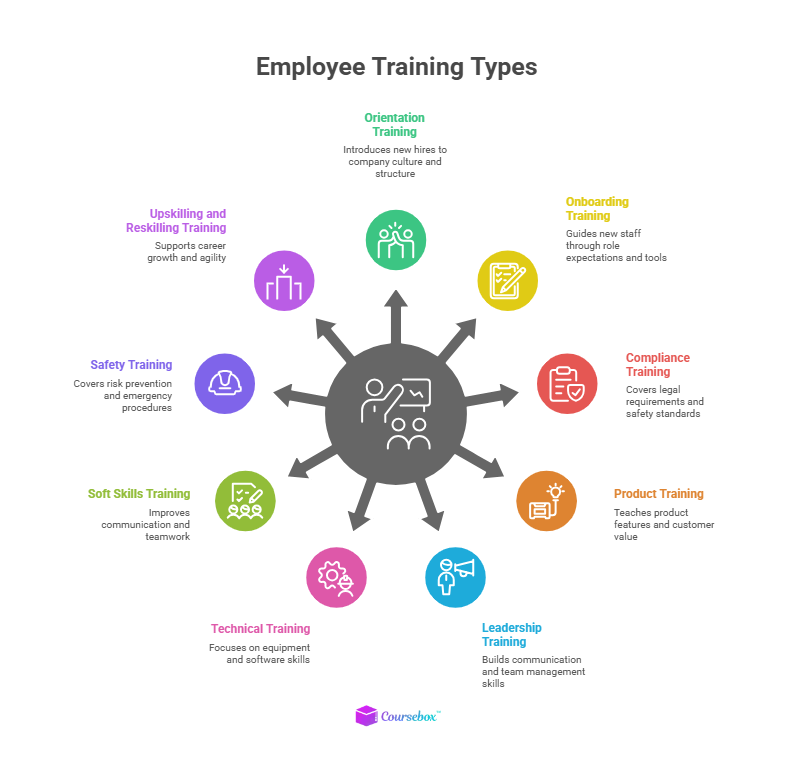
LMS tools support many formats for staff growth. Below is a deeper look at common course types, plus quick notes on when each fits best.
1. Orientation Training
Orientation gives new hires their first touchpoint with company culture. Content covers core values, long-term goals, key policies, plus basic workflow structure. This type of training sets context before deeper skill work begins. It builds comfort, confidence, plus a quick connection with the team.
2. Onboarding Training
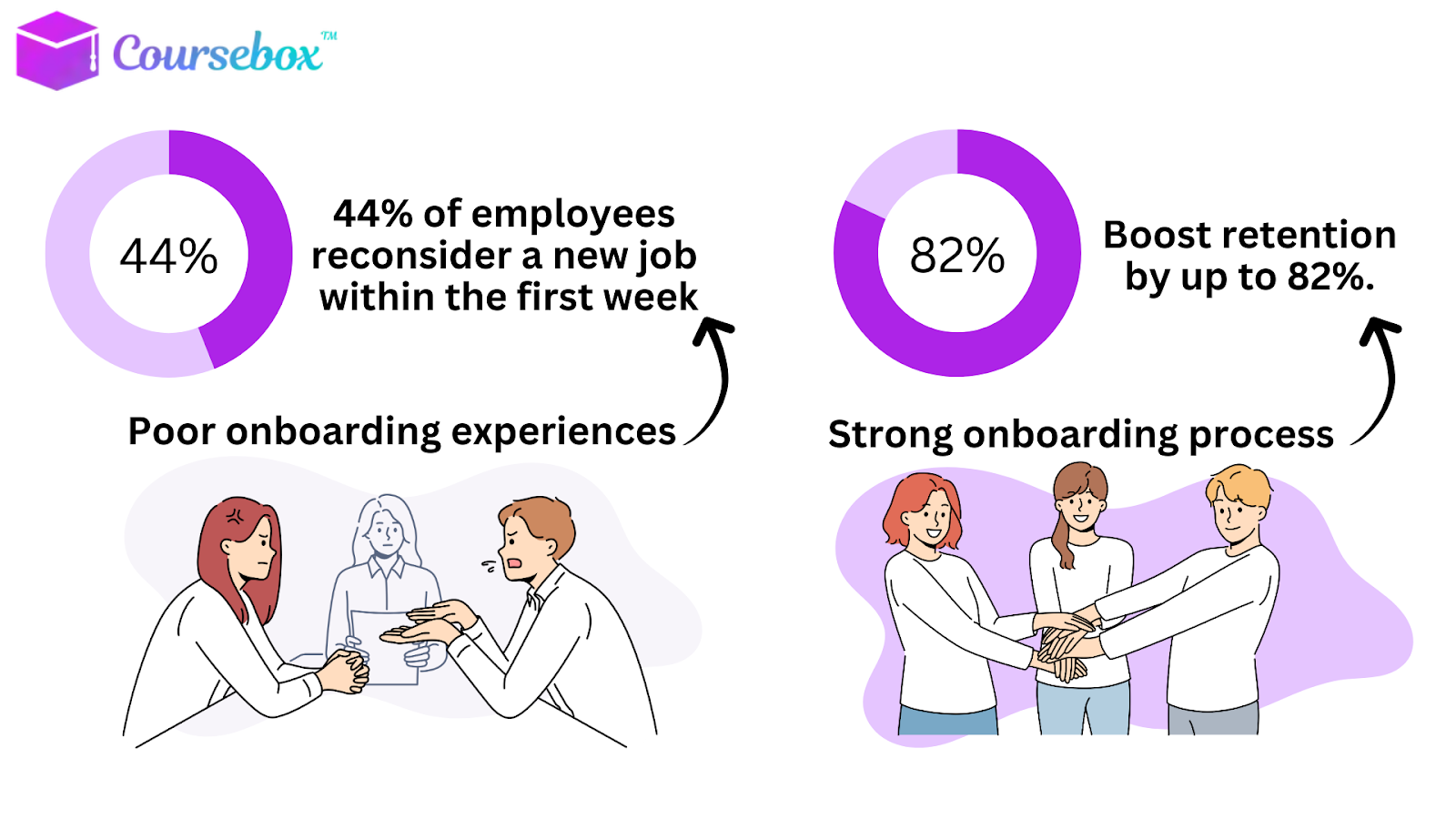
Onboarding helps new staff master daily tasks, tools, role expectations, plus early performance goals. This type of course lays out workflows, communication steps, plus success metrics for the first months. Strong onboarding helps new hires deliver value faster with less confusion.
3. Compliance Training
Compliance training covers legal rules, industry standards, plus ethical duties tied to each role. Sectors like healthcare, finance, or manufacturing use this heavily. Fresh modules help staff stay safe, follow required steps, plus limit costly mistakes. LMS tools help track completion with precision.
4. Product Training
Product training explains key details of products or services. Lessons cover features, support steps, troubleshooting, plus customer benefits. Sales teams, support teams, plus customer-facing roles depend on this type of course for clear messaging, strong demos, plus smooth problem resolution.
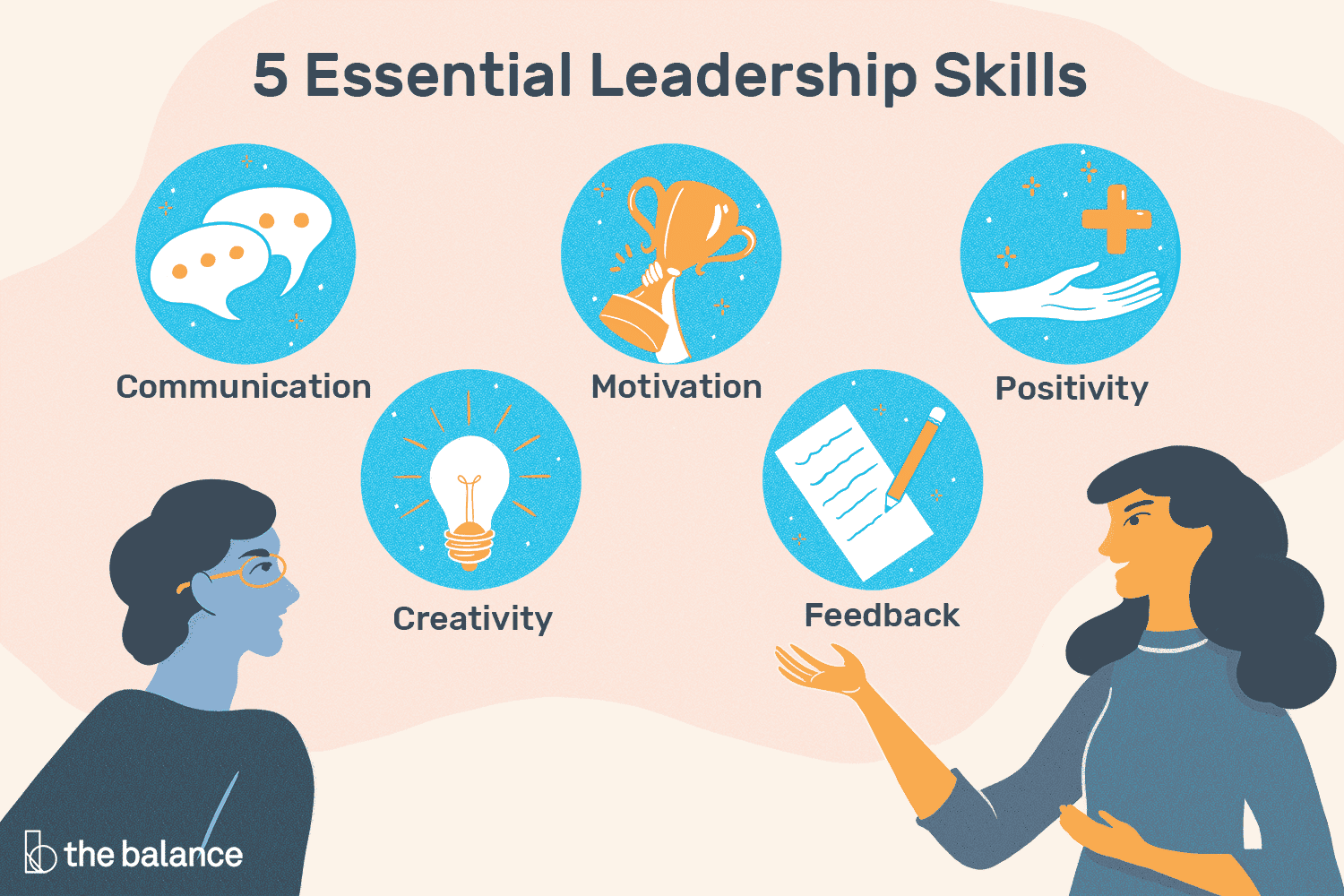
5. Leadership Training
Leadership training builds communication strength, coaching habits, conflict handling, plus team guidance skills. This type of course supports new team leads, managers, or high-potential staff who step into bigger roles. It helps them lift team output with clarity, empathy, plus strong structure.
6. Technical Training
Technical training supports staff who work with machines, software systems, tools, or complex tech. Lessons walk through setup steps, safe operation, troubleshooting, plus maintenance tasks. This keeps workflows smooth and lowers the risk of downtime or errors.
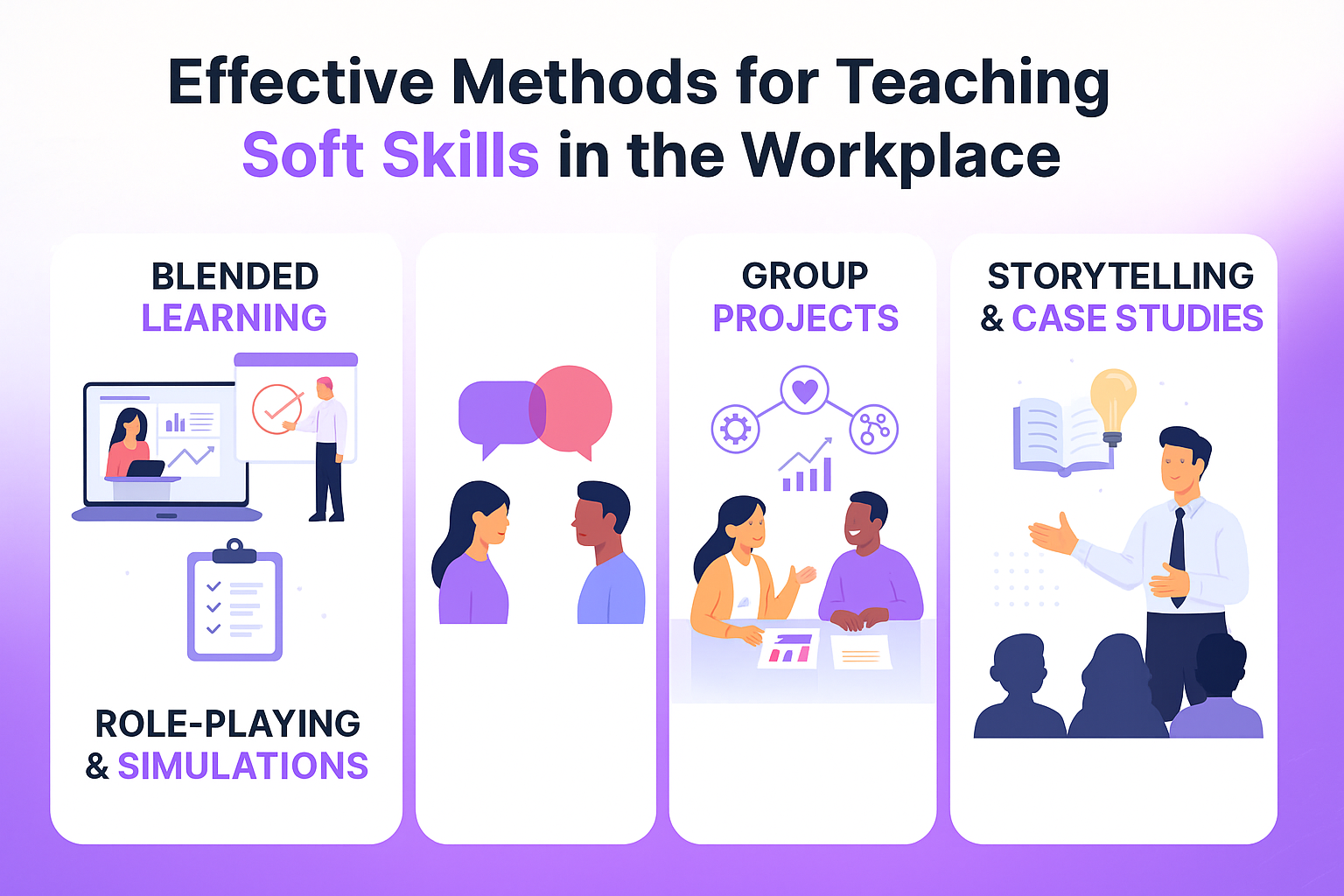
7. Soft Skills Training
Soft skills training improves teamwork, clarity in communication, problem-solving, plus collaboration. Modules might cover feedback habits, listening skills, conflict resolution, or task planning. This type of course boosts daily interactions and strengthens team culture.
8. Safety Training
Safety training teaches risk control, emergency steps, protective measures, plus safe workflow habits. Sectors like construction, healthcare, logistics, or transportation depend on these lessons. Strong safety training lowers accidents, protects staff, plus keeps operations stable.
9. Upskilling Plus Reskilling Courses
Upskilling employees boosts current strengths with fresh knowledge or tools. Reskilling helps staff shift into new roles or new departments. This type of course supports career growth, internal mobility, plus long-term team stability. LMS tools make updates quick, so staff stay ready for new tasks or future roles.
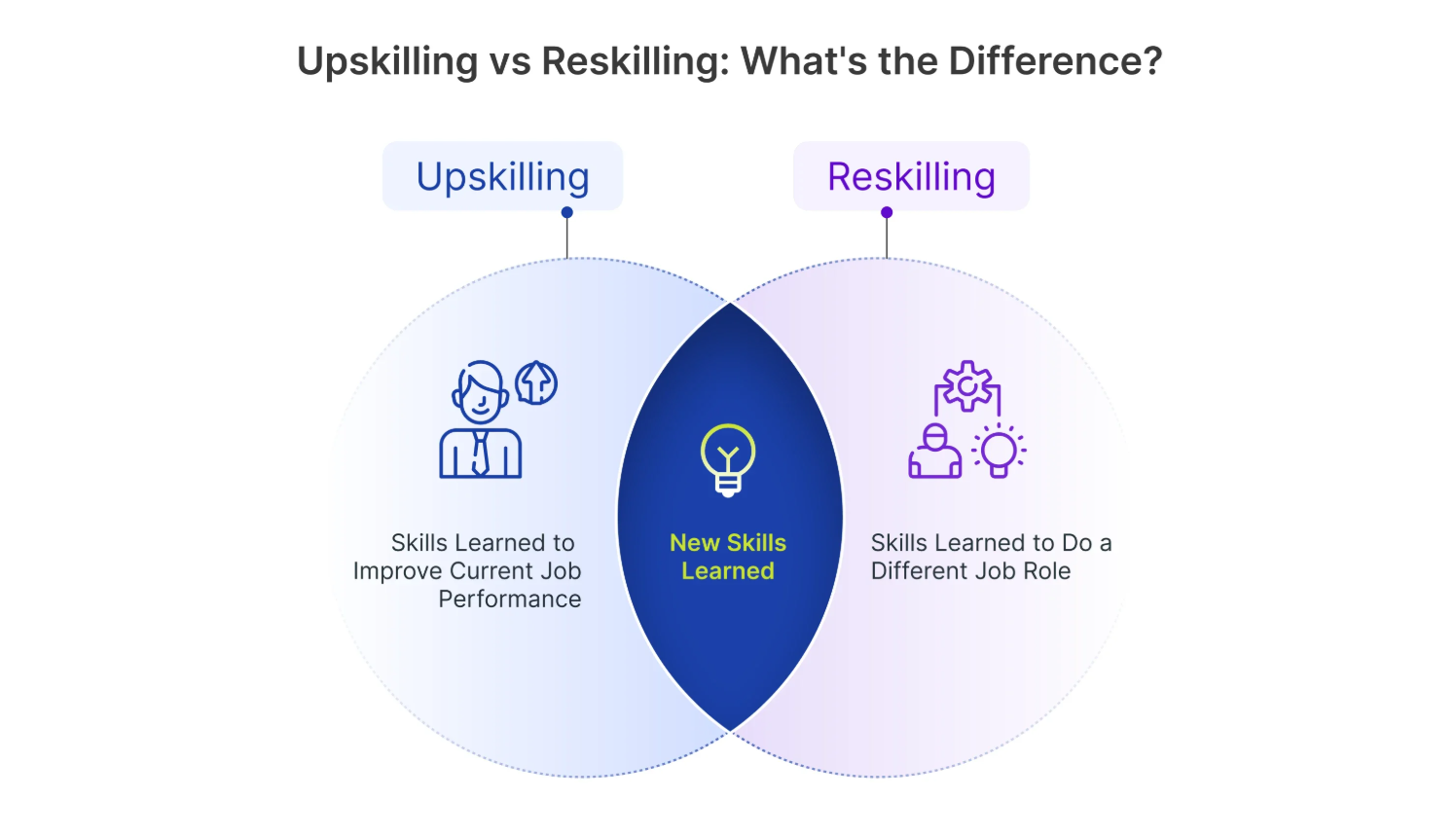
NOTE: Explore the differences between upskilling and reskilling to determine which is right for your needs.
Full Disclosure: This blog is owned and operated by Coursebox. While we include ourselves in this list because we believe in our platform, we've provided an objective breakdown of features to help you choose the best fit.
LMS for Staff Training: Our Top 10 Picks
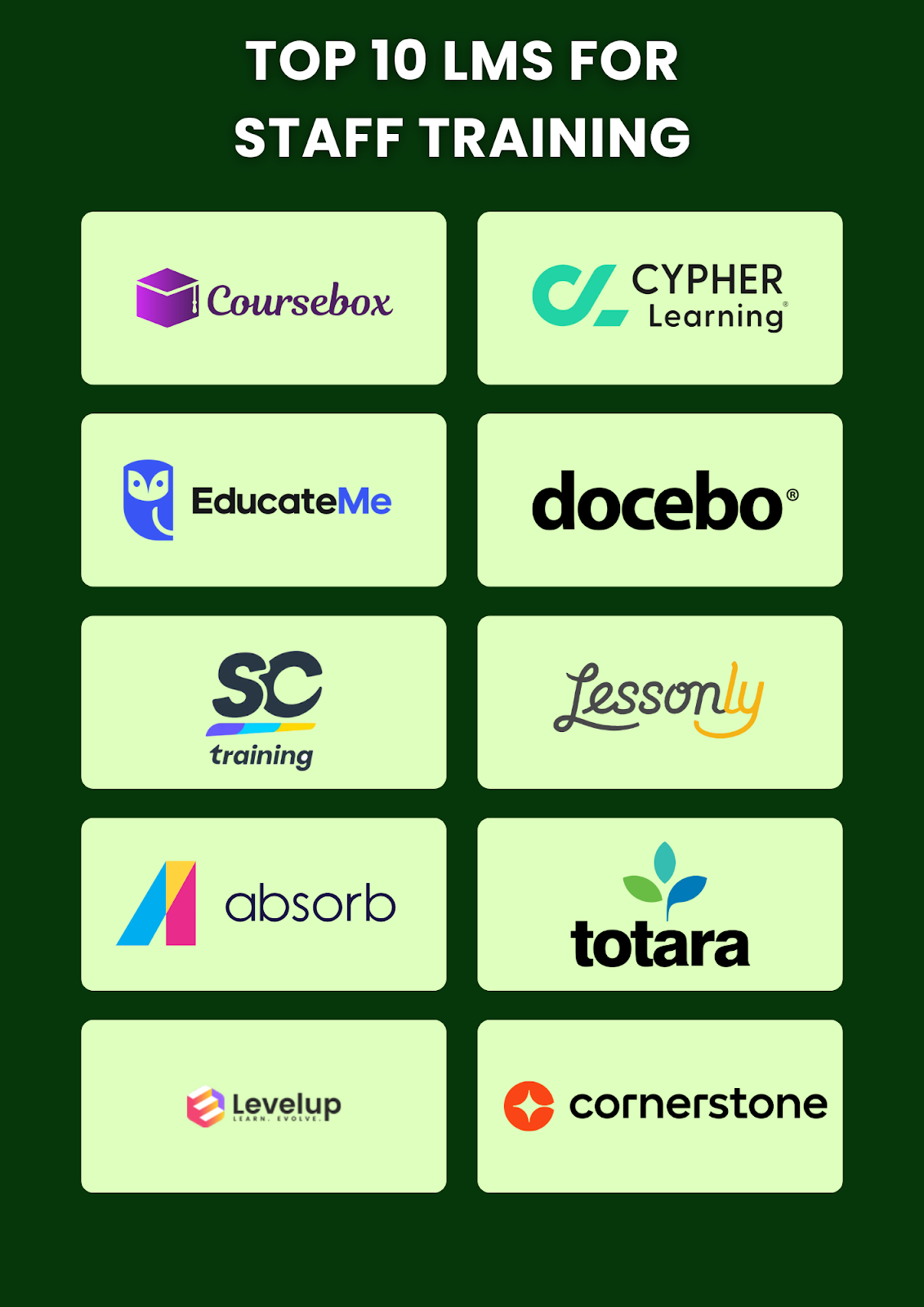
Now, let’s review some of the most reputable LMS for staff training to help you make the right choice.
1. Cornerstone LMS
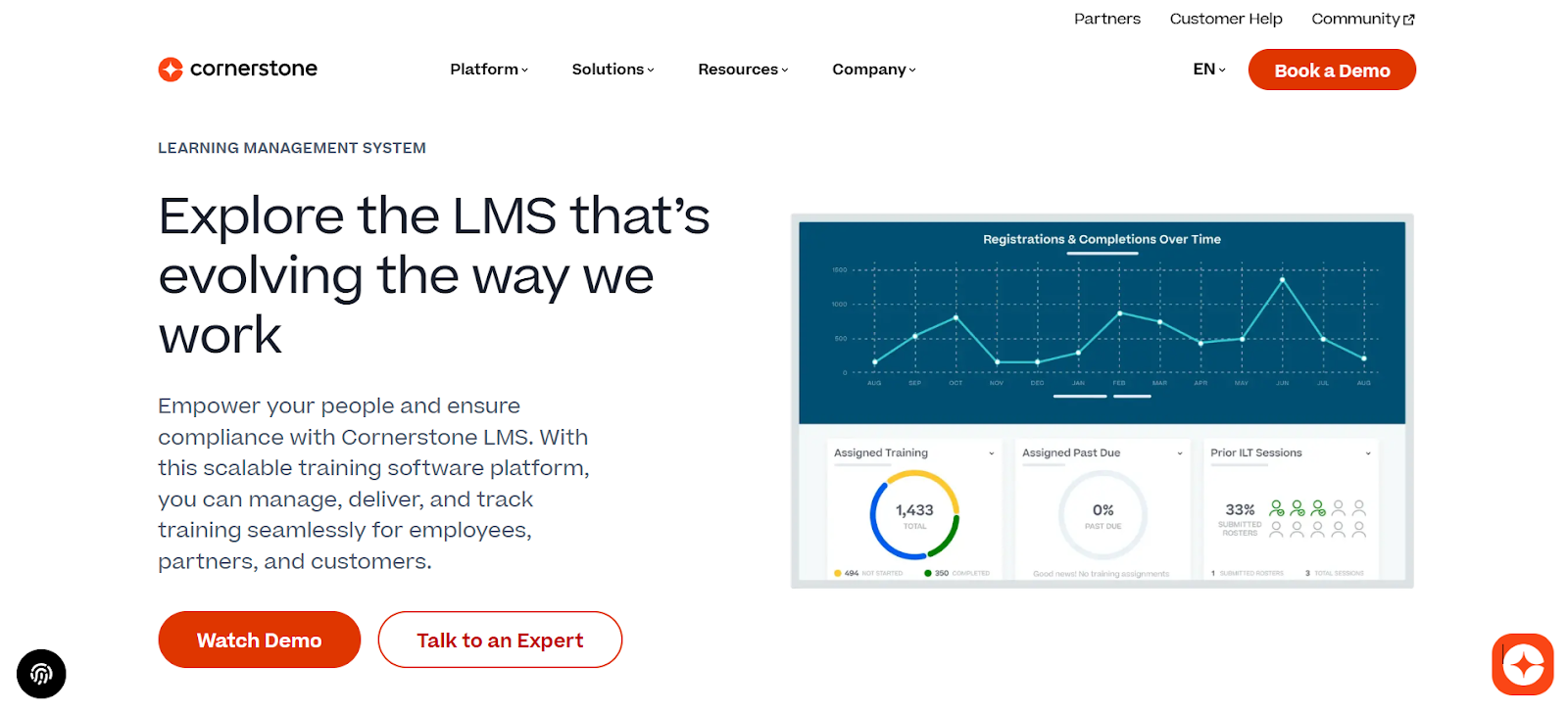
Cornerstone LMS fits medium-to-large enterprises that want learning tightly linked to talent strategy, performance, and career development. Staff follow personalized learning paths tailored by role or department, while integration with HR/HRIS systems keeps training aligned with broader business goals.
Compliance tracking, dashboards, and reporting shine for regulated industries, and multi-audience support extends learning to partners, clients, or external communities.
Limits include longer implementation times, higher complexity, plus upfront effort, which may feel heavy for smaller teams.
Key Features:
- Personalized learning paths
- HR/HRIS system integration
- Compliance tracking and dashboards
- Multi-audience support
- Enterprise-scale analytics
2. CYPHER Learning
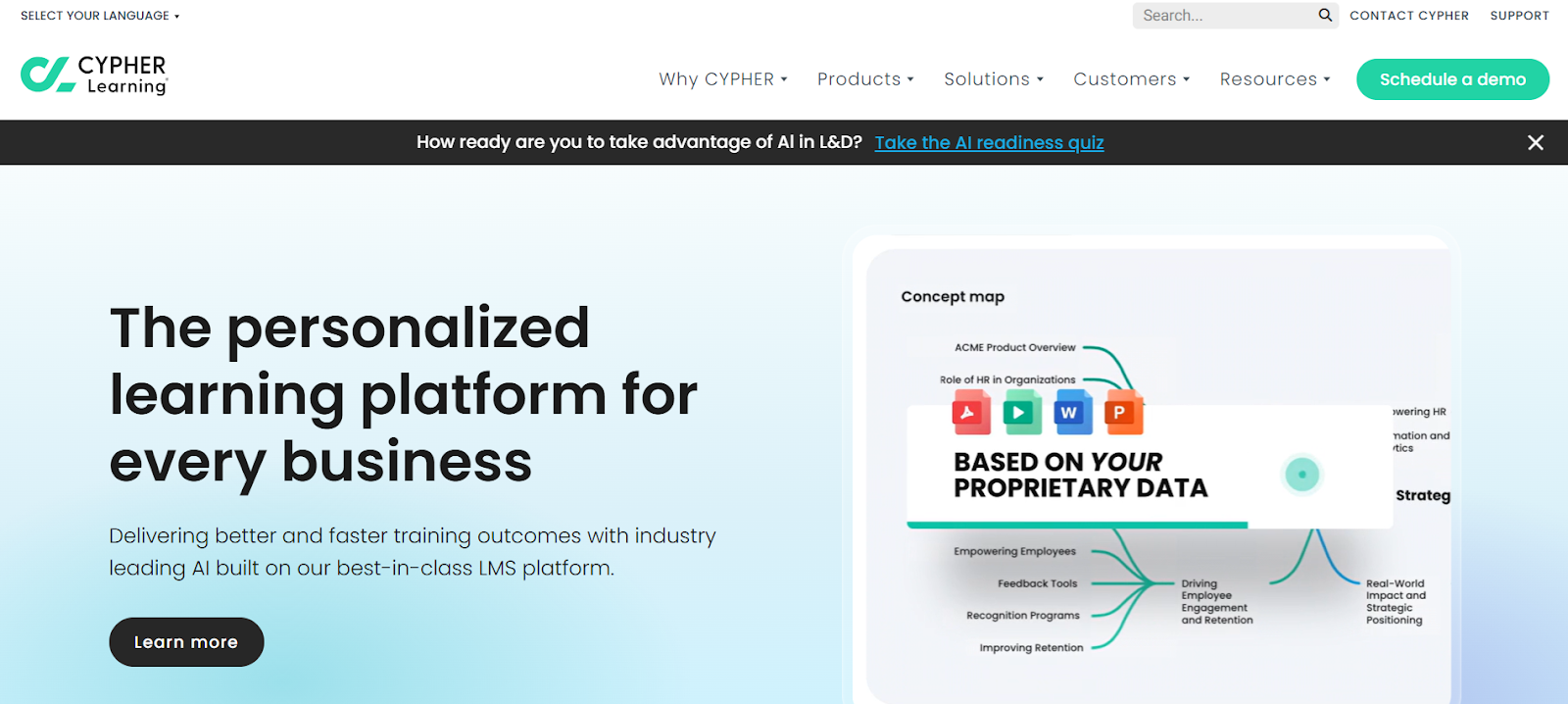
CYPHER Learning fits teams that want strong automation plus flexible learning flows. The platform handles enrollment, grading, communication, plus tracking with little manual work. Staff follow custom skill paths, pick study styles, then get fresh suggestions based on goals.
CYPHER Copilot boosts content creation with quick, interactive, multimedia lessons that feel modern and lively. Support runs nonstop with help from a dedicated success manager.
Some users report bugs, slow functions, plus a tricky setup for those with limited tech skills. Email bounce notices stay missing, which slows communication checks. Pricing sits on the high side, though a free trial helps teams test fit.
Key Features:
- AI-driven course creation
- Custom skill paths
- Deep automation tools
- Smart reporting
- Flexible branding options
3. EducateMe
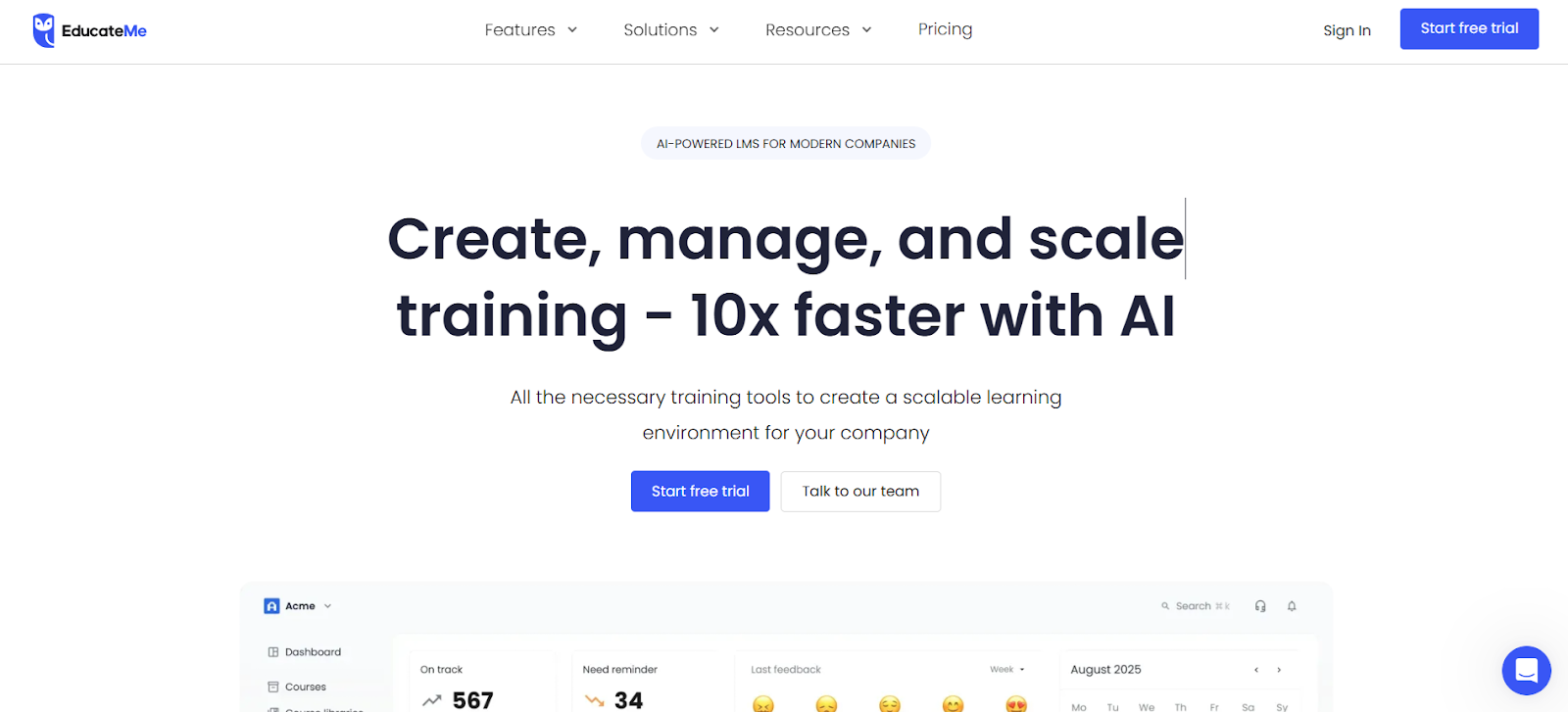
EducateMe fits companies that want modern training with quick setup, strong branding, plus smooth workflows. Users launch onboarding, upskilling, customer training, or extended enterprise programs within hours.
White-label options stay flexible, while API and Zapier connections help teams build custom flows fast. Live sessions, automation tools, progress tracking, AI support, plus detailed analytics sit in one clean workspace. A free trial gives full feature access, so teams can test depth without commitment.
EducateMe also has a few downsides. For instance, there’s no mobile app yet, which slows down on-the-go study. Additionally, gamification stays light and some advanced integrations need setup time.
Key Features:
- AI course creation
- Deep white-label control
- Multi-tenancy
- Progress tracking with rich metrics
- API and Zapier integrations
4. Coursebox AI
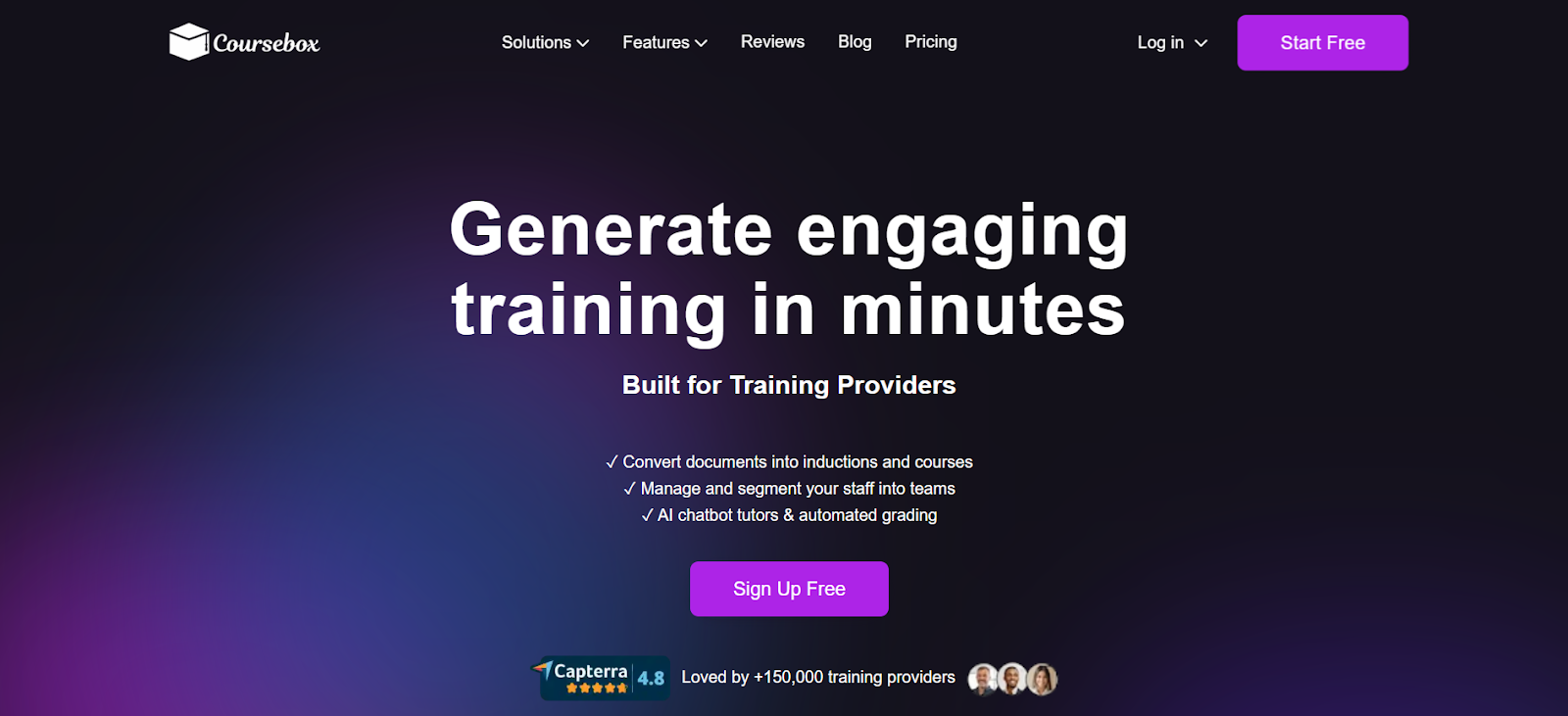
Coursebox AI is an AI-first LMS designed for teams that want fast course creation, mobile-friendly delivery, and AI-assisted learner support. It turns documents, slides, videos, and web content into courses in minutes, includes a chatbot tutor for real-time help, supports multilingual content, and offers white-label branding on a free-forever starter plan. Coursebox is a strong choice for teams that want AI-powered tools and flexible delivery and don't require the deep talent-management integrations that large enterprises often rely on. Large organisations prioritising enterprise-grade talent management tied to HRIS and performance systems often also evaluate Cornerstone, and enterprise training teams with extensive compliance and certification programs sometimes shortlist Docebo for its extended enterprise tooling.
Key Features:
- AI-Powered Course Creation & Automatic Quizzes: Converts existing materials into interactive courses in minutes while generating assessments automatically, reducing hours of manual work.
- Chatbot Tutor for Real-Time Learner Support: Provides instant answers and guidance to learners anytime, improving engagement and knowledge retention.
- Mobile-Friendly, Multi-Language Accessibility: Courses can be accessed on any device, anywhere, supporting 100+ languages for global teams.
- White-Label Branding & Custom Certificates: Customize logos, colors, and domain, and issue branded certificates for a professional training experience.
- SCORM, LTI, API & Zapier Integrations: Seamlessly connects with existing HR, LMS, or workflow systems for easy embedding and automation.
- Supports Onboarding, Compliance, Upskilling & Interactive Lessons: Flexible delivery options let companies use the platform for multiple training scenarios, from onboarding to ongoing staff development.
5. Docebo Learn LMS
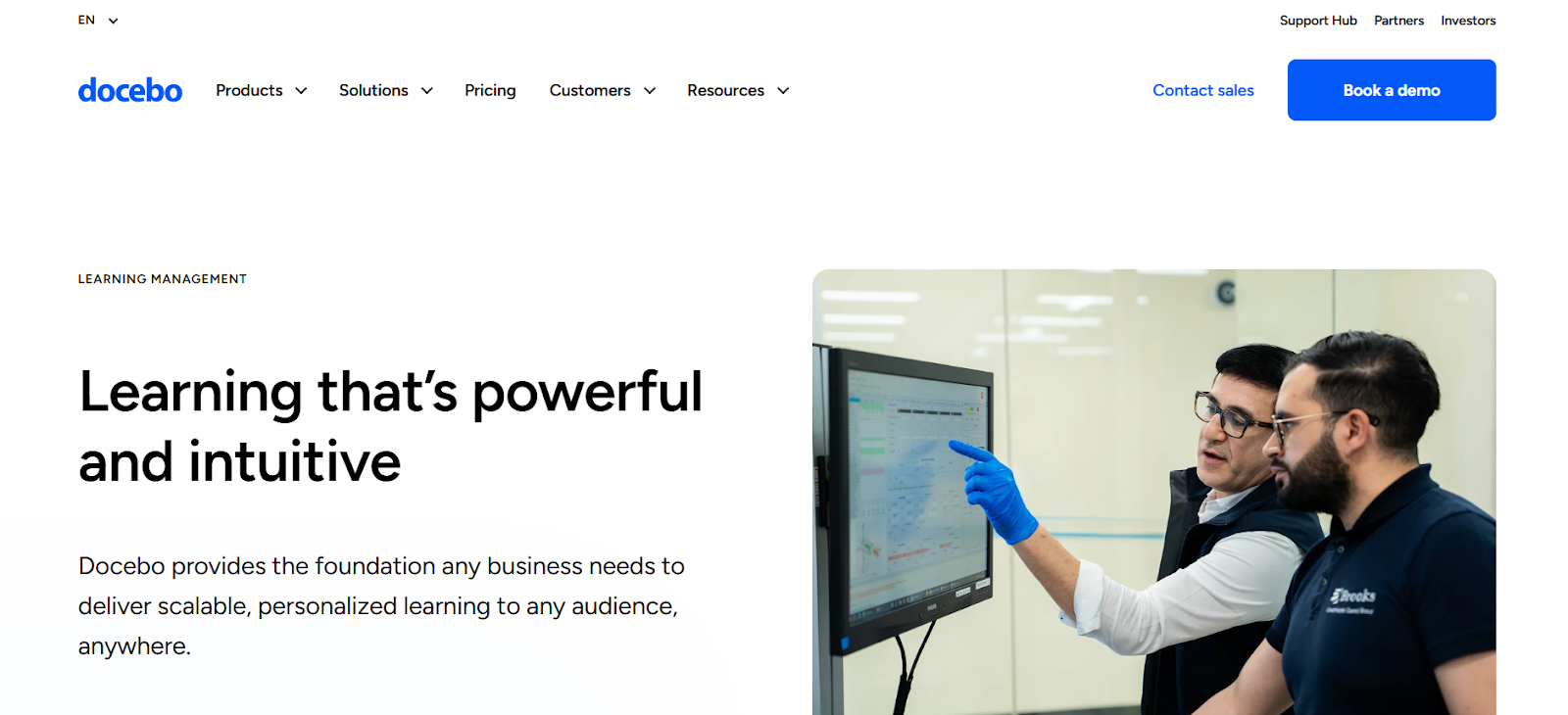
Docebo Learn LMS fits large enterprises that need huge scale, deep control, plus stable global delivery. The system supports millions of users, long integration lists, plus wide language coverage. AI scans content, labels skills, then links lessons to each role through adaptive learning paths.
Blended learning flows stay smooth with support for ILT, webinars, virtual classrooms, micro-learning, plus gamified elements. Customization stays broad, so teams shape content for each audience segment.
Limits include strict video size rules, limited API depth, plus pricing that feels tough for smaller companies. No free plan, but Docebo does offer demos.
Key Features:
- AI-driven skill mapping
- Adaptive learning paths
- Wide integration library
- Strong blended learning support
- Global language coverage
6. SC Training
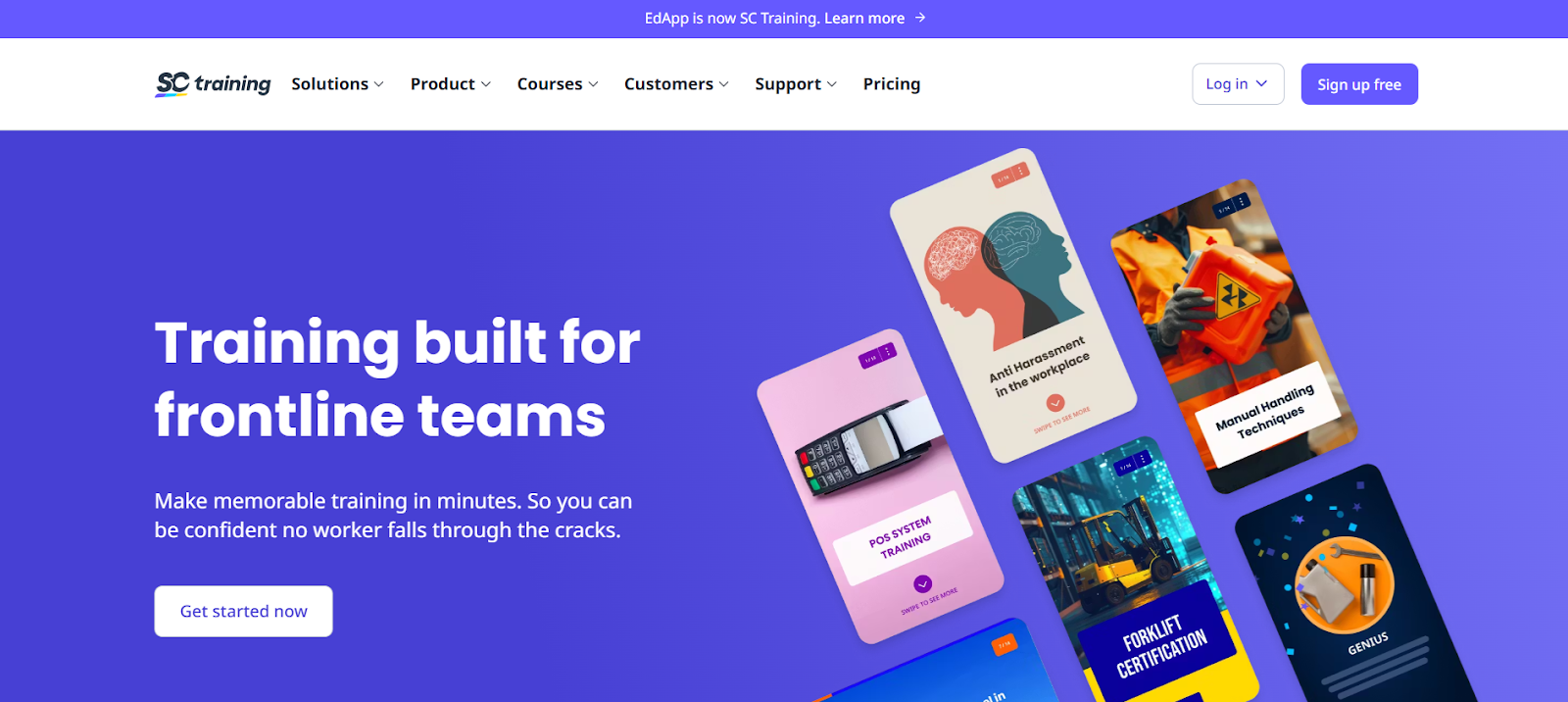
SC Training works well for teams focused on video and microlearning courses. Staff can access bite-sized lessons on mobile or desktop, with offline support for learning anytime.
AI Create speeds up content generation, while ready-made templates, video libraries, and drag-and-drop tools simplify course building. Push notifications boost engagement, making optional training more likely to succeed. Cloud translation helps teams deliver lessons in multiple languages.
SC Training also has a few cons. For example, customization is narrow, layouts need variety, and enrollment flow could be smoother. Help documentation could also use upgrades. Lastly, the free plan offers basic reporting and no custom certificates, while paid plans add full features.
Key Features:
- Video and microlearning courses
- Mobile-first delivery
- AI content generation
- Drag-and-drop authoring
- Multi-language support
7. Lessonly by Seismic
Lessonly suits teams that need focused, practical training for client-facing roles. The platform helps staff learn, practice, and then apply skills fast. Courses include multimedia, quizzes, simulations, plus coaching support for personalized guidance.
Social learning and collaboration features boost engagement, while centralized user management keeps teams organized. Integrations with tools like Salesforce, Slack, and Gmail help streamline workflows. The free plan supports up to 25 users, making it easy to start without commitment.
Limits include basic customization, occasional search glitches, plus limited lesson format variety. Still, Lessonly offers strong support, interactive paths, plus fast skill-building for teams.
Key Features:
- Personalized learning paths
- In-course quizzes and surveys
- Social learning and collaboration
- Drag-and-drop course builder
- Integration with popular platforms
8. Absorb LMS
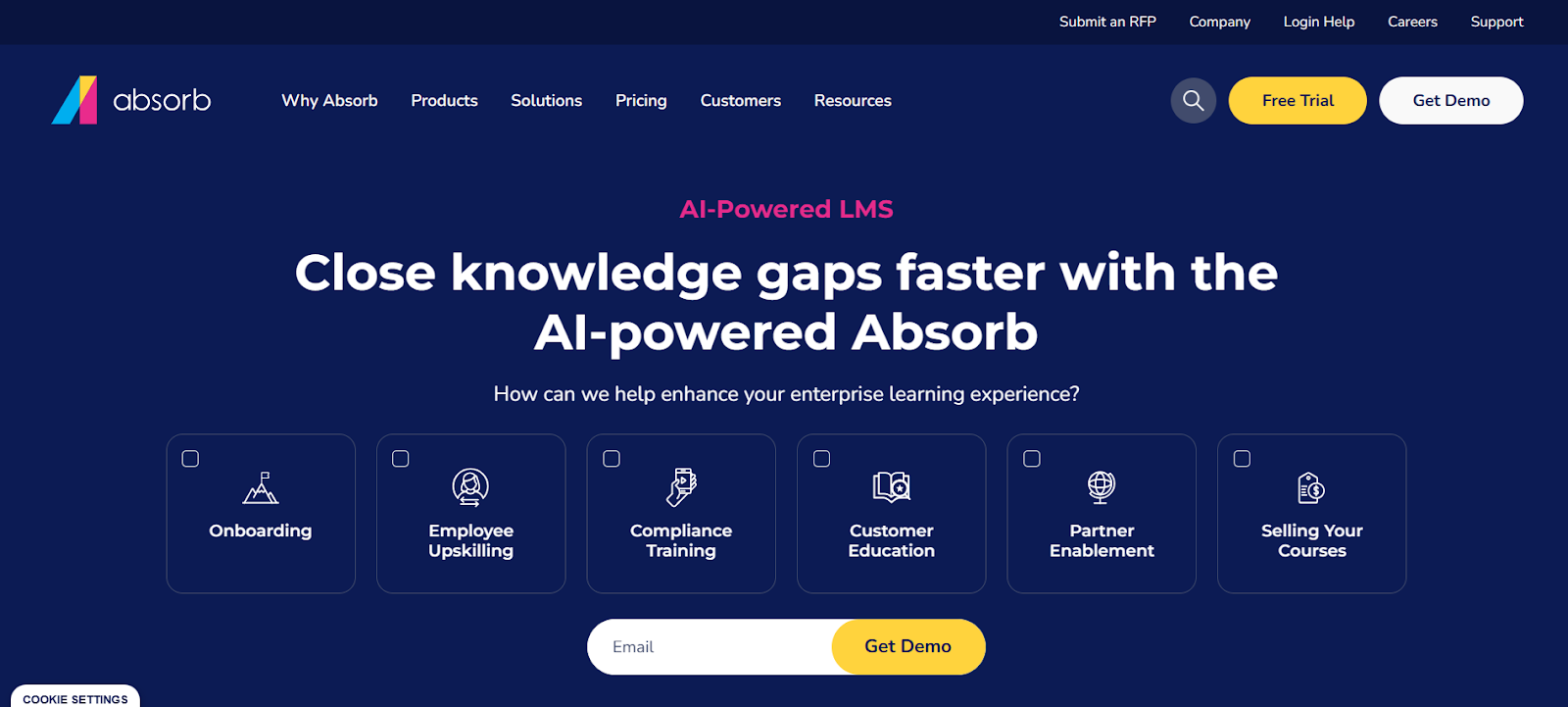
Absorb LMS works well for teams that want AI-powered learning plus reduced admin work. Intelligent Assist handles tasks through natural language commands, while Intelligent Recommendations suggest courses, videos, and articles based on learner behavior and preferences.
Staff enjoy self-paced modules, distinct learner and admin portals, plus mobile access for on-the-go learning. Branding options and a user-friendly interface make training feel polished and professional.
Limits include re-enrollment after course changes, no recurring session scheduling, plus a setup that can feel complex. Still, AI features, strong reporting, and smooth course assignment make Absorb LMS a solid choice for modern corporate training.
Key Features:
- AI-powered course recommendations
- Natural language admin commands
- Mobile access
- Distinct learner and admin portals
- Self-paced learning modules
9. Totara Learn
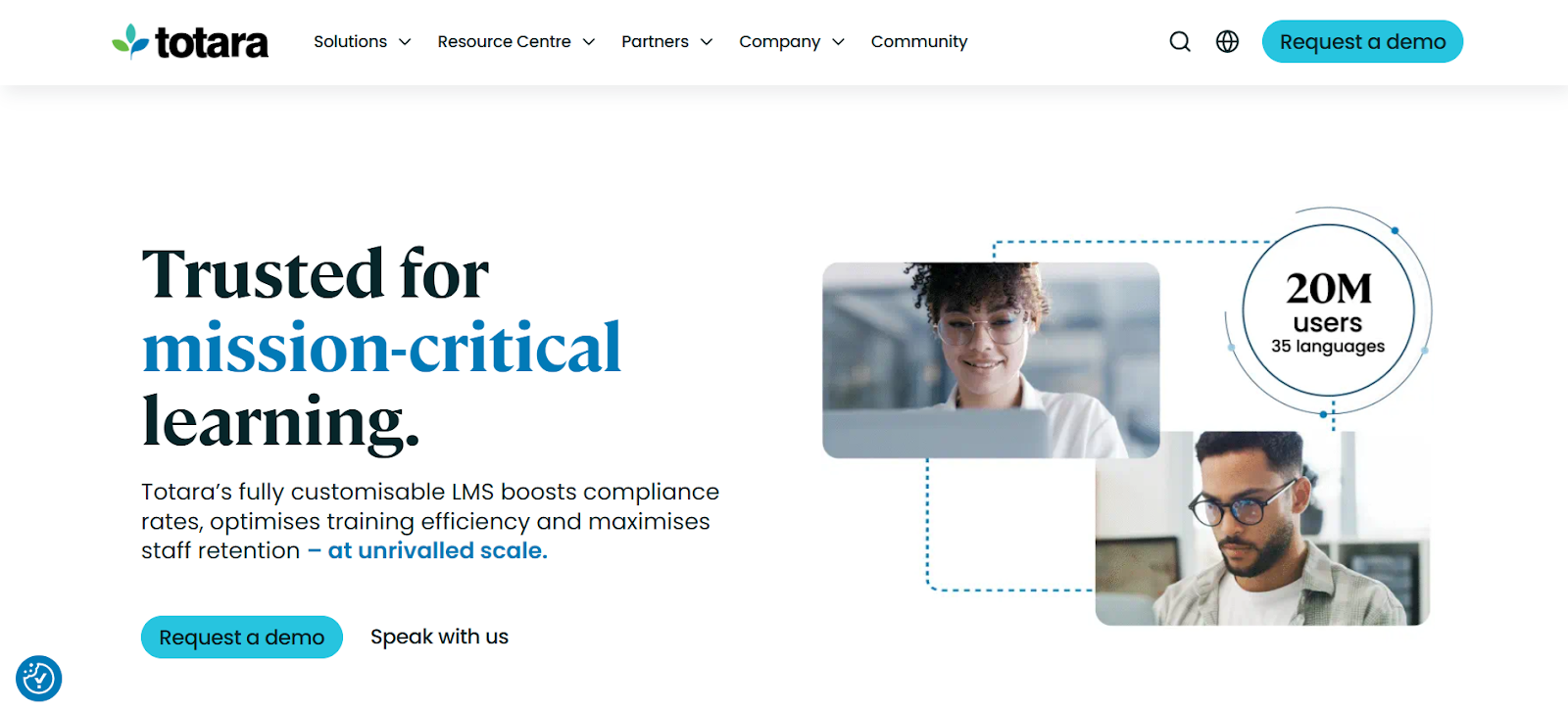
Totara Learn fits companies that want open-source flexibility combined with corporate-grade training features. The platform supports custom workflows, extension modules, and deep control over course delivery. It handles upskilling, internal learning, plus extended enterprise programs. Teams with IT or developer support can fully leverage the platform’s customization options, tailoring content and processes to match business needs.
Limits include longer setup, need for technical support, and UI polish that may feel behind newer SaaS LMS platforms. Companies with tight budgets or limited time may find simpler plug-and-play alternatives faster to implement.
Key Features:
- Open-source flexibility
- Custom workflows and modules
- Support for upskilling and internal learning
- Extended enterprise capabilities
- Deep system control for IT teams
10. LevelUp LMS
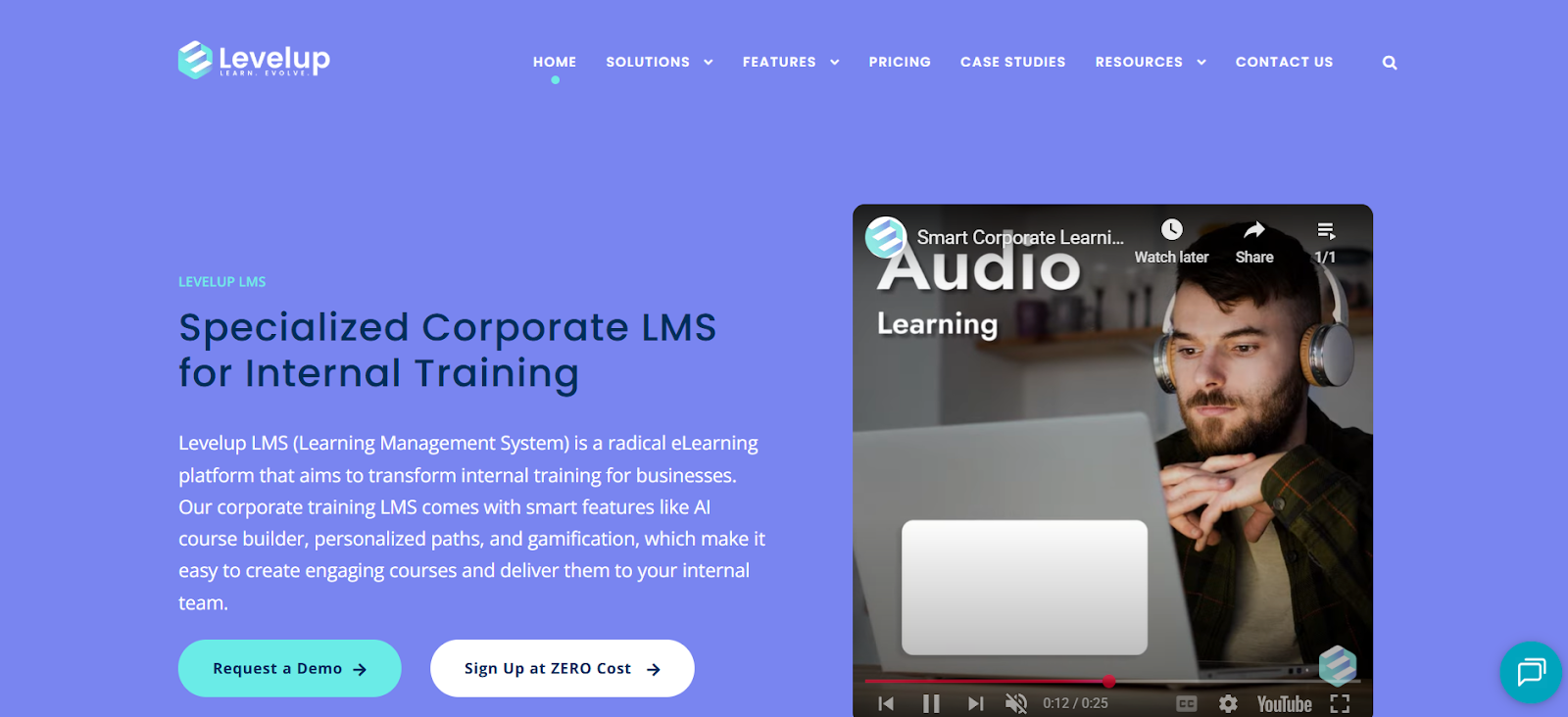
LevelUp LMS works well for teams focused on video-based learning and microlearning courses. Staff can upload videos or choose from a large library, then add interactive elements like quizzes, feedback, or branching scenarios.
Offline access and mobile-first design let learners study anytime, while push notifications boost engagement for optional training. Ready-made templates, drag-and-drop authoring, plus AI content generation speed up course creation. Cloud translation supports multiple languages, and analytics give insights into performance, retention, plus engagement.
Downsides include limited customization, a need for more layouts, and occasional enrollment friction. A free plan exists with basic reporting and no custom certificates.
Key Features:
- Video and microlearning courses
- AI content generation
- Drag-and-drop course builder
- Mobile-first design with offline access
- Multi-language support
5 Tips for Successful Staff Training
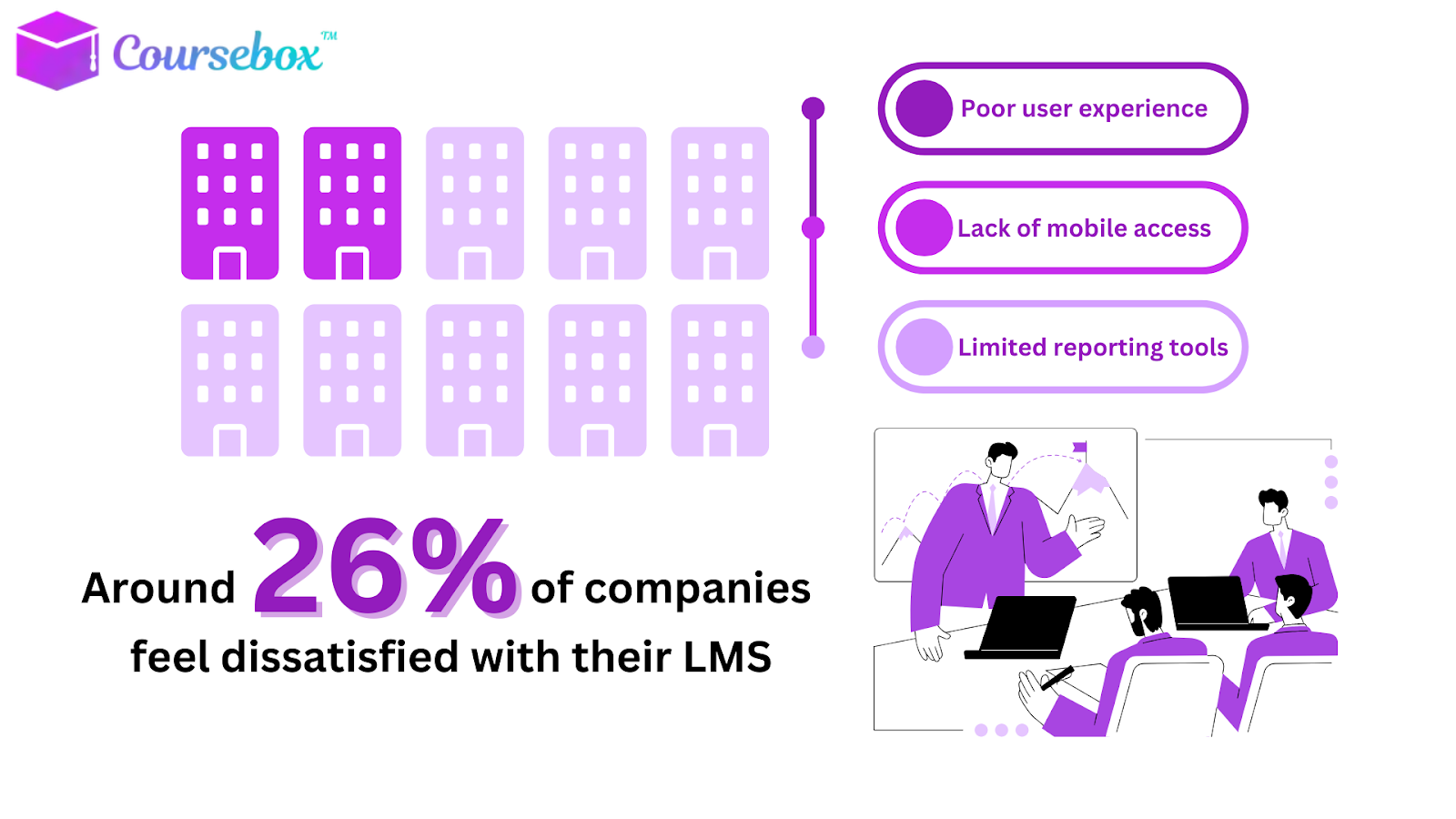
Selecting a learning management system shouldn’t feel like solving a puzzle. If you’re responsible for training employees, here’s what truly matters.
1. Choose a Tool That Fits Your Workflow
Before digging into advanced features, ask: Will my team actually use this platform? Focus on:
- Intuitive interface that makes navigation effortless
- Scalability for future team growth
- Compatibility with tools your organization already relies on
- Straightforward user management for roles, groups, and permissions
If the system saves time instead of adding tasks, you’re on the right track.
2. Build Training Content That Employees Will Actually Engage With
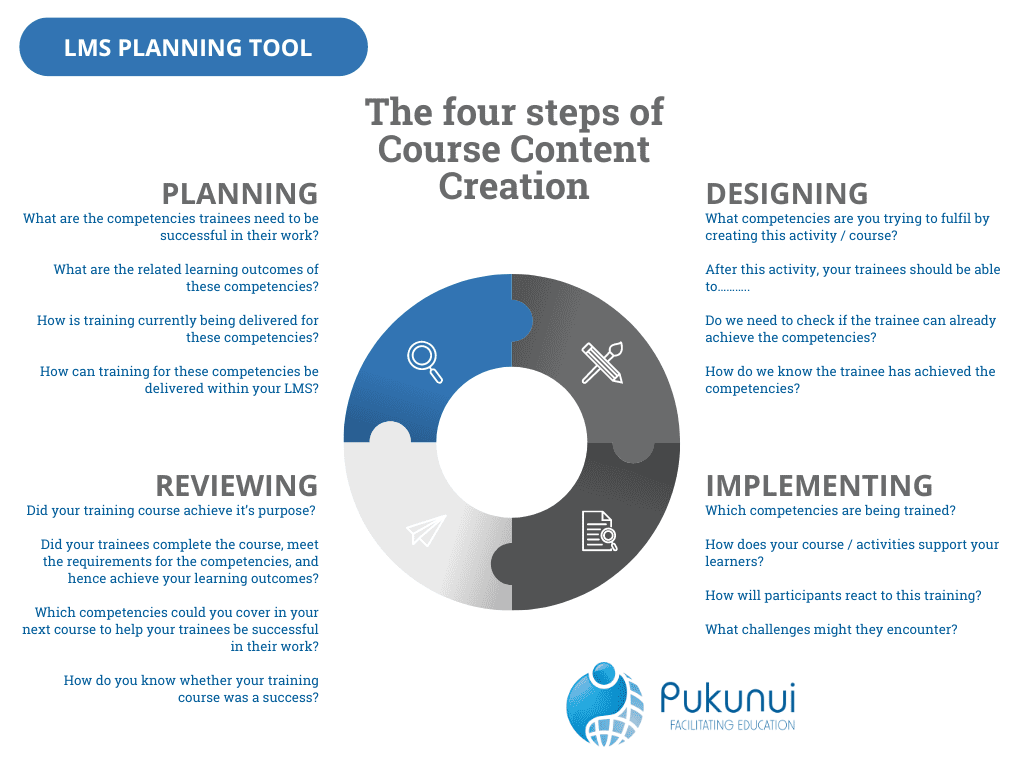
Once the system is chosen, concentrate on creating content that feels practical and approachable. Courses should be:
- Clear, concise, and interactive
- Tailored to real job responsibilities
- Delivered in varied formats (videos, short lessons, quizzes, microlearning)
Match each course to one specific skill or outcome. No filler training.
3. Track Employee Progress in a Meaningful Way
A strong LMS gives you more than simple completion ticks. Look for:
- Progress dashboards that show learning momentum
- Daily or weekly goals that keep learners consistent
- Automated reminders
- Insights into skills gained vs. skills still lacking
This helps managers support people with precision, not assumptions.
4. Keep Engagement High With Built-In Motivators
Learning sticks when it feels dynamic. Use features such as:
- Discussion boards for peer interaction
- Gamification (badges, points, streaks)
- Social learning tools
- Knowledge sharing between colleagues
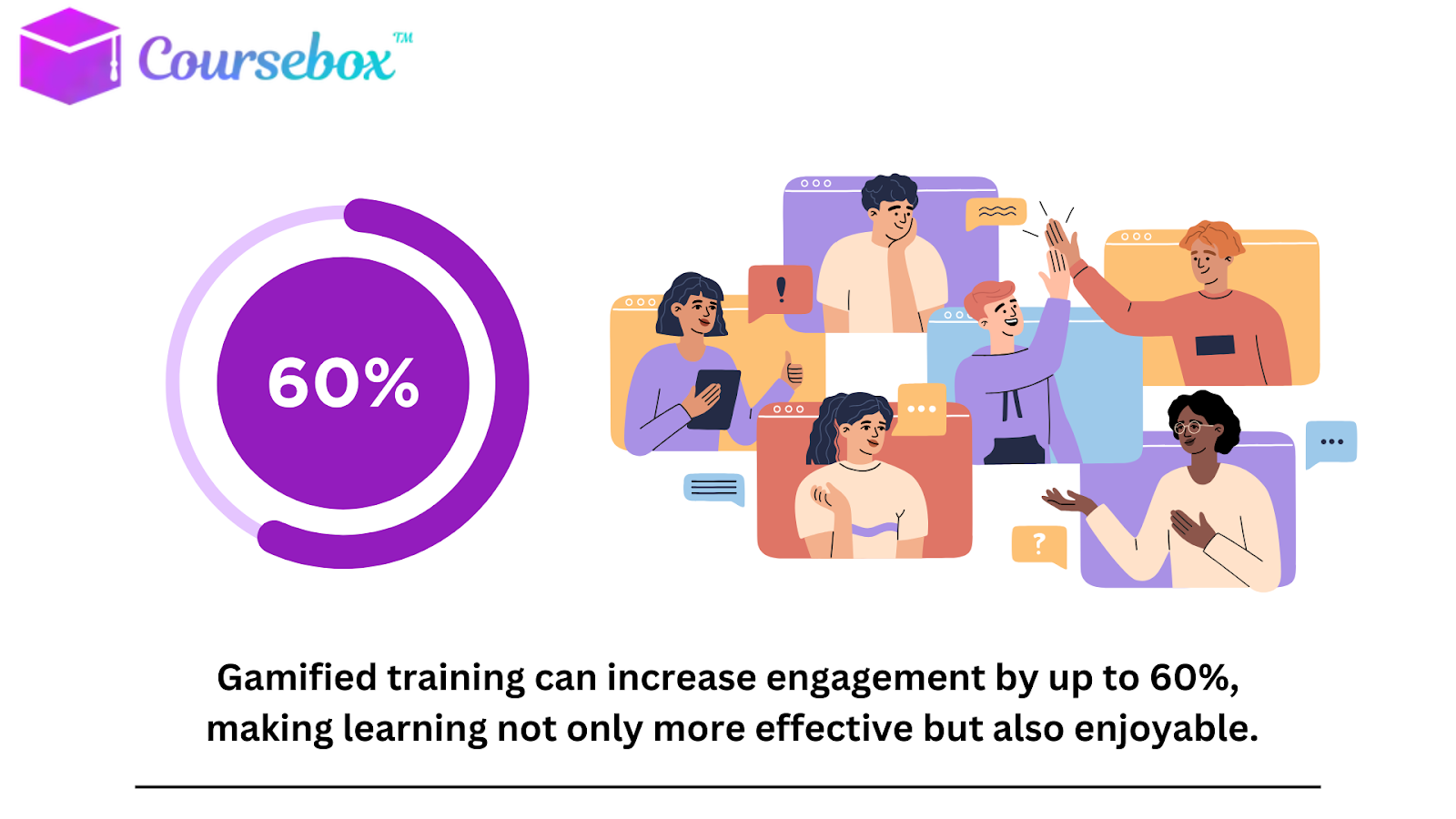
Most modern learning management systems, including Coursebox AI, support these engagement boosters.
5. Measure the Impact of Your Training
After your team finishes the training modules, check whether the training actually worked. Review:
- Completion rates
- Knowledge retention
- Feedback from learners
- Performance improvements on the job
Use this data to refine your training strategy and continuously strengthen team development.
Upgrade Staff Training with Coursebox AI
Choosing the right learning management system depends on your team size, training goals, and how quickly you need to launch. Platforms like EdApp, Cornerstone, and CYPHER Learning offer solid options depending on your workflow and budget.
But if you want fast setup, AI-powered course creation, and flexibility without the upfront cost, Coursebox AI stands out with its free-forever plan and unlimited learner capacity. It gives teams everything they need to build, deliver, and scale staff training with less effort and more impact.
Ready to simplify staff training? Explore Coursebox AI and start free today.
FAQs
Can an LMS help with employee training?
Yes. A learning management system simplifies employee training by organizing courses, tracking progress, automating assessments, and delivering content at scale. It helps teams stay consistent, compliant, and aligned while reducing manual admin work for managers and trainers.
What is an LMS for training?
A learning management system is a platform used to create, deliver, and track employee training. It centralizes learning materials, assessments, and progress reports so companies can onboard staff, maintain compliance, and upskill teams efficiently in one organized digital environment.
Does Google have a free LMS?
Google doesn’t offer a full learning management system, but Google Classroom works as a basic free LMS alternative. It’s mainly designed for education, not corporate training, and lacks advanced features needed for onboarding, compliance, automation, and employee development.
How to keep track of employee training?
Use a learning management system to track employee training automatically. An LMS records completion rates, quiz scores, deadlines, certificates, and skill progress, giving managers clear reports and insights. This removes manual tracking and ensures consistent oversight across all training programs.
Is there any free LMS?
Yes. Several LMS providers offer free plans, including Coursebox AI, which provides core features for building and delivering training without cost. Free LMS options help small teams start quickly, test workflows, and scale later without upfront investment.
Is Microsoft Teams considered an LMS?
No. Microsoft Teams is a communication and collaboration tool, not a learning management system. However, it integrates with LMS platforms to support training delivery, file sharing, attendance, and discussions, while the actual course creation and tracking happen inside the LMS.
Which tool helps manage employee training?
A learning management system is the primary tool for managing employee training. It centralizes courses, automates enrollment, tracks progress, generates reports, and supports onboarding, compliance, and ongoing development. LMS platforms streamline training for teams of any size.
What is the difference between LMS and a training management system?
An LMS delivers and tracks digital learning, while a training management system handles scheduling, logistics, instructor management, and in-person training operations. LMS platforms focus on online learning experiences; TMS platforms manage administrative tasks behind training programs.
How to create a training module for employees?
Start by defining learning goals, organizing content, and choosing a learning management system that supports multimedia lessons. Use templates, AI tools, or authoring features to build structured modules with videos, text, and quizzes. Finish with assessments and clear instructions.
What is one characteristic of a Learning Management System (LMS) for employee training and development?
A key characteristic of a learning management system is its ability to track learner progress automatically. This includes completions, quiz scores, deadlines, and skill development, giving managers real-time data to improve training effectiveness and ensure teams stay compliant.
Alex Hey
Digital marketing manager and growth expert

