

10 Best AI Training Course Generators in 2026: My Review
Compare 10 AI training course generators by content, editing, delivery and the plan needed to launch your training.

The best AI training course generators in 2026 include Coursebox for creation and learner delivery, Articulate 360 AI for designer-controlled authoring, LearnWorlds for a paid school, and Synthesia for training video.
- Choose the workflow before the subscription: an authoring studio, a selling platform, a video maker and a hosted LMS finish different parts of the job.
- Coursebox combines generation with assessment, tutoring, reporting and delivery; branding, exports and organisational features depend on the plan.
- Coursebox’s observed first-generation-to-publication time includes the author’s workflow. Plan time for source review, corrections and learner delivery.
- Compare revisions, export behaviour, creator seats, credit allowances and enrolment fees before paying.
Choose your main task for a starting point from these four options.

Build high quality courses that actually sell
An AI training course generator should get you beyond a tidy outline. I want to see what learners will practise, how easily I can correct the draft, and where the finished course can run. A convincing first generation is only part of that job.
I am Carolina. I design courses at Coursebox and test every release, and I spend time in the other tools as part of our competitive work. I compared these 10 by the training job they support, the editing and delivery workflow, and the cost of the plan needed to finish it.
I work at Coursebox, so weigh that affiliation. Its AI course creator combines generation with assessment, learner support and delivery. The alternatives below offer different authoring, selling, video and practice workflows.
How I compared these AI training course generators
I followed the course from source material to learner access, using four criteria:
- Course quality. What the tool creates from a prompt or document, and how you correct its lessons, examples and assessments.
- Practice and feedback. Whether learners only read, or can answer, practise and receive useful guidance.
- Delivery and maintenance. Hosted access, selling, supported exports and what happens when the source changes.
- The usable plan. Creator seats, learners, credits, branding and export limits on the tier you would buy.
The 10 AI training course generators compared
| Tool | Main job | Plan detail to check |
|---|---|---|
| Coursebox | Prompt or documents to courses with learner delivery | Free mini-courses; paid creation and LMS tiers |
| Articulate 360 AI | AI course drafting with designer control | From US$1,449/seat/year |
| LearnWorlds | Courses that need a storefront and paid access | Starter US$29/month + US$5/paid enrolment |
| Synthesia | Presenter-led training video | Free; Starter US$29/month |
| Shiken | Interactive practice and coached conversations | Solo Creator £119/month |
| Mini Course Generator | Short courses with interactive elements | Free and paid tiers |
| Heights Platform | Creator courses, communities and selling | Challenge US$29/month; Basic US$49/month |
| CreateUpon (formerly Courseau) | Source-based authoring with structured learning objectives | Paid lesson allowances; 14-day trial |
| Lingio | Mobile frontline courses and distribution | Essential US$416/month, billed annually |
| Mindsmith | Collaborative AI authoring for an existing learning stack | Free; Professional US$468/author/year |
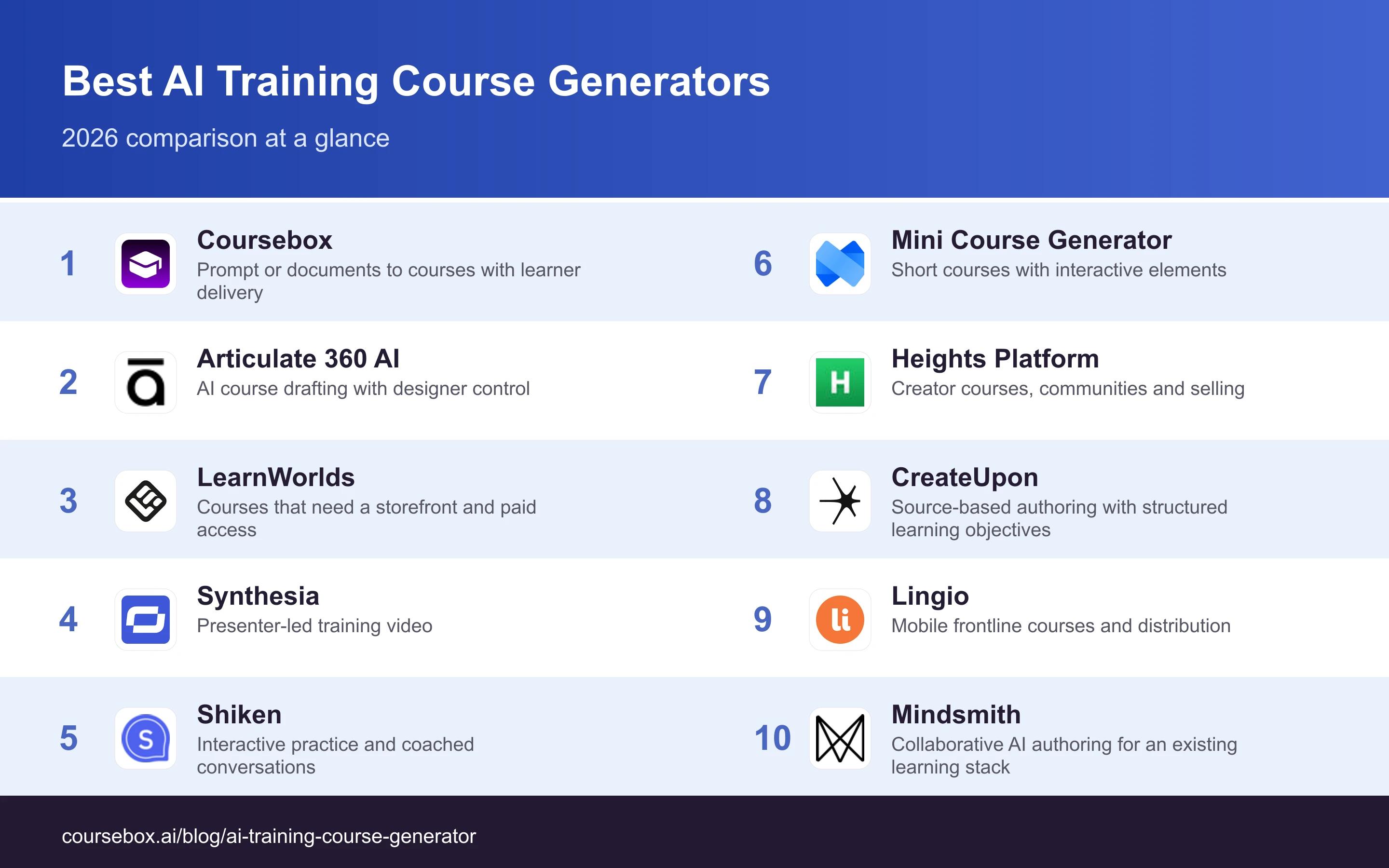
Prices were checked in October 2026. Monthly and annual billing are stated separately; payment processing and optional services can add to the total.
The 10 best AI training course generators
1. Coursebox

Coursebox turns a topic or source material into a draft course with lessons, assessments and supporting media. I work on the product, so weigh that affiliation. The useful combination is AI creation, editing, learner support and an LMS to deliver the finished training, rather than a generator that stops at a document.
You can run training in Coursebox or use supported exports with an existing learning system. Paid plans cover different branding, reporting and integration requirements; the platform also supports selling courses and communities. A creator still needs to verify facts, examples and questions before publishing.
My call: The useful check is what happens after the first draft: I would inspect a generated lesson, answer its assessment and ask the tutor a question about the source. Then revise a fact and check the affected material before publishing. My first shortlist choice for creating and delivering your own training in one system. Test the output against the actual learning task and your destination LMS.
Cost and plans: Free includes three mini-courses of up to five pages and unlimited learners. Creator, Pro and Pro + LMS add different creation and delivery features. Check the selected SCORM or LTI route, grading functions and reporting tier.
2. Articulate 360 AI
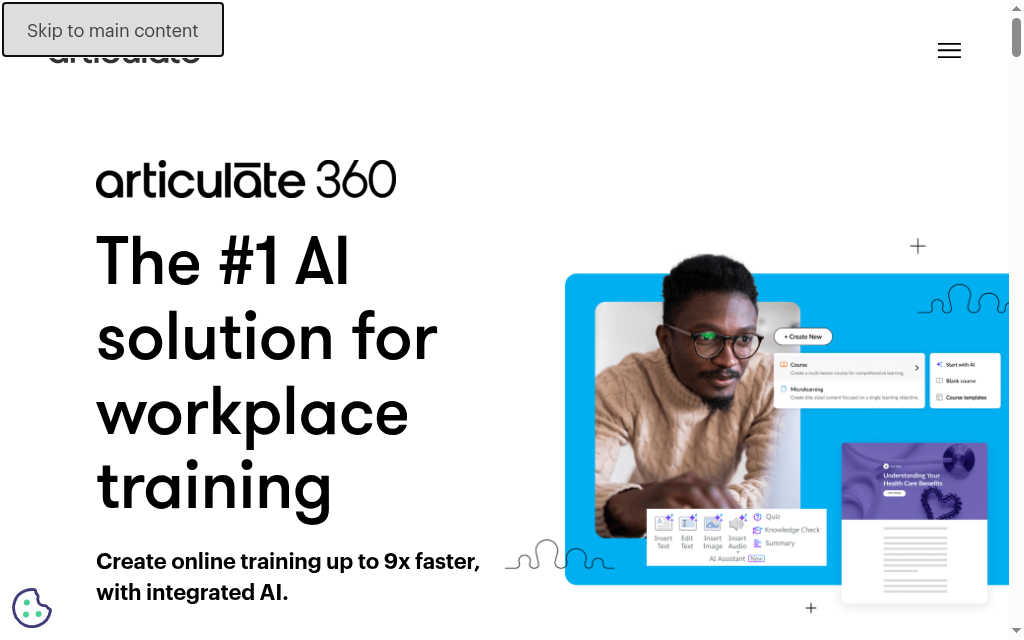
Articulate combines Rise for responsive browser-based authoring with Storyline for more customised interactions. AI generation can draft courses from a prompt or source material. Review and distribution tools support the work after the first draft.
Storyline requires Windows, while Rise works in the browser. That is a device constraint on one authoring application, not a reason to rule out the whole suite for every Mac-based team. Teams and Personal licences also differ in collaboration and administration.
My call: I would take one interaction that needs careful feedback and compare the AI draft with the control needed to finish it. Then test the package in the destination LMS. A designer-led course may justify a different workflow from publishing a simple induction quickly; neither output should be judged only by generation time. A strong option when content needs detailed editing, review and controlled distribution. Compare the authoring workflow rather than assuming AI drafting removes design work.
Cost and plans: Articulate 360 AI is US$1,449/seat/year Personal or US$1,749 Teams. Advanced translation and avatar workflows use separately purchased credits. The vendor also sells other products, so these prices are for the named suite.
3. LearnWorlds
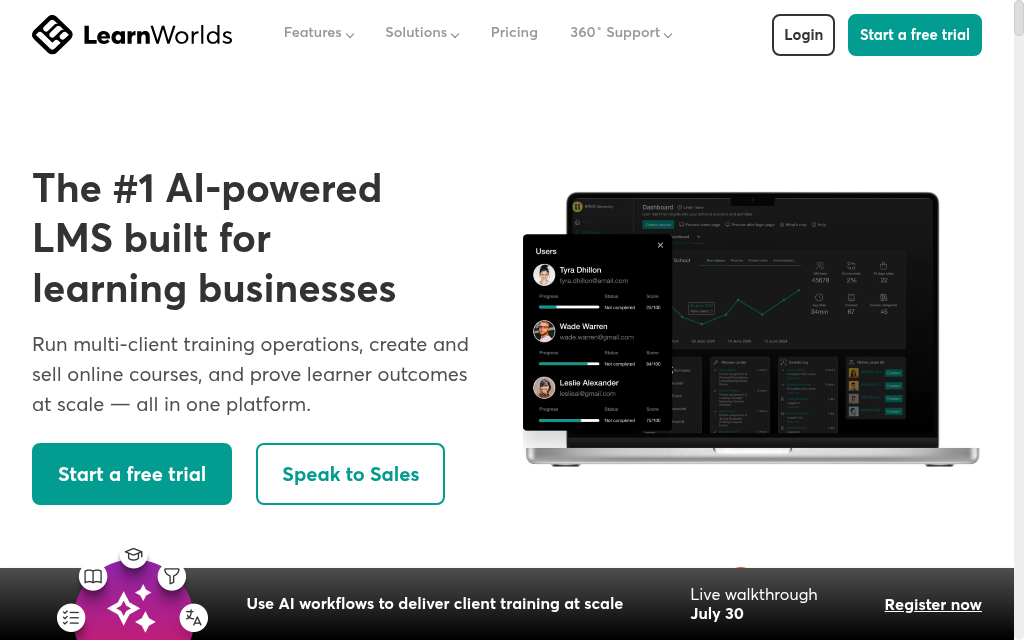
LearnWorlds combines AI-assisted course development with a branded school, checkout, learning activities and interactive video. It suits a training business that wants to sell and deliver structured learning rather than export a course and leave all commerce elsewhere.
The buying decision includes the school as well as the generator: assessment, certificate, community and branding requirements can change the tier. Compare the actual checkout and teaching workflow with the other platforms that also support course sales, including Coursebox.
My call: At 200 paid course enrolments, Starter’s US$5 platform enrolment fee totals US$1,000 before the subscription and payment processing. I would model that against Pro Trainer before selecting a tier. The Starter page allowance concerns the site, not a three-page limit on each course. Shortlist it when the learning product and its public selling experience belong together. Compare the assessment and access requirements with the price of that tier.
Cost and plans: Starter is US$29/month or US$24/month annually, plus US$5 per paid course enrolment. Pro Trainer is US$99 monthly or US$79 annually and removes that fee. Optional mobile-app and processing costs are separate.
4. Synthesia
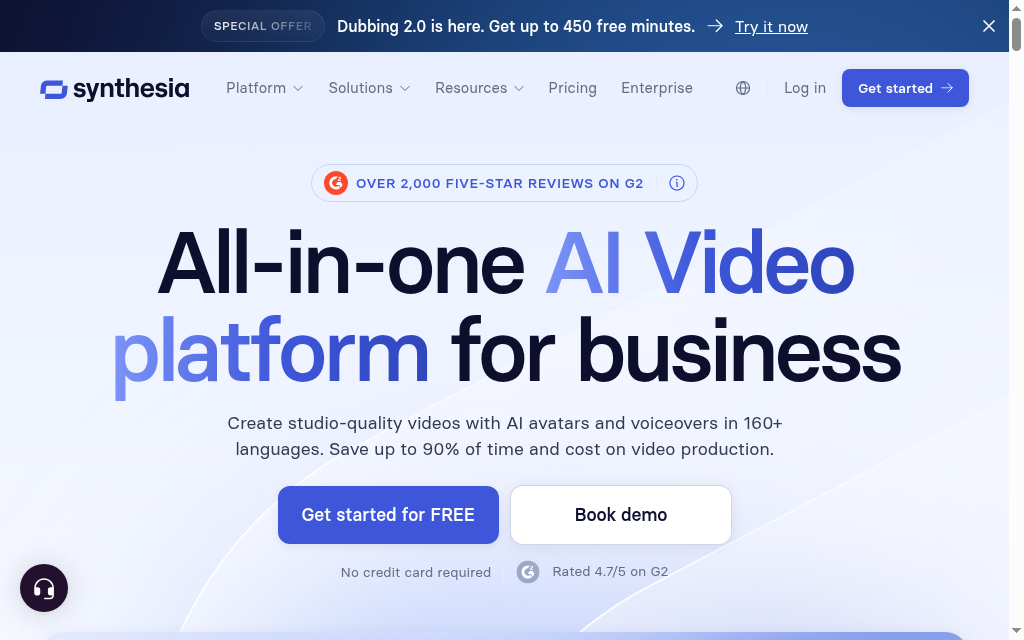
Synthesia creates narrated avatar video from a script and supports editing, dubbing and translation workflows. It is useful for induction, product explanation and repeatable training media when a team cannot film a presenter for every update. It can complement a course platform rather than replace the whole learning workflow.
The relevant tier and credit pool determine production capacity and advanced features. Check translation, dubbing and revision allowances against the selected plan. Check the functions and languages needed for the actual production plan.
My call: I would start with one short scene containing the difficult trade terms and a realistic correction. Review pronunciation, captions and the published output, then measure the work needed for the revision. If the lesson demonstrates a physical technique, combine the explanation with approved real footage. A good fit for explanatory video at repeatable quality. Evaluate the media and course-delivery requirements separately.
Cost and plans: Basic is free with limited credits and watermarked output. Starter is US$29/month on monthly billing. Paid tiers and optional features share credits, so model the intended video and translation workload.
5. Shiken
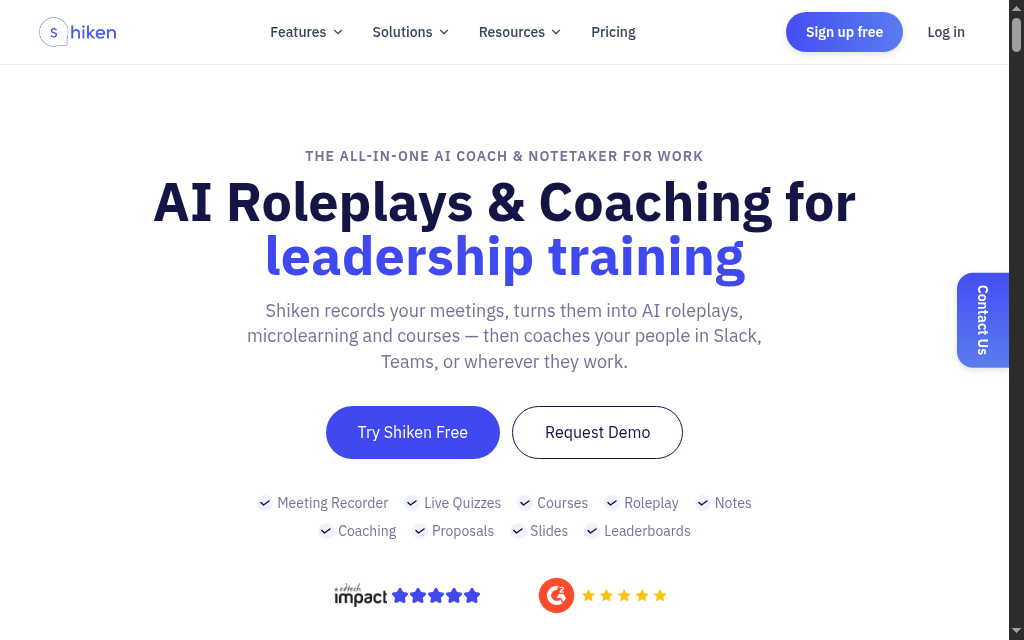
Shiken combines learning content with AI-supported roleplay and coaching. It suits a brief where learners need to practise responding, such as a difficult customer conversation, instead of only reading a module about it. Its creator offering also supports publishing, selling and communities.
The current pricing separates learner subscriptions from creator access. That changes the buying calculation: a plan for someone practising is not automatically a licence to create and sell a training programme. Check the current creator entitlement for the roleplay workflow you want to publish.
My call: Build a scenario with an acceptable response, a plausible mistake and an escalation the learner should recognise. Inspect the coaching against your procedure. A fluent conversation is useful practice only if the feedback rewards the behaviour you want, and other products in this field also offer roleplay. Consider it when repeated conversation practice is the main learning need. Judge the scenario and feedback rather than infer quality from review counts.
Cost and plans: Solo Creator is displayed at £119/month or £99/month annually; separate learner and team offers exist. Confirm learner allowances, creator seats and trial terms. The creator page advertises a seven-day trial with specific enrolment and access conditions.
6. Mini Course Generator
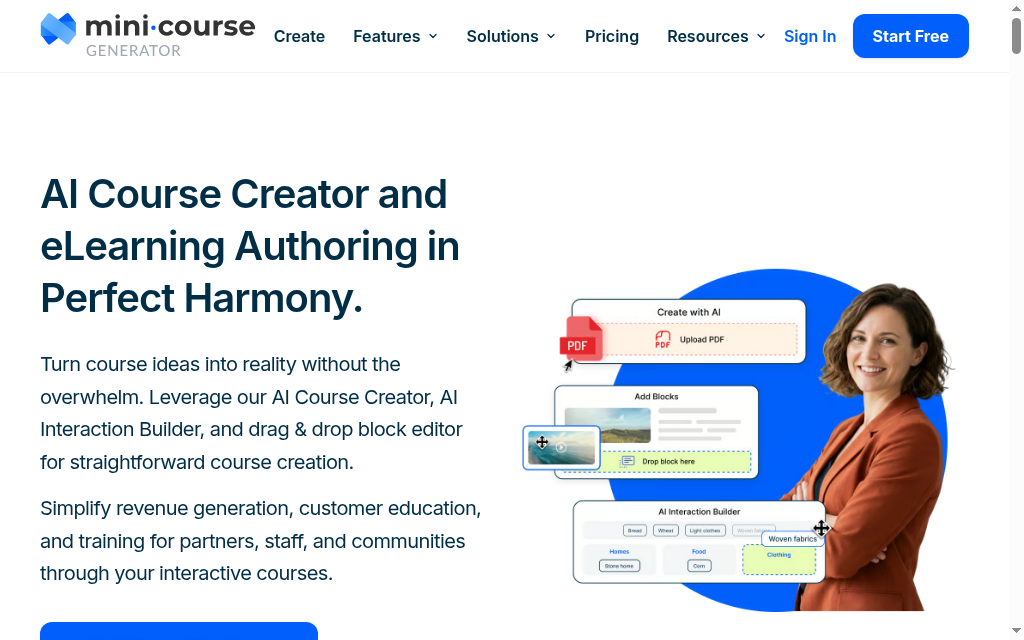
Mini Course Generator creates short learning experiences from a topic or source material, then lets you edit the cards, questions and interactions. It is useful for a focused product explanation, induction topic or small training module that needs to reach learners without a long development project.
Sharing, embedding, integrations and SCORM options affect where the content can run. Check how the card-based format handles the examples and questions your topic needs. Compare the editing and deployment steps too.
My call: I would take one idea that needs an example and a decision question, not just a summary. Check how easily the editor changes the feedback and what the learner sees after a wrong answer. Then verify that completion reaches the reporting system you need. A useful candidate for focused training and interactive microlearning. Check the course format and delivery route against the programme rather than choose on the name alone.
Cost and plans: A free option and paid plans are available. Confirm current AI allowances, branding, sharing and SCORM access on the selected tier. AI allowances and export access can change the tier required.
7. Heights Platform
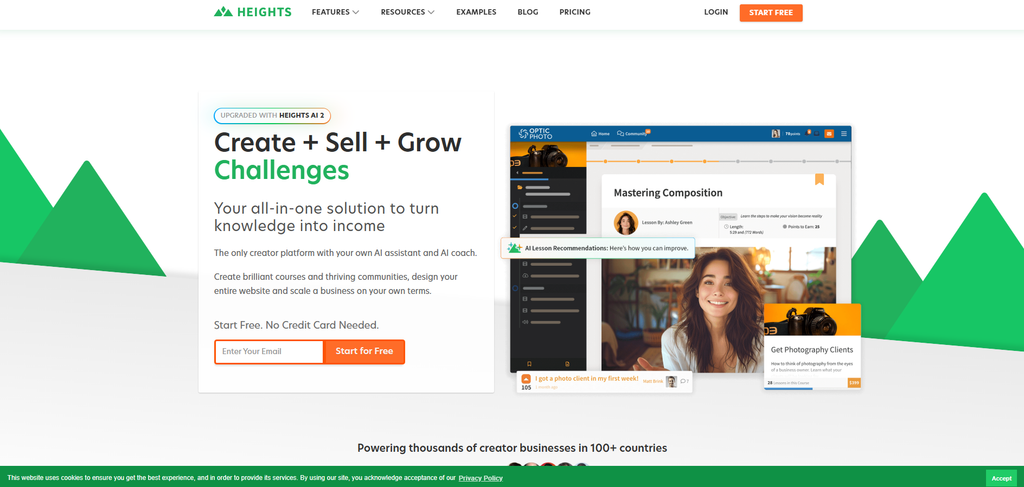
Heights Platform combines course creation with hosted content, learner activity and selling tools. Its AI can help organise a programme, but the useful evaluation is what it produces for your material and what the creator still needs to write, record or refine.
The platform includes lessons, video hosting, comments, projects and commercial features. The hosted learning and selling functions can cover an independent creator’s core delivery needs. Compatibility with an external LMS is a separate question, and SCORM or LTI requirements need explicit verification.
My call: Build a small paid programme and follow purchase, learner access and the first project or lesson. Check the active-student allowance and when custom domain or brand removal becomes available. A zero platform transaction fee does not remove payment-processing fees or plan limits. A candidate for an independent creator who wants courses and community in one hosted business. For internal training, compare the required assignment and reporting workflow.
Cost and plans: Challenge starts at US$29/month or US$19 annually for one challenge course and up to 100 active students. Basic is US$49 monthly or US$39 annually; Pro adds further branding and site features. Check current limits and processing costs.
8. CreateUpon (formerly Courseau)
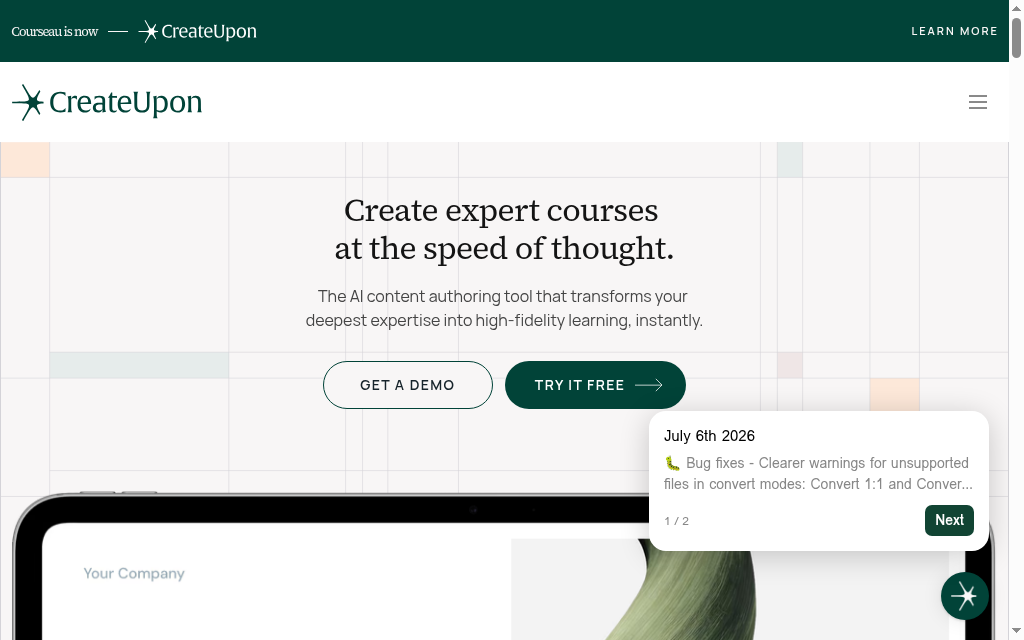
CreateUpon builds course content from source material and uses instructional design principles and Bloom’s Taxonomy to organise learning. Uploaded files, audio, video and links can provide the starting material. A trainer can edit the resulting structure and content rather than accept a fixed first draft.
Its public pricing includes dynamic SCORM export, while static export and other organisational requirements vary by plan. Dynamic and static packages have different hosting dependencies, so the word SCORM alone does not settle portability. A trial provides a way to examine the export and editing workflow before committing.
My call: I would edit a published lesson and inspect what changes in the destination LMS, then confirm what happens to access if the authoring subscription ends. That connects the generation decision to maintenance and long-term delivery rather than stopping at how well the initial outline reads. Shortlist it for source-based course creation with a structured editing and export workflow. Check package behaviour and the lesson allowance.
Cost and plans: Personal and Pro are paid plans with monthly lesson-generation allowances; Enterprise is quoted. The page advertises a 14-day trial without a card. Check the selected billing period and static-export entitlement before purchasing.
9. Lingio
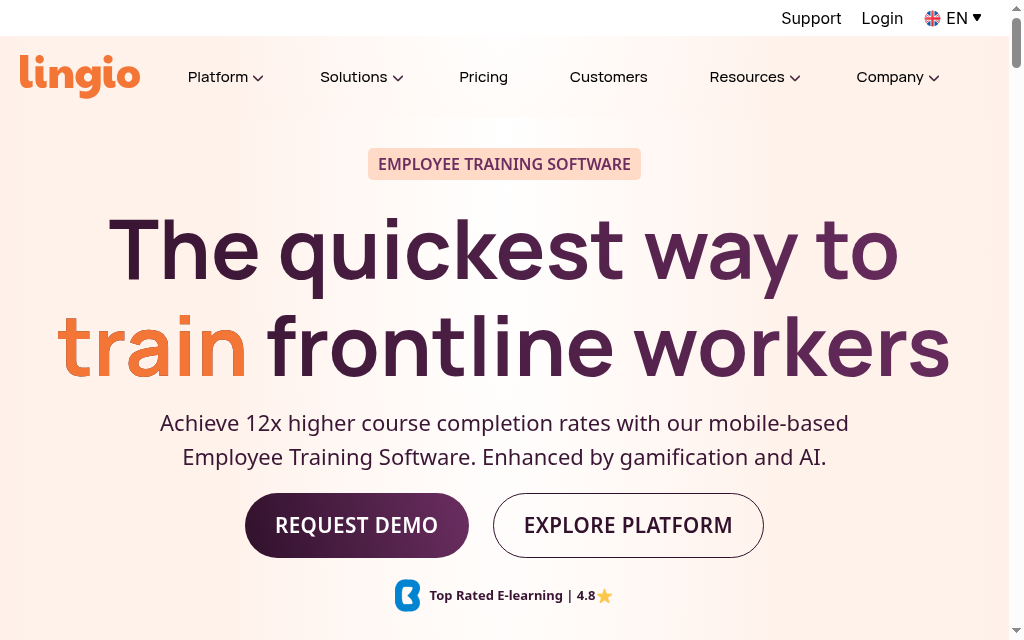
Lingio combines an AI course creator with a gamified learning app and tracking portal. SMS and email distribution can help reach staff who do not spend their day at a desk. Its design is relevant to frontline training, where access and language support shape the whole learning journey.
The plans include different learner and administrator allowances. In-app translation support is not the same promise as translating the full authored course; the public page treats some course-translation functions separately. Integrations are available on request and need to be included in the proposed scope.
My call: Can a new worker open the invitation, understand the instructions and finish the assigned task on their own phone? I would inspect that path in the required language, then check the manager’s record. Test an external-LMS requirement separately instead of assuming direct mobile delivery meets it. Consider it for a frontline programme needing mobile distribution, short learning and a tracking portal. Compare its workflow with the full mobile capabilities of other platforms.
Cost and plans: Essential is US$416/month billed annually, including 100 learners, up to 10 created courses and two administrators. Additional learners are US$5/month. Professional and Custom change the allowances and service scope.
10. Mindsmith
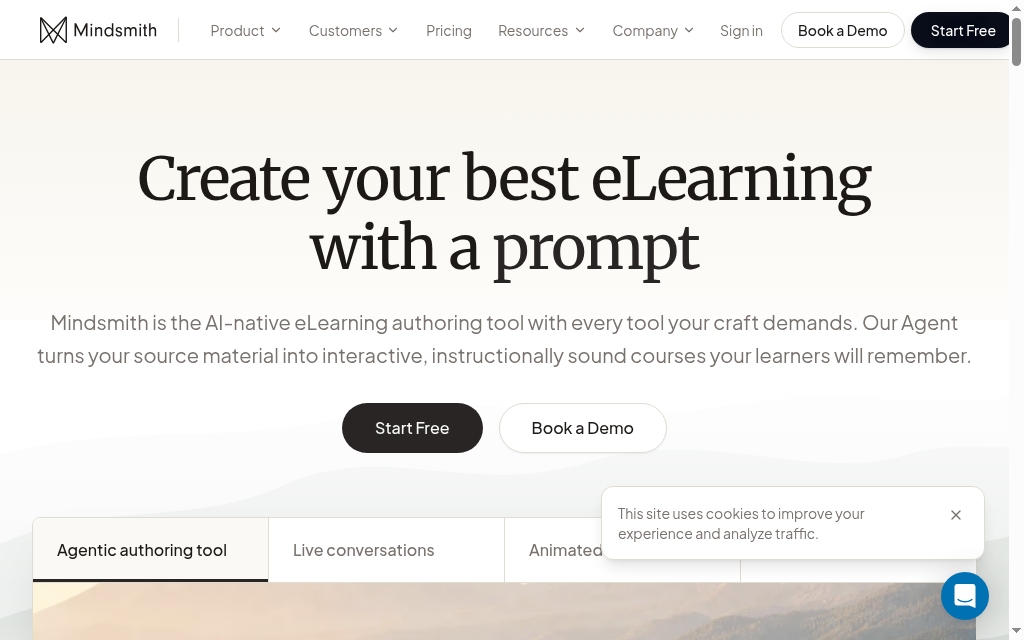
Mindsmith generates and edits lessons from prompts or source material, then lets you arrange them into courses. It provides sharing and SCORM routes for teams that want AI-assisted creation while retaining another learning system. Learner access does not use the same per-author licence as content creation.
The plans separate personal production from team governance. Professional removes the Mindsmith badge and adds branding and narration; Business adds live collaboration, version history and staging. Those approval and maintenance functions can be more consequential than producing the first lesson.
My call: I would ask a subject expert to suggest a change while a designer keeps the live version stable. Inspect who can review it, when it reaches learners and how the previous version is retained. That is the work a shared authoring studio needs to support after the pilot. A useful alternative for teams building and maintaining AI-assisted content for a wider learning stack. Compare author seats, credit use and the export mode together.
Cost and plans: Free includes 450 one-time AI credits and branded sharing. Professional is US$468/author/year; Business is US$780/author/year with collaboration and staging. Conversation sessions and some other services are additional.
What should the generator produce before you pay?
In Thinkific’s 2026 survey of 1,039 learning-programme professionals, 44% reported using AI for content creation. A trial should therefore inspect the content after review, not just how impressive the first screen looks.
| Starting material | What to inspect | What a useful correction looks like |
|---|---|---|
| A company procedure | Steps, exceptions and approved terminology | Change a step and its related question without rebuilding the course |
| An expert interview | Examples, decisions and missing context | Add the reason behind the expert’s choice |
| A product update | Screens, claims and outdated instructions | Revise the live lesson and identify the affected learners |
| A video script | Pronunciation, captions and supporting practice | Correct a term and check the resulting media and question |
If the organisation requires SCORM, test the actual package in its LMS. If learners use a hosted course, follow the invitation, login, help and completion report. An authoring preview cannot establish either delivery workflow.
Build a pilot around one real learning task
- Choose the source. Use an approved document with enough detail to expose an incorrect or missing step.
- Review the learning. Correct the explanation, then answer the assessment as a learner who misunderstood the procedure.
- Publish and revise. Check access, completion records and what happens when a lesson changes.
- Calculate a normal month. Include revisions, translation, creator seats and learners, not only the first generation.
The same Thinkific survey reported 38% using AI for learner support. That is a reason to evaluate the help available after publication as well as the generation button. Inspect whether the answer reflects the approved lesson.
Which AI training course generator would I shortlist?
| Your main requirement | Start with | Deciding question |
|---|---|---|
| Create and deliver your own training | Coursebox | Do the lesson, assessment, learner help and reports work together? |
| Designer-controlled authoring for an existing LMS | Articulate 360 AI or Mindsmith | Can the team review, revise and export the required interactions? |
| Sell a structured learning programme | LearnWorlds or Heights Platform | What does a realistic enrolment month cost? |
| Produce training video | Synthesia | How well does the output handle your script and revisions? |
| Conversation practice | Shiken | Does the coaching reward the right response? |
| Frontline mobile distribution | Lingio | Can staff open and complete it in the required language? |
Our product usage also shows why the source step deserves attention: 86.2% of 22,489 Coursebox generation sessions in the 4 February to 5 May 2026 extract had no file upload or website fetch in the same session. That describes this product’s observed use, not every buyer’s needs. If your training depends on a controlled procedure, include document import in the trial.
If your organisation already requires packaged delivery, compare the SCORM authoring tools by the interactions and export behaviour you need.
Disclosure: I work at Coursebox. The recommendations combine my course-design perspective with public product and pricing information checked in October 2026.
Frequently Asked Questions
It can draft a structure, lessons and assessments, and some products also host delivery. Review the source accuracy, practice activities and learner access before treating the course as ready.
Articulate 360 AI, Mindsmith, Coursebox and other tools offer learning-system delivery options. Check the exact export or integration, the plan and which interactive features remain available.
Coursebox, LearnWorlds, Heights Platform and Shiken include commercial learning options. Compare checkout, branding, payment processing, enrolment fees and the right to use the source material.
A free plan can support a pilot. Course, page, credit, export or branding limits can change the plan needed for a real programme, so include a revision and learner delivery in the trial.
Carolina Martin
Carolina is a highly experienced learning designer with tech start-up experience. She is based in Sydney and previously designed courses alongside Coursebox founder Travis in a previous job. She is passionate about delivering engaging learning experiences and brings the same perspective to customer experience too. She manages our customer support documentation and product testing processes.

