

10 Best AI UML Diagram Generator Tools for Teams, Developers, and Educators
Explore the best AI UML diagram generators for teams, educators, and developers. Generate class, sequence, activity diagrams, and more with AI support.


Turn complex ideas into clear, professional diagrams using AI.
Miscommunications in system design can lead to hours of unnecessary debugging. Often, freehand UML diagrams introduce inconsistencies that slow down projects and confuse teams. This is where a reputable AI UML diagram generator becomes essential. The right tool doesn’t just draw boxes and arrows. It enables collaboration, scales with evolving projects, and turns complex workflows into clear visuals.
Whether you’re mapping microservices, designing software architecture, or explaining processes to non-technical stakeholders, a powerful AI UML diagram generator simplifies every step. Below, we’ll explore the best tools that streamline UML creation, improve teamwork, and save you valuable time.
Full Disclosure: This blog is owned and operated by Coursebox. While we include ourselves in this list because we believe in our platform, we've provided an objective breakdown of features to help you choose the best fit.
Best AI UML Diagram Generators: Our Top 10 Picks

Here’s a breakdown of the top AI UML diagram generators on the market:
1. Eraser
Eraser focuses on code-based UML creation for developers. It converts natural language prompts into accurate UML diagrams, which can be edited using diagram-as-code. Integration with GitHub allows automatic syncing with repositories, keeping diagrams up to date with code changes.
Live collaboration features, tagging, and comments enhance technical documentation. Supporting UML, cloud architecture, and ER diagrams, Eraser.io fits engineering teams that value maintainability and workflow efficiency. Beginners may find diagram-as-code a steeper learning curve, but it’s powerful for technical teams needing precision.
Key Features:
- AI-generated UML diagrams from text
- Diagram-as-code editing for precise changes
- Seamless GitHub integration
- Live collaboration with tagging and comments
- Supports UML, cloud, and ER diagrams
2. Miro
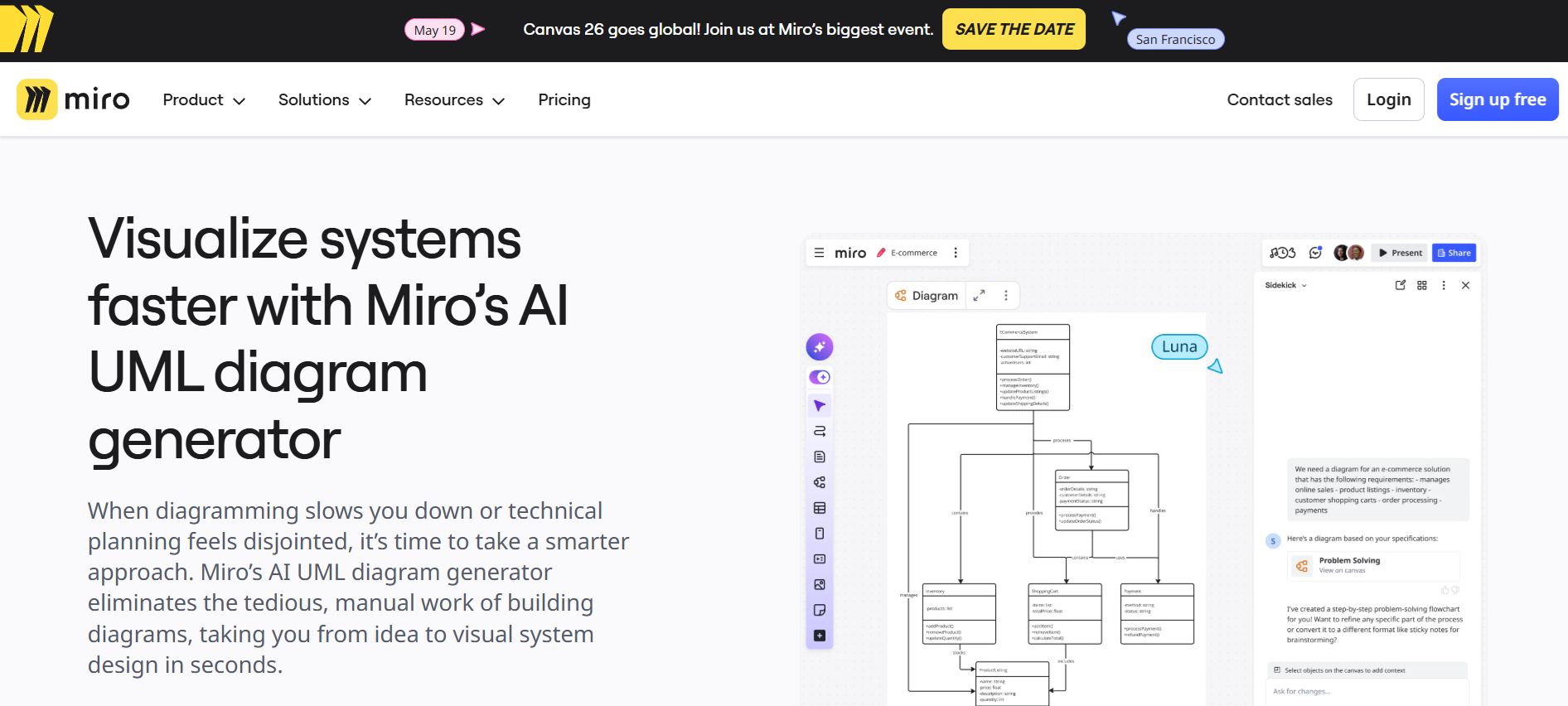
Miro makes UML diagramming fast and collaborative. It can generate ER diagrams, flowcharts, and UML diagrams from prompts, letting you explore multiple output versions in moments. Teams benefit from real-time collaboration and video walkthroughs, making feedback clear and structured.
The platform excels at handling complex workflows and offers a huge library of expert shapes, including BPMN, cloud architectures, and ERDs. However, offline use is limited, and very large boards can sometimes slow the interface. Miro is ideal for remote teams seeking flexible, AI-powered diagramming with strong collaboration tools.
Key Features:
- Hundreds of ready-to-use templates
- 2000+ expert diagram shapes
- Custom shape packs for industry-specific needs
- Talktrack video walkthroughs with voice-over
- Multiple data import formats
3. Venngage

Venngage simplifies UML diagramming with AI-assisted layouts that turn system notes and workflows into clean, professional diagrams instantly. The AI Flowchart Generator suggests structures and arranges shapes automatically, making it ideal for engineers, UX designers, and technical leads.
The drag-and-drop editor, Brand Kit integration, and ready-made templates allow consistent, presentation-ready visuals for documentation, reports, and team collaboration. While advanced features require a paid subscription, the free plan offers basic templates and editing tools. Venngage is great for teams needing speed, clarity, and standardized diagrams without manual layout work.
Key Features:
- AI-assisted UML and flowchart generation
- Ready-made diagram templates
- Drag-and-drop editing
- Brand Kit for consistent styling
- Export as PDF or image
4. RapidChart
RapidChart lets developers create UML and technical diagrams in minutes instead of hours. Its AI generates sequence diagrams, class diagrams, use case diagrams, ERDs, and C4 architecture models from text descriptions or pasted code. Infinite canvas and auto-layout tools make structuring complex workflows easy.
RapidChart supports cloud architecture and machine learning visualizations, making it ideal for software architects, database designers, and AI engineers. Sharing is supported, but real-time simultaneous editing is not yet available. Being research-backed and free, it provides a fast, flexible way to visualize systems without installing software.
Key Features:
- AI-generated UML, ERD, flowcharts, and C4 diagrams
- Infinite canvas for large projects
- Auto-layout for clear structure
- Cloud architecture and AI system visualization
- Easy diagram sharing with teams
5. Coursebox AI
Coursebox sits at the learning-and-documentation end of the AI UML generator market, producing class, sequence, activity, and architecture diagrams from prompts in 100+ languages, alongside infographics, flowcharts, and anatomy visuals designed for courses and training modules. It fits educators and training teams that want UML alongside course content rather than specialist developer-focused UML tooling. Software teams whose primary need is developer-focused UML-first diagramming with code integration and engineering workflow support typically shortlist Eraser or Chat Diagram, and teams wanting general-purpose AI-powered diagramming with established collaboration sometimes consider Lucidchart.
Key Features:
- Prompt‑to‑UML generation
- Class, sequence, activity diagrams
- Infographics and flowcharts
- Multilingual input support
- Ready‑to‑use templates
- Labels, callouts, annotations
- Export to PNG/SVG/PDF
- Style consistency tools
- Course embedding support
- Rapid variation regeneration
6. Cloudairy

Cloudairy turns text prompts into precise UML, sequence, use case, and architecture diagrams in seconds. Developers, students, and product teams benefit from instant AI creation combined with manual editing freedom for full accuracy. The smart editor supports drag-and-drop adjustments, while image-to-diagram conversion transforms sketches or screenshots into editable diagrams.
Cloudairy allows real-time collaboration and requires no signup, making it fast and accessible. While it’s perfect for quick diagram generation, advanced customization options are slightly limited compared to some paid tools. Overall, it’s ideal for teams seeking speed, clarity, and a single workspace for multiple diagram types.
Key Features:
- AI-generated UML, sequence, and use case diagrams
- Architecture and microservice diagram support
- Image-to-diagram converter
- Manual editing with drag-and-drop
- Real-time collaboration
7. GitMind
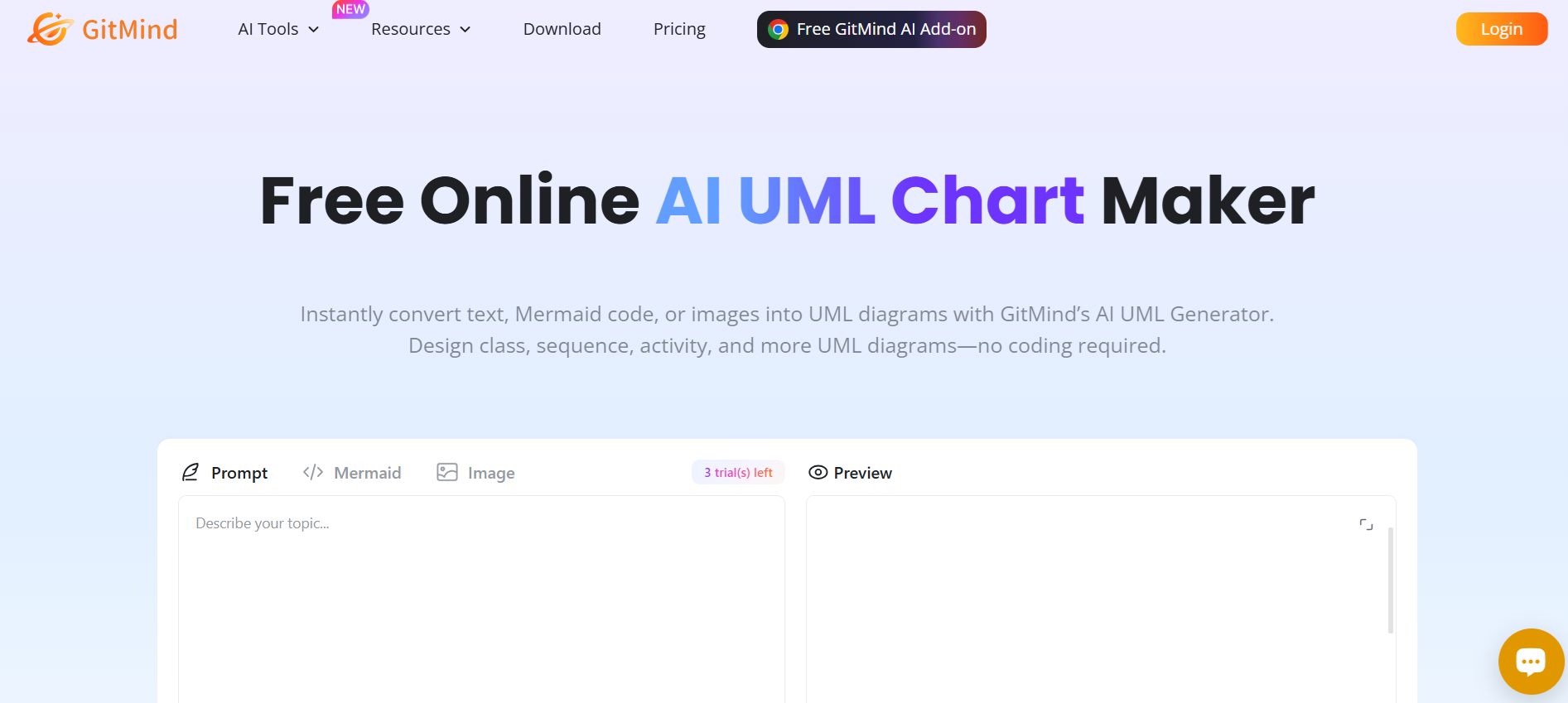
GitMind creates class, sequence, activity, and use case diagrams instantly from text, Mermaid code, or images. The platform’s AI parses content to generate accurate UML diagrams while providing logic explanations for better understanding. Users can refine diagrams with AI suggestions, export in PNG, SVG, or PDF, and share via public links for team collaboration.
Free use allows three diagrams before upgrading. GitMind is especially useful for teams needing quick, structured diagrams with version control and edit history. It’s designed for visual modeling, making complex systems easy to visualize without coding skills, though some advanced features require a paid plan.
Key Features:
- AI-generated UML from text, code, or images
- Detailed logic explanations per diagram
- Real-time collaboration and edit history
- Multi-format export (PNG, SVG, PDF)
- AI-based refinement suggestions
8. Chat Diagram

Chat Diagram transforms ideas into professional UML diagrams in minutes using AI-powered generation. Input natural language descriptions, upload files, or drop code, and the tool produces class, sequence, activity, component, or use case diagrams automatically.
Customization is simple with drag-and-drop editing, and diagrams can be exported in PNG, SVG, PDF, or editable formats. Real-time collaboration and change tracking help teams stay aligned.
While it excels at fast iterations and flexibility, some highly complex diagrams may require manual fine-tuning. Overall, Chat Diagram is ideal for both beginners and experts needing accurate diagrams quickly.
Key Features:
- AI-powered UML generation
- Supports class, sequence, activity, use case, and component diagrams
- File import (PDF, doc, image, code)
- Drag-and-drop editing
- Export in multiple formats
9. Edraw.ai
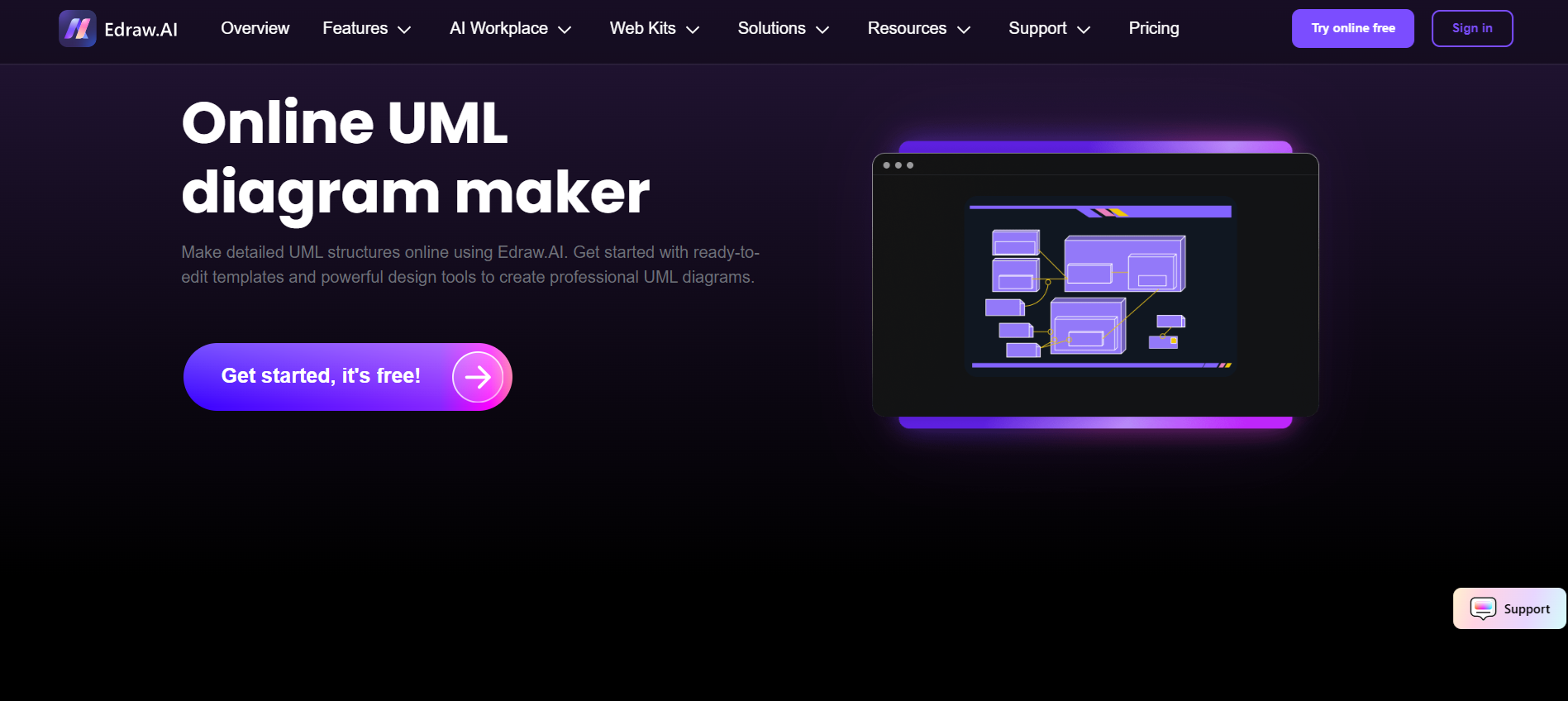
Edraw.ai leverages intelligent algorithms to create UML diagrams alongside flowcharts, mind maps, timelines, and more. It converts text inputs into structured visuals while offering advanced tools for image extraction, research queries, and summarization.
Templates, focus mode, and multi-format export (PNG, JPG, PDF, Excel, PPT) support professional documentation and remote teamwork. Edraw.ai excels in handling complex projects but has a steeper learning curve because it’s feature-rich.
It is practical for corporate teams, educators, and designers needing versatile diagramming tools that combine AI automation with customization.
Key Features:
- AI-generated UML, flowcharts, and mind maps
- Editable templates for multiple diagram types
- Export in multiple formats
- Advanced AI for analysis, summarization, and research
- Focus mode for distraction-free editing
10. Lucidchart
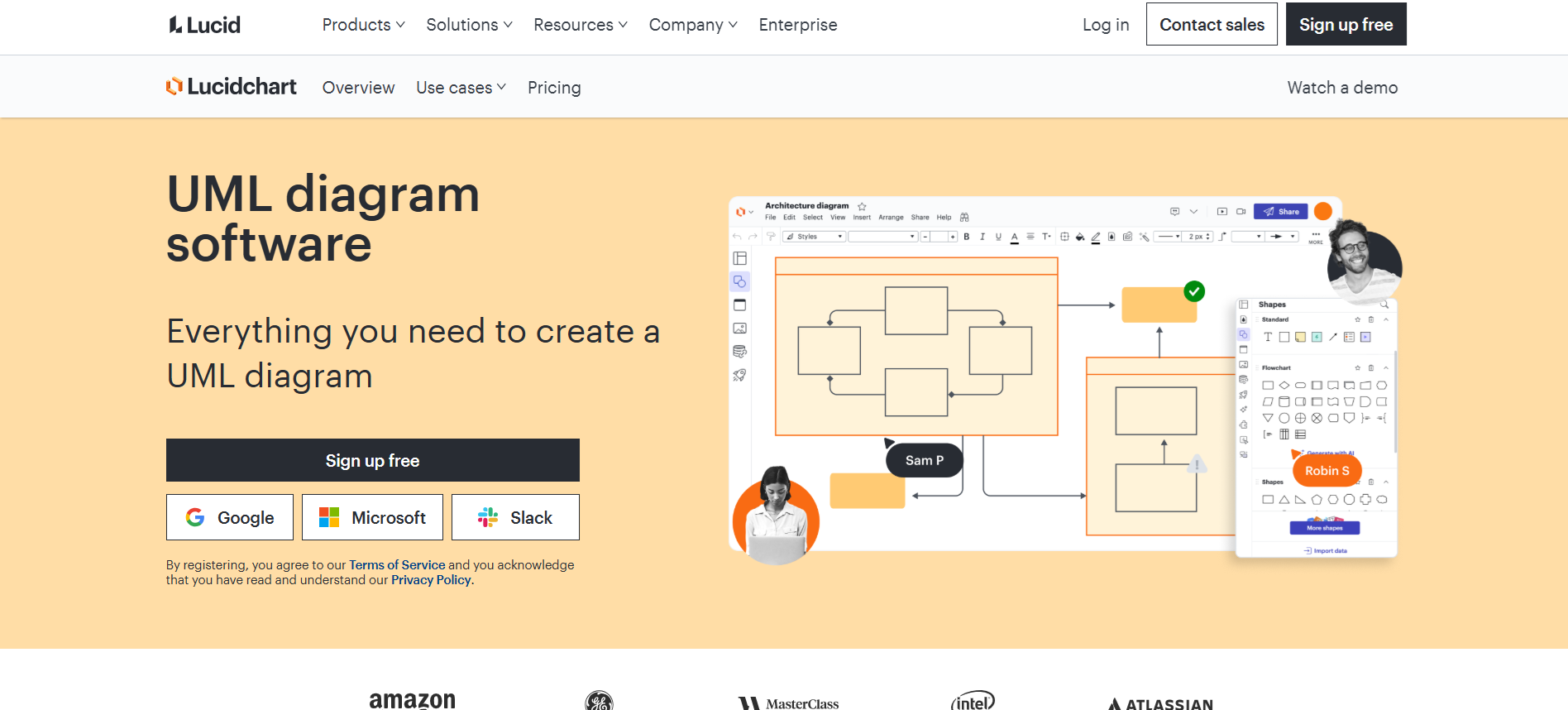
Lucidchart is a popular cloud-based diagramming tool used by engineers, product teams, and educators. It supports UML diagrams such as class, sequence, activity, use case, and component diagrams.
The intuitive drag-and-drop interface allows fast diagram creation, while real-time collaboration lets teams edit, comment, and share designs seamlessly.
Integrations with Google Workspace, Atlassian, and Slack make workflow smooth. The free plan includes basic diagramming, and paid plans unlock unlimited diagrams, templates, and advanced collaboration.
Key Features:
- Cloud-based UML diagram creation
- Drag-and-drop interface with UML shapes
- Real-time collaboration and commenting
- Integration with Google Workspace, Atlassian, Slack
- Export diagrams as PNG, PDF, SVG
How to Choose the Right AI UML Diagram Generator
Finding the right AI UML diagram generator can feel overwhelming with so many options available. To make the best choice, consider these key factors:
1. Supported Diagram Types
Check whether the tool covers all UML diagram types you need, including class, sequence, activity, use case, component, and architecture diagrams. Some tools also include flowcharts, ER diagrams, and C4 architecture for broader use.
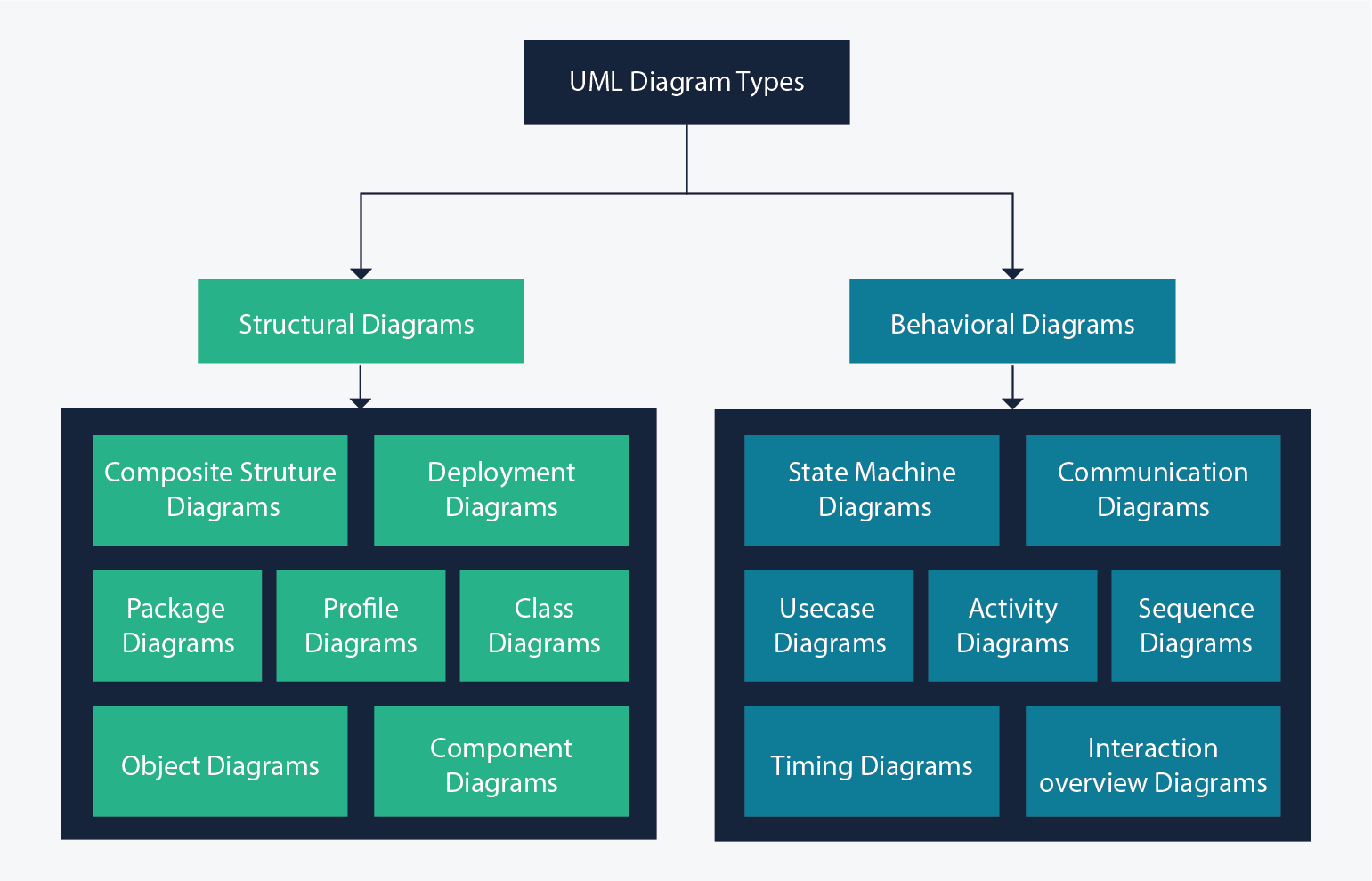
Image Source: Medium
2. Collaboration Features
If teams are involved, look for features like real-time editing, commenting, version history, and shared workspaces. Collaboration tools ensure smoother communication and fewer misunderstandings during design.
3. AI Capabilities
Not all AI is equal. Evaluate whether the platform can generate accurate diagrams from natural language or code, suggest connections, optimize layouts, and support additional functions like summarization or analysis.
4. Integration with Other Tools
AI UML generators that integrate with GitHub, Slack, Google Workspace, or other productivity tools streamline workflows and save time.
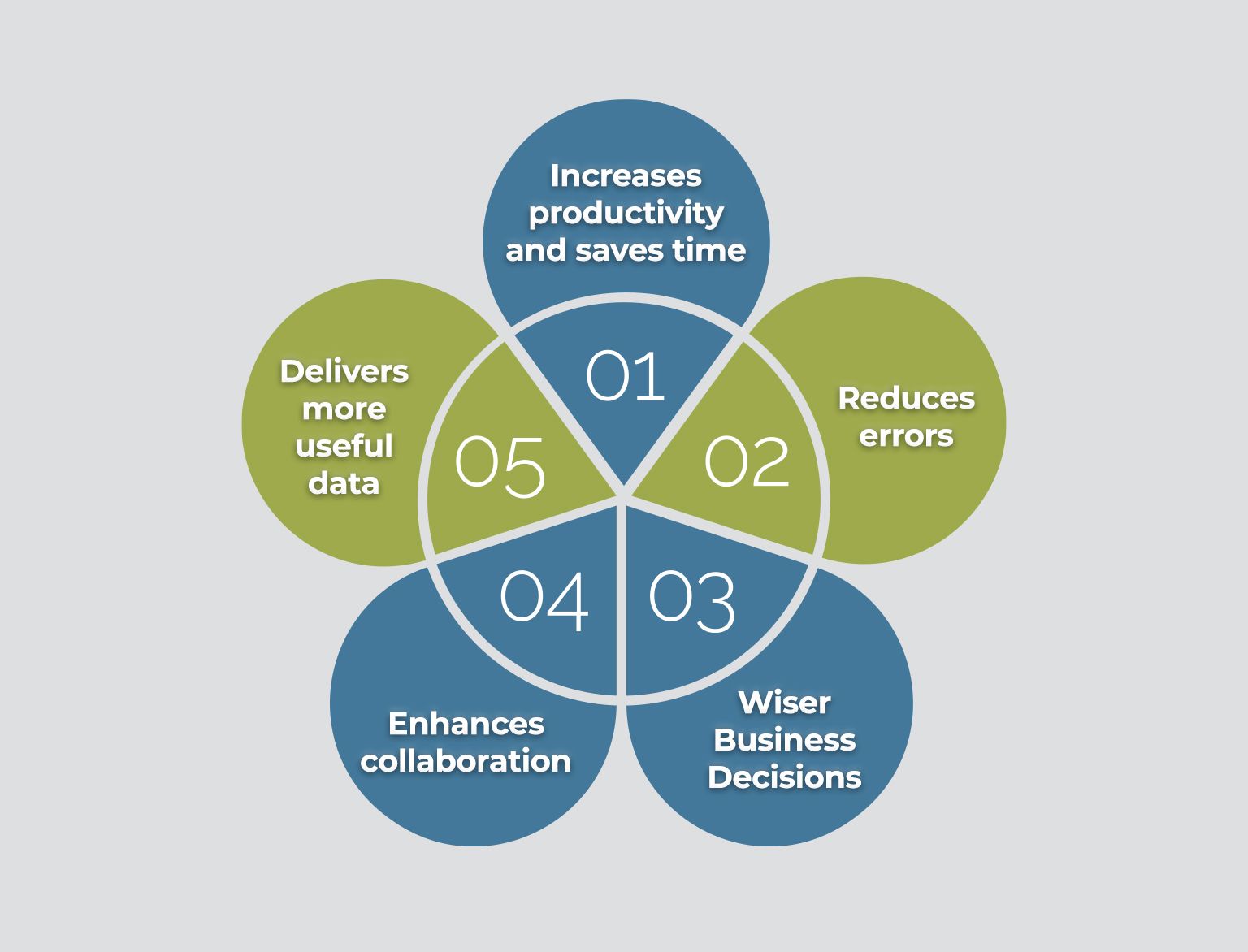
Image Source: Beyond Key
5. User Experience
The interface should be intuitive, minimalistic, and drag-and-drop friendly. Easy navigation accelerates diagram creation and reduces frustration.
6. Customization Options
Look for flexibility in layout, colors, shapes, labels, and symbols. Tools that allow manual adjustments ensure diagrams meet technical or brand standards.
7. Export Formats
Check which export options are supported, including PNG, SVG, PDF, or editable files. Multiple formats make sharing, embedding, or documentation easier.
8. Template Library
Pre-built templates save time and maintain consistency. See if the platform offers a library for different UML diagram types or industry use cases.
9. Pricing and Free Options
Free plans, trials, or demos allow hands-on testing before committing. Compare key features across plans to understand value and limitations.
10. Scalability and Updates
Choose a platform that grows with your needs. Frequent updates, AI improvements, and cloud-based access ensure your diagrams stay relevant and efficient.
Master Complex Systems Instantly with Coursebox AI

AI UML diagram generators speed up designing systems, mapping workflows, and visualizing software architecture. Tools like Miro, Venngage, and Cloudairy simplify collaboration and clarify complex concepts.
Coursebox AI turns technical ideas into clear, professional diagrams in seconds with full customization and multilingual support. The free plan allows hands-on testing without commitment.
Explore Coursebox AI today and see how quickly concepts transform into precise, shareable diagrams.
FAQs
Is there an AI that can generate diagrams?
Yes, AI diagram generators like Coursebox AI can create UML, flowcharts, ER diagrams, sequence diagrams, and more from text, code, or images in seconds.
Can ChatGPT create a diagram?
ChatGPT can provide text-based diagram code (like Mermaid or PlantUML), which can then be converted into a visual diagram using compatible tools.
How can I create a diagram?
First, choose a reputable AI UML diagram generator like Coursebox AI. Then, input text, code, or images, let AI process it, and generate a clean, editable diagram instantly.
Can AI generate UML diagrams?
Yes, many AI tools are specifically designed for UML, automatically creating class, sequence, activity, use case, and component diagrams.
Can ChatGPT create a Venn diagram?
ChatGPT can provide a textual layout or code for a Venn diagram, which you can render using compatible diagramming software.
Is Diagram GPT free?
Many AI diagram generators, including Diagram GPT, offer a free plan or trial, with options to upgrade for advanced features, more exports, or larger projects.
Alex Hey
Digital marketing manager and growth expert

