

8 Best AI Tools for Workforce Training in 2026
My review of 8 AI workforce-training tools: course creation, learner support, video, skills and the costs to check.

The best AI tools for workforce training in 2026 include Docebo, Synthesia, Coursebox and 360Learning. Choose by the workflow you need to improve.
- Compare AI course creation, learner support, video and skills intelligence as different capabilities. Confirm which are included in the proposed plan.
- Coursebox combines course creation, assessment, an AI tutor and LMS delivery; enterprise skills and talent projects need their own scoped comparison.
- Sana Learn is the training platform and starts at 300 users. Synthesia’s roleplay learner seats and video subscription have separate costs.
- Test the finished lesson, its update process and the learning record before committing to a new workflow.
Answer three questions to compare the four tools below. The result balances your preferences; the entries explain the features, limits and costs to check.

Train teams faster and more effectively with AI
An AI presenter, a course generator and a skills platform can all appear on a workforce-training shortlist, but they take on different parts of the job. A good video still needs somewhere to go; a course still needs people to review it, use it and get help when they need it.
I’m Parshad from Coursebox. I’d choose around the work the training team wants to improve: producing material, keeping it current, supporting learners or managing development across the organisation. Some of these tools add to an existing LMS; others can take over more of the programme.
Coursebox’s AI LMS is included for course creation, assessment, learner support and delivery. The entries also cover specialist video and enterprise learning tools.
How I picked these AI workforce-training tools
I compared the tools against four practical checks:
- Training job: Course creation, learner support, video, administration or skills development.
- Learner delivery: How people receive training and how managers see completion and assessment.
- Setup and ownership: Content approval, employee records, integrations and ongoing updates.
- Full cost: Learners, authors, AI usage, modules and implementation.
A video tool can improve the content in an existing LMS. A learning platform can also assign courses, support learners and record progress. Skills intelligence adds another layer, but only if you have reliable role and employee data to use with it.
The best AI tools for workforce training compared
| Tool | AI capability | Best for | Price and scope |
|---|---|---|---|
| Docebo | AI course gen + skills recommendations | Large/regulated enterprises | Quote; confirm modules and user model |
| Synthesia | AI video; interactive formats by plan | Multinational video at scale | Starter US$29/mo; Pro US$89/mo, monthly billing |
| Coursebox | AI builds courses + quizzes + tutor | AI courses, learner support and delivery | Free; Creator AU$500/yr; Pro + LMS AU$4,200/yr |
| 360Learning | AI authoring + collaborative skills | Bottom-up, peer-led upskilling | Team US$8/user/mo, up to 100 users |
| Cornerstone | AI skills ontology + talent pathing | Enterprise skills-to-roles | Quote; confirm modules and user model |
| Absorb LMS | Absorb AI authoring + admin automation | Learning delivery with AI-supported creation | Quote; confirm modules and user model |
| Sana Learn | Authoring, tutor, search and virtual classroom | Courses, live learning and knowledge search | Per provisioned user; starts at 300 users |
| LearnUpon | AI creation, journeys and audience portals | Employees + partners + customers | Quote; confirm modules and user model |
Prices checked in October 2026. US$ and AU$ are shown explicitly; compare the stated licence scope and billing term, not just the headline amount.
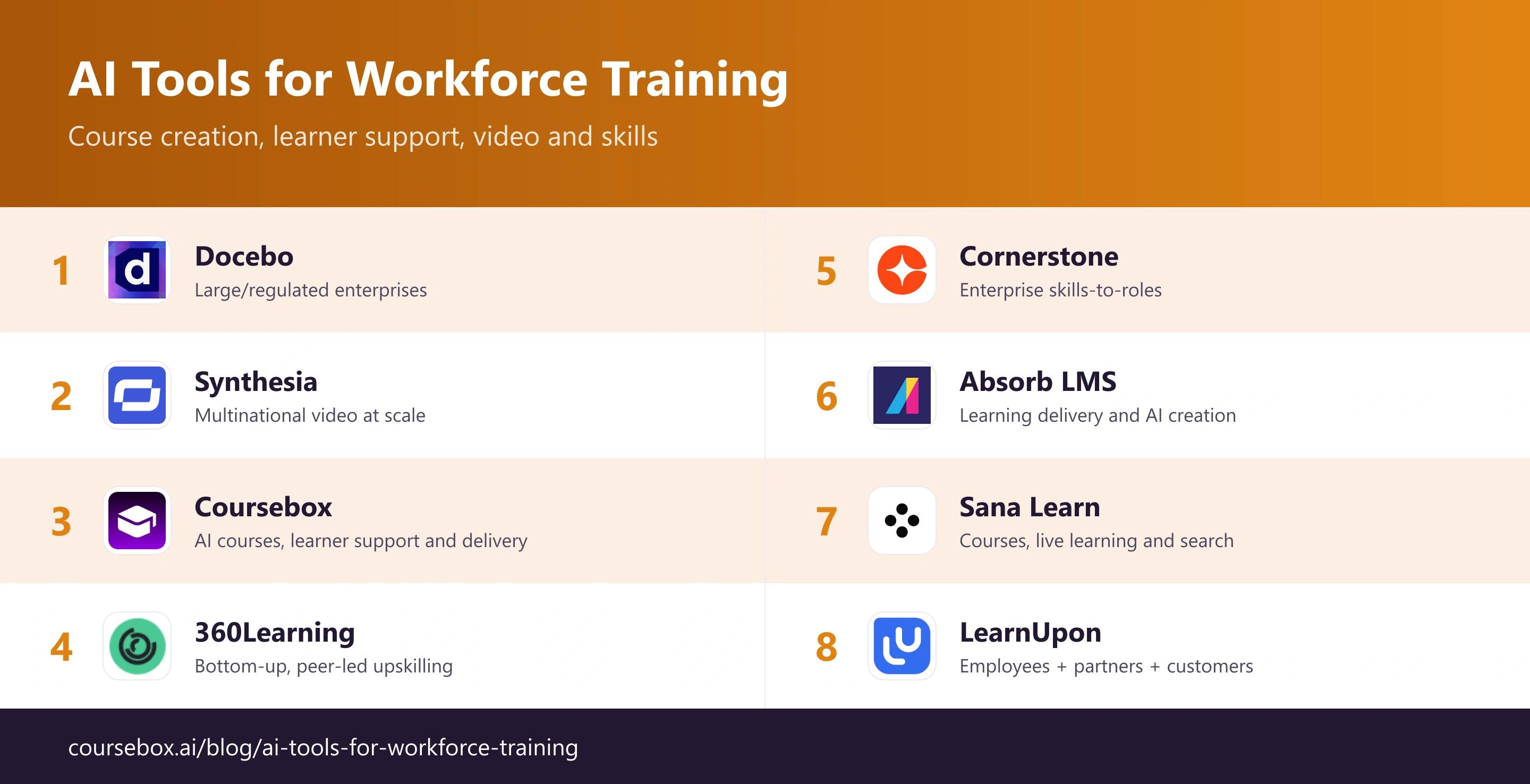
The 8 best AI tools for workforce training
1. Docebo
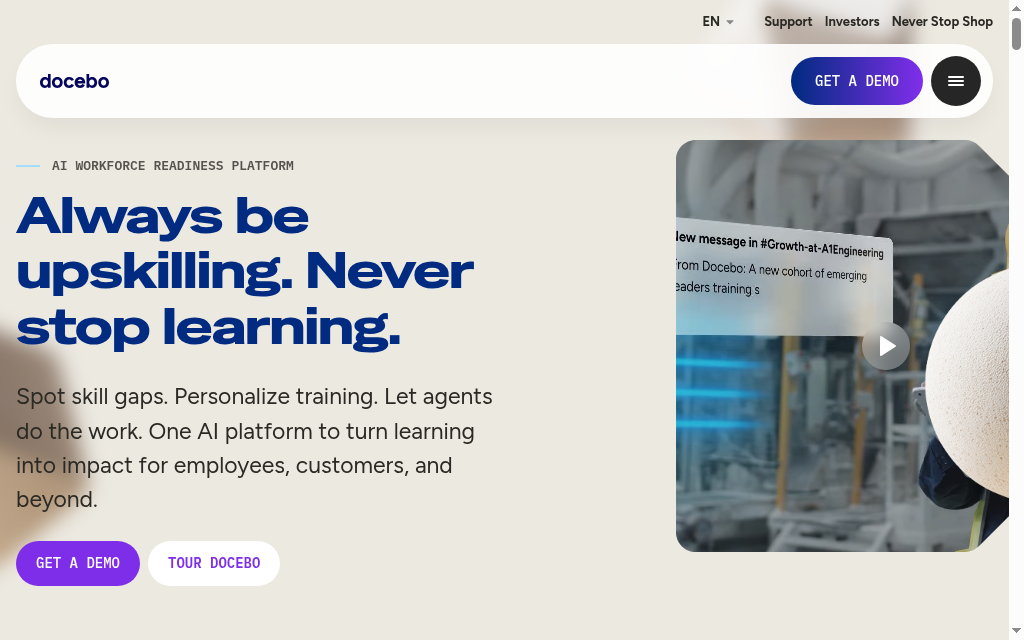
Docebo is a learning platform for organisations managing training across departments, locations and external audiences. Its AI creation and assistance sit alongside course delivery, certification tracking, mobile access and reporting, so the value extends beyond generating a lesson.
The current standard and Enterprise offerings combine content creation with learning administration. Enterprise adds options such as a branded mobile app, sandbox environments and a larger integration allowance. AI creation uses credits, and some capabilities are paid add-ons. A skills-led rollout therefore needs a scoped proposal, not an assumption that every Docebo product is in the base licence.
My review: My review starts with the employee-data connection. The team needs accurate records before it can automate training assignment by role or location. A useful demo would follow one new hire through assignment, completion and a manager’s report, then show what changes when the person moves teams.
My verdict: Choose it for complex learning administration and multiple audiences. For a smaller team, compare the configuration work with a platform that can create, deliver and track courses with fewer moving parts.
Pricing: Quote-based, with standard and Enterprise tiers. Request the user model, AI-credit allowance, integrations, onboarding and any skills or analytics add-ons in the same proposal.
2. Synthesia
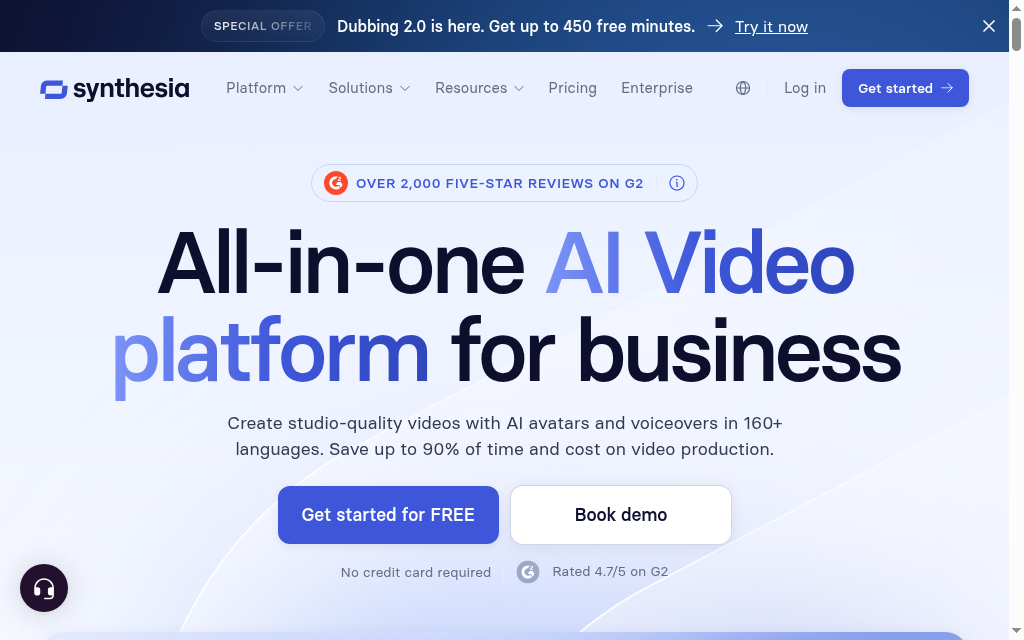
Synthesia is useful when workforce training needs presenter-led video without filming every update. Authors work from a script and visual scenes, then generate an avatar presentation for onboarding, policy explanations or product education.
Its current offering goes beyond passive video: higher plans include interactive video, while roleplay training has separate learner seats. That does not automatically replace an LMS for the whole programme. Decide whether you need a downloadable asset, a shared session or tracked practice, because the plan and delivery setup change with the output.
My review: What I look for in a training-video review is the correction workflow. Names, product terms and instructions need a human check before a polished presenter makes them look authoritative. For multilingual material, I would have a local reviewer approve both the translated script and the spoken version.
My verdict: Choose Synthesia for repeatable presenter-led video and relevant interactive formats. Pair it with your learning platform when assignment, certification and wider course records need to stay together.
Pricing: Basic is free with limits. Starter is US$29/month billed monthly and Pro is US$89/month, with shared AI credits. Roleplay learner seats are US$29 per learner/month; Enterprise is quoted.
3. Coursebox

Coursebox brings AI course creation, assessment, learner support and delivery together. Upload existing training material, organise the generated lessons, then deliver the course with quizzes and an AI tutor through its LMS or export for another platform.
The platform also supports branded delivery, groups, learning pathways, certificates and reporting on the relevant plans. That makes it useful for onboarding and ongoing staff development, rather than only producing a quick draft. A buyer should compare the creation workflow and the administrator setup together.
My review: My first review check is the assessment: does it ask employees to make the decision the job requires, or merely repeat the policy wording? AI can produce a draft quickly, but the manager or process owner should still refine that exercise before assigning it.
My verdict: Choose it when you want editable AI courses, learner support and delivery in one platform. Compare a dedicated talent suite separately if the project also requires workforce planning and validated skills data across HR systems.
Pricing: Free includes three mini courses and unlimited learners. The Australian pricing page lists Creator at AU$500/year and Pro + LMS at AU$4,200/year, with one admin included; extra Pro + LMS admins are AU$125/month. Dynamic SCORM needs an active subscription. Standalone exports omit connected features such as the AI tutor; Enterprise and SSO have separate commercial terms.
4. 360Learning
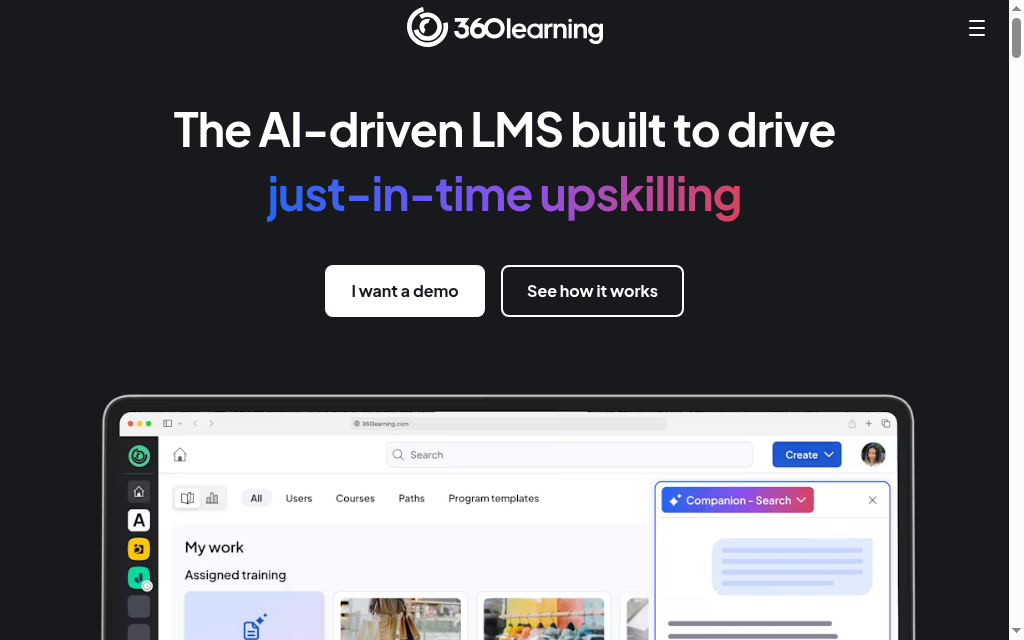
360Learning brings course authoring and learner delivery into an LMS built around subject-matter expert contributions. It suits teams that want colleagues to share operational knowledge and keep training current, rather than sending every change through one central designer.
AI-assisted creation helps turn source material into courses, while collaborative feedback helps authors refine it. The buying change is broader than replacing an editor: learners, assignments and course records also move into the platform. Importing a SCORM course for delivery is a different capability from exporting a natively authored course to another LMS.
My review: The practical question in my comparison was ownership after launch. A product specialist may know the process, but someone still needs to approve the lesson and revisit it when the process changes. I would assign those responsibilities before inviting a large group of authors.
My verdict: Choose it when expert contributions and delivery belong in one learning platform. If your existing LMS must remain the system of record, verify the exact portability of the courses you plan to build before treating it as a standalone authoring replacement.
Pricing: Team is US$8 per user/month for up to 100 users. This is a user-based LMS price, not an author-seat price. Larger deployments require a quote; confirm the required AI and integration scope.
5. Cornerstone
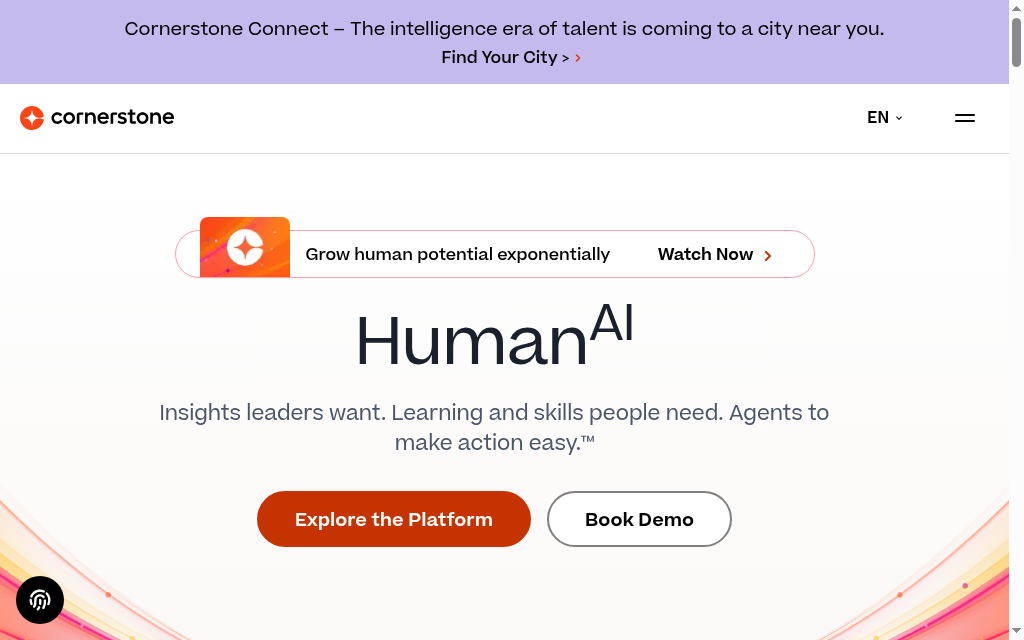
Cornerstone is a stronger candidate when training decisions need to connect with workforce skills, role requirements and career development. Its skills intelligence helps relate people and learning content to the capabilities an organisation needs.
The useful workflow starts with a role and its skill requirements, then identifies relevant learning and development opportunities. Cornerstone’s current Skills Engine uses labour-market signals and AI-assisted tagging. The broader offering spans learning and talent products, so a training buyer needs to separate the required learning capabilities from the wider workforce-planning scope.
My review: My review question is how a suggested skill becomes a trusted employee record. A recommendation inferred from a job title is useful for discovery; a manager-reviewed skill or observed performance can support a different decision. I would establish who validates those records before using them to plan development.
My verdict: Shortlist Cornerstone when skills and mobility are part of an organisation-wide programme. If the immediate task is to turn a handbook into assigned training, a smaller creation-and-delivery platform may solve it with less setup.
Pricing: Custom quote. Ask for the specific learning, skills and talent products, implementation work and integration scope. Do not treat the whole Cornerstone portfolio as a single included LMS feature set.
6. Absorb LMS
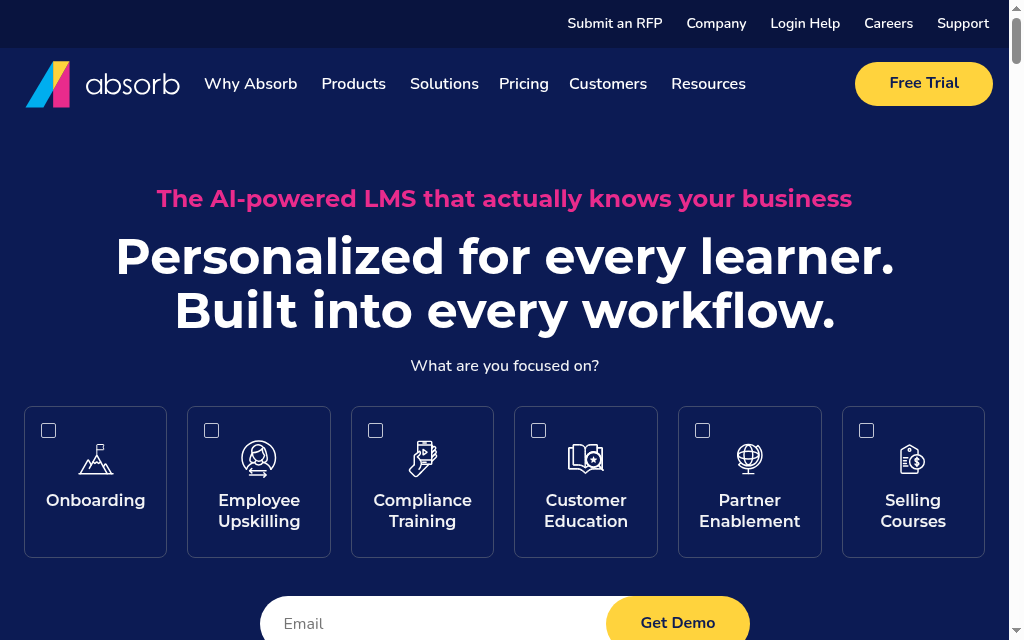
Absorb LMS combines learning delivery, administration and reporting with AI-supported tools. It suits teams that want to manage assigned training in one platform and add course creation without buying a full talent-management suite.
Absorb Create is the authoring application: its creation wizard and AI-compatible templates help turn material into courses. Author licences, roles and workspaces determine who can use it. That is a different cost and workflow from giving employees access to an LMS course, so confirm Create access alongside the learning-platform proposal.
My review: In my review, the handoff between author and administrator was the useful check. A lesson should move from an approved draft to the right learners, with a report the manager can use. I would follow that complete path instead of judging the product only by its AI generation screen.
My verdict: Choose Absorb for organised delivery and reporting with a connected authoring workflow. If you already have an LMS, compare the value of changing platforms against adding an authoring tool that exports to it.
Pricing: Pricing is quoted. Confirm the learner model, Create author licences, implementation and required integrations. Public information does not provide a dependable total for the exact combination.
7. Sana Learn
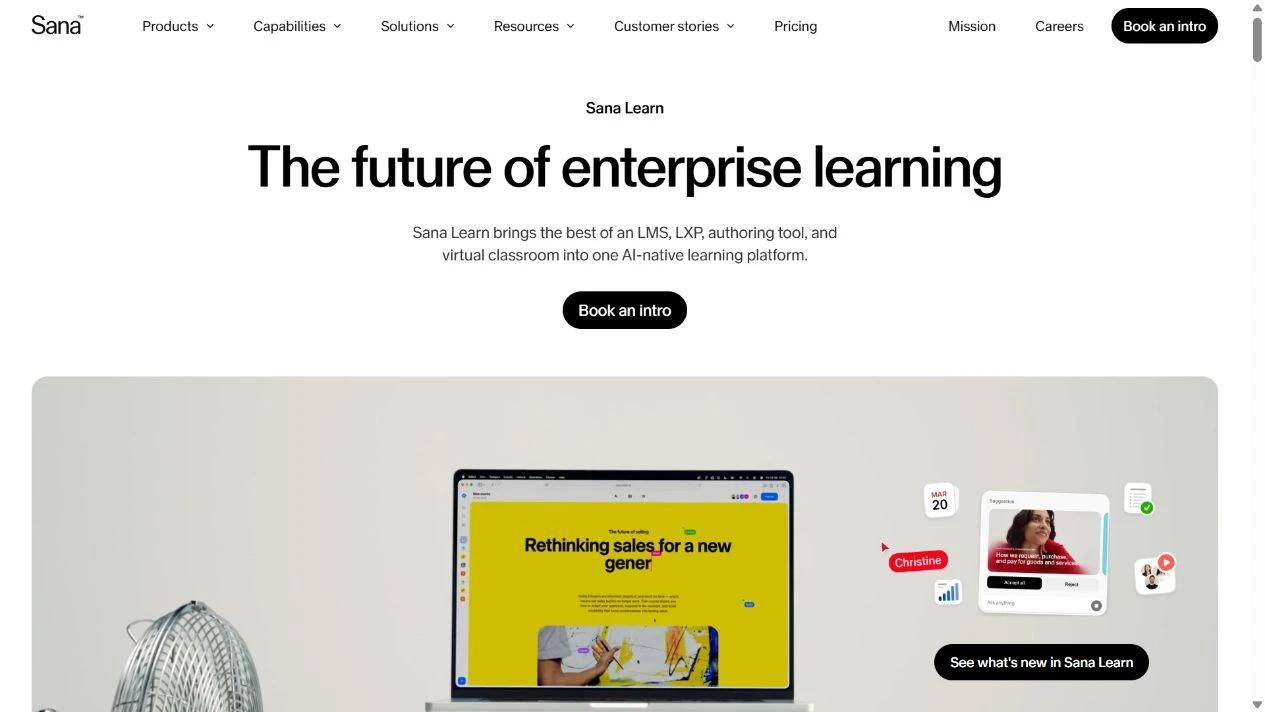
Sana Learn combines an LMS, learning experience platform, course authoring and virtual classroom. Sana Agents is a separate knowledge-work product; Sana Learn is the platform for managing training.
The learning platform includes AI authoring, learner tutoring, search, paths and analytics. Existing content can be imported through SCORM or converted into native courses. That gives a team a choice between keeping a package and rebuilding it for Sana’s own learning experience, with different implications for editing and later portability.
My review: What stood out in my comparison was the migration decision. I would keep one familiar course as SCORM and convert another representative course, then compare editing, learner questions and the manager’s report. A new interface alone is not a reason to rebuild the entire library.
My verdict: Choose Sana Learn for combined formal courses, live learning and access to knowledge. Its minimum user count makes it a larger deployment decision than a small authoring subscription.
Pricing: Plans start at 300 users and are priced per provisioned user/month. The page offers region- and volume-based indicative pricing, followed by a tailored quote. It states that the full platform, SSO and deployment are included.
8. LearnUpon
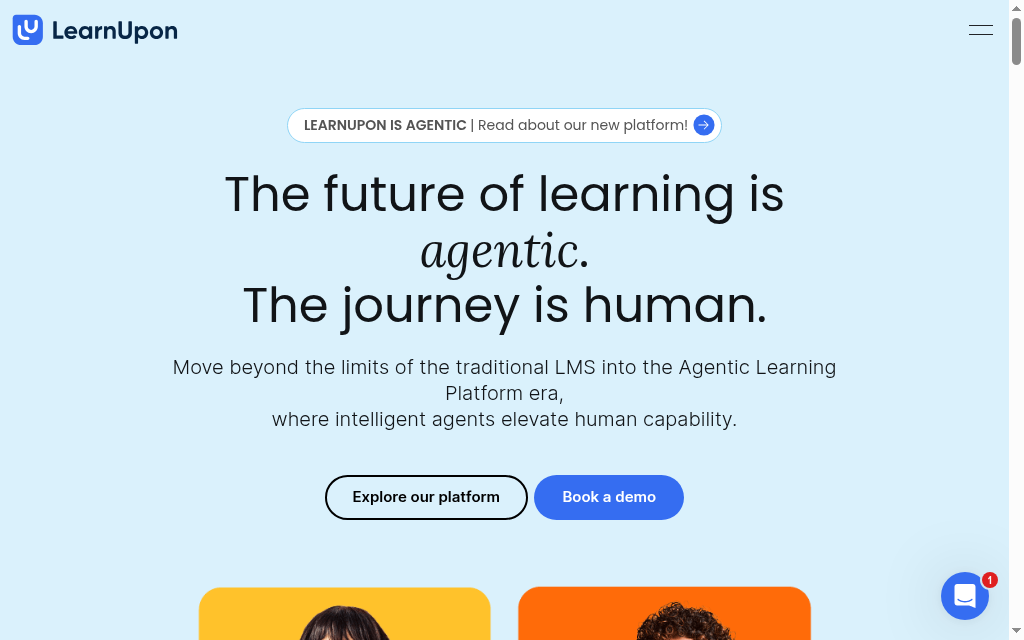
LearnUpon is useful when workforce training shares a platform with customer or partner education. Separate portals let teams organise audiences and their learning experiences while managing courses, enrolments and reporting centrally.
Its current offering includes AI creation through Create+ and automated learning journeys, rather than only content recommendations. Journeys can branch using learner data and reuse completed courses. That makes the accuracy of the audience records and the design of the journey as important as the course itself.
My review: My practical review question is what happens when someone belongs to two audiences. An employee who also supports partners should reach the intended training without receiving duplicate requirements or unrelated content. I would map the portal and journey rules before building a large catalogue.
My verdict: Choose it when audience separation and managed learning journeys are central to the programme. A single small internal team should compare that scope with a simpler LMS rather than pay for complexity it will not use.
Pricing: Quote-based. The public employee offering starts at 100 users; other audience packages have different minimums. Confirm portal count, AI creation, integrations and the billing definition of a user in the proposal.
What should AI improve in workforce training?
| Training need | Useful AI support | Check before rollout |
|---|---|---|
| Repeated policy questions | A tutor grounded in approved learning material | Answers stay within the employee’s permitted information |
| New or changing procedures | Course drafting and easier revision | A process owner approves examples and assessment |
| Product or system demonstrations | Video generation or editing | The employee can practise the task, not only watch it |
| Development across roles | Skills-to-learning recommendations | Skills data and manager validation are reliable |
In Thinkific’s 2026 survey of 1,039 learning-programme professionals, 44% used AI to generate educational content. That is a reason to compare the editing and approval workflow as well as generation: the draft still needs to become a lesson your team can stand behind.
The World Economic Forum’s 2025 employer survey estimated that 59 in every 100 workers would need training by 2030. A reusable course and a workable update process are therefore more useful than a one-off production shortcut.
Remove outdated procedures and material learners should not access before uploading it. Give the course an owner and a review date. A fluent AI draft can carry an old instruction into a new lesson.
A rollout check I would use
- Pick one role and one task employees need to perform.
- Create or import the lesson, then have the process owner review it.
- Assign it to a small pilot group and check learner access, assessment and manager reports.
- Review unanswered questions and task performance before expanding the programme.
Which AI workforce-training tool should you choose?
Eight tools, matched to your scale and whether you need a platform or a point tool:
| If your priority is | Go with |
|---|---|
| Skills mapping and compliance at enterprise scale | Docebo |
| AI video for multinational rollouts | Synthesia |
| Building and delivering AI courses fast | Coursebox |
| Bottom-up, peer-led upskilling | 360Learning |
| Linking reskilling to a skills-to-roles model | Cornerstone |
| Learning administration with connected authoring | Absorb LMS |
| Blending training with AI knowledge search | Sana Learn |
| Training partners and customers too | LearnUpon |
Shortlist the platform or tool around one training task, then compare the finished lesson, employee access and manager report. A pilot should show how the team will maintain the training after launch.
Frequently Asked Questions
Docebo and Cornerstone suit larger learning or skills programmes; Coursebox combines AI course creation, tutoring and delivery; Synthesia adds video and selected interactive formats. 360Learning, Absorb, Sana Learn and LearnUpon offer different administration and learner experiences. Compare the required workflow and plan scope.
It can draft courses, help learners with questions, generate video or relate learning to skills. Those capabilities are different from routine enrolment rules and reminders. Ask to see the specific AI workflow you intend to use.
If you already assign and report on training successfully, an authoring or video tool may fill the gap. Choose a platform when you also need learner delivery, administration and reporting.
Yes. Coursebox combines course creation with quizzes, assessment, AI learner support and delivery. Relevant plans add branding, groups, pathways, certificates and reporting. Choose the plan around the workflow and administrator scope you need.
Separate learner access, author seats, AI credits, modules, integrations and implementation. Sana Learn starts at 300 users and LearnUpon’s employee offering starts at 100. A small video subscription is not directly comparable with an organisation-wide LMS contract.
Parshad Desai
Parshad is a full stack technical marketer based in our Perth office. He began his Coursebox career as a marketing intern. After impressing the founders with his incredible work, he later transitioned into a full time position coordinating digital marketing. His focus lies in managing our website, product analytics, and email marketing. Recently he has taken a keen interest in applying AI to digital marketing and growth.

