

10 Best Lucidchart Alternatives for Smarter Diagramming & Collaboration
Discover the best Lucidchart alternatives to create diagrams, flowcharts, and visual workflows faster and smarter.


Turn complex ideas into clear, professional diagrams using AI
Lucidchart has become a go-to visual collaboration platform for teams that need to build flowcharts, process maps, and diagrams together in real time. With drag‑and‑drop tools and broad integrations, many teams rely on it for structured diagrams and workflows.
However, as needs evolve, some find the interface overwhelming for simple use, pricing becomes a stretch for smaller groups, and offline access remains limited, which can slow momentum. Because of that, many users start looking for tools that match their workflow more closely, offer flexible visual planning, or make diagramming easier.
Below, we’ll explore top Lucidchart alternatives that help teams visualize ideas and get work done faster.
What is Lucidchart?
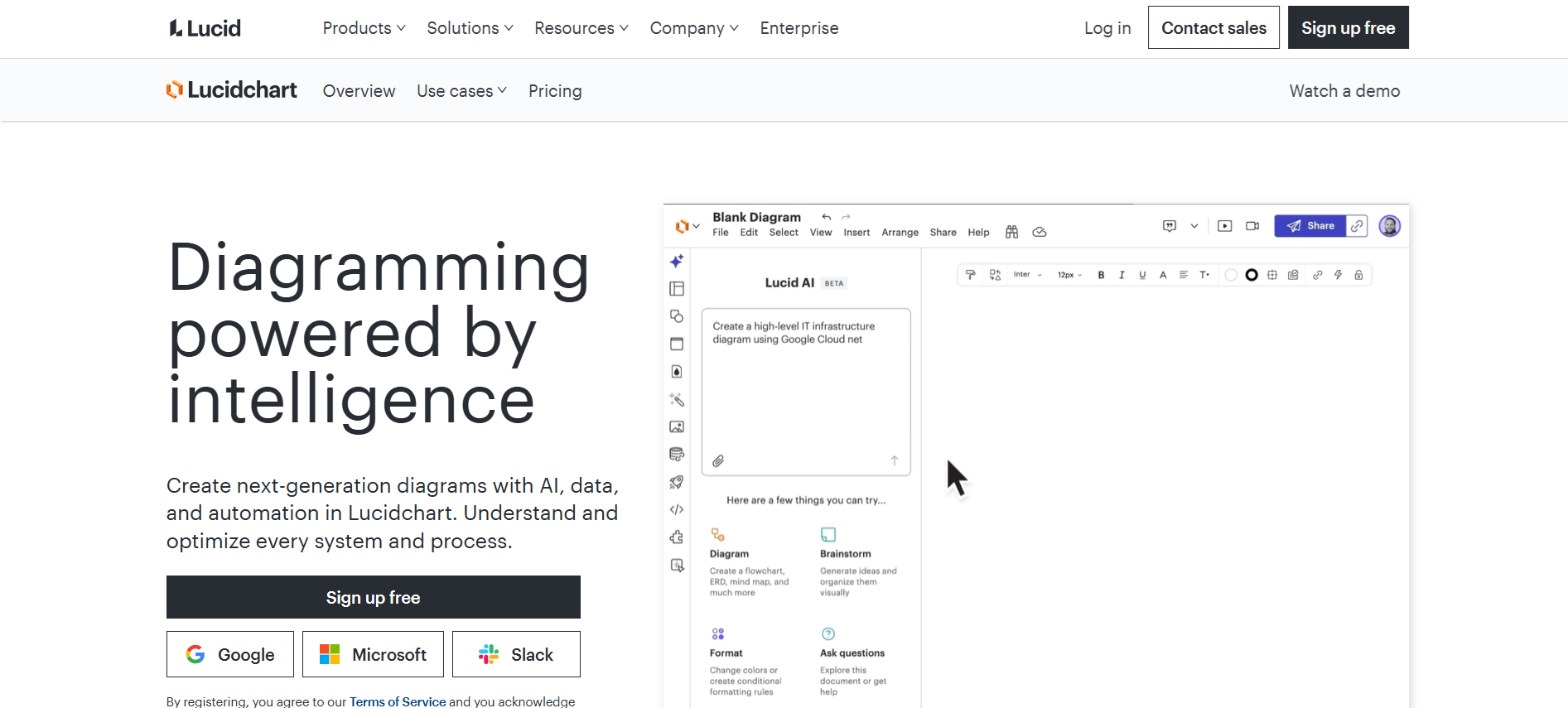
Lucidchart is a popular diagramming and visual collaboration platform used by teams worldwide. It helps create flowcharts, org charts, process diagrams, and more with simple drag-and-drop tools. Templates speed up setup, while real-time collaboration keeps everyone on the same page.
Accessible across devices, it lets users edit diagrams anytime, whether in the office or remotely. By turning complex ideas into clear visuals, Lucidchart makes planning, presentations, and workflow mapping easier, helping teams communicate more effectively and keep projects moving forward.
Why Explore Lucidchart Alternatives
While Lucidchart works well for many teams, some users look for other AI tools and AI diagram generators that better match their needs. Common reasons teams explore Lucidchart alternatives include:
1. Limited Free Plan Features
The free plan limits the number of shapes and objects, which can make building detailed diagrams tricky. Teams often end up simplifying visuals or upgrading just to get the elements they need. As a result, small groups or those testing the platform can spend extra time figuring out workarounds.
2. Basic Flowchart Management
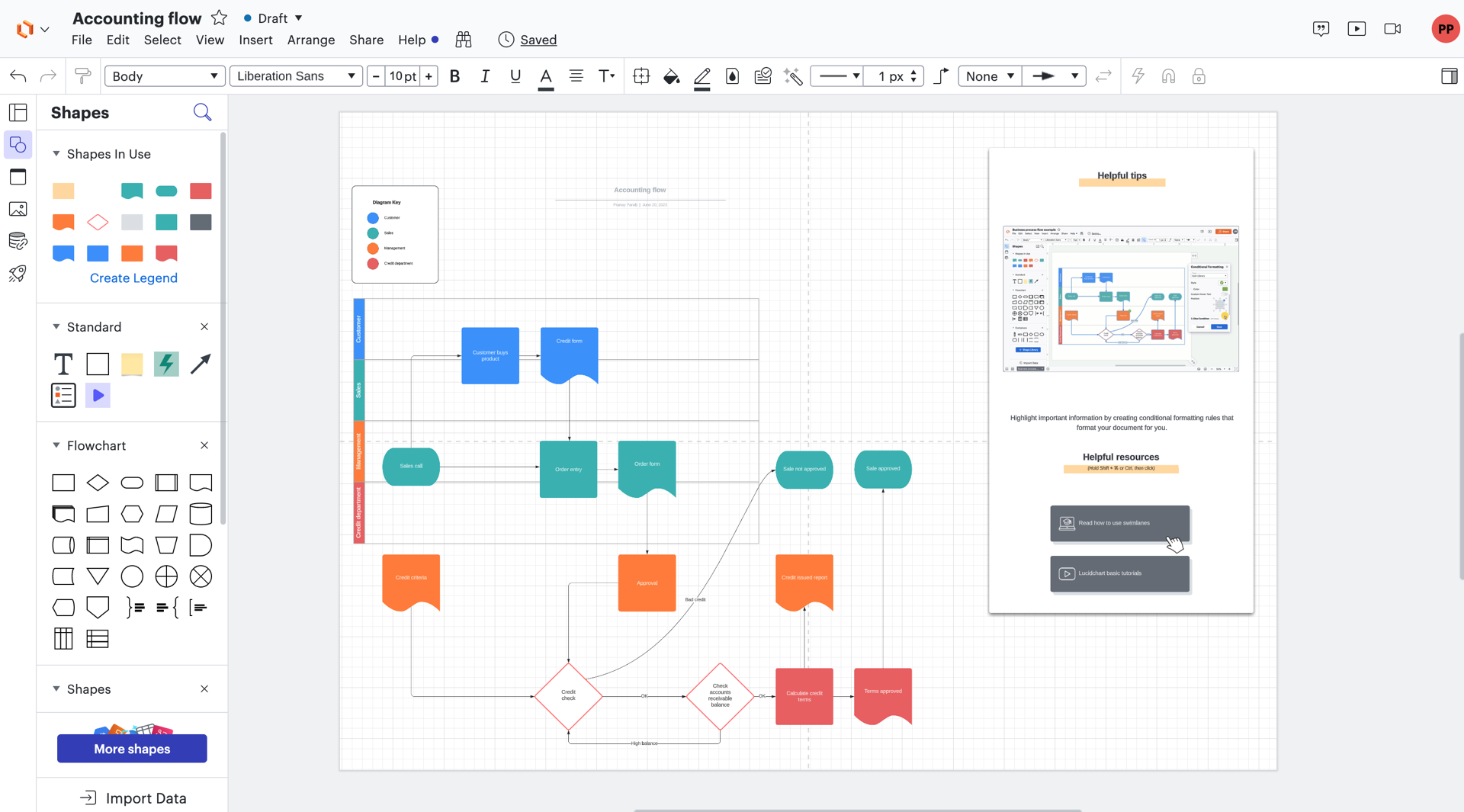
Lucidchart handles simple flowcharts well, but it misses advanced tools like automatic layouts or conditional formatting. This means teams working on complex processes must add extra steps to keep diagrams organized, which can slow projects and reduce efficiency.
3. Pricing Concerns
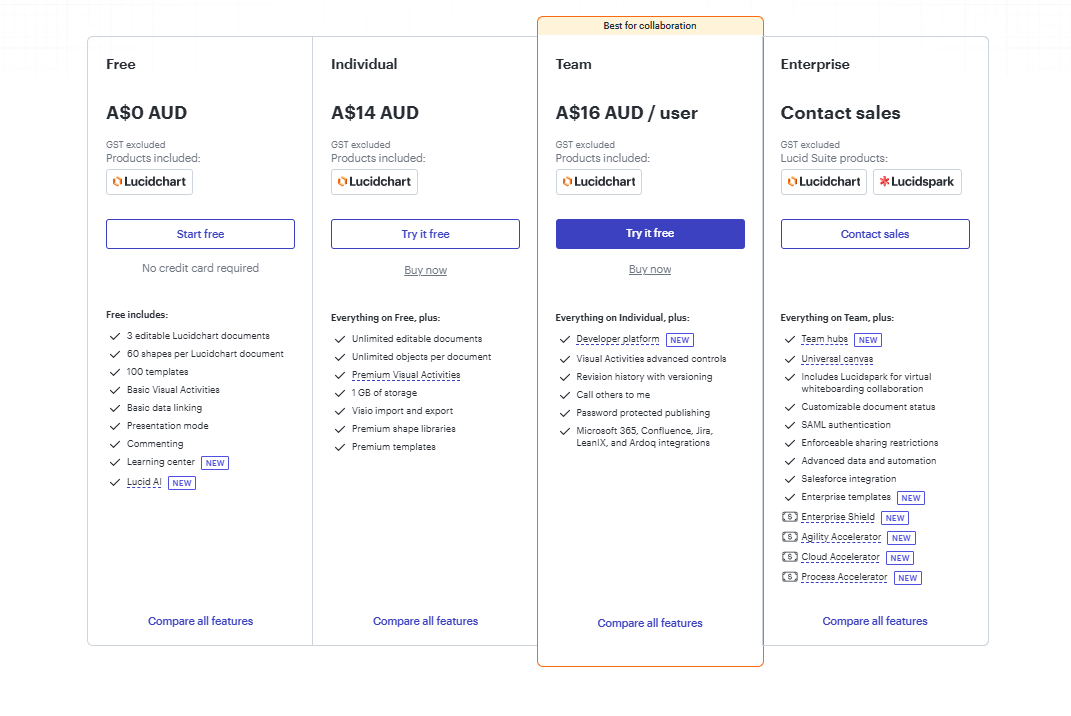
For some users, the cost doesn’t match the features they actually use. Small teams or individuals may find plans expensive for basic needs, while premium features can feel out of reach. This often leads teams to explore alternatives that offer more flexibility and value.
4. Integration Gaps
Lucidchart integrates with many tools, yet some teams need smoother connections with project management or design platforms. Without this, moving diagrams into workflows or collaborative documents can feel clunky. Teams often look for Lucidchart alternatives that streamline integration and keep work flowing.
Full Disclosure: This blog is owned and operated by Coursebox. While we include ourselves in this list because we believe in our platform, we've provided an objective breakdown of features to help you choose the best fit.
Best Lucidchart Alternatives: Our Top 10 Picks
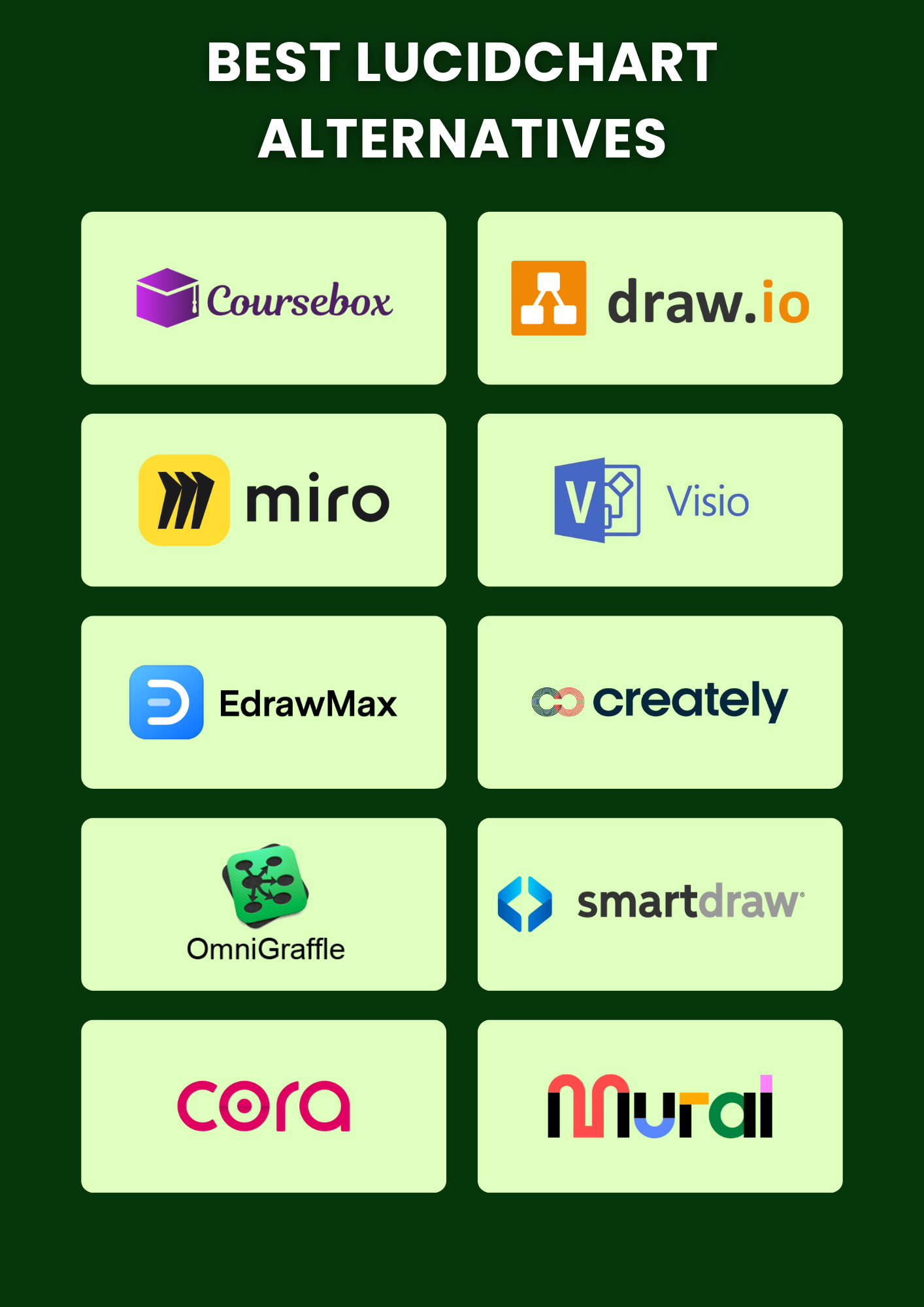
Here’s a closer look at the top Lucidchart alternatives. We have also included modern diagramming tools to help you find the right AI diagram generator for your needs.
1. Miro
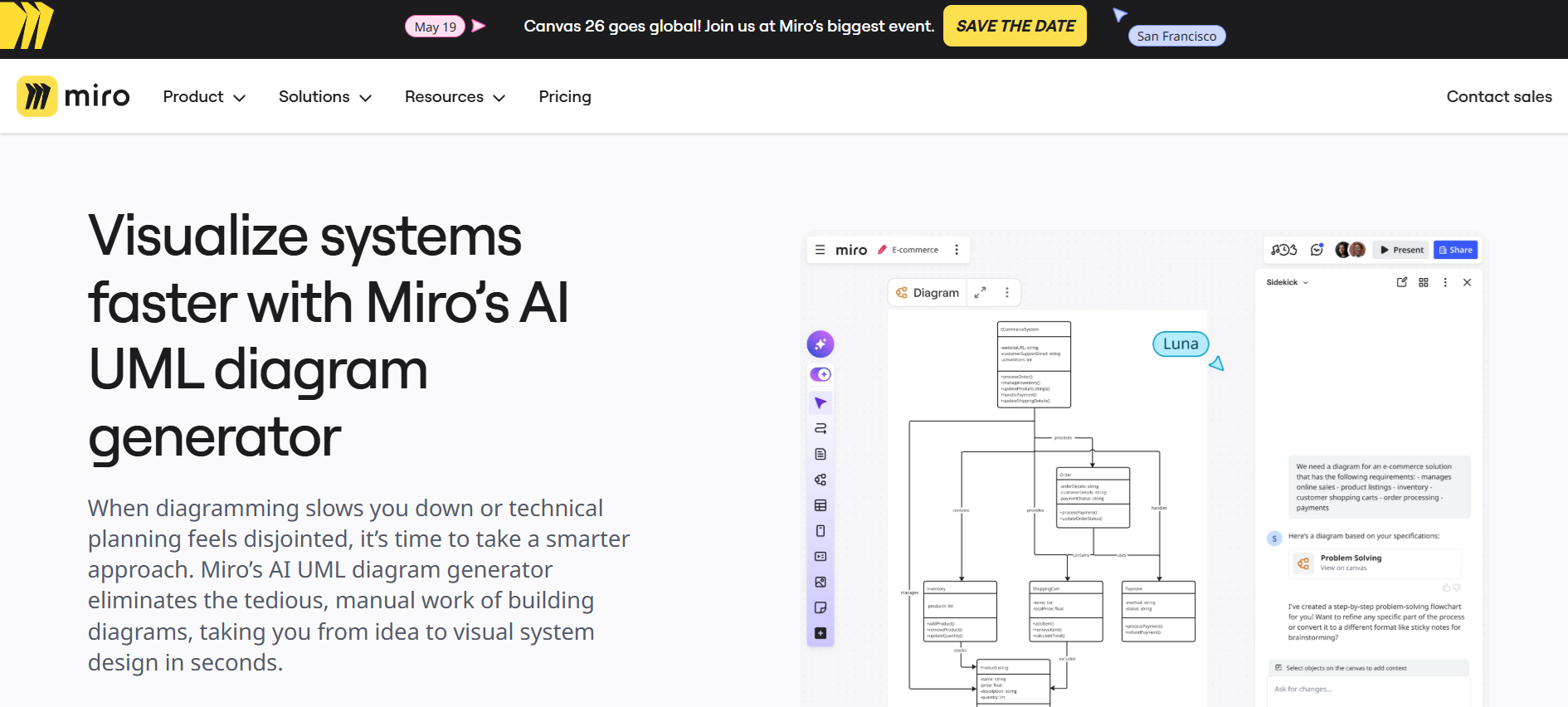
For teams looking for a template-rich visual collaboration platform, Miro provides everything needed to map workflows, brainstorm ideas, and create professional diagrams quickly. The extensive template library saves time while allowing full customization for different project types.
Real-time collaboration keeps teams aligned, and integrations with Google Docs, Microsoft Teams, and Slack make sure work flows seamlessly across tools. While beginners might need a bit of time to adjust, and free accounts only allow three boards, Miro still offers a compelling Lucidchart alternative that combines clear, structured diagrams with smooth, connected teamwork.
Key Features:
- Large template library for various diagram types
- Real-time collaboration with team members
- Integration with Google Docs, Microsoft Teams, Slack, and more
- Customizable diagrams with shapes, colors, and text options
- Mobile-friendly design for on-the-go editing
2. Draw.io
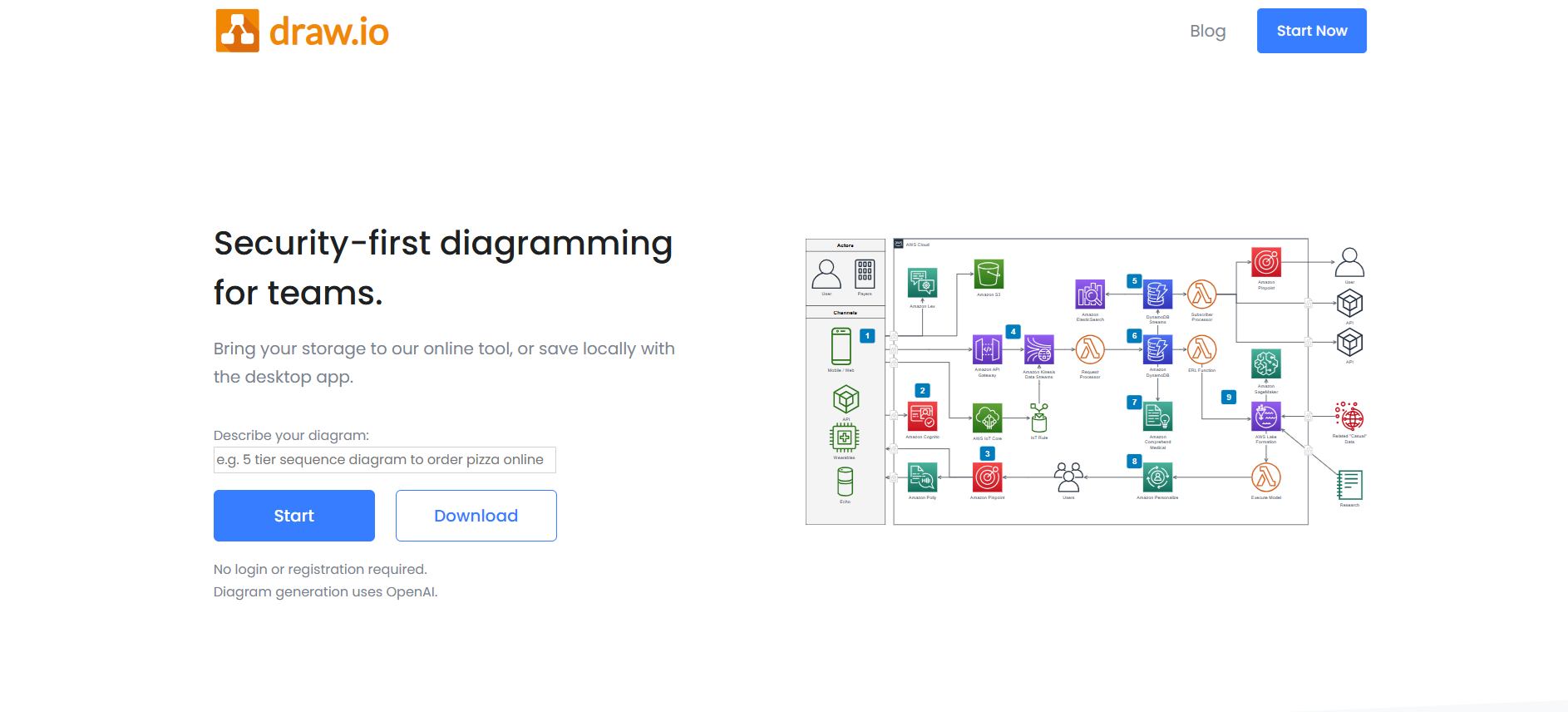
If you want a cost-free diagramming solution, Draw.io offers open-source flexibility while still covering all essential features. Teams can easily create flowcharts, UML diagrams, org charts, and more, working online or offline depending on the project. File storage is highly adaptable with Google Drive, OneDrive, GitHub, Dropbox, or local devices.
On top of that, integrations with Confluence, Jira, and Notion help teams keep workflows connected and collaboration smooth. Although design options are somewhat limited, especially for complex projects, Draw.io remains a practical and reliable Lucidchart alternative for teams that need accessible and adaptable diagramming tools.
Key Features:
- Desktop and browser versions for online/offline use
- Flexible file storage across multiple platforms
- Real-time collaboration for teams
- Integrations with Google Drive, OneDrive, Jira, Confluence, and Notion
- Wide variety of diagram types, including UML and org charts
3. Visio
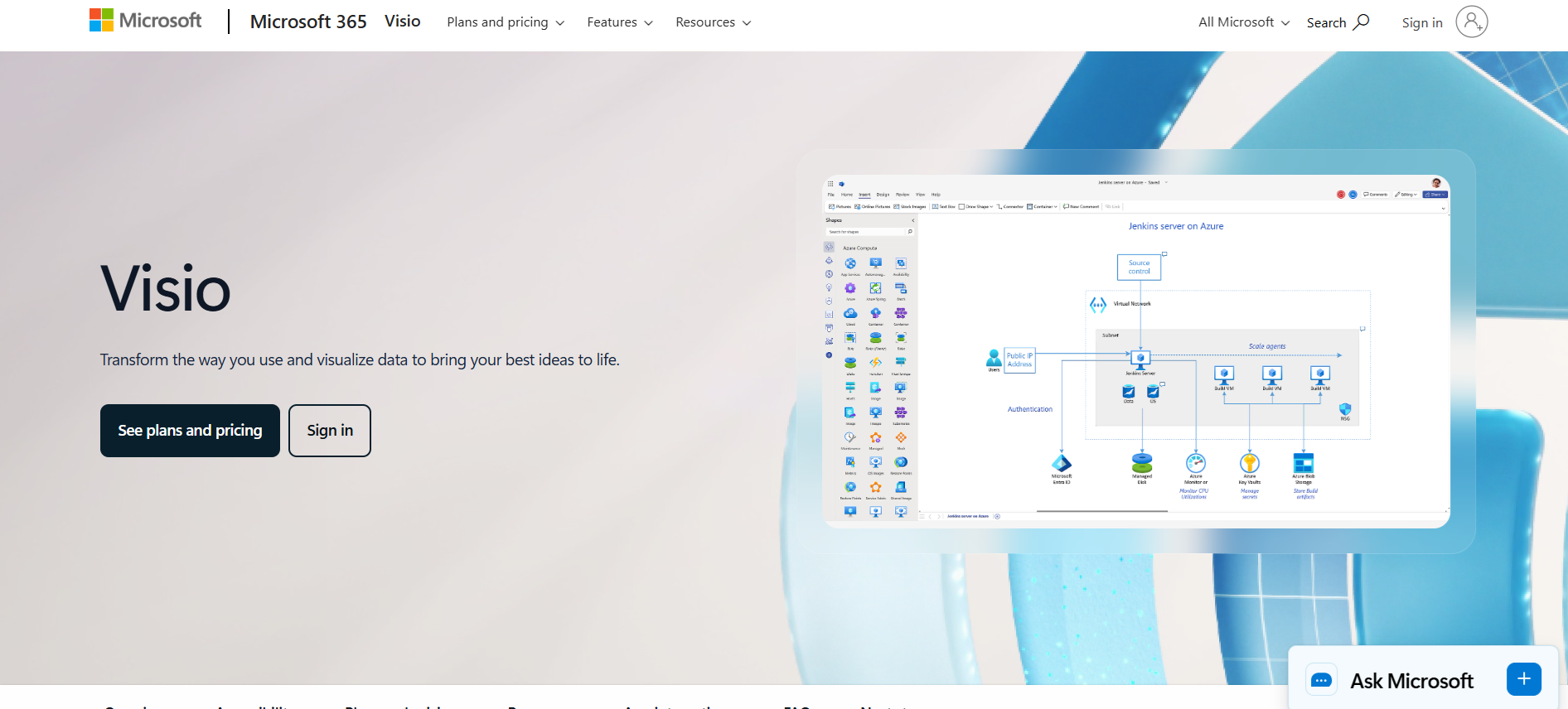
For enterprise teams working within the Microsoft ecosystem, Visio delivers detailed and precise diagramming that handles complex workflows with ease. You can create flowcharts, network diagrams, and organizational charts using the platform’s extensive shape libraries.
On top of that, data linking allows diagrams to reflect live information, which improves decision-making. Integrations with Excel, Word, PowerPoint, SharePoint, and Teams ensure that work flows smoothly across platforms.
The interface might feel a bit dated, and it requires a Microsoft 365 subscription, but Visio remains a professional Lucidchart alternative that supports enterprise-grade diagramming and data-driven projects effectively.
Key Features:
- Advanced diagramming tools for complex workflows
- Extensive library of customizable shapes and templates
- Real-time collaboration and editing
- Data linking to Excel and other Microsoft apps
- Integration with Microsoft Teams, SharePoint, PowerPoint, and Word
4. EdrawMax
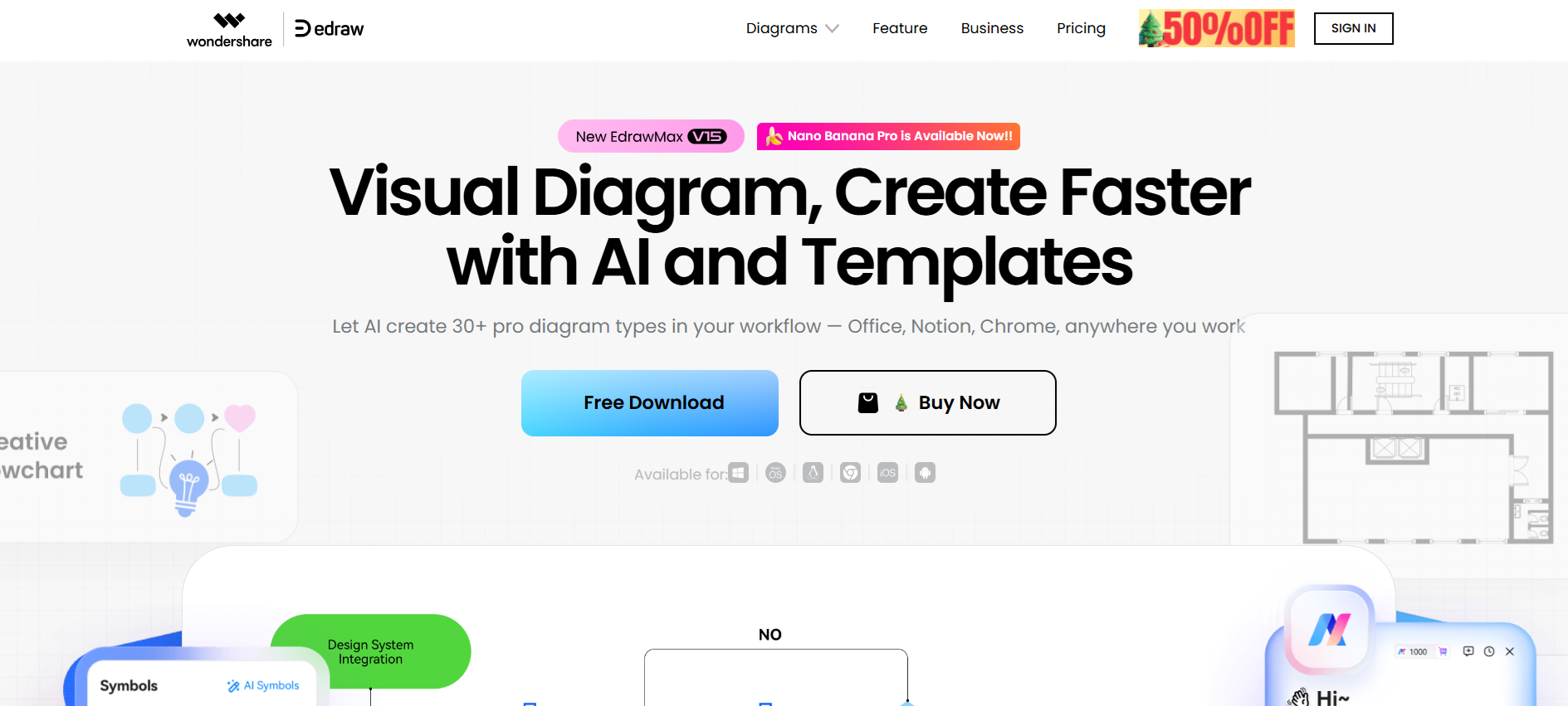
When you need a tool that handles almost any type of diagram, EdrawMax delivers. Teams can work on over 280 diagram types, which adds flexibility across projects.
Beginners can pick up the interface quickly, while advanced users can explore more robust options. File compatibility helps teams share diagrams in multiple formats without extra hassle.
Integrations keep work flowing across platforms. The wide feature set can feel overwhelming for simpler needs. Still, EdrawMax provides a strong Lucidchart alternative for teams that want both accessibility and professional-grade diagramming.
Key Features:
- Supports 280+ diagram types
- Intuitive interface for all skill levels
- Strong file export and sharing options
- Advanced diagramming tools for complex projects
- Integration with multiple platforms
5. Coursebox AI
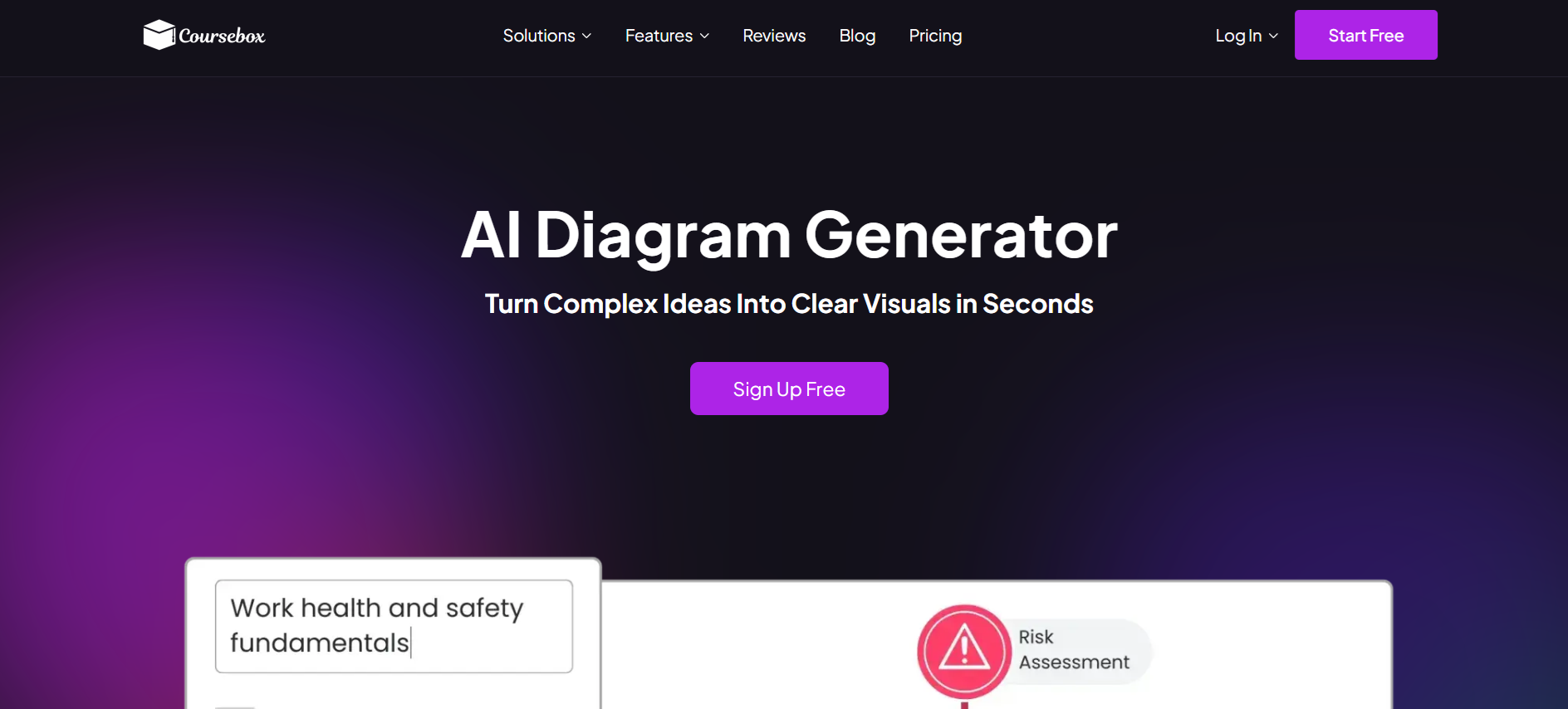
Coursebox sits at the learning-focused end of the diagramming market, turning text prompts into flowcharts, process maps, anatomy visuals, and explainer illustrations in 100+ languages — diagrams designed to support courses and training rather than general-purpose workflow mapping. This fits educators and training teams that want diagrams integrated with course content. Teams whose primary need is collaborative visual workspaces for strategy, design, and real-time team whiteboarding typically shortlist Miro or Mural, and those looking for established diagramming-first tools with extensive shape libraries and technical diagramming capability sometimes consider SmartDraw or Visio.
Key Features:
- AI-generated diagrams from simple prompts
- Flowcharts, process maps, and system visuals
- Infographics and explainers tailored to the topic
- Multilingual generation in 100+ languages
- Consistent visual style across projects
- Labels, annotations, and callouts for clarity
- Context-specific visuals that reflect terminology
- Direct embedding into online courses and training
- Rapid variation and update generation
- No design software or skills required
6. Creately
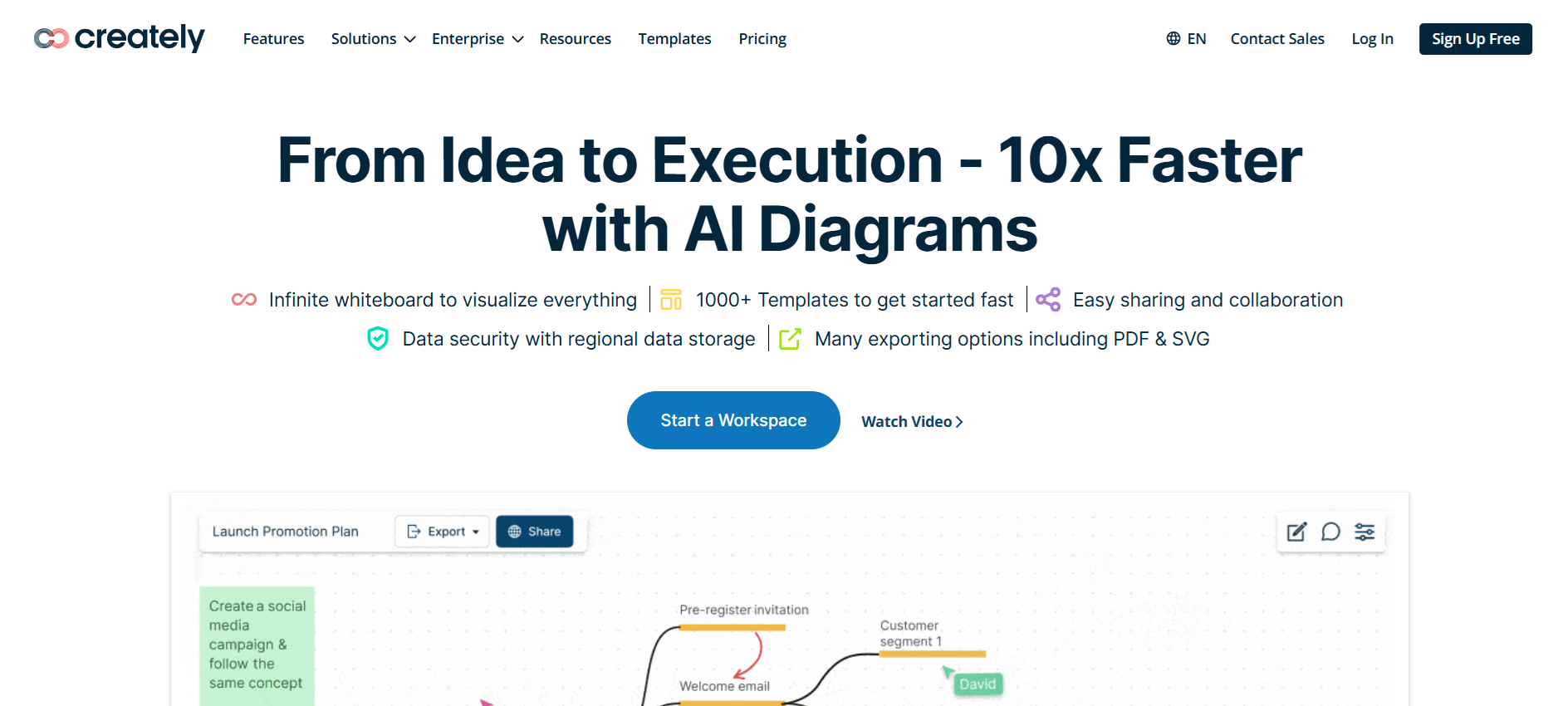
For teams looking for flexible collaboration, Creately offers a highly interactive workspace that combines a whiteboard with a visual database. The infinite canvas lets users create without limits, while real-time cursors and mouse pointers keep everyone in sync.
Spotlight and follow features help track contributions, and advanced sharing permissions keep work organized. Integrations with Microsoft Teams, Slack, and Zoom make collaboration smoother.
Some may find the range of features overwhelming at first, but Creately is a compelling Lucidchart alternative for teams that want flexibility, precision, and seamless teamwork.
Key Features:
- Infinite canvas for unlimited diagramming
- Real-time collaboration with cursors and pointers
- Advanced sharing permissions and tracking
- Integration with Microsoft Teams, Slack, Zoom
- Visual project management and Kanban workflow tools
7. OmniGraffle
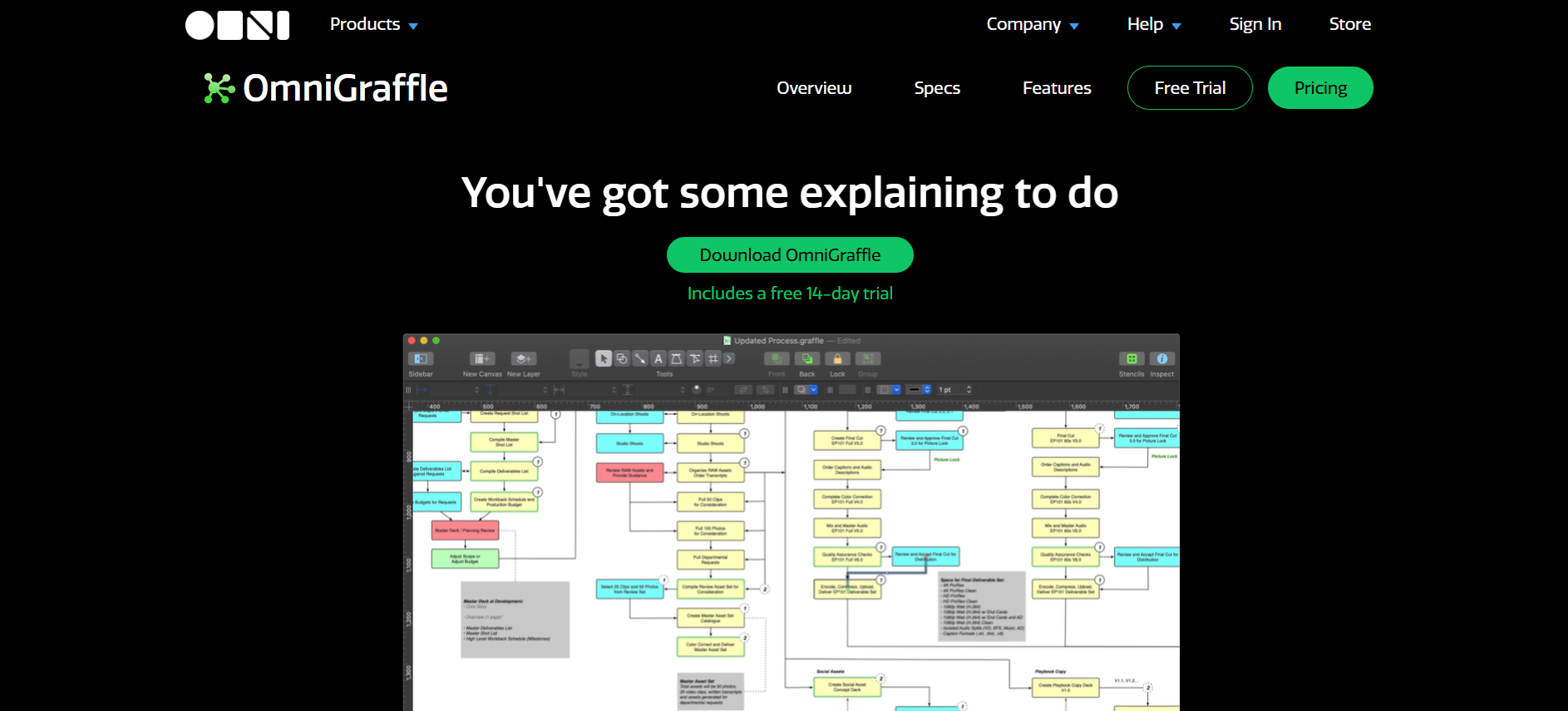
If you work mostly on Apple devices, OmniGraffle offers diagramming with deep macOS and iOS integration. Apple Pencil and Touch Bar support make sketching and designing feel natural. Resource Browser and Document Picker simplify organization, and advanced export options provide flexibility for multiple formats.
Interactive actions allow diagrams to link pages or trigger pop-ups, adding functionality beyond static visuals. Beginners may need time to get used to the tools. Still, OmniGraffle stands out as a Lucidchart alternative for professionals who need precision, interactivity, and strong Apple ecosystem support.
Key Features:
- Apple Pencil and Touch Bar support
- Advanced export options in multiple formats
- Extensive library of stencils and templates
- Interactive diagram actions for dynamic projects
- Deep integration with macOS and iOS
8. SmartDraw
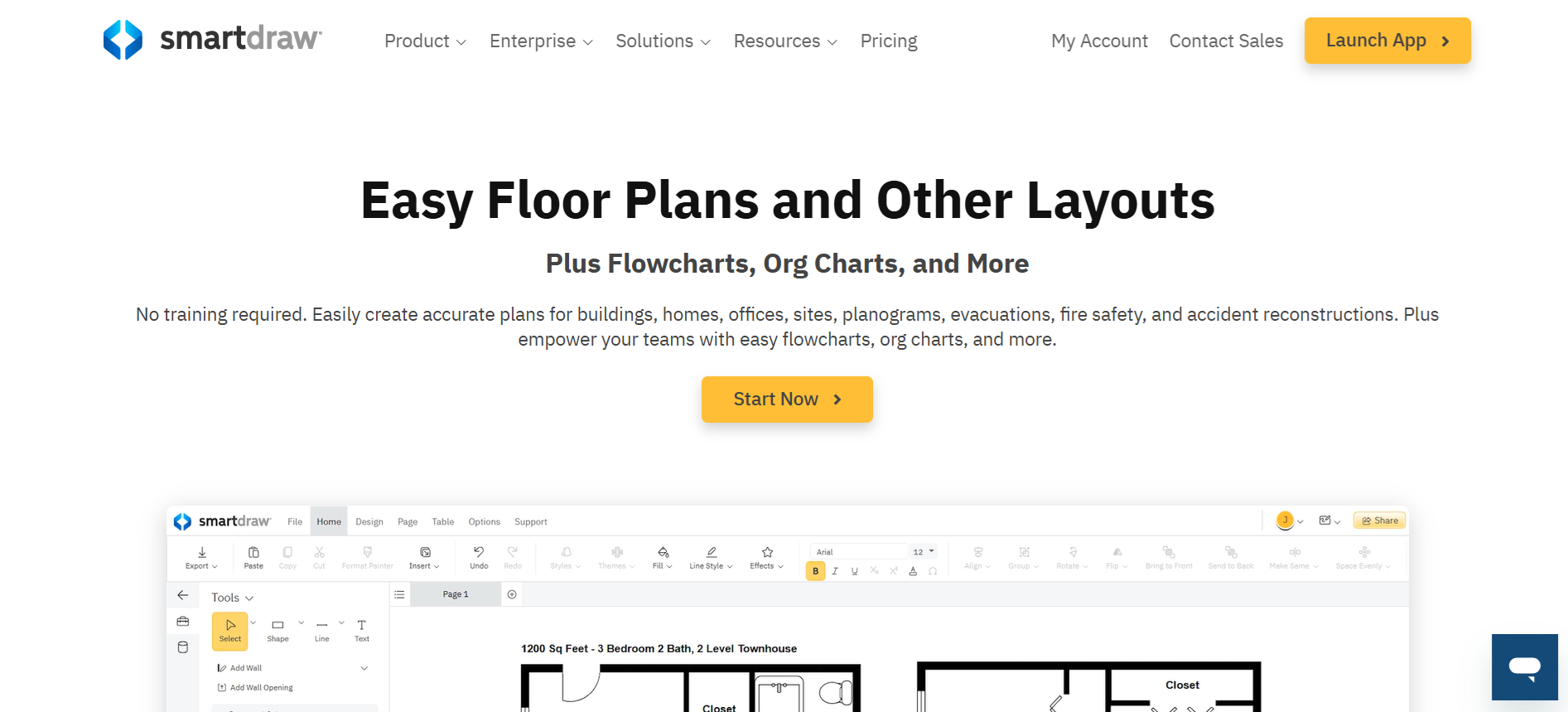
When you want to create complex diagrams quickly, SmartDraw helps automate the process. Automated formatting keeps diagrams neat and readable, so teams spend less time adjusting layouts. The template library offers over 70 types of diagrams, which speeds up project setup.
Integrations with Google Workspace, Microsoft Office, Trello, and more allow diagrams to fit into existing workflows. Some users may prefer more control over shapes, and pricing can be higher for advanced features. Even so, SmartDraw is a solid Lucidchart alternative for teams that need speed, structure, and professional-quality diagrams.
Key Features:
- Automated formatting for neat diagrams
- Extensive template library across 70+ diagram types
- Integration with Google Workspace, Microsoft Office, and Trello
- Supports multiple diagram types, including flowcharts and org charts
- Cloud-based access with real-time collaboration
9. Cora Systems
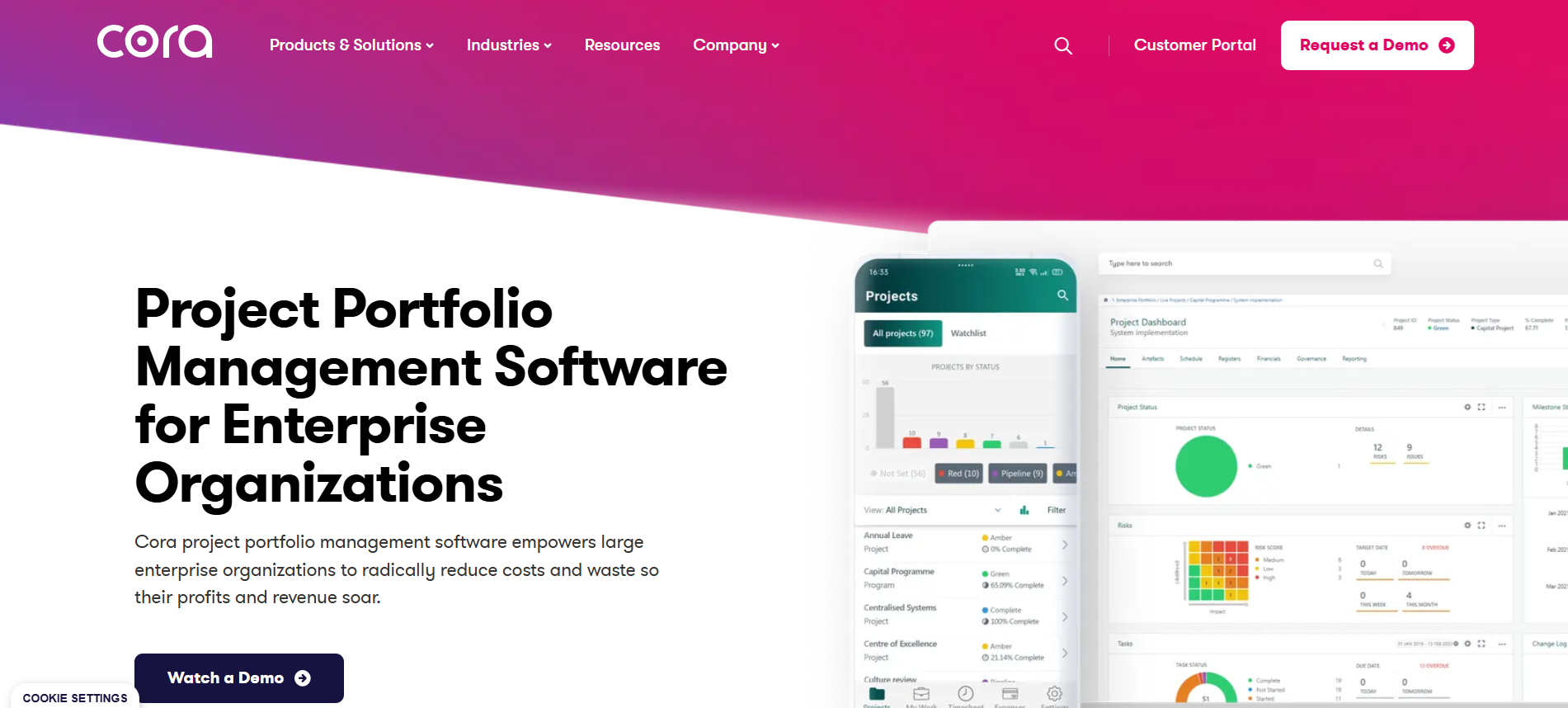
For enterprises managing multiple projects, Cora Systems offers high-level portfolio management. Teams can track budgets, resources, and schedules across projects.
Customizable dashboards and advanced reporting provide clarity, while Kanban boards and Gantt charts help visualize workflows. Real-time collaboration ensures teams stay aligned. It can feel complex for new users, and the interface requires adjustment.
Still, Cora Systems serves as a Lucidchart alternative for organizations that need detailed project oversight combined with visual management tools.
Key Features:
- Project and portfolio management for multiple projects
- Resource, time, and financial tracking
- Gantt charts and Kanban boards for workflow visualization
- Customizable dashboards with advanced reporting
- Cloud access and mobile-friendly interface
10. Mural
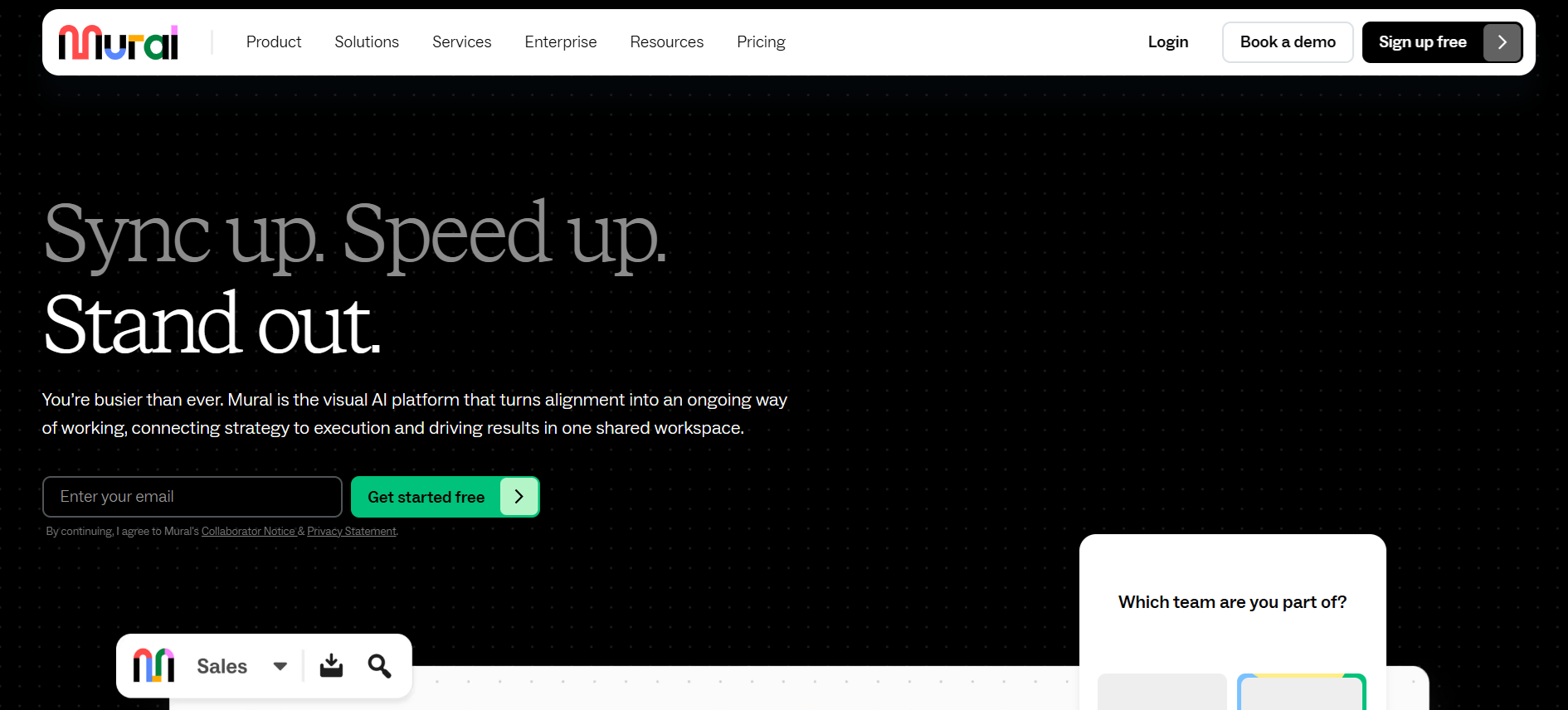
When teams focus on collaboration, Mural turns brainstorming into an interactive experience. Digital sticky notes and real-time editing keep everyone involved.
Voting and timers help prioritize ideas and keep sessions productive. Interactive templates make setting up workshops fast, while integrations with Microsoft Teams, Slack, Jira, Confluence, and Zoom connect Mural with other tools.
Performance may slow on very large boards, and some advanced diagram features are limited. Still, Mural is a strong Lucidchart alternative for teams looking to enhance collaboration and organize ideas visually.
Key Features:
- Digital sticky notes for interactive brainstorming
- Real-time editing for team collaboration
- Voting and timers to manage sessions efficiently
- Interactive templates for workshops and planning
- Integrations with Microsoft Teams, Slack, Jira, Confluence, Zoom
Take Your Diagrams to the Next Level with Coursebox AI

Exploring Lucidchart alternatives gives teams a chance to find tools that match their workflow, project complexity, and collaboration needs. From free, open-source options like Draw.io to AI-powered solutions like Coursebox AI, there’s a platform to suit every team size and purpose.
Features like real-time collaboration, advanced diagramming, seamless integrations, and multilingual support make modern tools more flexible than ever. Whether you need fast brainstorming, structured workflows, or visually consistent training content, these alternatives can help.
Try Coursebox AI and other top options to simplify diagramming, boost team productivity, and turn complex ideas into clear, actionable visuals.
FAQs
What are the best Lucidchart alternatives?
Some of the best Lucidchart alternatives include free, open-source tools like Draw.io (diagrams.net) for basic diagramming, collaborative visual platforms like Miro, advanced professional tools like Microsoft Visio, and flexible options such as Creately and Coursebox AI, depending on your workflow needs.
Is there a free version of Lucidchart?
Yes. Lucidchart offers a free version that lets users create basic diagrams with a limited number of editable documents, shapes, templates, and collaboration features, while paid plans unlock more advanced capabilities.
Is Miro or Lucidchart better?
It depends on usage. Lucidchart focuses on detailed, technical diagrams with data linking and automation, while Miro excels as a collaborative whiteboard with expansive templates and real-time brainstorming tools. Teams choose based on whether technical diagramming or visual planning and collaboration matter more.
Is Miro better than Lucidchart?
For brainstorming and collaborative visual planning, Miro is often preferred because of its template variety and interactive features. However, Lucidchart may be better for structured, data-linked, and technical diagramming tasks.
What is a free alternative to Lucidchart?
Draw.io (now known as diagrams.net) is one of the most popular free alternatives, offering full diagramming tools without cost and with support for flowcharts, UML, org charts, network diagrams, and more.
What is the Microsoft Lucidchart equivalent?
Microsoft Visio is the closest equivalent; it offers advanced diagramming for flowcharts, org charts, and technical visuals with tight integration into Microsoft 365 apps like Excel, Word, and Teams.
Travis Clapp
Educational technologist and instructional designer

