

10 Best AI Course Creation Tools in 2026 (Tested)
I build course-creation software for a living, so I tested all ten AI course creation tools on the one thing that counts: whether the AI output is any good. Honest free tiers, prices and catches.

AI course tools now generate the whole course, not just an outline, so judge them on output quality, whether the draft is teachable, rather than on feature counts.
- The AI-native builders generate a full first course from a prompt or a document; the course-selling platforms (Thinkific, Teachable, Kajabi) mostly draft an outline you fill in yourself.
- Editor control, document-to-course fidelity, and AI video and voice are where these tools actually differ, which matches what real users ask about most.
- “Free” varies widely: some have a real free plan, most offer a trial. Watch the sticker price for transaction fees, AI generation caps and white-label gating.
- Whatever you pick, the AI hands you a fast first draft. The teaching design, the fact-check and the polish are still your job before it reaches a learner.
Answer three quick questions and we'll point you to the best fit from this list.

Build high quality courses that actually sell
I have built course-creation software for over a decade, and before that I built courses as a learning designer, so I read this category’s marketing with a raised eyebrow. Every tool here promises to turn weeks of work into an afternoon, and most of them deliver on speed. Speed stopped being the interesting question a while ago.
What changed is that the AI now writes the whole course, not just an outline. On Coursebox alone, 56,125 people started an AI course generation in the last year, and 32,315 finished courses came out of it. You write a brief, the tool builds the chapters, quizzes and video. So the real question is no longer whether a tool has AI. It is how good the thing it hands back is.
So I judged these ten on output quality, not feature counts: does the AI produce a course you could teach from, or a scaffold you rewrite from scratch? I leaned on what our own users ask for most, editor control, usable AI video and voice, and faithful document-to-course conversion, because that is where these tools win or lose.
Full disclosure before the list: Coursebox is mine. I have held it to the same bar as everything else here, named its limits in its own entry, and put my position in full at the bottom.
How I judged them
I scored each tool on what a buyer lives with day to day, drawn partly from the questions our own users ask most, not on a feature checklist.
- Output quality, first. Does the AI draft a course you could put in front of a learner, or a generic outline you rebuild from scratch? Everything else is secondary to this.
- Editor and formatting control. The single most common thing users ask us for help with is shaping the output, changing fonts, moving images, restructuring sections. A tool that generates fast but locks the layout costs you the time back.
- AI video and voice. Media generation and voice-over are heavily used and heavily asked about. The depth, the languages and the monthly limits vary a lot, so they are worth checking before you commit.
- Document-to-course fidelity. Turning a PDF, slide deck or Word file into a course is the primary real use. Whether your images, structure and embedded video carry across cleanly is one of the clearest differences between these tools.
- What it costs, and what “free” means. The sticker price hides transaction fees, AI generation caps and white-label gating, and “free” ranges from a real forever plan to a seven-day trial. I priced the plan you would actually be on.
How I tested these
I generated the same course, a short professional-skills course, in each tool from both a text prompt and an uploaded PDF, then read the output the way a learner would. I used the free plan or trial wherever one existed, checked every price and free-tier limit on the vendor’s own page in the last week, and flagged where the AI stopped at an outline, where it wrote real content, and where the output needed the most fixing.
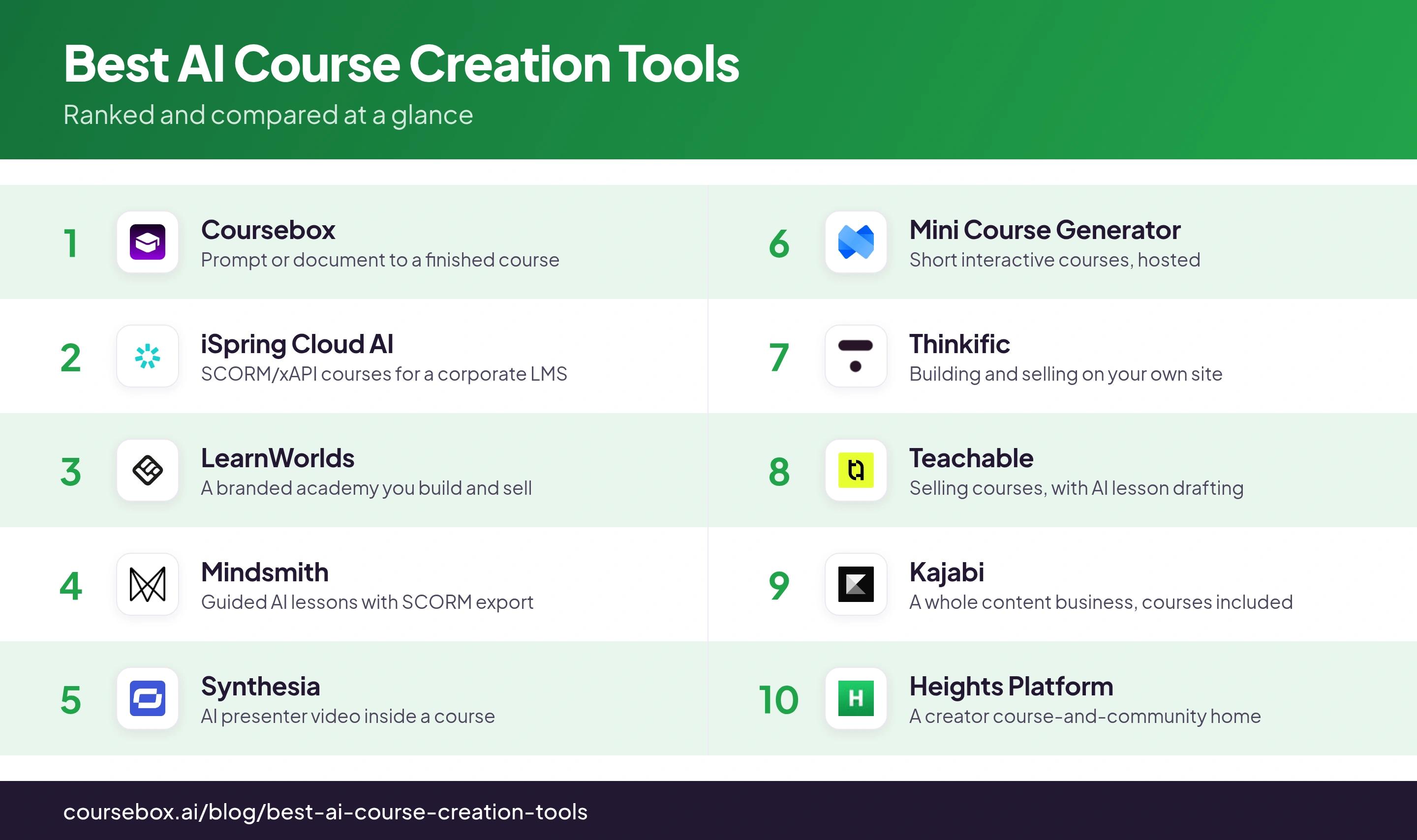
The 10 tools at a glance
| Tool | Best for | AI output | Free tier | Watch out for |
|---|---|---|---|---|
| Coursebox | Prompt or document to a finished course | Full course + quizzes + AI video | Free forever (3 courses) | Generic copy until edited; basic quizzes |
| iSpring Cloud AI | SCORM/xAPI courses for a corporate LMS | Full slide/web course + narration | Trial only (14-day) | Windows/PowerPoint; AI on a higher tier |
| LearnWorlds | A branded academy you build and sell | Courses + assessments (assistant-style) | Trial only (30-day) | No auto-save; $5/enrollment on Starter |
| Mindsmith | Guided AI lessons with SCORM export | Full interactive lesson + narration | One-time free credits (badge) | No file import; per-author pricing |
| Synthesia | AI presenter video inside a course | AI avatar video (not full courses) | Free (~10 min/mo) | Non-rolling credits; SCORM on Creator+ |
| Mini Course Generator | Short interactive courses, hosted | Complete mini-course + quizzes | Trial only (14-day) | No SCORM; learner/credit caps |
| Thinkific | Building and selling on your own site | Outline only (you write lessons) | Trial only (30-day) | No SCORM/AI media; AI is outline-only |
| Teachable | Selling courses, with AI lesson drafting | Drafts lessons + quizzes (in steps) | Trial only (7-day) | 7.5% sale fee on Starter; manual assembly |
| Kajabi | A whole content business, courses included | Drafts lessons a topic at a time | Trial only (30-day) | No SCORM; from $179/mo, no AI on entry |
| Heights Platform | A creator course-and-community home | Outline/shell only (you write it) | Trial only (30-day) | No quizzes/SCORM; entry tier is 1 course |
User-facing prices and free tiers were read off each vendor’s own page in the last week; confirm before you buy.
The monthly price is rarely the real cost. Four things to check on any tool here, ours included: transaction fees on sales (some course platforms take a cut of what you sell), AI generation caps (courses, pages or video-minutes per year), product and learner or contact limits on the cheaper tiers, and whether white-label and a custom domain are locked to the top plan. Price the plan you will land on, not the headline one.
The 10 best AI course creation tools
1. Coursebox
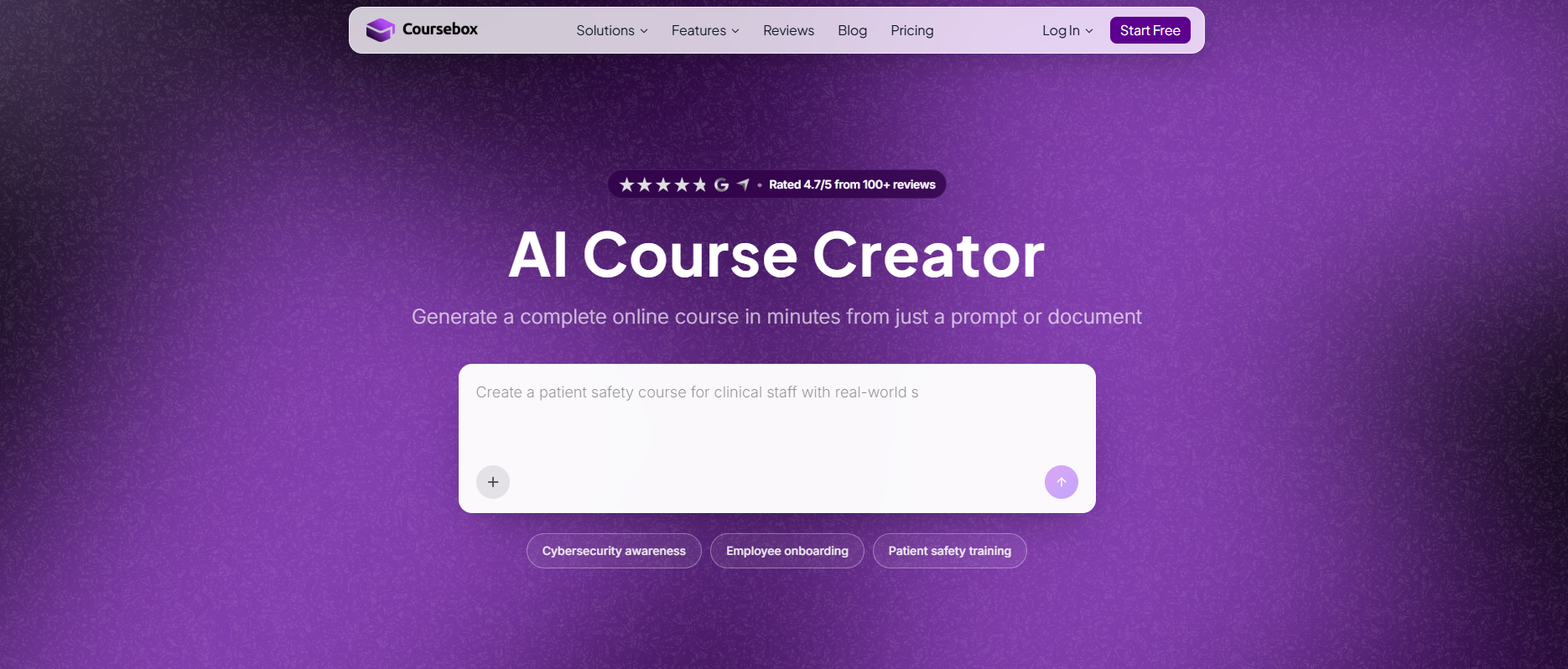
Coursebox, which is mine, generates a full course from a prompt, a document, a URL or a video: structured lessons with written content, auto-built quizzes, AI avatar video and images, all editable in a drag-and-drop builder and hosted on a white-label platform you can sell from. It exports SCORM and LTI if you need to host elsewhere. There is a real free-forever plan (three courses, unlimited learners), with paid plans from about $25 a month.
Since it is mine, here is the honest limit. The AI draft is a starting point, not a ship-without-reading artifact: it over-explains, and it reads generic until you edit it for voice. Design and branding control is lighter than a premium academy, and the auto-built quiz engine is basic. Weigh that it is ours. What it does that fewer tools here do is the whole job in one pass, a prompt or a document in, a hosted, sellable course out.
My testing experience: I dropped a slide deck in and had a multi-module course, with lessons, a quiz and a draft narrated video, in a few minutes, then spent my time editing rather than building. The edits were the predictable ones: tightening the auto-written copy so it sounded like me, and rewording a couple of quiz questions. It is ours, so take my read with that in mind.
Verdict: the pick when you want a document or a brief to become a finished, hosted course you can edit and sell, with a real free plan to start. Lighter on design polish than the premium academies, and the AI copy needs an editing pass.
2. iSpring Cloud AI
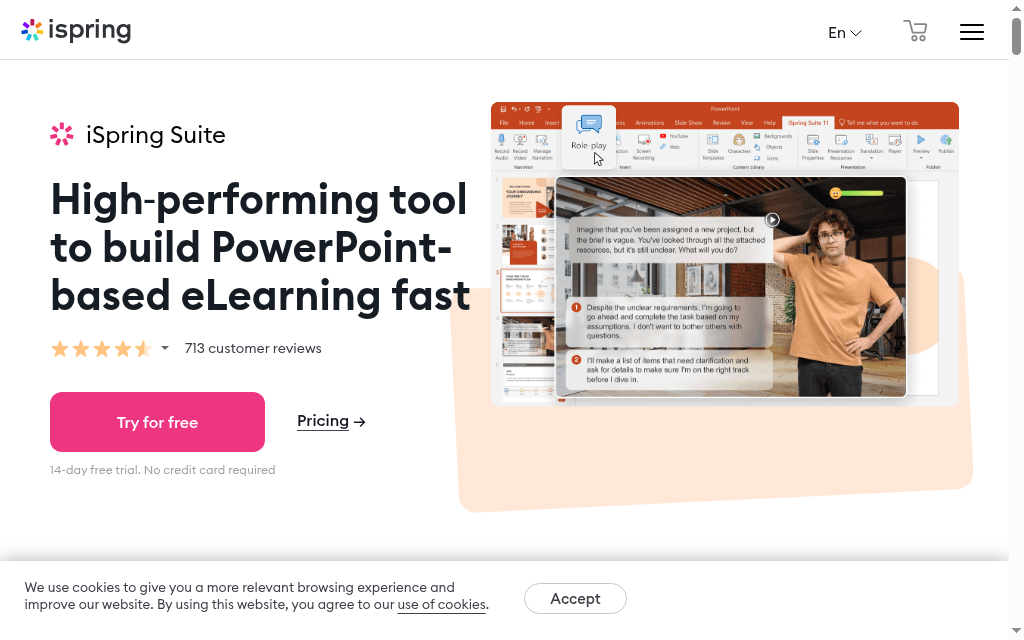
iSpring Cloud AI is the pick when your courses have to end up as SCORM in a corporate LMS. iSpring Suite AI drafts the slide-based course itself, deciding what each slide covers and writing its heading and text from your prompt or an uploaded PDF, Word or PowerPoint file, then adds narration and visuals; iSpring Cloud AI does the same for scrollable web courses. Its real strength is output: SCORM 1.2 and 2004, xAPI and video, plus an AI translator across 70-plus languages.
Two things to know. AI course generation is not in the plain iSpring Suite ($970 a year); it needs iSpring Suite AI ($1,290 a year) or iSpring Cloud AI ($720 a year), so price the AI tier, not the base one. And the desktop authoring side is Windows and PowerPoint only, a real constraint for Mac teams. There is a 14-day trial but no free plan. For anyone whose training lives in an LMS, its export depth is hard to beat.
My testing experience: Pointed at a PDF, it built a slide course and drafted the heading and body for each slide, which saved the blank-slide stage. The catch for me was the environment: the authoring tool wants Windows and PowerPoint, so on a Mac I was limited to the cloud side, and I had to buy the AI tier to get the generation at all.
Verdict: the strongest choice when the course must export clean SCORM or xAPI into an existing LMS, with useful AI drafting on top. Windows-and-PowerPoint-bound for desktop authoring, and the AI sits on a higher-priced tier.
3. LearnWorlds
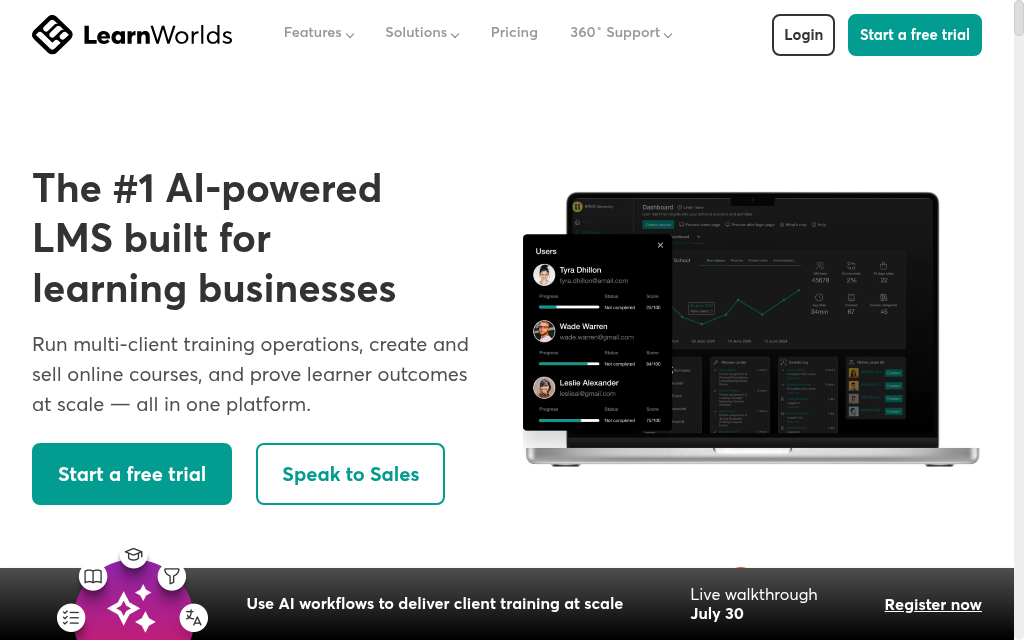
LearnWorlds is a polished course-selling academy with AI woven through it: from a prompt or your uploaded notes and materials it generates courses, outlines, assessments and pages, and it can turn imported content into quizzes and exams. It is built to look professional and to sell, with interactive video, a branded school and payments handled for you.
The AI here is framed as an assistant across many functions rather than a one-click whole-course button, so you assemble more by prompt than in a pure generator. Two catches: the builder has no auto-save, so closing a tab mid-edit can lose work, a common recent complaint; and the entry Starter plan ($24 a month billed annually) adds a $5 fee per paid enrollment that higher plans drop. There is a 30-day trial, no free plan.
My testing experience: Generating from existing materials gave me structured lessons and assessments inside a school that already looked sellable, and that polish is the reason to be here. I learned the auto-save lesson the hard way once, and the per-enrollment fee on the entry plan is the thing to watch if you sell at volume.
Verdict: a strong pick when you want to build and sell a branded, professional academy and use AI along the way. If you only need a course generated to host elsewhere, you are paying for a lot of storefront.
4. Mindsmith
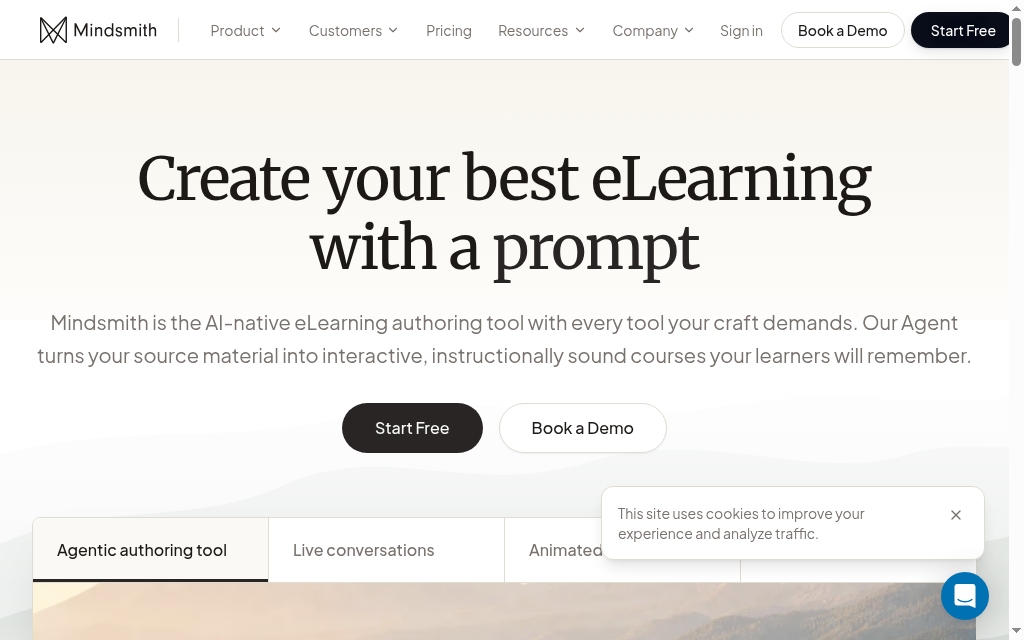
Mindsmith turns a prompt or an uploaded document into a full interactive lesson, written content, AI images and text-to-speech narration, with the designer guiding the AI at each step rather than handing you one black-box output. Its stand-out for teams is export: SCORM on every tier, including the free one, with dynamic packages that update after you edit.
Two limits to know. It generates from a document but does not import an existing PowerPoint, PDF or Word file into editable lessons, so it is build-fresh rather than convert-and-keep. And the output still needs a refinement pass. Pricing is per author: the free plan is essentially a one-time trial (450 credits, and a Mindsmith badge on what you publish), with Professional at $39 an author a month. No course selling built in.
My testing experience: The step-by-step generation, where I nudged the AI at each stage, gave me more control over the output than a one-prompt tool, and SCORM on the free tier meant I could push a test course into an LMS without upgrading. It would not ingest my existing slide deck as editable lessons, though, so I rebuilt from a prompt.
Verdict: a clean AI-native pick when you want guided generation and SCORM export without a big platform around it. Not the one if you need to convert existing files or sell courses directly.
5. Synthesia
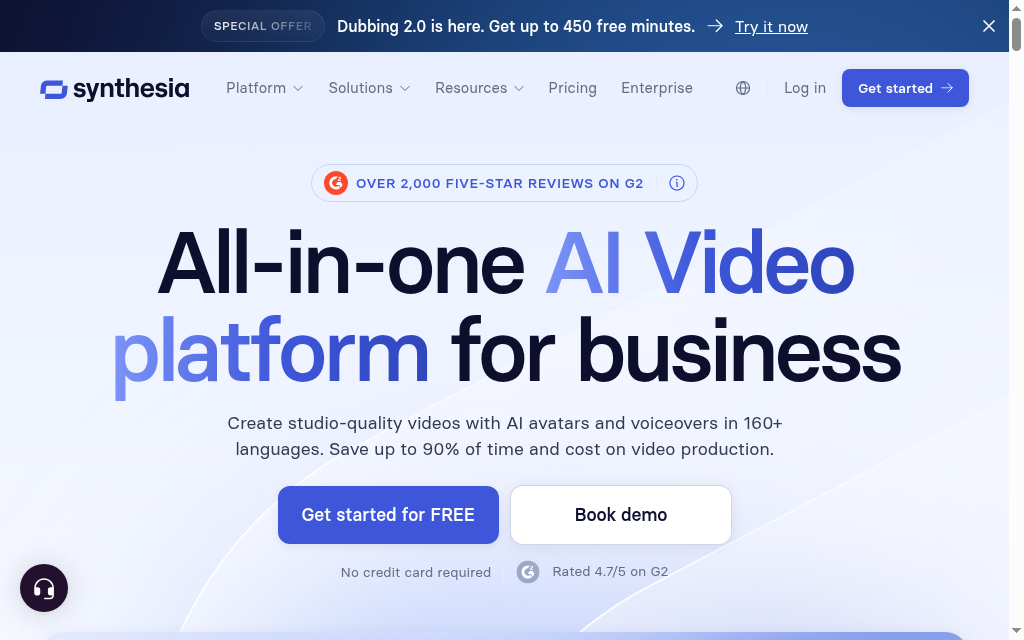
Synthesia is not a course builder, and it is worth being clear about that: it generates AI avatar videos from a script or prompt, with 240-plus avatars and voices in 160-plus languages. It has added course-adjacent features, interactive quizzes, roleplay practice and SCORM export, but there are no written lesson modules here. Think of it as the tool that makes the video you drop into a course, not the tool that builds the course.
For that video job it is the best on this list, which is why it belongs here despite not generating courses. The catches are the model: credits are a shared pool that do not roll over, plans cap your annual video minutes, and SCORM export is locked to the Creator tier and up. There is a free plan (about ten minutes of video a month) and paid Starter from $29 a month.
My testing experience: For a talking-head explainer to sit inside a course, nothing else here came close, the avatar and voice were convincing enough to ship. Then I hit the credit ceiling: the minutes do not roll over, so a heavy month runs you dry, and I needed the Creator tier before I could export SCORM.
Verdict: the one for AI presenter video you embed in a course, not for building the course itself. Watch the non-rolling credits and the video-minute caps.
6. Mini Course Generator
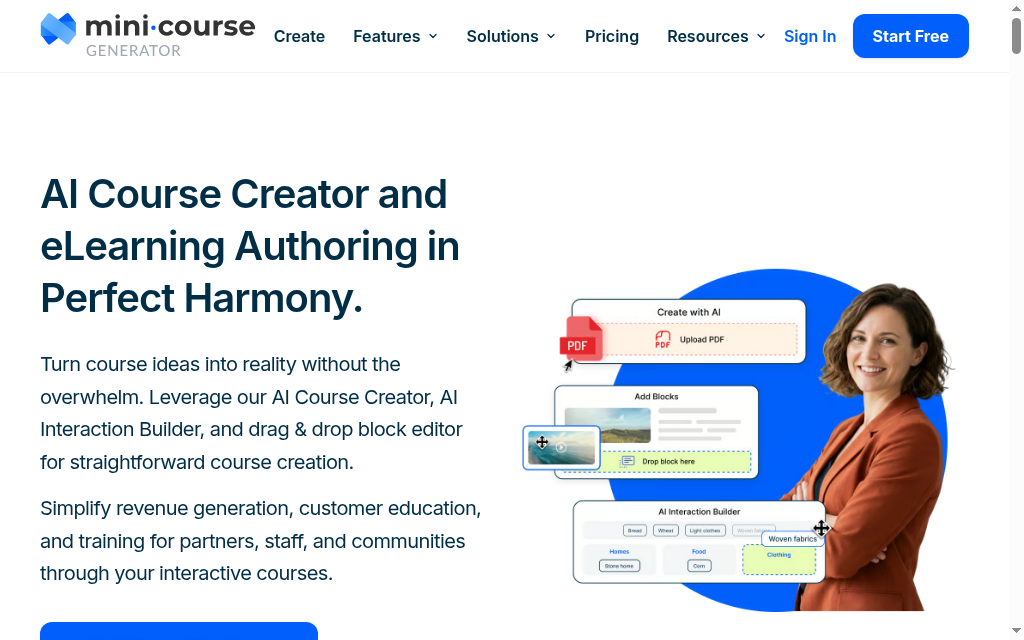
Mini Course Generator turns a description or a PDF into a complete short, interactive course: multi-page lessons with AI-generated quizzes, images and interactive blocks, hosted with a landing page and custom domain, and set up to sell or to gate for leads. It is built for shareable mini-courses rather than a sprawling multi-module program.
Set expectations on scope and plumbing. It is for short courses, not a semester-long curriculum, and there is no SCORM export, so it does not hand off to a corporate LMS, it is a standalone host. The free option is a 14-day trial, not a free-forever plan, then Plus at about $39 a month (1,000 AI credits and a 500-learner-a-year cap). It takes no commission on sales beyond your own payment gateway.
My testing experience: A short brief became an interactive, embeddable mini-course in a few minutes, and the interactive blocks were the nicest part, better than a flat PDF. The limits showed up when I wanted to scale: the learner cap and the missing SCORM export make it a self-contained tool, not something I would wire into an LMS.
Verdict: the pick for short, interactive, shareable courses you host and sell yourself. Not the one for a full curriculum or for pushing SCORM into an LMS.
7. Thinkific
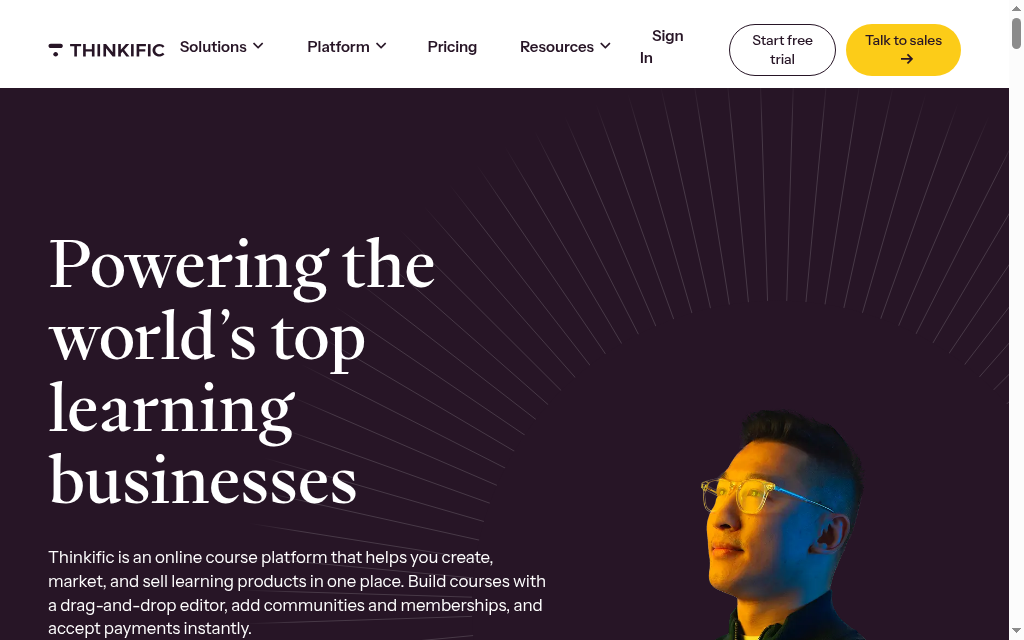
Thinkific is a popular, polished course platform for building and selling on your own branded site, and its AI is honest about its scope: the AI Course Outline Generator turns a prompt or an existing document into a chapter-and-lesson structure with titles, then hands you to the builder to write the content. It is an outline generator, not a course writer.
So treat the AI as a fast way past the blank page, not a way to skip the writing; one reviewer puts it plainly that the AI needs a lot of hand-holding for quality content. As a platform it is strong: clean hosting, selling built in, a 2.9% payment processing fee. Two things to know: it dropped its free-forever plan for a 30-day trial, and there is no SCORM export or AI media generation.
My testing experience: I asked its AI for a course and got a tidy module-and-lesson outline in seconds, then realised that was the whole AI contribution, every lesson was mine to write. The platform around it is a pleasure to build and sell in, which is the reason to be here, not the AI.
Verdict: a strong course platform to build and sell on, with AI that gets you an outline and no further. Come for the platform, not for AI that writes the course.
8. Teachable
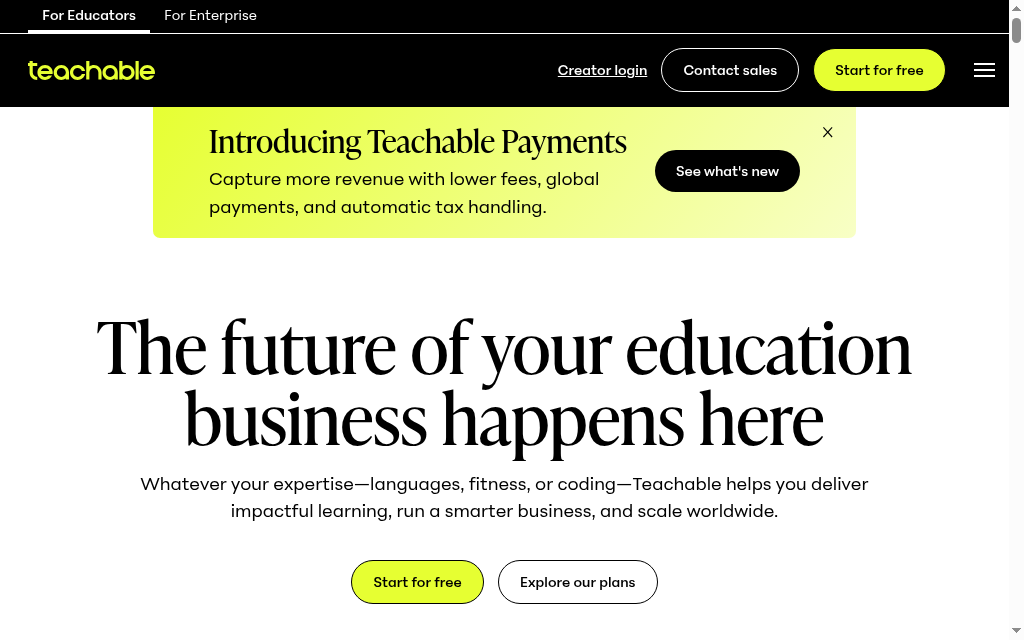
Teachable is a mature platform for selling courses, and its AI is split across a few tools rather than one generator: an AI Curriculum Generator that makes an outline, a separate AI assistant that writes lesson text inside the editor, and an AI quiz generator that builds questions from your lesson content. So it drafts real content, but through separate steps, not a single course-build button.
The gap it is honest about: the AI cannot upload or place your content for you, so populating the course stays manual and repetitive. As a seller it is capable, though watch the fees, the entry Starter plan takes a 7.5% cut of sales (higher plans drop it to 0%) plus card processing. There is a 7-day trial, no free plan, with paid plans from about $29 a month billed annually.
My testing experience: The lesson-writing assistant did more than I expected, it drafted usable body text from a short brief, and the quiz generator pulled questions straight from that text. But it is a series of tools, not one flow: I still assembled and placed everything by hand, and on the Starter plan the 7.5% sale fee is the thing to model before you commit.
Verdict: a capable course-selling platform whose AI drafts lessons and quizzes in pieces rather than a whole course. Watch the entry-plan sale fee if you sell any volume.
9. Kajabi
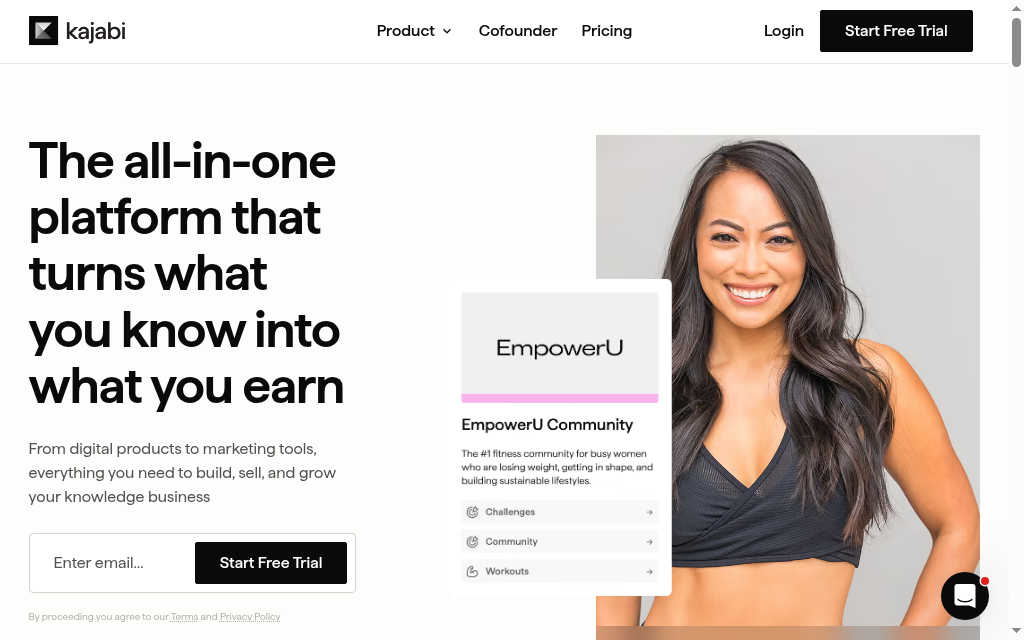
Kajabi is really a premium platform for running a whole content business, website, funnels, email and payments, with courses as one part. Its AI can draft: an outline generator suggests modules and lesson titles, and a lesson content generator writes body text one topic at a time. It writes real copy, but a lesson at a time, not a finished quiz-bearing course from one prompt.
Its own guidance is the honest note here: check the generated content for accuracy, because the AI can get facts wrong. Two things to weigh: there is no SCORM export, and it is the priciest entry here by far, from $179 a month (the cheapest plan includes no AI credits). It suits someone who wants the marketing machine around the course as much as the course itself.
My testing experience: The lesson content generator wrote reasonable body text a topic at a time, and the wider platform is clearly built for selling, not just teaching. For pure course generation, though, I was doing it piecemeal, and at $179 a month the entry price only makes sense if you want the marketing suite too.
Verdict: worth it if you want the whole business, site, funnels, email, around your courses and will use the AI to draft copy. Overkill, and overpriced, if a generated course is all you need.
10. Heights Platform
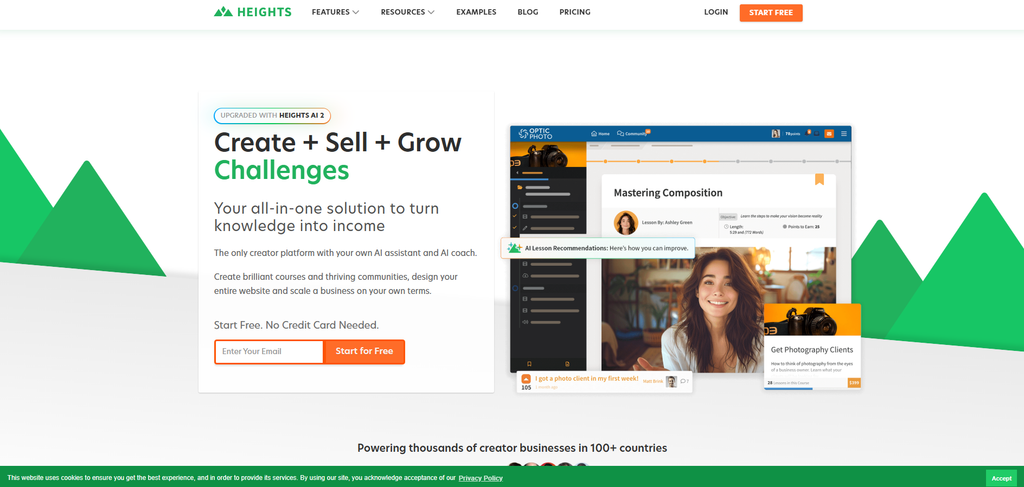
Heights Platform is a creator-focused course and community platform, and its AI is the lightest here on generation: it creates the course title, the module and lesson titles, a description and a cover image, then, in its own words, all you have to do now is create the content. It sets up the shell; you write every lesson. Its AI Coach is a business-guidance chatbot, not a content writer.
What it does well sits outside the AI: zero platform transaction fees at every tier, and a tidy creator-and-community experience. The gaps are real for structured training, no built-in quizzes, no SCORM or xAPI, and no mobile app. There is a 30-day trial, no free plan, with paid plans from $29 a month (one course on the entry tier).
My testing experience: The AI stood up a clean course shell, titles, description, a cover, in one step, which is a nice start, but the writing was entirely mine from there. I liked the zero transaction fees, and I noticed the absence of quizzes and SCORM the moment I wanted to assess anyone or hand off to an LMS.
Verdict: a fair pick for a creator who wants a course-and-community home with no sales fees and does not mind writing all the content. Thin for structured or compliance training, no quizzes, no SCORM.
Which should you use
If you want one answer: to turn your own material into a finished, teachable course fast, start with an AI-native builder that generates the whole thing, not just an outline. Two clear exceptions. If you author in PowerPoint and export SCORM into an existing LMS, an authoring-first tool like iSpring fits that setup better. And if your course is really a product you sell to consumers, a selling platform like LearnWorlds or Thinkific is built for the storefront, and the AI is a bonus rather than the point.
And if your training is for staff rather than a public audience, our rundown of AI tools for employee training compares the workplace-focused options in more depth.
Frequently Asked Questions
It depends on what you are making. To generate a full, teachable course from a prompt or a document, the AI-native builders (Coursebox, Mindsmith, Synthesia) do the most of the work. To build and sell a branded course, LearnWorlds or Thinkific. For PowerPoint-based SCORM authoring, iSpring. The best pick depends on whether you want the AI to write the course, or a platform to host and sell it.
Some have a real free plan you can build and publish on; most others give you a free trial or a limited starter rather than a free-forever plan. Check whether the free tier actually lets you publish, and watch for AI generation caps and a watermark, before you commit.
The first draft is fast, not finished. AI is reliable on common, well-documented topics and shakier on niche or fast-moving ones. Before you publish, check the facts and any figures, that quiz answer keys are right, that the examples fit your audience, and that the sequence builds logically. The AI gives you a draft; the accuracy is your sign-off.
The first draft takes minutes; the finishing is what takes real time. For scale on the saving, the long-cited Chapman Alliance benchmark put traditional e-learning at about 79 hours of build time for every finished hour of content. AI collapses the first-draft stage, but the design, editing and fact-checking are still yours.
An AI course creator generates the course content itself from a prompt or a document. An authoring tool (like iSpring or Articulate) is for building SCORM packages by hand, often from slides, to host elsewhere. An LMS delivers and tracks courses learners take. Some tools blur the lines, Coursebox generates the course and hosts it, but knowing which job you need saves you buying the wrong category.
Travis Clapp
Educational technologist and instructional designer

