

Top 11 Learning and Development (L&D) Tools in 2026
Want to improve your bottom line? Try these 11 learning and development tools for your employee training and see the difference for yourself.


Scale training programs and cut development time using AI
An organization or a business cannot find true success unless it invests in employee growth and builds a strong in-house talent pipeline. This is the reason why businesses consider investing in training tools for employees.
The training culture has become so widespread that you can find countless learning and development platforms online. In fact, the authoring software market alone is projected to reach US$ 5956.7 million by 2032. This shows how important and expansive the field of L&D has become.
In this guide, we’ll talk about the top 11 learning and development tools you can use for employee training, driving organizational success. But before getting in, let us first discuss the types of L&D tools to understand them better.
8 Types of Learning and Development Tools
Here are the top eight types of L&D tools commonly being used in businesses.
1. Course Authoring Tools
Course authoring tools are essential learning and development tools that focus on creating professional training courses and allowing you to publish them in selected formats. You can simply use drag-and-drop functions and a friendly interface to prepare a full-fledged course without having coding skills.
Examples: Coursebox, Adobe Captivate, isEazy Author
2. Online Course Providers
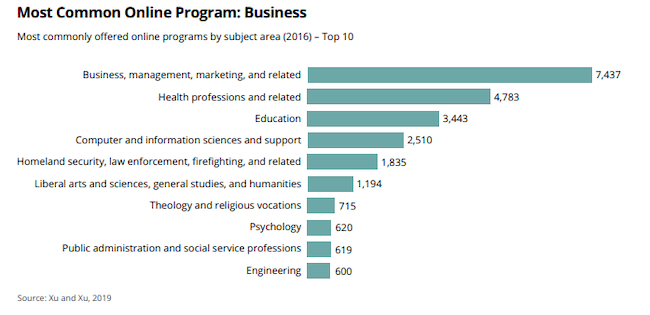
Online course providers usually have an extensive library of courses on a wide range of topics and industries, which can be used as a training resource. The lessons are usually pre-recorded, so employees can complete them at their own pace. Take a look at the most commonly offered online programs below.
Examples: Coursera, Udemy, LinkedIn Learning
3. Micro-learning Platforms
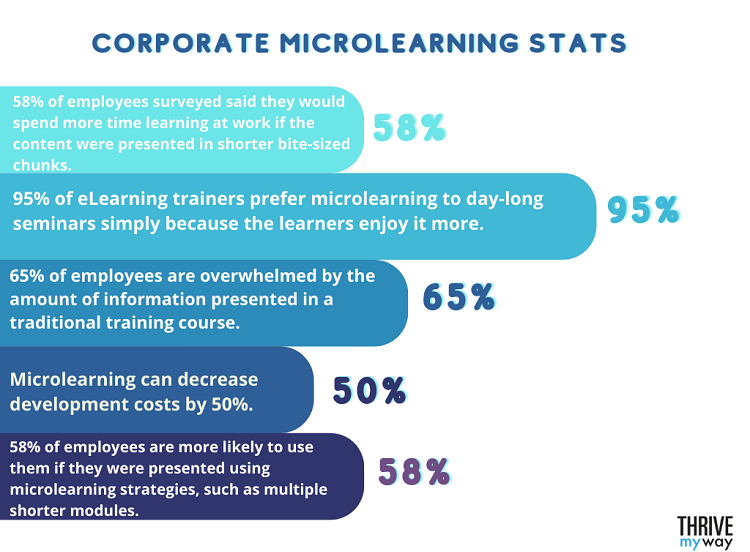
Micro-learning is another category of learning and development tools that provide short-form educational content perfect for time-sensitive topics. These bite-sized (3 to 5 minutes) content are easily consumable and give learners control of what and when to learn. The statistics below show the demand for bite-sized content.
Examples: Axonify Inc, iSpring Learn, EdApp
Source: THRIVE my way
4. Assessment Tools
Assessment tools go beyond basic learning tools by promoting a learning culture and ensuring employees stay on track. They are designed to monitor and track learning progress effectively.
Examples: iMocha, SurveyMonkey, ExperQuiz
5. Learning Management Software (LMS)
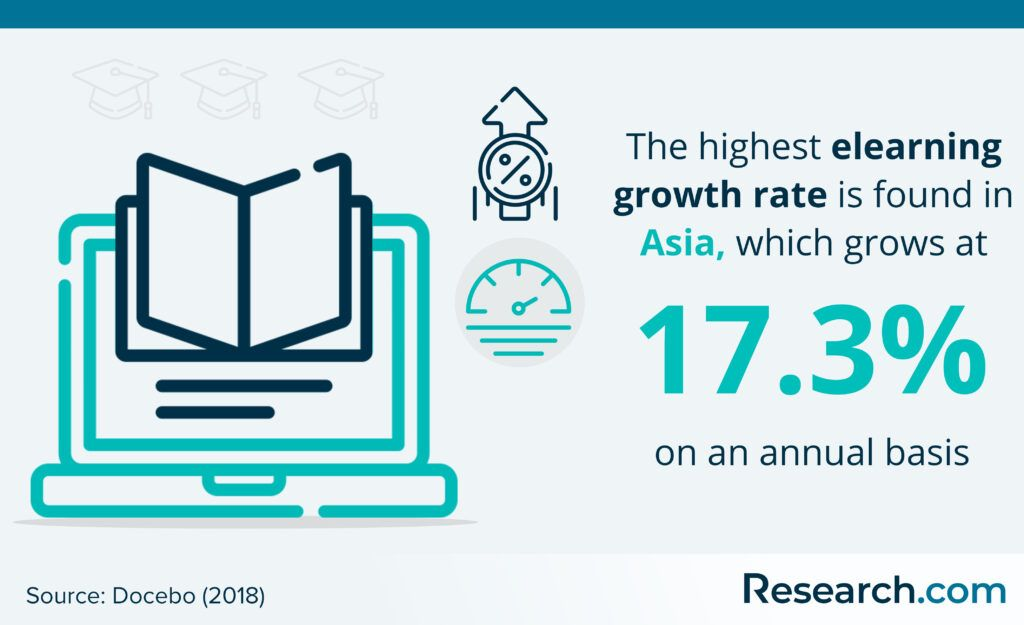
Learning Management Software (LMS) is one of the most widely used learning and development tools. It is actually a virtual learning platform that allows business administration to track employee learning history and create learning materials and training programs. It’s so widely used that currently, 98% of the companies in the training industry are using this learning and development technology.
Source: Research.com
6. Learning Experience Systems (LXPs)
LXPs tools offer a more personalized learning experience as they’re learner-centric and stand out due to their search capabilities. This makes it easier for users to find and use the content they have been searching for. LXPs also feature socialized development and advanced analytics. In that sense, the emphasis is more on collaboration and less on direct participation.
Examples: 360Learning, LinkedIn Learning, Udemy
7. Content Management Software
As the name suggests, content management software manages digital content. They are of various types and can be used to create, edit, schedule, and post content. A subcategory of content management tools are learning content management systems (LCMS), which can be used for educational and different types of training such as sales training and soft skills' training etc.
Examples: Wix, Squarespace, WordPress
8. Video Conferencing Tools
These learning and development tools are used to hold face-to-face, real-time meetings, training sessions, company interviews, etc. The scope of these conferencing tools has risen in the post-COVID era, and now, 43% of in-house and remote teams use video conferencing tools.
Examples: Zoom, GoToMeeting, Microsoft Teams
Full Disclosure: This blog is owned and operated by Coursebox. While we include ourselves in this list because we believe in our platform, we've provided an objective breakdown of features to help you choose the best fit.
11 Learning and Development Tools
If you want to improve your skills, you need to get your hands on the right L&D technology tools. Here are some of the top employee training and development software.
1. Articulate 360
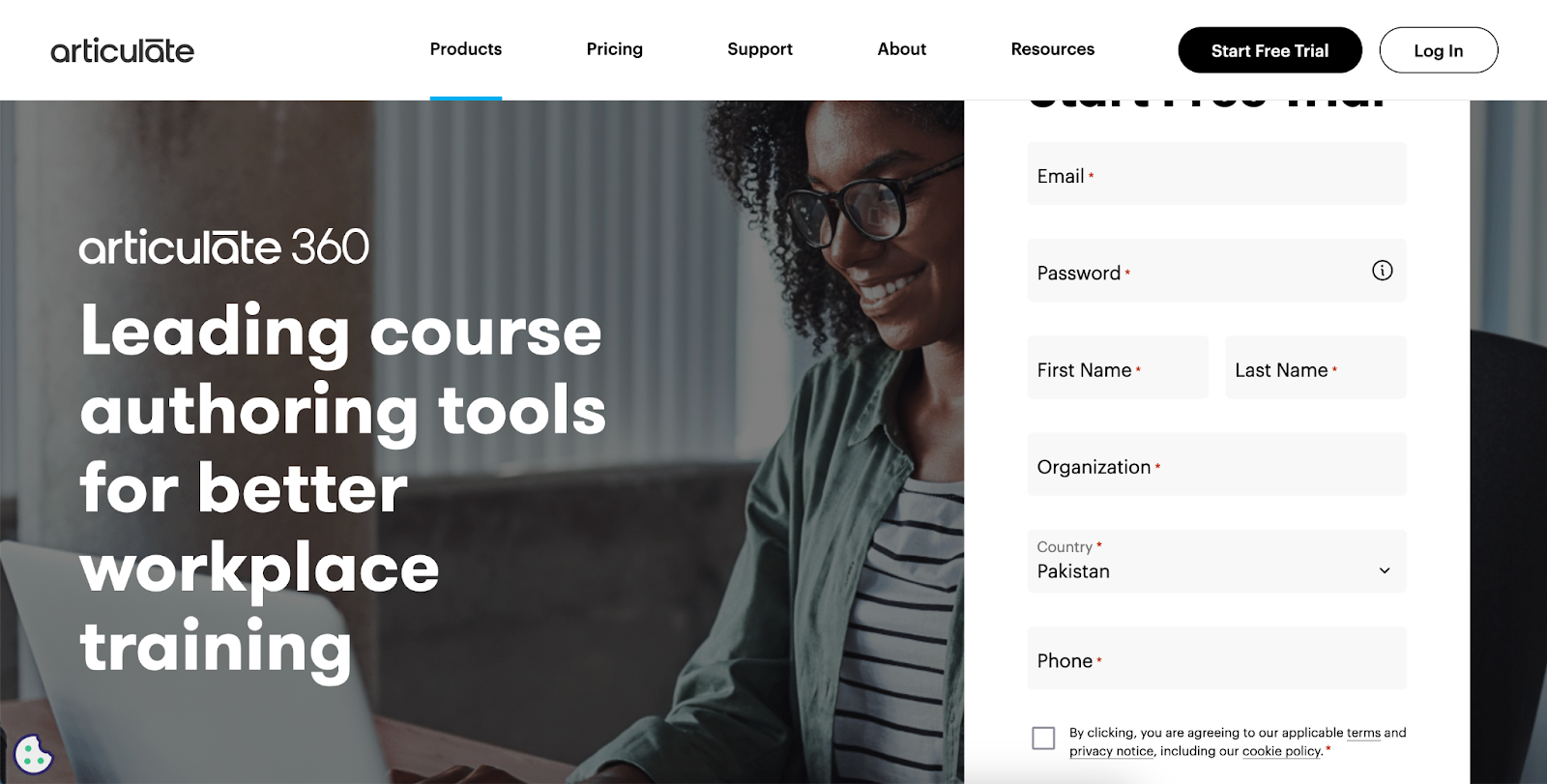
If you have been looking for a course authoring program with a wide range of creator tools, including PowerPoint conversion and screen recording, you should give Articulate 360 a try.
This employee training tool has been widely recognized by big names and is super easy to use. By using its software simulation and screencasting tools, you can build top-notch courses that benefit the audience big time.
Top Features
- 1000+ prebuilt courses, lessons, and templates
- User-friendly evaluation tool
- Live and on-demand training
- Share and track training with a few clicks
- User-friendly interface
Pricing: It includes a free trial. The Personal Plan is $1,099 per year per user, and the Teams Plan is $1,399 per year per user.
2. Udemy Business
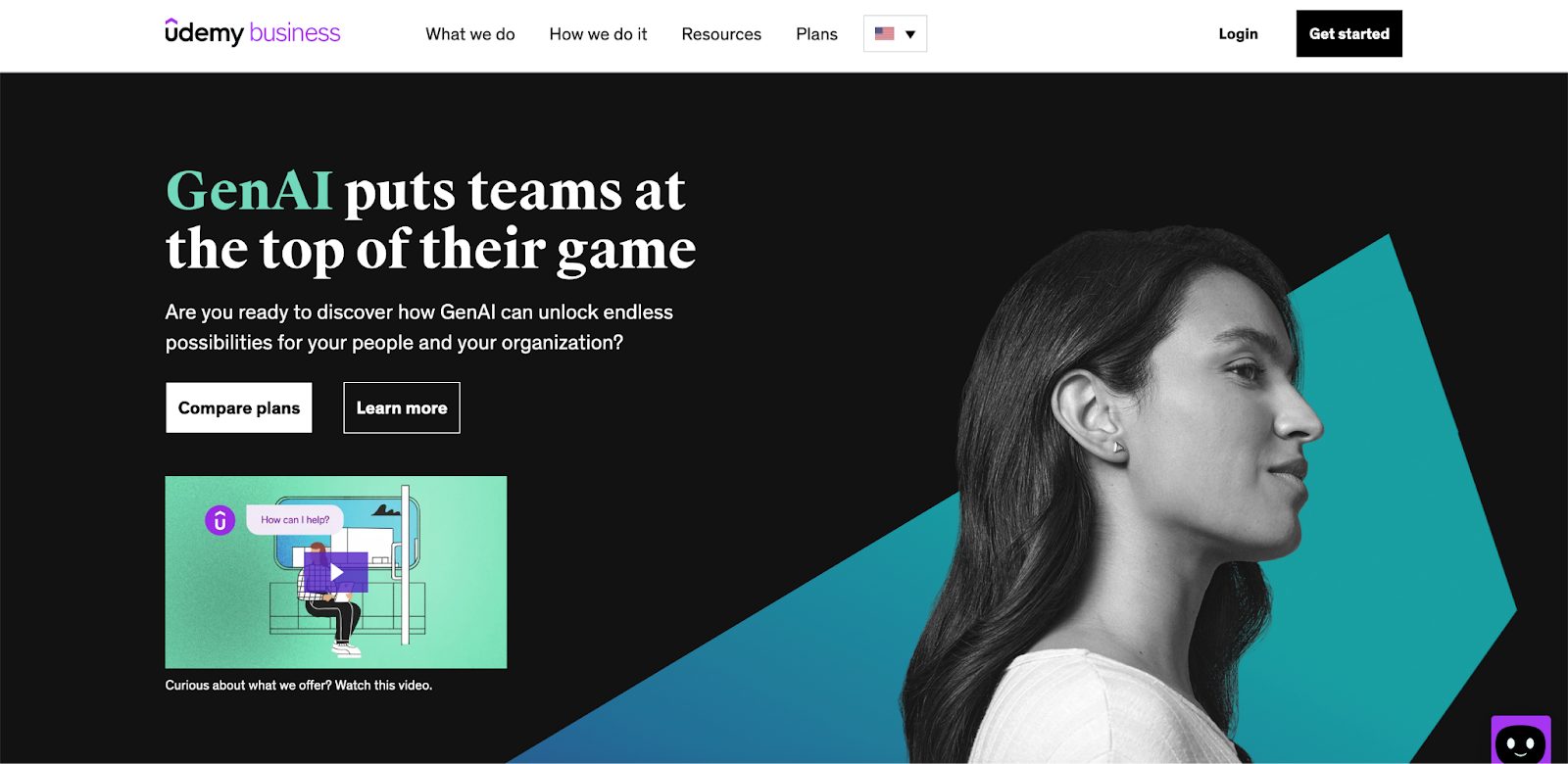
Udemy Business is the best learning and development tool offering a wide range of skill development courses, more than 26000 for organizations and individuals. It provides engaging on-demand and live learning training to help companies build a skilled workforce.
The platform includes features for user management, activity grading, and advanced AI tools like content translation, quiz generation, text-to-speech, and much more.
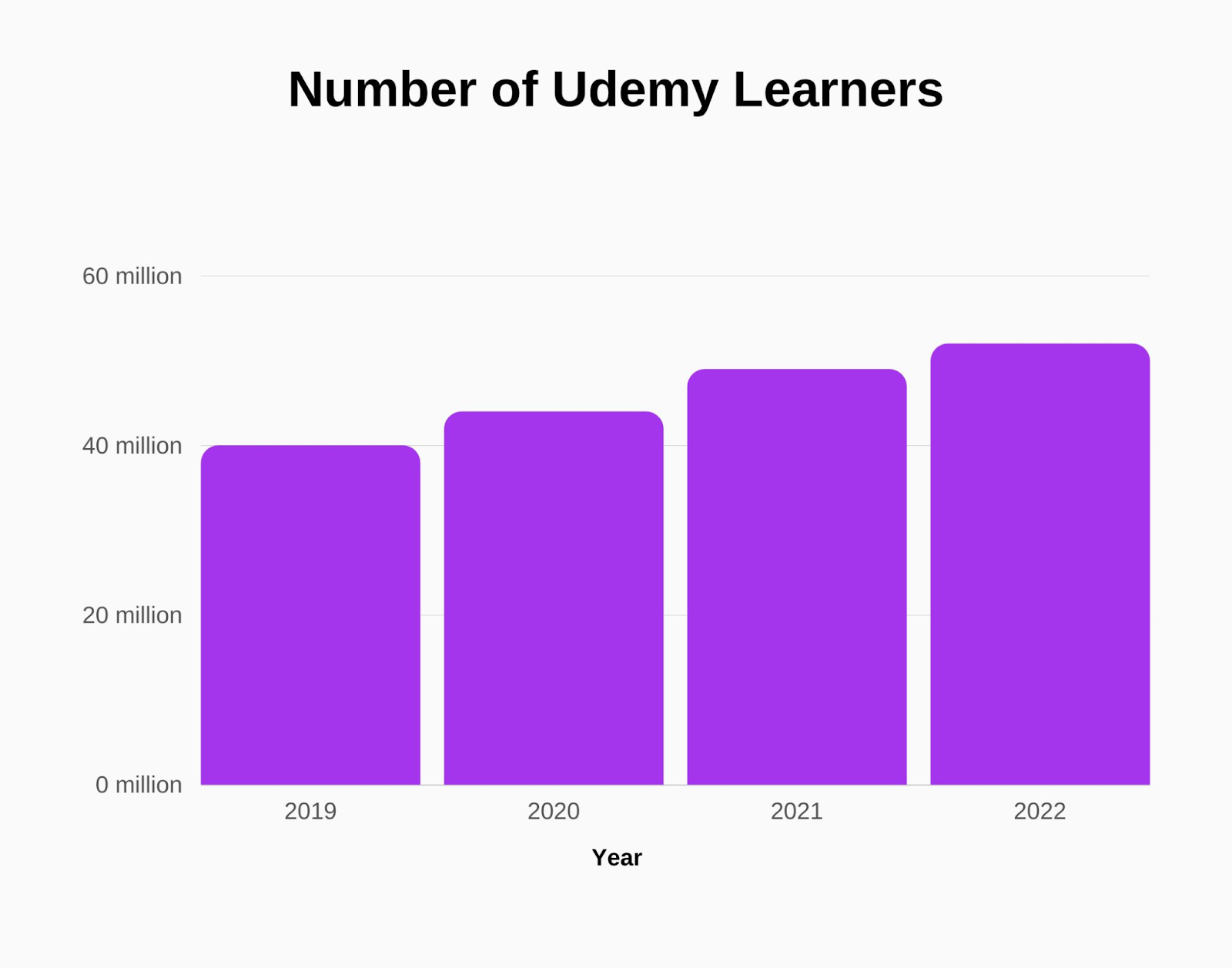
Here is a graph that shows the number of Udemy learners according to year.
Top Features
- Designed for small to large businesses
- Offers on-demand learning and resource sharing
- Create learning paths with pre-built templates
- Offers more than 26,000 courses
Pricing: The Team Plan consists of $30/monthly (per user).
3. Coursebox AI
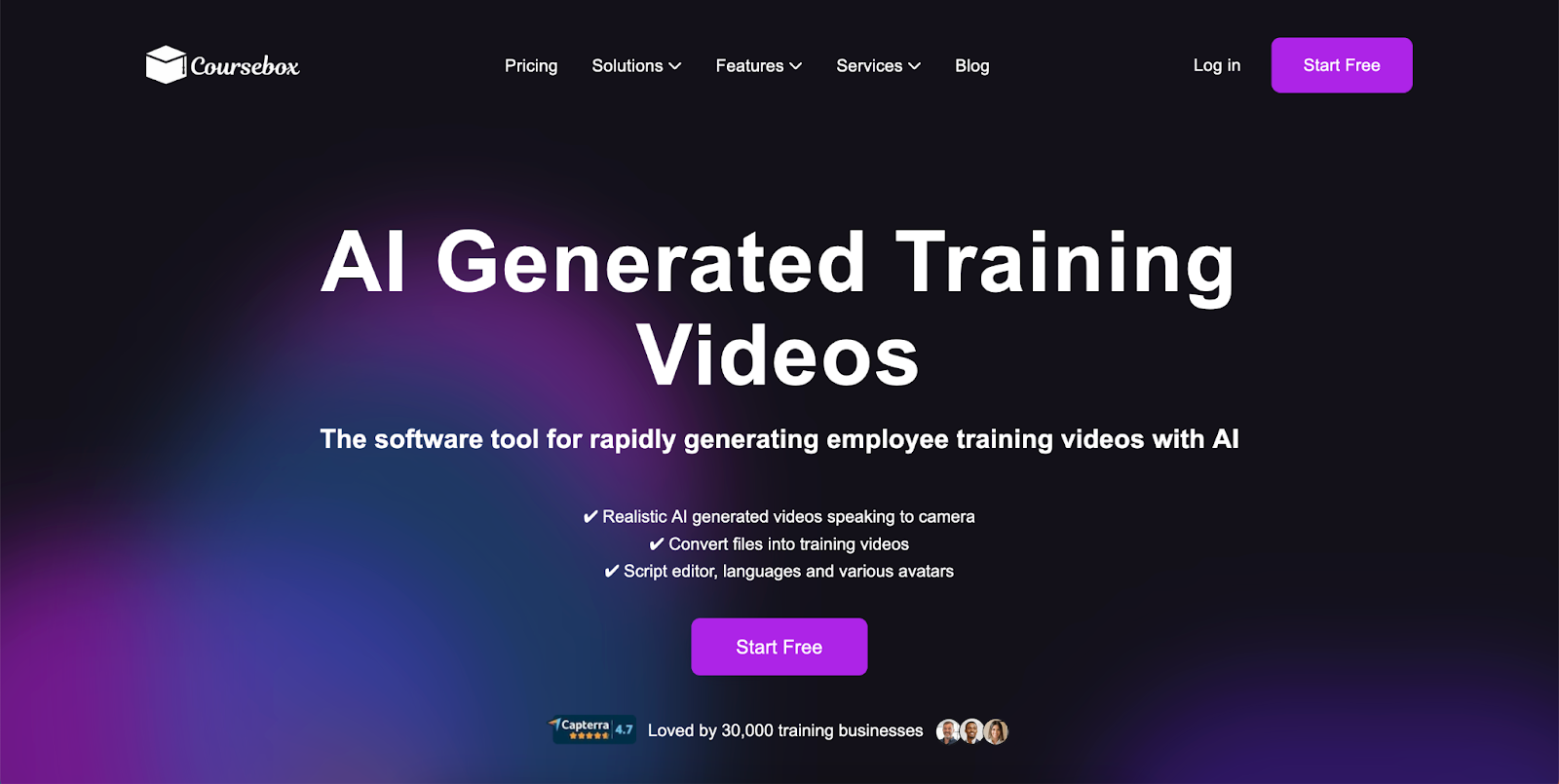
L&D teams using Coursebox AI can scale training programs by converting existing content into interactive courses, with LMS integration, personalised learner support, AI-generated quizzes, AI grading and feedback, automated certificates, and a free plan alongside tiered paid plans. This fits L&D teams that want AI-driven course authoring with integrated delivery. Instructional designers and established L&D teams whose primary need is polished authoring output paired with broader corporate L&D ecosystems typically shortlist Articulate 360, and those running PowerPoint-based authoring workflows sometimes consider iSpring Suite.
Top Features
- AI-powered course designer
- Support all device
- AI-generated quizzes
- Instant AI grading and feedback
- Convert various file formats into courses
Pricing: Offers free and paid packages. See the pricing here
4. iSpring Suite
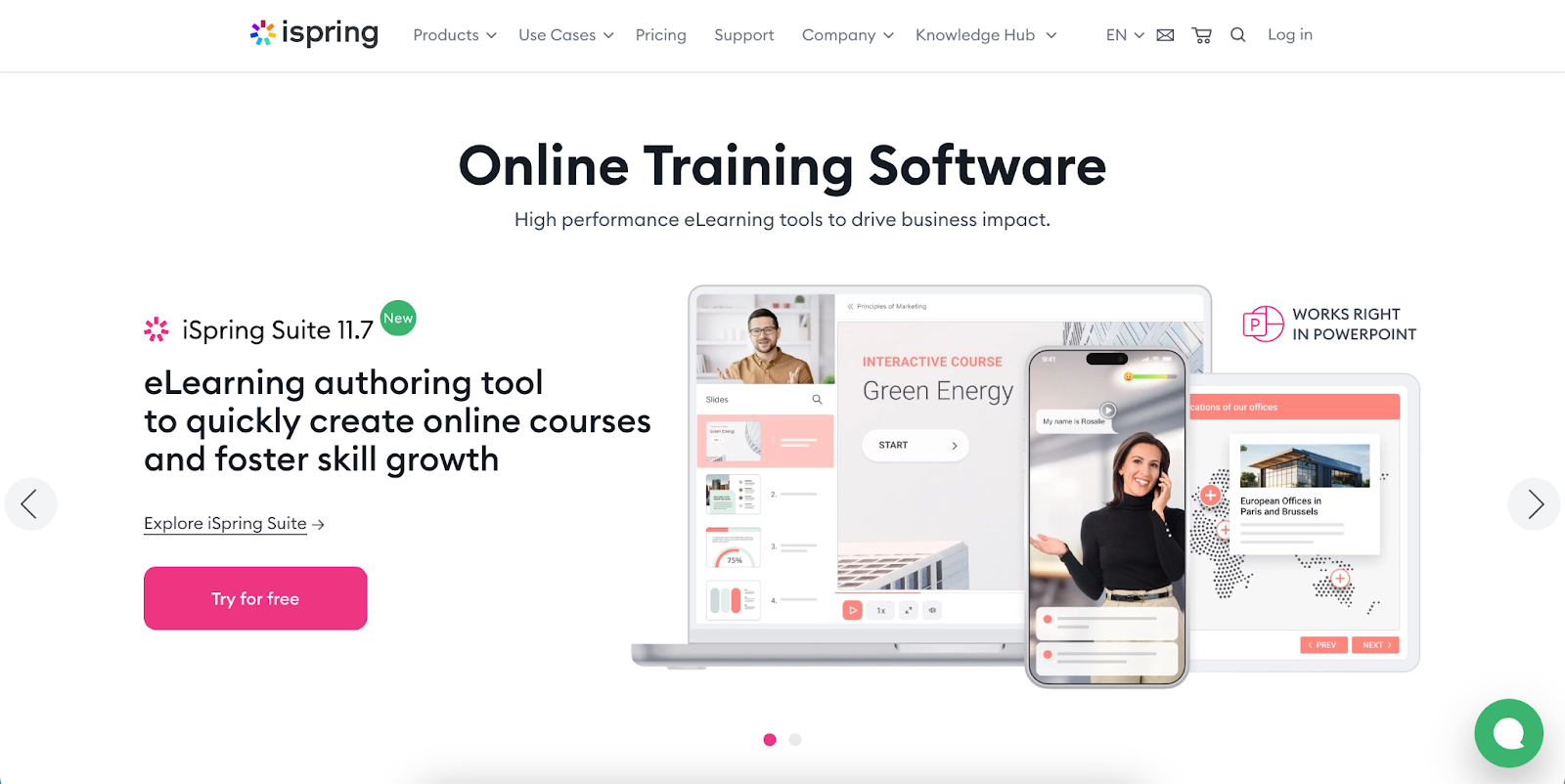
If you are looking for a comprehensive course authoring tool, iSpring is the way to go. It contains many formats and even a separate LMS system for L&D teams. This platform is particularly designed for compliance training and channel partner training.
It's a PowerPoint-integrated learningand development tool and a powerful authoring toolkit. You can create slide-based e-learning courses, build engaging quizzes, add narrations, and publish your courses with ease.
Top Features
- PPT to SCORM conversion capabilities
- AI assistant for generating relevant content ideas
- Provides over 9,000 templates, images, and characters
- Generate modules that Integrate with various LMS platforms
Pricing: Offers free trial, $770/year for basic, $970/year for Max, and $1,970 for Premium
5. LinkedIn Learning
LinkedIn Learning is another platform with over 20,000 courses by industry experts. The courses are available in video and audio format in 13 languages. The major subjects covered on this platform are related to technology, business, and creativity.
It also has a data analytics tool that helps businesses create their L&D strategies. This allows every business to provide just the right training to its employees.
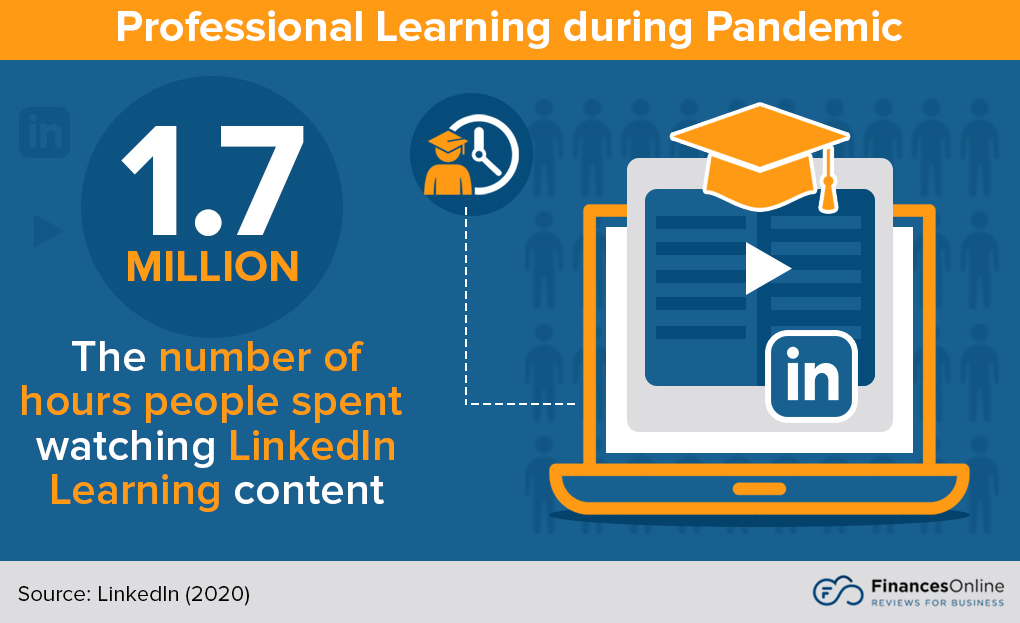
Source: Finances Online
Top Features
- Interactive elements like quizzes and hands-on projects
- Easily accessible via website and mobile app
- Allow to add completed courses to LinkedIn profile
- Support from the LinkedIn Learning Community
Pricing: Costs $379.88/ yearly
6. Adobe Captivate
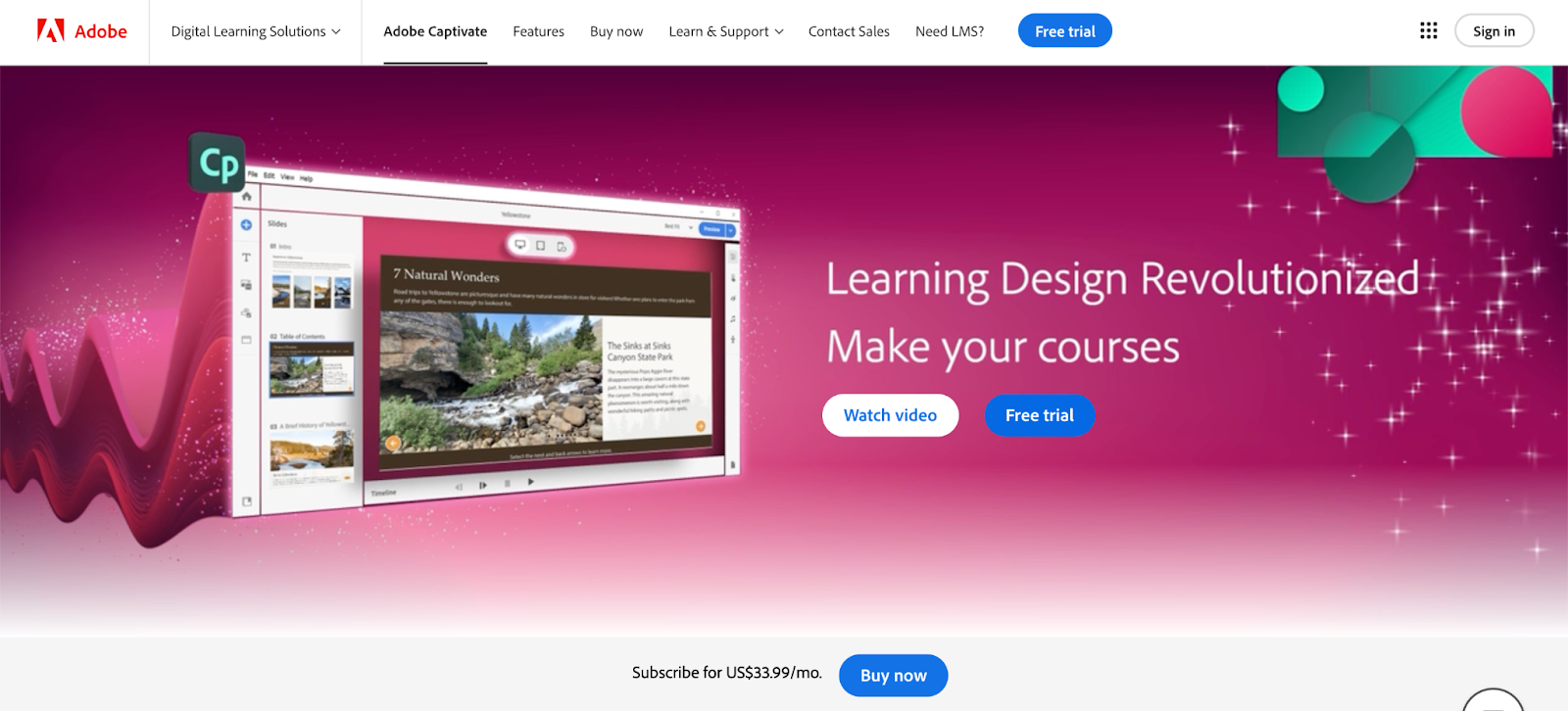
Adobe Captivate is one of the best training and development software. It is a course authoring tool designed to help instructors create engaging and interactive e-learning content.
Main features include PowerPoint conversion, application simulations, VR walkthroughs, and Quick Start Project templates. You can utilize functions like pre-built layouts, course authoring, text-to-speech, and much more to create interactive courses.
Top Features
- Video editing capabilities
- Screen recording
- Support for VR and 360-degree Media
- SCORM and xAPI compliance
Pricing: Costs $33.99 per month
7. TalentLMS
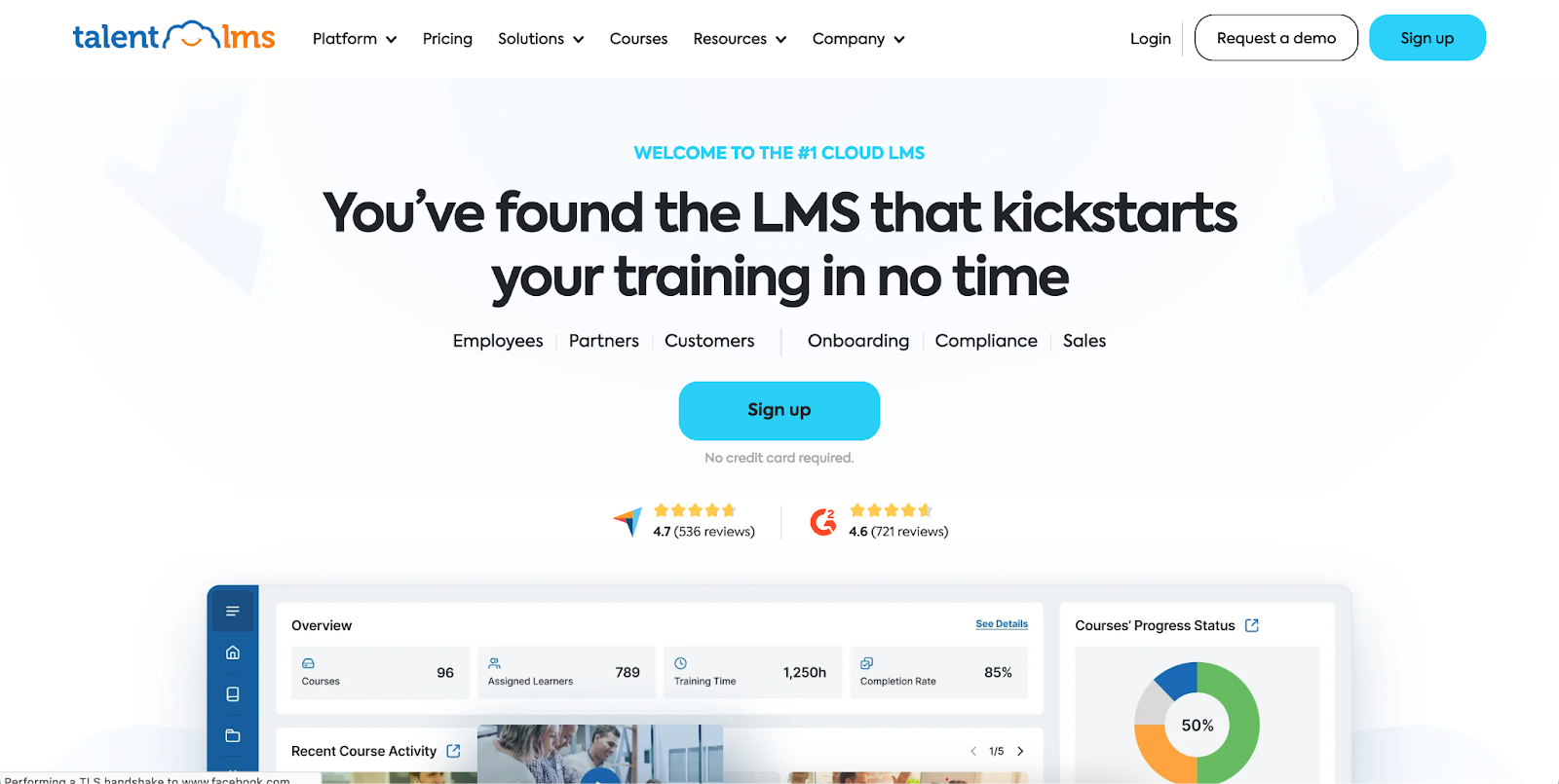
TalentLMS is another powerful learning and development tool. It is a training program used by over 70,000 teams. Its standout feature is drag-and-drop functionality, which allows users to add different media to training courses.
And the best part? TalentLMS supports e-learning content standards like SCORM and CMI5. This platform also provides 800+ ready-made online courses for soft skills training.
Top Features
- Lets you gamify your e-learning experience
- Personalized certificates to course participants upon completion.
- Easily integrates with other apps and software
Pricing: Plan starts at $69/month
8. Valamis
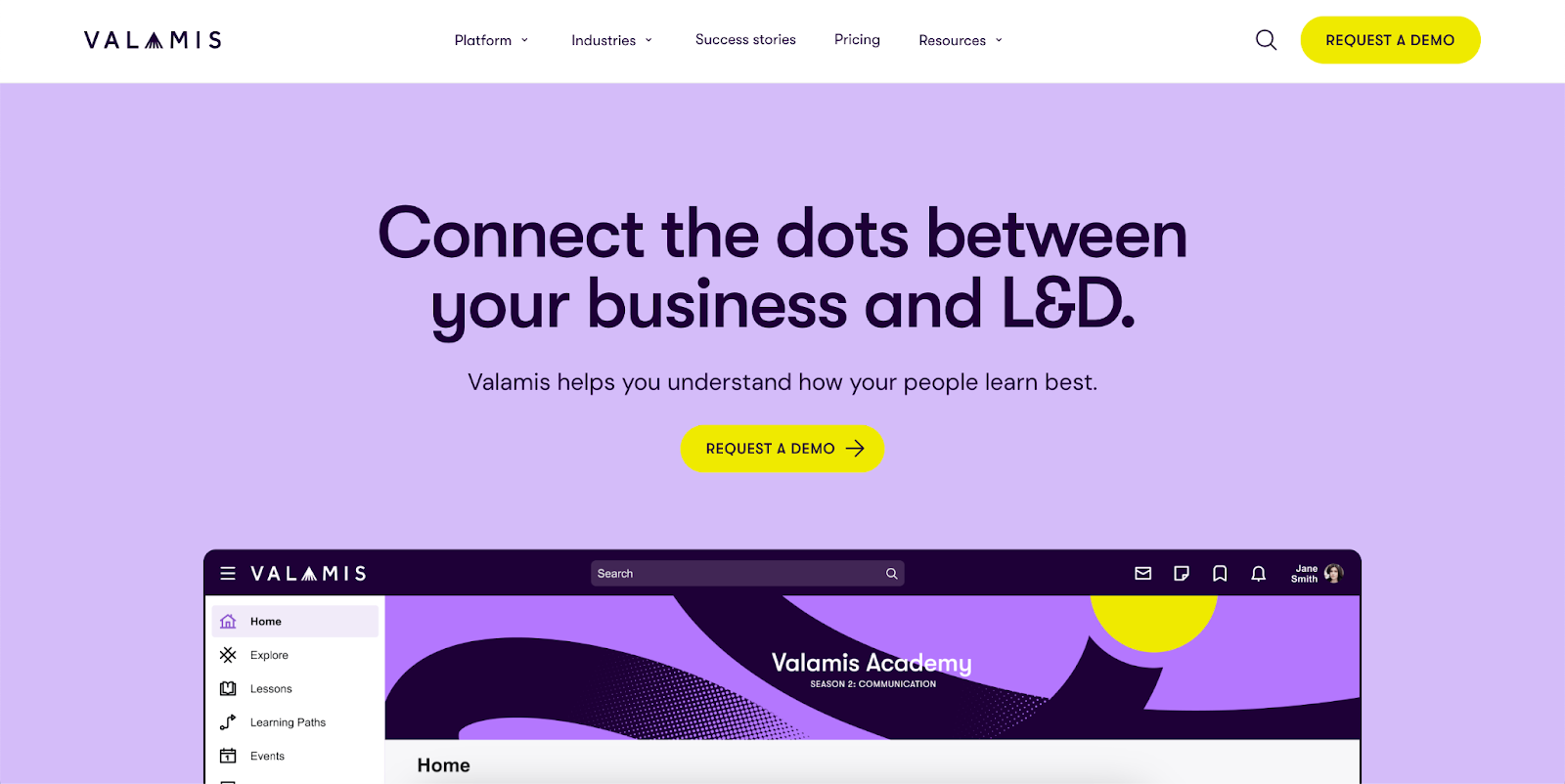
Valamis is another very useful learning and development toolutilized by many universities and enterprises for online learning. The platform can be used to upskill your employees, and you can also add your own content to the courses.
This learning experience platform (LXP) is built with security guidelines and is fully GDPR-compliant. It uses special AI algorithms to suggest relevant courses for your employees, improving their experience.
Top Features
- Easy-to-use course editor
- Allows you to add your content to courses
- AI-powered learning program
- Perfect for public sectors and large enterprises
Pricing: Starts at €17,000/yr
9. Confluence
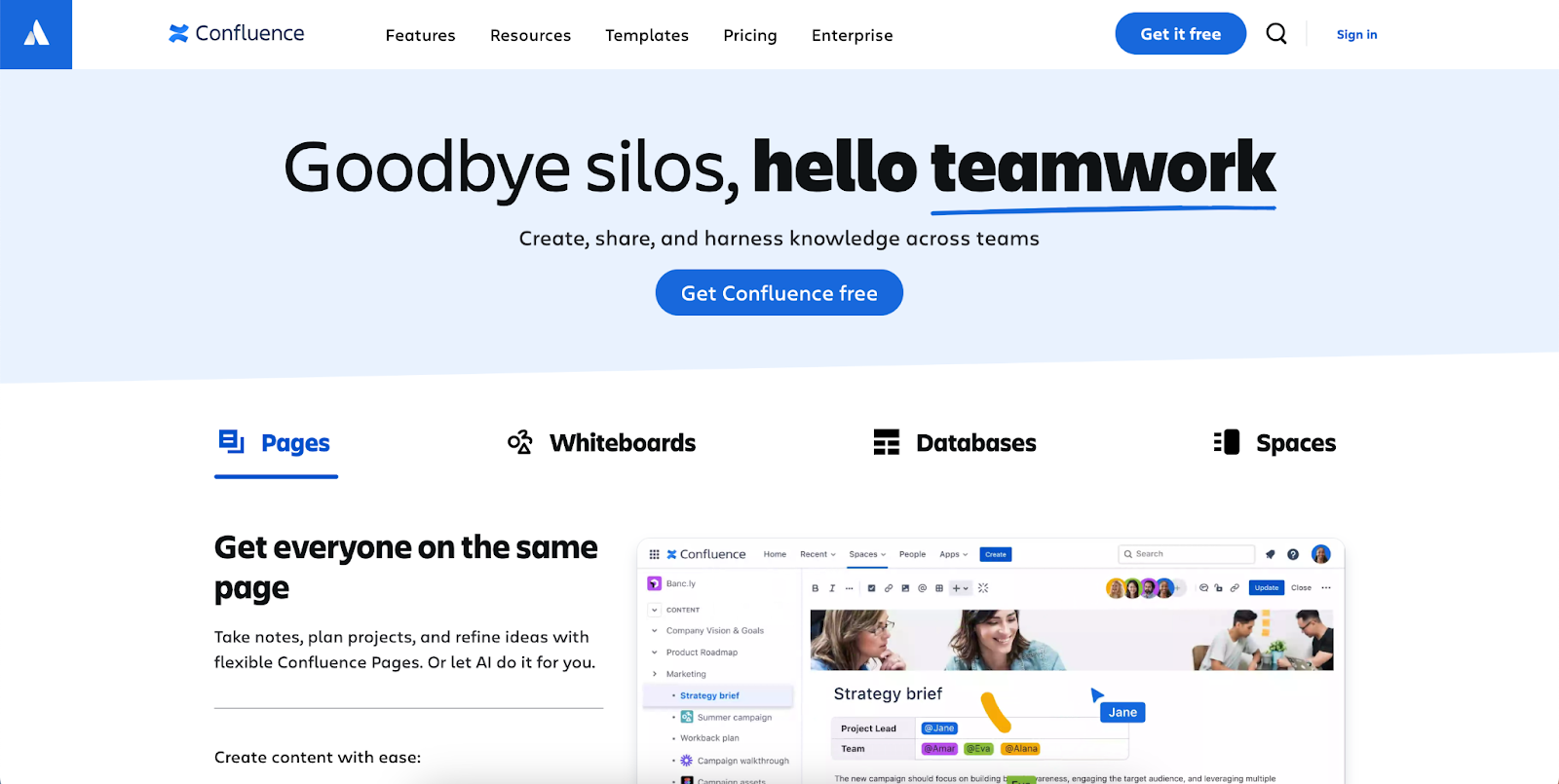
Confluence is a widely used learning and development tool that lets employees collaborate and organize all their work. It’s designed for teamwork, making project collaborations easier through whiteboards, discussing ideas, and working on pages.
You can get a free Confluence plan for up to 10 users and 2GB of storage space. Plus, it integrates with Loom, allowing you to record your screen and messages and share them with your team.
Top Features
- Allows real-time editing, commenting, and use of whiteboard
- Lets you organize work in a structured tree
- Feature an extensive library of practice templates
- Allows third-party app integrations
- Support from the Atlassian community
Pricing: Offers a free plan, standard plan for $4.89 per user/month, premium for $8.97 per user/month, and an Enterprise plan with pricing available on request.
10. Absorb LMS
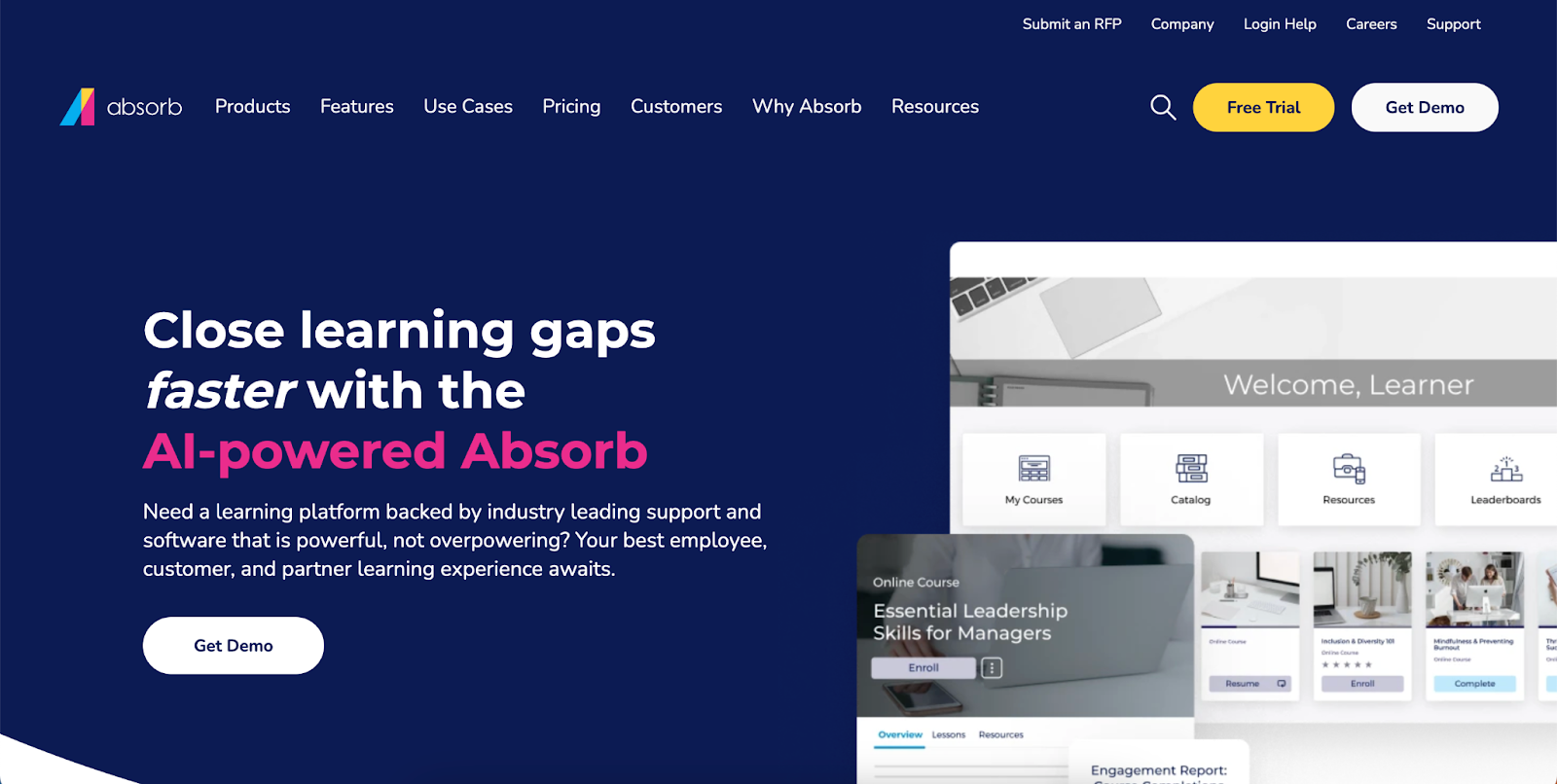
You can keep your team equipped and run business operations smoothly with Absorb. It is an excellent learning and development tool that offers bite-sized lessons on almost all the topics in one place.
Absorb helps the company’s employees be equipped with the essential know-how of regulations and industry standards. What’s interesting is that you can find these courses in different languages on Absorb Amplify.
Top Features
- AI-powered LMS
- E-commerce portal to sell courses easily
- Reporting and analytical dashboard
- Allows access to courses on mobile
- Thousands of pre-built online courses
Pricing: Can be given on request
11. Loom
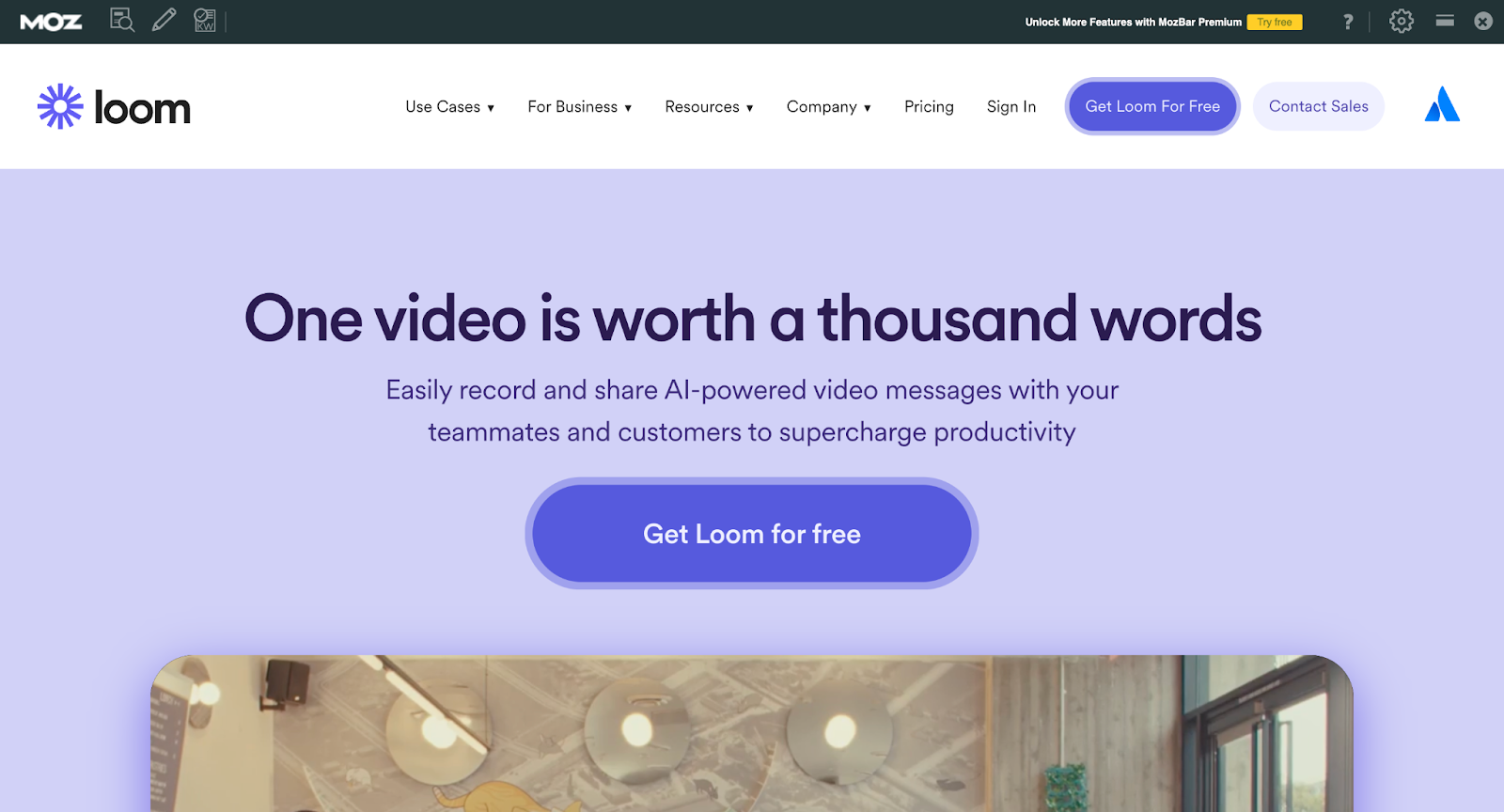
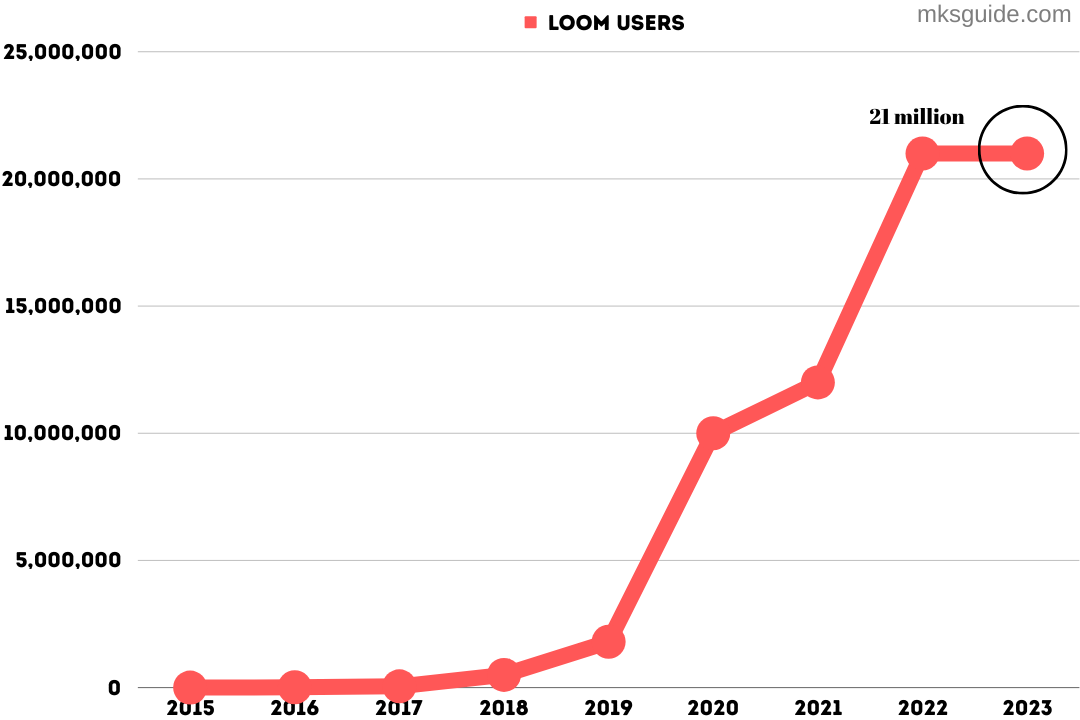
Loom is a video messaging platform that helps you create instantly shareable videos. In 2023, over 21 million people used the Loom, making it a standout in the industry.
This learning and development software enables educators and trainers to record video messages and combine screen capture, voiceover, and webcam footage. These features make Loom ideal for tutorials and personalized feedback.
Source: MKSGuide
Top Features
- Allows instant video sharing
- Simple recording process and a user-friendly interface
- Incorporate customizable links
- Encourage feedback through reactions
Pricing: Offers a free plan, a Business Plan of $12.50/month per creator, and an enterprise plan with pricing available on request.
Conclusion
There are so manylearning and development tools,and each one plays an important role in fulfilling business needs. However, to get the most out of these tools, you will need to do a thoughtful analysis of your organization’s needs and find the skill gaps.
If you see the need to design a course, make sure it’s engaging and compelling and keeps the trainees hooked. And that can be done through good AI-based design tools, like Coursebox. So, why wait? Get started today and fill the gaps you have intended to fill for a long time.
FAQs: Learning and Development Tools
1. What is the future of learning and development?
The future of learning and development will see more personalized content thanks to AI, including voice-powered learning and continuous optimization of user needs. Learning will become more inclusive and better aligned with what people need.
2. What is the learning trend in 2025?
The top learning and development trends for 2025 include micro-learning, blended learning, gamification, and, most of all, AI-driven personalization.
3. How does L&D add value to an organization?
Learning and development resources help bridge the gap between existing skills and new findings. Not only that, L&D integration into HR processes can also play a role in recruiting, onboarding, performance management, and success planning.
Alex Hey
Digital marketing manager and growth expert

