

أفضل 10 أنظمة إدارة التعلم (LMS) للشركات الصغيرة في 2026: من أين تبدأ
تعرّف على أفضل أنظمة إدارة التعلم (LMS) للشركات الصغيرة، وقارن بين أبرز منصات تدريب الموظفين المناسبة للفرق التي تنمو.

تضم قائمة أفضل أنظمة إدارة التعلم (LMS) للشركات الصغيرة في 2026 كلا من TalentLMS و Coursebox و 360Learning، إلى جانب أدوات أخرى يناسب كل منها حاجة مختلفة: إنشاء الدورات، أو تدريب العاملين في الميدان، أو إدارة البرامج التدريبية.
- جرّب إنشاء دورة واحدة مفيدة وإسنادها إلى الموظفين ومتابعة تقاريرها قبل أن تلتزم ببرنامج أكبر.
- يجمع Coursebox بين إنشاء الدورات والتقييم ومدرس ذكاء اصطناعي وتقديم التدريب في منصة واحدة، مع عدد غير محدود من المتعلمين، لكن رصيد الدورات والذكاء الاصطناعي في الخطة المجانية محدود.
- أصبحت iSpring تنشر باقات سنوية حسب عدد المستخدمين النشطين، كما تغيّرت أسعار MoodleCloud و LearnDash، لذا لا تعتمد على مقارنات أسعار البداية القديمة.
- تناسب TalentCards التعلم القصير عبر الهاتف، ويركّز Trainual على إجراءات التشغيل القياسية (SOPs)، بينما يختلف الحد الأدنى لعدد المستخدمين في LearnUpon حسب الفئة المستهدفة.
حدّد ثلاثة تفضيلات لتقارن بين أربعة خيارات مبدئية، ثم راجع تفاصيل كل أداة للتأكد من القدرات التي تحتاجها والأسعار وشروط الخطط.

شغّل نظام إدارة التعلم الخاص بعلامتك التجارية مع عدد غير محدود من المتعلمين
أعمل مع أصحاب الشركات الصغيرة على التدريب والتسويق، وأرى المشهد نفسه يتكرر: يخصص المؤسس عطلة نهاية الأسبوع لمقارنة الأدوات، ثم يحجز عرضا توضيحيا، وينتظر ستة أيام حتى يصله السعر. ففي معظم الحالات لا تعرف الكلفة الفعلية لنظام إدارة التعلم إلا في آخر مكالمة المبيعات، لأن صفحة الأسعار لا تذكر شيئا أو تحيلك إلى نموذج تواصل، وحين يصل الرقم تكون قد خضت ثلاث محادثات وصار التراجع محرجا. والأسوأ أنني رأيت أصحاب أعمال يشترون منصات لم يستفيدوا منها كما ينبغي، لأن إعدادها وحده تطلّب وقتا لا يملكه أحد في الفريق.
كيف قيّمت هذه الأدوات
هل السعر معلن؟ هل تظهر الكلفة على الموقع أم تحتاج إلى مكالمة مبيعات لمعرفتها؟ صاحب العمل الذي يقارن الأدوات في عطلة نهاية الأسبوع يستفيد من رقم واضح أكثر مما يستفيد من ثلاثة عروض توضيحية.
هل يستطيع فريق غير تقني تشغيله؟ هل يمكن لصاحب العمل أو مسؤول الموارد البشرية أو العمليات إعداده وإدارته دون فريق تقنية معلومات أو مطوّر؟
ماذا لو تعطّل شيء؟ نظرت في جودة الدعم وفي أداء المنصة أثناء الإعداد، وفي توفر خطة مجانية أو فترة تجريبية تتيح لك اختبارها قبل الالتزام.
- إفصاح: Coursebox منتجنا. قارنت مساره الكامل من إنشاء الدورات إلى تقديمها للمتعلمين بالأدوات الأخرى، وذكرت أدناه ما راجعته في الخطط والتقارير.
- تركّز هذه المقارنة على تدريب الموظفين: لبيع الدورات وللمسارات الأكاديمية متطلبات مختلفة، لذا راجع المقارنات المتخصصة عبر الروابط إذا كان ذلك هو عملك الأساسي.
مقارنة سريعة
| الأداة | أساس التسعير | سبب إدراجها | ما تتحقق منه أولا |
|---|---|---|---|
| TalentLMS | مجاني لـ 5 مستخدمين؛ خطة Core السنوية لشريحة 1 إلى 40 مستخدما | تعلم داخلي مستضاف | شريحة المستخدمين والتقارير وطريقة الفوترة |
| 360Learning | خطة Team بسعر 8 دولارات أمريكية لكل مستخدم شهريا؛ عروض أسعار للفرق الأكبر | تأليف المحتوى بأيدي الخبراء والتعلم التشاركي | مستوى الدعم الفعلي ونطاق الوحدات |
| Coursebox | خطة مجانية محدودة؛ عدد غير محدود من المتعلمين | إنشاء الدورات وتقييم المتعلمين وتقديم التدريب لهم مع مدرس ذكاء اصطناعي | عدد الدورات المسموح ورصيد الذكاء الاصطناعي والعلامة التجارية والتقارير |
| TalentCards | خطط حسب شرائح المستخدمين؛ عرض مجاني محدود | تعلم مصغّر عبر الهاتف | SCORM والتصدير والحد الأدنى الفعلي للمستخدمين |
| iSpring Learn | باقة سنوية معلنة حسب المستخدمين النشطين | PowerPoint والتعلم المُدار | شريحة 100 مستخدم نشط والأدوات المضمّنة |
| Moodle | برنامج مجاني؛ تكاليف استضافة | موقع تعلم قابل للتخصيص | مسؤول تقني أو حدود MoodleCloud |
| LearnDash | باقة Liquid Web الحالية للموقع | تقديم الدورات عبر WordPress | الاستضافة والتجديد والتوافق |
| Litmos | باقة بعرض سعر | تعلم مُدار ومحتوى جاهز | التنفيذ ومسار التصدير |
| Trainual | يلزم الاستفسار عن الباقة الحالية | إجراءات التشغيل القياسية وتأهيل الموظفين الجدد | جهد المراجعة ونطاق المستخدمين والخدمة |
| LearnUpon | عرض سعر حسب فئة الجمهور | عدة فئات من المتعلمين | الحجم المبدئي ونطاق البوابات |
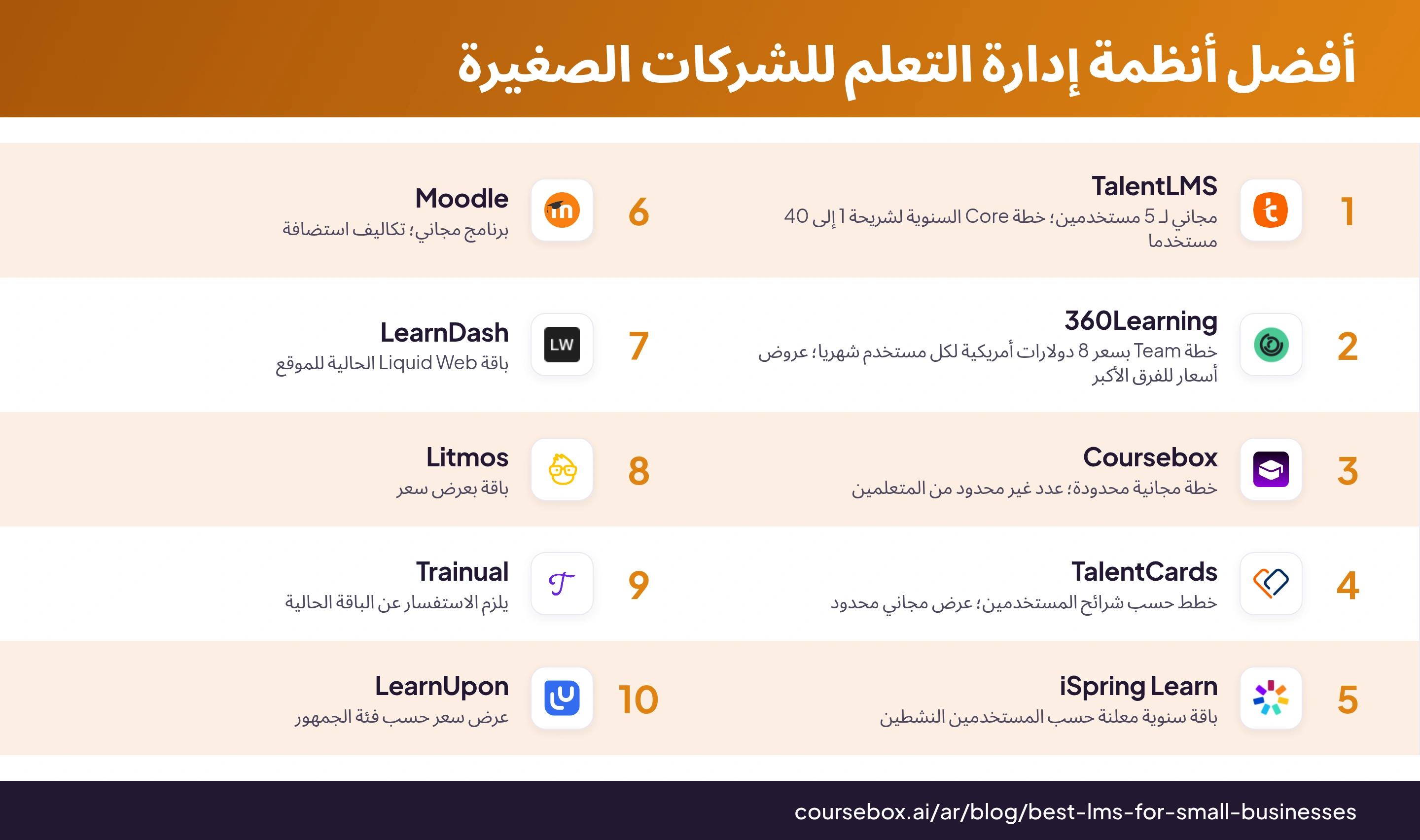
تتيح لك TalentLMS و 360Learning و TalentCards و Moodle و LearnDash و Coursebox تقدير الكلفة مباشرة من مواقعها، أما الأدوات الأربع الأخرى (iSpring و Litmos و Trainual و LearnUpon) فتشترط التواصل مع فريق المبيعات أولا. وصاحب العمل الذي لا يملك سوى ساعات قليلة لتقييم الأدوات سيفضّل دائما سعرا معلنا على مكالمة عرض توضيحي يُجبر عليها.
1. TalentLMS
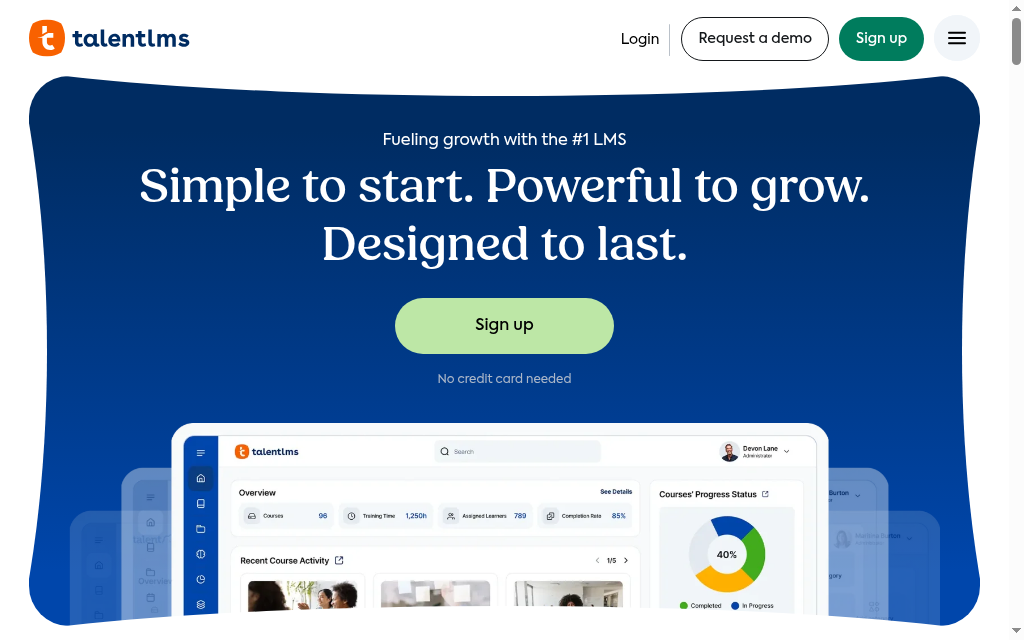
الموقع الإلكتروني: talentlms.com
TalentLMS خيار مستضاف للتدريب الداخلي، يوفّر إنشاء الدورات وإسنادها ومسارات التعلم والتقارير. تغطي الخطة المجانية 5 مستخدمين و10 دورات، وتبدأ خطة Core من 119 دولارا أمريكيا شهريا عند اختيار الفوترة السنوية لشريحة 1 إلى 40 مستخدما. قارن بين شريحة المستخدمين التي تختارها وبين نظامي الفوترة Standard و Flex القائم على النشاط. وخلال الفترة التجريبية، اختبر المنهج والفروع (Branches) وتقرير المدير الذي تحتاجه فعلا، بدل أن تعتمد على ما يُقال عموما من أن تقارير الدورات المتعددة غير متوفرة.
الأنسب لـ: معظم الفرق الصغيرة والمتوسطة التي تريد نظاما متكاملا وسهلا لإدارة التعلم بسعر واضح قبل أي مكالمة مبيعات.
الأسعار: تغطي الخطة المجانية 5 مستخدمين و10 دورات. وتبدأ خطة Core من 119 دولارا أمريكيا شهريا بالفوترة السنوية لشريحة 1 إلى 40 مستخدما. تحقق من شريحة المستخدمين المختارة، ثم قارن بين نظام Standard ونظام Flex الذي يعتمد في الفوترة على نشاط المستخدمين.
انطباعاتي بعد التجربة: راجع مسار التعلم كاملا بعد تغيير إعدادات الإشعارات. واختبر قواعد التسجيل والمتطلبات المسبقة والتذكيرات من حساب متعلم، ولا تفترض أن رسائل الإشعار نفسها هي التي تفتح الدورة التالية.
2. 360Learning
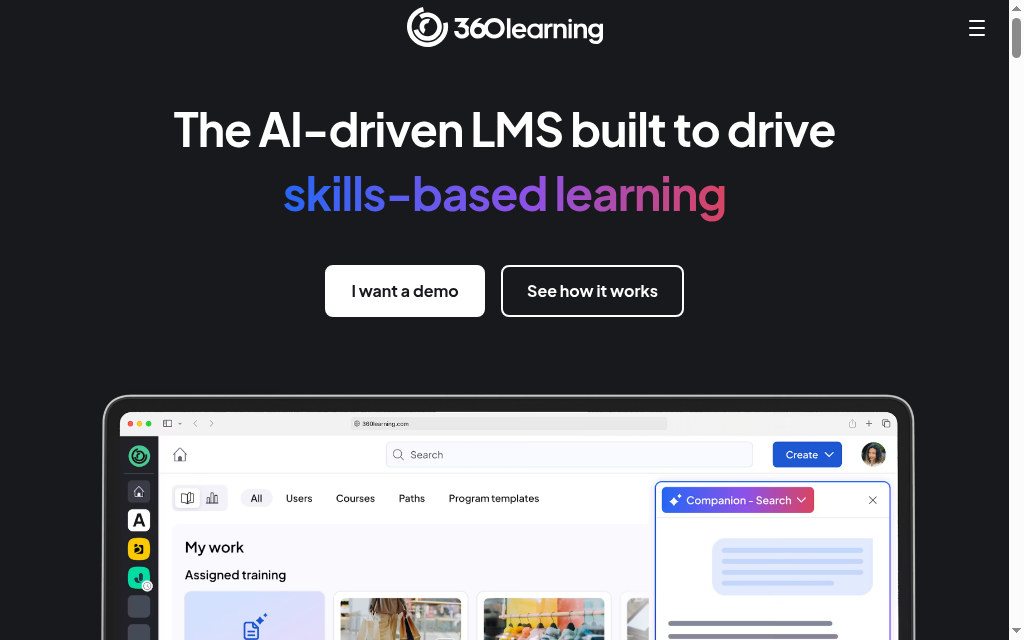
الموقع الإلكتروني: 360learning.com
تقدّم 360Learning أدنى سعر بداية معلن في هذه القائمة: 8 دولارات لكل مستخدم شهريا في خطة Team، بفوترة شهرية دون التزام سنوي، مع فترة تجريبية مدتها 30 يوما دون الحاجة إلى بطاقة دفع. وميزتها الأبرز هي التأليف التشاركي، فدور Contributor يتيح لرئيس القسم إعداد وحدة تأهيل خاصة بفريقه دون المساس بمحتوى غيره أو بلوحة الإدارة، وهذا يعالج العائق الحقيقي في الفرق الصغيرة: الوقت والصلاحيات، لا الميزانية. ويجيب AI Companion عن أسئلة المتعلمين، ويتيح لك أن تسأل بلغة طبيعية: «من المتأخر في تدريبات الامتثال؟». اختبر أمرين قبل أي شيء: تطبيق Android فيه مشكلات موثقة في التسجيل وتشغيل الفيديو، والدعم في الخطة الأساسية يقتصر على بوابة الدعم.
الأنسب لـ: الفرق الصغيرة التي يُفضَّل فيها أن يتولى الخبراء المتخصصون إعداد التدريب بأنفسهم، بدل أن يقع العبء كله على مسؤول واحد عن التعلم والتطوير.
الأسعار: خطة Team بسعر 8 دولارات لكل مستخدم شهريا (فوترة شهرية دون التزام سنوي)، وخطتا Business و Enterprise بأسعار مخصصة. فترة تجريبية 30 يوما دون الحاجة إلى بطاقة دفع. 360learning.com/pricing.
انطباعاتي بعد التجربة: من المفيد أن تعرف قبل الالتزام أن المساعدة في خطة Team ذاتية فقط: منتديات وأسئلة شائعة وقاعدة معرفية، أما الدعم الهاتفي المباشر فمخصص لعملاء المؤسسات. وبالنسبة لفريق صغير بلا قسم تقنية معلومات، يعني ذلك أن تحل عقبات الإعداد بنفسك، فاختبر خلال الفترة التجريبية إلى أي حد تسعفك الوثائق.
3. Coursebox

الموقع الإلكتروني: coursebox.ai
نحن من طوّر Coursebox، وهو نظام إدارة التعلم باستخدام الذكاء الاصطناعي الذي يربط بين إنشاء الدورات والتقييمات ومدرس ذكاء اصطناعي وتقديم التدريب للمتعلمين. ابدأ بمستند أو فيديو أو صفحة ويب أو طلب مكتوب، ثم راجع الهيكل والأسئلة. المنصة مستضافة وتدعم عددا غير محدود من المتعلمين، أما عدد الدورات واستخدام الذكاء الاصطناعي والعلامة التجارية والتصدير فتعتمد على الخطة.
ابدأ بالدورات المصغرة المجانية، ثم قارن في الخطط المدفوعة عدد الدورات ورصيد الذكاء الاصطناعي والعلامة التجارية والتكاملات. وأنصحك بأن تتحقق خلال التجربة من تقرير المدير الذي تحتاجه تحديدا، بدل أن تحكم مسبقا بأن التقارير بسيطة أو بأنها تفي بمتطلبات الامتثال.
الأنسب لـ: الفرق الصغيرة التي تريد أن يُنشئ الذكاء الاصطناعي الدورة بسرعة، على منصة مستضافة بالكامل، مع عدد غير محدود من المتعلمين حتى في الخطة المجانية.
الأسعار: تشمل الخطة المجانية ثلاث دورات مصغرة تصل كل منها إلى خمس صفحات، وعددا غير محدود من المتعلمين، ورصيدا محددا من الذكاء الاصطناعي، مع علامة Coursebox المائية. أما عدد الدورات في الخطط المدفوعة، ونظام إدارة التعلم بعلامتك التجارية، والتصدير والتكاملات، فتختلف حسب الخطة.
انطباعاتي بعد التجربة: من واقع عملنا على منتجنا، الخطوة المفيدة حقا هي تحويل المستندات الأصلية إلى محتوى يستطيع الموظف الجديد اتباعه. والمسودة مجرد بداية: عدّل الترتيب، وأضف الأمثلة التي كان المشرف سيشرحها، واختبر الأسئلة وسجل المتعلم معا.
4. TalentCards
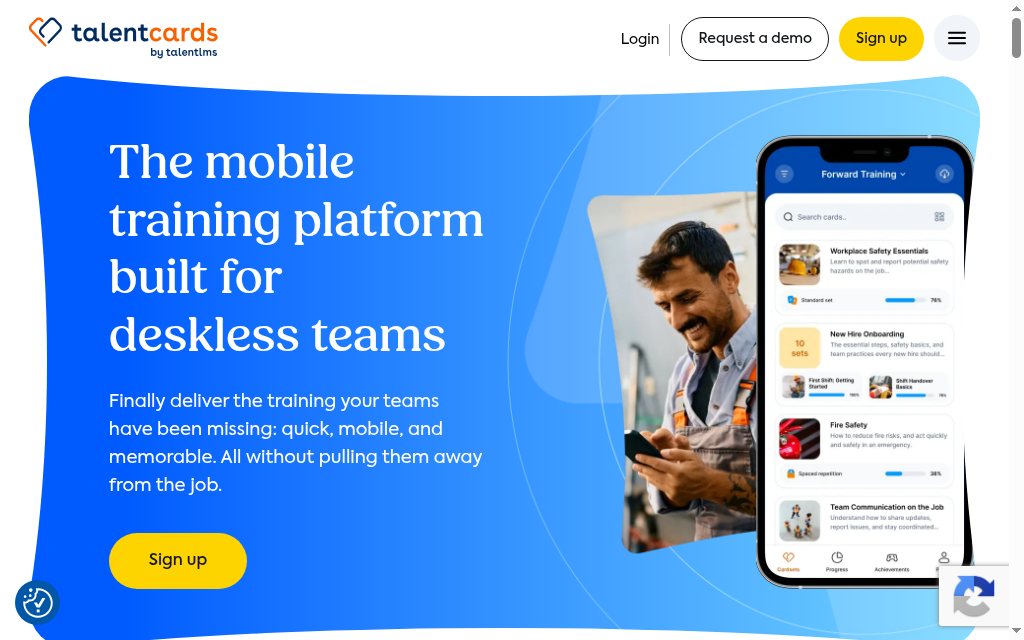
الموقع الإلكتروني: talentcards.com
إذا كان فريقك يعمل واقفا في الميدان لا جالسا إلى مكتب، فإن TalentCards، من صانعي TalentLMS، هي الخيار المناسب. فهي منصة تعلم مصغّر مصممة أساسا للهاتف: «مجموعات بطاقات» تعليمية قصيرة تضم نصوصا وصورا وصوتا وفيديو ورموز QR، يُنهيها موظف المتجر أو المستودع أو العمل الميداني من هاتفه دون عناء. والخطة المجانية تفي بالغرض (حتى 5 مستخدمين، ومجموعات بطاقات غير محدودة، والتكرار المتباعد، والتلعيب المدمج)، وتبدأ الخطط المدفوعة من 0.80 دولار لكل مستخدم شهريا ضمن شرائح من 50 مستخدما. أما حدّها الواضح فهو أنها منصة تعلم مصغّر وليست نظاما متكاملا لإدارة التعلم: لا استيراد لملفات SCORM ولا تصدير في أي خطة، لذا إن غادرت المنصة يوما فستضطر إلى إعادة إنشاء أي مكتبة كبيرة بنيتها فيها يدويا.
الأنسب لـ: تدريب العاملين في الميدان ومن لا يعملون خلف مكتب على محتوى قصير ومتكرر في الامتثال ومعرفة المنتجات، مباشرة من هواتفهم.
الأسعار: مجانية حتى 5 مستخدمين؛ خطة Standard بسعر 0.80 دولار لكل مستخدم شهريا، وخطة Premium بسعر 1.20 دولار لكل مستخدم شهريا (بحد أدنى 50 مستخدما لكلتيهما)، وخصم 20% على الاشتراك السنوي، دون رسوم إعداد. talentcards.com/pricing.
انطباعاتي بعد التجربة: أعددت مجموعة بطاقات تجريبية في TalentCards، فكانت العملية سريعة وتعتمد في معظمها على السحب والإفلات للصور والصوت والفيديو. بهذه الطريقة تجهّز في وقت قصير تدريبا عبر الهاتف يُكمله فعلا موظفو الميدان رغم انشغالهم.
5. iSpring Learn
الموقع الإلكتروني: ispringsolutions.com
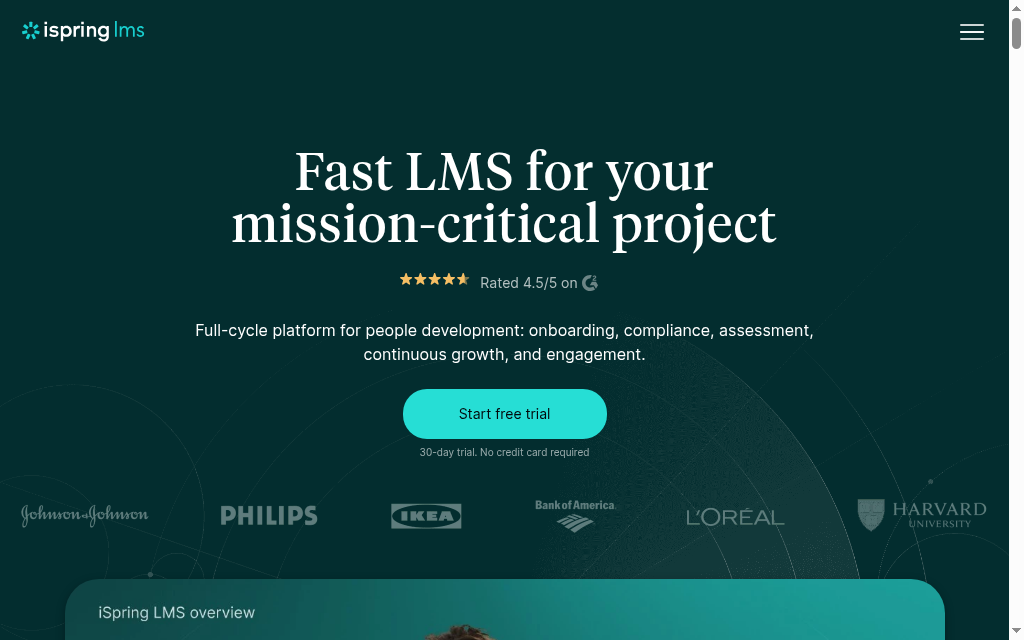
تعرض أداة اختيار الخطط الحالية في iSpring LMS Business سعر 8,286 دولارا أمريكيا سنويا لـ 100 مستخدم نشط، مع شرائح أكبر وعروض أسعار مخصصة. قارن باقة Suite AI المضمّنة ونطاق التنفيذ، وانتبه إلى أن الفوترة حسب المستخدمين النشطين تختلف عن عدد الموظفين المسجلين. يتولى النظام إسناد التدريب ومتابعته وجدولة التدريب الدوري، فاختبر تقرير مدير حقيقيا وطلب دعم فعليا. أما أداة PowerPoint فتعمل على سطح المكتب، لذا تحقق من ملاءمتها لأجهزة فريقك فهذا أمر يختلف عن التعلم عبر المتصفح.
الأنسب لـ: الفرق التي تعتمد على تدريب مبني على PowerPoint ولا تملك قسم تقنية معلومات، وتقدّر الدعم السريع والموثوق أكثر من معرفة السعر مسبقا.
الأسعار: تعرض أداة اختيار الخطط الحالية في iSpring LMS Business سعر 8,286 دولارا أمريكيا سنويا لـ 100 مستخدم نشط، مع شرائح أكبر وعروض أسعار مخصصة. قارن باقة Suite AI المضمّنة ونطاق التنفيذ، فالفوترة حسب المستخدمين النشطين تختلف عن عدد الموظفين المسجلين.
انطباعاتي بعد التجربة: لاحظت عقبة صغيرة في الاستخدام: نافذة دردشة الدعم تغطي أزرار التنقل في الدورة، فيضطر المتعلمون أحيانا إلى تصغير النافذة بطريقة مزعجة للانتقال بين الأقسام. أمر بسيط، لكنه يستحق الفحص خلال الفترة التجريبية إذا كان فريقك سيعتمد على التنقل المدمج يوميا.
6. Moodle
الموقع الإلكتروني: moodle.org
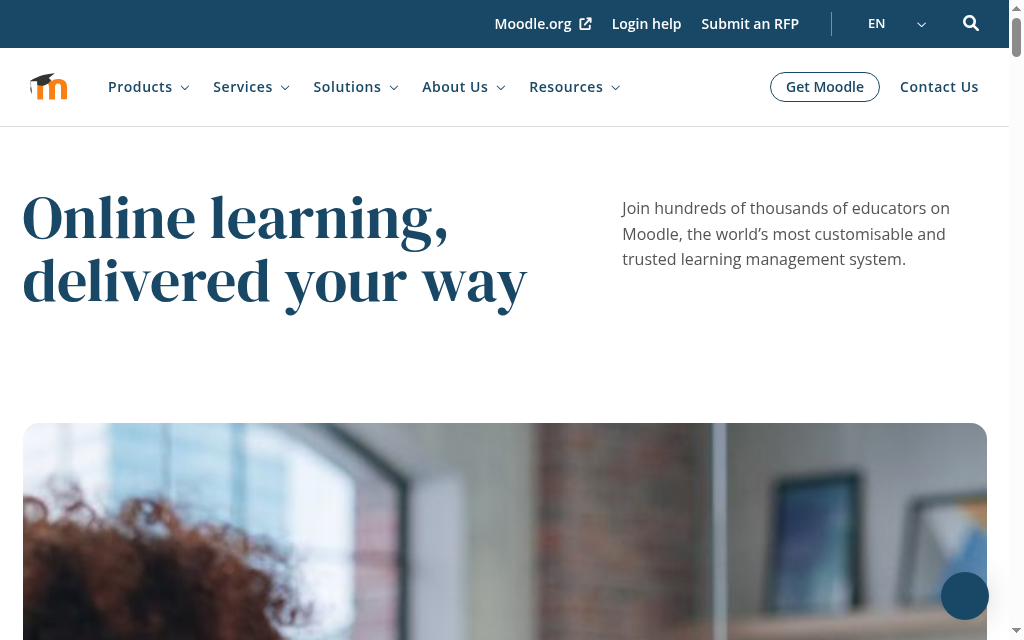
تثبيت Moodle مجاني، لكنك تتولى بنفسك الاستضافة والنسخ الاحتياطي والتحديثات والإضافات. وقد يناسب ذلك فريقا لديه مسؤول تقني يتحمل هذه المهمة. أما MoodleCloud فيقدّم استضافة مُدارة بحدود على المستخدمين والتخزين والإضافات، وتعرض أداة اختيار الخطط حاليا سعر 170 دولارا أمريكيا سنويا لـ 50 مستخدما، مع فوترة بالدولار الأسترالي.
الأنسب لـ: الفرق التي تملك خبرة تقنية داخلية وتحرص على ضبط التكاليف، أو كل من يريد ميزات Moodle مستضافة عبر MoodleCloud.
الأسعار: لا رسوم ترخيص على النسخة المستضافة ذاتيا. وتعرض أداة اختيار الخطط في MoodleCloud لـ 50 مستخدما حاليا سعر 170 دولارا أمريكيا سنويا، والفوترة بالدولار الأسترالي (AUD)؛ تحقق من سعر التحويل وقيود التخزين والإضافات.
انطباعاتي بعد التجربة: يتكرر في آراء المستخدمين أمران بعد أن يبدأ الفريق العمل على Moodle: المسؤولون الجدد يجدون صعوبة في التعود على النظام، حتى إن العثور على ميزة أو ملف قد يستغرق وقتا، ولا توجد أدوات مدمجة لتنظيم المحتوى، فيتراكم مع الوقت. لا ينافسه أحد في السعر، لكن خصص شخصا يحافظ على ترتيبه ويتقن استخدامه.
7. LearnDash
الموقع الإلكتروني: learndash.com
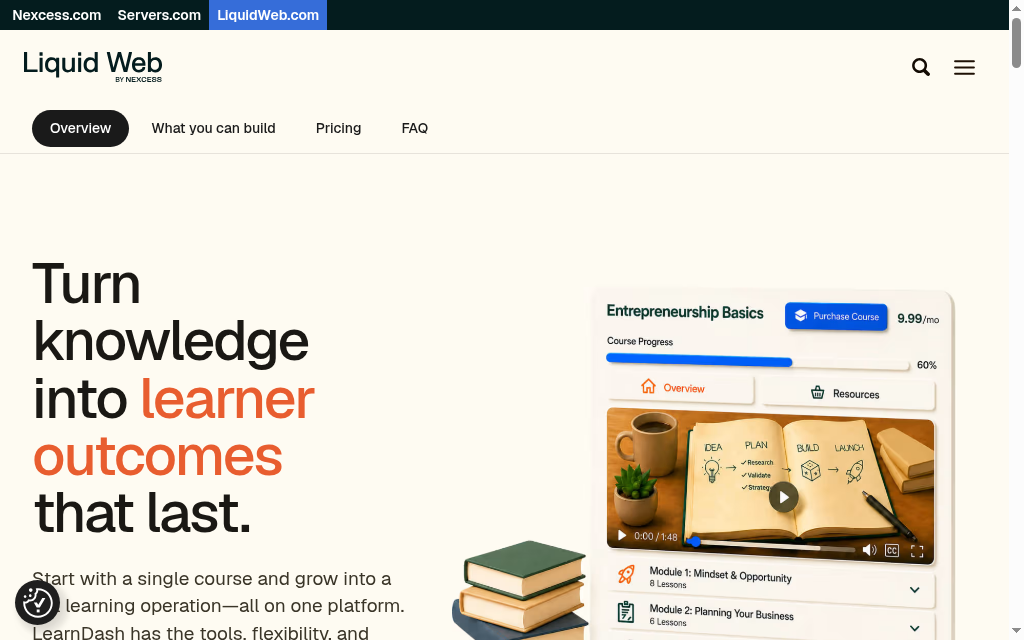
يعمل LearnDash داخل WordPress، لذا قيّم إعداد الدورات وعبء صيانة الموقع معا. يوفّر الدروس والاختبارات والمتطلبات المسبقة والمجموعات والشهادات. وتجمع باقة Liquid Web الحالية LearnDash مع أدوات WordPress أخرى، لكن الاستضافة والنسخ الاحتياطي والتوافق تظل بحاجة إلى من يتولاها. أما SCORM فيحتاج إلى حل منفصل مدعوم، إذ لا يتضمن LearnDash استيرادا أو تصديرا مدمجا له.
الأنسب لـ: الشركات التي تعمل على WordPress ولديها من يتولى صيانته، وتريد إنشاء الدورات على موقعها الخاص.
الأسعار: تعرض Liquid Web حاليا باقة لموقع واحد بسعر 350 دولارا أمريكيا، مع باقات أكبر لعدة مواقع. تحقق بشكل منفصل من شروط التجديد والبرامج المضمّنة والاستضافة، ولا تبنِ ميزانيتك على ترخيص Personal السابق بسعر 199 دولارا أمريكيا، فقد توقف العمل به.
8. Litmos
الموقع الإلكتروني: litmos.com
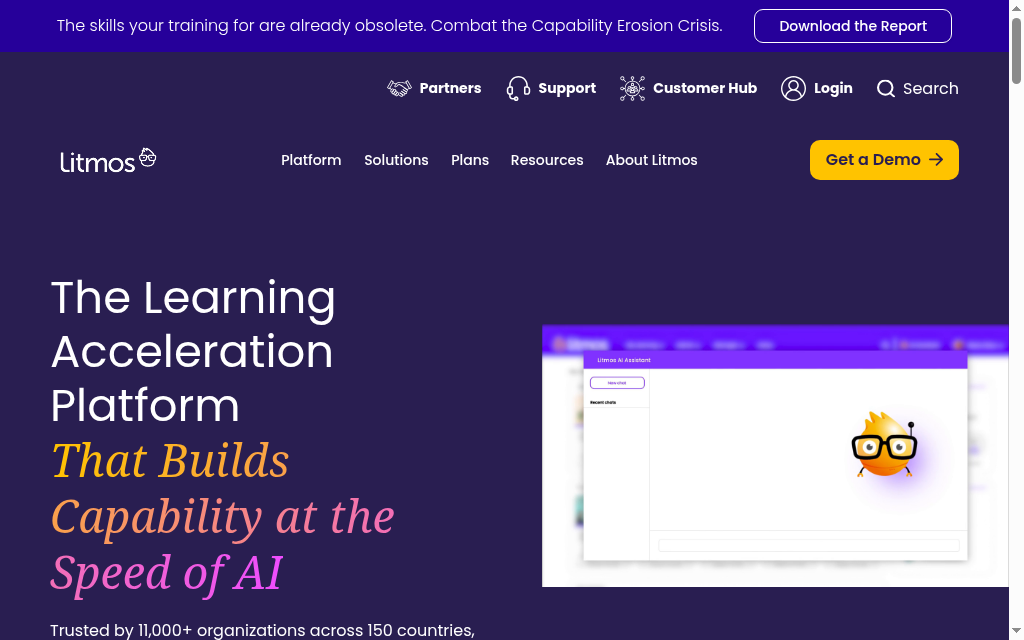
تجمع Litmos بين تقديم الدورات المستضافة وخيارات المحتوى الجاهز وأدوات الذكاء الاصطناعي. اطلب عرض سعر حديثا يناسب نشاط متعلميك والتنفيذ والتقارير، وقارن على أساسه. احتفظ بحزم SCORM الأصلية، واختبر تصدير المحتوى والسجلات قبل الانتقال، فرفع ملفات SCORM لا يثبت وحده أن الحزمة الأصلية حُوّلت بشكل لا رجعة فيه.
الأنسب لـ: الفرق النامية التي تبحث عن منصة تدريب مُدارة ومكتبة محتوى جاهز، ضمن باقة يُحدَّد سعرها بعرض خاص.
الأسعار: بعرض سعر فقط. فترة تجريبية 14 يوما دون الحاجة إلى بطاقة دفع. litmos.com/litmos-pricing.
9. Trainual
الموقع الإلكتروني: trainual.com
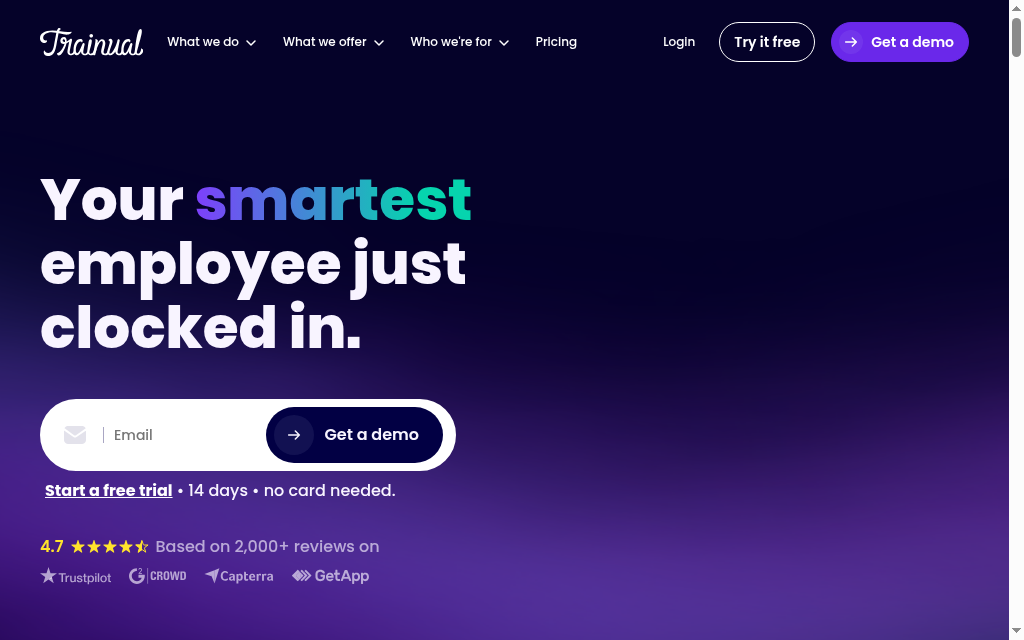
Trainual مختلف قليلا: فهو ليس نظاما لإدارة التعلم بقدر ما هو أداة تحوّل إجراءات التشغيل القياسية المبعثرة والمعرفة غير الموثقة إلى دليل عمل واحد قابل للبحث والمتابعة. وبالنسبة لشركة نامية من 10 إلى 50 شخصا، كوكالة أو امتياز تجاري أو شركة خدمات توحّد تأهيل موظفيها الجدد مع انضمام موظفين ورحيل آخرين، فهو ممتاز: أكثر من 500 قالب، واختبارات، وتوقيعات إلكترونية تثبت أن الموظفين قرأوا الإجراء فعلا، لا أنه موجود فحسب. أما مآخذه، بصراحة، فهي أن الأسعار أصبحت لا تظهر إلا بعد عرض توضيحي، مع رسوم تنفيذ لمرة واحدة قدرها 1,000 دولار، وأنه مصمم للتوثيق والمساءلة، لا للتقييمات المعمقة أو التلعيب أو الدورات متعددة المسارات.
الأنسب لـ: الفرق الصغيرة النامية التي تحتاج إلى توثيق إجراءات التشغيل القياسية وتوحيد تأهيل الموظفين الجدد أكثر من حاجتها إلى نظام إدارة تعلم (LMS) قائم على الدورات.
الأسعار: تحقق مباشرة من الاشتراك الحالي وعدد المستخدمين المسموح به والتنفيذ وعرض الدعم. ولا تفترض أن سعرا شهريا قديما أو رسوم إعداد سابقة تنطبق على كل عقد.
انطباعاتي بعد التجربة: ساعدت البنية والقوالب في تنظيم إجراءات التشغيل، لكن ظل على شخص من الفريق أن يطابق الخطوات مع العمل الفعلي. يمكن لأدوات الصياغة الحالية باستخدام الذكاء الاصطناعي أن تساعد، لكنها لا تجعل إجراء غير موثق دقيقا دون مدخلات ومراجعة من الأشخاص الذين يؤدونه.
10. LearnUpon
الموقع الإلكتروني: learnupon.com
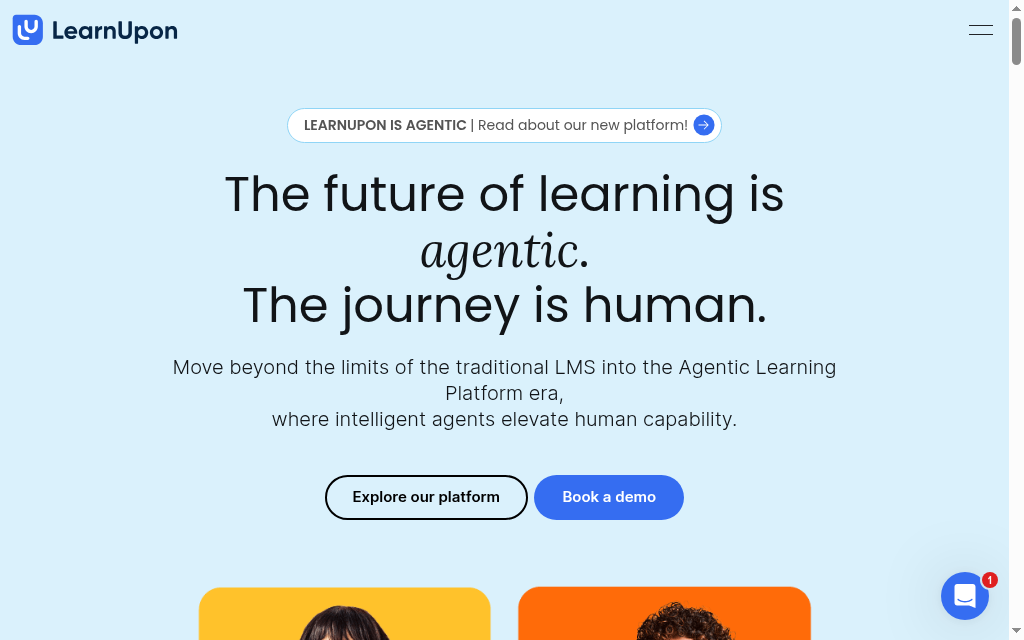
يجمع LearnUpon بين تقديم التعلم وبوابات منفصلة لكل فئة من الجمهور ودعم التنفيذ وأداة التأليف Create+ الحالية. تبدأ باقة تدريب الموظفين من 100 مستخدم، بينما يختلف الحد الأدنى في باقات العملاء والجمعيات. قارن عرض السعر الفعلي بحجم العمل الإداري المطلوب. وإيقاف ميزة التدريب بقيادة مدرّب (ILT) القديمة لم يُلغِ مسار Live Learning الحالي.
الأنسب لـ: الشركات في الحد الأعلى من الفئة الصغيرة (150 موظفا فأكثر) التي تدرّب عدة فئات من الجمهور، ولديها الميزانية المناسبة.
الأسعار: عرض سعر حسب فئة الجمهور. تبدأ باقة تدريب الموظفين من 100 مستخدم، وباقة تثقيف العملاء من 300، وباقة الجمعيات من 150؛ تحقق من البوابات والتكاملات ونطاق الدعم.
انطباعاتي بعد التجربة: إعداد البوابات المتعددة هو الميزة الأبرز عمليا: تبقى بوابة كل فئة (الموظفون والشركاء والعملاء) منفصلة تماما بإعداداتها وتكاملاتها الخاصة، فلا تتداخل الإعدادات بين البوابات كما يحدث في أدوات أخرى. ومع ذلك يمكنك مشاركة المحتوى وترخيصه مركزيا مع حدود للمقاعد، وهذا مفيد إذا كنت تدرّب أكثر من مجموعة.
الخلاصة
لا تحكم على أي منصة من صفحة ميزاتها. خذ مهمة تدريبية حقيقية يحتاجها فريقك ونفّذها من البداية إلى النهاية: أنشئ دورة، وسجّل فيها موظفا، وأجب عن سؤال من متعلم، ثم صدّر السجل الذي سيطلبه المدير. يمكنك فعل ذلك مجانا ضمن الخطط المحدودة لدى TalentLMS و Coursebox، أو خلال الفترة التجريبية في 360Learning. وقبل أن تنقل برنامجك التدريبي كله، احسب الكلفة التشغيلية الكاملة لا سعر الاشتراك وحده.
إفصاح: Coursebox منتجنا. بيانات الاستخدام المذكورة في فقرة Coursebox (من تحليلات PostHog منذ بداية العام) بيانات خاصة بنا. أما تقييمات المنصات الأخرى فمبنية على بيانات مراجعات مستقلة وأسعار منشورة.
الأسئلة الشائعة
بالنسبة لمعظم الشركات الصغيرة، يعد TalentLMS الخيار الأفضل إجمالا: نظام متكامل لإدارة التعلم بأسعار منشورة على موقعه (من 119 دولارا شهريا، ومجاني حتى 5 مستخدمين)، ويستطيع صاحب العمل غير التقني إعداده دون قسم تقنية معلومات. وإن أردت أن يُنشئ الذكاء الاصطناعي الدورات نيابة عنك، فإن Coursebox أسرع طريق لذلك، بينما تعد TalentCards الأفضل لفرق الميدان التي تتدرّب من هواتفها.
قارن حدود الخطط المجانية في Coursebox و TalentLMS و TalentCards بحجم التدريب لديك. لا يفرض Moodle رسوما على البرنامج، لكنه يتطلب استضافة وصيانة، ويقدّم MoodleCloud خيارا مستضافا مدفوعا. والتجربة المجانية لا تلغي العمل الإداري المستمر ولا جهد مراجعة الدورات.
قارن على أساس العدد نفسه من المتعلمين وحجم المحتوى ونطاق الدعم. تبدأ خطة Core في TalentLMS حاليا من 119 دولارا أمريكيا شهريا بالفوترة السنوية لـ 1 إلى 40 مستخدما، بينما تعلن 360Learning عن خطة Team بسعر 8 دولارات أمريكية لكل مستخدم شهريا. وتنشر iSpring باقات سنوية حسب المستخدمين النشطين، أما بقية المزودين فيقدمون عروض أسعار. أضف الاستضافة والتنفيذ والتكاملات عند الحاجة.
لا، في معظم هذه الأدوات. صُممت TalentLMS و 360Learning و TalentCards و Coursebox ليعدّها ويديرها صاحب عمل غير تقني أو مسؤول موارد بشرية أو عمليات. والاستثناء هو Moodle المستضاف ذاتيا و LearnDash (إضافة لـ WordPress)، إذ يحتاجان إلى شخص يجيد التعامل مع الخوادم أو صيانة WordPress.
يمكن تشغيل TalentLMS و Coursebox في اليوم نفسه، ولكليهما خطة مجانية تتيح لك البدء دون التواصل مع فريق المبيعات، كما تقدّم 360Learning فترة تجريبية مدتها 30 يوما. ويبقى Coursebox الأسرع في إعداد الدورات نفسها، لأن الذكاء الاصطناعي فيه يحوّل المستندات الموجودة أو تسجيل مكالمة إلى دورة منظمة خلال دقائق.
Alexandra Cserta
ألكسندرا هي مديرة وسائل التواصل الاجتماعي لدينا، ومقرها مكتبنا في بيرث. تتمتع بخبرة في التفاعل مع الجماهير من خلال محتوى وسائل التواصل الاجتماعي وبناء المجتمعات، كما أنشأت سابقًا دورات تعليمية عبر الإنترنت في وظائف سابقة لـ Coursebox. عندما تكون ألكسندرا في المكتب، يعلم الجميع بوجودها. إنها تضفي طاقة وحماسًا (أحيانًا مع بعض الضجيج) على عملها، وهي شغوفة بالتواصل الاجتماعي حتى داخل فريق Coursebox، إذ تنظّم وجبات الغداء والفعاليات للفريق.

