

10 Best LMS for Small Businesses in 2026: What I Would Start With
Discover the best LMS for small businesses. See top employee training platforms built for growing teams.

The best LMS for small businesses in 2026 includes TalentLMS, Coursebox, 360Learning and other tools for different course, frontline and administration needs.
- Try creating, assigning and reporting on one useful course before committing to a larger programme.
- Coursebox connects creation, assessment, tutoring and delivery with unlimited learners; the free course and AI allowance is limited.
- iSpring now publishes annual active-user packages. MoodleCloud and LearnDash pricing have changed, so avoid old entry-price comparisons.
- TalentCards suits phone-based short learning, Trainual focuses on SOPs, and LearnUpon has audience-specific starting sizes.
Use three preferences to compare four starting options. Check the entries for required capabilities, prices and plan conditions.

Run your own branded LMS with unlimited learners
Most small businesses find out what an LMS actually costs at the end of a demo call. The pricing page says nothing, or it routes you to a contact form, and by the time the number arrives you're three conversations deep and feel committed. I work with small business owners on their training and marketing, and the pattern is consistent: a founder evaluates tools over a weekend, books a demo, and a price arrives six days later. I've watched business owners buy platforms they never fully used because the onboarding alone took longer than anyone could spare.
How I judged these
Can you see the price? Whether the cost is on the website or gated behind a sales call. For an owner assessing tools over a weekend, a visible number beats three demos.
Can a non-technical team deploy it? Whether the owner, HR or ops person can set it up and run it without an IT team or a developer on hand.
What happens when something breaks? Support quality and how the platform behaves mid-onboarding, plus whether there is a free tier or trial to test before you commit.
- Disclosure: Coursebox is our product. I have compared its full creation and delivery workflow alongside the other tools and stated the plan and reporting checks below.
- This comparison focuses on staff training: Course-selling and academic workflows have different requirements, so use the linked specialist comparisons if those are your main job.
Comparison at a glance
| Tool | Cost basis | Why compare it | Check first |
|---|---|---|---|
| TalentLMS | Free 5 users; Core annual 1 to 40 band | Hosted internal learning | User band, reporting and billing mode |
| 360Learning | Team US$8/user/month; larger quotes | Expert authoring and collaborative learning | Actual support and module scope |
| Coursebox | Limited free plan; unlimited learners | Creation, assessment, tutoring and delivery | Course/AI capacity, branding and reports |
| TalentCards | User-band plans; limited free offer | Phone-based microlearning | SCORM/export and exact user minimum |
| iSpring Learn | Published annual active-user package | PowerPoint and managed learning | 100-active-user band and included tools |
| Moodle | Free software; hosting costs | Configurable learning site | Technical owner or MoodleCloud limits |
| LearnDash | Current Liquid Web site package | WordPress course delivery | Hosting, renewals and compatibility |
| Litmos | Quoted package | Managed learning and content | Implementation and export workflow |
| Trainual | Current package required | SOPs and onboarding | Review effort, user and service scope |
| LearnUpon | Audience-specific quote | Several learning audiences | Starting size and portal scope |
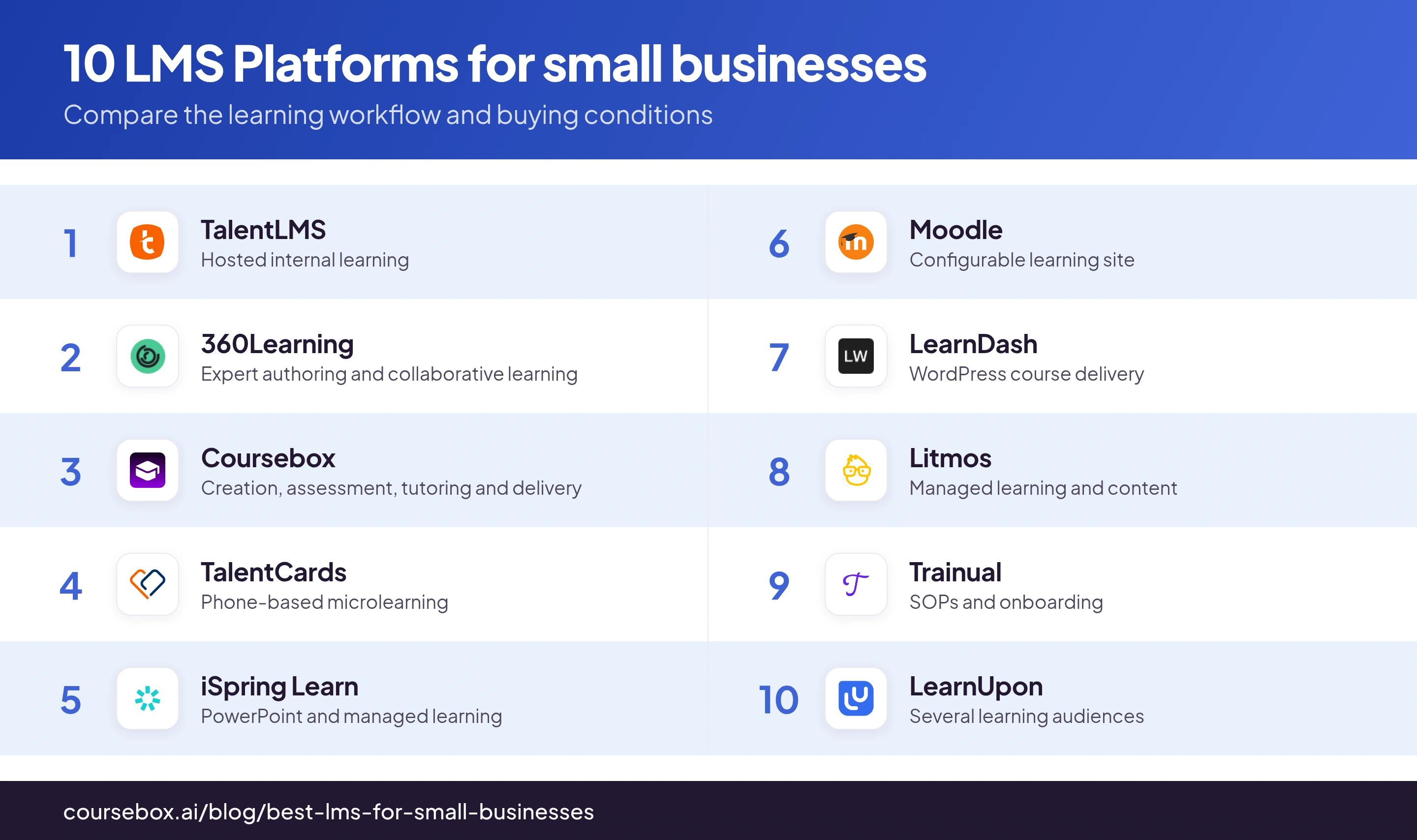
TalentLMS, 360Learning, TalentCards, Moodle, LearnDash and Coursebox let you estimate the cost straight from their website. The other four (iSpring, Litmos, Trainual and LearnUpon) route you through sales first. For a business owner with a few hours to assess tools, a visible number will always beat a forced demo call.
1. TalentLMS
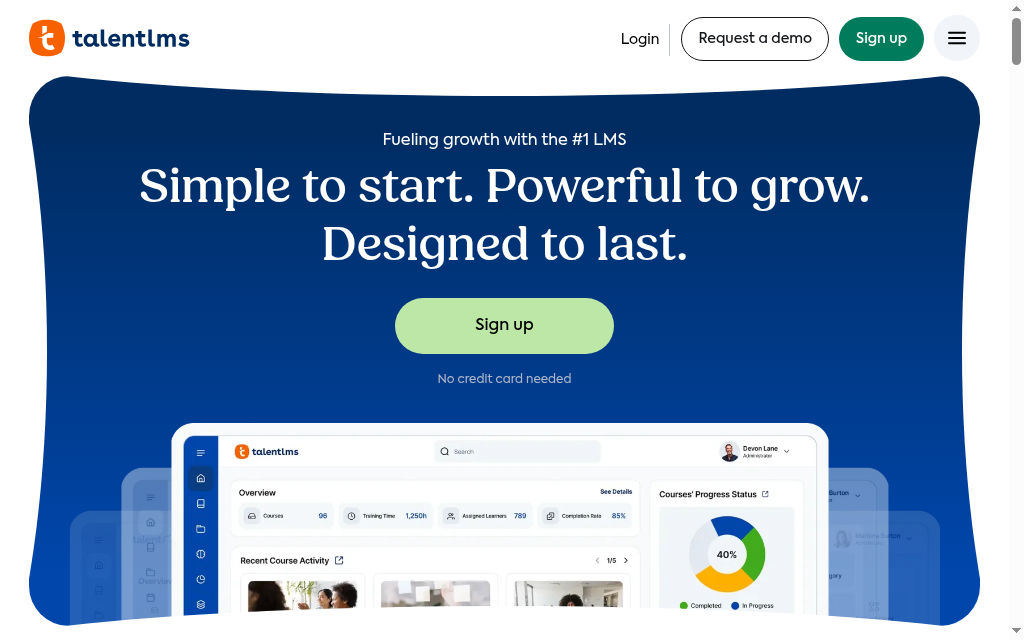
Website: talentlms.com
TalentLMS is a hosted option for internal training, with course creation, assignments, learning paths and reports. Free covers five users and ten courses. Core starts at US$119/month on the annual selector for the 1 to 40-user band. Compare the selected user band and Standard versus Flex activity billing. During a pilot, test the exact curriculum, branch and manager report rather than rely on a broad claim that multi-course reporting is unavailable.
Best for: Most small and mid-market teams that want a full, easy LMS at a price they can see before any sales call.
Pricing: Free covers five users and ten courses. Core starts at US$119/month on the annual selector for the 1 to 40-user band. Compare the selected user band and Standard versus Flex activity billing.
Thoughts after trying it out: Check the full learning path after changing notification settings. Test enrolment rules, prerequisites and reminders with a learner account instead of assuming notification emails themselves trigger the next course.
2. 360Learning
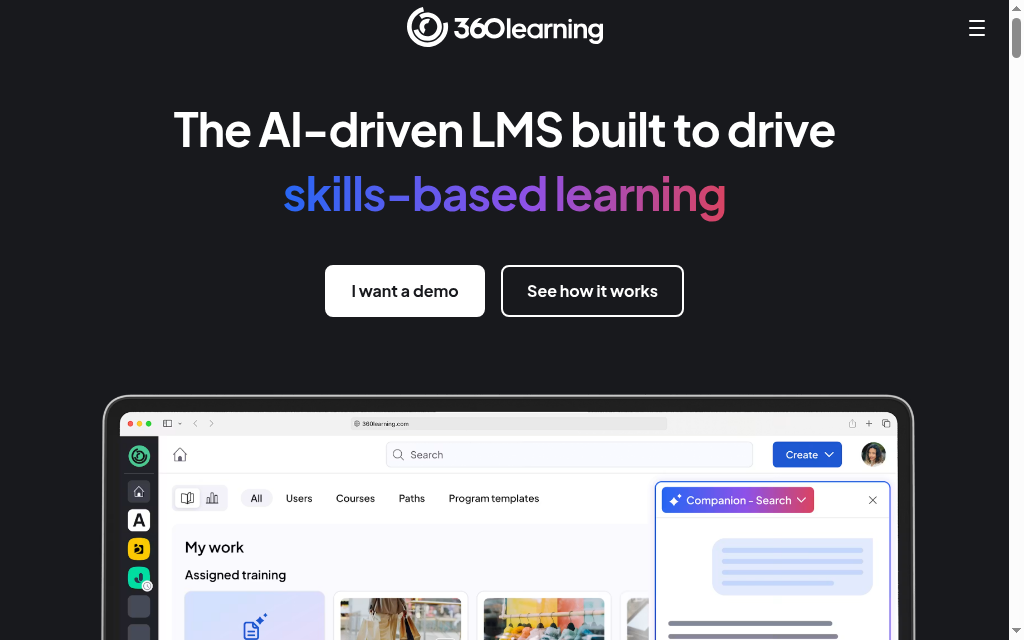
Website: 360learning.com
360Learning has the lowest published entry price here, $8 per user per month on the Team plan, billed monthly with no annual lock-in and a 30-day trial that needs no card. Its trick is collaborative authoring: the Contributor role lets a department lead build their own onboarding module without touching anyone else's content or the admin panel, which fixes the real small-team bottleneck, time and access rather than budget. The AI Companion answers learner questions and lets you ask 'who is behind on compliance?' in plain English. Test two things first: the Android app has documented sign-up and video-playback issues, and base-tier support is portal-only.
Best for: Small teams where subject-matter experts, not a central L&D person, should be building the training.
Pricing: Team $8/user/mo (monthly, no annual commitment); Business and Enterprise are custom. 30-day trial, no card. 360learning.com/pricing.
Thoughts after trying it out: Worth knowing before you commit: on the Team plan, help is self-serve only, forums, FAQs and a knowledge base, with human phone support reserved for enterprise. For a small team with no IT, that means solving setup snags yourself, so test how far the docs get you during the trial.
3. Coursebox
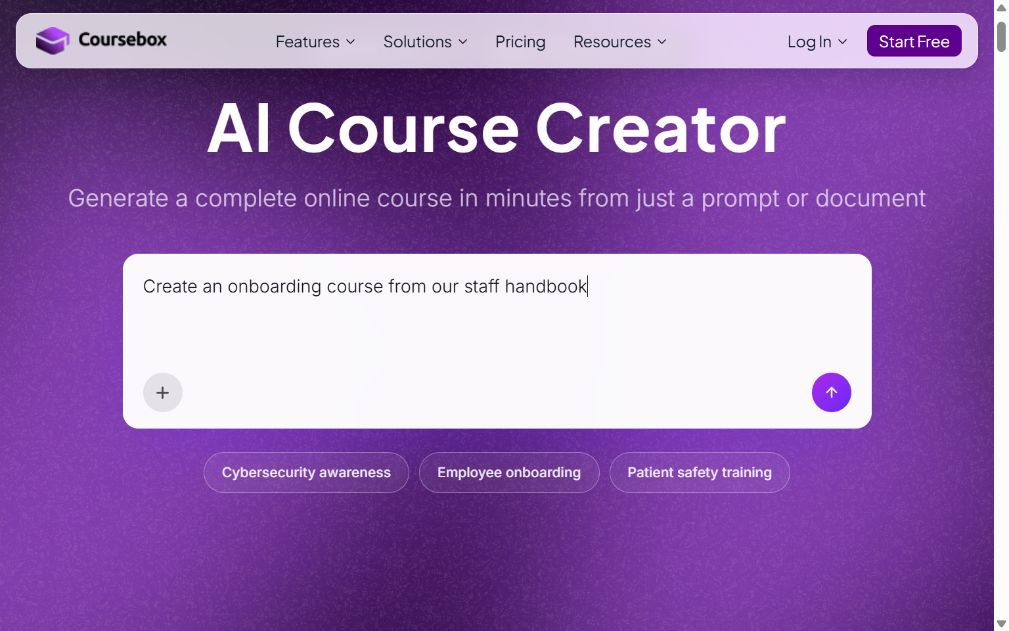
Website: coursebox.ai
Coursebox is ours. Its AI LMS connects course creation, assessments, tutoring and learner delivery. Start with a document, video, webpage or prompt, then review the structure and questions. It is hosted, with unlimited learners; course capacity, AI usage, branding and exports depend on the plan.
Start with the free mini-courses, then compare paid course capacity, AI allowance, branding and integrations. I would check the manager report you need during that pilot rather than describe all reporting as either basic or compliance-grade.
Best for: Small teams that want AI to build the course fast, fully hosted, with unlimited learners even on the free tier.
Pricing: Free includes three mini-courses of up to five pages each, unlimited learners, defined AI allowances and a Coursebox watermark. Paid capacity, branded LMS, exports and integrations depend on the plan.
Thoughts after trying it out: Working with our own product, the useful step is turning source documents into something a new employee can follow. The draft is a start: edit the order, add the examples a supervisor would explain and test both the questions and the learner record.
4. TalentCards
Website: talentcards.com
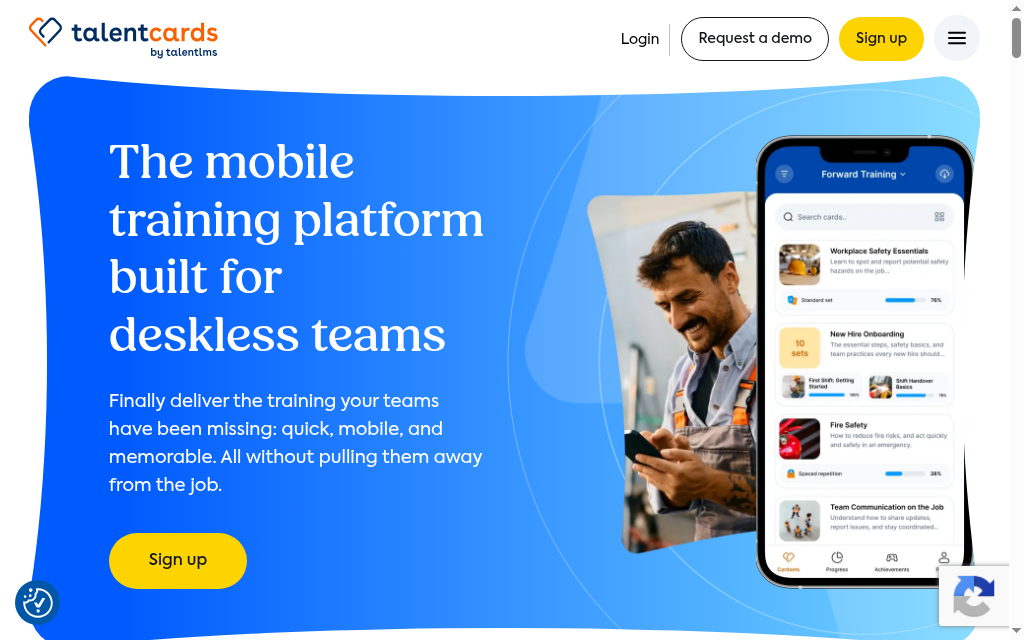
TalentCards, from the makers of TalentLMS, is the pick if your people work on their feet rather than at a desk. It is mobile-first microlearning: bite-sized flashcard 'card sets' with text, images, audio, video and QR codes that a retail, warehouse or field worker will actually finish on a phone. The free plan is usable (up to 5 users, unlimited card sets, spaced repetition, built-in gamification), and paid plans start at $0.80 per user per month in 50-user blocks. The honest limit: it is microlearning, not a full LMS. There is no SCORM import and no export at any tier, so a big library you build here has to be rebuilt by hand if you ever leave.
Best for: Training frontline and deskless staff on short, repeat compliance and product knowledge, straight from their phones.
Pricing: Free for up to 5 users; Standard $0.80/user/mo, Premium $1.20/user/mo (both 50-user minimum), 20% off annual, no setup fees. talentcards.com/pricing.
Thoughts after trying it out: I built a demo card set in TalentCards and it is quick, mostly drag and drop with images, audio and video, fast to put together for phone-based training that busy frontline staff will actually get through.
5. iSpring Learn
Website: ispringsolutions.com
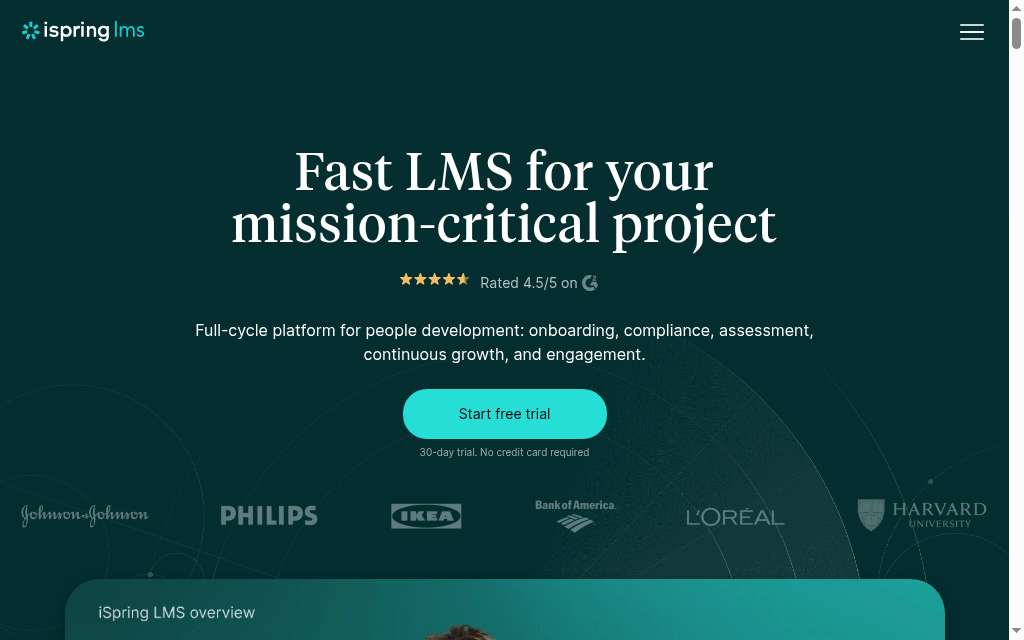
The current iSpring LMS Business selector lists US$8,286/year for 100 active users, with larger bands and custom quotes. Compare the included Suite AI package and implementation scope; active-user billing differs from registered headcount. The LMS handles assignment, tracking and recurring learning; test a real manager report and support request. The desktop PowerPoint tool is a separate device consideration from browser-based learning.
Best for: Teams with PowerPoint-based training and no IT, who value fast, reliable support over seeing a price upfront.
Pricing: The current iSpring LMS Business selector lists US$8,286/year for 100 active users, with larger bands and custom quotes. Compare the included Suite AI package and implementation scope; active-user billing differs from registered headcount.
Thoughts after trying it out: A small usability snag I noticed: the support chat widget overlaps the course navigation, so learners sometimes have to shrink the window awkwardly to click between sections. Minor, but worth a look in the trial if your team will rely on the built-in nav day to day.
6. Moodle
Website: moodle.org
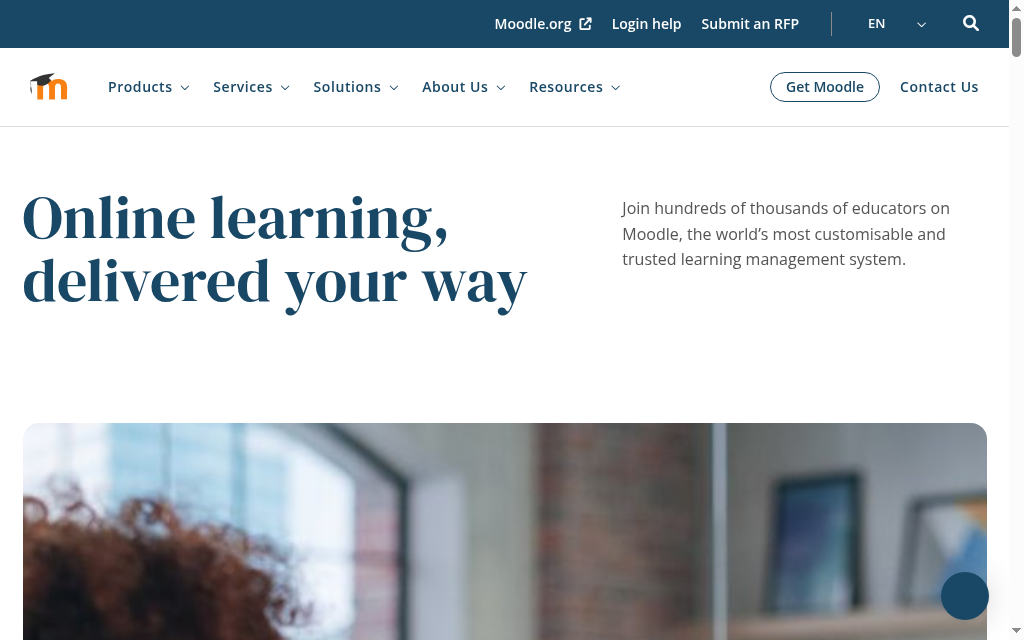
Moodle is free to install, with hosting, backups, upgrades and plugins to manage. That can suit a team with an accountable technical owner. MoodleCloud offers managed hosting with user, storage and plugin limits; the current selector shows US$170/year for 50 users, billed in Australian dollars.
Best for: Teams with in-house technical skill and tight cost control, or anyone who wants Moodle features hosted via MoodleCloud.
Pricing: Self-hosted software has no licence fee. MoodleCloud’s 50-user selector currently shows US$170/year and bills in AUD; confirm conversion, storage and plugin restrictions.
Thoughts after trying it out: Two things reviewers keep flagging once a team gets going on Moodle: new admins face a steep learning curve just to find features or files, and there is no built-in housekeeping, so content piles up over time. It is unbeatable on price, but budget for someone to keep it tidy and to learn it properly.
7. LearnDash
Website: learndash.com
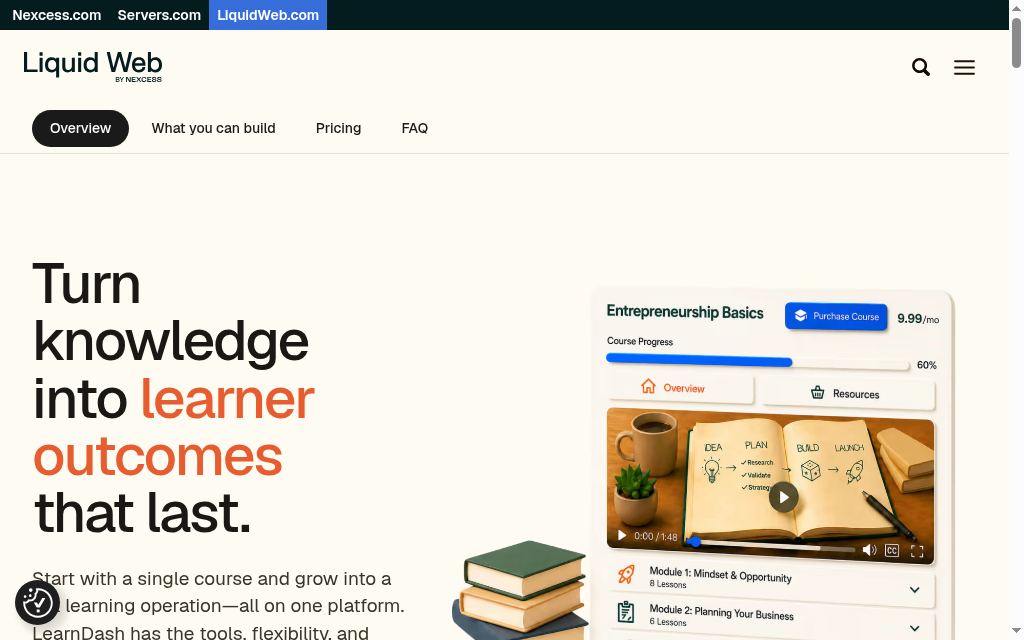
LearnDash runs inside WordPress, so compare both the course workflow and site maintenance. It offers lessons, quizzes, prerequisites, groups and certificates. The current Liquid Web package bundles LearnDash with other WordPress tools; hosting, backups and compatibility still need an owner. SCORM requires a separate supported workflow rather than native import/export.
Best for: Businesses already on WordPress with someone who maintains it, wanting course-building on their own site.
Pricing: Liquid Web currently lists a US$350 one-site package, with larger site bundles. Confirm renewal terms, included software and hosting separately; do not budget from the retired US$199 Personal licence.
8. Litmos
Website: litmos.com
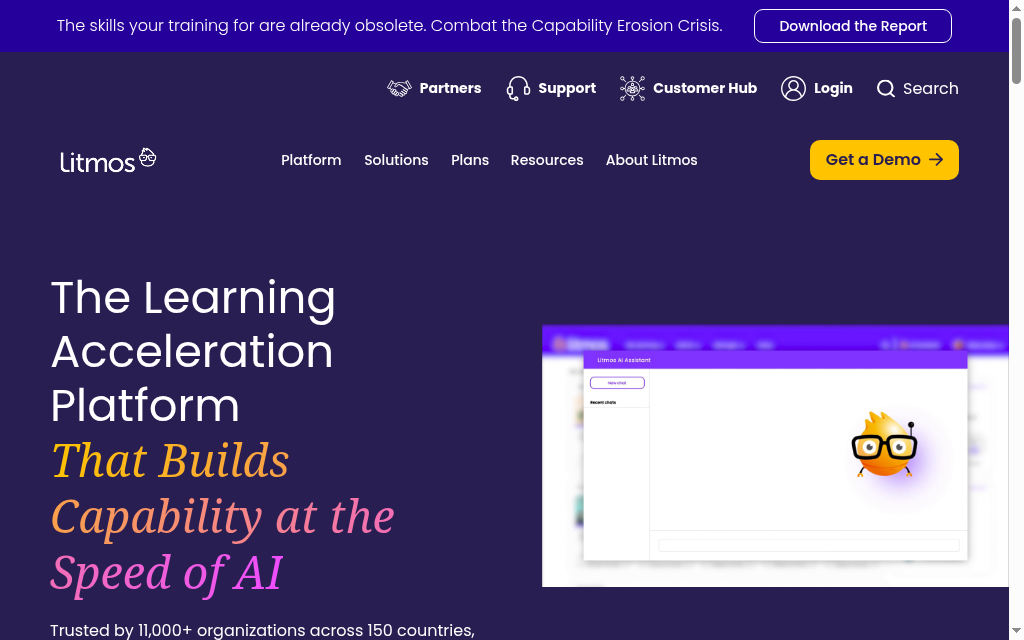
Litmos combines hosted course delivery, content options and AI tools. Compare a current quote for your learner activity, implementation and reporting. Keep original SCORM source packages and test content and record export before migration; uploading SCORM does not by itself prove the original package is irretrievably converted.
Best for: A growing team comparing managed learning and content with a quoted package.
Pricing: Quote only. 14-day trial, no card. litmos.com/litmos-pricing.
9. Trainual
Website: trainual.com
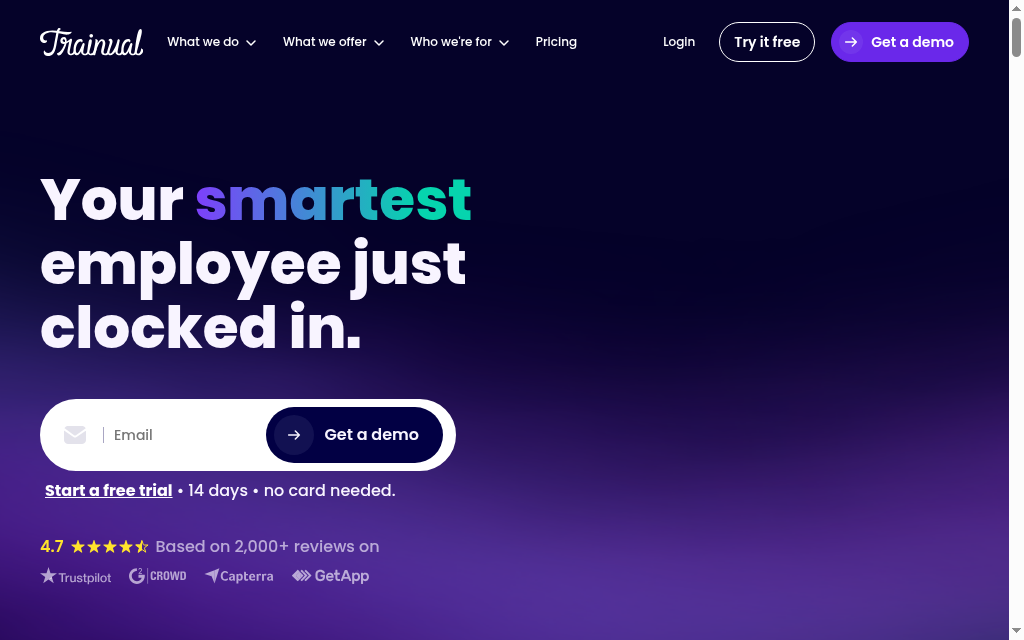
Trainual is a slightly different animal: less an LMS, more a system for turning scattered SOPs and tribal knowledge into one searchable, trackable playbook. For a growing 10 to 50 person business, an agency, franchise or service operation standardising onboarding as it adds and loses staff, it is excellent, with 500-plus templates, quizzes and e-signatures so you can prove people actually read a process, not just that it exists. The honest catches: pricing is now demo-gated with a one-time $1,000 implementation fee, and it is built for documentation and accountability, not deep assessments, gamification or multi-path courses.
Best for: Growing small teams that need to document SOPs and standardise onboarding more than they need a course LMS.
Pricing: Confirm the current subscription, user allowance, implementation and support offer directly. Do not assume an old monthly price or setup fee applies to every contract.
Thoughts after trying it out: The structure and templates helped organise SOPs, but someone still had to check the steps against the actual job. Current AI drafting can assist; it does not make an undocumented process accurate without input and review from the people doing it.
10. LearnUpon
Website: learnupon.com
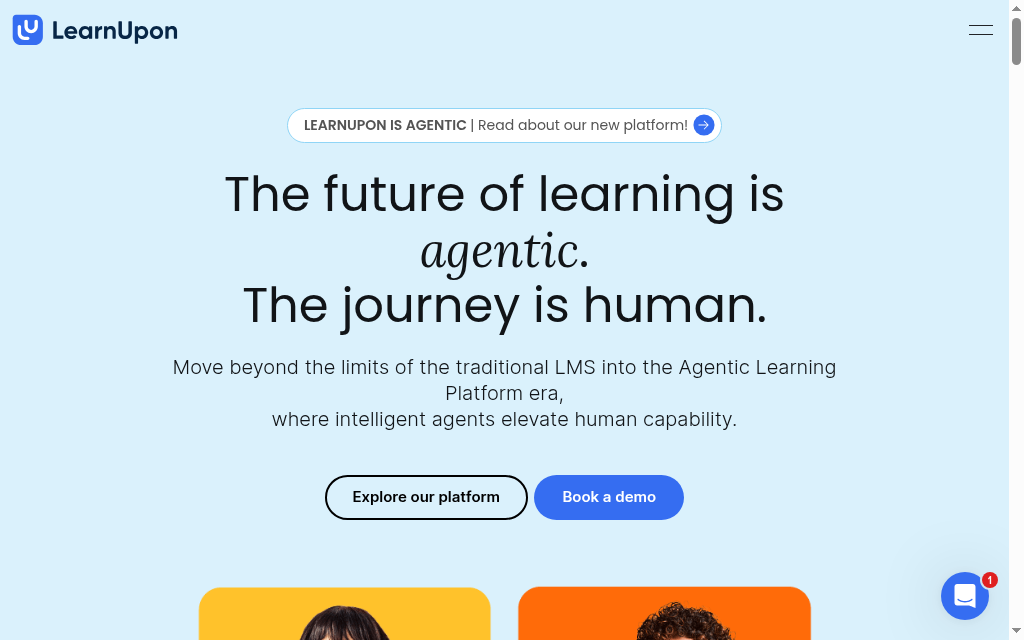
LearnUpon combines learning delivery with separate audience portals, implementation support and current Create+ authoring. Employee learning starts at 100 users; customer and association offers have different starting sizes. Compare the actual quote and admin work. Retirement of legacy ILT did not remove its current Live Learning workflow.
Best for: The top end of small (150+ staff) training multiple audiences, with budget to match.
Pricing: Audience-specific quote. Employee learning starts at 100 users, customer education at 300 and associations at 150; confirm portals, integration and support scope.
Thoughts after trying it out: The multi-portal setup is the standout in practice: each audience portal (staff, partners, customers) stays fully separate with its own settings and integrations, so there are none of the tangled cross-portal dependencies other tools trip over. You can still share and licence content centrally with seat limits, handy if you train more than one group.
Final Assessment
For a small team, start by trying the training task you need: create a course, enrol someone, answer a learner question and export the manager record. TalentLMS and Coursebox have limited free plans; 360Learning has a trial. Compare the full operating cost before moving a whole programme.
Disclosure: Coursebox is our product. Usage data cited in the Coursebox entry (PostHog analytics, year to date) is proprietary. All other platform assessments are based on independent review data and published pricing
Frequently Asked Questions
For most small businesses, TalentLMS is the best all-round pick: a full LMS with pricing published on the website (from $119 a month, free for up to 5 users) that a non-technical owner can set up without IT. If you want AI to build the courses for you, Coursebox is the fastest route, and TalentCards is best for frontline teams who train from their phones.
Compare the free limits of Coursebox, TalentLMS and TalentCards with the training workload. Moodle has no software fee but requires hosting and maintenance; MoodleCloud has a paid hosted offer. A free pilot does not remove ongoing administration and course-review work.
Compare the same learner count, content workload and support scope. TalentLMS Core’s current annual selector starts at US$119/month for 1 to 40 users, while 360Learning Team lists US$8/user/month. iSpring publishes annual active-user packages; other vendors quote. Include hosting, implementation and integrations where relevant.
Not for most of these. TalentLMS, 360Learning, TalentCards and Coursebox are built for a non-technical owner, HR or ops person to set up and run. Moodle self-hosted and LearnDash (a WordPress plugin) are the exceptions, they need someone comfortable with servers or WordPress maintenance.
TalentLMS and Coursebox can be live the same day, both have free tiers so you can start without a purchase conversation, and 360Learning offers a 30-day trial. Coursebox is quickest for building the actual courses, since its AI turns existing documents or a recorded call into a structured course in minutes.
Alexandra Cserta
Alexandra runs marketing at Coursebox from our Perth office. Her work spans campaign strategy, influencer and agency partnerships, webinar programmes, PR outreach, media appearances, and customer case studies.
She has a deep passion for teaching and mentoring. She is known for bringing people together, whether that is creating space for real conversations within the team or connecting Coursebox with the communities it serves.
Interested in a media appearance, case study, or interview with Coursebox? Reach out to Alexandra directly.

