

10 Best Absorb LMS Alternatives in 2026
Most people who go looking for an Absorb LMS alternative are not unhappy with the software. The interface is good and support is what customers praise

The best Absorb LMS alternative in 2026 is iSpring, which pairs strong authoring with flat, predictable pricing; Coursebox is the pick if you want AI to build the courses for you. Most teams leave over the renewal quote rather than the product, though some also flag the mobile app and completion-only reporting.
- iSpring LMS: the best overall, with PowerPoint-based authoring and a flat annual price instead of Absorb's per-use renewal.
- Moodle: the best free alternative, open-source since 2002 and unlimited, if you have the resources to run it.
- Coursebox AI: best for speed, turning a document into a full course in minutes from a $0 tier.
- Before you sign anywhere, export your Absorb courses as SCORM or xAPI and pull your completion records first, and favour an alternative that exports cleanly so your next move stays cheap. Skip enterprise suites like Cornerstone or Docebo if you left to spend less.
Answer three quick questions and we'll point you to the best fit from this list.

Personalise learning pathways at scale with intelligent AI tools.
Most people leaving Absorb LMS are not unhappy with the product. The interface is good, and support is what customers praise most. What starts the search is the renewal quote.
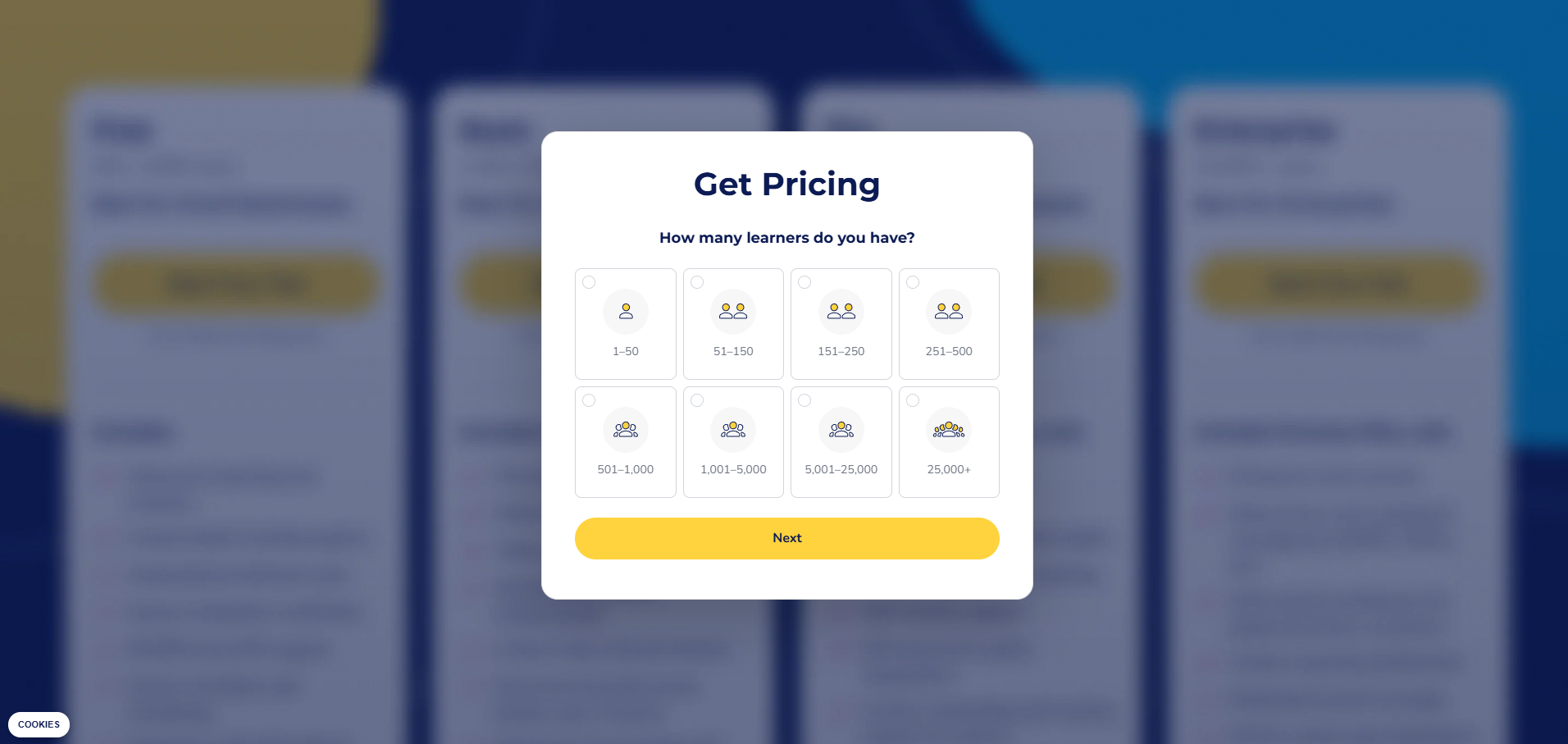
Absorb does not publish a price. Its pricing page is a form with eight headcount options and there is no trial. So you pay for how many people are on your books, without seeing how the platform works. The bill climbs on its own, where growth is actually punished by a drastically more expensive renewal quote.
So I did not rank these alternatives on features alone. I ranked them on the four things that decide your real bill and whether you can leave, and I check every platform below against the same four, in the same order:
- What you are billed for: registered users, active users, admin seats or a flat band. This is the unit that decides your bill.
- Whether the price is public: a real number on the website, or a sales call to find out.
- The minimum commitment: the smallest contract, seat count or term they will sell you.
- Whether you can leave: whether you can export your courses as SCORM and take them elsewhere.
One disclosure up front: Coursebox is ours. It sits at number three, and I have held it to the same rigorous four checks as everything else, including the parts that do not flatter us.
To be fair, the renewal quote is not the only thing people raise. Absorb's mobile app trails newer platforms, reporting leans on completion rates more than real insight, there are limits on how far you can customise the learner experience, and some teams simply outgrow it once training moves past compliance. Those matter for some buyers. But the trigger that starts almost every search is still the bill, so that is what I weighted the ranking the most on.
Absorb LMS alternatives compared
| Platform | Pricing model | Published figure | Contract minimum or seat floor | SCORM export |
|---|---|---|---|---|
| Absorb LMS (the incumbent) | Quote-gated by learner count | Not published, no trial | Not published | No for uploaded content, yes from Absorb Create |
| 1. iSpring LMS | Public per active user | USD 4.46 at 300, 3.97 at 500, 3.58 at 1,000 monthly | Annual billing, no user minimum published | Yes, both directions |
| 2. Moodle | Open source plus flat hosted bands | AUD 0 self-hosted, AUD 230 to 3,000 yearly hosted | None published, 750-user MoodleCloud ceiling | No native SCORM export |
| 3. Coursebox | Per admin seat, unlimited learners | AUD 0, 50, 400 and 1,000 monthly, Plus not published | None, no lock-in contract | Yes, standalone offline export from Pro |
| 4. TalentLMS | Public tiered per registered user | USD 119, 229 and 449 monthly, to 100 users | None self-serve, Enterprise starts at 1,000 users | No, packages cannot be created |
| 5. 360Learning | Public per registered user, then gated | USD 8 per user monthly, to 100 users | Explicitly none, denied in vendor FAQ | Partial, uploaded packages only |
| 6. Tovuti LMS | Published floor, then quote-gated | USD 7,500 yearly for 100 annual learners | Billed annually, multi-year incentivised | Not published |
| 7. Cornerstone OnDemand | Quote-gated enterprise | Not published | Not published | Not published |
| 8. Sana | Quote-gated with a published seat minimum | Not published | Verbatim, plans start at 300 users | Not published |
| 9. Docebo | Quote-gated per active user | Not published | 1-year minimum term, 3-5 years typical | Partial, Creator lessons only |
| 10. LearnUpon | Quote-gated with published seat floors | Not published | 100, 150 or 300 users by package | No, uploaded packages cannot be retrieved |
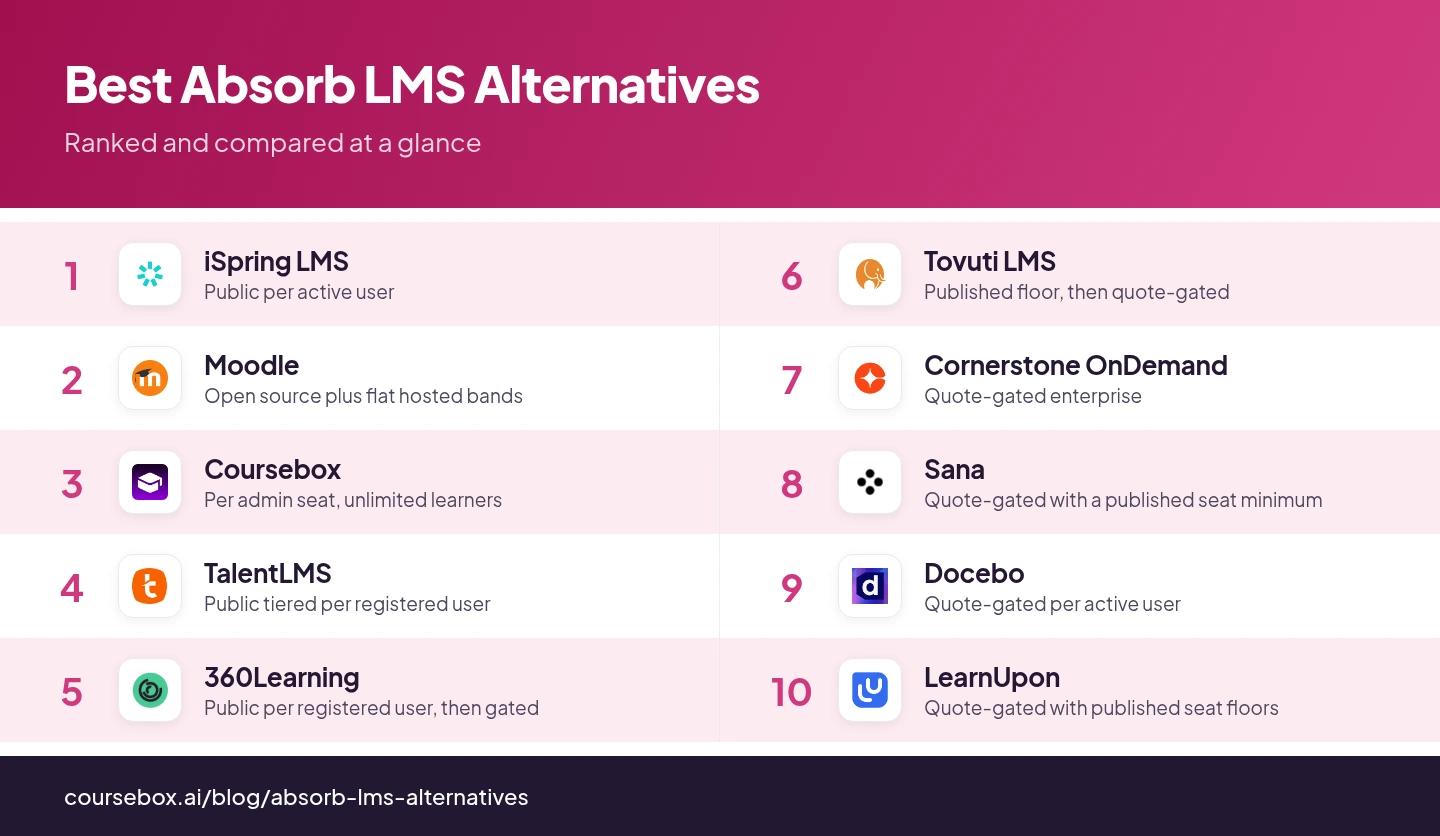
I included SCORM export as a column because exporting is not a hypothetical. On our own platform, 6,613 users have run 23,357 course exports since this January. People move content out constantly, and most buyers only find out how hard that is when they actually try to move their content out.
1. iSpring LMS
Best for: teams with a large roster where only some people train each month.
iSpring LMS is a straightforward corporate LMS with strong compliance: automatic reenrollment on certificate expiry, an AI course generator, and Australian and New Zealand hosting added in April 2026.
- Billed for: active users, only the people who logged in that month, so you register everyone and pay for who shows up.
- Price: public. USD 4.46 per active user at 300, 3.97 at 500, 3.58 at 1,000, billed annually.
- Minimum commitment: none stated; billed annually.
- Exit: SCORM both ways, so the next move stays cheap.
My take: the only platform here whose published rate still holds at the size an Absorb customer actually operates at. If I were leaving Absorb tomorrow, I would start here.
Testing notes: I kept clicking create course expecting iSpring to take me somewhere new, but it jumps straight into PowerPoint itself. That threw me at first, because iSpring Suite is actually a tab inside PowerPoint, not a separate authoring tool. This is something which new users need to know about upfront.
2. Moodle
Best for: organisations with an in-house sysadmin and a long horizon.
Moodle is the open-source standard and the most customisable platform here, with thousands of community plugins, offline mobile access and multi-factor authentication built in.
- Billed for: nothing if self-hosted (the cost returns as hosting and admin), or flat annual bands on MoodleCloud.
- Price: public on MoodleCloud. A$230 for 50 users, A$380 for 100, A$700 for 200, A$1,700 for 500, A$3,000 for 750; self-hosting has no licence fee.
- Minimum commitment: none, but MoodleCloud caps at 750 users, above which you are routed to a certified provider and a quote.
- Exit: no native SCORM export; a full backup travels Moodle to Moodle and nowhere else.
My take: free is not cheap. Only worth it if you already have the technical resource in-house, or the licence saving disappears into someone's week. Our Moodle alternatives piece covers where that cost lands.
Testing notes: I can sense new staff will hit a real learning curve, since reviewers describe people struggling to find basic features or even locate a file. And nothing clears out old content for you, so courses and files pile up over time and it gets harder to find things unless someone keeps it tidy. Good value, but you need an admin who stays on top of it.
3. Coursebox
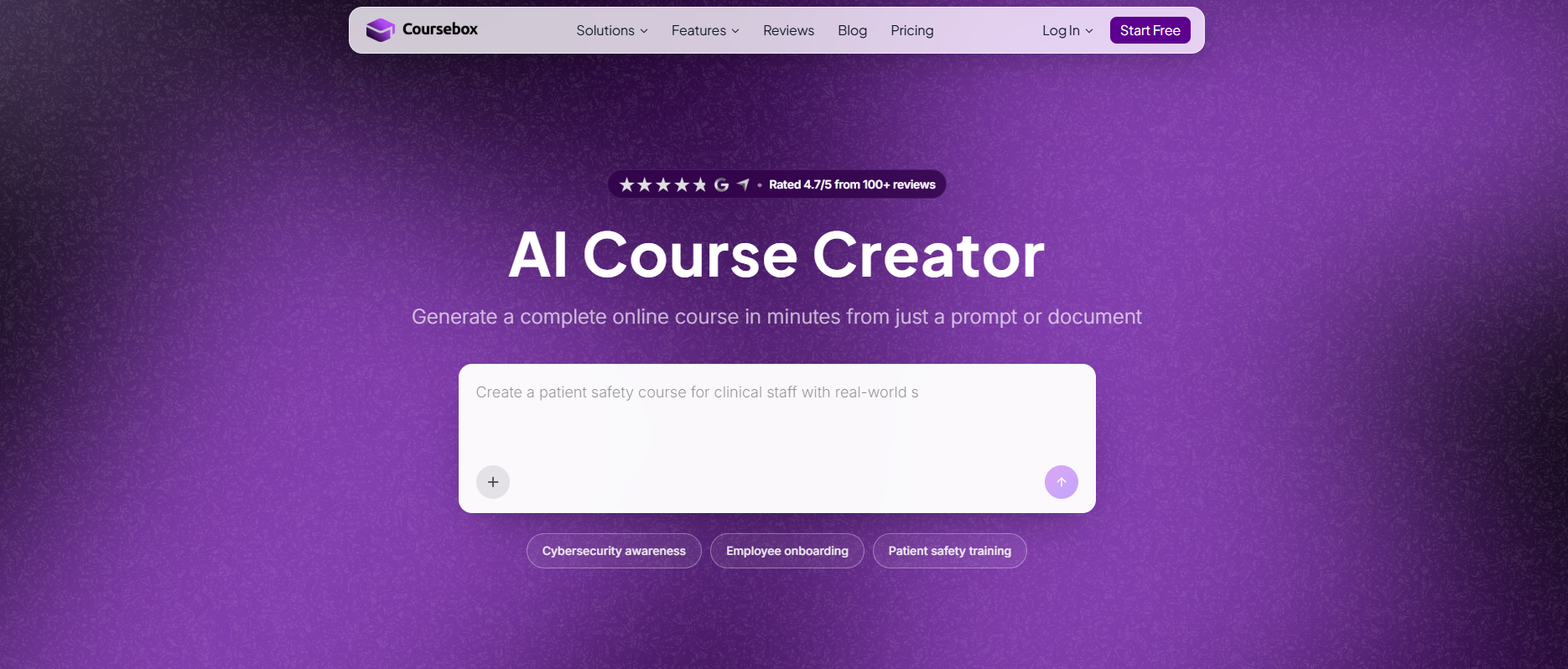
Best for: teams whose learner numbers grow faster than their training budget.
Coursebox is ours, so weigh this accordingly. It turns videos, documents and web pages into structured courses with quizzes and AI training videos, translates into more than 100 languages, and delivers as a full AI LMS.
- Billed for: admin seats, with unlimited learners on every plan including free. Learner count never touches the invoice.
- Price: public. A$0 free, A$50 a month for Creator, A$400 for Pro, A$1,000 for Business with 10 admin licences.
- Minimum commitment: none. No lock-in contract, and you cancel from account settings.
- Exit: SCORM export starts at Pro (A$400), not Creator, and the exported content keeps working whether or not your subscription is active.
My take: if your problem is the meter, we solve it outright. If it is reporting depth, we are not your answer, and iSpring or Docebo will serve you better. The real limit is AI credits, which cannot be topped up on their own.
Testing notes: I will be honest since it is ours. Coursebox is built for teams who want to spin up branded courses and assessments from existing material fast, which is exactly where Absorb can feel slow. The honest trade-off is that it is younger than the enterprise incumbents on this list, so if you need deep legacy integrations or heavy compliance workflows out of the box, weigh that up. For most teams that mainly want to build and ship training quickly, Coursebox can be a great fit with unlimited learners on all plans.
4. TalentLMS
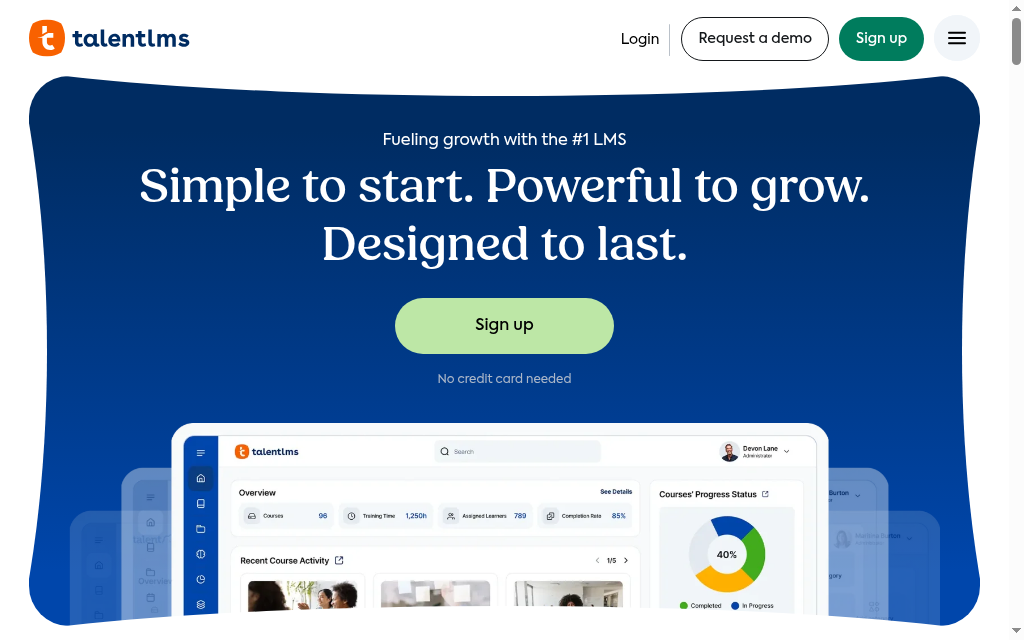
Best for: smaller teams that want a price on the website and a fast start.
TalentLMS is the easiest here to get running: a TalentLibrary of 1,000-plus ready-made courses, separate portals for staff, partners and customers, and a TalentCraft AI builder from PDF, Word and PowerPoint files.
- Billed for: registered users on Standard plans, not active ones. Active-user billing exists only as the Flex add-on, from 500 users.
- Price: public to 100 users. USD 119 a month up to 40, 229 up to 70, 449 up to 100.
- Minimum commitment: nothing published between 100 and 1,000 users; Enterprise reads "starts at 1,000 users" with no figure, which is exactly where most Absorb leavers sit.
- Exit: none. You cannot create SCORM packages, and anything built in TalentCraft stays there permanently.
My take: strong under 100 people; I would not sign above that without the Enterprise number in writing. The exit is the bigger issue. Our TalentLMS alternatives piece has more on the tier jumps.
Testing notes: I disabled email notifications for a user to cut inbox clutter, and their automated learning path also stopped progressing. It turns out automations in TalentLMS rely on those emails to trigger the next course or assignment. Re-enabling emails fixed it, but the dependency is not obvious in the interface, so leave notifications on if you use automations.
5. 360Learning
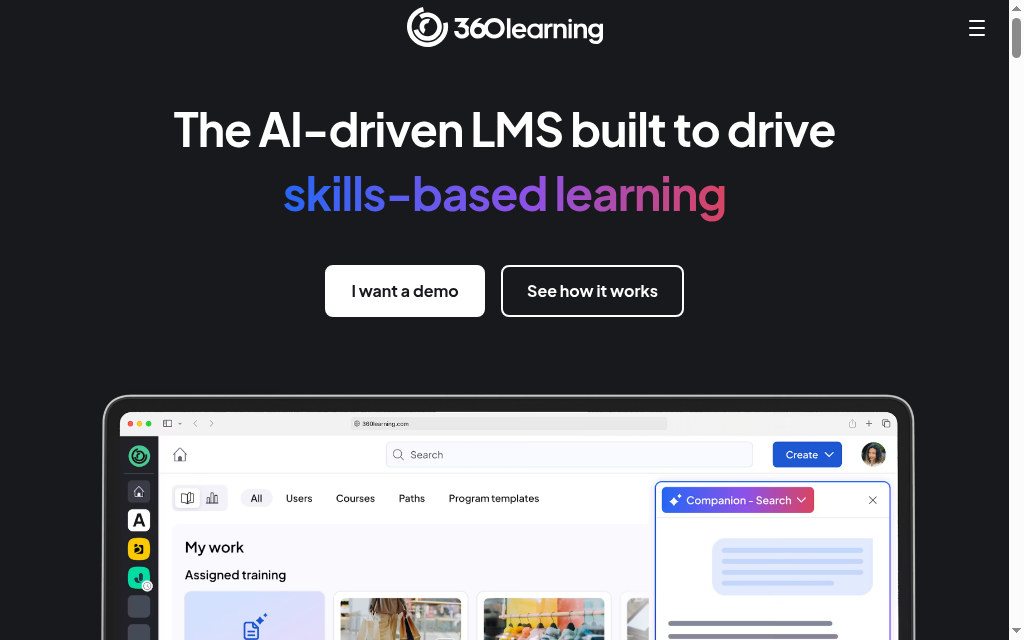
Best for: companies where subject experts, not an L&D team, write the training.
360Learning is built around collaborative authoring, with an AI Companion that answers learner questions from your own content and lets L&D query completion and engagement without building a report.
- Billed for: per user.
- Price: public at the low end. USD 8 per user per month (Team, 30-day trial), capped at 100 users; Business and Enterprise are custom.
- Minimum commitment: none, and it says so, no minimum user count and no volume commitment, the friendliest terms in this comparison.
- Exit: none. Native courses cannot be converted to SCORM at all; what comes out is only what you put in.
My take: the best contract terms here. But the published rate never reaches Absorb scale, so you are into a quote almost immediately, and nothing native exports.
Testing notes: On the lower tier plans, support is entirely self-serve through FAQs, forums and knowledge base articles. Direct phone support only kicks in at the enterprise level, which means if something breaks mid-training on a smaller plan, you are troubleshooting solo with no one on the line. Factor that into your rollout if hands-on help matters to you.
6. Tovuti LMS
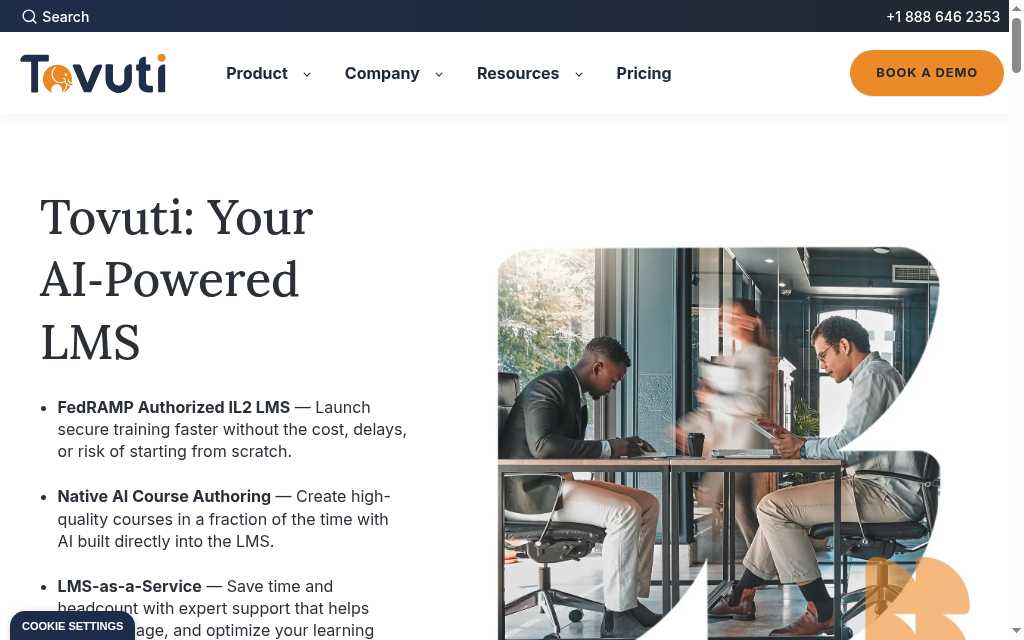
Best for: buyers who want a published starting number before they commit.
Tovuti LMS is a cloud LMS for employee training, with built-in authoring, content templates, engagement tracking, reporting dashboards and support for SCORM, xAPI and AICC.
- Billed for: annual learners, from a published floor.
- Price: a floor, not a list. USD 7,500 a year for 100 annual learners; above that the curve is quote-gated.
- Minimum commitment: annual billing, and the vendor openly incentivises multi-year terms.
- Exit: SCORM export status is not published anywhere I could find, so get it in writing before signing at this floor.
My take: a published floor tells you in ten seconds whether you are the customer, ten seconds better than Absorb. Watch the multi-year discount, that is lock-in sold to you as a saving.
Testing notes: I tested it for both virtual and in-person delivery, and the breakout rooms stood out. You can split a large group into smaller discussion teams mid-session, then have them automatically rejoin the main classroom, which saved a lot of manual juggling during live training. Handy if a chunk of your delivery is instructor-led rather than purely self-paced.
7. Cornerstone OnDemand
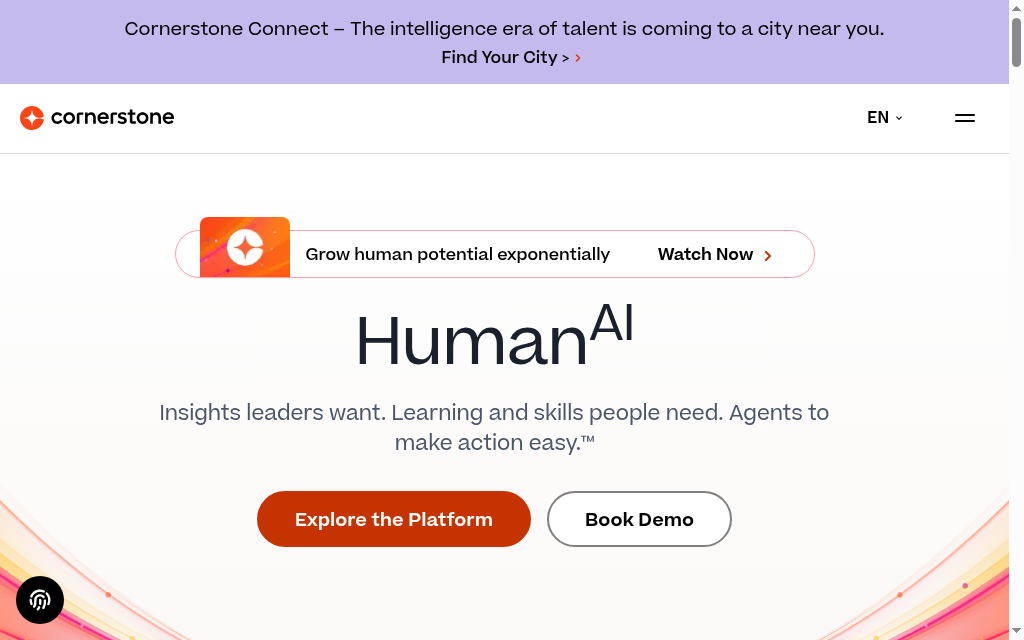
Best for: large enterprises buying a full talent suite, not just an LMS.
Cornerstone OnDemand is the heavyweight, a talent platform as much as a learning one, covering skills, career pathing and workforce planning, with AI skills mapping through its Galaxy product.
- Billed for: not published.
- Price: nothing published, a full sales cycle from first contact.
- Minimum commitment: not published.
- Exit: SCORM export status not published.
My take: do not do this if the quote gate is what drove you out of Absorb, you would trade one gated contract for a bigger one, and Cornerstone's median contract runs well above Absorb's. Only for organisations that genuinely need the talent suite.
Testing notes: Cornerstone's mobile experience has historically lagged its competitors, and while they are working on it, the gap is worth checking. Before you commit to a large rollout, test how your learners actually experience the platform on phones and tablets. If a big share of your workforce trains on mobile, make that a hard part of your evaluation.
8. Sana
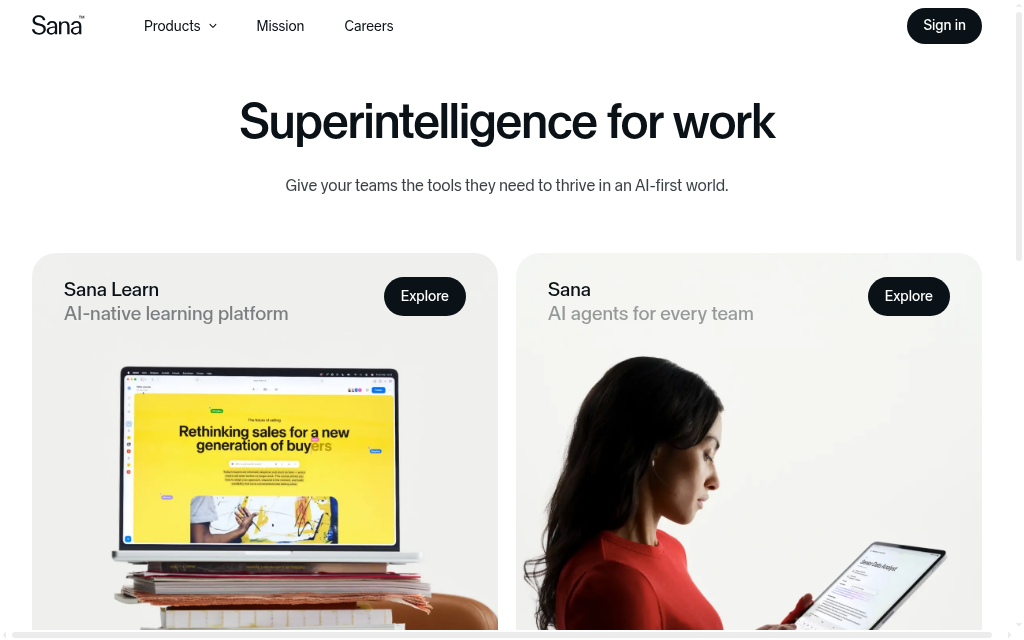
Best for: teams that want AI-native learning and can clear a 300-seat floor.
Sana is one of the most modern platforms here, built on large language models from first principles rather than bolted on: AI search that answers in context, AI-generated courses and a conversational learning interface.
- Billed for: not published.
- Price: no rate published.
- Minimum commitment: published verbatim, plans start at 300 users.
- Exit: SCORM export is not published, and for in-house-generated content I would ask about it early.
My take: that single line, "starts at 300 users", beats most vendors' entire pricing page. Clear the floor and Sana is worth taking seriously, the learner experience is the best here; if you cannot, you have saved yourself a fortnight.
Testing notes: Sana's personalisation is learner-driven through active dialogue with the AI tutor, not pre-built adaptive paths. Learners can ask for a different explanation, simpler content or extra resources on the fly, which feels more genuine than most LMS personalisation. The catch is it only works if your learners actively engage, so design your courses to prompt that interaction.
9. Docebo
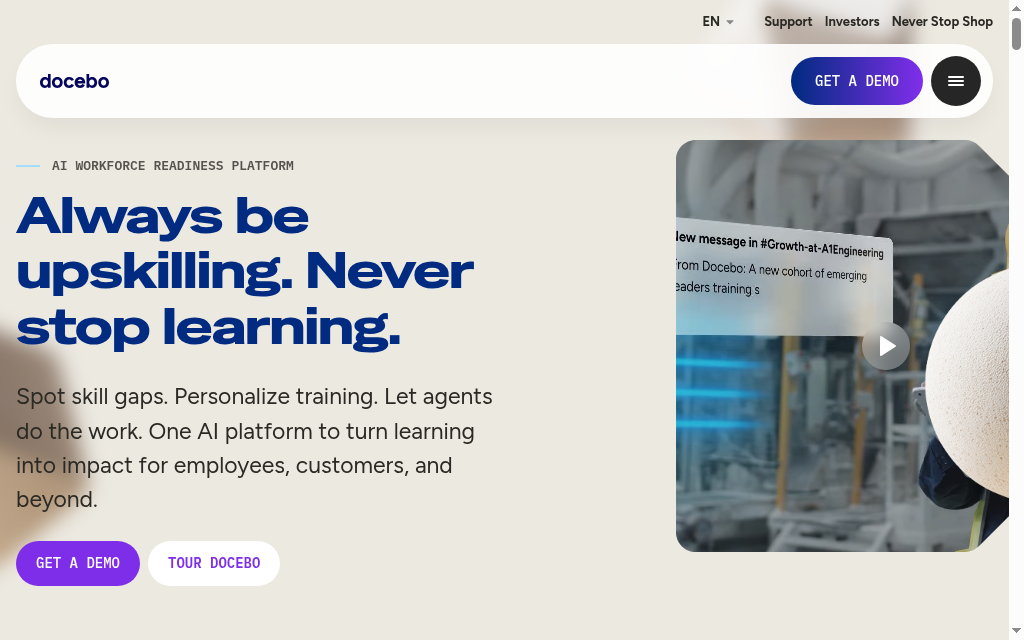
Best for: enterprises that want AI agents doing real work inside the LMS.
Docebo is Absorb's closest peer and the most ambitious on AI: its AgentHub builds no-code AI agents that connect to SharePoint, Drive and Slack and pull from more than 25 external knowledge sources.
- Billed for: active users, with monthly, yearly or registered options.
- Price: gated behind a quote, but the meter is disclosed, not hidden.
- Minimum commitment: a one-year term minimum, with three to five years typical.
- Exit: partial, covering lessons built in Creator but excluding AI roleplay and games.
My take: better meter than Absorb, longer leash, that is the whole trade. If headcount billing is your complaint, Docebo fixes it; if contract length is, this is a step backwards.
Testing notes: Docebo's modular design and flexibility are genuinely useful, but I feel they reward a clear plan upfront. Teams get the best outcomes by deciding on their goals and the features they want before onboarding starts. Without that plan you can end up improvising the configuration as you go and landing somewhere short of what you actually wanted.
10. LearnUpon
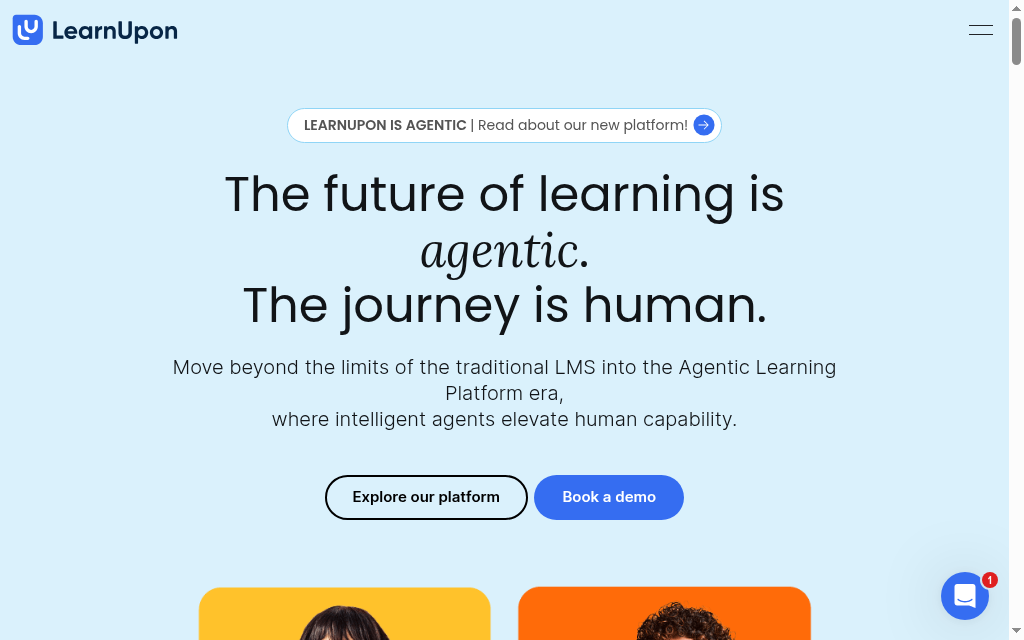
Best for: training several separate audiences from one system.
LearnUpon gives you multiple fully separated portals from one system, each with its own branding, learners, courses and rules, plus SCORM 1.2 and 2004, xAPI, built-in gamification and white-labelling to a custom domain.
- Billed for: seats, from published floors.
- Price: no published price.
- Minimum commitment: seat floors of 100, 150 or 300 users depending on package, so you at least know where you sit before booking a call.
- Exit: the worst on this list, SCORM packages you upload cannot be retrieved afterwards.
My take: the best multi-audience setup here, by far. But keep your own copy of every SCORM package you load, because you cannot get them back out, and that is not something you can design around later.
Testing notes: I tested LearnUpon across multiple audiences and the portal architecture is genuinely clever. Some platforms have hidden dependencies between portals that create headaches later, whereas LearnUpon keeps each portal fully separate, with its own integrations and settings. You can still share content centrally and licence it across portals with strict seat limits, which gives training teams real control over who gets what.
What I would do before signing
One thing to sort before you sign anywhere: get your data out of Absorb first. Export your courses as SCORM or xAPI, and just as importantly pull your completion and certification records and your user list, because those are what auditors and your next platform will ask for. Rebuilding integrations like SSO and HRIS usually takes longer than moving content, so start those conversations early. The tools below that export cleanly make this a weekend, not a project.
Ask what they charge you for, not just the price. Being billed by registered users, active users, admin seats or a flat band changes your bill completely as your headcount moves, and you only feel the difference at renewal.
Ask what happens when you outgrow the published price. Most of these stop showing a price somewhere between 100 and 1,000 users, which is right where Absorb customers sit. A price that runs out before you get there is not really a price.
Ask how you get your courses back out before you put them in. Four of these ten cannot hand your courses back as SCORM, and one is a platform you may have already loaded content into.
Reopen the conversation about 90 days before renewal rather than letting it roll. Marketplace data from Vendr and SpendHound, which aggregates other companies' contracts rather than ours, reports that buyers who let a contract auto-renew pay 10 to 20 per cent more than those who reopen it early. The same data puts annual escalators in this category at 3 to 7 per cent, with 5 per cent the most common figure in Absorb's negotiated contracts.
If I had to give one answer, it is iSpring for most people leaving Absorb. Take Coursebox if the headcount meter is the whole problem and you want unlimited learners on a published price, Docebo if you need enterprise depth and can live with the long term, and Moodle only if you have the technical resource to run it.
Frequently Asked Questions
Absorb prices on headcount and keeps it behind a sales call. Its pricing page is a form with eight learner-count bands, from 1-50 up to 25,000 and over, with no public figure and no trial. You pick a band, hand over your details and wait for a quote, so the meter is your registered headcount rather than who actually trains.
For most teams leaving Absorb, iSpring LMS is the value pick: it publishes an active-user rate, about USD 3.58 to 4.46 per active user depending on volume, and only bills the people who log in that month. Coursebox is cheaper to start, with a free tier and Creator at A$50 a month for unlimited learners, and Moodle is free to licence if you can self-host, though the saving returns as hosting and admin.
iSpring is the safest, exporting SCORM both ways; Coursebox exports from its Pro plan and Docebo exports partially. But four of the ten alternatives cannot return your courses as SCORM at all, and a few others do not publish their export status. Confirm export in writing before you commit, because most buyers only discover the problem on the way out.
Absorb does not publish a number; pricing is quote-only and billed on your registered headcount across eight bands. Independent marketplace data cited in this guide puts annual price escalators in this category at 3 to 7 per cent, with 5 per cent common in Absorb's negotiated contracts, and shows that buyers who let a contract auto-renew pay 10 to 20 per cent more than those who reopen it about 90 days early.
Two, with caveats. Moodle is open-source and free to licence, but you pay in hosting, maintenance and administration, so it only makes sense with technical resource in-house. Coursebox has a genuinely free tier with three courses and unlimited learners. Neither is free at the scale a typical Absorb deployment runs at, but both let you start at zero.
Alex Hey
Digital marketing manager and growth expert

