

8 Best Google Classroom Alternatives in 2026: My Classroom Review
Compare 8 Google Classroom alternatives for 2026, from free teacher tools to school LMS platforms, with costs, migration advice and practical trade-offs.

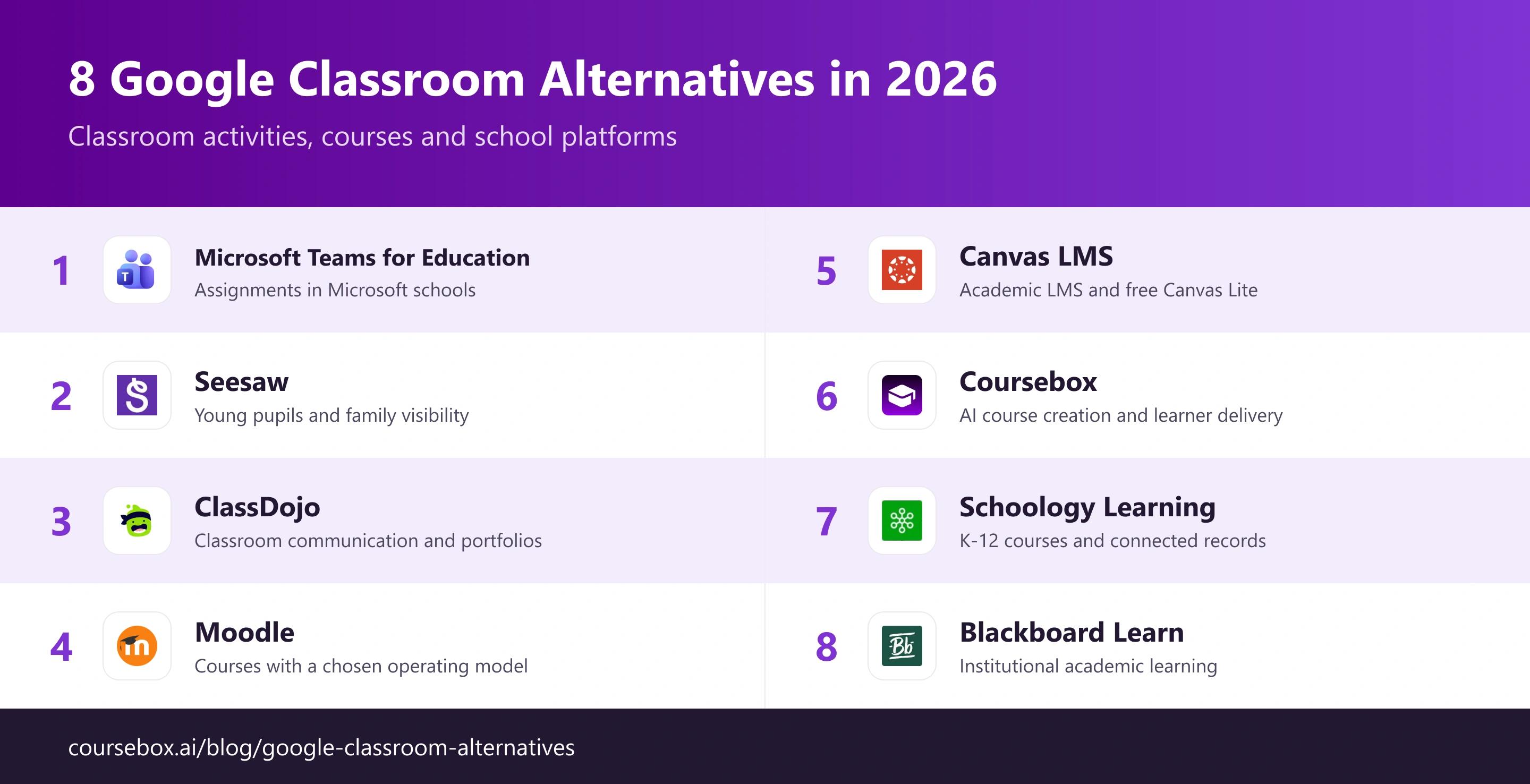
The best Google Classroom alternatives in 2026 include Teams for Microsoft schools, Seesaw for younger pupils, Moodle for course control, Canvas Lite for individual teachers and Coursebox for AI course creation and delivery.
- Canvas Free-for-Teacher has been replaced by Canvas Lite. The free individual service and an institutional Canvas licence are different choices.
- ClassDojo supports communication and portfolios; it does not replace every assignment and grading workflow. Schoology is a district-level choice with connected school records.
- Compare the student and teacher workflow before migrating, including file permissions, grades, family access and the work that must be rebuilt.
Choose your main need for a recommendation from these four options. The table compares all eight products.

Run your own branded LMS with unlimited learners
The best Google Classroom alternative depends on the work you want to change: collecting assignments, helping younger pupils share work, organising a full course or creating the lessons themselves. This list covers free classroom options and larger platforms, with the costs and setup differences made clear.
I’m Carolina from Coursebox. My review focuses on what teachers and learners do each day: set an activity, submit work, give feedback and find the next lesson. I also compared school administration, family access and the work involved in moving existing material.
I work at Coursebox, which is included for AI course creation, assessment and learner delivery. It is a useful choice when producing and supporting lessons is the main need; classroom administration requirements still decide the fit. Explore our AI LMS for the course-creation and delivery workflow.
How I picked these Google Classroom alternatives
My review compared four parts of the buying decision:
- Teaching workflow: Activities, submissions, feedback and course organisation.
- Learners: Age, accessibility, family access and the devices students use.
- School systems: Accounts, rostering and grade transfer, including the plan required.
- Cost and ownership: Free limits, paid school licences, hosting and maintenance.
An individual teacher may need one class and simple feedback. A school also needs account management, student records, privacy controls and support. Compare those requirements before assuming a free teacher account replaces an institutional licence.
The best Google Classroom alternatives compared
| Tool | Type | Best for | Price basis |
|---|---|---|---|
| Microsoft Teams for Education | Free Microsoft equivalent | Microsoft schools | Free A1 for eligible schools; paid options |
| Seesaw | Free, younger students | K-2 / elementary | Free Starter; school plans quoted |
| ClassDojo | Free class community | Elementary + parent comms | Free teacher service; optional family plan |
| Moodle | Free full LMS (self-host) | Technical teachers/schools | No software licence; hosting/support extra |
| Canvas LMS / Canvas Lite | Academic LMS / free individual Canvas Lite | Teachers wanting a real LMS | Canvas Lite is free for individual educators. Institutional Canvas pricing is quote-based; Free-for-Teacher has been discontinued. |
| Coursebox | AI course creation and learner delivery | Building courses and supporting learners | Free; Creator AU$500/yr; Pro + LMS AU$4,200/yr |
| Schoology Learning | K-12 district LMS | District rollouts | Quote; scope and extra costs in entry |
| Blackboard Learn | Enterprise academic LMS | Higher ed / large institutions | Quote; scope and extra costs in entry |
Prices and capabilities were checked on 9 October 2026. Annual rates, learner definitions and extra fees are noted in the entries. Quote-based products need a proposal for your required scope.
The 8 best Google Classroom alternatives
1. Microsoft Teams for Education
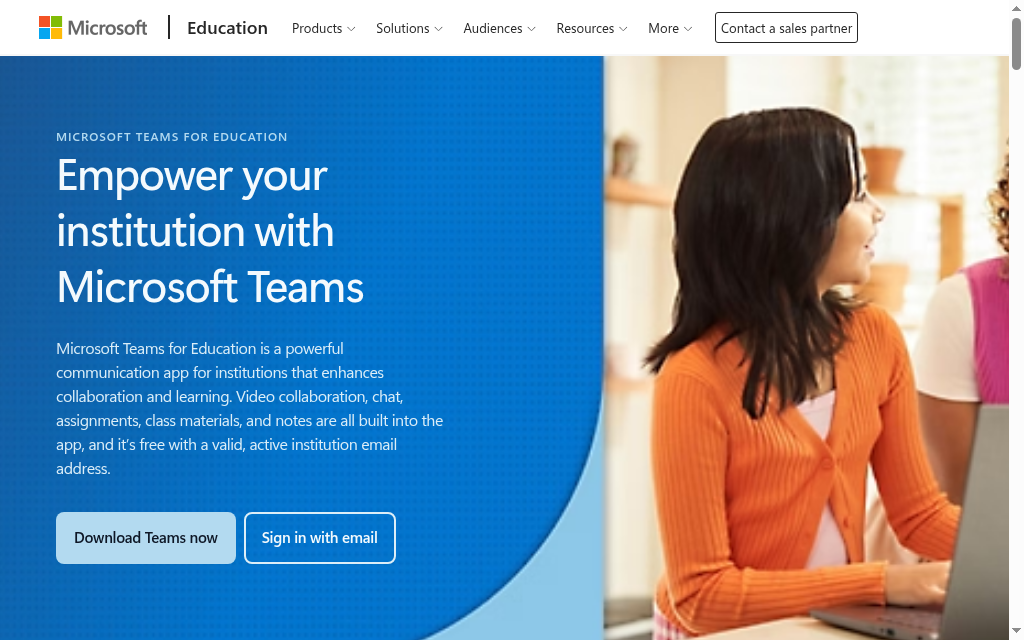
Microsoft Teams for Education is a close Google Classroom alternative for a school already using Microsoft 365. Class teams bring assignments, conversations, shared files and teacher feedback into the same school account.
A teacher creates an assignment, attaches resources, collects submissions and returns feedback in the class space. Meetings and collaboration make it useful when lessons include live discussion as well as homework. The school’s Microsoft accounts and permissions are part of the setup; this is not simply a standalone app every teacher switches on independently.
My review focus: The account experience is the first thing I would check: can a pupil open the assignment and attached file on the device they actually use? A familiar Microsoft environment reduces the change, but it does not automatically move Google Drive permissions or old Classroom grades.
My verdict: A practical first shortlist for Microsoft schools that want assignments and live collaboration together. Moving solely because it is free creates less value if the school has no plan for its accounts and existing files.
Pricing: Office 365 Education A1 is available free to eligible institutions. Paid education plans add capabilities; have the school confirm the entitlement and Teams features for its tenant.
2. Seesaw

Seesaw suits younger learners who show their understanding through pictures, voice, drawing and video. Activities and learner journals make the work visible to teachers and families without expecting every pupil to manage a document submission.
A teacher shares an activity, a child responds using the available media tools, and the teacher reviews the work before sharing it. That is a different teaching workflow from a gradebook-heavy secondary course. Family access is a major reason to shortlist it, especially when parents need to see examples of learning.
What stood out: The free plan’s activity limit affects a teacher building a reusable bank. I would compare the size of that bank and the number of classes before choosing Starter. Age-appropriate submissions are helpful, but the school still needs a clear policy for family access and media sharing.
My verdict: A strong option for elementary activities and family visibility. It is less suitable when your main requirement is complex grading, qualification pathways or formal assessment administration.
Pricing: Starter is free with one active class per teacher, one teacher per class, up to 35 students and 35 saved activities. Paid features are sold through school or district licences.
3. ClassDojo
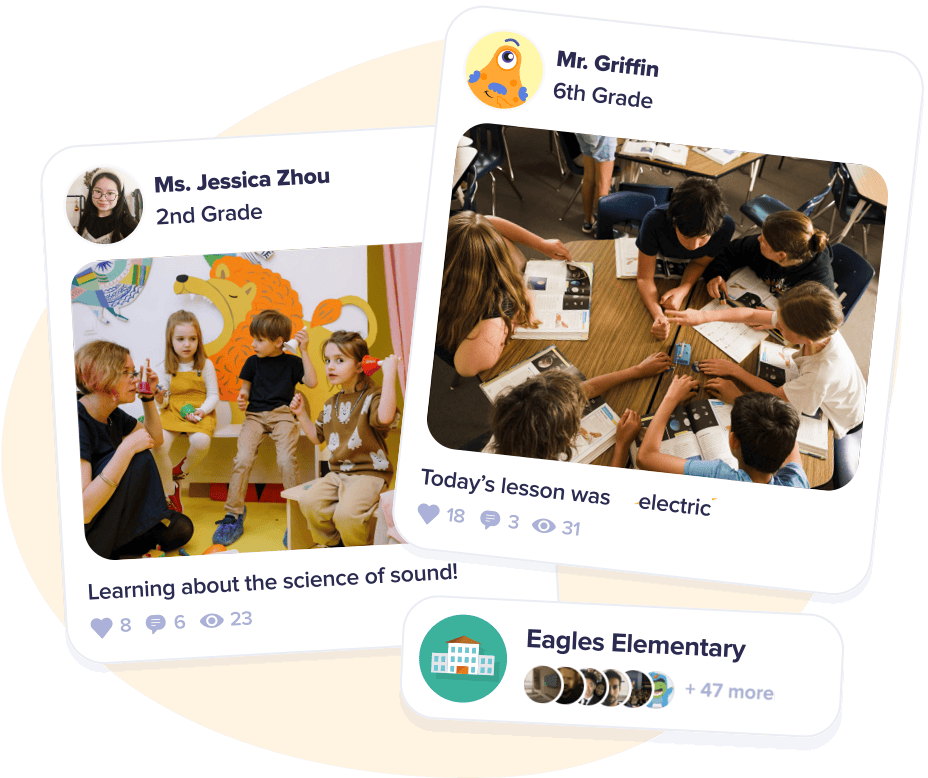
ClassDojo is a classroom communication and community tool, rather than a full replacement for every Google Classroom workflow. It suits an elementary teacher whose biggest need is keeping families informed and letting children share learning.
Messages, private class Stories, events and student portfolios connect classroom work with home. Teachers can share updates and examples, while translated messaging helps reach families who use another language. It does not supply the same structured course, assignment and grading workflow as an academic LMS.
My assessment: I would choose it for a communication problem, not assume family engagement replaces assignment management. If pupils need to hand in work and receive formal grades elsewhere, keep that system in the plan. The benefit is having a clear place for families to follow what is happening.
My verdict: Useful when communication, portfolios and classroom routines are the priority. Pair it with an assignment platform where needed instead of asking it to run a full secondary curriculum.
Pricing: The core classroom service is free for teachers. ClassDojo Plus is an optional family subscription and is not required for a teacher to run the core classroom experience.
4. Moodle
Moodle is a full academic LMS for a school that wants control over course structure, assessment and its operating model. The open-source software can be self-hosted, or a provider can manage the platform for you.
Teachers build courses from activities such as assignments, quizzes, discussions and workshops, then use completion settings and the gradebook to follow learners. That gives more teaching options than a simple hand-in space. Plugins extend the system, but each additional component adds maintenance and compatibility work.
My review focus: Free software and free operation are separate costs. My first shortlist question is who owns updates, backups, user accounts and teacher support. For lesson design, I would build one unit with a quiz and an assignment before deciding which plugins are necessary.
My verdict: A good fit when course flexibility and control are priorities and someone can operate it. A managed service may be the better purchase when teachers need a supported platform rather than a server to maintain.
Pricing: The self-hosted software has no licence fee; hosting and staff time still cost money. MoodleCloud is paid hosting with user and storage limits and a time-limited trial.
5. Canvas LMS / Canvas Lite
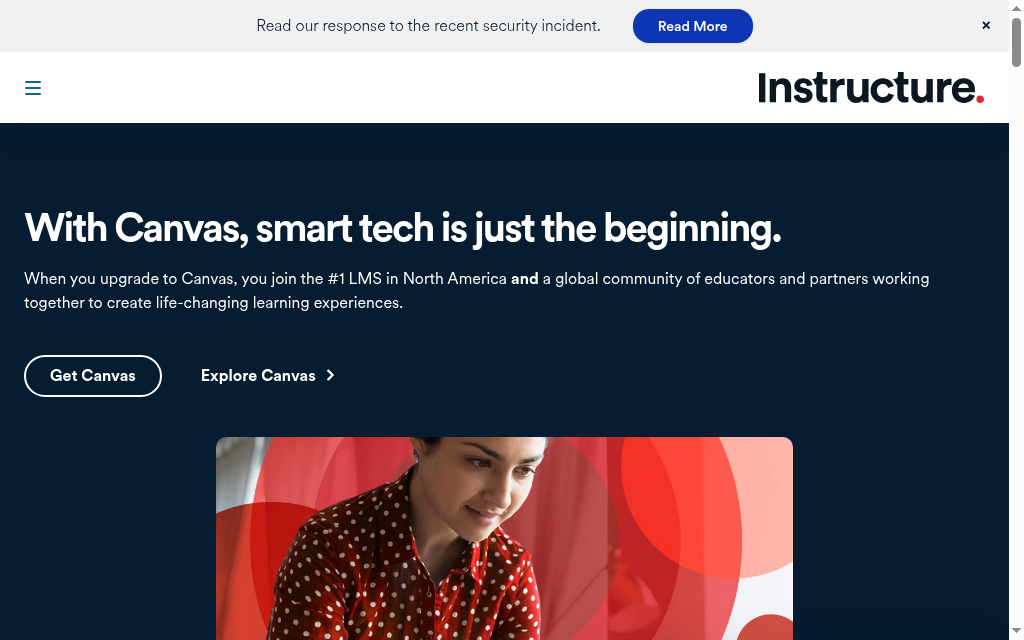
Canvas LMS / Canvas Lite offers an academic course workflow with modules, assignments and SpeedGrader. Individual educators can now use Canvas Lite, the free service launched on 30 September 2026, rather than the discontinued Free-for-Teacher product.
Canvas Lite supports course pages and modules, submissions, rubrics, audio or video feedback, announcements and discussions. Its official page also lists connections with Google Drive, Zoom and Microsoft Teams. Institutional Canvas is the separate purchase for school-wide administration and a contracted rollout.
What I found: The free route is available again, but through a new service and address. That changes the migration advice: create the appropriate Canvas Lite account and assess the course-import path instead of relying on an old Free-for-Teacher login. A school should compare institutional requirements separately.
My verdict: A useful step up for a teacher who needs structured courses and detailed feedback. Choose the individual or institutional service deliberately; the free account is not a substitute for all school administration features.
Pricing: Canvas Lite is free for individual educators. Institutional Canvas pricing is quote-based; Free-for-Teacher has been discontinued.
6. Coursebox
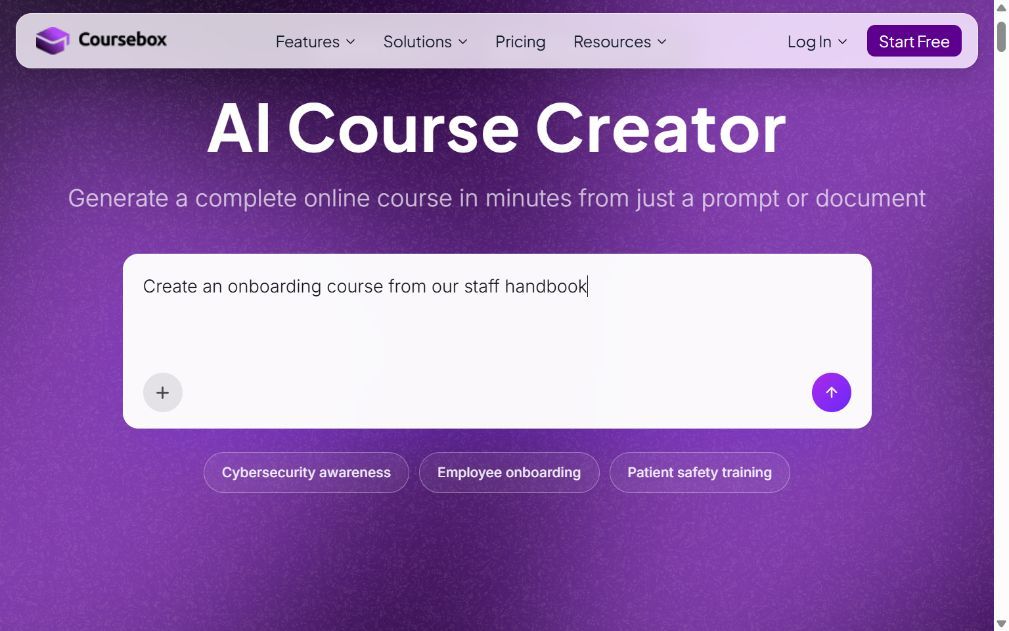
Coursebox combines AI course creation with quizzes, assessment support, an AI tutor and learner delivery. It suits a teacher or trainer who has source material but needs help turning it into a structured course learners can work through.
Upload a document or use other supported source material, review the generated lessons and questions, then share the course or export it for another LMS. The tutor gives learners a way to ask questions about the course, while tracking and assessment help the teacher follow progress. AI-generated content still needs a subject and age-appropriateness review.
My review focus: Course creation is only half the comparison. I would also review a learner’s wrong answer, the feedback and the next activity. For school use, account setup, student-data handling and the required grading workflow belong in the decision alongside the quality of the lesson draft.
My verdict: A useful option when lesson production and learner support are the main bottlenecks. It can also supply content to an existing LMS, so improving course creation does not always require replacing the school’s classroom system.
Pricing: Free includes three mini courses and unlimited learners. On the Australian pricing page, Creator is AU$500/year and Pro + LMS is AU$4,200/year (AU$350/month billed annually), with one admin included. Additional Pro + LMS admins are AU$125/month each. Dynamic SCORM requires an active subscription; standalone exports omit connected features such as the AI tutor. Enterprise is quoted, with SSO as a paid add-on. See the current plan and admin-seat prices.
7. Schoology Learning
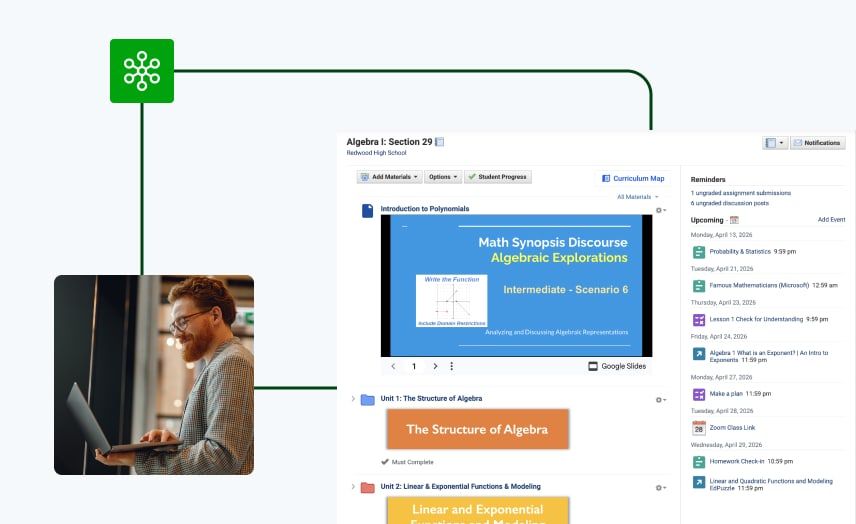
Schoology Learning, PowerSchool’s learning-management product, suits K-12 schools and districts that need classroom activity connected to school administration. Courses, assignments, grading and family access support a larger rollout than a single teacher’s free account.
The school can connect its student information system with the learning platform so enrolment and grade workflows follow the agreed integration. Teachers organise materials and assessments inside courses, while families can follow relevant learning information. The exact SIS connection and data flow should be part of the implementation scope.
My assessment: A district platform should save teachers from keeping two sets of records. I would trace a roster change and a corrected grade across the connected systems, then check family permissions. The value comes from that daily workflow, not simply from listing an SIS integration.
My verdict: A strong shortlist for district-wide teaching with connected records and family access. It is a larger administration project than an individual teacher needs to share one class’s homework.
Pricing: Quote-only through PowerSchool. Include integration, migration, training and support in the proposal; there is no current free individual-teacher plan to compare here.
8. Blackboard Learn
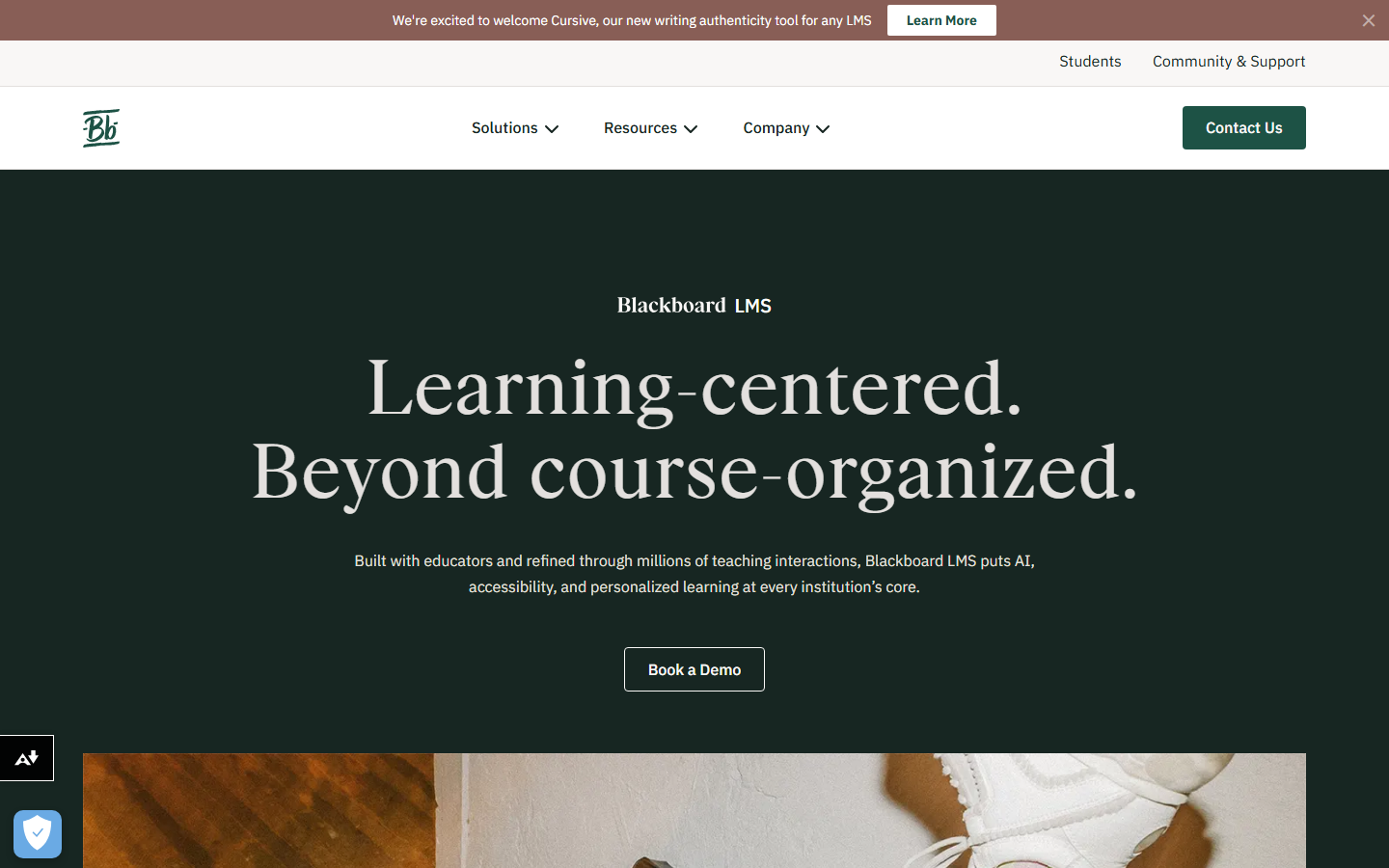
Blackboard Learn suits institutions that need a centrally managed academic LMS, with structured courses, assessments, grade administration and institutional support. Its Ultra experience is relevant to higher education and other complex teaching programmes.
Teachers organise content and assessments, use rubrics and gradebook tools, and follow learner activity within the institution’s configured environment. AI-assisted course-design tools are part of the current product discussion, so compare the available service and permissions rather than treating AI as exclusive to newer platforms.
My review focus: For an institution, the important comparison includes course migration and staff adoption. I would use a real course with assessment rules and accessibility needs, then check what survives the move. A polished empty course tells less than a migrated teaching unit.
My verdict: Useful when institutional administration and academic workflows justify the larger rollout. An individual teacher looking for a simple free classroom space should start with the smaller options in this comparison.
Pricing: Institutional quote. Compare the learning service, integrations, migration, support and implementation rather than assuming every component is included.
Check the teaching job before you move
| Your need | What to test | Useful shortlist |
|---|---|---|
| Assignments and live collaboration | Submit work, annotate it and return feedback | Teams, Canvas |
| Young pupils and family access | Create a media response and review sharing permissions | Seesaw, ClassDojo |
| Structured courses and assessment | Build a module with a quiz and graded assignment | Moodle, Canvas, Schoology, Blackboard |
| Lesson creation and learner support | Review generated material and the learner feedback | Coursebox |
AI support is useful when teachers can review it
Microsoft’s 2026 AI in Education survey found that 88% of surveyed educators had used AI for school-related purposes. It interviewed 3,345 people across K-12 and higher education in six countries. That makes the teacher’s review workflow a useful comparison point: how easily can you correct a generated lesson or assessment?
The same survey found 53% of educators had not received formal AI training. Include teacher guidance and support in the rollout. Giving staff an AI feature without time to learn its review process leaves extra work in the classroom.
Google Classroom supports more than a basic free assignment space. For example, SIS grade export requires an eligible Education Plus or Teaching and Learning Upgrade licence. Compare the capabilities of your school’s current edition before deciding a migration is necessary.
Google explains the SIS grade-export licence requirements in its help centre. Match the integration and licence to your current school setup.
Move one teaching unit before moving the whole school
- Material: Copy or import a complete unit, including linked files and activities.
- Assessment: Check rubrics, feedback, deadlines and the grade transfer.
- Access: Test teacher, student and family roles on the devices they use.
- Records: Archive the grades and submissions that will not move with the course.
Which Google Classroom alternative should you choose?
Use the comparison below to form your shortlist, then test the workflow and price in the entry.
| If you want | Go with |
|---|---|
| A free Microsoft equivalent | Microsoft Teams for Education |
| A free, simple tool for younger students | Seesaw |
| Free classroom communication and community | ClassDojo |
| A free, full LMS you control | Moodle |
| A step up to a real academic LMS | Canvas LMS / Canvas Lite |
| AI that generates course content and quizzes | Coursebox |
| A K-12 district rollout with SIS | Schoology Learning |
| An enterprise or higher-ed platform | Blackboard Learn |
Start from your reason for leaving: a free, simple swap, or a real LMS. If you are weighing full academic platforms in particular, our Canvas alternatives guide goes deeper on that end of the list.
Frequently Asked Questions
Teams for Education is useful for eligible Microsoft schools; Seesaw Starter suits one class of younger pupils, and Canvas Lite provides free course tools for individual educators. Moodle has no software licence fee when self-hosted, but hosting and maintenance still cost money.
Free-for-Teacher has been discontinued. Canvas Lite launched on 30 September 2026 and is the current free individual-educator service. Use Instructure’s Canvas Lite signup route; institutional Canvas remains a separate purchase.
Seesaw supports activities and media responses with family sharing. ClassDojo helps with classroom communication and portfolios. Choose from the teaching workflow: neither should be treated as a full substitute for every assignment and gradebook requirement.
Yes. Coursebox combines AI course creation with learner delivery, quizzes, assessment support, tracking and an AI tutor. You can also export content for another LMS. Compare school account, grading and student-data requirements alongside the lesson-creation workflow.
Some material can be copied or imported, but assignment settings, grades, submissions, linked-file permissions and accounts may need separate work. Move one complete teaching unit first and retain the records that will not transfer.
Carolina Martin
Carolina is a highly experienced learning designer with tech start-up experience. She is based in Sydney and previously designed courses alongside Coursebox founder Travis in a previous job. She is passionate about delivering engaging learning experiences and brings the same perspective to customer experience too. She manages our customer support documentation and product testing processes.

