

10 Best Employee Training Tools in 2026, Chosen by a Training Designer
The best employee training tools and software in 2026, from an L&D founder: what actually trains employees, sorted by what you teach and who builds it.

The best employee training tools in 2026 include Coursebox for creating and delivering assessed training, TalentLMS for straightforward LMS administration, Mitti for frontline learning and Trainual for company processes.
- Test the full workflow: create content, assign it, support practice and inspect the learner record. Mobile and formal training are not mutually exclusive categories.
- Preserve expert ownership of content even when AI produces the first draft. Coursebox combines authoring, delivery, tutor support and assessments.
- 360Learning supports collaborative authoring and can also use external content. Trainual includes assignable training, tests and tracking, not only documentation.
- Compare registered users, active-user bands and included services. A trial or free pilot does not establish the cost of the full workforce.
Use three preferences to compare four starting options. Check the entries for required capabilities, prices and plan conditions.

Train teams faster and more effectively with AI
Picking an employee training tool comes down to two questions, and once you answer them the shortlist writes itself: what are you training people on, and who is going to build the content?
A short mobile lesson, a compliance course and a process walkthrough can overlap. I would compare how the training is assigned, practised and recorded, instead of deciding from the format alone.
I am Travis, an instructional designer and the founder of Coursebox, which is included here. I have set up training with several of these tools, and the useful comparison is what each lets your team create, deliver and follow up.
The entries cover full LMSs, mobile learning, collaborative authoring and process training. Some platforms do several of those jobs. Use the strengths and trade-offs below to decide which workflow you want to run.
Training magazine’s 2025 survey also reported average training spending of $874 per learner. Its U.S. sample covers organisations with 100 or more employees. I would use a local cost-per-learner calculation alongside the software quote, including the people who build, administer and deliver training.
Every tool on this list helps you build or deliver your own training. If you would rather buy finished courses off the shelf, that is a different category: course libraries like Coursera for Business, Udemy Business, LinkedIn Learning and OpenSesame sell ready-made courses you assign, not tools you author in. Plenty of teams use both, a library for generic skills like Excel or leadership, and an LMS from this list for the company-specific training only you can make.
How I compared these employee training tools
I compared five practical parts of running employee training:
- Training workflow: Create, assign, practise and record the learning. Check the whole workflow, whether the content is a long course, a short lesson or a process guide.
- Who builds the content: Whether AI builds it from your existing material, whether you build it, or whether the point is to turn your own experts into the authors.
- Time to launch: How fast a normal team can go from signing up to a new hire actually taking training, without a consultant.
- Pricing model: Compare registered users, active-user bands, author licences, modules and quoted services. A sales-led offer does not by itself establish the size of organisation it suits.
Useful AI: Check what the AI creates or automates, which plan includes it and where a person reviews the output.
Employee training tools at a glance
Compare the stated billing basis and included package. Prices are in US dollars where specified; regional offers and implementation services can differ.
| Tool | Best for | Content made by | Price | AI |
|---|---|---|---|---|
| TalentLMS | The easiest place to start, free | You | Free 5 users; from $119/mo annual user band | AI-assisted |
| 360Learning | Turning your experts into course authors | Your subject-matter experts | $8/user/mo (Team, up to 100) | AI-assisted |
| Coursebox | Spinning up courses fast without a separate LMS | AI, from your docs | Free mini-courses; paid capacity and features | AI-native |
| Mitti Training | Frontline and deskless teams on a phone | You, mobile-first | Free up to 10 users; current seat packages | AI-assisted |
| Docebo | Large enterprises with an L&D team | You | Quote-only | AI-native |
| Absorb LMS | Polished mid-market LMS with strong reporting | You | Quote-only | AI-assisted |
| Trainual | Onboarding and documenting how you work | You | Quote-only | AI-assisted |
| iSpring Learn | Teams who author slide-based courses | You, in PowerPoint | Current active-user package quote | AI-assisted |
| Rippling LMS | Companies already running Rippling | You | Quote-only (in the suite) | Basic |
| SkyPrep | A simple LMS with hands-on setup help | You | Quote-only | AI-assisted |
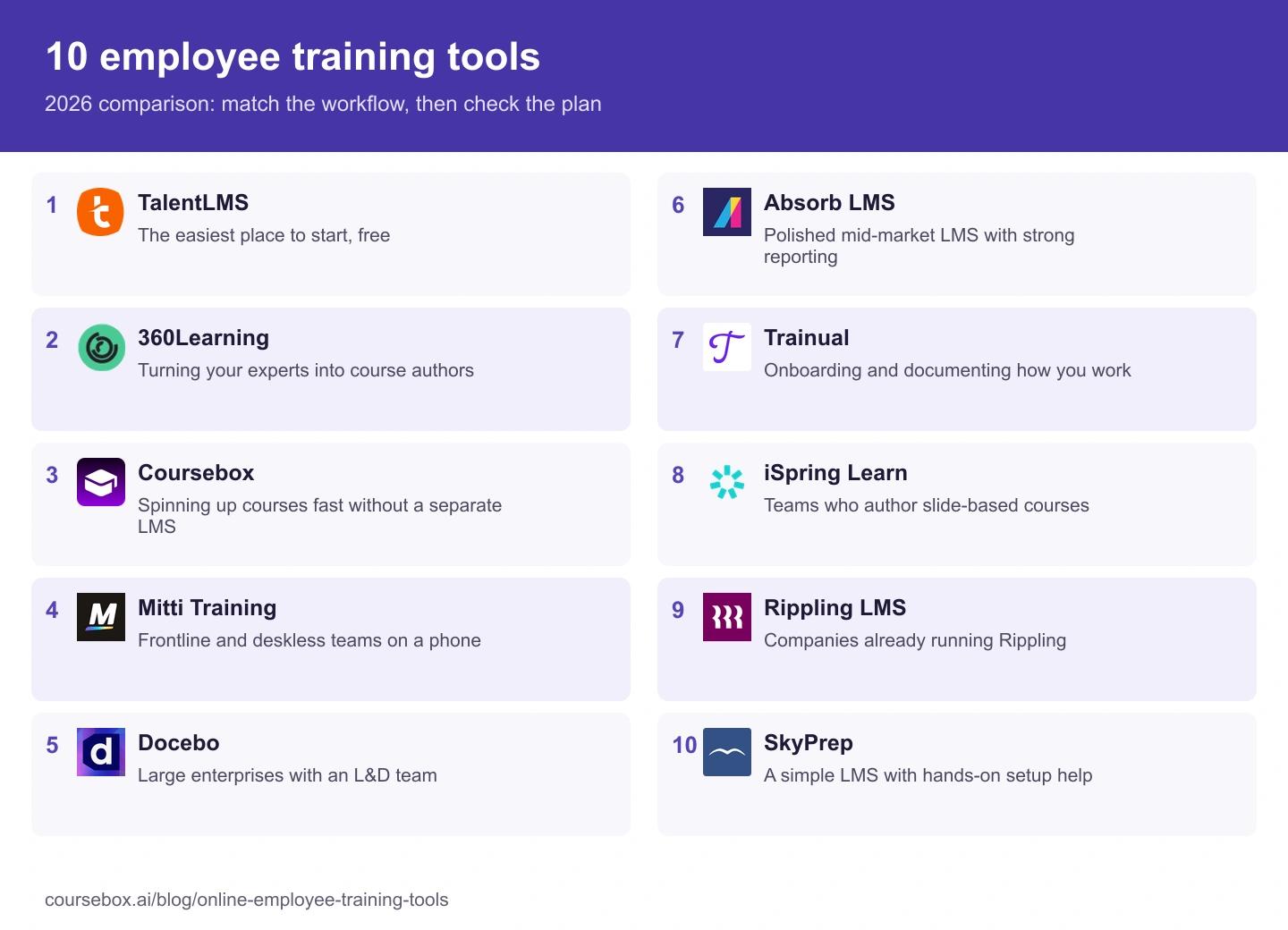
Ranked below, grouped by the job they do best.
Mobile access, formal courses and process training can overlap. Pick a representative training task and check how each platform creates it, assigns it, supports practice and records the result. The best format for a refresher may differ from an initial qualification.
The 10 best employee training tools
1. TalentLMS
Best for: The easiest place to start, especially if you want to try before you spend anything.
TalentLMS combines course administration, learner groups, assignments and reports in a relatively approachable LMS. The free plan lets a small team test the workflow before comparing the required paid user band.
What you are training: general courses for small and mid-sized teams, without complexity.
Who builds the content: you, in a simple builder, with AI assistance to speed it up.
Time to launch: the fastest of the traditional LMSs here. You can have training live the same afternoon.
Price: Free supports five users and ten courses. Core starts at US$119 per month billed annually for the 1-40-user band. Standard registered-user and Flex activity billing differ; check higher bands and optional content subscriptions.
The catch: it is built for simple, so large enterprises will outgrow its configurability.
What I found: I use a small free account to prove the assignment and completion workflow before asking for budget. Coursebox and other tools also offer free pilots with different limits, so compare the task you can complete in each.
Verdict: the default first stop for a small or mid-sized team. The one to beat on ease and price, not on enterprise depth.
2. 360Learning
Best for: Companies whose real expertise lives in their people, not in a bought course library.
360Learning is built around collaborative authoring: it turns your subject-matter experts into course creators, with co-authoring, built-in feedback and peer-driven learning.
What you are training: internal knowledge, where the people who know the job build the training for it.
Who builds the content: your experts, together, with the tool's collaborative workflow doing the heavy lifting.
Time to launch: moderate. The value comes once you have experts contributing, which takes some rollout.
Price: the Team plan is $8 per user per month for up to 100 users, with no minimum commitment; Business and Enterprise are custom.
The catch: expert contribution needs time and ownership. You can also connect external content, so collaborative authoring is a reason to choose it, not a restriction that prevents using a course library.
What I found: I have watched it turn people who are not designers into course authors. If your best knowledge is stuck in one person's head, this gets it out. It only works if your team will actually pitch in and write, though.
My take: strong when your experts will keep training accurate together. Check how you will maintain contributions and combine them with any external content library.
3. Coursebox
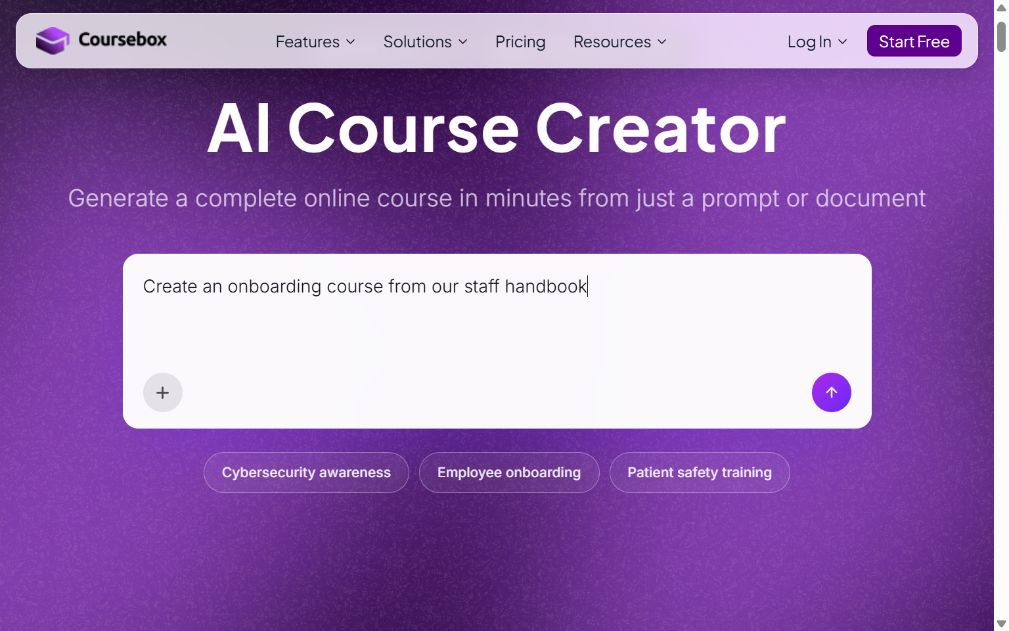
Best for: Teams that need formal courses live fast and would rather not run an authoring project and buy a separate LMS.
Coursebox is ours, so weigh this accordingly. Coursebox turns a document, a slide deck or a prompt into a full course with quizzes and AI video, then delivers and tracks it in its own learning management system or exports SCORM into yours.
What you are training: formal courses, onboarding and compliance, delivered and tracked in one place.
Who builds the content: AI, from material you already have. Upload a policy PDF or a deck and it drafts the course.
Time to launch: fast. Building from an existing document is the difference between an afternoon and a project.
Price: Free includes three mini-courses of up to five pages each, unlimited learners, defined AI allowances and a Coursebox watermark. Paid capacity, branded LMS, exports and integrations depend on the plan.
The catch: inspect the exact reporting, permissions and integrations your programme needs. Unlimited learners and fast drafting do not remove the need to review content and configure administration.
What I found: I upload the material we already have, the AI drafts the course and the quiz, and it is hosted in the same place. I no longer build a course in one tool and then go hunting for a system to deliver it.
Verdict: the pick when you want training live this week and want AI to do the building. Not the choice if bespoke enterprise administration is the whole requirement.
4. Mitti Training (by SafetyCulture)
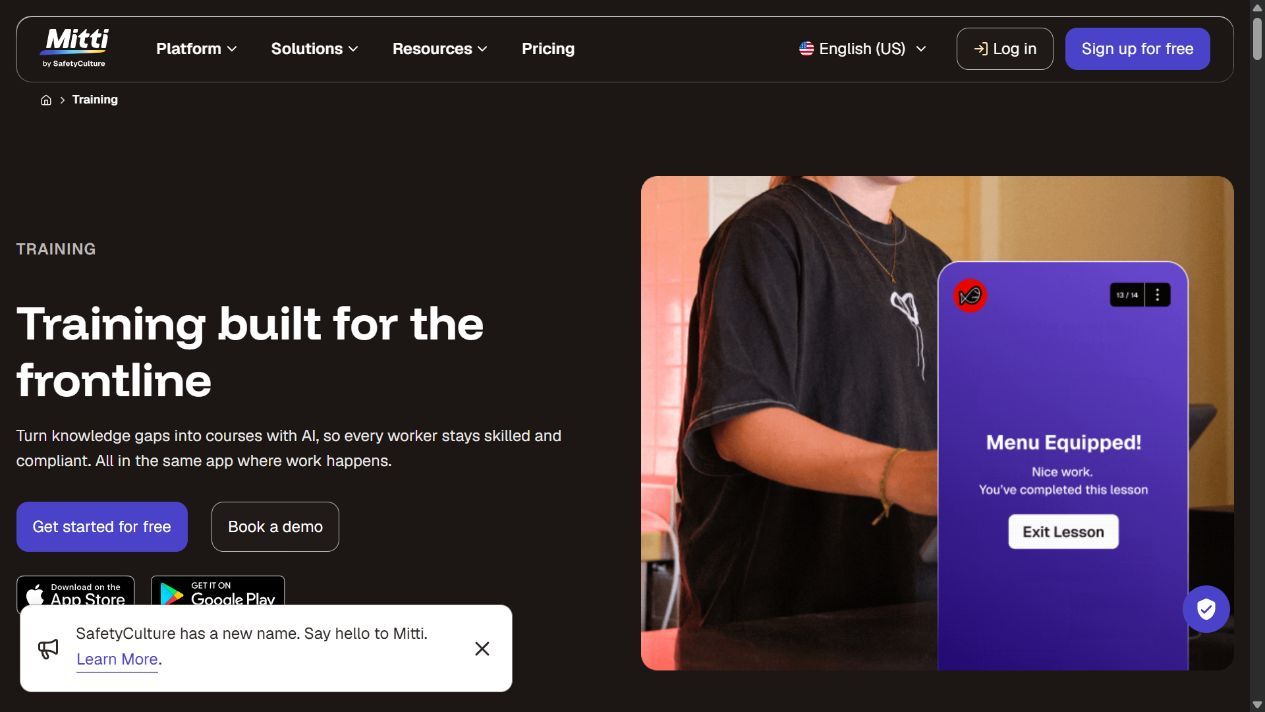
Best for: Frontline, retail and deskless teams who train on a phone, not at a desk.
Mitti Training, the current SafetyCulture platform that followed standalone EdApp, combines mobile lessons, AI authoring, spaced repetition and learner records with frontline operational workflows.
What you are training: bite-sized, high-frequency training for people who do not sit at a computer.
Who builds the content: you, with a mobile-first editor and a large template library.
Time to launch: fast, because lessons are short by design.
Price: the current training page advertises free access up to ten users. Compare current seat permissions and paid packages rather than relying on old EdApp-era per-user figures.
The catch: short mobile practice is its starting point, but courses, in-person checks and learning records extend beyond a quick quiz. Demonstrate your required certification workflow before ruling it in or out by lesson length.
What I found: The lessons really do feel built for a phone, the way frontline staff actually train, in a spare minute in a queue. One thing to know: it has changed names twice, so older reviews call it EdApp.
My take: shortlist it when training should connect with frontline inspections, issues and competency checks. Confirm current reward mechanics, access and the records you need.
5. Docebo
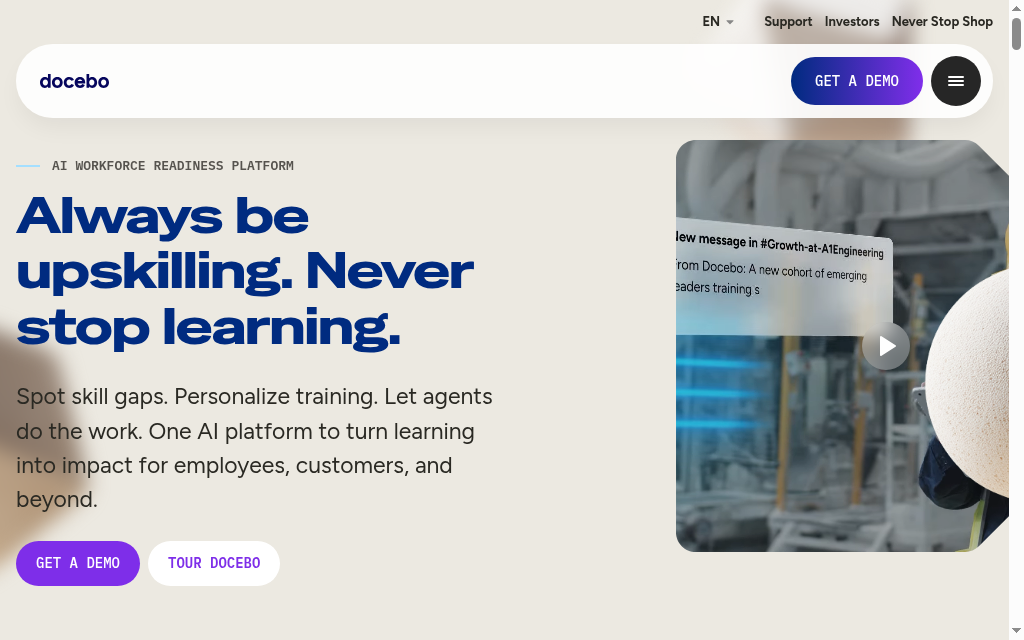
Best for: Large enterprises with a dedicated L&D team and the budget to match.
Docebo is a deep, AI-driven enterprise LMS with extensive configurability, learning-content management and analytics.
What you are training: everything, at scale, across a big organization with complex requirements.
Who builds the content: you and your L&D team, with AI assistance across authoring and administration.
Time to launch: slow. This is an enterprise implementation, not a same-day setup.
Price: quote-only, and priced for enterprise. Expect a real procurement process.
The catch: the power and the price both assume a dedicated team. For a small company it is overkill you will pay for and not use.
What I found: Every team I have seen run Docebo well had someone whose whole job was running Docebo. It is powerful, but it is a lot to manage, and that tells you who it is for.
Verdict: worth it for large organizations with an L&D function. The wrong buy if nobody owns the platform full time.
6. Absorb LMS
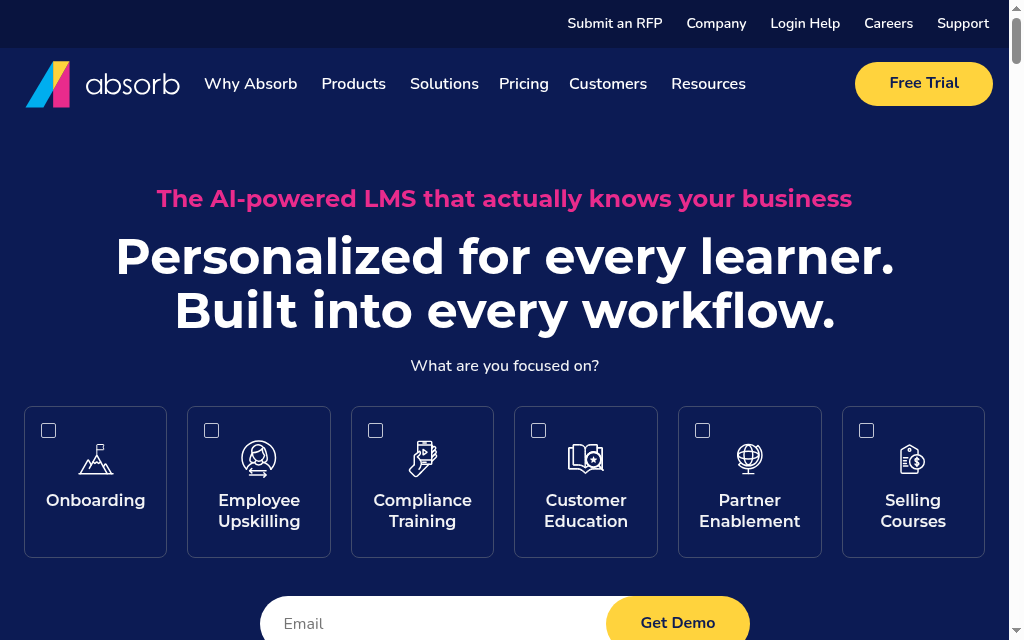
Best for: Mid-market and enterprise teams who want a polished LMS with strong reporting.
Absorb LMS is a well-designed, admin-friendly platform known for a clean interface and solid analytics.
What you are training: structured courses across a mid-to-large workforce, with reporting that stands up to scrutiny.
Who builds the content: you, in a capable builder, with AI features layered on.
Time to launch: moderate to slow, depending on how much you configure.
Price: quote-only, positioned for mid-market and up.
The catch: the quote-only pricing and mid-market positioning make it a heavier commitment than the SMB tools here.
What I found: I like the interface, but I would judge it with a routine admin task: assign training, follow up an overdue learner and export the report. That gives the team a better basis for comparing the subscription.
Verdict: a strong mid-market pick when interface quality and reporting matter. Overkill for a small team on a tight budget.
7. Trainual
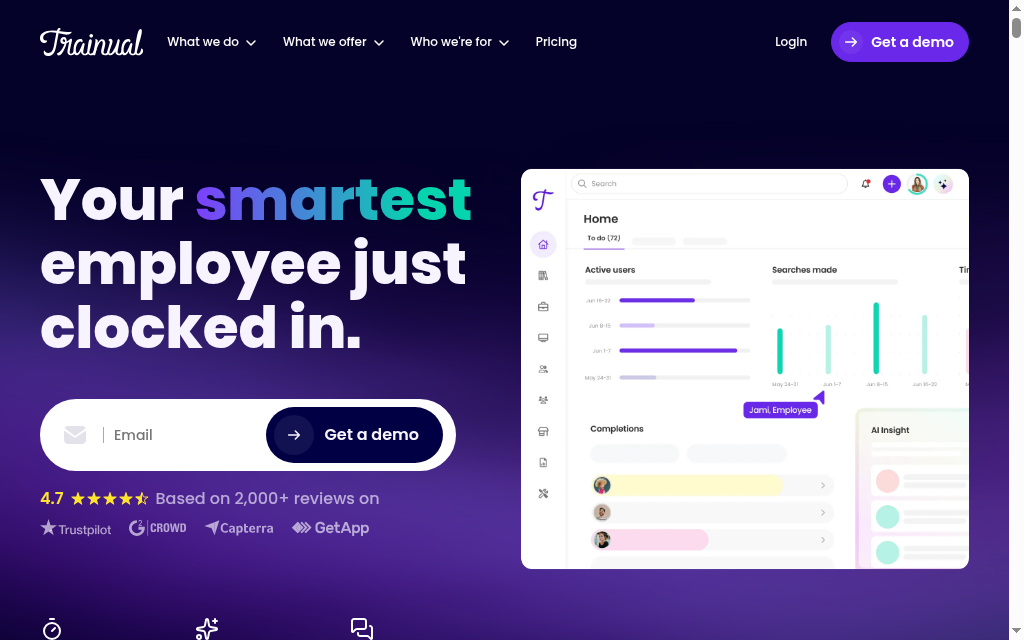
Best for: Onboarding and documenting how your company actually works.
Trainual combines process documentation with assignable onboarding, tests and progress tracking. An owner can document how work is done, turn it into a training path and check who has completed it.
What you are training: repeatable company processes, role onboarding and operating standards, with tests and records tied to the material.
Who builds the content: you, by documenting your processes, with AI help to draft them.
Time to launch: fast for onboarding content, because you are writing down what you already know.
Price: quote-only now, tied to team size and features, via a demo.
The catch: decide whether its process-led structure fits your learning design. Demonstrate the assessment types, imported content and reporting you need rather than assuming a documentation tool cannot deliver training.
What I found: Writing down a process is only the first step. I would assign it to a role, check understanding and make an update, then inspect who needs to repeat the changed material.
My take: useful for onboarding and company-specific process training. Compare the test and reporting workflow with a full LMS if the programme extends into more complex assessment.
8. iSpring Learn
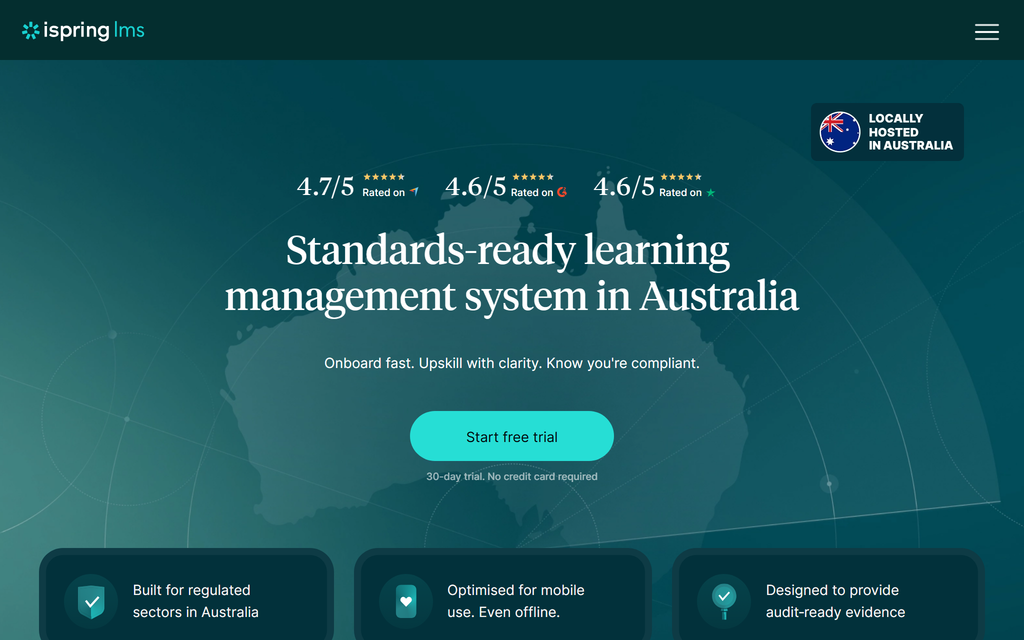
Best for: Teams who already build slide-based courses and want a simple LMS to deliver them.
iSpring Learn is the LMS half of iSpring, and it pairs naturally with iSpring's PowerPoint-based authoring tool.
What you are training: slide-built courses and quizzes, delivered and tracked simply.
Who builds the content: you, in PowerPoint via iSpring Suite, which is a low learning curve for slide-comfortable teams.
Time to launch: fast if your team already lives in PowerPoint.
Price: active-user bands and annual packages determine the bill. Obtain the current LMS price and included authoring licences; the older $3.58 headline is not a universal current offer.
The catch: iSpring Suite’s PowerPoint authoring requires compatible Windows and Office software. Browser-based authoring and learner access have different requirements, so scope each part of the bundle.
What I found: Existing slide and SCORM material makes it a relevant demo. Upload a real course, complete an attempt and inspect the report, then check the contracted active-user definition.
Verdict: a natural fit for PowerPoint-first teams. Less compelling if you are not already building in slides.
9. Rippling LMS
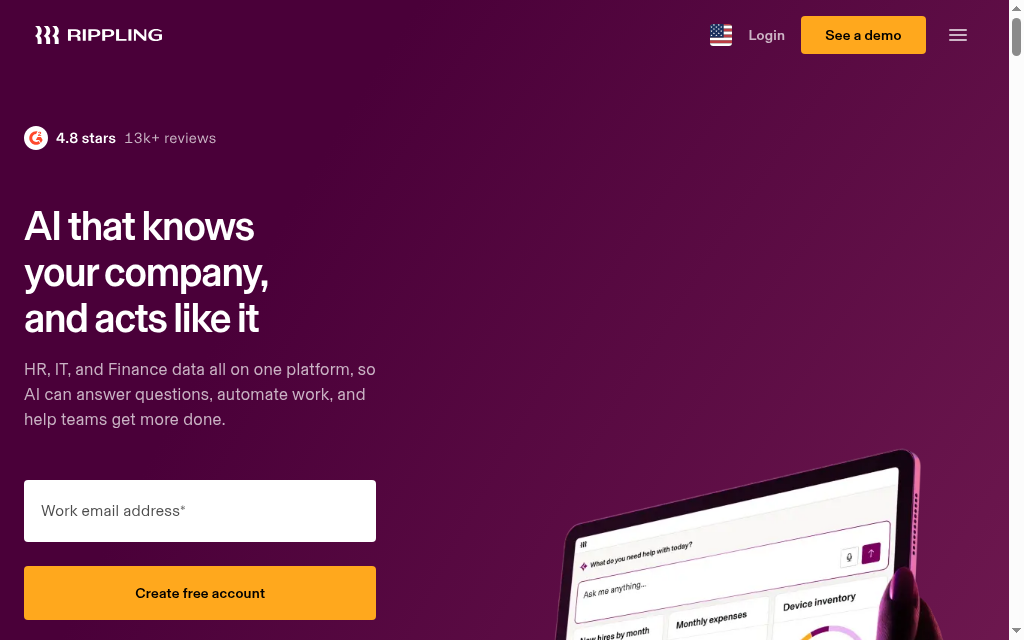
Best for: Companies that already run Rippling for HR, payroll and IT.
Rippling bundles a learning module into its HR suite, so you can auto-assign training the moment someone is hired and tie completion to their employee record.
What you are training: compliance and onboarding, wired directly into your HR system.
Who builds the content: you, with a straightforward course builder; the learning module is not the product's centre of gravity.
Time to launch: fast if you already run Rippling, since the employee data is already there.
Price: quote-only, priced as part of the wider Rippling suite rather than as a standalone LMS.
The catch: Rippling’s wider HR platform is part of the purchase decision. Compare the full platform cost, course library, authoring and reporting requirements before choosing its learning module.
What I found: The benefit is connecting employee attributes to training rules. I would test a new hire, a role change and a leaver, then inspect whether assignments and records update as intended.
Verdict: an easy yes if Rippling already runs your HR. Not a reason to adopt Rippling on its own.
10. SkyPrep
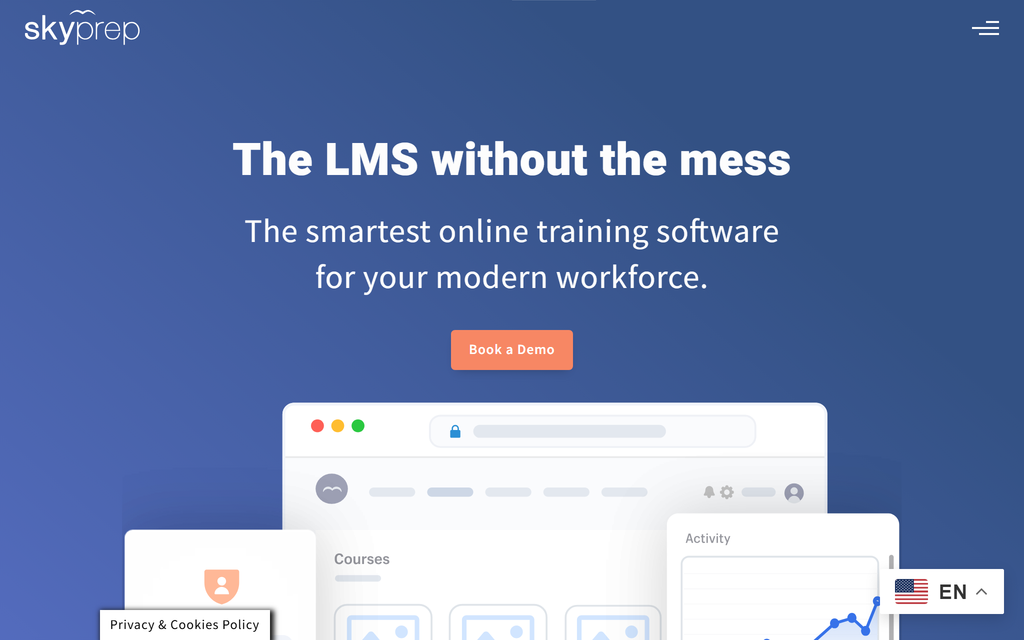
Best for: Teams who want a simple LMS with real human help getting set up.
SkyPrep is a clean, straightforward LMS that leans on hands-on onboarding support, and it handles both employee and customer training.
What you are training: general employee training and external customer or partner training, without complexity.
Who builds the content: you, in an uncomplicated builder with AI assistance.
Time to launch: fast, helped by a support team that is known for getting customers live.
Price: quote-only, positioned around small and mid-sized businesses.
The catch: the offer uses active-user packages and a sales conversation. A 14-day trial is available, so compare the real course and learner workflow before making a longer commitment.
What I found: What people mention most is the support: a real person helps you get set up, not a help doc. If you would rather have hands-on help than do it all yourself, that is the reason to pick it.
My take: a useful shortlist when onboarding support and both employee and external training are important. Use the trial to check records, reminders and the included support channel.
How to choose an employee training tool
Start from the job, not the feature list.
Name what you are actually training
Name the activity and evidence you need: a scored induction, a process demonstration, a short refresher or an observed skill. Coursebox, TalentLMS and the larger LMSs cover several formats; Mitti connects learning to frontline operations, while Trainual starts from company processes.
Match the training method to the tool
The same training method can be delivered in several tools. Use these as starting points, then test learner access and the returned record.
| Training method | Best tools for the job |
|---|---|
| Formal e-learning courses | Coursebox, TalentLMS, Docebo, Absorb LMS |
| Microlearning for frontline staff | Mitti Training |
| Onboarding and process training | Trainual |
| Peer and social learning | 360Learning |
| Instructor-led or virtual classroom | Verify session scheduling, attendance and video integration by plan |
| Blended (a mix of methods) | Most LMSs here; Coursebox if you want AI to build fast |
Decide who is building the content
If you have material already, an AI tool like Coursebox turns it into courses for you. If your expertise lives in your people, 360Learning is built to get them authoring. If you have a design team that likes slides, iSpring fits. Match the tool to who will actually do the work.
Count the whole stack
Some of these author and deliver in one place; others only deliver, so you still need something to build the content. An all-in-one that both builds and hosts replaces two line items, which changes the real price more than the sticker does.
Compare the complete quoted package
Docebo, Absorb, Rippling and SkyPrep use sales-led pricing. Compare the user definition, package, implementation and support, rather than inferring suitability from the absence of a public number.
Which employee training tool should you pick?
For a small assigned-course pilot, TalentLMS and Coursebox let you start free with different limits. Coursebox combines drafting, assessment, tutor support and delivery. Mitti connects frontline learning and work records; Trainual organises company processes. For broader enterprise programmes, compare Docebo and Absorb using your actual audiences, permissions and reports.
Frequently Asked Questions
Coursebox combines AI authoring, assessments, learner support and delivery. TalentLMS offers straightforward course administration, Mitti connects frontline learning to work records, and Trainual organises process training. Test your required assignments, access and evidence in the actual package.
An LMS manages delivery, learners and records. The wider employee-training category also includes authoring, process documentation and focused practice. These functions can overlap: Mitti and Trainual both support training workflows, so inspect the actual records rather than relying on the product label.
Yes. TalentLMS offers five users and ten courses on its free plan, Mitti advertises free access for up to ten users, and Coursebox has free mini-courses with unlimited learners and defined AI allowances. Compare the course, learner, reporting and branding limits before scaling.
360Learning’s Team plan lists $8 per user per month for up to 100 users. TalentLMS uses user bands or Flex activity billing. iSpring uses active-user packages, while other offers are quoted. Compare minimums, billing terms, author licences and implementation with your full audience.
Most use a learning management system to host and track courses (TalentLMS, Docebo, Absorb, SkyPrep, or an AI all-in-one like Coursebox), often alongside a microlearning app for frontline staff (Mitti Training) and a process-documentation tool for onboarding (Trainual). Larger companies wire training into their HR system (Rippling) so new hires are enrolled automatically.
Travis Clapp
Travis Clapp is the original founder and CEO of Coursebox. As an experienced instructional designer, he has lived through the process of building high quality courses. These experiences brought about his idea to upload all your documents and ideas into a virtual box that could convert those magically into a course. Prior to Coursebox, he successfully founded and built a social based LMS. Travis has 15+ years of experience designing courses and EdTech platforms from university MOOCs to enterprise LMS. Travis has built training for reputable companies like Johnson & Johnson, Electrolux, Michael Hill and SA Health. One of his courses reached 20,000+ learners which was a flagship edX course. He is based in the Adelaide, South Australia office and passionately works on customer support, sales and bringing the original product vision to life every day.

