

10 Higher Education LMS Platforms in 2026: What I’d Shortlist
The 10 best higher education LMS platforms for 2026, ranked by an instructional designer on authoring, gradebook usability, faculty adoption and cost.

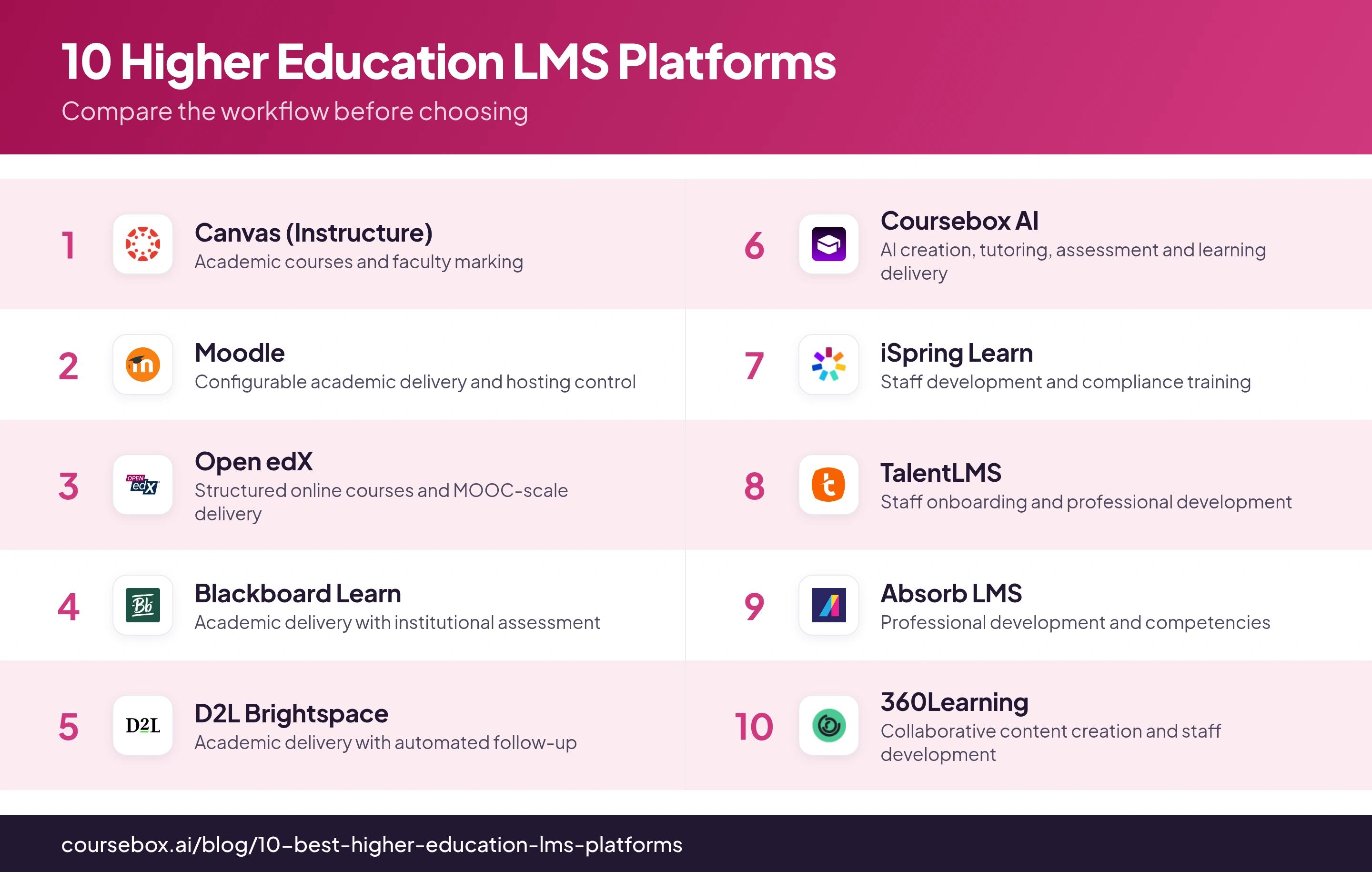
The best higher education LMS shortlist in 2026 depends on the job: Canvas, Moodle, Open edX, Blackboard and Brightspace cover institutional teaching, while the other five add creation, continuing-education and staff-training options.
- Try real marking, enrolment changes and course updates before choosing a campus platform. A feature list does not show how faculty will use it.
- Moodle and Open edX have no platform licence fee, but operation, integration and support still need a budget.
- Coursebox combines AI creation, tutoring, assessment and delivery; define the institution’s SIS and identity connection separately.
- Review accessibility at the product, configuration and course-content levels. A published conformance report is a starting point for testing.
Compare four starting options using three preferences. Check the entries for required capabilities, integrations and plan conditions.

Turn lecture material into interactive courses in minutes
In 2014, I was the lead learning designer for a computer science course the University of Adelaide built for edX. It went on to reach 20,000 learners. The LMS held up, but getting the course ready took nine months: assembling modules, converting transcripts and configuring assessments by hand. That is why I look at the authoring work alongside the platform that delivers it.
I carry that experience into every LMS evaluation I do. Most of the tools in this list are mature institutional systems that do delivery well. What broke when I was at Adelaide was the authoring layer upstream of the LMS.
I co-founded Coursebox, an AI LMS that appears below. The comparison separates campus teaching from continuing education and staff training, because those teams can need very different enrolment, grading and delivery workflows.
How I ranked these
A higher-education LMS is not judged the way a corporate one is. It has to survive a semester: hundreds of students at once, faculty who did not choose it, a gradebook that gets hammered in marking week and a finance office that wants the lowest per-student cost.
So I ranked these on four metrics:
- Gradebook and grading: How it feels to mark real work at real cohort sizes, not in a ten-student sandbox.
- Authoring: How fast you can actually build a course in it. This is where designers spend their weeks, and where most of this list is weakest.
- Faculty adoption: Whether the people who have to teach in it actually will. The best platform nobody uses is a failed rollout.
- The real cost: Total cost of ownership: licence, add-ons, hosting and the staff to run it, not the sticker price.
NCES recorded 53% of US postsecondary students taking at least one distance-education course in fall 2022; 26% studied exclusively at a distance. I would use both fully remote and mixed-attendance learners in a pilot, because their support and access needs can differ.
Comparison at a glance
| Tool | Best for | Watch out for |
|---|---|---|
| Canvas (Instructure) | Academic courses and faculty marking | Test the actual grading and SIS workflow at cohort size |
| Moodle | Configurable academic delivery and hosting control | Budget for configuration, support and maintenance |
| Open edX | Structured online courses and MOOC-scale delivery | Technical operation and integration need an owner |
| Blackboard Learn | Academic delivery with institutional assessment | Compare base LMS, Ally and migration scope |
| D2L Brightspace | Academic delivery with automated follow-up | Faculty onboarding and add-on entitlements |
| Coursebox AI | AI creation, tutoring, assessment and learning delivery | Define campus SIS and identity connections separately |
| iSpring Learn | Staff development and compliance training | Confirm the included authoring package |
| TalentLMS | Staff onboarding and professional development | User bands and billing model affect cost |
| Absorb LMS | Professional development and competencies | Test native reports before pricing extra analytics |
| 360Learning | Collaborative content creation and staff development | Check the academic grading and SIS fit |
The 10 higher education LMS options
1. Canvas (Instructure)
Canvas is the one I would start most institutions on, and the gradebook is why.
SpeedGrader is the most faculty-friendly marking interface I have used: open a submission, annotate it, leave an audio comment, move to the next without leaving the page. Faculty stay on Canvas because of it.
I would test marking with a representative large cohort, rubric and submission types. Also check the current editor’s autosave, session and submission behaviour with learners. A problem in one deployment is a useful acceptance test, not a universal limit of 1,000 students.
Canvas combines course modules, assignments, discussions and grading with institutional integrations. AI features, Studio, Catalog and credentials have product and contract conditions; compare the entitlement in the proposal rather than assuming every institution gets the same bundle.
Institutional pricing is quoted. Include user definition, storage, integrations, implementation, support and the required products in a multi-year comparison.
“I wish the navigation was a little more intuitive sometimes, though most people don't have a problem figuring it out and getting around.”
Michael, a Canvas administrator. Watch the source
My experience: I've seen Canvas being used for years across my various learning designer jobs and it's been a leading option to deliver learning. The integration with student information system, Zoom, and exam software is excellent. However, I've heard the product hasn't evolved much recently, and the navigation takes some getting used to, though most people adapt once they're familiar with it.
Cost and plans: Institutional quote. Compare the actual user metric, integration and product licences, implementation, support and renewal terms.
2. Moodle
The case for Moodle is flexibility, a huge community and open-source control. The case against, for most designers, is that you configure more than you create.
I have watched faculty teams spend time configuring Moodle’s gradebook and quiz workflow. That flexibility can support different teaching models, but the staff need a maintained course structure and a clear marking process. Include a teacher-led marking exercise in the pilot.
Moodle LMS is free to license, with separate hosting, maintenance and support costs. MoodleCloud is a hosted service with annual AUD billing and user/storage limits. Community plugins have their own licensing and support arrangements; there is no blanket rule that free plugins now require paid licences.
Faculty onboarding is part of the implementation. I would budget for training and course templates alongside infrastructure, rather than assume open-source flexibility makes the first semester easy.
My experience: New staff struggled to find features and files in some Moodle sites I worked with. The lesson for me is to assign someone to course navigation, archiving and faculty support before the content library grows.
Cost and plans: No Moodle LMS licence fee. Self-hosting, a service partner and MoodleCloud are different operating arrangements; MoodleCloud is billed annually in AUD with user and storage quotas.
3. Open edX
I have previously built on Open edX, including a course that reached 20,000 learners. It suits a team designing a structured online-learning experience and willing to maintain the platform behind it.
Open edX combines Studio authoring with sequenced learning, assessments and course delivery. Its institutional value is control over that learning experience and the ability to extend it; your team or hosting partner still operates the deployment.
There is no platform licence fee. Infrastructure, implementation, upgrades and support depend on your deployment and service agreement. Obtain comparable operating quotes rather than applying an unverified per-user hosting figure to every institution.
Bulk enrolment is available through the instructor dashboard. Check the termly workflow around it: roster changes, withdrawals, groups and grade transfer can require additional integration even when adding a batch of learners is straightforward.
My experience: When I set up the site using the site builder, I could drag and drop images directly into the pages. But when I moved to Studio to create courses, I had to upload images instead. It's a small difference that catches you off guard after getting used to the drag-and-drop workflow and also seems a bit odd.
Cost and plans: No platform licence fee. Budget for deployment, infrastructure, upgrades, integration and ongoing technical support.
4. Blackboard Learn
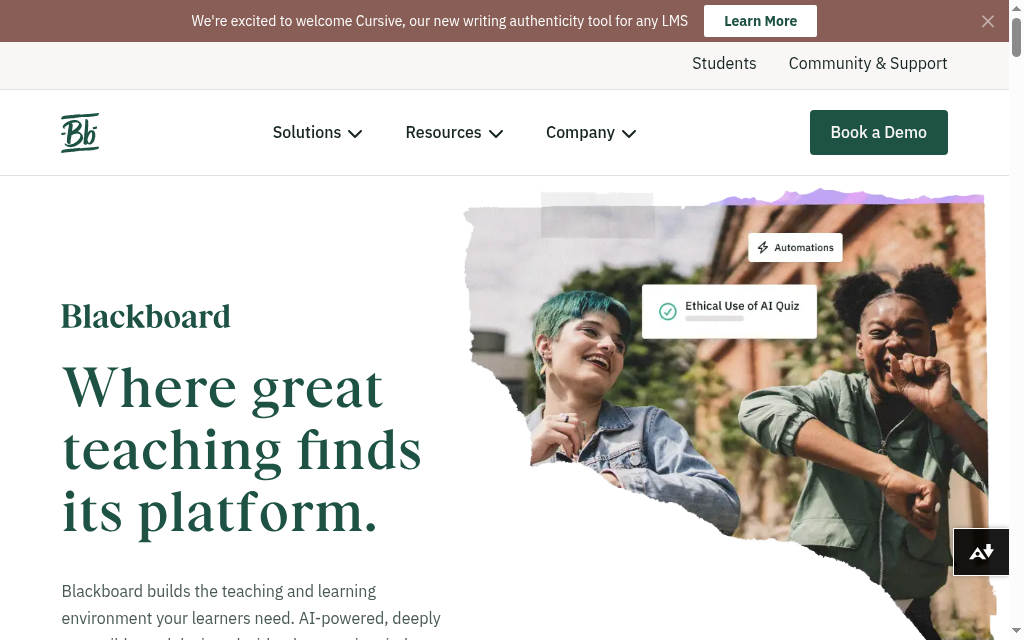
Blackboard Learn combines academic delivery with institutional assessment and administration workflows. Its Ally product adds content-accessibility checks and alternative formats, but Ally is also available with other LMSs, so it is not a reason to assume only Blackboard can provide them.
Ally can help identify content issues and provide alternative formats. The institution still needs to remediate source material and test the actual learner journey. Compare the Ally licence and integration separately from the base LMS.
For AI tools, demonstrate the permissions, source material, review process and data-handling arrangements in the proposed environment. A feature name or launch announcement does not establish that the institution’s teaching policy has been met.
My concern is whether faculty can do routine work without extra support. Have lecturers create an assignment, mark submissions and find the resulting grade during the pilot, rather than infer adoption from a general review score.
Quote-based institutional licensing. Include the actual user metric, Ally and other add-ons, migration, support and renewal terms; a public procurement contract for another institution is not your price.
My experience: I tested Blackboard Ultra and found the course menu at the top is fixed by design for consistency and accessibility. You can't customise which tabs show or reorder them like in the older version, so you'll need to reorganise your content into modules and folders when migrating.
Cost and plans: Institutional quote. Include the LMS, Ally if required, integrations, migration, training and renewal terms.
5. D2L Brightspace
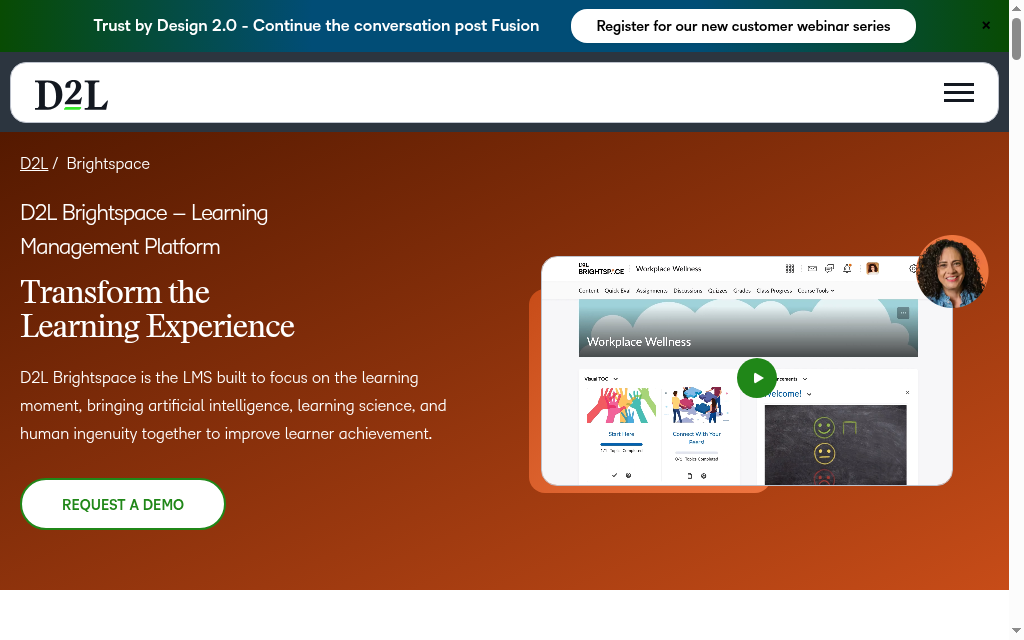
Brightspace combines academic delivery, assessment and automation. I would look closely at whether faculty can use those capabilities within their normal teaching workload.
Implementation needs faculty onboarding and usable course templates. A capable tool can still be underused if lecturers cannot find the workflow or do not have time to configure it.
Intelligent Agents can respond to criteria such as inactivity and performance with automated actions. That gives a teaching team a practical follow-up workflow, provided someone sets the rules and checks that students receive useful interventions.
D2L was the first commercial LMS certified by 1EdTech for LTI 1.3. If you juggle third-party tools, then Brightspace can be a strong contender.
Price the Brightspace environment and any Lumi, Creator+ or Accessibility+ products in the actual proposal. An available add-on is different from a feature included in every base contract.
My experience: I tested Brightspace's adaptive release rules and found you can trigger content based on quiz scores and page visits, but not time spent in a module. For courses that need minimum engagement periods, I had to check the class progress dashboard manually to intervene with students.
Cost and plans: Institutional quote. Compare the base LMS with the specific Lumi, Creator+ and Accessibility+ products included.
6. Coursebox AI

I co-founded Coursebox, so weigh this accordingly. It is a full LMS: it creates the course with AI, then delivers it on a branded platform with learner management, assessment, certificates, communities and its own mobile apps. What sets it apart from the incumbents above is that the AI course creation is built into the LMS, not bolted on.
Paste or upload your material and Coursebox drafts the whole course, with AI video, quizzes, flashcards and a built-in tutor. This is the part that took weeks by hand when I was at Adelaide; here it takes hours.
Coursebox brings AI authoring, assessment, tutoring and delivery together. Its paid branded-LMS setup adds the relevant domain, administration and learner features. SCORM and LTI provide external delivery routes, with plan and live-feature conditions. For campus-wide use, demonstrate the specific SIS and identity connections rather than assuming content interoperability provides them.
Coursebox suits a training provider, continuing-education programme or department that wants to create and deliver learning in one place. For a campus rollout, define the SIS enrolment and grade-transfer workflow separately, including who supports that connection.
Free includes three mini-courses of up to five pages each, unlimited learners, defined AI allowances and a Coursebox watermark. Paid plans expand capacity and remove the watermark; branded LMS, exports and integrations depend on the selected plan.
My experience: Building at Adelaide showed me how much work happens before a learner ever opens the LMS. Coursebox addresses that creation work and also provides delivery, tutoring and assessment. I would scope the SIS connection separately, rather than reduce it to an authoring-only tool or assume it replaces every campus system.
Cost and plans: Free includes three mini-courses of up to five pages each, unlimited learners, defined AI allowances and a Coursebox watermark. Paid plans expand capacity and remove the watermark; branded LMS, exports and integrations depend on the selected plan.
7. iSpring Learn
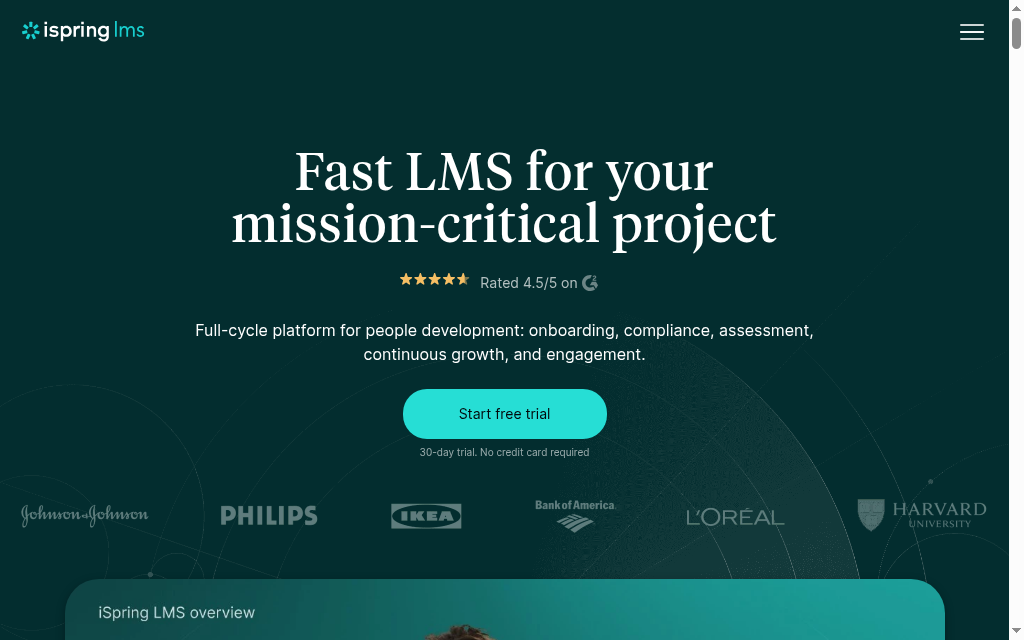
iSpring is a training LMS rather than an academic one, and it does that job reliably.
iSpring’s authoring tools cover PowerPoint-based Suite and browser-based Cloud AI workflows. They can sit alongside its training LMS. Demonstrate the included author seats, file conversion and learning record in the package being offered.
For a small training team, a useful support test is a real import or reporting question during the pilot. Confirm the response commitment in the contract rather than treating a vendor-wide response-time claim as a guarantee.
The hosting region and connected services belong in the institution’s proposal and data-processing review. Compare the actual deployment available to your institution rather than infer location from the vendor’s headquarters.
Current iSpring LMS pricing lists Business from US$6.91 per active user/month at 100 users, with US$8,286 annual pricing. It lists Suite AI among core features; confirm the author-seat entitlement rather than automatically adding a separate Suite licence.
My experience: I tested iSpring Learn from a learner POV and found the chat box sits right over the course navigation bar, making it hard to move between sections. You end up resizing the window super narrow just to click through course content. It's a quirk that definitely affects usability if you're relying on the built-in navigation.
Cost and plans: Current iSpring LMS Business lists US$8,286/year for 100 active users, displayed as US$6.91/user/month. Suite AI is listed among core features; confirm author seats and the quoted product.
8. TalentLMS
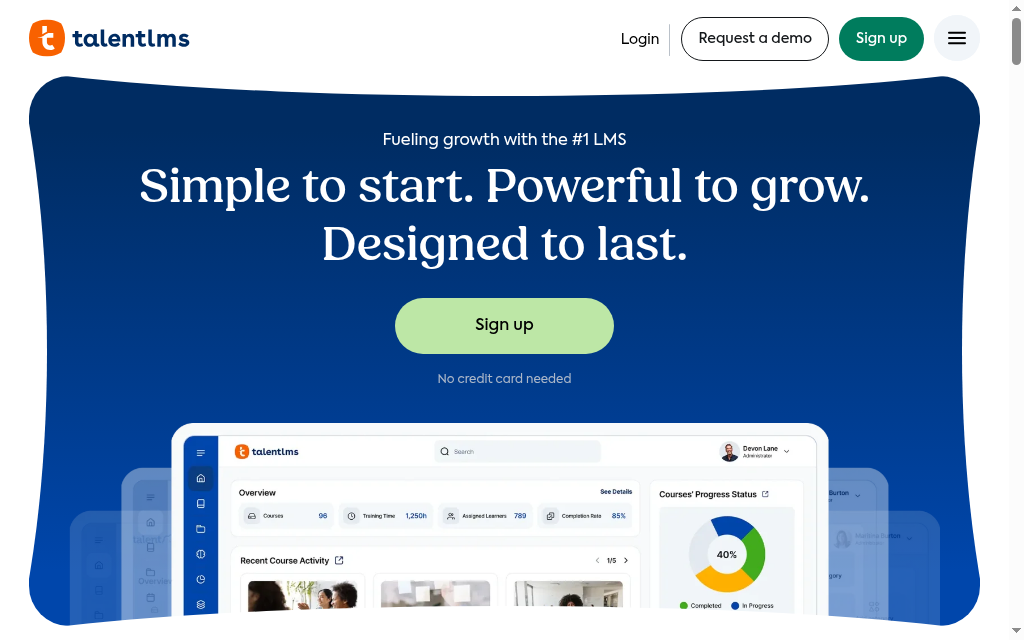
TalentLMS makes its corporate roots obvious from the first screen, and that is the honest frame for higher-ed use.
TalentLibrary ships 1,000+ ready-made courses on soft skills, leadership and compliance, and TalentCraft, its AI course creator, went production-ready in March 2026 with PDF, Word and PowerPoint import. Handy for staff development, not for gradebook-and-SIS academic delivery.
TalentLMS Core starts at US$119/month on annual billing for the displayed 1 to 40-user band. Standard and Flex billing count users differently. Price your actual cohort and TalentLibrary requirement rather than assuming every plan bills only monthly logins.
My experience: fine for professional development and compliance inside an institution, wrong tool for semester-long teaching.
Cost and plans: Core starts at US$119/month annually for the displayed 1 to 40-user band. Standard and Flex use different user-counting rules; content libraries can add cost.
9. Absorb LMS
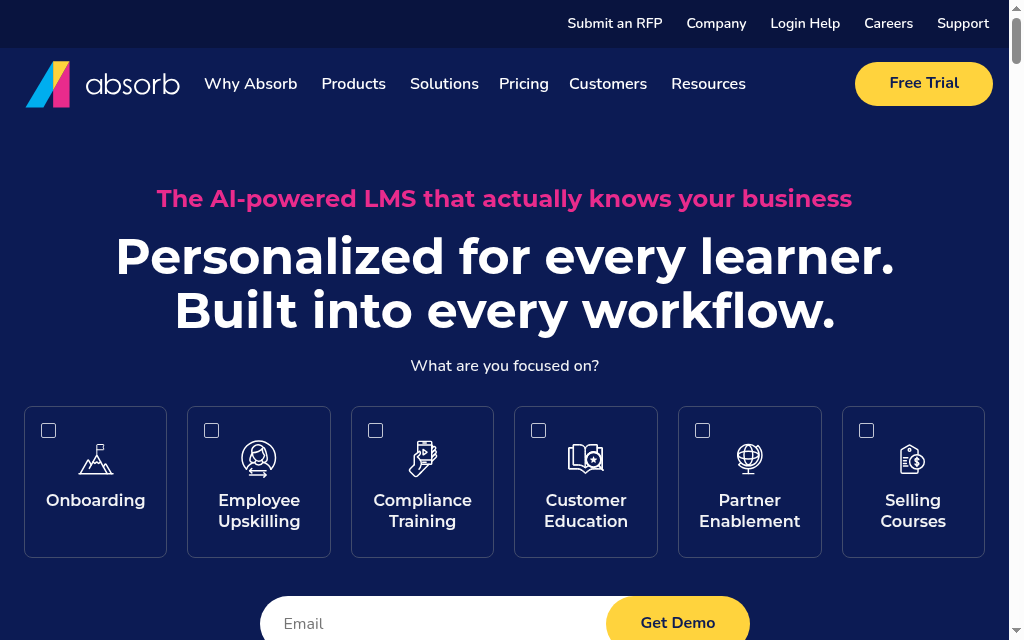
Absorb's competency depth is more substantive than most tools at its price.
Absorb combines training delivery with skills and competency workflows and optional creation products. Define the competency framework, demonstrate an assignment and review the resulting record. The framework needs an owner as well as a platform.
Absorb includes native reporting, with Analyze available for additional analytics. Start from the actual reports and exports your programme needs. For a migration, import representative videos, slides and course packages before deciding whether an extra tool is required.
Institutional quote. Compare the base LMS, creation products, Analyze if required, integrations, implementation and support. Do not treat the analytics add-on as mandatory without testing the native reports.
My experience: I would shortlist Absorb for professional development with defined competency and reporting needs. The pilot should show a completed learning path, the resulting record and the report the team will use.
Cost and plans: Quote-based. Include the creation, analytics, integration and support products the pilot shows you need.
10. 360Learning
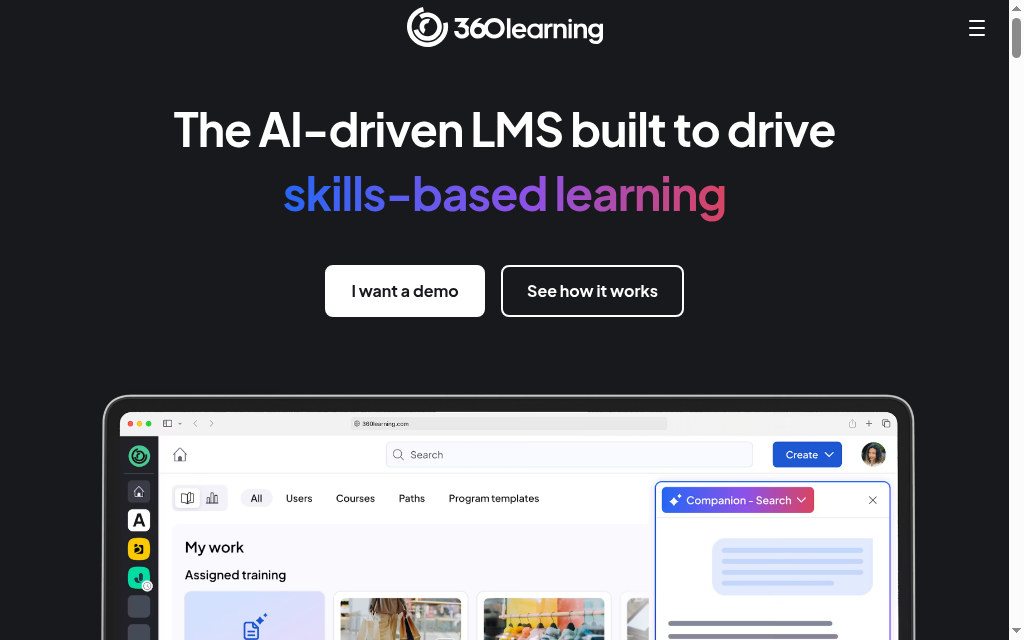
360Learning's fit for higher ed is narrow but real, and it is honest about being a corporate L&D tool.
The Contributor role gives subject-matter experts scoped permissions to build and edit their own courses without touching anyone else's content or the admin controls. With AI question generation from text and video across six languages, it solves a real coordination problem when content owners are scattered across departments.
It works for continuing education, staff onboarding and compliance, but not for semester-long delivery, SIS-integrated enrolment or faculty gradebooks. The architecture is built around self-directed peer learning, not institutional assessment.
Use the learner’s actual device mix in the pilot. A store-rating difference does not show whether your course, assessment and notifications work on the current app.
My experience: shortlist it for staff development and collaborative content creation, not for replacing a core academic LMS.
Cost and plans: Team lists US$8/user/month up to 100 users. Larger requirements and additional platform arrangements need a quote.
How they compare on SIS, accessibility, pricing and ratings
Academic SIS integration is whether the platform talks to your student information system, the system of record for enrolments, rosters and grades, such as Ellucian Banner, Colleague, Oracle PeopleSoft or Workday Student.
A native connector provisions students and syncs enrolments and grades automatically; API-only or none means you build that bridge yourself or do it by hand.
For US public institutions, the ADA Title II web rule uses WCAG 2.1 AA, subject to the rule’s scope and exceptions. The DOJ extended compliance dates in April 2026 to 2027 or 2028, depending on the entity. Obtain the current product accessibility report and test the configured course; a VPAT records conformance claims and exceptions rather than certifying every uploaded document.
| Platform | Academic SIS | Accessibility | Pricing |
|---|---|---|---|
| Canvas | Native: Banner, Colleague, PeopleSoft | Read current product report and exceptions | Institutional quote |
| Moodle | Plugin: Banner, Colleague | Read current product report and exceptions | Free licence; hosting and operation extra |
| Open edX | None (API / LTI only) | Obtain the current product conformance report | Free licence; hosting and operation extra |
| Blackboard Learn | Native: Banner + SIS framework | Read current product report and exceptions | Institutional quote |
| D2L Brightspace | Native: Banner, Colleague, PeopleSoft, Workday | Read current product report and exceptions | Institutional quote |
| Coursebox AI | None (SSO, API, Zapier, SCORM) | Obtain the current product conformance report | Free mini-course plan; paid LMS features |
| iSpring Learn | None (corporate LMS) | Obtain the current product conformance report | Current package quote / active-user bands |
| TalentLMS | None (HRIS / API) | Read current product report and exceptions | Standard or Flex user bands |
| Absorb LMS | None (HRIS / API) | Read current product report and exceptions | Institutional quote |
| 360Learning | None (HRIS / API) | Read current product report and exceptions | US$8/user/month Team; larger quote |
For accessibility and SIS integration, read the current report and proposal for the exact product. A capability in a vendor’s portfolio is not proof that it is licensed and configured in your institution.
What I would actually pick
I left the University of Adelaide in September 2015. The three courses we built on edX were live, the enrolments were real and the platform held up on a bigger scale of learners quite reliably.
What I remember most clearly from my higher ed experience here is the authoring process that preceded it. The course took nine months to build because every step was manual. That experience is what drove me to build Coursebox: an LMS with the authoring built in, so the part that took me nine months does not take anyone else that long. Customers like Academy Xi, who run their whole training operation on it, tell me the authoring problem I hit at Adelaide is still the one worth solving.
Canvas is a useful starting point when the faculty marking workflow leads the decision. I would put SpeedGrader, a real rubric and a large enough cohort in the pilot, and compare the proposed AI and media licences separately.
Well-resourced institutions with MOOC-scale ambitions and a dedicated technical team should evaluate Open edX seriously. The implementation invoice is the thing to resolve before signing, not after. Institutions that underestimate total cost of ownership find themselves in trouble; there is no workaround, and it is worth surfacing in every procurement conversation from the start.
Moodle is the defensible call for institutions that need pedagogical flexibility and maximum data control, but only if Moodle administrators are already on staff before go-live. Finding that staffing capacity after launch is a harder problem than it looks before the contract is signed.
The authoring workflow that feeds your LMS is where instructional designers actually spend their time, and most procurement conversations treat it as secondary. That asymmetry was the thing I kept running into at Adelaide in 2014. I keep running into it in LMS conversations today with teams across every sector.
Disclosure: Coursebox is the AI course creation platform and LMS I co-founded. It is included for connected creation and delivery, alongside the institutional and staff-training options described above.
Frequently Asked Questions
Canvas, Moodle, Blackboard and D2L Brightspace are widely used institutional options, with adoption varying by country and institution type. Open edX is another option for structured online courses and large-scale delivery. Local reference institutions can be more useful than a global popularity claim.
I would compare Canvas for faculty marking, Moodle for configured open-source delivery, Open edX for structured online learning and Blackboard or Brightspace for their institutional workflows. Coursebox also suits connected creation and delivery for departments or continuing education. Pilot the job you need rather than assume the same choice fits staff training and degree teaching.
Canvas, Blackboard and Brightspace offer institutional integration routes; Moodle and Open edX can be configured or extended. The exact SIS, version, identity model and enrolment/grade flows determine the work. For Coursebox and staff-training platforms, define any API, SSO or middleware connection explicitly. SCORM or LTI support alone does not establish a complete SIS integration.
Review the current accessibility conformance report for the actual product, including exceptions, and test the configured course with relevant assistive technology. The US public-sector Title II web rule uses WCAG 2.1 AA and has entity-specific deadlines extended to 2027 or 2028. The platform report does not make every instructor-uploaded file accessible.
Institutional pricing usually requires a quote covering the user metric, products, integrations, migration, training and support. Moodle and Open edX have no software licence fee but still require operation. Compare the whole multi-year budget rather than applying another institution’s per-student estimate.
Travis Clapp
Travis Clapp is the original founder and CEO of Coursebox. As an experienced instructional designer, he has lived through the process of building high quality courses. These experiences brought about his idea to upload all your documents and ideas into a virtual box that could convert those magically into a course. Prior to Coursebox, he successfully founded and built a social based LMS. Travis has 15+ years of experience designing courses and EdTech platforms from university MOOCs to enterprise LMS. Travis has built training for reputable companies like Johnson & Johnson, Electrolux, Michael Hill and SA Health. One of his courses reached 20,000+ learners which was a flagship edX course. He is based in the Adelaide, South Australia office and passionately works on customer support, sales and bringing the original product vision to life every day.

