

Canvas vs Schoology: What’s the Difference and Which One Should You Choose?
Searching for an LMS that can streamline your training and teaching process? This Canvas vs Schoology review will help you choose the best AI LMS platform.


Run your own branded LMS with unlimited learners
If you’re choosing between Canvas and Schoology, you should look beyond just comparing their features. You must also evaluate which platform best suits your learning environment. Both AI LMS platforms are widely adopted in K-12 and higher education. They also support course management, grading, and communication.
However, their approach to usability, customization, and institutional control differs significantly. Let’s break down Canvas vs Schoology, so you can determine which LMS aligns with your teaching or training model.
What Is Canvas?
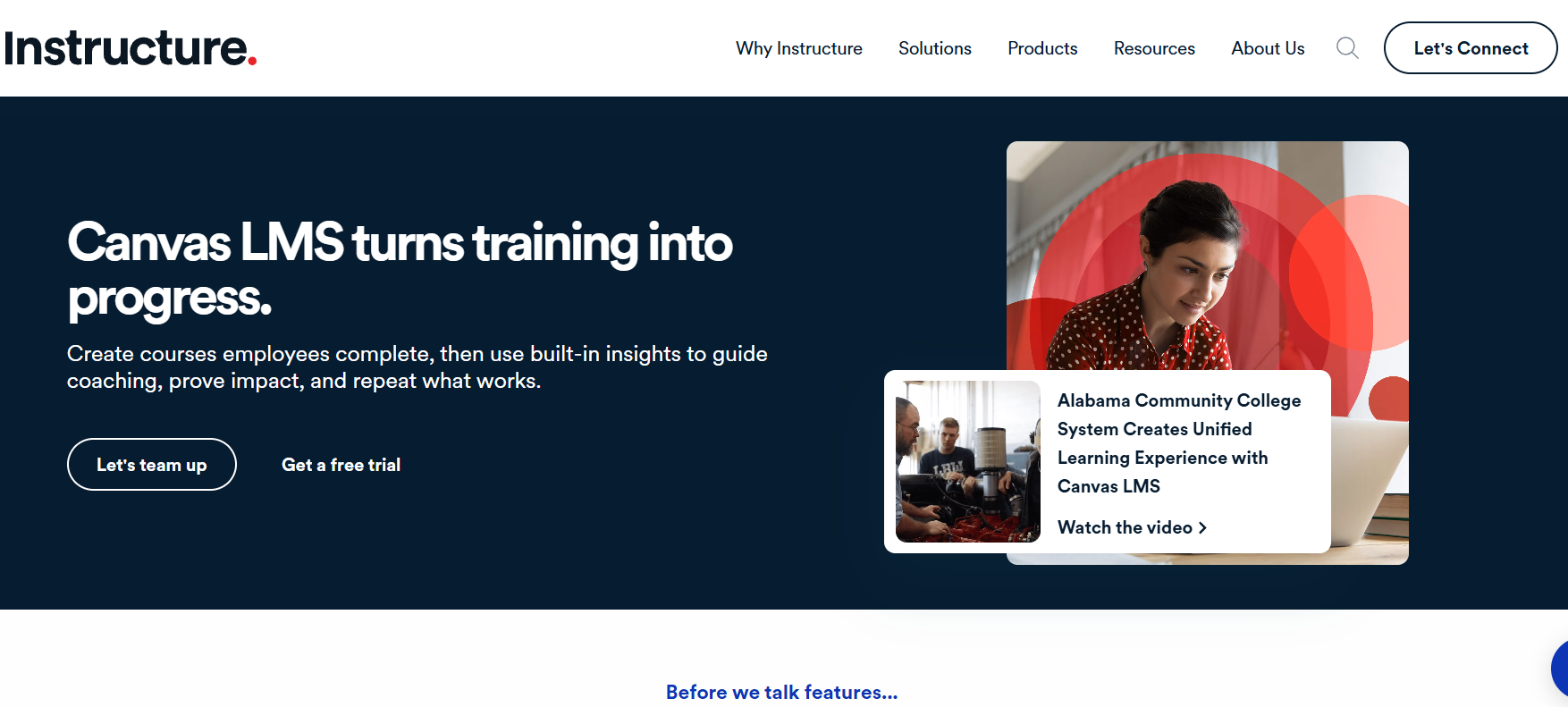
Canvas by Instructure is a cloud-based learning management system used by schools, universities, and institutions worldwide. It is known for its modern interface, strong integration ecosystem, and structured course design tools.
Canvas supports modules, assignments, quizzes, rubrics, grading workflows, analytics dashboards, and third-party integrations. Institutions often choose Canvas for its intuitive design and scalability across departments.
Since it is cloud-hosted, the vendor handles updates and infrastructure management. This reduces internal IT burden.
What Is Schoology?
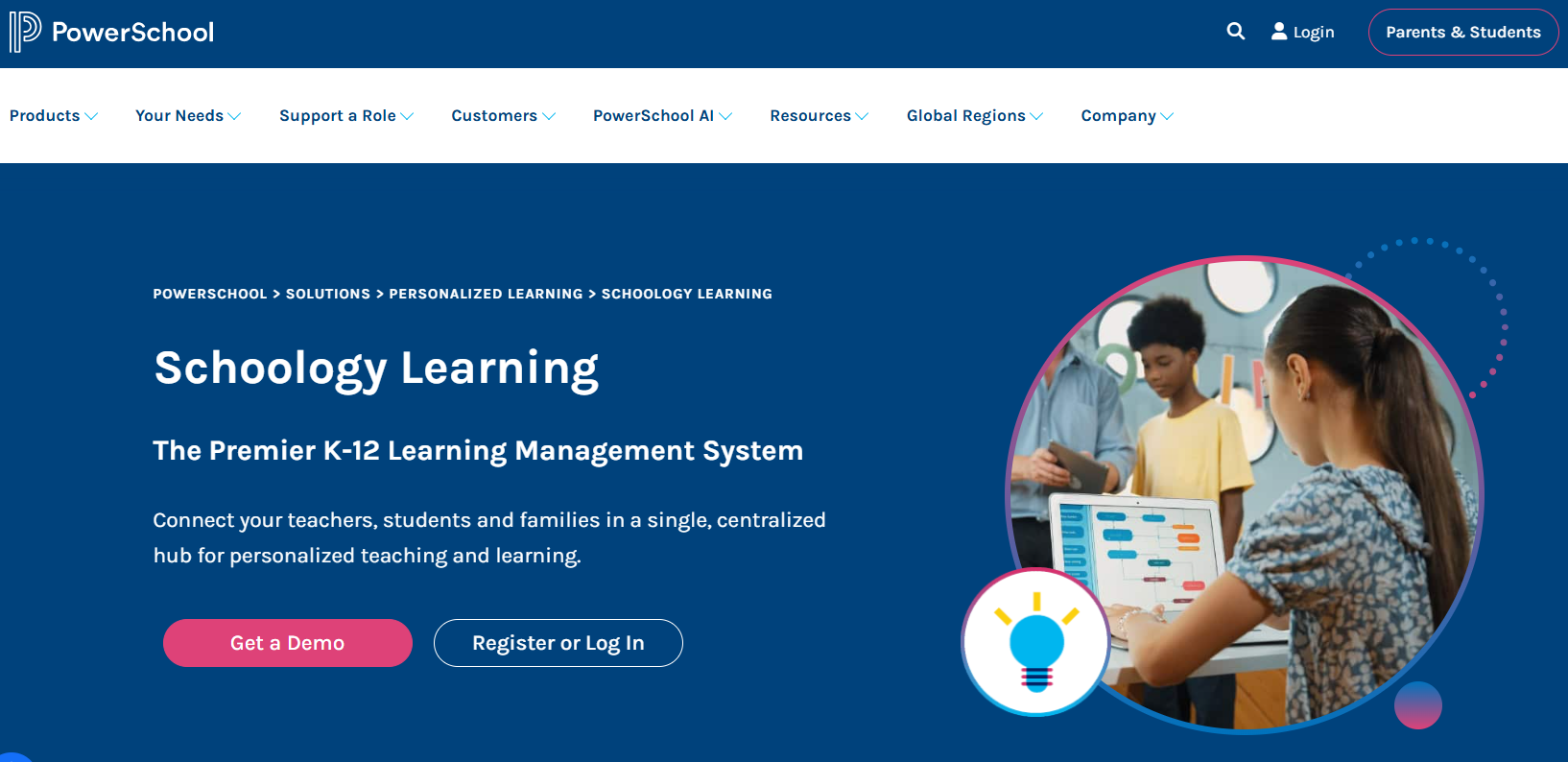
Schoology by PowerSchool is a learning management platform widely used in K-12 education. It blends LMS functionality with social-style collaboration tools, making communication central to the experience.
Schoology supports course materials, assessments, grading, discussion boards, messaging, and integration with student information systems (SIS). It emphasizes collaboration between teachers, students, and even parents. Plus, its interface resembles a social feed, which many educators find familiar and approachable.
Canvas vs Schoology: 7 Key Differences Explained
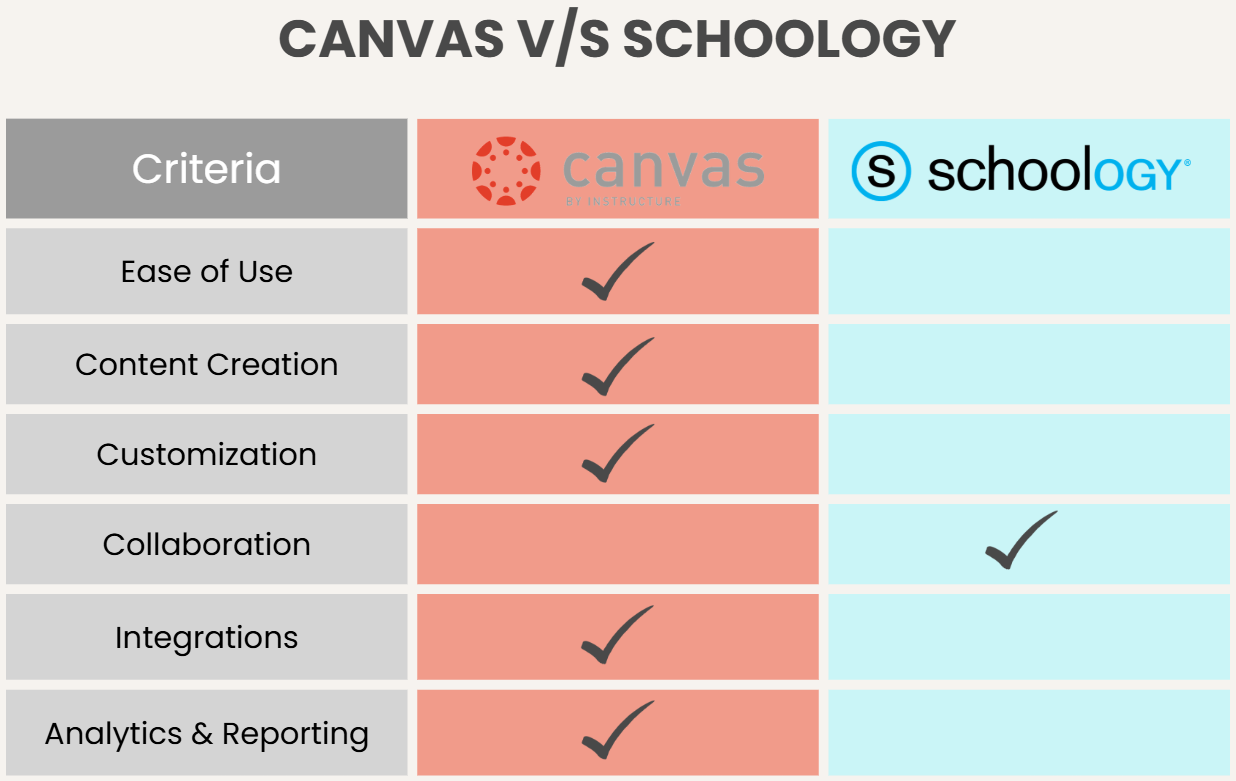
Alt Text: Canvas vs Schoology comparison
You now have an idea of what Canvas and Schoology offer. Let’s explore their core differences in detail to see which platform has the edge.
1. Ease of Use & User Interface (UI)
User experience plays a major role in LMS adoption.
Canvas UI
Canvas is loved for its clean, minimal interface. Navigation menus are consistent across courses, and the module-based layout helps instructors organize content logically.
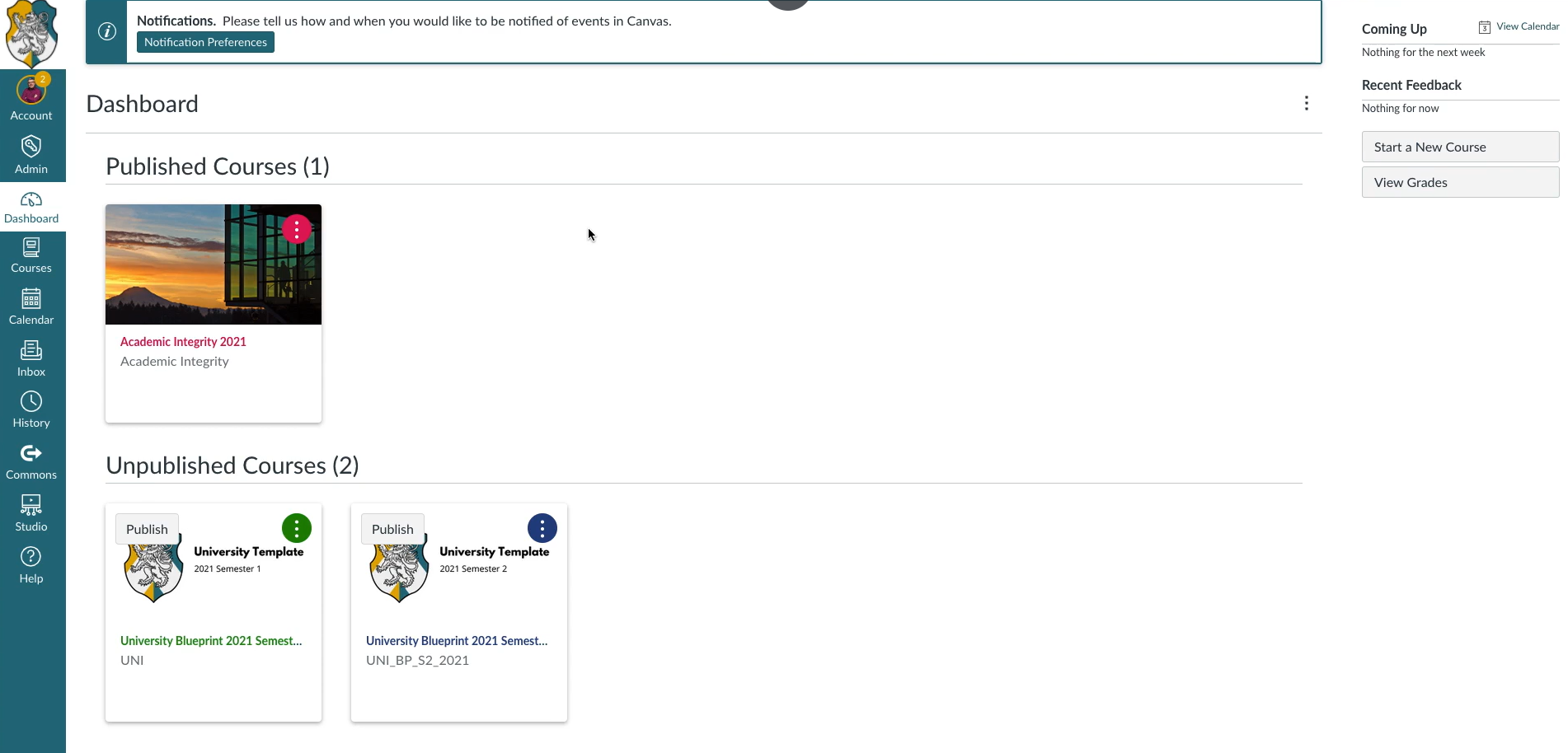
Source: Instructure
Many educators find that once they understand Canvas’ structure, course building becomes super easy and quick.
Schoology UI
Schoology’s interface is described as more social and interactive. The activity feed allows announcements, discussions, and updates to feel conversational. This approach can increase engagement in K-12 environments, though some users find the layout slightly less structured than Canvas.
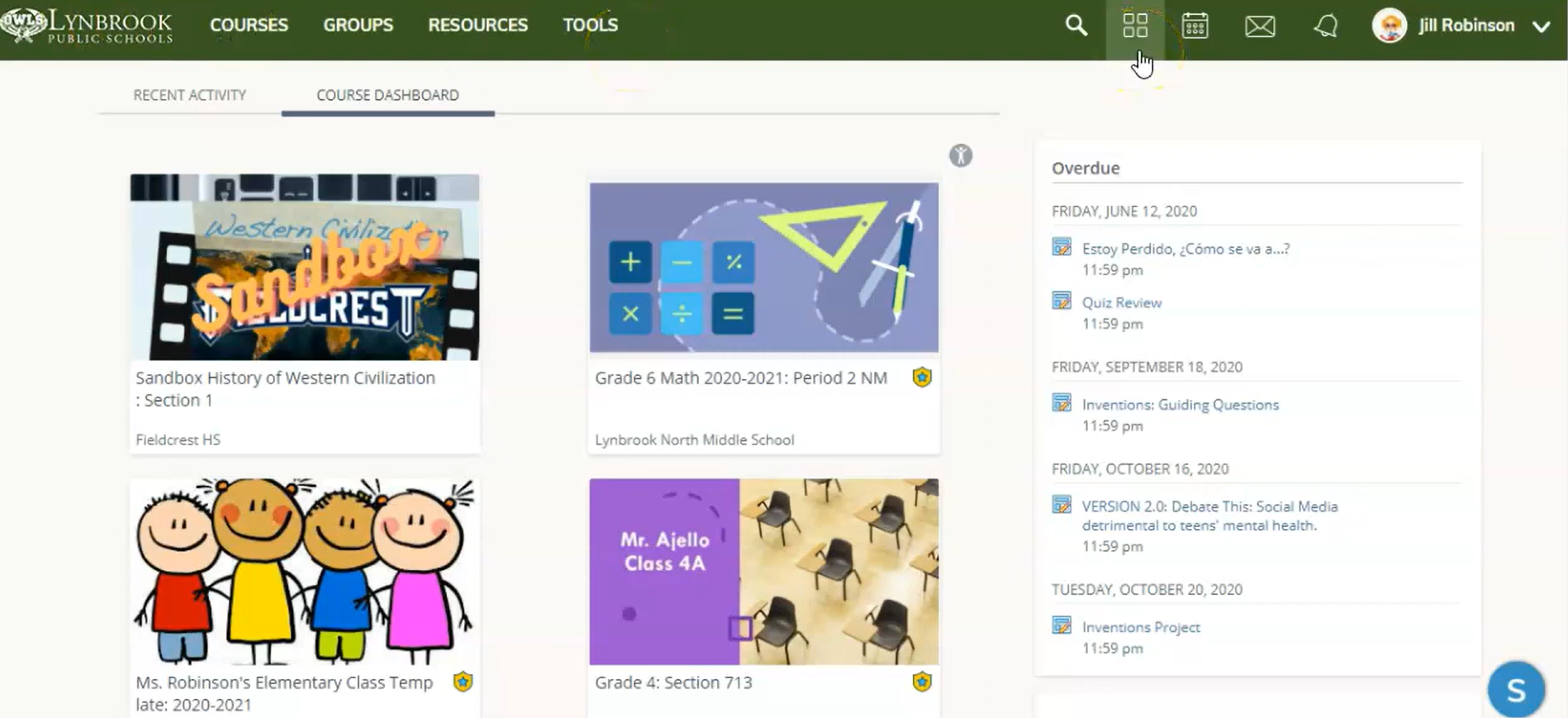
Source: YouTube
Canvas feels more streamlined and academically structured, while Schoology emphasizes communication and collaboration.
2. Course Creation & Organization
Both platforms support full course creation, but their philosophies differ.
Schoology Course Creation
Canvas organizes courses through modules, allowing instructors to create structured learning paths. Prerequisites, completion requirements, and assignment groupings make it easy to build sequenced curricula. This modular approach is particularly strong in higher education settings.
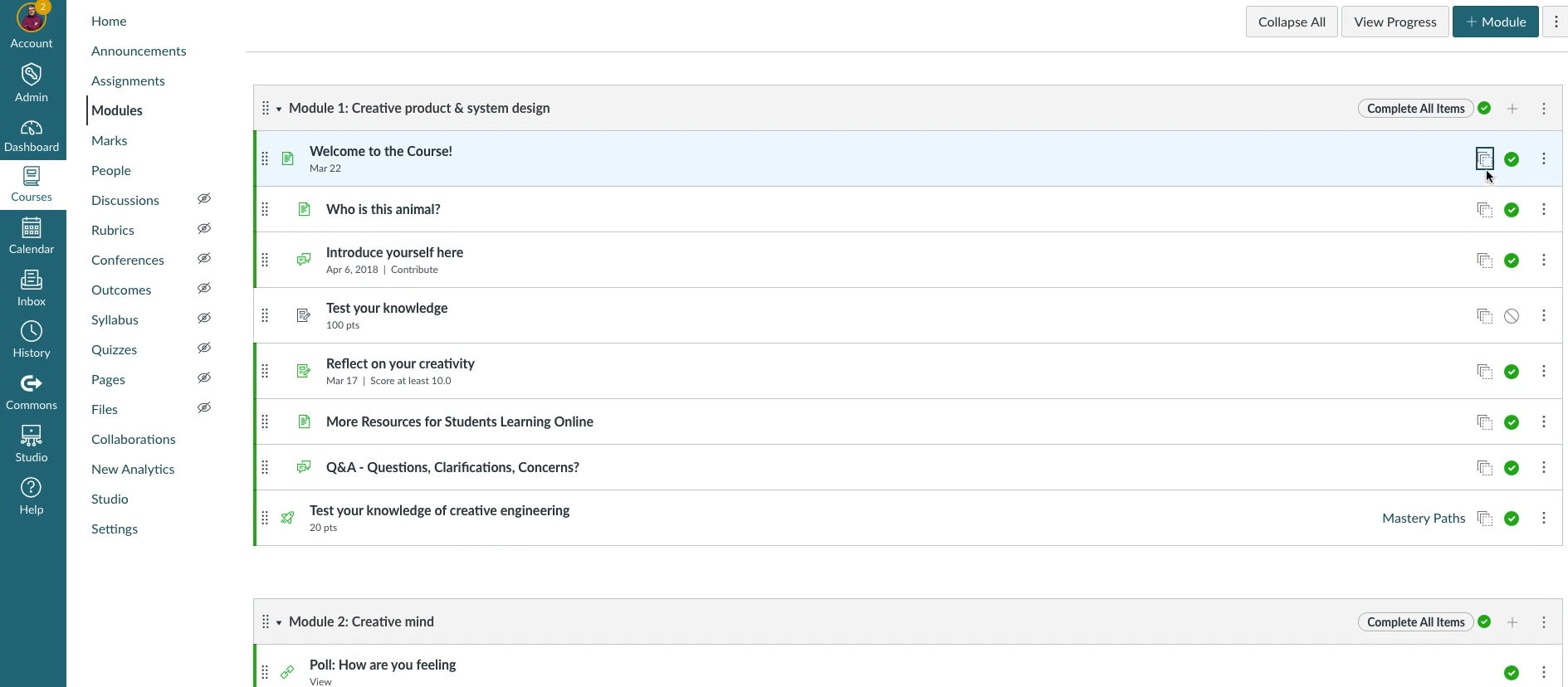
Source: Instructure
Schoology Course Creation
Schoology also allows instructors to create folders, materials, quizzes, and assignments. However, its structure often feels more flexible and discussion-oriented rather than strictly modular. While it supports structured delivery, the emphasis leans toward interaction and content sharing.
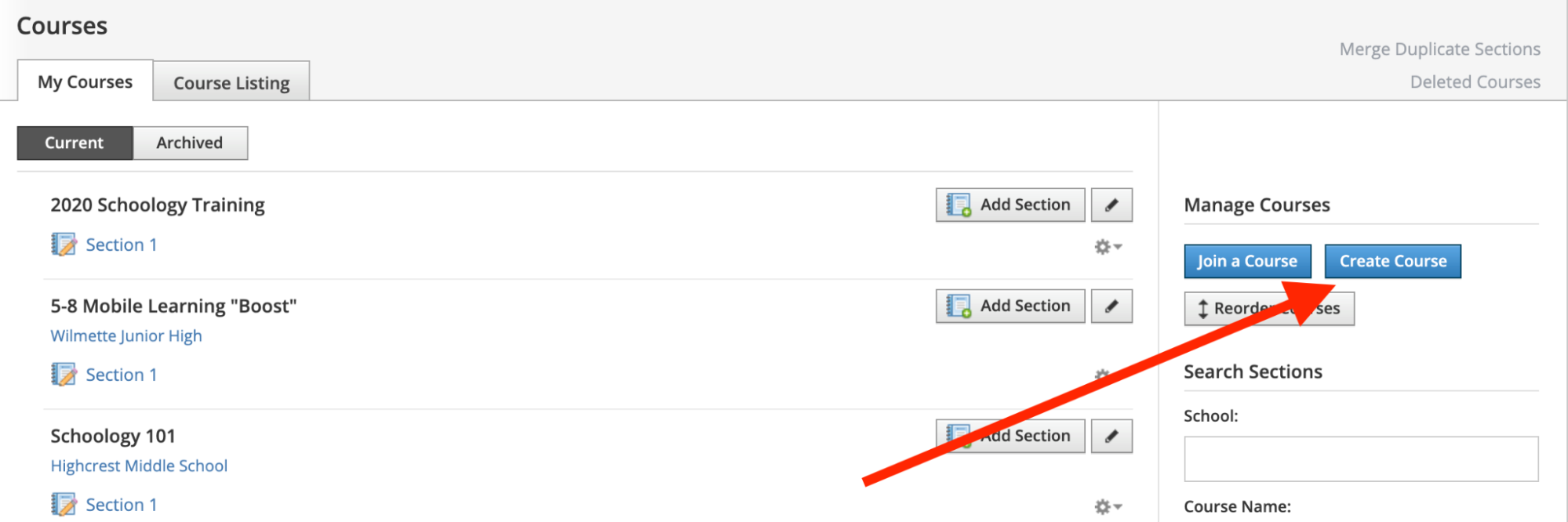
Source: HMS Tech
If you prefer tightly organized course progression, Canvas may feel more natural. If you value collaborative flow and classroom-style interaction, Schoology stands out.
3. Customization & Branding
Customization matters for institutions that want consistent branding or specialized workflows.
Canvas allows institutional branding and theme customization within its framework. Administrators can configure permissions, grading schemes, and integrations to match academic policies.
Schoology also supports branding and administrative controls. Since it integrates closely with PowerSchool’s ecosystem, many K-12 institutions benefit from seamless SIS connectivity.
Both platforms are configurable, but they operate within vendor-managed cloud systems, meaning deep code-level customization is limited.
4. Collaboration & Communication
Schoology has a strong reputation for communication tools. Its discussion threads, updates, and activity feeds create a classroom-like environment that encourages participation. Teachers can post updates that feel similar to social media interactions, which resonates with younger learners.
Canvas includes discussion boards, announcements, messaging, and conferencing tools. While collaboration is fully supported, the interface feels more structured and academic rather than social.
In collaborative, discussion-heavy classrooms, Schoology feels more dynamic. In more formal academic settings, Canvas maintains a professional structure.
5. Integrations
Canvas is known for its strong ecosystem of integrations. It connects with video conferencing tools, plagiarism-detection software, content publishers, and external apps through LTI integrations. Institutions appreciate its openness to third-party tools.
Schoology also integrates with a variety of applications and offers strong connections within the PowerSchool ecosystem. Its SIS integrations are particularly beneficial for K-12 schools managing attendance and grade reporting centrally.
Both systems are integration-friendly, though Canvas is more popular for its broader third-party marketplace.
6. Analytics & Reporting
Canvas includes analytics dashboards that allow instructors to track participation, assignment completion, and grade trends. These tools help identify learners who may need additional support.
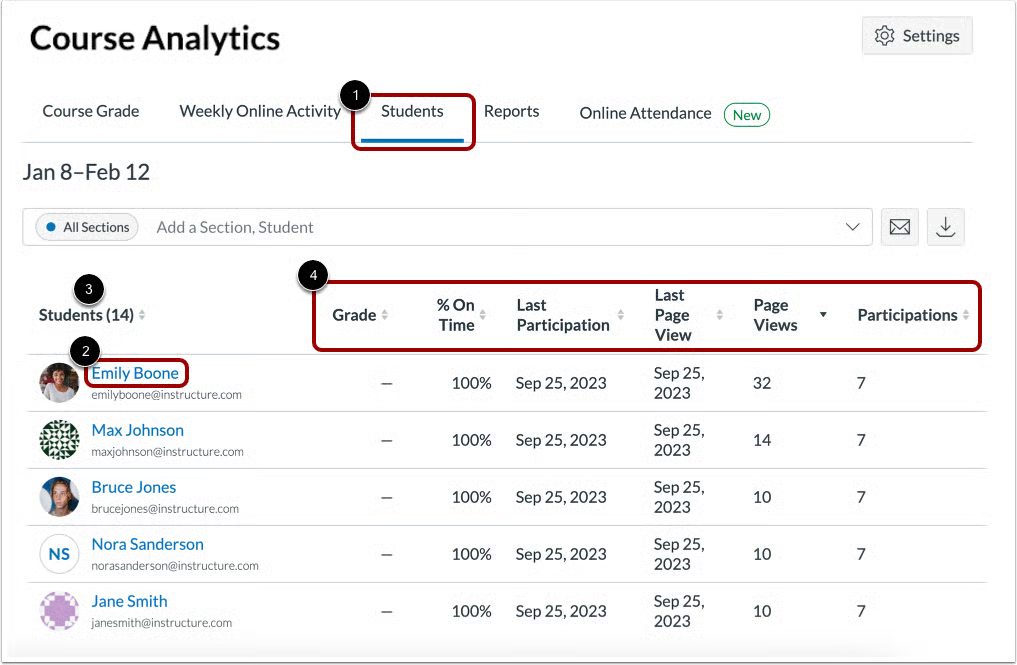
Source: Canvas Community
Schoology also provides reporting features, including grade tracking and engagement monitoring. While comprehensive, its analytics are viewed as slightly less advanced compared to Canvas’ data visualization tools.
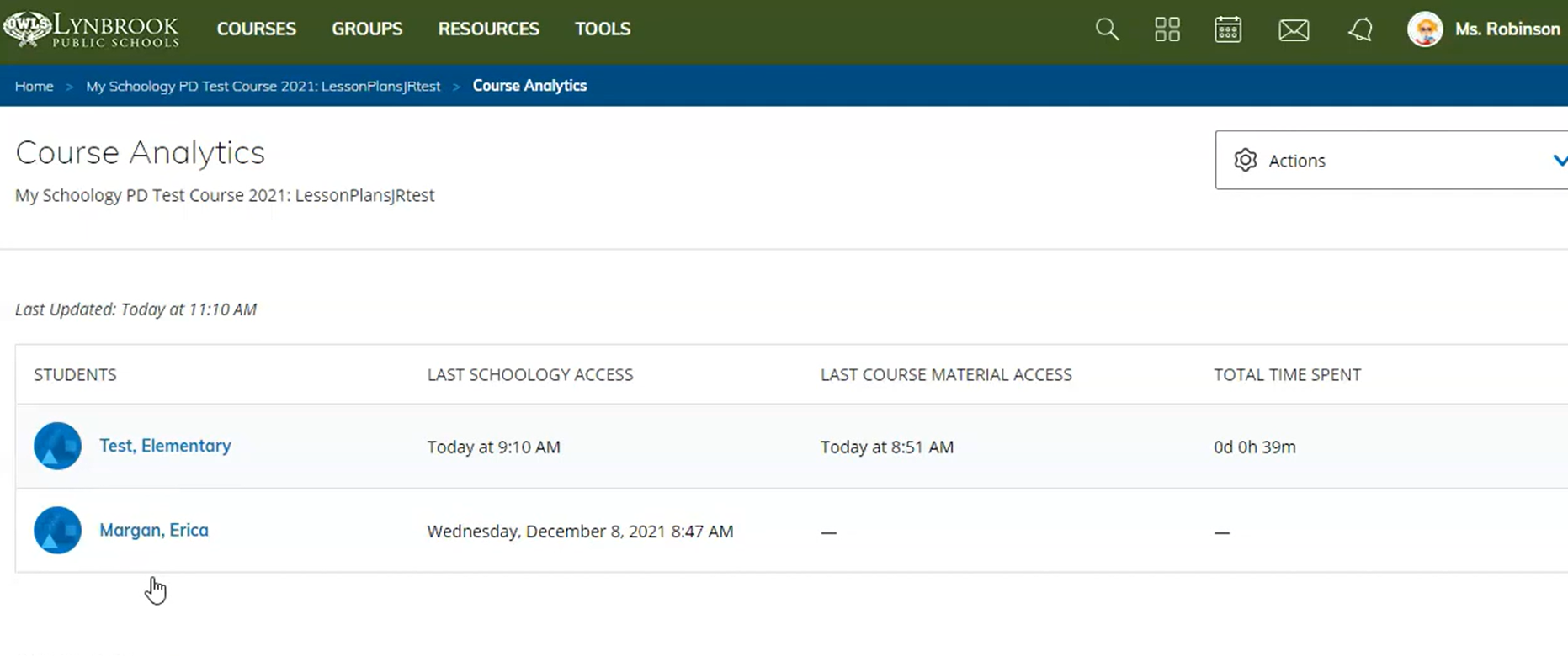
Source: YouTube
For institutions that place a heavy emphasis on performance data, Canvas may offer a slight advantage.
7. Pricing
Both Canvas and Schoology operate under enterprise licensing models. Pricing depends on the number of users, institutional requirements, and service agreements. Schools and districts typically negotiate pricing directly with the vendor.
Costs generally include hosting, maintenance, security updates, and support services. Because both are positioned for institutional use, pricing reflects enterprise-level deployment.
Canvas vs Schoology: Which Is Better?
While Canvas may have a slight upper hand over Schoology, it doesn’t mean that Schoology is any less of an LMS. Both platforms are strong LMSs, but the right choice depends on your educational priorities.
Canvas is great for higher education and structured environments, while Schoology is suitable for K-12 collaborative learning. Here is a quick overview of Canvas vs Schoology for your ease:
| Feature | Canvas | Schoology |
|---|---|---|
| Best For | Higher education and large institutions | K-12 collaborative environments |
| Ease of Use | Clean and modular | Social and interactive |
| Course Structure | Module-based progression | Flexible folder-based setup |
| Collaboration | Structured discussions | Social-style communication |
| Integrations | Broad LTI ecosystem | Strong SIS integration |
| Pricing | Enterprise licensing | Enterprise licensing |
- Choose Canvas if you want structured course progression, strong analytics, and a scalable academic framework suited for higher education or district-wide implementation.
- Choose Schoology if collaboration, communication, and K-12 integration are your primary focus.
Where an AI LMS Like Coursebox Fits In
Canvas and Schoology both support course development and organization. However, the process on both platforms is pretty time-consuming since you have to do everything on your own (manually). That’s where an AI LMS comes to the rescue.
An AI LMS like Coursebox helps educators generate structured modules, assessments, and course outlines in minutes instead of weeks. You don’t have to build every quiz and lesson manually. Instead, the platform does everything on its own by using AI. Just upload your document, video, or audio to Coursebox, and you will get a nicely-structured course developed in a few minutes.
Coursebox can complement Canvas or Schoology by serving as the content creation engine before deployment. Institutions can maintain their existing LMS while improving efficiency and scalability through AI-powered workflows.
If you're looking to modernize your learning stack without replacing your core LMS, layering AI into your strategy is a practical next step. Book a free demo on Coursebox now to get started!
FAQs About Canvas vs Schoology
Frequently Asked Questions
Canvas is preferred in higher education for its modular structure and robust analytics tools. Schoology is highly effective in K-12 environments where collaboration and communication are central. The better option depends on your institutional goals and audience.
Canvas and Schoology are both user-friendly, but Canvas is praised for its clean, structured navigation. Schoology’s social-style interface may feel more familiar to some educators, especially in K-12 settings. Ease of use depends on the institution’s training and configuration.
Yes, both Canvas and Schoology integrate with third-party applications and video conferencing platforms. Canvas is known for its broad LTI ecosystem, while Schoology offers strong integration within the PowerSchool system. Institutions can extend functionality in both environments.
Canvas is generally recognized for more advanced analytics dashboards and visual reporting tools. Schoology provides performance-tracking and grading insights, but may not offer the same level of visualization. Institutions focused heavily on performance metrics may lean toward Canvas.
Yes, both systems are built for district-wide and institutional deployments. They support thousands of users, centralized administration, and compliance requirements. The decision typically depends on instructional philosophy rather than scalability limits.
Yes, an AI LMS like Coursebox can enhance either platform by streamlining course creation and assessment development. Instead of replacing your LMS, it works as a layer that accelerates content production. This approach helps institutions reduce workload while maintaining structured delivery systems.
Alex Hey
Digital marketing manager and growth expert

