

Top 10 AI Tools to Export Course to PDF (Fast & Easy)
Explore the best AI tools to export course content to PDF. Save time, create structured lessons, and generate professional learning materials.


Build high quality courses that actually sell
Creating learning content often starts with documents. However, turning that material into something shareable still takes time. That’s where AI tools come in. They simplify the process and help transform structured courses into clean, professional documents.
At the same time, not all no-code course creators deliver the same experience. Some focus only on content conversion, while others support full learning design, interactivity, and export flexibility. Because of that, choosing the right platform matters more than ever.
In this article, you will discover the top AI tools to export courses to PDF, along with key features, strengths, and what makes each one stand out.
Full Disclosure: This blog is owned and operated by Coursebox. While we include ourselves in this list because we believe in our platform, we've provided an objective breakdown of features to help you choose the best fit.
AI Tools to Export Course to PDF: Our Top 10 Picks
Choosing the right platform can feel overwhelming, especially with so many AI tools available on the market. So, here’s a carefully selected list of the best AI tools to export courses to PDF, starting with the most advanced solution.
1. iSpring Suite
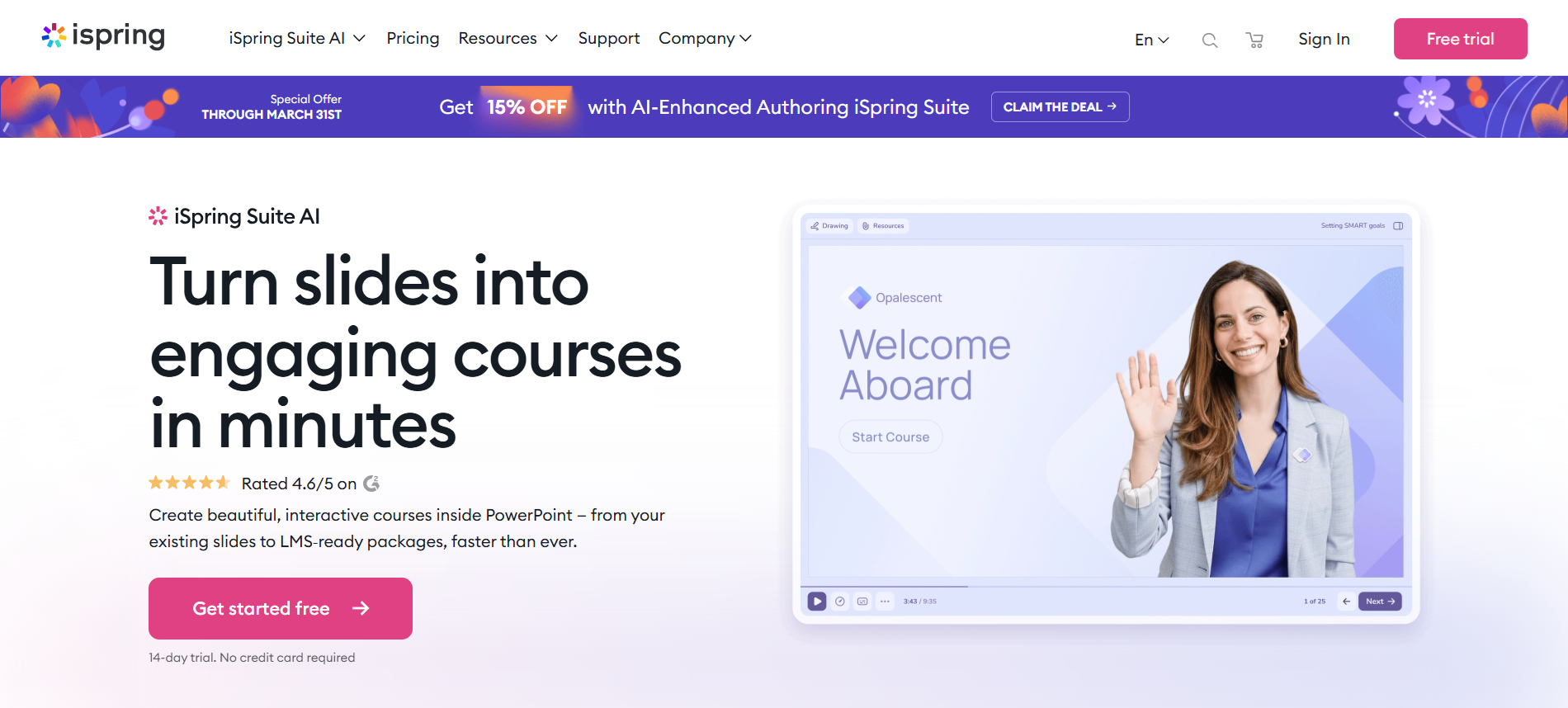
iSpring Suite offers a more traditional yet powerful approach to course creation, now enhanced with AI features. It works directly inside PowerPoint, which makes it easy to turn existing slides into structured courses. Because of that, many training teams use it to convert materials into both interactive lessons and downloadable formats.
When it comes to AI tools to export courses to PDF, iSpring stands out with reliable export options. You can publish course content as a PDF directly from your project, making it useful for offline training, documentation, or compliance needs.
At the same time, the platform supports full eLearning outputs like SCORM, which adds flexibility beyond static files. However, compared to newer AI-first tools, automation feels more limited. So, while export works very well, content generation still requires more manual input.
Key Features:
- PowerPoint-based course creation with familiar workflow
- Direct export to PDF for offline use and sharing
- AI-assisted content generation and quiz creation
- SCORM and LMS compatibility for training delivery
- Strong focus on corporate and compliance training
2. eduMe
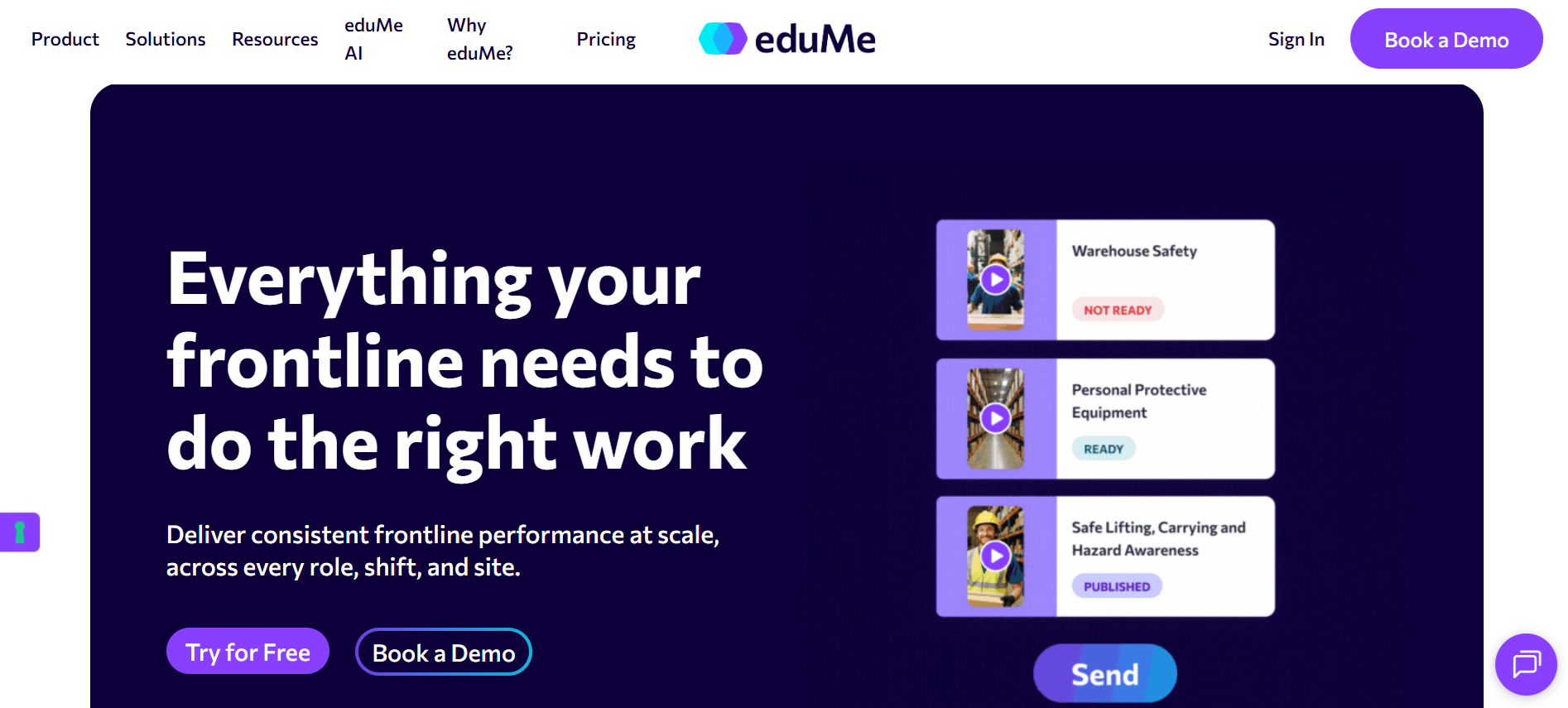
eduMe focuses on speed and simplicity, especially for frontline training teams. Instead of building courses from scratch, you can upload documents like PDFs and quickly turn them into short, mobile-friendly lessons.
Because of that, it works well for companies that need fast knowledge transfer across distributed teams. The platform restructures long documents into microlearning formats, which makes content easier to consume on the go. At the same time, editing remains simple, so teams can refine lessons before sharing.
However, eduMe leans more toward microlearning delivery than full course design. So, while it supports document-to-course workflows, export flexibility like advanced PDF formatting may feel limited compared to more complete platforms.
Key Features:
- PDF-to-microlearning conversion in seconds
- Mobile-first learning experience for frontline teams
- AI-generated lessons from uploaded files
- Built-in editing and customization tools
- Fast deployment for distributed workforces
3. Coursebox AI
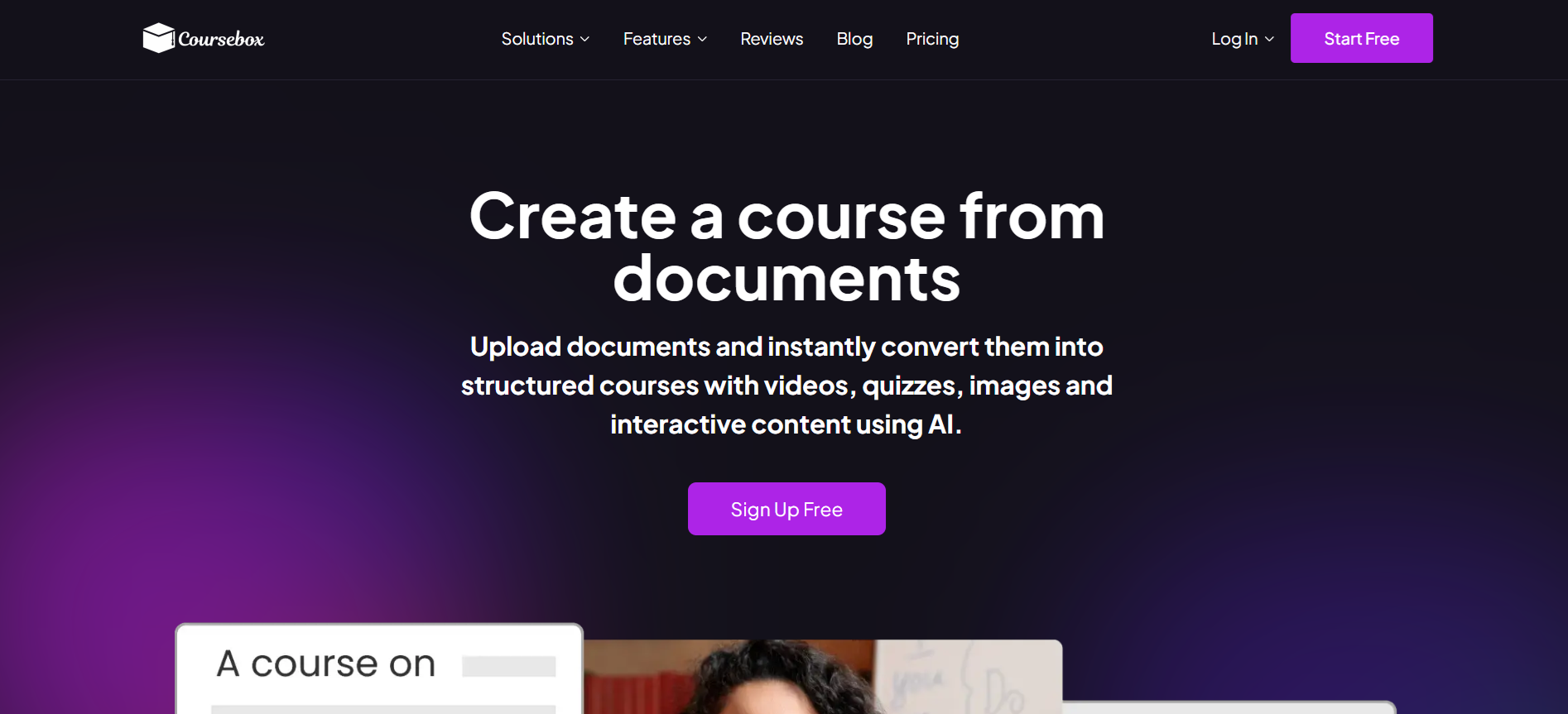
Educators and training teams using Coursebox AI can upload documents, Word files, or slides and generate structured courses with lessons, visuals, and assessments, then export to PDF as part of flexible delivery. A free plan makes the workflow accessible. This fits teams that want AI-driven course creation with PDF export as one output format among many. Instructional designers whose primary need is polished PowerPoint-to-PDF and PowerPoint-to-SCORM authoring with extensive publishing options typically shortlist iSpring Suite, and teams focused on quick course-to-PDF exports for simpler content sometimes consider Coassemble or Mini Course Generator.
Key Features:
- AI-first course creation that turns documents into structured lessons in minutes
- Native multilingual generation across 100+ languages and dialects
- AI video avatars with natural delivery and strong learner engagement
- Built-in assessments, quizzes, and grading tools for full evaluation
- Smart content structuring with logical lesson flow and clear navigation
- Automatic image extraction and placement from uploaded documents
- Full customization with branding, layout, and course design control
- LMS compatibility via SCORM, LTI, or built-in delivery system
- Interactive elements like flashcards, videos, and dynamic learning tools
- Designed for both beginners and advanced training providers, including compliance-ready environments
https://www.youtube.com/watch?v=kwnZ18y5OKo
4. Coassemble
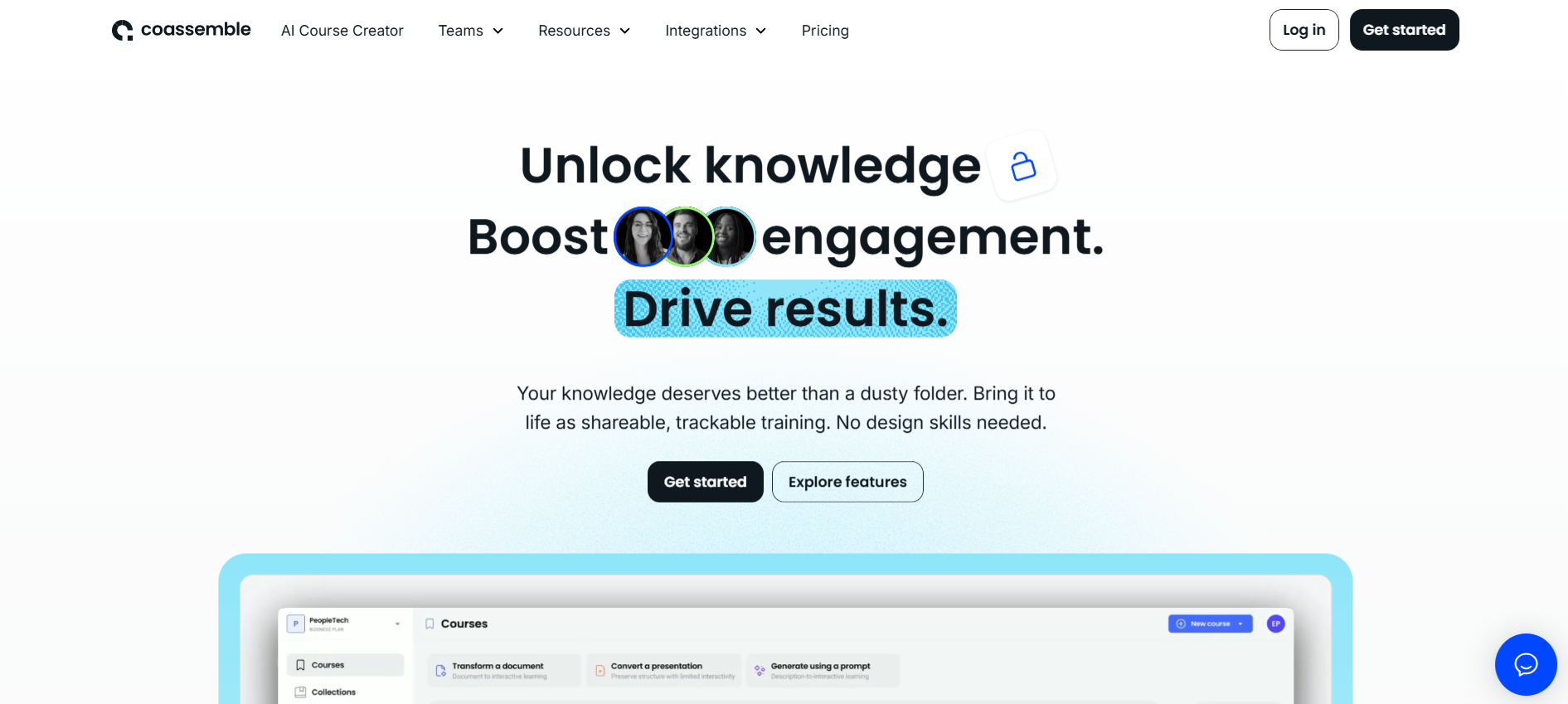
Coassemble positions itself as a fast, user-friendly platform for building interactive training from documents. You can upload PDFs, slides, or text, and the AI quickly turns them into structured lessons with quizzes, visuals, and activities. Because of that, it works well for teams that want to move from raw content to training without heavy design work.
At the same time, Coassemble focuses more on interactive delivery inside a learning management system (LMS) environment rather than document-style outputs. Export options mainly center around SCORM packages, which means PDF export workflows may require extra steps or external tools.
So, while it handles course creation efficiently, it feels stronger in training deployment than in flexible content exporting, like polished PDFs.
Key Features:
- AI document-to-course conversion from PDFs, PPTs, and text
- Interactive learning elements like quizzes, media, and activities
- Built-in course editor with simple drag-and-drop experience
- SCORM export for LMS compatibility and distribution
- AI-powered translation and localization tools
5. Mini Course Generator
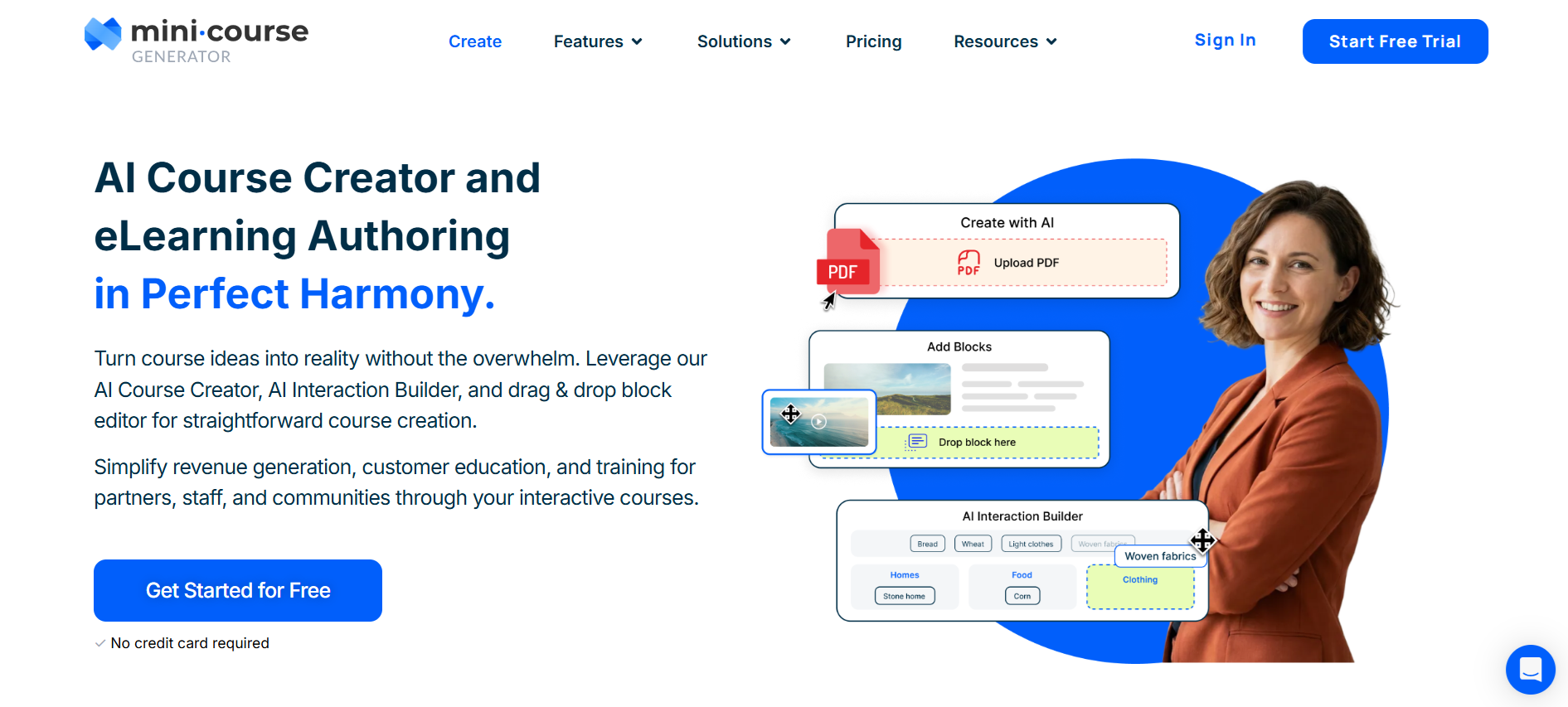
Mini Course Generator focuses on speed and simplicity, especially for creators who want to build short, focused learning experiences. You can upload a PDF or other resources, and the AI quickly turns them into structured mini-courses with lessons, quizzes, and visuals.
What makes this tool stand out lies in how easily you can move from content to delivery. The platform uses a card-based layout, which keeps lessons short and engaging. At the same time, exporting content stays flexible. You can export your course to PDF directly from the editor, making it useful for sharing materials offline or repurposing content.
However, PDF exports come with limitations. Interactive elements like videos or dynamic content may not transfer fully into the final document, which can reduce the learning experience in a static format.
Key Features:
- AI-powered PDF-to-course conversion with structured lessons
- Direct export to PDF and SCORM for flexible distribution
- Card-based learning design for bite-sized content delivery
- Built-in quizzes, surveys, and interactive elements
- Drag-and-drop editor for fast customization
6. Arlo
Arlo brings together training management and AI-powered course creation in one system. Instead of focusing only on training content, it connects scheduling, delivery, and learning into a single workflow. Because of that, it works especially well for training providers that run blended programs with both live and online components.
You can upload documents like PDFs, slides, or Word files, and the platform transforms them into interactive modules with quizzes, media, and structured lessons. At the same time, AI helps generate and refine content quickly, which speeds up course production.
When it comes to AI tools to export courses to PDF, Arlo supports PDF workflows, although exporting tends to be part of a broader training system rather than a dedicated feature. So, it feels stronger in end-to-end training delivery than in flexible document-style outputs.
Key Features:
- AI-powered course generation from prompts or documents
- Conversion of PDFs, Word files, and slides into structured learning
- Built-in training management with scheduling and automation
- Interactive content, including quizzes, media, and activities
- Blended learning support combining live and self-paced training
7. JollyDeck
JollyDeck stands out as a powerful AI-driven authoring tool built for creating polished, interactive eLearning from existing documents. You can upload PDFs, PowerPoint files, or Word documents, and the platform quickly transforms them into structured courses with slides, visuals, and assessments. At the same time, the built-in AI Copilot helps refine content, generate questions, and improve course flow.
The dedicated export feature is what makes JollyDeck relevant among AI tools for exporting courses to PDF. You can download a full course as a PDF in just a few clicks, which makes it useful for sharing, compliance, or stakeholder review.
However, like most platforms, interactive elements such as animations or quizzes do not fully translate into a static PDF format. So, while export works well for documentation, the full learning experience still lives inside the platform.
Key Features:
- AI-powered document-to-course conversion from PDFs, PPT, and Word
- Built-in AI Copilot for content generation and course structuring
- One-click export of full courses to PDF for sharing or archiving
- Interactive learning elements like quizzes, media, and slide-based design
- Multilingual support for global training delivery
8. Canva
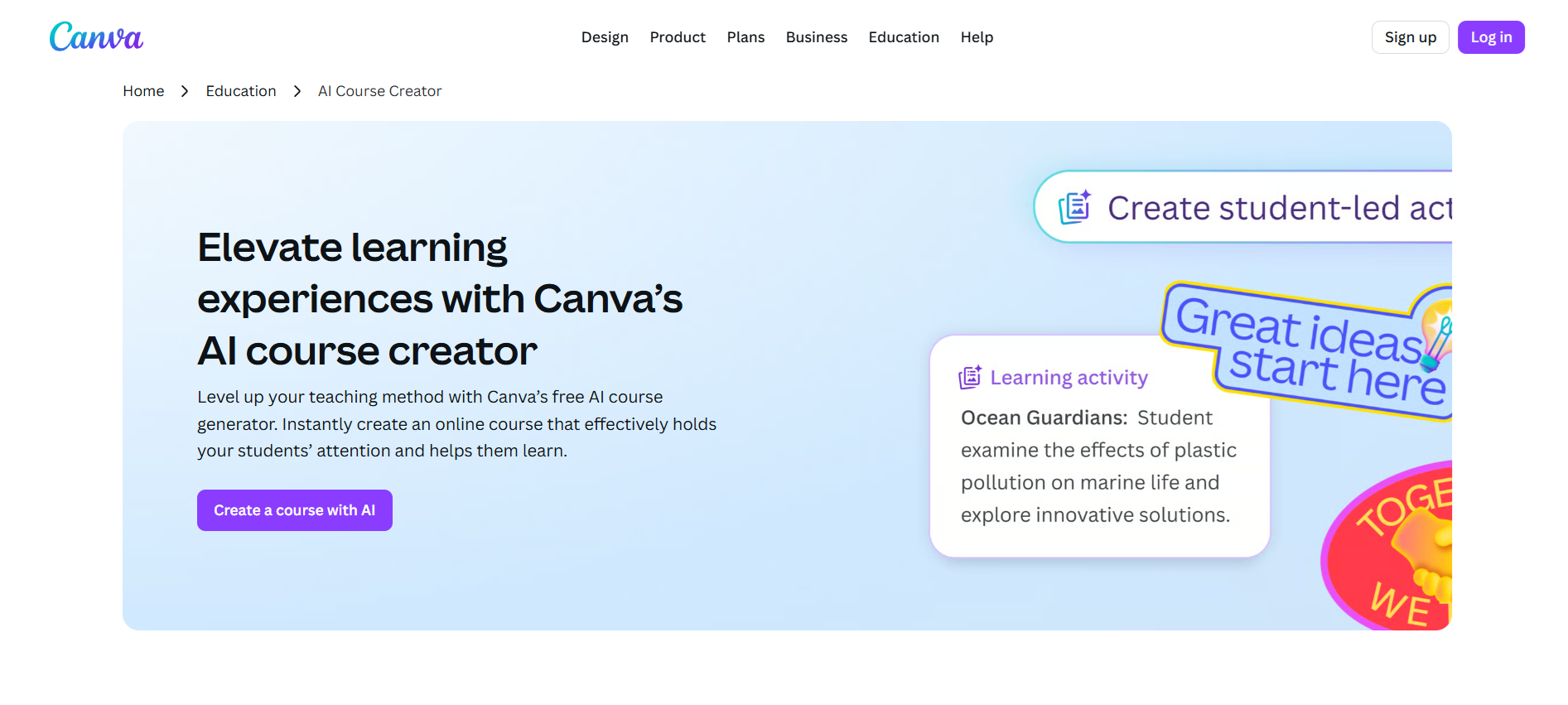
Canva brings a very different approach compared to most AI tools for exporting courses to PDF. Instead of focusing purely on course creation, it combines design, content generation, and export into one flexible workflow. You can use AI features like Magic Write and Magic Design to generate lesson content, then structure everything inside Docs, Whiteboards, or presentations.
What makes Canva useful lies in how easily you can turn that content into a polished PDF. With just a few clicks, any design or course material can be exported as a high-quality PDF, ready for sharing, printing, or distribution.
However, Canva works more like a design tool than a full learning platform. So while PDF export works smoothly, deeper learning features like assessments or structured instructional design remain limited.
Key Features:
- AI-powered content generation with Magic Write and design tools
- Flexible course creation using Docs, presentations, and whiteboards
- One-click export to PDF, PNG, PPT, and more formats
- Strong visual design tools for polished, branded materials
- Drag-and-drop editor with templates and layout suggestions
9. AI Doc Maker
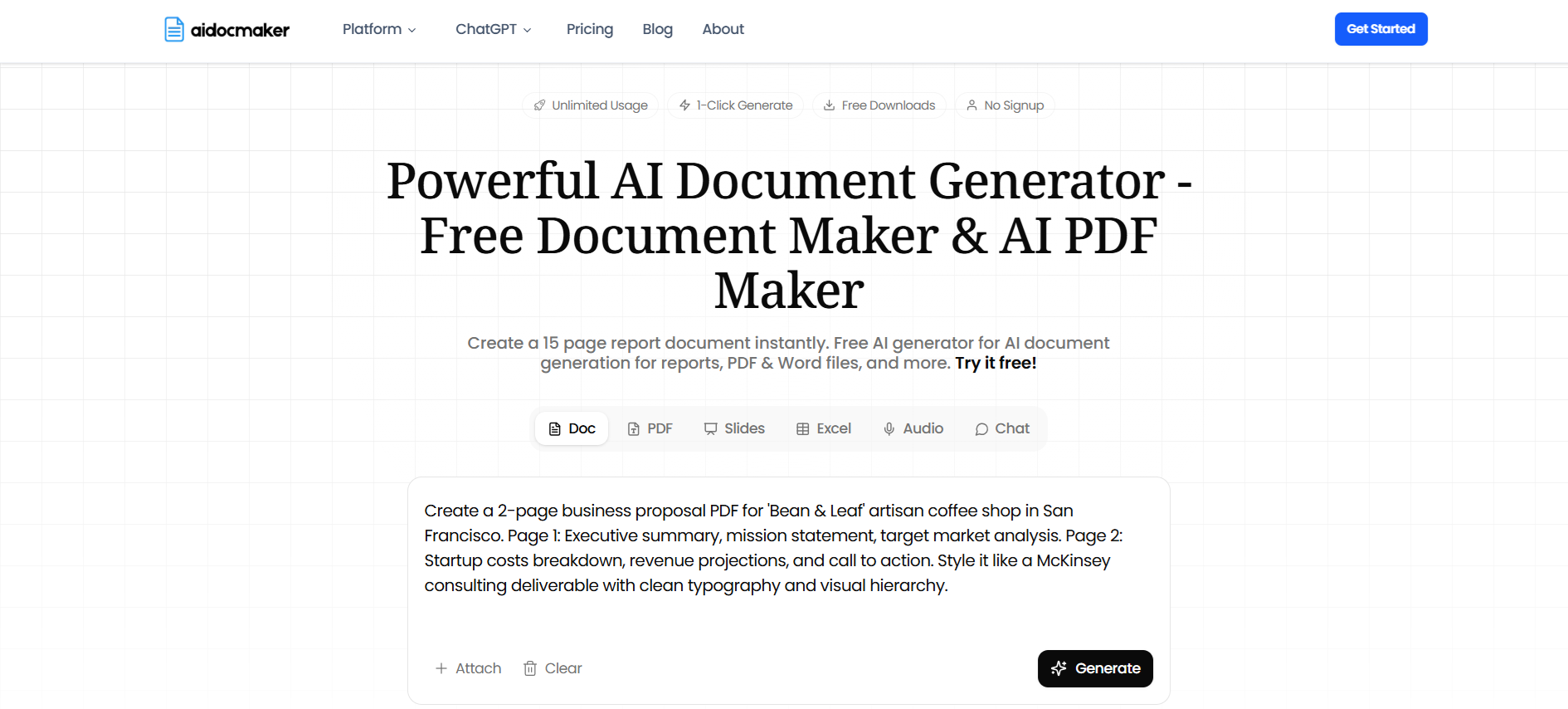
AI Doc Maker focuses on turning raw content into clean, structured documents with minimal effort. Instead of building full interactive courses, it leans toward document generation, which makes it relevant among AI tools to export courses to PDF. You can input text, upload materials, or generate content with AI, and the platform quickly formats everything into a polished document ready for download.
Because of that, it works well for users who already have course content and simply want to organise it into a professional PDF. The AI helps structure sections, improve readability, and maintain logical flow. At the same time, export stays simple and fast, without a complex setup.
However, it lacks deeper learning features. There are no built-in quizzes, interactivity, or instructional design layers, which limit use for full course experiences.
Key Features:
- AI-powered document generation and formatting
- Fast conversion of content into structured PDF files
- Clean layouts with headings and logical organisation
- Simple workflow with minimal setup required
- Suitable for static course materials and documentation
10. AI Course Guru
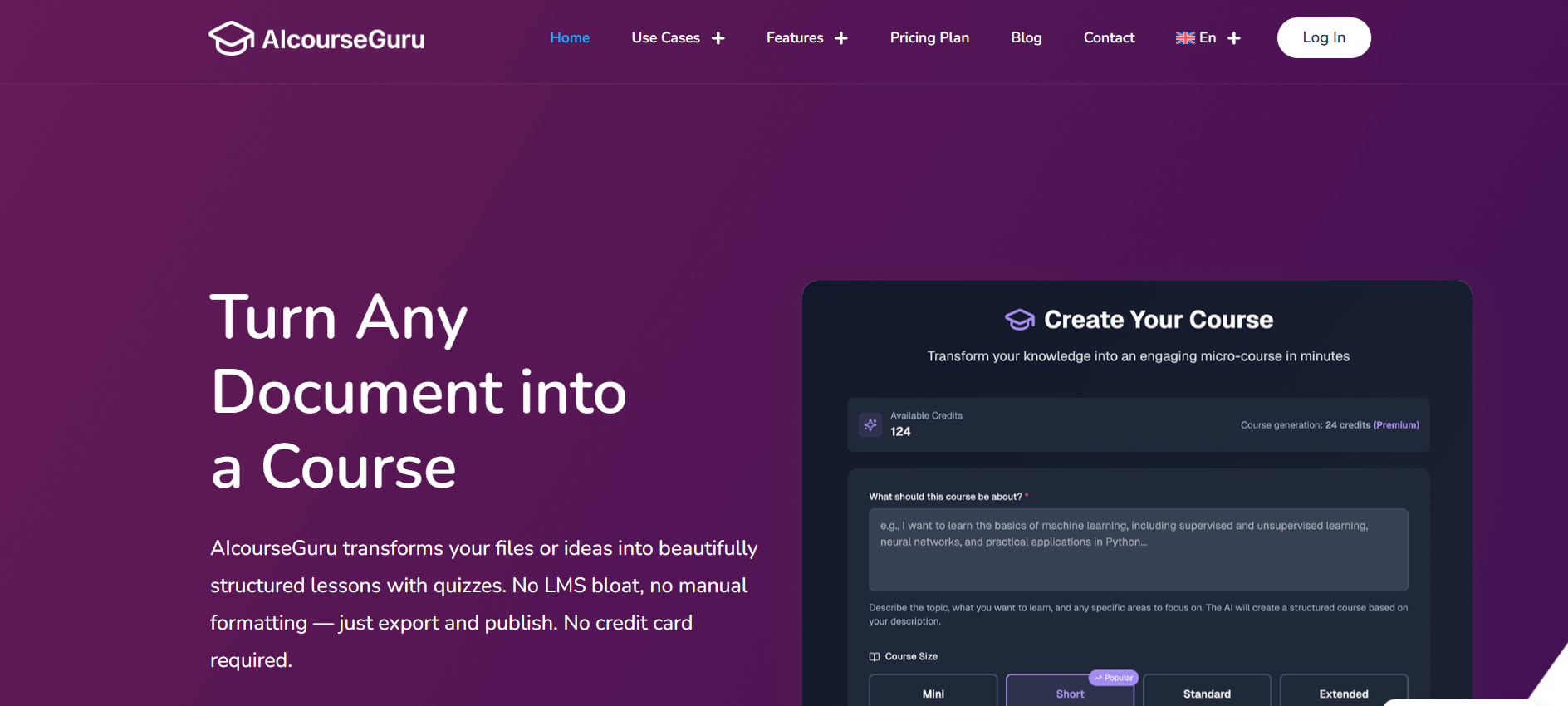
AI Course Guru focuses on simplicity and speed, making it easy to generate structured courses from AI prompts or uploaded content. You can input a topic or upload basic materials, and the AI quickly organizes everything into lessons with a clear flow. Because of that, it works well for creators who want fast results without a complex setup.
In terms of AI tools to export courses to PDF, the platform supports exporting course content into downloadable formats, including PDF. This makes it useful for sharing training materials, offline learning, or quick distribution. At the same time, the workflow stays straightforward, which helps beginners move from idea to finished document quickly.
However, the platform leans more toward basic course generation. So, advanced features like deep interactivity, detailed assessments, or enterprise-level delivery remain limited.
Key Features:
- AI-generated courses from prompts or uploaded content
- Simple export to PDF for sharing and offline access
- Fast course creation with minimal setup
- Clear lesson structuring with logical flow
- Beginner-friendly interface for quick adoption
How to Create an Online Course PDF in 5 Steps
Creating a course used to take hours of manual work. First, you had to structure lessons. Then, format everything. After that, export and fix layout issues. However, with modern AI tools, the process feels much more connected and efficient.
It usually starts with your source material. You can upload a PDF, Word file, slide deck, or even raw notes. Then, AI analyses the content and organises it into clear sections. Instead of messy information, you get structured lessons with headings, logical flow, and consistent formatting.
Pro tip: To move even faster, use course templates. They provide structure, flow, and consistency from the start.
Step 1: Upload Your Content
Start by adding your source material. This can include documents, notes, presentations, or existing training files.
Step 2: Let AI Structure the Course
The system analyses your content and turns it into organised lessons. Headings, sections, and flow get created automatically.
Step 3: Refine and Improve Content
Next, adjust tone, simplify explanations, and improve clarity. At the same time, visuals like AI images or diagrams can be placed where they fit naturally.
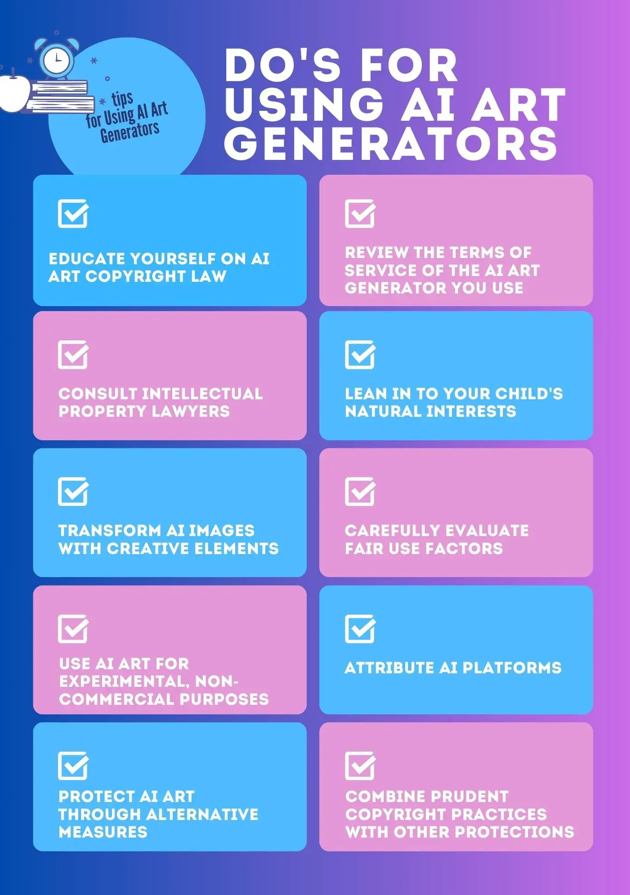
Image Source: PicLumen
Expert Tip: Use AI image generators to create visuals instantly. Custom diagrams and illustrations can make your lessons clearer and more engaging without extra design work.
Step 4: Enhance the Learning Experience
Add summaries, key takeaways, or supporting elements. Even if the final format stays static, this step improves overall quality and readability.
Step 5: Export as a PDF
Finally, export your course into a clean, structured PDF. Focus on layout, spacing, and hierarchy so the document feels polished and easy to follow.
Export Your Course to PDF with Coursebox AI Quickly & Easily
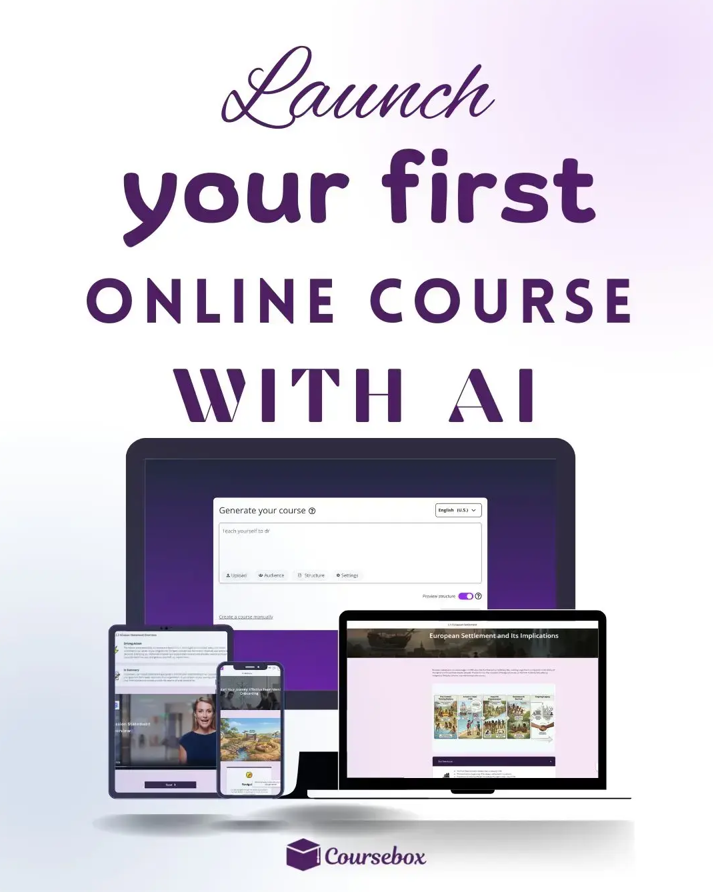
Turning documents into structured, shareable courses no longer has to be complicated. With the right AI tools, you can organise content, enhance lessons, and export polished PDFs quickly and efficiently.
Each course builder platform offers unique strengths. Some focus on speed, others on interactivity, and a few combine both. By understanding the options and following a clear process, you can create visually appealing online courses quickly and easily.
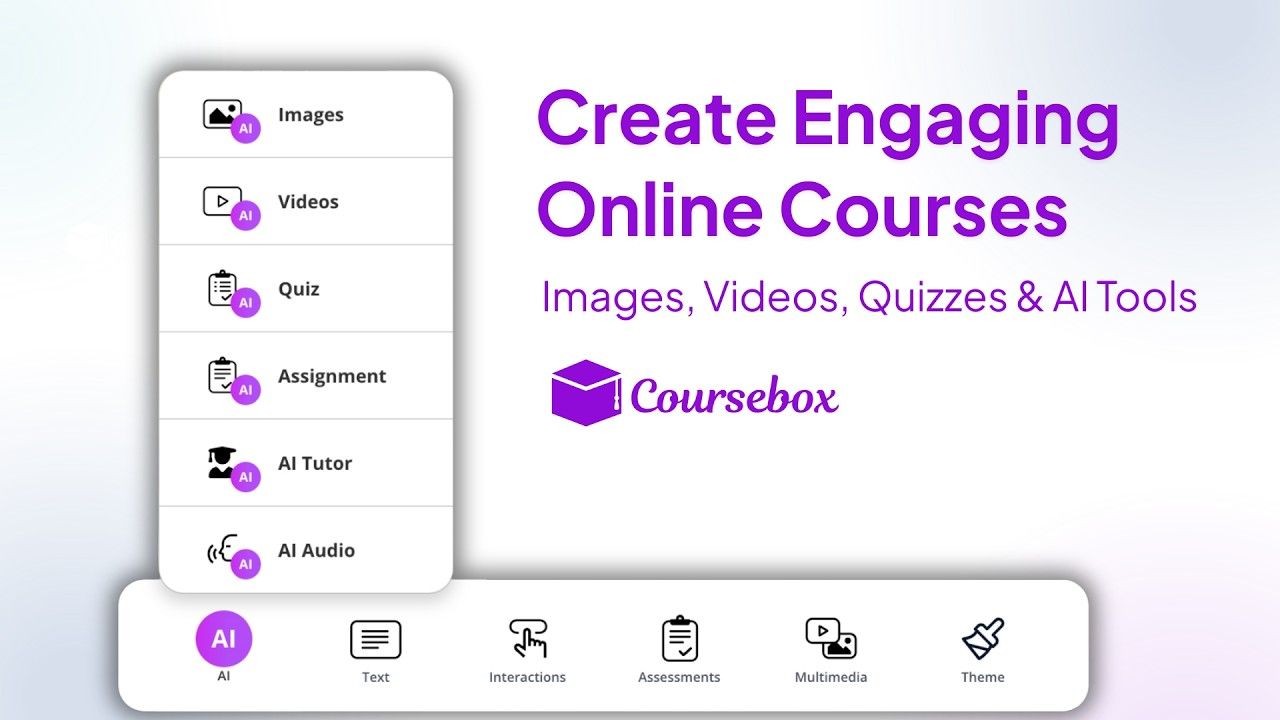
Expert Tip: Choose a platform that lets you create, export, and even sell your courses. This way your content becomes a scalable product, not just material.
If you’re ready to explore how AI can streamline your course creation workflow, consider testing a few tools and see which fits your needs best. Explore Coursebox AI today to see how fast and seamless course creation can be.
FAQs
Frequently Asked Questions
Yes. AI tools can convert PDFs, Word files, slides, text documents, and even CSVs into structured courses. They automatically organise content into lessons and headings, producing a clean, shareable PDF. This works for training, education, and offline learning, saving hours of manual formatting and layout work.
With AI-powered course creation tools, documents can be converted into structured PDF courses in minutes. The AI analyses content, organises lessons, adds visuals, and formats everything for export. This makes it ideal for busy educators, trainers, or teams looking for fast, professional course material creation.
Many AI tools support SCORM or LTI export alongside PDF output. This allows you to integrate static PDF courses with learning management systems while keeping offline access. Learners can study anywhere, and trainers can maintain consistency across platforms without reformatting content manually.
Alex Hey
Digital marketing manager and growth expert

