

8 Best 360Learning Alternatives in 2026, Compared
The 8 best 360Learning alternatives for 2026, from simpler and enterprise corporate LMS platforms to AI-native course creation, compared by what you want instead of 360Learning’s collaborative model, with real pricing.

Teams leave 360Learning when they do not use its collaborative, expert-authored model, when value pinches as features sit on higher tiers, or when they want a different platform, so the best alternative fits how you build training: Docebo for enterprise scale, TalentLMS for a simpler cheaper LMS, Coursebox for AI-built courses, Absorb for admin depth, iSpring for PowerPoint, Cornerstone for learning plus talent, LearnUpon for multi-audience academies, and Sana for an AI-native platform.
- 360Learning’s Team plan is $8 per user per month up to 100 users and counts authors and admins as paid seats, not only learners, so count who truly needs an author seat before you compare prices.
- The alternatives bill three ways: per named user, per active user who logs in, and quote-only, so model your peak and average headcount against each meter before you decide.
- Coursebox is an honest number three here for one lane: AI course creation with unlimited learners; it does not replace 360Learning’s collaborative authoring or peer-learning academies.
- Ratings here are Capterra as of November 2026 (Coursebox’s own marked with an asterisk, Sana’s on a small sample); confirm current figures and get full quotes before you commit.
Answer three quick questions and we'll point you to the best fit from this list.

Run your own branded LMS with unlimited learners
360Learning makes one bet: that your internal experts will author and co-author the courses, with peer learning and branded academies on top. When that bet pays off it is a strong model. Teams start looking for alternatives when it does not: when the experts never find time to author, when L&D would rather build training centrally, when the value pinches as the features you want sit on higher tiers, or when you simply need a different kind of platform, bigger, simpler, or more automated. So the right move is not "what beats 360Learning" but "what fits how you actually build and deliver training".
I’m Alex, cofounder and COO at Coursebox, and I run the commercial and team side, so I live in LMS pricing and I have watched where 360Learning fits and where it runs out for different teams. I compared the eight that come up most, by fit, published pricing and the conditions that decide what you actually pay. The list is organised by what you want instead of 360Learning’s collaborative model.
One disclosure up front: Coursebox, where I work, is one of the eight. We build it as an AI-native LMS, so weigh our inclusion accordingly; it sits at number three on its own lane (build your own courses fast with AI), not at the top, and I concede where 360Learning’s collaborative authoring and peer learning beat it. If you are weighing the wider corporate set, our corporate eLearning solutions roundup covers the platform landscape, and our best TalentLMS alternatives guide is the neighbouring comparison for teams going the other way.
How I picked these 360Learning alternatives
360Learning is built around a specific model, so the question is not "what is the best LMS" but "what did you want instead of collaborative, expert-authored learning". I judged each alternative on the reasons teams actually move:
How courses get built. Experts co-author, L&D builds centrally, or AI drafts them for you.
Admin and reporting depth. The wall most teams hit as training grows past a few academies.
Enterprise reach. Rule engines, a content marketplace, talent management and governance.
Multi-audience. Separate branded academies for staff, partners and customers.
Cost model. Per named user, per active user or quote-only, and whether authors and admins count as paid seats.
I weighted fit-to-what-you-wanted most, because the right alternative fixes the specific reason you are leaving 360Learning, not a generic feature gap.
360Learning’s Team plan is $8 per user per month up to 100 users, and it counts authors and admins as paid seats, not only learners. That fits its collaborative model, where many people contribute, but it inflates the bill if only a handful actually author. The alternatives split three ways: per named user (you pay until you delete the account), per active user who logs in, and quote-only. Before you compare two sticker prices, count who truly needs an author or admin seat, then model your peak and average active headcount against each meter, because that swing is often bigger than the headline difference.
360Learning alternatives compared at a glance
| Tool | Best for | Category | Starting price | Capterra (Nov 2026) |
|---|---|---|---|---|
| Docebo | Enterprise scale + marketplace | Enterprise LMS | Quote-only | 4.4 (237) |
| TalentLMS | Simpler, cheaper, fast start | Corporate LMS | Free; from $119/mo | 4.7 (596) |
| Coursebox | AI builds your courses | AI LMS | Free; paid tiers | 4.7 (92)* |
| Absorb LMS | Admin and reporting depth | Mid-market LMS | Quote-only | 4.5 (356) |
| iSpring Learn | PowerPoint authoring + LMS | SMB LMS | Per active user (quote) | 4.7 (194) |
| Cornerstone | Learning + talent at scale | Enterprise suite | Quote (~$86k/1k users) | Not listed |
| LearnUpon | Multi-audience academies | LMS | Quote-only | 4.7 (140) |
| Sana | AI-native learning platform | AI LXP | Quote (from 300 users) | 4.9 (7) |
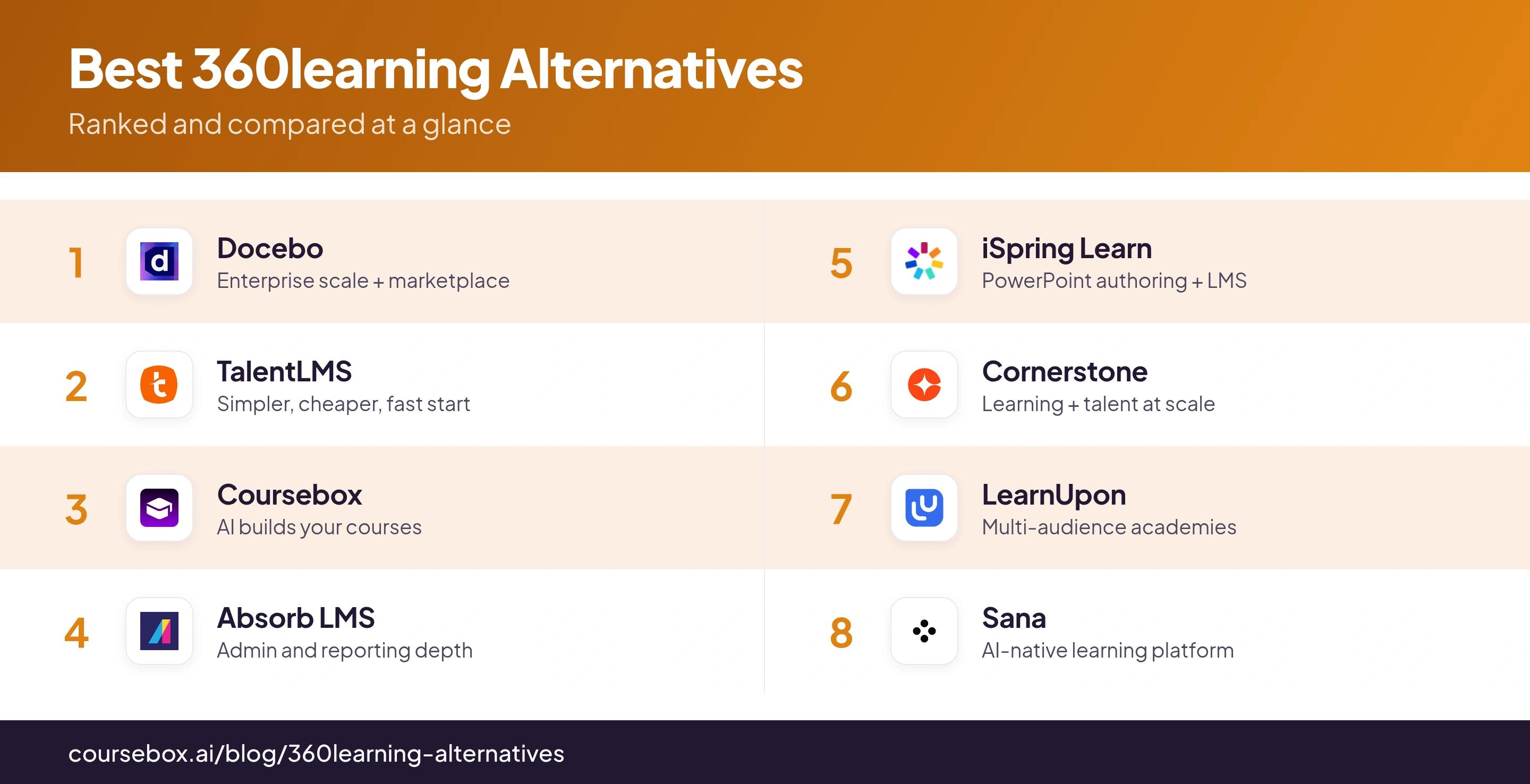
User ratings are out of 5 with review counts, from Capterra as of November 2026. "Not listed" marks a product whose Learning-specific Capterra figure I could not verify, which reflects access, not quality; Sana’s rating rests on a small review base. Several vendors publish no price, so those cells are quote-only or reported; confirm current figures before you rely on them. *Coursebox is a vendor on this list.
The 8 best 360Learning alternatives
1. Docebo
Docebo is where teams go when they are scaling past 360Learning into a full enterprise platform, not a different flavour of collaborative learning.
It runs on an enrolment rule engine that assigns, removes and reassigns courses from HRIS attributes like department or location, a content marketplace adds off-the-shelf courses, and its own AI tools handle authoring and translation. That power is also the catch: it is quote-only, priced well above the 360Learning tiers, takes months rather than weeks to roll out, and reviewers report add-ons for AI and advanced reporting pushing the total past the first quote.
My read: Worth it only if you are moving up to enterprise governance and a content marketplace, not if you simply want a cheaper way to run the training you already run.
Pricing: Quote-only, annual, usually a multi-year contract; expect a clear step up from the 360Learning tiers, with AI and reporting add-ons that commonly lift the total above the first quote. Get the rule engine, SSO and content library itemised before you sign.
2. TalentLMS
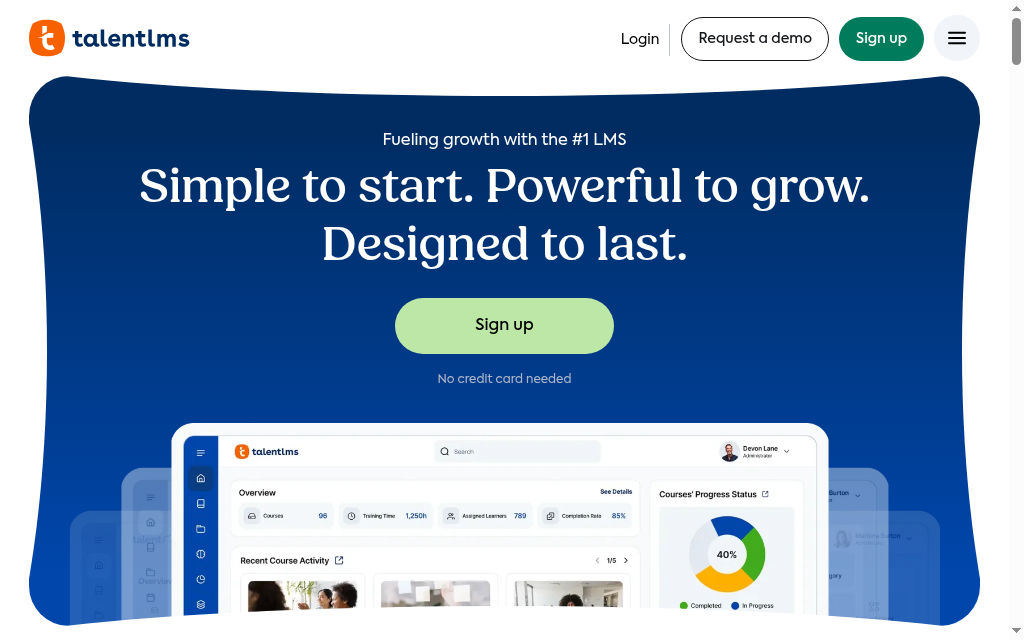
If 360Learning feels like more platform, and more cost, than the training you actually run, TalentLMS is the simpler corporate LMS that gets training live fast.
You build or upload courses, set enrolment rules and launch in days, with pricing based on the number of unique users who log in each month. It does not do 360Learning’s co-authoring or peer learning; it is a straightforward LMS that keeps setup and admin light, which is exactly why teams drop down to it.
My take: The move when 360Learning is more platform than your training needs and you are happy to give up the collaborative authoring model to cut cost and setup.
Pricing: Free for up to 5 users; Core $119/month, Grow $229/month, Pro $449/month plus $6 per extra user, and Enterprise by quote; billed by monthly logged-in users, with 20% off on annual billing.
3. Coursebox
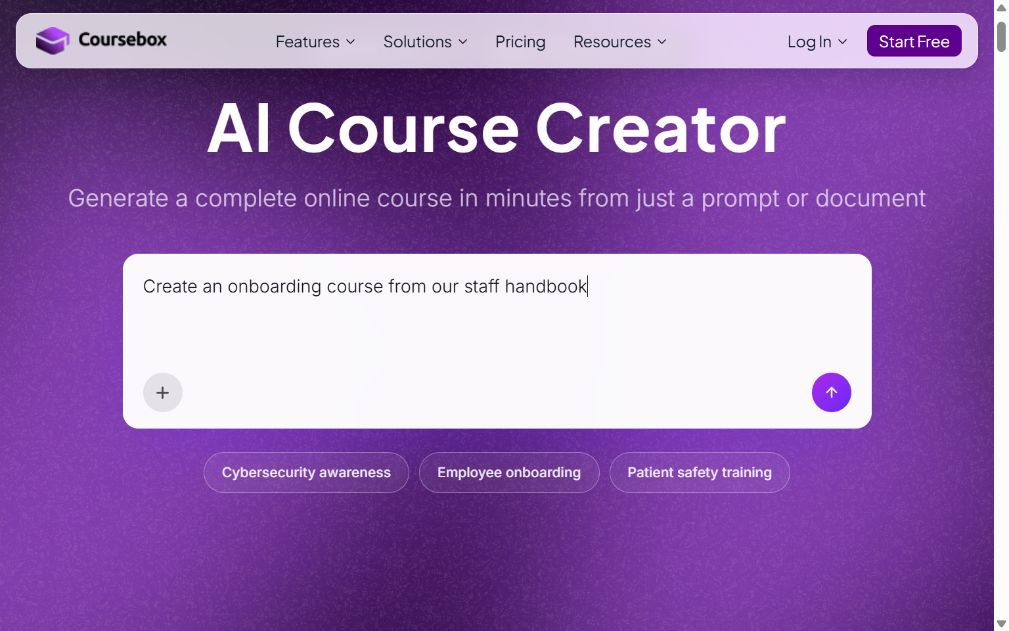
Coursebox is ours, so weigh that. Where 360Learning has your internal experts co-author courses, Coursebox builds the course for you: it is an AI LMS that turns a document into one.
Upload a policy, deck or PDF and it drafts a structured course with quizzes and AI video; you edit, group learners into pathways and publish under your own domain, with an AI tutor and rubric grading. The honest concede: it does not replace 360Learning’s collaborative authoring or peer-learning academies, where subject experts contribute and learners flag outdated content next to it, and the AI draft needs an editing pass. Where it wins is speed and pricing, with unlimited learners on every plan rather than a per-seat meter, and a course built without waiting on experts to volunteer.
My call: The pick when your bottleneck is producing the courses, not getting experts to co-author them; less of a fit if peer and social learning is the reason you chose 360Learning.
Pricing: Free to start with unlimited learners; Pro and Pro + LMS add a branded domain, groups and pathways; Enterprise adds API access, with SSO a paid add-on.
4. Absorb LMS
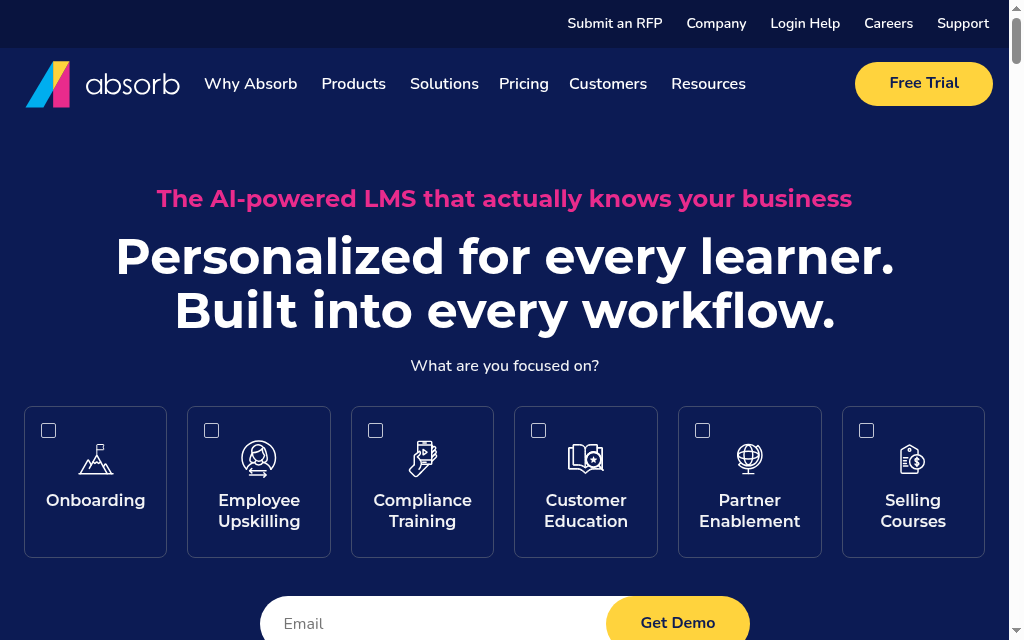
If what you want after 360Learning is deeper admin and reporting without enterprise weight, Absorb LMS is the mid-market step.
Enrolment rules split auto-assigned, self-enrol and manager-enrol training, prerequisites and approvals gate courses, and reporting is built around your org structure. Authoring sits in a separate Absorb Create licence, so it is a delivery and admin platform first.
When I dug in: The report-to-action flow is the real upgrade over a collaborative tool: from a report you assign the course or see who is behind without switching screens. The recurring reviewer gripe is that the deeper analytics are a paid add-on, so get the reporting you need written into the quote.
Pricing: Quote-only. Specify the learner-count model, reporting, authoring and branding, and treat delivery and course creation as separate lines.
5. iSpring Learn
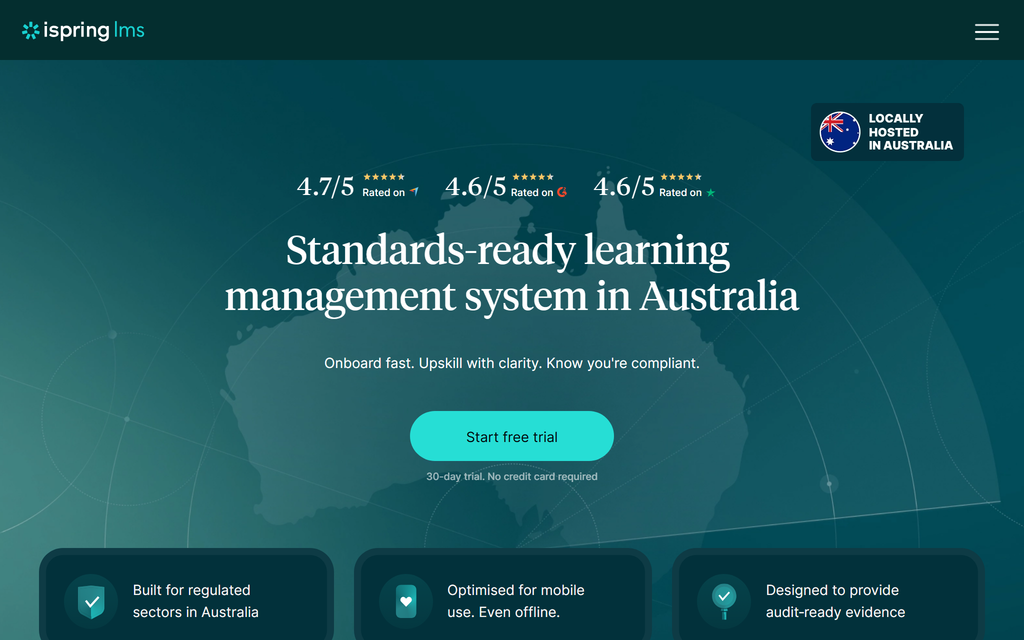
For teams who already author in PowerPoint, iSpring Learn pairs delivery with iSpring Suite authoring, a lighter stack than co-authoring in 360Learning.
Learning tracks sequence courses, enrolment rules assign a track when someone joins a department or group, and a supervisor dashboard surfaces overdue or failed courses, with on-the-job observation checklists for practical sign-off. The authoring Suite needs Windows and PowerPoint, and reviewers flag report filtering at scale.
Where it fits: Faster than 360Learning if your content already lives in slides and one team owns authoring rather than a crowd of contributors; the checklists are a real add for hands-on roles.
Pricing: Per active user, billed annually, so you pay for who logs in; the Business package includes Suite AI, with quotes above the entry bands.
6. Cornerstone
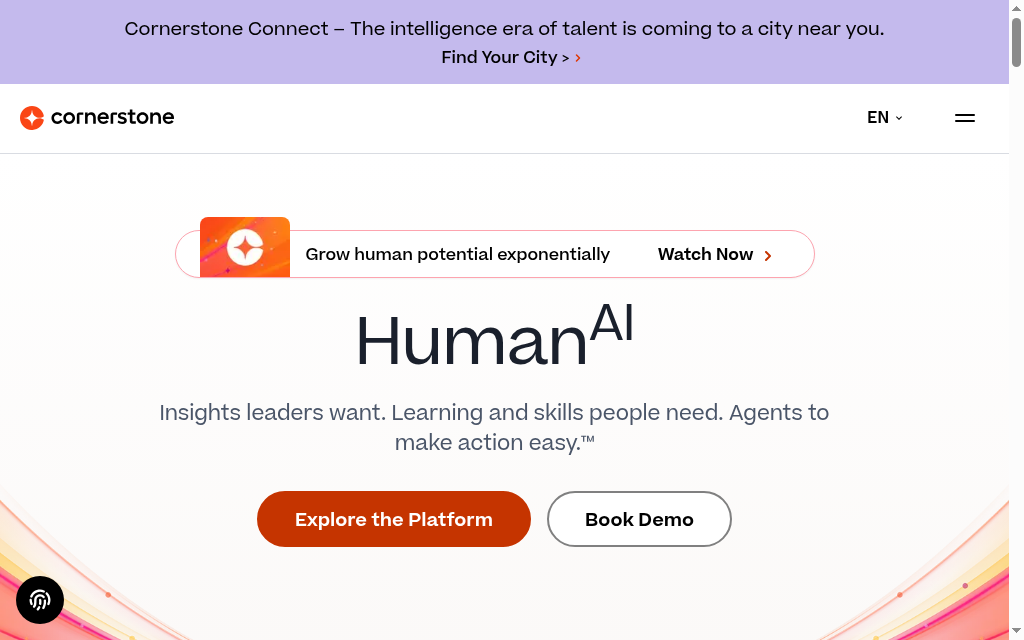
If you are leaving 360Learning because you need talent management next to learning, Cornerstone is the enterprise suite that pairs the two.
A Dynamic Learning Assignment rule engine assigns, removes and reassigns training daily from criteria like division or location, a Skills Graph drives recommendations, and Content Subscriptions add partner courses. Reviewers say it often needs consultants or IT to run and call the reporting complex, and the rules depend on clean HRIS data.
My verdict: An alternative only if you are heading to enterprise scale and want learning and talent in one system; at 360Learning size it is far too much platform.
Pricing: Quote-only and multi-year; the one public figure (AWS Marketplace) puts the Learn+ tier near $86,000/year for 1,000 active users, with content and talent modules as separate lines.
7. LearnUpon
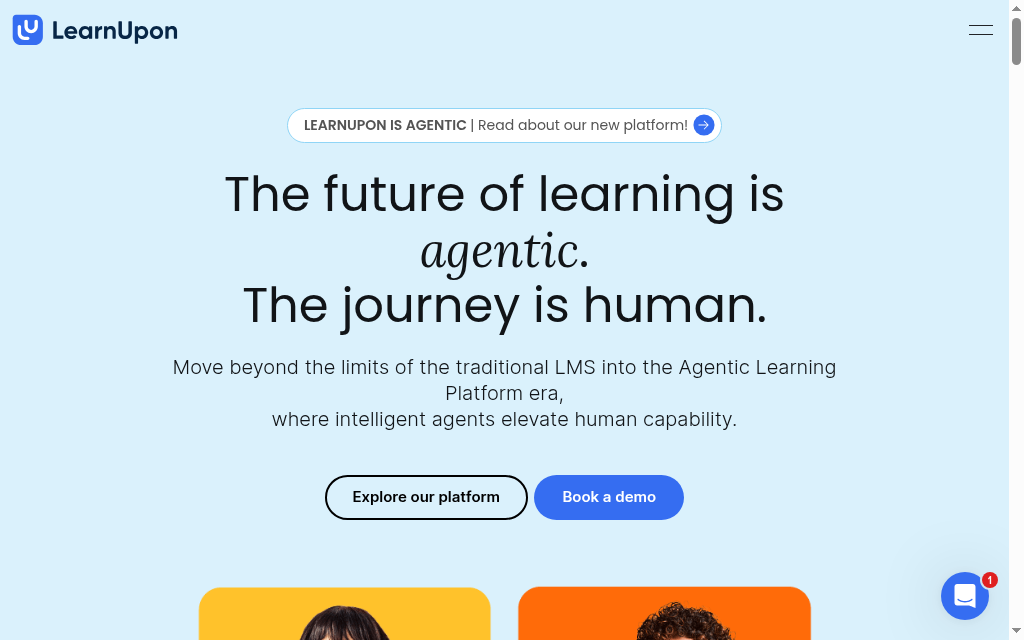
If you are serving staff, partners and customers and 360Learning’s single academy is stretching, LearnUpon is built around separate branded portals instead.
It runs a "realm" of a top portal plus sub-portals, each with its own URL, branding and users; you license a course from the top portal with an expiry and a learner cap, and Dynamic rules auto-enrol people by attributes like department or email domain.
What I tell clients: Cleaner than stretching one 360Learning academy across audiences, but each sub-portal copies your settings, not your API keys, webhooks or integrations, so every new portal means redoing that setup; budget the admin time.
Pricing: Quote-only and annual, sized by user count across three products (Employees from 100 users, Customer Education from 300, Associations from 150); teams under 100 sit outside the stated packaging.
8. Sana
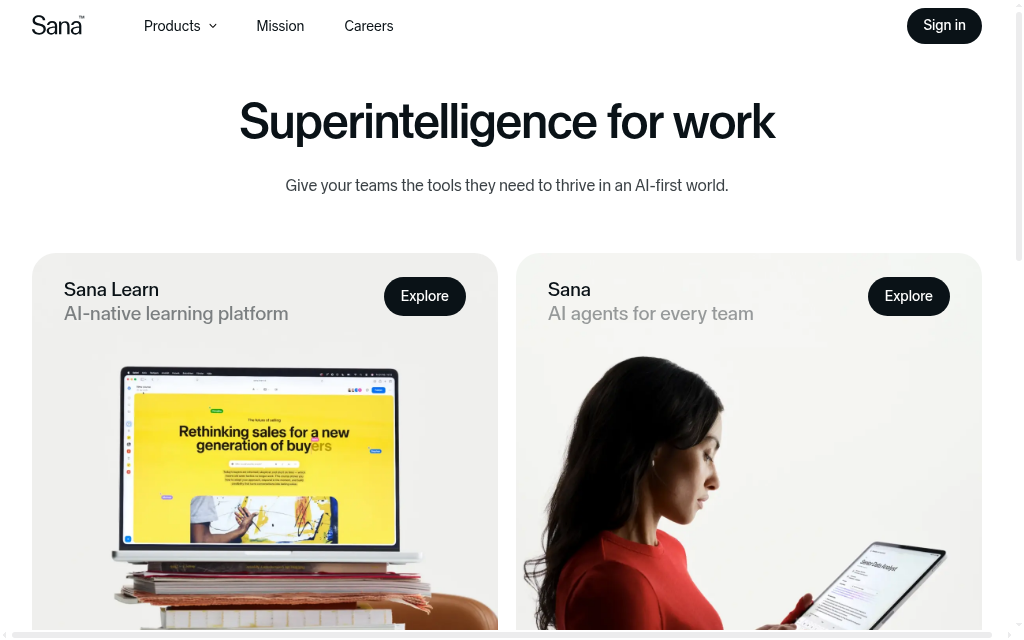
If the reason you liked 360Learning was the modern, AI-forward feel, Sana is the AI-native option that leans harder into discovery and an AI assistant.
It bundles LMS, LXP, authoring and a virtual classroom with an AI tutor, AI-powered authoring and search that surfaces answers from across your content. It is enterprise-priced and starts at 300 users, so it is not a small-team move, and the public review base is still thin.
The trade-off: You get a more AI-native platform than 360Learning, but at enterprise pricing and a 300-user floor, and with far fewer public reviews to lean on.
Pricing: Quote-only, billed per user per year, with an indicative-pricing tool on the site; plans start at 300 users, with LMS, LXP, authoring and virtual classroom in the subscription.
Before you switch from 360Learning
360Learning makes some things easy that a plain LMS does not, so before you move, check the alternative keeps what you use.
Collaborative authoring. If internal experts really do co-author in 360Learning, confirm the alternative has a workflow for that, or that you are deliberately moving authoring to L&D or to AI instead.
Migration. SCORM and xAPI course files usually move; enrolment history, progress and certificates often do not. Ask what transfers before you commit.
The per-seat math. 360Learning counts authors and admins; some alternatives bill only active learners. Re-run your headcount on the new meter, because the model can change the bill more than the sticker price does.
Get those right and you move to a platform that fits how you build training, without losing the part of 360Learning your team actually relied on.
Which 360Learning alternative should you choose?
Eight tools, matched to what you want instead of 360Learning’s collaborative model:
| If your priority is | Go with |
|---|---|
| Full enterprise scale and a content marketplace | Docebo |
| A simpler, cheaper LMS that launches fast | TalentLMS |
| AI to build the courses for you | Coursebox |
| Deeper admin and reporting, mid-market | Absorb LMS |
| PowerPoint authoring plus delivery | iSpring Learn |
| Learning plus talent management | Cornerstone |
| Separate branded academies for many audiences | LearnUpon |
| An AI-native learning platform | Sana |
Whichever you pick, buy for the thing you are leaving 360Learning for, not the longest feature list. For adjacent reading, our best Docebo alternatives guide covers the enterprise end and our online employee training tools roundup covers the wider delivery landscape.
Disclosure: I work at Coursebox, which is one of the eight tools above. I placed it at number three on its honest lane rather than at the top, conceded where 360Learning’s collaborative authoring and peer learning beat it, and held it to the same test as the rest. Capterra ratings were read off each vendor’s Capterra page in November 2026; where a product’s Learning-specific figure could not be verified it is marked "Not listed", and Sana’s rests on a small sample. Several vendors publish no price, so those figures are quote-only or reported. The one Coursebox usage figure (courses built with AI) is first-party product data from our own PostHog.
Frequently Asked Questions
Usually because they do not use the collaborative, expert-authored model it is built around, or value pinches as advanced features sit on higher tiers. The best alternative fixes the specific thing you want instead, whether that is a simpler LMS, more enterprise depth, or AI course creation.
It depends on how you build training. For enterprise scale, Docebo; for a simpler, cheaper LMS, TalentLMS; for AI to build courses, Coursebox; for learning plus talent, Cornerstone. Match the tool to the reason you are leaving 360Learning.
Coursebox has a free tier with unlimited learners, and TalentLMS has a free plan for up to 5 users. Most other strong alternatives are paid or quote-only, since 360Learning itself has no permanent free plan.
Its Team plan is $8 per user per month for up to 100 users, counting authors and admins as well as learners; Business and Enterprise are quote-based. There is no permanent free plan, only a trial, so budget for the authors and admins you add.
If what you need is building courses, yes: Coursebox drafts them from your documents with quizzes and an AI tutor. It does not replace 360Learning’s collaborative authoring or peer learning, so if expert-led and social learning is why you chose it, pair the two or stay.
Alex Hey
Alex Hey is a technical marketer with 10 years of hands-on growth and digital marketing experience. He cofounded Coursebox together with Travis Clapp who he met online when looking for a cofounder to build a globally impactful software product. He works in the Perth, Western Australia office as the COO. He built the world's first automated funnel for patient recruitment before building Coursebox. After launching Coursebox in mid 2023, he drove +400k organic sign ups for Coursebox. Alex leads the marketing and digital growth of Coursebox and works with the product development team bringing a passion for data-driven product decision and exceptional user experience. Alex is determined to build the world's easiest way to build the perfect course.

