

10 Best Employee Training Tools and Software in 2026
The best employee training tools and software in 2026, from an L&D founder: what actually trains employees, sorted by what you teach and who builds it.

Which employee training tool you need comes down to two questions: what are you training (formal courses, mobile microlearning, or onboarding and process), and who builds the content (AI, you, or your own experts). Answer those and the shortlist writes itself.
- For formal courses delivered fast, an AI-native all-in-one like Coursebox builds the course from your existing docs and hosts it, so you skip both the authoring project and buying a separate LMS.
- If your team is frontline or deskless and trains on a phone, you want mobile microlearning (SC Training), not a desktop LMS.
- If the real job is onboarding and documenting how you work, Trainual is process documentation, not a course platform, and that is the right tool for it.
- Enterprise LMSs (Docebo, Absorb) and HR-suite training (Rippling) are quote-only; TalentLMS, 360Learning and iSpring publish real per-user prices, and TalentLMS has a genuinely usable free tier.
Answer one question about what you are actually training and we will point you to the closest fit.

Train teams faster and more effectively with AI
Picking an employee training tool comes down to two questions, and once you answer them the shortlist writes itself: what are you training people on, and who is going to build the content?
A platform built to push out compliance courses is the wrong tool for coaching frontline staff on a phone.
I am Travis, an instructional designer by trade and the founder of Coursebox. I have set up training on most of the others at some point, and I will tell you where each one fits and where it does not, including where my platform, Coursebox, is the wrong choice.
So I have grouped the list by that first question. Work out whether you are training people on formal courses, on a phone, or on how-we-do-things-here, and most of the ten below rule themselves in or out before you compare a single feature.
Every tool on this list helps you build or deliver your own training. If you would rather buy finished courses off the shelf, that is a different category: course libraries like Coursera for Business, Udemy Business, LinkedIn Learning and OpenSesame sell ready-made courses you assign, not tools you author in. Plenty of teams use both, a library for generic skills like Excel or leadership, and an LMS from this list for the company-specific training only you can make.
How I compared these employee training tools
I judged every tool on the same five things, in the order they actually matter to whoever has to run the training:
What you are training. Formal courses, mobile microlearning, or onboarding and process documentation. These are three different jobs, and a tool built for one is usually clumsy at the others.
Who builds the content. Whether AI builds it from your existing material, whether you build it, or whether the point is to turn your own experts into the authors.
Time to launch. How fast a normal team can go from signing up to a new hire actually taking training, without a consultant.
Pricing model. Per-user, flat, or quote-only. Quote-only is not a dodge, it usually just signals enterprise, and I have said so where it applies.
AI. Whether AI does real work (building courses, grading, tutoring) or is a bolted-on afterthought.
Employee training tools at a glance
The whole list in one view. Prices are in USD as of August 2026; verify before you buy.
| Tool | Best for | Content made by | Price | AI |
|---|---|---|---|---|
| TalentLMS | The easiest place to start, free | You | Free (5 users); $119 to $449/mo | AI-assisted |
| 360Learning | Turning your experts into course authors | Your subject-matter experts | $8/user/mo (Team, up to 100) | AI-assisted |
| Coursebox | Spinning up courses fast without a separate LMS | AI, from your docs | Free; $40 to $750/mo | AI-native |
| SC Training | Frontline and deskless teams on a phone | You, mobile-first | Free (up to 10); ~$3/user/mo | AI-assisted |
| Docebo | Large enterprises with an L&D team | You | Quote-only | AI-native |
| Absorb LMS | Polished mid-market LMS with strong reporting | You | Quote-only | AI-assisted |
| Trainual | Onboarding and documenting how you work | You | Quote-only | AI-assisted |
| iSpring Learn | Teams who author slide-based courses | You, in PowerPoint | ~$3.58/user/mo (active users) | AI-assisted |
| Rippling LMS | Companies already running Rippling | You | Quote-only (in the suite) | Basic |
| SkyPrep | A simple LMS with hands-on setup help | You | Quote-only | AI-assisted |
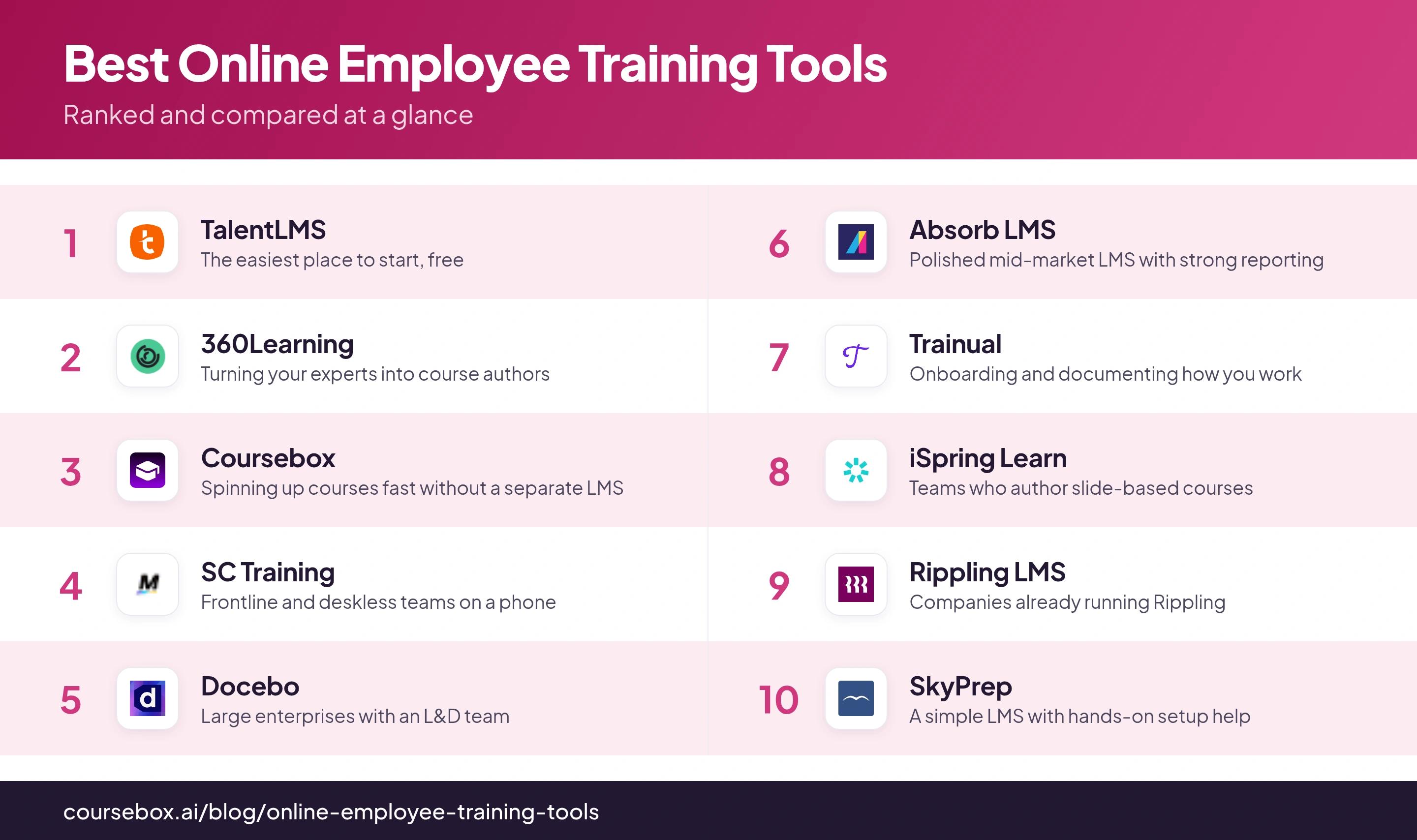
Ranked below, grouped by the job they do best.
Most of this list is learning management systems: they host courses, enroll people and track who passed. But if your real need is frontline staff who train on a phone, you want microlearning, not an LMS. And if it is onboarding and how-we-do-things-here, you want process documentation like Trainual, not a course platform. Naming which of the three you need rules out half this list before you compare a single feature.
The 10 best employee training tools
1. TalentLMS
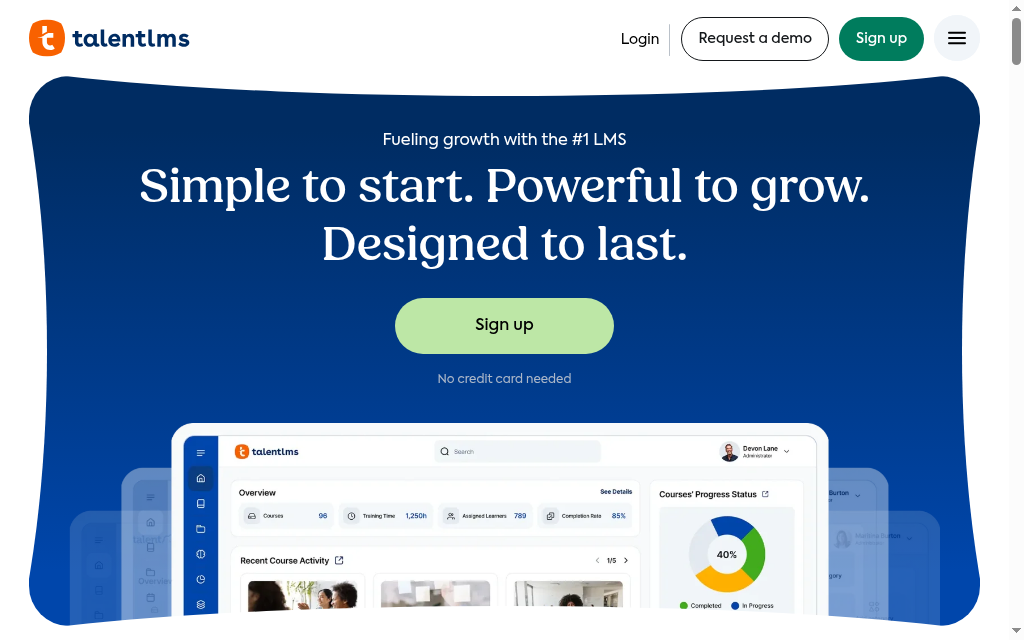
Best for: The easiest place to start, especially if you want to try before you spend anything.
TalentLMS is the friendly, no-fuss LMS: quick to set up, genuinely usable free tier, and a gentle learning curve for whoever ends up administering it.
What you are training: general courses for small and mid-sized teams, without complexity.
Who builds the content: you, in a simple builder, with AI assistance to speed it up.
Time to launch: the fastest of the traditional LMSs here. You can have training live the same afternoon.
Price: a real free plan for up to 5 users and 10 courses with no time limit. Paid plans are Core $119, Grow $229 and Pro $449 per month, each covering a user band, with a 20% annual discount and Enterprise by quote.
The catch: it is built for simple, so large enterprises will outgrow its configurability.
Testing notes: I use the free plan to prove a concept before I ask anyone for budget. It is not a crippled demo. You can run real training for a small team on it, which almost nothing else here lets you do.
Verdict: the default first stop for a small or mid-sized team. The one to beat on ease and price, not on enterprise depth.
2. 360Learning
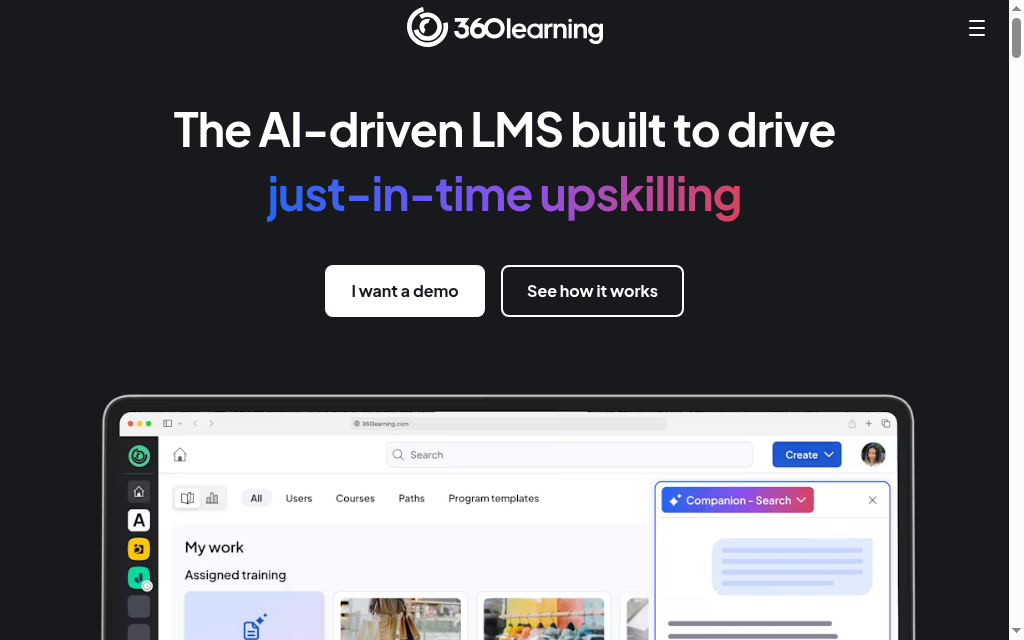
Best for: Companies whose real expertise lives in their people, not in a bought course library.
360Learning is built around collaborative authoring: it turns your subject-matter experts into course creators, with co-authoring, built-in feedback and peer-driven learning.
What you are training: internal knowledge, where the people who know the job build the training for it.
Who builds the content: your experts, together, with the tool's collaborative workflow doing the heavy lifting.
Time to launch: moderate. The value comes once you have experts contributing, which takes some rollout.
Price: the Team plan is $8 per user per month for up to 100 users, with no minimum commitment; Business and Enterprise are custom.
The catch: the collaborative model only pays off if your experts actually contribute. If you want to buy off-the-shelf courses and assign them, this is the wrong shape.
Testing notes: I have watched it turn people who are not designers into course authors. If your best knowledge is stuck in one person's head, this gets it out. It only works if your team will actually pitch in and write, though.
Verdict: strong when your best training material is walking around your building. Skip it if you plan to buy content rather than build it.
3. Coursebox
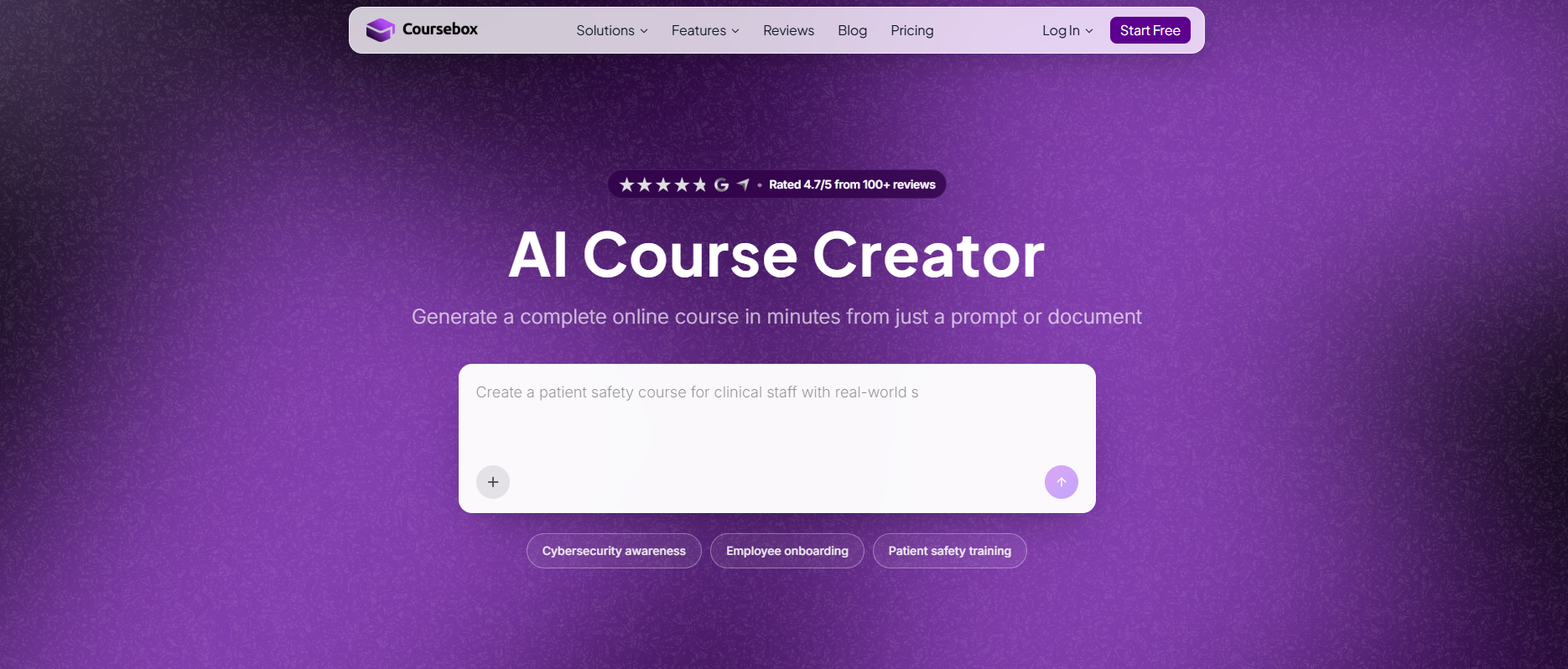
Best for: Teams that need formal courses live fast and would rather not run an authoring project and buy a separate LMS.
Coursebox is ours, so weigh this accordingly. Coursebox turns a document, a slide deck or a prompt into a full course with quizzes and AI video, then delivers and tracks it in its own learning management system or exports SCORM into yours.
What you are training: formal courses, onboarding and compliance, delivered and tracked in one place.
Who builds the content: AI, from material you already have. Upload a policy PDF or a deck and it drafts the course.
Time to launch: fast. Building from an existing document is the difference between an afternoon and a project.
Price: free to start, then Creator at $40, Pro at $300 and Business at $750 per user per month billed yearly, in USD, with custom Enterprise above that. Learners are always unlimited and free.
The catch: it is AI-native and younger than the enterprise incumbents, so if you need deep, decades-old admin configurability, Docebo or Absorb go further.
Testing notes: I upload the material we already have, the AI drafts the course and the quiz, and it is hosted in the same place. I no longer build a course in one tool and then go hunting for a system to deliver it.
Verdict: the pick when you want training live this week and want AI to do the building. Not the choice if bespoke enterprise administration is the whole requirement.
4. SC Training
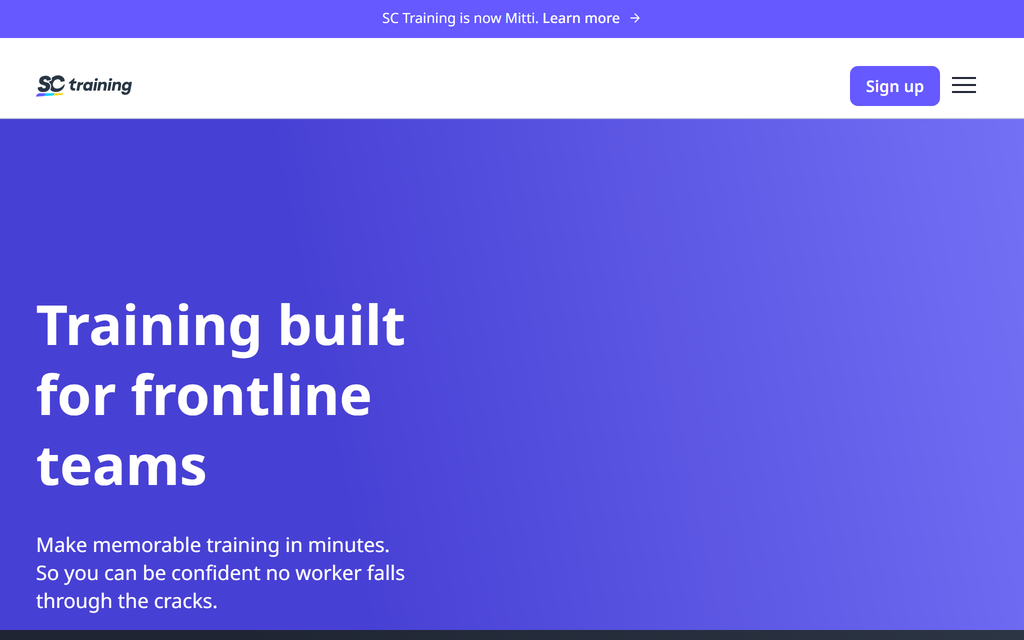
Best for: Frontline, retail and deskless teams who train on a phone, not at a desk.
SC Training, formerly EdApp and now rebranding again to Mitti, is mobile-first microlearning: short, snackable lessons built to be done on a phone in a spare few minutes.
What you are training: bite-sized, high-frequency training for people who do not sit at a computer.
Who builds the content: you, with a mobile-first editor and a large template library.
Time to launch: fast, because lessons are short by design.
Price: free for up to 10 users, then reported around $3 per user per month for larger teams.
The catch: microlearning is the whole model, so it is the wrong tool for a deep, multi-hour certification course.
Testing notes: The lessons really do feel built for a phone, the way frontline staff actually train, in a spare minute in a queue. One thing to know: it has changed names twice, so older reviews call it EdApp.
Verdict: the right call for deskless and frontline training delivered in minutes. Not for long-form courses that need a real desktop sitting.
5. Docebo
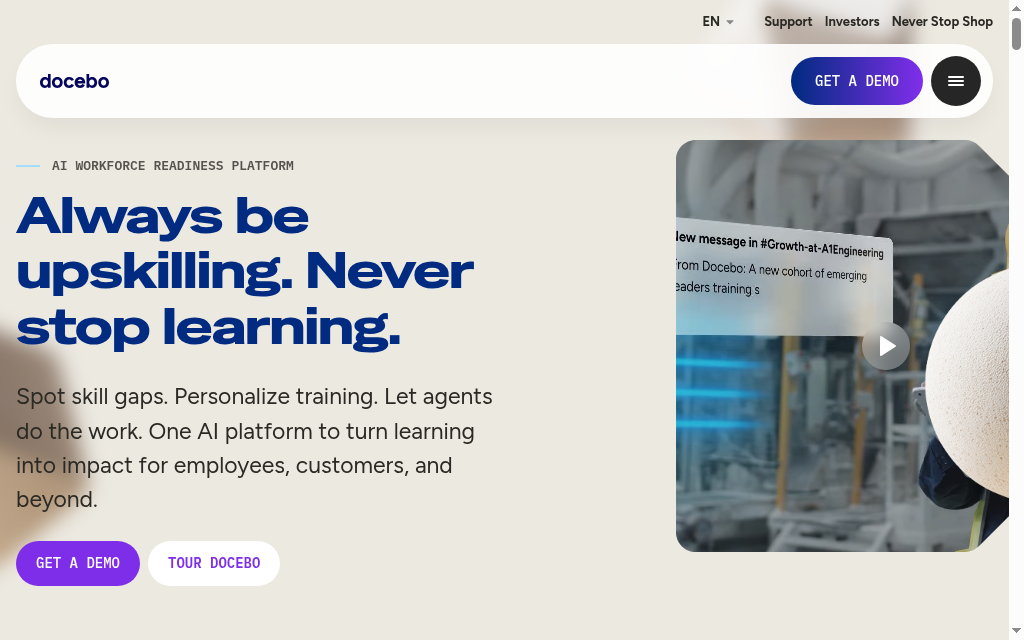
Best for: Large enterprises with a dedicated L&D team and the budget to match.
Docebo is a deep, AI-driven enterprise LMS with extensive configurability, learning-content management and analytics.
What you are training: everything, at scale, across a big organization with complex requirements.
Who builds the content: you and your L&D team, with AI assistance across authoring and administration.
Time to launch: slow. This is an enterprise implementation, not a same-day setup.
Price: quote-only, and priced for enterprise. Expect a real procurement process.
The catch: the power and the price both assume a dedicated team. For a small company it is overkill you will pay for and not use.
Testing notes: Every team I have seen run Docebo well had someone whose whole job was running Docebo. It is powerful, but it is a lot to manage, and that tells you who it is for.
Verdict: worth it for large organizations with an L&D function. The wrong buy if nobody owns the platform full time.
6. Absorb LMS
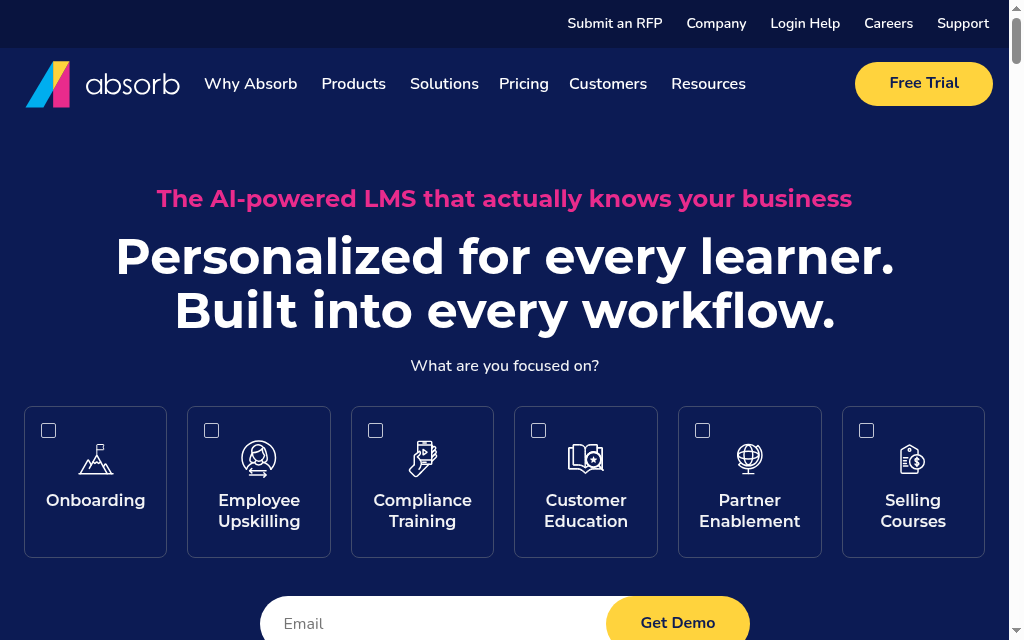
Best for: Mid-market and enterprise teams who want a polished LMS with strong reporting.
Absorb LMS is a well-designed, admin-friendly platform known for a clean interface and solid analytics.
What you are training: structured courses across a mid-to-large workforce, with reporting that stands up to scrutiny.
Who builds the content: you, in a capable builder, with AI features layered on.
Time to launch: moderate to slow, depending on how much you configure.
Price: quote-only, positioned for mid-market and up.
The catch: the quote-only pricing and mid-market positioning make it a heavier commitment than the SMB tools here.
Testing notes: The interface is one of the nicest here, and that matters more than it sounds when your admins live in it all day. You do pay for that polish.
Verdict: a strong mid-market pick when interface quality and reporting matter. Overkill for a small team on a tight budget.
7. Trainual
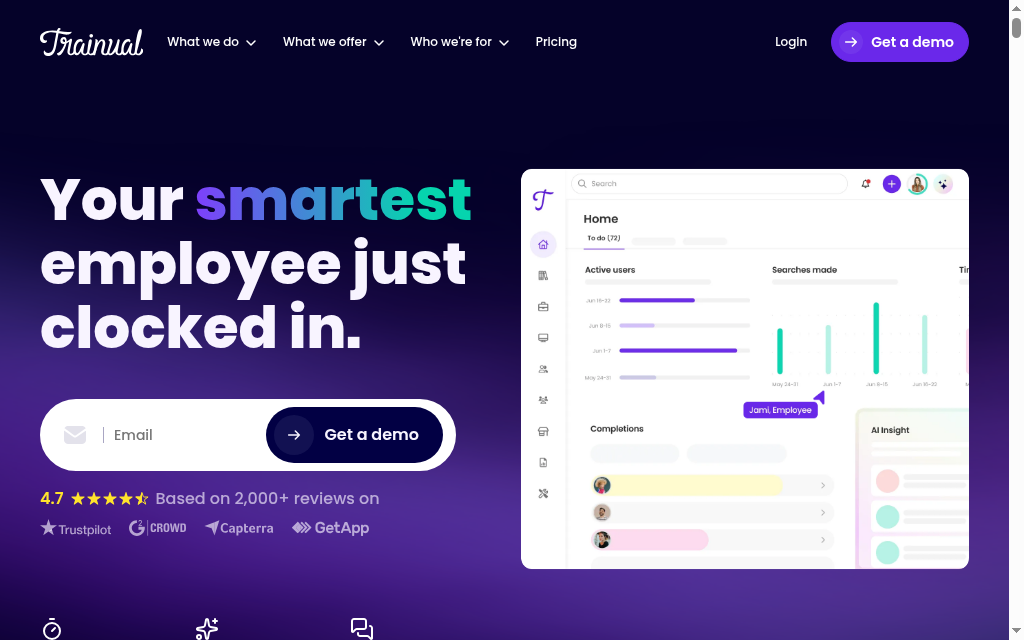
Best for: Onboarding and documenting how your company actually works.
Trainual is not really an LMS. It is process documentation and onboarding: a place to write down how you do things and turn it into trackable training every new hire completes.
What you are training: operations, onboarding and standard procedures, not course-style learning.
Who builds the content: you, by documenting your processes, with AI help to draft them.
Time to launch: fast for onboarding content, because you are writing down what you already know.
Price: quote-only now, tied to team size and features, via a demo.
The catch: it is documentation-first, so it is the wrong tool for formal courses, video learning or assessment-heavy training.
Testing notes: You are not building courses in Trainual, you are writing down how your team does things so it stops living in one person's head. Great for onboarding and SOPs. Wrong tool for an actual course.
Verdict: the pick for onboarding and process training. Look elsewhere if you need actual courses and assessments.
8. iSpring Learn
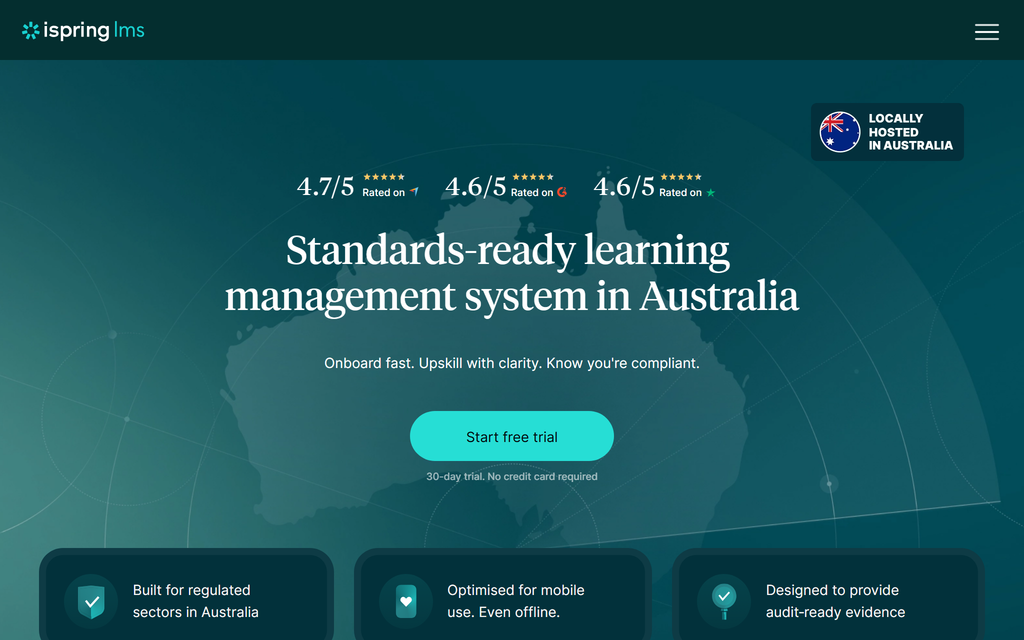
Best for: Teams who already build slide-based courses and want a simple LMS to deliver them.
iSpring Learn is the LMS half of iSpring, and it pairs naturally with iSpring's PowerPoint-based authoring tool.
What you are training: slide-built courses and quizzes, delivered and tracked simply.
Who builds the content: you, in PowerPoint via iSpring Suite, which is a low learning curve for slide-comfortable teams.
Time to launch: fast if your team already lives in PowerPoint.
Price: reported around $3.58 per active user per month on the Business plan, billed by monthly active users rather than total headcount.
The catch: its natural authoring path is Windows and PowerPoint, so it suits that workflow and feels awkward outside it.
Testing notes: If your team already builds everything in slides, there is almost nothing new to learn. And you only pay for the people who actually log in each month, which is fairer than paying per seat.
Verdict: a natural fit for PowerPoint-first teams. Less compelling if you are not already building in slides.
9. Rippling LMS
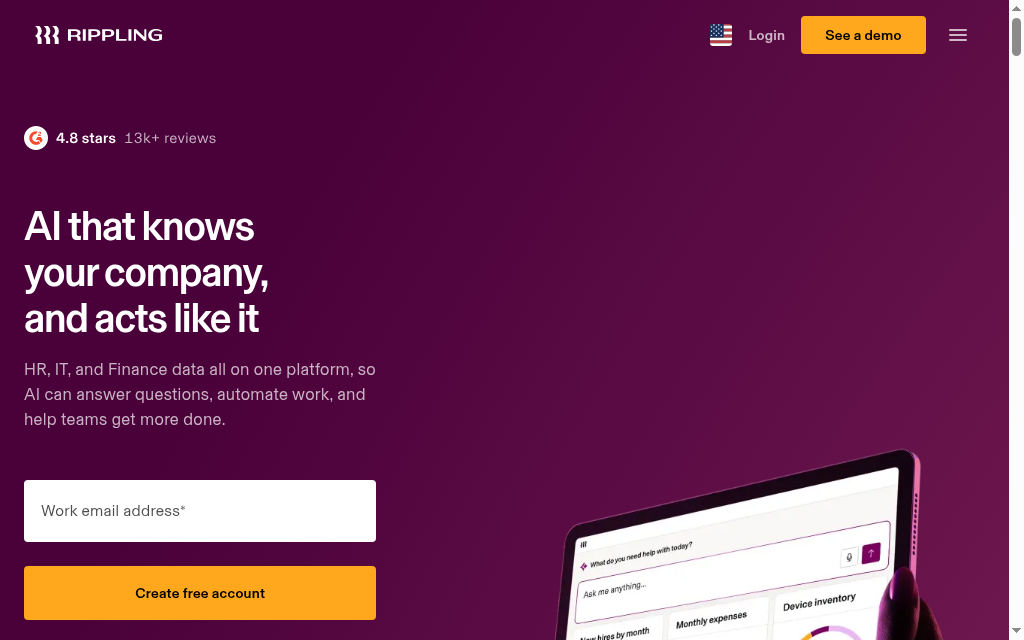
Best for: Companies that already run Rippling for HR, payroll and IT.
Rippling bundles a learning module into its HR suite, so you can auto-assign training the moment someone is hired and tie completion to their employee record.
What you are training: compliance and onboarding, wired directly into your HR system.
Who builds the content: you, with a straightforward course builder; the learning module is not the product's centre of gravity.
Time to launch: fast if you already run Rippling, since the employee data is already there.
Price: quote-only, priced as part of the wider Rippling suite rather than as a standalone LMS.
The catch: it only makes sense if you already use Rippling. As a standalone training tool it is thin next to the dedicated LMSs here.
Testing notes: A new hire gets enrolled in their compliance training before day one, and nobody has to lift a finger. That automation is the whole point. Outside Rippling, none of it applies.
Verdict: an easy yes if Rippling already runs your HR. Not a reason to adopt Rippling on its own.
10. SkyPrep
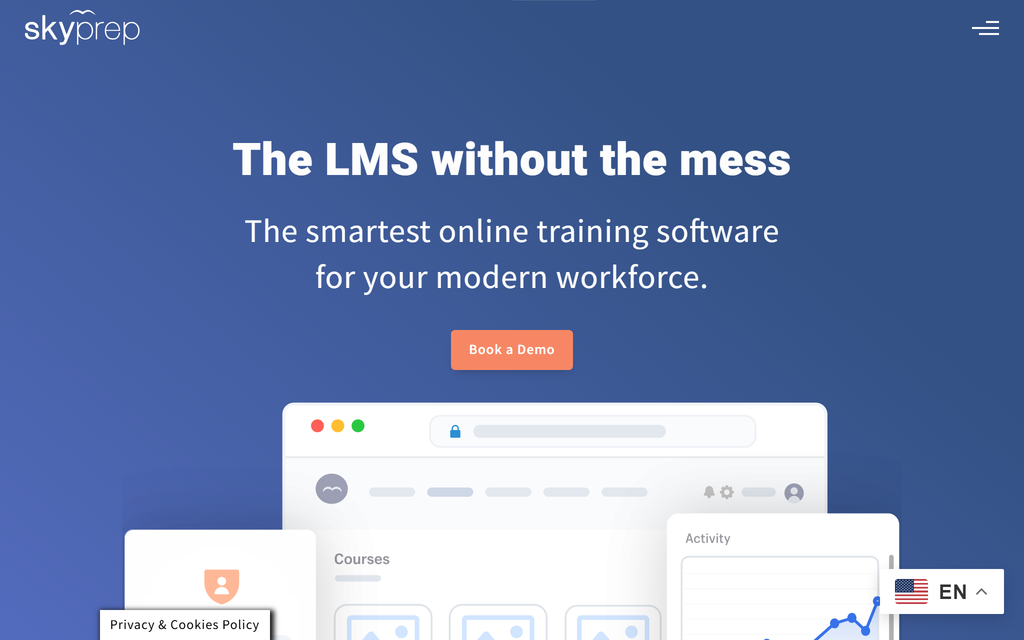
Best for: Teams who want a simple LMS with real human help getting set up.
SkyPrep is a clean, straightforward LMS that leans on hands-on onboarding support, and it handles both employee and customer training.
What you are training: general employee training and external customer or partner training, without complexity.
Who builds the content: you, in an uncomplicated builder with AI assistance.
Time to launch: fast, helped by a support team that is known for getting customers live.
Price: quote-only, positioned around small and mid-sized businesses.
The catch: it competes with TalentLMS on simplicity but without a free tier to try first, so you are into a sales conversation sooner.
Testing notes: What people mention most is the support: a real person helps you get set up, not a help doc. If you would rather have hands-on help than do it all yourself, that is the reason to pick it.
Verdict: a solid, simple LMS when you value hands-on help and also train customers. TalentLMS is the pick if you would rather try before you talk to sales.
How to choose an employee training tool
Start from the job, not the feature list.
Name what you are actually training
This is the fork that rules out most of the list. Formal courses point you to an LMS (Coursebox, TalentLMS, Docebo, Absorb). Frontline staff who train on a phone point you to microlearning (SC Training). Onboarding and how-we-do-things-here point you to process documentation (Trainual), which is not a course platform at all.
Match the training method to the tool
Half the searches for training tools are really about training methods. Here is how the main ones map to this list.
| Training method | Best tools for the job |
|---|---|
| Formal e-learning courses | Coursebox, TalentLMS, Docebo, Absorb LMS |
| Microlearning for frontline staff | SC Training |
| Onboarding and process training | Trainual |
| Peer and social learning | 360Learning |
| Instructor-led or virtual classroom | Any LMS here, plus a video tool you already run |
| Blended (a mix of methods) | Most LMSs here; Coursebox if you want AI to build fast |
Decide who is building the content
If you have material already, an AI tool like Coursebox turns it into courses for you. If your expertise lives in your people, 360Learning is built to get them authoring. If you have a design team that likes slides, iSpring fits. Match the tool to who will actually do the work.
Count the whole stack
Some of these author and deliver in one place; others only deliver, so you still need something to build the content. An all-in-one that both builds and hosts replaces two line items, which changes the real price more than the sticker does.
Treat quote-only as an enterprise signal
Docebo, Absorb, Rippling and SkyPrep all hide pricing behind a call, which usually means enterprise or mid-market commitment. If you want to try before you talk to sales, TalentLMS and Coursebox both let you start for free.
Which employee training tool should you pick?
Name the job first and the answer falls out. If you just want the easiest place to start, TalentLMS is free to try and quick to set up. For courses you need live fast, an AI all-in-one like Coursebox builds them from what you already have. For frontline teams, SC Training meets people on their phones. For onboarding and process, Trainual documents how you work. And if you have a real L&D team and budget, Docebo and Absorb go deepest. The one thing not to do is buy an enterprise LMS for a job a free tier would have done.
Frequently Asked Questions
It depends on what you are training. For formal courses delivered fast, an AI-native all-in-one like Coursebox builds them from your existing documents and hosts them. For frontline and deskless staff, SC Training's mobile microlearning fits better. For onboarding and documenting processes, Trainual. And for large enterprises with a dedicated L&D team, Docebo or Absorb LMS.
An LMS (learning management system) is one kind of employee training tool: it hosts courses, enrolls people, and tracks who completed them. The broader category also includes microlearning apps like SC Training and process-documentation tools like Trainual that are not full LMSs. General apps like Slack or Notion are not training tools in this sense. They are useful around training, but they cannot enroll a learner, assess them, or record that someone passed.
Yes. TalentLMS has a genuine free plan for up to 5 users and 10 courses with no time limit, SC Training is free for up to 10 users, and Coursebox is free to start. The enterprise platforms (Docebo, Absorb, Rippling) are quote-only with no free tier.
It ranges widely. Per-user tools are cheap at small scale: 360Learning is $8 per user per month and iSpring around $3.58 per active user. Flat-band tools like TalentLMS run $119 to $449 a month. Enterprise LMSs (Docebo, Absorb) and HR-suite training (Rippling) are quote-only and priced by a sales team, usually well into four or five figures a year.
Most use a learning management system to host and track courses (TalentLMS, Docebo, Absorb, SkyPrep, or an AI all-in-one like Coursebox), often alongside a microlearning app for frontline staff (SC Training) and a process-documentation tool for onboarding (Trainual). Larger companies wire training into their HR system (Rippling) so new hires are enrolled automatically.
Travis Clapp
Travis Clapp is the original founder and CEO of Coursebox. As an experienced instructional designer, he has lived through the process of building high quality courses. These experiences brought about his idea to upload all your documents and ideas into a virtual box that could convert those magically into a course. Prior to Coursebox, he successfully founded and built a social based LMS. Travis has 15+ years of experience designing courses and EdTech platforms from university MOOCs to enterprise LMS. Travis has built training for reputable companies like Johnson & Johnson, Electrolux, Michael Hill and SA Health. One of his courses reached 20,000+ learners which was a flagship edX course. He is based in the Adelaide, South Australia office and passionately works on customer support, sales and bringing the original product vision to life every day.

