

10 Best Corporate eLearning Solutions in 2026: Platforms, Content and AI
The 10 best corporate eLearning solutions for 2026, from enterprise LMS platforms and compliance to ready content libraries and AI course creation, compared by the job each one does, with real pricing.

The best corporate eLearning solution depends on the job: Coursebox for AI-built branded training, Docebo and Cornerstone for enterprise delivery, TalentLMS for a fast small-business start, Litmos for compliance with content, 360Learning for collaborative authoring, Absorb for mid-market portals, iSpring Learn for PowerPoint, and Udemy Business and LinkedIn Learning for ready content.
- Corporate eLearning is a mix, not one product: an LMS to deliver, a way to create or license content, and proof for compliance. Buy for the job you cannot do today.
- The headline price is a floor: content libraries, AI authoring, rule-based assignment and advanced reporting are often add-ons or higher tiers (Litmos, Cornerstone). Quote the configuration your programme needs.
- Match the platform to your size and stack: a 40-person company and a 40,000-person enterprise need different tools, and HRIS and SSO fit decide how much manual work you keep.
- Ratings here are Capterra as of October 2026; confirm current figures and get full quotes before you commit.
Compare Coursebox, Docebo, TalentLMS, Litmos through three training preferences. Check required features and plan conditions in the entries before choosing.

Train teams faster and more effectively with AI
I have sat on both sides of a corporate eLearning purchase: the business that bought a platform it never rolled out, and the one that stitched three tools together when one would have done. The pattern is the same, the buying starts from a feature list instead of the job.
Corporate eLearning is not one product. It is how a business delivers training to its people: compliance that has to be proven, onboarding that has to repeat, upskilling that has to stick. Some of these are LMS platforms, some are ready content libraries, and some build the courses for you. What you are choosing for is the job you actually have, so this list is organised by job.
I'm Alex, I run operations, and I have chosen, rolled out and replaced these systems. I compared the ten that businesses shortlist most often, by fit, published pricing and the conditions that decide what you really pay.
I work at Coursebox, whose AI-powered corporate LMS is included here. I have kept course creation, delivery and licensed content separate in the comparison, because buying one does not necessarily solve the other two. For an LMS-only comparison, see our best LMS platforms for corporate training guide.
How I picked these corporate eLearning solutions
An employer buying corporate eLearning is really buying an outcome, so I judged each on the job it does and how well it does it, on five things:
- The job it does: Compliance, onboarding, upskilling, or ready content. Every entry names its job first.
- Build or buy content: Does it create training, host what you make, or hand you a catalog?
- Delivery and proof: Assignment rules, completion and records you can file for an audit.
- Fit with your stack: SCORM and xAPI, HRIS and SSO, so assignments and records move without manual work.
- Cost model: Per user, per active user, quote-only or add-ons, because that decides what you pay as you scale.
I weighted job-fit most heavily. The strongest enterprise platform is the wrong buy for a 40-person company, and the reverse is just as true.
In corporate eLearning the entry plan is a floor, not the solution. The parts that do the actual job, a content library, AI authoring, rule-based assignment and advanced reporting, are often add-ons or a higher tier, and Litmos and Cornerstone both work this way. Before you compare two "starting at" numbers, write down the capabilities your programme needs and ask each vendor to quote that configuration. The cheapest platform that cannot prove compliance is not cheap.
Corporate eLearning solutions compared at a glance
| Tool | Best for | Category | Starting price | Capterra (Oct 2026) |
|---|---|---|---|---|
| Coursebox | Build branded training with AI | AI LMS | Free; paid tiers | 4.7 (98) |
| Docebo | Enterprise delivery at scale | Enterprise LMS/LXP | Custom quote | 4.4 (237) |
| TalentLMS | Small/mid business, fast setup | SMB LMS | Free; from $119/mo | 4.7 (599) |
| Litmos | Compliance training + content | Corporate LMS | From $8K/yr | 4.2 (284) |
| 360Learning | Experts co-authoring | Collaborative LMS | From $8/user/mo | 4.7 (508) |
| Absorb LMS | Mid-market branded portals | Mid-market LMS | Quote-only | 4.5 (356) |
| Cornerstone | Large enterprise + talent | Enterprise suite | Custom quote | Not listed |
| iSpring Learn | PowerPoint authoring + LMS | SMB LMS | Per active user (quote) | 4.7 (194) |
| LinkedIn Learning | Professional-skills content | Content library | Business quote | 4.6 (170) |
| Udemy Business | Broad on-demand catalog | Content library | $360/user/yr | 4.5 (163) |
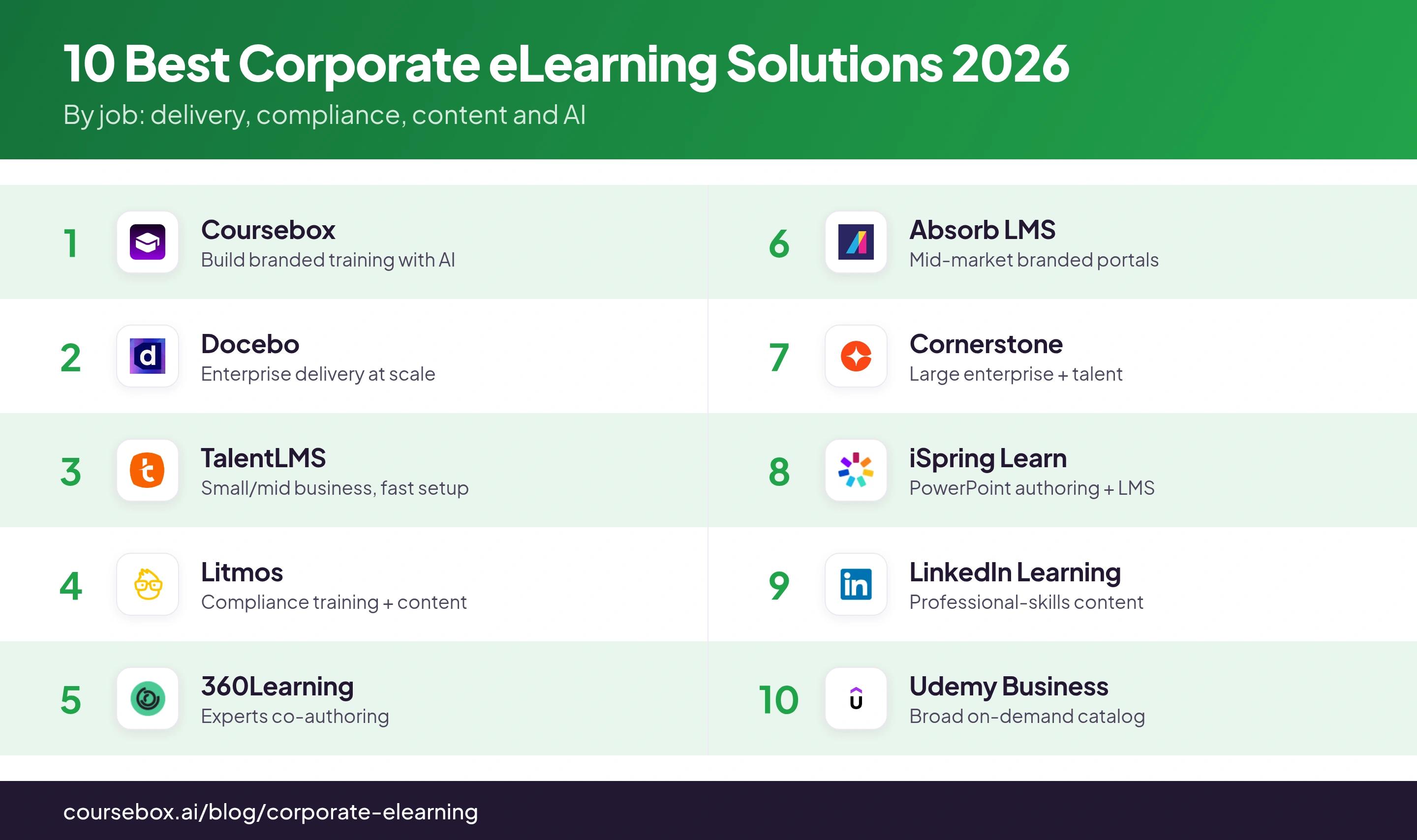
User ratings are out of 5 with review counts, from Capterra as of October 2026. "Not listed" marks a product whose Learning-specific Capterra figure I could not verify, which reflects access, not quality. Several vendors publish no price, so those cells are quote-only or reported; confirm current figures before you rely on them.
The 10 best corporate eLearning solutions
1. Coursebox

Coursebox is ours, so weigh that. It fits a business that wants to build its own corporate training from material it already has and deliver it in one place, rather than buying an AI-powered corporate LMS and an authoring tool separately.
Upload a policy, document or slide deck, review the generated course structure and edit the lessons, quizzes and assessment criteria. A course-grounded AI tutor supports learners with questions, while rubric-based grading and reporting help trainers follow their work. Branded LMS options add your own domain, learner groups and pathways. The comparison with a traditional LMS is the complete creation-to-delivery workflow; check the actual integration and reporting requirements rather than inferring a limitation from the platform’s age.
My call: Coursebox is the pick when you want to own and update your corporate training fast from material you already have, and you can live with editing the first AI draft. For a programme built mostly on bought, off-the-shelf content, one of the content libraries below fits better.
What you'll pay: Free to start with unlimited learners on every plan; Pro + LMS adds a branded domain, groups, pathways and advanced reporting; Enterprise adds API access, and SSO is a paid add-on. Budget around administrators, courses and AI usage rather than headcount.
2. Docebo
Docebo suits a large or multi-audience business running corporate training across departments, partners and customers from one platform.
Automatic groups read employee attributes such as role, location and hire date, and an enrolment rule attaches the matching learning plan, so a new starter lands in the right programme from their profile; group membership shifts as the data changes. AI, content and a branded app are separate products on top. One condition the docs and reviewers both flag: an enrolment rule does not retroactively enrol people already in the group, so existing staff need a separate step.
The teams that get the most from Docebo fix their goals and modules before onboarding; go in without that plan and you improvise through a very configurable product.
My call: The right call for a large corporate L&D function with budget and an admin to run the rules, permissions and integrations; overkill for a small team, and the broad bundle without an operating plan leaves you with configuration to manage.
What you’ll pay: Custom quote using the agreed monthly-active, yearly-active or registered-user model. Docebo states a one-year minimum contract. Identify authoring, analytics, content, apps and integration scope separately rather than applying a third-party estimate to your rollout.
3. TalentLMS
TalentLMS is the low-friction corporate LMS for a small or mid-size business that wants training live this week without IT.
Authors build or import courses; groups organise people who need the same training, branches separate audiences and scheduled reports help managers follow progress. Optional Flex billing counts distinct monthly logins, while standard plans use user bands. Branches and event-based automations have tier conditions, so compare the actual assignment and reporting workflow your programme requires.
My call: The default starting point when a smaller business wants corporate training running quickly and cheaply and does not yet need enterprise governance.
What you’ll pay: Free supports five users and ten courses. Core is displayed from US$119/month on annual billing for the selected entry user band. Standard bands and optional Flex monthly-login billing differ; select the actual population and include branch, automation and content requirements in the quote.
4. Litmos (formerly SAP Litmos)
Litmos, formerly SAP Litmos, suits a business that wants corporate training, especially compliance, live fast with a ready content library alongside.
You get courses in three ways: upload SCORM, xAPI or AICC, build in the native authoring tool (not on the base plan), or generate with AI (Platinum AI only). Litmos Assign rules filter on profile fields and assign courses or paths on a daily or weekly run, and a "Compliant until" expiry auto-reassigns with reminders, escalations and e-signatures. A library of roughly 17,800 off-the-shelf courses is available.
What makes Litmos useful for compliance mostly sits above the base plan: the content library is an add-on on every tier, AI authoring is Platinum AI only, and reviewers flag real gaps, including one 5,000-learner customer who could not schedule recurring monthly assignments the way they needed.
My call: A strong compliance-first corporate LMS if you price the real configuration rather than the headline floor; the base plan is a floor, not the finished solution.
What you'll pay: Foundation from $8,000/year and Platinum from $15,000/year, with Platinum AI by quote. The content library and the advanced features are add-ons, and the unit behind the "starting at" figure is not stated, so get the full quote for the capabilities you need.
5. 360Learning
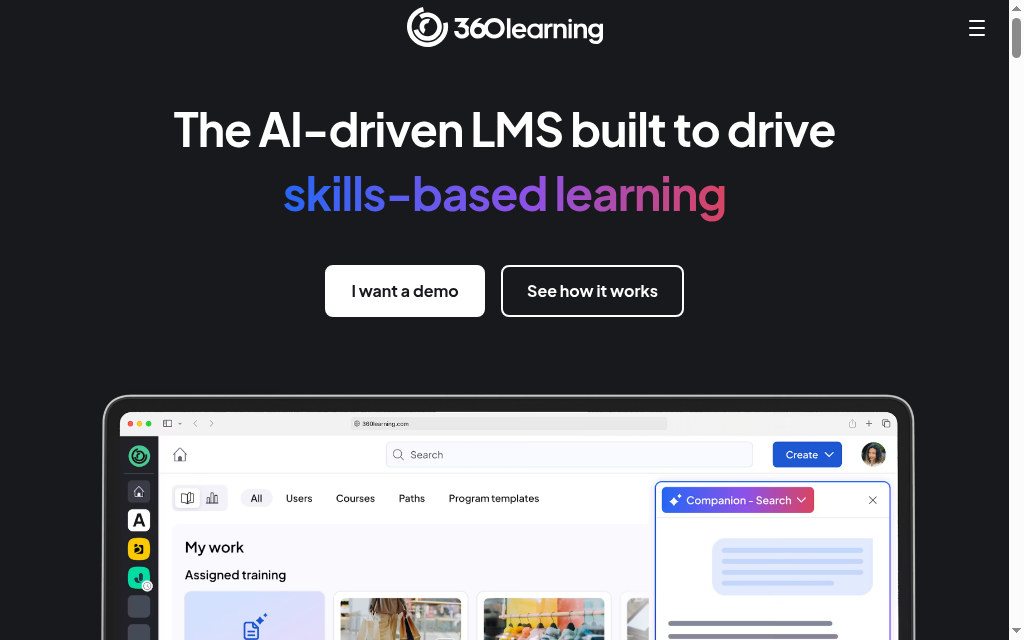
360Learning fits a business that wants internal experts, not only L&D, to build and keep corporate training current.
Authoring, assignments and tracking sit in one place, and a built-in feedback loop lets learners flag outdated material to the editor beside the relevant content. User-management integrations exist, but the connector and its scope depend on your system and package. The cost of the collaborative model is ownership: before inviting a crowd of authors you need a named owner per process, and on the lower tiers support is self-serve.
My call: Best when your bottleneck is getting experts to contribute, not the software; it removes the authoring bottleneck but does not decide who is accountable for the content.
What you’ll pay: Team is US$8/user/month for up to 100 users, including authors and administrators. An account counts as active until deleted or deactivated. Add-on solutions are US$2/user/month each; larger arrangements and specific integrations require a matching quote.
6. Absorb LMS
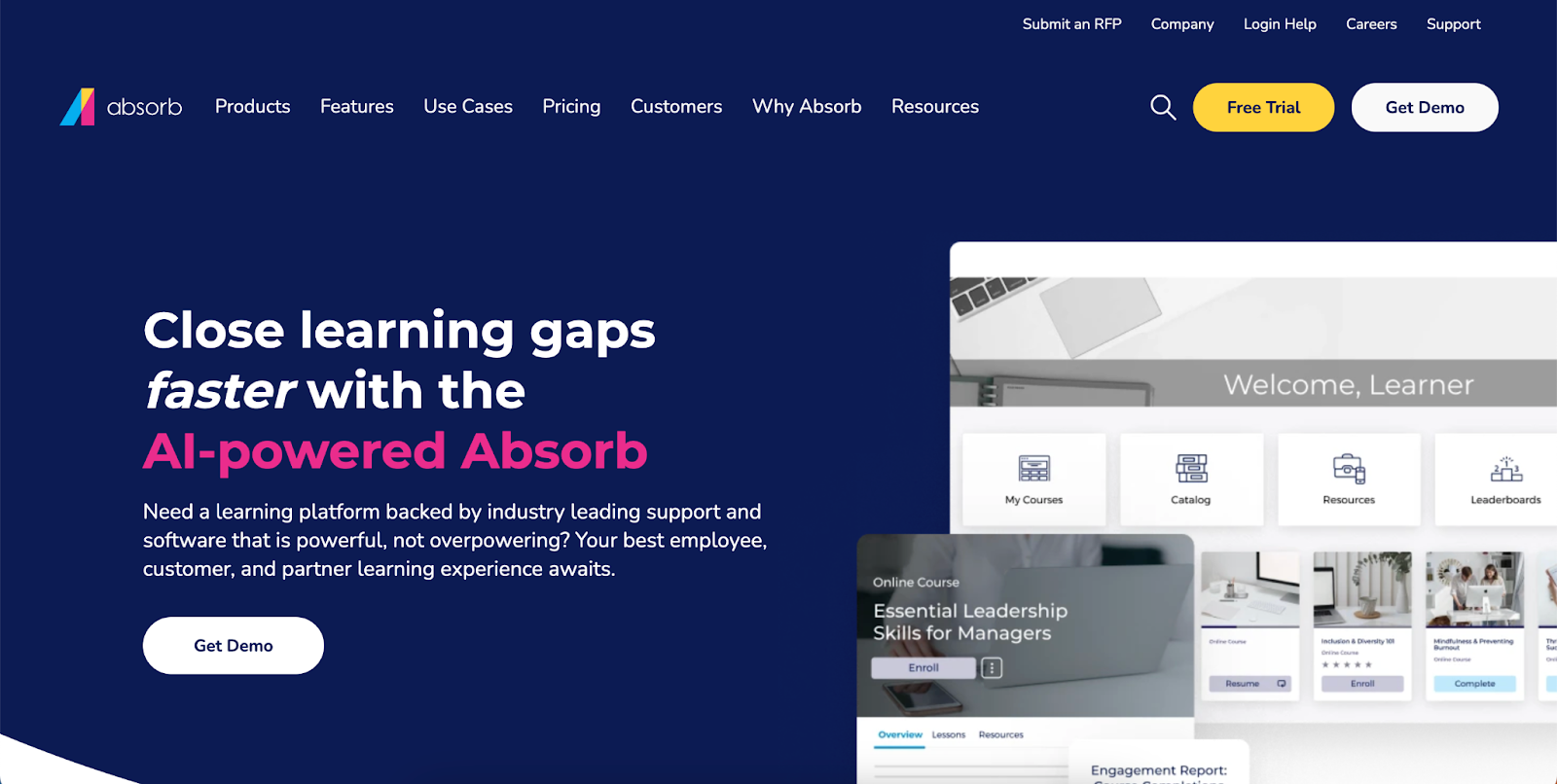
Absorb LMS suits a mid-market business that wants configurable delivery and multiple branded portals for employees, customers and partners.
Its enrolment rules separate auto-assigned training from self-enrol and manager-enrol, and a course can be gated behind prerequisites or an approval step. Reporting is organised around the department structure, so how you set up users shapes what the reports can show, and authoring is a separate Absorb Create licence. Reviewers like that you can move from a report field to the next action, assign a course or see who is behind, without changing screens.
Where I land: A solid mid-market corporate LMS if branded portals and configurable enrolment are the priority and you can accept quote-only pricing, with the recurring caveat that deeper analytics are a paid add-on.
What you'll pay: Quote-only. Specify the learner-count model, reporting, authoring, branding and integrations, and treat course delivery and the tools to create courses as separate lines in that scope.
7. Cornerstone
Cornerstone (Cornerstone OnDemand) suits a large enterprise running compliance, onboarding and upskilling across a big workforce, often alongside talent management.
A Dynamic Learning Assignment rule engine assigns, removes and reassigns training every day from criteria like division, location or group, with Dynamic Removal pulling training when someone stops matching. A Skills Graph tags people and content with tens of thousands of skills to drive recommendations, and Content Subscriptions (Silver, Gold and Platinum tiers) add thousands of partner courses; instructor-led sessions have rosters and waitlists.
The power costs admin. Reviewers say it often needs support from consultants or IT teams and call the reporting complex, and the rule engine only works if your HRIS data is clean, which makes data quality your job.
My call: The enterprise pick when you have the admin and the data discipline to run the rule engine; not for a small team. Someone has to build and maintain the rules, and that is where the effort goes.
What you’ll pay: Custom pricing by product, learner population and contract. Separate the learning platform, content subscriptions, talent products, implementation and integrations in the proposal. A marketplace bundle is not a universal starting price for a corporate rollout.
8. iSpring Learn
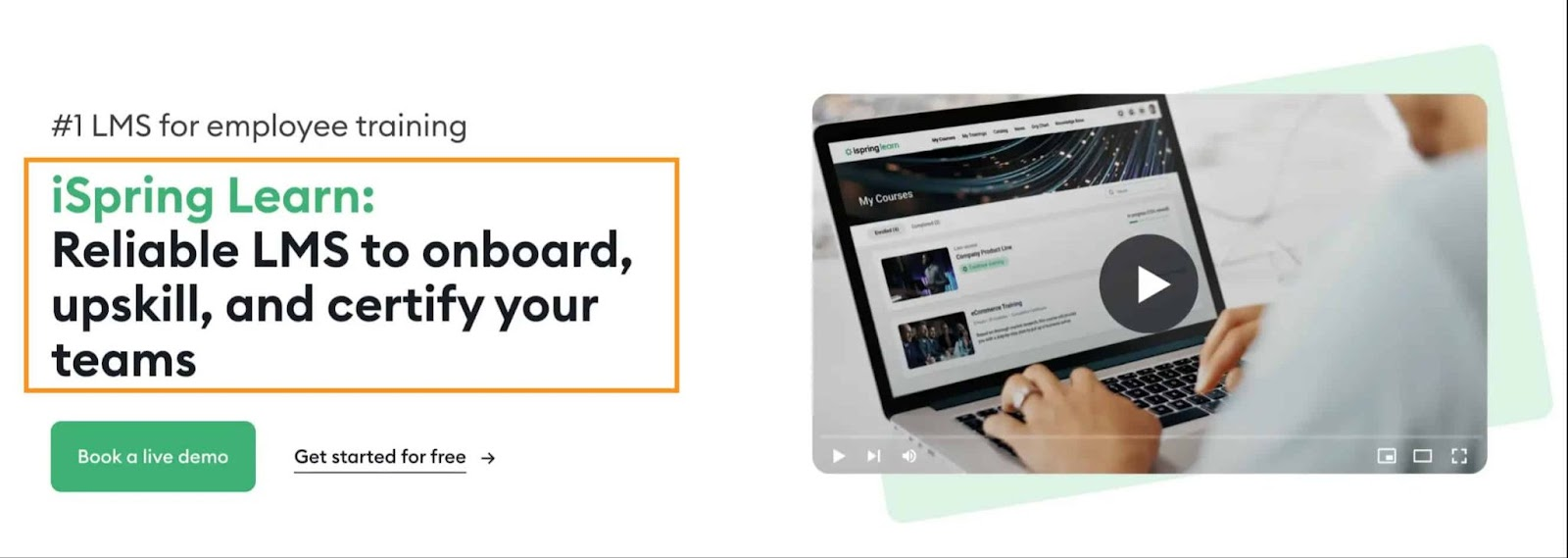
iSpring Learn is the corporate LMS half of iSpring, fitting a business that wants delivery plus PowerPoint-based authoring in one.
Learning tracks sequence courses, enrolment rules assign a track when someone joins a department or group, and a supervisor dashboard surfaces overdue or failed courses. It pairs with iSpring Suite for authoring and supports on-the-job observation checklists, where an observer scores how someone performs a real task, which is useful when readiness means practising a procedure, not just finishing a slide deck. The authoring Suite needs Windows and PowerPoint, and reviewers flag report filtering at scale.
My call: A strong fit when PowerPoint is already your authoring home and you want delivery, tracking and practical sign-off without an enterprise platform.
What you'll pay: Per active user, billed annually, so you pay only for learners who log in that month; the Business package includes Suite AI. Published rates vary by headcount and currency, with quotes above the entry bands.
9. LinkedIn Learning
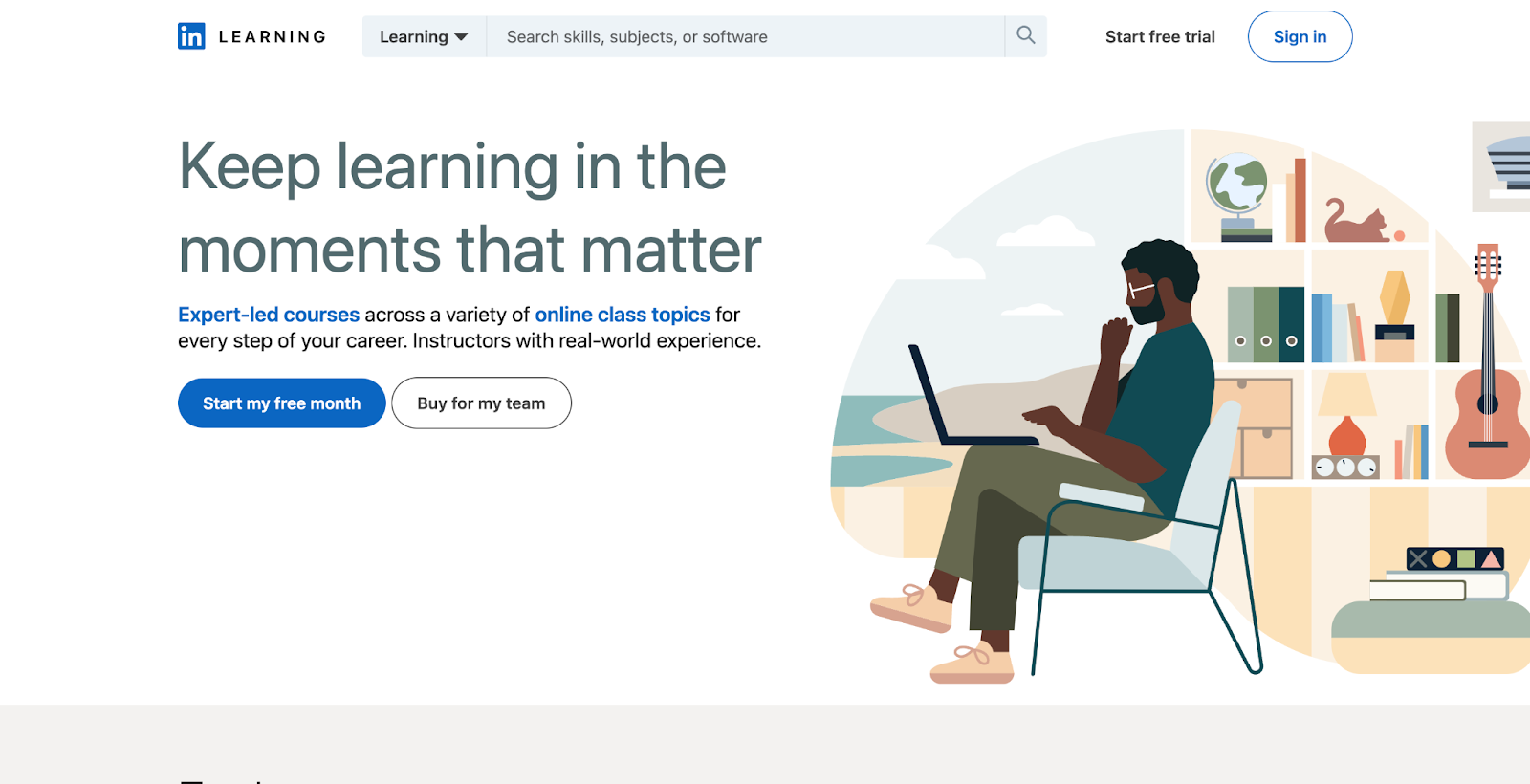
LinkedIn Learning is a professional-skills content library for a business that wants ready soft-skills and business courses with certificates employees value.
Admins curate and assign professional-skills courses and learning paths, then review participation and completion in the management tools. Learners can add completion certificates to their profiles, but a watched course is different from demonstrated competence. For internal policies, process-specific practice or regulated sign-off, pair the library with your own training and assessment workflow. Compare the reporting and skills features included in the business package rather than assuming an individual subscription supplies an employer’s administration tools.
Where I land: I would use LinkedIn Learning to give staff a maintained professional-skills library, with a manager choosing relevant learning paths. It is a complement to company-specific training rather than a substitute for showing that someone can perform your procedure.
What you’ll pay: Business access is sales-led on the current public site. Request the seat minimum, administrator access, reporting and integration scope together. Individual Premium or Learning offers are a different purchase and do not establish the cost of a managed company programme.
10. Udemy Business
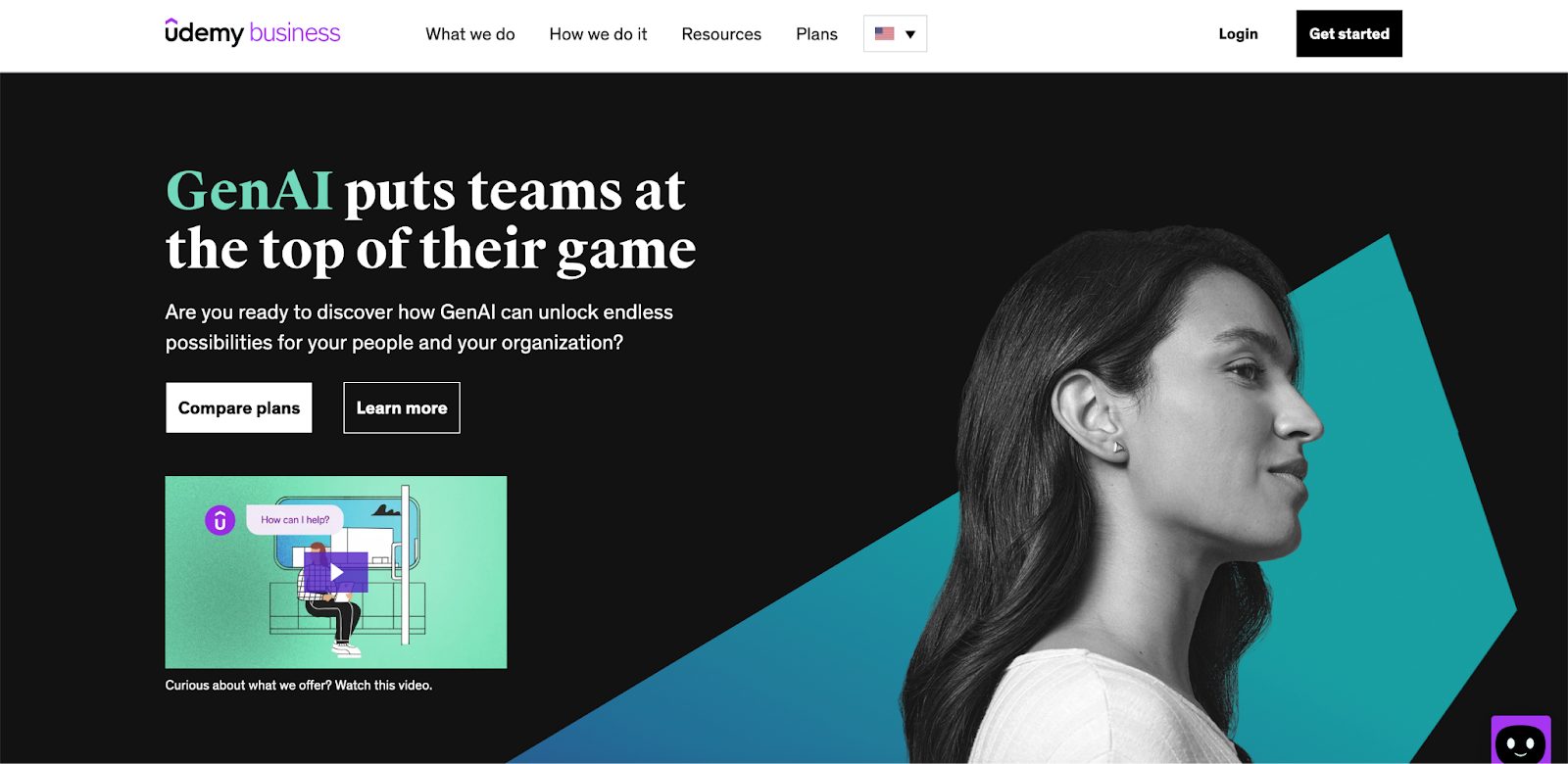
Udemy Business is a per-seat licence to a curated slice of the Udemy marketplace, about 28,000 courses, for a business that wants broad self-directed skilling rather than building its own.
You browse the collection, build learning paths from Udemy courses, external links or internal documents, and assign them to a person, group or everyone with CSV bulk assignment and reminders, then track completion in dashboards. The quality gate for the business collection is a 4.4-plus rating with at least 25 reviews. What you do not control is instructor quality, because that gate is popularity, not pedagogy, so you curate and preview; certificates are completion templates, not accredited credentials. SSO, SCIM, LMS sync and custom groups are Enterprise-only.
My call: A strong breadth play for self-directed corporate skilling as long as you curate; pair it with an LMS for structured or compliance training.
What you'll pay: The Team plan is $360 per user per year, billed annually by card, with region-dependent seat bands. Enterprise and the Leadership Academy are by quote.
What a corporate eLearning solution has to deliver
Whichever you choose, a corporate eLearning programme is judged on four jobs, and most tools are strong at some and weaker at others.
- Compliance you can prove: Not just assigning a course, but auto-reassigning before an expiry, capturing an acknowledgement and retaining a time-stamped record for an audit. Litmos and Cornerstone are strongest here, and a content library alone falls short.
- Onboarding that repeats: New starters should land in the right programme automatically from their role, location and start date, so nobody rebuilds the assignment each month. Rule engines (Docebo, Cornerstone, Litmos) do this; simpler tools need manual rostering.
- Content: build or buy: You either author your own (Coursebox, iSpring, 360Learning) or license a catalog (Udemy Business, LinkedIn Learning, the Litmos and Cornerstone libraries). Most programmes need some of both.
- Reach and proof at scale: Mobile access for deskless staff, and reporting an administrator can actually file. Check the reporting against a real audit question before you buy, not after.
LinkedIn’s 2025 Workplace Learning Report found that 49% of surveyed learning and talent development professionals said executives were concerned staff lacked the skills needed for their strategy. I would turn that concern into a specific assessment: what should an employee be able to do after the training?
Employers surveyed for the World Economic Forum’s Future of Jobs Report 2025 expected 59 out of every 100 workers to need training by 2030. For a programme that will keep changing, compare who updates content, how revised training is assigned and what managers can see afterwards.
Which corporate eLearning solution should you choose?
Ten tools, several different jobs. Here is the whole guide in one view, matched to what you are trying to do:
| If your priority is | Go with |
|---|---|
| Build your own branded training with AI | Coursebox |
| Deliver training at enterprise scale | Docebo |
| Get a smaller business running fast | TalentLMS |
| Compliance training with ready content | Litmos |
| Internal experts co-authoring courses | 360Learning |
| A mid-market platform with branded portals | Absorb LMS |
| A large enterprise with talent management | Cornerstone |
| PowerPoint authoring plus delivery | iSpring Learn |
| Ready professional-skills content | LinkedIn Learning |
| A broad on-demand skilling catalog | Udemy Business |
Whichever you add, buy for the job you cannot cover today, not the longest feature list. For adjacent reading, our best LMS platforms for corporate training guide is the LMS-specific angle, and our online employee training tools roundup covers the wider delivery landscape.
Disclosure: I work at Coursebox, which is included in the comparison. Ratings are historical Capterra snapshots; prices depend on the stated configuration and billing basis. The Coursebox usage figure is first-party product analytics for the stated period.
Frequently Asked Questions
Corporate eLearning is how a business delivers training to employees online: compliance, onboarding and upskilling. It is delivered through a learning management system, built with authoring tools or AI, or licensed as a content library, and most programmes use a mix of these.
An LMS delivers and tracks courses, and it is one part of a corporate eLearning solution. The wider solution also covers how you create or source the content (authoring, AI, content libraries) and how you prove completion, so you often pair an LMS with content or an authoring tool.
The total depends on delivery, authoring and content. TalentLMS displays paid entry pricing from US$119/month for a selected annual user band; 360Learning Team is US$8/user/month for up to 100 users; Udemy Business Team is US$360/user/year. Enterprise systems and LinkedIn Learning business access use quotes. Add any required authoring licences, content, integrations and implementation before comparing totals.
Build your own (Coursebox, iSpring, 360Learning) when the training is specific to your products, policies or procedures; license a library (Udemy Business, LinkedIn Learning) for generic professional and compliance skills. Most businesses do both.
TalentLMS for fast, cheap delivery; Coursebox to build branded courses quickly with AI; or a content library like Udemy Business if you would rather assign ready courses than build your own.
Alex Hey
Alex Hey is a technical marketer with 10 years of hands-on growth and digital marketing experience. He cofounded Coursebox together with Travis Clapp who he met online when looking for a cofounder to build a globally impactful software product. He works in the Perth, Western Australia office as the COO. He built the world's first automated funnel for patient recruitment before building Coursebox. After launching Coursebox in mid 2023, he drove +400k organic sign ups for Coursebox. Alex leads the marketing and digital growth of Coursebox and works with the product development team bringing a passion for data-driven product decision and exceptional user experience. Alex is determined to build the world's easiest way to build the perfect course.

