

10 Best Napkin AI Alternatives for Effortless Diagram Creation
Find the best Napkin AI alternatives with AI diagram generation. Compare tools for collaboration, customization, and multilingual support for learning and presentations.


Turn complex ideas into clear, professional diagrams using AI
Napkin AI is a popular tool for turning quick ideas into simple diagrams using natural-language prompts. It’s great for fast brainstorming and rough visualizations. However, it also has some limitations that many users can’t ignore.
Customization is minimal, editing controls are basic, and the output often isn’t polished enough for presentations or professional documentation. Teams may also need stronger collaboration features, templates, or integrations than Napkin AI currently offers.
That’s why many turn to more powerful Napkin AI alternatives. Modern AI diagram generators can deliver cleaner visuals, richer controls, and better workflow support for both individuals and teams. In this article, we’ll explore the best Napkin AI alternatives available today.
What is Napkin AI?
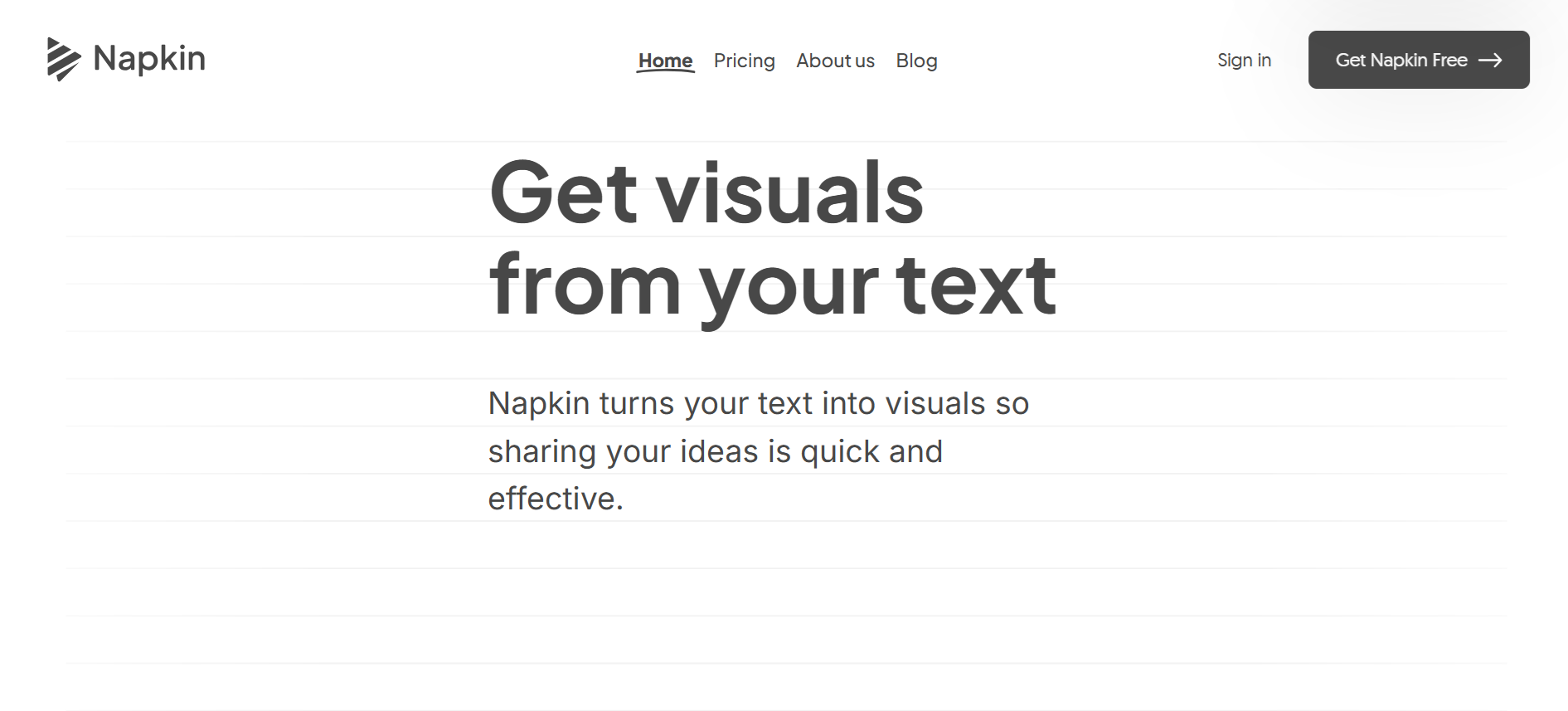
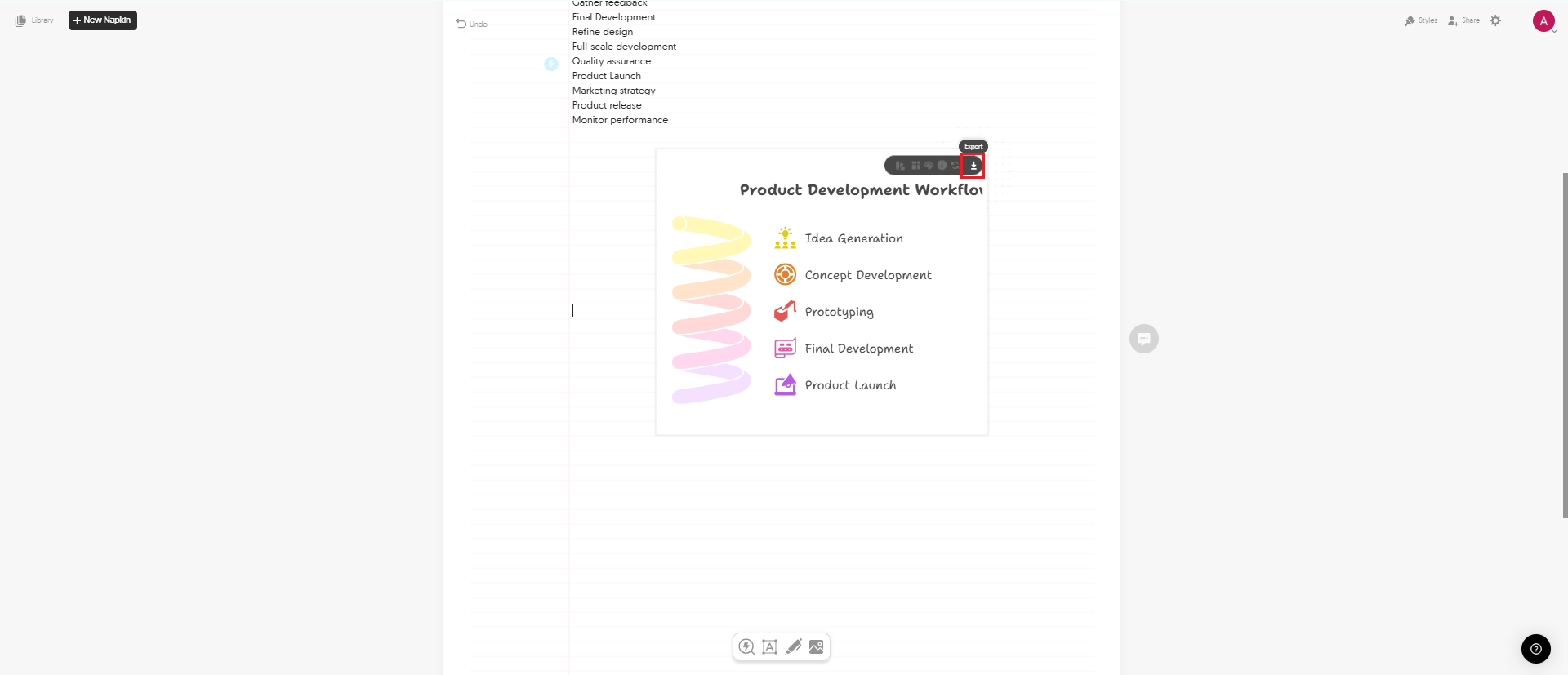
Napkin AI is a simple tool that turns text prompts into clean diagrams and visuals fast. You can type your own ideas or describe what you need, and Napkin generates flowcharts, mind maps, and infographics in seconds. The interface looks like a blank canvas or note-taking app, which makes it easy to drop visuals anywhere, edit them, and experiment freely.
Napkin also supports 16:9 presentation mode, importing and exporting files, and choosing from multiple visual themes and templates. The editing tools are straightforward, so most diagrams require very little cleanup. One major advantage is that Napkin AI is currently free, with more features planned for future paid plans. However, it lacks the depth and control that some users need for professional or complex work.
Why Explore Napkin AI Alternatives
Napkin AI is great for quick visuals, but some users need tools that go further. Depending on your workflow, creativity needs, or team size, you might want features that Napkin doesn’t fully offer yet.
1. More Advanced Editing and Customization
Some users need deeper control over layouts, shapes, branding, and visual styles, which is something Napkin’s lightweight editor can’t always provide.
2. Better Diagram Accuracy and Structure
Tools with stronger logic handling and automated layouts can create more precise flowcharts, technical diagrams, and complex systems. Below, we will also include some of the greatest tools for diagramming so you can find the right AI diagram generator for your needs.
3. Collaboration and Team Features
Teams often require real-time editing, comments, permissions, and integrations with other platforms, which are areas where Napkin is still limited.
4. Broader Template Libraries
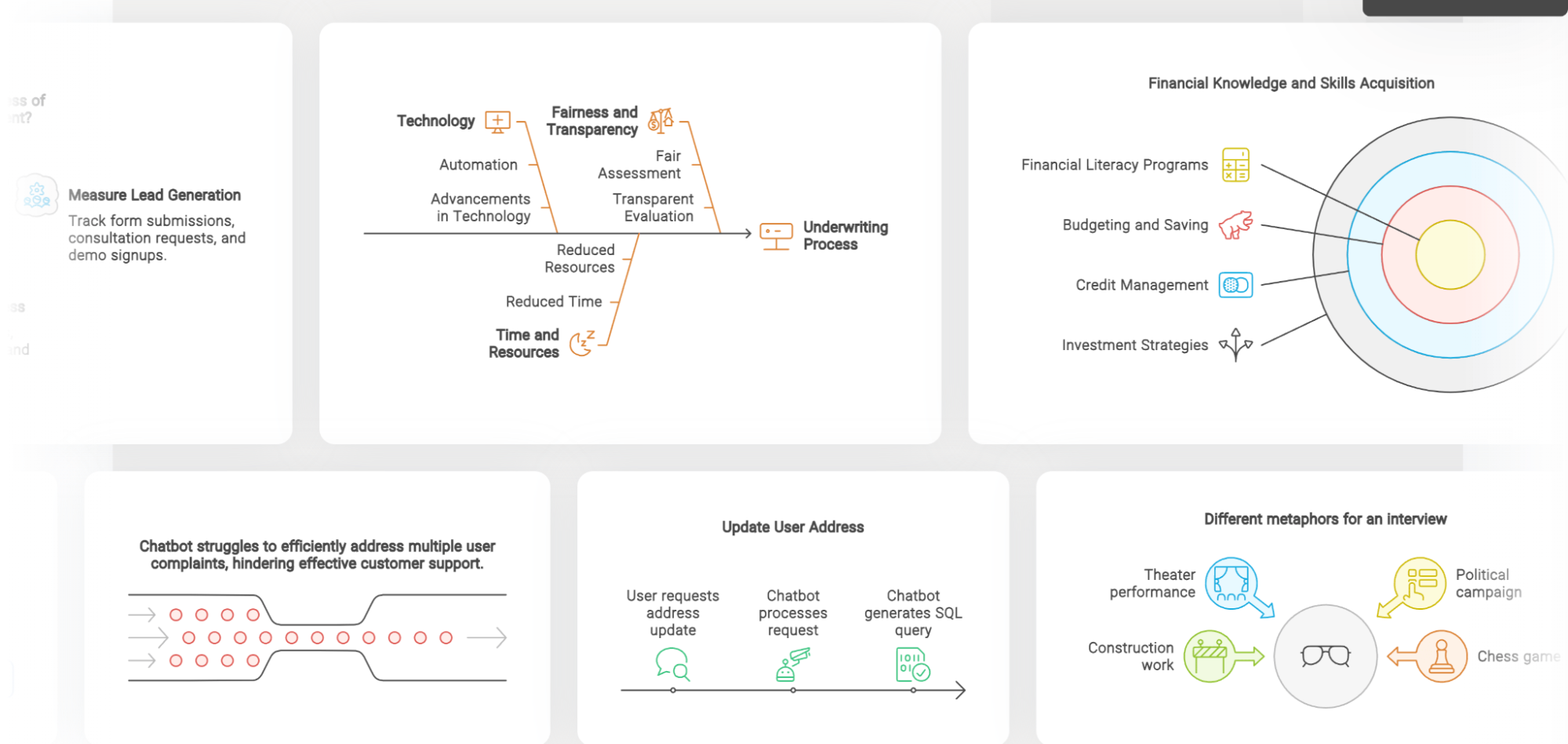
Alternatives may offer thousands of templates for flowcharts, org charts, mind maps, and professional diagrams across industries.
5. Workflow Integrations
Some creators need integrations with tools like Notion, Google Workspace, Slack, Figma, or engineering platforms to streamline their process.
6. More AI Output Styles
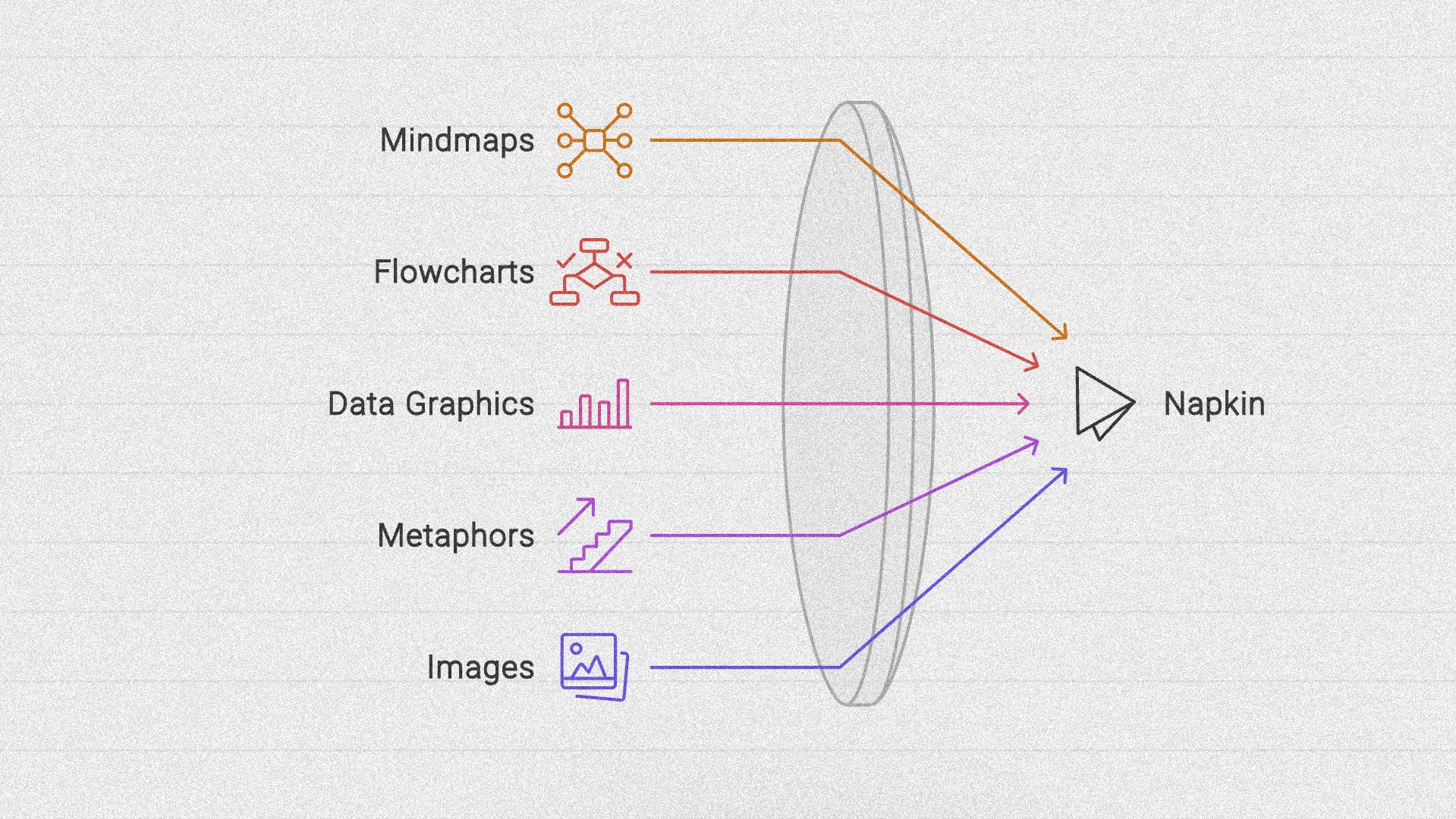
Other platforms provide multiple diagram styles, creative variations, and advanced AI shaping tools that offer more flexibility.
Full Disclosure: This blog is owned and operated by Coursebox. While we include ourselves in this list because we believe in our platform, we've provided an objective breakdown of features to help you choose the best fit.
Best Napkin AI Alternatives: Our Top 10 Picks
Here’s a breakdown of the top Napkin AI alternatives out there:
1. Lucidchart
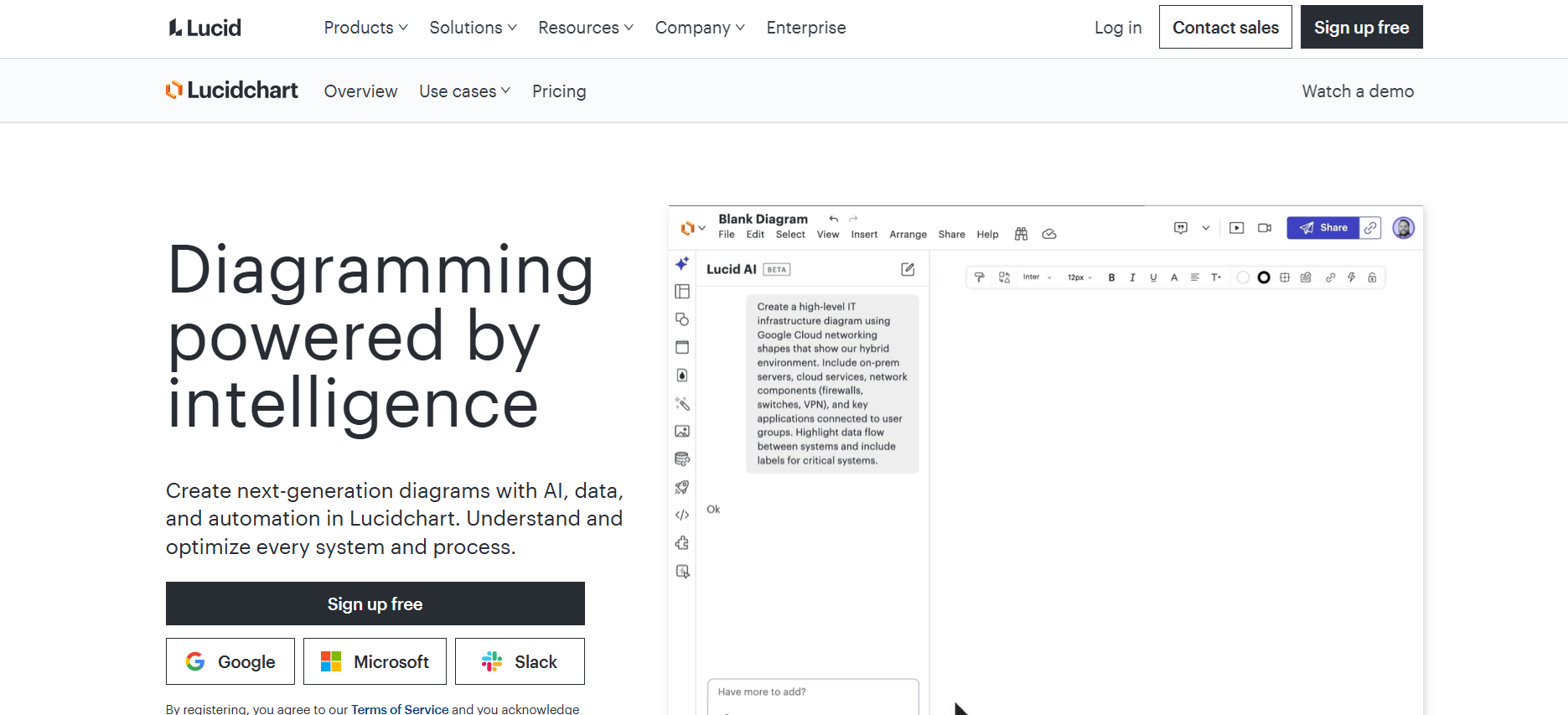
Lucidchart provides a powerful AI diagram generator for teams needing structure, clarity, and technical accuracy. Unlike Napkin AI’s free-form, canvas-style approach, Lucidchart focuses on organized workflows, making it ideal for flowcharts, system architecture, and process mapping.
Supports real-time collaboration and integrates well with major workplace tools, though extensive features can feel overwhelming at first. Still, Lucidchart stands out as a strong Napkin AI alternative for users who need precision and scalable teamwork rather than simple, aesthetic visuals.
Key Features:
- AI-generated diagrams from natural language
- Real-time team collaboration
- Integrations with Google Workspace, Jira, Microsoft 365, Confluence, and ChatGPT
- Revision history and structured layouts
- Suitable for technical diagrams like ERDs and system maps
2. Miro
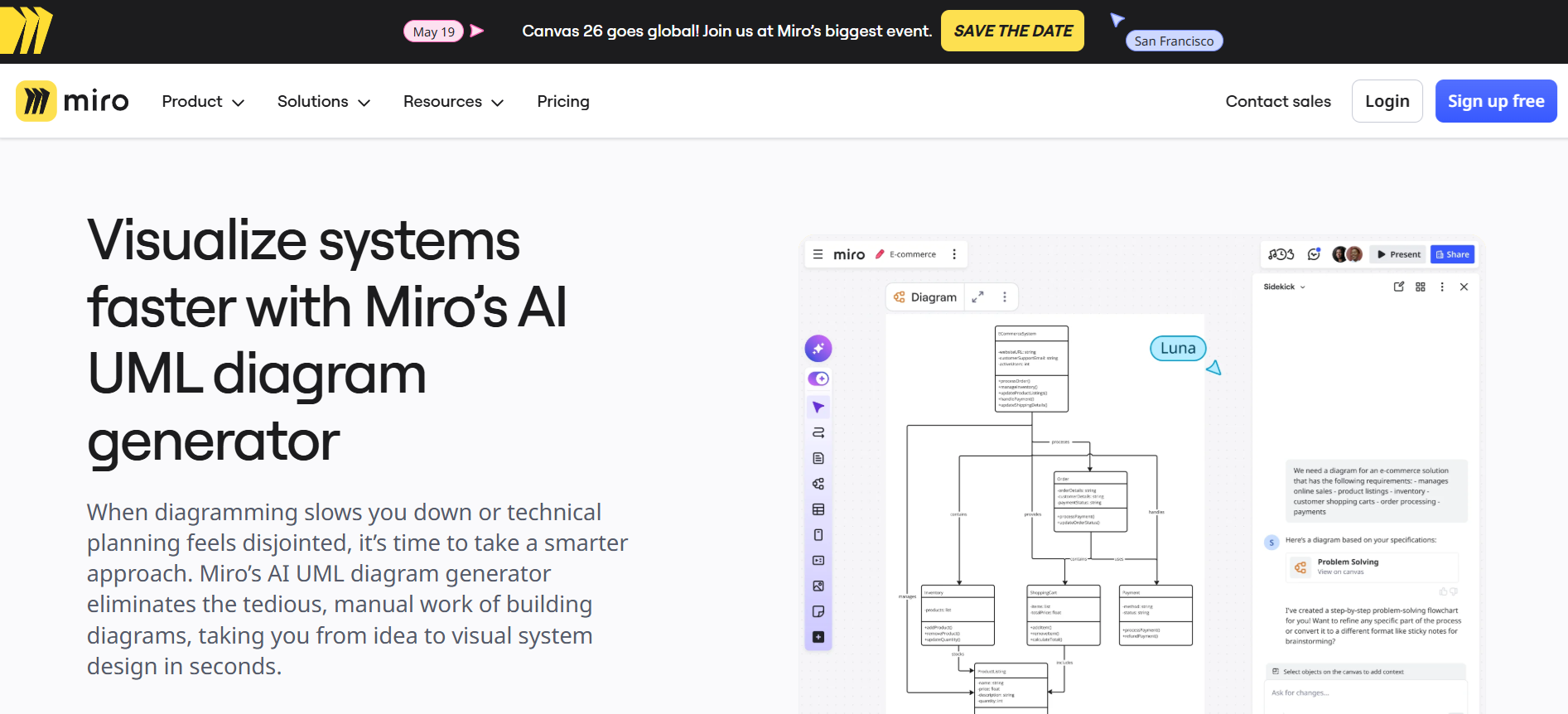
Miro offers a flexible AI diagram generator for teams that need collaborative brainstorming and real-time planning. The platform offers a limitless canvas to drop charts, sticky notes, images, and AI-generated visuals, making remote team ideation seamless.
While some users may find the learning curve steep and offline use limited, Miro excels as a Napkin AI alternative for creative and product teams looking to organize ideas visually and collaborate efficiently.
Key Features:
- AI-generated diagrams and summaries to speed up ideation
- Infinite canvas for visual flexibility
- Real-time collaboration with distributed teams
- Extensive template library for roadmaps, retrospectives, and strategy
- Integrations with 160+ tools for seamless workflow
3. Coursebox AI
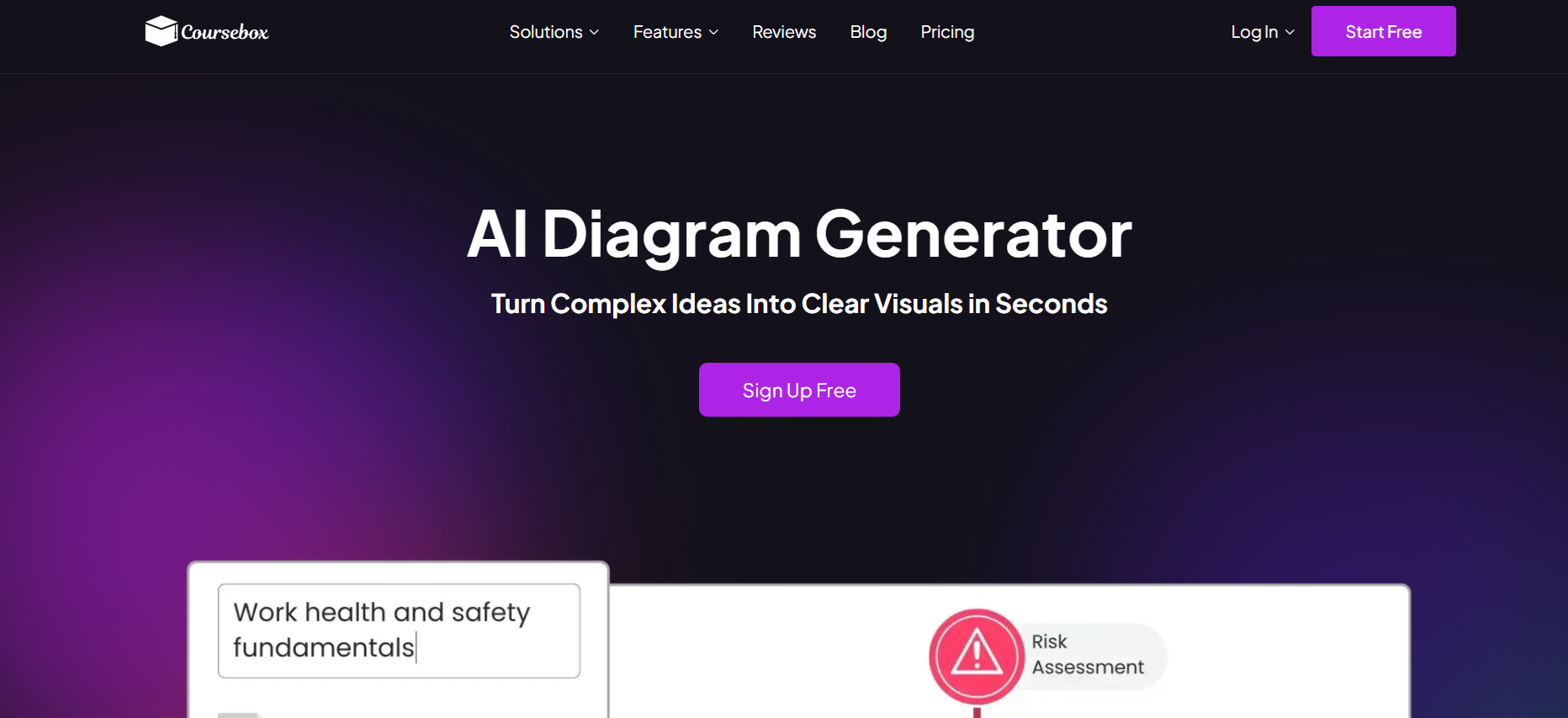
Coursebox sits at the learning-integrated end of the AI diagram generator market, turning prompts into flowcharts, infographics, anatomy visuals, and explainers in 100+ languages, with visuals designed to integrate directly with courses and training content. It fits educators, training providers, and creators who want diagrams tied to course delivery. Teams whose primary need is general-purpose diagramming and collaborative workflow mapping typically shortlist Lucidchart, and users wanting AI-assisted presentation creation with visual generation sometimes consider Gamma AI or Prezi.
Key Features:
- Generates infographics, flowcharts, and diagrams from prompts
- Multilingual support for over 100 languages
- Tailors visuals to specific audiences and scenarios
- Consistent style across all diagrams
- Customizable complexity levels for beginners or advanced learners
- Annotations, labels, and callouts for clarity
- Real-time updates and rapid visual regeneration
- Embeds directly into courses without extra tools
- Illustrations for anatomy, equipment, and abstract concepts
- Fully copyright-safe and original visuals
4. Prezi
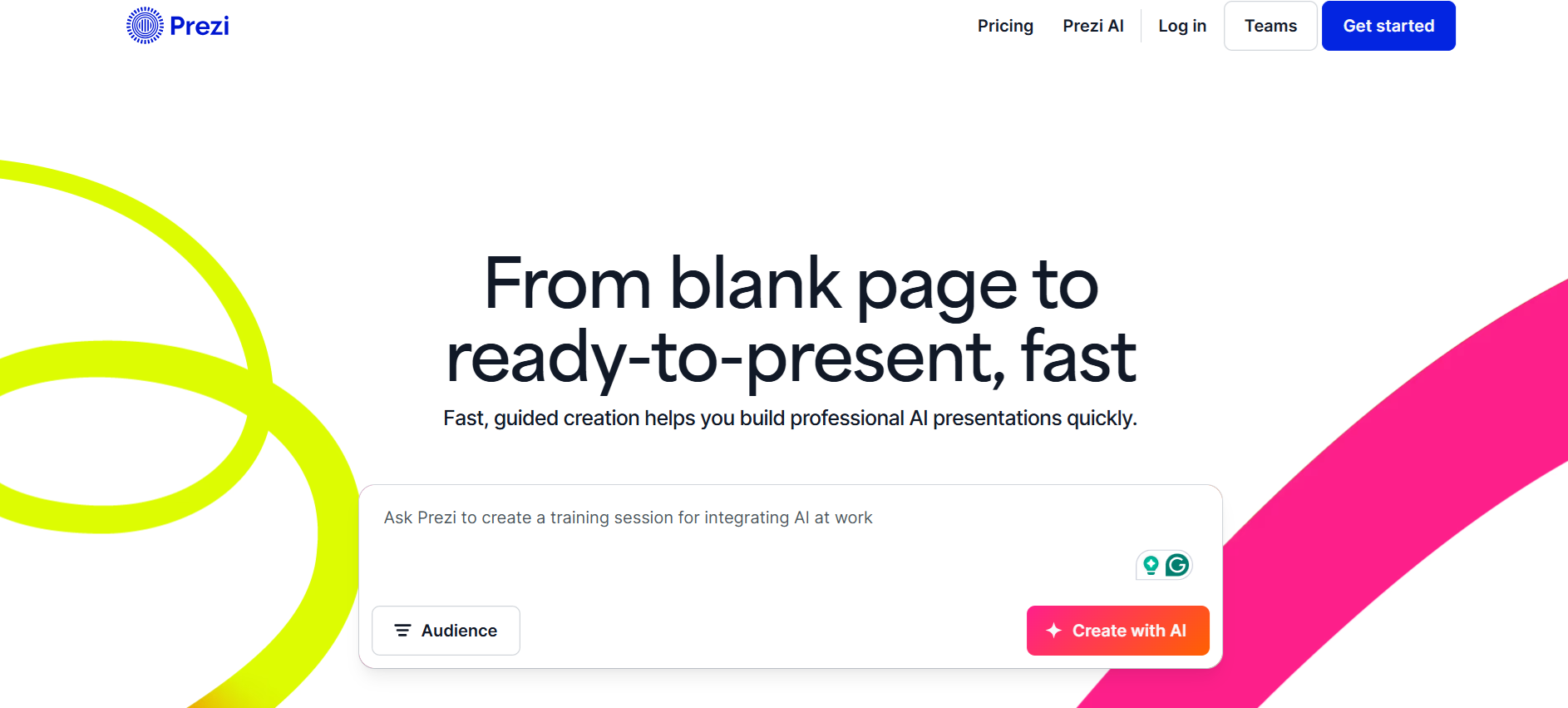
Prezi functions as a dynamic AI visual generator and presentation platform, blending flowchart-style navigation with infographic creation. Unlike Napkin AI, Prezi emphasizes zoomable presentations and story-driven visual layouts. Some users may find it slightly more expensive than other options.
However, the combination of high-quality visuals, editable infographics, and a highly intuitive interface makes it a solid alternative for teams needing both diagrams and polished presentations.
Key Features:
- AI-generated infographics and charts
- Zoomable, flowchart-style presentation layout
- Editable story blocks and visual elements
- Data visualization tools for graphs and statistics
- User-friendly guidance and templates for smooth creation
5. NoteGPT
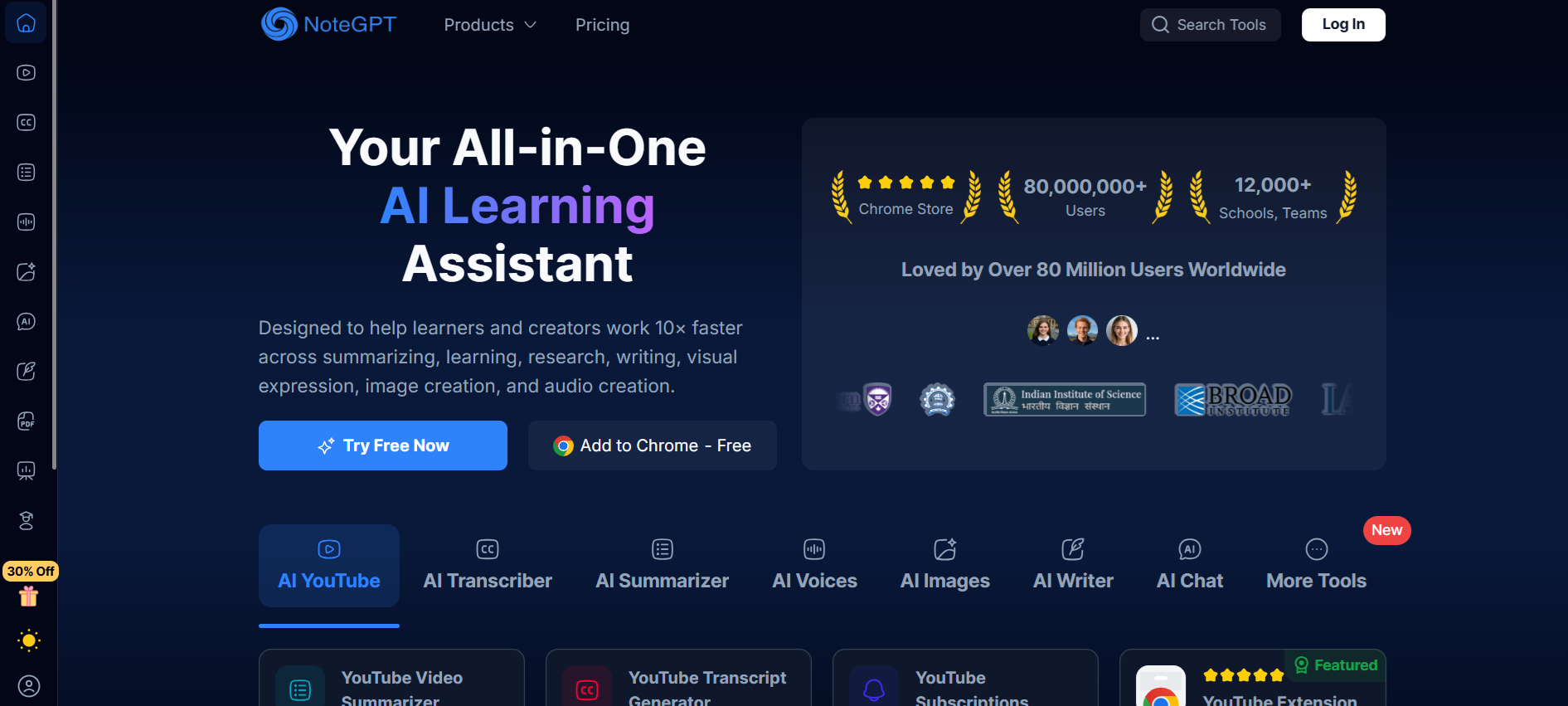
NoteGPT is a developing AI diagram generator that converts text, documents, or prompts into infographics, charts, mind maps, and presentations.
While results currently fall short of Napkin AI in quality, the platform’s DeepSeek integration and suite of templates make it a promising Napkin AI alternative for experimentation.
Some outputs may include minor formatting or spelling issues, but NoteGPT remains easy to navigate with a minimalistic interface.
Key Features:
- Generates AI visuals from text or uploaded documents
- Infographics, charts, mind maps, and presentations
- Summarizes content for visual creation
- Simple, minimalistic user interface
6. Venngage
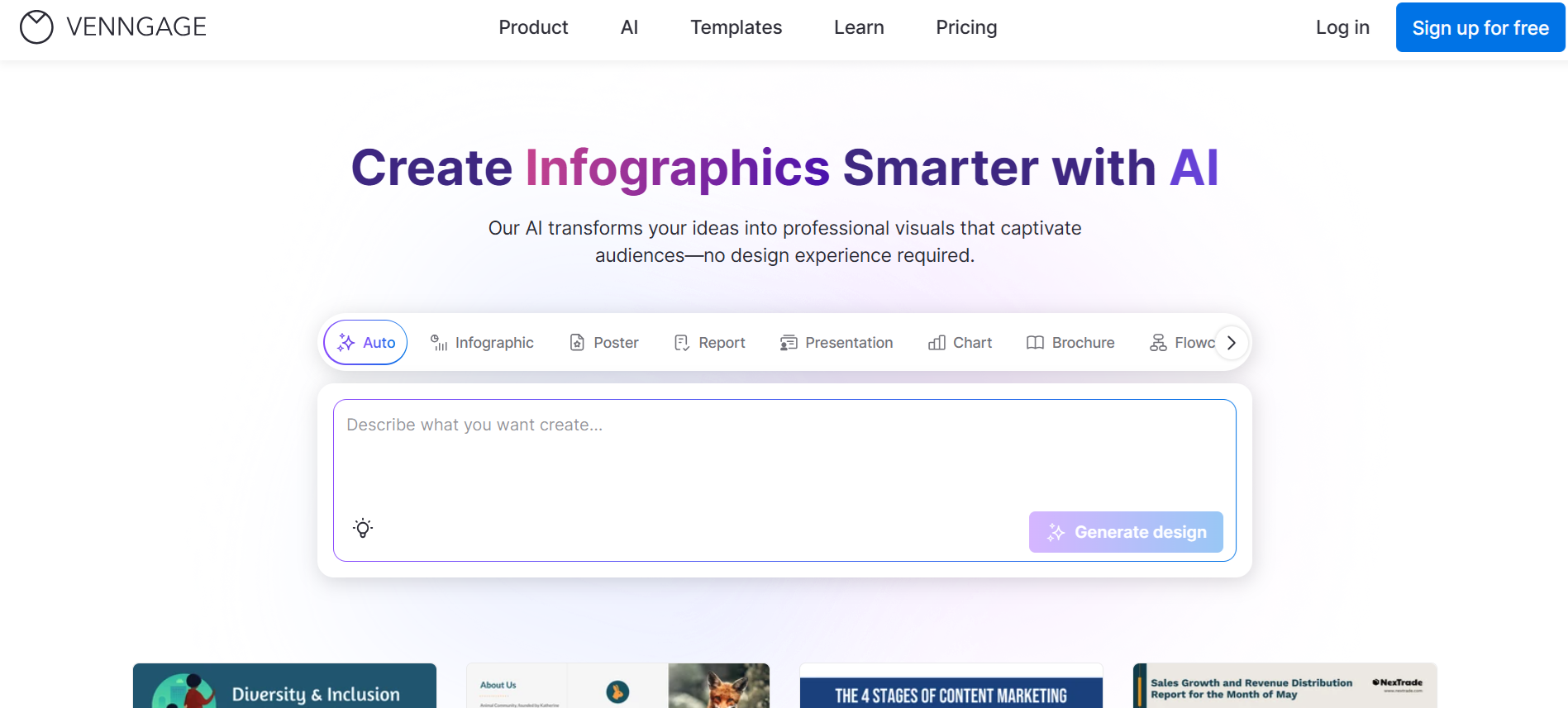
Venngage serves as a versatile AI diagram generator focused on transforming raw data into infographics, reports, and mind maps. The drag-and-drop editor and extensive template library make it a practical Napkin AI alternative for marketers, educators, and small businesses.
Some advanced features may require extra exploration to master, and offline functionality is limited, but the platform’s flexibility and brand-consistent design tools stand out.
Key Features:
- Drag-and-drop editor for easy design
- Extensive template library with thousands of options
- Converts spreadsheet or CSV data into visuals
- Brand Kit for consistent design
- Collaboration and export options
7. Gamma AI
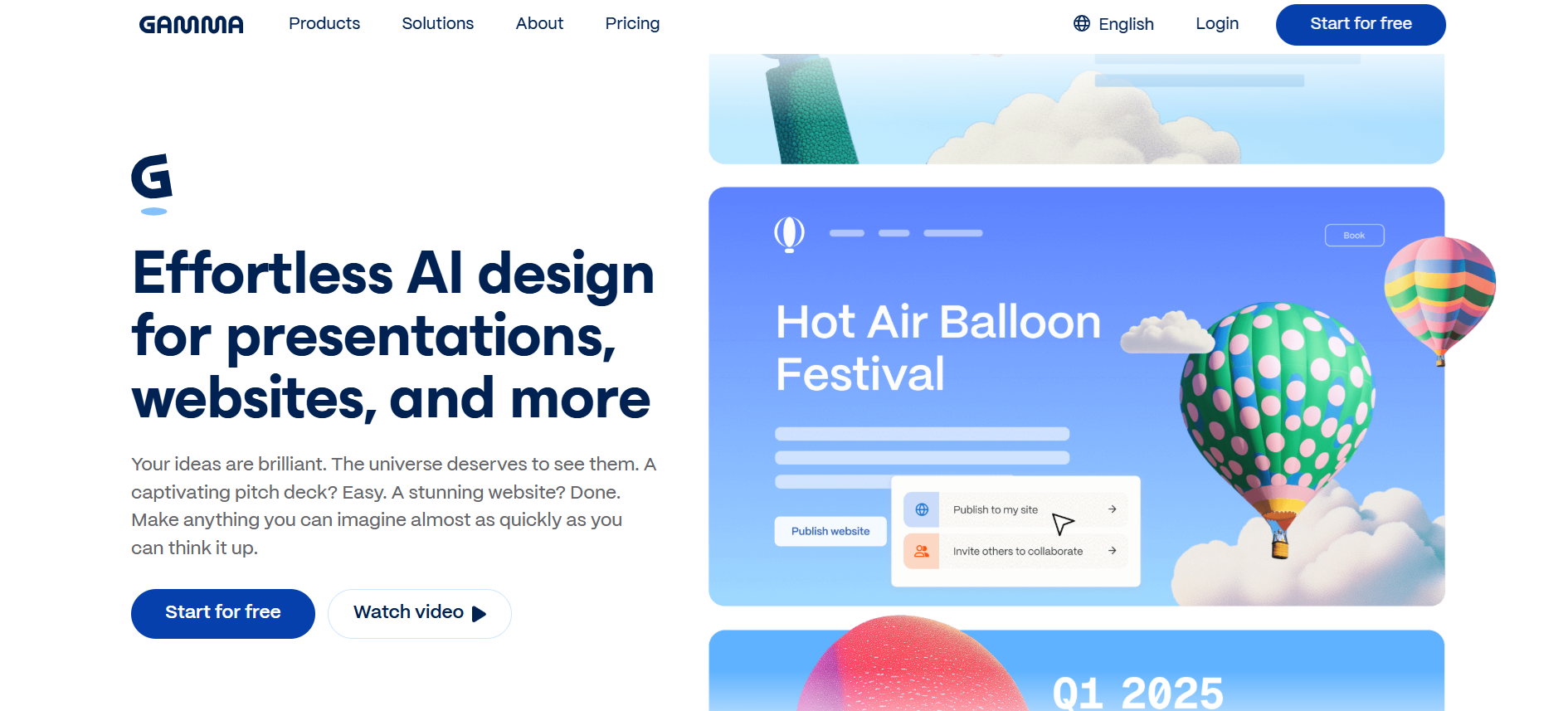
Gamma AI creates polished presentations and visual documents from text or uploaded files. Unlike Napkin AI, it produces full decks with responsive layouts, card-based editing, and clean themes.
While generated AI images may need refinement and templates can feel repetitive over time, Gamma AI is a solid alternative for students, startups, and professionals needing visually appealing presentations without extensive design experience.
Key Features:
- Converts text or documents into full presentations
- Card-based editor for easy rearrangement
- AI-generated visuals for slides and layouts
- Collaboration with real-time co-editing
- Clean themes and responsive designs
8. Canva
Canva functions as a versatile AI diagram generator perfect for educators and content creators. With AI-powered tools like Magic Design, Magic Write, and Text to Image, users can turn text prompts into infographics, presentations, worksheets, and social media graphics effortlessly.
While broader than Napkin AI, some features may feel overwhelming at first, but templates and step-by-step guidance simplify the process. Canva also supports collaboration and integrates with LMS platforms, making teamwork easy.
Key Features:
- AI-powered design generation from text prompts
- Magic Write for text creation and editing
- Extensive template library for educational and creative use
- Collaborative workspace for teams and students
- Image editing tools, including Magic Animate and background removal
9. Whimsical
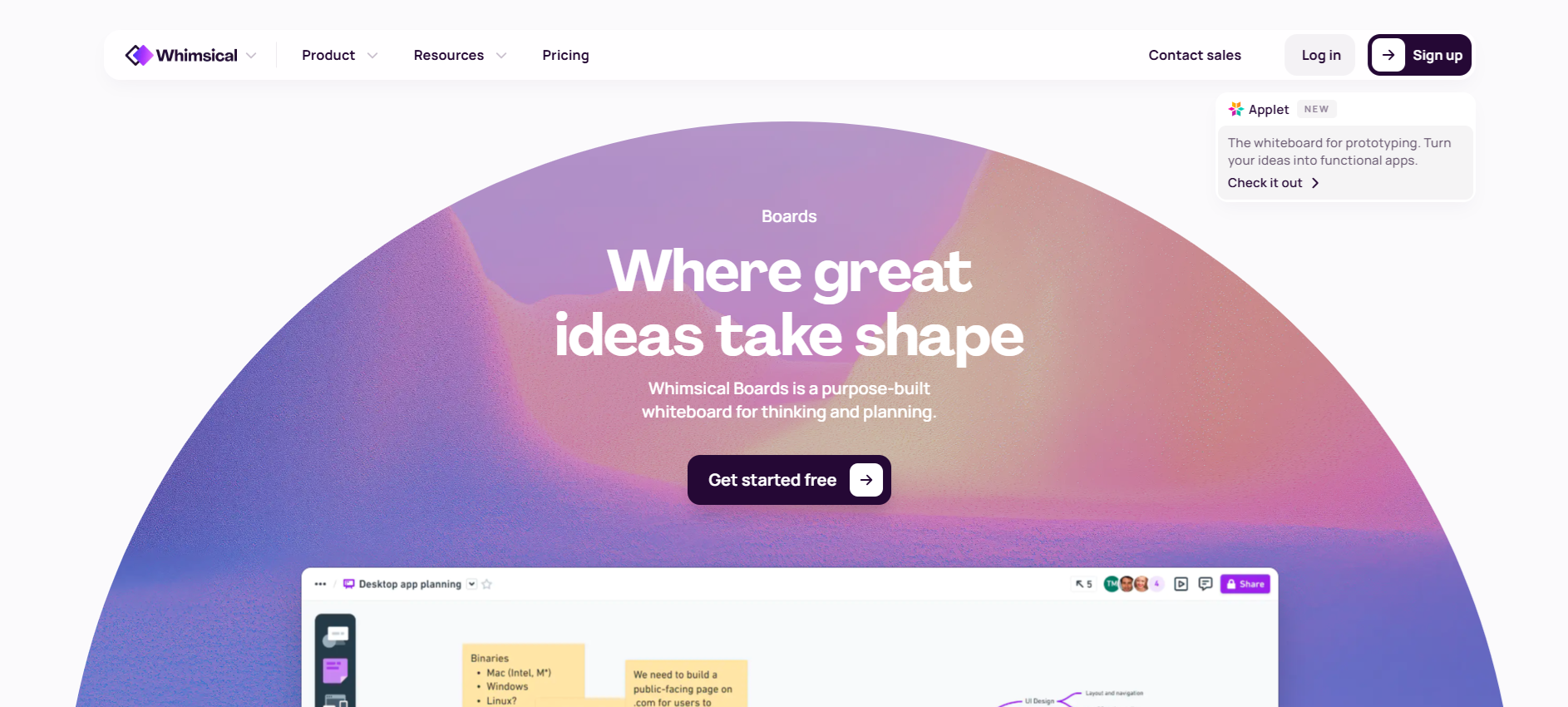
Whimsical provides a clean AI diagram generator that converts text prompts into flowcharts, mind maps, wireframes, and sticky notes. Designed for fast collaboration, teams can edit boards in real time while maintaining neat, color-coded visuals.
The AI is helpful for quick mapping, but may not summarize complex documents as thoroughly as Napkin AI. Whimsical works well for teams needing simple, organized visuals quickly, especially for brainstorming or workflow planning.
Key Features:
- Generates mind maps, flowcharts, and wireframes
- Real-time collaboration on shared boards
- Easy-to-use keyboard shortcuts and template library
- Color-coded visuals with automatic layout
- Embedding support for files and notes
10. Piktochart
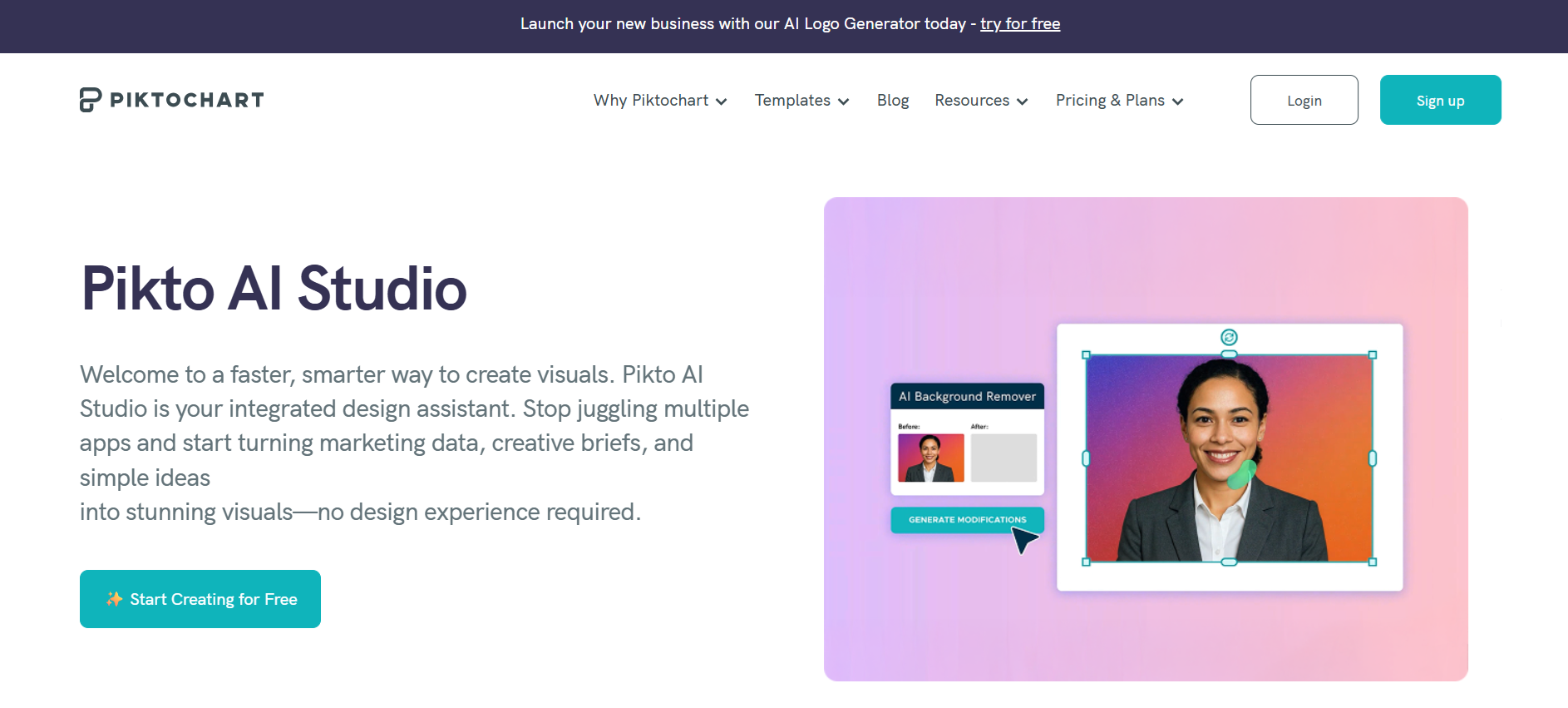
Piktochart operates as a full-featured AI diagram generator, transforming text, documents, and data into infographics, charts, and presentations. It excels at converting existing files into visuals, making it a strong Napkin AI alternative for teams and businesses.
While some design edits may take extra steps compared to simpler tools, the platform provides flexibility and custom branding features for professional output. Piktochart also supports multiple formats and collaborative workflows.
Key Features:
- Generates infographics, charts, and presentations from text or files
- Converts spreadsheets and reports into visuals
- Extensive templates for team and business use
- Custom branding and themes for consistency
- Collaborative editing and presentation-ready outputs
Coursebox AI for Effortless Diagram Creation
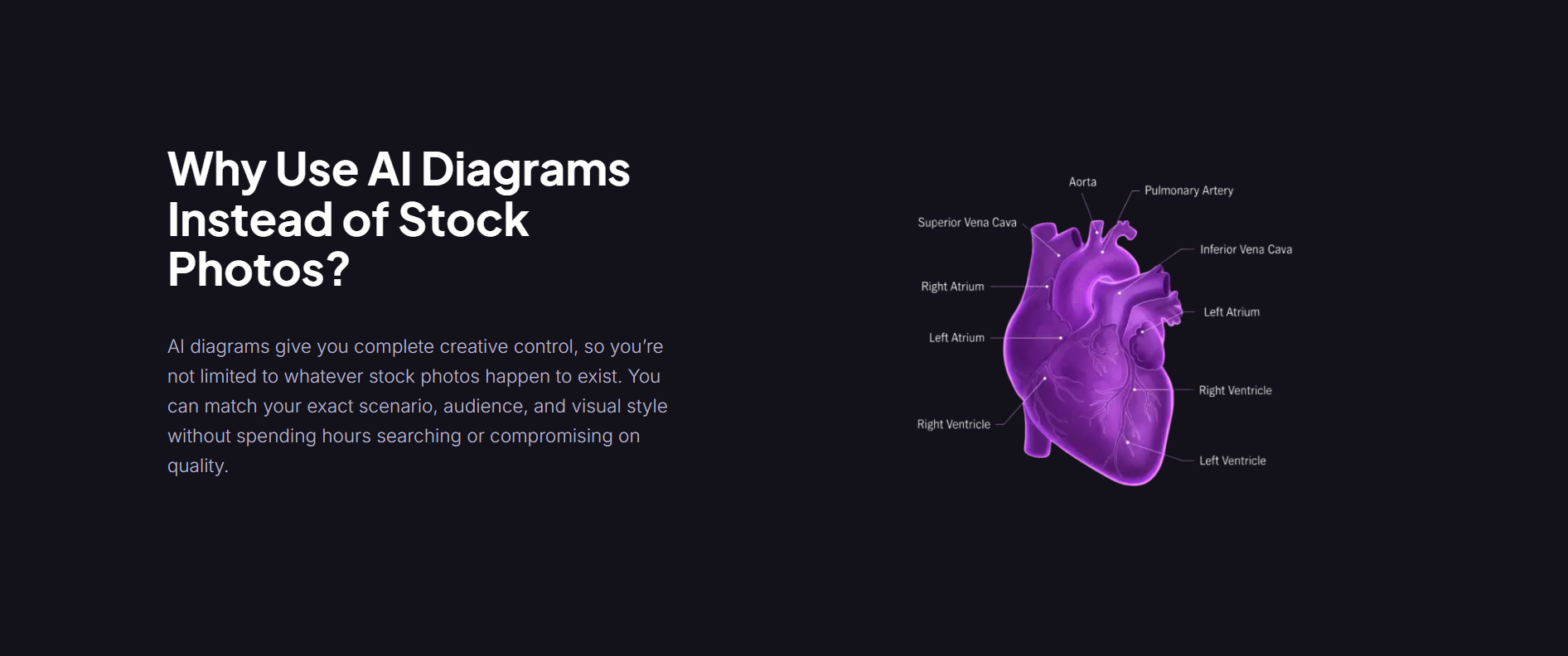
AI diagram generators have become essential for educators, trainers, and teams who need to visualize complex ideas quickly. While Napkin AI offers a simple experience, many users explore alternatives for more customization, collaboration, or specialized templates.
Tools like Lucidchart, Miro, Prezi, Canva, and Piktochart each provide unique strengths, from technical precision to presentation-ready visuals. Emerging platforms such as NoteGPT show promise but remain early-stage.
Coursebox AI stands out as a complete solution for learning and training content, offering consistent diagram styles, multilingual support, and direct course integration.
FAQs
Can I use Napkin AI for free?
Yes, Napkin AI offers a free plan with basic features, but advanced options and more AI-generated visuals may require a paid plan.
What is the difference between Napkin AI and ChatGPT?
Napkin AI focuses on turning text into diagrams, flowcharts, and visuals, while ChatGPT generates text, answers questions, and can assist with prompts, but doesn’t create diagrams by default.
What are the disadvantages of Napkin AI?
Napkin AI may lack advanced editing, limited templates, and doesn’t support offline use. Users needing highly technical or presentation-ready diagrams may find it restrictive.
Is Napkin AI unlimited?
No, free accounts have usage limits. Paid plans expand generation capacity, but fully unlimited use depends on the subscription tier.
What’s better than Napkin AI?
Coursebox AI, Lucidchart, Miro, Prezi, and others offer advanced features, better collaboration, and higher-quality AI-generated diagrams, making them strong Napkin AI alternatives.
Is Napkin AI useful?
Yes, it’s useful for quick diagram creation, basic flowcharts, and simple visualizations, but professionals or educators may prefer more feature-rich AI diagram generators.
Travis Clapp
Educational technologist and instructional designer

