

Articulate 360 vs Adobe Captivate: What’s the Difference and Which One Should You Choose?
Make eLearning easier with an online course creator. Read this Articulate 360 vs Adobe Captivate review to choose a platform that fits your budget and needs.


Run your own branded LMS with unlimited learners
When deciding between Articulate 360 and Adobe Captivate, trainers and educators evaluate each platform on its core functionalities. Both are powerful platforms, but they approach course development very differently. While Articulate 360 prioritizes speed and structured course creation, Adobe Captivate offers advanced customization and technical flexibility.
Beyond authoring, training teams also have to consider how their courses will be delivered and optimized within an AI LMS. You can only design courses with an authoring tool. You also need an LMS to manage learners, automate course workflows, and analyze engagement data.
Let’s break down Articulate 360 vs Adobe Captivate in detail so you can choose the right tool.
What is Articulate 360?
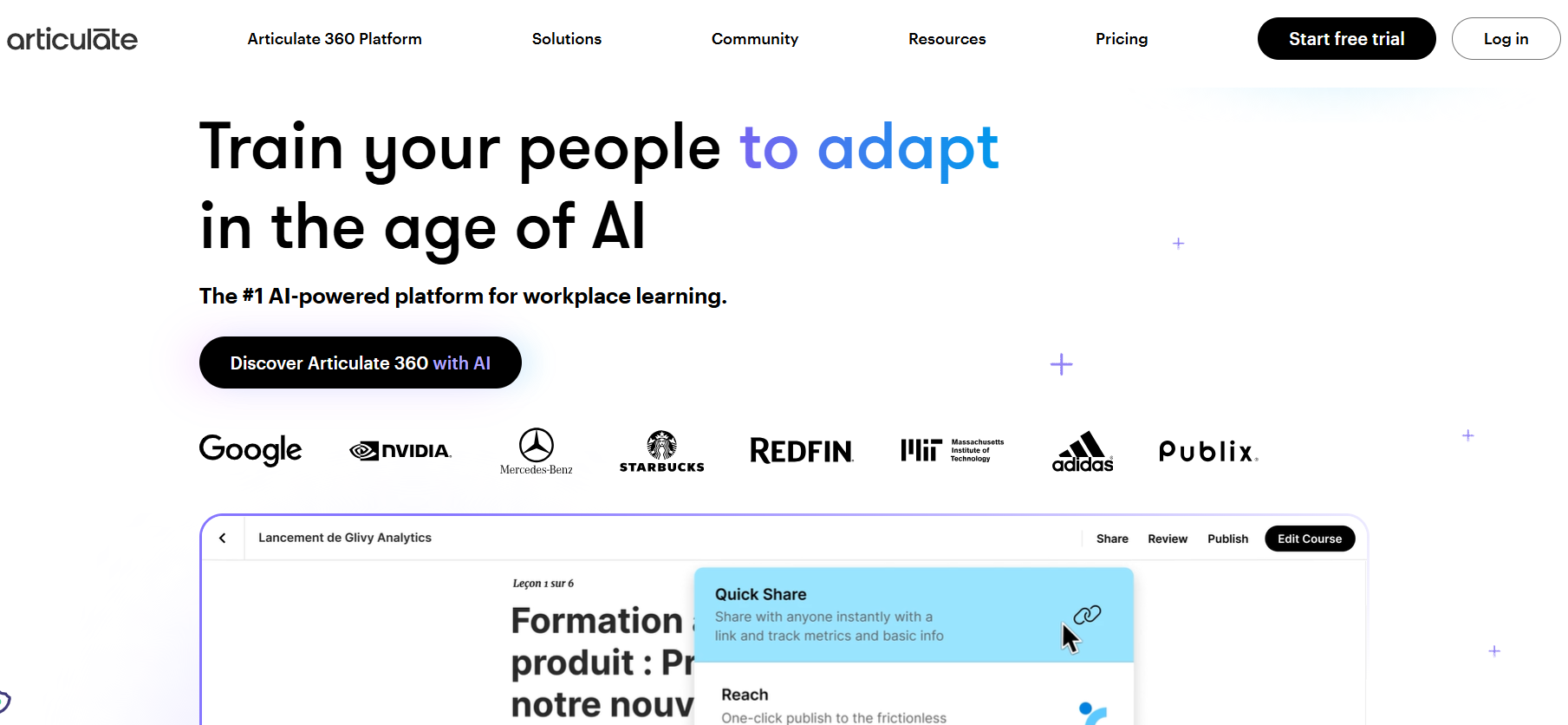
Articulate 360 is a suite of eLearning authoring tools that includes Rise, Storyline, Review, and a content library designed to help teams create interactive courses quickly. Instead of relying on a single editor, Articulate 360 offers multiple tools to meet diverse design needs. You will get rapid course development, advanced interactive learning, and a lot more.
Many organizations choose Articulate 360 because of its balanced workflow. Designers can create structured courses rapidly with Rise or build custom simulations using Storyline, all within one subscription. The platform also includes collaboration tools that allow stakeholders to review courses, leave feedback, and streamline production cycles.
Articulate 360 has a user-friendly interface and a large template library, so it is commonly used for onboarding programs, compliance training, product education, and corporate learning initiatives. The tool provides a consistent course design for these users that they can use across teams.
What is Adobe Captivate?
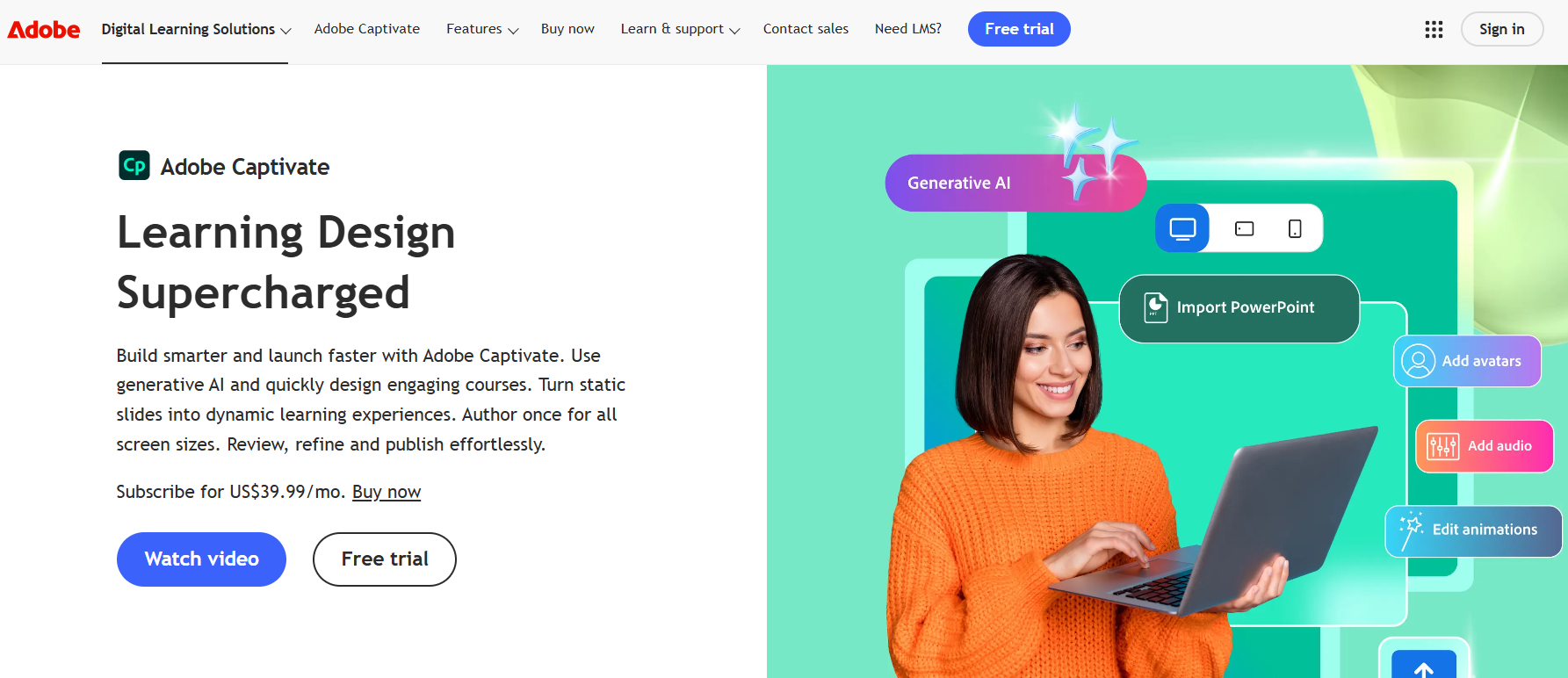
Adobe Captivate is an advanced eLearning authoring tool known for its technical flexibility and powerful simulation capabilities. It allows instructional designers to create highly customized training experiences, including software simulations, scenario-based learning, and complex interactive modules.
Captivate is favored by organizations that require detailed control over course interactions and advanced multimedia features. Designers can build immersive simulations that replicate real software environments, making it popular for technical training, system walkthroughs, and certification programs.
While Captivate offers significant creative freedom, it also has a steeper learning curve than more structured authoring tools.
Articulate 360 vs Adobe Captivate: 6 Key Differences Explained
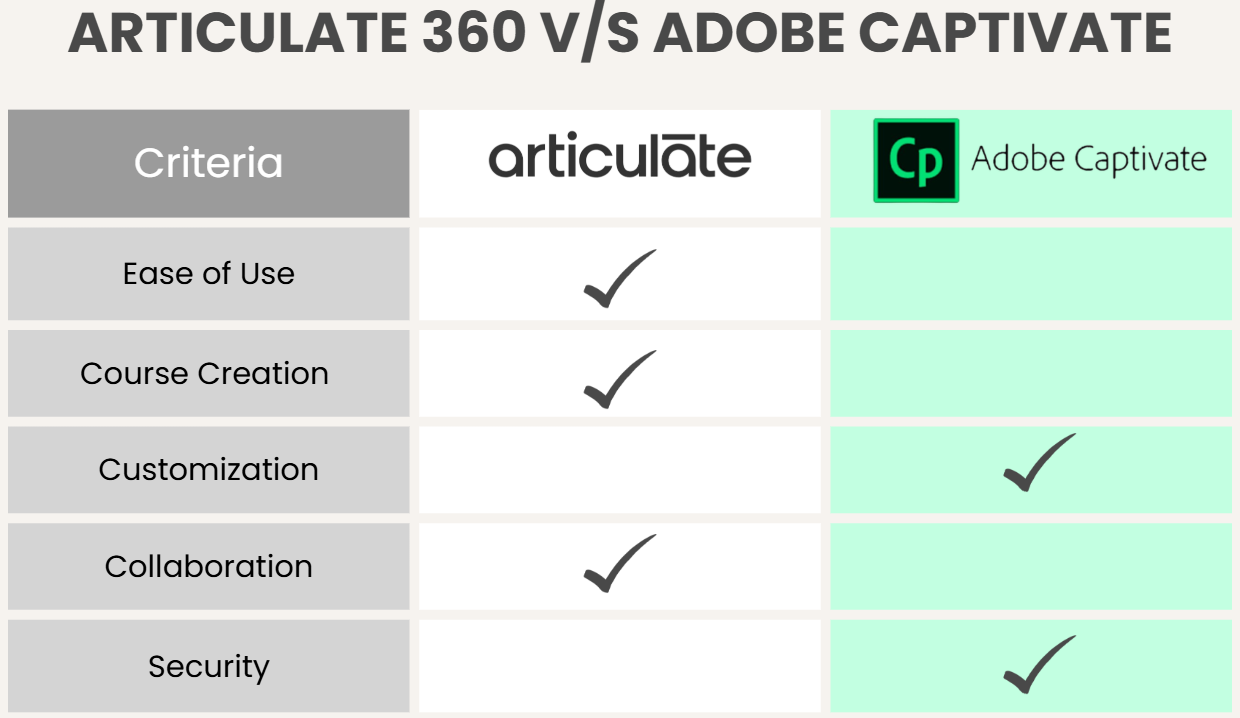
Let’s dive into the areas where these tools differ the most and how those differences affect real-world course development.
1. Ease of Use & Learning Curve
Articulate 360 is generally easier to learn, especially for beginners or teams that need to produce content quickly. Rise offers a block-based interface that simplifies course creation, while Storyline provides a familiar slide-based environment similar to presentation software. Templates and built-in interactions help designers build courses without advanced technical skills.
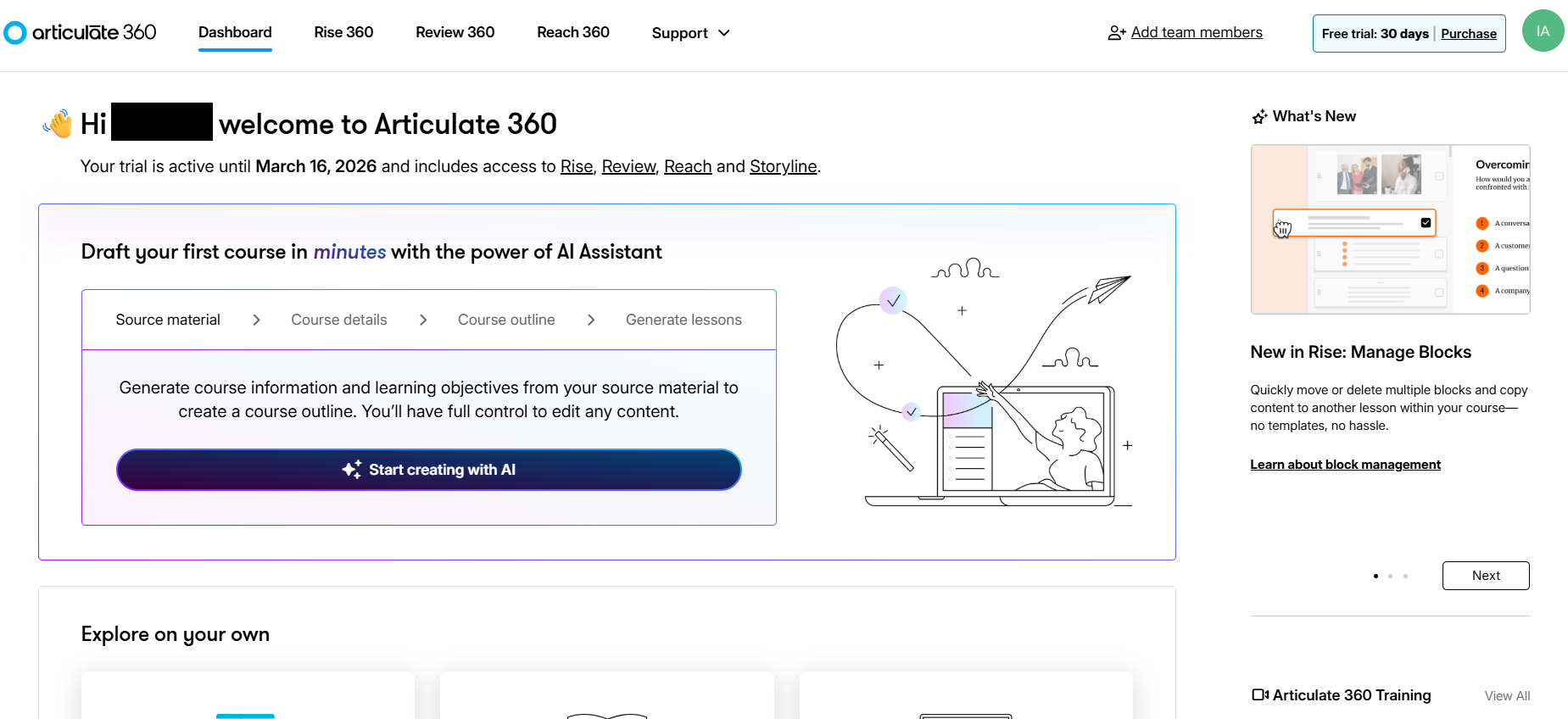
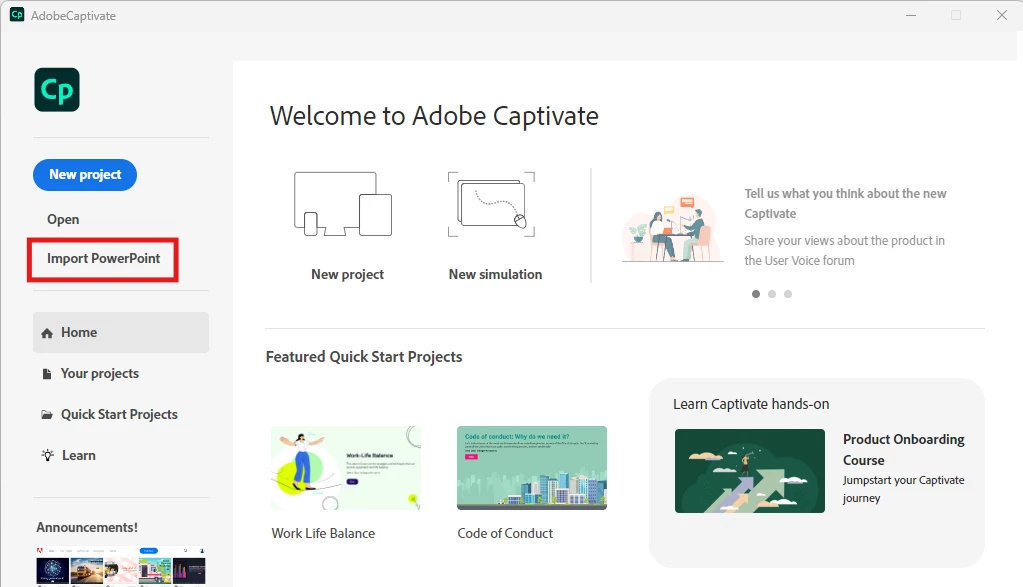
Captivate has a more technical interface that requires time to master. While it offers powerful customization options, new users often need training to fully use its capabilities. The learning curve can be steep, particularly when building complex interactions or simulations.
Source: Adobe Community
Simply put, Articulate 360 is typically more beginner-friendly, while Captivate is better suited for experienced instructional designers who want full design control.
2. Course Creation Workflow
Articulate 360 supports rapid course development through templates, prebuilt interactions, and integrated content libraries. Teams can quickly produce structured learning modules, making it ideal for projects with tight timelines or recurring training requirements.
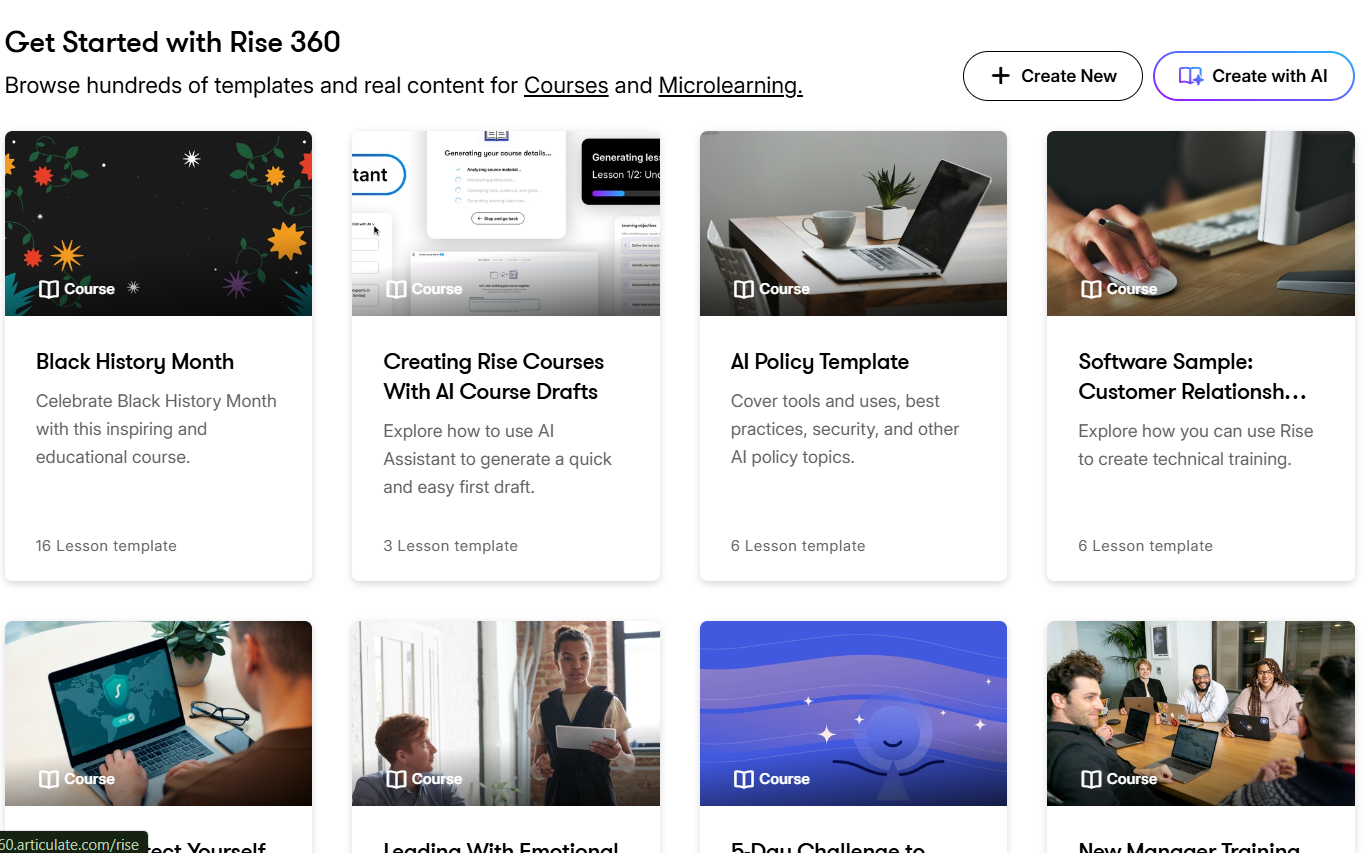
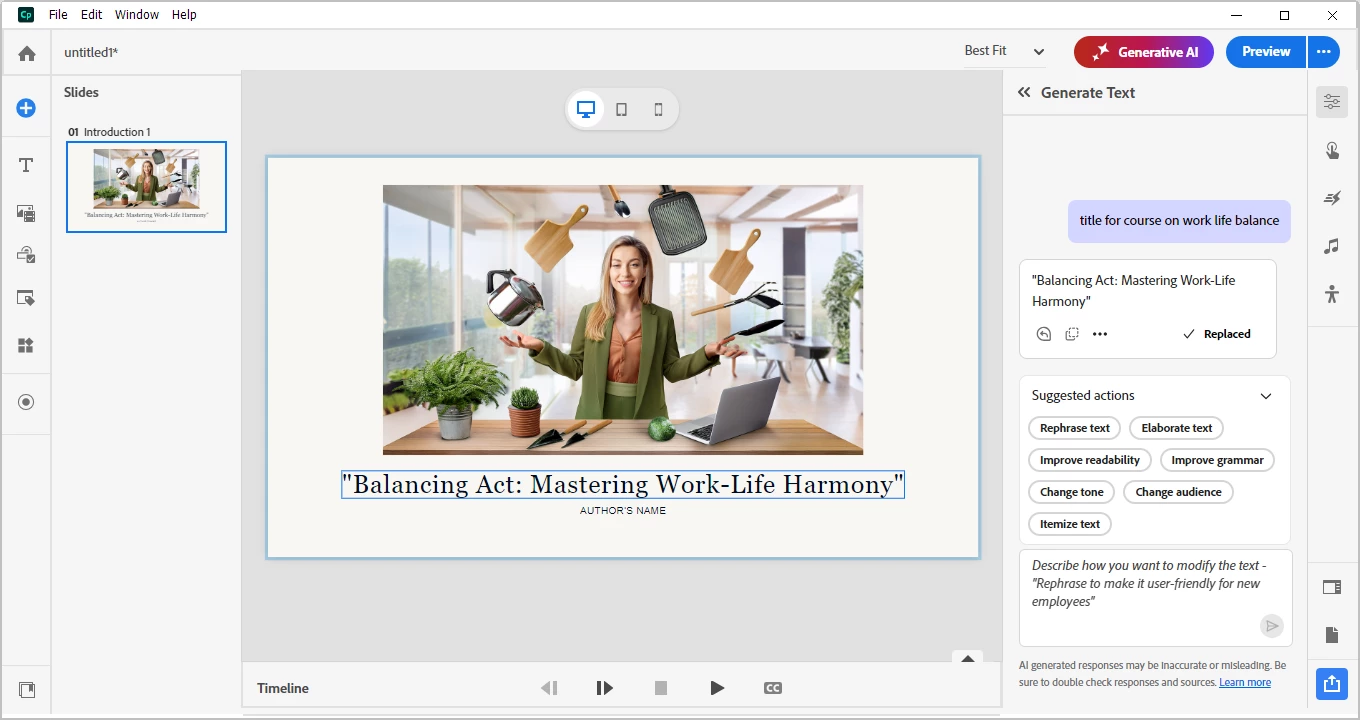
Captivate allows designers to build courses from scratch with highly customized interactions and navigation flows. It supports advanced scripting, interactive widgets, and immersive learning experiences. This flexibility makes it well-suited to specialized training where the learning experience needs to mimic real-world scenarios.
Source: Adobe Community
3. Interactivity & Customization
Articulate 360 provides built-in quizzes, branching scenarios, and interactive content blocks. Storyline allows designers to create custom interactions using triggers and animations, while Rise focuses on structured interactivity within responsive templates.
Captivate excels at advanced interactivity. Designers can build complex simulations, interactive video experiences, and software walkthroughs with realistic user interactions. It supports more detailed customization options that allow courses to behave like real applications.
4. Collaboration & Team Workflow
Articulate 360 includes built-in review tools that allow teams to collaborate directly within the platform. Stakeholders can leave comments, approve changes, and manage revisions without complicated workflows. This makes it particularly useful for distributed teams or organizations producing content at scale.
Captivate’s workflow is typically more individual-focused. Designers often create and update projects locally before sharing them through external collaboration tools. While collaboration is possible, it may require more coordination than Articulate 360’s integrated review environment.
Articulate 360 is generally better for collaborative team workflows, while Captivate is more suited to specialized designers working on complex projects.
5. Pricing & Licensing
Articulate 360 Pricing
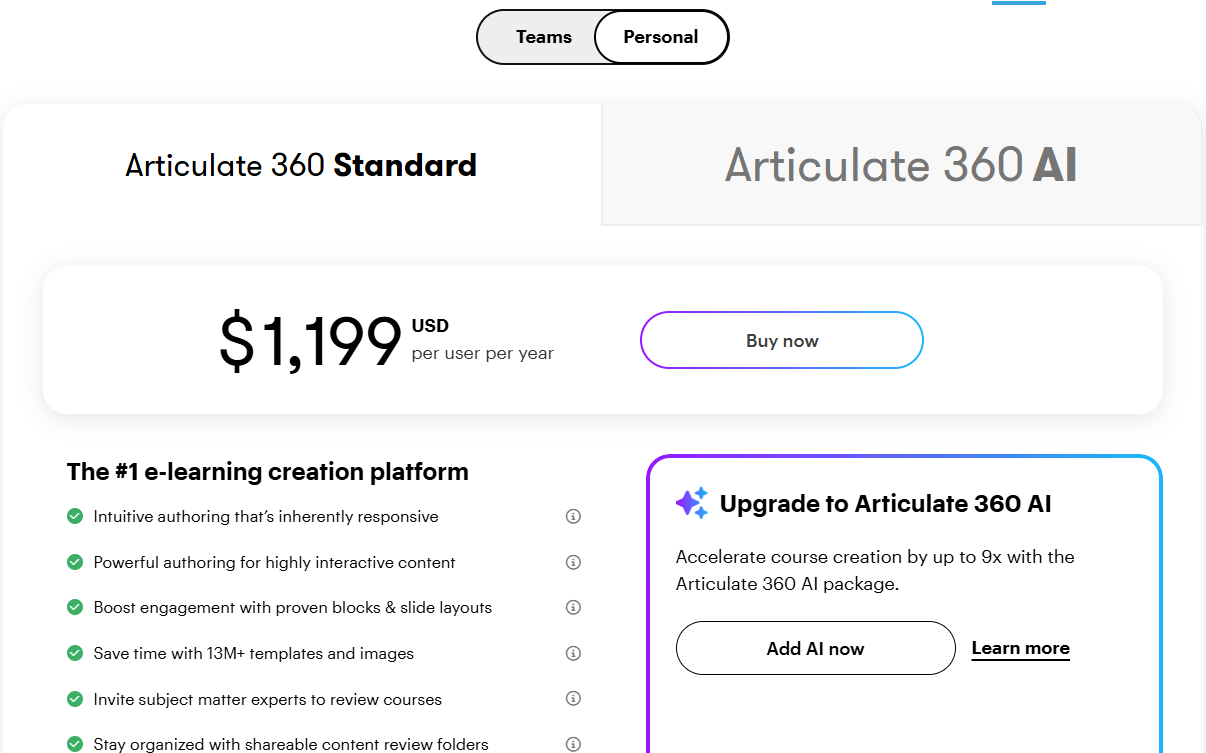
Articulate 360 operates on a subscription model that provides access to multiple tools within a single platform. Pricing varies depending on team size and licensing agreements, but typically includes content libraries, review features, and publishing tools.
The personal plans include:
- Articulate 360 Standard: $1,199 per user annually
- Articulate 360 AI: $1,449 per user annually
Teams plans include:
- Articulate 360 Standard: $1,499 per user annually
- Articulate 360 AI: $1,749 per user annually
Adobe Captivate Pricing
Adobe Captivate is available through subscription licensing as well. Pricing may vary depending on enterprise agreements and whether organizations bundle it with other Adobe products.
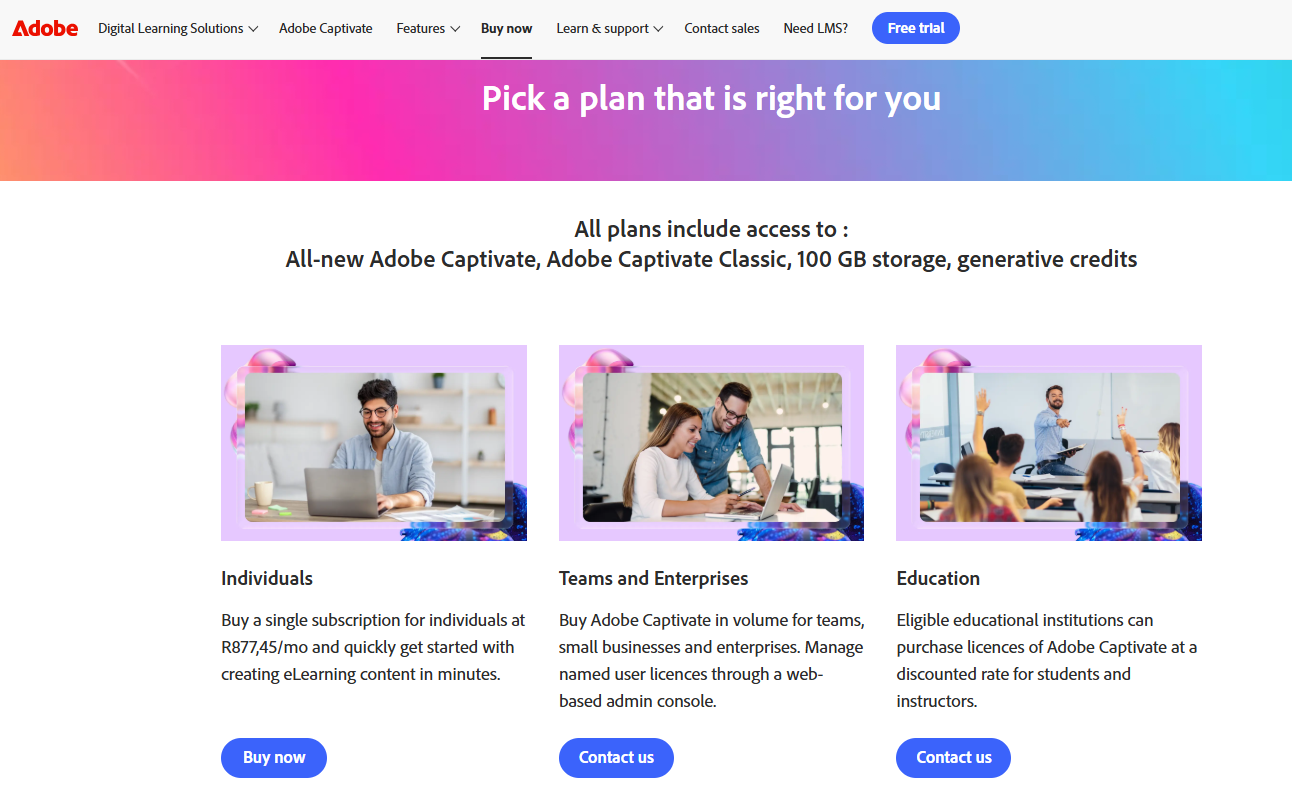
When comparing costs, organizations also consider total production time and workflow efficiency, not just licensing fees. Faster development and easier collaboration can significantly impact overall project expenses.
6. Support & Security
Both platforms offer comprehensive documentation and support resources. Articulate provides tutorials, webinars, and community forums that help designers learn new techniques and troubleshoot issues. Adobe Captivate also offers detailed training materials and support channels for technical users.
Security depends largely on how courses are hosted and delivered. Many organizations publish courses from either platform into a secure LMS environment where learner data, access controls, and compliance policies are managed centrally.
Articulate 360 vs Adobe Captivate: Which Is Better?
Here’s a quick Articulate 360 vs Adobe Captivate comparison table to help you decide:
| Feature | Articulate 360 | Adobe Captivate |
|---|---|---|
| Best For | Rapid development & team workflows | Advanced simulations & technical training |
| Ease of Use | Beginner-friendly | Steeper learning curve |
| Setup Time | Faster production | Longer development process |
| Customization | High (especially Storyline) | Extremely advanced |
| Maintenance | Built-in review workflows | External collaboration tools |
| Pricing | Subscription suite | Subscription licensing |
- Choose Articulate 360 if you need fast course creation, collaborative workflows, and structured learning content for corporate training or onboarding.
- Choose Adobe Captivate if you want advanced customization, detailed software simulations, or highly technical interactive learning experiences.
Where an AI LMS Like Coursebox Fits In
Authoring tools like Articulate 360 and Adobe Captivate help you design courses, but they don’t manage learners or automate training programs on their own. That’s where an AI LMS like Coursebox becomes an essential part of the workflow.
An AI LMS helps teams transform course content into structured learning programs with automated outlines, quizzes, and learning paths. Organizations can use AI-powered tools to accelerate course setup and improve learner engagement.
Once courses are created using Articulate 360 or Captivate, they can be delivered through an AI LMS environment where learners access content, complete training activities, and receive personalized feedback. AI-driven analytics also help teams identify learning gaps, track performance trends, and continuously improve course effectiveness.
Coursebox enables you to combine strong authoring tools with an AI LMS to build scalable training ecosystems. Try Coursebox’s AI LMS today!
FAQs About Articulate 360 vs Adobe Captivate
Articulate 360 vs Adobe Captivate, which tool is easier for beginners to learn?
Articulate 360 is generally easier for beginners because it includes structured tools like Rise and familiar slide-based editing in Storyline. Captivate offers more technical flexibility but requires more training to master advanced features.
Which platform is better for responsive eLearning design, Articulate 360 or Adobe Captivate?
Articulate Rise (part of Articulate 360) is known for its built-in responsive layouts that automatically adjust across devices without additional design work. Adobe Captivate also offers responsive design features, but they often require more planning and configuration from course creators. Teams that want fast mobile-friendly courses may lean toward Articulate 360, while those needing highly customized responsive interactions might prefer Captivate’s advanced controls.
Can Articulate 360 and Adobe Captivate create interactive learning experiences?
Yes. Both platforms support interactive elements such as quizzes, branching scenarios, and multimedia content. Captivate offers deeper customization for simulations, while Articulate 360 balances interactivity with faster development workflows.
Is Adobe Captivate good for software simulations?
Adobe Captivate is widely used for software simulations because it allows designers to replicate realistic user environments and interactions. Storyline within Articulate 360 can also create simulations, but may require more manual setup.
Do Articulate 360 and Captivate work with LMS platforms?
Both tools allow courses to be exported in formats compatible with most LMS platforms. Many organizations host courses within AI-powered LMS environments like Coursebox to manage learners and analyze training performance.
Is Articulate 360 good for team collaboration?
Articulate 360 includes built-in review and collaboration features that simplify feedback and revisions. Captivate projects may require external collaboration tools or structured workflows for team-based production.
Alex Hey
Alex Hey is a technical marketer with 10 years of hands-on growth and digital marketing experience. He cofounded Coursebox together with Travis Clapp who he met online when looking for a cofounder to build a globally impactful software product. He works in the Perth, Western Australia office as the COO. He built the world's first automated funnel for patient recruitment before building Coursebox. After launching Coursebox in mid 2023, he drove +400k organic sign ups for Coursebox. Alex leads the marketing and digital growth of Coursebox and works with the product development team bringing a passion for data-driven product decision and exceptional user experience. Alex is determined to build the world's easiest way to build the perfect course.

