

Articulate Rise vs Storyline: What’s the Difference and Which One Should You Choose?
Looking for a platform to create and customize online courses? This Articulate Rise vs Storyline review lets you evaluate your options based on your needs.


Run your own branded LMS with unlimited learners
Instructional designers and training teams compare Articulate Rise vs Storyline when deciding how to build interactive online courses. Both tools come from Articulate 360, but they serve very different workflows.
With Articulate Rise, you get better speed and simplicity, while Storyline offers custom interactions and advanced learning design. If you’re planning structured training programs, you need to choose the tool that best serves your needs.
That said, you also have to consider how your designed courses will live inside an AI LMS for delivery, tracking, and learner engagement. This guide will help you choose the right authoring tool and understand where an AI-powered learning platform fits into the process.
What is Articulate Rise?
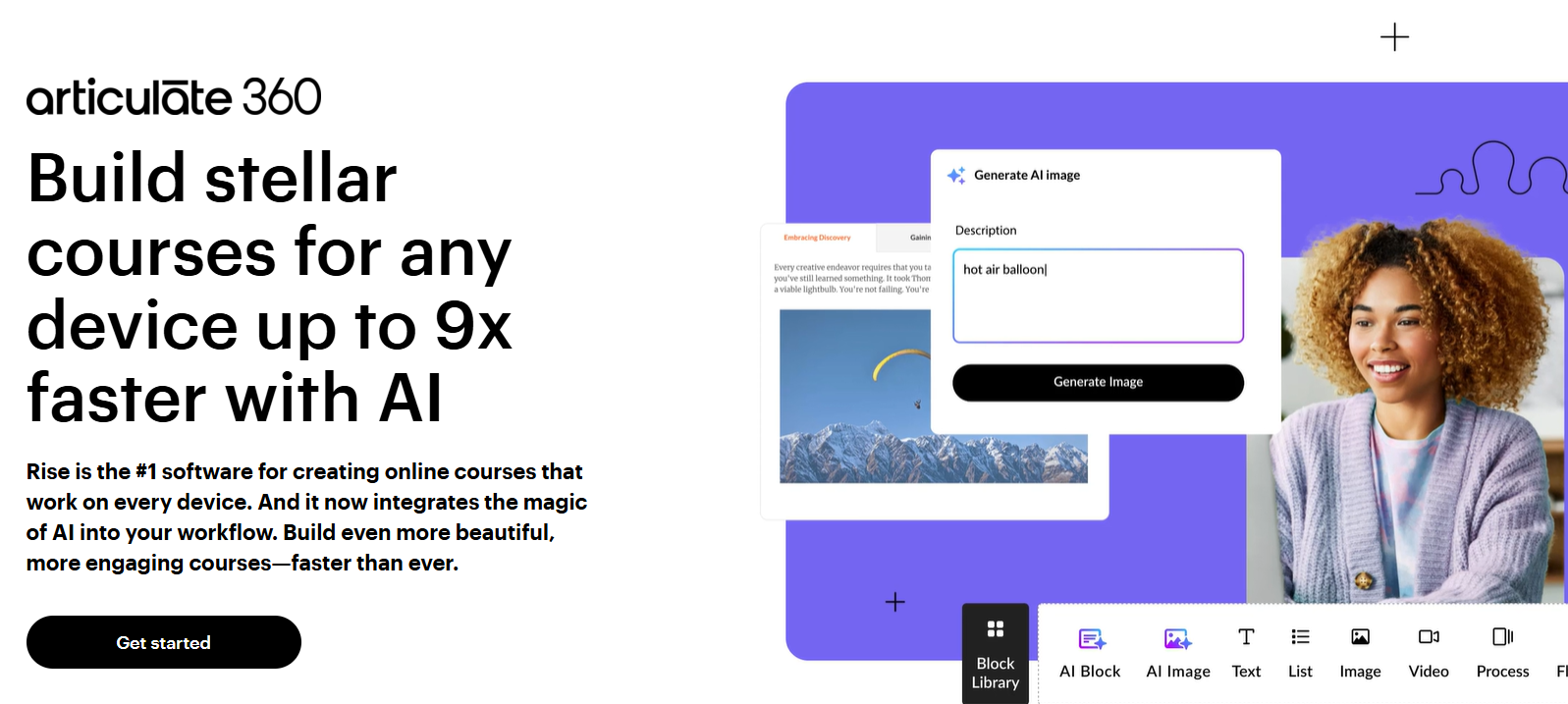
Articulate Rise is a web-based course authoring tool designed for fast, responsive eLearning creation. Its block-based interface allows designers to assemble lessons using prebuilt layouts, such as text blocks, image galleries, quizzes, and interactive elements, without technical complexity.
Rise is widely used for compliance training, onboarding courses, and structured learning paths where responsiveness and speed matter. It designs courses compatible with mobile devices and tablets, so teams can publish content quickly without additional formatting.
The platform also emphasizes consistency. Templates and pre-designed interactions help teams maintain a professional look while reducing production time. Many organizations use Rise for rapid development before uploading courses into an LMS for delivery and analytics.
What is Articulate Storyline?
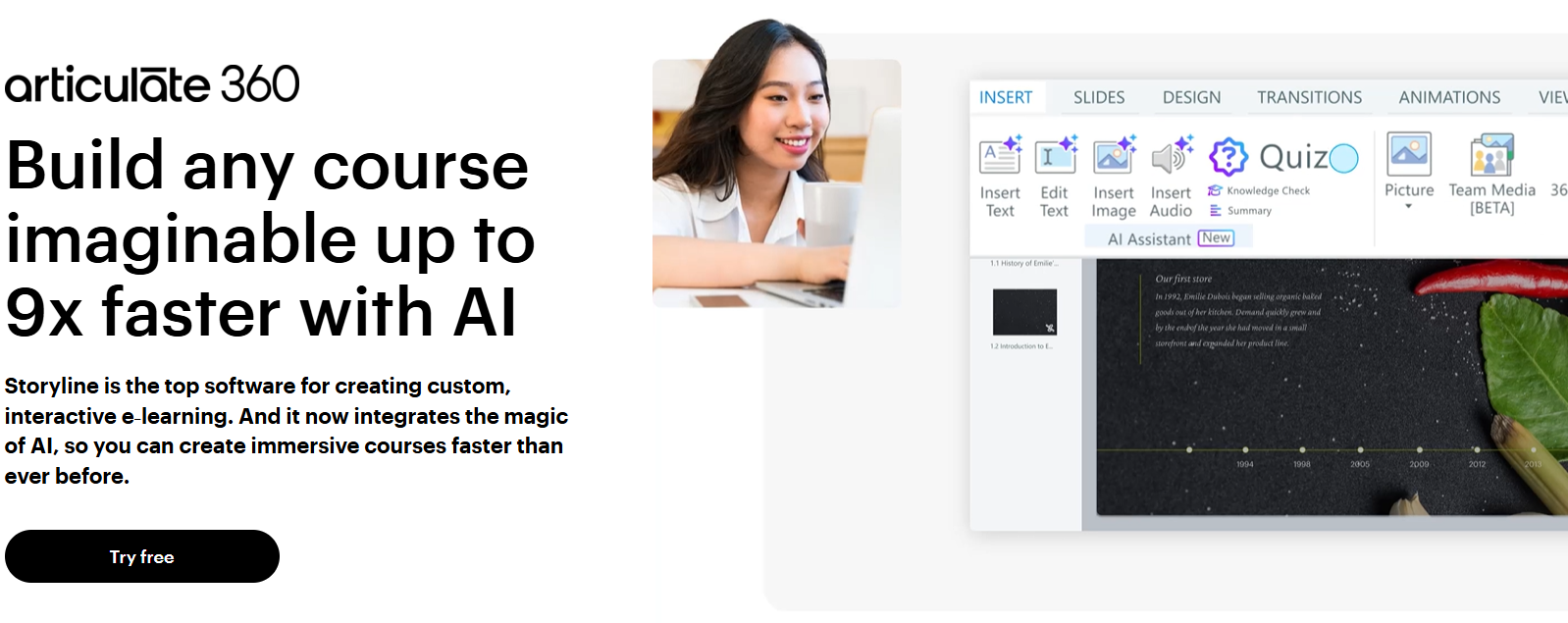
Articulate Storyline is a desktop-based authoring tool built for highly customized and interactive eLearning experiences. It uses a slide-based interface similar to PowerPoint but adds advanced layers, triggers, animations, and branching scenarios that allow designers to build simulations and immersive learning activities.
Storyline is used for complex technical training, scenario-based learning, and gamified experiences where learner interaction drives the learning process. Designers can create drag-and-drop activities, software walkthroughs, and detailed assessments tailored to specific learning objectives.
While Storyline requires more design expertise, it gives teams complete creative control over the learning experience. Courses built in Storyline are typically exported and hosted in an LMS, where learners can access structured programs and track their progress.
Articulate Rise vs Storyline: 6 Key Differences Explained
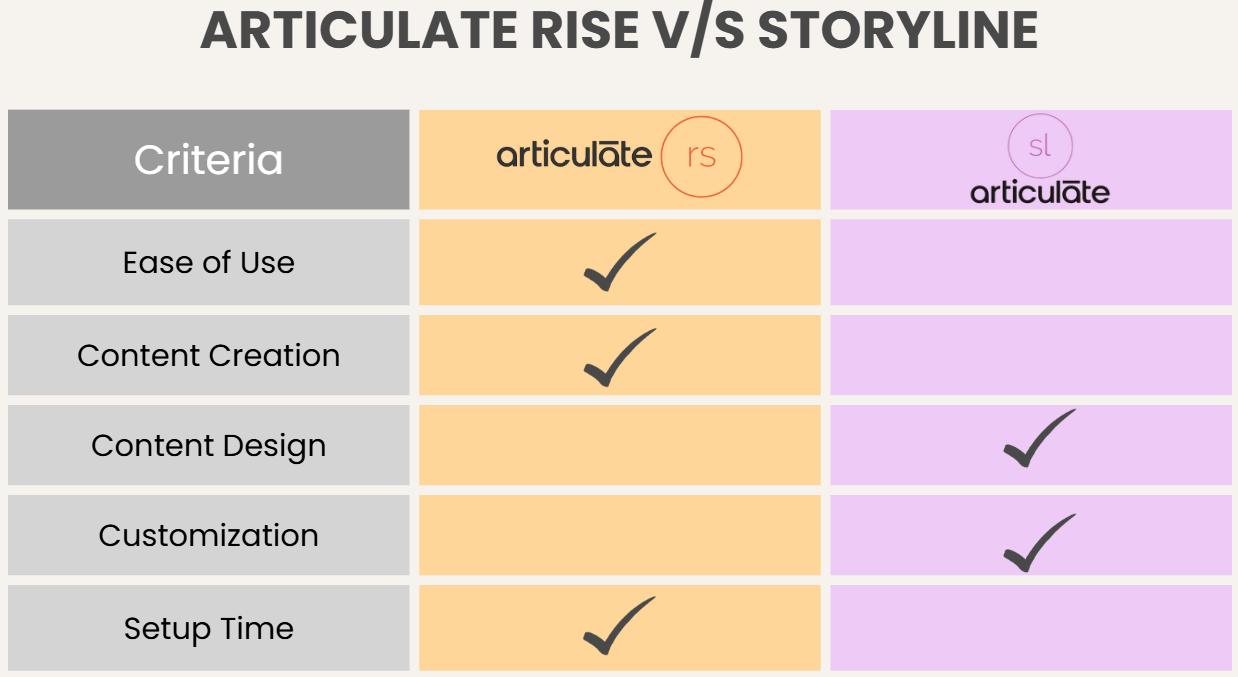
Now let’s look at where Articulate Rise vs Storyline really differ and how those differences impact real training projects.
1. Ease of Use & Interface
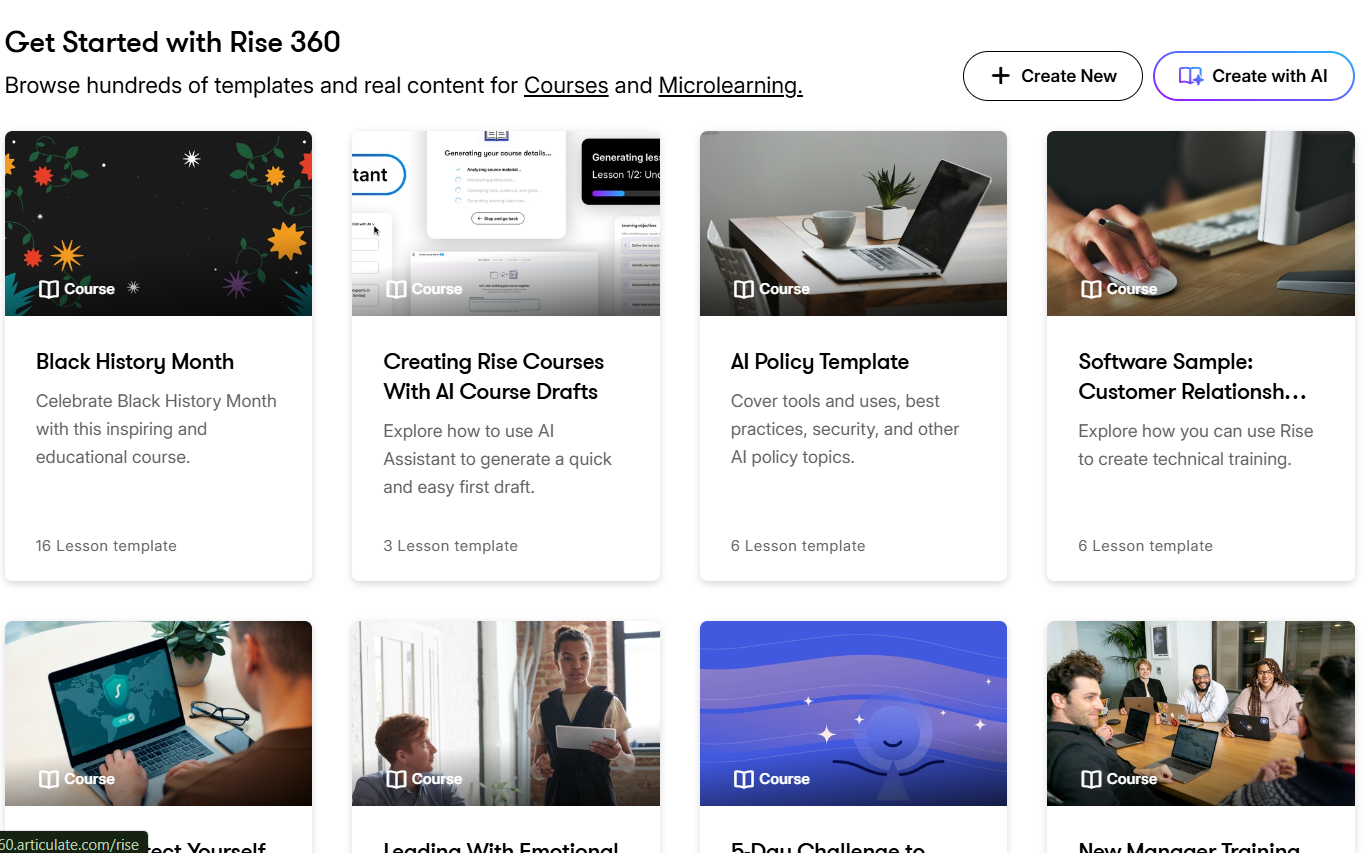
Rise focuses on simplicity. Its browser-based editor organizes content into blocks that you drag and rearrange to build lessons. Designers can create structured modules quickly without needing advanced technical skills.
The interface guides users through course sections step by step, making it especially useful for rapid course development and collaborative projects.
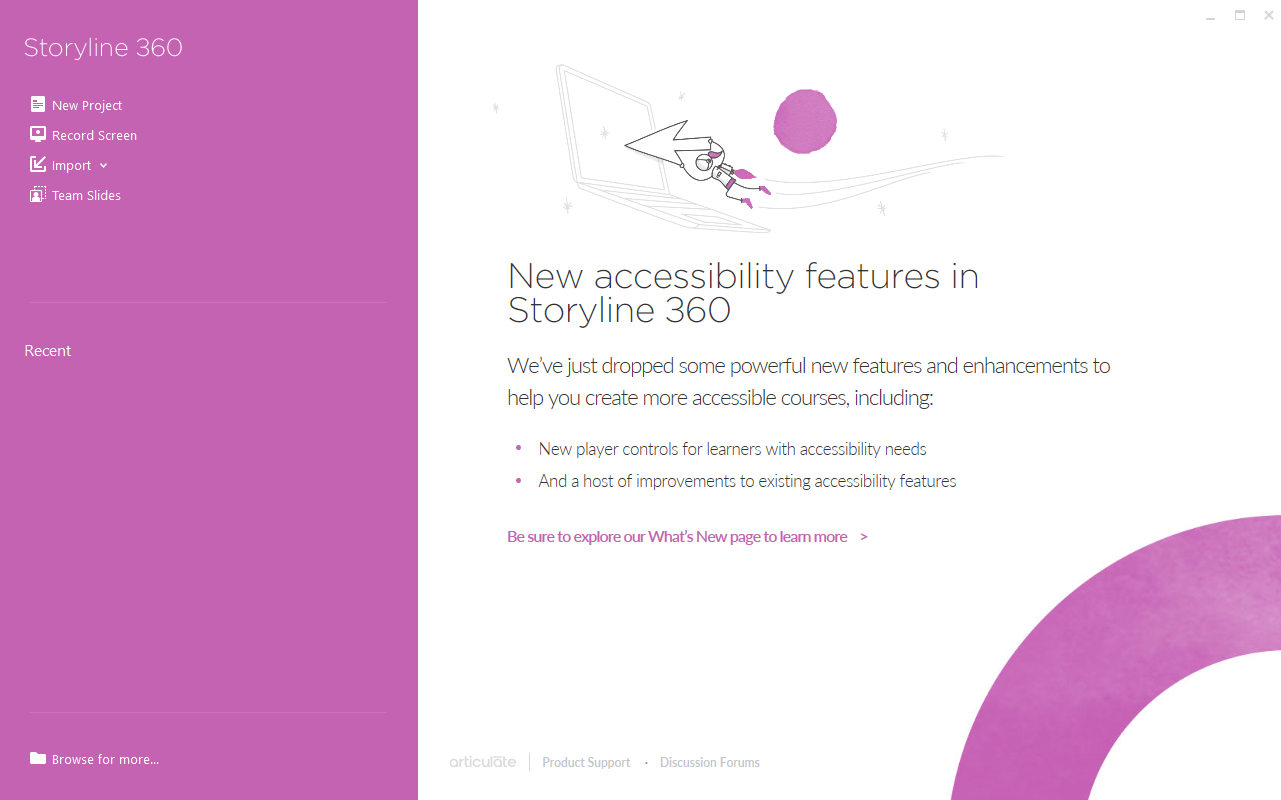
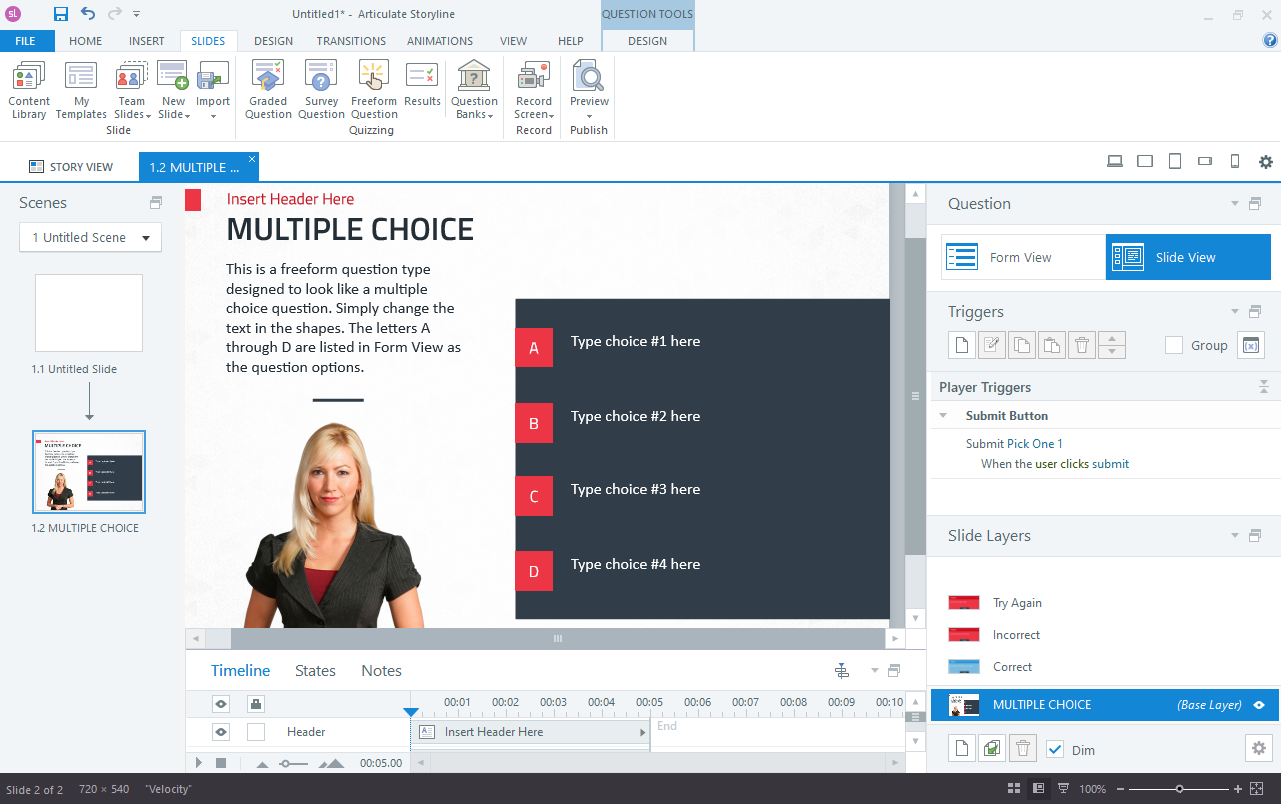
Storyline offers a more complex design environment. Users work with timelines, triggers, states, and layers to create advanced interactions. While this flexibility allows for highly customized learning experiences, it also means new users need more time to learn the system.
Designers with multimedia or instructional design backgrounds tend to get the most value from Storyline.
Source: Venngage
Simply put, Rise is easier and faster to learn, while Storyline offers deeper creative control but requires more technical expertise.
2. Course Creation & Design
Articulate Rise and Storyline differ significantly when it comes to their main features. Rise focuses on structured course development, while custom course design is Storyline’s forte.
Structured Course Development in Rise
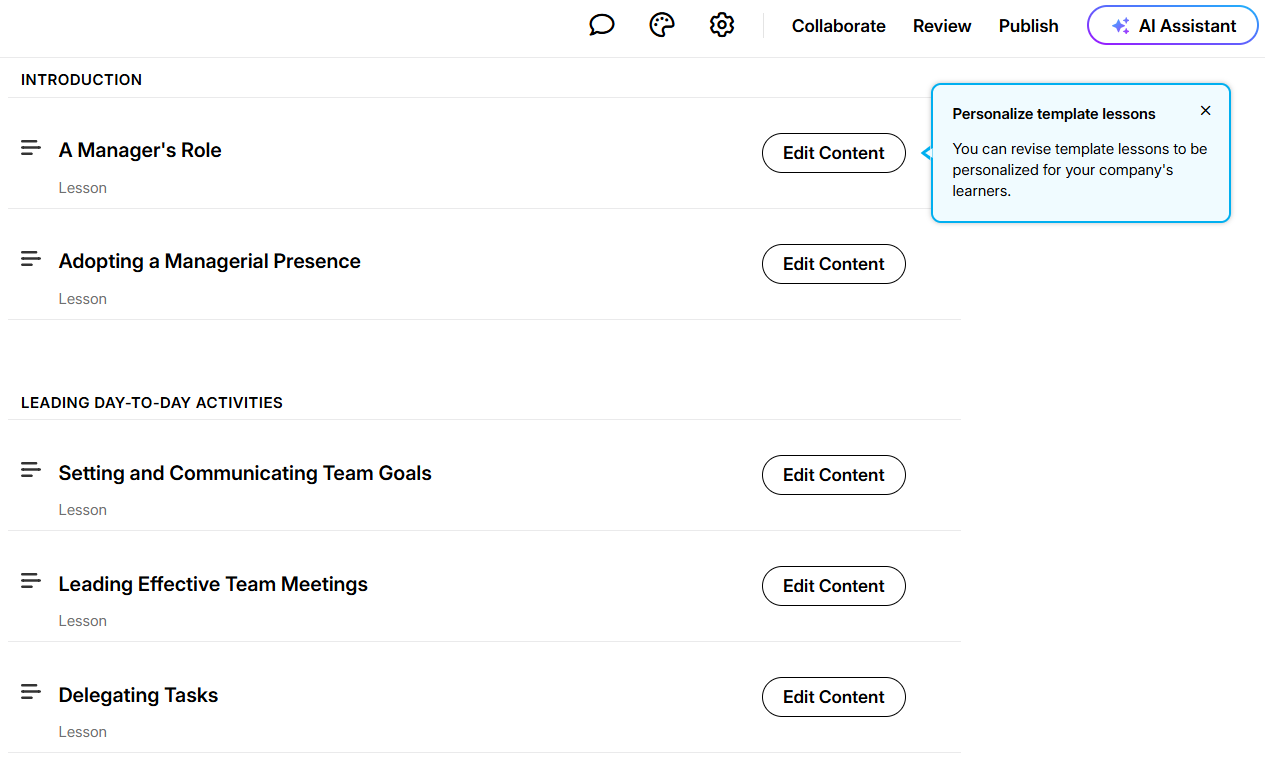
Rise organizes courses into lessons and sections with consistent layouts. Templates help teams maintain uniform design across modules. This structure works well for compliance training, onboarding, and informational courses where learners move through content in a predictable flow.
Custom Course Design in Storyline
Storyline gives designers full control over course structure. You can create branching scenarios, interactive simulations, and nonlinear learning paths. Instead of relying on templates, designers build interactions from scratch. This allows for immersive experiences tailored to complex learning goals.
Source: Venngage
In short, Rise is ideal for structured, repeatable courses, while Storyline excels in customized, highly interactive training programs.
3. Customization & Creative Control
Rise allows teams to adjust branding elements, such as colors, fonts, and lesson layouts. Designers can embed videos, add quizzes, and include interactive blocks without writing code. However, customization is limited to predefined templates to maintain responsiveness.
Comparatively, Storyline supports extensive customization. Designers can control animations, user navigation, and interface elements down to individual interactions. You can create unique game mechanics, simulations, and adaptive learning experiences that go far beyond standard course layouts.
4. Collaboration & Workflow
Rise supports real-time collaboration because it runs in a browser environment. Multiple team members can review content, provide feedback, and update modules simultaneously. This makes it suitable for teams producing content at scale.
Storyline, on the other hand, is typically used in individual design workflows. Files are created locally and shared through version control systems or cloud storage. While collaborative review is possible, it requires greater coordination and a more structured workflow.
Rise works well for team collaboration and rapid updates, while Storyline suits specialized designers building complex projects.
5. Pricing
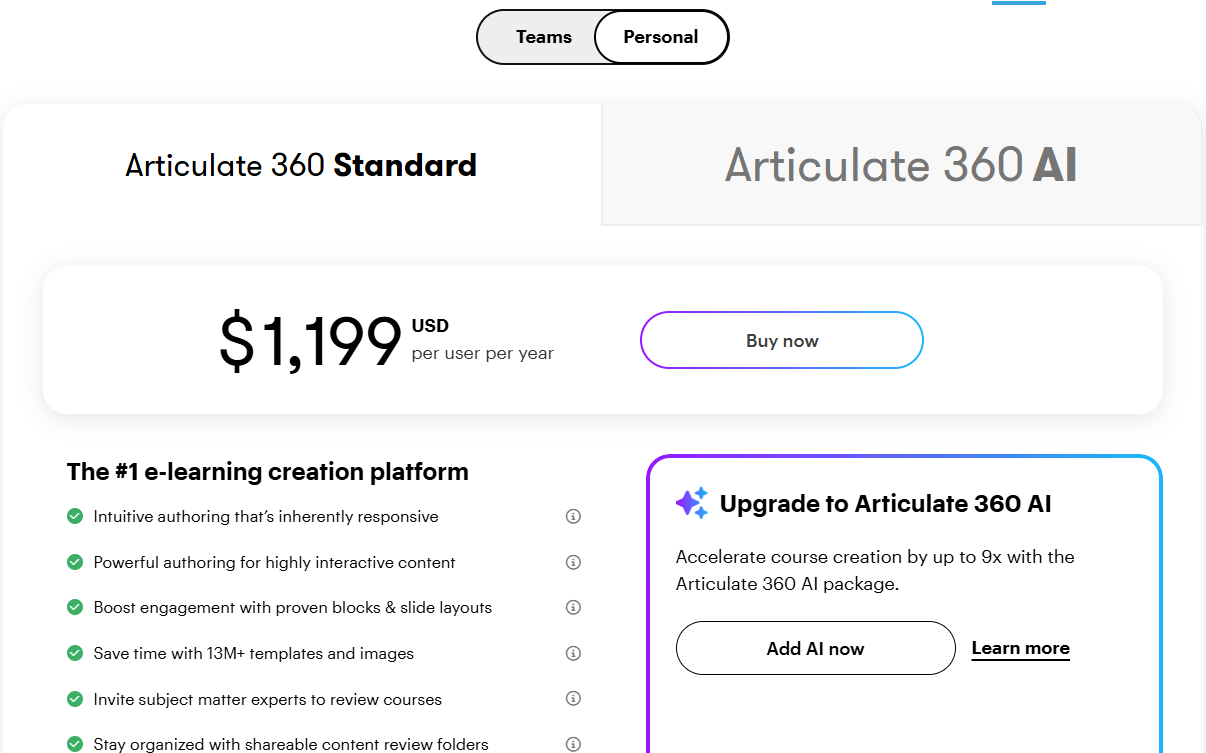
Articulate Rise and Storyline are included within Articulate 360 subscriptions rather than being sold separately. Pricing generally follows a per-user subscription model with annual billing options for individuals and teams.
Plans include access to both tools along with content libraries, review tools, and publishing features. Enterprise plans offer additional collaboration features, centralized management, and priority support.
Since pricing varies depending on organization size and agreements, teams evaluate total workflow costs, including design time and LMS hosting, rather than just subscription fees.
6. Support & Security
Articulate provides a comprehensive help center that includes tutorials, user forums, webinars, and documentation for both Rise and Storyline. Designers can access step-by-step guides for building interactions, managing courses, and troubleshooting publishing issues.
Security features include secure cloud hosting for Rise content and controlled file sharing for Storyline projects. Organizations can manage user permissions, protect course data, and ensure compliance with internal training policies when hosting courses within an LMS environment.
Articulate Rise vs Storyline: Which Is Better?
Articulate Rise and Storyline are powerful, but they solve different problems. Here’s a quick side-by-side comparison:
| Feature | Articulate Rise | Articulate Storyline |
|---|---|---|
| Best For | Rapid course creation & structured learning | Advanced interactive simulations |
| Ease of Use | Beginner-friendly | Steeper learning curve |
| Setup Time | Very fast | Longer production time |
| Customization | Template-based | Highly customizable |
| Maintenance | Easy updates via web editor | File-based revisions |
| Pricing | Included in Articulate 360 | Included in Articulate 360 |
- Choose Articulate Rise if you need to build responsive courses quickly, collaborate with teams, and maintain consistent layouts across modules.
- Choose Articulate Storyline if you want to design immersive learning experiences, simulations, or highly interactive training programs that require advanced customization.
Where an AI LMS Like Coursebox Fits In
Articulate Rise and Storyline allow you to create courses, but you still need a platform to deliver, track, and manage those learning experiences. That’s where an AI LMS like Coursebox comes into play.
Coursebox helps teams transform raw content into structured training programs before importing or publishing courses created with Rise or Storyline. You don’t have to manually build outlines and assessments from scratch. Coursebox provides AI tools that you can use to generate course structures, learning paths, and quizzes automatically.
Once courses are ready, they can be hosted inside an AI LMS environment where learners access training, complete activities, and receive performance insights. Coursebox also helps teams manage learners, automate feedback, and improve course quality over time using AI-driven analytics.
If you’re producing courses with Articulate tools, pairing them with an AI LMS helps streamline delivery and ongoing content updates. Book a free Coursebox demo now to get started!
FAQs About Articulate Rise vs Storyline
What is the main difference between Articulate Rise and Storyline?
The biggest difference lies in complexity and customization. Rise focuses on rapid, responsive course creation using templates and structured layouts, while Storyline allows designers to build fully customized interactions and simulations. Organizations often use Rise for quick development and Storyline for advanced training projects.
Is Articulate Rise easier to learn than Storyline?
Yes, Rise is generally easier to learn because of its block-based interface and predefined layouts. Most users can start building courses quickly without prior instructional design experience. Storyline requires more time to master due to its advanced features and design flexibility.
Can Articulate Storyline create more interactive courses?
Storyline supports complex interactions, including branching scenarios, drag-and-drop activities, and simulations. Designers can control animations, navigation paths, and learner feedback to create immersive experiences. Rise offers interactivity as well, but within structured templates.
Do Rise and Storyline work with LMS platforms?
Both tools allow courses to be exported in standard formats compatible with most LMS platforms. Many organizations host Rise or Storyline courses inside traditional or AI-powered LMS environments to manage learners and track performance. This setup helps combine strong course design with scalable delivery.
Articulate Rise vs Storyline, which tool is better for corporate training?
Rise works well for onboarding, compliance training, and structured informational courses that require rapid updates. Storyline is better suited for technical training or simulation-based learning where learners practice real-world tasks. Many organizations use both tools depending on project needs.
Should beginners start with Rise or Storyline?
Beginners often start with Rise because it lets them focus on content structure rather than on complex design tools. Once they gain experience, they may move into Storyline for more advanced projects. Using an AI LMS like Coursebox alongside either tool can also simplify course organization and learner management.
Travis Clapp
Educational technologist and instructional designer

