

10 Best Miro Alternatives for Teams That Hate Cluttered Boards
Discover the best Miro alternatives for teams. Compare AI diagram generators, collaborative whiteboards, and tools that boost productivity.


Turn complex ideas into clear, professional diagrams using AI
Teams like Miro for visual collaboration, yet many still search for Miro alternatives once daily work starts feeling messy.
As boards grow, canvases get crowded, navigation slows, and structure fades, which makes focused product work harder than it should be. Lean teams notice this most when mapping user flows, planning features, or testing ideas on tight timelines.
Instead of spending time organizing space, they want tools that guide thinking and keep projects moving. Some newer platforms even include AI diagram generators to speed up early visual planning.
This guide covers Miro alternatives built for teams that want less clutter, more direction, and smoother progress from idea to execution.
What is Miro?
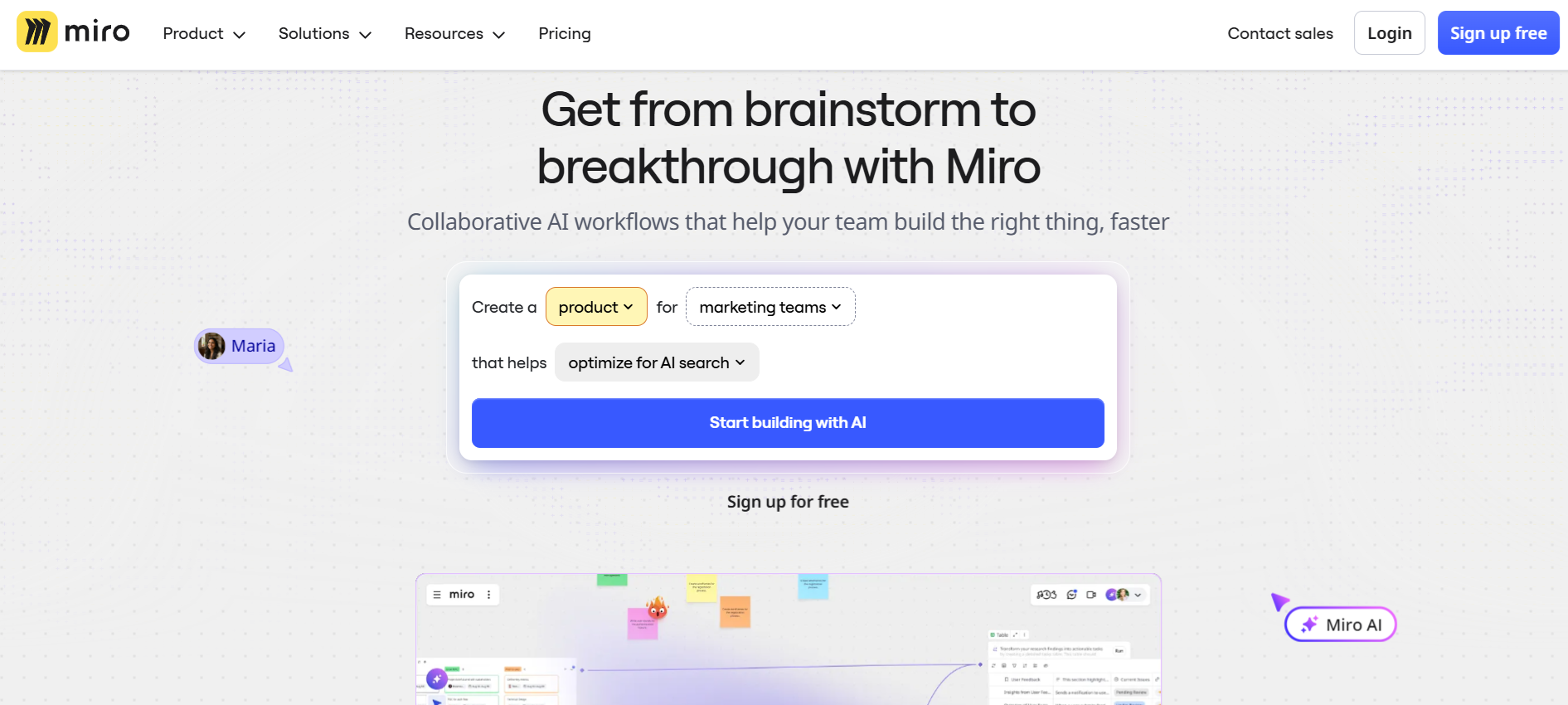
Miro works as a digital whiteboard where teams share ideas, sketch concepts, and collaborate live in one shared space. Many know it for a huge open canvas filled with templates, sticky notes, diagrams, and planning frameworks that support everything from early brainstorming to delivery planning.
Teams use Miro to map research, build user journeys, plan sprints, and visualize workflows across departments. Integrations with tools like Jira, Google Drive, and Microsoft 365 keep work connected, while built-in AI helps summarize comments or group ideas during busy sessions.
For workshops, creative collaboration, and cross-team alignment, Miro gives one visual hub where conversations and planning happen side by side.
Why Explore Miro Alternatives
Miro supports creative collaboration, yet product execution often demands a tighter structure and faster decision paths. When teams move from brainstorming into defining flows, features, or experiments, the experience can feel less focused than expected.
1. Too Much Open Space, Not Enough Guidance
Ideas stay visible, which helps creativity, yet narrowing things down into decisions or next steps takes extra effort without built in direction.
2. Boards Grow Faster Than They Get Organized
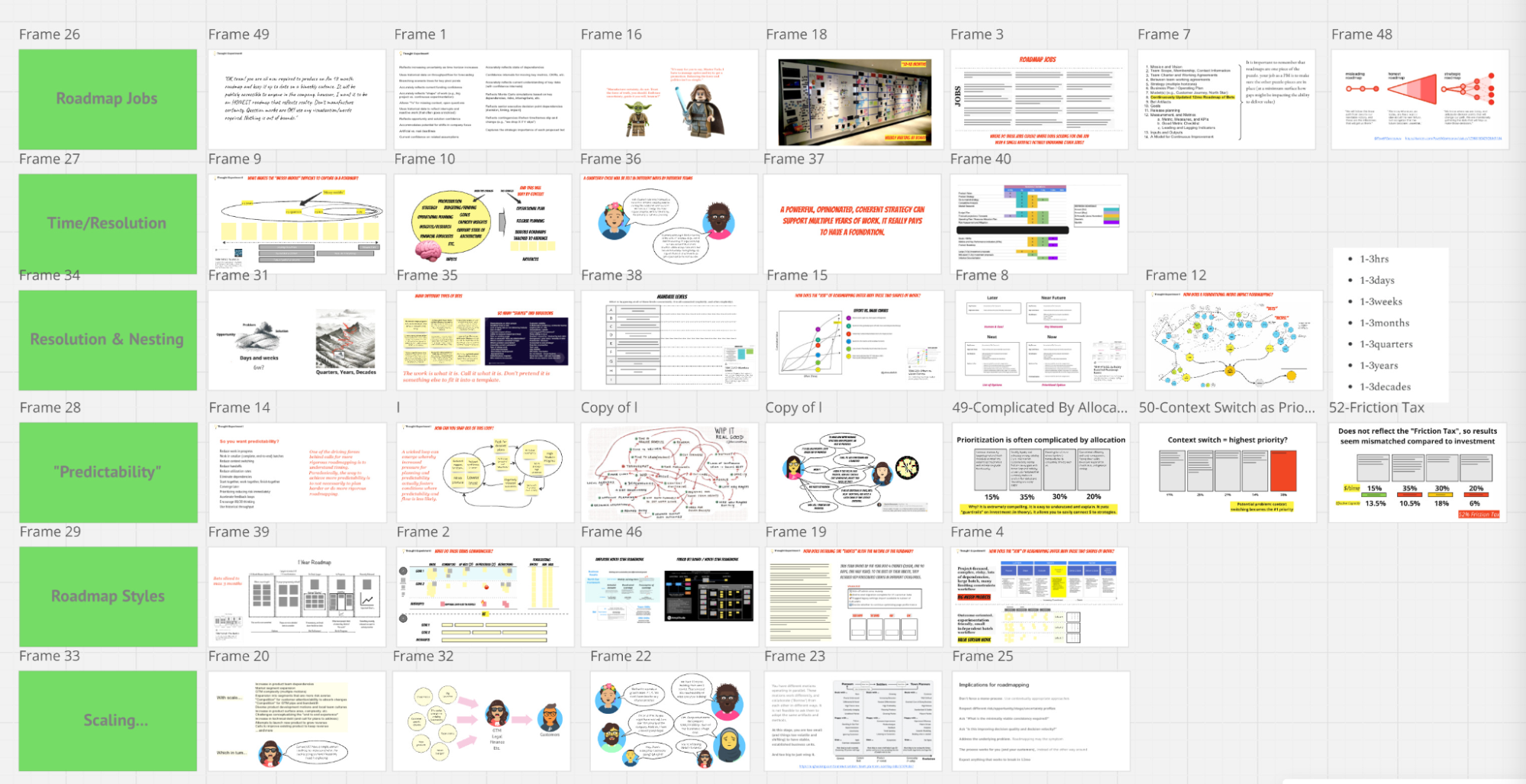
Ongoing projects add layers of notes, diagrams, and comments, so finding the latest version of work becomes harder over time.
3. Adoption Feels Uneven Across Teams
One experienced person often leads sessions while others hesitate, which slows collaboration and creates dependency.
4. Simple Product Thinking Takes More Setup
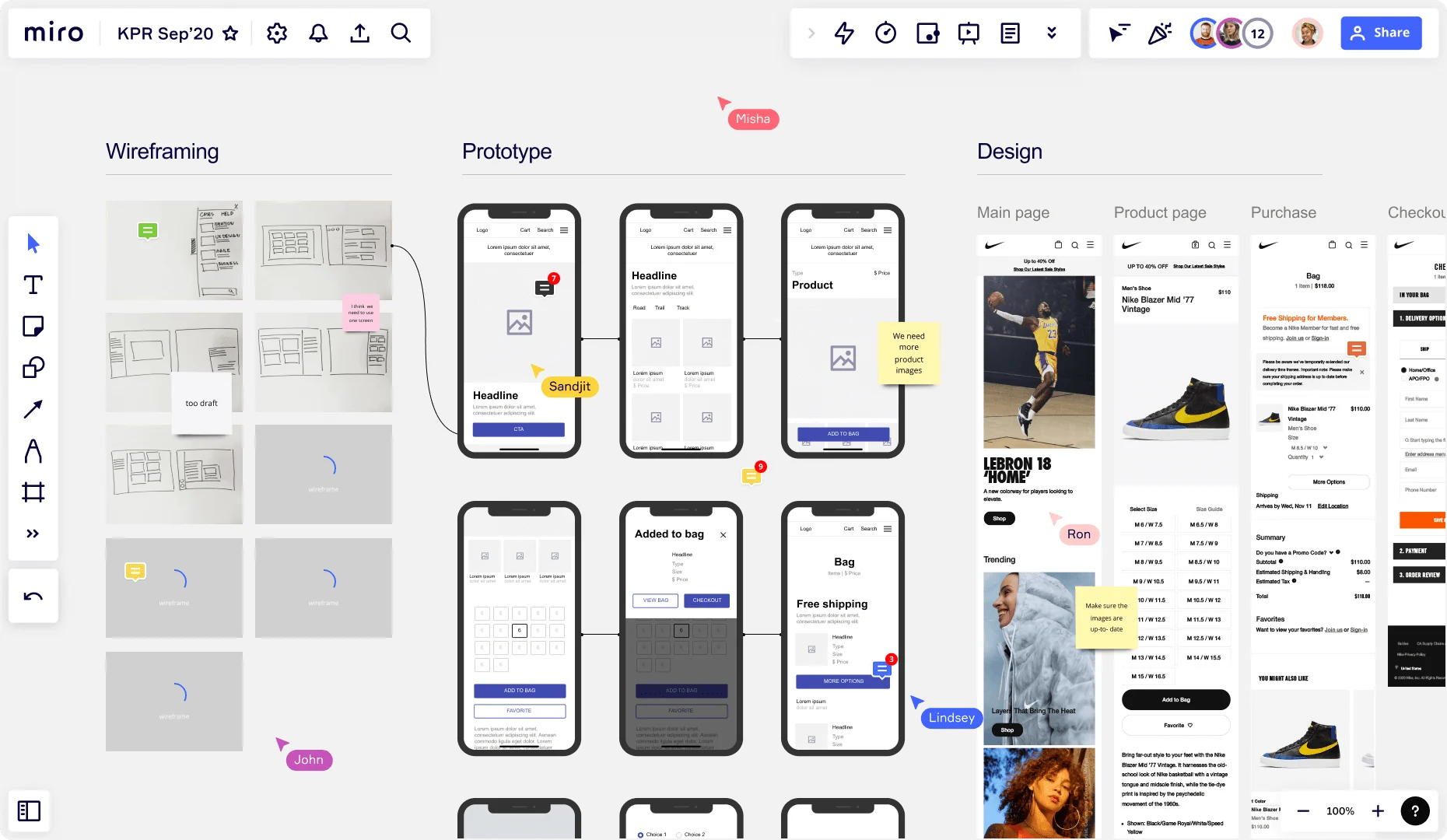
Quick flows, wireframes, or validation maps still need manual structure, which adds time before real work begins.
5. Workspace Management Becomes Complex at Scale
As more people join, sharing controls, permissions, and board structure require closer oversight. Because of this, many teams look for Miro alternatives that provide more built-in direction, quicker workflows, and a smoother path from concept to decision.
Full Disclosure: This blog is owned and operated by Coursebox. While we include ourselves in this list because we believe in our platform, we've provided an objective breakdown of features to help you choose the best fit.
Best Miro Alternatives: Our Top 10 Picks
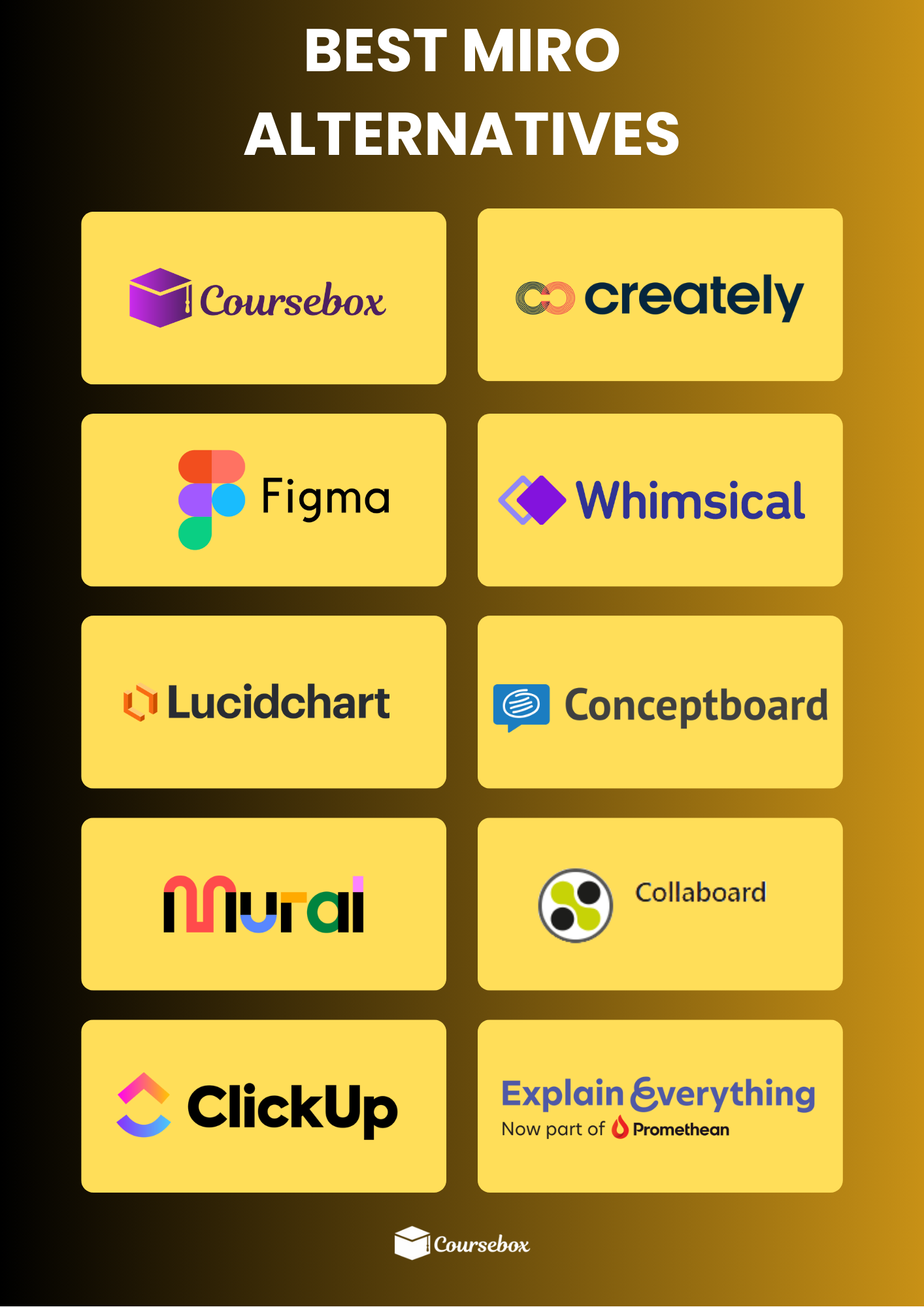
Here’s a breakdown of excellent Miro alternatives worth your time and money:
1. Mural

Mural works well for teams that focus on brainstorming and creative collaboration. Interactive whiteboards make it easy to share ideas in real time, while built-in facilitation tools like timers, voting, and comments help keep sessions on track.
A wide selection of templates helps projects get started quickly, and teams running design thinking workshops can move from ideation to discussion smoothly. Technical diagramming isn’t as strong, and integrations remain more limited compared to other platforms.
Key Features:
- Interactive whiteboards for real-time collaboration
- Built-in facilitation tools like timers and voting
- Extensive template library
- Designed for design thinking and brainstorming workshops
- Supports creative visual collaboration
2. Creately
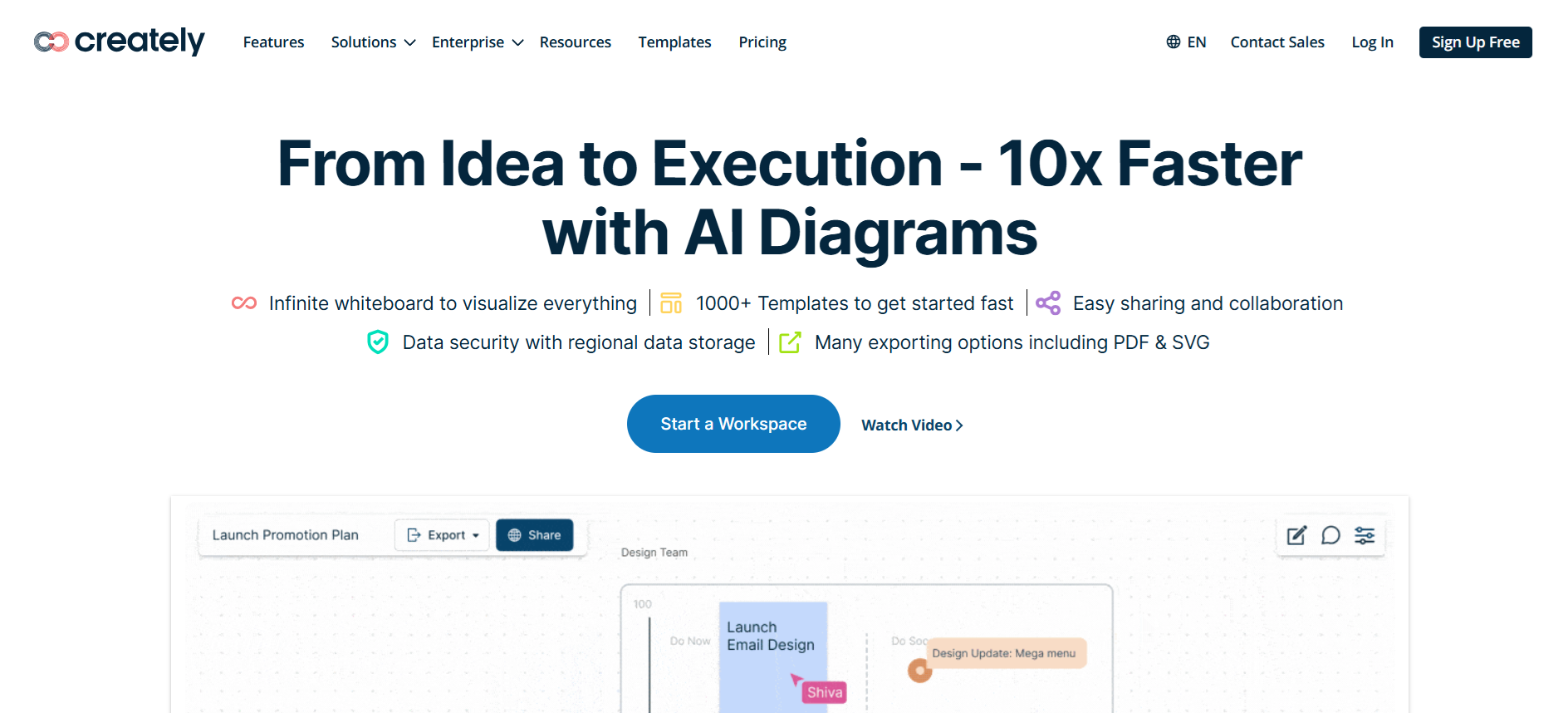
Creately works well for small to medium teams that need a straightforward diagramming tool without too much complexity. Comprehensive shapes and templates let users create infographics, flowcharts, mind maps, and wireframes quickly, while real-time collaboration keeps team members on the same page.
Integrations with Google Workspace, Slack, and Microsoft Office make it easier to connect work across apps. Advanced automated diagramming features don’t match what some other platforms offer, and async collaboration options remain limited, which can slow communication when teams aren’t working at the same time.
Key Features:
- Wide variety of shapes and templates
- Real-time collaboration with team members
- Integrations with popular productivity tools
- Supports flowcharts, wireframes, mind maps, and infographics
- Simple interface for quick diagram creation
3. FigJam
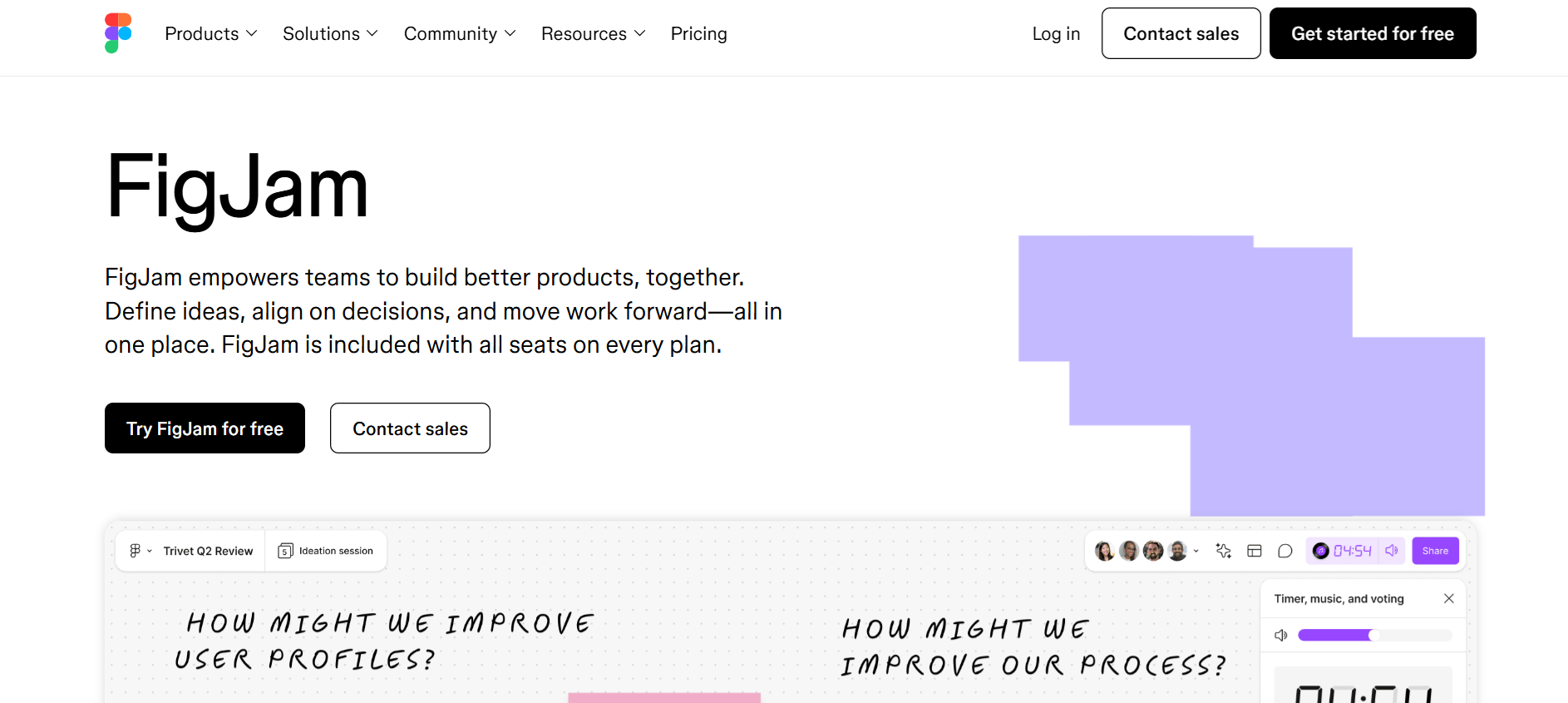
FigJam works well for design teams that want a lightweight, visual collaboration space. Sticky notes, drawing tools, and a drag-and-drop interface make sketching ideas and planning projects feel easy and intuitive. Templates speed up workshops, brainstorming sessions, and agile workflows, while AI-powered tools help sort notes, summarize feedback, and generate new templates automatically.
Integration with Figma keeps design files and boards connected, which is ideal for teams already in that ecosystem. Customization options remain basic, and it doesn’t handle highly complex projects as easily.
Key Features:
- Drag-and-drop interface for quick idea capture
- Sticky notes and drawing tools for visual collaboration
- AI-powered tools for sorting, summarizing, and generating templates
- 300+ templates for workshops, brainstorming, and agile workflows
- Seamless integration with Figma
4. Whimsical
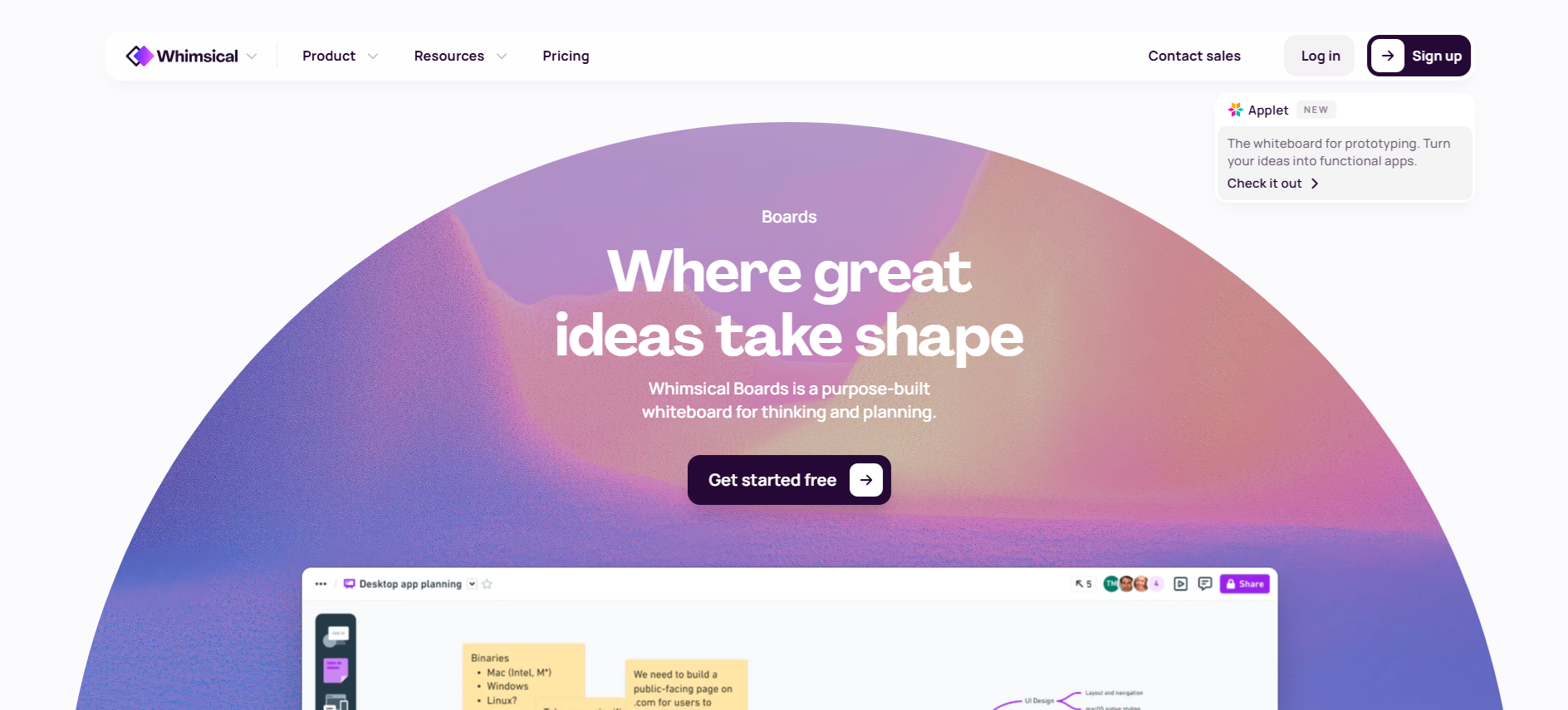
Whimsical works well for teams that need a simple and fast way to brainstorm and visualize ideas.
The drag-and-drop interface makes creating flowcharts, mind maps, wireframes, and diagrams feel easy, while templates help projects get started without delay. Real-time collaboration keeps team members engaged, and the platform’s straightforward design means even new users can jump in quickly.
Advanced customization and deeper diagramming options remain limited, and integrations don’t cover as many apps as other tools, which can slow workflow for larger teams.
Key Features:
- Drag-and-drop interface for fast diagram creation
- Templates to jumpstart projects
- Real-time collaboration with team members
- Supports flowcharts, mind maps, and wireframes
- Simple design for quick adoption
5. Lucidchart
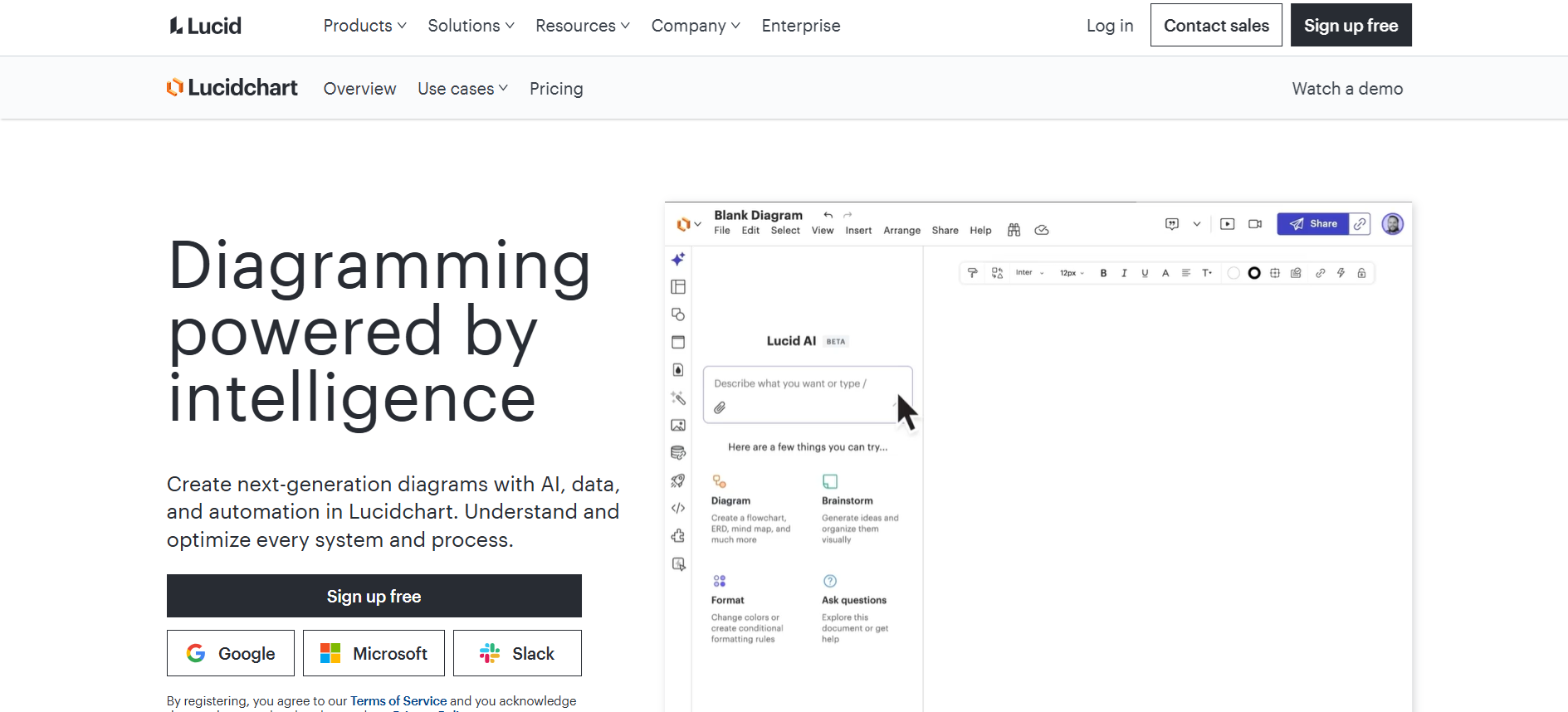
Lucidchart works well for teams that need clear, detailed diagrams and organized workflows. The drag-and-drop interface makes building UML charts, ERDs, and network diagrams feel simple, while a big selection of templates helps projects get moving fast. Teams can collaborate in real time, keeping everyone on the same page, and integrations with popular tools help work flow without interruption.
At the same time, the missing infinite canvas can make bigger or connected diagrams feel cramped, and advanced automation for diagramming doesn’t match what some other platforms offer. Pricing can feel expensive for growing teams, and setup may take extra effort for smaller groups.
Key Features:
- Drag-and-drop interface that feels easy to use
- Large library of ready-to-go templates
- Real-time collaboration with team members
- Support for detailed technical diagrams
- Integrations with major productivity tools
6. Coursebox AI
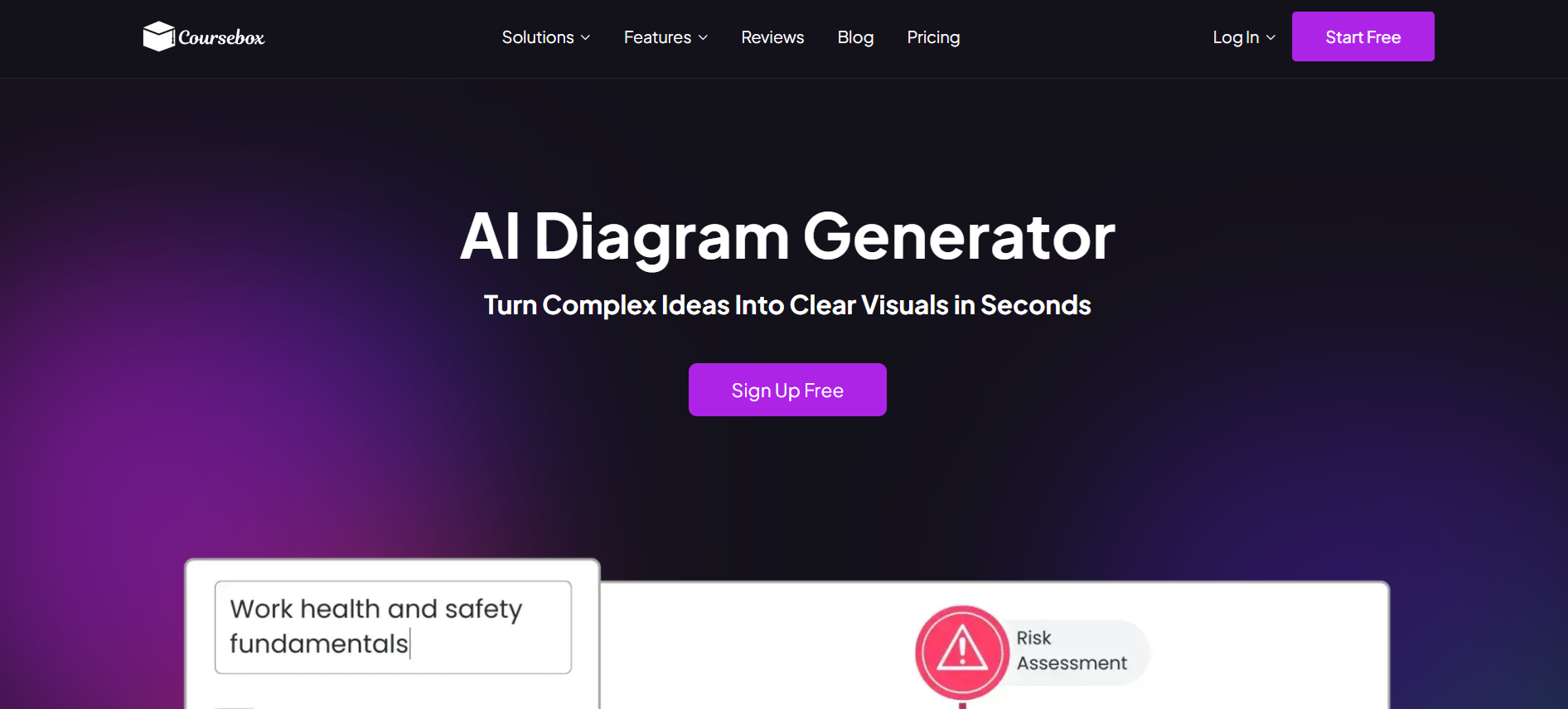
Coursebox sits at the AI-generated visuals end of the market, producing diagrams, flowcharts, and illustrations from prompts rather than offering an infinite collaborative whiteboard. Visuals integrate directly with online courses and training content, with multilingual support and a free plan for testing core features. It's a different category from most Miro alternatives. Teams whose primary need is collaborative whiteboarding for design sprints, retros, brainstorming, and strategy work typically shortlist Mural or FigJam, and those wanting infinite-canvas visual collaboration with extensive templates sometimes consider Whimsical or Conceptboard — these are the closer Miro replacements.
Key Features:
- AI-powered diagram generation from simple prompts
- Clear visuals for explainers, processes, and flowcharts
- Multilingual support with prompts in 100+ languages
- Templates tailored to learning and training content
- Visuals that adapt to culture and audience context
- Consistent styling across diagrams and courses
- Real-time collaboration with team members
- Easy editing and regeneration of visuals
- Direct embedding inside courses or training modules
- Integration with popular content tools and workflows
7. Conceptboard
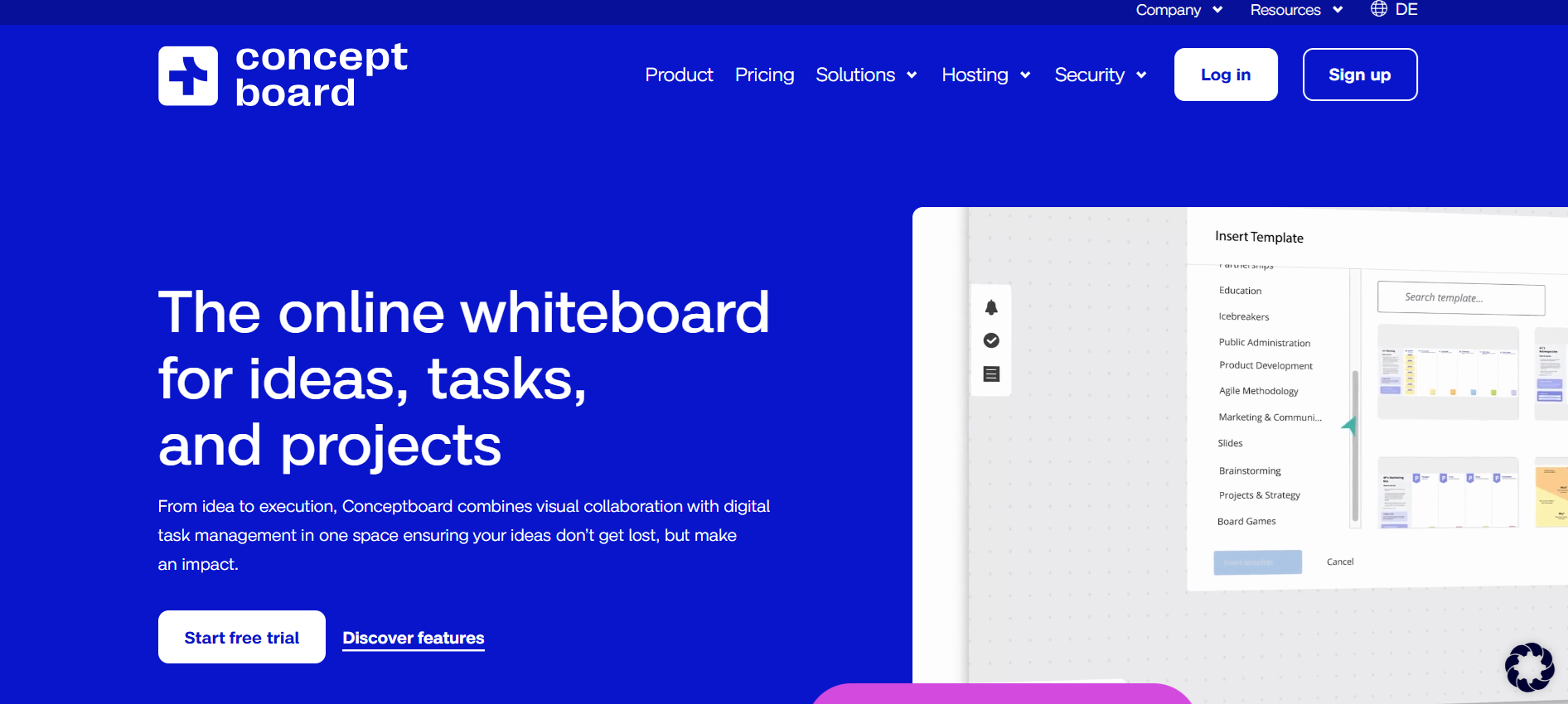
Conceptboard works well for teams that want a secure space to collaborate and plan projects. The real-time collaboration keeps ideas moving, while the infinite canvas gives plenty of room for complex workflows and visual brainstorming. Sticky notes, drawing tools, and commenting make it easy to capture thoughts as they come, and templates help organize tasks quickly.
Integrations with tools like Microsoft Teams, Jira, Slack, and Google Drive keep work connected without switching apps constantly. Advanced features are a bit limited, and offline access doesn’t offer full functionality, which may slow teams that need flexibility. Overall, GDPR compliance makes it a strong pick for teams focused on data security.
Key Features:
- Real-time collaboration with team members
- Infinite canvas for large projects
- Sticky notes, drawing tools, and comments
- Templates for task organization
- Integrations with popular productivity and communication tools
8. Collaboard
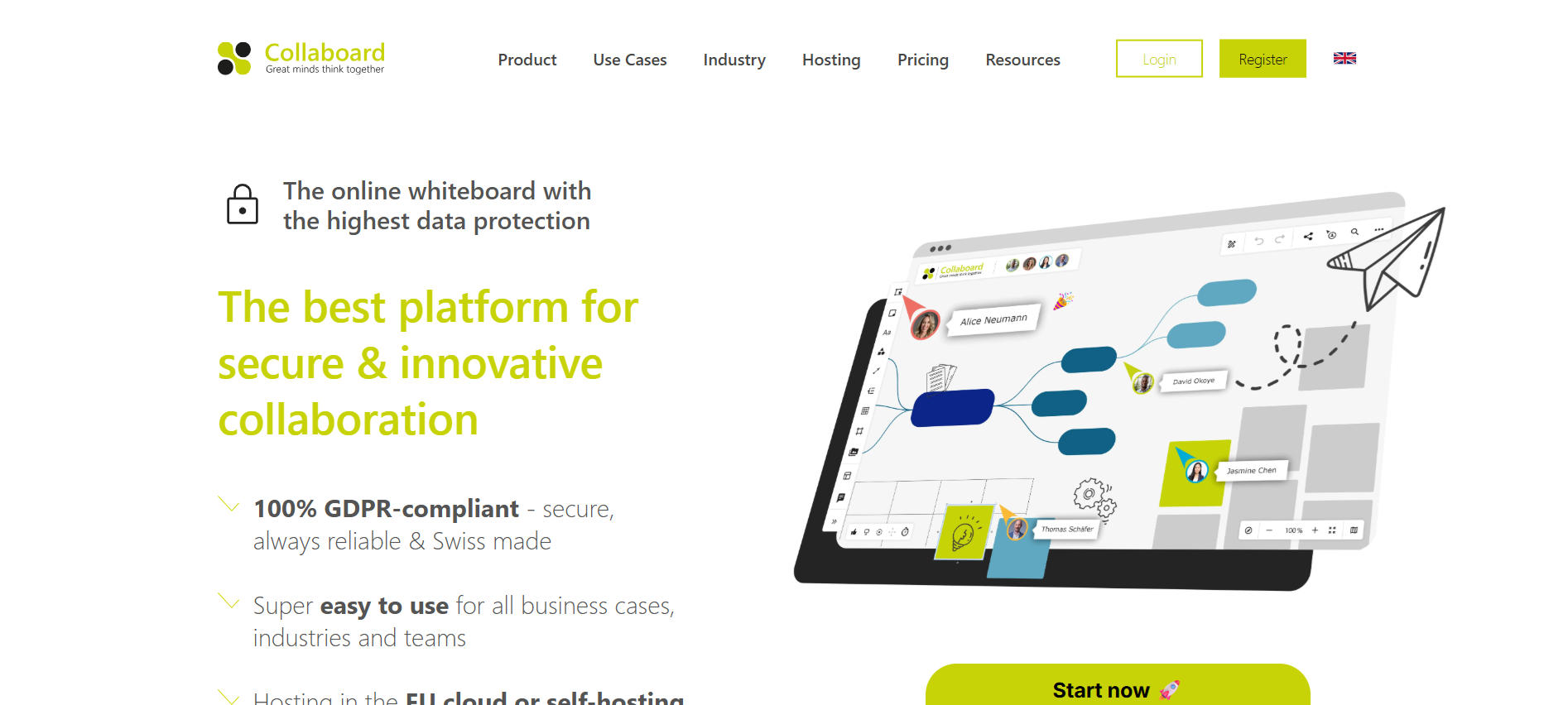
Collaboard works well for teams that need a flexible space for collaborative workshops and brainstorming. Infinite canvas makes it easy to expand ideas without limits, while sticky notes, drawing tools, and mind mapping help organize thoughts visually.
Templates keep projects structured, and export options let teams share boards in multiple formats. Real-time collaboration keeps everyone engaged, and integrations with tools like Microsoft Teams, Slack, Trello, and Google Drive help workflows flow smoothly across apps.
Offline access is limited, and it can feel less suited for very complex projects, but cloud-based accessibility and easy setup make it a solid Miro alternative for teams that want fast, visual idea sharing.
Key Features:
- Infinite canvas for flexible visual collaboration
- Sticky notes, drawing, and mind mapping tools
- Ready-to-use templates to structure projects
- Real-time team collaboration
- Integrations with major productivity and communication tools
9. ClickUp
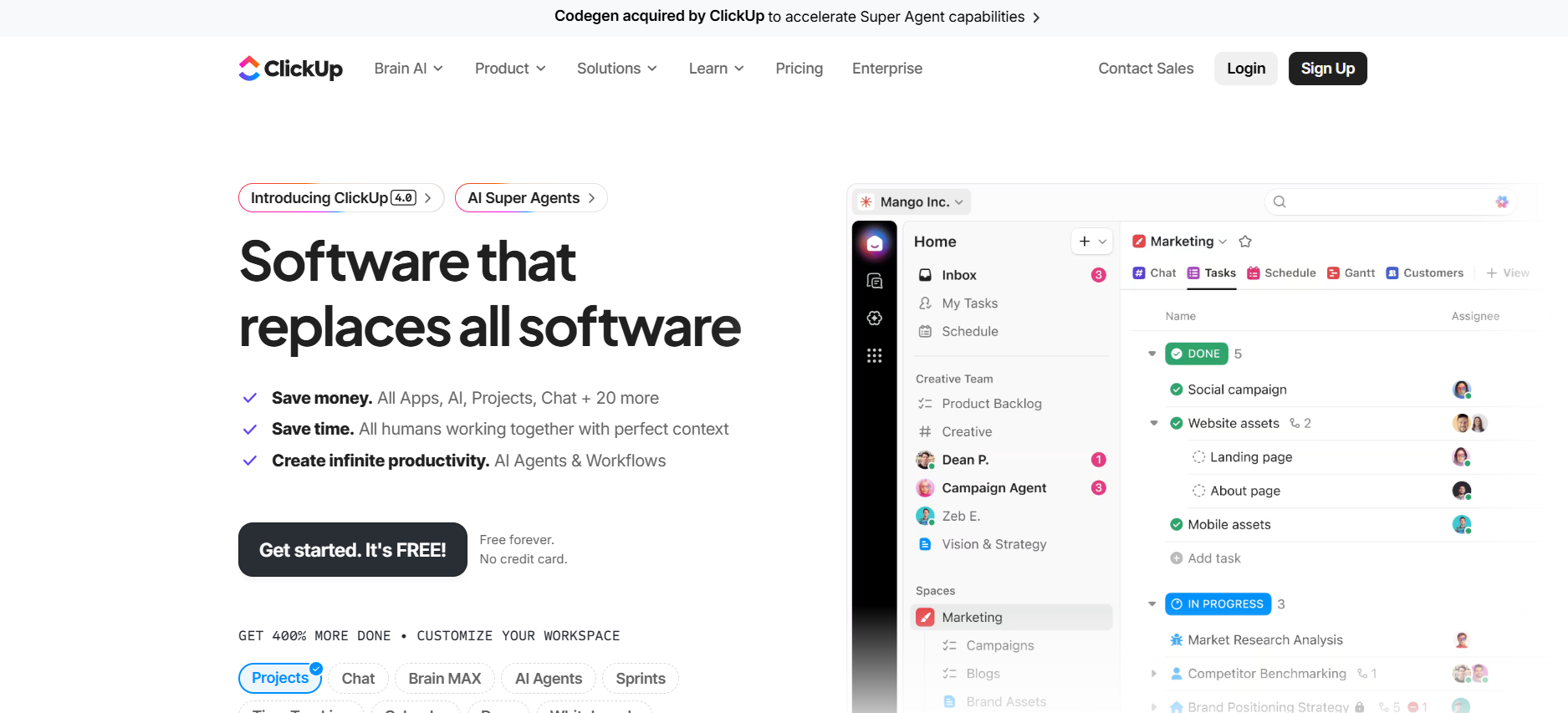
ClickUp works well for teams that want to combine mind mapping with full project and task management. Customizable workflows let teams adapt processes to fit how they work, while real-time collaboration keeps everyone aligned as projects move forward.
Mind mapping tools help visualize ideas, making it easier to turn concepts into actionable plans. Template options feel limited compared to other diagram-focused platforms, and advanced diagramming features don’t match the depth offered by Miro.
Key Features:
- Mind mapping tools for idea visualization
- Customizable workflows for unique team processes
- Real-time collaboration to keep teams aligned
- Task and project management integrated with mind mapping
- Central hub for planning and workflow tracking
10. Explain Everything
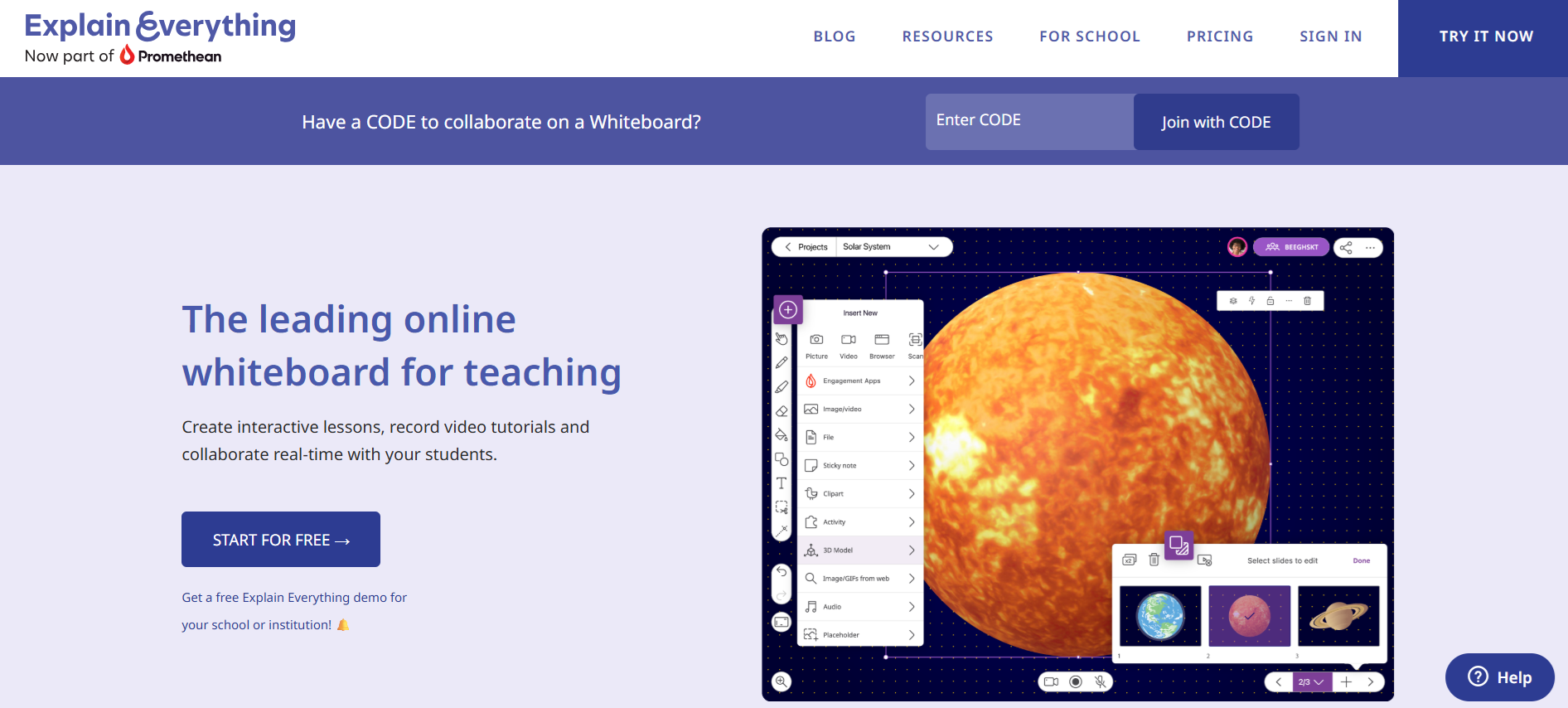
Explain Everything works well for teams and educators who want interactive presentations alongside visual collaboration. Drawing and annotation tools let users highlight ideas directly on the canvas, while timeline and animation features bring content to life for lessons or presentations.
Built-in recording tools make it easy to capture explanations and share them with others, and export options let projects move outside the platform smoothly. You will need a stable internet connection for full functionality, and the learning curve feels a bit steep for beginners.
Key Features:
- Drawing and annotation tools for visual engagement
- Timeline and animation for interactive presentations
- Built-in recording tools for capturing explanations
- Real-time team collaboration
- Export options for sharing projects in multiple formats
Transform Your Visuals Faster with Coursebox AI

While Miro remains a strong digital whiteboard, many teams explore alternatives for reasons like simpler interfaces, more budget-friendly options, enhanced data privacy, or better offline access.
Some teams also need tools tailored to specific industries or workflows, or solutions that support geographically dispersed members. The Miro alternatives highlighted here provide focused options for visual collaboration, project planning, and idea sharing, each with features that might better match your team’s needs.
If you’re curious about taking collaboration a step further, exploring Coursebox AI can offer advanced visual tools, AI-generated diagrams, and multilingual support that help teams create clear, engaging content faster without juggling multiple platforms.
FAQs
What is better than Miro?
The best alternative to Miro depends on your needs. Tools like Coursebox AI, Lucidchart, and FigJam offer faster visual planning, AI-powered diagrams, or simpler interfaces. Teams that need structured workflows, multilingual support, or advanced learning visuals may find these options better suited than Miro.
Is Miro a Russian company?
No, Miro is not a Russian company. It was founded in 2011 and is headquartered in San Francisco, with offices in several countries. Miro’s team is international, serving users worldwide.
Is there a Microsoft tool similar to Miro?
Yes, Microsoft Whiteboard offers a visual collaboration platform similar to Miro. It provides a limitless canvas, sticky notes, and real-time collaboration, and integrates well with Teams and other Microsoft 365 apps.
Can Figma replace Miro?
Figma’s FigJam can replace Miro for teams focused on design-driven collaboration. It’s lightweight, supports sticky notes, diagrams, and workshops, and works best for teams already using Figma for design projects.
Is Miro or Milanote better?
Miro excels at large-scale collaboration and technical diagramming, while Milanote focuses on visual note-taking, creative workflows, and project planning. Choosing depends on whether your team prioritizes structured diagrams or creative flexibility.
What to use instead of Miro?
Alternatives to Miro include Lucidchart, FigJam, Collaboard, and Coursebox AI. These tools offer structured diagramming, AI-generated visuals, templates, and integrations that may better fit specific team workflows.
Is FigJam better than Miro?
FigJam works well for design-focused teams needing simple, fast visual collaboration. Miro offers more advanced diagramming, integrations, and async collaboration, so FigJam is better for lightweight workflows but less robust for complex projects.
Travis Clapp
Educational technologist and instructional designer

