

Asynchronous vs. Synchronous Learning: Pros, Cons, and Best Practices
Asynchronous vs. synchronous learning compared for workplace training: the pros and cons of each, when to use self-paced modules or live sessions, and how to combine them.

Asynchronous learning lets people work through materials on their own schedule, while synchronous learning happens live, with everyone learning together in real time. Asynchronous suits content many people need at different times; synchronous suits practice, discussion and immediate feedback.
- Format alone does not decide how much people learn: in a 2024 study of 170 medical students, live and recorded groups scored about the same.
- Default to self-paced when a group spans several shifts, more than two time zones or weekly new starters.
- Role-plays, objection handling and leadership conversations need people talking to each other, so they belong in a live session.
- In a hybrid design, make the self-paced pre-work a requirement for the live session, not a suggestion.

Go from storyboard to an interactive course in minutes
Asynchronous learning gives flexibility: learners can go at their own pace, making it easier for those with tight schedules.
Synchronous learning, however, allows for live interaction with quick feedback that builds connection. Research on online learning suggests the two complement each other: live sessions lift motivation, while self-paced work gives people time to think a problem through.
This guide covers when self-paced modules work best, when a live session is worth scheduling, and how to combine the two in workplace training. For the self-paced side, an eLearning authoring tool can turn your PDFs and slides into interactive modules that export to the LMS you already use.
What is Asynchronous Learning?
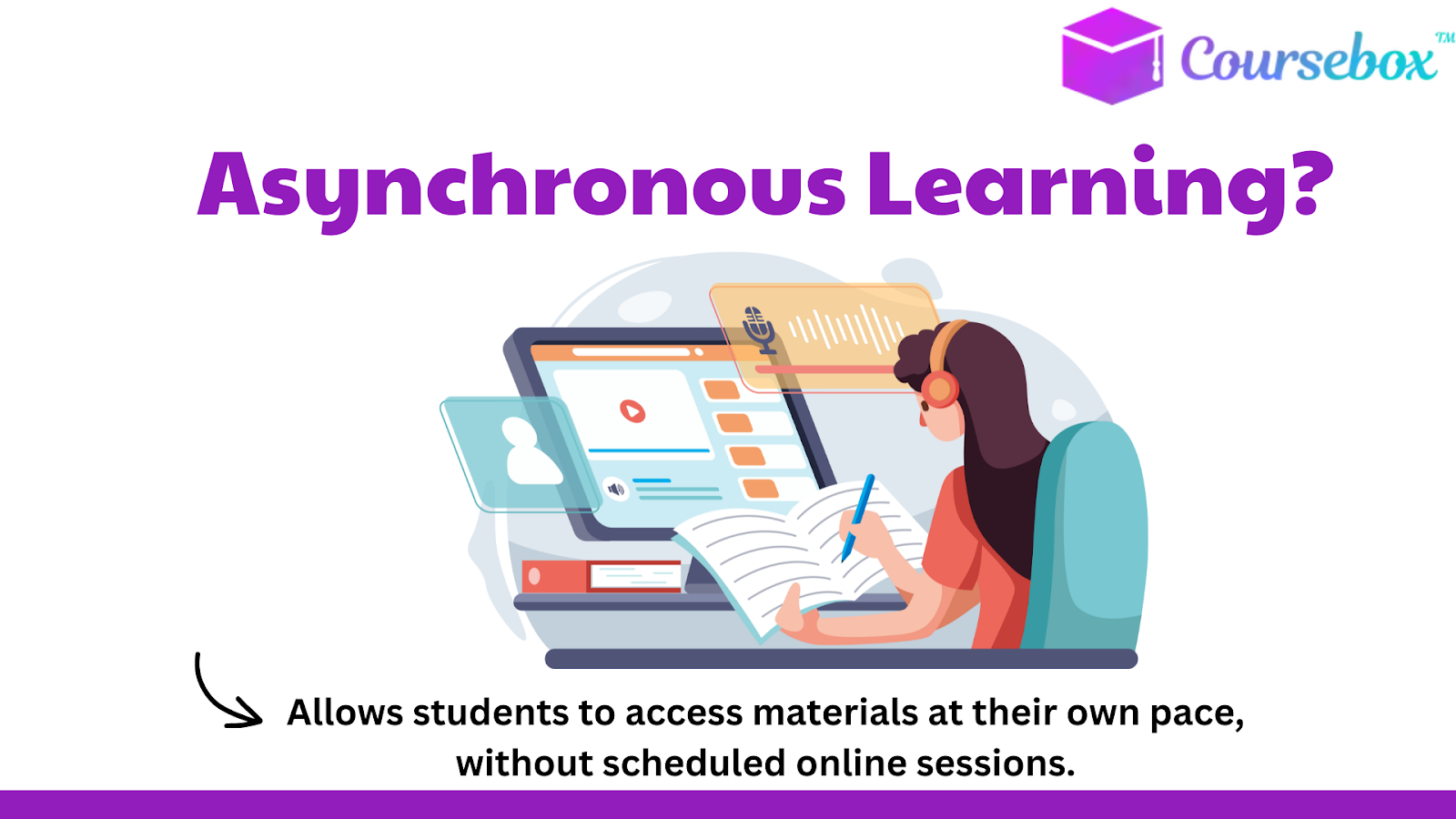
Asynchronous learning is a style where learners go through materials on their own schedule, without needing to be online at a specific time. It is popular in workplace training, and many of the benefits of eLearning for employees come from that flexibility.
Some common methods include pre-recorded lectures, online discussion forums, and digital resources that employees can access whenever they want.
For professionals balancing work and learning, this flexibility is essential, as they can fit training into their day without disrupting work tasks. It also suits shift workers, field staff and anyone juggling multiple commitments.
However, one challenge with asynchronous learning is the lack of real-time interaction, which can make it harder to stay motivated and engaged without a live instructor or classmate feedback.
It suits content that many people need at different times: compliance refreshers, product updates and onboarding modules that every new starter works through.
What is Synchronous Learning?
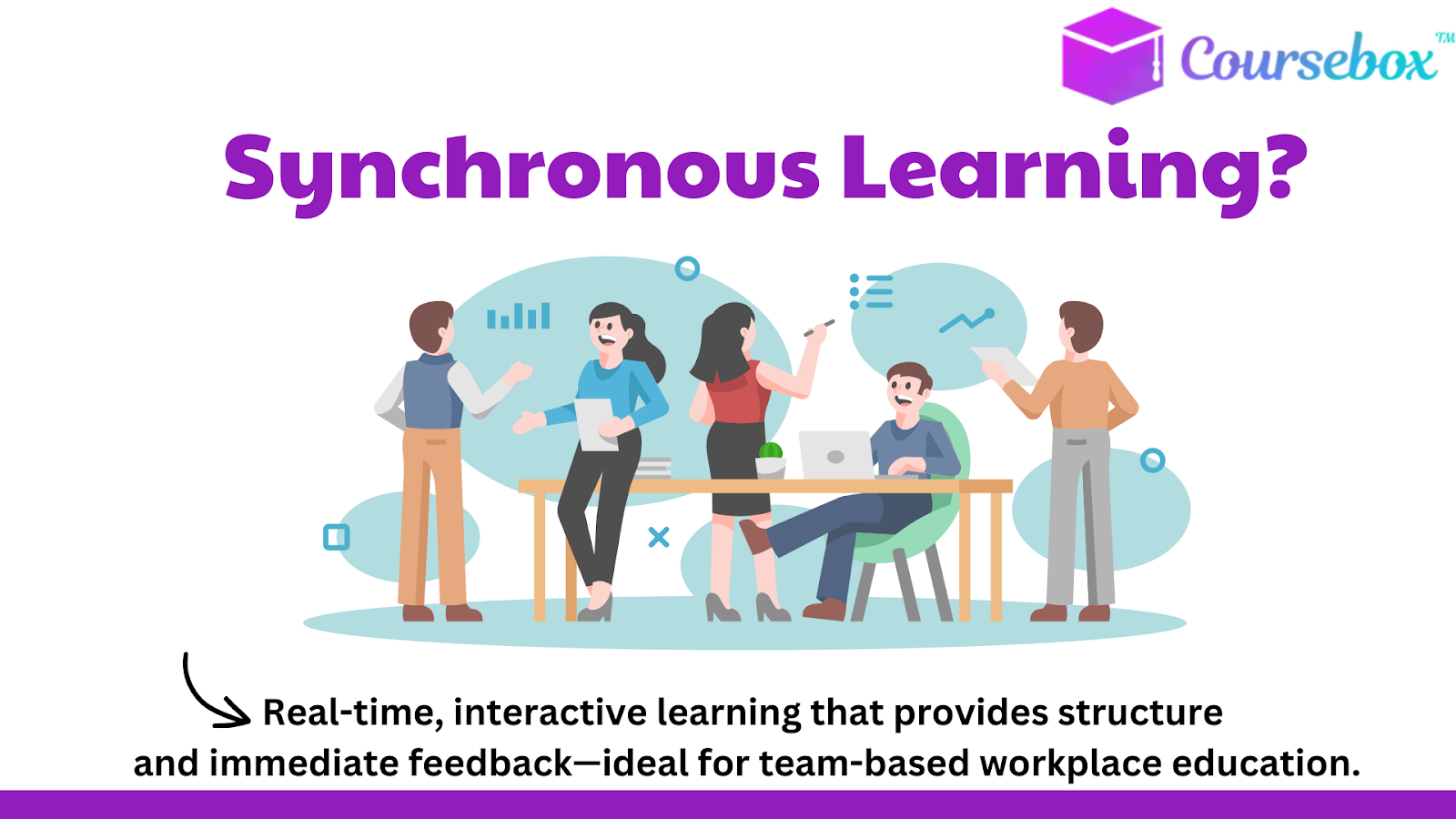
Synchronous learning happens when people learn together in real-time, which works well in workplace education when teams need structure and immediate feedback.
In this style, employees join live virtual classes or real-time discussions, where they can ask questions, get instant answers, and participate in group activities.
Because everyone works through the material at the same time, the facilitator can check understanding before moving on, which helps with team exercises and complex topics that raise questions.
Synchronous learning makes it easier for employees to stay focused and involved, thanks to direct interaction with instructors and colleagues.
However, the set schedule can be a challenge, especially for employees with busy workloads or those in different time zones.
Use it when the session needs people in the same conversation: role-plays, live demos with questions, or a team working through a new process together.
Asynchronous vs. Synchronous Learning: Key Differences
Flexibility vs. Structure: Comparing the Time Commitment
Asynchronous learning allows employees to choose when and where they learn, fitting training around work and life schedules.
This flexibility works well for busy professionals who may need to complete training modules in short breaks or after work.
On the other hand, synchronous learning provides a structured schedule with specific class times, creating a consistent routine but requiring employees to set aside time during work hours or designated training sessions.
For those who prefer a set schedule to stay on track, synchronous learning might be a better fit.
Learning Pace: Self-Directed vs. Instructor-Led
With asynchronous learning, employees can work at their own speed, pausing or replaying lessons as needed. This self-directed pace suits those who want extra time to absorb material or revisit difficult concepts.
In contrast, synchronous learning moves at an instructor-led pace, with all participants progressing together.
While this creates a steady flow, it can be challenging for employees who prefer to learn more slowly or revisit information.
Engagement and Interaction Levels
Asynchronous learning often involves recorded materials and discussion boards, where engagement happens independently and may feel less immediate. Without live interaction, employees may find it harder to stay motivated or to connect with colleagues.
Synchronous learning provides real-time interaction, encouraging live discussions and immediate feedback. A facilitator can correct a misunderstanding as it happens, and colleagues can practise a role-play or work through a new process together and give each other feedback.
Technology Requirements: Tools and Set-Up Needs
Each learning style has different tech needs. Asynchronous learning usually requires access to a reliable learning platform, such as an LMS (Learning Management System), where employees can find recorded videos, quizzes, and forums.
Synchronous learning, however, requires live video conferencing tools and stable internet to support smooth, real-time sessions.
Employees also need cameras, microphones, and quiet space, making synchronous learning more dependent on tech quality and consistent connectivity.
Assessment and Feedback Styles
Asynchronous learning tends to offer feedback through automated quizzes or delayed responses from instructors.
This can work well for self-paced activities but might feel slow for employees seeking quick answers.
Synchronous learning allows for real-time feedback and clarification, which can be helpful for complex topics or when employees need immediate support.
However, it often lacks the flexibility of self-paced review, which asynchronous methods can provide through repeatable assessments.
Format alone does not decide how much people learn. In a 2024 study of 170 medical students, the group that chose live Webex sessions and the group that chose recorded videos of the same course scored about the same on the posttest and on a later retention test. The live group reported a slightly lower cognitive load, but the effect was small.
Pros and Cons of Asynchronous Learning
Pros of Asynchronous Learning
- Learn Anytime, Anywhere: Employees can study whenever they have time, fitting training around their work and life.
- Less Trainer Scheduling: Build the module once and it serves every shift, site and time zone without booking a trainer for each group.
- Go at Your Own Pace: Learners can go over materials as often as needed, helping them understand tough topics better.
- Same Content at Every Site: Everyone sees the same version, and one update reaches every learner instead of relying on each trainer to change their slides.
Cons of Asynchronous Learning
- Less Real-Time Interaction: No live classes mean less chance to connect with trainers or colleagues instantly, which can make learning feel less exciting.
- Takes Strong Motivation: Without a set schedule, learners need to stay focused on their own, which can be hard for some.
- Slower Feedback: Questions posted to a forum or sent to a trainer can take a day or more to get an answer.
- Completion Drops Off: Without a session on the calendar, modules slide down the to-do list, so someone needs to track completion and send reminders.
Pros and Cons of Synchronous Learning
Pros of Synchronous Learning
- Instant Feedback: Questions get answered while the topic is still fresh, which is worth the scheduling effort for skills like handling a difficult customer call.
- Live Observation: The facilitator can watch people attempt a task and correct a misunderstanding before it becomes a habit.
- Structured Schedule: Regular class times help keep learners on track and making steady progress.
- Social Interaction: Real-time discussions let learners connect, share ideas, and learn from each other.
Cons of Synchronous Learning
- Less Flexibility: Learners must attend at set times, which can be hard for busy schedules.
- Hard Across Time Zones: A single live slot rarely suits a team spread across several time zones.
- Tech Requirements: Reliable internet and good technology are a must, which not everyone has.
- Depends on the Facilitator: A live session is only as good as the person running it, and someone has to be available to run it again for every new group.
How to Choose Between Asynchronous and Synchronous Learning
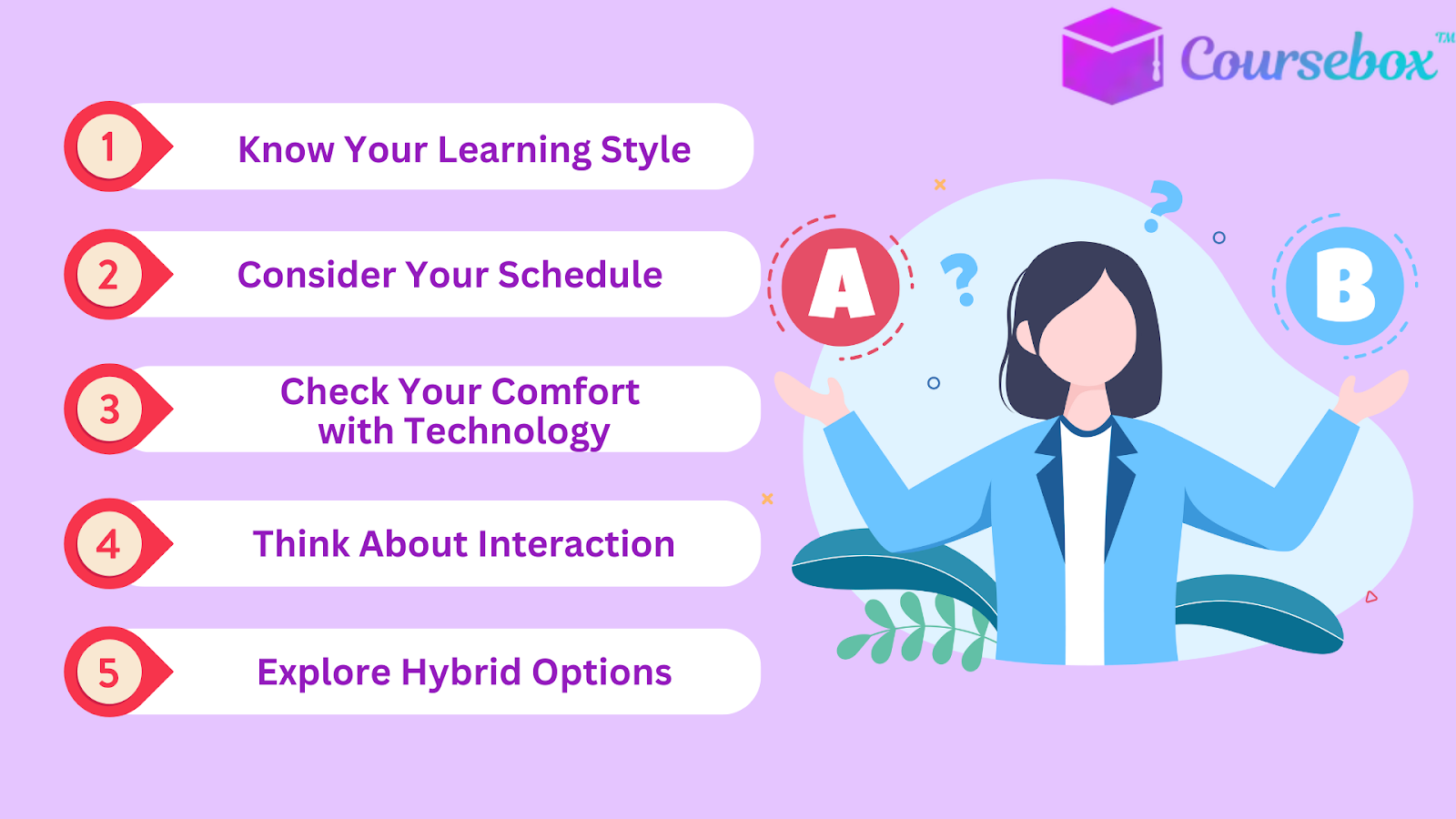
- Start With the Goal: Information people need to absorb and look up later suits self-paced modules; skills that need practice, questions or discussion suit a live session.
- Check Who Can Attend: If the group covers several shifts or more than two time zones, or new starters arrive every week, default to self-paced and keep live sessions short and optional.
- Check the Kit: Self-paced modules need an LMS that works on the devices people actually use at work; live sessions need cameras, microphones and somewhere quiet to talk.
- Count the Practice: Role-plays, objection handling, leadership conversations and cross-team process changes need people talking to each other, so they belong in a live session.
- Explore Hybrid Options: If the content splits into knowledge people can learn alone and skills they need to practise together, use self-paced modules for the first and a short live session for the second.
Workplace Examples
- Compliance refreshers and policy updates: asynchronous, so people complete them when it suits and the LMS records completion.
- Product launch for a sales team: a short self-paced module on the features, then a live session to practise handling objections.
- Onboarding: self-paced modules for systems and policies, plus live welcome and Q&A sessions in the first weeks.
- Leadership and coaching skills: mostly live, because people need to practise conversations and get feedback on the spot.
Hybrid Learning: When to Combine Self-Paced and Live Sessions
Hybrid learning mixes both self-paced and live learning, making it flexible and effective for workplace training. Employees can go through lessons and materials on their own time and then join live sessions to ask questions and connect with others.
A practical sequence: people complete a short self-paced module before the session, use the live time for practice and questions rather than a lecture, then take a quick quiz afterwards so the LMS records who has finished.
Many workplaces use hybrid learning, like offering online courses with weekly live check-ins or mixing recorded lessons with group discussions. Webinars, microlearning and on-the-job training can slot into the same mix; this guide to training delivery methods covers when each one fits.
One rule keeps it working: make the pre-work a requirement for the live session, not a suggestion. If half the group skipped it, the trainer ends up repeating the module and the practice time disappears.
Best Practices for Asynchronous and Synchronous Learning
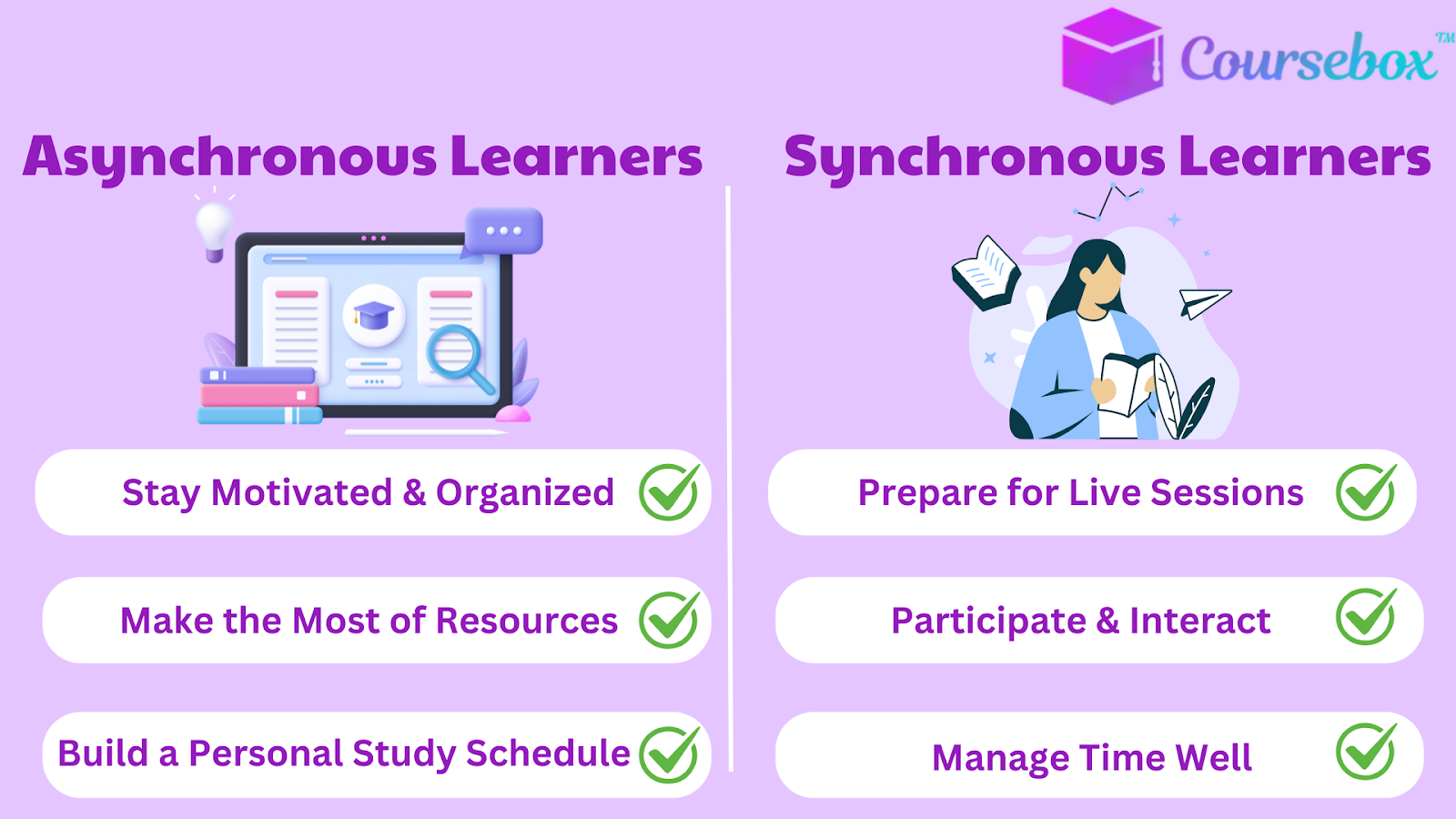
For Asynchronous Learners
- Work to a Deadline: Self-paced does not mean open-ended. A completion date for each module, with a reminder a few days before, keeps the course from drifting.
- Post One Question Per Module: After each module, post one question or example from your own work in the course forum. It forces a quick review and gives the trainer something to answer.
- Block Time in the Calendar: Book 20 to 30 minutes for each module as you would a meeting, so the training is not squeezed into the gaps between other work.
For Synchronous Learners
- Prepare for Live Sessions: Read any assigned materials before class and have questions ready. This helps you get more out of the session and engage actively.
- Send Questions Ahead: Submit questions before the session so the facilitator can cover them, and agree who will note decisions and follow-up tasks.
- Follow Up Within a Day: Send the recording, the agreed actions and a short quiz the same day, while the session is still fresh.
Conclusion
In summary, asynchronous learning gives flexibility, and synchronous learning builds a connection with real-time interaction.
A workable default: put repeatable content (policies, product facts, system walkthroughs) in self-paced modules, and save live time for practice, discussion and feedback.
Pick one upcoming course, sort its content into those two piles, and see how much of the live session you can free up.
Frequently Asked Questions
Asynchronous learning lets people work through materials on their own schedule, without being online at a set time. Synchronous learning happens live, with everyone learning together in real time, so learners can ask questions and get answers on the spot.
Asynchronous learning has less real-time interaction, takes strong motivation, gives slower feedback because questions can wait a day or more for an answer, and sees completion drop off unless someone tracks it and sends reminders.
A live Zoom class is synchronous, because everyone joins at the same time and can ask questions as it happens. A recording of that class, watched later on each person's own schedule, is asynchronous.
Examples include live virtual classes, role-plays, live demos with questions, a team working through a new process together, and leadership or coaching sessions where people practise conversations and get feedback on the spot.
Yes. Synchronous learning only means people learn together in real time, so live virtual classes and real-time online discussions are synchronous. They need video conferencing, stable internet, cameras, microphones and a quiet space.
Alex Hey
Alex Hey is a technical marketer with 10 years of hands-on growth and digital marketing experience. He cofounded Coursebox together with Travis Clapp who he met online when looking for a cofounder to build a globally impactful software product. He works in the Perth, Western Australia office as the COO. He built the world's first automated funnel for patient recruitment before building Coursebox. After launching Coursebox in mid 2023, he drove +400k organic sign ups for Coursebox. Alex leads the marketing and digital growth of Coursebox and works with the product development team bringing a passion for data-driven product decision and exceptional user experience. Alex is determined to build the world's easiest way to build the perfect course.

