

10 Best Draw.io Alternatives That Go Beyond Simple Diagramming
Explore the best Draw.io alternatives and discover AI diagram generator tools that turn ideas into clear, actionable visuals.


Table of contents

Turn complex ideas into clear, professional diagrams using AI.
Draw.io, also known as diagrams.net, became popular thanks to free access, a simple interface, and the ability to create flowcharts, system maps, wireframes, and process diagrams without a steep learning curve. Because setup feels easy and familiar, many teams start using it for documentation, planning, and technical visuals.
However, as projects grow, diagrams turn more complex, collaboration needs expand, and constant manual adjustments begin slowing progress. Large workflows, cloud systems, and cross-team input often push users to look for tools that reduce friction and help structure ideas faster and more clearly. In this article, we explore Draw.io alternatives that make that process smoother.
What is Draw.io?
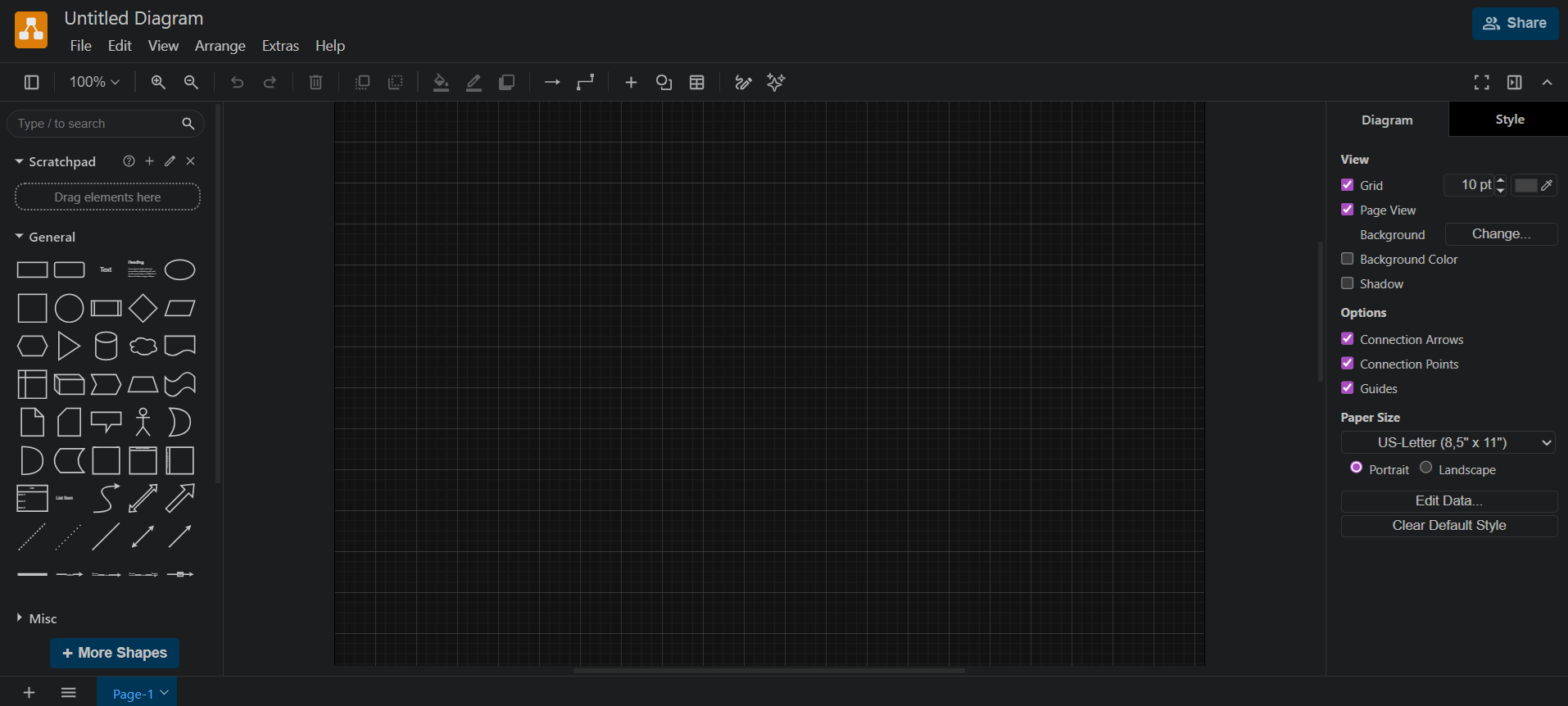
Draw.io, also called diagrams.net, functions as a free, browser-based diagramming tool that helps teams turn ideas into visual workflows. Users can create flowcharts, wireframes, UML diagrams, network diagrams, and organizational charts quickly, without installing heavy software.
Because the drag-and-drop interface keeps things simple, project managers, engineers, and product teams can map processes or document systems with minimal friction.
However, as projects grow and workflows become more complex, manual adjustments start slowing progress, collaboration can feel limited. And the tool may struggle to keep up with the demands of larger, multi-contributor projects.
Why Explore Draw.io Alternatives
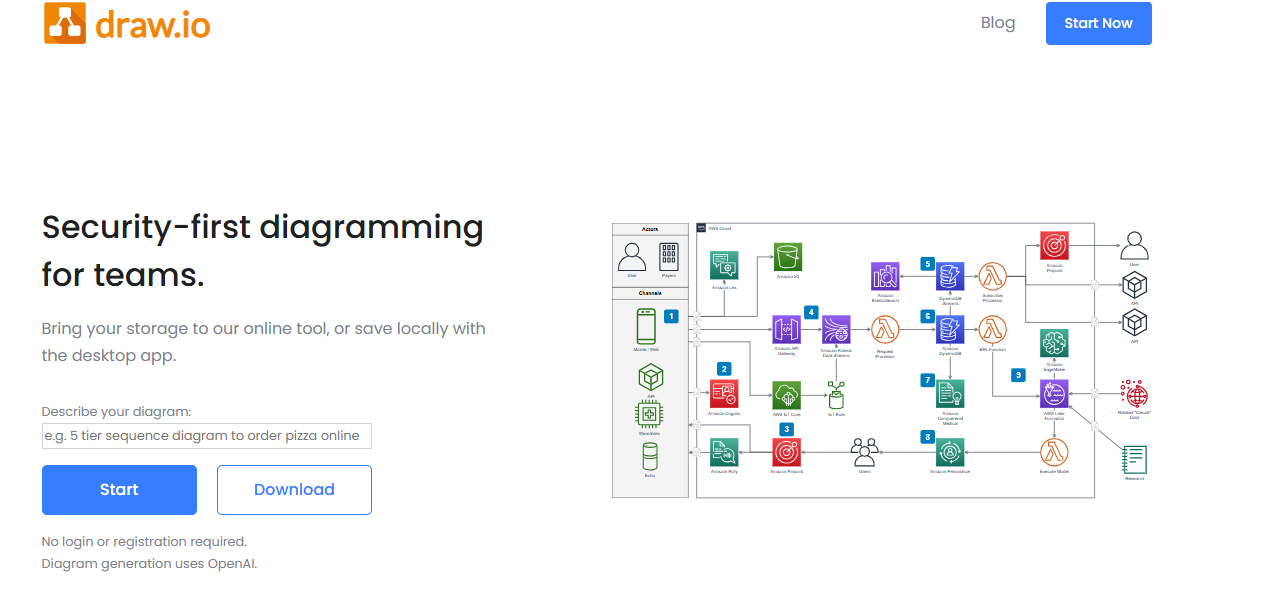
Even though Draw.io works for basic visuals, many teams eventually find the need for something more robust. As projects expand, relying on a single, simple tool can create bottlenecks and slow down workflows.
Better alternatives can make diagrams smarter, collaboration smoother, and complex systems easier to manage. Here’s why professionals often look beyond Draw.io:
1. Complexity of Large Projects
Diagrams can quickly become dense and difficult to manage, which makes manual edits time-consuming and frustrating.
2. Collaboration Challenges
Real-time updates, commenting, and cross-team access often feel limited, creating delays in decision-making.
3. Desire for Smarter Features
Automation, AI-assisted layout suggestions, and enhanced customization save hours of repetitive work while improving clarity.
4. Scaling for Cloud or Product Systems
Detailed architectures and workflows need tools that handle scale without cluttering visuals or confusing teams.
5. Efficiency and Workflow Improvement
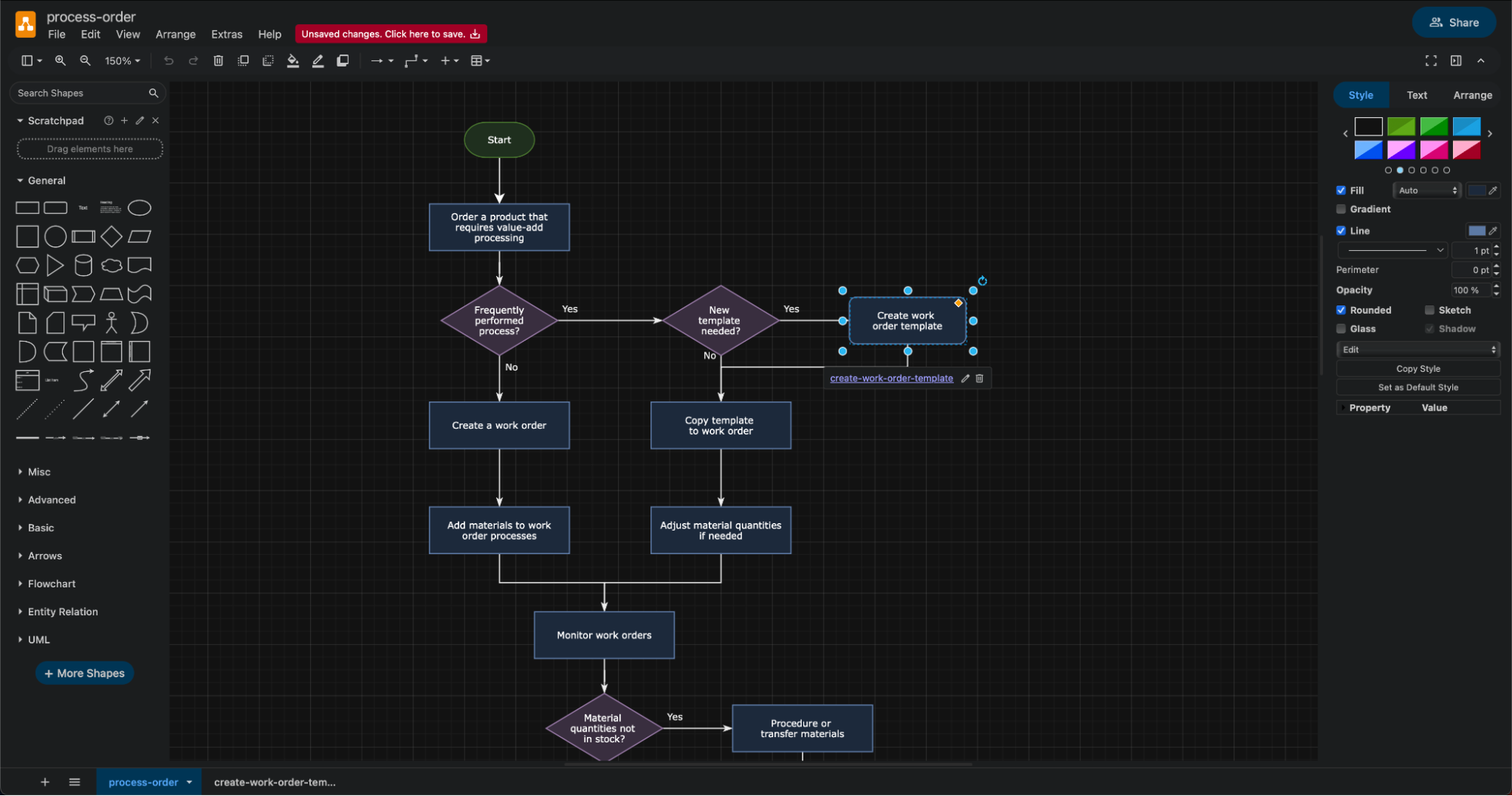
Alternatives allow teams to spend more time planning and problem-solving instead of constantly fixing shapes and lines.
Full Disclosure: This blog is owned and operated by Coursebox. While we include ourselves in this list because we believe in our platform, we've provided an objective breakdown of features to help you choose the best fit.
Best Draw.io Alternatives: Our Top 10 Picks
When Draw.io starts feeling limited, it’s time to explore tools that make diagramming and visual planning easier. Here’s a list of top alternatives that teams rely on to create clearer, more actionable visuals.
1. Miro

Miro is a collaborative whiteboard designed for teams that think visually together. It shines during brainstorming sessions, workflow mapping, or remote meetings where everyone contributes in real time.
The platform encourages open, informal sketching, letting teams capture ideas and map relationships without worrying about perfect shapes or layouts. This approach makes it especially useful for product discussions, sprint planning, or early-stage process mapping, where participation drives clarity more than precision.
At the same time, larger boards can slow performance, and version control may feel limited for some teams.
Key Features:
- Excellent for team workshops and remote collaboration
- Wide range of templates for agile, planning, and mapping
- Smooth real-time multi-user editing
- Great for early-stage process mapping
- Flexible space for capturing and exploring ideas
2. Terrastruct
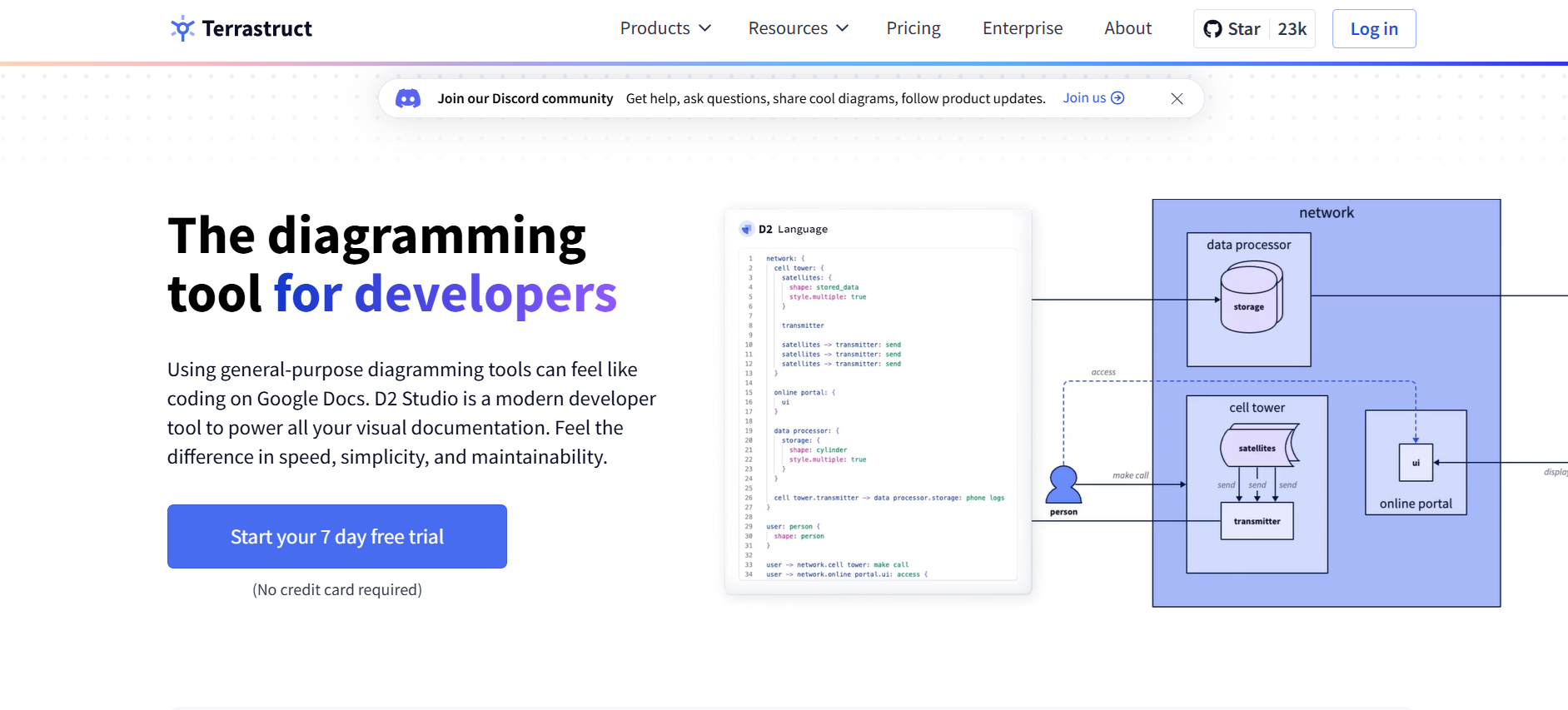
Terrastruct positions itself as a diagramming tool built to handle complex software engineering workflows. It works well for mapping layered systems and large technical architectures, offering advanced security, management, and insight features that appeal to engineering teams.
While the platform handles intricate diagrams better than many general-purpose tools, it lacks text-to-diagram functionality, and cloud support remains limited, which can slow collaboration. Without a free version, teams need to weigh the investment against needs for structured, multi-layered diagrams.
Key Features:
- Designed for complex software and system architecture
- Supports layered, multi-level diagramming
- Advanced security and management tools
- Insights and analytics for diagram usage
- Structured approach for engineering teams
3. SmartDraw
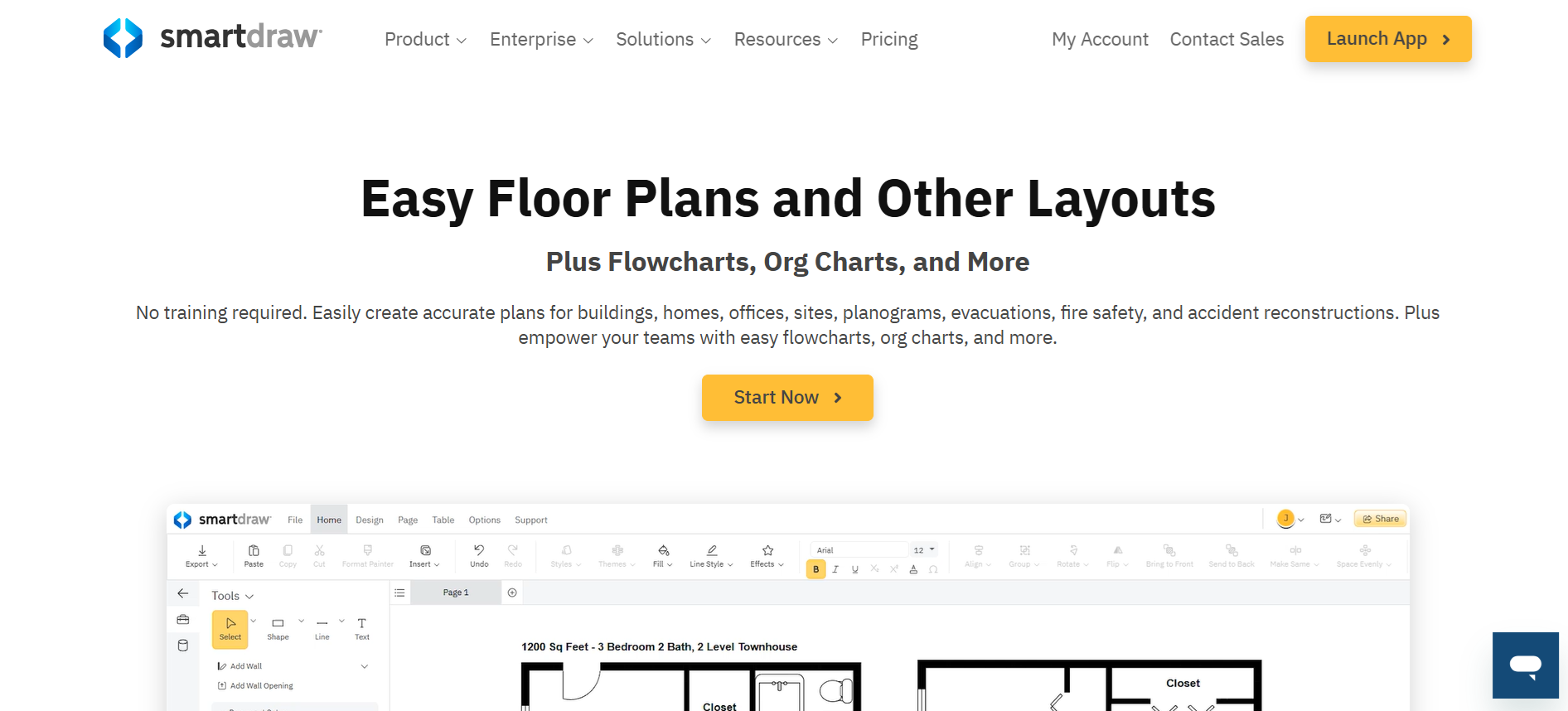
SmartDraw focuses on precision and consistency, making it ideal for teams producing regulated or technical documentation. It automatically maintains clean layouts and standard formatting, ensuring diagrams stay readable across different users and teams. This reliability suits engineering, operations, and architecture work where diagrams are referenced repeatedly.
At the same time, the software can feel rigid, and the automation may impose unwanted layouts. Learning the platform takes some time, and no free version exists, yet teams needing structured, industry-standard visuals will find it dependable.
Key Features:
- Intelligent auto-layout and formatting
- Extensive library of technical and business templates
- Consistent, industry-standard diagram output
- Integrates with Microsoft 365 and Google Workspace
- Ideal for engineering, architecture, and network diagrams
4. Creately
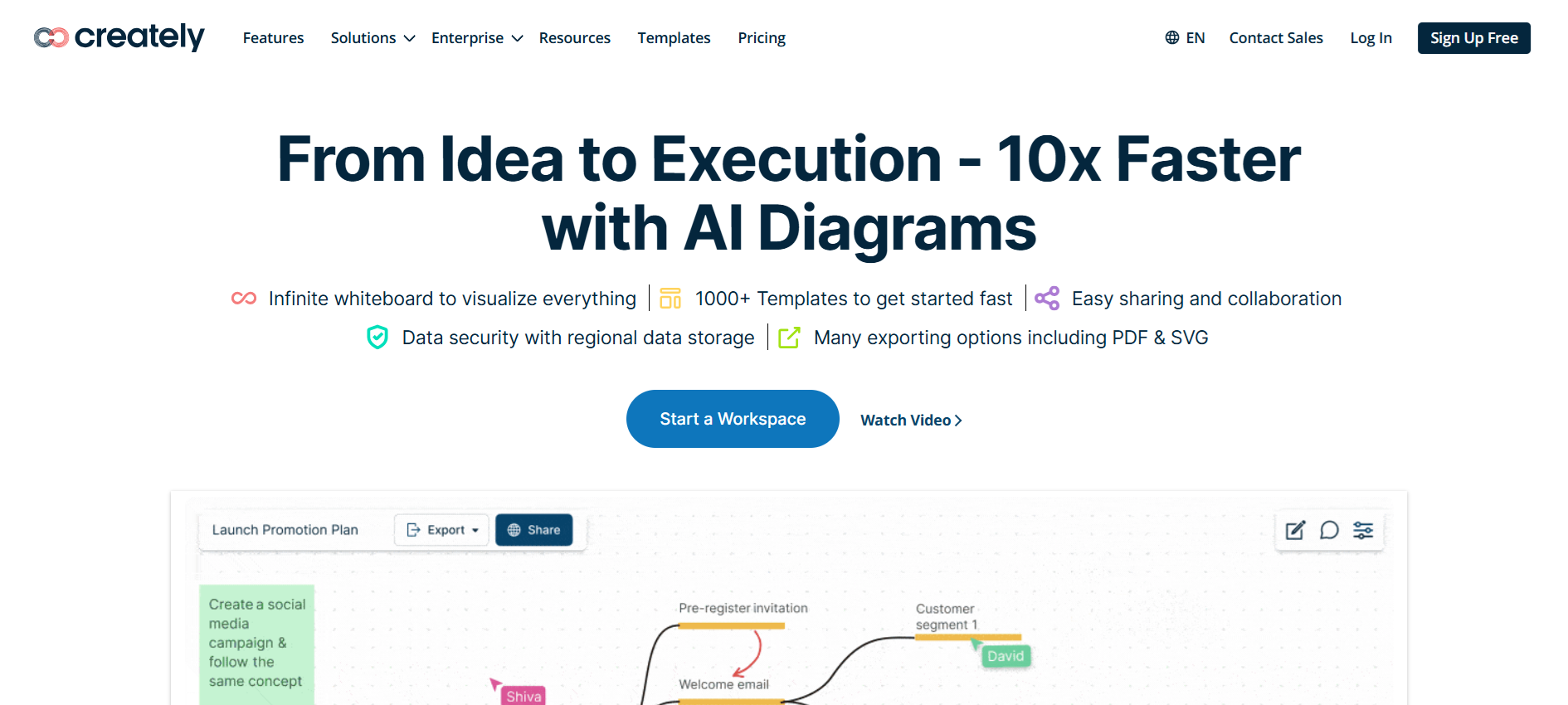
Creately combines structured diagramming with space for notes, context, and data, making it a flexible option for teams whose projects evolve rapidly. Users can anchor extra information directly to diagram elements, tracking decisions and relationships without cluttering visuals.
The hybrid desktop and web workspace supports ERDs, flowcharts, and org charts while keeping diagrams connected to relevant context. Some teams notice lag with large files, occasional syncing delays, and fewer integrations than competitors, yet for operations planning, HR workflows, or cross-team documentation, Creately balances structured diagrams with flexibility.
Key Features:
- Flexible, infinite canvas for evolving projects
- Supports ERD, flowcharts, and organizational charts
- Desktop and web hybrid workspace
- Contextual data fields for deeper documentation
- Keeps diagrams connected to notes and decisions
5. Coursebox AI
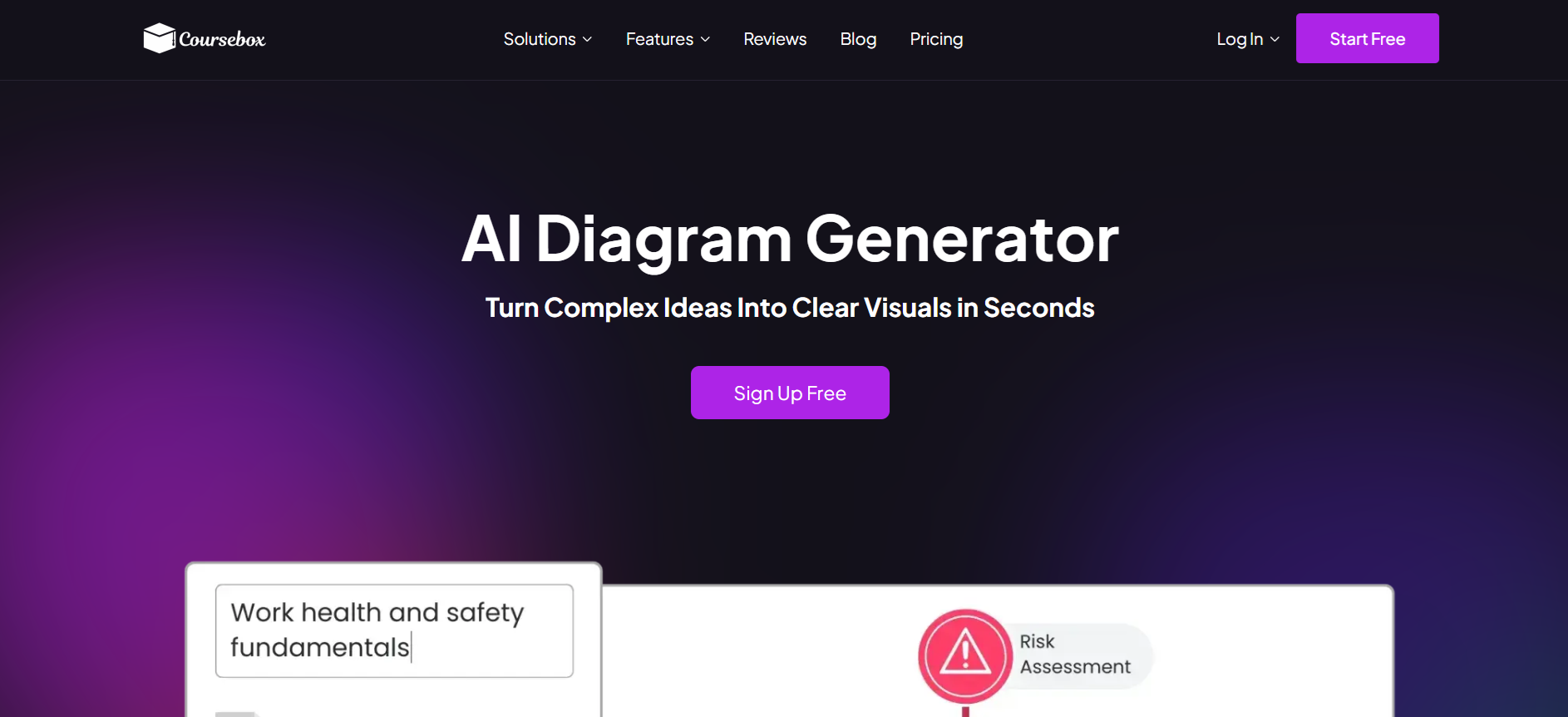
Built around AI-generated diagram creation tied to course and training content, Coursebox AI turns text prompts into flowcharts, process diagrams, illustrations, and explainer visuals in 100+ languages. It's diagramming as a feature of a broader learning platform rather than a standalone diagramming tool. Coursebox fits training teams that want diagrams embedded directly into course content. Teams whose primary need is collaborative visual workspaces with real-time whiteboarding for design and strategy work typically shortlist Miro, and technical teams needing established diagramming-first tools for architecture, network, and process mapping sometimes consider Lucidchart or SmartDraw.
Key Features:
- Generate diagrams instantly from text prompts
- Supports infographics, flowcharts, and illustrations
- Maintains consistent styles across visuals
- Multilingual diagram generation
- Tailor complexity for beginners or advanced learners
- Add labels, annotations, and callouts easily
- Create variations rapidly without design skills
- Embed visuals directly inside courses
- Perfect for the workplace, education, or e-learning
- AI-driven visuals reduce time and improve clarity
6. FigJam
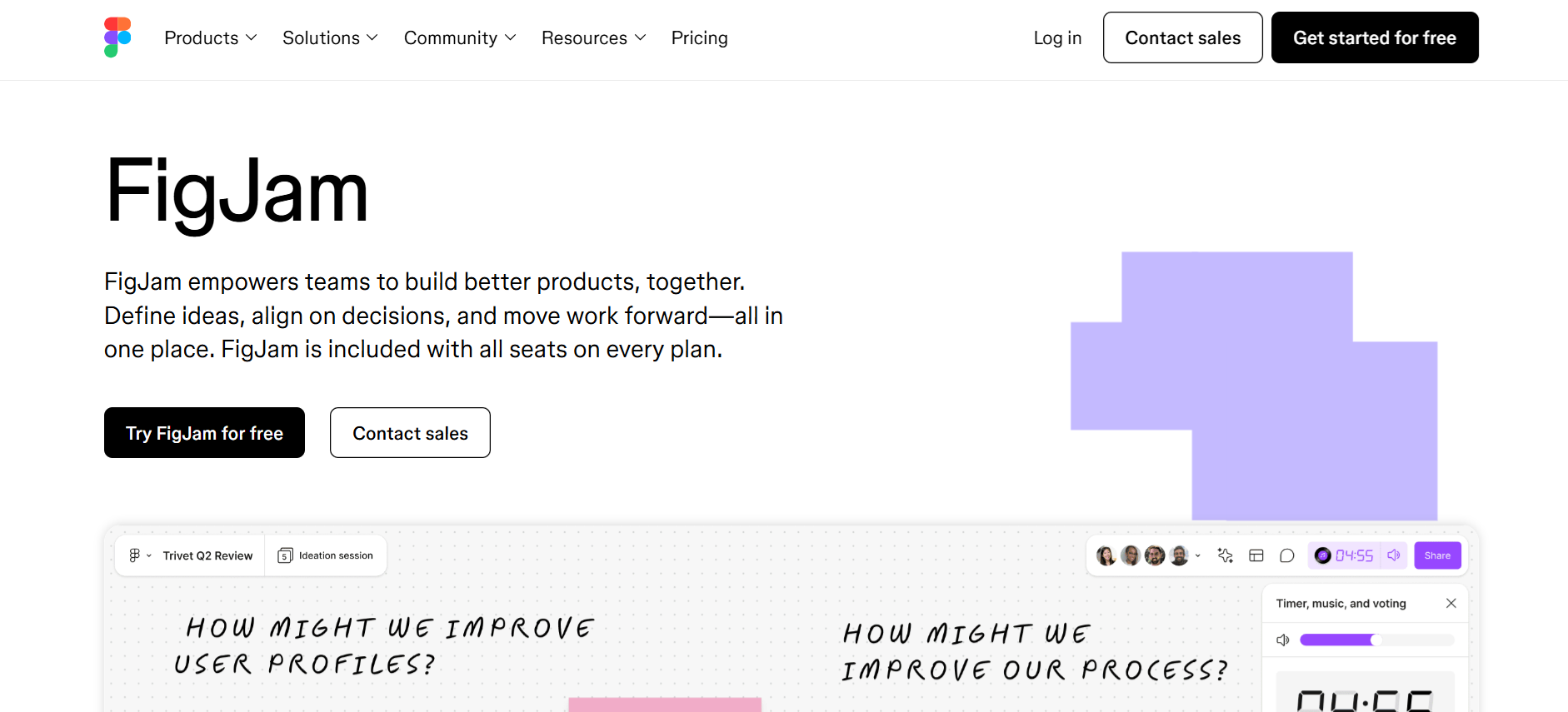
FigJam is a simple, easy-to-use tool for teams looking to create quick flowcharts, wireframes, and early-stage diagrams. Built by Figma, it pairs seamlessly with design workflows, letting users move from brainstorming to high-fidelity visuals without switching platforms.
The environment encourages collaborative thinking, making it ideal for teams running workshops, mapping ideas, or planning projects together. While FigJam excels at simplicity and integration with design projects, it may feel limited for detailed system architecture or highly structured diagrams, and larger projects may require switching to more advanced tools.
Key Features:
- Intuitive and beginner-friendly interface
- Strong integration with Figma design tools
- Collaborative real-time editing for teams
- Ideal for flowcharts, wireframes, and ideation
- Encourages visual brainstorming and workshops
7. Venngage
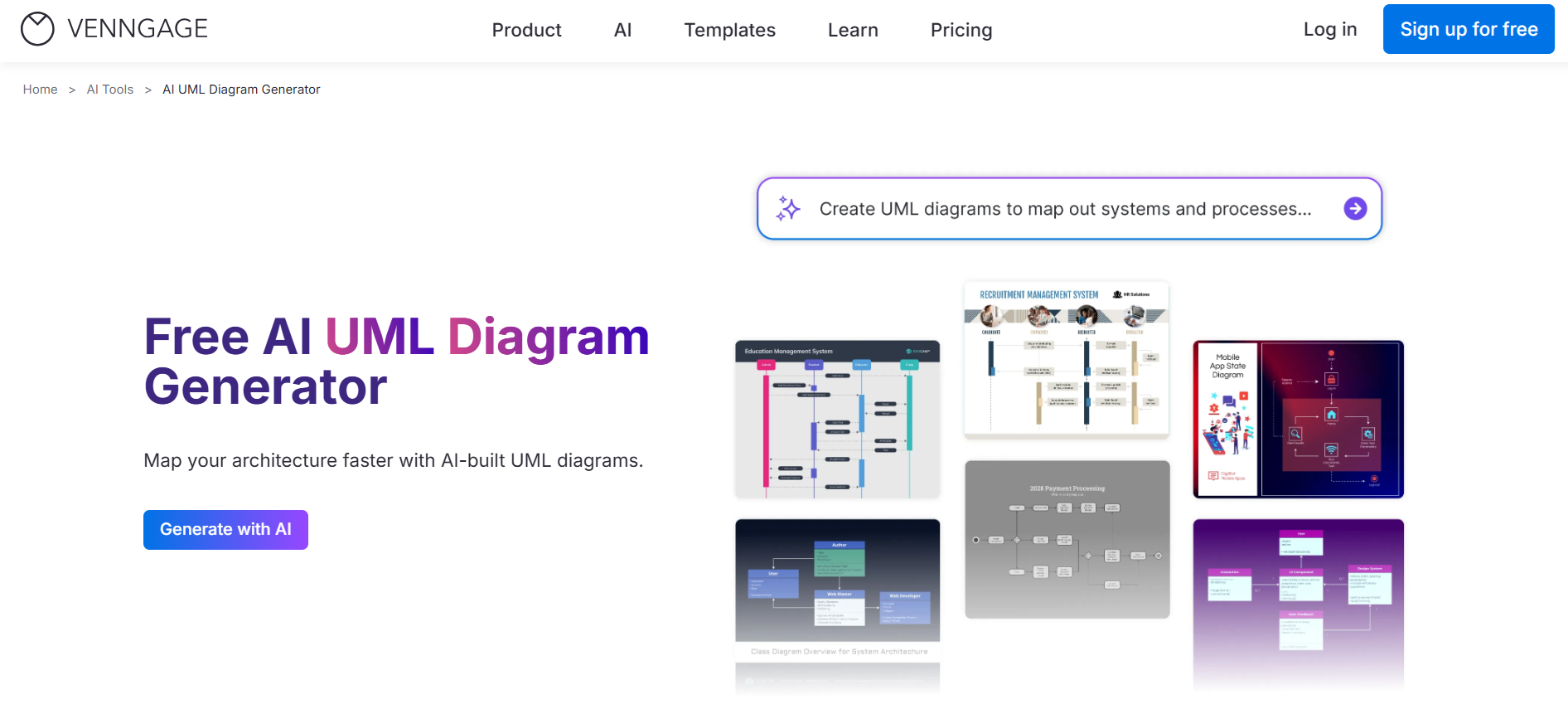
Venngage is a great AI-powered Draw.io alternative built for anyone who wants professional diagrams without spending hours on layouts. The AI Flowchart Generator suggests structure and arranges shapes automatically, helping teams map workflows, business processes, or ideas more efficiently.
Ready-made templates simplify starting points, and the drag-and-drop editor makes customizing icons, symbols, and connectors quick. With Brand Kit, colors and fonts remain consistent, keeping diagrams presentation-ready. Some advanced features require a paid plan, and free assets are limited, yet for reports, presentations, or visual storytelling, Venngage offers a faster, more guided approach than traditional diagramming tools.
Key Features:
- AI-assisted flowchart and diagram generation
- Large library of templates
- Drag-and-drop customization for shapes and icons
- Brand Kit for consistent styling
- Ideal for business reports and presentations
8. Brainboard

Brainboard stands out as a Draw.io alternative focused on cloud architecture design that actually translates into real-world use. Every cloud resource you drag and drop becomes actionable Terraform code, built following best practices, ready to deploy infrastructure across AWS, Azure, GCP, and Scaleway. This makes it ideal for teams who want to move seamlessly from visual planning to deployment.
While Brainboard excels in collaborative infrastructure design and automation, advanced deployment features require a paid plan. Still, for cloud engineers and DevOps teams, it offers a unique way to design, manage, and deploy cloud environments visually and efficiently.
Key Features:
- Design cloud architectures visually
- Auto-generates Terraform code for major providers
- Collaborative real-time editing
- Supports AWS, Azure, GCP, Scaleway
- Bridges planning and actual deployment
9. Cacoo
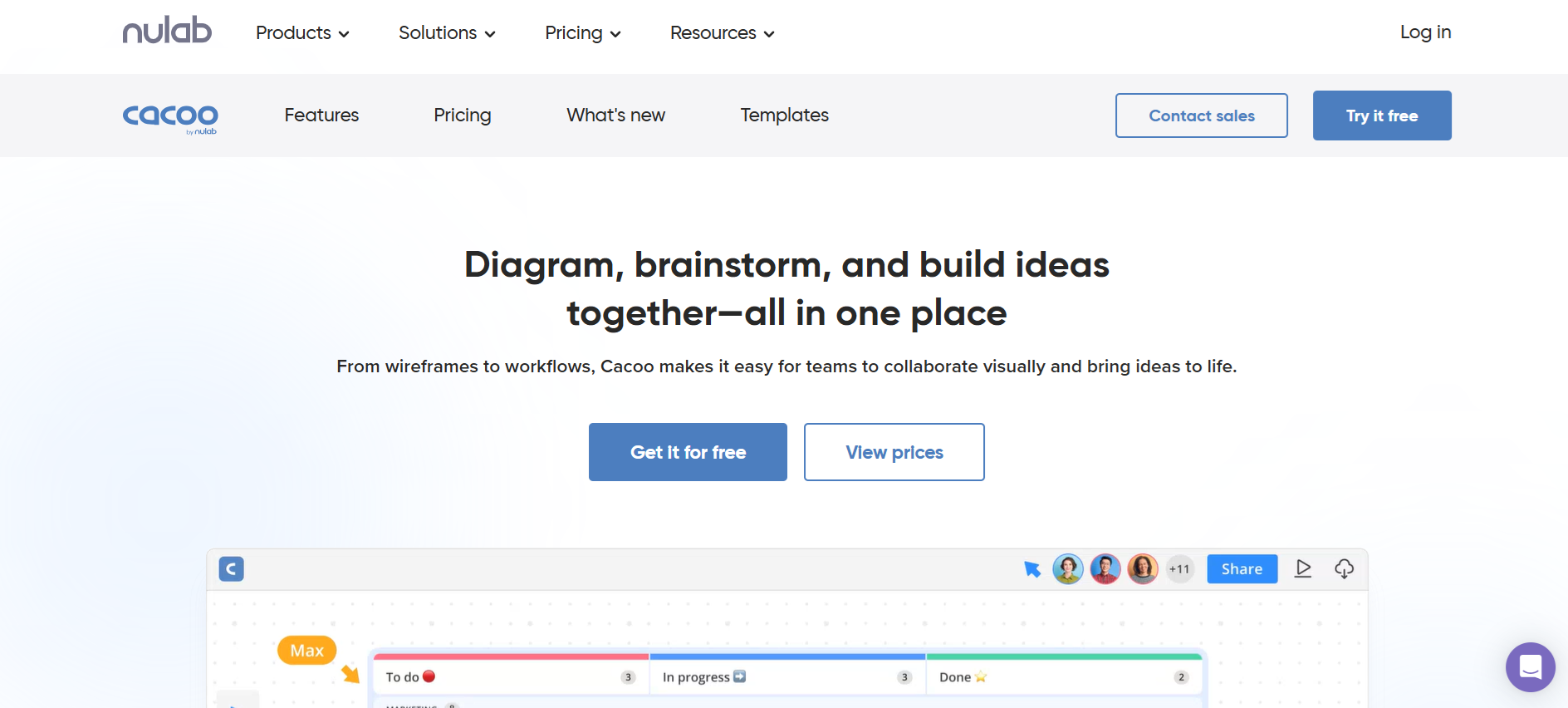
Cacoo is a Draw.io alternative built for teams seeking visual collaboration for diagrams, flowcharts, and wireframes. Integration with Google Meet and a ready template gallery make getting started straightforward. The platform works well for small to medium teams brainstorming, mapping processes, or reviewing diagrams together.
However, for larger teams or complex workflows, limitations appear, and AWS integration lacks full actionability. Despite these drawbacks, Cacoo provides a simple, accessible environment for cross-team diagramming and planning, making it a practical choice for teams that prioritize quick collaboration over advanced system automation.
Key Features:
- Visual collaboration for diagrams, flowcharts, and wireframes
- Google Meet integration
- Template gallery for fast starts
- Easy sharing and collaborative editing
- Ideal for small to medium teams
10. Visual Paradigm
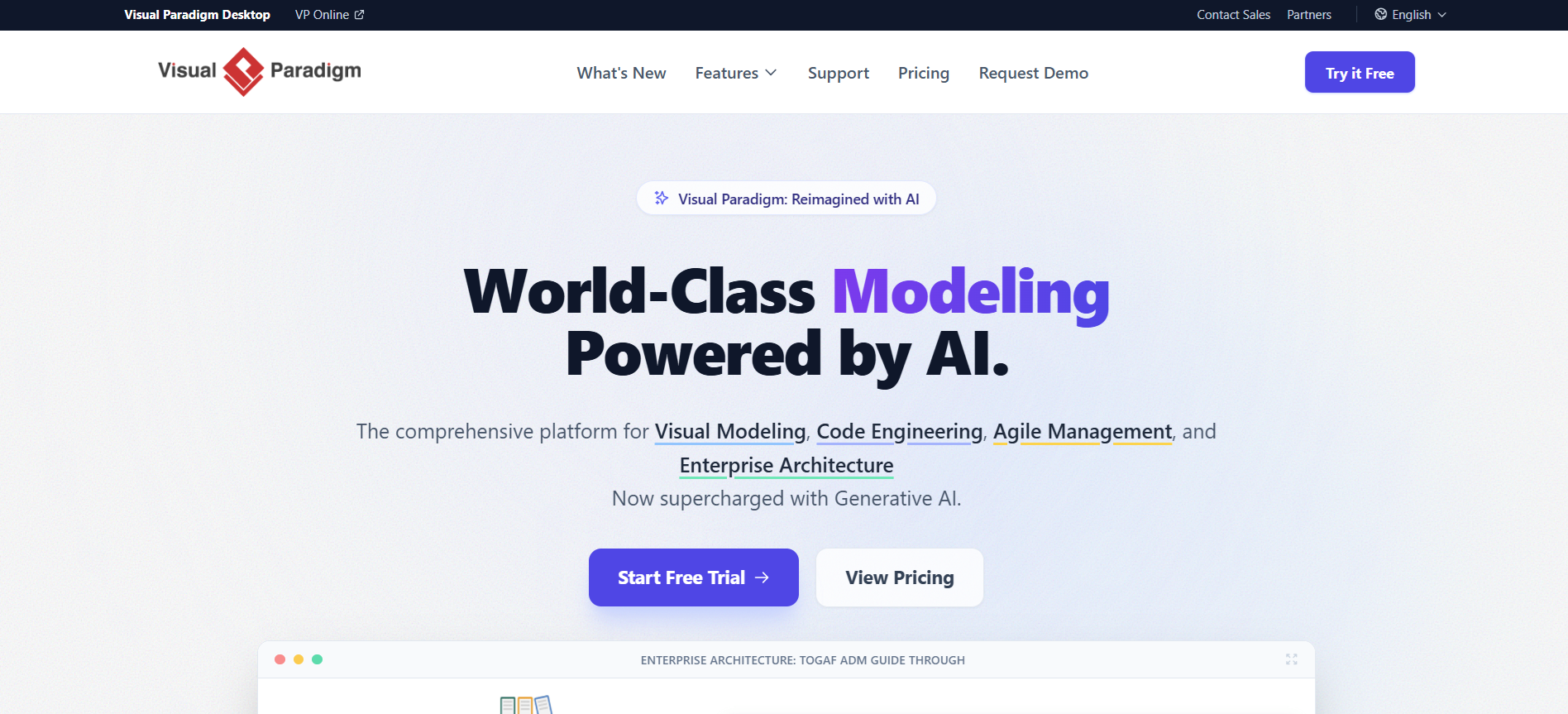
Visual Paradigm is a versatile diagramming tool and Draw.io alternative that covers nearly every design need, from system engineering to software workflows. It offers structured templates, UML support, and detailed modeling features, making it a strong choice for technical teams.
While less common in cloud architecture, it helps manage complex diagrams with precision. Some users find the interface old-fashioned compared with newer tools, and setup may feel heavier, yet for teams needing detailed, multi-layered modeling, Visual Paradigm delivers flexibility, structured diagramming, and comprehensive support for various professional workflows.
Key Features:
- Comprehensive UML and system diagram support
- Structured templates for technical workflows
- Multi-layered modeling capabilities
- Detailed and precise diagramming tools
- Flexible for engineering, software, and system design
Simplify Complex Ideas and Visuals with Coursebox AI

Draw.io works fine for quick, simple diagrams. But as projects grow or teams get bigger, keeping everything organized can become a challenge.
When technical accuracy or complex workflows matter, tools like Lucidchart or Terrastruct make structured diagrams much easier to manage. If collaboration and brainstorming are your focus, Miro or Creately help teams think visually together in real time. For polished, AI-assisted visuals in reports or presentations, Venngage can speed up the process.
Still, for a solution that combines speed, flexibility, and clarity in one place, Coursebox AI lets teams turn complex ideas into clear diagrams instantly. Try it on your next project and see how effortlessly ideas come to life.
FAQs
Is Draw.io not free anymore?
Draw.io (also called diagrams.net) remains free to use for most basic diagramming needs. Users can create flowcharts, wireframes, and organizational charts without paying. Paid plans or integrations may exist for enterprise features, but for individual users and small teams, the core tool continues to be fully accessible.
Is Draw.io better than Lucid?
Draw.io is great for free, straightforward diagrams, while Lucid excels at collaboration, complex workflows, and professional system diagrams. If teams need real-time editing, structured templates, or multi-layered diagram support, Lucid often performs better. For simple charts or occasional use, Draw.io can be enough.
Is Visio or Draw.io better?
Visio offers advanced features, professional templates, and enterprise integration, making it strong for large organizations or detailed technical diagrams. Draw.io works well for free, lightweight diagramming, small teams, or personal projects. The better choice depends on the complexity and scale of your diagrams.
Which diagram AI tool is best?
Coursebox AI stands out as a top diagram AI tool, turning complex ideas into clear diagrams instantly. It supports flowcharts, process diagrams, illustrations, and multilingual outputs, making it a versatile choice for teams, educators, and content creators who need clarity, speed, and consistency.
Which AI can draw diagrams for free?
Several AI tools let you generate diagrams for free, including Coursebox AI (limited free usage) and Venngage (with basic templates). These tools create flowcharts, process diagrams, and illustrations from text prompts, allowing teams to visualize ideas without spending hours on manual drawing.
Alex Hey
Digital marketing manager and growth expert

