

8 Best Blackboard Alternatives for Teaching and Learning in 2026
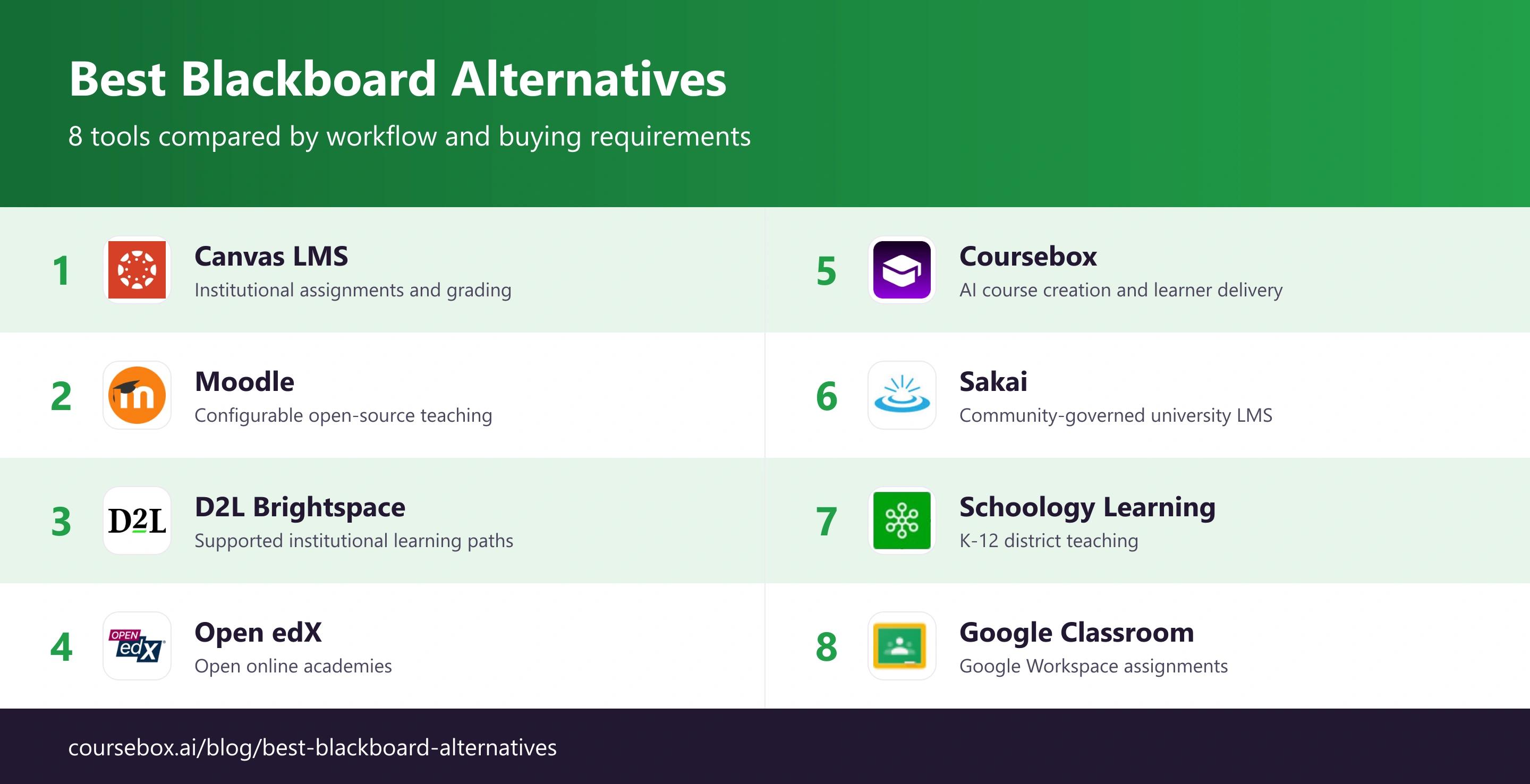
The best Blackboard alternatives in 2026 include Canvas LMS, Moodle, D2L Brightspace, Open edX, Coursebox, Sakai, Schoology Learning, Google Classroom. Choose by the workflow you need to replace.

The best Blackboard alternatives in 2026 include Canvas LMS, Moodle, D2L Brightspace, Open edX, Coursebox, Sakai, Schoology Learning, Google Classroom. Choose by the workflow you need to replace.
- Assignments, rubrics, feedback and grades.
- Hosting, implementation, support and required feature tiers.
Answer three questions to compare the four tools below. The result balances your preferences; the entries explain the features, limits and costs to check.

Run your own branded LMS with unlimited learners
Replacing Blackboard is a teaching and records decision as well as a change of interface. The alternative must support the assessments, enrolments and integrations your institution uses. A public academy or staff-training programme may need a different system from a university running semester courses.
I’m Carolina, an instructional designer, and I’ve built courses in most of these platforms. I’d check a familiar teaching activity before committing to a move: set the assignment, submit the work, give feedback and find the grade. That shows what teachers and students would have to learn again.
I work at Coursebox, which is included for creating and delivering AI-supported learning. Our LMS for colleges and universities is one option to consider; the institutional alternatives below have different teaching and integration strengths.
How I compared these tools
I used four criteria:
- Teaching: Assignments, rubrics, feedback and grades.
- Records: Rosters, sign-in, roles and required SIS connections.
- Migration: Course content, historical progress and retained source material.
- Cost: Hosting, implementation, support and required feature tiers.
The alternatives compared
| Tool | Useful starting job | Starting cost |
|---|---|---|
| Canvas LMS | Institutional assignments and grading | Quote-only |
| Moodle | Configurable open-source teaching | Free software; hosting and support extra |
| D2L Brightspace | Supported institutional learning paths | Quote-only |
| Open edX | Open online academies | Free software; hosting and support extra |
| Coursebox | AI course creation and learner delivery | Free; Creator AU$500/year; LMS tier costs more |
| Sakai | Community-governed university LMS | Free software; hosting and support extra |
| Schoology Learning | K-12 district teaching | Quote-only |
| Google Classroom | Google Workspace assignments | Free core for eligible institutions |
Prices checked in October 2026. Billing terms, currencies and included features differ; the entry notes explain restrictions that can change the total.
The 8 alternatives
1. Canvas LMS
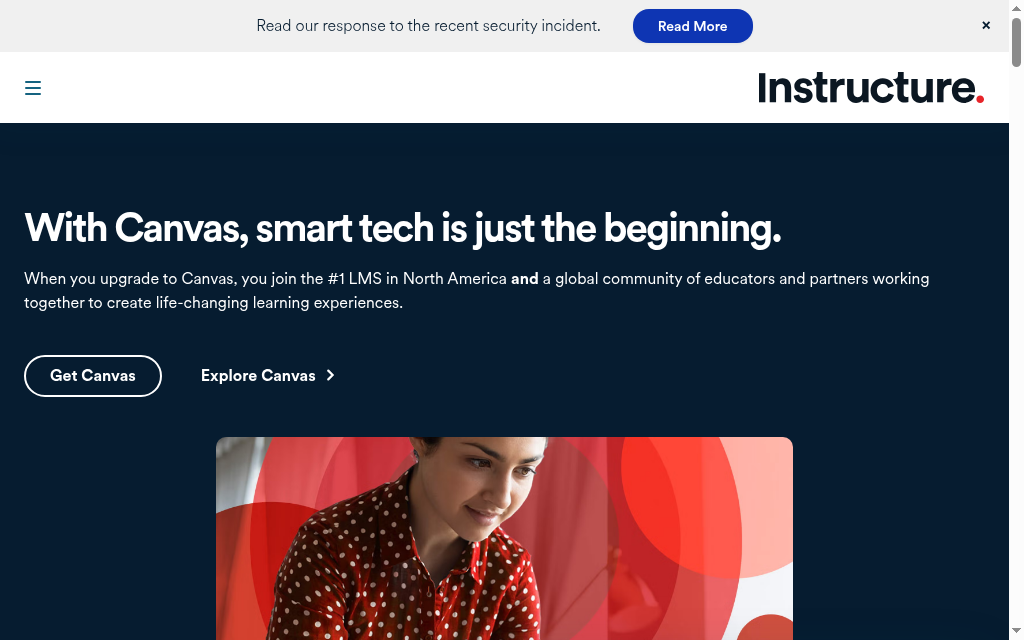
Canvas connects courses, assignments, feedback and grades across a school or university. Students submit work, instructors review it in SpeedGrader and results flow into the Gradebook. This connected assessment workflow is its useful starting point as a Blackboard replacement.
Blueprint courses let a central team distribute shared course structure and updates. The institution still needs to configure its student-information-system connection, roles, grade policies and external tools. Check imported due dates, question types and assessment settings, not just visible lesson content.
My review: My migration check follows a complete assessment cycle: move an assignment with a rubric, submit it as a student, annotate it as an instructor and check the resulting grade. That reveals more than comparing course homepages.
My verdict: Shortlist Canvas for institution-wide teaching and assessment with supported integrations. Self-hosting the open-source edition is a separate operational choice from the supported cloud service.
Pricing: Institutional cloud pricing is by quote. Include implementation, migration, support and any adjacent products. Open-source code does not make hosting and administration free.
2. Moodle
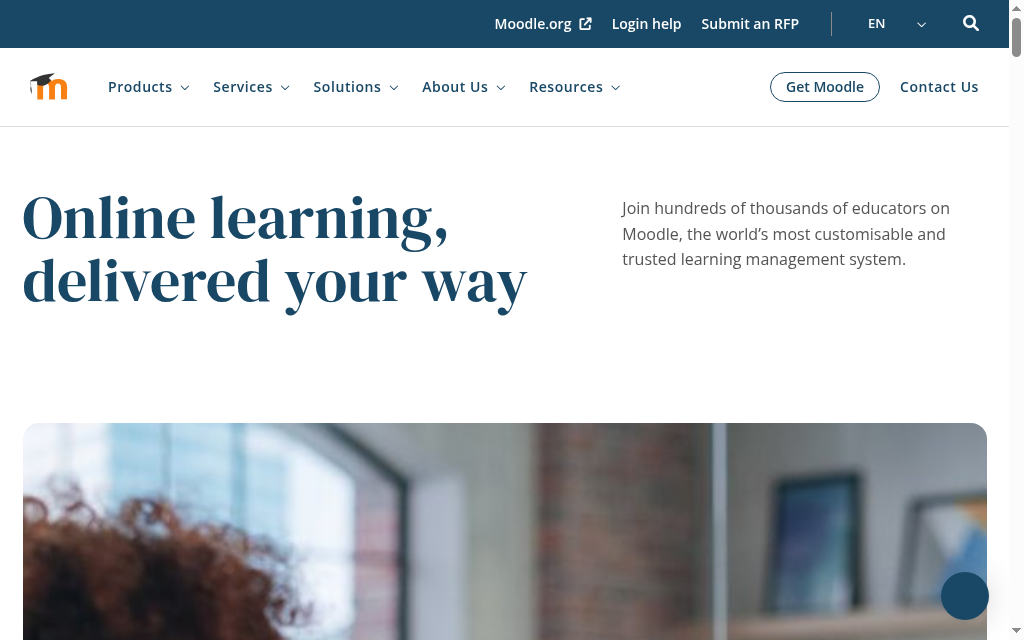
Moodle is an open-source LMS with quizzes, assignments, forums and a gradebook. It suits an institution that wants to adapt the learning environment rather than replace one fixed configuration with another.
Plugins and integrations can extend assessment, authentication and reporting. That flexibility creates maintenance work: someone must test upgrades, review plugin compatibility and manage security. Managed Moodle hosting is a separate option from operating the software on your own infrastructure.
What stood out: My evaluation starts with the course using the most unusual Blackboard activity. Rebuilding it exposes the plugin and configuration work. I would also rehearse an upgrade, because a successful import says little about maintaining the platform next year.
My verdict: Choose Moodle when control and adaptable learning justify administration effort. A team without infrastructure capacity should compare managed hosting and support.
Pricing: The software has no licence charge. Hosting, migration, integrations, support and any paid plugins determine the total. Managed plans have their own allowances.
3. D2L Brightspace
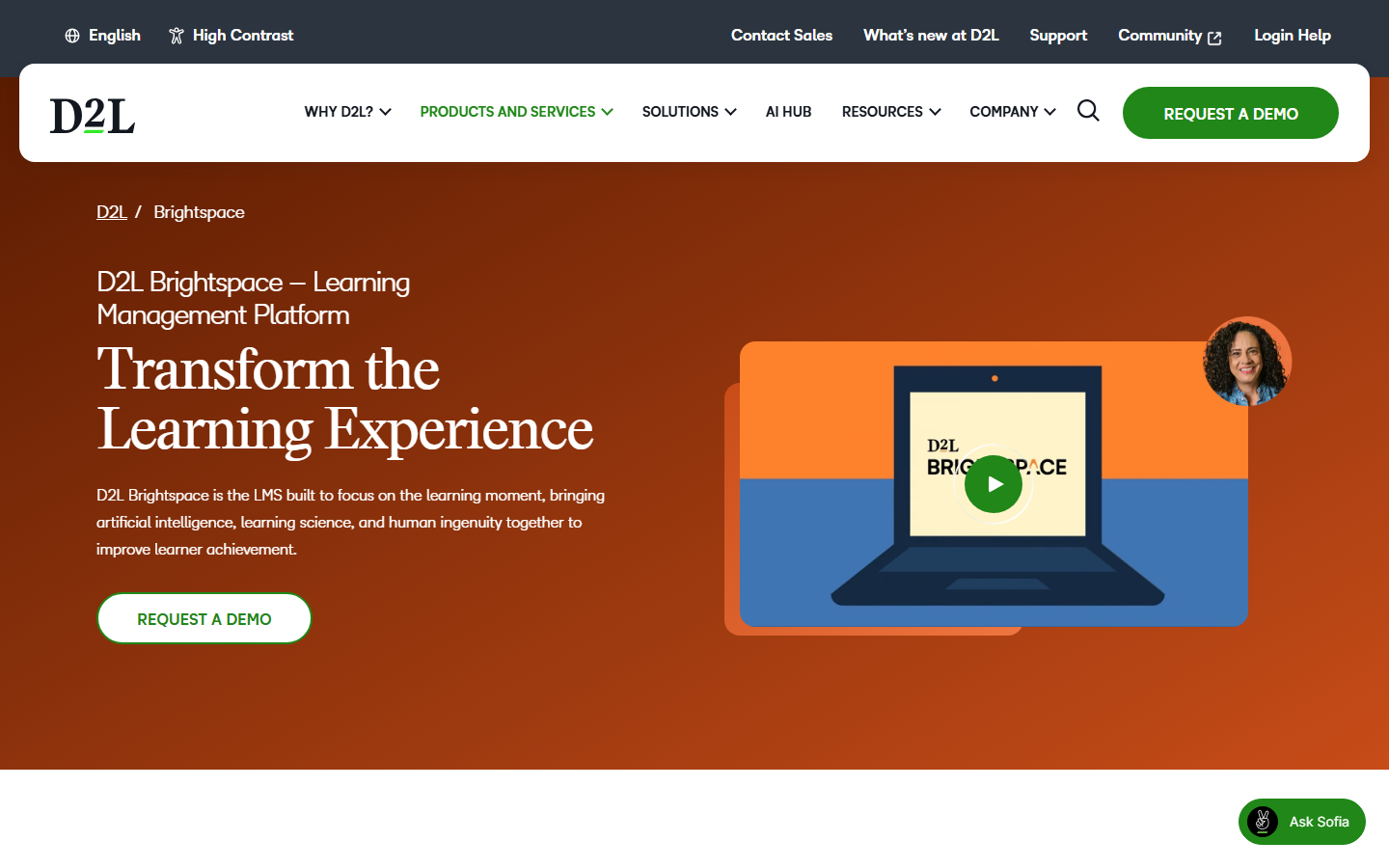
Brightspace combines course delivery, assessments, learning outcomes and reporting for institutions. Release conditions can control access to activities based on learner progress, supporting more than a fixed sequence of files.
For programmes with shared outcomes, check how outcomes connect to assessments and reporting across courses. Accessibility features can help authors, but the institution must still check its imported content and assistive-technology workflow. A product statement does not guarantee every course is accessible.
From my comparison: From my comparison, I would pilot an outcome-linked assessment and a conditional path. The useful result is whether an instructor can explain learner progress and change the course without administrator help for every step.
My verdict: Keep Brightspace on the shortlist for supported institutional teaching and structured learning paths. Compare the implementation and reporting scope rather than assuming adjacent services are bundled.
Pricing: Pricing is by quote. Specify enrolments, integrations, migration assistance, reporting products and support so competing quotes cover the same scope.
4. Open edX
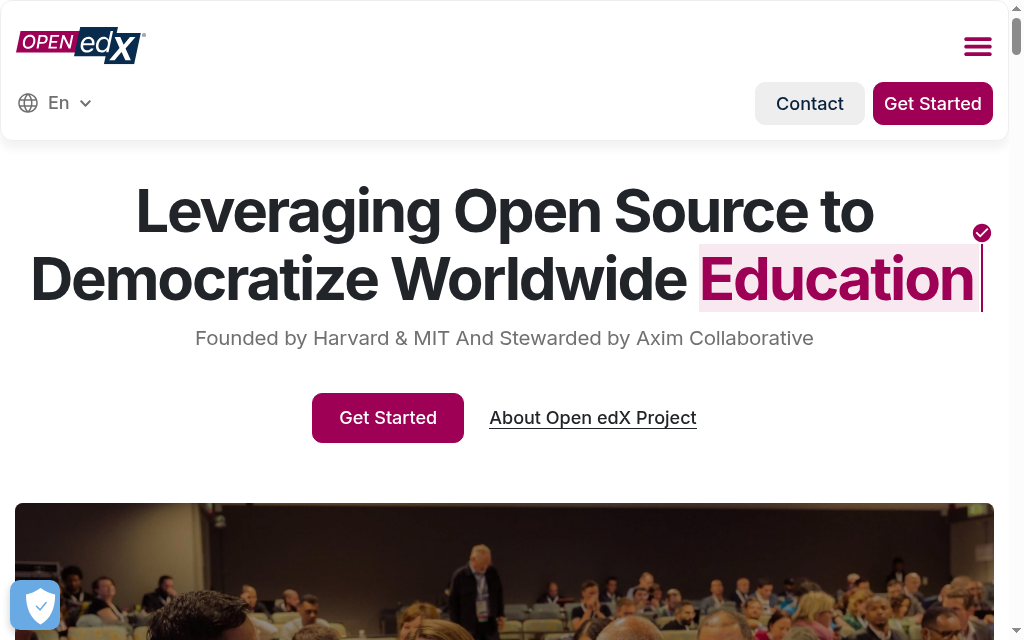
Open edX is an open-source platform for structured online courses and online academies. Studio provides the authoring environment, while the learner application delivers units, activities and assessments.
A deployment needs technical ownership or a service partner. Course production, authentication, reporting and hosting are separate parts of the operating model. That differs from buying an institutional LMS service with a defined implementation team.
My practical check: My first check is how the programme runs. A public course with thousands of registrations needs a different enrolment and support workflow from a semester course linked to student records. Pilot the actual registration, assessment and completion journey.
My verdict: Choose Open edX for an academy where platform control justifies deployment work. For institutional administration, verify student-record and grade-transfer requirements separately.
Pricing: The software is open source. Hosting, implementation, support and custom integrations remain operational costs, handled internally or through a provider.
5. Coursebox
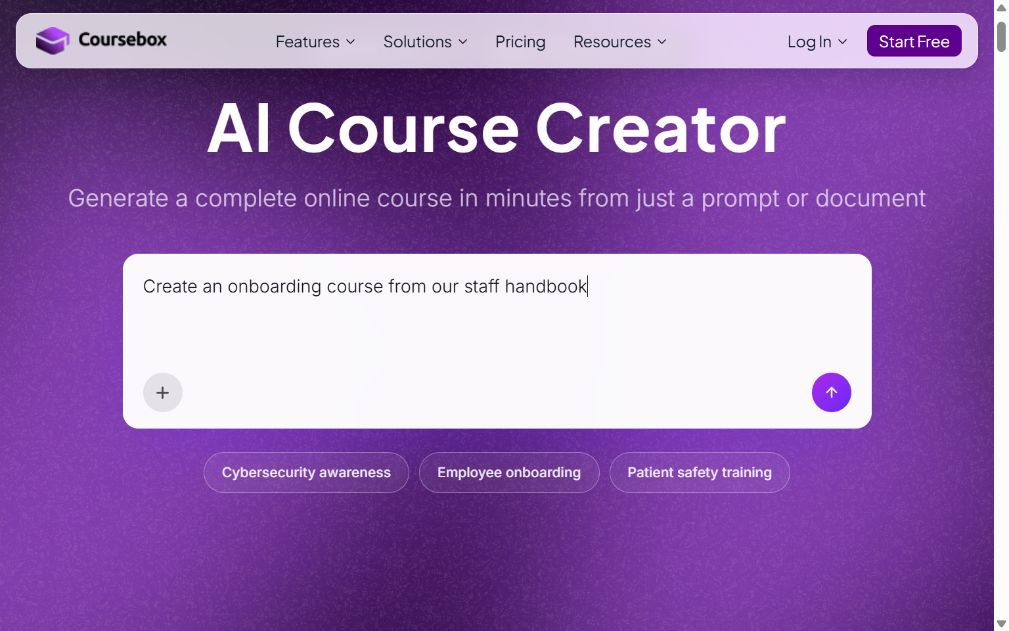
Coursebox combines AI course creation with learner delivery. A topic, document or existing material can become an editable course with quizzes, AI video and assessments. Authors can deliver it through Coursebox or export it for another LMS.
Paid plans add branding, learner groups, pathways and reporting. Enterprise supports multiple portals and an API, with SSO available as an add-on. Learner communities support announcements and questions. LTI 1.3 can return grades and progress to a connected LMS. Compare these capabilities at the required tier rather than assuming everything is in the free account.
My review: In my review, the useful test is the complete learning activity: create the lesson, edit the assessment, ask the AI tutor a question and inspect the learner result. That shows whether saved authoring time also produces a course the team can maintain. The subject expert should check the source material and answers.
My verdict: Choose it when creating and delivering training is the main job. For an institutional replacement, map student records and integrations first. For a creator business, compare checkout and the marketing workflow separately.
Pricing: A limited free plan includes three mini courses and unlimited learners. In the current Australian price feed, Creator is AU$500/year, Pro AU$1,400/year and Pro + LMS AU$4,200/year. Feature scope and AI allowances differ. Enterprise and its SSO add-on require separate budgeting.
6. Sakai
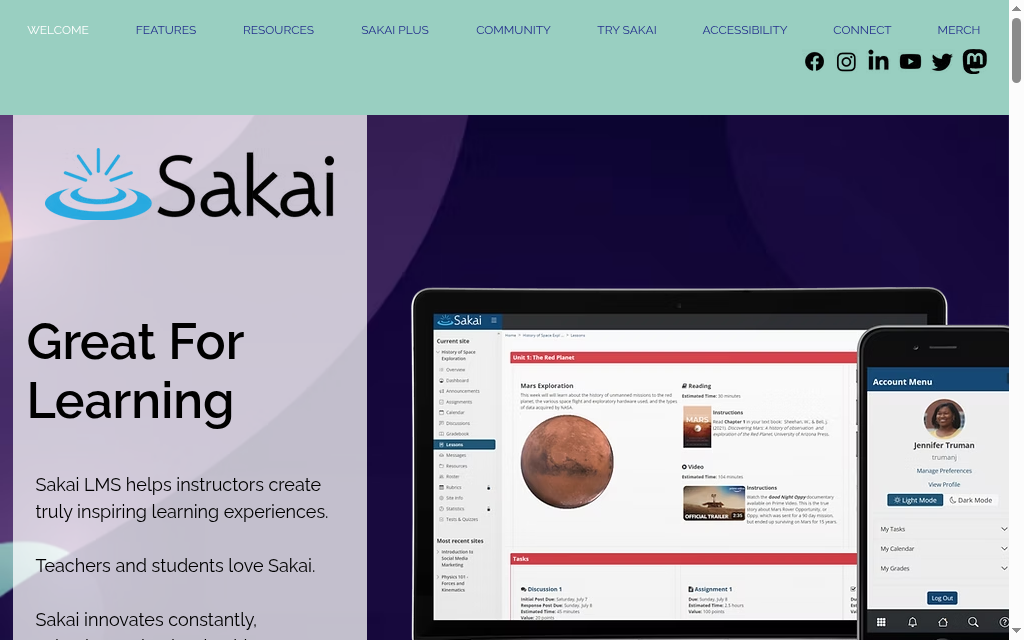
Sakai combines assignments, quizzes, discussions, rubrics and grades in an open-source platform shaped by its education community. It suits universities that want academic teaching tools with community governance.
Institutions can configure roles and connect external learning tools. The decision includes who maintains the deployment and contributes fixes. A consortium or experienced campus technology team may find that model useful; it still requires implementation and support.
What stood out: In my review, I follow the instructor’s weekly routine: release material, collect an assignment, apply a rubric and return feedback. Checking a teaching assistant’s permissions also exposes practical administration needs.
My verdict: Shortlist Sakai when open governance and institutional teaching are priorities. Compare local expertise, provider support and integrations before treating the lack of a licence fee as the whole cost.
Pricing: The software is free to download. Budget for hosting, upgrades, support, migration and institution-specific integrations.
7. Schoology Learning
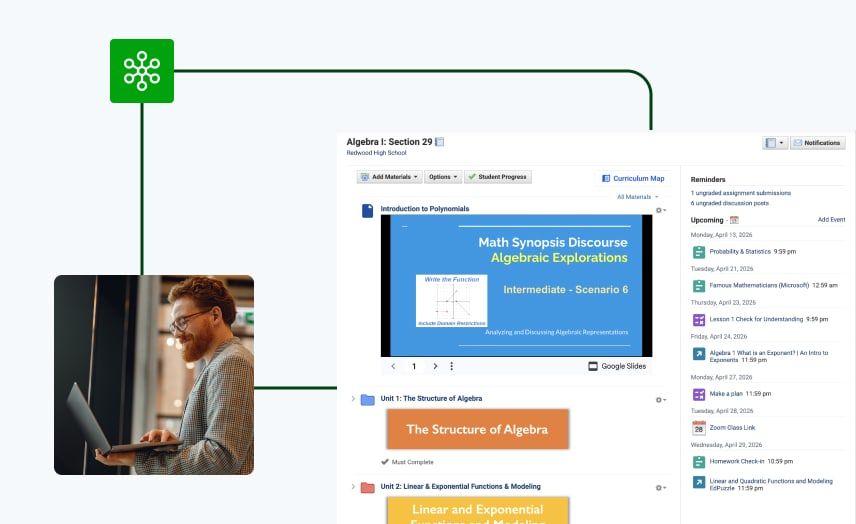
Schoology Learning organises lessons, assignments and communication across K-12 schools and districts. Its relevance to a Blackboard migration is the connection between classroom work, district administration and the wider PowerSchool environment.
Check roster synchronisation, assignment and grade workflows, parent access and teacher permissions. Using products from one vendor does not remove the need to verify the included student-information-system integration and data flow.
From my comparison: My practical check uses teacher, student and parent accounts in one class. Publish an assignment, collect and grade it, then check what each account can see. That exposes access and communication problems before a district-wide rollout.
My verdict: Choose Schoology for K-12 teaching where families and student records need to connect. For higher education or commercial training, compare the academic workflow with the programme’s requirements.
Pricing: Institutional pricing is by quote. Specify LMS, integration, migration and support scope, including services sold separately within the wider offering.
8. Google Classroom
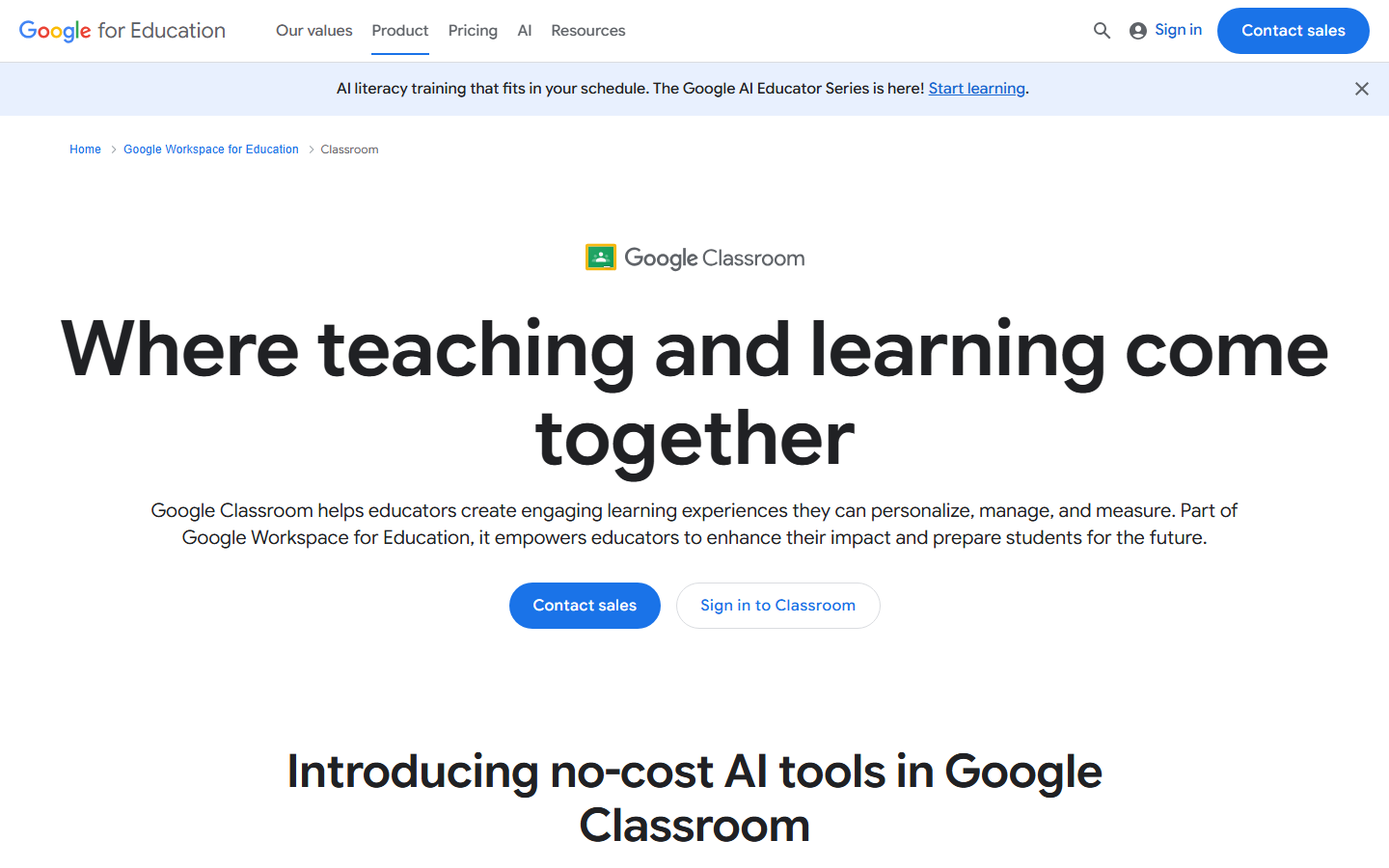
Google Classroom organises classwork, submissions and feedback around Workspace for Education. It can fit teachers who already work in Docs and Drive and need a clear assignment workflow rather than every Blackboard module.
Education Fundamentals provides the core service for eligible institutions. Paid editions add capabilities, while SIS and analytics features depend on edition and integration. Compare Classroom at the required tier rather than treating it as only a free tool for small programmes.
My practical check: I check an assignment with an attachment, due date, feedback and grade, followed by roster and grade transfer with the institution’s own systems. Keeping documents in Drive helps teaching but does not recreate historical assessment records.
My verdict: Choose Classroom when teaching centres on Google Workspace. Compare complex programme reporting, assessment rules and external-tool requirements explicitly with a fuller LMS.
Pricing: Education Fundamentals is available without charge to eligible institutions. Paid editions and required integration services change the total; confirm eligibility and feature scope.
Online delivery is part of the teaching requirement
NCES reports that 25.7% of students at US Title IV institutions studied exclusively through distance education in fall 2023. Check the complete remote assessment and support journey during an LMS migration.
The 2025 Condition of Education report puts fall 2023 undergraduate participation in at least one distance course at 54%. Blended teaching needs reliable submissions and feedback as well as classroom support.
Plan the Blackboard migration around teaching and records
| Requirement | What to compare | Useful pilot |
|---|---|---|
| Course content | Assignments, question banks, rubrics and dates | Import one course with the hardest assessment; compare every setting |
| Student records | Rosters, roles, grades and completion history | Reconcile a sample against the SIS and original gradebook |
| Accessibility | Documents, video captions, keyboard and screen-reader use | Check the imported course with the institution’s actual assistive workflow |
| Operations | Term rollover, support and integrations | Rehearse a new term and one routine update |
| Archive | Historical evidence and retained source material | Keep exports and decide which system owns each record |
Retain the original course material and records. Verify access, assessments and the required report with a small group before retiring the old workflow.
Which alternative should you choose?
| Your main job | Starting shortlist |
|---|---|
| Institutional assignments and grading | Canvas LMS |
| Configurable open-source teaching | Moodle |
| Supported institutional learning paths | D2L Brightspace |
| Open online academies | Open edX |
| AI course creation and learner delivery | Coursebox |
| Community-governed university LMS | Sakai |
| K-12 district teaching | Schoology Learning |
| Google Workspace assignments | Google Classroom |
Start with the required workflow, then compare the tier and migration work. The quiz covers four starting choices; the full comparison is above.
For a closer comparison, see canvas lms alternatives.
For a closer comparison, see google classroom alternatives.
For a closer comparison, see blackboard vs canvas.
For a closer comparison, see blackboard vs brightspace.
Frequently Asked Questions
Canvas, Brightspace, Moodle and Sakai support institutional teaching workflows. Open edX is also worth evaluating for an online academy. Confirm student records, roles and integrations against the programme, rather than choosing by the label alone.
Coursebox supports SCORM and LTI 1.3, including LTI grade and progress return. Enterprise supports an API and an SSO add-on. Check the exact student-record workflow before treating it as a complete replacement for an institutional system.
There is no software licence charge for the open-source options, but hosting, support, migration and integrations cost money. Compare the full operating model.
Carolina Martin
Carolina is a highly experienced learning designer with tech start-up experience. She is based in Sydney and previously designed courses alongside Coursebox founder Travis in a previous job. She is passionate about delivering engaging learning experiences and brings the same perspective to customer experience too. She manages our customer support documentation and product testing processes.

