

Skillshare vs MasterClass: What’s the Difference and Which One Should You Choose?
Want to acquire a new skill online? This Skillshare vs MasterClass comparison will help you choose an online platform that best fits your learning needs.


Build high quality courses that actually sell
If you’re looking to build new skills, you might be comparing different online learning platforms to do so without committing to a full degree. Skillshare and MasterClass are the two most popular platforms in this regard. Both offer high-quality learning, but they serve very different goals and audiences.
Skillshare focuses on practical, hands-on skills you can apply immediately. Meanwhile, MasterClass leans toward inspiration and insight from world-famous experts.
In this post, we break down Skillshare vs MasterClass across content style, learning experience, pricing, and real-world use cases. We’ll also look at how creators use AI course creators to build course structure and learning materials before publishing them on Skillshare or MasterClass.
What is Skillshare?
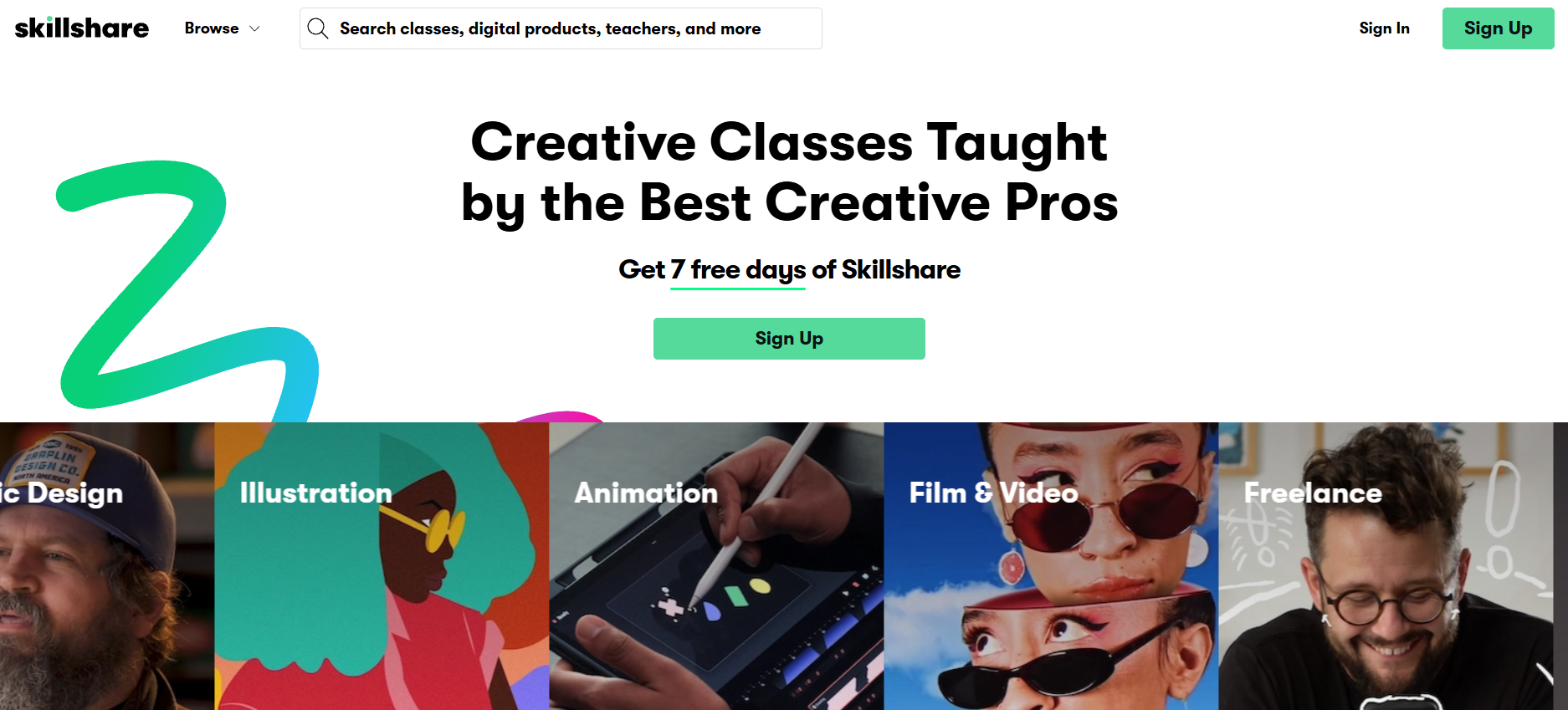
Skillshare is an online learning platform built around short, project-based classes. It’s designed for people who want to learn by doing, not just watching.
Most Skillshare classes focus on creative, business, and tech skills. These include graphic design, illustration, writing, photography, video editing, freelancing, UX design, marketing, and productivity. Classes are usually broken into short lessons, often 5–10 minutes each, which makes it easy to learn in quick sessions.
One thing we’ve noticed is that Skillshare feels very community-driven. Learners are encouraged to complete projects, share their work, and get feedback from other students.
Skillshare works best for creators, freelancers, and professionals who want to learn new practical skills through bite-sized lessons.
It’s worth noting that Skillshare is primarily a course hosting and distribution platform. While it provides the space to publish and monetize classes, it doesn’t help much with creating structured course outlines or lesson plans. Many creators design their courses elsewhere and then upload the finished content to Skillshare.
What is MasterClass?
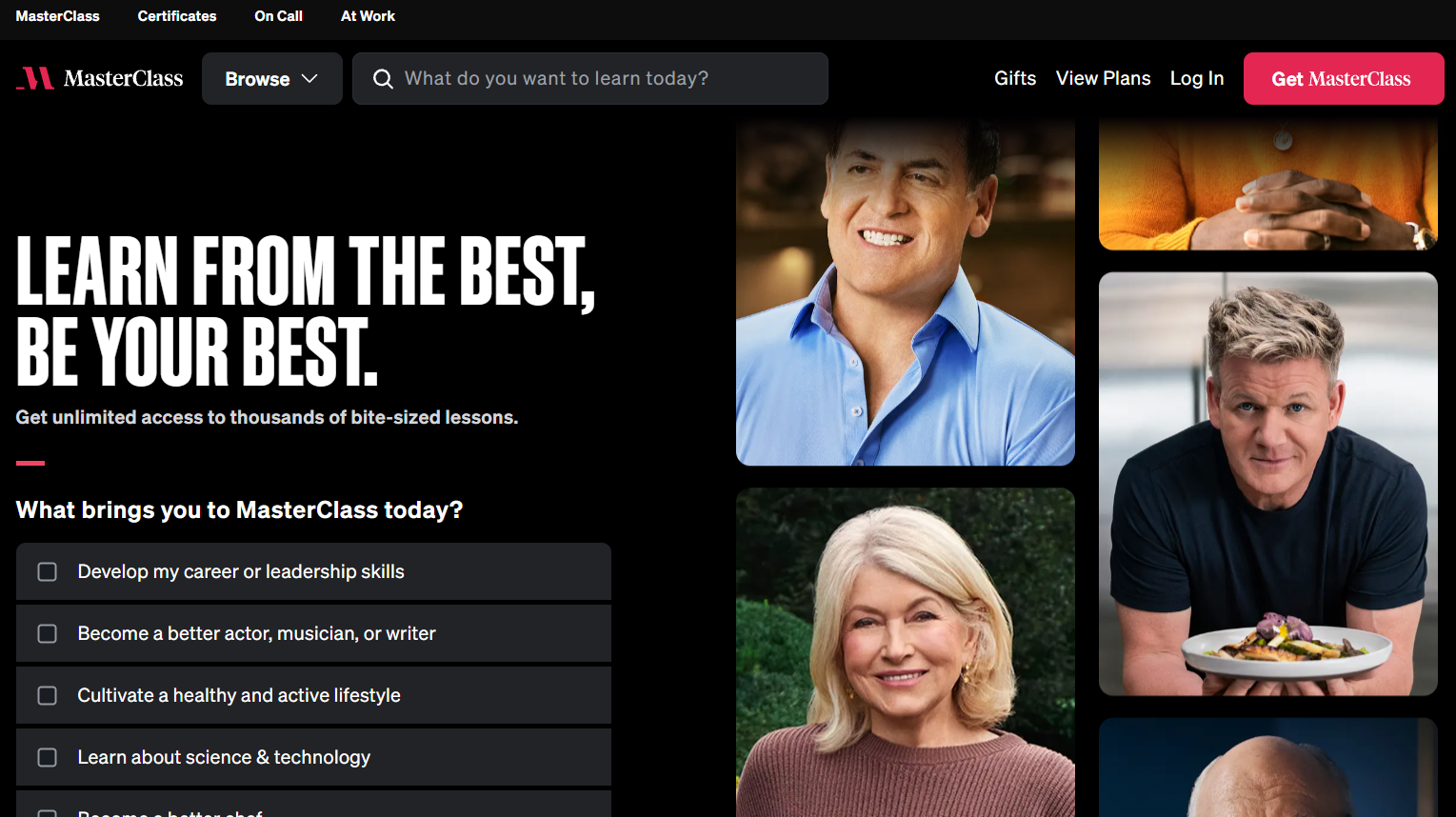
MasterClass’s online learning approach emphasizes learning from the best in the world. Its courses are taught by celebrities and industry legends.
Think Gordon Ramsay teaching cooking, Martin Scorsese teaching filmmaking, Margaret Atwood teaching creative writing, or Serena Williams teaching tennis. The production quality is cinematic, with carefully scripted lessons, multiple camera angles, and polished visuals.
The platform takes a very different approach to online learning. Classes are structured more like documentaries than workshops. You’ll watch in-depth lessons where instructors share their philosophy, experience, and creative process.
MasterClass is highly curated and selective, which means creators don’t typically use it to build courses from scratch. Instead, accepted instructors often arrive with a fully developed course concept and structure before production begins.
Skillshare vs MasterClass: 5 Key Differences Explained
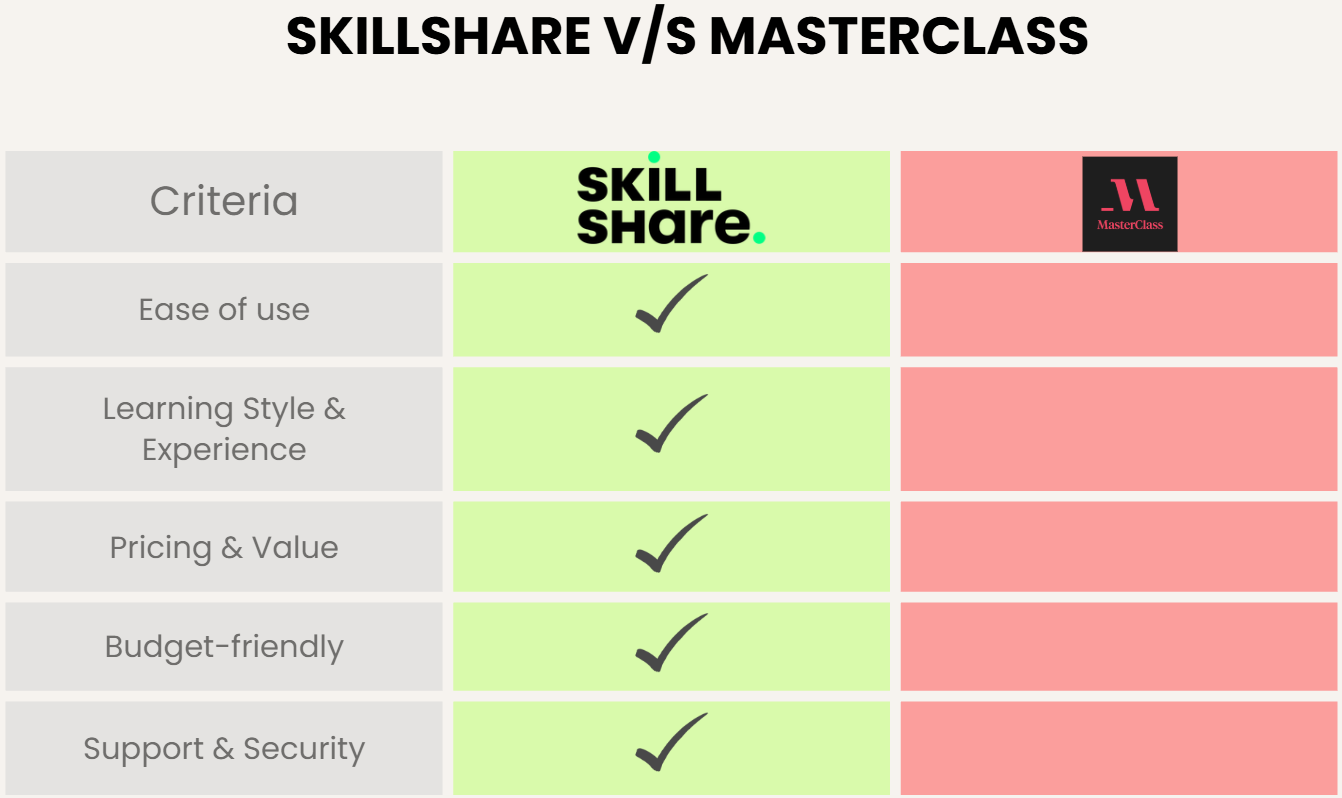
Now that we’ve covered the basics, let’s break down how Skillshare vs MasterClass really compares.
1. Ease of Use & Interface
Both platforms are easy to use, but they’re built with different intentions in mind.
Overall Experience
Skillshare has a practical, no-frills interface. The homepage quickly shows recommended classes based on your interests, making it easy to find lessons. Classes are broken into short videos, so it’s easy to jump in, pause, and resume later.
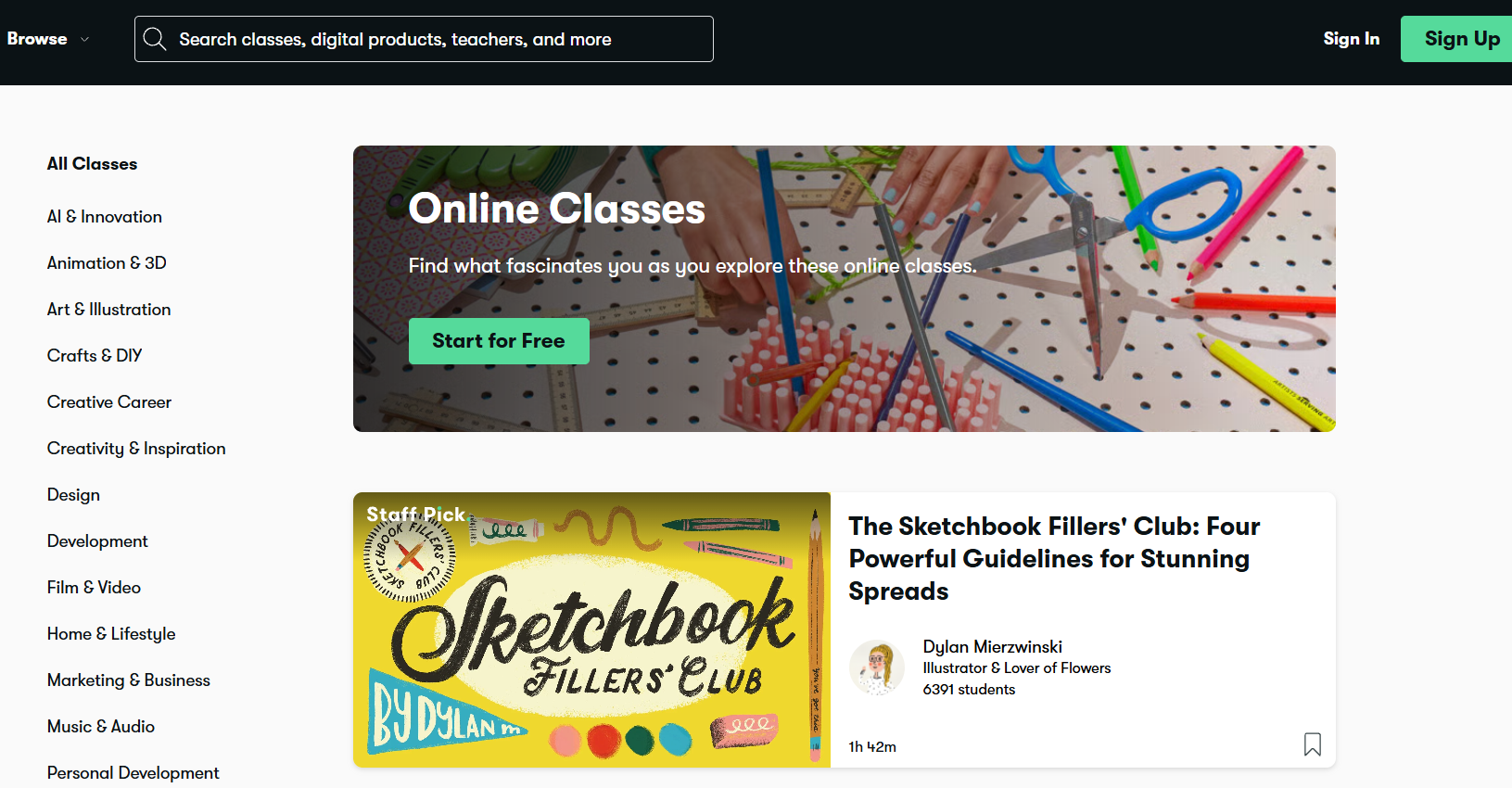
We’ve found that learners can move from signup to their first lesson in just a few clicks. The class player itself is simple and distraction-free. Navigation between lessons feels natural, which helps when you’re actively switching between watching and practicing.
MasterClass, on the other hand, feels more like a premium streaming platform. The interface is sleek, cinematic, and designed for longer viewing sessions. Browsing by instructor or topic is smooth, and the video quality is noticeably high.
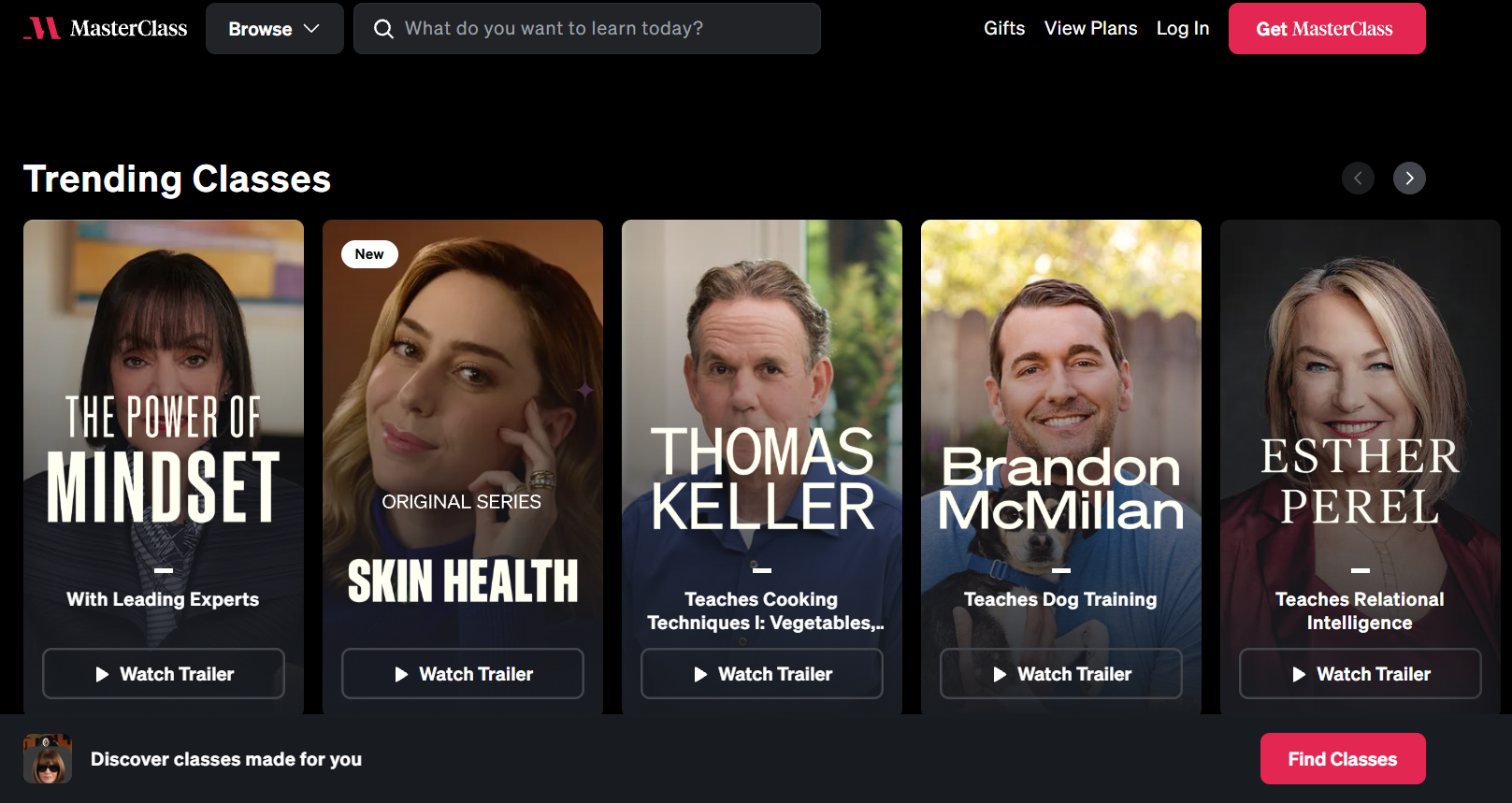
That said, MasterClass is optimized more for watching than interacting. There are fewer prompts to pause, practice, or engage, which may not suit learners who prefer hands-on experiences.
UI Comparison
- Skillshare: Favors speed and usability for active learning.
- MasterClass: Prioritizes visual polish and passive consumption.
2. Online Learning Style & Experience
The biggest difference between Skillshare and MasterClass is how you learn.
Learning Approach
Skillshare is action-oriented. Classes are short, informal, and focused on execution. In many courses, instructors encourage you to pause the video and try things yourself, whether it’s designing a logo, writing a paragraph, or editing a photo.
MasterClass, on the other hand, is observation-based. You watch experts explain how they think and work. It’s less about “follow these steps” and more about understanding creative philosophy.
Course Topics & Depth
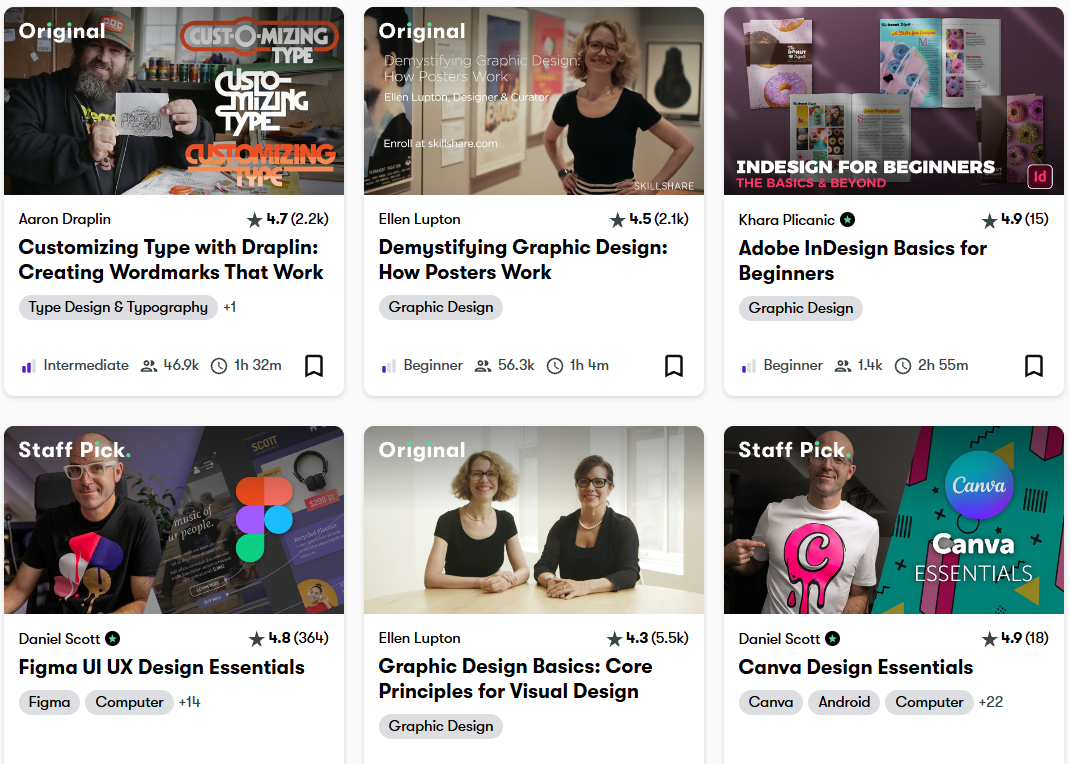
Skillshare offers thousands of classes, but many focus on specific, narrow skills. For example, instead of “Graphic Design,” you’ll see classes like logo design with Adobe Illustrator, Instagram content planning, and productivity systems for freelancers. Courses tend to be practical and immediately applicable.
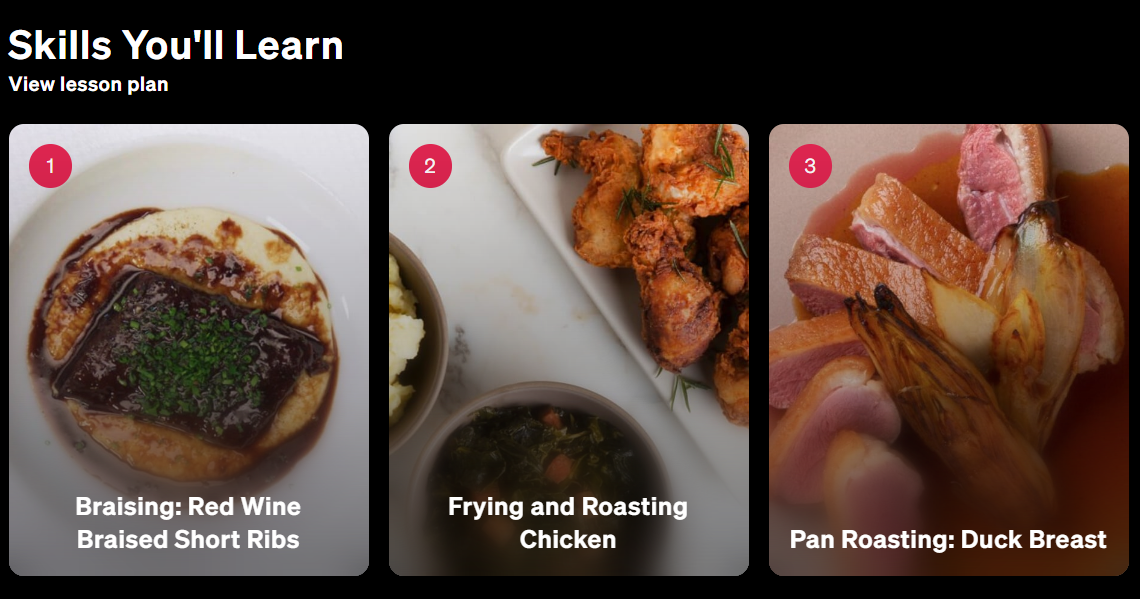
MasterClass covers fewer topics but explores them at a high level. A writing class might focus on storytelling principles rather than sentence-level editing. A cooking class might emphasize creativity over recipes.
If you want step-by-step tutorials, Skillshare usually wins. If you want big-picture thinking, MasterClass could be a better option.
Instructors & Teaching Style
Another major difference in the Skillshare vs MasterClass debate is who’s teaching. Skillshare instructors often explain mistakes and shortcuts, while MasterClass instructors focus more on storytelling, mindset, and experience.
Skillshare instructors are typically working professionals, such as designers, marketers, developers, and creators, actively using the skills they teach. Many classes feel casual and relatable, like learning from a colleague or mentor.
MasterClass instructors are global icons. They’re not teaching because they need to. They’re teaching because they’ve already succeeded at the highest level.
Class Length & Structure
Skillshare classes are usually 30 minutes to 2 hours total. They are broken into short lessons with easy-to-pause, rewind, or revisit options.
Meanwhile, MasterClass courses are 3 to 6 hours long. They are structured into cinematic chapters, specifically designed for longer viewing sessions.
If you prefer learning in small chunks, Skillshare is a better fit. However, if you enjoy immersive experiences, MasterClass feels more satisfying.
Fun Fact: Multiple research have found that compared to conventional learning, microlearning (short, focused lessons) can boost knowledge retention by 50% and achieve course completion rates of 83%.
3. Pricing & Value
Let’s talk numbers. Here is how Skillshare and MasterClass compare in terms of pricing:
Skillshare Pricing
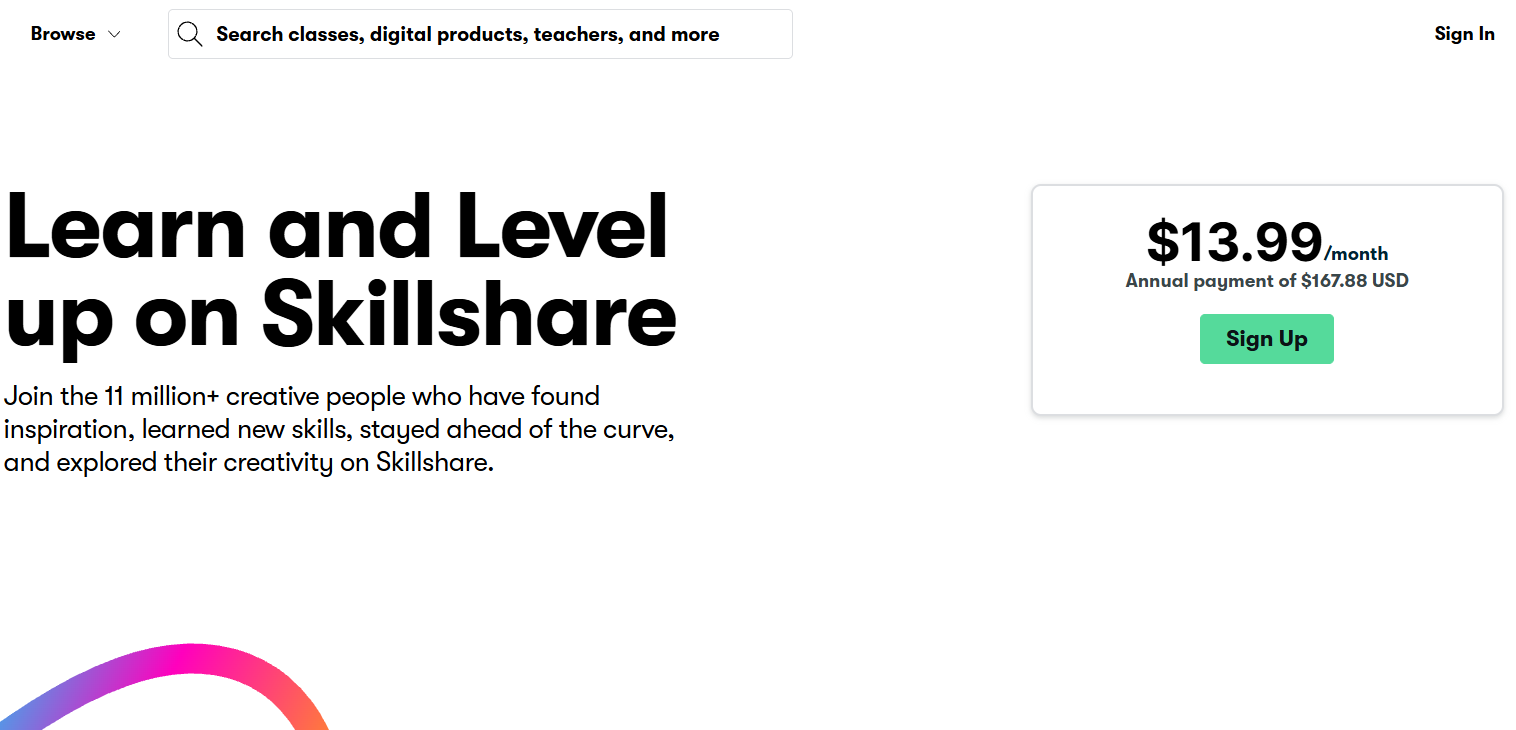
Skillshare offers only one membership plan:
- Annual subscription: around $168/year
- Monthly plan: $13.99/month
The membership includes unlimited access to all classes and additional features like offline viewing, community access, and more. Skillshare provides better value if you plan to learn frequently or explore many topics.
MasterClass Pricing
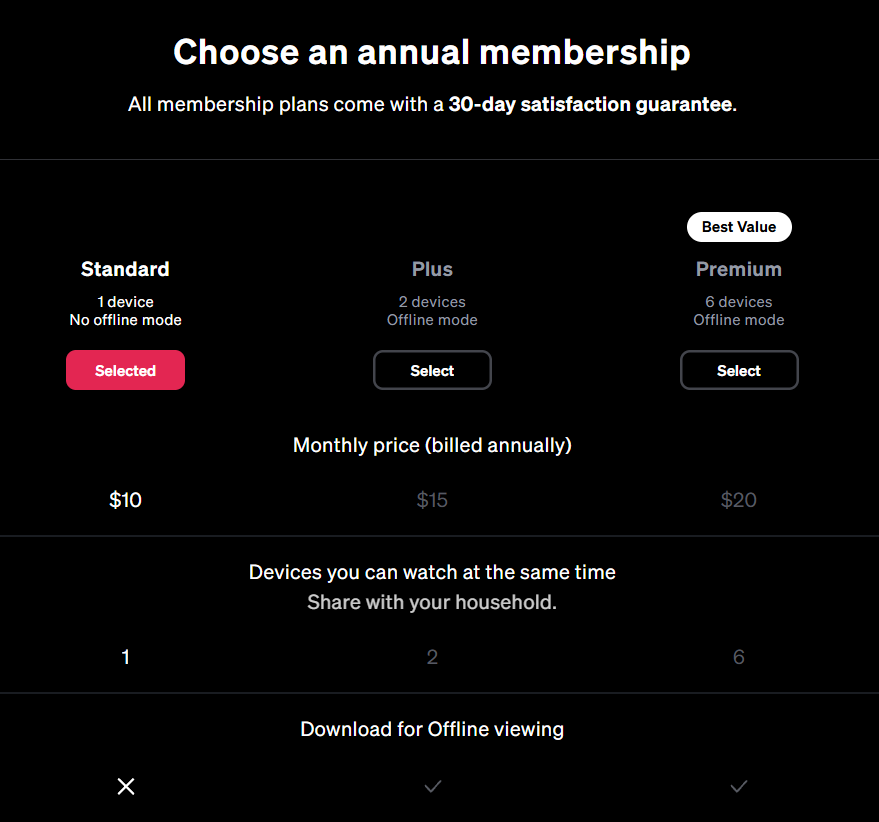
MasterClass offers three types of subscription plans with annual billing:
- Standard plan: $10/month, including 1 device and no download feature for offline viewing
- Plus plan: $15/month, including 2 devices and an offline download feature
- Premium plan: $20/month, including 6 devices and an offline download feature
The membership includes access to 200+ classes on cooking, writing, leadership, and more.
4. Support & Security
Both Skillshare and MasterClass handle support and security well, though their approaches differ slightly.
Support
Skillshare provides a detailed help center with guides on subscriptions, class access, and account management. Most support issues are handled through email and self-service documentation. For typical learners, this is more than sufficient.
MasterClass also offers a comprehensive help center and email-based customer support. Because of its premium positioning, support responses tend to focus on billing, access, and playback quality.
Security & Compliance
In terms of security, Skillshare follows standard data protection practices and uses secure payment processing. Personal data is limited to what’s needed for accounts and subscriptions.
MasterClass places strong emphasis on content protection and secure streaming. User data is handled in line with industry standards, and the platform does not rely on advertising or data monetization.
Both platforms are secure and reliable, but neither is designed for enterprise-grade training or compliance-heavy environments.
5. Certification
MasterClass provides certificates of completion for selected classes. These certificates confirm that a learner has finished the course, but they are not accredited, graded, or assessment-based. They work well as personal milestones or proof of participation, rather than formal credentials for professional or academic use.
Skillshare also offers course completion certificates that are not accredited or graded. You can share these certificates on your LinkedIn profiles.
Skillshare vs MasterClass: Which Is Better?
There’s no universal winner in the Skillshare vs MasterClass comparison. It depends entirely on what you want. The table below shows the pros and cons of both platforms.
| Feature | Skillshare | MasterClass |
|---|---|---|
| Best For | Creators, freelancers, professionals, and learners who want hands-on, practical skills they can apply immediately. | Learners seeking inspiration, creative insight, and lessons from world-class experts. |
| Ease of Use | Very easy to use with a simple dashboard, clear lesson flow, and quick access to classes. | Easy to navigate, but designed more for watching than interacting. |
| Setup Time | Almost none. You can start learning within minutes of signing up. | Minimal setup, but courses are longer and require more time commitment. |
| Customization | Limited customization; learners follow instructor-designed lessons and projects. | No customization of course structure or learning path. |
| Maintenance | Low. Content is updated regularly by instructors, and learners just jump in. | Very low. Courses are static and rarely change once published. |
| Pricing | Subscription-based with unlimited access to all classes; better value for frequent learners. | Annual plans only; ideal for premium content. |
- Choose Skillshare if you want to learn practical, job-ready skills through microlearning or to build a portfolio or side hustle.
- Choose MasterClass if you want to learn passively from world-class experts.
While Skillshare and MasterClass differ in how courses are delivered, both platforms assume that the course content already exists. Creators often use tools like Coursebox’s AI course creator to design and structure their courses first, then publish the finished material on the platform that best fits their audience.
Why Creators Use Coursebox to Develop Courses for Skillshare or MasterClass
While Skillshare and MasterClass are great for learning, neither is built for creating structured courses or assessments. That’s where Coursebox AI stands out.
Coursebox lets you turn any document, slide deck, video, or link into a complete course in minutes. This reduces course creation time, especially for trainers and educators.
It generates lesson outlines, learning activities, and assessments, making it easier to design a complete course before deciding where to publish it. Instead of watching videos passively, learners can take auto-generated quizzes, receive instant feedback, and learn in multiple languages (100+).
Coursebox is also priced pretty reasonably, so you can get started quickly.
- Creator: $30/month
- Creator LMS: $200/month
- Business: $600/month
- Custom: Tailored pricing
Instead of replacing Skillshare or MasterClass, Coursebox helps creators launch higher-quality courses wherever they choose to host them. If you’re serious about building, delivering, and scaling learning, Coursebox is far more powerful than video-only platforms.
Try Coursebox AI to create your first course in minutes.
FAQs About Skillshare vs MasterClass
What is the main difference between Skillshare and MasterClass?
Skillshare focuses on practical, hands-on skill building, while MasterClass focuses on learning from famous experts through inspirational storytelling.
Is Skillshare better than MasterClass for career growth?
Yes, Skillshare is better than MasterClass for career growth in most cases. Skillshare’s project-based courses help learners build real, applicable skills from working professionals. Meanwhile, MasterClass focuses more on expert insights from A-list celebrities.
Does MasterClass offer certificates?
Yes, MasterClass provides certificates, but only for course completion. The certificates are not accredited, graded, or assessment-based.
Can beginners use Skillshare?
Absolutely. Many Skillshare classes are beginner-friendly and designed for learners with no prior experience.
Can I use Coursebox to build courses for Skillshare or MasterClass?
Yes. Many creators use Coursebox to design and structure their courses before publishing them on platforms like Skillshare or MasterClass. Coursebox helps with planning lessons, generating assessments, and organizing content, while Skillshare and MasterClass handle hosting, distribution, and audience reach.
Travis Clapp
Educational technologist and instructional designer

