

10 Best AI Grading Tools in 2026 (Honestly Compared)
Compare AI grading tools that provide instant feedback, support rubrics, and integrate with LMS for educators and trainers.

The best AI grading tool depends on whether grading is separable from building the course. For standalone essay grading, Gradescope leads on multi-assessor consistency and CoGrader on K-12 essays with a visible score rationale; for grading embedded in a course and LMS, Coursebox fits L&D teams. Most tools reliably grade at Level 2 (short answers against a rubric), not the Level 4 their marketing implies.
- Grade the marketing, not the demo: most tools claim Level 4 (multi-component submissions, coaching feedback) but the evidence supports Level 1 to 2. Ask each vendor to grade your own assessment types before you buy.
- Best by context: Gradescope for multiple assessors on one assignment; CoGrader and EssayGrader for K-12 essays; MagicSchool to build the rubric first; Turnitin or GPTZero when AI-writing detection matters; Kangaroos for multilingual cohorts; Coursebox when grading lives inside the course.
- For L&D and corporate training, K-12-built tools (CoGrader, MagicSchool) degrade on domain-specific professional content, and institutional tools (Turnitin) need IT and LMS support. Check your LMS's own grading features first.
- Coursebox is the only tool here where AI grading is part of a full course-creation and LMS workflow: 80% of users who generate an AI assessment also build the course with AI, so it fits teams whose grading is not separable from course-building.

Mark assessments in seconds with fast, accurate AI grading
The last time I graded 40 short-answer submissions by hand, I didn't notice what had happened until I reached submission 34.
I noticed that my scores had drifted.
I'd started the batch with a tight rubric: There were four criteria, a 0-3 scale and explicit language for each performance level. By submission 34, I was rewarding effort in ways I hadn't been at the start. I went back to re-grade the first twelve. It took another ninety minutes, and I was still not confident the corrected scores were more consistent than the original ones.
I care about AI grading tools because of such sessions, and not simply because they save time. I want to know whether a tool keeps scoring consistently across a full batch, across multiple assessors marking the same cohort, and across the gap between when a rubric is built and when it's actually applied. Those are the problems that break compliance training evaluations and certification assessments in corporate L&D, and they're different from the K-12 essay-grading problems most articles on this subject are written around. I'm writing for the instructional designers and L&D teams who spend real time managing those assessment workflows, not for classroom teachers grading homework.
I've organised this list around a distinction that affects every tool decision in this category: the difference between a standalone grading tool, a grading feature inside a broader teacher toolkit, and grading embedded in a full course creation and LMS platform. If the grading problem is separable from the course-building problem, a standalone tool is the right answer. If it isn't, you're probably evaluating the wrong category.
Understanding AI grading complexity
Before the reviews, a frame that separates what each tool can actually do from what it claims.
- Level 1: MCQs, true/false, fill-in-the-blank. Rules-based answer matching, no AI judgement. Very basic.
- Level 2: Short answers scored against a rubric. The AI interprets intent and awards partial credit.
- Level 3: Essays, reflections, long-form responses. The AI assesses argument structure, criterion coverage and coherence.
- Level 4: Multi-component submissions, learner-specific coaching notes and qualitative feedback generation.
Most tools market Level 4. The evidence usually only supports Level 1 or Level 2. I say where each tool's ceiling actually sits.
Comparison at a glance
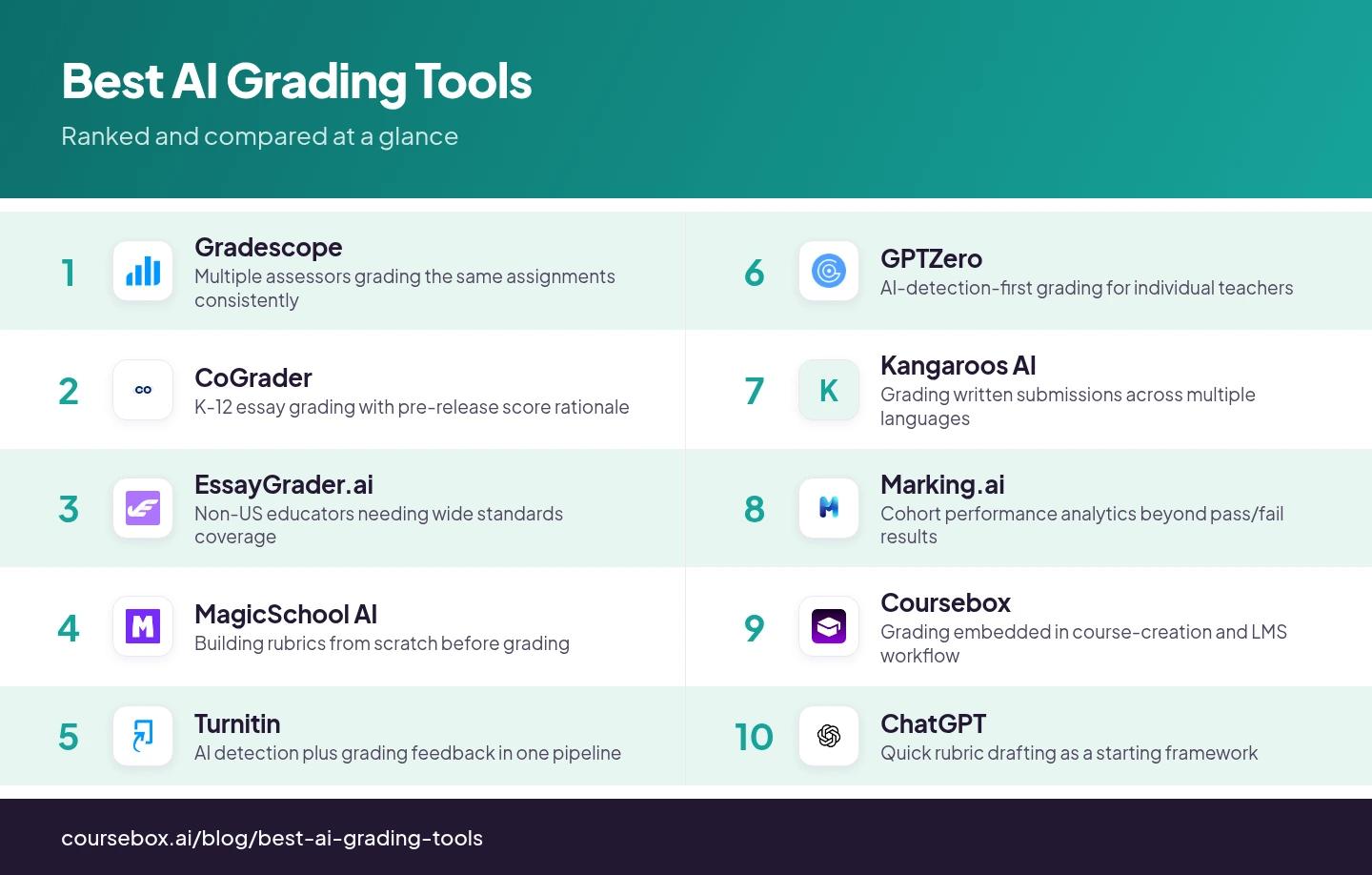
| Tool | Best for | Watch out for |
|---|---|---|
| Gradescope | Multiple assessors grading the same assignments consistently | Clunky rubric panels collapse, slowing marking sessions |
| CoGrader | K-12 essay grading with pre-release score rationale | Degrades outside K-12 English/ELA frameworks |
| EssayGrader.ai | Non-US educators needing wide standards coverage | Only grades rubrics you bring; depth starts at Pro |
| MagicSchool AI | Building rubrics from scratch before grading | 2021 knowledge cutoff; K-12 design assumptions |
| Turnitin | AI detection plus grading feedback in one pipeline | Institutional only; needs IT team and LMS integration |
| GPTZero | AI-detection-first grading for individual teachers | Accuracy claims are self-reported, not independently verified |
| Kangaroos AI | Grading written submissions across multiple languages | Limited independent evidence; Level 2 ceiling per SERP |
| Marking.ai | Cohort performance analytics beyond pass/fail results | Built for analytics, not fast marking throughput |
| Coursebox | Grading embedded in course-creation and LMS workflow | Not strongest for pure essay-grading throughput |
| ChatGPT | Quick rubric drafting as a starting framework | No native grading workflow or LMS grade passback |
1. Gradescope
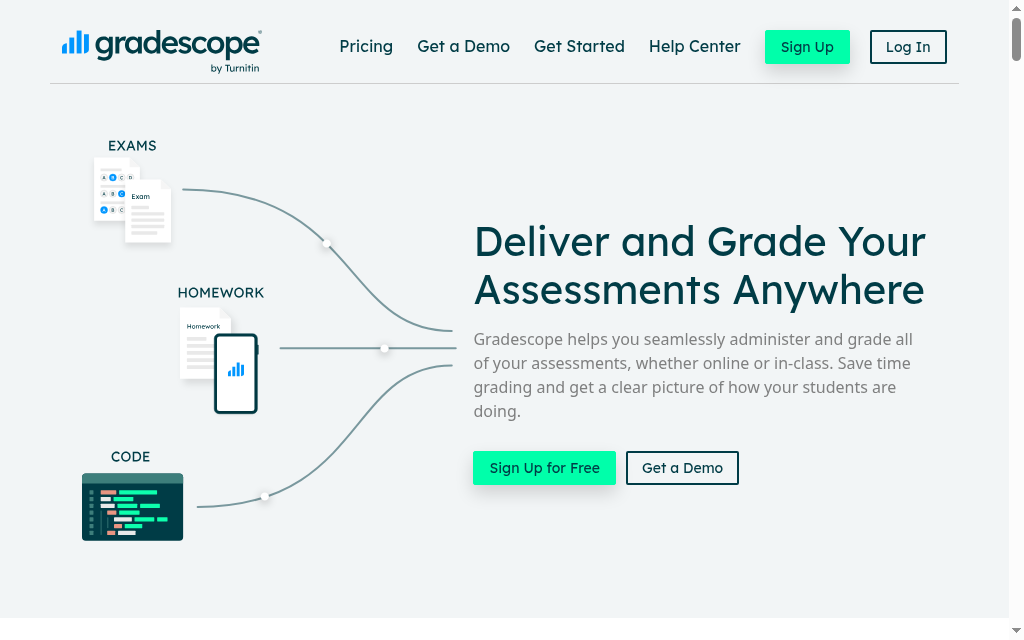
Best for: Departments where multiple assessors grade the same assignments and consistency matters most.
Gradescope's killer feature has nothing to do with AI speed: retroactive rubric updates. Change a rubric mid-batch and it propagates back across every already-graded submission automatically.
- Grades: Level 2 reliably, Level 3 on structured essays. AI answer-grouping batch-grades similar responses in one action.
- Standout: The strongest multi-assessor consistency tool here, and the retroactive rubric update alone justifies it for any multi-instructor deployment.
- The catch: Real interface friction: collapsing rubric panels cost roughly eight seconds per submission on navigation alone across a 200-submission batch. Fine for higher ed, uncomfortable for a lean L&D team. Rubric-building is not a strength, MagicSchool is better there.
- Price: Basic free (dynamic rubrics, question-by-question grading); Complete $5 per student per course; Enterprise custom via Turnitin, which owns it. Note the per-student-per-course model, unusual for corporate.
My grading experience: In the demo, grading goes question-by-question with names hidden and the AI pre-clustering near-identical answers into groups. I confirm a group, click one rubric item, and that score and comment apply to every answer in it at once, and I can still split off or override any answer that only looks similar.
Grading complexity ceiling: Level 2 reliably; Level 3 on structured essay types.
2. CoGrader
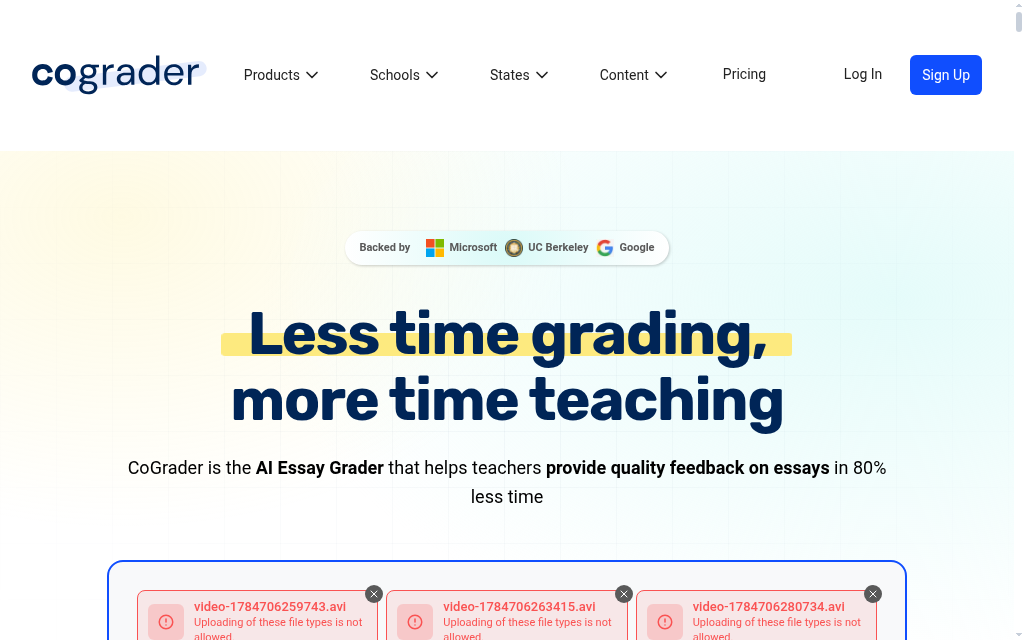
Best for: K-12 English/ELA teachers grading essays against standards who want to see the AI's reasoning before releasing grades.
CoGrader is a K-12 essay-grading specialist end to end. Its defining feature is the score rationale: before grades reach students, you see exactly why the AI scored each criterion the way it did.
- Grades: Level 3 on K-12 essay types; degrades outside K-12 ELA. Pre-loaded CCSS, TEKS, AP, IB and Cambridge A-levels.
- Standout: "Auditability before release", the assessor sees the AI's reasoning, adjusts or overrides, then sends. I have not seen this pre-release transparency in any other tool here.
- The catch: The design assumptions are K-12 ELA throughout. It struggles on domain-specific professional content, so skip it for corporate training, coding or problem sets.
- Price: Free Starter (100 submissions/mo); Standard $15/mo (350 submissions, Google Classroom, handwriting); Schools & Districts adds plagiarism detection, Canvas/Schoology and analytics.
My grading experience: In CoGrader's 2.0 demo, you grade a stack of handwritten reflections by dragging an AP rubric onto the assignment, and it scores each paper criterion by criterion against that rubric. Nothing auto-releases: every AI score and comment routes back to the teacher to change before it reaches a student.
Grading complexity ceiling: Level 3 reliably on K-12 essay types; degrades outside K-12 ELA frameworks.
3. EssayGrader.ai
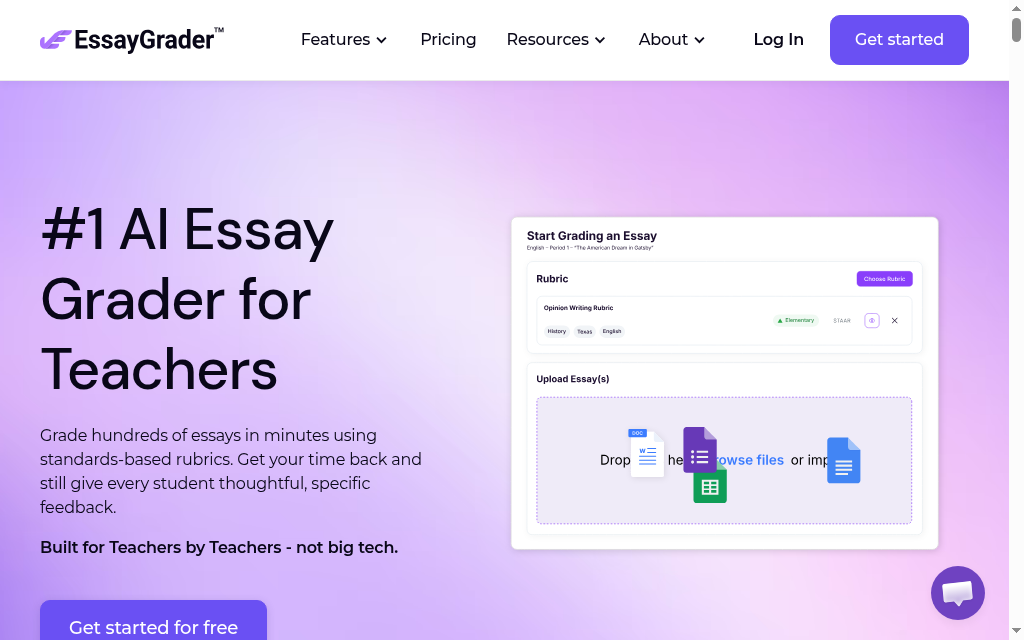
Best for: Teachers, especially outside the US, who already have a rubric and want the clearest pricing and widest standards coverage.
EssayGrader.ai has the clearest pricing of any specialist grader here and the widest standards coverage: CCSS, AP LEQ, IB, Texas STAAR, Florida B.E.S.T. and Australian curriculum at Pro.
- Grades: Level 2 on most essays; Level 3 with the Pro Writing Intelligence Layer (coherence, argument structure, criterion-level feedback).
- Standout: The widest international standards library. I would point Australian and UK educators here when other platforms feel too US-centric.
- The catch: It grades against rubrics you bring; it does not generate them like CoGrader or MagicSchool. And the real grading depth starts at the $14.99 Pro tier, most serious workflows end up there.
- Price: Free (50 essays/mo); Lite $6.99/mo; Pro $14.99/mo (AI-writing + plagiarism detection, 500+ rubrics); Premium $34.99/mo.
My grading experience: In the Advanced Rubrics demo, you rebuild your own rubric criterion by criterion, each with its own point scale and a written descriptor per level, and it scores each criterion against the level whose descriptor best matches the essay, handing back criterion-specific feedback rather than one generic blurb. It felt less like a black-box score and more like it was forced to justify each criterion.
Grading complexity ceiling: Level 2 on most essay types; Level 3 with the Writing Intelligence Layer at Pro.
4. MagicSchool AI

Best for: Teachers who have not built their rubric yet and want to create it and grade against it in one place.
Reach for MagicSchool AI before any dedicated grader if you do not have a rubric yet: build it with the Rubric Generator, then route work through Class Writing Feedback, which uses that rubric to draft comments.
- Grades: Level 3 on writing and reflection types, with teacher validation required before release.
- Standout: The only tool here that leads with a learner-outcome metric rather than time saved, across 2M+ educators in 160+ countries.
- The catch: The knowledge base has a 2021 cutoff (accuracy risk for frameworks updated since), and the design is clearly K-12, L&D teams waste time reformatting its rubrics for corporate compliance frameworks. SOC 2 Type II, FERPA, COPPA, GDPR compliant.
- Price: Free (Rubric Generator + 80+ tools); Plus $8.33/mo billed annually (unlimited); Enterprise custom with Canvas, Schoology and SIS.
My grading experience: Going through MagicSchool's walkthrough, Class Writing Feedback keeps you in the loop rather than auto-grading. You upload your rubric, it drafts comments tied to each criterion, but every suggested comment sits in front of you to personalise or rewrite before it pushes into the student's Google Doc.
Grading complexity ceiling: Level 3 on writing and reflection types; teacher validation required before release.
5. Turnitin
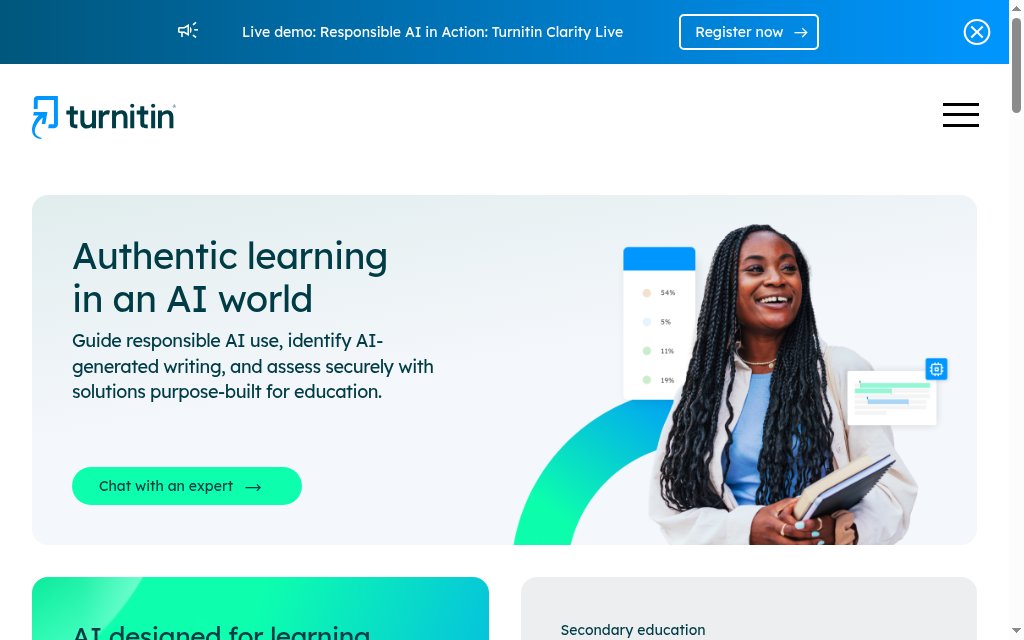
Best for: Universities and schools where academic integrity is built into the marking process, not run as a separate step.
Turnitin is not a standalone grader, but its plagiarism and AI-writing detection now sit in the same submission pipeline as grading feedback, two decades of plagiarism detection calibrated on academic text.
- Grades: Level 2. AI detection operates on submitted text regardless of assessment complexity.
- Standout: Plagiarism detection, AI-writing detection and grading feedback in one workflow, vital where integrity is part of marking rather than a separate step.
- The catch: Sold institutionally through LMS contracts and IT procurement. Without an IT team and an LMS integration pathway, look at CoGrader or EssayGrader instead.
- Price: Institutional and custom, priced through LMS contracts.
My grading experience: Stepping through Turnitin's Feedback Studio, one paper opens in a single layered viewer. You flip the same document between a similarity layer (matched text highlighted, click a flag to see the source in context) and a grading layer (drag reusable QuickMark comments onto the text, score against a rubric). The plagiarism check and the grading are not two tools, they are stacked layers on one submission.
Grading complexity ceiling: Level 2; AI detection operates on submitted text regardless of assessment complexity.
6. GPTZero
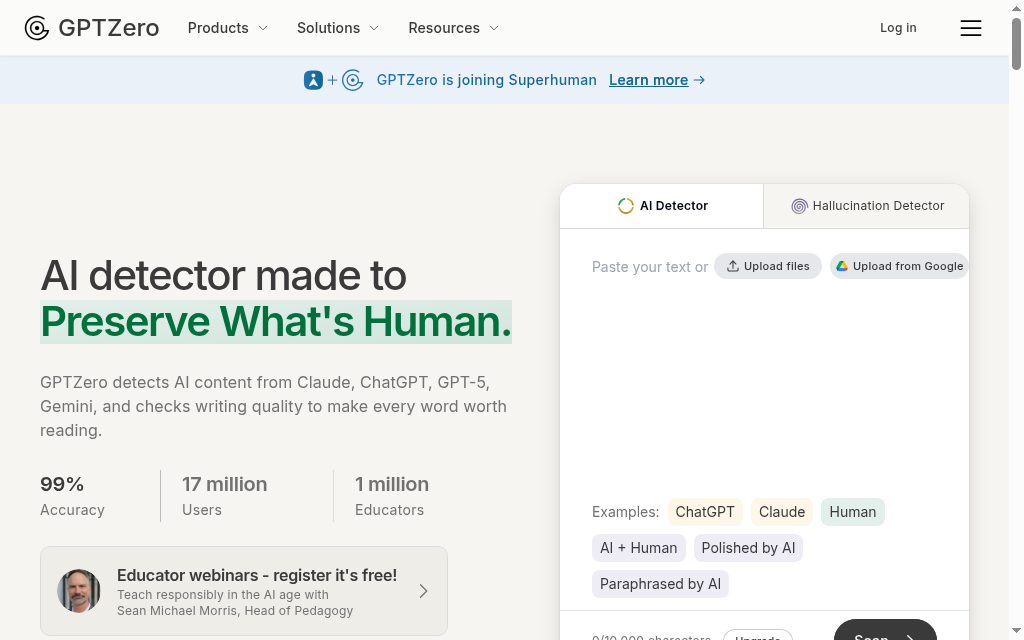
Best for: Individual teachers who want AI-detection-first grading without institutional procurement.
GPTZero's pitch is AI detection built into grading by default, "the only AI grader that checks submissions for AI and plagiarism by default", detection runs before grading.
- Grades: Level 2 on structured written response; Level 1 on objective assessments.
- Standout: AI-detection-first architecture in a tool accessible to individuals rather than procurement teams.
- The catch: I would treat its accuracy claims ("most accurate AI detector", "8+ hours saved a week") with scepticism, they rest on GPTZero's own self-reported data, not independent benchmarks. The real differentiator is the detection-first workflow, not grading accuracy versus CoGrader.
- Price: Free tier; paid plans for higher volume.
My grading experience: There is no video demo, but going through GPTZero's AI Reviewer walkthrough, it does not grade cold. You upload your rubric, then it makes you hand-grade about three submissions first so it can calibrate to your scoring style before applying the rubric to the rest, and it folds an AI-detection and plagiarism report into the final review.
Grading complexity ceiling: Level 2 on structured written response; Level 1 on objective assessments.
7. Kangaroos AI
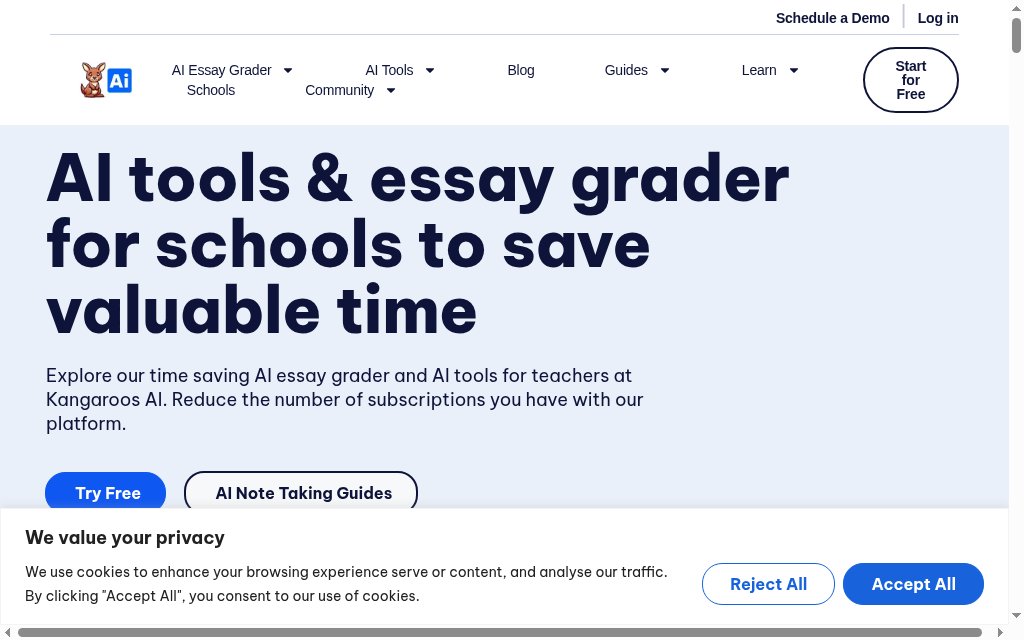
Best for: Teams grading written submissions in multiple languages from a single cohort.
Kangaroos AI is the one specialist grader here with multilingual support as core positioning rather than an add-on, plus high-volume bulk upload.
- Grades: Level 2 per available evidence.
- Standout: Multilingual grading. If you grade a multi-language cohort, the tools higher in this list cannot handle that cleanly.
- The catch: A smaller player with limited public independent evidence beyond its multilingual and bulk-upload positioning.
- Price: Not clearly published.
My grading experience: I could not find a demo video, so I am going on the product itself: you bulk-upload submissions (drag-and-drop .docx, .txt or .pdf), attach your own rubric, assign to a class and submit for batch grading. Judge it on a trial rather than a walkthrough.
Grading complexity ceiling: Level 2 per available evidence.
8. Marking.ai
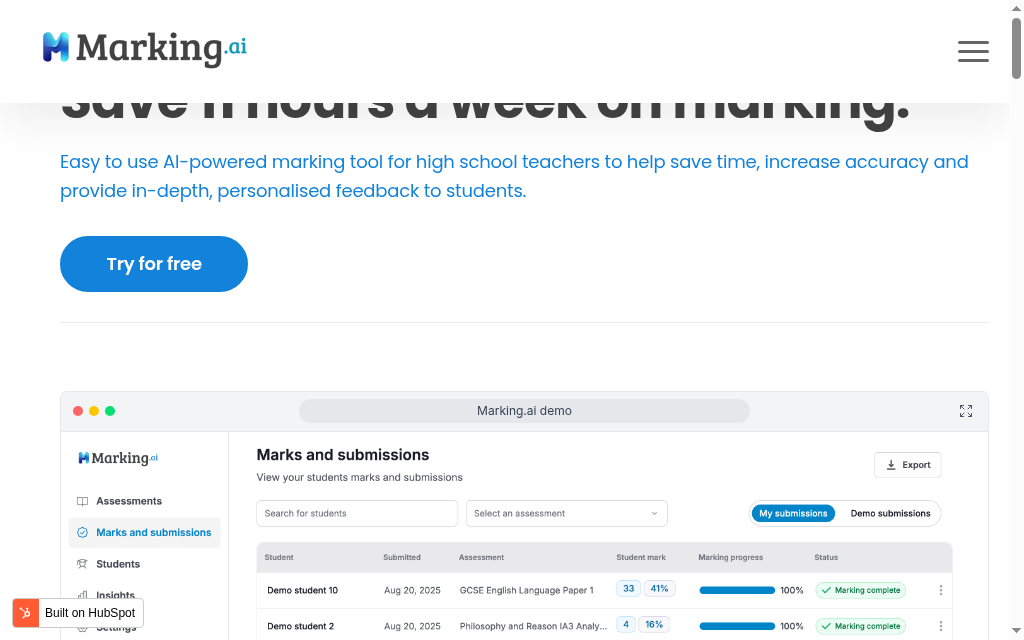
Best for: Teachers who want to clear a marking backlog fast and see per-learner marks at a glance.
Marking.ai leads with marking throughput, its own headline is "save 11 hours a week on marking", with an Insights tab layered on top.
- Grades: Level 2 to 3; not fully verifiable from public evidence.
- Standout: Fast batch marking with a clean submissions view, and an Insights tab that hints at cohort analytics on top.
- The catch: It is sometimes described as "analytics-first", but the product itself leads with marking speed, the analytics angle is lighter than that framing suggests. Public pricing and integration detail are thin.
- Price: Not clearly published; a free trial is available.
My grading experience: Stepping through Marking.ai's own product walkthrough, the entry screen is a Students submissions table: each learner's piece (a GCSE English paper, a Year 9 feature article) shows a raw mark and a percentage side by side with a marking-progress bar, and the first prompt is simply "Click Mark submission(s) to begin." It is built around getting through the pile, with insights a secondary tab.
Grading complexity ceiling: Level 2 to 3; not fully verifiable from public evidence.
9. Coursebox
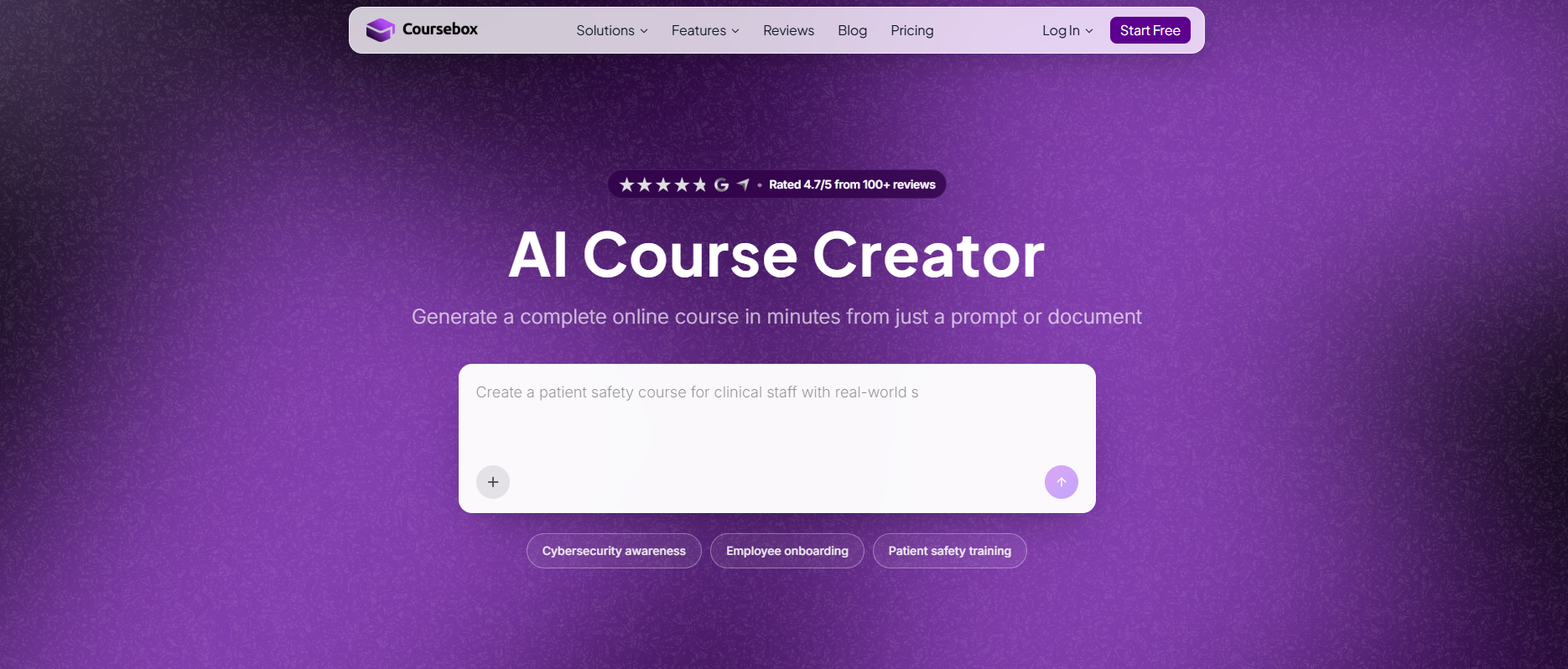
Best for: L&D teams whose grading is not separable from course-building, where assessment lives inside the course.
Full disclosure, Coursebox is ours. It is the only tool in this SERP where AI grading is part of a full course-creation and LMS workflow rather than a standalone product.
- Grades: Level 2 reliably on open-answer; Level 3 with a detailed rubric and assessor review. Grades against rubrics you create or import, generates instant feedback, delivers through the built-in LMS.
- Standout: Grading embedded in the course, plus 100+ language feedback (the widest here), SCORM 1.2/2004 export and LTI grade passback so results flow to Canvas or Moodle without CSV re-entry.
- The catch: Not the strongest for pure essay-grading throughput. If you are a K-12 teacher grading 300 essays a week, CoGrader serves you better. Coursebox is right when the grading problem is not separable from the course-building problem.
- Price: Free plan (3 mini-courses); paid from the Creator tier; Business adds API access; Enterprise custom with SSO and 50 admin licences.
My grading experience: Working with the AI grading feature, it grades open-answer questions against a rubric I create or import, generates instant feedback, and returns results through the built-in LMS. I would put it at Level 2 reliably, Level 3 when the rubric is detailed and I review output before release. The 100+ language feedback is genuinely useful for global AI quiz and assessment programmes.
Grading complexity ceiling: Level 2 reliably on open-answer; Level 3 with detailed rubric and assessor review.
10. ChatGPT
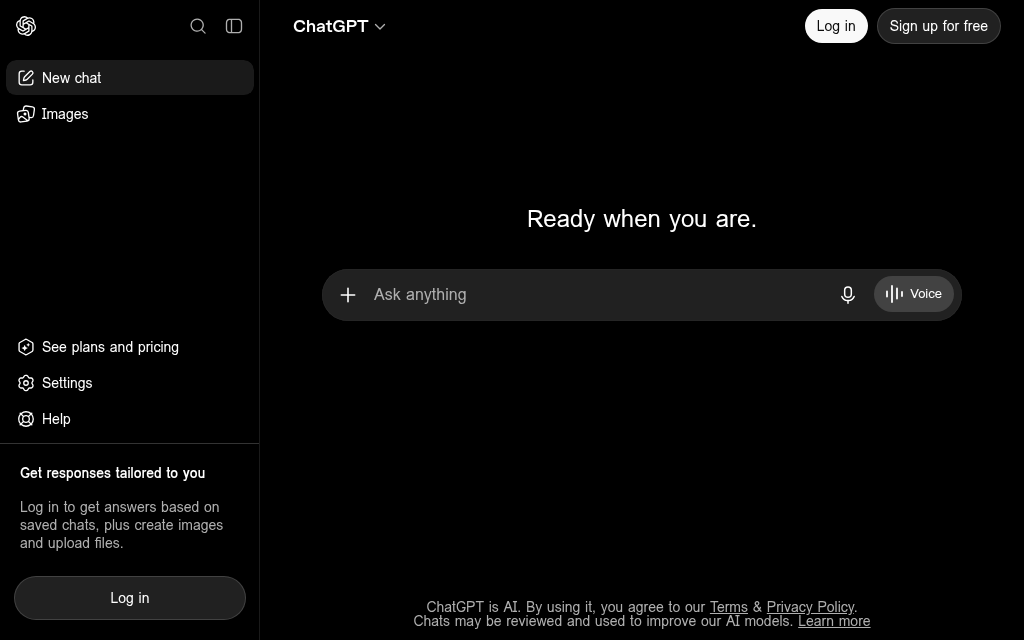
Best for: One-off rubric drafting or grading a handful of submissions, if you will apply the results by hand.
ChatGPT can draft a workable rubric, but it is not a grading workflow: no batch upload, no rubric application layer, no grade passback to any LMS.
- Grades: Level 1 reliably; Level 2 with careful prompting and human review.
- Standout: Free or cheap and flexible for a quick rubric or a few submissions.
- The catch: General-purpose LLM criterion language is not specific enough to anchor consistent scores across a batch or across assessors. Add the manual grading time back in and the "free AI grading" framing dissolves.
- Price: Free (limited); Plus $20/mo; Business $25/mo billed annually (SSO, conversations excluded from training).
My grading experience: I used to think ChatGPT was good enough for rubric drafting until I compared it against dedicated tools. It will produce a four-criterion rubric that is workable, but the criterion language is not specific enough to hold scores steady when different assessors apply it, or when I apply it on different days. It is a starting framework you apply by hand, not a grader.
Grading complexity ceiling: Level 1 reliably; Level 2 with careful prompting and human review.
What I would actually pick
I'd start here: don't evaluate standalone grading tools if your assessments are built and delivered inside an LMS. There's no point in spending three weeks comparing CoGrader and EssayGrader for a workflow where submissions were generated inside a Moodle course and needed to return to the same gradebook. Both tools would have required CSV exports and manual re-entry. I'd check the LMS's own grading features before adding another tool to the stack.
I'd avoid using a K-12-specific tool for adult or corporate assessment contexts. CoGrader and MagicSchool AI are well-designed for the audience they were built for. That audience is K-12 classrooms. Training managers might trial CoGrader on their own submissions, find the accuracy impressive, then discover the tool doesn't support their actual assessment types at scale — particularly for compliance assessments and professional certification submissions where domain-specific terminology is outside CoGrader's K-12 framework coverage.
I'd also avoid committing to an institutional platform, Turnitin included, without IT and LMS support in place. Institutional grading tools require institutional infrastructure. An L&D manager with a subscription and no implementation resource is going to spend the first month on integration, not grading.
I wouldn't rely on GPTZero or Marking.ai as primary grading tools without independent accuracy and reliability data from your own assessment types. Both are worth watching; neither has the independent track record of Gradescope or CoGrader in this space.
Disclosure: Coursebox is the AI training platform we make. I've placed it at position nine in this list and named its runtime reliability issue directly, because an honest account is more useful than a favourable one. The other tools were evaluated using publicly available product information, SERP-observed positioning and per-tool research data from G2, Capterra and third-party review sources where available.
Frequently Asked Questions
It’s software that uses artificial intelligence to automatically assess student assignments, quizzes, and essays. These tools provide instant feedback and reduce manual grading workload.
No. They support educators by automating repetitive tasks. Human judgment is still crucial, especially for nuanced feedback and complex assessments.
Look for:
- High grading accuracy
- Customisation options
- LMS integration
- Cost-effectiveness
Coursebox offers all of the above, plus quiz generation, AI chatbots, and full course-building capabilities.
Yes. Tools like Coursebox, CoGrader, and Graide integrate with platforms like Google Classroom, Moodle, and Blackboard, making them easy to implement.
Yes. Several tools, including Coursebox, offer free plans so you can test before committing. It’s a low-risk way to explore AI grading.
Coursebox goes beyond grading—it helps you build courses, generate quizzes automatically, and engage students with AI-powered chatbots, all in one user-friendly platform.
Carolina Martin
Customer success lead and learning designer at Coursebox AI

