

8 Best Employee Training Tracking Software in 2026: My Honest Review
I compare eight training tracking tools by records, reminders, assessments, reporting and the cost of keeping staff up to date.

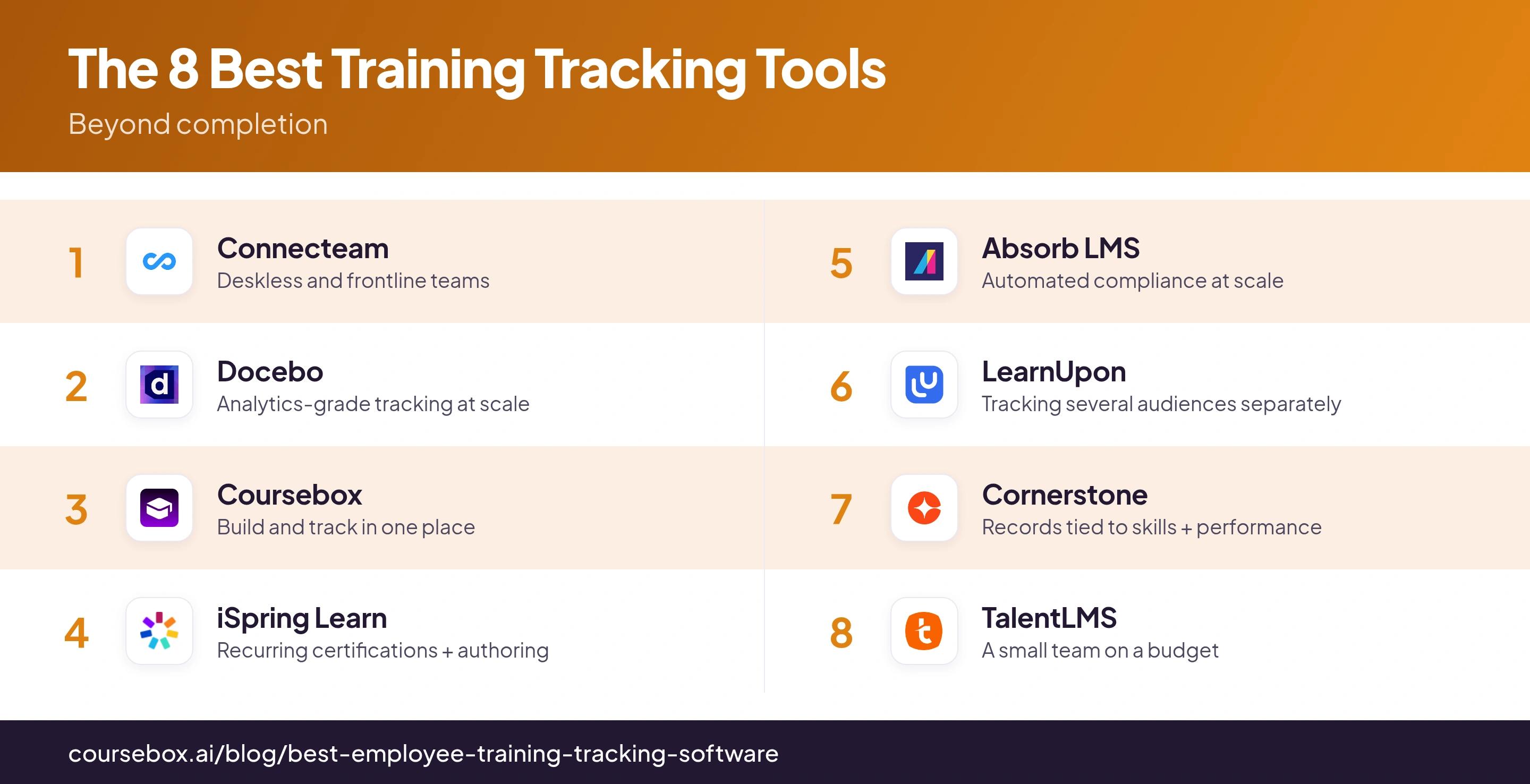
The best employee training tracking software in 2026 includes Connecteam, Docebo, Coursebox, iSpring LMS, Absorb, LearnUpon, Cornerstone and TalentLMS; choose by the records and workflow your team needs.
- Coursebox combines course creation, delivery, AI assessment, tutoring and learner reporting, with unlimited learners and branded LMS plans.
- Connecteam suits frontline operations; TalentLMS gives smaller teams an LMS starting point; iSpring supports formal courseware and practical assessments.
- Compare Docebo, Absorb and Cornerstone for more complex reporting and automation, and LearnUpon for employee or external-audience training.
- Completion, assessment results and supervisor sign-off are different evidence. Check report fields, access permissions, expiry handling and migration before buying.
Compare four options from the full list. Choose the answers closest to your training workflow.

Train teams faster and more effectively with AI
Good training tracking software tells you who needs training, who has passed and whose qualification is about to expire. It should also keep the evidence behind those records easy to find. A completion dashboard helps, but it cannot tell you on its own whether someone can do the job.
I run our Perth team, so I’m the one who has to produce the record when someone asks. I look for tools that reduce manual follow-up and let a manager see the relevant detail without rebuilding a spreadsheet. These eight combine training delivery with tracking; the right choice depends on the records your team needs.
Disclosure: I’m part of Coursebox, which provides an AI-powered corporate LMS. I’ve included it alongside seven other options and compared the workflows, reporting and costs.
In LinkedIn’s 2024 global research, employee productivity was another measure, cited by 34%. That is a useful distinction when buying a tracker: course results belong in the LMS, while job performance may need a manager’s assessment or data from another system.
How I judged these
I compared public product documentation and pricing in October 2026. I used five checks: assignment and reminders, assessment detail, expiring qualifications, manager access and exportable records. A feature needs to work for your reporting structure, not just appear on a vendor’s list.
- How little chasing it creates. Automatic assignment, reminders and re-certification. A tracker that still needs someone to nag people has moved the manual work, not removed it.
- Useful evidence. Completion, quiz results and practical sign-off answer different questions. Check which records the tool stores and which still need to come from a supervisor.
- Compliance and audit-readiness. Certificate tracking, scheduled reassignment, and reports you can hand an auditor without rebuilding them by hand.
- Where the records live. Standalone tracker, full LMS, or part of a talent suite. Each fits a different team, and it changes what else you get for the money.
- Ease and price. From free SMB tiers to quote-only enterprise contracts; I have flagged who each one suits and where costs climb.
If you already deliver training elsewhere and only need a register of classroom attendance, qualifications and expiry dates, consider a records tool such as Kaizen Training Manager as well. These eight are delivery platforms with tracking; a separate records database may be enough when you do not need another LMS.
The 8 best employee training tracking tools at a glance
| Tool | Best for | Records and workflow | Cost basis | Check before buying |
|---|---|---|---|---|
| Connecteam | Frontline teams | Mobile courses, quizzes, documents | HR hub; free small-team tier | Course and document plan limits |
| Docebo | Complex reporting | Plans, certifications, integrations | Annual quote | Included analytics and report fields |
| Coursebox | Create, deliver and track | AI assessments, results, certificates | Free start; unlimited learners | Required reports and renewal workflow |
| iSpring LMS | Formal and practical training | Assessments, renewals, scheduled reports | Monthly active users | Migration and supervisor sign-off |
| Absorb LMS | Assignment automation | Profile rules and department reports | Quote; authoring extra | Existing enrolments after rule changes |
| LearnUpon | Internal and external audiences | Portals, exams and certifications | Quote; employees from 100 users | Manager access and migration |
| Cornerstone | Learning tied to skills | Qualifications and development records | Quote; suite scope varies | Assessed versus inferred skills |
| TalentLMS | Smaller training teams | Tests, certificates, group reports | Free 5/10; Core $119/mo annual | Required filters and plan limits |
Prices were read off each vendor’s own pages while writing; several are quote-only and priced by headcount, so confirm current numbers before you rely on them.
The 8 best employee training tracking software tools
1. Connecteam
Connecteam suits teams whose training happens alongside day-to-day frontline work. You can build a course from videos, PDFs and quizzes, assign it to the relevant staff and check course or individual-object progress. Read-and-confirm steps help with a new policy; quiz results give you a separate check of understanding.
Training lives in the HR & Skills Hub. Its Basic plan starts at US$29/month billed annually for the first 30 users; other hubs and extra users have their own charges. Advanced adds unlimited courses and required quiz scores, while Expert includes document expiry dates. The free small-business option supports up to ten users.
My take: Price the training hub you need rather than assuming a scheduling subscription includes every training feature. I would test one expiring licence and one incomplete course: they are different records, and a useful manager view should make that clear.
2. Docebo
Docebo is worth considering when training records need to follow a large organisation’s roles, departments and systems. Learning plans, assessments, certification records and configurable reports let administrators look beyond a single completion percentage. Its wider analytics and evaluation products can add more detail, depending on the package.
Pricing is quote-based with an annual contract. Advanced analytics is included in Enterprise or available as an add-on to Elevate. Ask how users are counted and what integrations and implementation cover. A skills dashboard still needs reliable assessment data; it does not automatically prove that a course changed productivity.
What I’d check: Give the vendor your actual report request: one department, a particular course, pass scores and expiring qualifications. Then ask how a manager receives it each month. That reveals more than a demo of a polished company-wide dashboard.
3. Coursebox
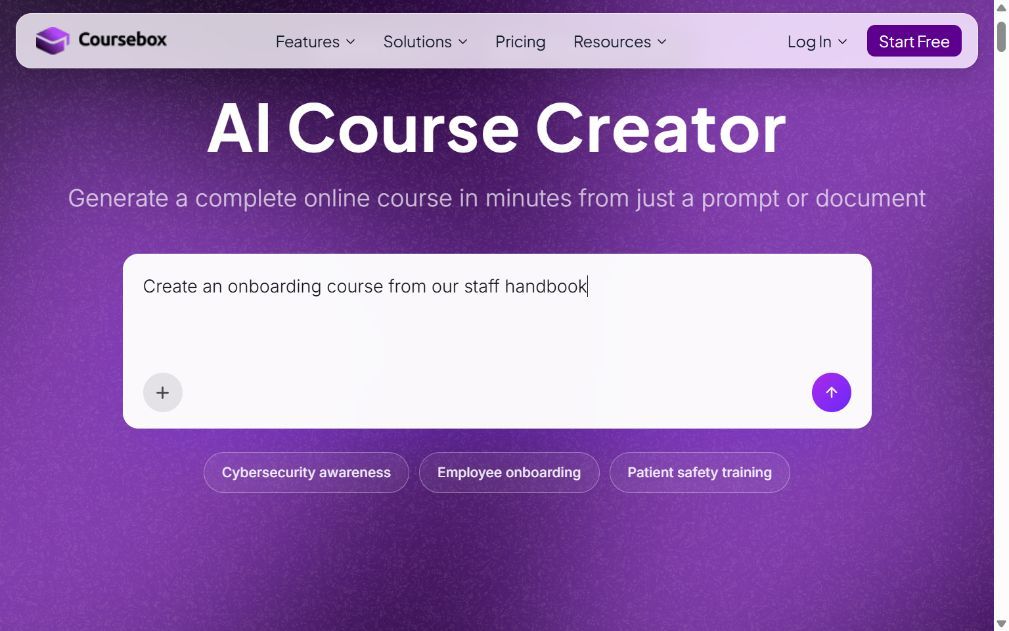
Coursebox combines course creation, delivery and training records. Upload your material, review the generated course and assessments, then assign learning through a branded portal. AI grading, learner results and certificates provide evidence of progress, while a tutor trained on the course material can help staff when they get stuck.
Coursebox supports unlimited learners, with plans based on features and AI allowances rather than a fee for every learner. The free plan is a starting point for testing content; branded LMS plans add the portal, groups, learning paths and reporting. Eligible plans also export courses to another LMS through SCORM or LTI.
My take: It is a useful option when you want the content and its results in one system. For an audit, check the required report fields, manager permissions and qualification-renewal process against your own policy. If you export training, confirm which system will hold the final record and receive scores.
4. iSpring LMS (iSpring Learn)
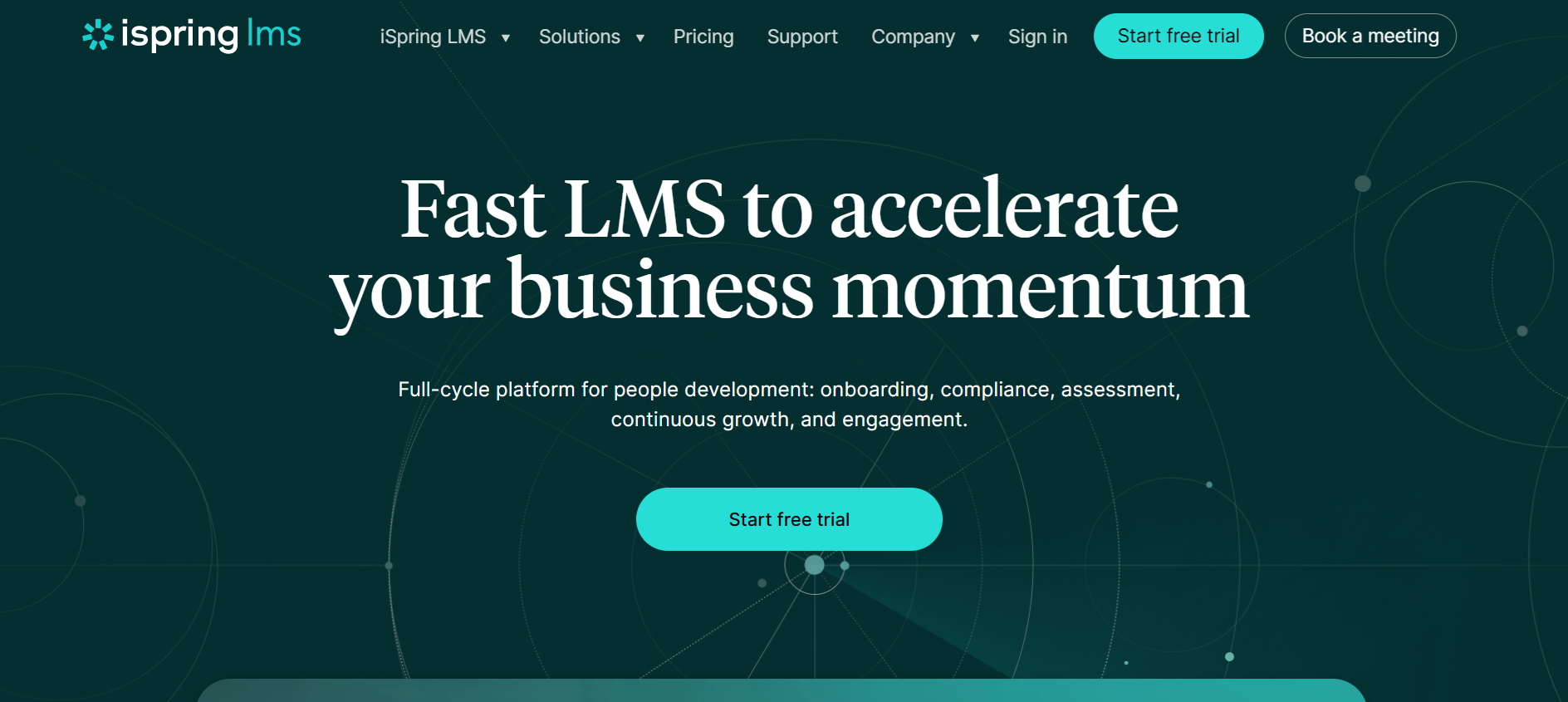
iSpring LMS, also known as iSpring Learn, suits structured training with assessments and recurring certification. Learning paths and automated assignments organise what staff must complete, while scheduled reports keep managers informed. Its on-the-job training features add supervisor assessment, so a practical sign-off can sit alongside online test results.
The current pricing package includes iSpring Suite AI for creating courseware, quizzes and role-play simulations. Billing uses active users: someone who logs in at least once during the month. Get a quote for your learner band and confirm how certification renewal and your existing completion history will be configured.
My take: I would use a real practical task in the demo, not just a multiple-choice quiz. Check who approves it, what evidence appears in the report and what happens if the learner fails. That is the part a completion-only tracker can miss.
5. Absorb LMS
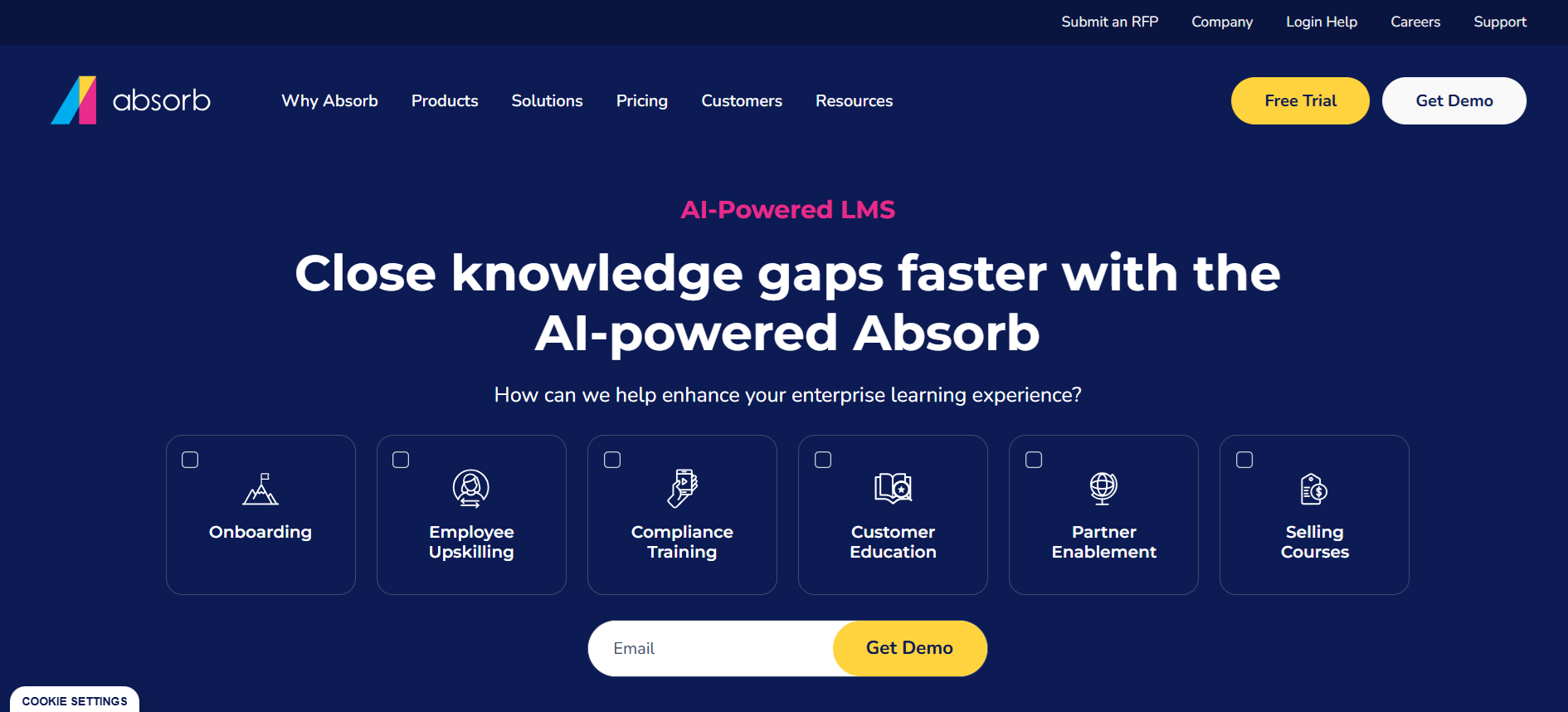
Absorb LMS gives administrators rules for assigning training and reporting across departments. For example, a new employee’s profile can trigger mandatory enrolment, and managers can review progress within the workforce structure you configure. Reminders and course settings reduce follow-up once the rules are in place.
It is quote-priced. Scope implementation, integrations, reporting and any authoring separately; Absorb Create is a paid add-on. Reliable automation starts with accurate employee fields and department membership, so include the HR data feed and responsibility for maintaining it in your rollout plan.
What stood out: Changing enrolment rules does not automatically change everyone already enrolled. I would test a staff transfer and a revised training requirement before rollout. Otherwise, the new rule may look correct while the old records still need attention.
6. LearnUpon
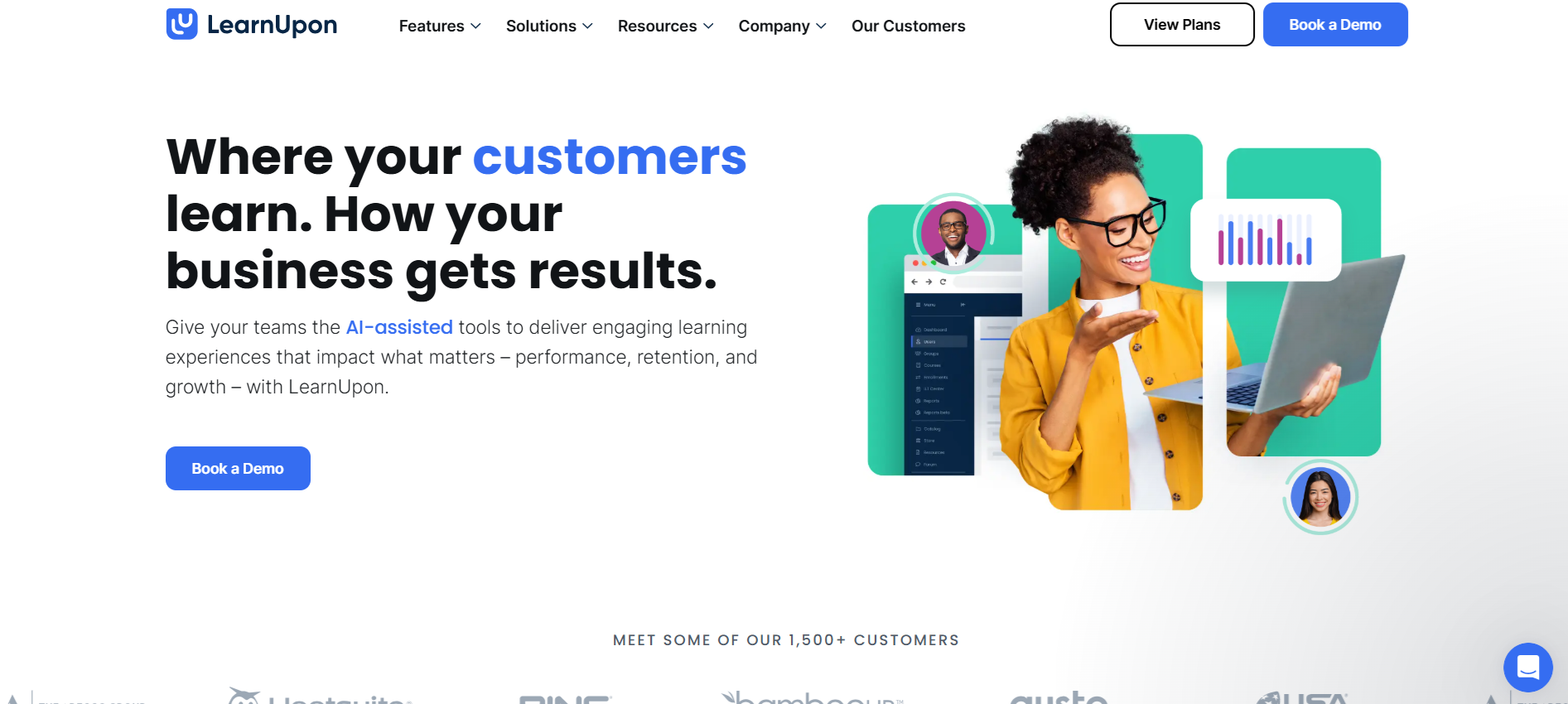
LearnUpon handles employee learning as well as customer and partner training. Portals, groups and permissions let you separate audiences, while assignments, exams, certification and reporting support the underlying training record. That can matter when an employee programme and an external certification use the same content but need different access.
Its employee offering starts at 100 users, with quote-based pricing; the vendor says it is not a fit below that size. Features such as extra branding, integrations and portal configuration depend on the package. Internal-only training is still a valid use case, so multiple audiences should not be treated as a requirement.
My take: Ask a line manager to review only their own team, then ask an administrator to produce an organisation-wide report. Both views should work without exposing another audience’s records. Also confirm how historical enrolments and exam results will migrate.
7. Cornerstone
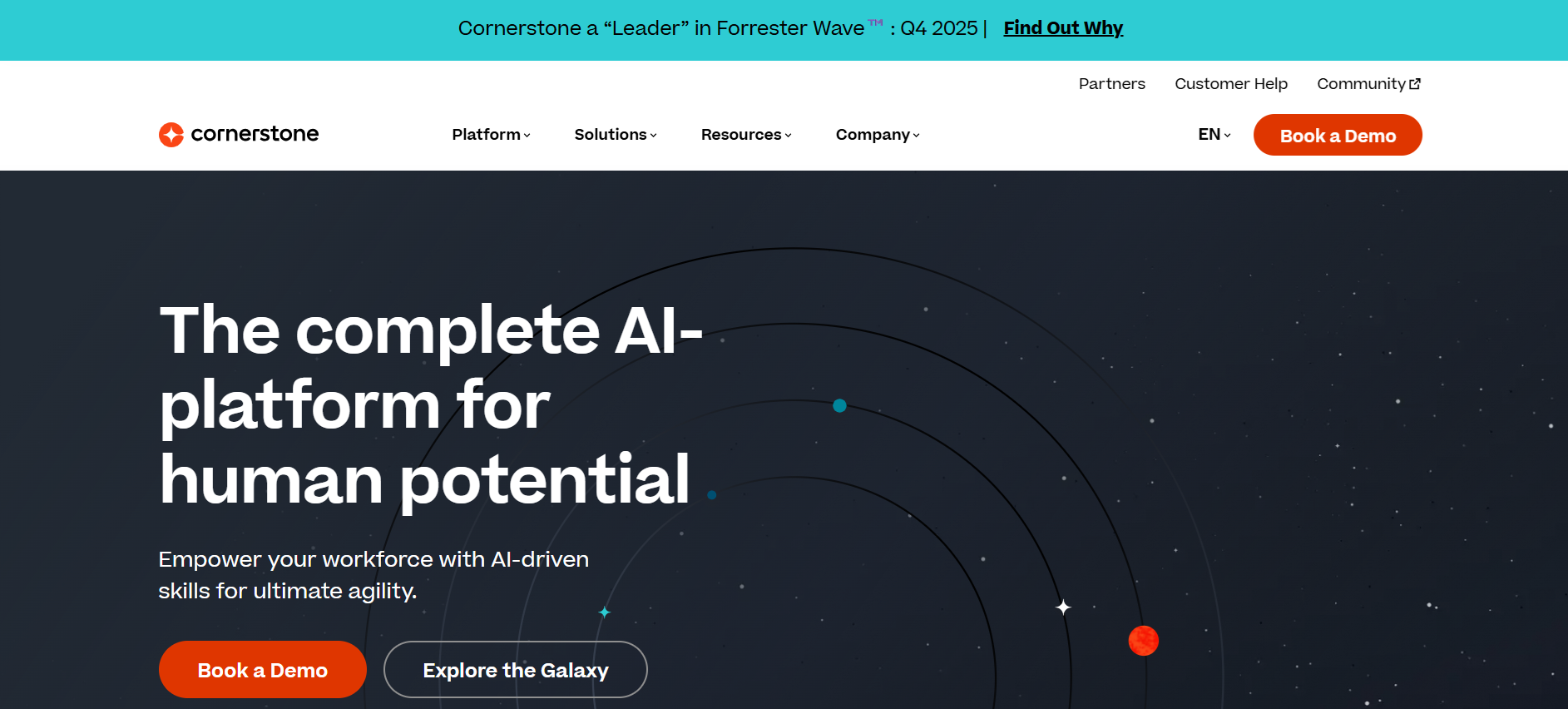
Cornerstone suits organisations that need learning records connected to a wider skills and talent programme. Certifications, recertification, assignments and reporting support mandatory training, while the broader platform can connect learning to role requirements and development plans.
The commercial package is quote-based, and wider performance or talent products should not be assumed to be bundled with the learning licence. Clarify what the skills profile means: inferred skills, self-reported experience and an assessed qualification are different kinds of evidence. They should not become interchangeable in a compliance report.
My take: This is a stronger candidate when you already need that wider people-data connection. I would ask for one report showing mandatory qualifications and another showing development progress. If both depend on the same completion tick, the extra platform breadth has not yet improved your evidence.
8. TalentLMS
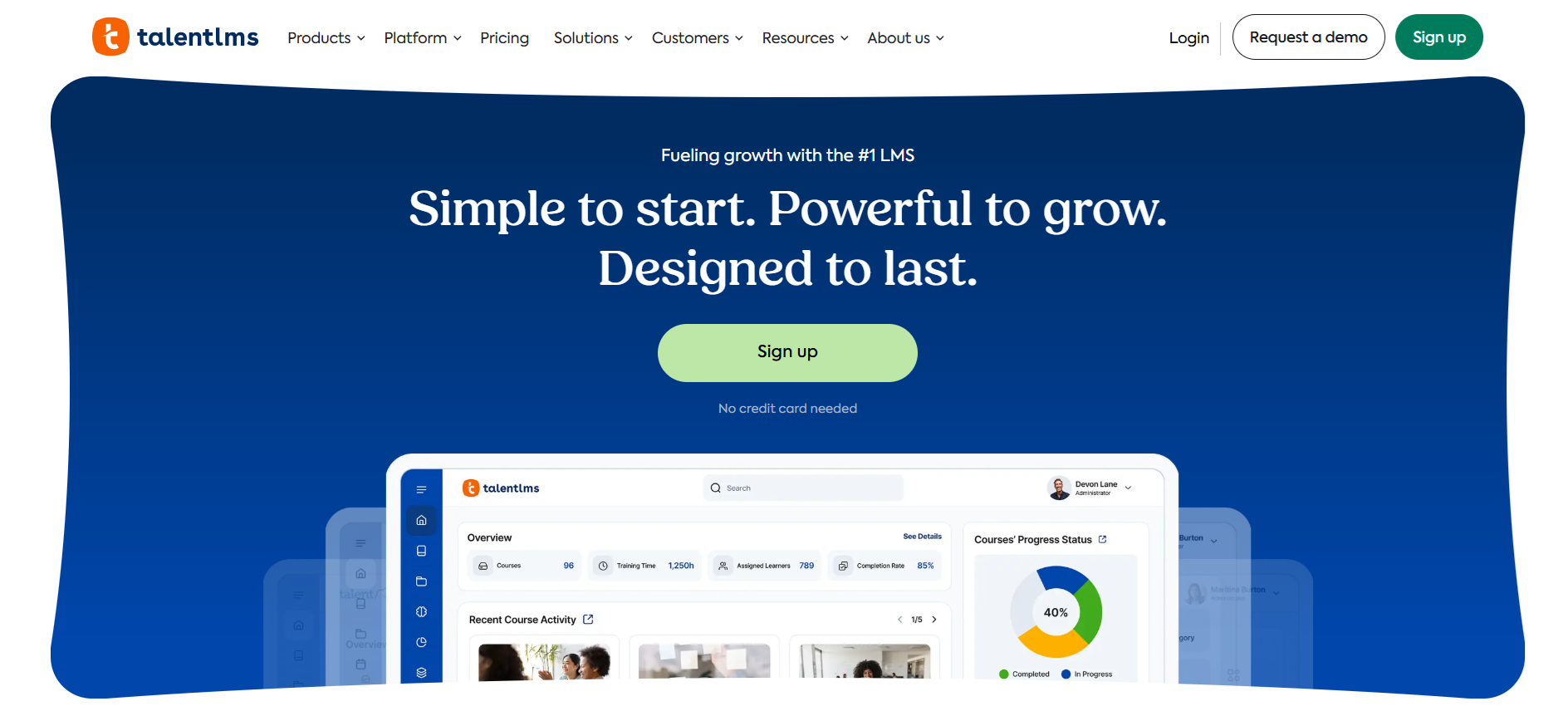
TalentLMS covers course assignments, tests, certificates and reporting for teams that want a manageable LMS. You can use existing content or create lessons with its tools, including TalentCraft, then group staff and track their progress. It is more capable than a simple spreadsheet of course completions.
The free plan allows five users and ten courses. Core starts at US$119/month billed annually for 1–40 users. Higher plans change learner limits, branch allowances and features, so compare the plan against your reporting and branding needs rather than relying on an old entry price.
My take: Start with the report you currently assemble by hand. Check that you can filter it by team, include the assessment result and export it in a usable form. A straightforward administrator workflow is valuable, but I would not assume its reporting is inadequate just because the platform is aimed at smaller teams.
Which training tracking tool should you choose
Completion: Did the employee finish the required learning? Knowledge: Did they pass the assessment? Job performance: Can a supervisor confirm they apply it at work? Keep these as separate fields. Before buying, try exporting one employee’s course version, completion date, result and qualification expiry. Your industry’s evidence requirements determine what else belongs in the record.
Coursebox is worth shortlisting for creating, delivering and assessing training in one place; TalentLMS for a smaller LMS rollout; and Connecteam for mobile training within frontline operations. For more complex reporting and automation, compare Docebo, Absorb and Cornerstone. iSpring adds formal authoring and practical assessment, while LearnUpon supports internal and external audiences.
Tracking is only half the job, so if you are still choosing the platform that delivers the training, our guide to the best LMS for staff training covers that side.
Frequently Asked Questions
Employee training tracking software stores records of assigned learning, completion, results and qualifications. Some tools also manage training delivery, assessments and reminders. A records-only tool can be enough if courses and classroom sessions already run elsewhere. Completion records help prove attendance or progress; they do not automatically establish competence.
Assign the required learning to the relevant staff, set deadlines and review incomplete work and assessment results. Use manager views and reminders where the selected plan supports them. For practical tasks, add a supervisor’s sign-off rather than treating an online course completion as proof of job performance.
Start with your actual evidence requirements: employee identity, course or policy version, completion date, result, assessor and qualification expiry where relevant. Check permissions, exports, retention and renewal handling in a real demo. The software supports your process; buying an LMS does not by itself make the record legally compliant.
Yes, for a manageable team and simple requirements. Keep access controlled, back up the file and link to the evidence behind each record. Move to a dedicated tool when reminders, expiry dates, multiple sites or reporting take too much manual work. Free LMS plans have limits and should not be assumed to include every compliance automation.
Use an assessment for knowledge, a supervisor observation for practical skill and an appropriate work measure for results. Agree on the measure before training begins, then compare relevant evidence afterwards. LMS scores and engagement data are useful inputs, but performance and productivity data may live outside the learning platform.
Alex Hey
Alex Hey is a technical marketer with 10 years of hands-on growth and digital marketing experience. He cofounded Coursebox together with Travis Clapp who he met online when looking for a cofounder to build a globally impactful software product. He works in the Perth, Western Australia office as the COO. He built the world's first automated funnel for patient recruitment before building Coursebox. After launching Coursebox in mid 2023, he drove +400k organic sign ups for Coursebox. Alex leads the marketing and digital growth of Coursebox and works with the product development team bringing a passion for data-driven product decision and exceptional user experience. Alex is determined to build the world's easiest way to build the perfect course.

