

8 Best AI Rubric Generators in 2026: What I Look for Before Grading
Compare eight AI rubric generators for clear criteria, editable scoring, classroom feedback and course assessment, with free limits and practical checks.

The best AI rubric generators in 2026 include MagicSchool for classroom planning, Coursebox for course-linked assessment, CoGrader for writing feedback, Brisk for document workflows and CK-12 for rubric-format choice.
- Choose the next step: an editable grid, a teaching document, or assessment and feedback on submitted work. These are different workflows.
- Check that performance levels describe observable evidence and that criteria match the assignment. A polished table can still be difficult to grade consistently.
- Free access varies: TeacherDashboard has daily generation limits, Eduaide uses credits, and CoGrader counts monthly submissions. Compare the unit you will actually use.
- Keep teacher or assessor review, sample-response calibration and an approved rubric version in the process. Generated scoring does not establish fairness by itself.
Compare four starting options through three preferences. The full eight-tool comparison also covers free format-focused and conversational alternatives.

Build high quality courses that actually sell
A rubric can look finished and still be hard to grade with. “Clear explanation” in one column and “very clear explanation” in the next gives me a neat table, but little help deciding between two pieces of work. That is the part I pay attention to when comparing AI rubric generators.
The tools below do different jobs: some draft an editable grid, some work inside a teaching document, and others connect the rubric to submitted work and feedback. I would choose around that next step, not the speed of the first draft.
I work with Coursebox, which is included here. Our AI rubric generator is part of a wider course, assignment and learner-support workflow; the comparison also includes tools for teachers who only need the rubric.
How I compared these rubric generators
I assessed their published workflows against the same design questions: what goes in, whether the criteria are editable, how scoring is represented and where the rubric goes next. The practical checks in the entries explain what I would inspect before using the output to assess learners.
- Assignment fit: The criteria should assess the stated objective and evidence, without adding unannounced requirements.
- Useful levels: Each level should describe an observable change in quality, not just a stronger adjective.
- Control and scoring: Check weights, totals, editable descriptors and whether one strength can accidentally compensate for a required missing step.
- Delivery and feedback: Compare a document export with applying the rubric to actual submissions, reviewing feedback and keeping records.
- Cost and access: Distinguish a free generator, a short trial, usage credits and a paid institution-wide rollout.
AI rubric generators compared
| Tool | Best starting point | Free or price basis | Check before choosing |
|---|---|---|---|
| MagicSchool | Teachers who want a guided rubric builder alongside classroom planning tools. | Free; Plus $12.99 monthly / $8.33 annual equivalent | Review standards and performance-level wording |
| Coursebox | Trainers who want rubrics connected to assignments, feedback and course delivery. | Free mini-courses; paid capacity and LMS scope | Review criteria, grading and final learner record |
| CoGrader | Teachers who want the same rubric to guide writing feedback and grading. | Free 150 submissions/month; Individual $15 annual equivalent | Writing evidence and teacher approval |
| Brisk Teaching | Teachers preparing resources and feedback inside familiar documents. | Free teacher tools; institution quote | Document export and institution tier |
| CK-12 Rubric Designer | Teachers choosing between analytic, overall-score and single-point formats. | Free teacher tools | Choose rubric format before generating |
| Eduaide | Teachers developing the assignment, supports and rubric together. | 24 free credits/month; Pro $49.99/year | Align task, supports and criteria |
| TeacherDashboard | Teachers who want a small, accessible rubric form without a full platform rollout. | 5 free generations/day; paid reporting tools | Export versus a full assessment workflow |
| ChatGPT | Educators who want to discuss and revise a rubric in detail. | Free text drafting; paid capacity and controls | Keep an approved rubric version |
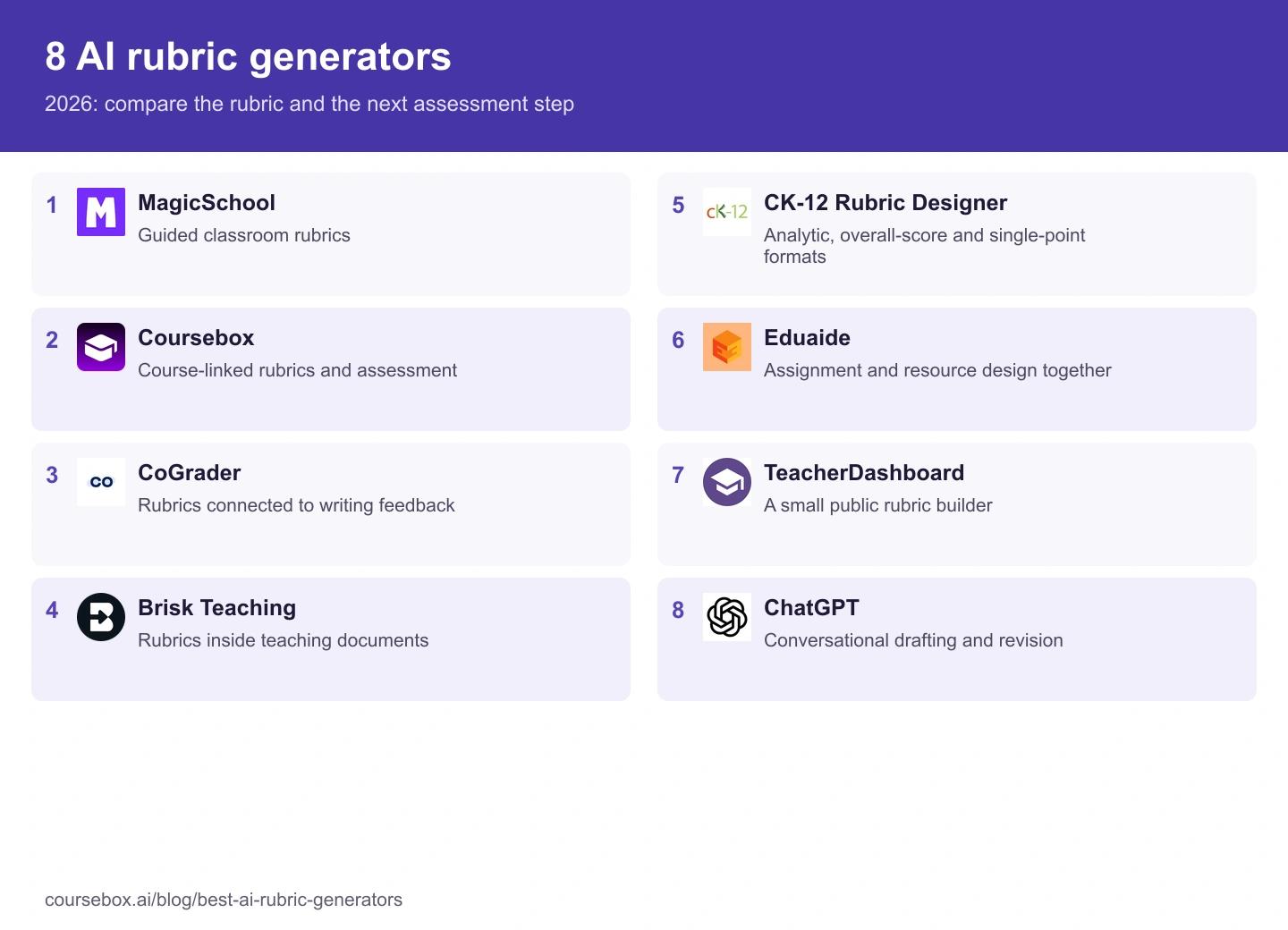
The 8 best AI rubric generators
1. MagicSchool

Best for: Teachers who want a guided rubric builder alongside classroom planning tools.
MagicSchool starts with the assignment, grade level and learning goals rather than a blank chat. Its rubric tool produces an editable grid, with options to reuse a rubric or revise criteria and performance levels. That suits a teacher who needs to prepare several types of classroom material in the same workspace.
What I checked: The useful question is whether the middle levels explain a different quality of work. “Good evidence” and “excellent evidence” do not give two teachers enough to score consistently. I look for the evidence a student must include, then revise the descriptors before sharing the rubric.
My take: A practical starting point for K-12 planning, especially when the rubric is one resource in a larger lesson. A generated standard reference still needs checking against the curriculum and the task; selecting a grade does not establish that alignment.
Pricing: Free is available for teachers. Plus is US$12.99 monthly or US$8.33 per month billed annually. School controls, shared deployment and institution-wide features belong in an Enterprise comparison.
2. Coursebox
Best for: Trainers who want rubrics connected to assignments, feedback and course delivery.
Coursebox combines rubric creation with AI course authoring and assessment. Build learning from your source material, define the assignment and marking criteria, then review the grading and feedback inside the learning workflow. Learners can also use a course-grounded AI tutor, while the LMS records progress and supports certificates.
My assessment check: I want the rubric to assess what the course actually taught. For a procedure, that might mean explaining the required steps and exceptions, rather than rewarding a polished answer that omits a safety check. Review the criterion, a sample response and the proposed feedback together.
My take: Useful when the job extends beyond downloading a rubric. Keeping lessons, assessments, feedback and learner support together can reduce the handover between tools. A trainer still owns the assessment design and review; the generated score is not a substitute for a qualified assessor’s decision.
Pricing: Free includes three mini-courses of up to five pages each, unlimited learners, defined AI allowances and a Coursebox watermark. Paid capacity, branded LMS, exports and integrations depend on the plan. Compare the assignment, feedback, reporting and export requirements on the selected package.
3. CoGrader

Best for: Teachers who want the same rubric to guide writing feedback and grading.
CoGrader’s rubric generator takes an essay type, grade level, optional standards and selected criteria. You can also describe your own rubric. The resulting rubric can feed into its essay-assessment workflow, with Google Classroom, Canvas and Schoology connections advertised on the current offer.
What stands out: The handover from rubric to feedback is the point to examine. A criterion that sounds sensible in isolation may not help explain an actual weak paragraph. I would inspect the quoted evidence, criterion score and next-step feedback for the same piece of writing before releasing it.
My take: A focused option for writing assessment, rather than a general tool for every kind of practical performance. If the task includes a live presentation, teamwork or an observed skill, decide how that evidence will be assessed separately.
Pricing: Starter is free for up to 150 student submissions a month and includes rubric building. Individual lists US$15 per month billed annually for 350 submissions. School and district plans are quoted, with shared rubric libraries and administration scope to confirm.
4. Brisk Teaching
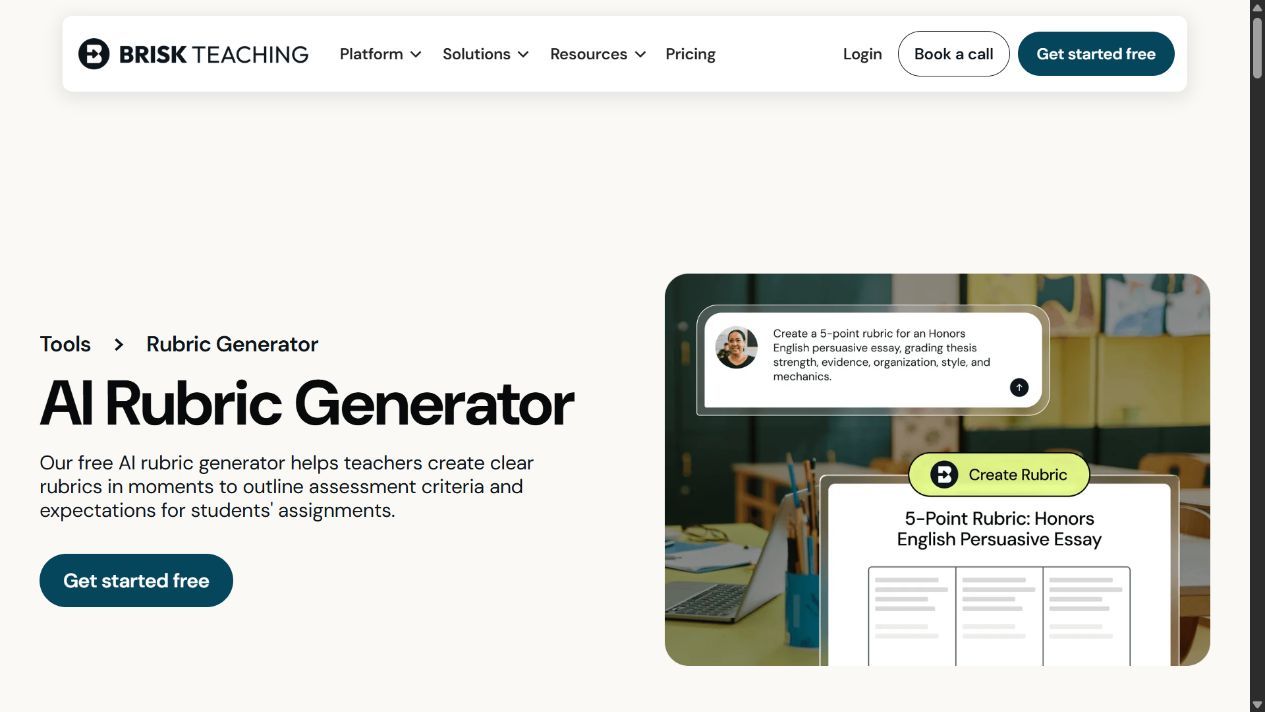
Best for: Teachers preparing resources and feedback inside familiar documents.
Brisk brings rubric creation into a Chrome or Edge extension that works with documents and learning tools. Its rubric workflow lets teachers specify criteria, subject and scale, then export to Google Docs or Microsoft Word. It also offers rubric-based feedback, so it is relevant when the assignment already lives in a document.
My workflow check: Keep the assignment beside the rubric and trace each criterion back to something students were asked to do. That catches a common problem: a generated rubric introducing requirements that were never in the instructions. Then check that export preserves the grid and points.
My take: A good comparison when changing between a chat window, document and gradebook is the main source of friction. District curriculum alignment and administrative controls are separate buying questions from an individual teacher’s free extension.
Pricing: The teacher plan is free. School and district Premium and Intelligence packages use custom pricing; the initial premium trial should not be mistaken for the ongoing free feature set.
5. CK-12 Rubric Designer
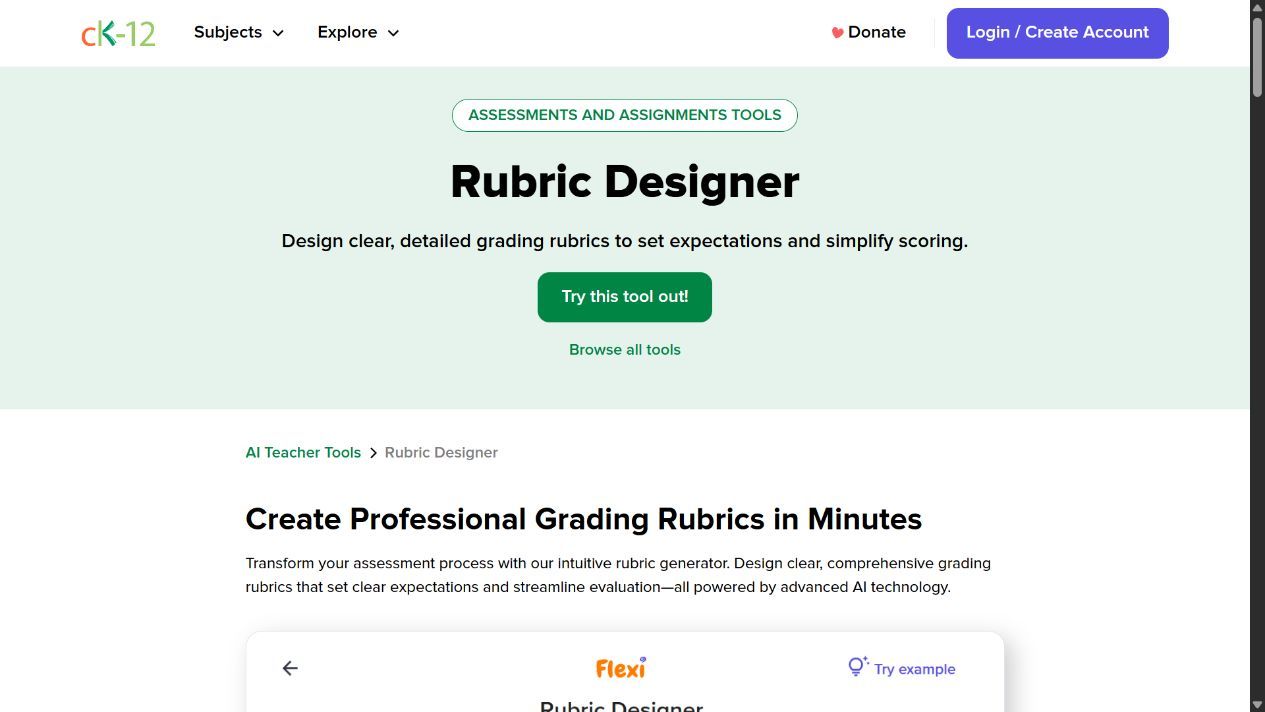
Best for: Teachers choosing between analytic, overall-score and single-point formats.
CK-12’s Rubric Designer explicitly supports analytic, overall-score and single-point rubrics. Its guided workflow asks for assignment details, objectives, criteria and performance levels, with weights and scoring options. That is useful when the first decision is the kind of assessment instrument, rather than which AI model to use.
What I checked: Format changes the feedback you can give. An analytic grid can separate evidence from explanation; a single-point rubric leaves room to describe how work goes beyond or falls short of one standard. I would choose the format before asking the generator to fill it.
My take: A useful free specialist for designing the rubric itself. Its downloadable output is not the same as a complete course-assignment and gradebook workflow, so test the handover into the system where you actually assess learners.
Pricing: CK-12 presents its teacher tools as free. The product page lists common export formats including PDF and Word, with library and saving features; confirm account access and the exported layout in your own workflow.
6. Eduaide
Best for: Teachers developing the assignment, supports and rubric together.
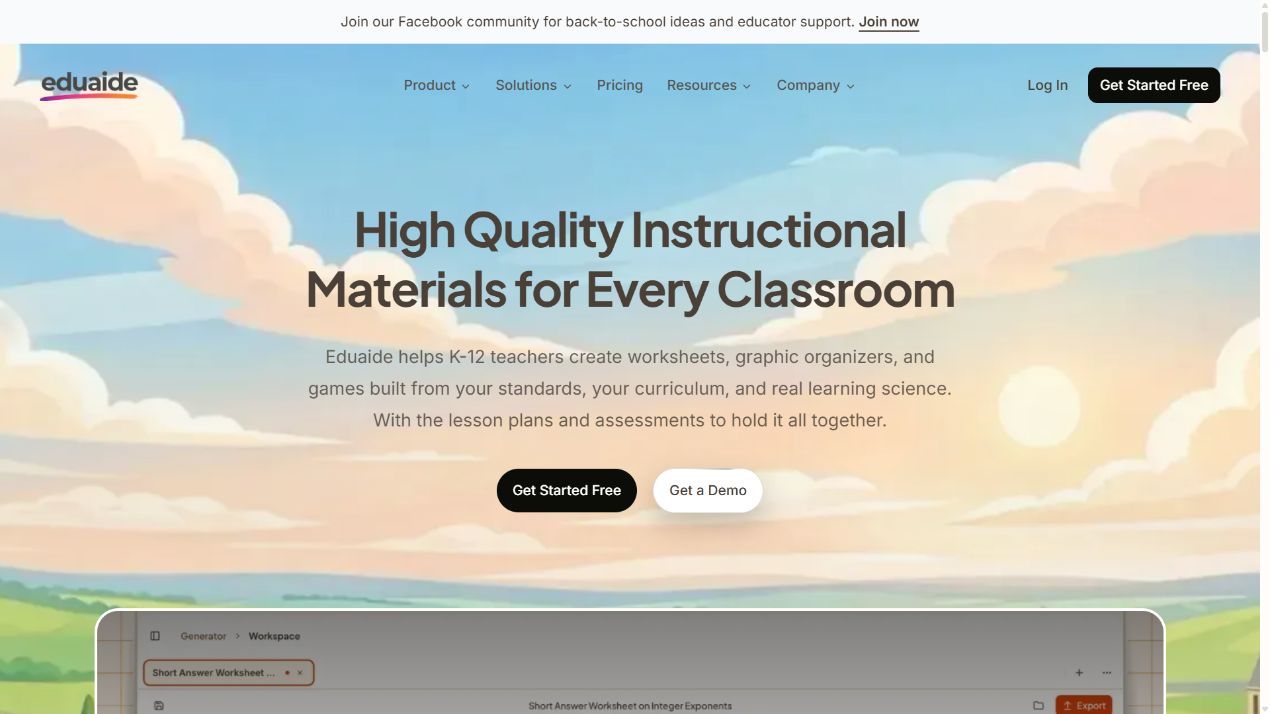
Eduaide generates instructional resources from a topic, standards or source material. Rubrics sit alongside lesson plans, assessments and reading supports. Its Pro revision workflow can add a rubric to a resource or revise material from evaluation feedback, which makes it relevant when the assignment is still being developed.
My design check: Make the learning objective, task and rubric agree before producing differentiated versions. A shorter reading or extra scaffold can change access without changing the skill being assessed. I would compare the success criteria across versions rather than let the generator lower them automatically.
My take: Stronger as a connected resource-design workflow than a standalone grid maker. A broad toolkit helps when you need several related materials, but uses the allowance differently from creating one rubric and stopping.
Pricing: Free includes 24 credits a month, described as up to eight resources, with limited source context. Pro lists US$49.99 a year and removes the monthly generation limit, with larger context and revision features. Regional checkout pricing may differ.
7. TeacherDashboard
Best for: Teachers who want a small, accessible rubric form without a full platform rollout.
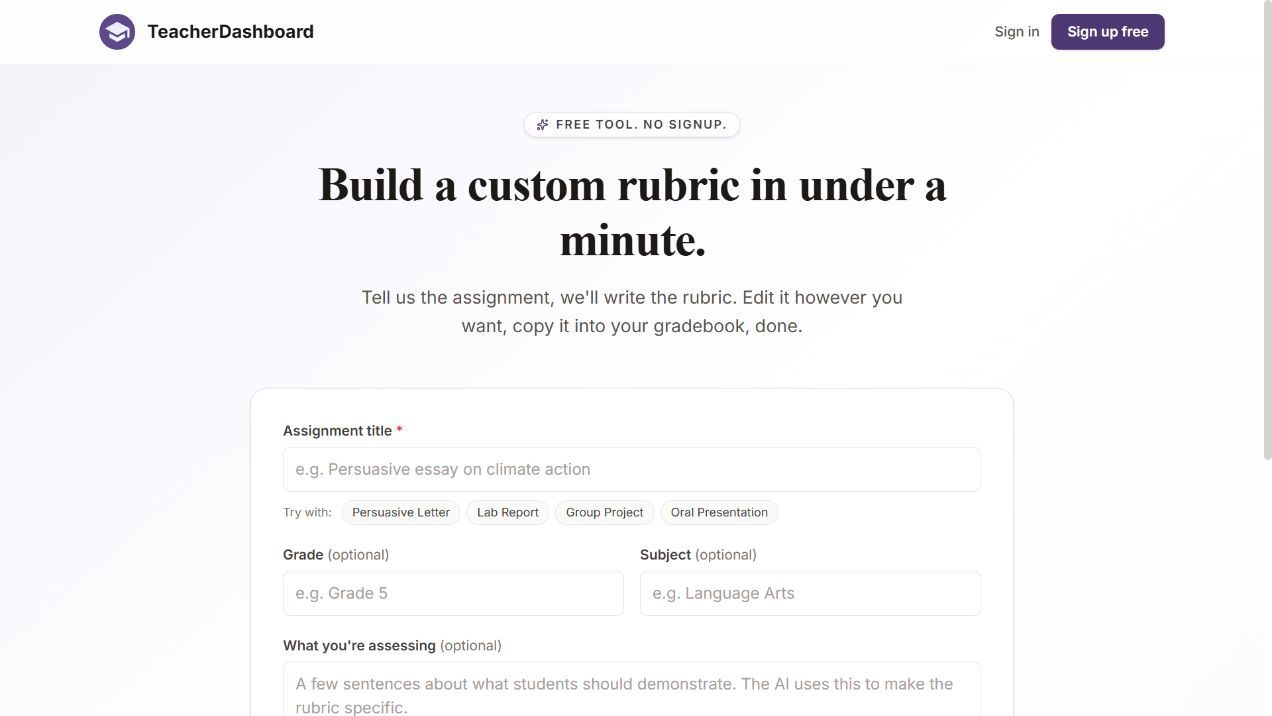
TeacherDashboard’s public rubric page asks for an assignment title, optional grade and subject, assessment details and three to six criteria. It advertises five free generations per day without signup. The wider paid product also supports report-card comments, saved drafts and editable history.
What I found in the workflow: The form keeps the initial choice small. I would put the observable outcome in the assessment field, then check whether every generated criterion can be seen in the submitted work. The optional fields are useful context, but they do not replace a clear assignment brief.
My take: A convenient starting point for an occasional classroom rubric. Compare it with a course platform if you also need assigned work, learner records or reviewed AI grading; an exportable grid alone does not supply those functions.
Pricing: The public generator offers five free daily generations. The paid site advertises a three-day trial, then $59.88 yearly or $29.97 quarterly for Pro. Confirm checkout currency and billing term; the displayed monthly equivalents are not monthly subscriptions.
8. ChatGPT

Best for: Educators who want to discuss and revise a rubric in detail.
ChatGPT can draft a rubric from an assignment brief and help revise criteria, weights and level descriptions through conversation. That flexibility is useful for an unusual task or when you want to challenge the first draft. Give it the objective, required evidence, scoring scale and the aspects it should not assess.
My prompt check: Ask it to identify overlapping criteria and describe a borderline response for each level. That often exposes a weak grid more clearly than asking for a “better” rubric. Keep an approved copy outside the chat so later revisions do not silently change the scoring standard.
My take: Useful for drafting and reasoning about assessment, with more responsibility on the educator to specify the format and manage the final version. A chat response does not establish an LMS connection, assessment record or validated scoring process.
Pricing: A free account can support text drafting, with separate limits on uploads and other tools. Paid and institution-managed plans change capacity and administrative controls. Compare the current plan and your organisation’s data rules instead of using the retired GPT-3.5 and Team price labels.
Choose the rubric format before choosing the tool
| Format | What it gives you | When I would use it |
|---|---|---|
| Analytic | A separate judgement for each criterion | Writing or a project where learners need specific feedback |
| Overall-score | One overall description and score | A quick overall judgement after agreeing what the standard looks like |
| Single-point | One target standard with space for evidence above or below it | Developmental feedback where a score grid would crowd out the explanation |
Make the levels mean something
For an evidence-based argument, “uses evidence well” is too vague. A more useful progression distinguishes no relevant evidence, relevant evidence without explanation, evidence linked to the claim, and evidence weighed against a counterargument. The expected level must still fit the learners and the assignment.
If a task requires a safety or compliance step, decide whether it is a mandatory condition or one weighted criterion. A high writing score should not automatically cancel out a missing required action. Tell learners how that rule works before they submit.
My five checks before using an AI-generated rubric
- Compare every criterion with the assignment students actually received. Remove anything they were not asked or taught to demonstrate.
- Check the arithmetic. Weights must total the intended maximum, and the score-to-grade conversion must be explicit.
- Try the grid against two sample responses, including a borderline one. Ask another assessor where they disagree and revise the unclear descriptor.
- Review the learner-facing explanation. A student should know what to improve without asking the AI to interpret the rubric.
- Save the approved version and its date with the assignment. Change the next version deliberately, rather than altering criteria halfway through marking.
Where AI saves time, and where I keep the judgement
In Gallup and the Walton Family Foundation’s 2025 US public-school teacher survey, weekly AI users estimated saving 5.9 hours per week across their work. That is a self-reported figure covering several tasks. For a rubric pilot, I would count drafting, checking and moderation time together rather than time the generation button alone.
RAND’s survey of US K-12 teachers found that 25% used AI tools for instructional planning or teaching in the 2023-2024 school year. I would ask a department which stages it uses AI for, then agree who reviews the rubric and who can change the approved version.
Which AI rubric generator would I choose?
For a guided classroom grid, start with MagicSchool or CK-12. Brisk is a useful comparison when the document is already open in your teaching workflow. TeacherDashboard keeps occasional rubric creation small; Eduaide connects the rubric to resource design. CoGrader brings it into writing assessment, while Coursebox connects it with course creation, assignments, feedback and learner support. ChatGPT suits an educator who wants to discuss and revise the design in detail.
Frequently Asked Questions
It drafts assessment criteria, performance-level descriptions and, where supported, weights or points from an assignment and learning objective. An educator reviews and edits the rubric before learners use it. Some tools also apply the approved rubric to submitted work.
MagicSchool, Brisk and CK-12 offer free teacher access. TeacherDashboard advertises five free public rubric generations a day. CoGrader includes rubric building with its free submission allowance, while Eduaide and Coursebox have defined free limits. Free access does not mean every institution-level feature is included.
It can draft a useful starting point, but fairness depends on the task, criteria, evidence and how assessors apply them. Check that unrelated writing style or presentation quality is not affecting a score unless it belongs in the objective. Compare assessor judgements on sample work before grading a class.
No. Generation creates the scoring instrument. Grading applies it to evidence in a submission. Coursebox and CoGrader connect those stages in different teaching workflows; a downloadable grid alone does not automatically assess or record learner work.
Compare the required evidence and decision process. Coursebox connects rubrics with assignments, learner support and LMS delivery. Practical skills may also require observation or assessor sign-off outside a written response. Confirm those requirements before using any generated rubric for a consequential decision.
Carolina Martin
Carolina is a highly experienced learning designer with tech start-up experience. She is based in Sydney and previously designed courses alongside Coursebox founder Travis in a previous job. She is passionate about delivering engaging learning experiences and brings the same perspective to customer experience too. She manages our customer support documentation and product testing processes.

