

10 AI Quiz Generators in 2026: How I’d Use Them
The best AI quiz generators, compared. Ten tools ranked by an instructional designer on question quality, LMS export and pricing.

The best AI quiz generator depends on the job. For a standalone tool, Questgen is the best-value start at $100 a year with Bloom's Taxonomy built in; Quizgecko is the most popular, with LMS export. If you build courses, Coursebox generates quizzes inside the course and exports SCORM. We compared 10 tools on export, question quality, inputs and price.
- Questgen: best value for a standalone generator at $100 a year, with Bloom's Taxonomy levels built in.
- Coursebox: best if you build courses; quizzes generated in context and exported as SCORM or LTI, from about $29 a month.
- ProProfs: best for compliance, with proctoring and defensible records; skip Kahoot for serious assessment.
Use three preferences to compare four starting options. Check the entries for required features, free limits and plan conditions.

Build, launch and sell quality courses in minutes
A quiz generator can save me writing questions and still leave me with a poor assessment. I want the question to make sense, the answer key to hold up and the learner’s result to reach the place where I need it. Those are separate checks, whether I am making a practice quiz or training assessment.
I’m Carolina, a learning designer at Coursebox. I compared ten AI quiz generators across their inputs, question editing, delivery and reporting. Coursebox is included for connected course creation and assessment; the other options cover standalone generation, exam administration and live sessions.
This comparison covers training assessments, study resources and live questions. Start with where learners will answer and where the result must go. A marketing lead-generation quiz has a different job from these learning tools.
How I ranked these
I judged every tool from my own perspective as a qualified and experienced learning designer. Writing engaging quizzes has been an important part of my profession and I've done it with some incredible training teams. Four things decided the way I ranked the tools.
- Where the quiz ends up: Whether you can move it into an LMS, a SCORM package or a live session, or whether it is trapped in the tool. Weighted heaviest, because it is where most buyers get caught out.
- Question quality: How usable the generated questions are before a human edits them.
- What it reads: The input it accepts, from a prompt to a document, URL, audio or slides. A wider range means less manual prep.
- Price honesty: What it actually costs to generate quizzes, since several tools gate AI behind a higher tier or leave it off the free plan.
Quiz generators are not one category. Match the type to your process before you compare features.
- Standalone generators (Quizgecko, Questgen, Quizbot, OpExams): turn a document, URL or prompt into questions you export somewhere else.
- Assessment platforms (ProProfs, Wayground, iSpring, Kahoot): wrap generation in delivery, grading and reporting, so the quiz lives where learners take it.
- Workflow-embedded (Coursebox, ClassPoint): build the quiz inside the tool you already author or present in, so it inherits your content.
Comparison at a glance
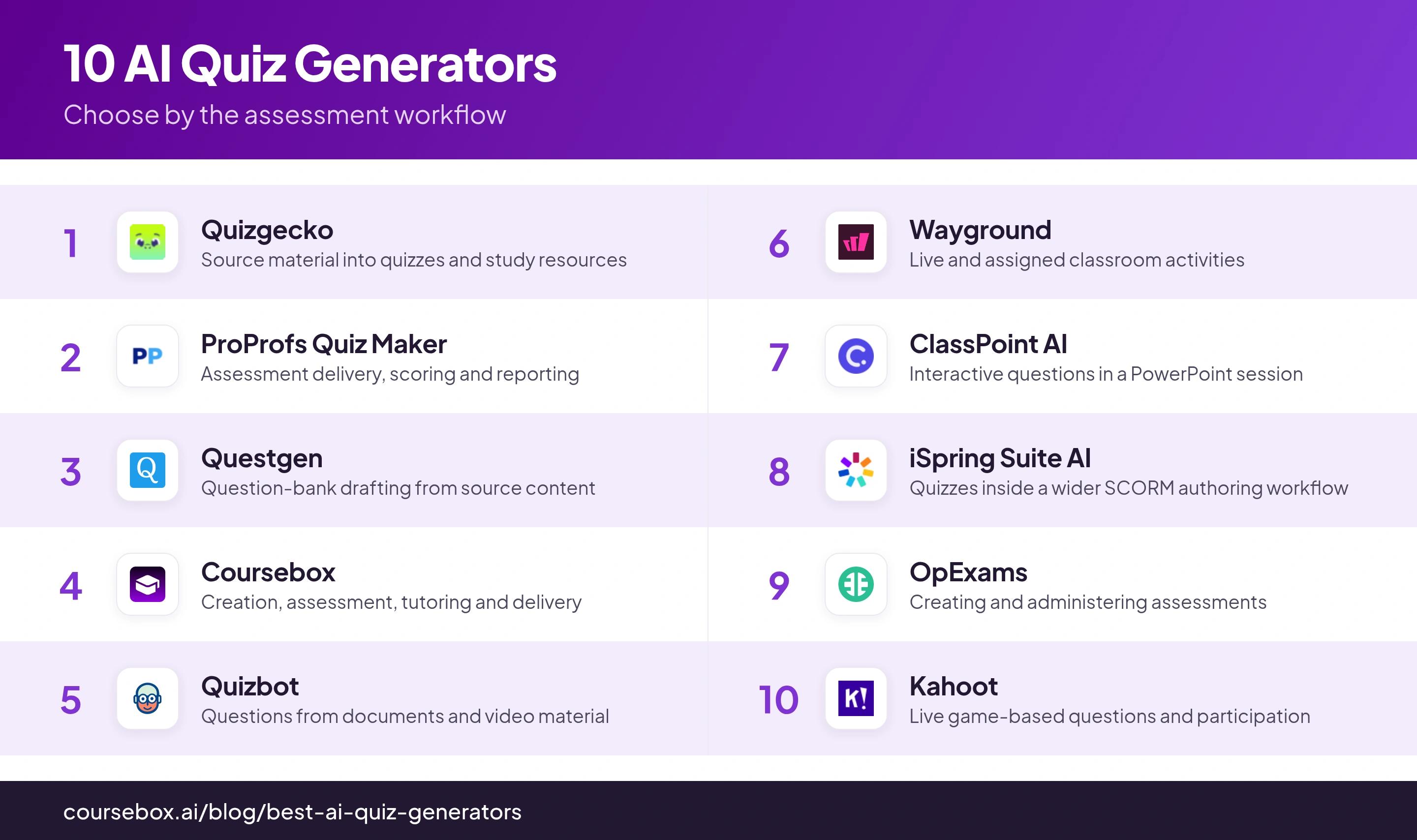
| Tool | Best for | Watch out for |
|---|---|---|
| Quizgecko | Source material into quizzes and study resources | Check current generation and export allowances |
| ProProfs Quiz Maker | Assessment delivery, scoring and reporting | Validate correction, access and record requirements |
| Questgen | Question-bank drafting from source content | Check output quality and plan limits |
| Coursebox | Creation, assessment, tutoring and delivery | Exported activities differ from live platform features |
| Quizbot | Questions from documents and video material | Check credits, revision and output route |
| Wayground | Live and assigned classroom activities | Free library is limited to 20 resources |
| ClassPoint AI | Interactive questions in a PowerPoint session | Compare participant and AI-credit allowances |
| iSpring Suite AI | Quizzes inside a wider SCORM authoring workflow | Annual author licence; edition affects capabilities |
| OpExams | Creating and administering assessments | Check grading, volume and reporting scope |
| Kahoot | Live game-based questions and participation | Question types and capacity vary by audience plan |
1. Quizgecko
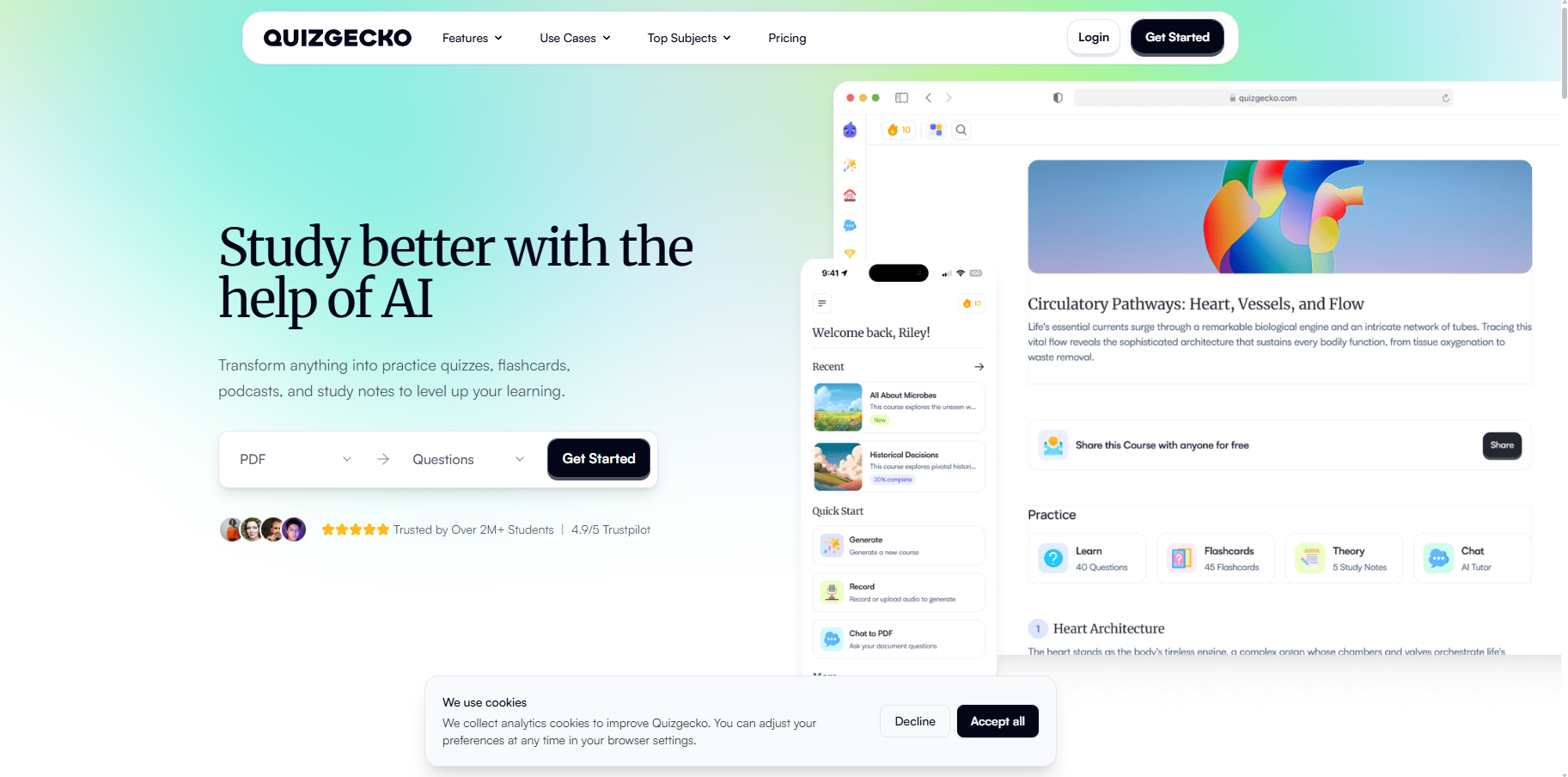
Quizgecko turns source material into quizzes, flashcards and study resources. Upload a file or work from text, then review the generated questions and use its study workflow. It is relevant when the same learner needs generation and follow-up practice, rather than only a question list.
a Mastery Score system that schedules spaced-repetition review questions, so it can stand in as a lightweight LMS for a single programme.
Its current pricing has Free, Plus and Ultra plans, replacing the older Educator description. Check the actual generation and export allowances in the account before treating it as an LMS-ready assessment tool. A study score is also different from the completion record your LMS requires.
Testing notes: When I generated a fill-in-the-blank quiz from pasted text, the first question came out garbled, with three separate blanks crammed into one item. I had to reveal the answer just to work out what it was asking. The raw output needs tidying before you would hand it to learners.
Pricing: Free plan available. Plus is US$16/month or US$108/year; Ultra US$29/month or US$276/year. Confirm the generation and export allowance you need.
2. ProProfs Quiz Maker
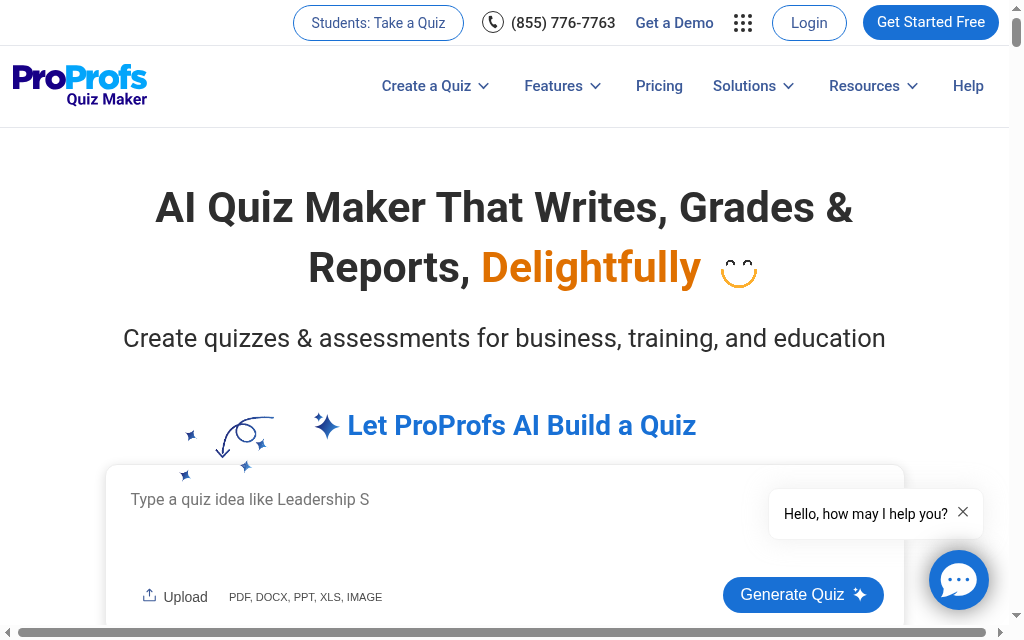
ProProfs Quiz Maker combines authoring with assessment delivery, grading and reporting. Build or import questions, configure the assessment and review attempts and results. Randomisation, access controls and available proctoring can support the process, but none makes a result automatically valid or guarantees a compliance audit outcome.
20+ question types (hotspot, sequence, branching, matching), with randomisation and per-learner sets to curb answer sharing, and automated grading across every type.
Before using a quiz for certification, demonstrate the process for correcting a flawed question, rescoring affected attempts and retaining the original record. Check those operations in your plan rather than accepting a broad claim that results cannot be changed.
My take: I would shortlist ProProfs when assessment administration and records are part of the job, then run a deliberately flawed question through the correction process. The result should show what changed and which attempts were affected.
Pricing: Plan and assessment-volume pricing varies. Obtain the current active quiz-taker definition, minimum commitment, proctoring and reporting scope before budgeting; an old per-block figure is not a quote.
3. Questgen
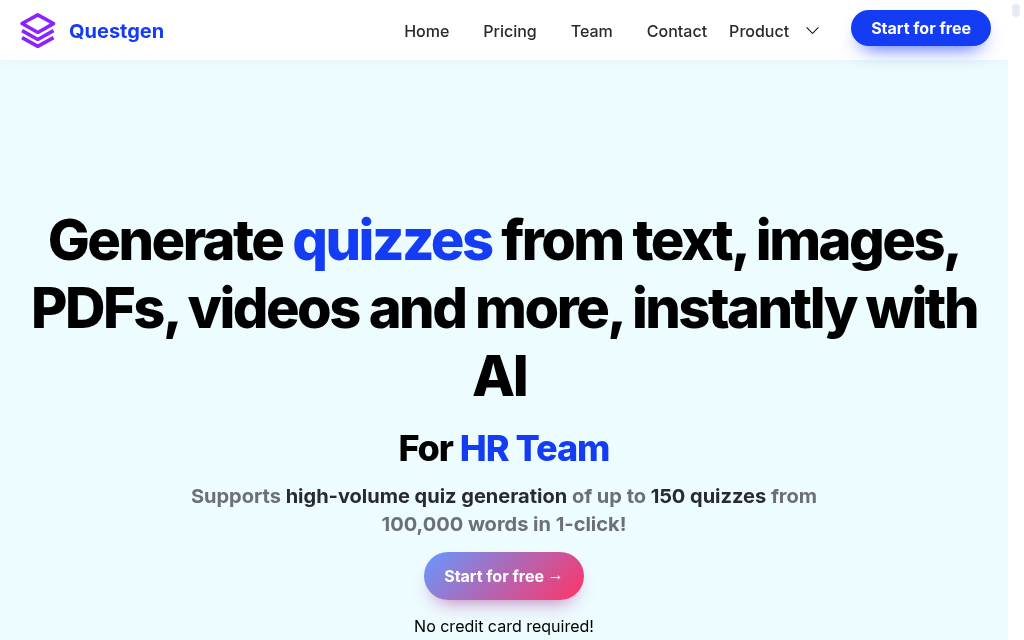
Questgen generates question types from supplied content, including options organised around Bloom’s Taxonomy. Use the cognitive level as a drafting instruction, then check whether the learner actually has to apply or analyse the content. A label on the question is not proof of its difficulty.
Generate a batch from a defined section, review the answer keys and export the questions into the delivery tool you use. Compare its source-size and output limits with a real manual before choosing a plan.
Long source documents and high-volume output have plan limits. Split or select material by learning objective when needed, so a large upload does not turn into a repetitive question bank.
My take: I would use the free runs to compare a recall question with an application question from the same source. The useful difference is what a learner has to think through, not the Bloom’s label alone.
Pricing: The pricing page offers 20 free runs. Compare the paid input and output allowance and current billing period for ongoing generation.
4. Coursebox

Coursebox is our own product, so I’ll be direct: much of this draws on internal usage data and personal experience as an insider, not third-party reviews. It is a course builder first, so quiz generation happens inside the course authoring workflow rather than as a separate isolated step.
the AI quiz generator draws on your full course context, so questions are more relevant than feeding a document to a standalone tool. Among our course creators, over half of them have quizzes included in their courses. The open answer quiz questions have the option to be auto-graded by AI with feedback which is a stand-out feature. In this case the learner has to write something in as an answer rather than clicking a multichoice option, so it requires a bit more thinking. Then they get instant feedback - an incorrect answer comes with a full explanation on what they missed.
For external LMS delivery, compare the supported export route with the activity you built. Dynamic SCORM retains a hosted connection, while self-hosted output has different feature coverage. Do not assume live AI grading, tutoring and every interaction travel unchanged in a downloadable package.
if you're just after only a quiz and don't want it to sit within an online course, a dedicated quiz generator is a better fit.
Testing notes: Coursebox generates multiple types of quizzes (multichoice, matching, drag and drop, and open answer) along with an entire online course with scenarios, videos, images, diagrams and assignments. The quiz questions are one important part of the online course that the AI generates. It's ideal for training providers delivering comprehensive online training. For those who just want a quick one-off simple quiz by itself, a dedicated quiz generator might feel less complicated in this case.
Pricing: Free includes three mini-courses of up to five pages each, unlimited learners and defined AI allowances, with a Coursebox watermark. Paid plans expand capacity and remove the watermark; branded LMS, exports and integrations depend on the selected plan.
5. Quizbot
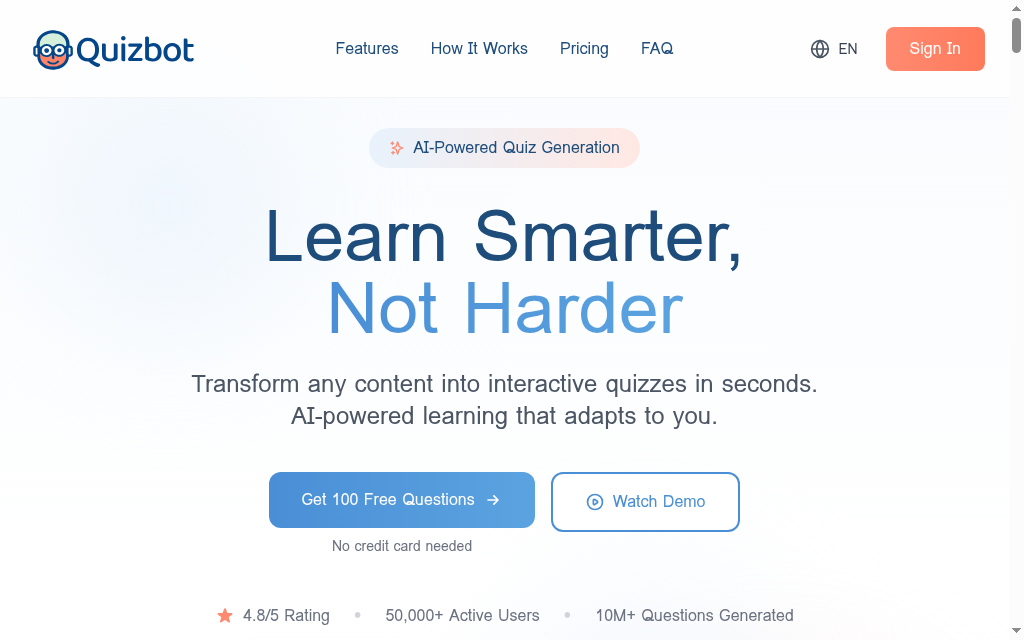
Quizbot accepts source material such as text, documents and video links and produces questions you can review. It is useful for a webinar or training video when writing the initial question set is the bottleneck. Inspect the source coverage and answer explanations rather than assuming a short generation time establishes question quality.
Start with a specific video section or source topic, review the resulting questions and compare the available output with the tool where learners will answer. Keep a copy of the approved question bank when moving it elsewhere.
Compare the current question allowance, credit validity and revision controls in the selected package. A plan that is cheap for occasional generation can work differently from one used to maintain a large bank every month.
Testing notes: worth it if recorded webinars are your main content. The credit expiry and all-or-nothing regeneration are the trade-offs.
Pricing: Free question allowance and paid packages are available. Compare the current question count, credit expiry and subscription or one-time payment terms.
6. Wayground
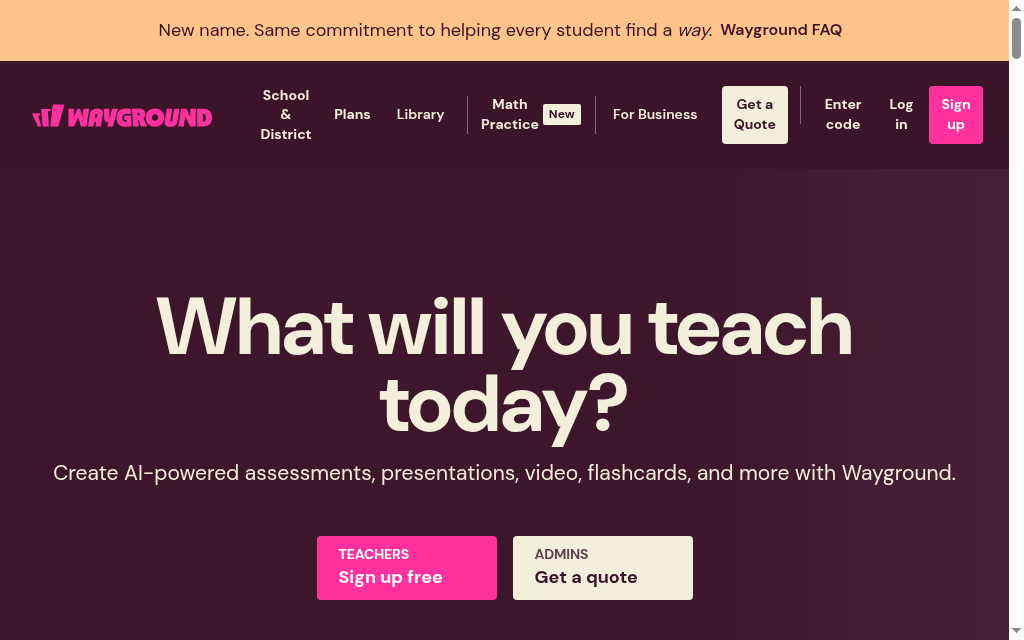
Wayground is the platform formerly known as Quizizz, rebranded in June 2025 with accounts and content carried over. Its AI Generation Hub turns one file into quizzes, lessons and flashcards, and gamified delivery is the big plus.
leaderboards, team play and real-time response tracking, with stronger in-question video and media than most rivals.
It serves classroom and live-learning workflows as well as assigned activities. Check the actual report download and integration route your team needs; a platform’s classroom origins do not by themselves establish a reporting defect.
Testing notes: Testing the PDF upload, the useful bit was a toggle that keeps the document attached to the quiz, so learners scroll the source while answering instead of working from memory. It turns a plain quiz into a comprehension task, which suits reading-based lessons better than the standard mode.
Pricing: Starter is free with a 20-resource library limit. Paid access varies by individual, school and district offer; include AI, storage and reporting requirements.
7. ClassPoint AI
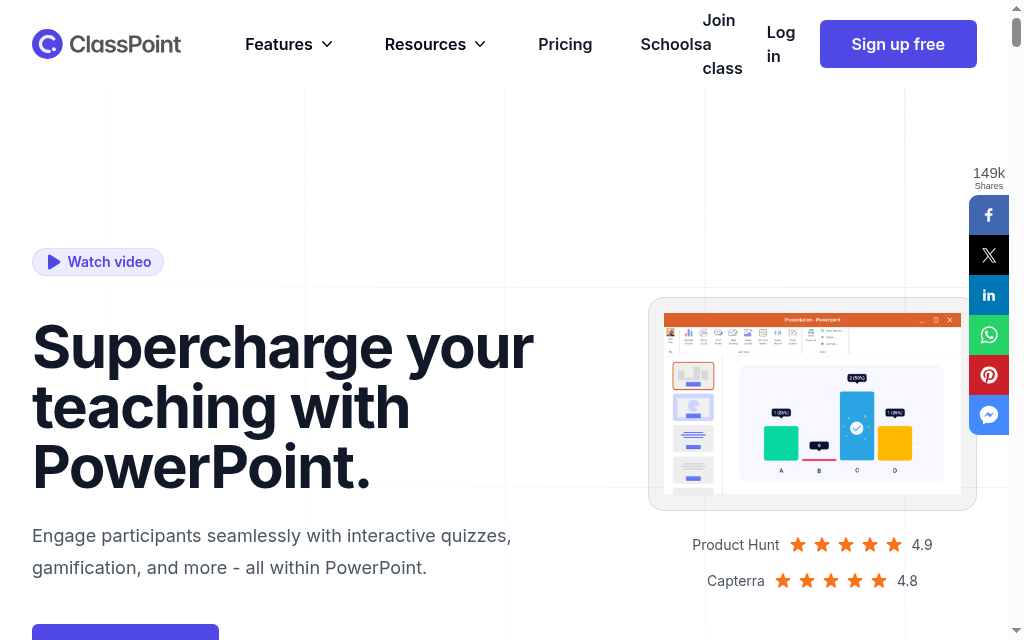
ClassPoint AI generates questions directly inside a PowerPoint deck. Pick a slide, trigger the AI, and questions appear as interactive elements; participants join by link and answer live on their own devices.
no export step if your material is already in PowerPoint, and varied types (short answer, word cloud, drawing, drag-and-drop) for interactive sessions.
no standalone or async delivery and no LMS export, results stay inside ClassPoint.
Testing notes: The thing that caught me out was editing a question's settings after setup. There is no obvious way to reopen them, I had to delete the button off the slide, close PowerPoint completely, then reopen and re-add it. ClassPoint also switches itself on for every deck, so I unticked the ribbon boxes to keep it off my other files.
Pricing: Basic is free for up to 25 participants with 20 AI credits. Pro is US$96/year, with up to 200 participants and 500 monthly AI credits; Premium is quoted.
8. iSpring Suite AI
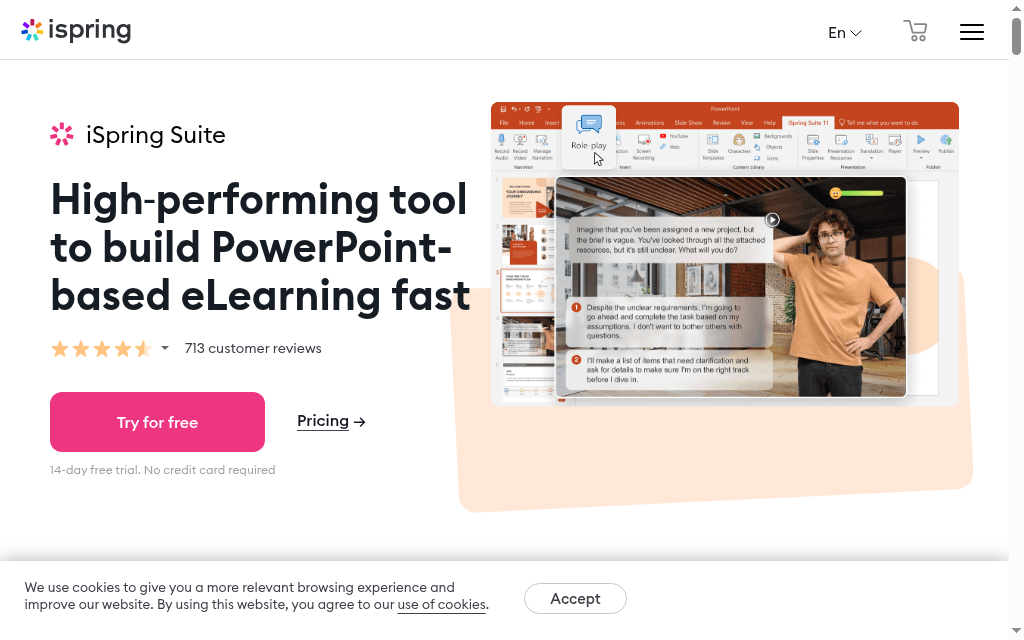
iSpring Suite AI is not a standalone quiz tool; it is a PowerPoint-based eLearning suite with AI quiz generation as one feature. It exports SCORM 1.2, SCORM 2004, xAPI and HTML5, with 14 question types.
it handles 500+ questions without slowdown, and generation sits inside the same tool you build SCORM courses in.
The purchase includes a wider authoring workflow, so judge it against the PowerPoint and SCORM work it would replace. A standalone question generator and a full authoring licence do different jobs.
Testing notes: The setting worth flagging is shuffle answers. If any multiple-choice question uses an 'all of the above' option, untick shuffle for that question, otherwise the randomising moves the answers around and the phrasing stops making sense. Easy to miss until a learner hits it.
Pricing: Suite AI is US$1,290 per author/year; standard Suite is US$970 and Cloud AI US$720. Select the edition that includes the authoring and AI workflow discussed, rather than applying the cheaper Cloud price to desktop Suite.
9. OpExams

OpExams covers the full assessment lifecycle: build questions, publish the assessment, apply AI grading (including open-ended and short-text answers), and read analytics on performance and commonly missed questions.
end-to-end coverage that consolidates separate generation, delivery, grading and reporting tools.
it needs an internet connection, there is no offline access.
My take: I would compare OpExams when question creation, delivery and grading currently require separate tools. Demonstrate the record and connectivity workflow before replacing that stack.
Pricing: Free access and paid assessment arrangements are available. Confirm the unit being billed, AI grading, participant volume and reporting in the current offer.
10. Kahoot
Kahoot combines quiz creation with live, game-based delivery. Learners join a session and answer while the presenter follows responses; the generator helps draft content for that activity. It is useful for checking understanding during a session, alongside any separate assessment record the programme needs.
Generate from supported source material, review the question wording and answers, then configure the session. Compare the question types, participant allowance and reporting in the plan for your audience.
Kahoot’s own docs warn AI answers can be wrong, so verify before publishing, and the question types are narrow for serious assessment.
Testing notes: Generating from just a topic pulled together a decent mix of question types, but a fair few needed checking and tweaking before I would put them in front of anyone. It got me most of the way, not all the way, so budget some editing time.
Pricing: Free and paid plans differ by audience, participant allowance and feature set. Use the education or business offer that applies to your session.
The best free option
In Roediger and Karpicke’s 2006 passage-learning experiment, students who studied once and tested three times recalled 61% of the material a week later, versus 40% after repeated study. That is a reason to build useful retrieval practice into learning, rather than judge a generator by the size of its question bank.
The Education Endowment Foundation estimates an average six months of additional progress for feedback interventions in schools. When trying a tool, I would inspect whether its explanation helps the learner correct an error. That classroom evidence is a reason to check feedback quality, not an outcome promised by these apps.
If budget is the constraint, a few of these have useful free tiers, not just trials:
- Questgen offers 20 free AI generation runs, useful for comparing question quality before choosing a paid allowance.
- Wayground Starter is free with storage for up to 20 resources. Check the plan’s generation and activity limits.
- Coursebox is free for building quizzes inside a course: three mini-courses and unlimited learners on the free plan.
- ClassPoint AI is free for PowerPoint-based live quizzes, with 20 AI credits and 25 students.
Quizgecko now lists a free plan alongside Plus and Ultra. Check its current generation and export allowances rather than relying on the older no-AI free-plan description.
What I would actually pick
Match the tool to the job, not the feature list. Where I would start, by what you are actually trying to do:
- For a question bank to use elsewhere, compare Questgen and the relevant Quizgecko export options. Generate from a real source, inspect the keys and try the output in the destination.
- Building the quiz inside a course you are authoring: Coursebox generates it from your course content and exports SCORM and LTI, so it lands in your LMS without a second tool. It is ours, so weigh that accordingly.
- For assessment administration, compare ProProfs and OpExams against the access, scoring, correction and reporting process your programme needs.
- Turning videos into quizzes: Quizbot builds questions from a YouTube or Vimeo link in seconds.
- Live, in-the-room engagement: Kahoot or Wayground, and if you already present in PowerPoint, ClassPoint AI keeps it in the deck.
The one mistake to avoid is buying a standalone utility when you needed generation embedded in your course, or the reverse. Work out which buyer you are first, then compare.
Disclosure: Carolina Martin works at Coursebox, which is included in the comparison. Existing Coursebox usage figures are first-party historical product analytics. Product and plan conditions were checked in October 2026.
Frequently Asked Questions
Questgen offers 20 free generation runs; Quizgecko has a free plan with current account limits. Coursebox Free connects quizzes with three mini-courses and unlimited learners, subject to AI allowances. Wayground Starter has a 20-resource library limit. Compare the free workflow rather than treating a free signup as unlimited generation.
Yes. Tools such as Quizgecko, Questgen and Quizbot accept source material for question generation. Check the supported format, document-size allowance and export route in the selected plan. Review whether the questions cover the intended learning objectives and whether the answers match the source.
Some tools, including Quizbot, accept supported video links or other media as source material. Check the supported service, transcript access and length allowance. Try a specific section and inspect the questions against what the speaker actually said.
Treat them as a first draft, not a finished assessment. Output is usually good enough for low-stakes knowledge checks, but Kahoot’s own documentation warns that AI answers can be wrong, so a human should verify every question before publishing, especially for compliance or certification.
Compare iSpring Suite AI for quizzes in a wider authoring package and Coursebox for connected authoring, tutoring, assessment and delivery. Check the available export format, plan and live-feature coverage. Other tools have different export and integration routes; test a real score and completion event in your own LMS.
Carolina Martin
Carolina is a highly experienced learning designer with tech start-up experience. She is based in Sydney and previously designed courses alongside Coursebox founder Travis in a previous job. She is passionate about delivering engaging learning experiences and brings the same perspective to customer experience too. She manages our customer support documentation and product testing processes.

