

10 Best AI Tools for Teachers in 2026 (Tested)
The 10 best AI tools for teachers, tested on real classroom jobs: what each one nails, where it slips, and the honest free-tier limits before you commit.

The best AI tools for teachers in 2026 include MagicSchool for a broad teacher toolkit, Diffit for adapting readings, Brisk for in-document feedback and Coursebox for delivered courses with tutoring. Check the output yourself before students use it.
- For most teachers, one broad suite like MagicSchool AI plus two or three sharp tools covers the work better than ten separate logins.
- Always check the answer keys on AI-generated quizzes and the reading levels on AI-leveled texts. Both are wrong often enough to catch you out.
- The strongest free tiers for teachers are Canva for Education, Khanmigo and MagicSchool AI, though most tools cap free use as you scale.
- Keep identifiable student data out of general AI chatbots, and favour tools with a clear school privacy commitment.
Compare MagicSchool AI, Diffit, Brisk Teaching, Conker through three training preferences. Check required features and plan conditions in the entries before choosing.

Turn lecture material into interactive courses in minutes
I spent a week running the AI tools every teacher is being told to use through the jobs I hand them: a Grade 7 lesson plan, a reading passage four different reading levels could handle, a stack of short answers to grade, a quiz, a set of slides. Every one produced something in seconds. None of it was usable without editing first.
An AI tool writes you a good first draft of a lesson, a worksheet, a quiz or a batch of feedback. It does not write the final one. So the useful question is not which tool is smartest, but which draft lands closest to something I would put in front of my class, and how much I have to fix before I trust it.
So that is how I judged these ten: what each one nails, what you still have to do by hand, and the one thing to check before it goes near a student. I am a learning designer, I build courses and assessments for a living, and I care more about what holds up in a real classroom than what looks good in a demo.
I work at Coursebox, which is included here for building and delivering self-paced courses with an AI tutor. The other tools cover planning, feedback, reading, quizzes and live lessons. Choose the teaching job you need help with before comparing the subscriptions.
The time saved is the reason to bother. In Gallup’s 2025 survey of 2,232 US teachers, those who use AI weekly report saving about 5.9 hours a week, roughly six weeks over a school year.
In an Education Endowment Foundation trial involving 259 teachers in 68 English schools, teachers given ChatGPT and a planning guide spent 31% less time preparing Year 7 and 8 science lessons. The assessed lesson quality did not appear to decline. That is a useful reason to try a supported workflow and measure the time left after checking and editing.
How I tested these
I compared planning, reading, written feedback, quizzes and slides, using the free plans where available. I assessed the useful output and the work left for the teacher, with paid or institutional features identified separately.
- Task fit: Does the tool produce the resource or feedback needed for this teaching job?
- Revision: Which facts, answer keys, reading levels and activities need checking?
- Workflow: Can the teacher edit and use the output in the apps already used for class?
- Access: What is included free, and which capabilities need an individual or institutional purchase?
The tools at a glance
| Tool | Best for | Free tier | Price | The catch | User rating |
|---|---|---|---|---|---|
| MagicSchool AI | One free all-in-one suite | Free forever, generation caps | Plus $8.33/mo yearly | Broad but shallow; runs outside Google Docs | Not listed |
| Diffit | Leveled reading passages | Free, last 90 days only | $14.99/mo | Reading levels run about a grade off | Not listed |
| Brisk Teaching | Feedback inside Google Docs | Free, 20+ tools, capped | Free; individual Pro or school quote | Browser workflow; plan limits vary | Not listed |
| Gradescope | Bulk exam and STEM grading | Free Basic, no AI grouping | Institutional quote | AI grouping is institutional-tier only | 4.2 (32) |
| Curipod | Live interactive lessons | Free for every teacher | School/district quote | AI lessons need editing before you run them | 4.7 (13)* |
| Conker | Fast standards-aligned quizzes | 5 quizzes, 50 responses | Pro $5.99/mo | Answer keys can be wrong; check every one | Not listed |
| Canva Magic Studio | Slides and classroom visuals | Free for K-12 teachers | Free for K-12; Pro ~$15/mo | Great design, generic AI text | 4.7 (13,434)* |
| Khanmigo | Maths tutor and planning | Free for teachers | Free; learners $4/mo | Best in maths; student tutor is paid | 4.7 (34)* |
| NotebookLM | Study aids from your material | Generous free tier | Free; paid via Google AI | Only as good as the sources you upload | 4.6 (19) |
| Coursebox | A full self-paced course | 3 courses, unlimited learners | Free; paid creation/LMS plans | More setup than a quick worksheet tool | 4.7 (99)* |
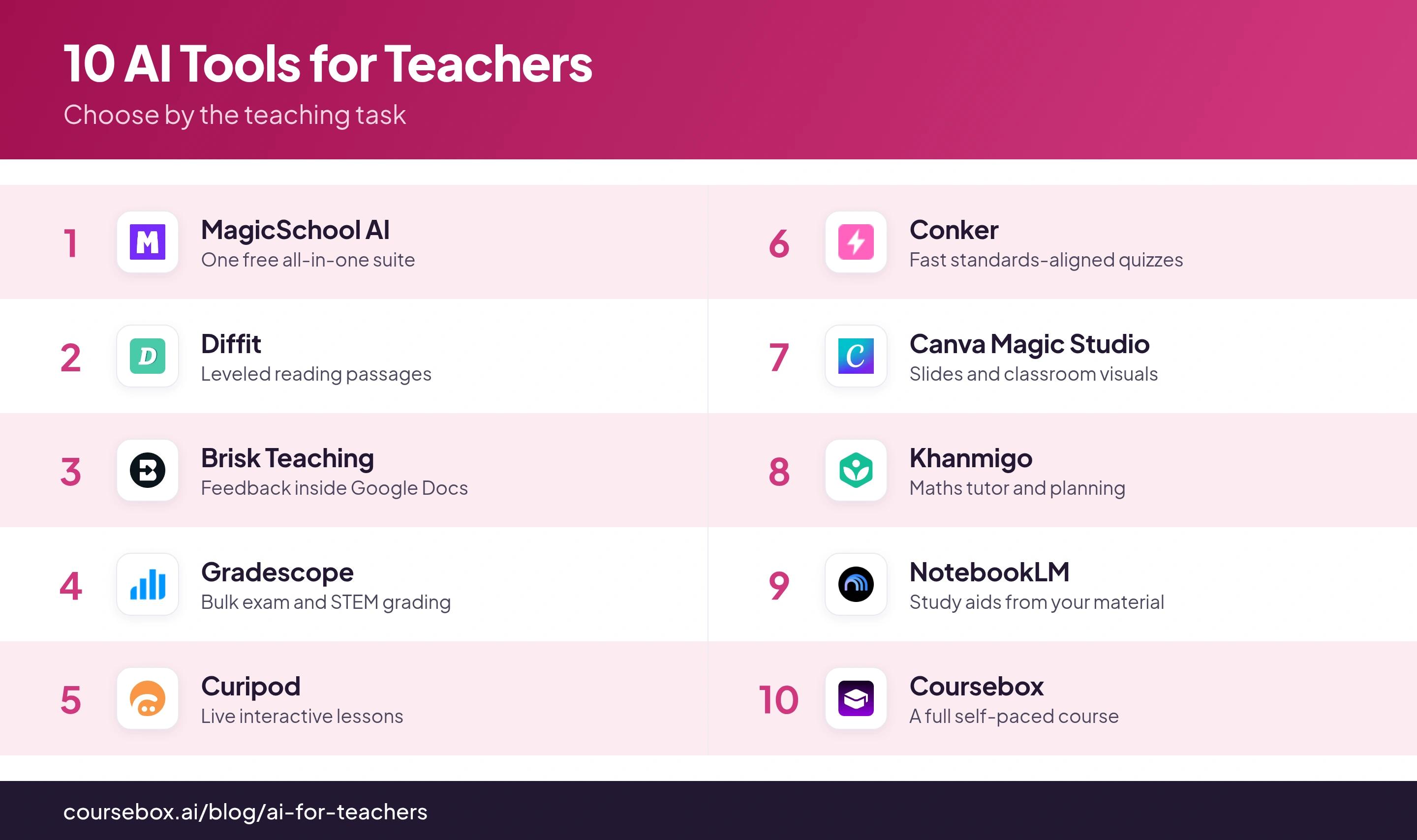
User ratings are out of 5 with review counts in brackets, from G2 as of September 2026, except * from Capterra (Canva Magic Studio rated as Canva, Khanmigo as Khan Academy). "Not listed" marks a tool with no meaningful rating on either. Several of these AI tools launched recently and have too few reviews to list yet, so a blank reflects how new the tool is, not its quality.
The 10 best AI tools for teachers
1. MagicSchool AI
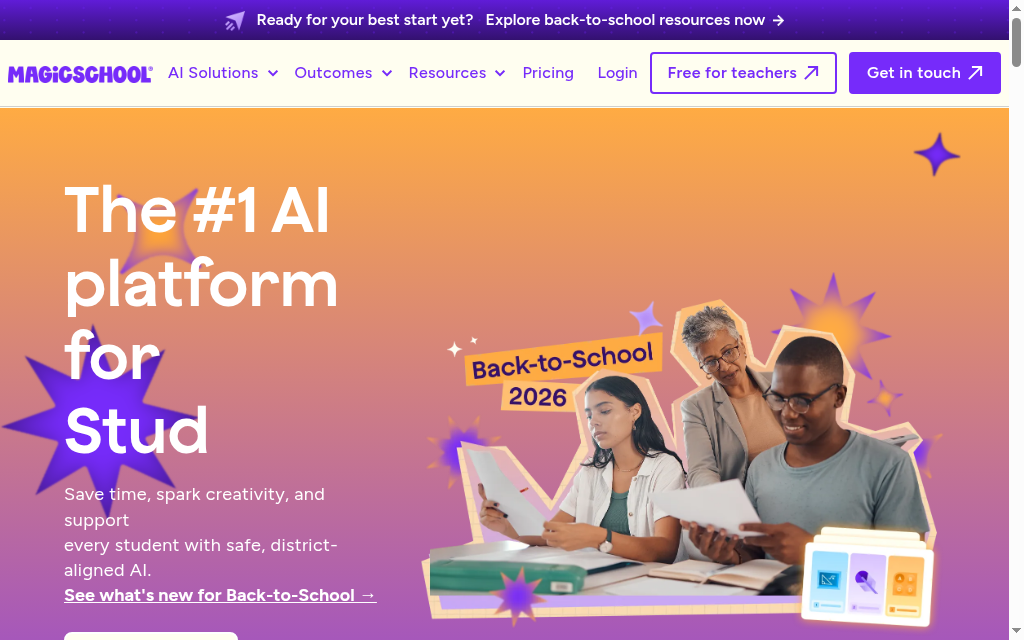
MagicSchool AI is a suite of more than 80 teacher tools in one dashboard, covering lesson plans, rubrics, quizzes, IEPs, report-card comments and parent emails.
Breadth. Whatever the task, there is probably a tool for it, and it holds district-grade privacy (FERPA, COPPA).
no single tool goes as deep as a specialist, and it runs on its own site, so writing feedback means copying text in and out of Google Docs.
What I found: I ran my Grade 7 topic through the lesson planner and got a clean skeleton in seconds. It was generic until I spent about ten minutes swapping in my own texts and examples. Treat it as a starting frame, not a finished plan. The best first stop if you are new to AI. Start on the free plan and pay only once the generation caps get in your way.
Pricing: free forever plan with the 80+ teacher tools and the Raina chatbot; generation caps apply, and unlimited generations is a paid upgrade. Plus is $8.33/month billed yearly ($99.96), or $12.99 month to month.
2. Diffit
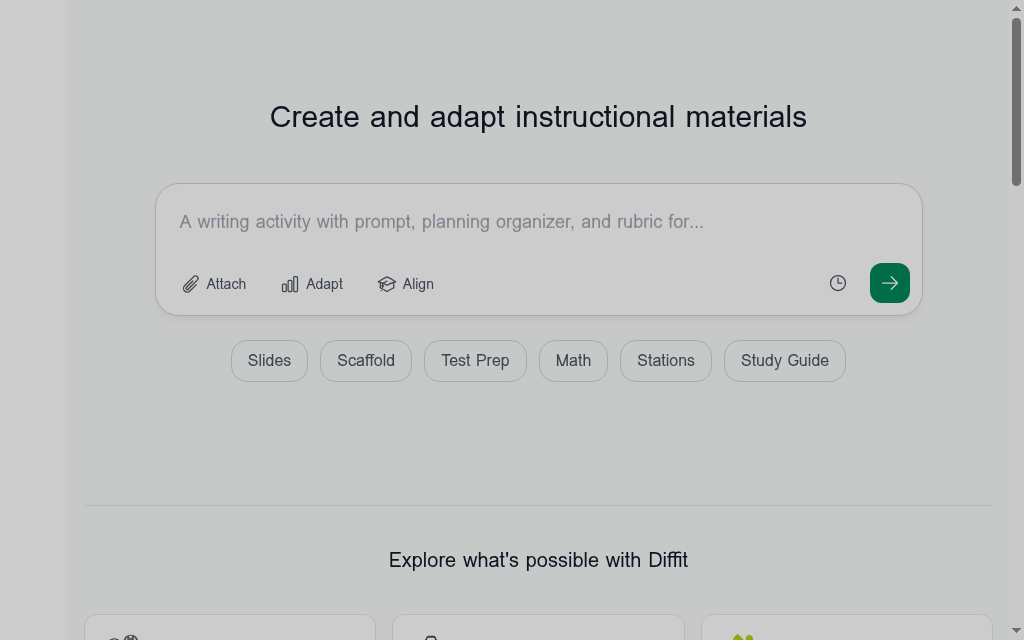
Diffit takes any topic, article, URL or video and rewrites it into a reading passage at the level and language you choose, with a summary, vocabulary and comprehension questions.
One source text at several reading levels at once, each with questions and vocab built for you, in seconds.
the reading levels are approximate and tend to run about one grade off, so you check them before handing them out.
What I found: I generated the same passage at second, fifth and ninth grade, then ran each through a readability checker. Every one came back about a grade off what I asked for. The content and questions were sound, but I re-pitched the level myself. The fastest way to differentiate a text, as long as you treat the grade labels as a starting point and check them.
Pricing: the free plan only opens work you made in the last 90 days; older passages lock unless you upgrade. the individual teacher plan is $14.99/month or $149.99/year.
3. Brisk Teaching
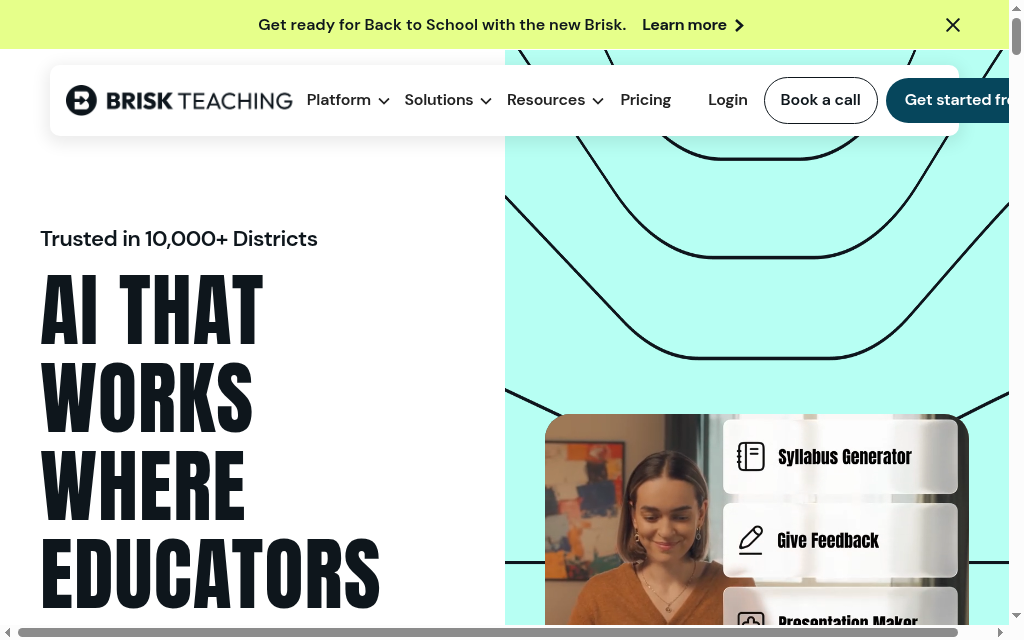
Brisk Teaching is a Chrome extension that adds AI feedback, grading, quiz and slide generation and reading-level tools on top of the Google apps you already have open.
Giving specific, rubric-aligned feedback inside the student’s actual Google Doc, plus Inspect Writing, a replay of how the document was written.
it is an extension, not a standalone platform, so it only works inside supported web apps (Google Docs, Slides, Classroom, Chrome or Edge), and there is no mobile app.
What I found: I ran Inspect Writing on a student draft and watched a keystroke-by-keystroke replay. A big paste from another source shows up as one large block appearing at once, which no AI-detection score would show you. Reach for it if your feedback and grading already happen in Google Docs. The hidden pricing is the catch, so pressure-test the free plan first.
Pricing: A free educator plan includes 20-plus tools with usage limits. Brisk’s FAQ lists an individual Educator Pro upgrade; check account pricing and availability. School and district packages are custom-priced.
4. Gradescope
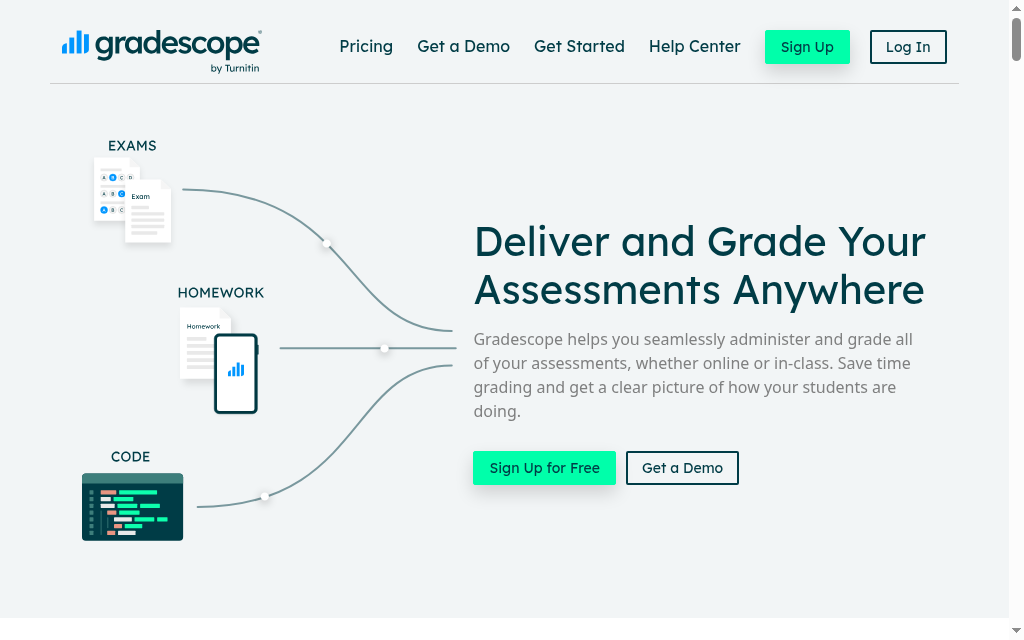
Gradescope, by Turnitin, lets you grade paper, digital and code assignments against a reusable rubric, and groups similar answers so one piece of feedback covers many students.
Rubric-based bulk grading of handwritten STEM work, with AI clustering repeated answers so you mark once and it applies to the whole group.
the AI grouping is an institutional feature, not part of the free plan, and it only clusters structured answers (multiple choice, math or short fill-in), not open essays.
What I found: on short, structured answers the grouping saved real time once it was set up, but my first assignment took about twice as long to configure as the ones after it. Essays did not auto-group, so I still marked those by hand. Worth it for big exam and problem-set loads, mostly at the department level. A solo teacher with small classes will not get the AI part on the free plan.
Pricing: a free Basic plan with rubrics, question-by-question grading, PDF assignments and regrade requests. The AI grouping is not included. institutional plans are quote-based, with no public per-teacher price.
5. Curipod
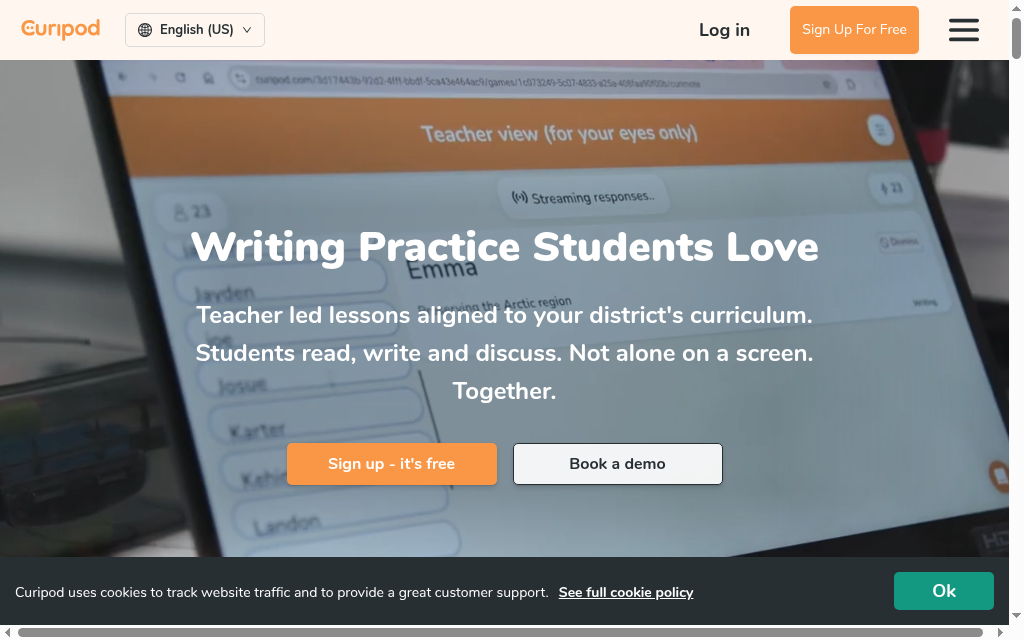
Curipod builds a teacher-led interactive lesson from one prompt, which students respond to live on their own devices. It now leads with writing practice aligned to your curriculum, though the older poll and activity lessons are still there.
Turning one plain-English prompt into a full, student-facing interactive lesson in seconds.
the AI draft oversimplifies or slips in things that need fixing, so you review and edit each lesson before you run it.
What I found: the part I liked was watching responses land in real time. Instead of guessing who understood, I could see the class answer and reteach on the spot rather than after the bell. A strong pick for live engagement and quick formative checks, especially for writing. Generate the lesson, then read it through before the students do.
Pricing: a free plan for every teacher with weekly writing sessions, unlimited student writers and limited curriculum content; student responses cap at 1,000 characters. paid plans are school and district quotes; there is no public per-teacher price.
6. Conker
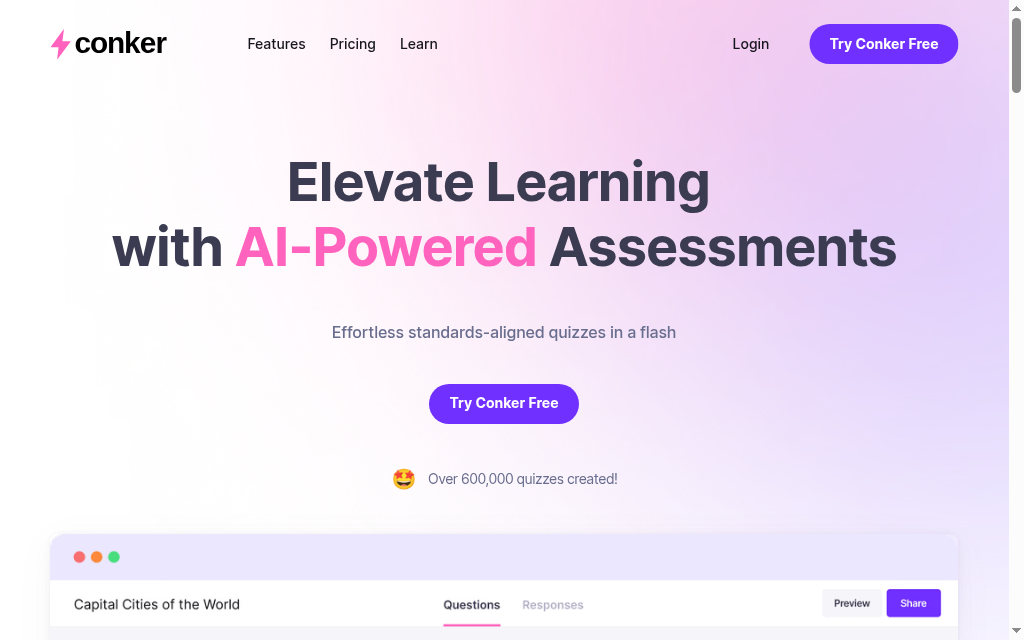
Conker is an AI quiz maker: feed it a topic, a standard or a reading passage and it drafts a multi-format quiz with accessibility built in and export to Canvas and Google Forms.
Paste a reading passage of up to 1,200 words and get a ready-to-edit, multi-format quiz in a couple of minutes.
like every AI quiz maker, its answer keys can be confidently wrong, so you check every one before assigning it.
What I found: I pasted a reading passage and had a full multi-format quiz in about two minutes. Two of the answer keys were wrong, so the couple of minutes I spent proofing were the important part. The most focused quiz tool here and cheap to upgrade. Never assign one of its quizzes without reading the answer key first.
Pricing: the free plan shares 5 quizzes, collects 50 responses and uses all question types, with a 10-question limit and up to 1,200 words of reading. Pro is $5.99/month (save 16% annually); school plans are custom.
7. Canva Magic Studio
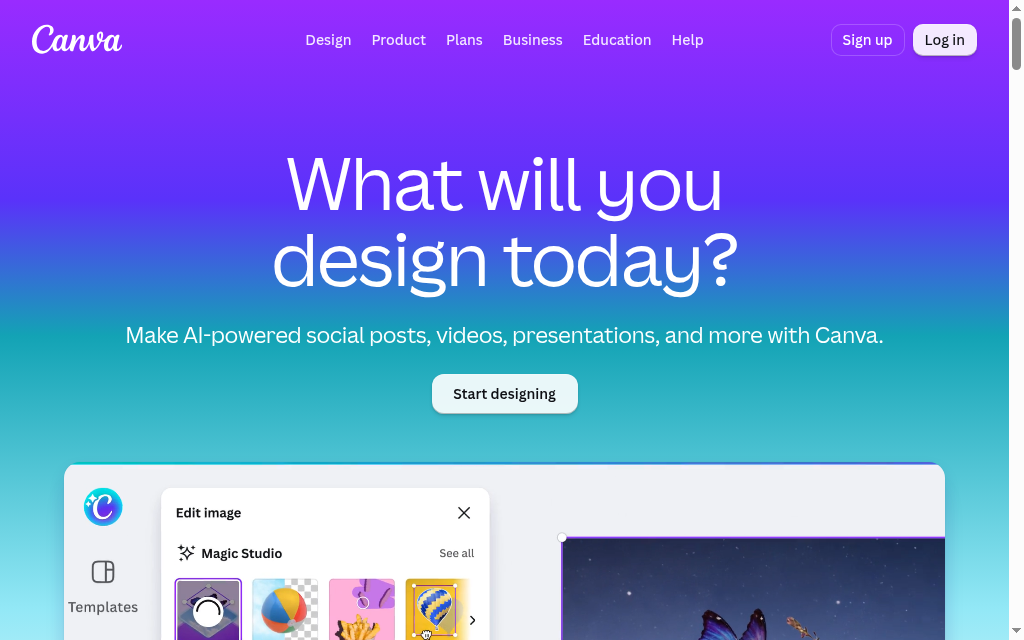
Canva Magic Studio is the set of AI tools inside Canva: Magic Write drafts text, Magic Media makes images, and Magic Design turns a prompt into a slide deck or worksheet you can edit.
Turning a rough prompt into a designed, on-brand set of slides or a worksheet you can adjust, all inside a free education account.
the design is excellent, but the AI-written text is generic first-draft quality, so you rewrite it in your own words.
What I found: Magic Design gave me a clean deck in seconds, but the writing on every slide read like a template. I kept the layout and replaced the words. The visuals did the heavy lifting, not the AI copy. Hard to beat for classroom visuals, and free if you teach K-12. Lean on it for design, not for the words.
Pricing: Canva for Education is 100% free for verified K-12 teachers and includes the Magic Studio AI tools, with some usage limits. free for eligible K-12 educators; Canva Pro is about $15/month (or $180/year) for anyone who does not qualify.
8. Khanmigo
Khanmigo is Khan Academy’s AI assistant. For teachers it drafts lesson plans, rubrics and exit tickets; for students it acts as a tutor that nudges toward an answer instead of giving it away.
The teacher tools are free, and the student tutor is Socratic by design, so it coaches rather than hands over solutions.
it is strongest inside Khan Academy’s own maths and science content, and the free access is for teachers; full student use is a paid subscription.
What I found: the Socratic tutor is good teaching, but a student who just wants the answer finds it frustrating, and I hit response lags long enough to sit and wait. Roll it out expecting that friction, not instant help. An easy yes for maths teachers on the free plan. Set student expectations first, because it will not simply give them the answer.
Pricing: free for teachers, through a teacher verification step. The student and parent tutor is $4/month or $44/year. free for teachers; $4/month for learners and parents; districts are quoted.
9. NotebookLM
NotebookLM is Google’s source-based research and study tool. Upload curriculum documents, PDFs or slides, then ask questions and generate summaries, study guides and audio overviews from that material. It is useful for preparing revision resources from a defined reading set rather than asking an open-ended chatbot to supply the course content.
Answers include references back to the uploaded sources, so you can inspect the passage behind a claim. Source grounding helps verification; it does not guarantee that every answer or audio statement is correct.
it will not go beyond the sources you give it, and it does not fact-check them, so it is only as good as your uploads.
What I found: when I uploaded my own lecture PDFs, every answer came back with a citation that jumped to the exact passage, so grounding a claim took seconds. Clean text PDFs gave sharp answers, and my blurry scanned handouts gave vague ones, so upload quality decides the output. The one to use for revision material and accessibility. Feed it clean sources and the audio recap alone is worth the setup.
Pricing: the free plan is generous: up to 100 notebooks, 50 sources each, and daily limits of 50 chat questions and 3 audio recaps. the free tier covers most teachers; a paid tier with higher limits comes through Google’s AI plans.
10. Coursebox

Coursebox turns your existing material into a complete course: lessons, a quiz and an AI tutor students can ask questions, all in one place they log into. It is our own tool, so I will be straight about where it fits.
What AI does for teachers (and what it doesn’t)
If you are new to this, the tools sort into a handful of jobs. Here is what the AI does for each one, and where it stops.
- Planning and differentiation. Drafts a lesson plan from a topic, or rewrites a text at several reading levels. The draft is generic until you feed it your class, your examples and your standards.
- Grading and feedback. Drafts comments, groups similar answers, applies a rubric you set. It speeds up the first pass. You keep the final grade.
- Worksheets and quizzes. Generates questions and an answer key from a topic or a text. Check the key. It will hand you confident, wrong answers.
- Slides and visuals. Turns rough notes into designed slides and worksheets. The design is the strong part. The AI-written text is generic.
- Student tutoring. Gives students a tutor that nudges them toward an answer instead of handing it over. Strongest in maths. Supervise the rest.
- Live engagement. Builds interactive activities students join with a code, from one prompt. It buys you engagement, not depth.
- Turning your own material into study aids. Takes your curriculum, slides or PDFs and makes summaries, study guides, even an audio recap, grounded in what you uploaded. It will not go beyond your sources, which is the point.
- Building a full self-paced course. Goes past a worksheet to lessons, a quiz and an AI tutor students work through on their own. More setup than a worksheet, for when a worksheet is not enough.
One split sorts the whole list. Some of these are broad suites: one login, a tool for almost everything, output that is solid but generic. Others are sharp single-job tools that do one thing better than the broad suites do. Most teachers end up with one suite and two or three sharp tools, not ten separate logins. And under a lot of these purpose-built tools is a general chatbot, ChatGPT, Gemini or Claude, doing the actual writing; you can use those directly too, but the classroom tools below wrap them in the standards, guardrails and privacy a raw chatbot does not have. Everything below is judged on how close its first draft gets, and what you still have to fix.
Whatever tool you use, read its first draft yourself. Check every AI-generated answer key and every AI-leveled reading passage, because both are wrong often enough to catch you out. And keep names and identifiable student data out of general chatbots, stick to tools with a clear school privacy commitment.
Going past a single worksheet to a structured, self-paced course with an AI tutor that answers student questions on your material around the clock.
it is course-building, not classroom admin, so it is more setup than a quick worksheet tool. Reach for it when a worksheet is not enough.
What I found: I will be straight since it is ours. The AI drafts a full course, lessons, quiz and tutor, from your material in one pass, which is fast. You still shape the lessons and check the quiz, the same first-draft rule as everything else here. The pick when you want students to work through something, with a tutor on hand, rather than complete a worksheet. Overkill if all you need is a printable.
Pricing: Free includes three mini-courses of up to five pages each, unlimited learners and limited AI allowances, with a Coursebox watermark. Paid plans expand creation capacity and remove the watermark; Pro + LMS adds a branded platform, groups and learning paths.
Which should you use
Start with the job that eats your week. If you are new to all of this, begin with MagicSchool AI, one login with a tool for almost everything, and add sharp tools as the gaps show up: Diffit if you level texts most nights, Gradescope for big exam stacks, NotebookLM to turn your own material into study aids. Reach for Coursebox when a worksheet is not enough and you want students working through a full course with a tutor on hand.
Most teachers end up with one broad suite and two or three sharp tools, not ten logins. If grading is the job that dominates your week, we go deeper in our guide to AI grading tools. The rule holds for all of them: read the first draft yourself before your students do.
For a closer comparison of the planning workflow and what each tool produces, see our AI lesson plan generators guide.
Frequently Asked Questions
It depends on the job, but three stand out for free use: MagicSchool AI for planning breadth, Canva for Education for design (free for verified K-12 teachers), and Khanmigo for teacher tools. Conker, Curipod and NotebookLM also have real free tiers. Most free plans cap how much you can generate or store, so expect to hit a ceiling as you scale.
Stick to tools with clear school privacy commitments, such as MagicSchool (FERPA and COPPA), Google and Canva for Education. Do not paste names or identifiable student data into a general chatbot, and check your school or district policy before you upload anything with student information in it.
It can speed up the first pass, not replace your judgement. Gradescope groups similar answers and Brisk drafts feedback, but you keep the final grade and you check the answer key. On anything open-ended, treat the AI as a first reader, not the marker.
A writing-process replay can show a large paste or a change in how a document was composed, but it cannot establish where pasted text came from. Discuss the work with the student and follow your school’s assessment policy. Neither a replay nor an AI-detection score should determine misconduct on its own.
It saves real time on first drafts: a lesson skeleton, a quiz, a batch of feedback. You spend some of that back editing and checking, which is where the real net saving is decided. The specific hours-saved figures tools advertise usually come from their own surveys, so treat them as marketing, not measurement.
Not to start. Almost every tool here has a real free tier, and you hit the caps as your use grows. The sensible path is to run the free plans, see which one or two you reach for every week, and pay only for those.
Carolina Martin
Carolina is a highly experienced learning designer with tech start-up experience. She is based in Sydney and previously designed courses alongside Coursebox founder Travis in a previous job. She is passionate about delivering engaging learning experiences and brings the same perspective to customer experience too. She manages our customer support documentation and product testing processes.

