

8 Best Open-Source Learning Management Systems in 2026: A CTO’s View
A CTO’s comparison of eight open-source learning management systems, covering licences, deployment, course workflows, support and the cost of keeping a learning site running.

The best open-source learning management systems in 2026 include Moodle, Open edX, Canvas, ILIAS, Sakai, Chamilo, Odoo Community and Forma for different operational and learning needs.
- Compare the exact release licence, components, maintenance channel and support route before choosing infrastructure.
- Open edX’s Tutor deployment, Canvas’s Rails stack and Sakai’s Java stack require different operational skills. Managed support is another option.
- Forma is GPL-based, not Apache 2.0. Totara and managed Open LMS offers have separate commercial terms and are outside this open-source ranking.
- Trial course and record migration, backups, reporting and a staged upgrade. A source repository does not remove those costs.
Use three preferences to compare four starting options. Check the entries for required capabilities, prices and plan conditions.

Run your own branded LMS with unlimited learners
I got interested in computers long before most people had them at home, which is maybe why I have never accepted the argument that open-source infrastructure is the option you pick when you cannot afford the alternative.
After 20 years shipping SaaS, the pattern is clear. Teams who choose an open-source LMS because the licence is free usually end up frustrated. Teams who choose it for control, their own data, their own API and the freedom to patch a security hole on their own schedule, rarely do. Open source is not the cheap option. It is infrastructure you own and have to run.
Disclosure: I'm Toni Arrebola Gomez, CTO at Coursebox. Coursebox is an AI-powered course authoring LMS, not an open-source LMS, and it does not appear in this platform list. Coursebox products are referenced in links within this article.
How I judged them
A platform decision at this level reduces to one question: what can your team actually own in production, three years from now, when something breaks? So I weighed four things.
- Licence and governance: Check the exact release licence, distribution obligations, active maintainers and decision process. A company or foundation label alone does not predict whether a project will receive the support your deployment needs.
- Who can actually run it: The stack, PHP, Ruby, Java or Python, and whether it needs a capable sysadmin or a full DevOps team. My test is simple: is there one person on your team who can own it at 2am when it breaks?
- What it is best at: Every platform here wins at something: be it plugin depth, compliance, interface or ERP integration. I have named each one’s real edge rather than scoring them all on the same grid.
- The real total cost: Include infrastructure, security and maintenance work, content administration and major upgrades. Test a backup restoration and staging upgrade before assuming a free licence makes the running cost negligible.
This article is for engineers, IT managers and CTOs weighing whether to run their own LMS infrastructure. If you want a hosted free platform instead, the best free LMS roundup covers the freemium options. One platform I deliberately excluded is ATutor: I checked the GitHub repository and commit activity has been minimal for years with no substantive releases, and I will not put a self-hosted platform in a production recommendation when active security patching is not verifiable.
Open edX reports supporting more than 140 million learners across 70,000 courses. That shows an established ecosystem, not the capacity of a fresh self-hosted installation. I would still load-test the intended course and audience.
Comparison at a glance
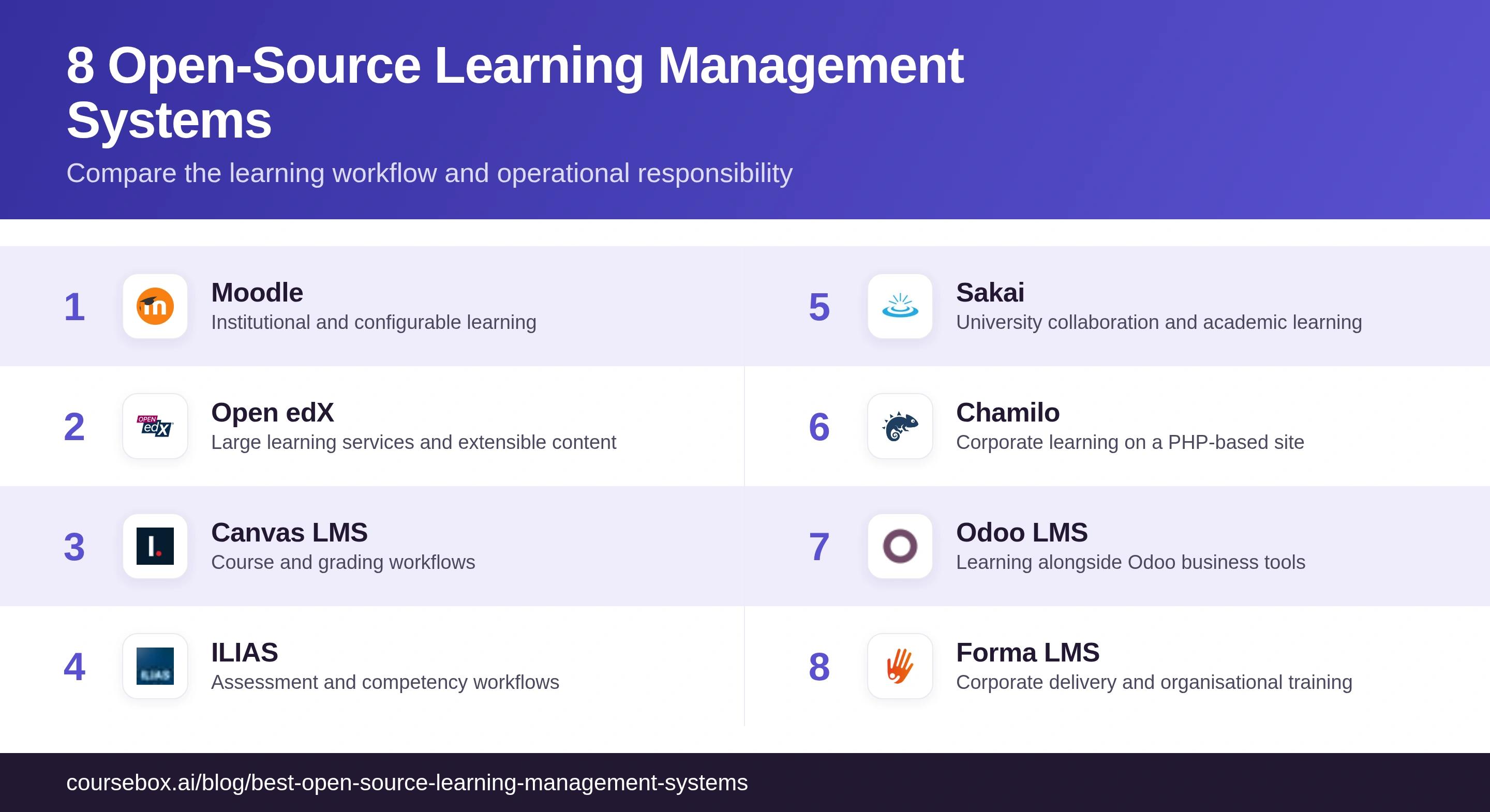
| Tool | Deployment fit | Check first |
|---|---|---|
| Moodle | Institutional and configurable learning | Plugins, support and staged upgrades |
| Open edX | Large learning services and extensible content | Tutor operations, release and component licences |
| Canvas LMS | Course and grading workflows | Rails operations and AGPL source obligations |
| ILIAS | Assessment and competency workflows | Release requirements and reporting |
| Sakai | University collaboration and academic learning | Java operations and supported release |
| Chamilo | Corporate learning on a PHP-based site | Current reporting, integrations and support |
| Odoo LMS | Learning alongside Odoo business tools | Community versus Enterprise modules |
| Forma LMS | Corporate delivery and organisational training | Exact GPL licence, updates and administration |
Compare the actual open-source release, not only the vendor’s hosted demonstration or an unrelated review rating. Totara and managed Open LMS offerings have separate commercial access and service terms; they are not treated here as freely downloadable community packages.
1. Moodle
Best for: institutions with a dedicated LMS admin or a Moodle-certified partner already in the picture.
Moodle is the reference point every other platform here gets measured against: running continuously since 2002 on a PHP stack, GPL v3, with the deepest plugin catalogue in the category.
- Licence & governance: Moodle LMS is GPL v3, with Moodle’s commercial organisation and community contributing to the project. Moodle Workplace is a separate licensed product. Compare the features in the actual LMS edition rather than assume all Workplace capabilities are open core.
- Stack: PHP/LAMP, standard sysadmin skills. I have seen it scale from two-course pilots to hundreds of thousands of learners without a platform change.
- Strongest at: plugins and community. The catalogue and the certified-developer network mean you are rarely solving a problem nobody has solved before.
- The catch: Administration and upgrades need planning. In my evaluation, navigation took time to learn; I would test the current theme with learners, stage plugin upgrades and load-test the peak assessment workload. Interface preference alone is not evidence that every deployment is dated.
Deploy notes: Moodle is the best-documented install here, a LAMP box with moodledata sitting outside the web root. However, cron is not optional: if it does not run every minute, emails, notifications and scheduled backups stop and Moodle just nags that cron has not run. And PHP’s default max_input_vars of 1,000 is too low for Moodle’s big settings and permissions pages, which then save only some of their fields with no error until you raise it.
My take: the safest long-term bet if you budget for the admin overhead honestly. The wrong pick for a team expecting to install it and ignore it.
2. Open edX
Best for: universities and large providers with a dedicated DevOps engineer, not just a sysadmin.
Open edX is what MIT and Harvard built to run edX at scale, and the platform with the narrowest deployment window on this list, so the organisations it actually suits are rarely the ones drawn to it because it sounds impressive.
- Licence & governance: Open edX is stewarded through the nonprofit Axim Collaborative, with multiple repositories and licences to inspect. Review the actual components, release support and contributor activity rather than assume nonprofit status removes roadmap risk.
- Stack: Python/Django with Tutor as a documented Docker-based deployment route. Production operations need someone who can manage the containers, backups, upgrades and dependencies; a managed provider is an alternative to building all that capacity in house.
- Strongest at: architectural ambition and scale. XBlock extensibility is powerful, but custom content types are Python development, not a content task.
- The catch: deployment is where most evaluations stall. Run a Tutor install on a test server before you commit, the deploy tells you more about whether your team can own this than any feature list.
Deploy notes: I followed the Tutor route, and the install itself is a single tutor local launch that runs in about twenty minutes. The work is everything before it: a server with at least 8GB of RAM, DNS records pointed at it, and Docker running under a non-root user. Get the server and DNS right and the SSL sorts itself out; get them wrong and that is exactly where the horror stories come from.
My take: worth the complexity only if you can own a Python/Django stack end to end. The engineering requirement is the threshold, not a caveat.
3. Canvas LMS (Community Edition)
Best for: Institutions that can maintain the Rails-based system and assess the AGPL obligations for their intended modifications.
Canvas’s community edition on GitHub (AGPL v3) is a capable open-source LMS, and most people who ask me about it have the product wrong.
- Licence & governance: Canvas uses AGPL v3. Section 13 concerns offering corresponding source to users interacting over a network when the programme is modified. It is not simply an internal-versus-external exemption, nor does it ban modification. Review the actual licence and any separately contracted services for your deployment.
- Stack: Ruby on Rails, with community deploy guides. Self-hosted instances run without Instructure’s SLA, and downtime patterns show up in the self-hosted review base.
- Strongest at: the interface and grading. SpeedGrader is consistently rated one of the best grading workflows anywhere, and it plus Blueprint Courses ship in the community build.
- The catch: what a contract removes, Canvas Studio, Credentials, Mastery Connect and the 99.9% uptime SLA. The scale numbers (6M concurrent users, 27M mobile downloads) are Instructure-cloud, not your self-hosted box.
Deploy notes: Canvas’s self-host reputation for pain is real, and it is specific: the server sizing is fine (8GB, four cores), the wall is bundle install. Canvas is a version-pinned Rails app and the production docs drift from the actual code, so on a fresh box the native gems fail to compile against the wrong Ruby and you burn hours before Canvas ever boots. Redis is mandatory, a self-signed cert will not do, and you are papering over missing steps the whole way. This is the entry where I would most seriously ask whether you want to self-host at all.
My take: Compare Canvas for its course and grading workflows when you can own the Rails deployment. Test the open-source build and the licence obligations separately from demonstrations of Instructure’s hosted service.
4. ILIAS
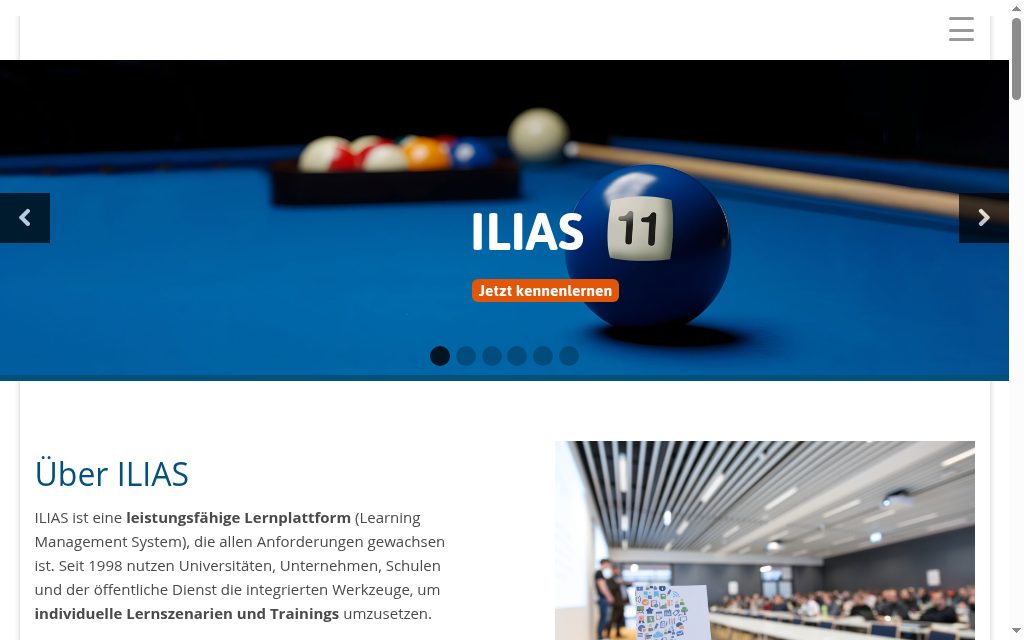
Best for: compliance-first European institutions with German-language support access.
ILIAS sits in a separate class from Moodle and Canvas for compliance work: built at the University of Cologne since 1997 and governed by the non-profit ILIAS Society.
- Licence & governance: GPL v3 with foundation-style governance via the ILIAS Society, which makes long-term stewardship institutionally clear.
- Stack: PHP/MySQL, deployment complexity comparable to Moodle. Standard PHP skills cover the setup.
- Strongest at: A broad assessment and competency toolkit with content standards and learning records. For compliance work, demonstrate the actual renewal, version and report rather than assume it is universally more capable than Moodle.
- The catch: the community and documentation are primarily German. Hit an unusual configuration problem and the relevant forum thread is likely in German; even with AI translation, that adds long-run friction for English-only teams.
Deploy notes: The ILIAS 10 installation documentation specifies dependencies, CLI setup and database constraints, including lack of utf8mb4-collation support for that release. Follow the guide for the release you deploy rather than apply a versionless database rule. Check directory permissions and the PHP range before installing.
My take: the strongest open-source compliance option in Europe with German-language support. For the same needs in an English-first organisation, Moodle’s larger community plus comparable SCORM and xAPI depth usually wins.
5. Sakai
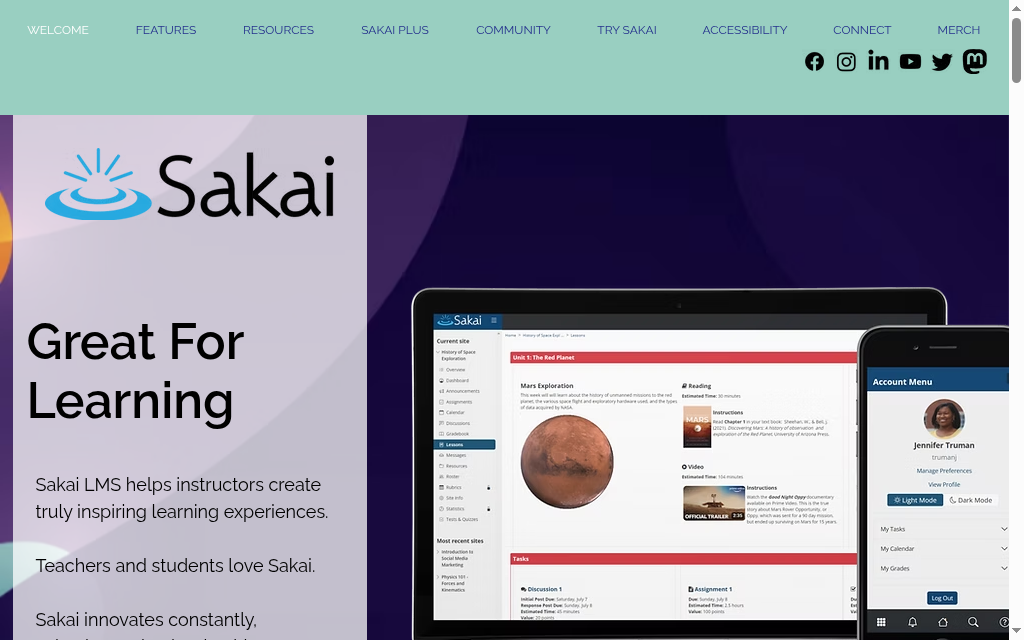
Best for: higher-ed institutions and consortia doing academic collaboration, peer assessment and portfolio work.
Sakai came out of a university consortium (Michigan, Indiana, Stanford, MIT), and that lineage is exactly what it does best.
- Licence & governance: the Educational Community Licence 2.0 (Apache-derived), more permissive for academic redistribution than GPL, which counts when a consortium shares one customised build. Governed by the Apereo Foundation (which also maintains CAS); a decade of foundation stability is a positive fork-risk signal.
- Stack: Java on Tomcat, and this is the operational gotcha. Java application servers have different memory profiles, failure modes and tuning than PHP, a different skillset from running Moodle that has caught teams out.
- Strongest at: academic workflows, peer assessment, portfolios and research-oriented course structures most LMS platforms deprioritise.
- The catch: the Java stack and the academic mental model of rosters, terms and portfolios both fight corporate use cases.
Deploy notes: Sakai’s Java, Maven and application-server versions need to match the release documentation. Allocate build memory, test the supported Tomcat configuration and stage an upgrade before production. An operating-system package versus a tarball is not by itself proof that a server can or cannot run Sakai.
My take: a strong pick for academic institutions that can run Java, and a poor fit for corporate training.
6. Chamilo
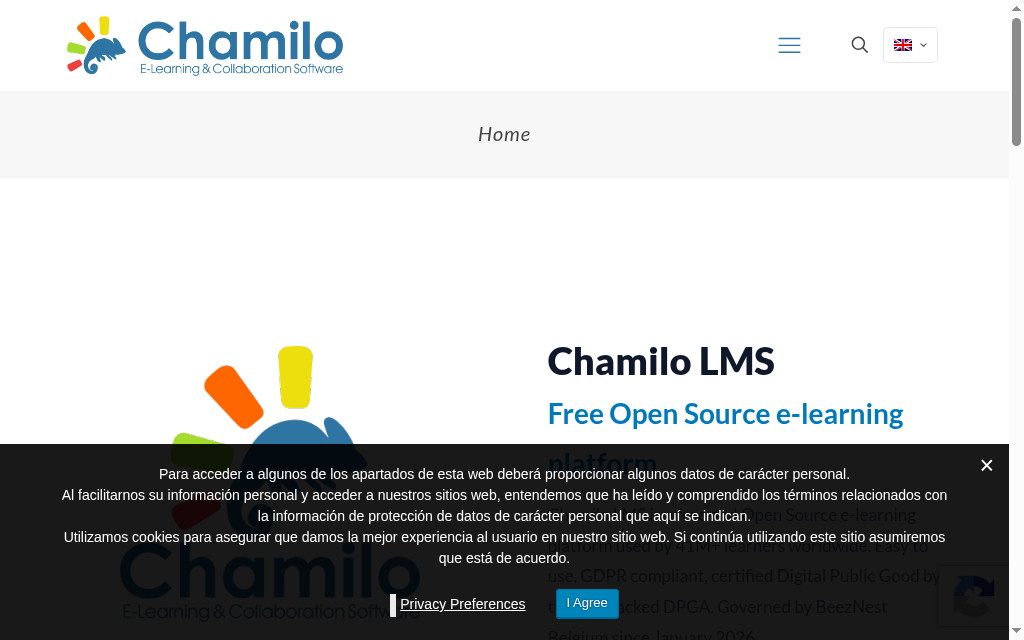
Best for: corporate training teams that want self-hosted ownership without a dedicated LMS specialist.
Chamilo gives you the self-hosted ownership model without Moodle’s or Open edX’s operational weight: PHP, GPL v3, and built from the start to run on modest servers.
- Licence & governance: Chamilo is GPL v3, supported by an association, community and commercial ecosystem. Check the current supported release, security updates and available partners. The presence or absence of a for-profit steward does not by itself establish continuity risk.
- Stack: PHP, light enough to run on shared hosting (not ideal, but it works in a way Open edX never would). Cleaner default UI and faster course creation than Moodle since the 2010 Dokeos split.
- Strongest at: operational simplicity, covering compliance basics like SCORM, quizzes, certificates and prerequisites without heavy plugins.
- The catch: Compare reporting, integration and peak workload on a realistic site. A smaller plugin ecosystem may require custom work, but it does not establish a universal learner ceiling or rule out every compliance programme.
Deploy notes: The classic path is a LAMP box plus the browser install wizard, and the wizard stops dead on one missing PHP extension more than any other: intl, which base PHP does not ship. Add php-intl, restart, and you are moving again. The other trap shows up after install, SCORM uploads over about 2MB fail silently until you raise PHP’s upload_max_filesize, and packages with accents or spaces in the filename hang, so keep filenames plain.
My take: the pick for a manageable self-hosted platform when running the LMS is nobody’s full-time job.
7. Odoo LMS
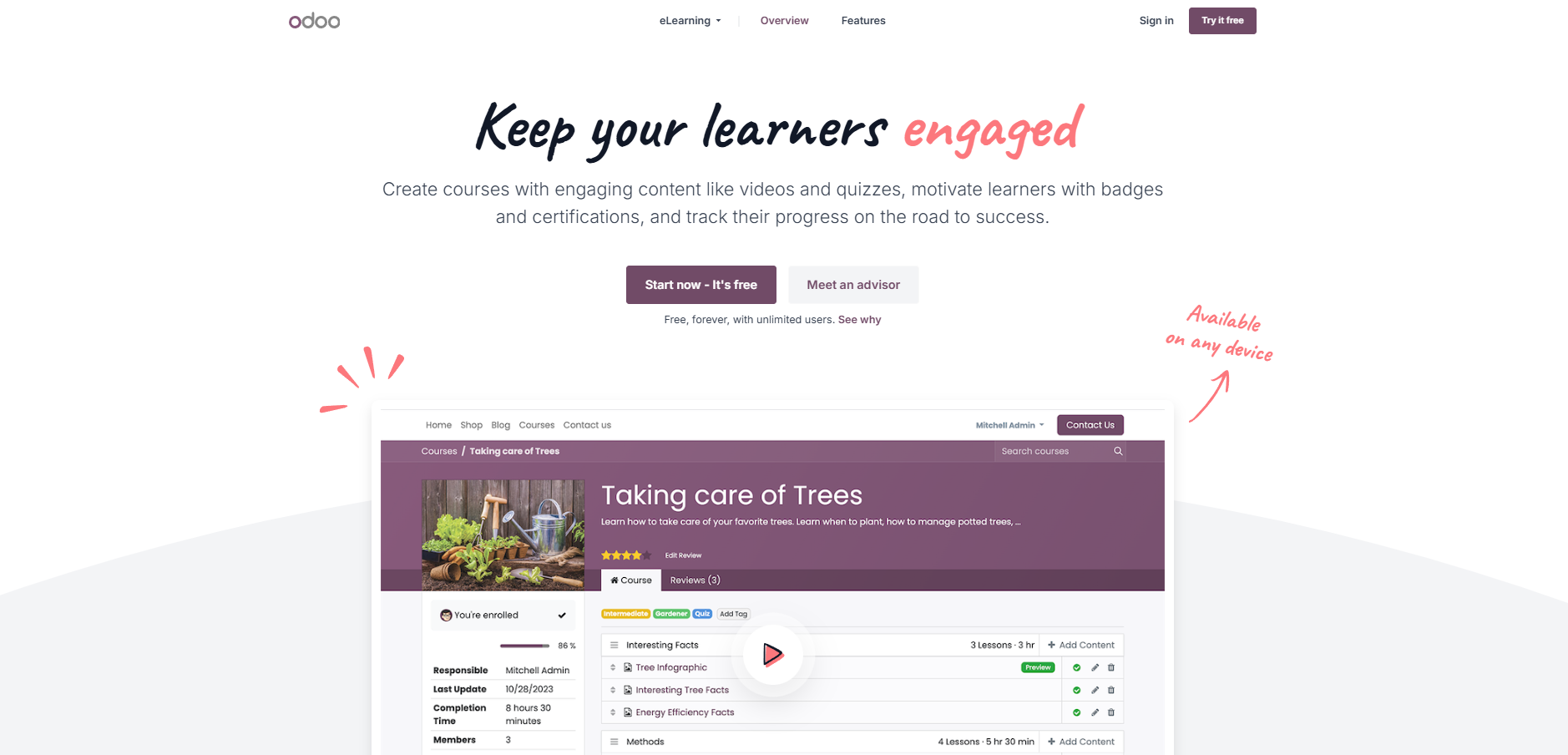
Best for: organisations already running Odoo ERP that want training tied to HR data.
Odoo LMS is not a standalone LMS. It is an open-source ERP suite whose eLearning module happens to include one, and the honest framing counts for the decision.
- Licence & governance: community edition under LGPL v3, commercial modules under Odoo Enterprise. The LMS cost is bundled into a broader ERP contract question, not a standalone platform decision.
- Stack: part of the Odoo suite, so the eLearning module lives in the same data model as HR, CRM and projects.
- Strongest at: native integration for training coupled to business processes, onboarding records, compliance tied to HR data, skills linked to project staffing. Low marginal overhead if you already run Odoo.
- The catch: as a standalone LMS the learning features are adequate, not deep, no advanced assessment, SCORM depth or compliance reporting at Moodle or ILIAS level.
Deploy notes: Odoo dependencies vary by release. Follow the matching installation and reporting documentation, including the PDF-rendering requirement, instead of installing a patched binary intended for another distribution. Test a report and restore before rollout.
My take: a fit only if Odoo is already your operations backbone. If SCORM authoring is the job, start with a SCORM authoring tool instead.
8. Forma LMS
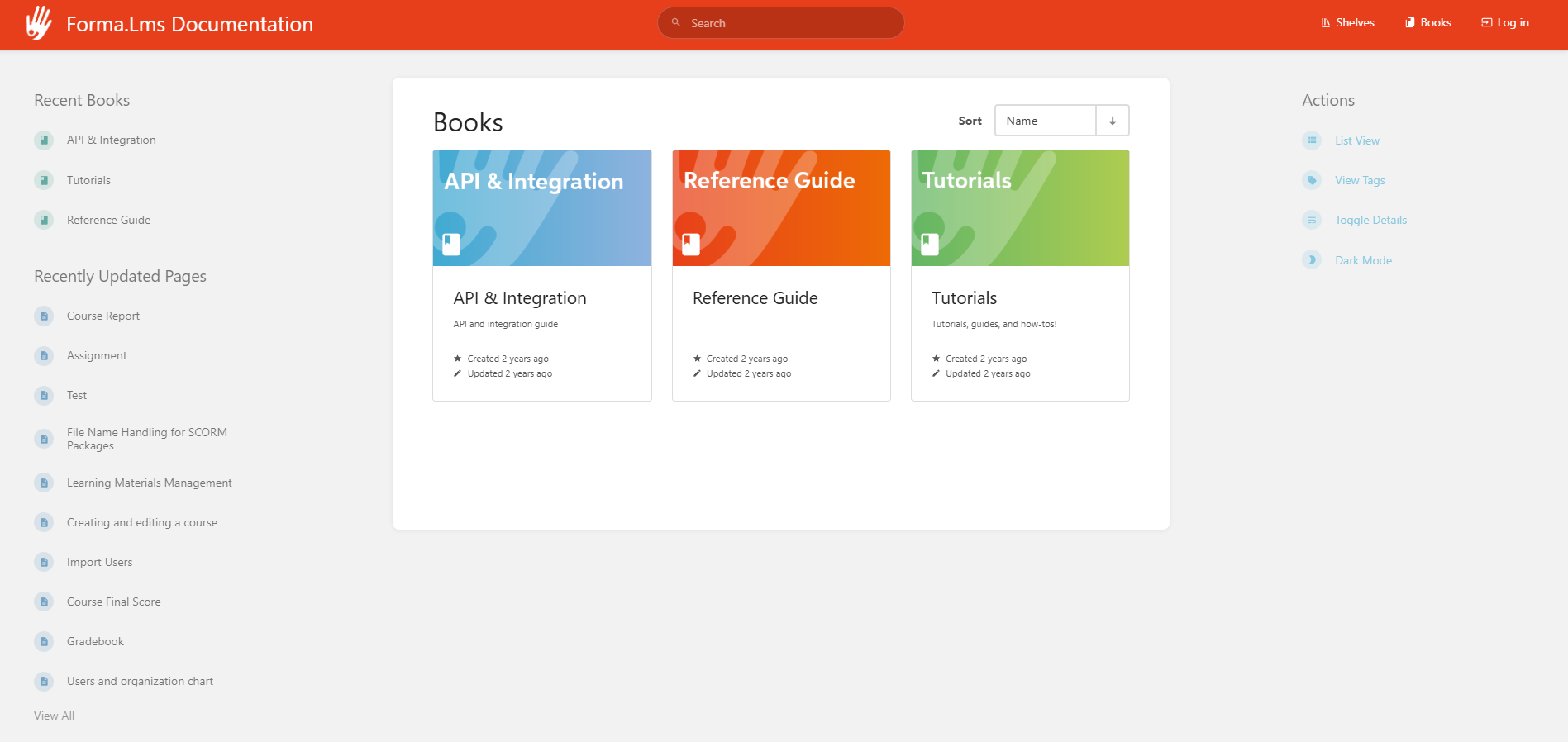
Best for: Corporate training teams comparing a PHP-based open-source delivery platform.
Forma LMS grew from the open-source Docebo community lineage and focuses on corporate learning. Its licence is GPL-based, not Apache 2.0. Inspect the licence files and update rights of the exact release before using it in a distribution or custom service.
- Licence & governance: Forma’s official about page and source headers identify GPL v2.0 terms. Check the licence of the exact distribution and any extensions, alongside the current update and maintenance channel. It is not an Apache 2.0 product.
- Stack: PHP.
- Strongest at: Corporate course delivery, organisational management, tracking and certification in a PHP-based platform. Trial the current report and delegated-management workflow against your programme.
- The catch: fork risk. For a production deployment you expect to run five or more years, the small community and thin governance deserve explicit evaluation.
My take: Compare Forma’s actual corporate workflow with Chamilo and Moodle. I would choose on course delivery, administration, reporting and maintainable customisation, after checking the release licence and support route.
What self-hosting actually costs
The licence is the cheapest part of an open-source LMS. Here is what teams actually spend to run one in production, mapped to the three cost layers above. Treat these as planning ranges, not quotes.
- Infrastructure: the predictable layer. A few hundred learners run comfortably on a $20 to $100 a month VPS. A few thousand active learners with real concurrent-assessment load want $200 to $800 a month of cloud. High-concurrency enterprise deployments run $1,000 to $5,000 and up. Open edX sits at the top of every band because of its multi-service architecture.
- Maintenance labour: the layer that catches teams in year two, and usually the biggest line. Security patching, plugin vetting, upgrades and user-support escalation add up to a fractional-to-full sysadmin or DevOps role, roughly $1,000 to $5,000 a month in loaded labour, or a partner support contract in the same range. No licence-free pitch mentions this one.
- Implementation and migration: close to zero if you self-install and accept the defaults; $5,000 to $50,000 with a certified partner once you add theming, SSO and SIS or HRIS integrations, and migrating your existing content and users.
Add it up over three years and a self-hosted open-source LMS is rarely the cheapest option on total cost of ownership. It is the most controllable one. That, not the zero on the licence, is the trade you are actually making.
Self-hosted or hosted: the real decision
Before you compare platforms, it is worth being honest about the category choice underneath the list. Self-hosting open source buys control and pays for it in labour; a hosted platform buys speed and pays for it in per-seat fees and vendor limits.
| Self-hosted open source | Hosted platform | |
|---|---|---|
| Software cost | $0 licence, no per-seat fees | Subscription, usually per seat or per plan |
| Who runs it | Your team: a sysadmin, or DevOps for Open edX | The vendor |
| Time to live | Weeks to months | Depends on configuration and content |
| Data and control | Choose hosting, access and patching, with operational responsibility | Vendor-controlled, within their limits |
| Cost shape | Low licence, high labour, less predictable at scale | Predictable monthly or annual fee |
| Getting out | You own the data; migration is still real engineering work | Export via SCORM, xAPI or CSV where the vendor supports it |
| Best when | You need control and have the team to own it | You need it running now without a sysadmin |
The licence is free. Running it is not. Budget for three layers before you commit: the infrastructure to host it, the labour to keep it patched and upgraded, and the one-off cost of implementation and migration. On every deployment I have seen, that middle layer, a person who actually owns the admin panel, is the one teams forget to cost, and it is what decides whether the project survives its second year.
What about WordPress LMS plugins?
If you searched for an open-source LMS hoping for a WordPress answer, that is a different category, and worth being clear about. LearnDash, LifterLMS, Tutor LMS, Sensei and the fully GPL Masteriyo are plugins that turn a WordPress site you already run into a course platform. They are open-source in the WordPress sense, and for a creator or a small training site they can be excellent.
The real question is not which LMS, but whether you want a standalone platform or a plugin on your WordPress stack. A plugin means one less system to host, but it ties your LMS to WordPress’s performance, security patching and plugin-conflict surface. For a course or two on an existing site, a plugin wins. For a training programme you expect to scale, standardise and report on, a standalone platform from this list is the more durable base.
Migration and getting your data out
Owning data and migrating it are different jobs. Check import and export separately for courses, quizzes, users, grades and files. SCORM, xAPI and Common Cartridge support vary by product and direction; none guarantees a full-fidelity migration. Trial one representative course and its records before committing.
How I would frame my decision
Platform decisions at this level don't reduce to a feature matrix. They reduce to one question: what can your team actually own in production, three years from now, when something breaks?
Moodle is a useful starting comparison when you have an accountable administrator or partner. I would test the required plugins, report and upgrade path rather than assume its community removes the work of maintaining a customised site.
Open edX is worth comparing for an ambitious learning service when you can maintain the Tutor deployment or buy suitable managed operations. Pilot the content workflow and one upgrade before choosing it for scale alone.
- Some teams need hosted training more than source-code control: Coursebox, our AI LMS, connects creation, assessment, tutoring and delivery with unlimited learners and plan-dependent export. Our recorded 6,743 users exporting courses this year illustrates an export workflow, not a guarantee that every course feature or record migrates unchanged. It is a hosted alternative outside the open-source ranking.
- In the end, all I can say is: pick the platform your team can own. Everything else is a feature you'll never reach.
Frequently Asked Questions
A licence without a software fee still needs hosting, security, backups, updates, administrator time and support. Commercial services and extensions can add separate terms. Budget a staging upgrade and restore test as well as launch.
Chamilo is a useful PHP-based comparison for a focused course site; Moodle has a larger plugin and partner ecosystem. Ease depends on your team’s stack and support route. Try installation, backups, course editing and one upgrade rather than choose by a generic difficulty ranking.
A free hosted plan has vendor-set usage limits. Open-source software provides licence rights to inspect and modify code, while hosting and support may be in-house or paid. Neither label alone establishes residency, a fixed cost or complete data portability.
Yes. Its community source is published under AGPL v3. Check Section 13’s source-offer obligation for modified programmes used over a network; internal users are not an automatic exemption. Hosted services and add-ons are separate purchases.
Compare the exact assessment, course-version, recurring assignment and evidence workflow you need in Moodle, ILIAS and other suitable platforms. Test the export and support route. The licence or a general compliance label does not establish suitability for every regulated programme.
Production operations need a named owner, whether in-house or a managed provider. Compare the supported stack, security updates, backups, monitoring, integrations and upgrade procedure. Custom features may require development even when day-to-day administration does not.
Toni Arrebola
Toni joined Coursebox in 2024 as a software engineer and later moved into a CTO position with us after having a quick positive impact. He has 25 years of experience building SaaS platforms and managing high performance development teams. He transitioned from UI/UX design into product-minded software engineering. He previously founded and built a SaaS platform from scratch, scaling the business to 1,000+ paying customers. Toni is located in our Perth, Western Australia office and is originally from Spain. He is responsible for delivering an incredible user experience within the product, something he cares deeply about.

