

11 Best White Label LMS Platforms in 2026: My Honest Review
Compare 11 white label LMS platforms in 2026 by branding, setup, client portals and cost, with practical picks for training providers and course businesses.

Compare setup effort with what happens after launch: course creation, sales, client access and the cost of a growing audience all affect the right choice.
- TalentLMS offers self-serve branded portals; Coursebox combines a branded LMS with AI course creation, learner help and unlimited learners; LearnWorlds and Thinkific suit course-selling businesses.
- Your domain, vendor-name removal, branded email and a branded app may be included on different tiers or add-ons. Price the complete learner experience.
- CYPHER Learning and LearnUpon support separate branded client portals. Coursebox lists multiple portals on Enterprise. Confirm client-admin permissions and the cost of each additional academy.
- Technical setup is not the same as building the platform yourself. Docebo offers managed SSL, while domain, SSO, migration and integration work still need an agreed owner and scope.
Compare three workflow preferences across four starting options. Confirm mandatory portal separation, branding surfaces and plan conditions in the entries before choosing.

Run your own branded LMS with unlimited learners
I have sat through hundreds of demo calls with training companies and L&D teams, and I keep watching the same thing happen. I see someone fall for a feature grid, sign, and then discover that white label on that platform means a DNS ticket, an SSL certificate, an SSO project and sometimes a developer.
I run the commercial side of Coursebox, which is included here. When I compare white label LMS software, I look at the full cost of launching and running a branded academy: the plan, the setup work and the tools you use after launch.
If you sell training or manage an L&D programme, you need more than your logo on a login page. The platform has to support how you create courses, assign training and manage your audience.
For client work, decide whether each customer needs a separate branded portal or whether groups inside one academy are enough. That choice changes both your shortlist and the bill.
Brand trust is part of the commercial case. In Edelman’s 2025 research across 15 markets, 88% of respondents rated trust as important or a deal-breaker when choosing brands. I would carry your identity through the whole learner journey: invitations, login, lessons, certificates and support. A logo on the homepage is only the beginning.
How I judged these
I graded each platform on the steps to go live under your brand: custom domain, logo and vendor-name removal; branded email and mobile-app costs; separate client portals; and any technical help or paid implementation. I also considered what happens after launch: creating and updating courses, selling training, managing client access and paying for a growing audience. The order reflects this setup-focused comparison, so use each entry’s audience and trade-offs to make your final choice.
White label LMS platforms compared at a glance
| Tool | Best for | White-label setup | Pricing |
|---|---|---|---|
| TalentLMS | Training teams wanting self-serve branded portals | Self-serve from the entry paid plan | Core from US$119/mo, 1 to 40 users; billing and user bands vary |
| CYPHER Learning | Training firms running many branded client portals | Full multi-tenant, vendor-led onboarding | Custom quote |
| Coursebox | AI course creation, tutoring and branded delivery | Logo, domain and colours, no code | Free plan; Pro + LMS for your domain; unlimited learners |
| LearnWorlds | Course businesses selling under their brand | Full removal on the Learning Center plan | US$29/mo entry + enrolment fee; full white-label US$299/mo or US$249/mo annual |
| LearnUpon | Enterprises training partners and customers | Branded portals, guided implementation | Custom quote; include portals and implementation |
| Absorb LMS | Mid-market wanting polished delivery | Branded portal; scoped implementation | Custom quote; confirm onboarding and integration fees |
| iSpring Learn | Compliance training on per-user pricing | Logo and colours; confirm domain-alias scope | Active-user bands; pricing varies by volume and currency |
| USThinkific | USSolo creators and small sellers | USDomain on all plans, removal at Grow | USFrom $40/mo annual; removal at $164/mo |
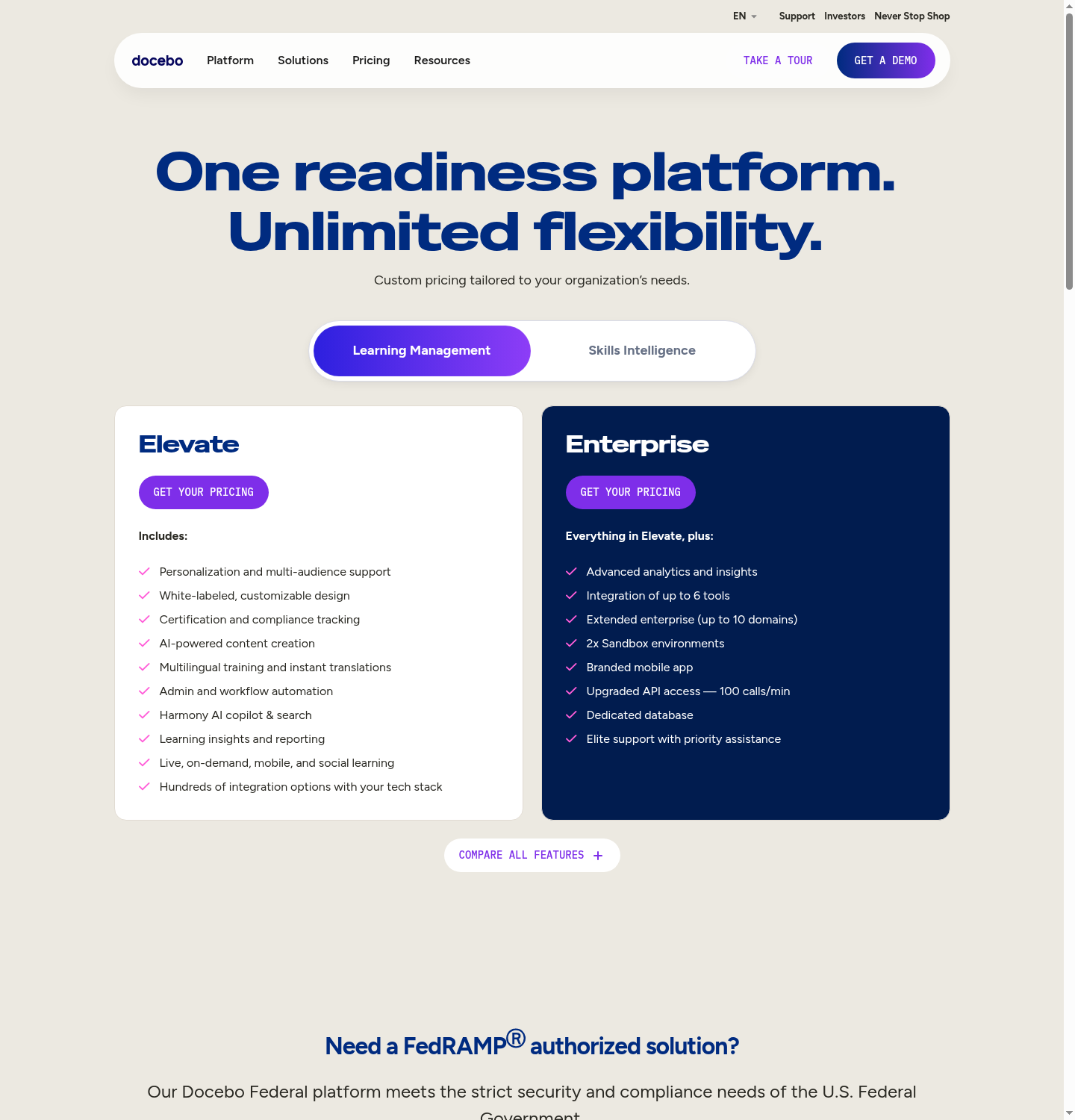
| Docebo | Large enterprises with IT resources | Custom domain needs DNS; managed SSL available | Custom quote; vendor targets 250+ learners |
| Litmos | Structured staff and partner training | Custom domain and branded portals; confirm full removal | Custom quote; content libraries priced separately |
| Kajabi | Creators selling courses and memberships | Custom domain; check brand-removal and app tier | Basic US$179/mo or US$143/mo billed annually; plan limits apply |
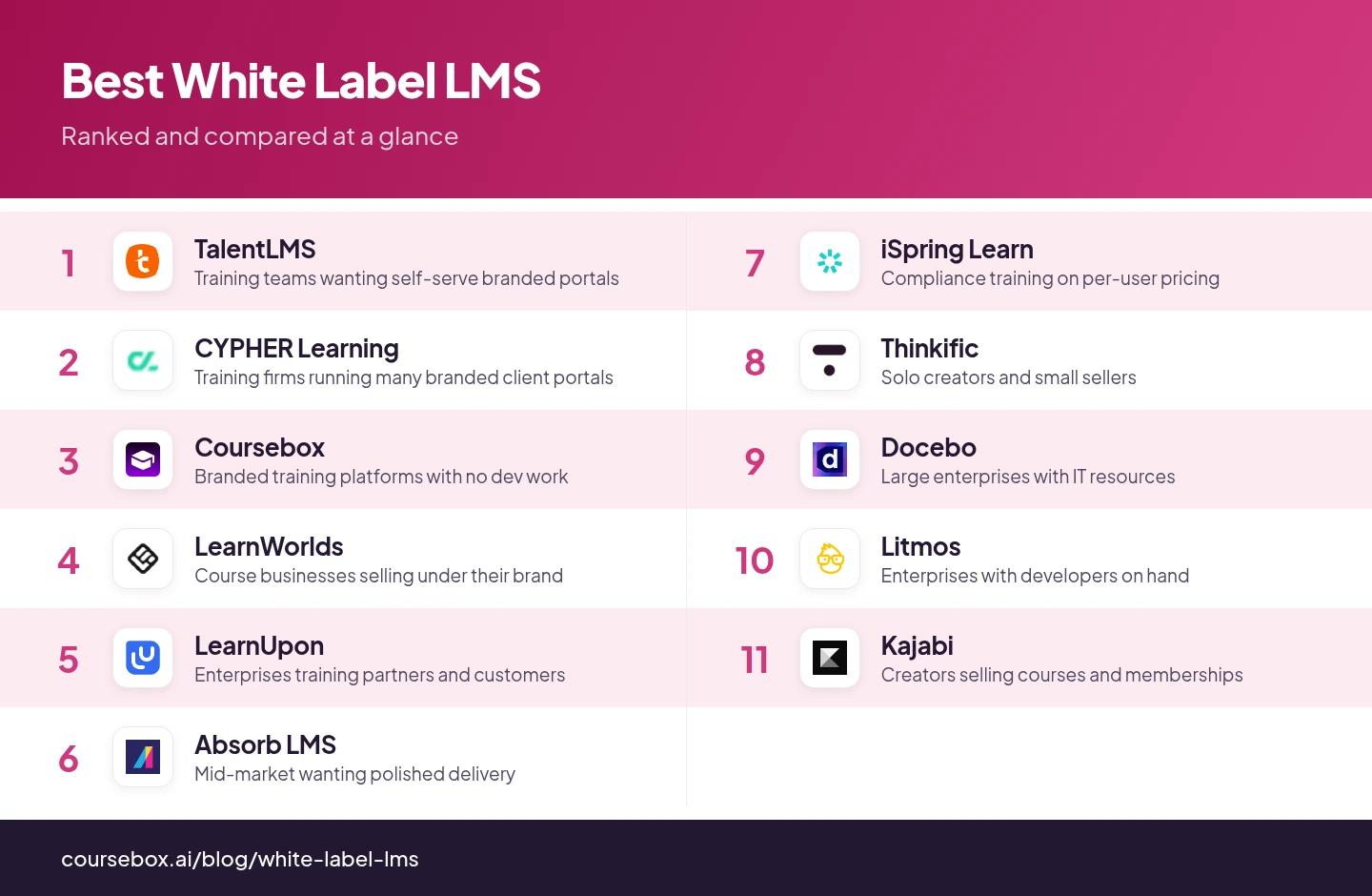
Plan details checked in October 2026. US-dollar figures are labelled; billing terms, local currency and promotions can change the total. The screenshots show the products as captured, so use the current plan pages for pricing.
Your own domain, removal of the vendor name, branded email and a branded mobile app may sit on different plans or add-ons. Price the complete package. LearnWorlds offers full white-label on Learning Center; Thinkific removes branding from Grow; Coursebox includes the branded portal and domain on Pro + LMS. A separately branded app needs its own inclusion or add-on check.
1. TalentLMS
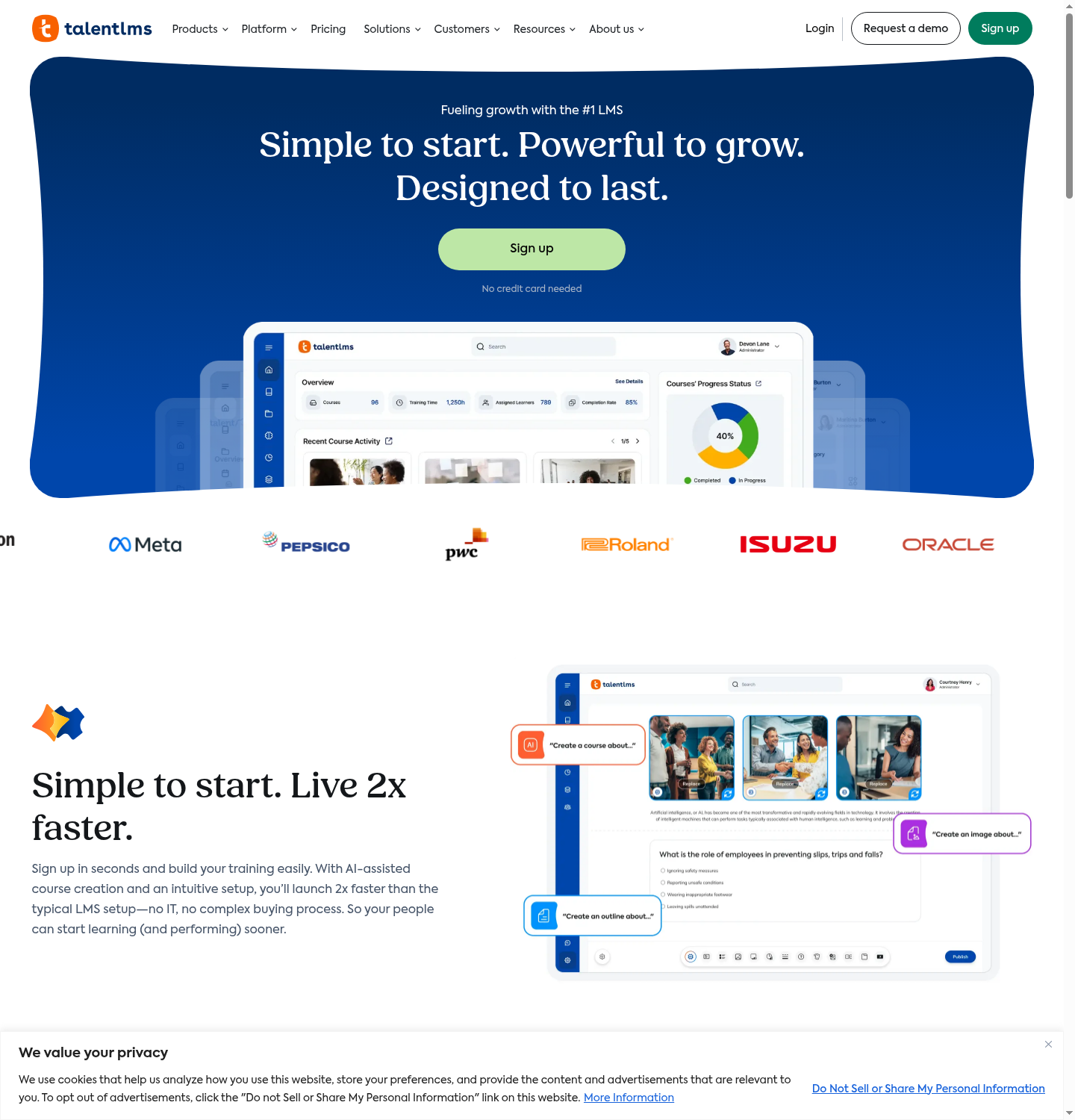
I point training teams to TalentLMS first when they want branded portals without a project plan attached. It is a practical fit if you already have courses to organise and want a straightforward way to assign training, track progress and separate audiences with branches.
Custom domain, SSL and hiding TalentLMS branding are available from the entry paid plan, through the platform settings. I have watched an admin with no technical background put their logo, colours and domain in place in an afternoon.
For multiple clients, count the branches before choosing a plan: one on Core, three on Grow and fifteen on Pro. A training company with several client portals may need a higher tier even with relatively few learners.
I respect that TalentLMS publishes its pricing and branch limits. Core currently starts at US$119 a month for 1 to 40 users; higher user bands cost more. I would count both learners and client portals before choosing a plan. TalentCraft’s Core allowance is a one-time credit pool, while higher plans include monthly credits, which makes a difference if you regularly create new courses.
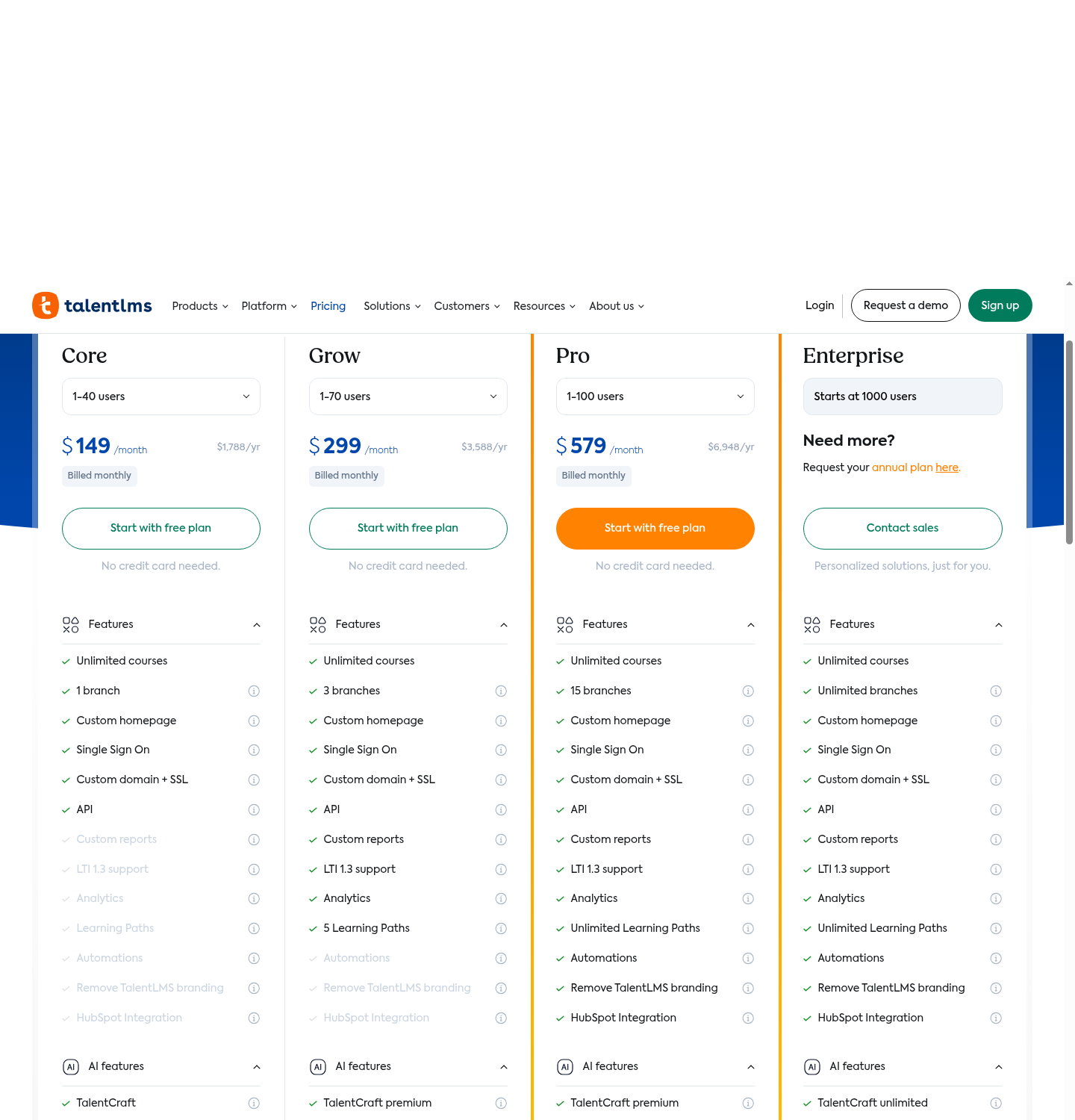
My take: count client branches before comparing prices. Core may cover a small academy, but three client portals already move you to Grow.
2. CYPHER Learning
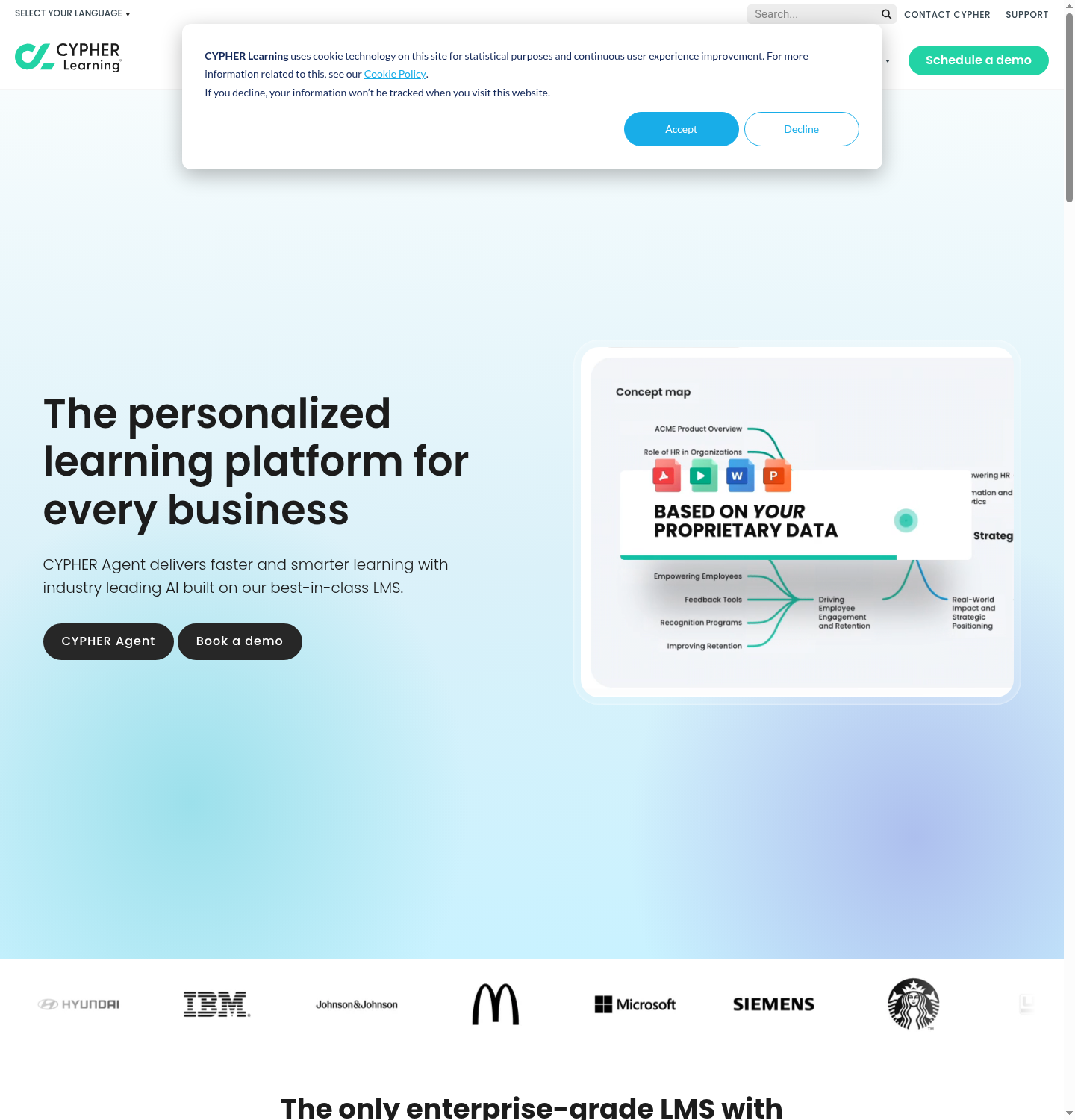
I would shortlist CYPHER Learning for a training business running many client academies. Its appeal is managing independent organisations from one platform, with each client’s own branding, users and reporting. That is a different job from simply putting your logo on one shared academy.
The white-label setup covers domains, colours, fonts, emails and the mobile interface. Each portal can have its own design, administrators and access rules. For a franchise or training provider, I would ask the vendor to show a client administrator managing their portal and confirm that they cannot see another client’s learners or reports.
Pricing is quote-only, so ask for the portal count, onboarding and integrations together. I would compare that total with the admin time saved by managing client academies centrally. For one small academy, establish whether you need the separate-organisation features before paying for them.
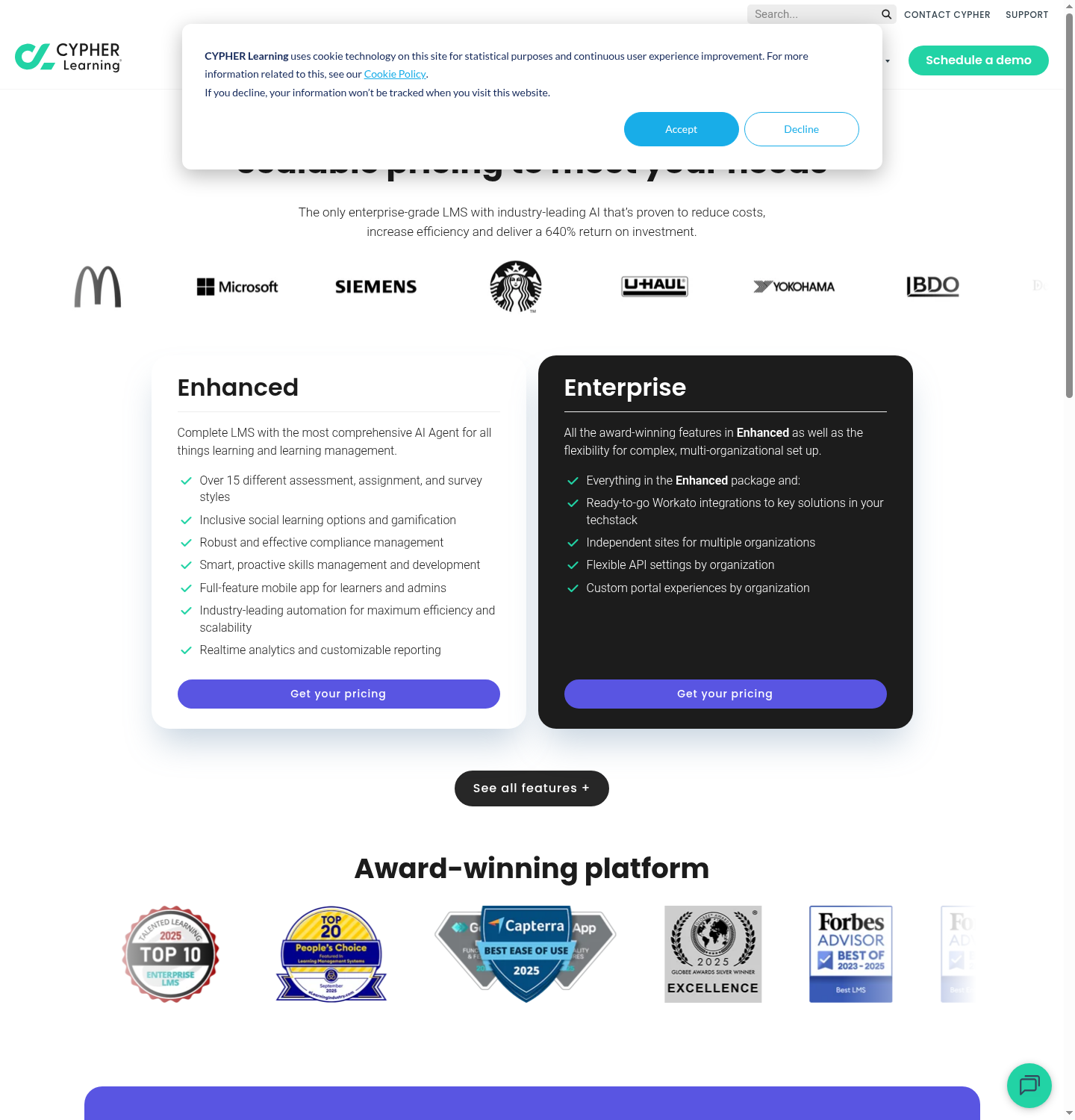
My take: have a client administrator run their own portal in the demo. Their permissions and the reports you can see centrally will tell you whether it fits your service model.
3. Coursebox

I know Coursebox best of anything on this list. I would consider it for the whole job of launching a branded training business: creating courses with AI, delivering them through your own platform and supporting learners with a tutor trained on the course. Unlimited learners make the cost easier to plan as your audience grows.
I can white-label a Coursebox AI LMS with a logo, a domain name and brand colours, without writing code. The branded login, course pages and certificates carry your identity. I built branded demo portals myself in a few minutes, and that is how I want branding to feel. You still need to own the domain and complete its connection; I would allow separately for content review, payment setup and any integrations before calling the academy ready to launch.
The plan choice is specific: Pro + LMS includes your own domain and branded portal, while the free plan carries a watermark. Enterprise lists multiple portals, and a branded mobile app is available as an add-on. Unlimited learners are included on every plan. I would use Coursebox when I want to build and deliver training under my brand without a per-learner bill, then size the admin seats and AI credits to how much content and learner help we need.
Pricing and plans: The current Enterprise guide lists self-serve Pro + LMS from A$4,200/year (A$420/month on monthly billing) for one admin. Enterprise starts at US$30,000/year for 50 master-portal admins, with a two-year initial term; admin SSO adds US$3,000/year. These are different currencies and operating scopes. Compare the required branding, security, client portals and administrator seats in the selected offer.
My take: compare the whole course workflow and the bill at your expected learner count. Coursebox brings AI creation, tutoring and branded delivery together, with no per-learner subscription charge.
4. LearnWorlds
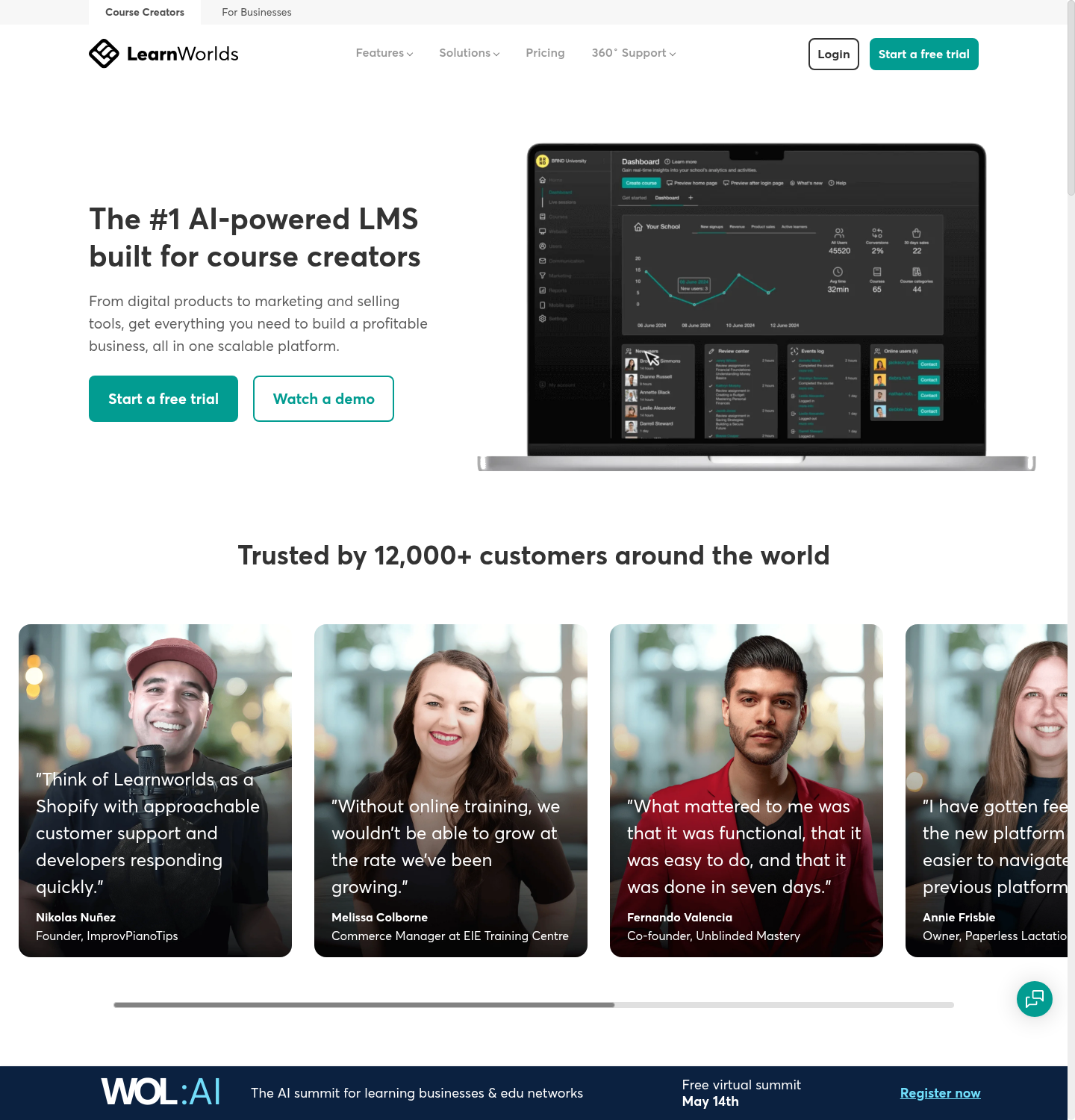
I send course businesses to LearnWorlds when they care as much about the storefront as the classroom. I rate the interactive video, the site templates and the assessment builder, and the 100% white-label mobile app builder needs no coding for iOS or Android.
I would map the branding to your budget carefully. LearnWorlds’ Learning Center plan includes full vendor-brand removal at US$299 a month, or US$249 a month billed annually, before temporary promotions. Pro Trainer includes subscriptions, payment plans and certificates, but not the same full white-label package. Starter is US$29 monthly plus US$5 per paid enrolment. I would compare the full branding tier and the sales costs, then price the mobile app separately.
I find the setup itself self-serve and pleasant once you are on the right plan. I would recommend LearnWorlds to a course seller who wants polish, as long as you budget for the tier that strips the vendor name out.
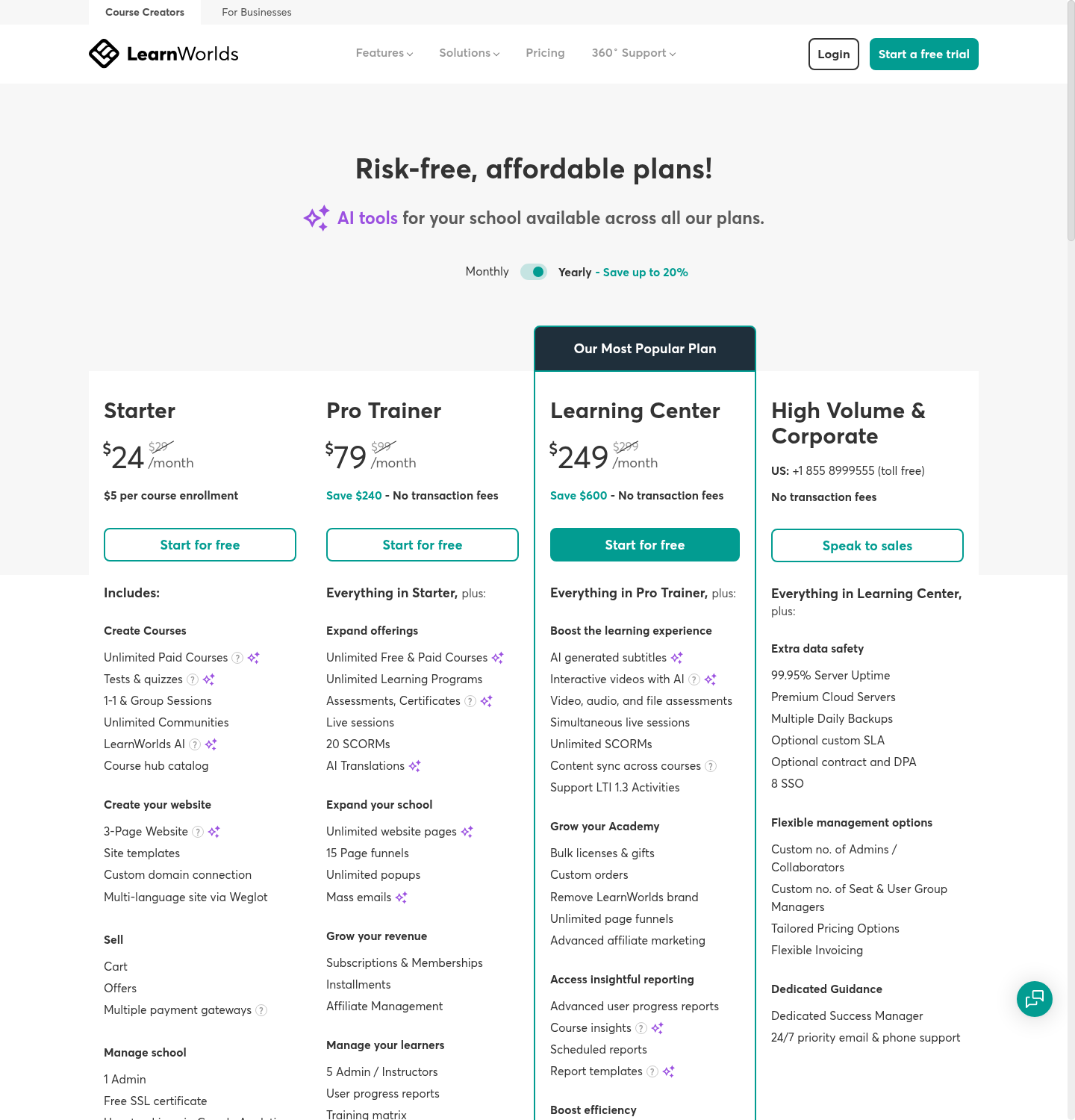
My take: if you sell courses, walk through a purchase and an interactive video lesson. Then compare revenue after subscription, enrolment and app costs.
5. LearnUpon
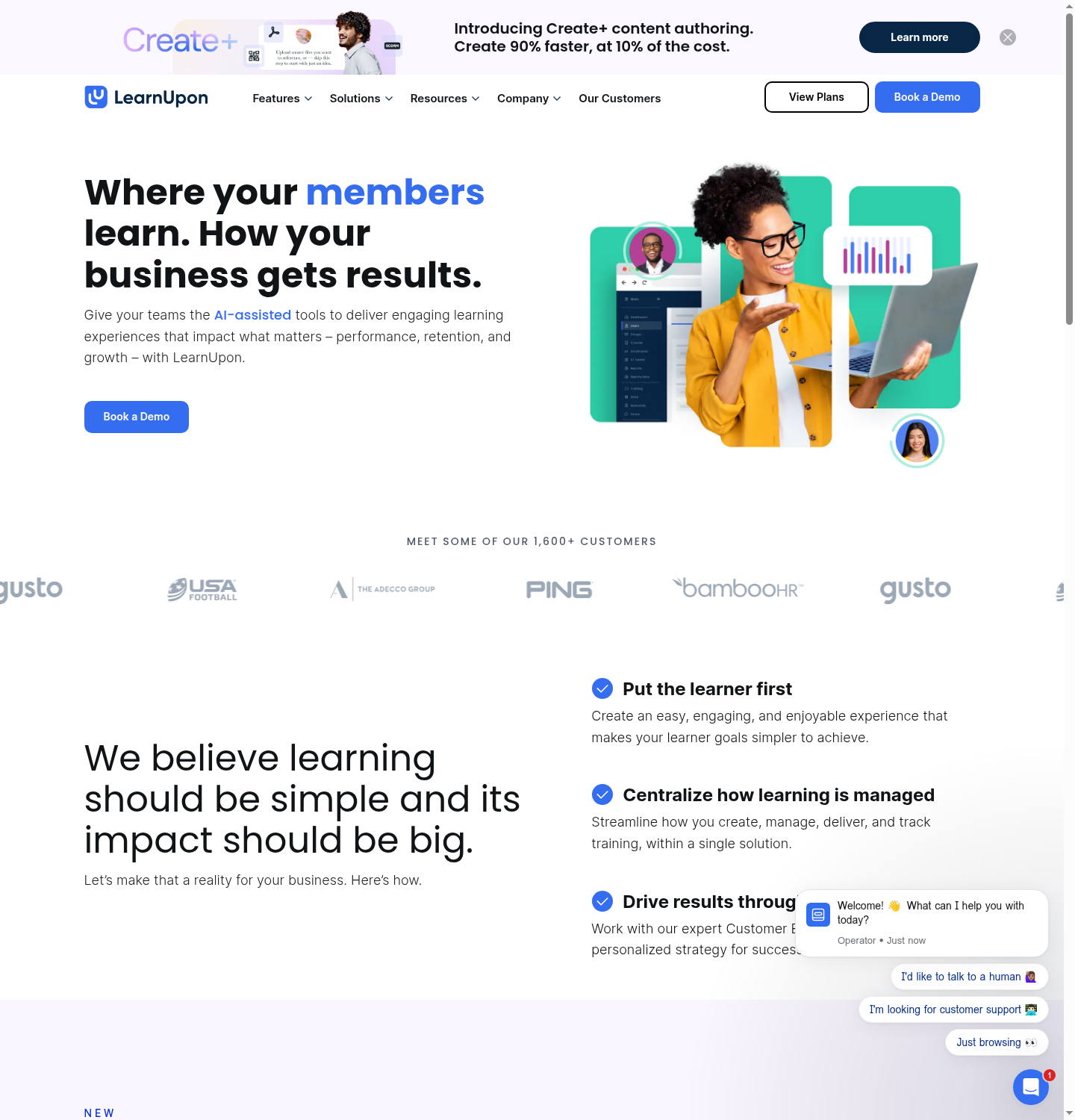
I think LearnUpon is a strong fit for the classic extended-enterprise problem, where you are training employees, customers, partners and resellers as separate audiences at once. Its multi-portal model gives each audience its own branding, learners and access rules from one system.
The branding needs a little more planning than a theme change. LearnUpon’s custom-URL guide requires a DNS record and allows 72 hours for its automatic SSL step. Removing the default footer is a support request. Pricing is by quote, so I would include each portal, branded email, SSO and implementation in that request. Its value is managing distinct audiences and their access from one system; I would buy it for that ongoing organisation, then plan the launch with the vendor.
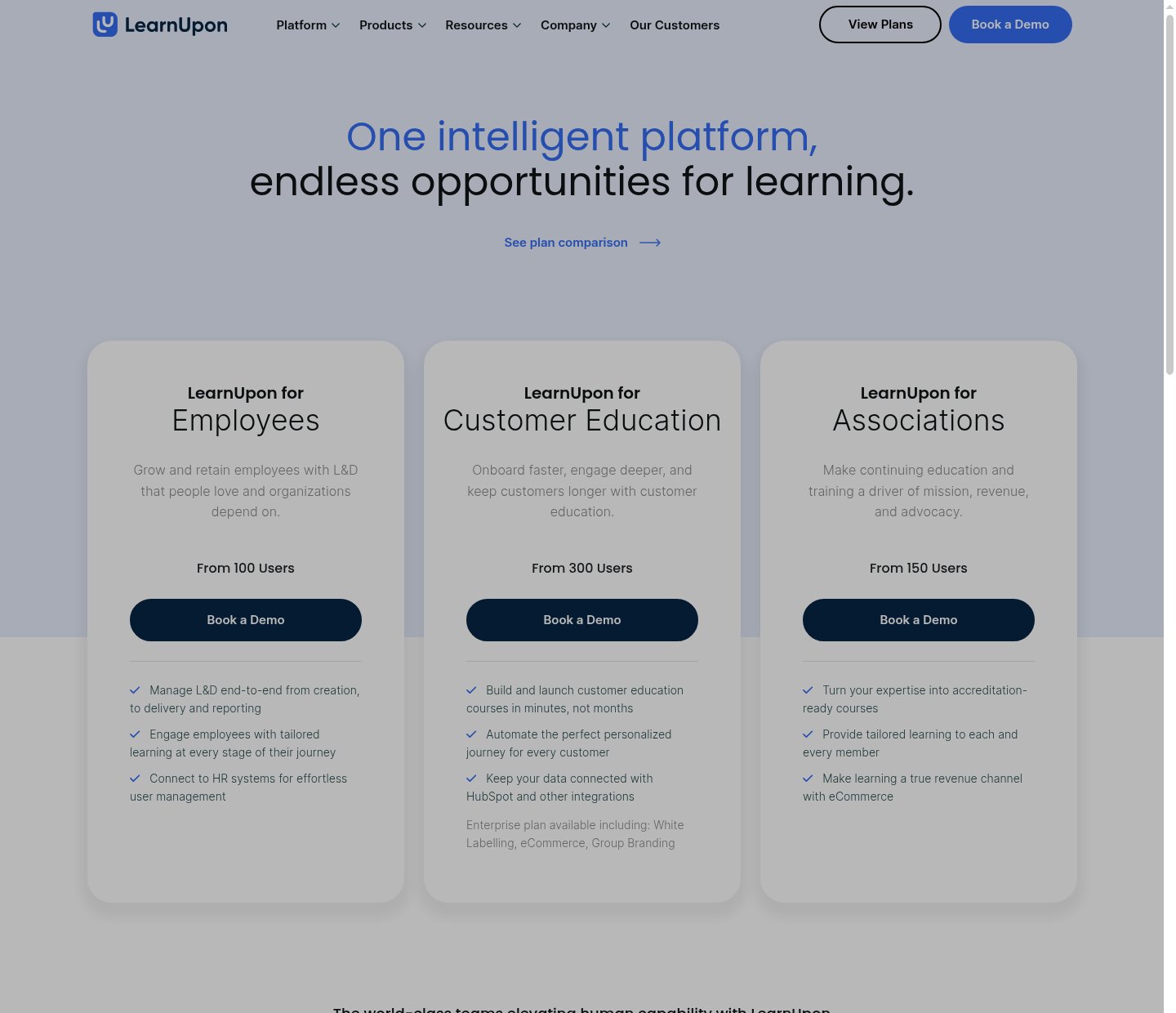
My take: put the number of portals in the quote. A shared system is useful only if each audience can access the right courses and its administrators can manage the right people.
6. Absorb LMS
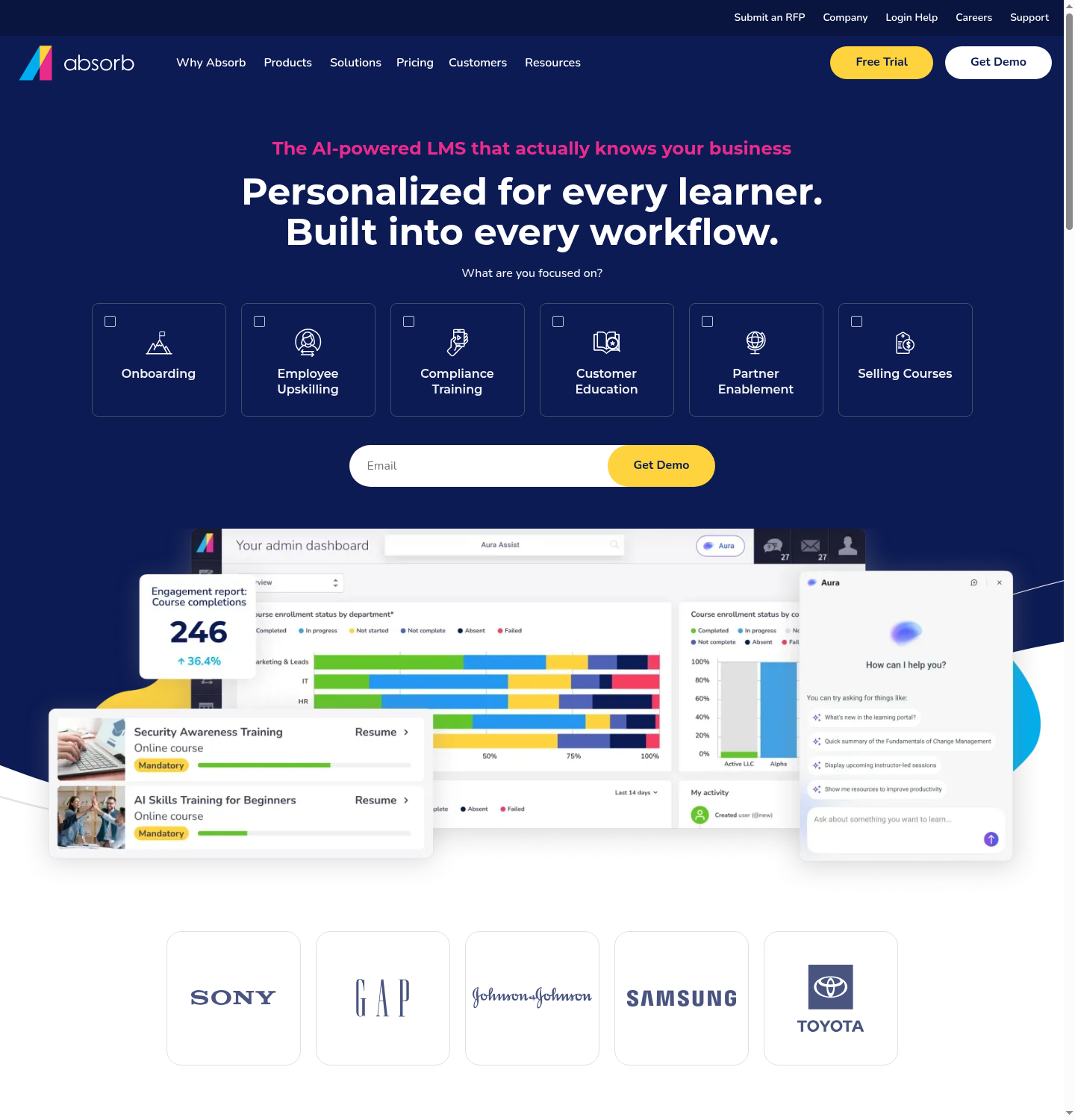
I see a lot of loyalty for Absorb LMS from mid-market L&D teams. You can customise the login screen, colours, logo and domain. I would look closely at its training administration as well as the branded learner experience.
Its enrolment rules support automatic assignments, self-enrolment and manager enrolment. You can restrict a course to a department or require an approval. That gives an admin more control over who gets which training than a branded course catalogue alone.
Pricing is quote-based. Ask for the subscription, onboarding, migration, custom domain and SSO as separate line items. In the demo, I would follow a new learner from enrolment through assignment to the completion report, using rules that match your organisation.
My take: use one of your real assignment rules in the demo. If your admin still has to enrol every new learner manually, you have not seen the benefit you are paying for.
7. iSpring Learn
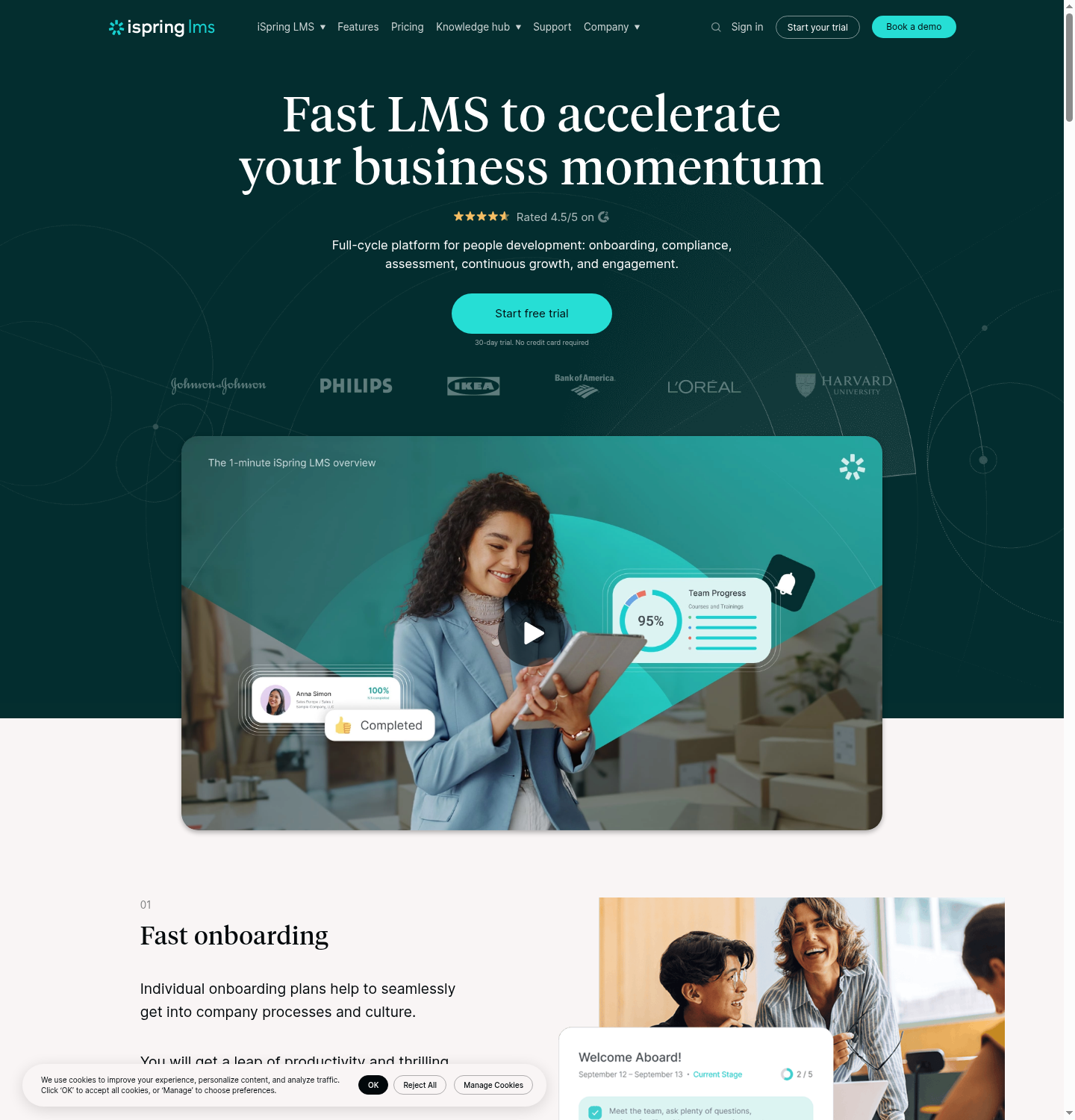
I reach for iSpring Learn, now called iSpring LMS, when the buyer’s real job is compliance training and certification tracking. It prices by active-user bands, which can suit a workforce where only part of the team trains in a given month. I would check the active-user definition and compare the band you actually need, not a headline rate for a larger audience.
Its compliance workflow includes assignments by role, department or location, deadline reminders and automatic re-enrolment when certifications expire. I would try a recurring training requirement and inspect the completion records before choosing it for compliance work.
On branding, the logo and colours are straightforward. Your own domain is a separate setup step: iSpring’s domain-alias guide explains the DNS record and support arrangements. I would confirm its cost and who handles the connection in your quote. If your content starts in PowerPoint, test the authoring-to-LMS workflow too. Easy branding is useful, but assigning courses, tracking renewals and producing completion records are what I would buy it for.
My take: follow one certificate through expiry and re-enrolment. That is a more useful compliance test than issuing a certificate once.
8. Thinkific
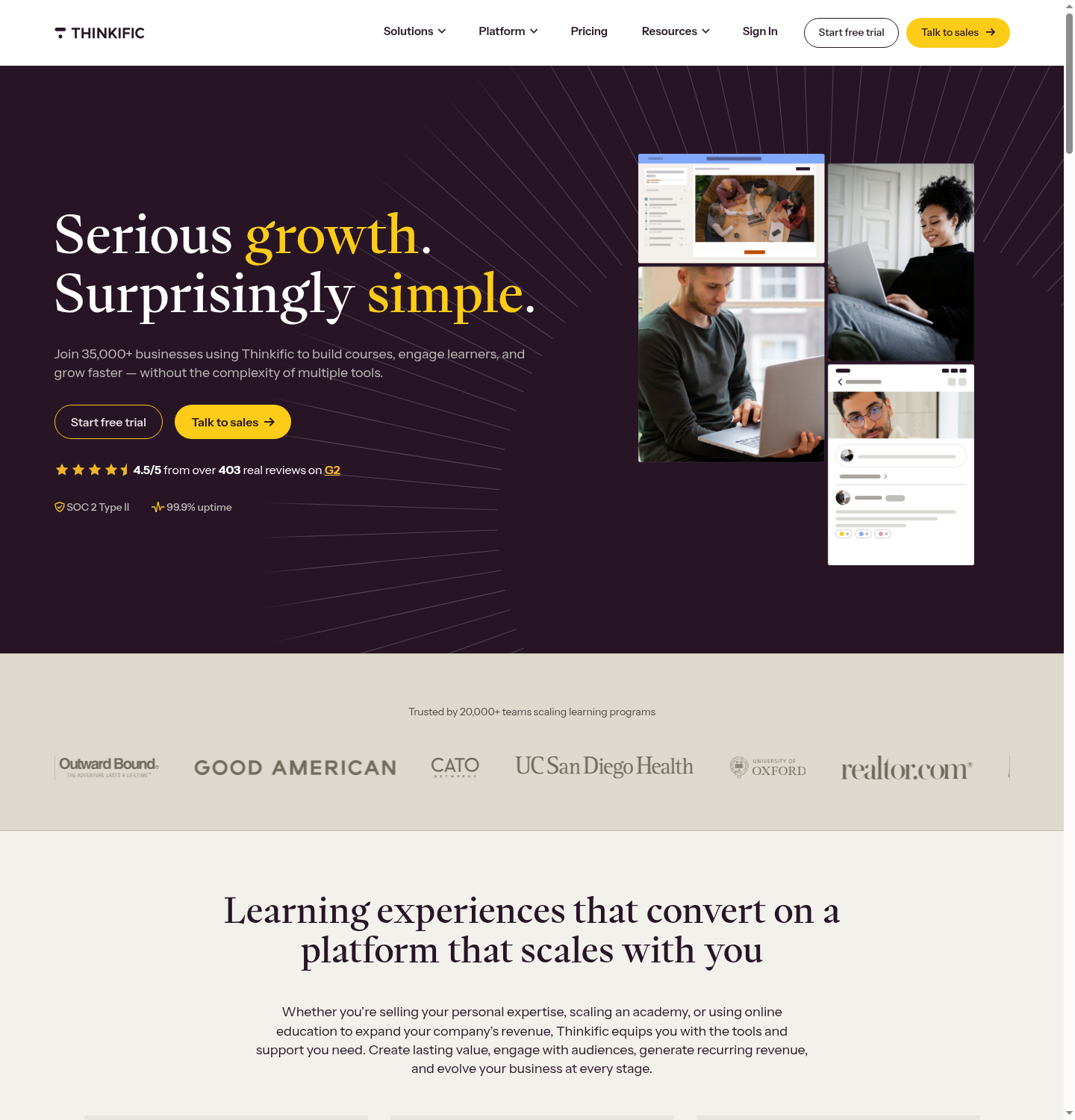
I would shortlist Thinkific for a creator or course business selling through one branded school. Custom domains are included on every paid plan, and Grow adds group orders and B2B invoicing for business buyers.
Start is US a month or US a month paid annually and includes a custom domain. Grow is US monthly or US annually and removes Thinkific branding, with group sales and invoicing. Expand adds email white-labelling; a branded mobile app is separately priced unless included in a qualifying Plus offer. A bulk order in one school does not automatically give each client an independently branded portal.
Subscription and payment processing are separate from any extra third-party gateway fee. The applicable fee depends on country, gateway and plan. I would cost the actual payment route alongside the required branding tier, rather than apply an old Basic-plan fee schedule.
My take: group sales may cover your B2B needs without separate academies. Establish which arrangement your customers expect before choosing Grow or requesting a Plus quote.
9. Docebo
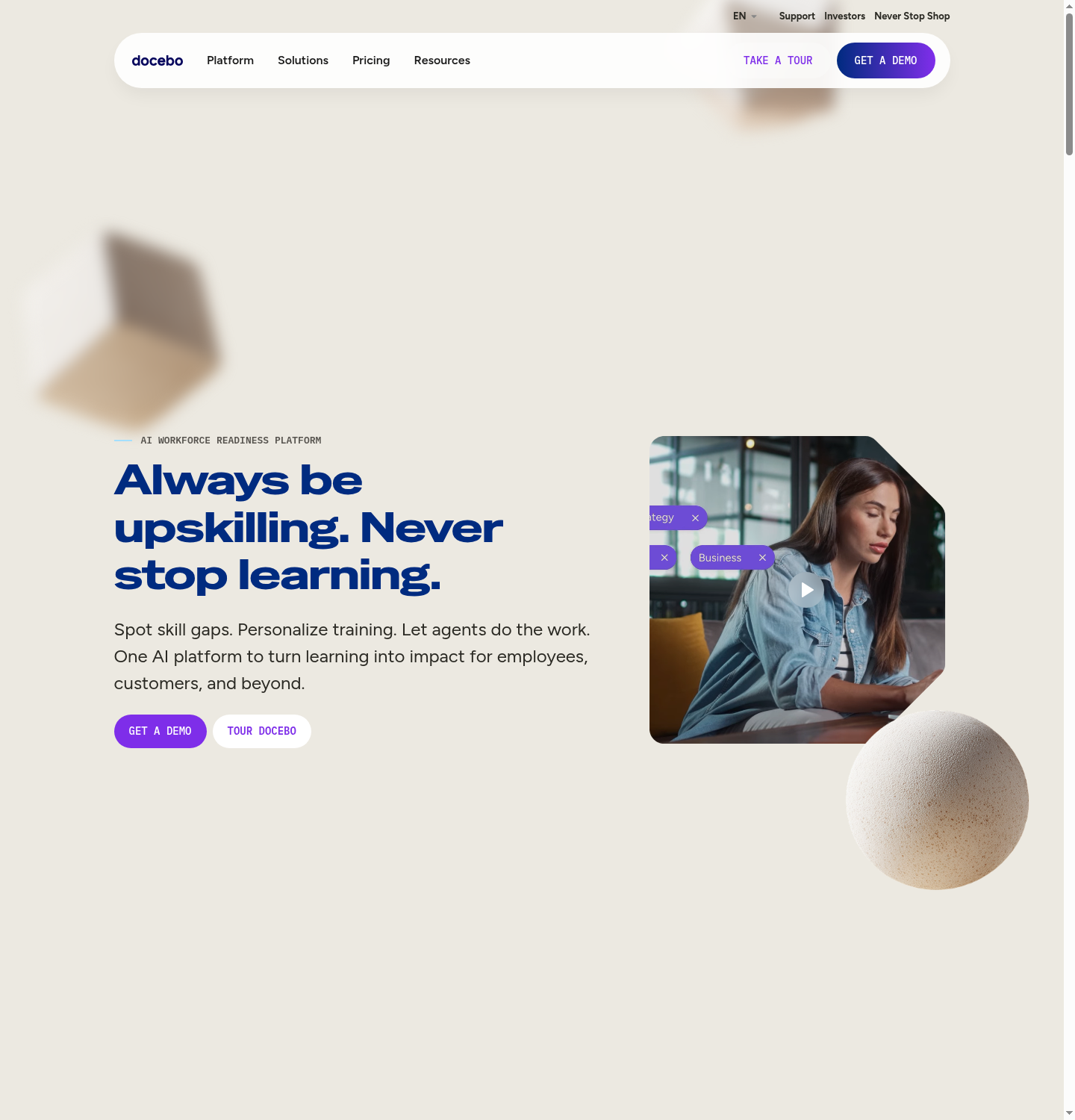
I would shortlist Docebo for a larger organisation managing employees, customers and partners through different learning environments. Its Extended Enterprise module supports audience-specific content and portals from a central platform. That is useful when each audience needs a different catalogue, access rules and brand.
The custom domain needs a DNS change, but Docebo can manage the SSL certificate, including renewal, so buying and maintaining your own certificate is not compulsory. I would involve whoever manages your domain and identity system, then agree on the wider rollout. Pricing is by quote; Docebo says it is suited to organisations training at least 250 learners. Its stated minimum contract is one year, although many customers choose three to five years. I would choose it for complex audiences, integrations and governance, then confirm the launch scope rather than assuming domain setup alone will take weeks.
My take: bring your audience structure and integration requirements to the demo. Compare the full rollout and contract, rather than treating a branded domain as the whole project.
10. Litmos
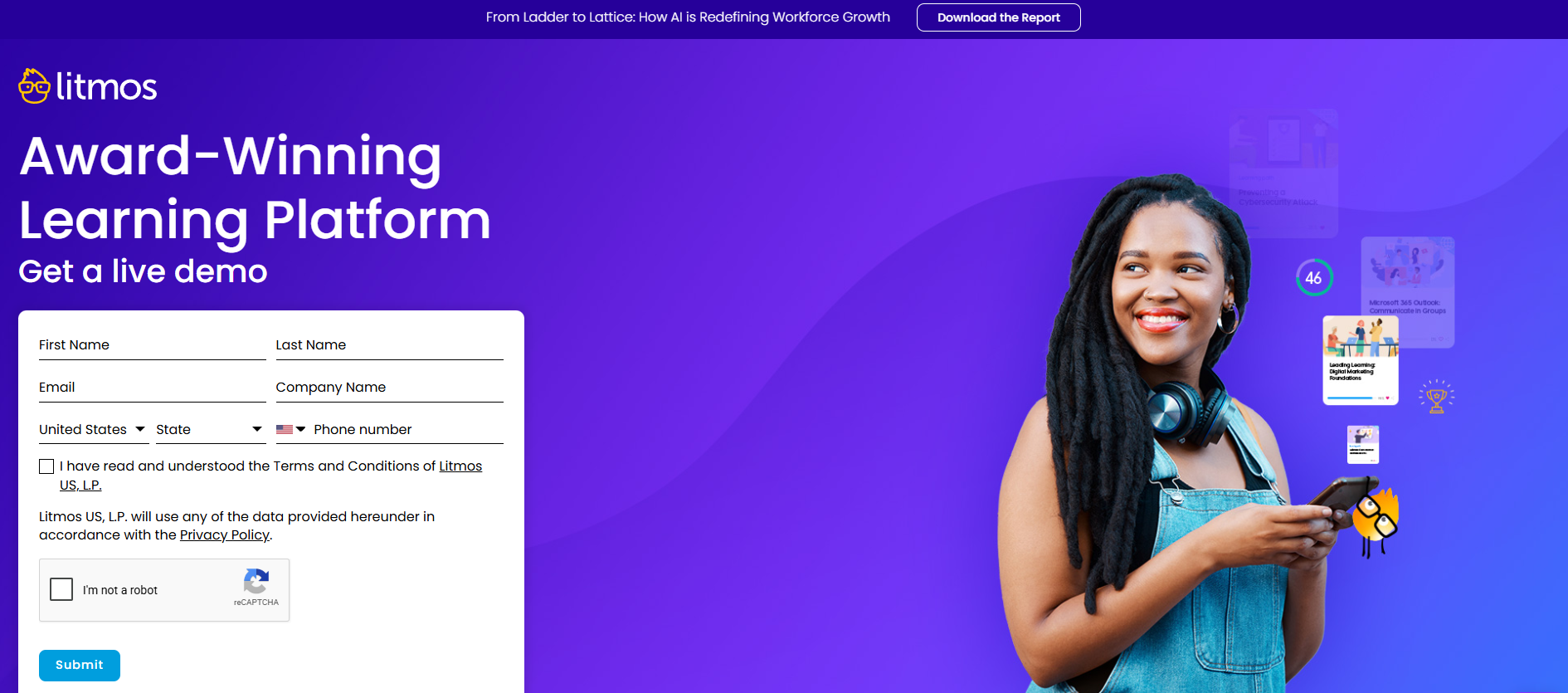
Litmos is worth comparing for structured staff and partner training. Its plan matrix lists learning paths, classroom and virtual sessions, and imports for existing SCORM, xAPI and AICC courses. These formats let you bring tracked course packages from other authoring tools. Ready-made content libraries are add-ons, so include them in the budget if you need them.
Litmos currently asks buyers to contact sales for Foundation, Platinum and Platinum AI pricing. Include the selected content library, branding, implementation and learner-count definition in the quote rather than relying on an unconfirmed annual starting figure.
My take: import a course you already use and check its completion report. Then have the vendor price your branded portals, extra tenants and content libraries together.
11. Kajabi

I judge Kajabi as a course and membership business platform. Its appeal is bringing courses, coaching, marketing emails and sales funnels together. That can be a good white-label choice for a creator or training business selling under one brand, even though running separate client academies is a different requirement.
Basic currently costs US$179 a month, or US$143 a month billed annually, with five products and 2,500 contacts. Growth increases those limits to 50 products and 25,000 contacts. Check the plan comparison for brand removal, app inclusion and payment fees as well as the subscription.
For a single-brand course business, I would compare the cost with the email, website and checkout tools it could replace. If you need client-specific administrators, compliance records or separate academies, have those workflows demonstrated before choosing it.
My take: count products and contacts as well as paying learners. A growing marketing list can change the plan you need even when course enrolments stay steady.
Mistakes I watch training companies make
The mistakes I see most often are buying the visible branding without pricing the full learner journey, or choosing a quick setup that does not support the business once more clients arrive.
I would never sign before walking through the branded experience myself. Start with an invitation, then open the login page, request a password reset, finish a course and generate a certificate. If you sell courses, include checkout and receipts. I ask who configures each step, whether our domain and sender name remain visible, and what still carries the vendor’s name.
I would also run that journey on a phone. Our internal stat above measures course starts, and 28% happened on a phone. A broken login, missing certificate or unexpected vendor name is then your client’s support problem to solve.
The learner experience is part of your brand too. In PwC’s 2025 survey of 5,511 US consumers, 29% said they had stopped using or buying from a brand because of poor customer experience. For a paid academy, I would test how a learner gets help with a failed login or payment, and confirm who responds under your name. Branding the support process is part of the launch.
I would not read "white label" as one price either. On several tools here, your own domain, removal of the vendor name and branded email each live on a different plan or a different add-on. I always get the total for the fully unbranded result, not the entry number.
I would price the next stage as well as the launch. Ask for the bill with more learners, another administrator and a second client portal. Then check who can export learner records and course content if you move. A cheap, fast start can still become expensive if every new client adds manual work.
Disclosure: Coursebox is the platform we build. This review combines published product information, vendor documentation, user feedback and our experience with the tools.
Frequently Asked Questions
For a nonprofit I would let budget and staffing decide, since paying thousands in setup fees is rarely an option. I would start with tools that are self-serve and have a permanent free plan or a low entry price. TalentLMS has a permanent free plan for small teams, and Coursebox has a free tier plus low monthly paid plans, though full branding sits higher up. I keep a fuller list of LMS options for nonprofits if you want to compare on cost first. I would avoid the quote-only enterprise platforms unless a funder is covering implementation.
At minimum I expect it to replace the vendor's branding with your own logo, colours and a custom domain, so learners see your organisation and not the software company. A fuller white label LMS service also covers branded email notifications, branded certificates and, for training companies, a mobile app under your own name in the app stores. I find the gap between platforms is less about whether these exist and more about which plan tier includes them and how much setup work each one takes. I would always confirm the custom domain and the removal of "powered by" text specifically, because those two are the most commonly gated.
Yes. First decide whether clients will share your branded academy or need separate portals with their own branding and access rules. Coursebox lets you resell under your own product name and lists multiple portals on Enterprise. CYPHER Learning and LearnUpon also support independently branded portals, while TalentLMS uses branches. I would ask each vendor to show a client administrator enrolling learners and viewing reports without accessing another client’s data. For a course-selling platform, confirm whether a group buying seats is enough or whether you need separate schools.
Most white label platforms separate roles into administrators, instructors or course creators, and learners, with admins controlling branding, enrolment and reporting. In a multi-tenant setup for customer training or partner training, I also expect portal-level permissions, so a client admin can manage their own branded portal without touching yours. I find LearnUpon and CYPHER give you granular control partitioned per portal. If you run accredited training or compliance programmes, I would check that the platform lets you lock down who can edit assessments and issue certificates, because that permission detail is where audits get won or lost.
Alex Hey
Alex Hey is a technical marketer with 10 years of hands-on growth and digital marketing experience. He cofounded Coursebox together with Travis Clapp who he met online when looking for a cofounder to build a globally impactful software product. He works in the Perth, Western Australia office as the COO. He built the world's first automated funnel for patient recruitment before building Coursebox. After launching Coursebox in mid 2023, he drove +400k organic sign ups for Coursebox. Alex leads the marketing and digital growth of Coursebox and works with the product development team bringing a passion for data-driven product decision and exceptional user experience. Alex is determined to build the world's easiest way to build the perfect course.

