

Teachable vs Udemy: What’s the Difference and Which One Should You Choose?
Confused between Teachable and Udemy for course creation and selling? Check out this Teachable vs Udemy comparison to make the best decision.


Build high quality courses that actually sell
Most course creators start by asking, “How fast can I launch?” and “How much can I realistically earn?” That’s when the Teachable vs Udemy comparison enters the picture.
At first glance, both platforms let you upload videos, add lessons, and sell courses. But once you look closer, the way each platform handles pricing, student relationships, and long-term growth is dramatically different.
In this guide, we’ll break down Teachable vs Udemy from different perspectives, so you can choose an AI course creator that aligns with how you want to grow.
What Is Teachable?
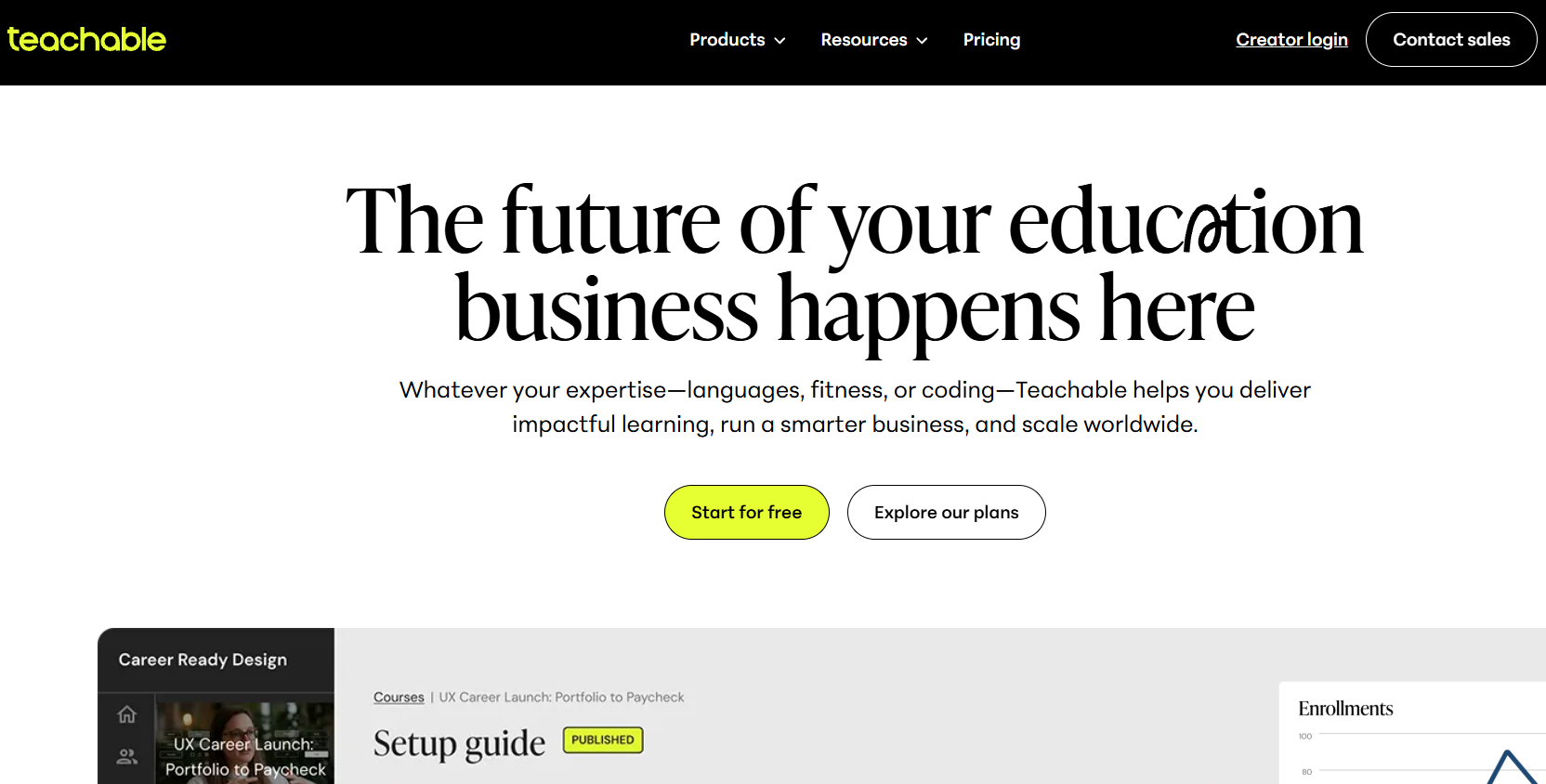
Teachable is an independent online course platform that enables creators to build and sell courses under their own brand. It doesn’t function as a marketplace. Instead, Teachable allows instructors to create a dedicated course website with customized branding, pricing, and student experiences.
With Teachable, you manage your own marketing strategy and traffic generation. This may include email campaigns, paid ads, partnerships, or organic content marketing. In return, you maintain control over pricing, customer data, and the overall brand experience.
Many entrepreneurs use Teachable to build coaching programs, memberships, certification tracks, and multi-course education businesses. The platform provides structured course-building tools, payment processing integrations, and features designed to support long-term growth rather than one-off course sales.
What Is Udemy?
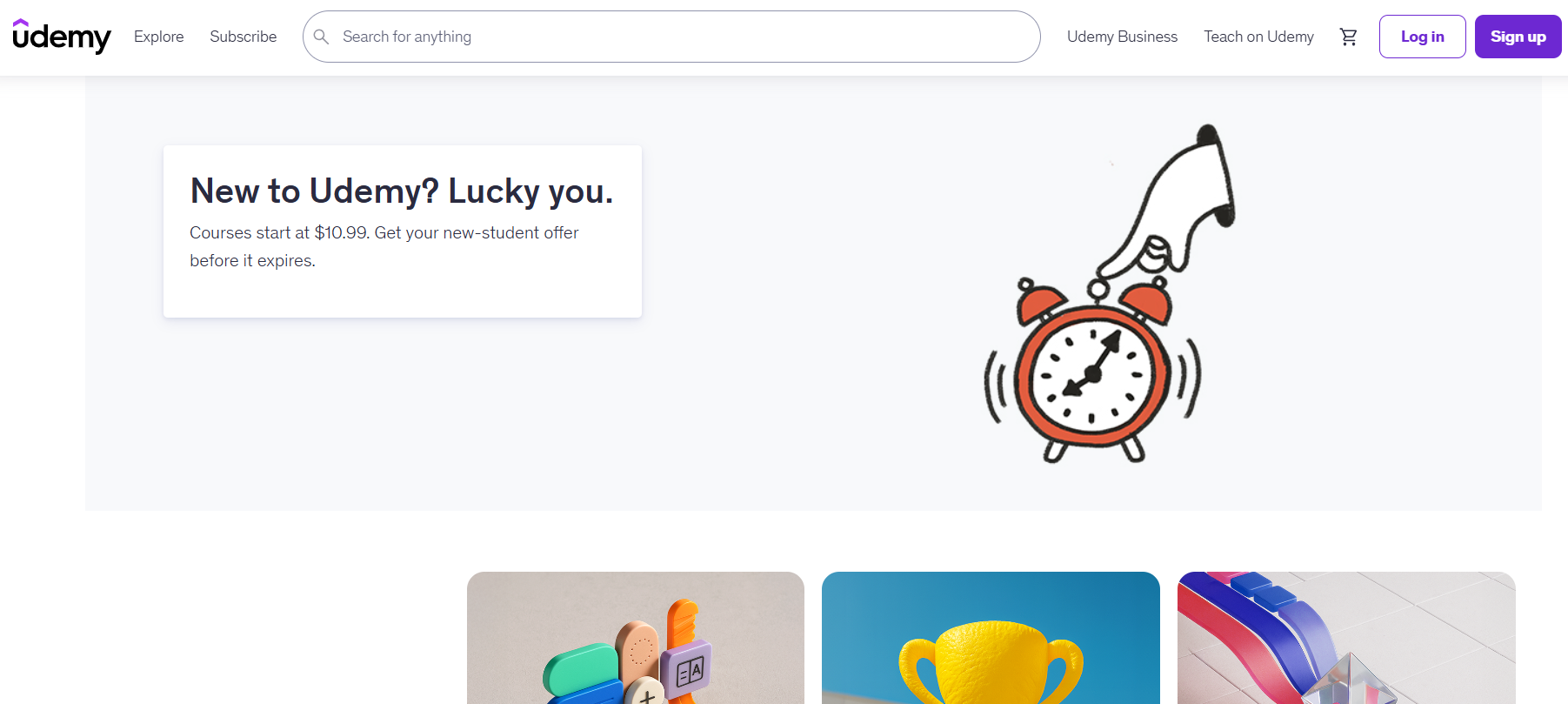
Udemy is a large online course marketplace where instructors can upload courses and sell them directly to an existing global audience. Instead of building your own website, your course appears within Udemy’s catalog, alongside thousands of other courses across various categories.
The main advantage of Udemy is discoverability. Instructors benefit from marketplace traffic, built-in promotions, and search visibility without needing to manage their own website infrastructure. However, Udemy controls pricing promotions, platform branding, and much of the customer relationship.
This makes Udemy attractive to first-time creators or professionals who want fast exposure without investing heavily in marketing systems.
Teachable vs Udemy: 6 Key Differences Explained
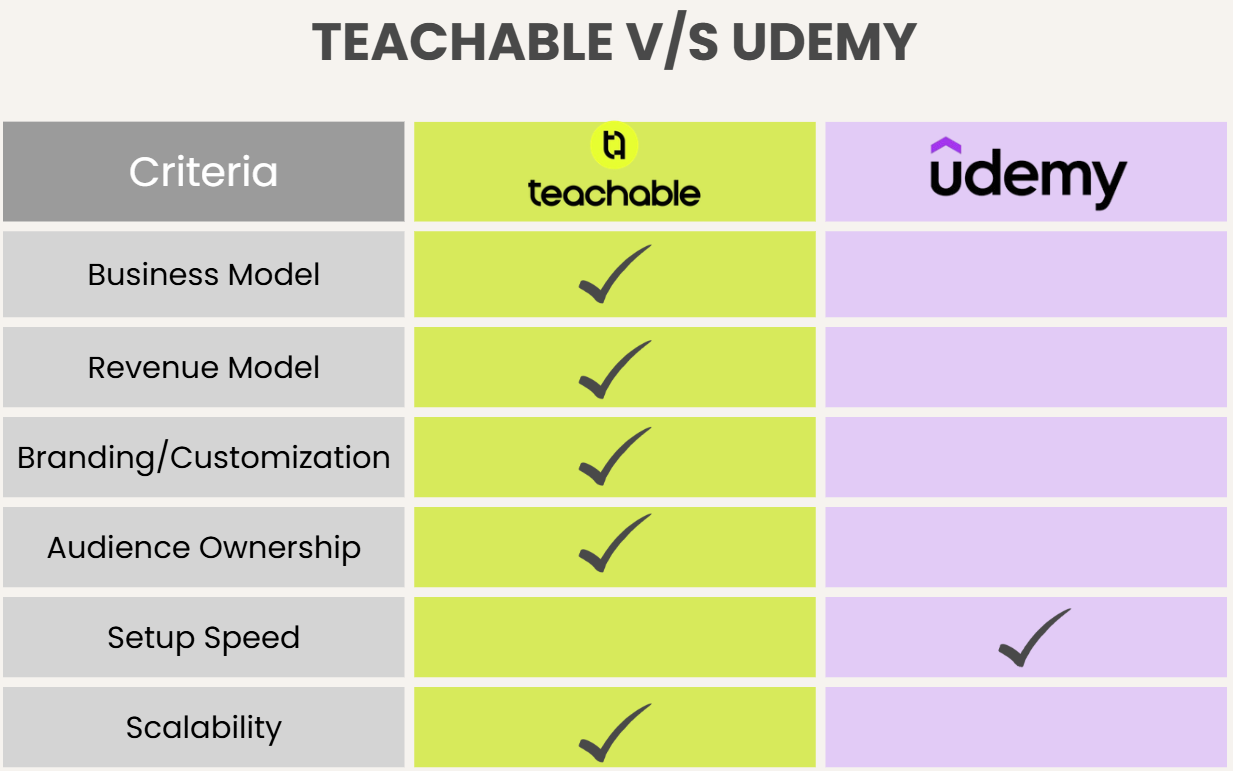
Here are the core differences between Teachable and Udemy that impact revenue, control, and scalability.
1. Platform Ownership and Business Model
The most important difference between Teachable and Udemy lies in who controls the business.
Teachable operates as a platform for independent course businesses. When you use Teachable, you build your own branded website where students enroll directly through you. You control pricing, course positioning, marketing funnels, and communication with learners. The platform serves as infrastructure, but your brand remains central.
Meanwhile, Udemy operates as a marketplace. Your course is listed within Udemy’s ecosystem, and the platform drives traffic through advertising, email promotions, and search visibility.
While this can quickly generate exposure, it also means you are competing directly with other instructors in the same category. Students primarily identify with Udemy as a platform rather than with an individual instructor.
For creators who want long-term brand ownership, Teachable offers more independence. For those prioritizing built-in traffic, Udemy simplifies discovery.
2. Revenue Model & Pricing
Revenue structure significantly affects earning potential.
Teachable Pricing
Teachable operates on a subscription-based pricing model. You pay a monthly or annual fee to use the platform, and in exchange, you keep most or all of your course revenue depending on your plan and payment setup.
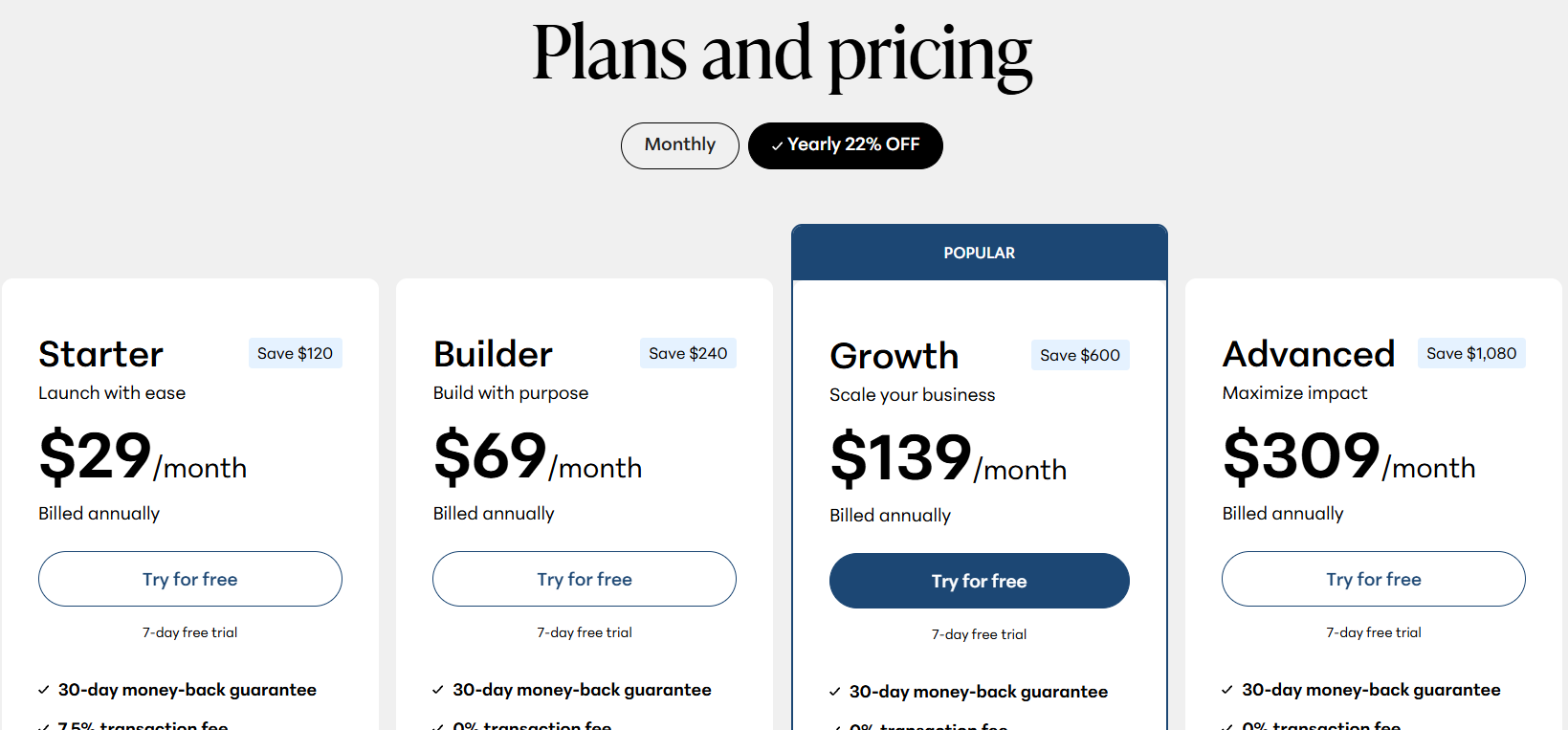
You are free to set premium pricing, offer bundles, create payment plans, or build subscription memberships. This flexibility supports higher-ticket strategies and long-term revenue growth.
Udemy Pricing
Udemy allows instructors to publish courses without upfront subscription fees, but revenue is shared. If Udemy generates the sale through marketplace promotions, the instructor receives a percentage of the discounted price. Since Udemy frequently runs site-wide discounts, many courses sell for lower prices than their initial listed prices.
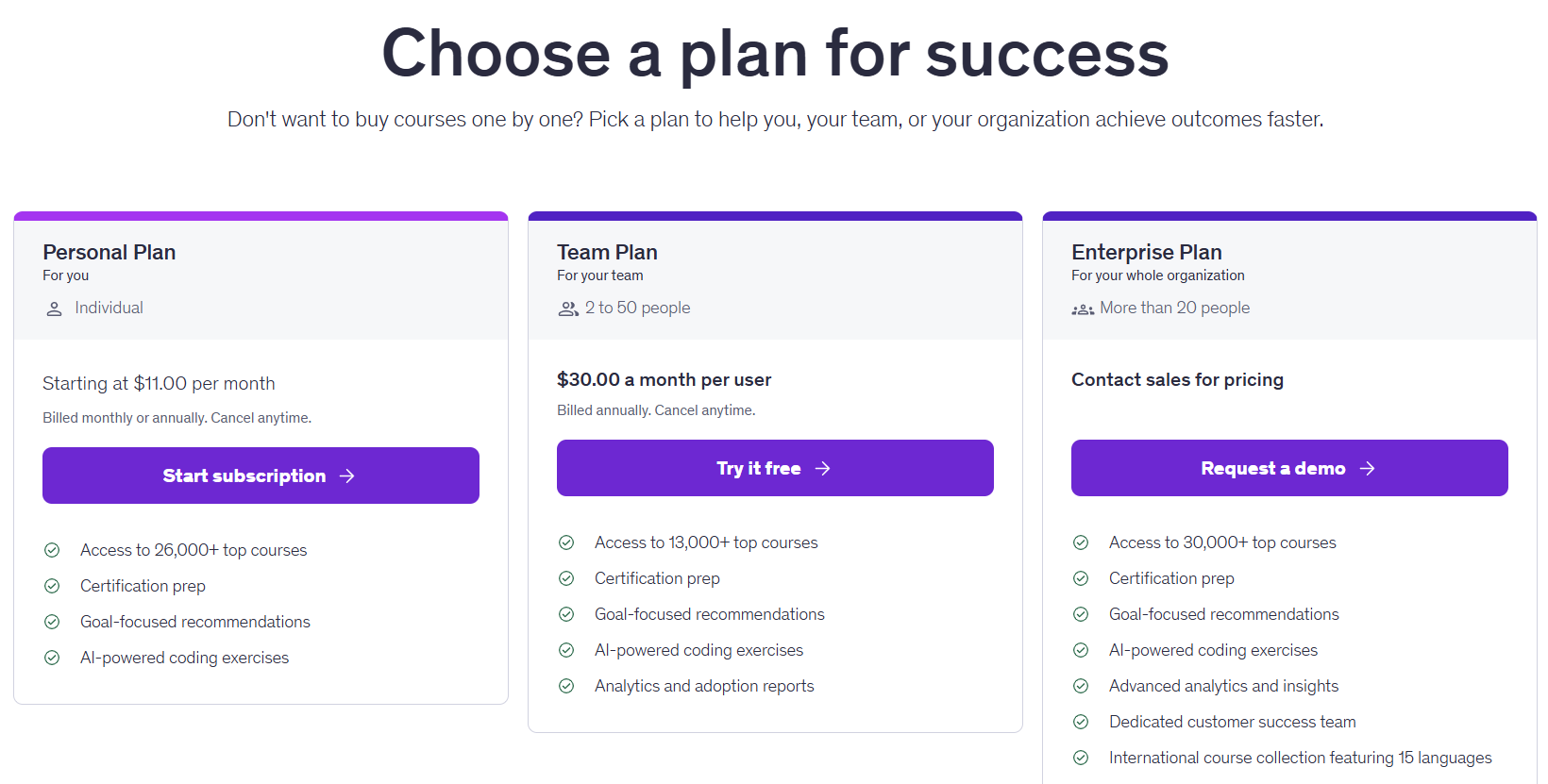
For creators aiming to build premium offerings, Teachable provides stronger pricing control. Udemy offers lower barriers to entry but less control over profit margins.
3. Branding and Customization
Branding plays a major role in building authority and credibility. Teachable allows you to customize your course website, apply your own branding, connect a custom domain, and design sales pages that align with your business identity. This creates a cohesive brand experience from marketing to course delivery.
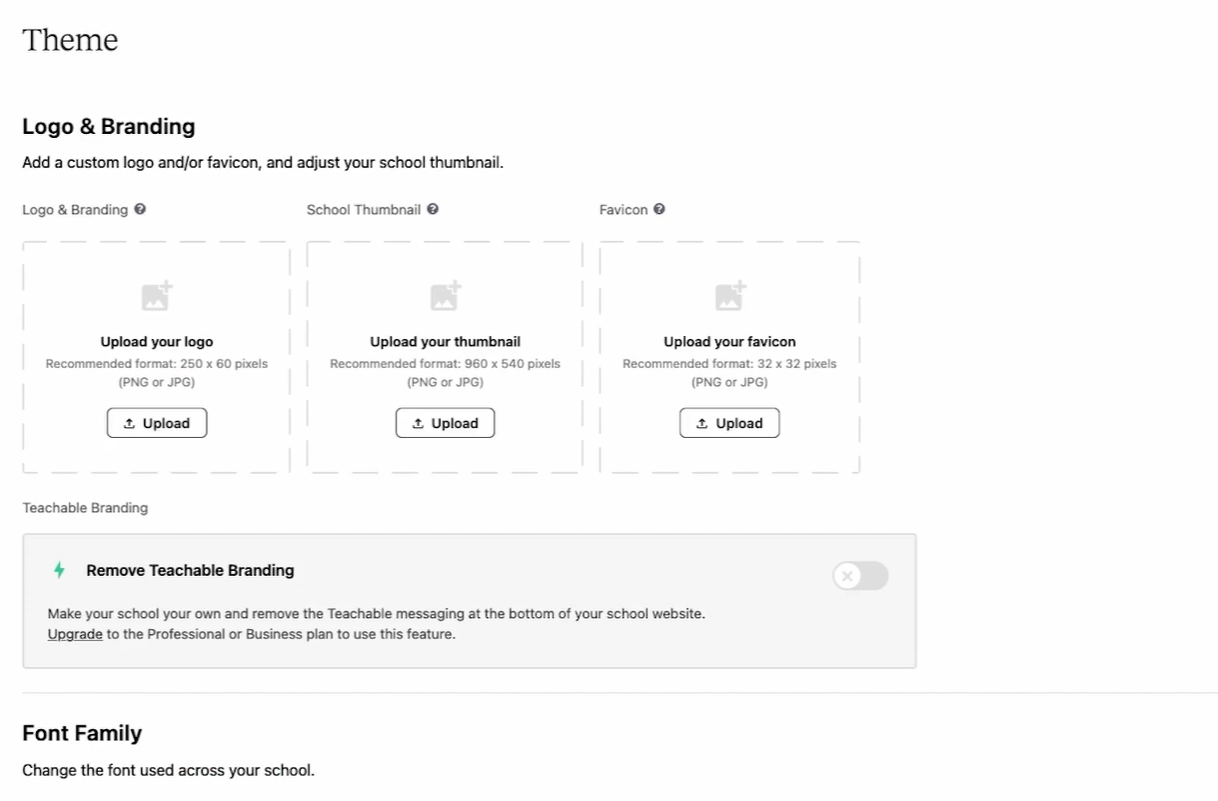
Udemy maintains a standardized interface across all courses in its marketplace. While this ensures consistency for learners, it limits brand differentiation. Your course follows Udemy’s layout, and customization options are restricted to content elements within that framework.
If building a recognizable education brand is a priority, Teachable provides significantly more flexibility.
4. Audience Ownership
One of the most strategic differences between Teachable vs Udemy is who owns the student relationship.
With Teachable, you have access to student data and can build email lists, nurture relationships, and promote additional products or services. This allows you to create long-term customer journeys and expand your offerings over time.
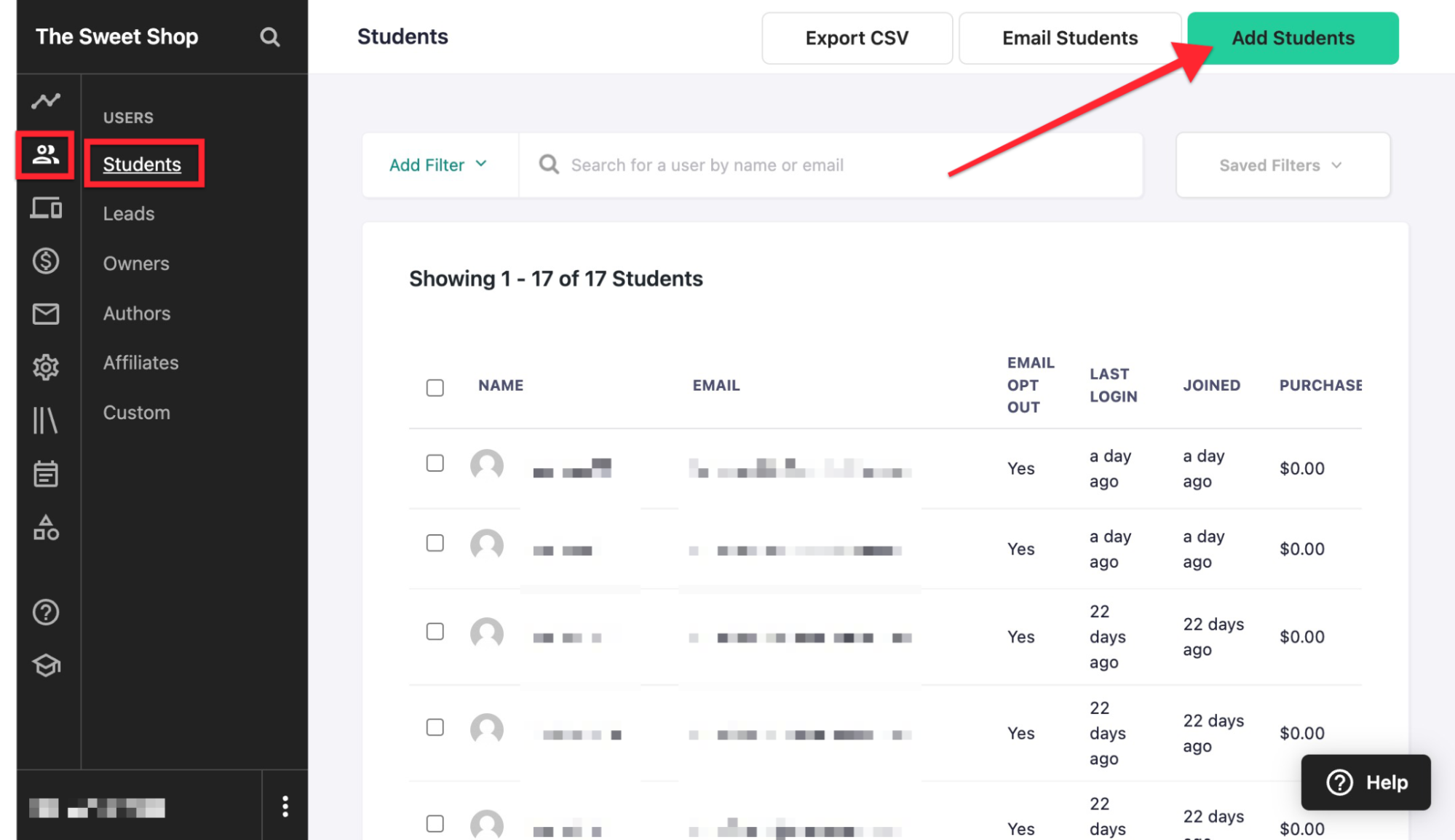
Source: Teachable Support
Udemy controls the primary customer relationship. While instructors can communicate with students through the platform’s messaging tools, access to external marketing is limited. This makes it more difficult to move students into other paid programs outside Udemy’s ecosystem.
5. Ease of Setup
Ease of use can strongly influence early-stage decisions.
Udemy is often the fastest way to publish a course. Instructors can upload videos, create quizzes, and launch without configuring payment systems or designing a website. This makes it appealing for first-time creators to test demand.
Teachable requires more initial setup. You’ll configure branding, payment gateways, and course structures before launching. While this process takes longer, it results in a more professional and scalable foundation.
In simple terms, Udemy prioritizes speed and simplicity, while Teachable prioritizes ownership and structure.
6. Long-Term Scalability
Scalability is where the difference becomes most visible over time.
Teachable supports membership models, bundled courses, subscription programs, and high-ticket coaching integrations. You can gradually expand into a multi-course business with tiered pricing and premium offerings.
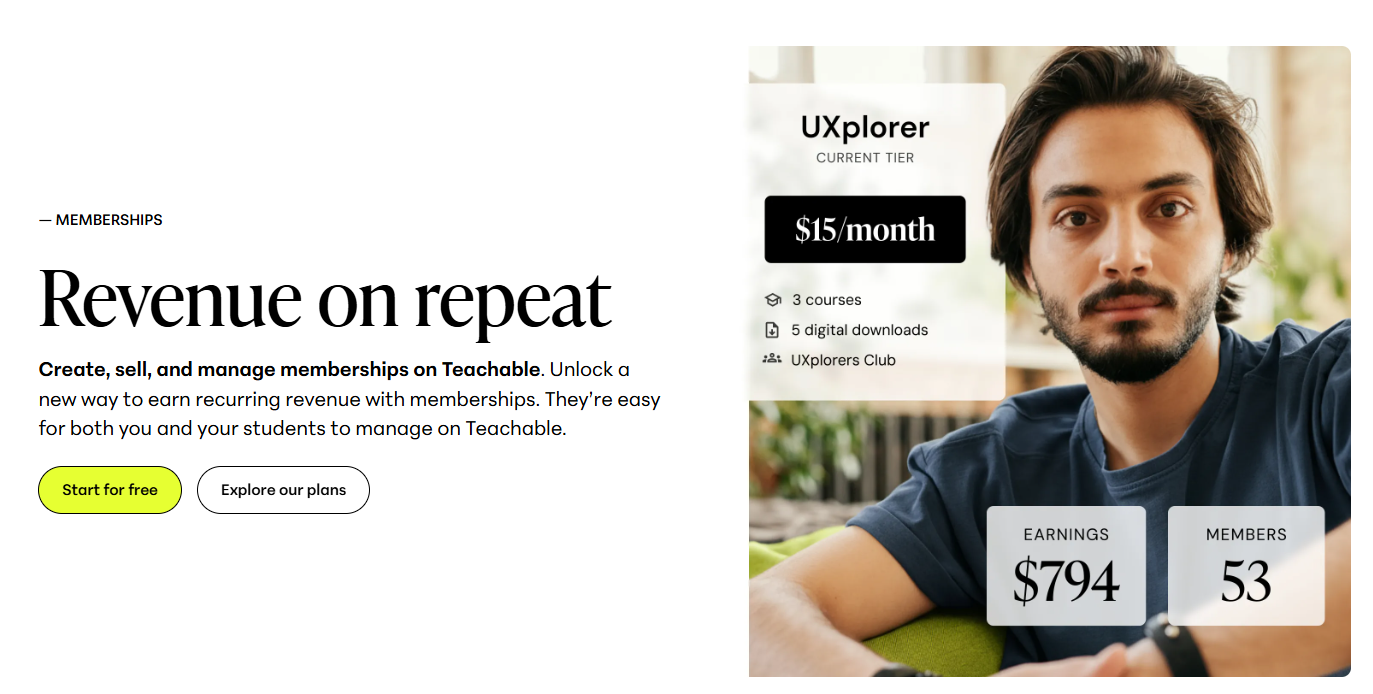
Udemy works well for volume-based course sales and exposure-driven growth. However, because of marketplace discounting and competition, scaling into high-ticket education models can be challenging.
If you’re building a sustainable education brand with multiple products, Teachable offers more room for expansion.
Teachable vs Udemy: Which Is Better?
Choosing between Teachable and Udemy ultimately depends on how you want to build your course business. Both platforms allow you to publish and sell online courses, but the long-term implications for branding, revenue control, and scalability are very different.
The table below summarizes the core distinctions at a glance:
| Feature | Teachable | Udemy |
|---|---|---|
| Business Model | Independent course platform | Marketplace |
| Revenue Control | Full pricing control | Revenue share with discounting |
| Setup Time | Moderate setup required | Very fast launch |
| Branding | Custom domain & branding | Standardized marketplace layout |
| Audience Ownership | Yes | Limited |
| Long-Term Scalability | Strong for brand growth | Limited by the marketplace structure |
- Choose Teachable if you want full control over pricing, branding, and customer relationships. It supports long-term business growth, premium pricing strategies, and audience ownership.
- Choose Udemy if your primary goal is fast exposure and minimal setup. It allows instructors to publish quickly and benefit from built-in traffic, which can be helpful for first-time creators.
Where an AI Course Creator Like Coursebox Fits In
Before choosing between Teachable vs Udemy, creators struggle to build their courses. An AI course creator like Coursebox helps streamline content development by automatically generating structured outlines, lessons, and assessments.
You don’t have to spend weeks planning modules from scratch. With Coursebox, you can transform documents and expertise into organized learning programs much faster. This significantly reduces production time and ensures consistent instructional structure.
When you’re done creating a course, you can publish it on Teachable to build a branded business or upload it to Udemy for marketplace exposure. Using AI-powered course creation tools allows you to focus on strategy and positioning rather than getting stuck in content planning.
Try Coursebox today to create courses that sell themselves!
FAQs About Teachable vs Udemy
Is Teachable better than Udemy for making money?
Teachable often offers higher long-term earning potential because you control pricing and retain most of your revenue. Udemy can generate quick sales through marketplace traffic, but revenue share and discounting may reduce per-sale profits.
Can I use both Teachable and Udemy at the same time?
Yes. Some creators use Udemy to gain exposure while building a branded course business on Teachable. However, pricing consistency and marketing strategies should be considered carefully.
Teachable vs Udemy, Which platform is better for beginners?
Udemy is generally easier to start with because it requires minimal setup. Teachable requires more configuration but offers stronger long-term control.
Is Udemy good for high-ticket courses?
Udemy’s frequent discount promotions can make premium pricing more difficult to maintain. High-ticket strategies are typically easier to implement on independent platforms like Teachable.
Should I create my course on an AI course creator?
Yes. Focusing on course structure and quality first is essential. Many creators now use AI-powered course creation tools like Coursebox to accelerate development before deciding where to host and sell their content.
Alex Hey
Digital marketing manager and growth expert

