

Teachable vs Kajabi: What’s the Difference and Which Should You Choose?
Teachable vs Kajabi breakdown for creators. Learn how each platform handles courses, payments, marketing, and long-term business growth.


Build high quality courses that actually sell
AI course creator platforms shape how creators teach, sell, and scale their digital products. When deciding between Teachable and Kajabi, the choice often comes down to speed vs. business infrastructure. Teachable makes it easy to launch quickly, while Kajabi offers a robust all-in-one system for marketing, automation, and revenue management.
In this article, we’ll break down Teachable vs Kajabi across course creation, sales tools, customization, pricing, and long-term scalability so you can choose with confidence.
What is Teachable?
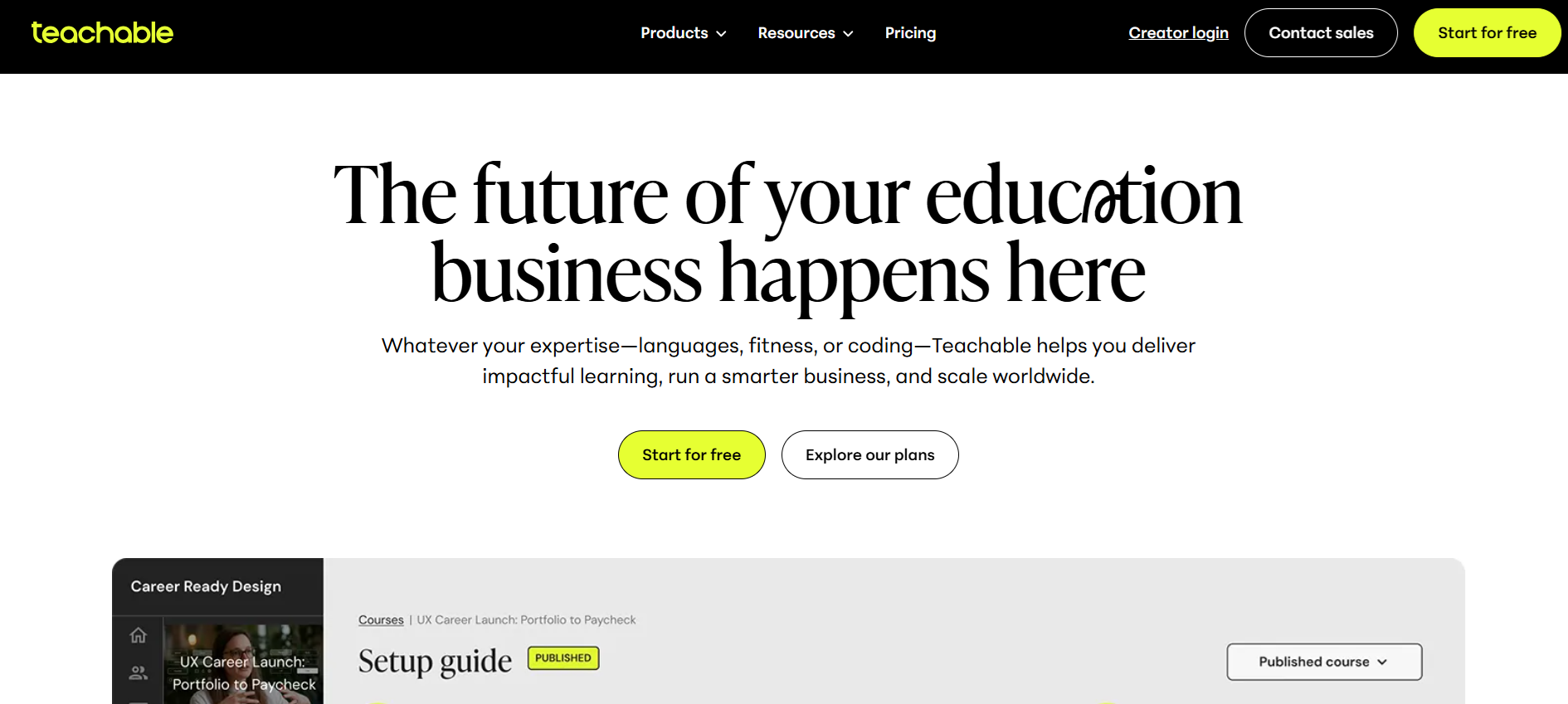
Teachable is built for creators who want to start selling courses fast. You can upload videos, add quizzes, set prices, and launch without getting bogged down in extra features. Many users love the clean dashboard and straightforward workflow.
Marketing tools are basic, so creators often connect external email and analytics apps. Lower-tier plans come with transaction fees, which can add up as your sales grow. Automation options are limited, requiring additional software for things like drip campaigns or enrollment triggers.
Teachable works well for solo creators, small teams, or anyone who values simplicity over a complex ecosystem. Students can access courses easily, and payments are handled smoothly via Stripe or PayPal. Support is responsive but improves only on higher-tier plans.
What is Kajabi?
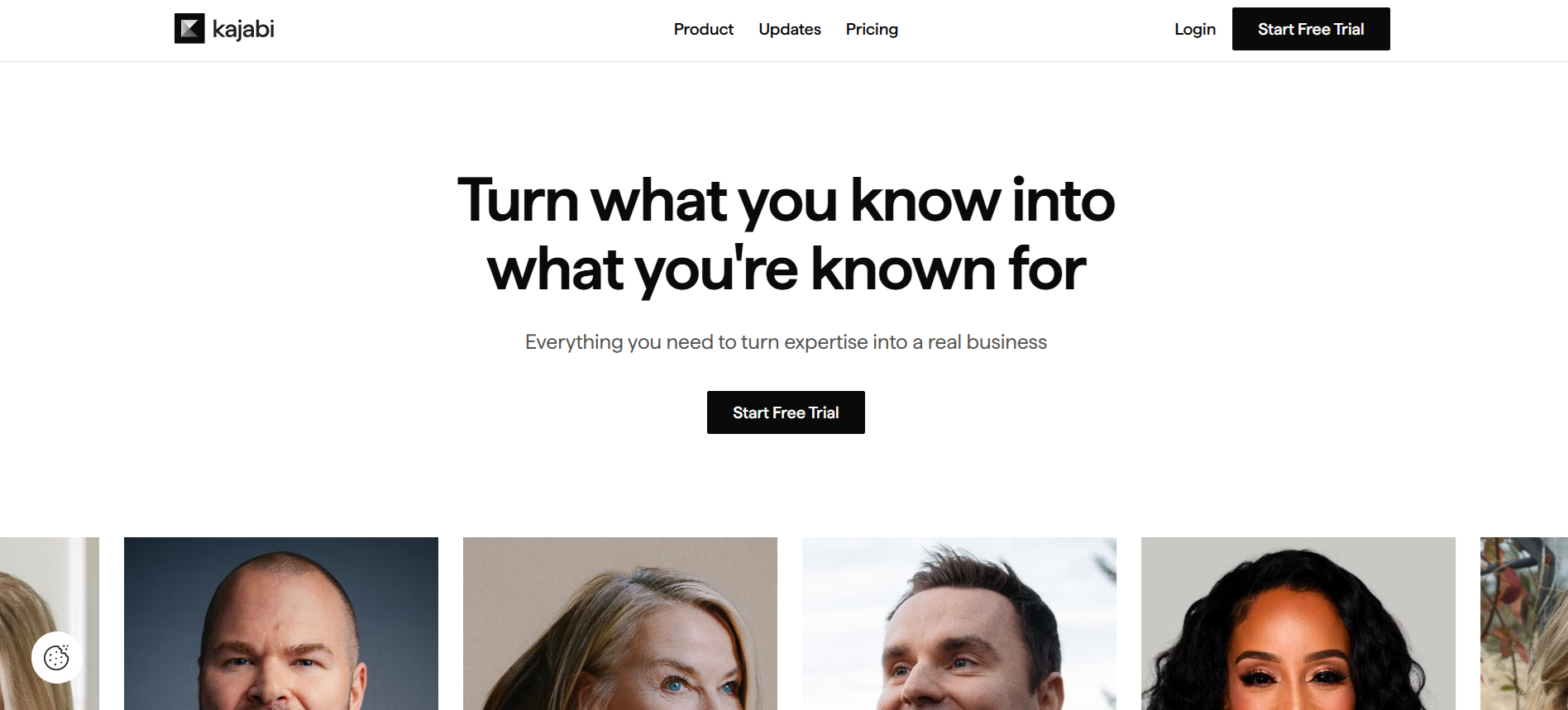
Kajabi is designed for creators running full online businesses. You can host courses, manage memberships, build websites, run email campaigns, create funnels, and sell digital products, all in one platform. Users appreciate having everything under one roof, especially when managing multiple offerings.
The platform can feel crowded if you just want a simple course. Some tools may go unused, and beginners can feel overwhelmed. Pricing is higher, but many creators find the all-in-one approach saves money by replacing multiple subscriptions.
Teachable vs Kajabi: 5 Key Differences Explained
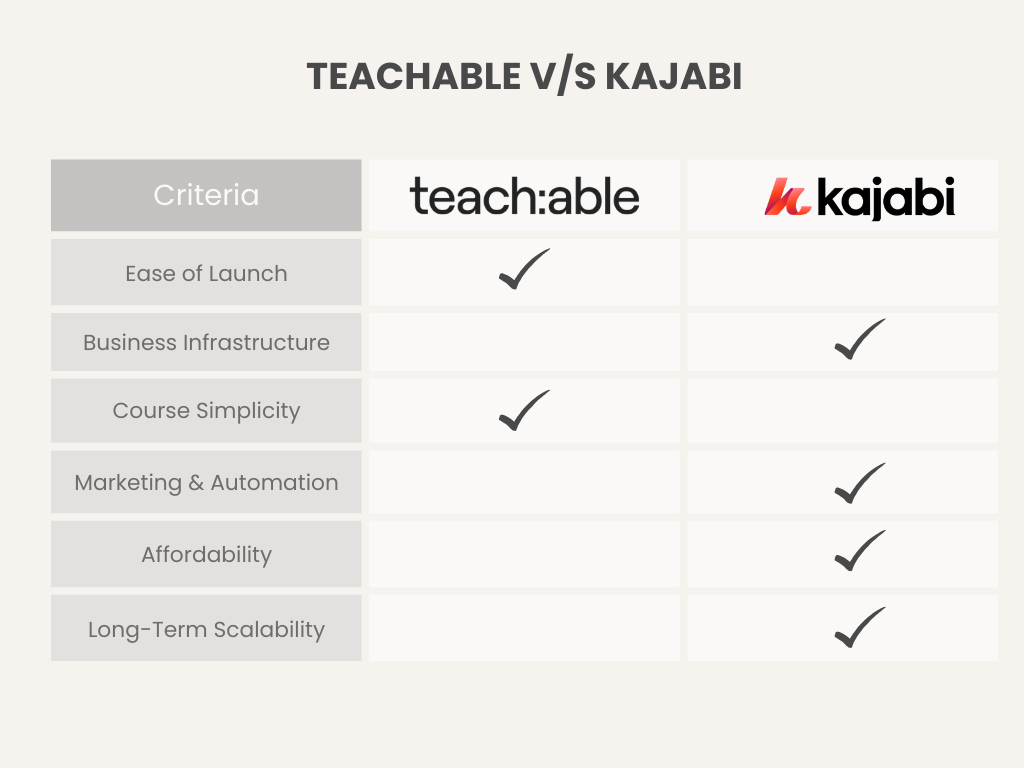
Choosing between Teachable and Kajabi is about what you value most. Do you want fast, simple launches or a fully integrated business engine? These five areas often determine which platform fits your workflow.
1. Ease of Use & Interface
Daily workflows shape long-term success. Clear dashboards reduce friction and speed up publishing.
Teachable Experience
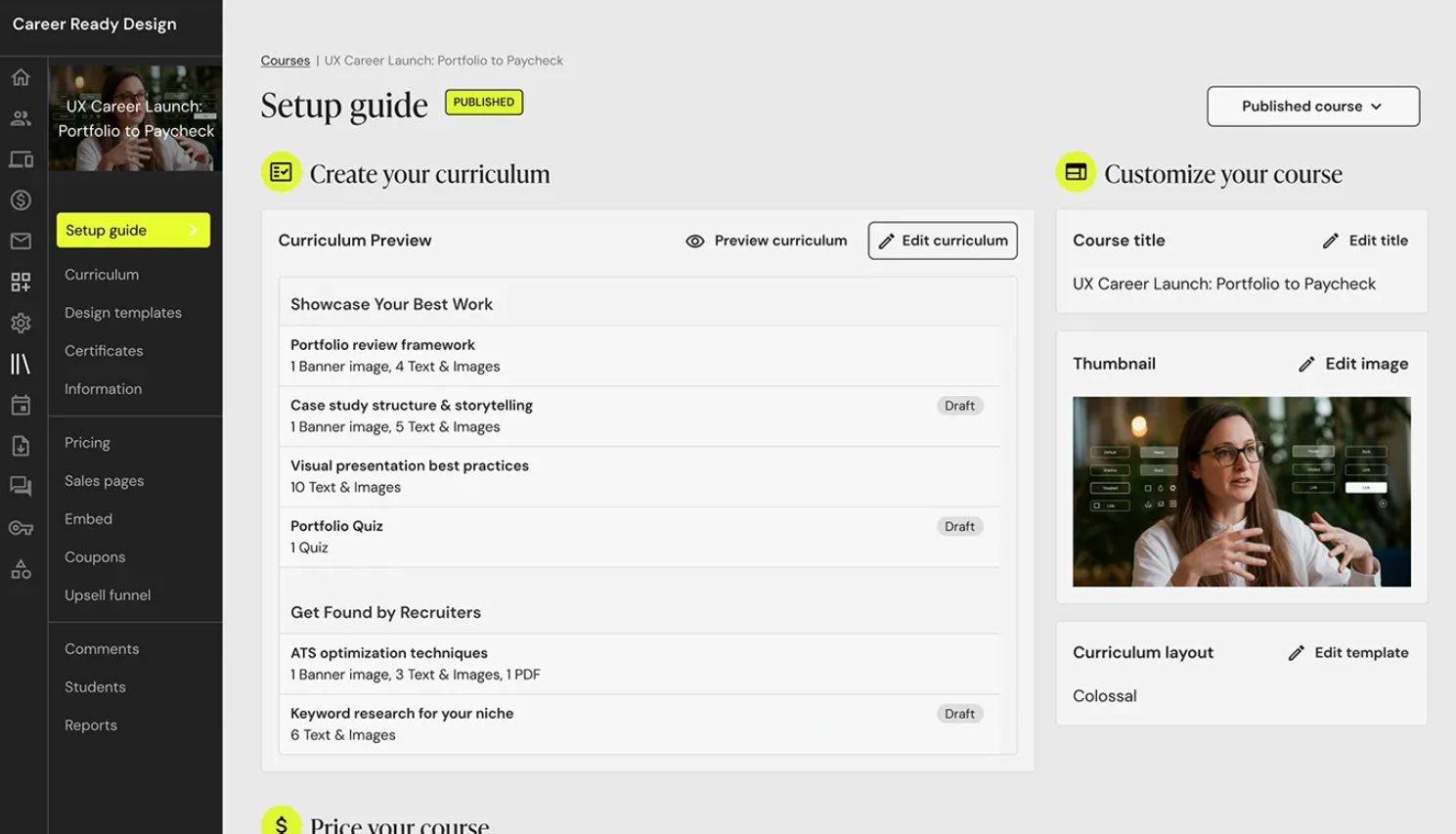
Teachable keeps everything simple. Course setup follows a guided flow that helps beginners publish fast. Menus stay minimal, and creators focus on lessons rather than settings.
Kajabi Experience
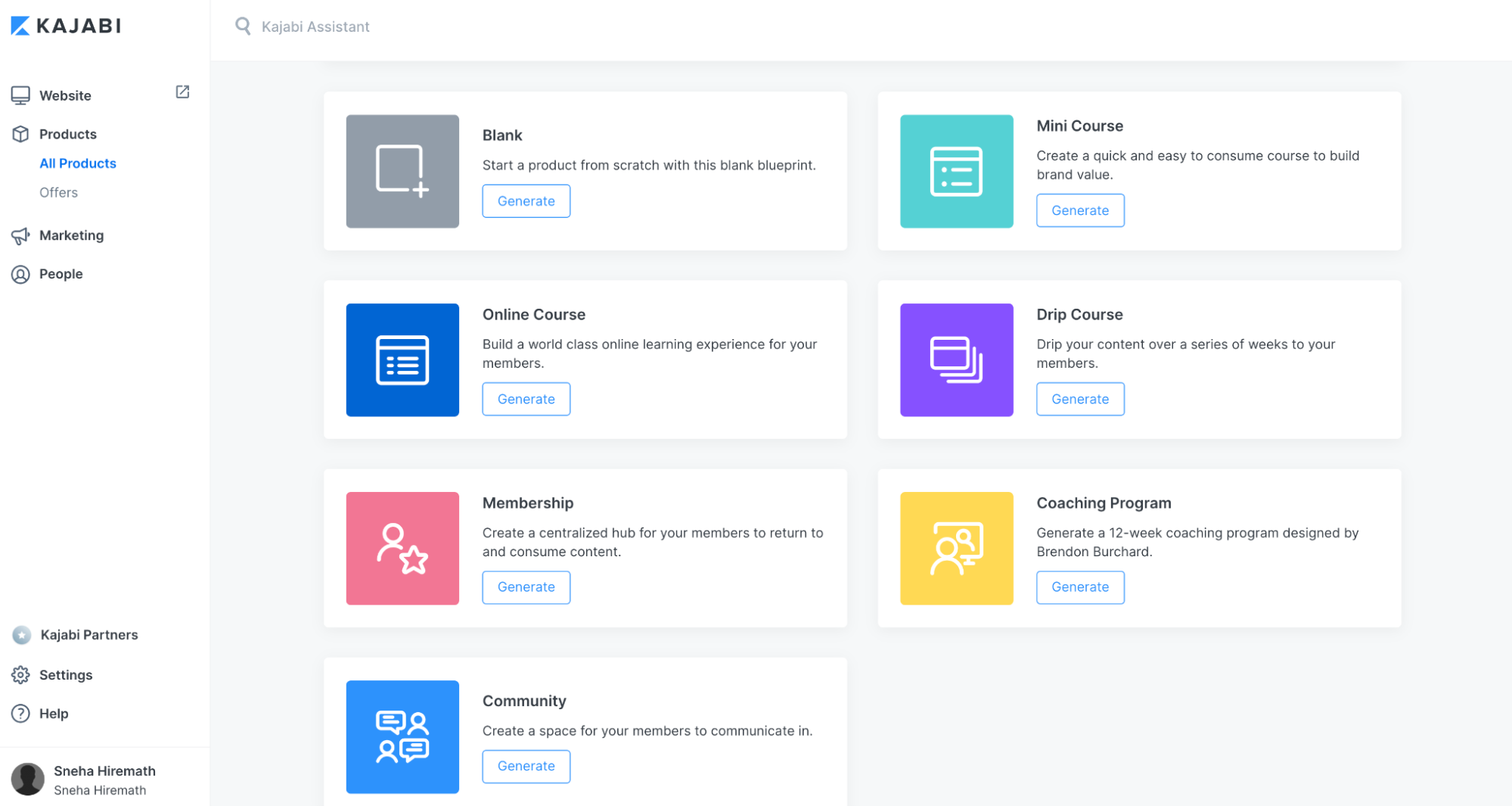
Kajabi delivers power from day one. Dashboards show products, pipelines, emails, and analytics in one place. Experienced creators move fast, though beginners may feel overwhelmed early on.
Quick view:
Teachable features a clean layout and fast onboarding, making it a highly beginner-friendly option. Conversely, Kajabi is built with a business-first design, offering a tool-rich dashboard that typically requires navigating a steeper learning curve.
2. Course Management & Creation
Strong courses depend on structure, delivery, and scalability.
Teachable
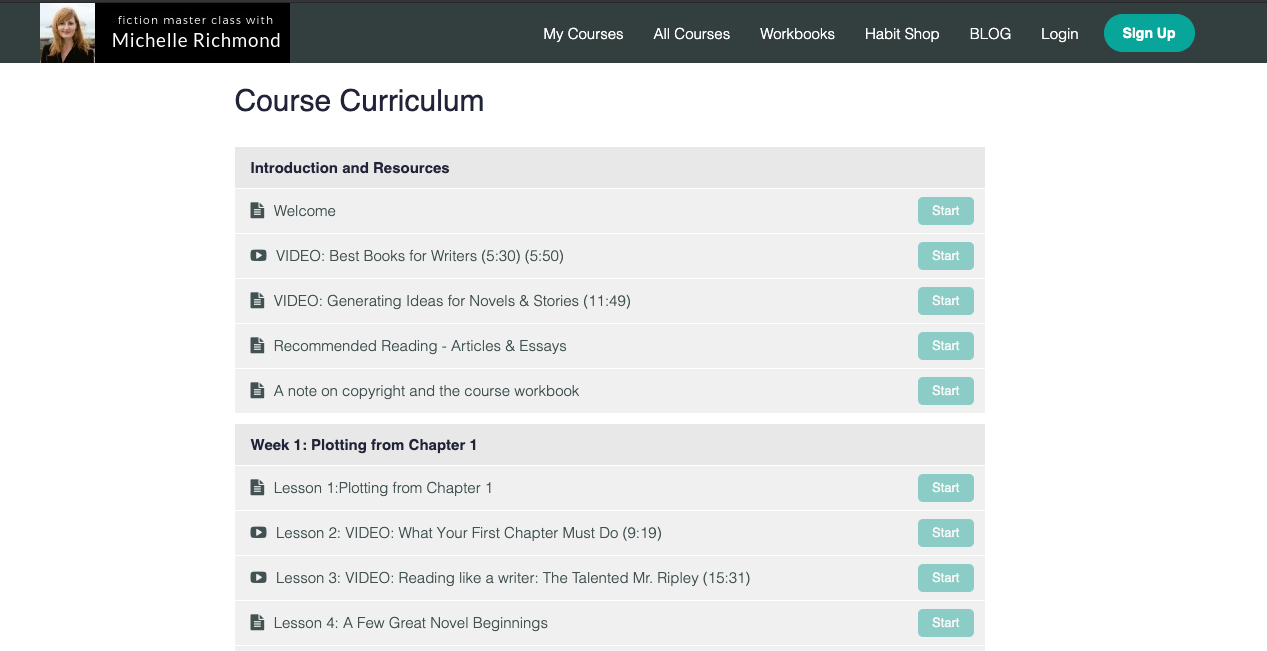
Teachable supports videos, downloads, quizzes, and basic course layouts. Creators launch single courses or small catalogs with ease. Advanced learning paths require workarounds.
Kajabi
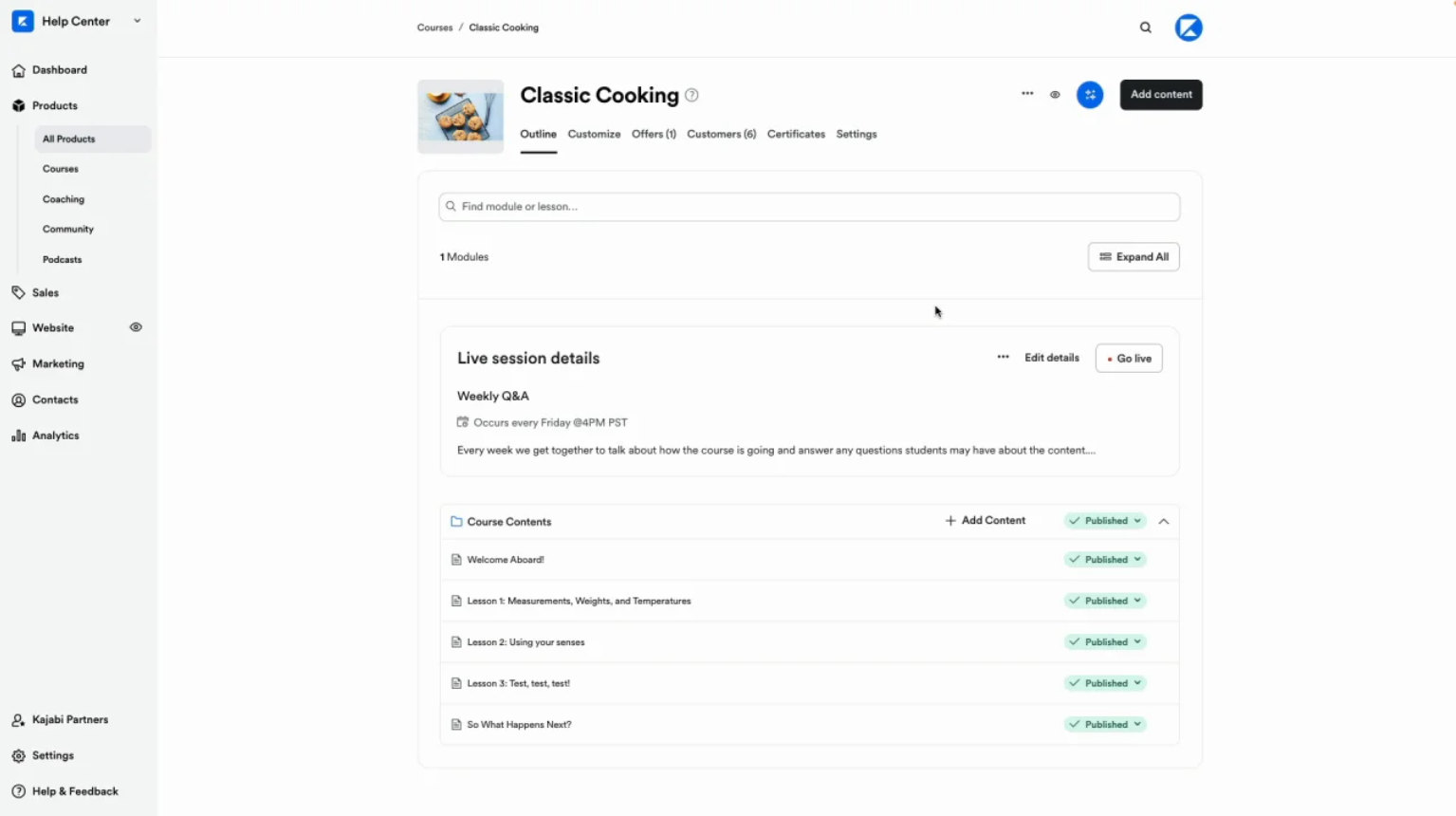
Kajabi supports courses, memberships, coaching programs, and bundles. Templates speed up creation, and content connects directly to funnels and offers. Assessment tools remain basic.
Best fit:
Teachable is the best fit for single courses and simple programs, offering a streamlined path to fast publishing. Kajabi, however, excels at broader scopes, making it the ideal platform for memberships, coaching, and multi-product ecosystems.
3. Customization & Integrations
Control over branding and workflows shapes creator freedom.
Kajabi
Kajabi includes email marketing, automation, landing pages, and branding tools inside one platform. Creators reduce reliance on third-party software.
Teachable
Teachable limits layout control and native marketing tools. Creators often connect external email platforms, analytics tools, and automation software.
Difference:
- Teachable: Simplicity with integrations
- Kajabi: Built-in tools with deeper control
4. Pricing & Growth Costs
Pricing impacts margins as sales grow.
Teachable
Teachable starts cheaper and suits early-stage creators. Lower plans may include transaction fees, which affect scaling revenue.
Kajabi
Kajabi costs more upfront. Higher pricing bundles marketing, automation, and community tools, which can replace multiple subscriptions over time.
Snapshot:
- Teachable: Lower entry cost, fees on smaller plans
- Kajabi: Premium pricing, all-in-one value
5. Support, Security & Reliability
Support quality matters once revenue depends on uptime.
Teachable
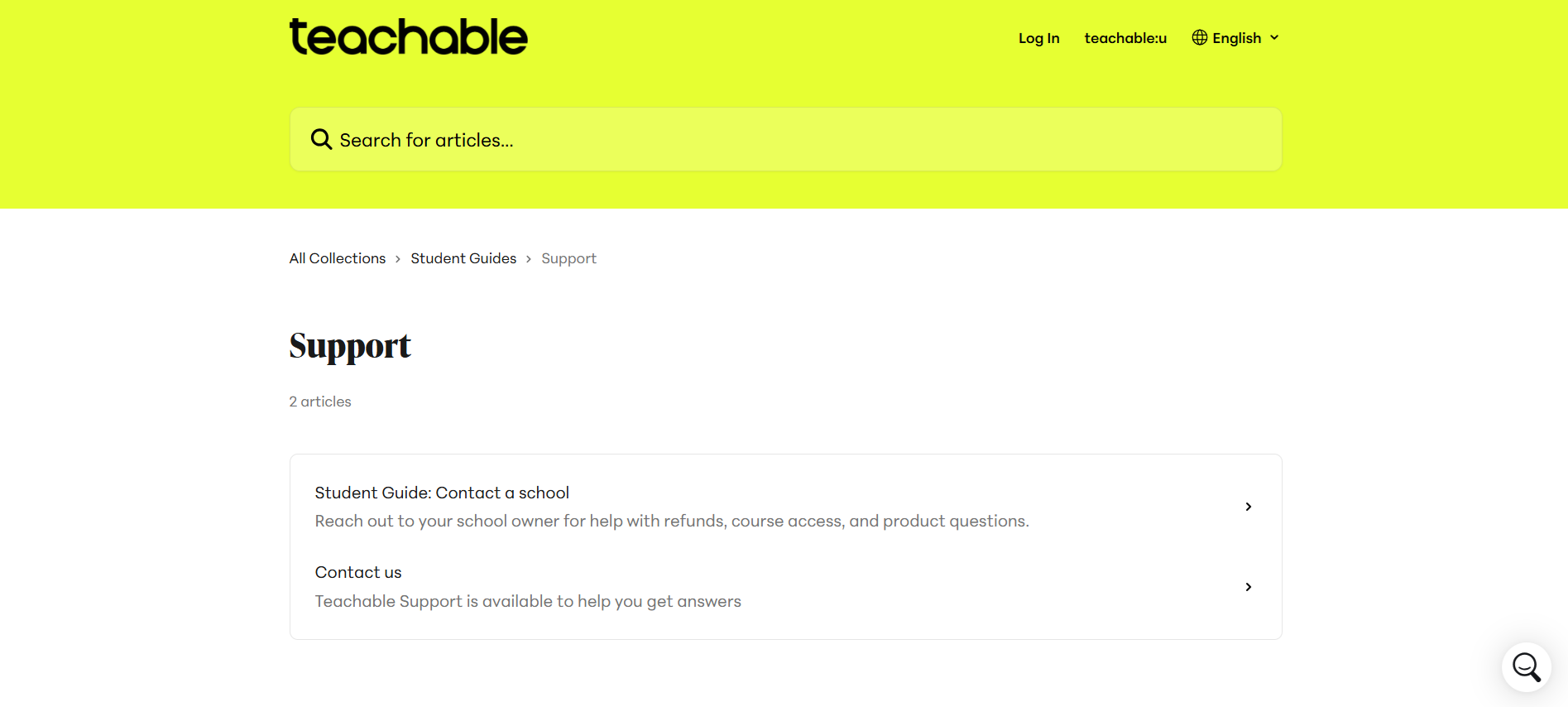
Teachable provides secure hosting, SSL, and payment protection. Support quality improves on higher tiers but slows on entry plans.
Kajabi
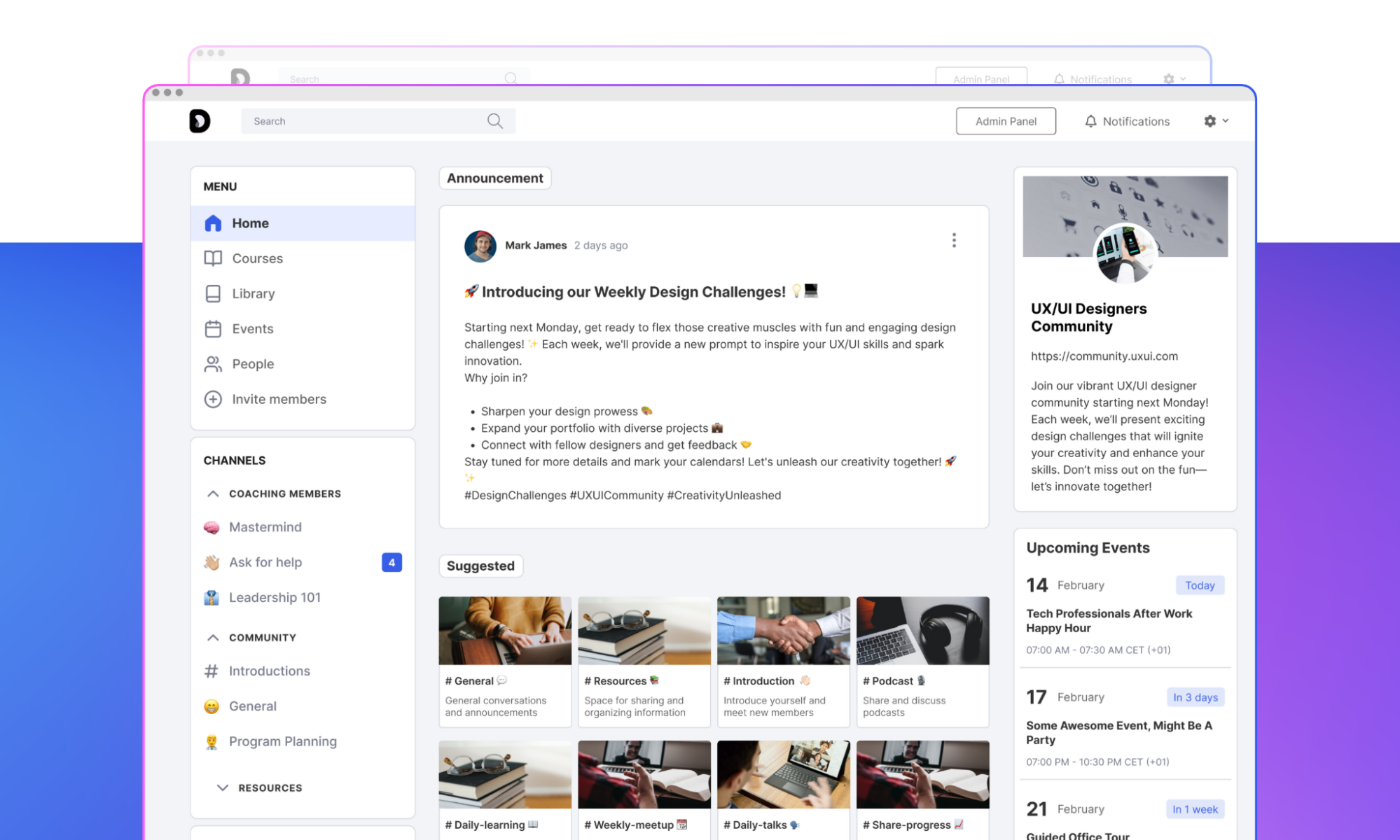
Kajabi offers secure infrastructure plus priority support on advanced plans. Onboarding resources and documentation remain strong across tiers.
Teachable vs Kajabi: Which is Better?
Teachable and Kajabi both help creators sell online courses, but they prioritize different workflows and growth paths.
| Feature | Teachable | Kajabi |
|---|---|---|
| Best For | Solo creators, first-time course sellers, simple catalogs | Entrepreneurs, coaches, and digital businesses focused on scaling |
| Ease of Use | Very beginner-friendly; minimal dashboard clutter | Powerful but busy interface; steeper learning curve |
| Setup Time | Very fast; guided step-by-step course setup | Fast with templates; full business setup takes longer |
| Course Structure | Simple lessons, videos, and basic quizzes | Courses, memberships, coaching, bundles |
| Customization | Limited layout and branding control | Strong branding, templates, and workflow customization |
| Fees & Pricing | Lower entry cost; transaction fees on lower plans | Higher monthly cost; no transaction fees |
| Support | Standard support; faster responses on higher tiers | Priority support on higher plans; strong onboarding |
Choose Teachable if speed, simplicity, and quick launches matter most. Choose Kajabi if you want a complete business platform with built-in marketing and automation.
How Users Rate Teachable vs Kajabi
Overall Ratings:
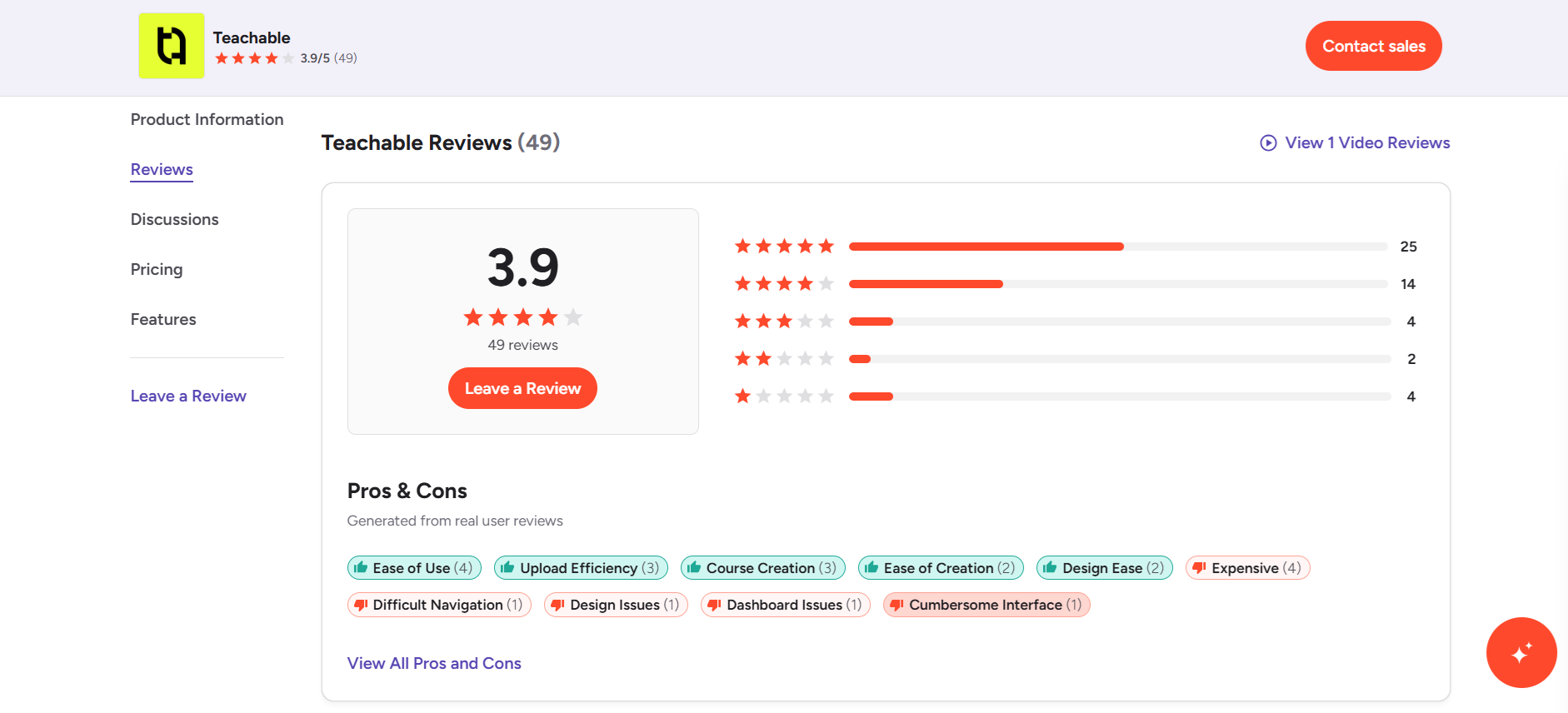
Teachable: Good ratings (~3.9/5) for simplicity and fast launches.
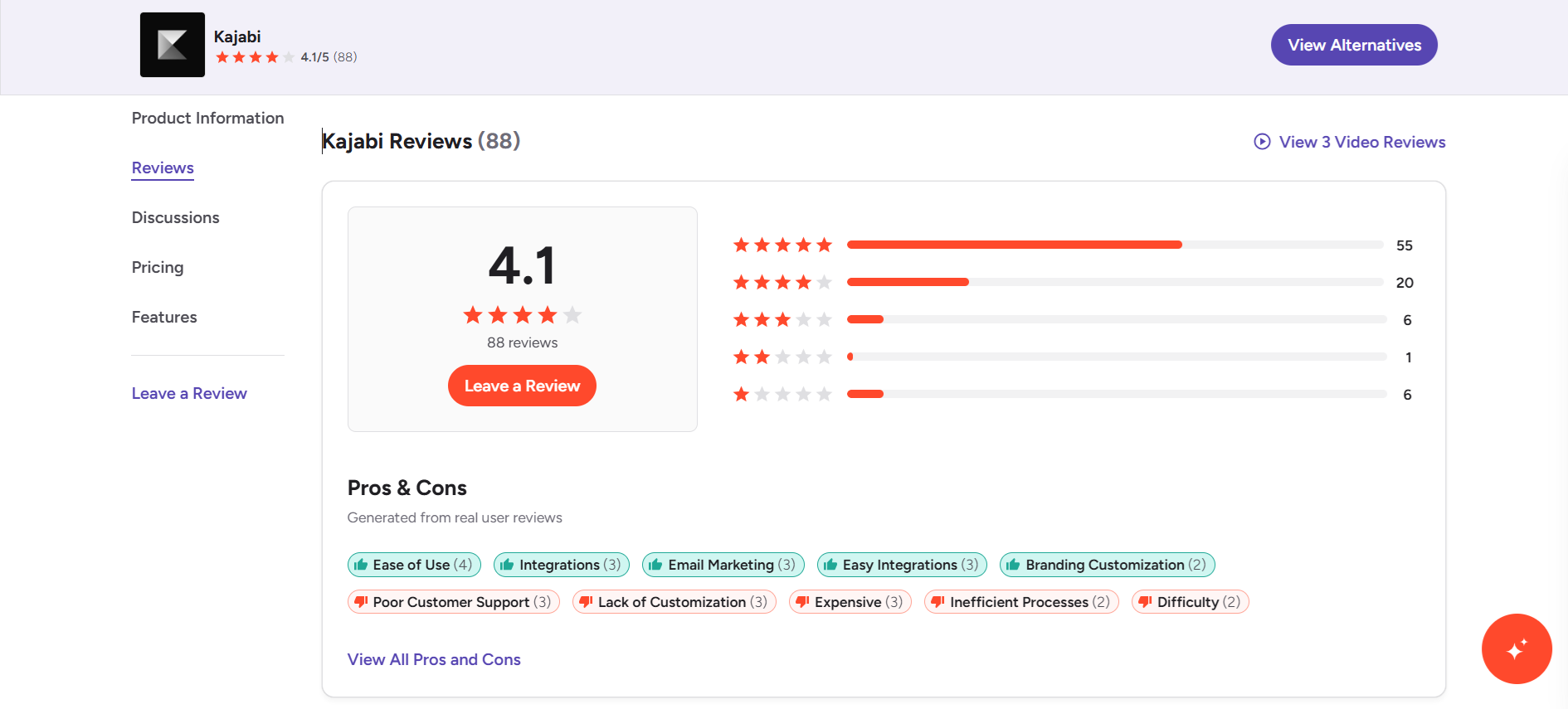
Kajabi: Higher scores (~4.1/5) for scalability and automation.
What People Like About Teachable:
- Beginner-friendly dashboard and fast setup.
- Lower starting price.
What People Dislike About Teachable:
- Transaction fees on lower tiers.
- Limited automation and analytics.
What People Like About Kajabi:
- Complete business toolkit with email, funnels, and memberships.
- No transaction fees.
What People Dislike About Kajabi:
- Higher monthly cost.
- Overkill for simple course needs.
Coursebox AI Leads the Future of Learning
Both Teachable and Kajabi have strong sides, but scaling often introduces friction. Teachable favors speed but lacks automation. Kajabi offers power but adds complexity and higher costs.
Coursebox AI removes these trade-offs. From day one, AI builds course structures, lessons, quizzes, and content flow automatically, saving hours of manual setup. Automation handles enrollments, assessments, learner tracking, and engagement, all without connecting multiple tools. Templates and AI-assisted formatting keep courses polished.

Flexible pricing scales with your needs:
- Starter (~$16.58/month): 50 AI courses, unlimited learners, private publishing, assessments, certificates, bulk enrollments, LMS reporting
- Pro (~$33.25/month): 200 courses, learner groups, subscriptions, Zapier integrations, newsletters, events, and added storage
- White-Label (~$99/month): Custom domain, full branding, advanced permissions, onboarding tools, commission management, marketplace features, SCORM support
- Enterprise/Custom: Tailored solutions for larger teams or complex needs
Start creating smarter, faster, and more scalable learning experiences today with Coursebox AI.
FAQs
Can beginners use both?
Yes, beginners can use both platforms, but the experience differs. Teachable feels easier to start with and allows quick course launches with minimal setup. Kajabi costs more and takes longer to learn, yet rewards users with advanced tools once they grow comfortable.
Do both support payments?
Yes, both platforms support payments through Stripe and PayPal. Creators can accept one-time payments, subscriptions, and payment plans, making it easy to sell courses to a global audience.
Which platform is faster to launch a course?
Teachable allows faster launches, especially for solo creators or first-time course builders. Kajabi requires more initial setup, but that investment supports stronger long-term business management.
Can I run memberships?
Kajabi supports memberships natively, including recurring billing and gated content. Teachable supports memberships only through higher-tier plans or third-party integrations, which adds extra steps.
Which platform is better for multiple courses?
Kajabi manages multiple courses, bundles, and funnels more effectively within one system. Teachable works better for one or a small number of courses rather than large catalogs.
Can I automate emails and notifications?
Kajabi includes built-in email automation, tagging, and behavioral triggers. Teachable relies on external email tools for automation beyond basic notifications.
Which platform handles student tracking best?
Kajabi offers deeper insights through engagement dashboards, progress tracking, and sales analytics. Teachable provides essential reporting but lacks advanced engagement and behavioral tracking.
Travis Clapp
Travis Clapp is the original founder and CEO of Coursebox. As an experienced instructional designer, he has lived through the process of building high quality courses. These experiences brought about his idea to upload all your documents and ideas into a virtual box that could convert those magically into a course. Prior to Coursebox, he successfully founded and built a social based LMS. Travis has 15+ years of experience designing courses and EdTech platforms from university MOOCs to enterprise LMS. Travis has built training for reputable companies like Johnson & Johnson, Electrolux, Michael Hill and SA Health. One of his courses reached 20,000+ learners which was a flagship edX course. He is based in the Adelaide, South Australia office and passionately works on customer support, sales and bringing the original product vision to life every day.

