

Moodle vs Canvas: What’s the Difference and Which Should You Choose?
Get a full overview of Moodle vs Canvas. We break down key features, pros and cons, customization, user experience, and who each platform is best for.


Run your own branded LMS with unlimited learners
Moodle and Canvas sit among the most widely used learning platforms for schools, universities, and growing companies. Both give users solid tools for building courses, managing learners, and running online training.
They each have a strong track record, but they also come with a few trade-offs. Moodle often feels complex for teams without tech support, while Canvas can feel limiting when deeper customization or flexible content creation is needed. Your best choice depends on how you deliver training, how quickly you need to create content, and how much time or budget you want to put into managing your learning system.
This guide gives you a clear, simple look at Moodle vs Canvas so you can choose what fits your training needs.
What is Moodle?
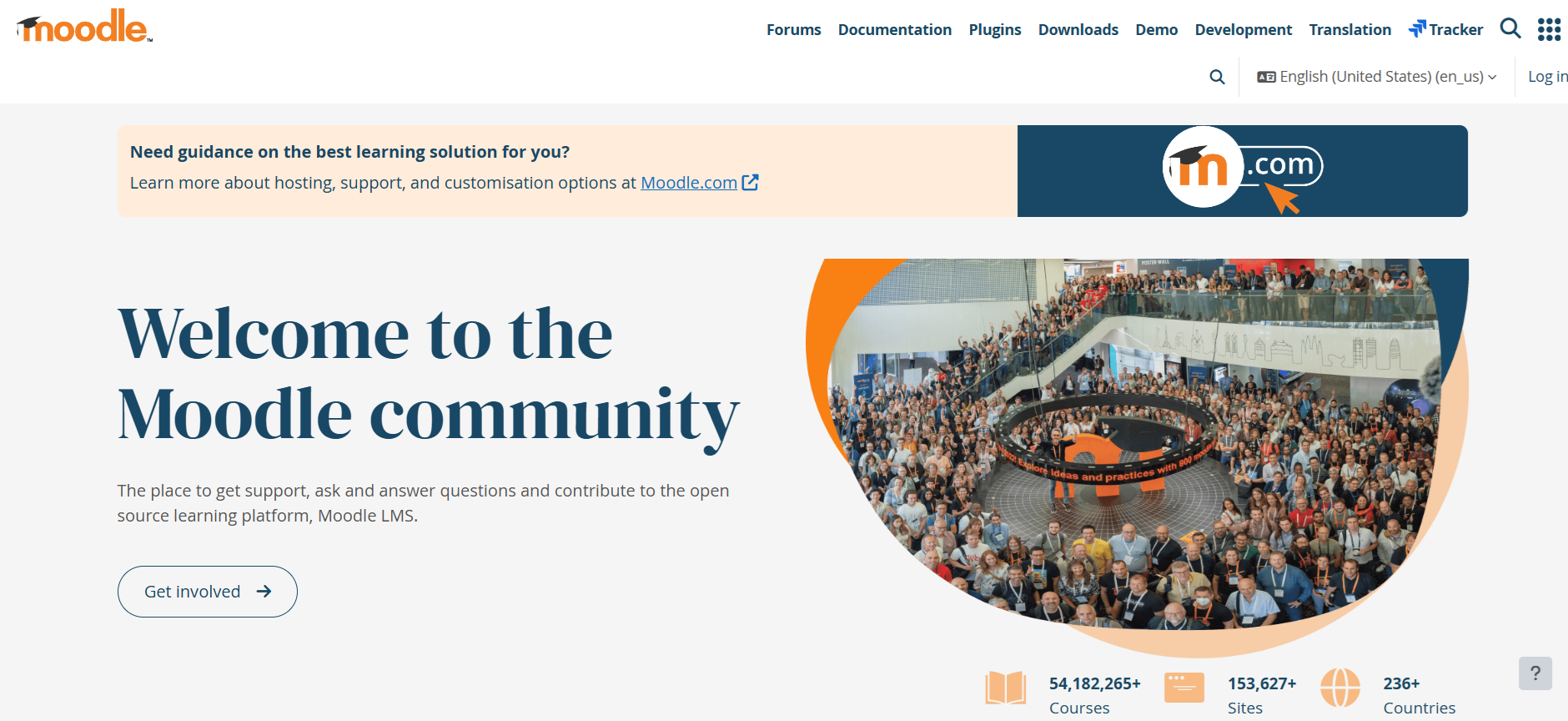
Moodle is a long-running learning platform used by schools, universities, and training teams that want strong control over how courses work. Open-source foundations give every institution room to tailor features, layouts, and workflows with thousands of free plugins.
Each course in Moodle includes a full gradebook for quizzes, assignments, peer tasks, SCORM files, and more. Instructors get activity logs, completion tracking, and simple analytics, with deeper insight available through community reporting tools.
Moodle also supports inclusive learning through accessibility checks, text-to-speech tools, and course design feedback that helps instructors refine lessons. Forums, wikis, group work tools, and messaging keep learners connected. Many schools even build parent pages so families can follow curriculum updates, homework, and attendance with ease.
What is Canvas?
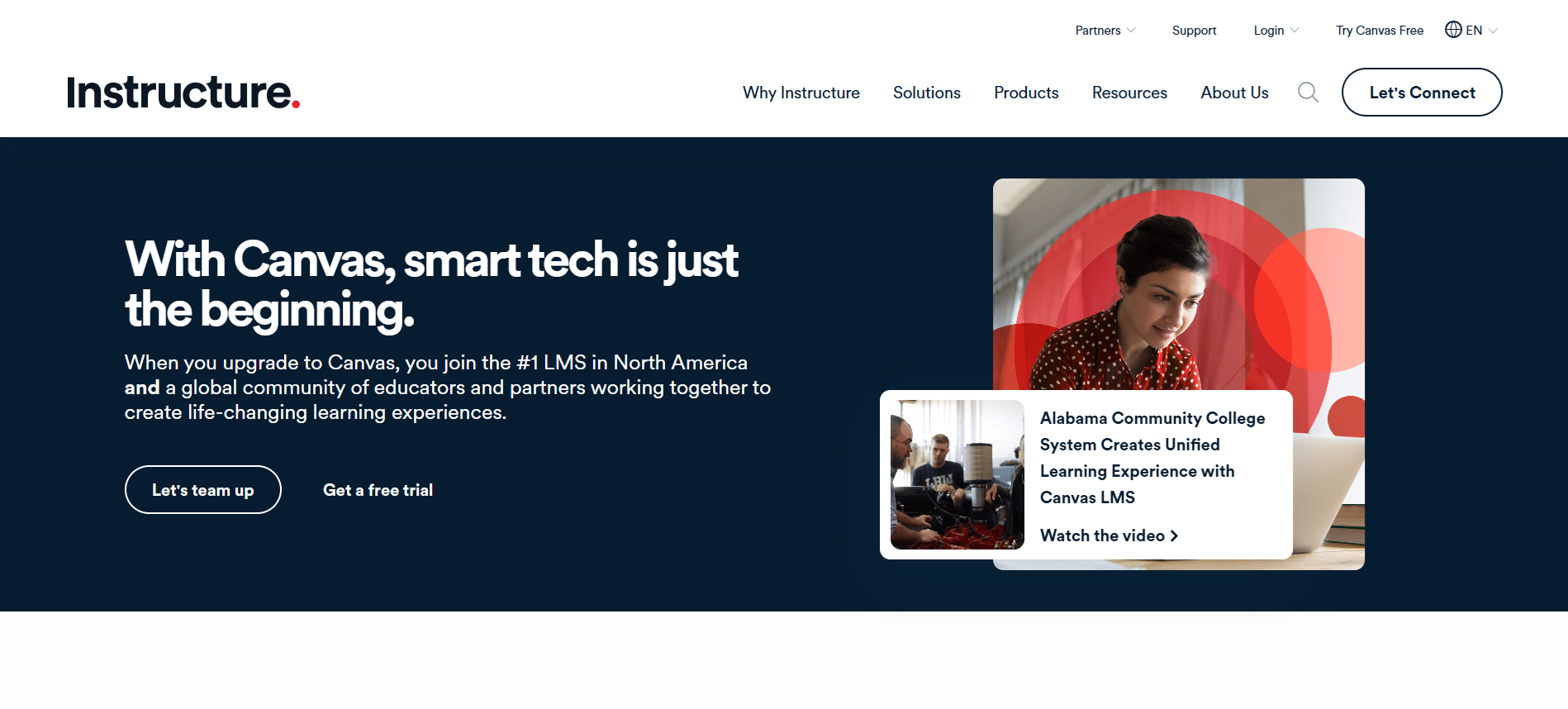
Canvas by Instructure is a widely used learning management system built for online, hybrid, and in-person learning. It gives instructors and learners a central place to manage courses, assignments, and communication through a clean, easy-to-navigate dashboard.
Canvas organizes content into training modules, letting instructors structure lessons by weeks, units, or topics using videos, files, discussions, quizzes, and LTI-based resources. The modular layout helps learners move through content in a clear, guided way.
One of Canvas’s strongest features is SpeedGrader, a tool that streamlines grading, supports multiple submission types, and works seamlessly with rubrics for fast, consistent feedback.
Moodle vs Canvas: 5 Key Differences Explained
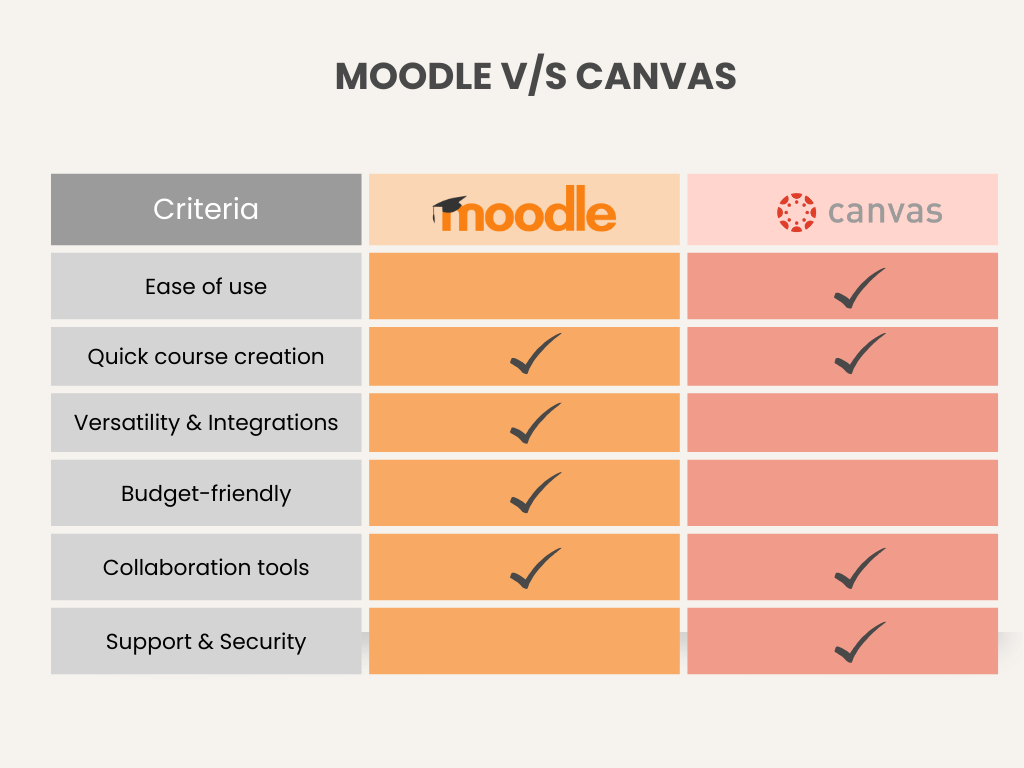
Educators and trainers often face slow course setup, tricky workflows, and limited automation. Moodle offers deep customization, while Canvas focuses on ease of use, yet both have trade-offs. Let’s break down the key differences to help you choose the best fit.
1. Ease of Use & Interface
Choosing a learning management system (LMS) often comes down to how comfortable instructors and students feel using it every single day. A clean interface, predictable navigation, and minimal friction can dramatically improve course adoption and reduce training needs.
Overall Experience
Moodle offers enormous power, but that power brings complexity. The screens can feel crowded, and new users may need time to get comfortable. Institutions that customize Moodle extensively often require technical support to maintain a smooth interface.
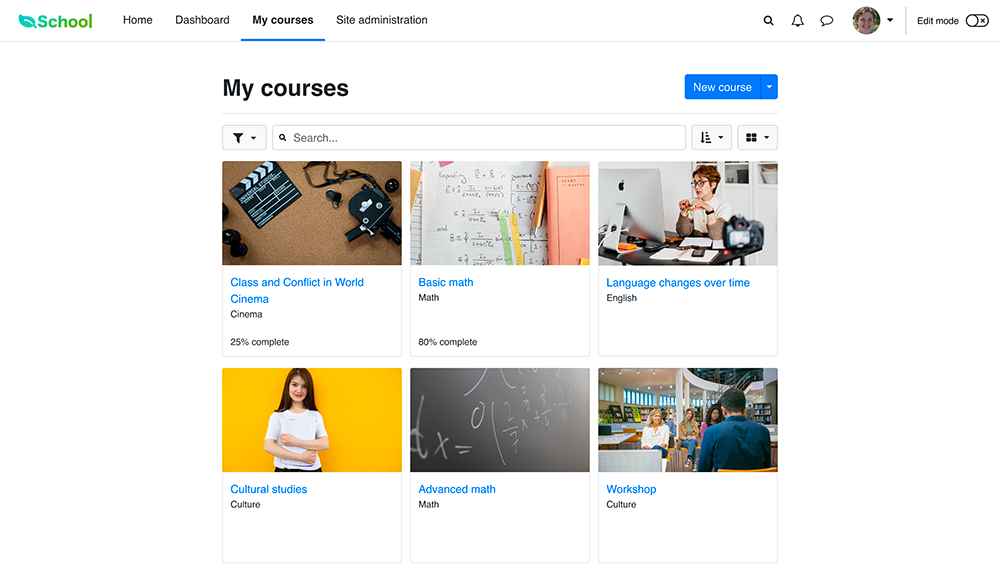
Canvas, in contrast, focuses on clarity. The platform’s modern layout and simple menu structure mean instructors can usually create and manage courses without extra training. Students also tend to find it easy to move between modules, assignments, and discussions.
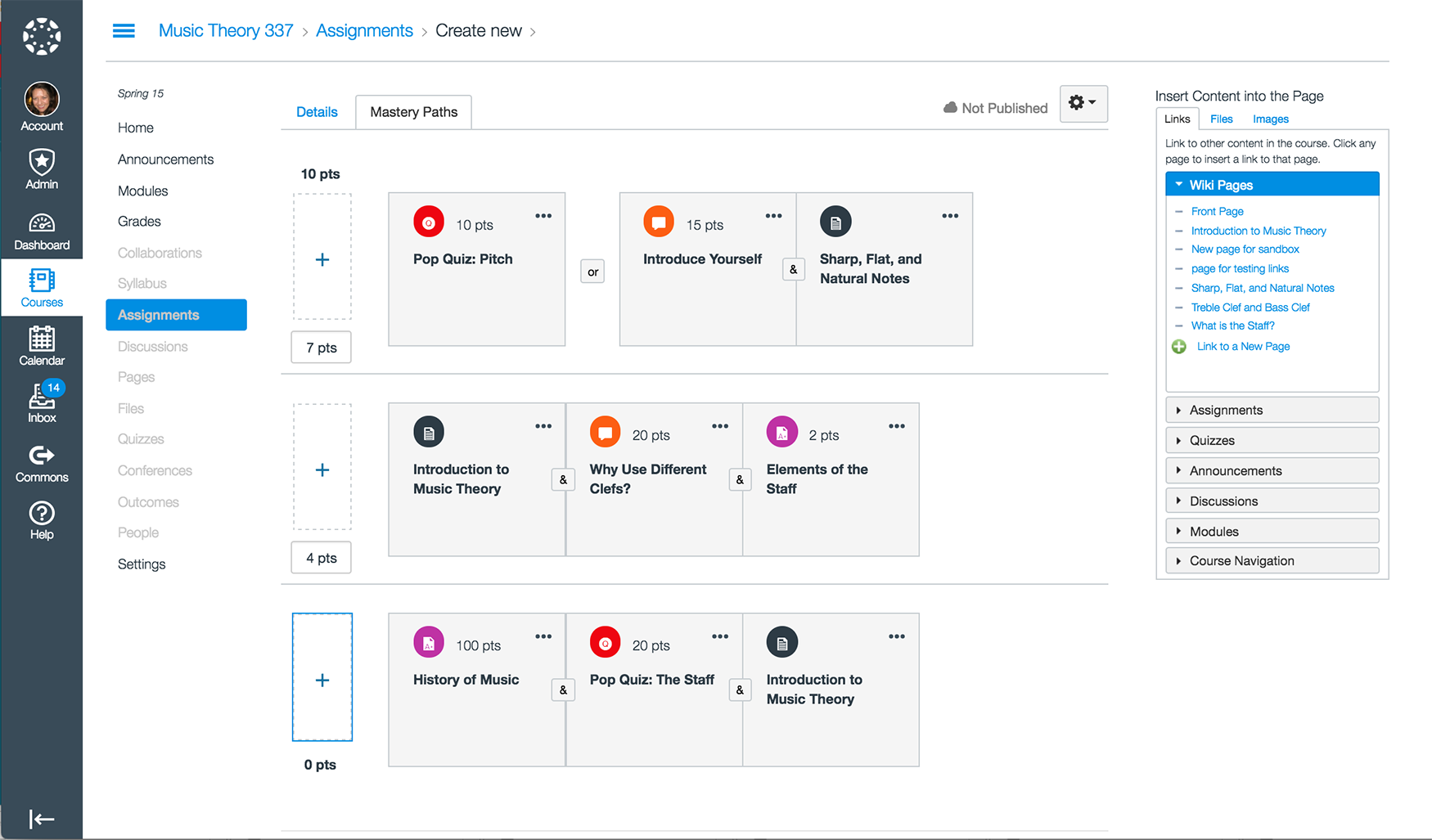
UI Comparison:
- Moodle: Highly configurable, but initial setup can be technical. Admins often handle theme changes, plugin management, and layout adjustments.
- Canvas: Ready to use immediately, with straightforward menus and fewer settings to configure.
2. Course Management & Creation
Good course management is the backbone of teaching. The easier it is to build, update, and grade coursework, the more time educators can dedicate to actual teaching instead of administration.
Course Building
Moodle supports a wide range of activity types and complex course structures. This makes it ideal for learning paths, competency-based progression, or programs with specialized requirements. However, the block-based builder can feel slow or overwhelming for instructors who prefer simplicity.
Canvas, meanwhile, uses a highly intuitive module-based system. Dragging content into place is easy, the editor feels modern, and most instructors can build a course in minutes. The trade-off is less flexibility compared to Moodle’s deep customization.
Grading & Assessments
- Moodle: Contains advanced grading types, detailed rubrics, automated grade recording, and support for niche assessment methods. Setup can be time-consuming but powerful once configured.
- Canvas: Includes SpeedGrader for quick feedback, outcome-based grading, and streamlined rubrics ideal for fast review and consistent scoring.
Fun Fact: AI grading can reduce manual workload by around 65%, giving educators more time for teaching.
Engagement & Collaboration
Moodle includes forums, peer evaluations, and virtual classroom integrations like BigBlueButton. Depending on the hosting setup, these tools may require additional configuration.
Canvas provides built-in real-time collaboration, straightforward discussions, and video interaction tools, making engagement easy for both instructors and learners.
3. Customization & Integrations
Every institution has unique needs, and the ability to tailor a learning management system can make a noticeable difference in both branding and workflow.
Customization
Moodle is highly customizable. Almost every element can be modified, from themes and layouts to core functionality through plugins. This is great for specialized programs but often requires technical experience or a dedicated admin team.
Canvas keeps customization simple. Instructors can adjust structure, visuals, and content at the course level, but global customization options are limited. This consistency appeals to institutions that prefer a clean, standardized look.
Integrations
Moodle offers thousands of plugins and strong API support. Integrations range from Turnitin to eCommerce tools, making it one of the most extensible platforms available.
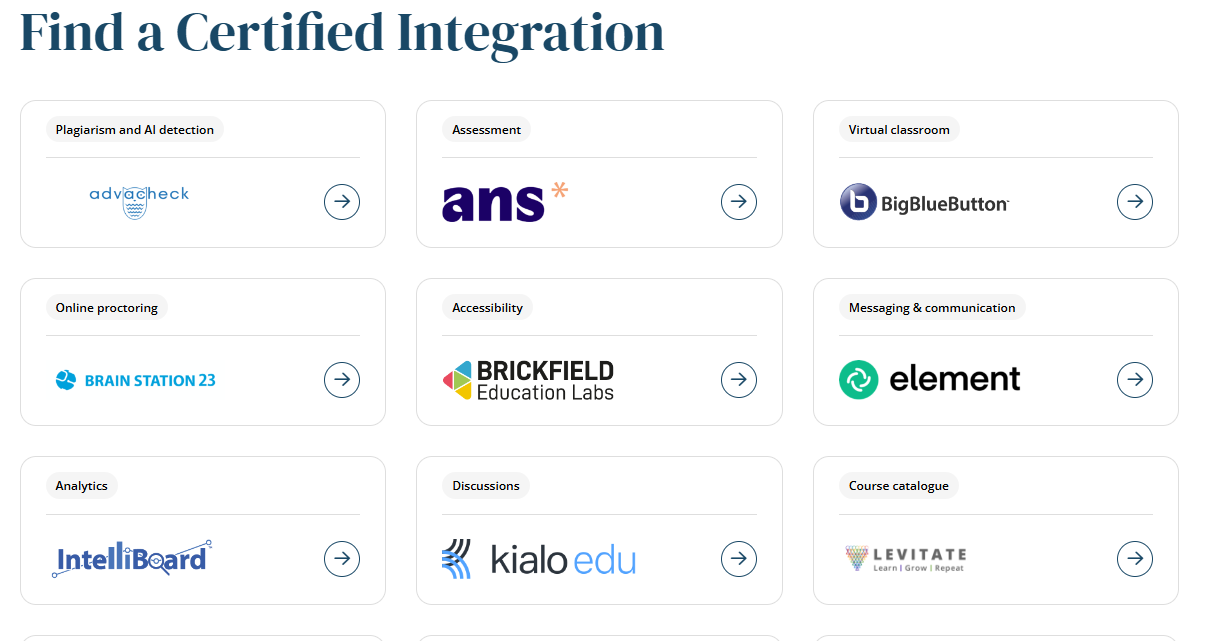
Canvas uses LTI integrations that connect seamlessly with Google Workspace, Microsoft Teams, publisher tools, and other education apps.

4. Pricing
The real cost of learning management systems is more than the subscription fee. Maintenance, hosting, and support all play a role, especially for long-term planning.
Moodle Pricing
1. Moodle Open-Source (Free Download)
- Moodle LMS software itself is free.
- Costs appear only if you self-host.
- You’ll need your own hosting, updates, maintenance, backups, and IT support.
2. MoodleCloud
- Moodle offers fully hosted managed plans with transparent annual pricing.
- Plans range from small (around 50–100 users) to mid-size (up to ~750 users).
Pricing:
- Entry-level plans start at ~$160/year for small user groups.
- Mid-range plans sit around $260–$470/year depending on user limits.
- Larger plans climb to around $1,100–$2,000/year.
All plans include hosting, updates, support, mobile access, and essential LMS features.
NOTE: Organizations needing more than ~750 users typically move to custom MoodleCloud or certified Moodle Partners.
3. Enterprise/Partner-Hosted Moodle
Not listed publicly, quote-based.
Costs depend on:
- Number of learners
- Hosting level (basic vs fully managed)
- Training and implementation support
- Custom integrations
So in a nutshell, Usually more affordable than Canvas at scale but requires internal resources.

Canvas Pricing
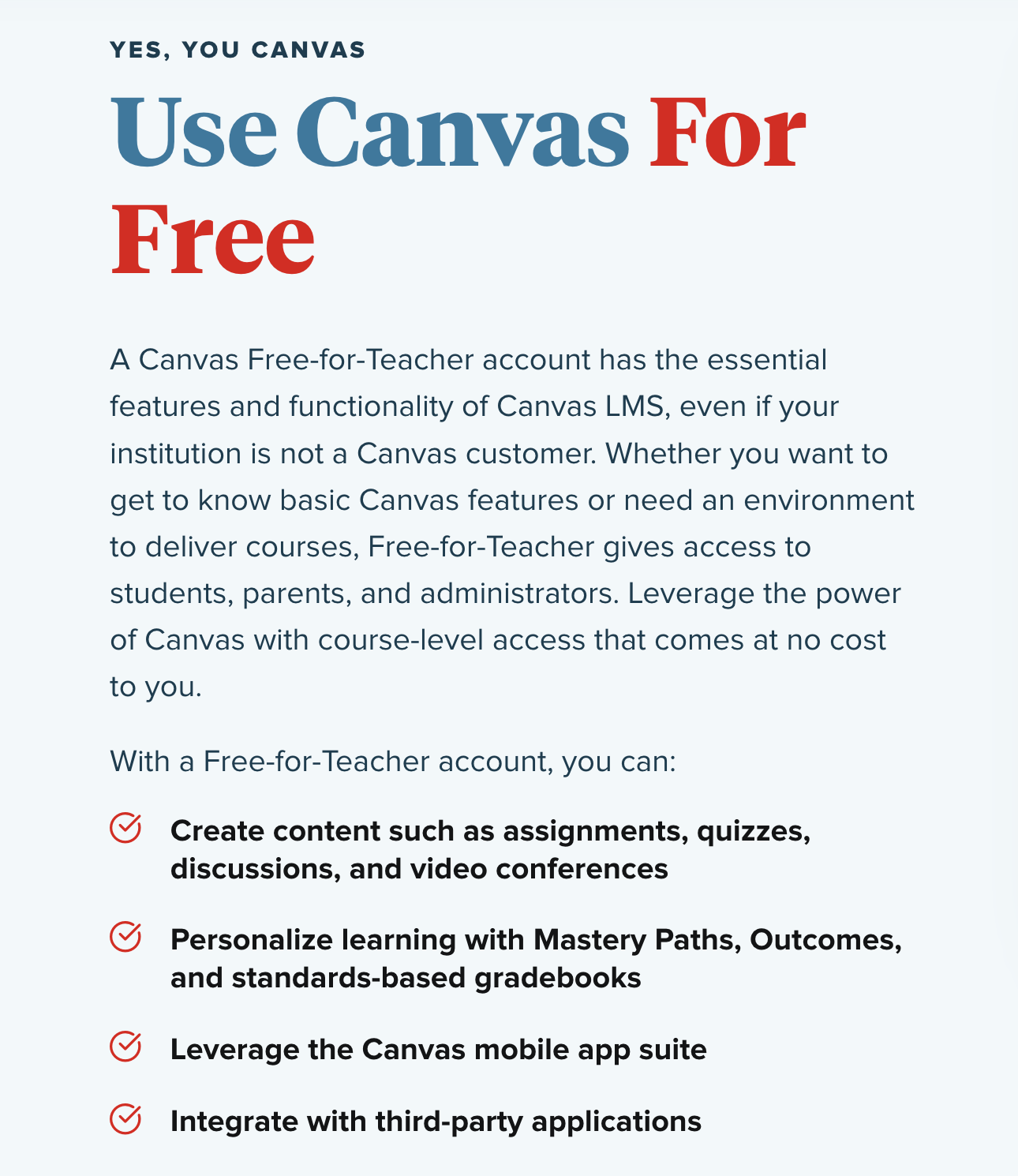
1. Canvas Free-for-Teacher
- Fully free version for individual educators.
- Includes core features like assignments, grading, modules, quizzes, and mobile apps.
- Good for small classes or testing Canvas.
2. Canvas Institutional & Enterprise Plans
- Canvas does not publish pricing tiers.
- All school, university, and business plans are quote-based only.
Pricing varies based on:
- Number of students and instructors
- Required support level
- Add-ons like analytics, catalog, integrations, SIS connectors
- Implementation and training packages
3. Typical Real-World Pricing (Based on Industry Benchmarks)
- Common range reported by institutions: $5–$15 per user per year.
- Many universities spend $10,000–$50,000+ per year depending on enrollment size.
- Implementation fees can add thousands during setup.
Canvas tends to cost more upfront but requires less internal IT management.
Expert Tip: When comparing LMS pricing, map out 3–5 years of projected costs, including hosting, support, plugins, and required staff. This gives a more accurate picture than subscription fees alone.
5. Support & Security
Support and security matter because a learning management system is not just a tool. It’s the home base for learning, assessments, student data, and institutional records. Downtime or weak security impacts entire learning ecosystems.
Support
Moodle provides a large global community. Institutions can choose to work with certified Moodle partners for professional support, but this adds cost. Support quality often depends on who hosts and maintains the system.
Canvas offers community support for free users, while paid institutional plans include professional assistance, onboarding, and priority help channels.
Security & Compliance
Moodle security varies based on the hosting setup. Institutions are responsible for applying updates, configuring security patches, managing backups, and ensuring compliance.
Canvas is fully cloud-hosted, meaning updates, patches, and compliance standards (such as FERPA and GDPR) are managed automatically. However, multi-campus organizations may need separate instances, depending on structure.
Fun Fact: Many institutions choose cloud-hosted LMS solutions simply because automated patching eliminates the need for scheduled downtime windows.
Moodle vs Canvas: Which is Better?
Both Moodle and Canvas are excellent platforms, just designed with different priorities in mind.
| Feature | Moodle | Canvas |
|---|---|---|
| Best For | Tech-savvy teams & specific customization | K-12, Universities & simple setups |
| Ease of Use | Steep learning curve; complex interface | High; intuitive & modern interface |
| Setup Time | Slow; requires installation & configuration | Fast; cloud-based & ready to use |
| Customization | Unlimited (Open Source code & plugins) | Limited (LTI tools & basic settings) |
| Maintenance | High (Self-hosted updates & security) | Low (Fully managed by Instructure) |
| Pricing | Free software (Pay for hosting/dev) | Quote-based (Pay per user/year) |
- Choose Moodle if you want deep customization, technical control, and a system you can shape to complex academic needs.
- Choose Canvas if you prefer a clean interface, quick setup, and ease of use that's ideal for instructors and learners who want minimal technical overhead.
Why Coursebox AI is the Better Alternative
Moodle provides unmatched flexibility and powerful features, but steep learning curves and complex setup slow adoption. Canvas, on the contrary, prioritizes ease-of-use and fast deployment but sacrifices some advanced functionality and detailed reporting.
Coursebox AI fills gaps left by both platforms with quick course creation, AI-assisted content, automated grading, engagement tracking, seamless integrations, and advanced reporting that save time and boost effectiveness.
The best part? Coursebox AI offers a free forever plan with no credit card required, so you can start building and delivering courses immediately at no cost.
We also have affordable plans:
- Basic Plan (~$16.58/month): Adds 50 branded AI courses, private publishing, unlimited learners, AI topic writing, chat & assessment, certificates, bulk enrollments, and LMS reporting.
- Expert Plan (~$33.25/month): Includes everything in Basic plus 200 courses, learner groups, subscription selling, Zapier integrations, newsletters, events, and 2GB storage.
- Fully Branded LMS Plan (~$99/month): For white-label LMS with custom domain, advanced user permissions, super admin control, custom onboarding, commission management, marketplace tools, and SCORM uploads.
- Enterprise/Custom: Tailored solutions beyond the standard tiers for large organizations or custom needs (contact us for pricing).
In summary, Coursebox AI blends Moodle’s flexibility with Canvas’s usability while adding AI-powered tools, automation, accessibility, enterprise support, and smarter reporting. Educators, institutions, and corporate trainers get a faster, more intuitive, highly functional LMS that solves common pain points of traditional platforms.
Choose the LMS that fits your program goals, and start building more engaging, efficient learning experiences today. Try Coursebox AI now and see how it transforms your courses.
FAQs
Is Canvas better than Moodle?
Canvas is more user-friendly, with intuitive dashboards and real-time collaboration tools. Moodle offers deeper customization and flexibility for complex courses. The best choice depends on whether ease-of-use or advanced control is your priority.
Are Canvas and Moodle the same?
No. Moodle is open-source, highly modular, and customizable, while Canvas is cloud-based with a clean interface, easy onboarding, and simplified course management. Both serve education and corporate training, but differ in flexibility, features, and technical requirements.
Is Moodle or Canvas more expensive?
Moodle is free open-source software, though costs arise from hosting, setup, and maintenance. Canvas has free teacher trials, but institutional plans are paid and quote-based. Total costs depend on scale, support needs, and additional integrations.
What is better than Moodle?
AI-driven LMS platforms like Coursebox AI offer faster course creation, automated grading, real-time engagement, and advanced analytics. They combine Moodle’s flexibility with Canvas-style usability, bridging gaps in speed, automation, and learner experience.
Is Moodle only used at universities?
No. Moodle serves K-12 schools, universities, and corporate training. Its modular design allows educators and organizations to create courses of any scale, from small workshops to enterprise-level learning programs.
Who is Canvas's biggest competitor?
Canvas competes with Moodle, Blackboard, and other cloud-based LMS platforms. Competitors differ in customization, pricing, and features, but Moodle remains the most flexible open-source alternative, while modern AI-driven LMS tools like Coursebox AI offer enhanced automation.
Does Harvard use Moodle?
Harvard mainly uses Canvas for cloud-based course management and real-time collaboration, while Moodle is used only for certain projects or departments.
What LMS is better than Canvas?
For institutions needing advanced automation and AI features, Coursebox AI can outperform Canvas. It offers drag-and-drop course creation, adaptive learning paths, automated grading, and detailed analytics while maintaining a simple, intuitive interface.
Can Moodle see my screen?
No. Moodle cannot access or monitor your device screen. It only tracks activity within its platform, such as logins, quiz attempts, and course interactions, ensuring learner privacy while enabling progress reporting for educators.
Travis Clapp
Educational technologist and instructional designer

