

10 Best LMS for HR in 2026: My Practical Review
My review of ten LMS and HR training tools for onboarding, policy training and employee development, with pricing models, HRIS checks and a practical pilot.

The best LMS for HR in 2026 include TalentLMS, Docebo, Coursebox, 360Learning, iSpring LMS, Trainual, Rippling, Absorb LMS, Axonify and Leapsome. Compare the full employee-learning workflow.
- Coursebox combines courses, tutoring, assessment and LMS delivery, with unlimited learners and plan-dependent administration, branding and integrations.
- Check HRIS field updates, account provisioning and assignment rules separately from single sign-on.
- Compare billing definitions and the cost of content, authoring, modules, implementation and support.
- Use the pilot to follow a starter, a role change and a leaver, then retrieve the manager’s report and retained learning history.
Compare four options from the ten below for course creation, training administration, multiple audiences and process documentation.

Train teams faster and more effectively with AI
Most of the HR training tools I have been called in to fix were not inherently bad tools. They were the wrong tool for the job the team actually had: an onboarding product bought to run compliance, or a frontline app bought to build manager courses. The software worked, but it was not the right fit for the problem.
An HR team may need onboarding, recurring policy training and manager development in the same system. I compare the full learning workflow, then the setup, employee-data connection and cost of running it.
I'm Carolina, a learning designer, and I have built and run training on most of these platforms. I compared ten options by fit, published pricing and the details that affect an HR rollout.
Disclosure: I work at Coursebox, which provides HR training software for creating, delivering and managing employee learning. It is one of the options below.
How I compared these LMS for HR
I tested this shortlist against setup effort, assignments and reporting, HR-system connections, content workflows and total cost. I combined my platform experience with current documentation and pricing checks in October 2026; the practical notes explain what I found or what I would check in your setup.
LinkedIn’s 2025 Workplace Learning Report found that 49% of surveyed L&D and HR professionals with learning responsibilities said their executives were concerned about employees lacking the skills to execute the business strategy. The report surveyed 937 such professionals across multiple regions. I would include development and manager training alongside mandatory courses.
LMS for HR compared at a glance
| Tool | Useful for | Cost basis | Check before buying |
|---|---|---|---|
| TalentLMS | Small-team learning administration | Core US$119/mo annual; 1 to 40 users | User bands versus Flex |
| Docebo | Multiple audiences and departments | Quote; selected user model | Modules, reports and setup |
| Coursebox | Courses, tutoring, assessment and LMS | Unlimited learners; plan allowances | Groups, branding and HR connection |
| 360Learning | Expert-led course improvement | Team US$8/user/mo | Account definition and add-ons |
| iSpring LMS | Slide-based and blended training | Monthly active users; annual bill | Authoring, devices and currency |
| Trainual | Onboarding and process documentation | Quote + US$1,000 implementation | Paths, signatures and branding tier |
| Rippling | Learning tied to employee records | Modular quote | Platform and content scope |
| Absorb LMS | Learning across groups and audiences | Quote | Reporting, branding and authoring |
| Axonify | Frontline reinforcement and coaching | Quote; Core/Pro/Premium | Content and manager workflow |
| Leapsome | Learning linked to development | Learning €4/employee/mo; extras | Platform and module total |
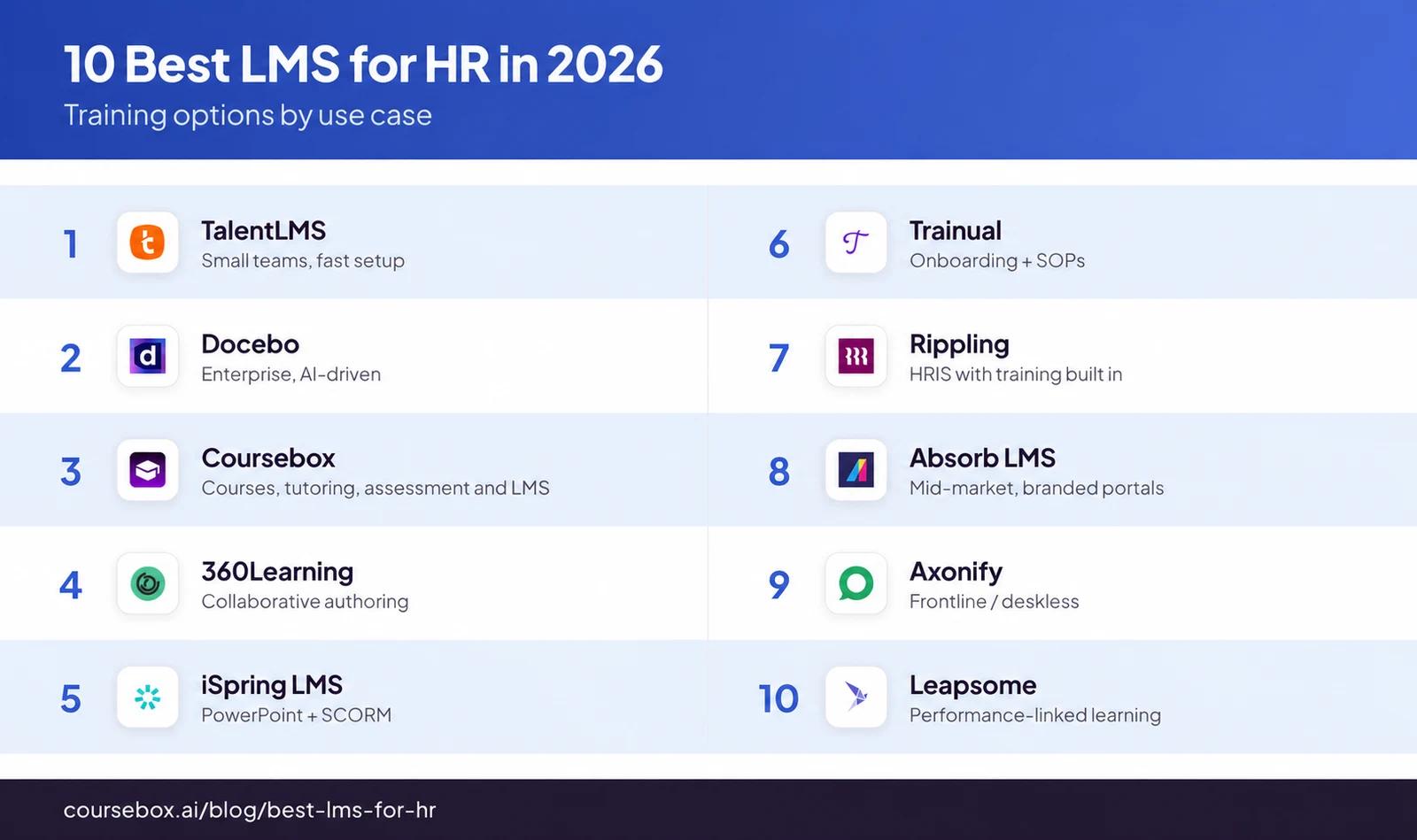
The 10 best LMS for HR
1. TalentLMS
TalentLMS gives HR a way to create, assign and track onboarding, policy training and skills courses without buying a wider HR suite. You can build lessons in the platform, import packaged courses or purchase ready-made content separately.
Learning paths organise courses into a programme, while certificates and reports give HR a record of progress. My choice between its groups and branches depends on who needs to manage the training:
- Groups bring together people who need the same courses. A new starter could belong to both company induction and a department group. Default groups can add users when they register, and group reports can be scheduled for managers.
- Branches are separate environments with their own branding, courses and administration. For me, branches make sense when regional or departmental administrators need control over a defined audience.
Its September 2026 release adds progress-based path automation and branch notification controls. HR can manage how learners move through the programme separately from the reminders people receive.
My take: For everyday HR assignments, my starting point is groups. Creating separate portals for every team adds structure that HR then has to maintain.
Pricing and plans: The free plan allows five users and ten courses. Core starts at US$119/month, billed annually for 1 to 40 users, and includes a custom domain and SSO. Standard user bands and the optional Flex monthly-login model count learners differently. Branch allowances and automation requirements can also change the plan you need.
2. Docebo
Docebo suits HR teams coordinating training across departments, countries and different learner audiences. It handles course delivery, learning plans, instructor-led training and reporting, with HR-system connections and optional content or AI products.
Its automatic groups can use employee attributes such as job title, location and hire date. A new starter could enter an onboarding group based on their profile, then receive the associated learning plan through an enrolment rule.
Group membership changes as the underlying data changes, so the employee-data connection determines who receives the training.
Power Users give local administrators defined responsibilities. Their permissions and assigned resources determine which learners and activities they can manage. A regional lead can be given responsibility for enrolment and progress follow-up without managing the whole platform.
Adding an enrolment rule does not automatically enrol people who already belonged to the group. Existing employees need a separate enrolment step.
My experience: The teams I saw get the most from Docebo fixed their goals and selected their modules before onboarding. That is why my recommendation depends on having someone who can maintain the assignment rules, permissions and integrations as the organisation changes. In a rollout, I’d map local administrators’ responsibilities and check assignments for existing employees as well as new starters.
Pricing and plans: Pricing is by quote, with monthly, yearly or registered active-user models. Advanced analytics, a branded app, content and services depend on the package. Buying the broader package without a clear operating plan leaves HR with more configuration to manage.
3. Coursebox

My preference is Coursebox for HR teams building training around their own procedures. It brings AI course creation, learner support, assessment and LMS delivery into one platform, so HR can maintain the material and follow learner progress in the same programme.
An approved induction document or policy can become a course employees work through, ask questions about and complete with an assessment. My approach centres on three connected tasks:
- Create the training: upload your existing documents, then review and edit the drafted lessons and questions. Groups and pathways organise the learners and courses before delivery.
- Support the learner: the course-grounded AI tutor gives employees a place to ask about the material while learning.
- Assess their response: written answers can be graded against a rubric, with feedback that can be reviewed and edited. An induction assessment could ask someone to explain how they would handle a customer complaint using the supplied procedure.
Reporting connects that learning to HR follow-up. Administrators can track progress across courses, filter by group or period and download CSV records.
My take: Before launch, my priority is the policy owner’s approval of the lessons and grading criteria. That review is especially useful when a response could affect how someone handles a sensitive situation.
Pricing and plans: All plans include unlimited learners, including Free, with course and AI allowances. Pro + LMS adds a branded domain, groups, pathways and advanced reporting. Enterprise adds API access for user and enrolment workflows, while SSO is a paid add-on. Budget around the administrators, courses, AI usage and integrations your programme requires rather than headcount alone.
4. 360Learning
360Learning combines an LMS with collaborative course building. HR can run onboarding and development paths while a sales lead explains a handover or a team manager documents a process. It would make my shortlist when those experts will help maintain the training after launch.
Assignments, assessments and tracking support delivery as well as content creation. Its learner feedback workflow gives employees a way to ask questions within courses and flag outdated material.
HR-system integrations can support user management, but the available connector and its scope need to match your system and package.
My take: Editors receive notifications about comments and reactions. When editing, they can see comments alongside the relevant part of the course. I like that route back to the person maintaining the instructions, particularly when processes change frequently.
Before inviting more authors, I’d give each process a clear owner. Someone needs to approve the advice and respond when learners flag conflicting or outdated instructions. The organisation still has to allocate time to resolve those issues.
Pricing and plans: The Team plan costs US$8/user/month. Users count from account creation until deletion or deactivation, including authors and administrators. Selected solutions add US$2/user/month each; larger packages use quotes. Team support includes self-service resources and monthly collective onboarding sessions. Price the people who will contribute and administer the programme as well as those taking courses.
5. iSpring LMS (formerly iSpring Learn)
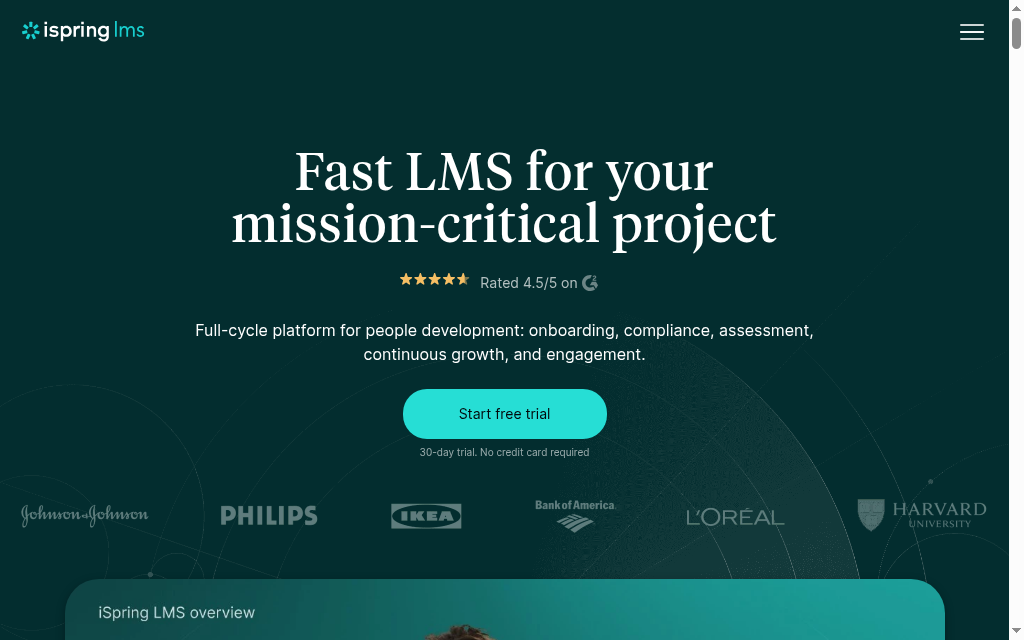
iSpring LMS, formerly iSpring Learn, would be on my shortlist when HR already has PowerPoint training it wants to reuse. It combines LMS delivery with iSpring Suite AI authoring, assessments, mobile access and learning tracks. Teams can add quizzes and other activities to existing presentations.
Three parts of the programme are useful to separate:
- Learning tracks combine courses into a sequence. Enrolment rules can assign a track when an employee joins a department or group, such as first-time managers. Reports show progress down to the courses and modules within it.
- The supervisor dashboard highlights overdue or failed courses and gives managers a view of their own team's progress.
- On-the-job observation checklists let an observer record how an employee performs a task against defined criteria, with feedback and reports for both people.
For me, the observation workflow is useful when readiness includes practising a procedure or customer conversation. Completing the presentation is only one part of that programme.
Desktop Suite requires Windows and PowerPoint, so my setup checklist would start with who will create and publish the courses.
My experience: In an earlier course player, the chat panel covered navigation and I had to resize the window. That would make me check the current player on the devices employees use, particularly for mobile delivery.
Pricing and plans: Pricing uses monthly active users with annual billing, and the Business package includes Suite AI. Published rates vary by headcount and displayed currency. The authoring environment needs to fit the people maintaining the training.
6. Trainual
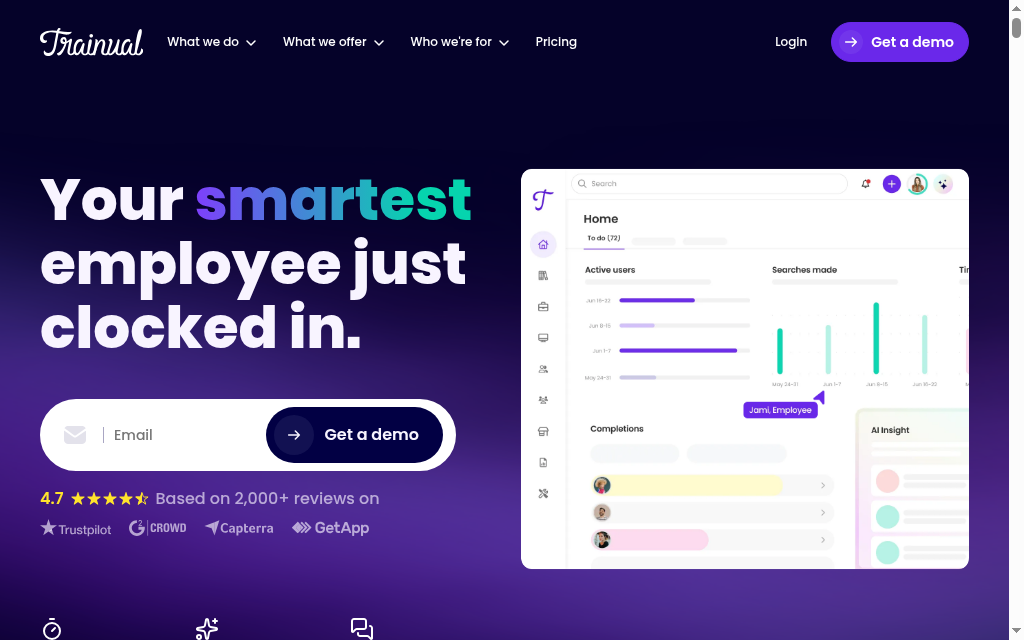
Trainual would be my pick when onboarding depends on keeping company processes documented, assigned and current. HR and process owners can create subjects with instructions, videos and tests, then connect them to the people who need them, from company leave policies to daily department procedures.
Groups organise assignments by role, team, department or location. An administrator chooses the subjects associated with each group, so training can reflect people's responsibilities. The same person can need both company-wide policies and the procedures for a particular job; HR should map those responsibilities before filling the account with documents.
My preference is to have a named owner for instructions that change often. Content verification reminders can prompt subject owners to review material monthly, quarterly, yearly or on a custom schedule. HR does not have to check every team's instructions itself.
Version history provides a record of changes, with retention periods varying by plan.
My experience: Its AI writing help once expanded one point into a wall of text instead of developing each process step. I would keep the approved procedure short, use the writing assistance selectively and check that the result explains the task in the right order.
A maintained source and a useful comprehension check are more valuable to me than a longer page of instructions.
Pricing and plans: The current Core, Pro, Premium and Enterprise plans require a quote, plus a published US$1,000 implementation fee. Individual training paths and SCORM storage start on Pro; custom branding, domain and SSO are listed on Premium. E-signature allowances also vary. Those conditions let you distinguish a process-documentation purchase from a more customised training programme before choosing the tier.
7. Rippling
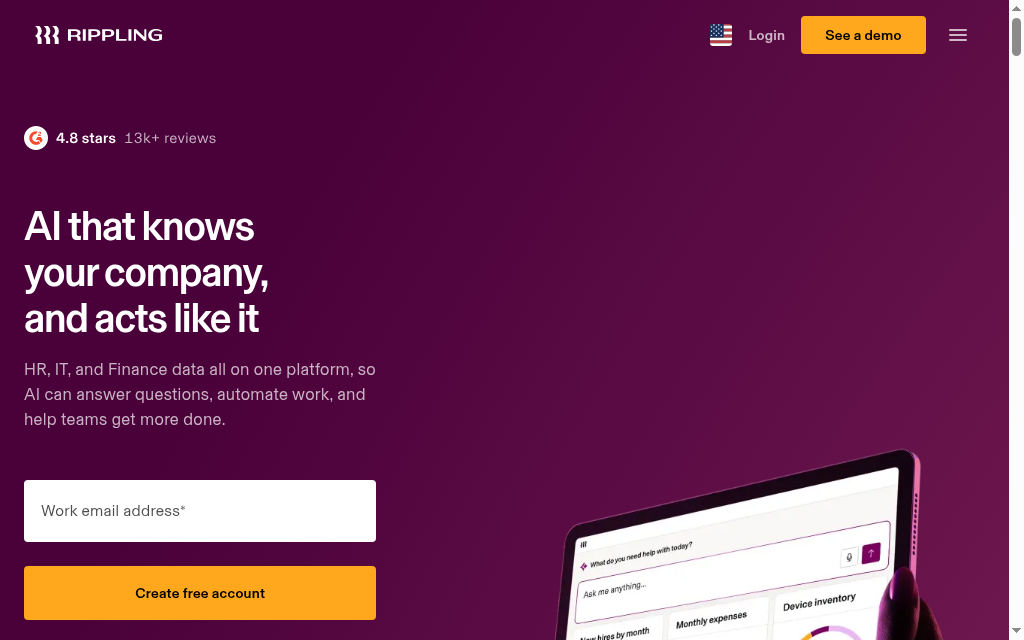
Rippling would make my shortlist when learning and employee administration need to work from the same record. It puts the LMS inside a wider workforce platform, where training can use employee data already held in the system.
If a person's role, department or location determines their required courses, those attributes can drive the assignment. HR does not need to maintain another separate training list.
The learning module supports your own courses and packaged content, with a Go1 content partnership. HR can combine company-specific material with purchased training, then monitor assignments and completion. The content licences and course-delivery features belong in the package discussion, particularly if you need both standard policy training and material written for your own procedures.
If you already have an HRIS you want to keep, my first comparison would be a dedicated LMS connected to that system. Replacing employee administration is a larger project than adding course delivery, even if the training module appeals on its own.
My experience: I was impressed by the broader platform's provisioning in a high-turnover team: starter accounts were created and access was removed for leavers, reducing manual setup. That experience puts it on my shortlist when HR, IT and training repeatedly pass employee information between teams.
For me, Rippling fits when consolidating those workflows is part of the HR plan, with a review of assignment rules, overdue reporting and record-retention arrangements within the same proposal.
Pricing and plans: Pricing is modular and quote-based. Ask for the workforce platform, Learning Management, selected content and implementation as separate line items.
8. Absorb LMS
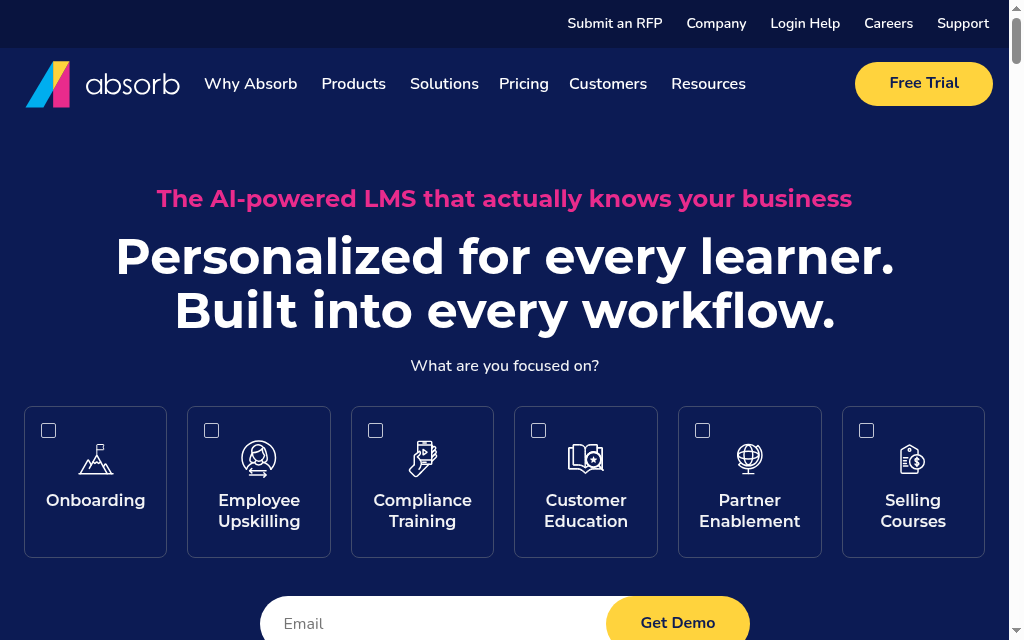
Absorb LMS would be on my shortlist for HR programmes spanning several groups or audiences. It combines course delivery with enrolment controls, administrator permissions, reporting and branded learning environments. HR can organise the programme centrally while giving managers and local administrators defined responsibilities.
Its enrolment rules separate training assigned automatically from courses employees choose themselves or managers enrol them in. A course can be restricted to a department, require previous courses or use an approval step.
That supports a required induction, an optional development course and training a manager approves for their team within one programme.
For setup, I’d start with which managers need which learning records, then build the department structure. The Department Progress report depends on how users are organised, so the reporting requirement should shape the setup.
My experience: I liked being able to move from a report to the next administrative action without changing screens. That helps when HR needs to act on incomplete training rather than export it into another list. Confirm the relevant manager permissions and reports in the proposed package.
It would be my choice when configurable enrolment and reporting are priorities, with someone responsible for keeping the department structure and rules current.
Pricing and plans: Pricing is by quote. Specify the learner-count model, reporting and analytics, authoring tools, branding, integrations and support. Course delivery and the tools used to create courses need separate attention in that scope.
9. Axonify
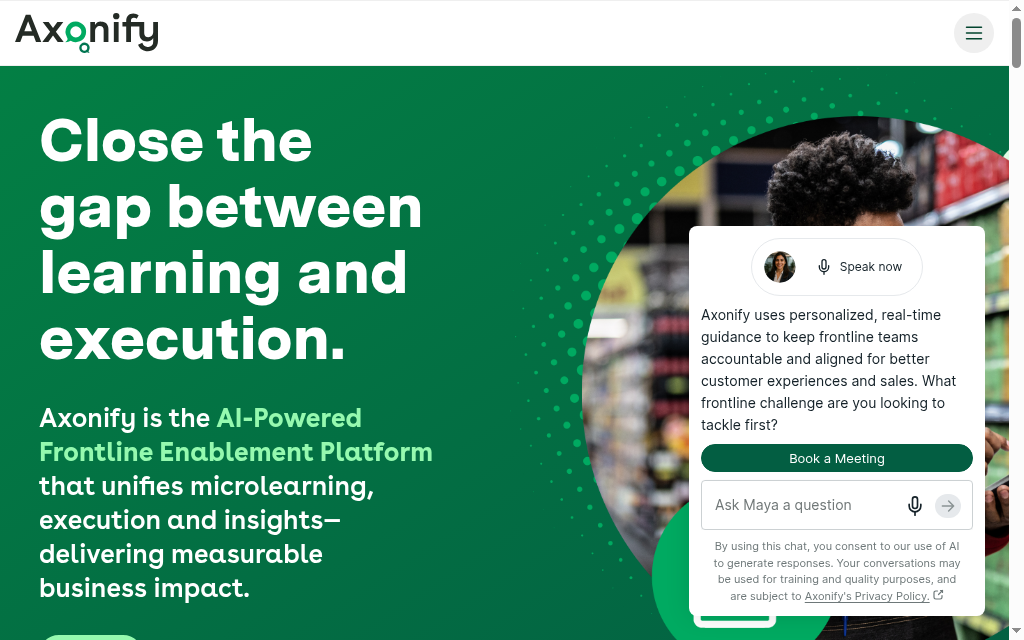
Axonify would be my pick when employees need to revisit job knowledge during their shifts. It centres training on the frontline employee's working day, combining onboarding and recurring learning with short reinforcement sessions, communications, guidance and manager follow-up.
Its adaptive reinforcement uses an employee's role and demonstrated knowledge to focus training. Reinforcement programmes deliver questions around individual knowledge gaps in the selected topics. A programme about products or procedures can therefore revisit what someone needs to practise, while managers use the resulting knowledge and confidence information to guide coaching.
My rollout checklist for that routine would include:
- Accurate topics and questions, kept current by HR and subject experts as products or procedures change.
- Time within the shift and access to a suitable device, even when the sessions are brief.
- A manager who can follow up when someone needs help applying the answer at work.
My experience: With 250 users, I found reporting became fiddly once SCORM was involved and pathways took more setup than I expected. That experience would shape my checks for a programme with a large packaged-course library.
My evaluation covers the daily questions and longer-course reporting together. The actual mix of induction, certifications and reinforcement should guide the purchase.
Pricing and plans: Core, Pro and Premium are quote-based. Core includes training paths, certifications and refresher learning; Pro adds manager coaching capabilities. Content Studio is a separate add-on, and integrations vary by scope.
10. Leapsome
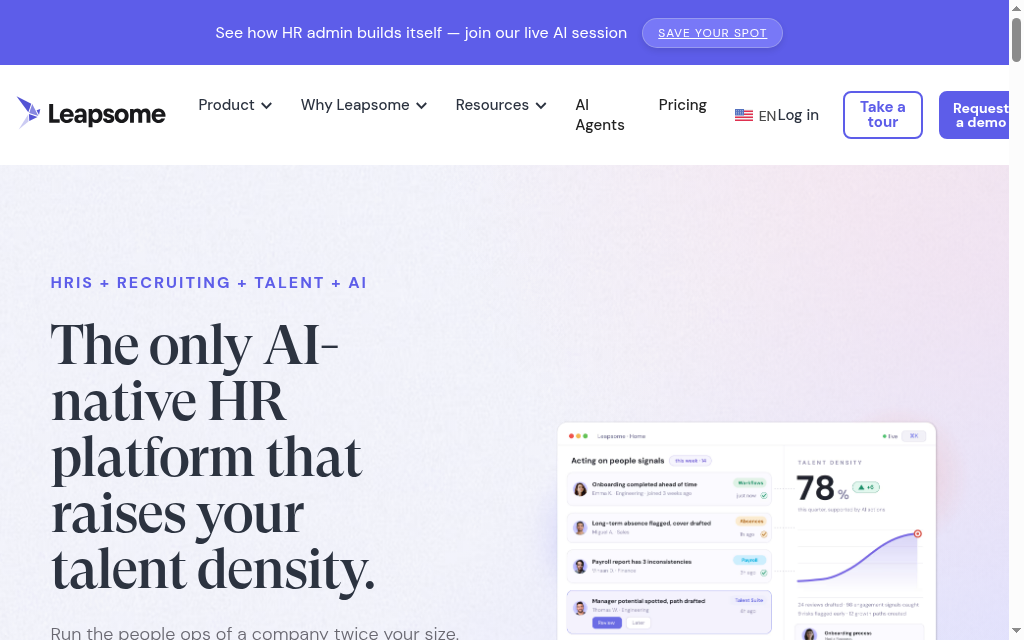
Leapsome connects learning to employee development, goals and performance workflows. Its Learning module supports onboarding and development paths with articles, videos, quizzes, tasks, open questions and live training. Packaged courses and external content can sit alongside your own programme.
A path gives employees an ordered set of activities, with deadlines and reminders. I like being able to combine a manager-training video, a knowledge check and a task to apply the lesson, so the programme leads into a practical activity or conversation.
The current learning analytics show user progress, path enrolments and completions, quiz results and live-training participation. HR can filter by team, location, custom attribute or period and export to Excel.
Access is configurable. Deciding which managers should see individual learning records is on my setup checklist.
My experience: A workflow prompting managers to record probation feedback helped leadership follow progress when we were onboarding 15 to 20 people a month. That made the wider development workflow useful to me.
For me, it fits when learning needs to sit alongside those manager conversations, with the relevant Reviews or Goals modules included in the plan.
If course delivery is the main requirement, my comparison would be the combined package against a dedicated LMS. If development and performance administration are also in the brief, assess how much of that work the connected modules cover.
Pricing and plans: Learning is listed at €4/employee/month, with a content-library add-on from €1. The platform level and additional modules affect the total.
What HR needs to manage beyond the course
Gallup’s 2025 analysis of employee development reports that 45% of US employees participated in training or education to build skills for their current job in 2024. I would ask who has time to learn and how managers support it, as well as whether HR can assign a course.
| HR task | What the workflow needs | Evidence to check |
|---|---|---|
| New-hire onboarding | Role-based learning, start dates and manager follow-up | Correct first-week assignments and outstanding tasks |
| Recurring policy training | Due dates, refreshers and approved course versions | A named employee’s dated history and overdue report |
| Manager and career development | Learning linked to a skill or goal, with coaching or practice | Progress plus a manager review of application |
| Frontline access | Usable devices, suitable timing and understandable content | A worker completing the task during the planned training time |
| Role changes and leavers | Updated assignments, appropriate access and retained history | New role permissions and the old learning record |
Single sign-on handles access. Provisioning creates or disables accounts; data synchronisation updates fields such as department or manager. Training rules then decide the assignments. Ask which of these your exact HRIS connection supports, who maintains it and what happens if an update fails.
How I would pilot an LMS with an HR team
Use one induction, one recurring course and one development activity. Include an HR administrator, a manager and learners who use different devices. I would run these checks in sequence:
- Import or create the courses, review the content and assign them to a new starter. Check what the learner sees and whether the manager can follow progress without asking HR for a spreadsheet.
- Change the employee’s department, manager or location in the source HR system. Check which fields update, whether training changes as intended and who receives an error if the connection fails.
- Complete an assessment, record any required acknowledgement and retrieve the employee’s history. Revise the policy course and demonstrate the new assignment while retaining the earlier record.
- Use a development activity with a practical task or manager conversation. Check how feedback joins the learning record rather than treating course completion as evidence of a new skill.
- Deactivate a test leaver, retrieve the permitted historical report and check the billing effect. Ask the administrator to repeat the workflow without the vendor leading every click.
How to compare the total cost
Include learners, authors and administrators, plus seasonal workers and contractors. Ask whether accounts, monthly logins or annual learners trigger charges. Then add content licences, AI allowances, branding, SSO, HRIS setup, migration and support. Use the same assumptions for each vendor so the comparison reflects the programme you will run.
Which LMS for HR should you choose?
| Your situation | Options to compare | The deciding check |
|---|---|---|
| HR needs to create and run its own training | Coursebox, TalentLMS | Tutor support, assessments, assignments and manager reports |
| Internal experts own changing procedures | 360Learning, Trainual | Review ownership and maintaining approved instructions |
| Learning spans departments and external audiences | Docebo, Absorb LMS | Audience permissions, reporting and package scope |
| The team already builds in PowerPoint | iSpring LMS | Publishing, active-user billing and employee devices |
| Employee records drive training assignments | Rippling or an LMS connected to your HRIS | Actual field sync and rule changes, plus total platform cost |
| Short frontline reinforcement is the main need | Axonify | Worker access and the manager coaching workflow |
| Development should connect to goals and reviews | Leapsome | Learning path plus manager follow-up and required modules |
For broader planning, compare employee development software for career workflows.
Use our guide to types of employee training programmes to plan the mix of induction, policy training and development your team needs.
Frequently Asked Questions
It organises employee learning: courses, assignments, assessments, reporting and records for onboarding, policy training and development. Some options also combine learning with process documentation or wider HR workflows. Start with the programme your team needs to run, then test the complete workflow.
TalentLMS Core starts at US$119/month billed annually for 1 to 40 users, with a free five-user pilot. 360Learning Team is US$8/user/month. Coursebox includes unlimited learners on all plans, with course, AI and admin allowances. iSpring uses monthly active users with annual billing; Leapsome lists Learning at €4/employee/month plus platform and module costs. Other packages require quotes.
Coursebox is useful for creating courses with tutor support, assessments and delivery. TalentLMS provides everyday learning administration; Trainual is useful for maintaining onboarding instructions. Compare your actual headcount, course workflow and manager reports. Free entry plans do not imply identical course, user or administrative allowances.
An HRIS learning module can reduce roster work when employee data drives assignments. A dedicated LMS may offer the course, assessment or audience workflow you need. Compare those functions in the current products rather than assume either category is always deeper. Include integration work or HRIS migration in the cost.
Ask which employee fields synchronise, whether accounts are created and disabled, what triggers assignments and how errors are handled. Single sign-on alone does not keep departments, managers or training rules current. Test a starter, role change and leaver against the retained learning record.
Carolina Martin
Carolina is a highly experienced learning designer with tech start-up experience. She is based in Sydney and previously designed courses alongside Coursebox founder Travis in a previous job. She is passionate about delivering engaging learning experiences and brings the same perspective to customer experience too. She manages our customer support documentation and product testing processes.

