

13 Best Upskilling Platforms for Employee Development in 2026
Compare 13 upskilling platforms for course access, custom training and skills development, with practical workflows, pricing and buying trade-offs.

The best upskilling platforms in 2026 include Coursera for Business, Udemy Business, LinkedIn Learning, Pluralsight, edX, Go1, Degreed, Docebo, 360Learning, Coursebox, TalentLMS, Confirm and Disco. Compare them against the skill gap you need to close.
- Catalogue access, skills management and custom training overlap. Several vendors offer more than one, with different plan and licensing conditions.
- Coursebox combines course creation, delivery, tutoring and assessment with unlimited learners; catalogue subscriptions serve teams buying ready-made learning.
- Check practical assessment, content rights and total cost. Completion records alone do not demonstrate workplace competence.
Answer three questions to compare the four tools below. The result balances your preferences; the entries explain the features, limits and costs to check.

Learn faster with AI powered courses, quizzes, and flashcards
An upskilling platform should help people do work they cannot do yet. Sometimes that means assigning an existing course. Sometimes it means teaching your own processes, practising a task and checking the result. The right shortlist starts with that gap, rather than the longest course catalogue.
I’m Travis. I have spent years watching L&D teams choose the wrong platform for the right reason, usually because a demo blurred the difference between accessing content and building a training programme. I compared these thirteen on their learning workflow, assessment options, published pricing and practical trade-offs.
I work at Coursebox, which is included here. Its AI LMS combines course creation, delivery, tutoring and assessment. I have kept catalogue access, skills management and custom training separate in the comparison so you can see what each option contributes.
How I picked these upskilling platforms
Before the tools, the four questions that decide most of the shortlist:
- Content source: Do you need licensed courses, your own training, or both? Several platforms support both approaches.
- Access and ownership: Check what you can export and what remains accessible after a subscription ends.
- Evidence of skill: Separate course completion, a skills rating and a demonstrated work task.
- Total cost: Compare seats, authoring, content licences, integrations and the time needed to maintain the programme.
A catalogue fills a content gap. Authoring tools teach company-specific work. A skills platform connects development to roles and evidence. These overlap: shortlist the workflow you need, then check which content and assessment capabilities are included in the quoted plan.
The best upskilling platforms compared
| Tool | Main role | Best for | Starting price |
|---|---|---|---|
| Coursera for Business | Buy (marketplace) | Credible ready-made catalog | Teams checkout; Enterprise quote |
| Udemy Business | Buy (marketplace) | Breadth of courses | Per user/yr (quote) |
| LinkedIn Learning | Buy (marketplace) | LinkedIn-tied video library | Per seat (quote) |
| Pluralsight | Buy (marketplace) | Technical/IT depth + labs | From US$30/mo |
| edX for Business | Buy (marketplace) | University credentials | Quote-only |
| Go1 | Content + training platform | Multi-provider library | Quote-only |
| Degreed | Buy / curate (LXP) | Skills tracking over all content | Quote-only |
| Docebo | Build (enterprise) | Scale and governance | Quote-only |
| 360Learning | Build (collaborative) | Experts co-authoring | US$8/user/mo |
| Coursebox | Build (AI-native) | Building upskilling from your docs | Free; paid tiers |
| TalentLMS | Build (lightweight) | Fast SMB setup | Free; from US$119/mo |
| Confirm (Learning Pool) | Content + enterprise learning | Regulated workforce skills | Quote-only |
| Disco | Build (cohort/AI) | Cohort and community academies | From US$399/mo |
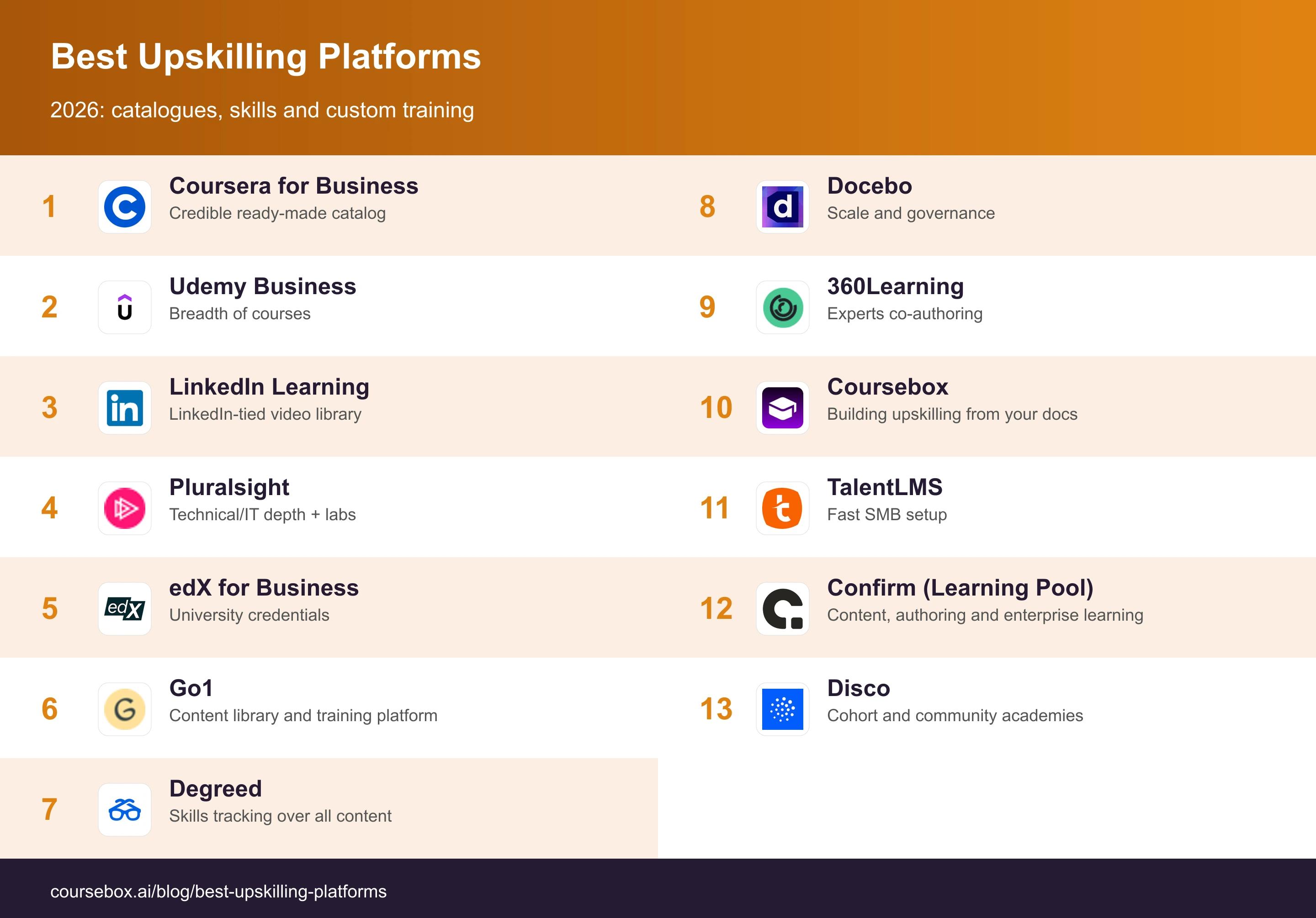
Prices checked on 19 October 2026. Business quotes depend on headcount, content access and the features included; compare the same learner population and billing period.
Course catalogues and skills-focused platforms
These options help you source courses, organise learning or connect it to skills. Some also support custom content, so check the plan rather than assuming you must choose one approach forever.
1. Coursera for Business
Coursera for Business gives teams access to university- and company-authored courses and professional certificates. I would start with a role, such as data analyst, and compare the available learning paths with the tasks that person needs to perform.
Managers can assign learning and use skills benchmarks to identify gaps. Teams serves 2 to 499 people; Enterprise adds options including AI-assisted custom course building. A catalogue course still needs a company-specific exercise if the skill must transfer to your own data, customers or systems.
My take: My shortlist test would be one complete pathway, not a familiar university logo. Check its prerequisites, assessment and certificate conditions. A professional certificate is not automatically academic credit or a recognised licence.
Pricing: Teams offers self-service purchasing with regional checkout pricing. Enterprise is quoted separately. Price the business subscription, rather than borrowing an individual Coursera Plus offer.
2. Udemy Business
Udemy Business offers a curated selection from Udemy’s wider marketplace across technical, business and professional skills. The Business catalogue is selected for organisations; it is not the public marketplace where any instructor can publish.
An administrator can assign courses and learning paths, then review learner activity. Enterprise options also support internal custom content. Before assigning a topic, compare the instructor, course update date, prerequisites and exercises with the software version or work task your team uses.
My take: I would give two employees the same short assignment and compare the resulting work. A large catalogue gives you choice, but selecting a course and making time for practice remain part of the L&D job. Check whether any required labs or specialist collections need an additional licence.
Pricing: Business access is licensed per user. Check the regional Team checkout and obtain an Enterprise quote for the required catalogue, integrations and learning features.
3. LinkedIn Learning
LinkedIn Learning ties a video course library to LinkedIn’s skills graph, so recommendations follow the skills on people’s profiles.
Employees follow video courses and learning paths across business, creative and technical topics. For a team rollout, match those paths to actual role requirements, then check the reporting and integration options in your business licence. Video coverage alone does not tell you whether the course includes the practical exercise your team needs.
My take: I would use it for accessible professional development across mixed roles, then add a work sample for any skill you need to verify. For a developer or cloud engineer, inspect the specific exercises and lab access rather than assuming all technical topics have the same depth.
Pricing: Business access is quoted per seat. Individual subscriptions are a separate purchase and should not be used to estimate the reporting or administration included in a team contract.
4. Pluralsight
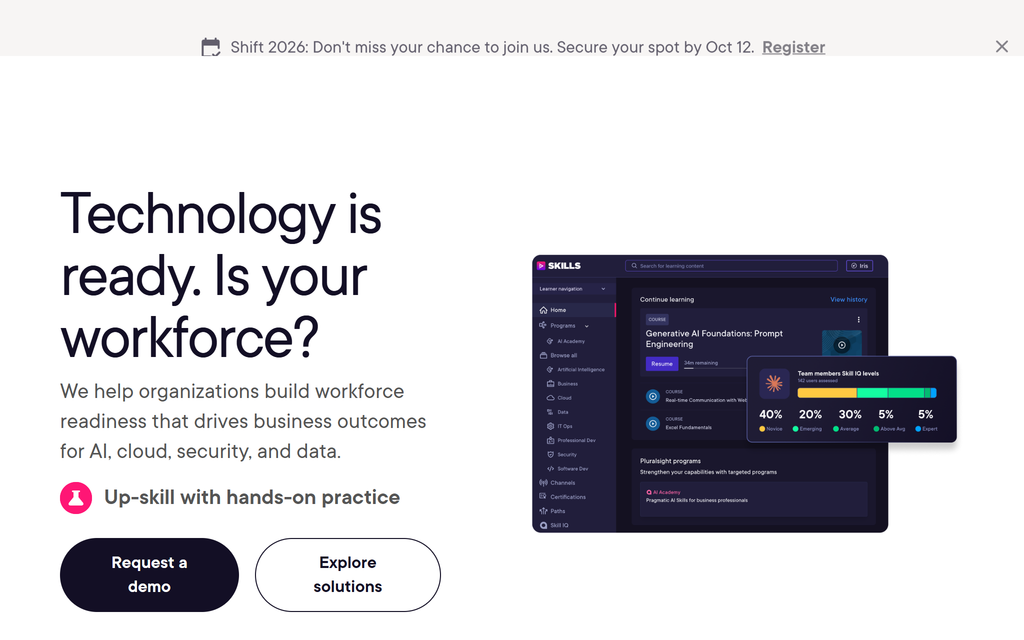
Pluralsight is the technical-depth marketplace: courses plus hands-on labs and Skill IQ assessments aimed at software and IT teams.
Developers follow role-based paths, measure skill with assessments, and practise in sandboxes; it is specialised for tech, so it is deep there and narrow elsewhere.
My take: The useful combination is a skills assessment, a targeted path and a lab where someone applies the skill. My pilot would cover one engineering role and include a real troubleshooting task after the course. Check the available lab environment and usage limits before assigning a whole team.
Pricing: The current checkout lists Core at US$30/month or US$252/year, Complete at US$55/month or US$468/year, and Teams at US$47/user/month or US$564/user/year. Enterprise is quoted. Compare the content and lab access in each plan.
5. edX for Business
edX for Business offers university micro-credentials and professional certificates (MIT, Harvard, Oxford) for more academic, credential-led upskilling.
The appeal is structured study from established education providers, with certificates and longer programmes available. Check each programme’s workload and award: a completion certificate, a professional credential and transferable academic credit are different outcomes. They should not be treated as interchangeable in a development plan.
My take: I would choose it where the employee has time for a sustained programme and the credential is relevant to the role. Agree how they will apply it at work before enrolment. For a short internal procedure, creating a focused company lesson is likely a better use of time.
The price: Quote-only for business ("schedule a demo"); individual courses and programs are priced separately.
6. Go1
Go1 combines content from multiple training providers with learning-platform capabilities. It can supply content to an existing LMS, while its own platform also supports delivery and creating training. It is broader than a catalogue connector alone.
The buying exercise is to check which providers and collections are included, how courses appear in your current system, and where completion records return. Ask for a demonstration using one course you would actually assign, including a learner launch and the resulting report.
My take: One content agreement can reduce the work of managing multiple suppliers. I would still check content withdrawal, replacement and licence terms. If you also need authoring or an LMS, include those capabilities explicitly in the quote rather than assuming every content package includes them.
Pricing: Quoted by the required content and platform arrangement. Establish the licensed user population, included providers and any delivery or authoring charges.
7. Degreed
Degreed sits between buy and build: a learning-experience platform that aggregates external content and tracks skills across everything your people learn.
It pulls in courses, articles and internal content, maps them to skills, and surfaces what each person should learn next; it curates and tracks rather than hosting a catalog of its own.
My take: I would shortlist it when learning is already spread across several systems and employees need a coherent development path. Test how a skill is rated, who can validate it and which evidence changes the rating. Watching a course and demonstrating a skill should not silently become the same record.
The price: Quote-only (request a demo), priced at enterprise scale.
Platforms for custom training and learning academies
These options help you organise and deliver your own training, often alongside imported courses or licensed libraries. The useful comparison is the whole workflow: creating content, assigning it, supporting learners and checking their work.
8. Docebo
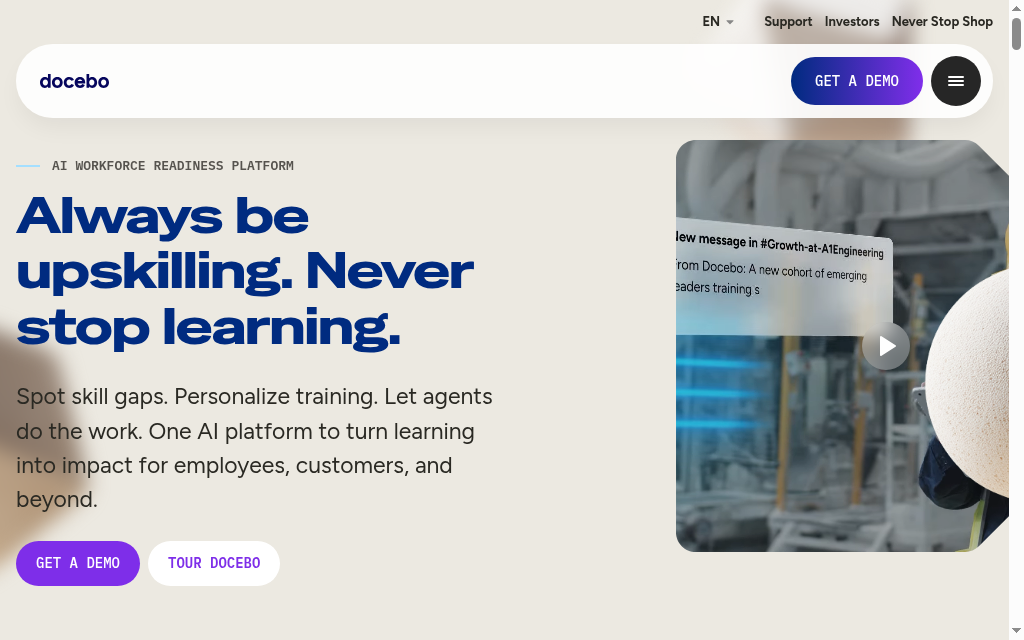
Docebo is the enterprise LMS/LXP for building and delivering your own upskilling at scale, with AI content tagging and a skills engine.
You author or import courses, automate enrolment by role and skill, and get deep reporting; the power comes with enterprise complexity and cost.
My take: For a large rollout, I would map the employee-data feed, assignment rules and local administrator permissions before judging the learner interface. Ask a regional manager to assign training and retrieve the required report in the demo. Those responsibilities determine how much setup the programme needs.
Pricing: Custom quote with a minimum one-year contract; Docebo says many customers choose three to five years. Confirm the user model, modules, implementation and content licences in the same proposal.
9. 360Learning
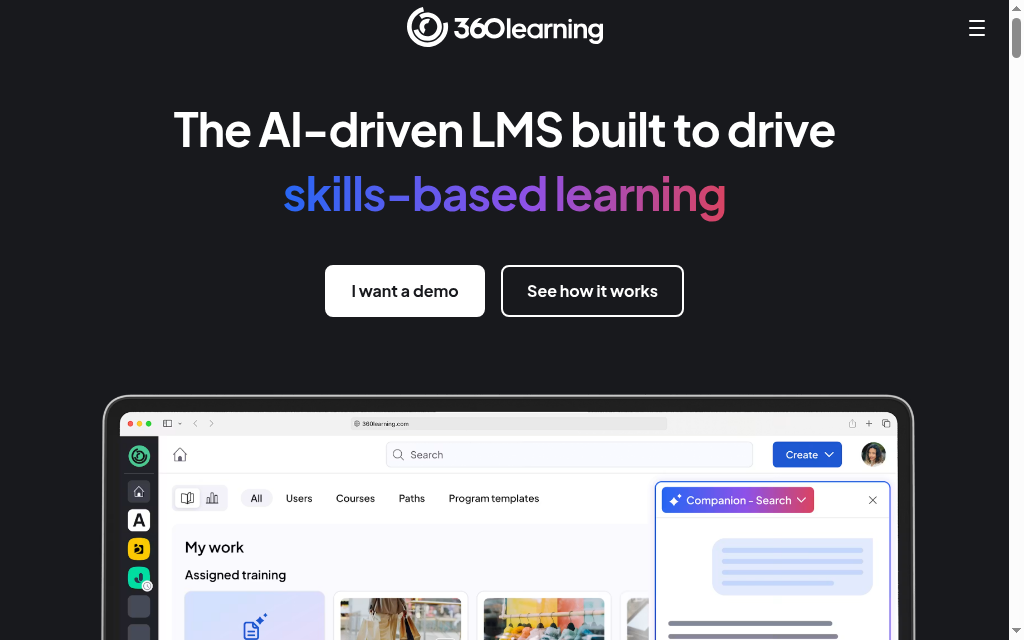
360Learning is built so your internal experts co-author upskilling, not only L&D, with AI course creation to speed the first draft.
Subject experts build and maintain courses collaboratively, learners flag outdated material, and authoring, delivery and tracking sit together; the collaborative model needs an owner for each course.
My take: The model works when subject experts can contribute and someone is accountable for approval and updates. My rollout checklist would name a course owner, a reviewer and a replacement when that person changes role. Collaboration helps keep knowledge current only if feedback reaches someone who can act on it.
The price: Team plan US$8/user/month (billed monthly) for up to 100 users; Business and Enterprise are custom.
10. Coursebox
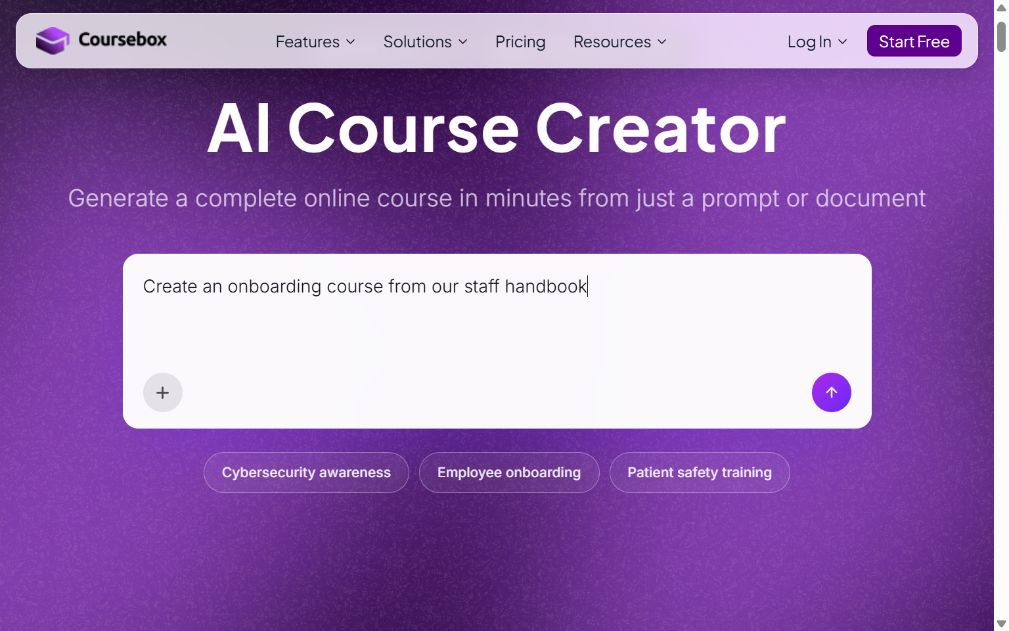
Coursebox brings AI course creation, delivery, tutoring and assessment into one platform. Upload documents, supply a URL or start from a topic, then review the generated lessons and questions before assigning the training. I work on the product, so this is an affiliated recommendation.
For upskilling, I would combine a short course with a realistic task and a rubric that describes competent work. The AI tutor supports questions during learning, while assessments and reporting help you follow progress. Branded LMS options add your own domain, learner groups and learning paths; these are paid-plan features, not promises about the free tier.
My take: This is a fit when the missing knowledge is specific to your products, procedures or customers. Have an expert check generated examples and assessment criteria before release. If your requirement is access to an existing university or specialist course library, compare one of the catalogue subscriptions instead.
Pricing: Every plan supports unlimited learners. Free includes three mini-courses of up to five pages each; paid plans expand creation allowances and LMS features. Check branding, exports, integrations and the Enterprise SSO add-on against your intended rollout.
11. TalentLMS
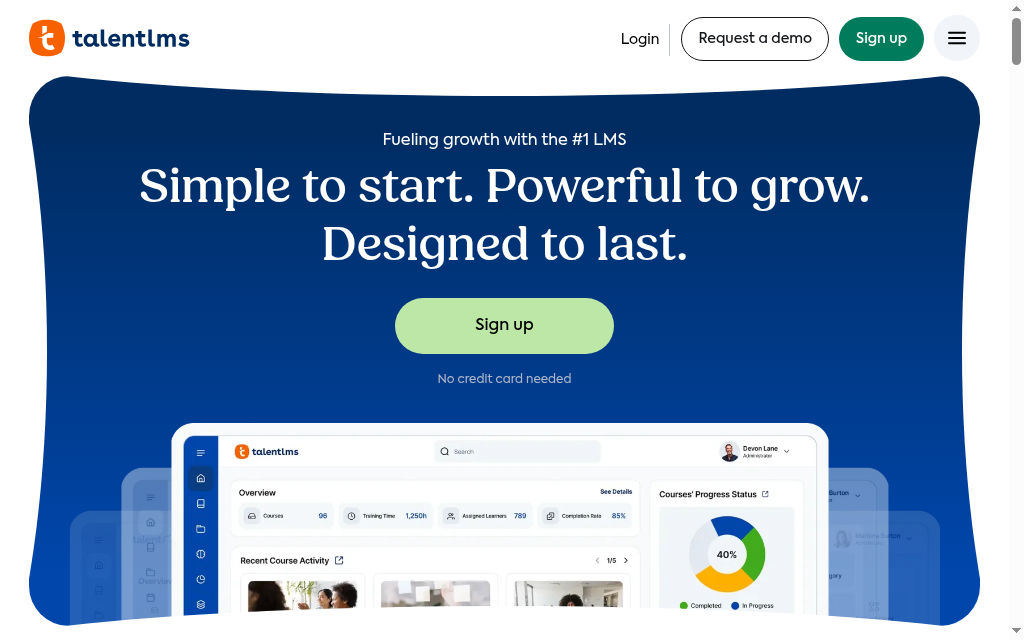
TalentLMS is the lightweight build option: a simple LMS a small or mid-size team can stand up fast to deliver its own upskilling courses.
Build or import courses, organise learners into groups and use branches where separate training environments are needed. Check the assignment, automation and reporting features on the selected tier. TalentLMS also offers AI-assisted content creation, so a comparison should go beyond whether a tool has an AI button.
My take: For a small team, I would test the complete administrator routine: add a starter, enrol them in the right courses, follow up a missed deadline and export the report. Check branch limits and the billing model before modelling a larger or seasonal workforce.
Pricing: Free supports five users and ten courses. Core is displayed from US$119/month; select the billing period and user band on the pricing page. Flexible active-user billing is a separate option with its own conditions.
12. Confirm (formerly Learning Pool)
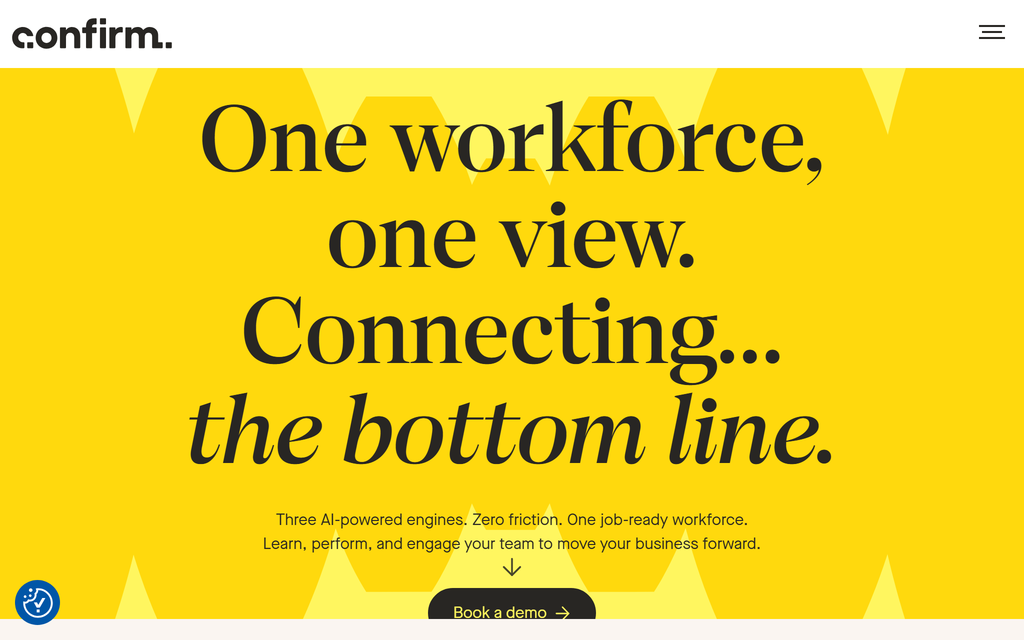
Confirm is the current name for Learning Pool. Its learning offering spans licensed content, custom authoring, adaptive learning and enterprise delivery, so it belongs in a wider platform comparison rather than a build-only category.
A buyer needs to identify the actual products in the proposal: the content library, authoring tools, learner platform and analytics may be separate parts of the solution. The rename also means help articles and existing implementations can use different product names. Confirm which documentation applies to your purchased system.
My take: I would shortlist it for a larger programme that needs content and learning infrastructure together. Test an experienced employee and a new starter on the same topic to see how adaptive routes differ. For regulated work, inspect the evidence report and content update process rather than relying on a compliance label.
The price: Quote-only (book a demo), at enterprise scale.
13. Disco
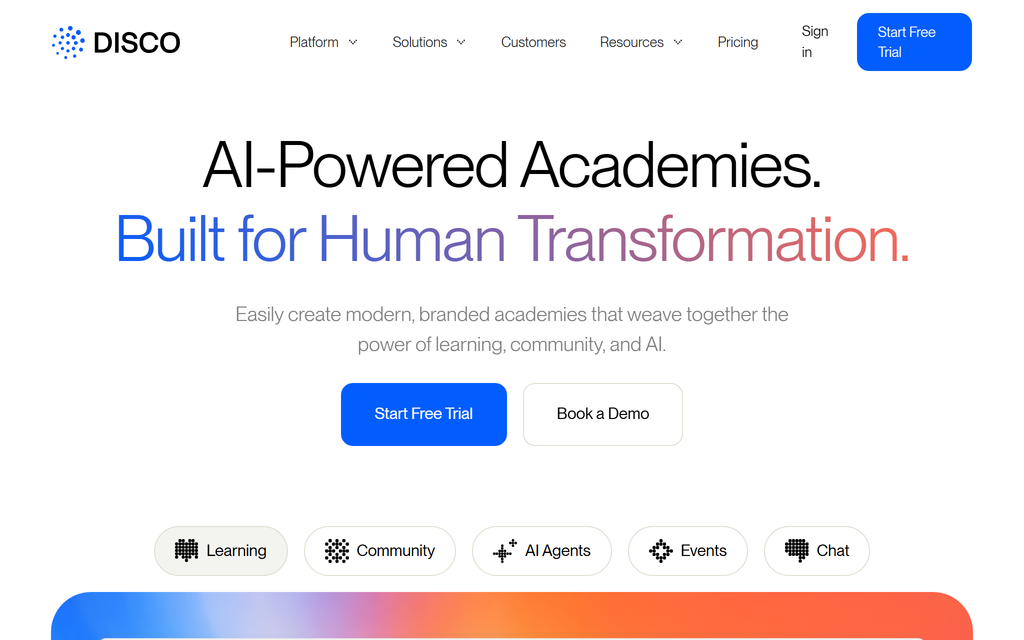
Disco is an AI-native LMS for cohort- and community-based upskilling, built for academies and programmes rather than self-paced catalogs.
An academy can combine courses with community discussion, scheduled sessions and AI-assisted administration. That is useful when development depends on feedback and peer interaction. Check how cohort dates, member access and course assignments work for a programme with several intakes, not just a single launch.
My take: I would use it for a learning business or internal academy where the community is part of the product. Plan who will facilitate discussions and follow up inactive members. Compare that operating effort with a simpler assigned-course programme before choosing the community-led approach.
Pricing: Organization is listed at US$399/month billed annually for up to 500 members. Enterprise is quoted. Check the member limit and the course, community, selling and integration features needed for the academy.
How to tell whether an upskilling programme worked
The World Economic Forum’s Future of Jobs Report 2025 reports that surveyed employers expect 39% of workers’ existing skills to change or become outdated by 2030. Its global employer survey also identifies skills gaps as a barrier to transformation for 63% of employers. That makes a defined skill gap a better starting point than a target number of course completions.
| Stage | Evidence to collect | What the platform should help with |
|---|---|---|
| Before learning | A baseline task or assessment | Identify the relevant pathway and prerequisites |
| During learning | Questions, exercises and feedback | Support practice and make help available |
| After learning | A comparable work sample | Assess against the same criteria used at baseline |
| Back on the job | A manager check after applying the skill | Record follow-up and identify further support |
I would pilot one pathway with a small group before buying a broad rollout. Agree the assessment with the person who manages the work, reserve time to practise and check which records you can export. A completed course is useful administration; an improved work sample gives you something stronger to discuss with the employee.
Which upskilling platform should you choose?
Thirteen tools, matched to the job you are actually solving for:
| If your priority is | Go with |
|---|---|
| A credible ready-made catalog | Coursera for Business |
| The broadest course library | Udemy Business |
| A LinkedIn-connected video library | LinkedIn Learning |
| Technical and IT depth | Pluralsight |
| University credentials | edX for Business |
| One subscription across many providers | Go1 |
| Skills tracking over all your content | Degreed |
| Enterprise scale and governance | Docebo |
| Internal experts co-authoring | 360Learning |
| Building your own upskilling fast with AI | Coursebox |
| A simple, fast build platform | TalentLMS |
| A compliance-heavy regulated workforce | Confirm (Learning Pool) |
| Cohort and community academies | Disco |
Choose a platform against one role and one observable skill gap before committing to an organisation-wide rollout. Our learning experience platform guide covers the aggregation layer, while a full LMS comparison helps assess assignment and reporting needs.
Disclosure: I work at Coursebox. Product and pricing checks were updated on 19 October 2026. The Coursebox usage figure is first-party PostHog data for the stated period.
Frequently Asked Questions
An upskilling platform helps employees develop skills through assigned content, custom training, practice or skills management. Many combine several of these functions; check the actual plan and workflow.
Buying gives you licensed learning from an existing catalogue. Building lets you teach your own procedures and examples. These approaches can coexist, and several providers support both. Check custom-content options, export rights and licence terms.
To buy content, Udemy Business or Coursera; to build your own fast, Coursebox (free tier, unlimited learners) or TalentLMS. The enterprise platforms like Docebo and Confirm are usually too much for a small team.
Some offer skills assessments, ratings or evidence records alongside course completion. Ask how the skill is validated and who can review the evidence. Use a realistic work task if you need to confirm competence.
Yes. Build platforms like Coursebox and 360Learning turn your documents and expertise into structured courses; Coursebox uses AI to draft the course from a file or URL, so you edit rather than start from blank.
Travis Clapp
Travis Clapp is the original founder and CEO of Coursebox. As an experienced instructional designer, he has lived through the process of building high quality courses. These experiences brought about his idea to upload all your documents and ideas into a virtual box that could convert those magically into a course. Prior to Coursebox, he successfully founded and built a social based LMS. Travis has 15+ years of experience designing courses and EdTech platforms from university MOOCs to enterprise LMS. Travis has built training for reputable companies like Johnson & Johnson, Electrolux, Michael Hill and SA Health. One of his courses reached 20,000+ learners which was a flagship edX course. He is based in the Adelaide, South Australia office and passionately works on customer support, sales and bringing the original product vision to life every day.

