

8 LMS Platforms I’d Consider in Australia in 2026
The best LMS platforms in Australia for 2026, comparing Australian-built tools against global platforms that sell here, on data residency, local support, AUD pricing and compliance fit.

The best LMS platforms in Australia in 2026 include Cloud Assess for workplace assessment, Acorn for capability development, Coursebox for connected AI course creation and delivery, and Go1 for licensed content. Sentrient, TalentLMS, iSpring Learn and LearnUpon address other training workflows.
- Check Australian ownership, data hosting, support hours and invoice currency separately. One does not establish the others.
- For organisations covered by the Australian Privacy Principles, overseas disclosures can create obligations under APP 8. Confirm the data arrangement and any additional sector or contract requirements.
- AVETMISS and VET compliance are only needed if you are an RTO delivering accredited training; for general corporate training they are not, so do not pay for them.
- Coursebox connects authoring, tutoring, assessment and delivery with unlimited learners. Its default hosting region is France; custom locations and API access require an Enterprise arrangement.
Compare Cloud Assess, Coursebox, Acorn PLMS, Go1 through three training preferences. Check required features and plan conditions in the entries before choosing.

Run your own branded LMS with unlimited learners
An Australian address on an LMS website does not tell you where learner records are stored, who answers a support request or which currency lands on the invoice. I would check those separately before calling any platform a local fit.
I’m Travis, based in Adelaide. After years of discussing learning platforms with Australian corporate teams and RTOs, I find the useful comparison starts with the training itself: assessing someone on a worksite, developing staff capabilities, buying ready-made courses or building your own. These eight platforms cover those different jobs.
I work at Coursebox, whose AI LMS is included here. The comparison covers Australian-built platforms and global options available to Australian teams. If you deliver accredited VET, use our LMS for RTOs guide alongside this shortlist: assessment, student management and statutory reporting need separate checks.
How I picked the best LMS platforms in Australia
A "best LMS" is meaningless without a buyer, so I judged these on what Australian teams actually weigh:
- Data handling: Confirm the hosting region, overseas access and contractual responsibilities. Australian ownership alone does not establish Australian hosting.
- Support coverage: Check the actual support hours and escalation route, including daylight-saving differences between states.
- AUD pricing: Whether pricing is in Australian dollars or exposes you to USD currency swings.
- Compliance fit: Fair Work and work health and safety documentation, and AVETMISS only if you deliver accredited VET (most corporate buyers do not).
- Training workflow: Separate assessment-led delivery, workforce capability mapping, licensed content and creating your own courses. A local office does not make those workflows interchangeable.
An Australian-built platform can still use overseas hosting, and a global vendor can offer a local arrangement. Coursebox, for example, publishes France as its default hosting region and offers custom regions on Enterprise. Ask for the region, support coverage and invoice currency in the proposal rather than inferring them from the company’s address.
The best LMS platforms in Australia compared
| Tool | AU angle | Best for | Starting price | Capterra (Oct 2026) |
|---|---|---|---|---|
| Cloud Assess | AU-built (QLD), AU hosting, AVETMISS | Frontline + RTO assessment | Quote-only | 4.7 (78) |
| Acorn PLMS | AU-built (Canberra) | Capability-based enterprise/gov | Quote-only | 4.6 (34) |
| Coursebox | AU-built, AI-native | Building courses fast from your docs | Free; paid creation/LMS plans | 4.7 (98) |
| Go1 | AU-built (Brisbane) | Buying a ready content library | Quote-only | 4.4 (80) |
| Sentrient | AU-built, AU compliance library | Workplace compliance + WHS | Quote-only | Not listed |
| TalentLMS | Global, AU customers | Simple, fast SMB setup | Free; from US$119/mo | 4.7 (599) |
| iSpring Learn | Global, publishes AUD pricing | PowerPoint authoring + LMS | Regional active-user bands | 4.7 (194) |
| LearnUpon | Global, multiple audiences | Multiple branded audiences | Quote-only | 4.7 (140) |
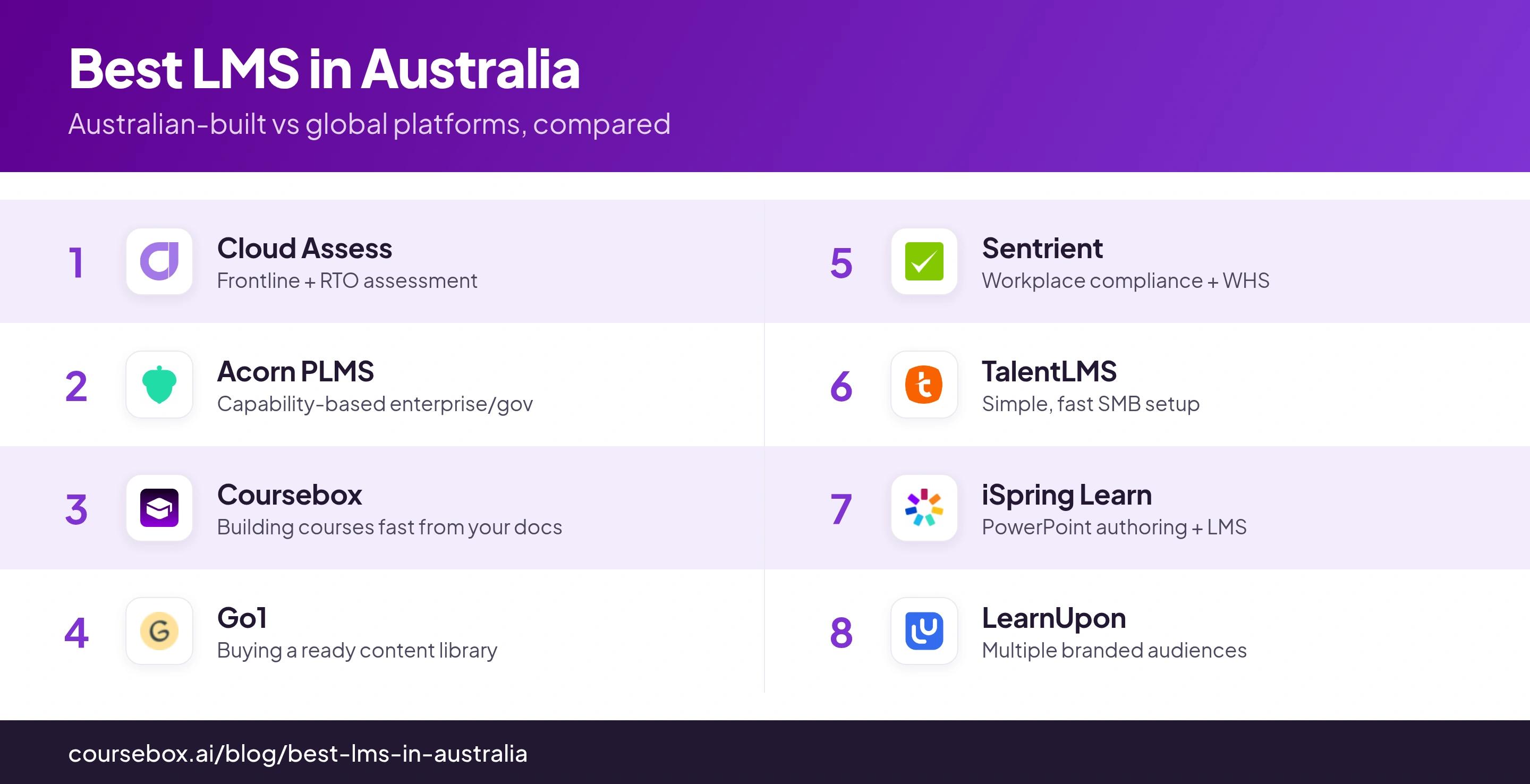
User ratings are out of 5 with review counts, from Capterra as of October 2026. "Not listed" marks a product whose Capterra figure I could not verify, which reflects access, not quality. Several AU vendors publish no price, so those cells are quote-only; confirm current figures and where data is hosted before you commit.
The 8 best LMS platforms in Australia
1. Cloud Assess
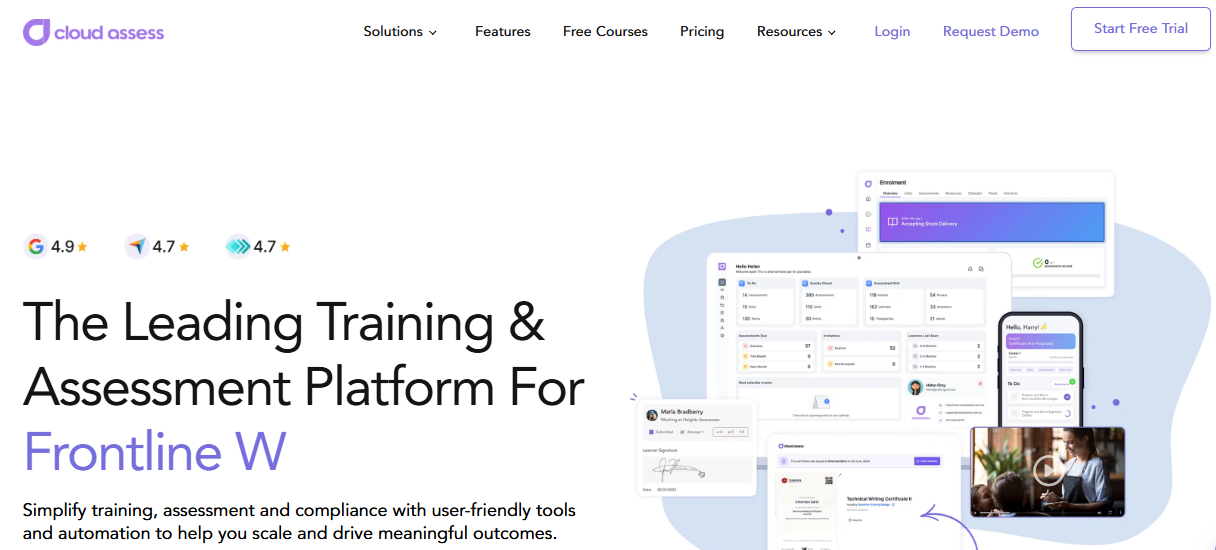
Cloud Assess is Australian-built (Queensland) and aimed squarely at frontline and vocational training, so it leads an AU list for a real reason, not just a local address.
Its standout is an offline-capable mobile assessment app: a trainer or assessor marks competency on-site, on a phone or tablet with no signal, and it syncs when a connection returns. Data is hosted in Australia, and it handles AVETMISS reporting for accredited training. The trade is focus: it is built around workplace assessment and RTO delivery, so it is heavier than a general corporate LMS if all you need is to push courses to office staff.
My read: Practical evidence is the reason I would shortlist Cloud Assess. Ask an assessor to record a real task on the device used at the worksite, then check what the manager sees after synchronisation. For a programme based mainly on office courses, compare that assessment workflow with the administration you actually need.
Price and plans: Quote-only, by user tiers; Cloud Assess does not publish a public price, so get a quote against your learner count and whether you need the AVETMISS/RTO side.
2. Acorn PLMS
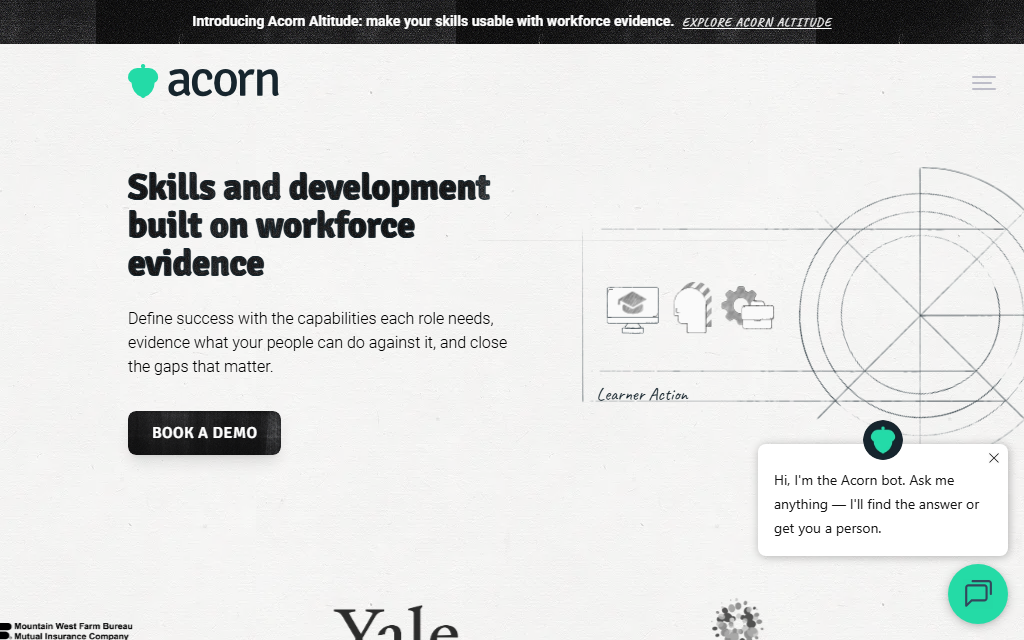
Acorn PLMS is Australian-built (Canberra) and strong in government and larger enterprise, where its performance-LMS angle fits how those teams actually plan training.
Instead of only tracking course completions, it maps courses to a capability or skills framework, so you can see who can do what against the roles you define, not just who finished a module. That makes it a fit for capability-based workforce planning, which is common in AU federal and state agencies. It needs that structure to pay off, though: if you have not defined capabilities, you are buying an engine you will not use yet.
In practice: The capability mapping is the reason to choose it over a plain LMS, and it suits government and enterprise L&D that think in frameworks; a small team with a handful of courses will not feel the benefit.
Price and plans: Quote-only, sized to the organisation; expect an enterprise-style annual contract rather than a self-serve monthly plan.
3. Coursebox
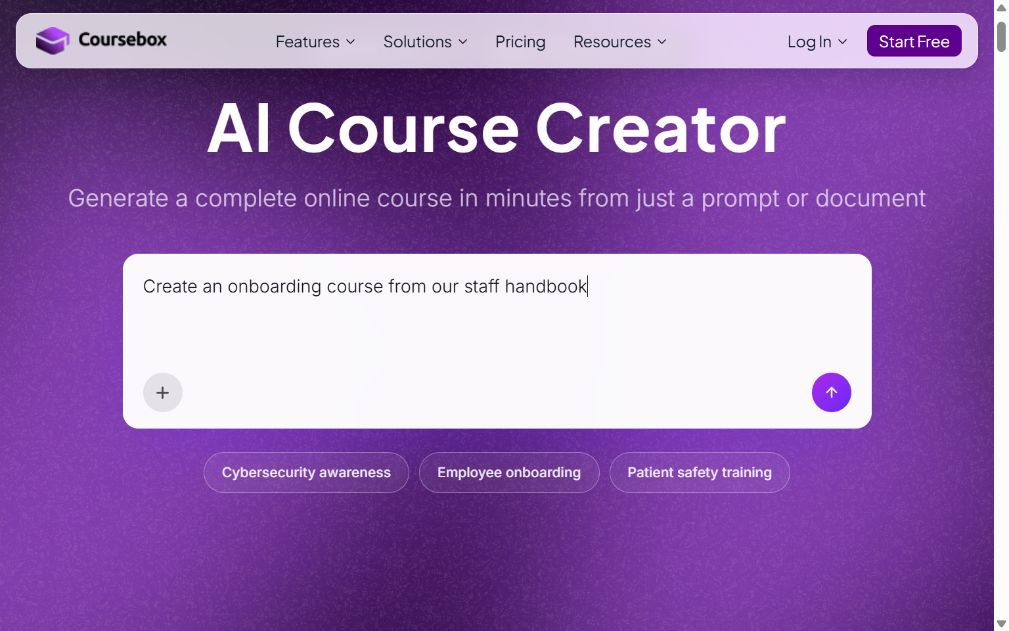
Coursebox is ours, so weigh that. It is the Australian, AI-native option: rather than configure a platform or buy a catalog, you turn your own material into courses with an AI LMS and deliver them on your own domain.
Upload a policy, document or URL, review the generated course structure, then edit the lessons and assessments before delivery. Course-grounded tutoring helps learners with questions, while grading and progress reports help trainers follow their work. Branded LMS options add your own domain, groups and pathways. Every plan includes unlimited learners; creation allowances, admin access and delivery features still vary by plan. For accredited VET, check the student-management and AVETMISS workflow separately rather than assuming course delivery covers it.
My read: The useful comparison is the complete training task, from an approved procedure to a course, learner questions and assessment records. I would favour Coursebox when the same team needs to create, deliver and maintain that training. Australian incorporation is not a hosting guarantee: its published default region is France, with custom locations available through Enterprise.
Price and plans: Free includes three mini-courses of up to five pages each and unlimited learners. Paid plans expand creation allowances and remove the watermark; Pro + LMS adds a fully branded learning platform. API access and custom hosting are Enterprise features, with SSO a paid Enterprise add-on. Select AUD and the billing period on the pricing page before budgeting.
4. Go1
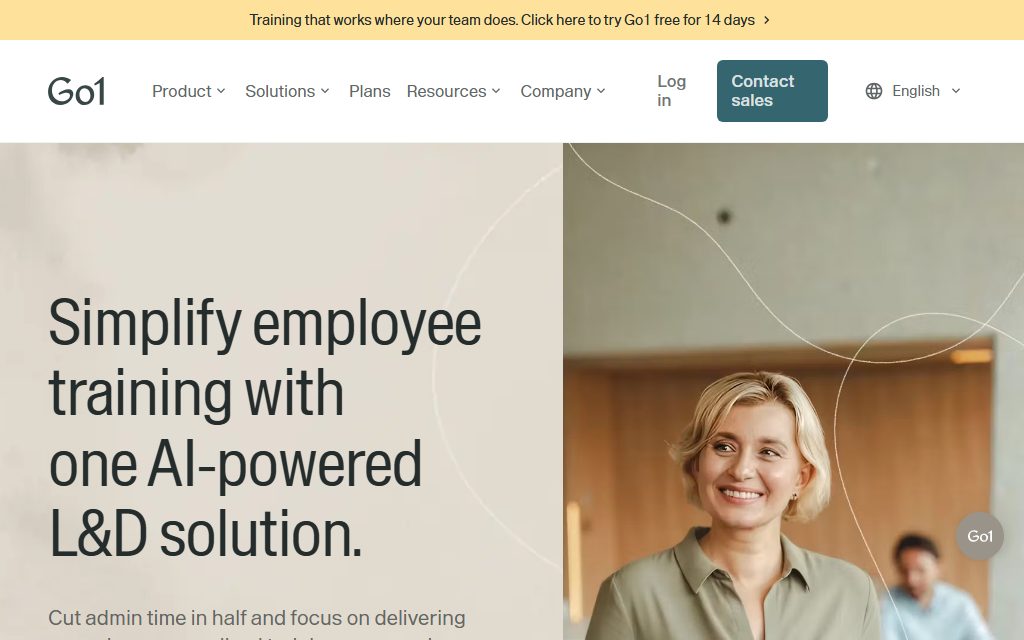
Go1 is Australian-built (Brisbane) and solves a different problem from the rest: it is a content aggregator, not primarily a place you author courses.
Go1 brings content from multiple training providers into a subscription, with options to use its learning platform or connect the library to an existing LMS. It is useful when your team needs maintained compliance, business or professional-development courses alongside its own training. Catalogue access and integration scope depend on the agreement; preview the exact courses and confirm whether they remain available for the subscription term.
My read: I would compare the licensed catalogue with the topics your team needs to learn, then check how assignments and completion data return to your LMS. A large library saves sourcing work only when the relevant courses are current, appropriate for the audience and easy to find.
Price and plans: Quote-only, as a per-user content subscription; price it against how many people need library access and for how long.
5. Sentrient
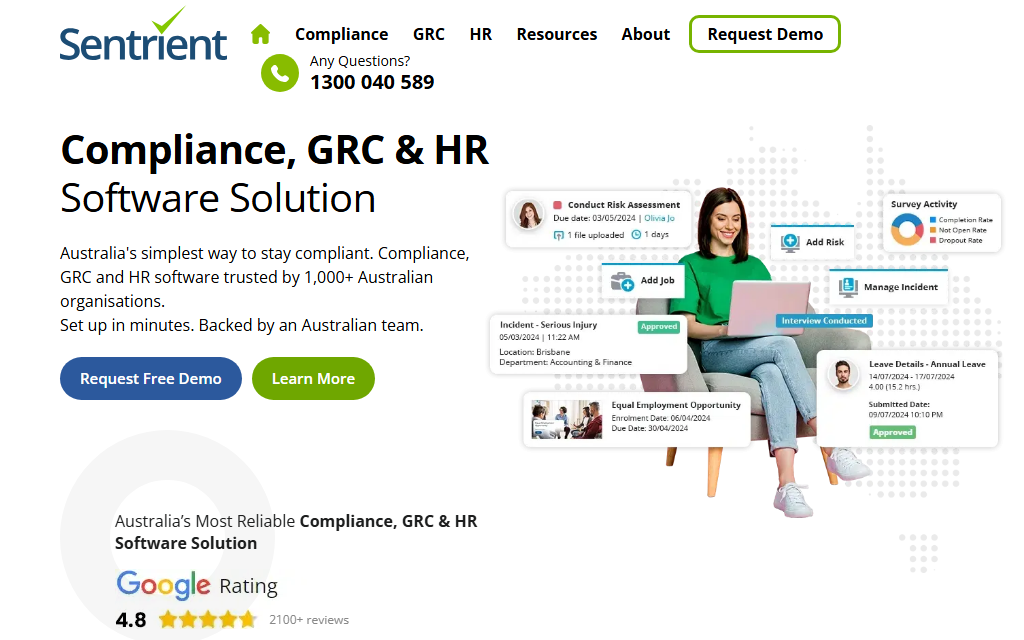
Sentrient is Australian-built and purpose-made for AU workplace compliance, which is its whole reason to exist on this list.
Sentrient combines Australian workplace compliance content with learning management, policy acknowledgement and records. Assign training on subjects such as bullying, harassment and work health and safety, then track completion and follow-up. Its broader product range includes HR and governance workflows, so specify whether you need the LMS alone or other modules. Preview the current course material and reporting against the policies your organisation uses.
My read: I would start with Sentrient when an Australian HR team wants maintained workplace-compliance material and a record of who completed or acknowledged it. Compare how your own policies and custom training sit beside that library before deciding whether another authoring tool is needed.
Price and plans: Quote-only, typically per employee; not published, so request a quote against headcount and the compliance modules you need.
6. TalentLMS
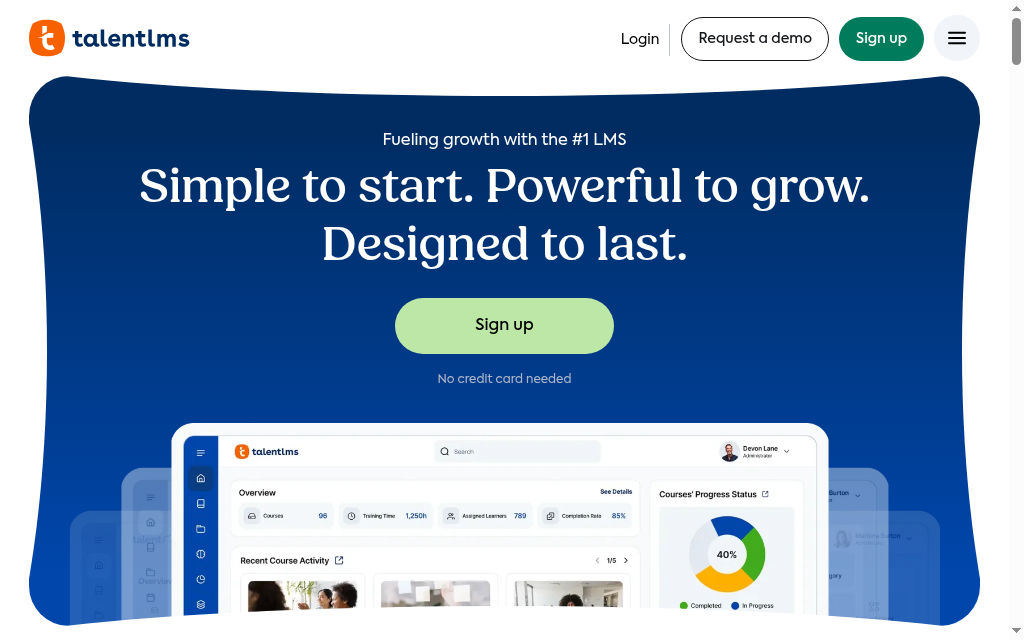
TalentLMS is a global SMB platform with plenty of Australian customers, included here as the simple, fast-to-launch option rather than an AU-built one.
Authors build or import courses, groups organise learners and branches separate branded audiences. Managers can receive scheduled reports. Compare the branch allowance and automation tier before choosing a plan. Standard user bands and optional Flex billing are different purchasing choices: Flex counts distinct monthly logins. For an Australian rollout, confirm the contracted hosting region and budget for USD billing rather than assuming local customers mean local storage.
What I noticed: The quickest path to a working LMS for a small AU team that does not need local hosting; the data-residency and USD-pricing gaps are the things to weigh, not the features.
Price and plans: Free supports five users and ten courses. Core is displayed from US$119/month on annual billing for the selected entry user band, not automatically for 100 learners. Higher user bands and optional Flex billing change the price.
7. iSpring Learn
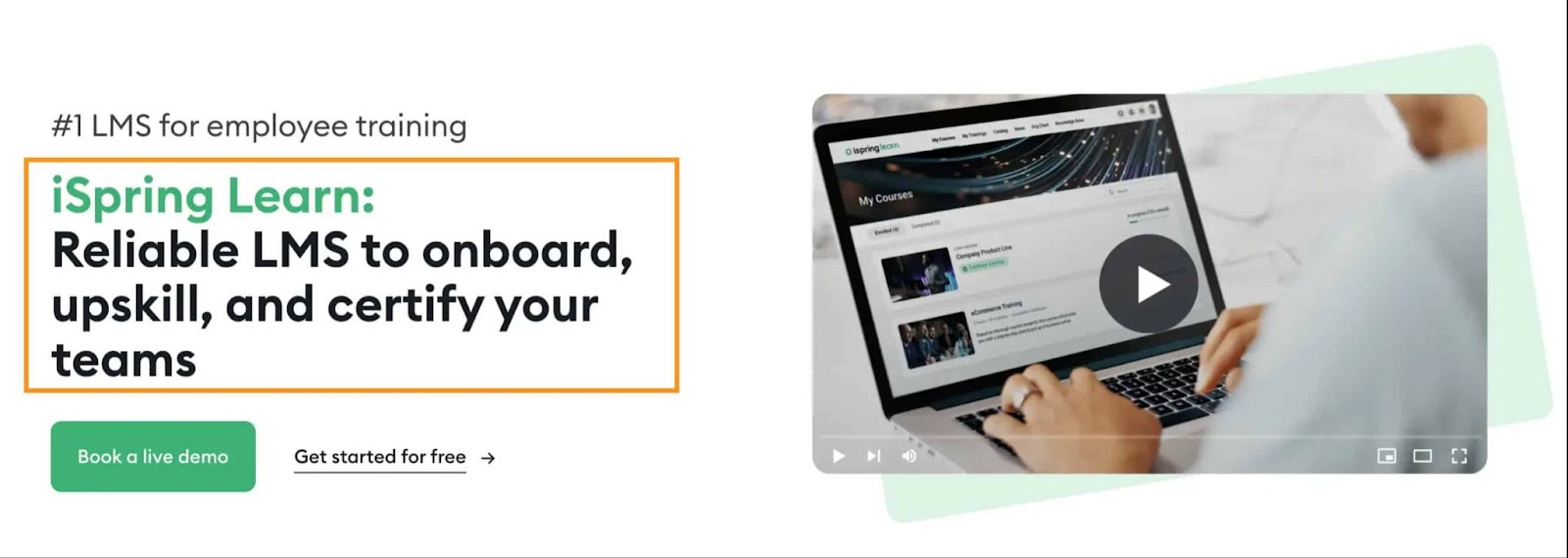
iSpring Learn is a global platform that, usefully for AU buyers, publishes pricing in Australian dollars and pairs delivery with the strongest PowerPoint-to-course authoring here.
iSpring Suite converts PowerPoint material into trackable courses with quizzes, while the LMS handles enrolment, learning tracks and completion reporting. On-the-job observation checklists can capture practical performance alongside course completion. Suite’s PowerPoint workflow needs Windows and PowerPoint; LMS administration is browser-based. Confirm the contracted hosting region and the authoring licence included in the package.
My read: I would shortlist it for an existing slide library and a programme that combines courses with practical sign-off. The decision is whether your authors want to maintain PowerPoint sources and whether the LMS reports give supervisors the evidence they need.
Price and plans: Annual pricing is based on active-user bands, with regional currency selection. The pricing page publishes 100-, 300- and 500-user examples; fewer than 100 users requires a quote. Confirm the AUD checkout amount and included authoring licences rather than treating a converted overseas rate as a local quote.
8. LearnUpon
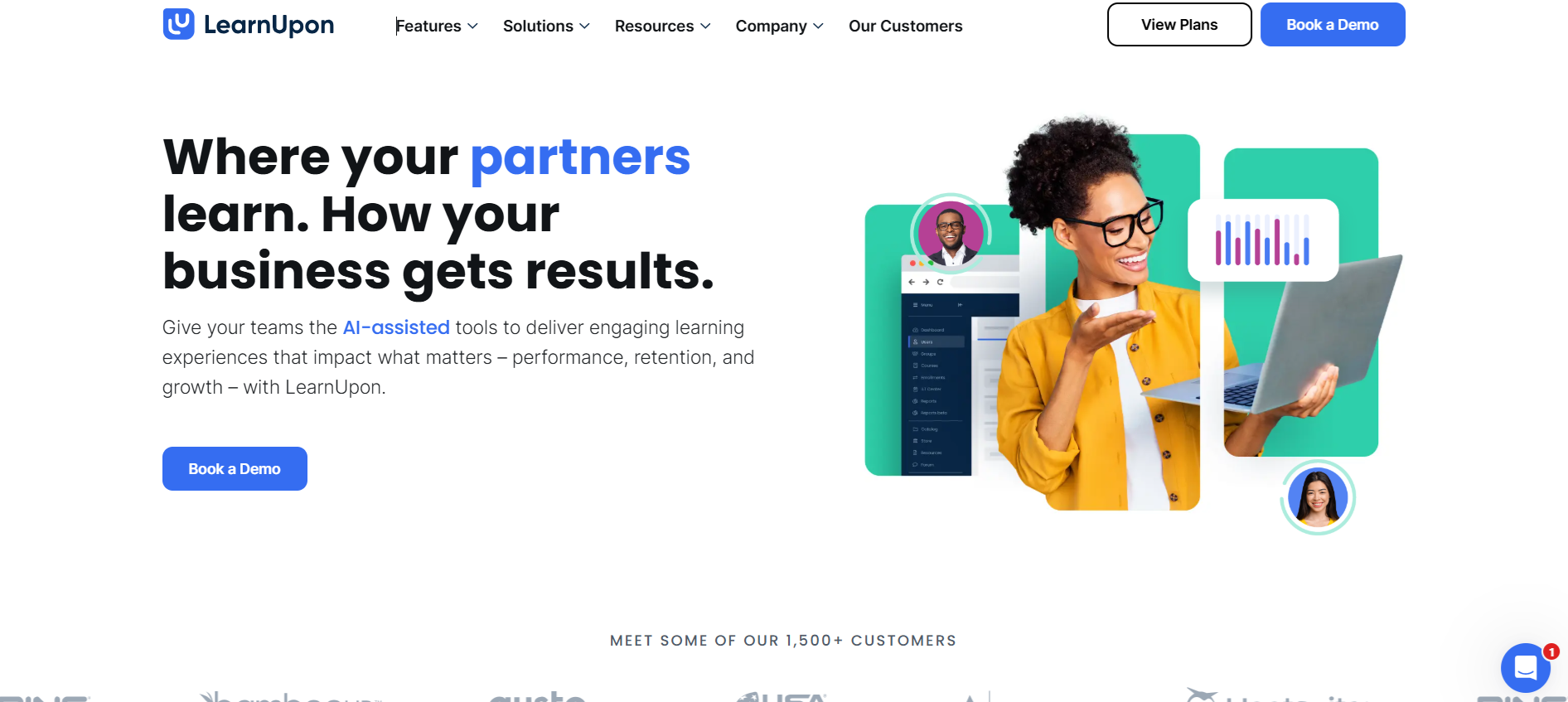
LearnUpon is a global platform for teams that need separate training experiences for employees, customers or partners. Its portal structure is the reason to compare it here, rather than an assumption about local hosting or support.
It runs multiple branded portals from one instance, so you can deliver separate training to employees, customers and partners, each with its own look and user base, without running separate systems. That multi-audience structure is its reason to be here; for a single internal audience it is more platform than you need. Pricing is quote-only since the public tiers were removed, and there is no Australian data-residency claim, so check hosting if that is a requirement.
What I noticed: The right call when you train staff plus external audiences and want them cleanly separated; overkill for a single internal team, and you will need to request a quote.
Price and plans: Quote-only and annual, sized by users and the number of portals; public pricing tiers are no longer listed.
Plan for the training you will need to update
In Jobs and Skills Australia’s 2025 Occupation Shortage List, 29% of assessed occupations were in national shortage. I would connect a training purchase to the roles your team needs to develop, then choose between a capability platform, ready content and practical assessment.
Globally, employers surveyed for the World Economic Forum’s Future of Jobs Report 2025 expected 39% of workers’ existing skills to change or become outdated by 2030. That makes maintaining and updating courses part of the LMS decision, alongside launching them.
Which LMS in Australia should you choose?
Eight platforms, matched to what an Australian buyer is actually solving for:
| If your priority is | Go with |
|---|---|
| AU data residency + frontline/RTO | Cloud Assess |
| Building courses fast from your own docs | Coursebox |
| Capability-based enterprise or government | Acorn PLMS |
| A ready-made content library | Go1 |
| Workplace compliance and WHS | Sentrient |
| A simple, fast SMB setup | TalentLMS |
| PowerPoint-based authoring | iSpring Learn |
| Training several audiences at once | LearnUpon |
Whichever you pick, ask where your data is hosted and whether support runs in your hours before you compare feature lists. If you deliver accredited training, start instead with our LMS for RTOs guide, and for the HR-buyer angle see our best LMS for HR roundup.
Disclosure: I work at Coursebox. Product and pricing checks were refreshed in October 2026. Ratings are historical Capterra snapshots, not a measure of fit for your organisation. The Coursebox usage figure is first-party product analytics for its stated period.
Frequently Asked Questions
It depends on what you need: Cloud Assess for frontline and RTO training with Australian hosting, Coursebox to build courses fast with AI (Australian-built, unlimited learners), Acorn for capability-based enterprise, and Go1 to buy a ready content library. No one tool wins for every team, so match it to your data-residency, support and compliance needs.
Cloud Assess (Queensland), Acorn (Canberra), Go1 (Brisbane), Sentrient and Coursebox are built in Australia. TalentLMS, iSpring Learn, LearnUpon and Docebo are global platforms that sell to Australian customers without necessarily hosting data here.
Australian hosting is not a blanket requirement under the Australian Privacy Principles. For covered organisations, APP 8 addresses cross-border disclosures and related accountability. Sector rules, contracts and government procurement conditions may add requirements. Confirm storage, overseas access and contractual controls for your situation.
Only if you are a Registered Training Organisation delivering accredited VET. If so, look at RTO-specific systems rather than a general LMS. For ordinary corporate training, AVETMISS is not required, so do not pay for it.
Several local vendors use custom quotes. Coursebox has a free plan with unlimited learners and paid plans based on creation and platform features. TalentLMS displays USD user bands; iSpring publishes regional active-user pricing and quotes smaller populations. Compare the same learner count, billing period, authoring and support scope in the currency you will actually pay.
Travis Clapp
Travis Clapp is the original founder and CEO of Coursebox. As an experienced instructional designer, he has lived through the process of building high quality courses. These experiences brought about his idea to upload all your documents and ideas into a virtual box that could convert those magically into a course. Prior to Coursebox, he successfully founded and built a social based LMS. Travis has 15+ years of experience designing courses and EdTech platforms from university MOOCs to enterprise LMS. Travis has built training for reputable companies like Johnson & Johnson, Electrolux, Michael Hill and SA Health. One of his courses reached 20,000+ learners which was a flagship edX course. He is based in the Adelaide, South Australia office and passionately works on customer support, sales and bringing the original product vision to life every day.

