

8 Best Ecommerce LMS Platforms in 2026: What I’d Choose
I compare eight ecommerce LMS platforms for selling courses, learner experience, branding, payments and fees.

The best ecommerce LMS platforms in 2026 include LearnWorlds, Thinkific, Teachable, Coursebox, LearnDash, Academy of Mine, TalentLMS and Docebo; compare the buying and learning experience together.
- Coursebox combines AI course creation, paid delivery, assessments and tutoring, with unlimited learners and 0% commission on course sales. Processing charges still apply.
- Thinkific’s extra gateway fee depends on the payment setup and country; Teachable Starter charges 7.5%, and LearnWorlds Starter charges US$5 per paid enrolment.
- LearnDash suits a WordPress course business; Academy of Mine supports bulk B2B purchases and client portals; TalentLMS and Docebo combine selling with wider training management.
- Budget for the right branding tier, active learners, apps, tax services and processing. Test checkout, access, refunds and payouts before launch.
Compare four hosted platforms from the full list. Choose for the course business you want to run.

Build, launch and sell quality courses in minutes
An ecommerce LMS needs to make a course easy to buy and worth completing. I look at the full journey: finding the course, paying, getting access, learning and coming back for another purchase. Fees matter, but so do the course tools, learner support and the work you still have to do yourself.
I sold my own courses from Hungary before I worked in this industry. That taught me to check supported currencies and payouts early: a good-looking checkout is little help if it does not suit your business. These are the eight platforms I would compare for selling training, with the important payment and plan limits made clear.
Disclosure: I’m part of Coursebox, which lets creators sell courses online. It is one of the eight options below; I’ve compared the selling and learning workflows as well as the fees.
Baymard’s checkout research also puts average cart abandonment at 70.19%. Those are general ecommerce findings, not course-platform conversion rates. They are a reason to test the buying experience on a phone, not a promise that switching LMS will recover a particular number of sales.
How I judged these
I compared vendor documentation and pricing in October 2026, using the five criteria below. I considered a solo creator selling to individuals and a provider selling to companies, because their enrolment and payment workflows are different.
- Selling tools. Storefront, checkout, subscriptions and memberships, coupons, bundles and affiliates. Selling a course well is a different skill from hosting one, and the platforms vary a lot here.
- Fees and real take-home. Transaction fees, plan cuts and what the payment processor leaves you. The sticker price tells you less than what reaches your account per sale, and cheap plans get expensive fast.
- Branding and access. Check the domain, vendor branding, learner login and any mobile-app charges. A custom domain and a fully white-label platform are not always the same tier.
- Course building and delivery. The product still has to be good: authoring, interactive content, assessments and certificates. A great store selling a weak course does not last.
- Who it is for, and price. A solo creator, a WordPress owner, a B2B training business and an enterprise need different tools; I have flagged the fit and where each gets expensive.
The 8 best ecommerce LMS platforms at a glance
| Tool | Best for | Selling and learning | Cost basis | Plan or setup limit |
|---|---|---|---|---|
| LearnWorlds | A branded academy | Site, courses, memberships | $24 + $5/enrolment; Pro $79 annual | Full white-label on Learning Center |
| Thinkific | A hosted course store | TCommerce, courses, group sales | Subscription + processing | Extra third-party gateway fees may apply |
| Teachable | Payment administration | Checkout, courses, tax services | Starter $29 + 7.5%; Builder $69 annual | Processing, usage and gateway terms |
| Coursebox | Create, sell and teach | Paid access, subscriptions, AI tutor | 0% commission; unlimited learners | Plan features and AI allowances |
| LearnDash | WordPress course businesses | Plugin + chosen checkout | Annual licence + site costs | You maintain the site and integrations |
| Academy of Mine | B2B professional training | Bulk seats and customer portals | From $999/month | Portal permissions and CE requirements |
| TalentLMS | Training providers selling courses | Catalogue, payments, branches | Free 5/10; Core $119/mo annual | One central Stripe account |
| Docebo | External enterprise training | Ecommerce and learning plans | Annual quote | Ecommerce package and implementation |
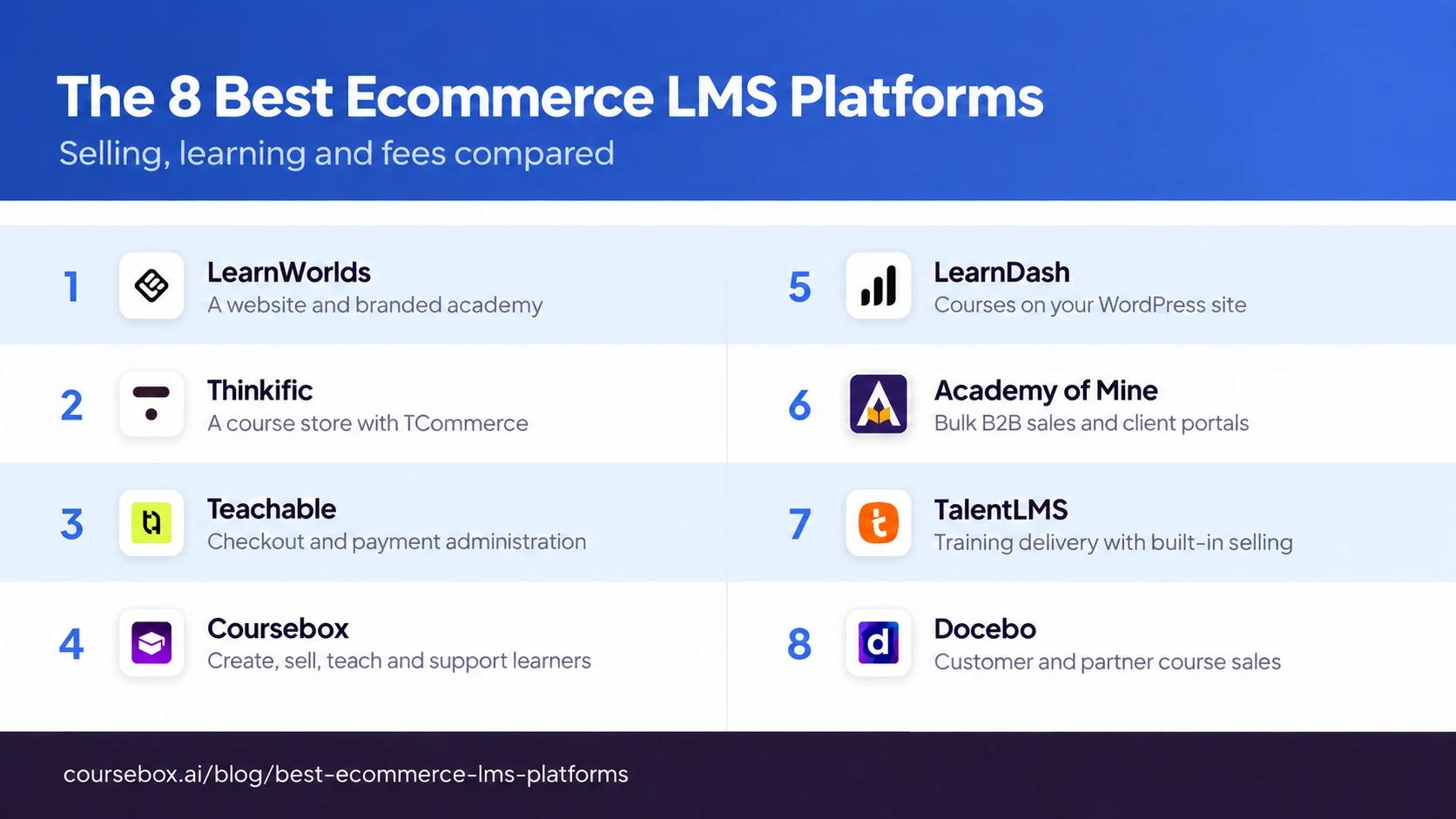
Prices and fees were read off each vendor’s own pricing pages while writing; plans and transaction fees change often, so confirm the current cut before you commit.
The 8 best ecommerce LMS platforms
1. LearnWorlds
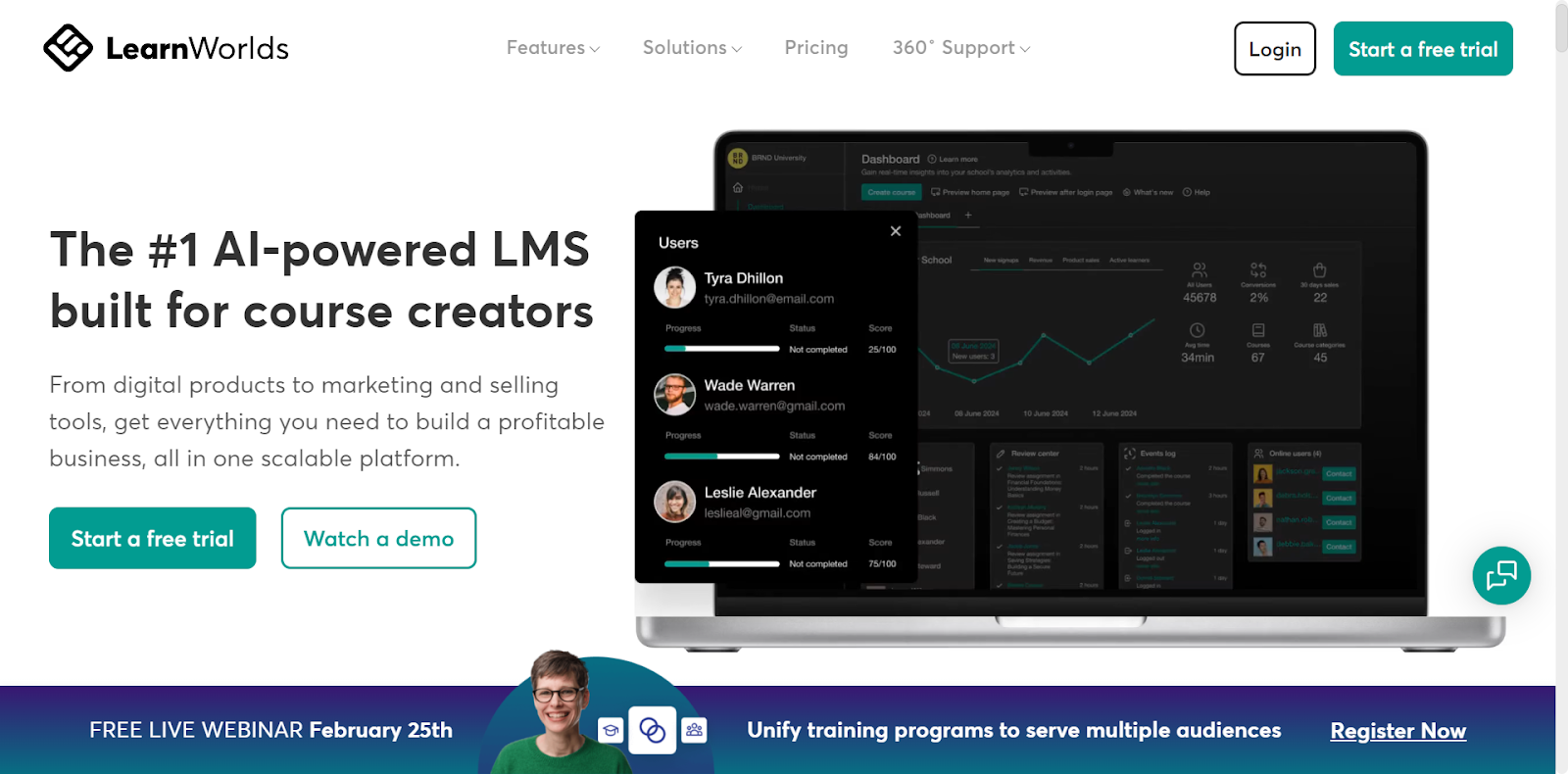
LearnWorlds suits a course business that wants a connected website and academy. You can build sales pages, offer paid courses and, on eligible tiers, add subscriptions, memberships and payment plans. Interactive learning, assessments and certificates help make the product more than a collection of videos.
On annual billing, Starter is US$24/month plus US$5 per paid enrolment. Pro Trainer is US$79/month and removes the enrolment fee; Learning Center is US$249/month and adds full white-label branding. The mobile app is separately priced, so it should not be treated as included in an entry-level subscription.
My take: I would test both sides of the experience: buy a course as a new student, then work through a lesson and assessment. Pick the tier that supplies your teaching and branding needs, rather than paying for an app before you know learners will use it.
2. Thinkific
Thinkific combines a course site with checkout and learner access. TCommerce adds selling tools such as order bumps and supported payment methods; memberships and bundles can help you sell continuing access rather than one isolated course. Group sales and more advanced business features depend on the package.
The current entry plan is Start, advertised at US$109 monthly or US$82 a month with annual billing. Standard plans list a 10,000 current-student allowance. Thinkific Payments and third-party gateways have different fees by country and plan, with processing still payable. I would price the gateway available to the business rather than use the retired Basic plan as a benchmark.
What I’d check: As someone who sold from Hungary, I would confirm payment eligibility and payout currency before designing the store. A predictable subscription can be attractive, but “no transaction fees” is not a complete description of every Thinkific payment setup.
3. Teachable

Teachable brings course delivery, checkout and payment administration together. Teachable Pay supports tax handling and remittance, while eligible plans add sales tools such as affiliates and upsells. It can suit a creator who wants less payment admin, provided the gateway is available for their business and the tax coverage fits their sales.
Starter is US$29/month billed annually with a 7.5% platform fee. Builder is US$69/month annually with a 0% platform fee through Teachable Payments; processing and optional services are separate. Under the current usage policy, paid transactions above US$0 through native or custom gateways do not incur student usage fees. Free, coupon-to-zero and imported enrolments can count toward a separate allowance. Older schools can remain on legacy terms until their qualifying renewal.
My take: A free lead-magnet course has a different cost model from a paid course here. Under the new policy, 100 countable students are included, then US$0.50 per student/month applies above that allowance. New schools from 3 September 2026 use it; older schools move at their first renewal on or after 30 April 2027 unless they opt in earlier.
4. Coursebox

Coursebox lets you create, sell and deliver training in one platform. Turn your material into a course, review the lessons and assessments, connect a supported payment provider and set paid access. Learners get the course, quizzes, certificates and a tutor grounded in the training content; the learning experience continues after checkout.
Coursebox takes 0% commission on course sales and supports unlimited learners, with payment-processing charges separate. Free provides three mini courses for a pilot; paid plans increase AI capacity and remove the course watermark. Pro + LMS adds your branded portal and domain. Price the admins and content volume you need, alongside one-time or subscription selling, rather than treating 0% commission as the complete cost.
My take: It is worth comparing when you want the teaching, support and selling together. Test your required currency, tax settings, payment flow and membership setup before committing. You can start free, then choose the tier for the branded business and content volume you actually need.
5. LearnDash
LearnDash fits a business that wants its courses on its own WordPress site. The plugin provides course progression, quizzes and certificates, with one-time or recurring payment options through supported gateways. You can use its built-in selling setup or connect a shopping cart such as WooCommerce when the store needs more flexibility.
The plugin uses an annual licence and does not take a platform cut of course sales. Add hosting, processing, maintenance and any paid reporting or group-management extensions to the budget. Official updates and support require a valid licence; support is not merely community-led, as some comparisons suggest.
My take: Ownership of the site comes with operational responsibility. Refunding a Stripe payment does not automatically remove course access in the documented integration. I would test that workflow and assign an owner for backups, updates and learner support before calling the setup ready.
6. Academy of Mine
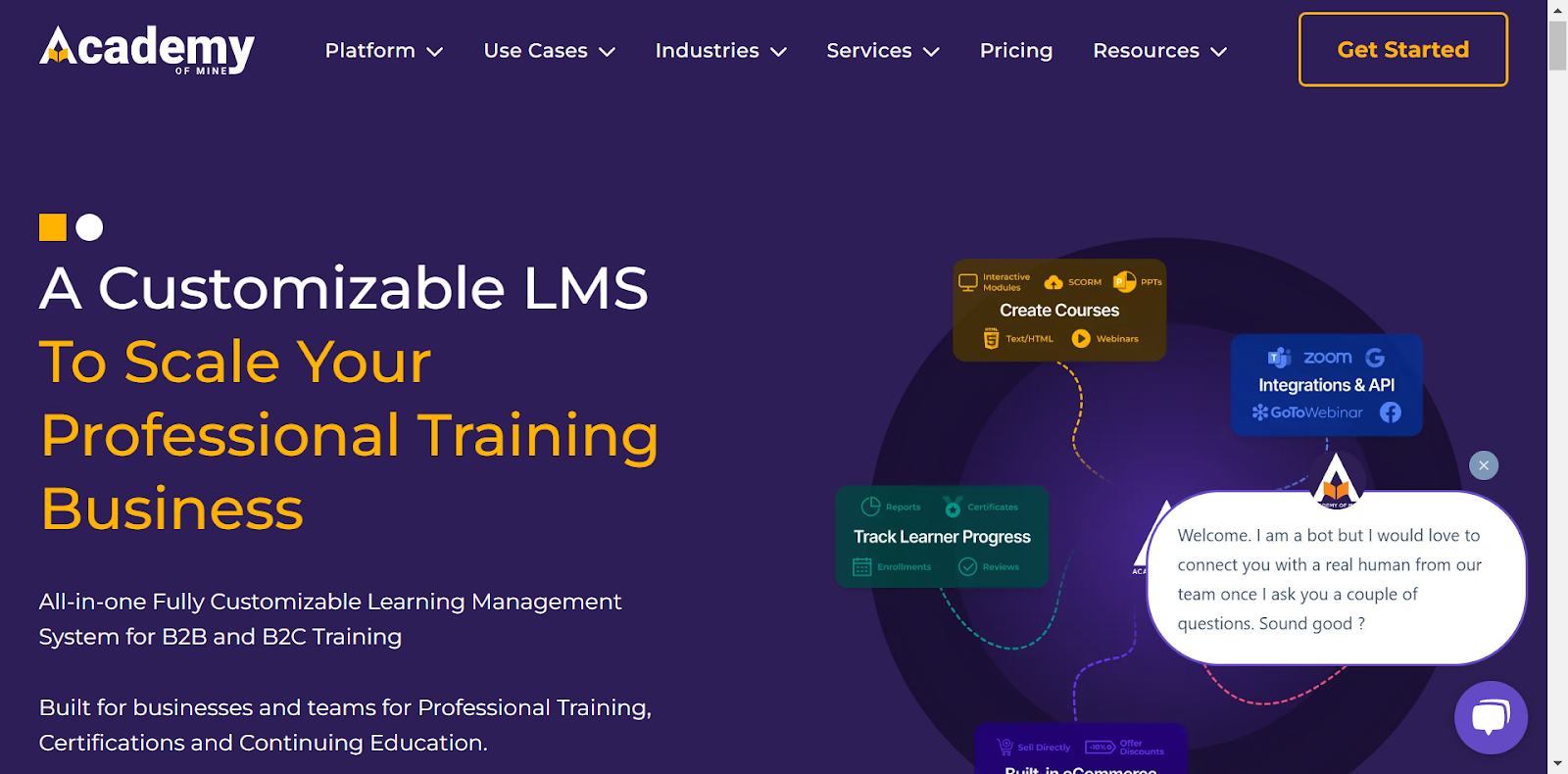
Academy of Mine suits professional training sold to organisations as well as individuals. A company buyer can purchase multiple seats and create a client portal; its administrator then manages the learners. Course catalogues, assessments and certification records support the delivery, while bulk pricing helps with larger orders.
Professional starts at US$999/month; Enterprise is custom-priced. It can sell through its own catalogue or connect to an existing ecommerce platform. Quantity-based pricing is available to portal administrators, so the business buyer’s registration and permissions are part of the checkout design.
What I’d check: Walk through a ten-seat company purchase, delegation to a client admin and the final training report. That company-purchase workflow is the reason I would compare it with an individual-course store. For accredited or continuing-education programmes, confirm that the assessment and credit records meet your accreditor’s requirements; the software does not confer accreditation.
7. TalentLMS
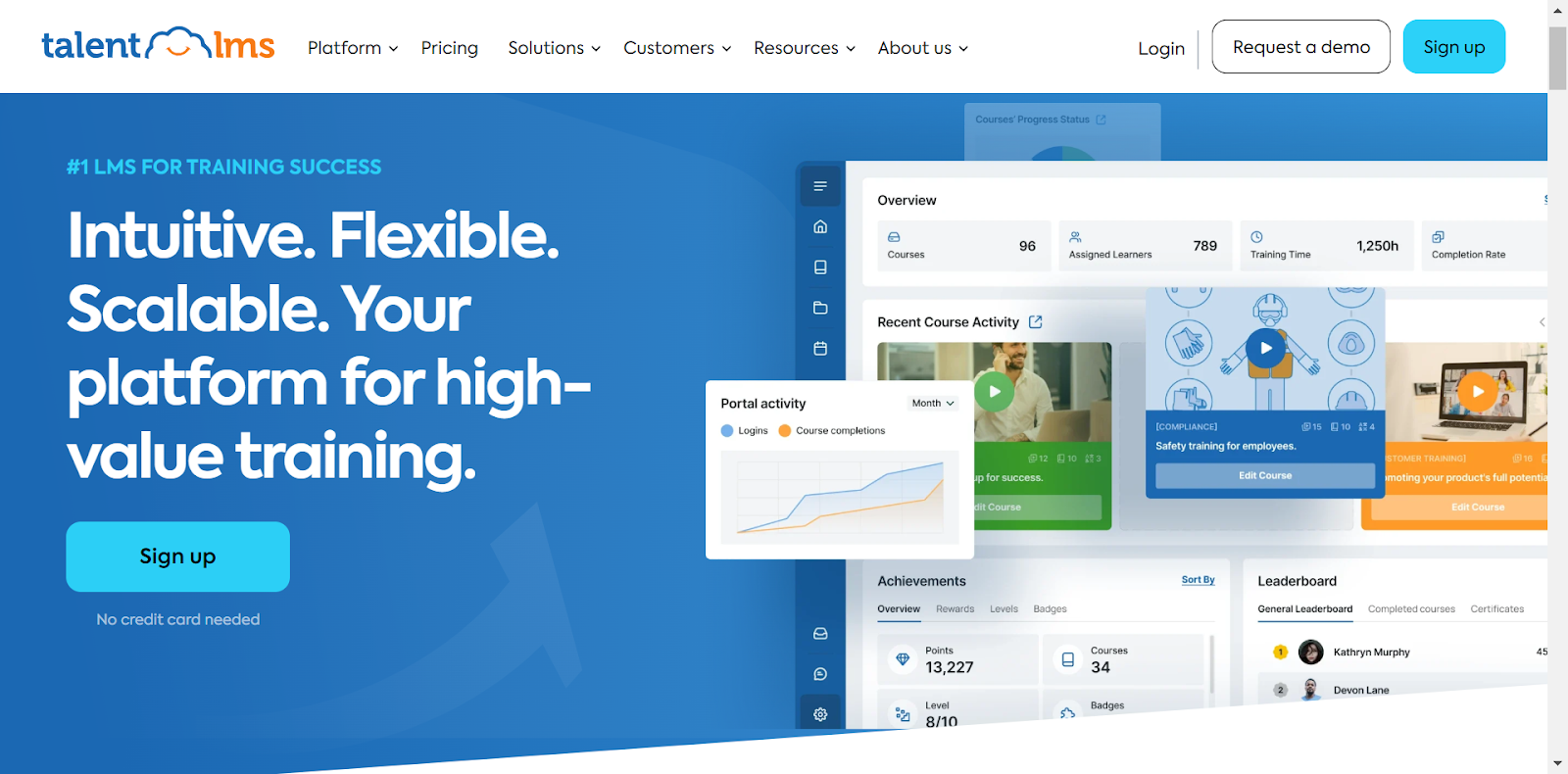
TalentLMS combines course management, tests, certificates and a catalogue with built-in ecommerce settings. Stripe and PayPal integrations support course sales and subscriptions. Branches can give different audiences their own branding and catalogue, which is useful when a provider sells training as well as assigning it to existing clients.
The free plan supports five users and ten courses; Core starts at US$119/month billed annually for 1 to 40 users. Check the selected tier’s branch, learner and branding limits. Treat the payment provider’s charges separately from the LMS subscription rather than assuming ecommerce requires an unspecified paid add-on.
My take: Its branch payment setup allows different PayPal accounts, but one centrally configured Stripe account. Check this when clients need separate payment arrangements. I would also check what happens when a shared course’s price changes across branches.
8. Docebo
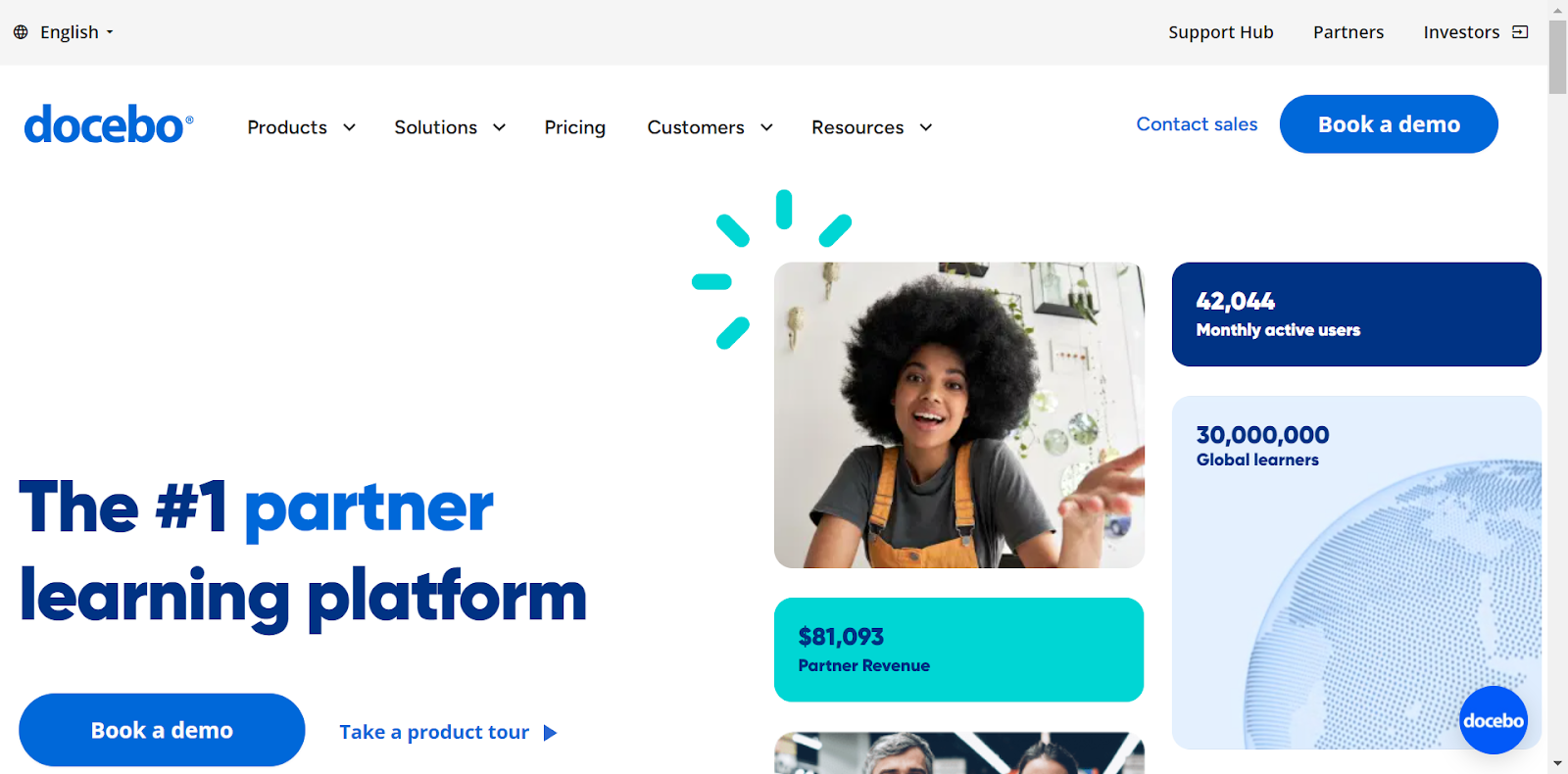
Docebo suits an organisation selling customer or partner training alongside a wider learning programme. Its ecommerce offering can monetise courses and learning plans, while extended-enterprise configuration separates audiences and administration. Integrations and reporting can connect the transaction with the training record instead of leaving sales and delivery in separate systems.
The platform is quote-priced with annual contracting, and ecommerce is a paid add-on. Scope extended-enterprise features, integrations and implementation in the quote. Training credits, which buyers can spend on learning, require the eCommerce Pack.
My take: I would use a customer buying credit for a team as the demo scenario. Check purchase permissions, enrolment, credit balances and the customer’s report. That helps determine whether the additional administration is useful to your business, rather than ruling it in or out solely on company size.
Which ecommerce LMS should you choose
Use the same assumptions for each platform: monthly course revenue, paid enrolments, active learners and your country’s payment fees. For example, US$2,000 in sales incurs US$150 at a 7.5% platform fee, before processing. A flat US$5 enrolment charge instead depends on the number of buyers. Include the subscription, tax services, app and required add-ons, then check refunds and payouts as well.
I would shortlist Coursebox for course creation, paid delivery and learner support together; LearnWorlds for a website and academy with more advanced learning features; and Thinkific for a hosted store with TCommerce. Compare Teachable if payment and tax administration is a priority. LearnDash suits a WordPress business, Academy of Mine a B2B professional-training seller, and TalentLMS or Docebo a training operation that also needs to sell access.
If selling is the whole point and the course format is secondary, our guide to the best LMS for selling courses goes deeper on the creator-platform side.
Compare the same selling scenario
| Scenario | Cost or workflow to compare | Why it changes the shortlist |
|---|---|---|
| US$2,000 monthly sales, 40 paid enrolments | 7.5% is US$150; US$5 per enrolment is US$200, before subscription and processing | Revenue-based and enrolment-based fees behave differently |
| 150 new free students under Teachable’s current policy | 50 above the included 100 creates US$25/month in student usage fees | A coupon reducing the price to zero can change the usage category |
| A refunded subscription purchase | Payment refund, recurring billing and course access | These are separate states; define the desired outcome for each |
When a learner receives a refund, decide whether access ends immediately or at the end of the paid period. Then confirm that the payment gateway, subscription and LMS agree. For LearnDash’s documented Stripe integration, refunding the payment does not automatically remove course access, so the access step needs an owner.
Frequently Asked Questions
An ecommerce LMS combines training delivery with a way to sell access. Depending on the platform and plan, that can include a course catalogue, checkout, payments, subscriptions and group purchases. Check the learner experience after the sale as well as the storefront: compare lessons, support, assessments and progress records too.
There is no universal cheapest option. Coursebox takes no course-sales commission, LearnDash takes no platform cut, and Thinkific Payments avoids Thinkific’s extra third-party gateway fee. Processing and subscription costs remain. LearnWorlds and Teachable remove their entry-plan enrolment or transaction fees on higher tiers. Compare the total for your country, payment setup and expected sales volume.
You can sell a course that leads to a completion certificate where the chosen plan supports it. An accredited qualification or continuing-education credit has additional assessment and record requirements set by the relevant body. Check those requirements before choosing the platform; a branded certificate alone does not make a course accredited.
Yes, but check the tier and the particular surface. A custom domain, your logo, removal of vendor branding and a branded mobile app may have different requirements. Coursebox has branded LMS plans; LearnWorlds reserves full white-label for Learning Center and above. LearnDash gives control through your WordPress site, alongside responsibility for its maintenance.
They can grow with your business, but the cost and administration change with the model. Compare learner limits, paid enrolments, transaction volume, client groups and content allowances. For B2B sales, test bulk purchase and delegated administration. For subscriptions, test renewal and failed-payment handling before relying on recurring revenue.
Alexandra Cserta
Alexandra runs marketing at Coursebox from our Perth office. Her work spans campaign strategy, influencer and agency partnerships, webinar programmes, PR outreach, media appearances, and customer case studies.
She has a deep passion for teaching and mentoring. She is known for bringing people together, whether that is creating space for real conversations within the team or connecting Coursebox with the communities it serves.
Interested in a media appearance, case study, or interview with Coursebox? Reach out to Alexandra directly.

