

10 Best Customer Service Training Software Tools in 2026: My Candid Review
Compare 10 customer service training tools for knowledge, response practice, manager feedback and delivery, with pricing and practical advice.

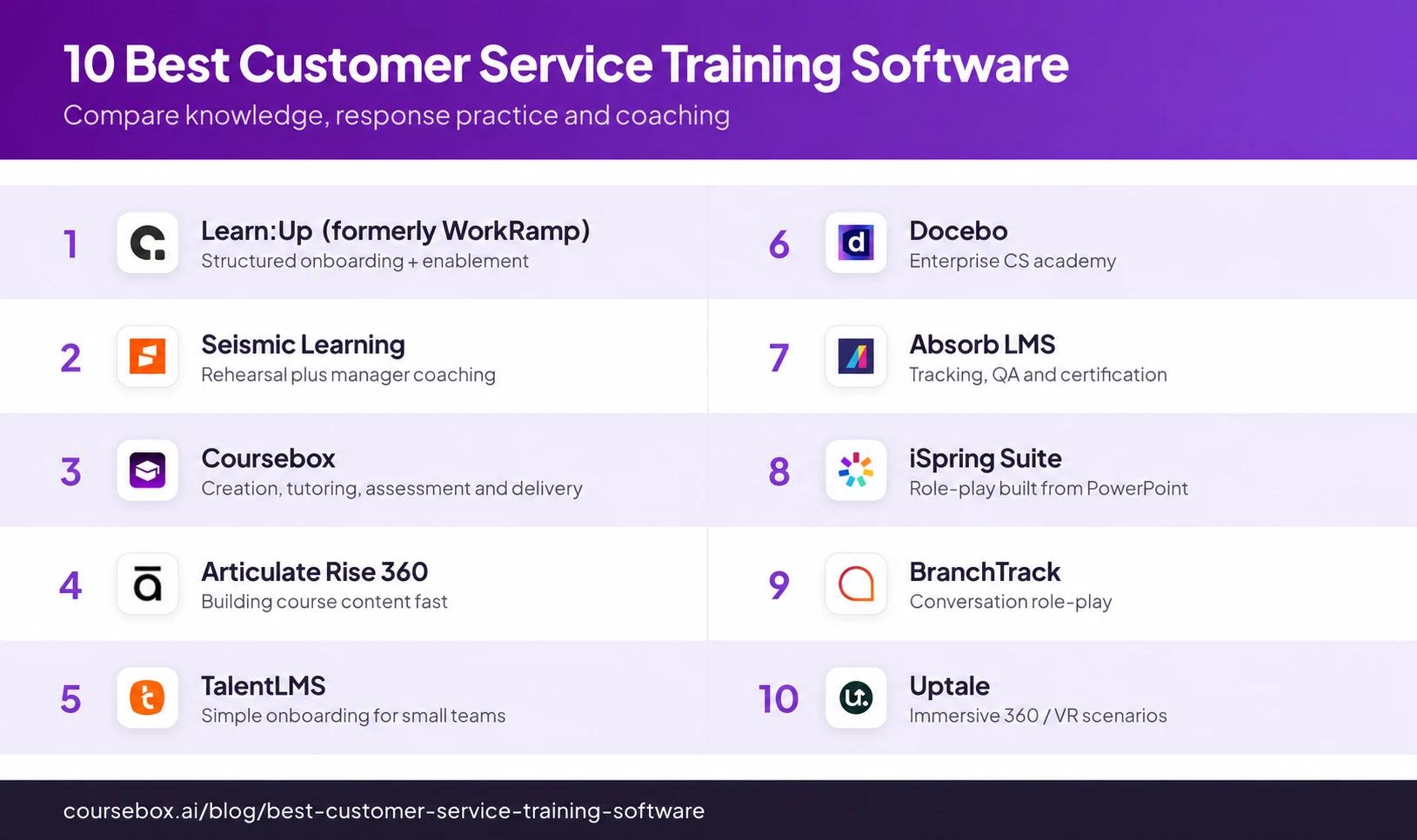
The 10 best customer service training software tools in 2026 are Learn:Up, Seismic Learning, Coursebox, Articulate Rise 360, TalentLMS, Docebo, Absorb LMS, iSpring Suite, BranchTrack and Uptale. Choose by knowledge, response practice and manager feedback.
- Learn:Up, Coursebox, TalentLMS, Docebo and Absorb LMS support learning delivery and administration. Rise and iSpring Suite author courses; BranchTrack and Uptale specialise in particular simulation formats.
- Coursebox connects approved playbooks to learning, tutor questions, assessed written responses and LMS reporting, with unlimited learners on every plan.
- Match the practice to the channel: written response, branching choice, voice role-play or immersive scene. Compare feedback and manager review as well as the scenario itself.
- Price the actual programme: learner or author licences, practice modules, implementation, content and integrations. A published example price may not match your workforce.
Compare four options from this guide. Answer for your own learning needs; the full comparison covers the other tools.

Set up your branded LMS and deliver training with AI
Knowing the refund policy and explaining it to an unhappy customer are different parts of an agent’s job. I want training to connect them: learn the approved answer, practise the conversation and get feedback before using it with a customer. Chat, email, phone and face-to-face teams may need different kinds of practice.
I’ve included learning platforms, course-authoring tools and dedicated simulations so you can see what would add to your current setup. I work at Coursebox, whose employee training software covers course creation, assessment, learner support and delivery.
Salesforce’s survey of 15,015 consumers across 18 countries found that 43% would stop buying after poor service. Use real support failures to select the cases agents practise, such as an incorrect refund or missed escalation.
How I judged these
I ranked these on what decides customer-service training in practice, in the same order each time, based on each tool’s features, its documentation and verified reviews as of October 2026 rather than a hands-on trial of all ten. The nature of service work set the criteria.
- Does it build the skill, not just deliver content? The thing that moves a service metric is practice under realistic pressure. Tools that let agents rehearse and get feedback beat tools that only serve a course and a quiz.
- Realism and scenario depth. Branching conversations and role-play, the de-escalation, empathy and objection-handling an agent has to do live, are what transfer to a real call. A linear module teaches the policy; a scenario teaches the judgement.
- Speed to build and keep current. Products, policies and tone change constantly in support. How fast can you turn a new playbook into training and push it out?
- Delivery, tracking and measurement. Can you onboard at scale, deliver on the devices agents use, and tie training to the numbers that count, CSAT, average handle time, escalation and QA scores, so you can see behaviour change rather than only course completions?
- Fit, type and price. An LMS, an authoring tool and a simulation tool solve different problems; I have labelled each, and flagged where per-seat pricing bites across a large contact centre.
The 10 best customer service training software at a glance
| Tool | Best for | Customer-service strength | Type | Price |
|---|---|---|---|---|
| Learn:Up | Structured onboarding + enablement | Paths, assessments, in-app practice | Enablement LMS | US$9/user/mo annual example |
| Seismic Learning | Rehearsal plus manager coaching | Practice + feedback loop | Enablement + coaching | Quote |
| Coursebox | Own playbooks, assessment and delivery | Creation, tutor support, assessment and reports | Course creator + LMS | Free; usage-based paid plans |
| Articulate Rise 360 | Building course content fast | Clean block-based authoring | Authoring | ~$1,449/yr (360 suite) |
| TalentLMS | Simple onboarding for small teams | Easy setup, automated ramp | LMS | Free tier; per user |
| Docebo | Enterprise CS academy | AI paths, deep reporting | Enterprise LMS | Quote |
| Absorb LMS | Tracking, QA and certification | Compliance-grade reporting | LMS | Quote |
| iSpring Suite | Role-play built from PowerPoint | Dialogue sims from slides | Authoring + sims | Per author/yr |
| BranchTrack | Conversation role-play | Fast branching simulations | Simulation | Free; Pro $83/mo annually |
| Uptale | Immersive 360 / VR scenarios | Headset-based practice | Immersive / VR | Corporate quote |
Pricing and product documentation were checked in October 2026. Compare the exact employee-learning package, practice features and implementation scope.
The 10 best customer service training software
1. Learn:Up (formerly WorkRamp)
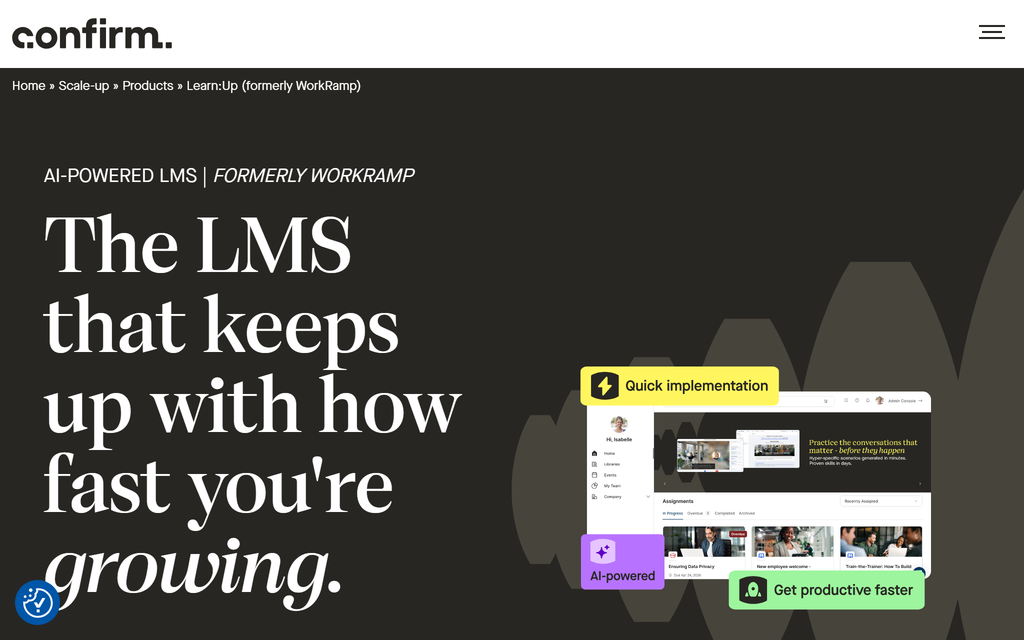
Learn:Up, formerly WorkRamp, combines course delivery, assessments, skills and practice for employee learning. It is relevant to support teams running a structured induction and continued product or policy learning, rather than buying a course builder alone.
Its current offering includes AI-assisted content creation, learner progress reporting, skills-linked training and customisable practice. A support lead can build a programme around the knowledge agents need, then add a scenario or certification activity to check how they respond. Imported files and SCORM material support existing content.
Confirm also sells Academy for customer and partner education, and Practice as a separate product. Define whether you are teaching your support employees or your customers. Those audiences and products are different, and the package needs to state exactly which simulation and coaching functions are included.
My take: My preference would be to compare one real support induction from assignment through practice and manager follow-up. Earlier reviewers reported a stalled upload, so I would include the team’s video files in that pilot. One reported issue should be a check, not a claim that every current deployment has the same fault.
Pricing and plans: Learn:Up starts at US$9/user/month, billed annually on the published 200-person-company example. Practice starts at US$4/user/month on the same basis; Academy is quoted separately. Confirm the actual scope and workforce price rather than treating the example as a universal minimum.
2. Seismic Learning
Seismic Learning, formerly Lessonly, combines lessons, practice and coaching for customer-facing teams. It is relevant when a manager needs to review an agent’s response and give feedback, alongside assigning product and policy learning.
The learning-and-coaching product supports interactive training and role-play. A programme can teach the escalation policy, ask an agent to rehearse a response and let a manager review it against the team’s expectations. That makes practice an assessable activity rather than an optional conversation after the course.
The feedback needs a clear standard: what a correct response includes, what language is acceptable and when the agent should escalate. The software provides a route for practice and coaching; it does not decide those operational rules. Check the available practice modes, review permissions and learner records in the proposed package.
My take: Seismic would make my shortlist when coaching is part of the ongoing training routine. I would have two managers review the same sample response to see whether the criteria are clear enough to produce useful feedback. Earlier reviewers reported playback problems. Include the team’s actual devices and video formats in the pilot.
Pricing and plans: Pricing is by quote. Specify Learning, the relevant coaching and role-play capabilities, learner counts, integrations and implementation. Do not assume every capability elsewhere in the Seismic product family comes with the Learning purchase.
3. Coursebox
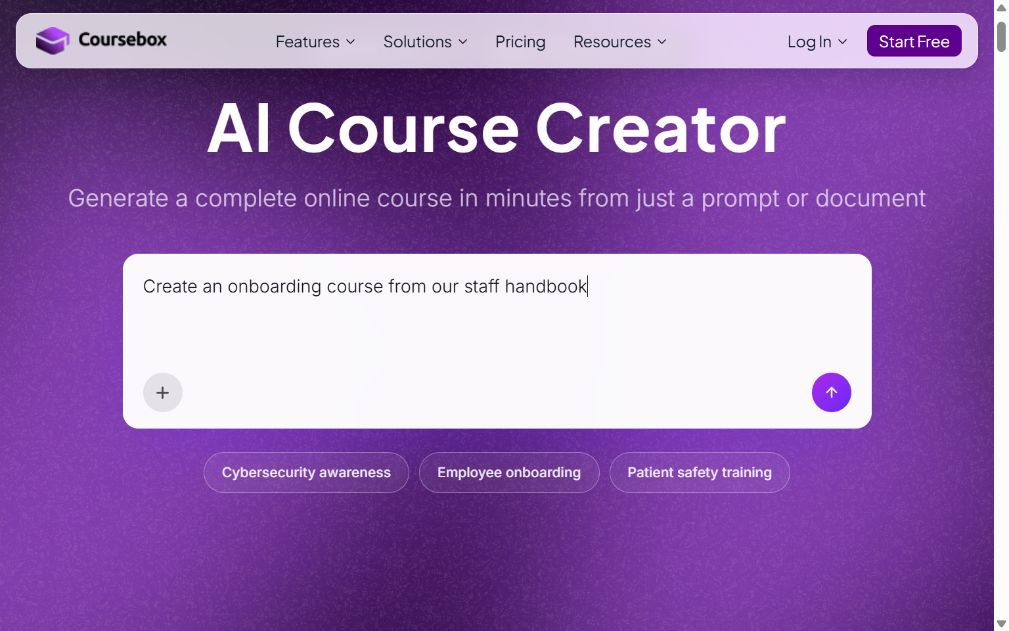
Coursebox combines course creation, tutoring, assessment and delivery for customer-service teams. Approved playbooks, product documents and policies can become learning that agents use, ask questions about and complete with a recorded assessment.
The AI draft is edited before launch. A course-grounded tutor supports questions about the material, and written assessment can ask an agent to explain a refund decision or draft a response using the supplied policy. Rubric-based grading supplies feedback that an administrator can review and edit, while groups, pathways and reports support the wider programme.
That workflow covers more than publishing a product-knowledge course. It can connect the policy explanation to a response task and follow-up. For a programme requiring live voice role-play, a particular branching interaction or headset practice, compare the actual supported mode with the specialist tools rather than assuming every form of practice is interchangeable.
My take: I work at Coursebox, and the combination I value is keeping the approved advice, learner questions and assessed response together. Before launch, my priority is the CX owner’s review of the lessons and grading criteria. A manager should still review a representative response before relying on it as evidence of readiness.
Pricing and plans: All plans include unlimited learners, including Free, with course, AI and administrator allowances. Branded LMS delivery, reporting, APIs and SSO depend on the plan or add-on. Include the team’s authors, course changes and tutor or assessment usage in the budget.
4. Articulate Rise 360
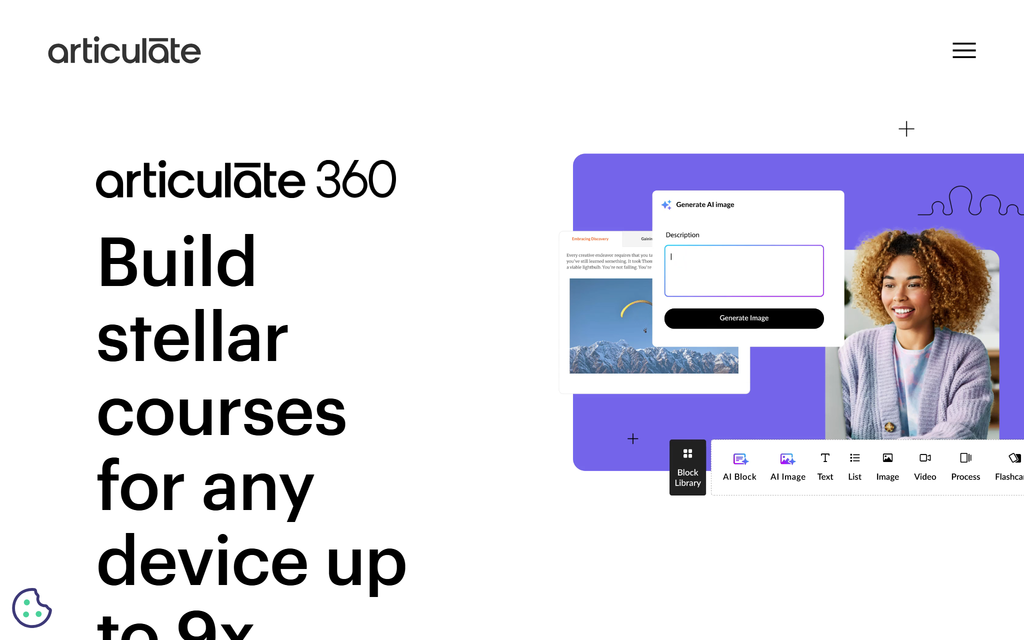
Rise 360, within Articulate 360, is a browser-based authoring tool for responsive courses. A support trainer can combine text, process explanations, screenshots, knowledge checks and scenario blocks into a module for learners using different screens.
Its fixed block types make a policy explanation straightforward to build. Storyline interactions can be embedded when a programme needs custom branching or more detailed simulations, but Storyline is a separate authoring environment within the suite. Decide which interaction is needed before adding that maintenance work.
Delivery can use an exported learning package in your LMS or the suite’s available distribution options. Authoring, course delivery and the resulting learner records should be priced and tested together. A visually tidy module still needs meaningful questions and feedback, especially when agents must interpret an exception to a policy.
My take: My preference is Rise for a clear, responsive explanation that the team will update often. For a difficult-customer scenario, I would first check whether its native blocks can represent the choices and consequences. Only add a custom interaction when it improves the practice, rather than treating more interaction as an automatic improvement.
Pricing and plans: Articulate 360 AI is US$1,449/author/year for Personal and US$1,749 for Teams. Collaboration, Reach distribution allowances and separately purchased credits affect the package. The newer Frontline offer has different authoring and publishing scope, so it is not a like-for-like suite price.
5. TalentLMS
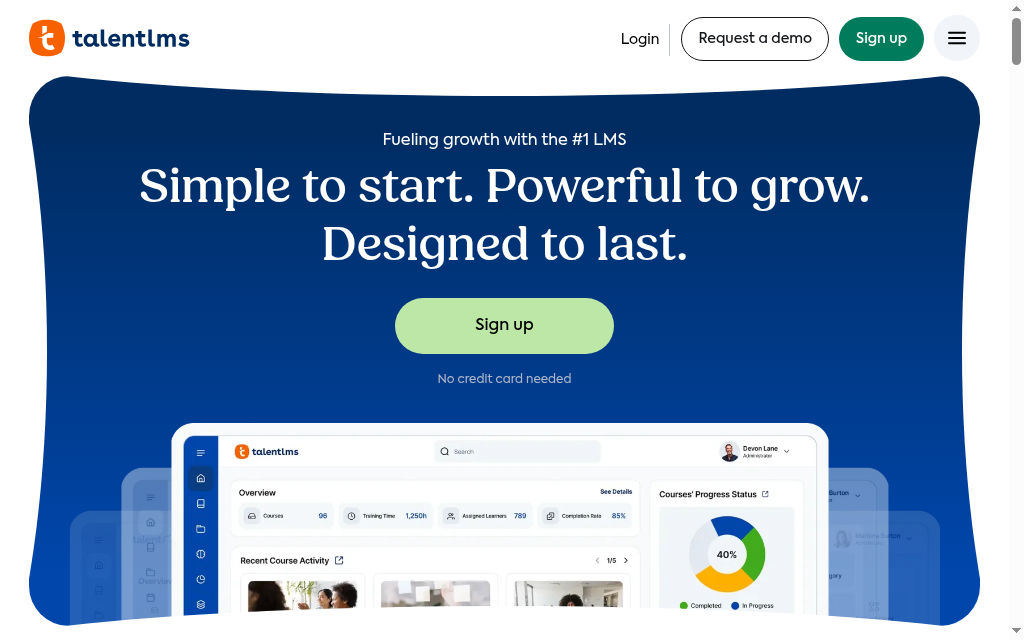
TalentLMS supports onboarding, recurring product learning and policy updates for a support team. It combines course creation or import with assignments, learning paths, reports and certificates, without requiring a wider enablement-suite purchase.
Groups can organise new starters or people handling a particular product. Branches provide separate environments where an audience needs its own administrator or branding. Reports help a manager follow progress, while assessments check the material taught in the course.
Learning-path automation now follows progress, with new controls in the September 2026 release. Test the assignment sequence and reminders separately in the version and plan you intend to use.
My take: TalentLMS would be on my shortlist when the support team mainly needs consistent assignment and follow-up. I would pilot a new-starter path and a product update for existing agents, then ask the manager to retrieve the overdue report. Practical conversation assessment can be added to the programme without treating a completion tick as proof of service skill.
Pricing and plans: Free allows five users and ten courses; Core starts at US$119/month billed annually for 1 to 40 users. Standard user bands and Flex monthly-login billing differ. Branches, automation and any purchased content affect the required plan.
6. Docebo
Docebo coordinates learning across departments, regions and audiences, including support employees and external customer education. It provides course delivery, learning plans, instructor-led learning and reporting, with optional content, AI and branded-app products.
Automatic groups use profile attributes to organise assignments, and enrolment rules attach the relevant plan. A support agent’s product team or location can therefore determine the learning programme. Power Users give local administrators defined permissions and resources without handing over the whole platform.
The employee-data connection determines whether those assignments remain accurate. A new enrolment rule does not retroactively enrol existing group members, so a product rollout needs a separate existing-agent check. Reporting also needs a defined purpose: completion, assessment and attendance are different from a live QA score in the support system.
My take: I would compare Docebo when several support teams need shared administration with local ownership. The teams I have seen get the most from it chose their goals and modules before onboarding. My pilot would include an agent moving teams and a manager following up incomplete learning, with the integration owner involved.
Pricing and plans: Pricing is by quote, with monthly, yearly or registered active-user models. Selected content, analytics, apps and services affect the package. Obtain the workforce and module terms in the proposal rather than assuming a universal public learner minimum.
7. Absorb LMS
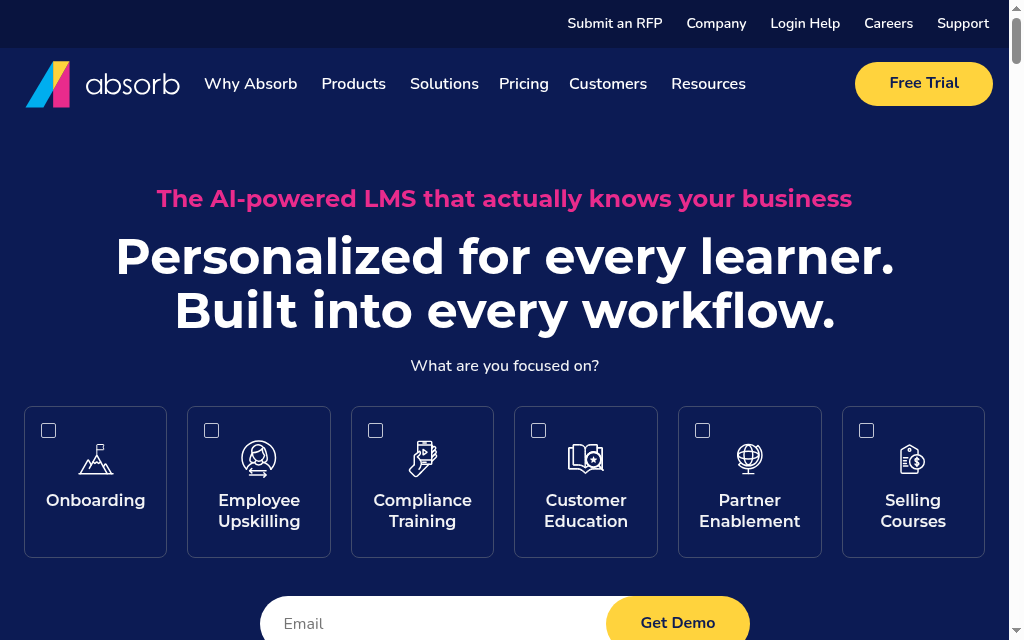
Absorb LMS combines course delivery, enrolment controls, permissions and reporting for programmes across several audiences. It can support customer-service learning without being a dedicated ticketing or contact-centre QA platform.
Enrolment rules separate required training from courses agents choose or managers assign. Prerequisites and approval can organise progression through induction or a development activity. The department structure shapes progress reporting, so it should reflect the managers who need to retrieve the records.
A service programme needs to distinguish its course record from operational performance. If CSAT, escalation rates or QA scores live in another system, establish how the team will compare them with learning. Do not assume an LMS report calculates the effect of a course on customer outcomes.
My experience: I liked being able to move from a report to the next administrative action without changing screens. That helps when a manager needs to act on incomplete training. My setup priority would be which manager sees which agents, followed by the action they can take from the report in the proposed package.
Pricing and plans: Pricing is by quote. Specify the learner-count basis, relevant reports, authoring, branding, integrations and support. Course creation and delivery may require different products, so include both if the team needs to maintain its own support material.
8. iSpring Suite
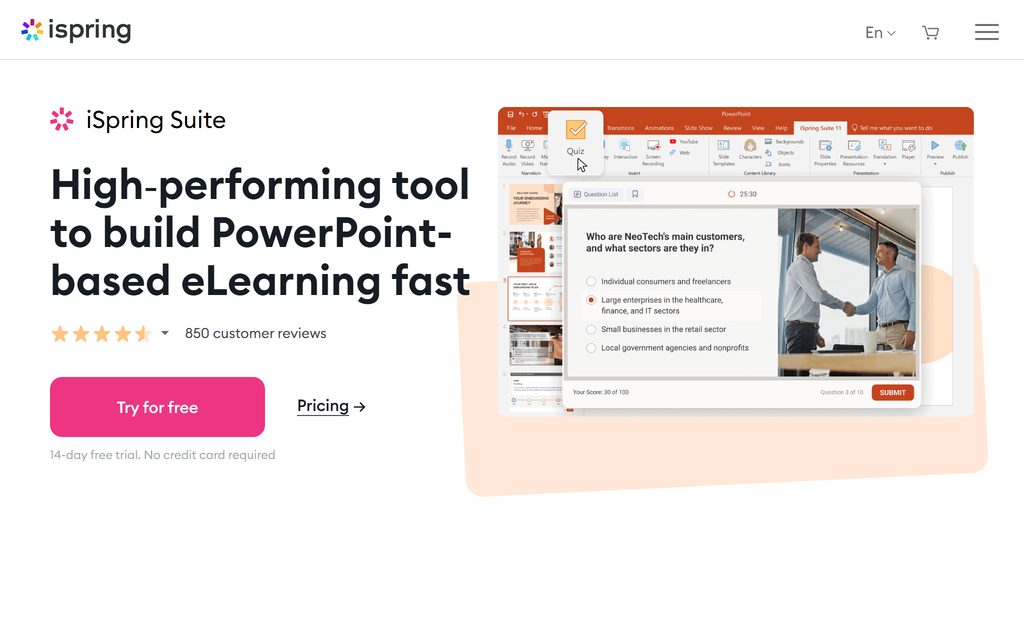
iSpring Suite adds eLearning authoring to PowerPoint. It turns slides into courses and assessments, with a dialogue-simulation editor that is relevant when an agent needs to practise a customer conversation.
In the simulation, the author defines the conversation, available responses and the feedback or next step attached to a choice. That can represent a refund request, an escalation or an objection without filming every route. Quizzes and other activities can sit beside the scenario before the course is published to an LMS.
Suite creates the learning package; your delivery system handles enrolment and ongoing learner administration. The desktop authoring environment requires Windows and PowerPoint. Confirm the reporting information your LMS receives from the simulation, especially if a manager needs more than an overall score.
My take: The dialogue editor is the reason I would compare Suite for a team already comfortable with PowerPoint. The course remains a deck, with specialised editors opened from it, which can initially surprise someone expecting a separate course application. I would build one representative conversation before committing to a full library of scenarios.
Pricing and plans: Published annual author prices include Suite at US$970 and Suite AI at US$1,290. The browser-based Cloud AI offering has different scope. Price the delivery LMS separately and check the actual package for collaboration and AI allowances.
9. BranchTrack
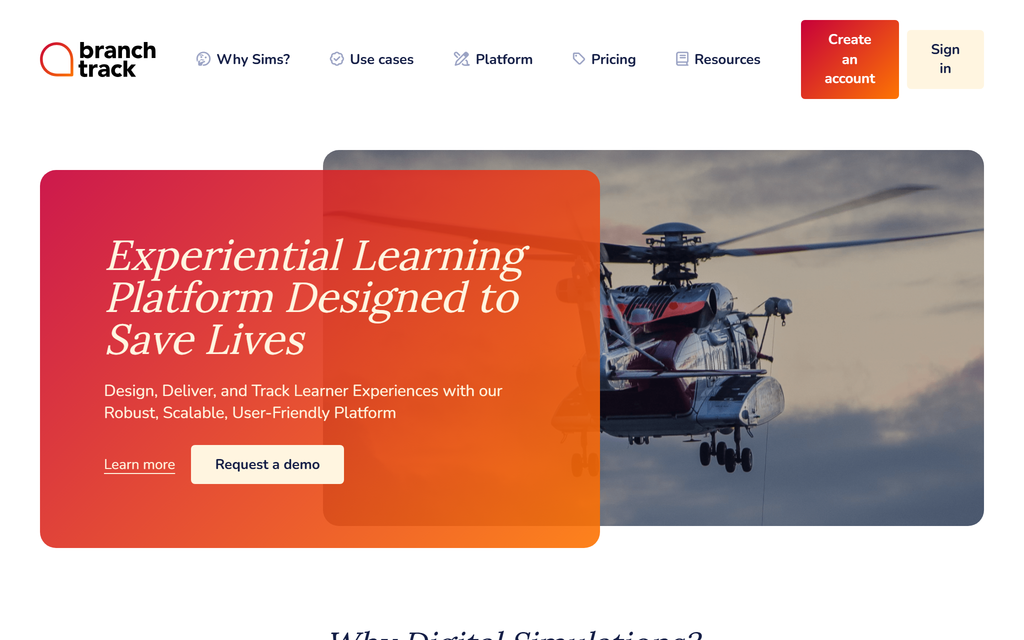
BranchTrack creates branching scenarios in which an agent chooses a response and sees its consequences. It is relevant when conversation practice is the main task, rather than building a full learning-administration system.
Authors build scenes and connect choices into paths, using character and location assets or their own media. Stakeholder review helps check whether the language and consequences reflect the real service policy. SCORM or xAPI export and embedding in other authoring tools let the scenario join a wider programme.
The scenario should include plausible errors and feedback that explains them, not a path where every wrong answer is obviously rude. Decide how a manager will interpret the resulting score or route.
My take: BranchTrack is on my shortlist when the learner needs to practise decisions within a conversation. I would use the free project to test one difficult case with the CX owner. My deciding question is whether the feedback explains why a response works, rather than simply rewarding the answer the script expects.
Pricing and plans: Free includes one simulation, unlimited scenario depth, reviewers and SCORM/xAPI export. Professional starts at US$83/month on annual billing for ten simulations. Team starts at US$299/month annually and adds collaboration and analytics. Classes learner delivery has its own charging model.
10. Uptale
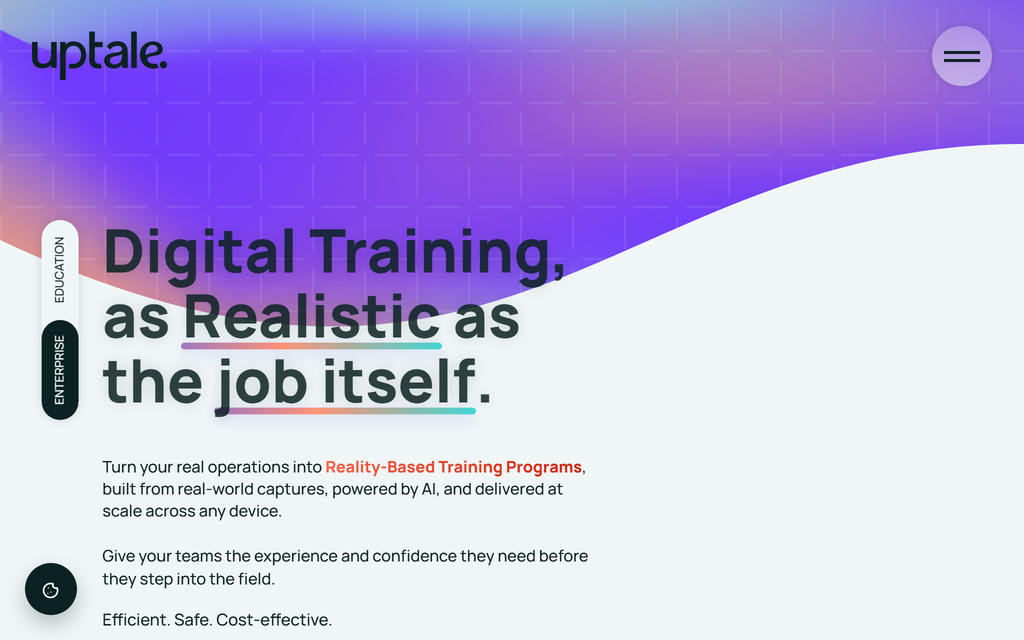
Uptale creates immersive learning from 360-degree captures with interactive activities. It suits service situations where the setting is part of the task, such as identifying a hazard, approaching a customer or navigating a physical service environment.
Authors add interactions and questions to captured scenes, then deliver the experience in a browser or supported immersive device. Performance data can include time, success and score, and SCORM export connects the experience with an LMS. The team must still design what the learner is asked to notice or do.
This adds preparation beyond writing a conversation script: capturing the environment, obtaining permission for the material and checking device access. A support team whose work is entirely a text or phone exchange may gain more from a focused conversation tool than from a 360-degree setting.
My experience: In the browser viewer, scenes loaded slowly and the navigation could feel reversed; the headset experience was smoother. I would therefore test the devices learners will actually use, including connection conditions. A browser preview and a headset session should not be treated as interchangeable evidence of usability.
Pricing and plans: Obtain a quote for the corporate deployment, creator access, learners, analytics, LMS integration and support. Published education packages have their own terms and do not establish a universal corporate starting price. Include capture equipment and any headsets in the total cost.
Connect approved knowledge with a response task and manager feedback. Coursebox can assess written explanations; a voice, branching or immersive scenario needs the appropriate practice mode. Select the mode for the agent’s actual work.
Which customer service training software should you choose
| Your priority | Compare | Check before buying |
|---|---|---|
| Own playbooks with tutoring, response assessment and delivery | Coursebox | Approved policy, rubric and manager review |
| Structured onboarding and practice | Learn:Up | Learning and Practice package scope |
| Rehearsal with manager coaching | Seismic Learning | Actual practice channel and feedback workflow |
| Branching response choices | BranchTrack, iSpring Suite | Scenario logic, review and export |
| Course authoring | Articulate Rise 360 | Interaction requirements and hosting |
| Immersive service setting | Uptale | Device access, captured scene and assessment |
| Wider learning administration | TalentLMS, Docebo, Absorb LMS | Assignments, permissions and agent progress reports |
Most customer-service training starts with onboarding new agents well, so our guide to the best LMS for staff training covers the onboarding side in more depth.
Use one difficult customer case in the pilot
- Choose a real refund, escalation or troubleshooting case and the approved policy.
- Teach the policy, then ask for the response in the channel agents actually use.
- Have two managers review the same response against the rubric. Resolve unclear criteria.
- Check that the learner receives usable feedback and that the manager can assign follow-up learning.
Frequently Asked Questions
It supports learning for customer-facing employees: product and policy knowledge, response practice, assessment and manager feedback. Some products cover the whole programme; others specialise in authoring or a simulation format.
Teach the approved policy, ask agents to respond to a realistic case and review the response against clear criteria. Use the actual service channel: a written reply, call, branching scenario or face-to-face task. Follow up where the response misses the standard.
Yes. Branching and immersive simulations can support rehearsal. Choose them when the format reflects the task, and compare the feedback and manager review. A simulation is not automatically more effective than another well-designed assessment.
Coursebox and TalentLMS offer free tiers. BranchTrack includes one free simulation; Pro starts at US$83 per month billed annually. Articulate 360 AI Personal is US$1,449 per author per year. Learn:Up publishes US$9 per user per month on an annual 200-person example. Seismic, Docebo and corporate Uptale packages require a quote.
Compare creation, assignment, response assessment, feedback and reporting for your agents. Coursebox covers creation, tutoring, written assessment and delivery; Seismic focuses on learning and coaching, while BranchTrack adds branching scenarios. Test the actual channel and manager workflow before choosing.
Carolina Martin
Carolina is a highly experienced learning designer with tech start-up experience. She is based in Sydney and previously designed courses alongside Coursebox founder Travis in a previous job. She is passionate about delivering engaging learning experiences and brings the same perspective to customer experience too. She manages our customer support documentation and product testing processes.

