

10 Best AI Curriculum Generators in 2026 (Tested)
The 10 best AI curriculum generators, tested on what counts: whether they output a real, teachable curriculum or just an outline, with honest free tiers and prices.

AI curriculum generators give you a first draft, not a finished curriculum. In one peer-reviewed analysis, 90% of activities in AI-generated lesson plans promoted only lower-order thinking, so the objectives, sequence and assessments are still your job.
- The tools split three ways: chatbots (ChatGPT, Claude) draft an outline you copy out; teacher tools (MagicSchool, Curriculum Genie, Eduaide) build K-12 units and resources aligned to US standards; and course platforms (Coursebox, Disco, LearnWorlds, Teachfloor) turn a brief into a course you can deliver.
- For a fast outline, ChatGPT, or Claude when it has to come from a long source document you upload. Both are free to start; expect to write the real objectives and assessments yourself.
- For a curriculum that becomes a deliverable course, Coursebox builds the full course from a brief; Disco and LearnWorlds suit organizations building a branded academy; Teachfloor is the fastest to a cohort-course draft.
- Check pricing and scope before you commit: Disco starts at $399 a month for organizations, Mini Course Generator dropped its free-forever plan, and the teacher tools (MagicSchool, Curriculum Genie, Eduaide) cap how many free generations you get each month.
Use three preferences to compare four starting options. Check the entries for required capabilities, prices and plan conditions.

Go from storyboard to an interactive course in minutes
The first time I asked an AI tool for a course curriculum, it gave me a clean list of modules in about ten seconds. It looked finished. Then I read it: the sequence jumped around, the objectives were the vague “understand the basics” kind, and nothing assessed whether anyone had learned. It was an outline, not a curriculum.
That split runs through this whole list. Some of these tools hand you an outline that you then have to turn into a real curriculum: the objectives, the sequence, the assessments that match. Others build the curriculum into something you can deliver. The real question is which of them produces a curriculum you could teach from, and how much of the design work it still leaves to you.
So I judged these ten on that: what each one outputs (an outline, a classroom unit, or a deliverable course), whether the sequence and objectives hold up, and the one thing to fix before you use it. I am a learning designer, I build courses and the assessments that go with them, and a tidy outline that falls apart the moment you try to teach it is the thing I spend my life fixing.
We build Coursebox, an AI curriculum generator that can turn the plan into lessons and assessments inside a deliverable course. It appears below alongside tools for text outlines and classroom units.
The OECD’s TALIS 2024 findings distinguish using AI from using it well. Among teachers who use AI, lesson planning is a common task. I would still check every generated sequence against the learners’ starting point and the outcomes they need.
In a 2024 English trial, 259 Year 7 and 8 science teachers took part across 68 schools. Teachers offered ChatGPT with an implementation guide spent 31% less time on lesson preparation. That supports a supervised planning workflow, not handing curriculum design over to a generator.
Outline, classroom unit, or deliverable course: the three kinds of tool
These tools do not all do the same job, and picking the wrong kind is why people end up disappointed. They sort into three groups.
- General AI chatbots (ChatGPT, Claude). Draft an outline from a brief in seconds and reshape it on request. Fast and flexible, but you get a text outline you copy out, and it can be generic or wrong. Best for a first draft you design from.
- Teacher tools (MagicSchool, Curriculum Genie, Eduaide). Built for K-12: fill in topic, grade and standards and get a sequenced unit with objectives and assessments, aligned to (US) standards. Most can also differentiate the same unit for mixed-ability or ELL learners, tiering it by reading level. Best for classroom curricula, less so for corporate or self-paced courses.
- Course platforms (Coursebox, Disco, LearnWorlds, Teachfloor). Turn a brief or your documents into a structured course you can deliver, with assessments and hosting, not just an outline. Best when the curriculum has to become a real course learners take.
Across all three, the same rule holds: the AI writes the first draft of the curriculum, and the objectives, sequencing and assessment alignment are still your job. That is exactly where the research says AI output is weakest.
How I tested these
I used the same workplace-onboarding brief, and a middle-school unit for teacher tools, to compare structure, measurable objectives and assessment alignment. Free plans and trials helped reveal the first limits; paid features and regional prices need to match the intended use. Source quality and the review work were part of the comparison too.
The 10 tools at a glance
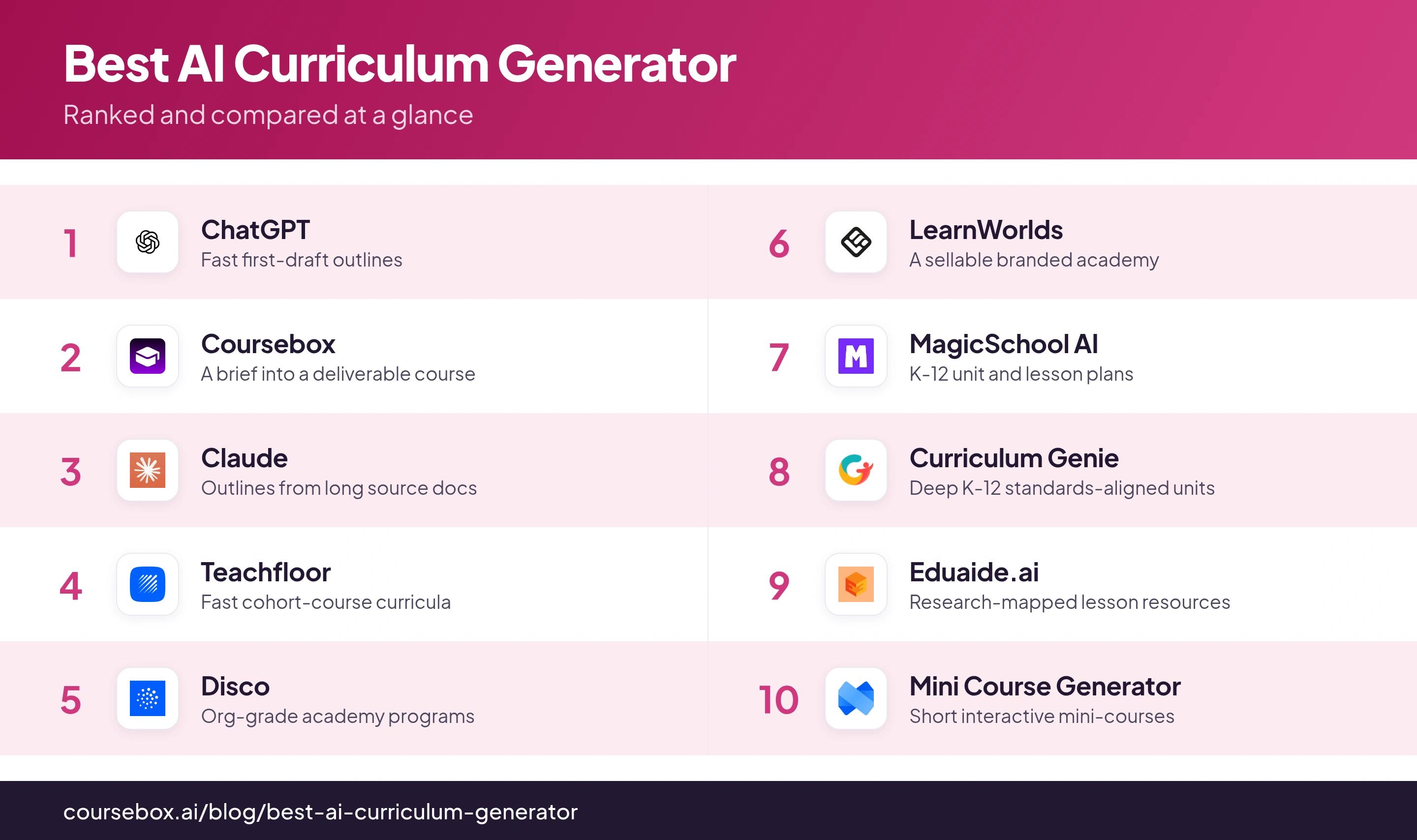
| Tool | Best for | Free tier | What it outputs | Watch out for |
|---|---|---|---|---|
| ChatGPT | Fast first-draft outlines | Free (may show ads) | An outline you copy out | Generic; can invent facts |
| Coursebox | A brief into a deliverable course | Free plan (watermarked) | Full course + assessments | AI draft you still edit |
| Claude | Outlines from long source docs | Free | An outline you copy out | Draft only; can invent facts |
| Teachfloor | Fast cohort-course curricula | Free trial | Editable curriculum with activities | Cohort focus; token cap |
| Disco | Org-grade academy programs | Free trial | Complete curriculum + assessments | $399/mo; built for orgs |
| LearnWorlds | A sellable branded academy | 30-day trial | Outlines + assessments | AI allowance depends on plan |
| MagicSchool AI | K-12 unit and lesson plans | Free forever | Scope-and-sequence units | US standards; a first draft |
| Curriculum Genie | Deep K-12 standards-aligned units | Free (4 credits) | Full units + assessments | US-only; thin outside reviews |
| Eduaide.ai | Research-mapped lesson resources | Free (capped) | Lesson plans + resources | Over-scaffolds; US-centric |
| Mini Course Generator | Short interactive mini-courses | 14-day trial | Interactive multi-page course | Not full curricula; PDF export |
The 10 best AI curriculum generators
1. ChatGPT
ChatGPT is where most people start, and for good reason: give it a one-line brief and it returns a full module-by-module outline in seconds, then reshapes it if you ask for learning objectives, a different order, or a map to a model like Bloom’s or ADDIE. The free tier runs on a capable default model and is enough to draft an outline; Plus, at around $20 a month, adds the stronger reasoning models.
The catch: what comes back is a scaffold, not a finished curriculum. It reads well, but the objectives are often vague, the sequence is generic, and it can state things that are plain wrong. It is also not a course builder, you copy the text into your LMS or authoring tool yourself. Treat it as a fast first draft you then shape.
My testing experience: I gave it a one-line brief for a workplace onboarding course and had a clean ten-module outline in under a minute. Reading closely, two modules were in the wrong order and the objectives were the generic “understand X” kind, so it saved me the typing, not the design work.
Verdict: the fastest way past a blank page. Use it to draft and rethink structure, then write the real objectives and assessments yourself, and check anything it states as fact.
2. Coursebox
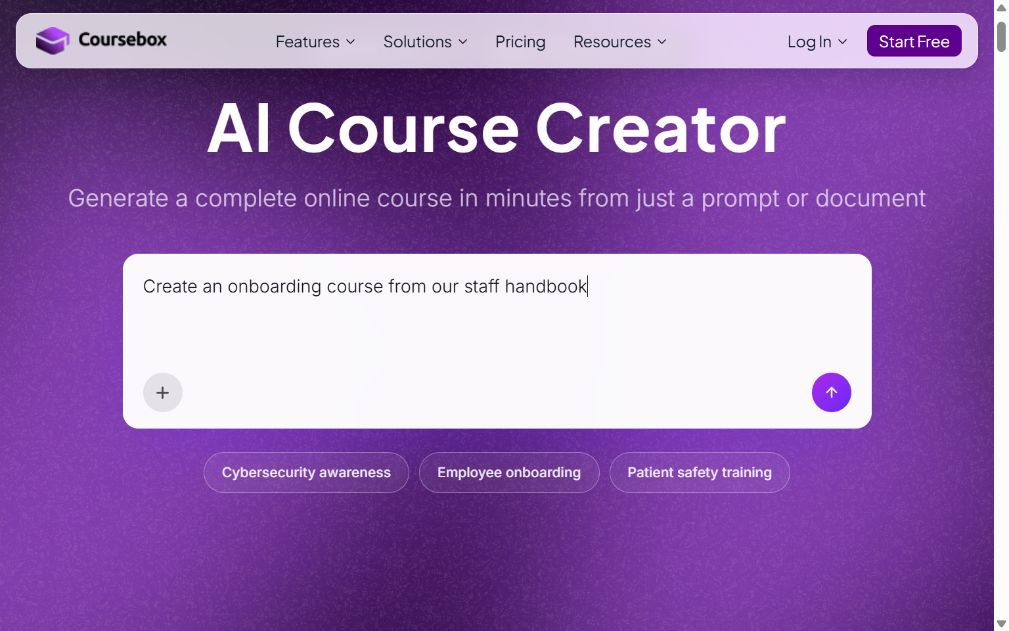
Coursebox, which is ours, turns goals, an audience and source documents into a course outline, then editable lessons, quizzes and assessments. AI video, practice and learner tutoring can sit alongside delivery in the LMS. Free includes three mini-courses of up to five pages each, unlimited learners, defined AI allowances and a Coursebox watermark. Paid capacity, branded LMS, exports and integrations depend on the plan.
Since it is ours, I will be blunt about the limit. The AI draft is a starting point, not a ship-without-reading artifact, you still edit the objectives and check the content. What it changes is the step from an outline to something you can deliver: instead of a topic list you copy out, you get a sequenced course with assessments already in it. If you only want a text outline to paste elsewhere, a chatbot is lighter.
My testing experience: I dropped in a slide deck and had a multi-module course, with quizzes and a draft video, in a few minutes, then spent my time editing rather than building from scratch. The parts I had to fix were the usual ones: tightening objectives and rewording a few auto-generated questions.
Verdict: the pick if you want the curriculum to become an actual course you can hand to learners, not just an outline. For a quick outline to paste into another tool, use an LLM.
3. Claude

Claude works like ChatGPT for drafting a curriculum, with one real advantage for this job: a large context window, so you can paste or upload a whole source, a long SME report, a policy, a textbook chapter, and have it build the outline from that material instead of inventing one. The free tier covers light use; Pro is around $20 a month.
The limits are the familiar LLM ones: it drafts the structure and leaves the design to you, the objectives, the sequence, the assessment alignment. The flip side of its strength: because it works from your uploaded source, a weak or messy source gives a weak outline. And like ChatGPT, it is not a course builder; you take the text elsewhere.
My testing experience: I uploaded a forty-page compliance policy and asked for a course outline grounded in it, and the modules mapped to the document instead of drifting into filler, which is the reason to use it over a shorter-context tool. I still rewrote the objectives and built the assessments myself.
Verdict: the best LLM here when your curriculum has to come from a specific long document. Same rule as ChatGPT after that: the outline is a draft you design from.
4. Teachfloor
Teachfloor builds editable curricula with activities inside a course platform, including cohort delivery. Its current plans start at US$89/month. Check the included user seats, AI allowance, file limits and learning activities in the selected tier.
I would compare the generated activities with the way the cohort will work: independent preparation, peer work, live discussion and assessment. Generation gives a starting structure; the facilitator still needs clear instructions and an assessment design.
My testing experience: I filled in the four fields for a short marketing course and had a titled, module-by-module curriculum with activities in about two minutes. It was clearly an 80% draft, though: the activities needed real instructions before I would run them.
My take: A useful comparison when the curriculum will run as a cohort course with activities and feedback. Finish the instructions and assessment criteria before enrolling learners.
5. Disco
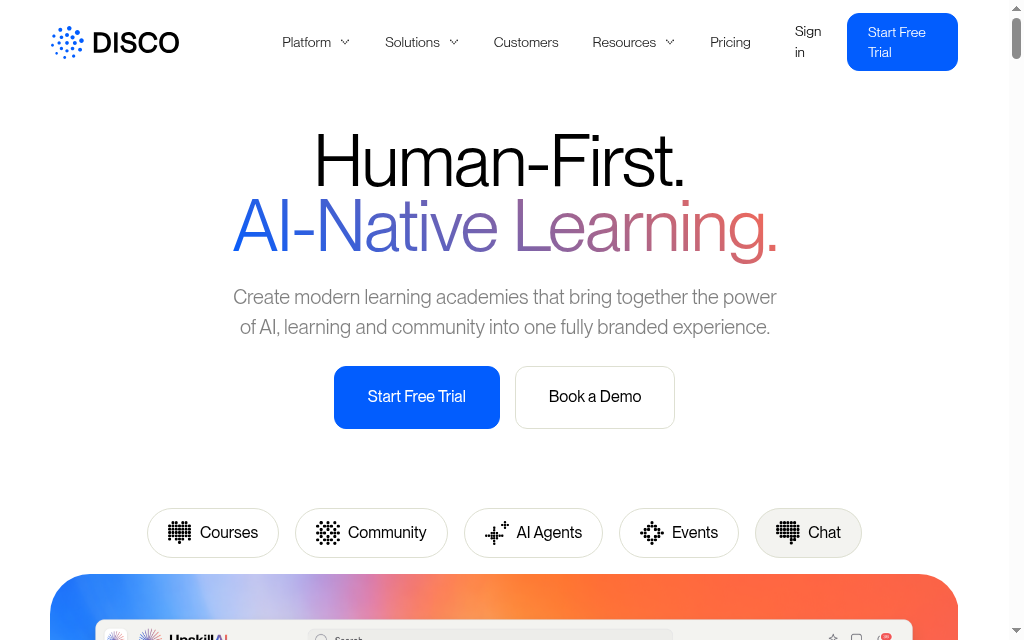
Disco is an AI-native platform for academies and cohort programs, and its Design Agent builds a complete curriculum, modules, lessons, assessments and discussion prompts, from the material you upload, then keeps going with quizzes and per-learner personalization. It is aimed at organizations, not individuals. The entry plan is $399 a month (billed annually, up to 500 members), with a free trial and no card required.
The catch is who it is for. Disco is priced and built for L&D teams and training businesses running branded academies at scale, so the depth (real assessments, personalization, a full platform) comes with an organization-sized price and setup. It also wants your source material rather than a one-line prompt, so it rewards teams that already have content to shape.
My testing experience: Feeding it a set of internal documents produced a structured program with assessments and discussion prompts, deeper than the quick-draft tools, and closer to something I would run for a cohort. The $399 floor put it firmly in team territory, not solo.
Verdict: the strongest pick for an organization building a real academy from its own knowledge. Overkill, and overpriced, for a solo creator or a one-off course.
6. LearnWorlds
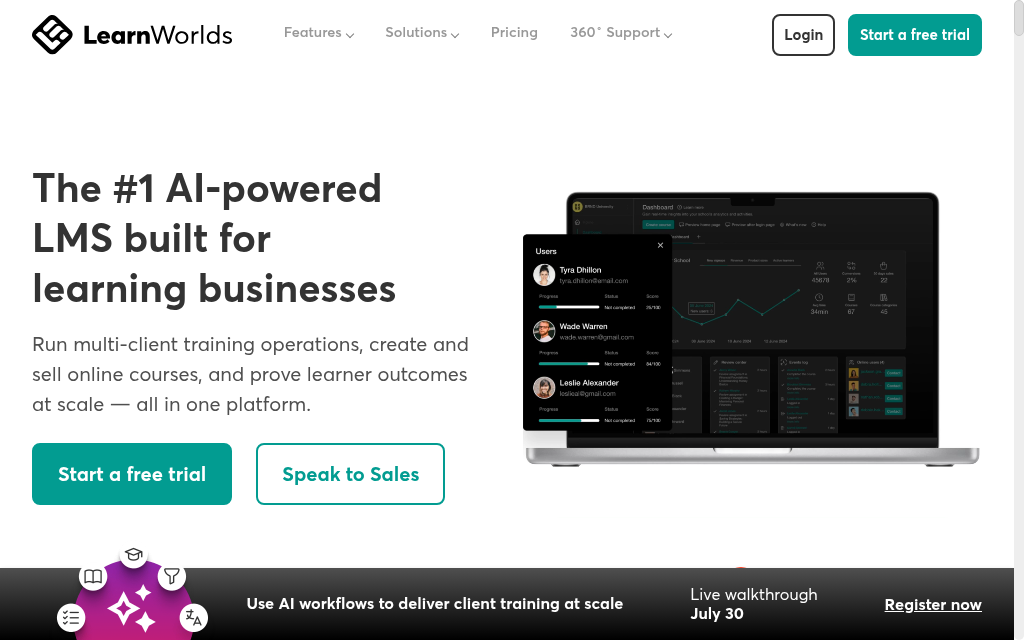
LearnWorlds is a course-selling platform with AI built in, and its point of difference is that it generates usable learning assets inside your academy, course outlines, assessments, activities and pages, not just text in a document. It also gives instructional designers a review step to adjust structure before the final build. Starter is $24 a month billed annually, on a 30-day trial, though it adds a $5 fee per paid enrollment.
LearnWorlds combines curriculum creation with academy operations, sales and learner delivery. AI usage has plan allowances, and Starter adds a per-paid-enrolment fee. Compare the course-generation and review workflow against the exact plan rather than assuming all AI features are unlimited.
My testing experience: Generating a course from existing materials gave me structured content and assessments inside the platform, not a doc to copy out, and the review-before-build step fit how I work. I watched the credit counter, though, and the per-enrollment fee adds up if you sell at volume.
Verdict: a strong choice if you want to build and sell a branded academy in one place. If you only need a curriculum drafted, you are paying for a lot of platform around it.
7. MagicSchool AI
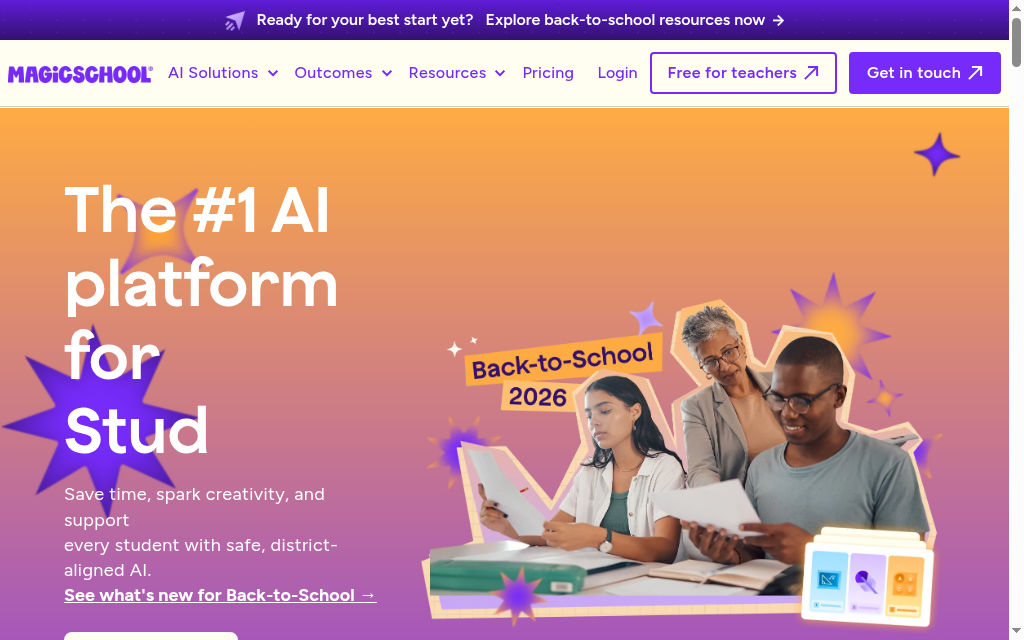
MagicSchool combines unit and lesson planning with teacher tools for differentiation and assessment. Enter the topic, grade and relevant standards, then review the draft sequence and checkpoints. It has a limited free plan and paid teacher/school plans; the free tier is not an unlimited generation entitlement.
It is a first draft, not a finished unit, one independent reviewer put it as work that “needs 5 to 10 minutes of editing,” which is fair. The district-grade curriculum-alignment layer sits in Enterprise, so individual teachers get strong unit and lesson drafts rather than a governed year-long map, and the standards focus is US-centric.
My testing experience: Building a standards-aligned lesson took about thirty seconds, three fields and generate, and the Unit Plan Builder was most useful at the start of a term when I was mapping a whole course. Everything came out as a solid draft I trimmed, not a finished plan.
Verdict: the best free starting point for K-12 teachers mapping units and lessons. Expect to edit, and expect US standards.
8. Curriculum Genie
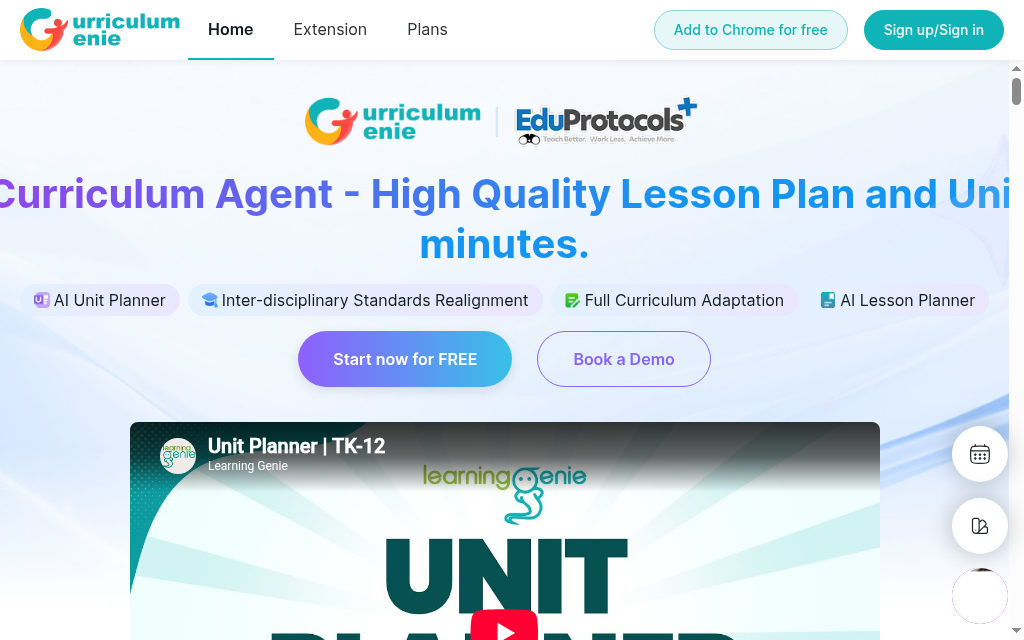
Curriculum Genie, from Learning Genie, is the deepest of the teacher tools here: its AI Curriculum Agent builds full, sequenced units, not single lessons, aligned to US state standards and a “Portrait of a Graduate” competency framework, with formative assessments, slides and activities, and one-click export to Google Slides and Classroom. The free plan gives you four starter unit credits; Premium is $20 a month for more units and 25 lesson plans.
Two caveats. It is heavily US-oriented, state standards, ESSA evidence tiers, competency frameworks, so its relevance drops sharply outside American districts, and even its own site is inconsistent on how many states it covers (it says both “50” and “40+”), so take the coverage claim loosely. Independent hands-on reviews are also thin; most of the praise sits on the vendor’s own testimonial wall.
My testing experience: Asked for a unit, it produced a sequenced, standards-tagged plan with formative assessments and ready slides, more complete out of the box than the other teacher tools. The framing is unmistakably US-district, though, which shaped every objective it wrote.
Verdict: the most complete unit builder for US K-12 teachers who want depth and standards alignment. Little reason to reach for it outside that setting.
9. Eduaide.ai
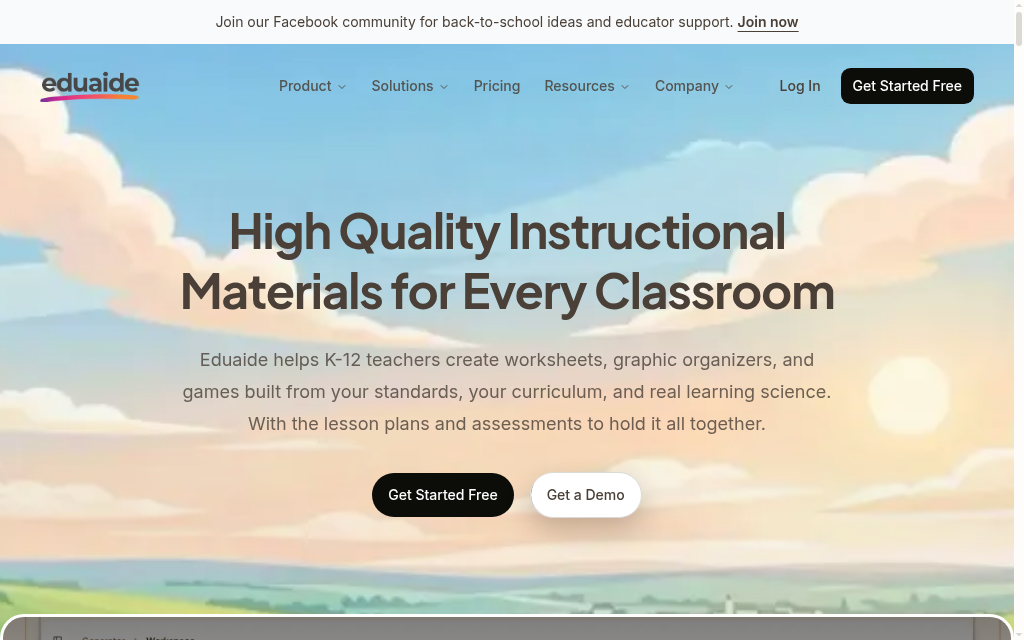
Eduaide is built for teachers creating lesson plans, worksheets, activities and assessments. Its Free plan currently provides 24 credits a month, equivalent to up to eight resources; Pro expands resource creation and revision. It is useful for lesson-level work, with sequencing and curriculum coherence still requiring a designer’s review.
It is a lesson-and-resource generator more than a whole-curriculum planner, so it is strongest a lesson or a unit at a time rather than mapping a full year the way Curriculum Genie does. One pattern verified reviewers flag: it over-scaffolds, its plans for mixed-ability classes front-load so much support that stronger students get little to push against, so trim what it adds. Like the other teacher tools, it is built around US standards.
My testing experience: I asked for a lesson on a science topic and had a full plan, with activities and a formative check, in under ninety seconds, and the export to Google Docs put me in my own workspace editing a minute later. What I fixed every time was the over-scaffolding, it padded in so much support that I stripped about a third of it back so the students still had to think.
Verdict: a research-grounded pick for teachers who want lesson and resource depth with clean export. For mapping a whole year rather than a single lesson, reach for Curriculum Genie or MagicSchool.
10. Mini Course Generator
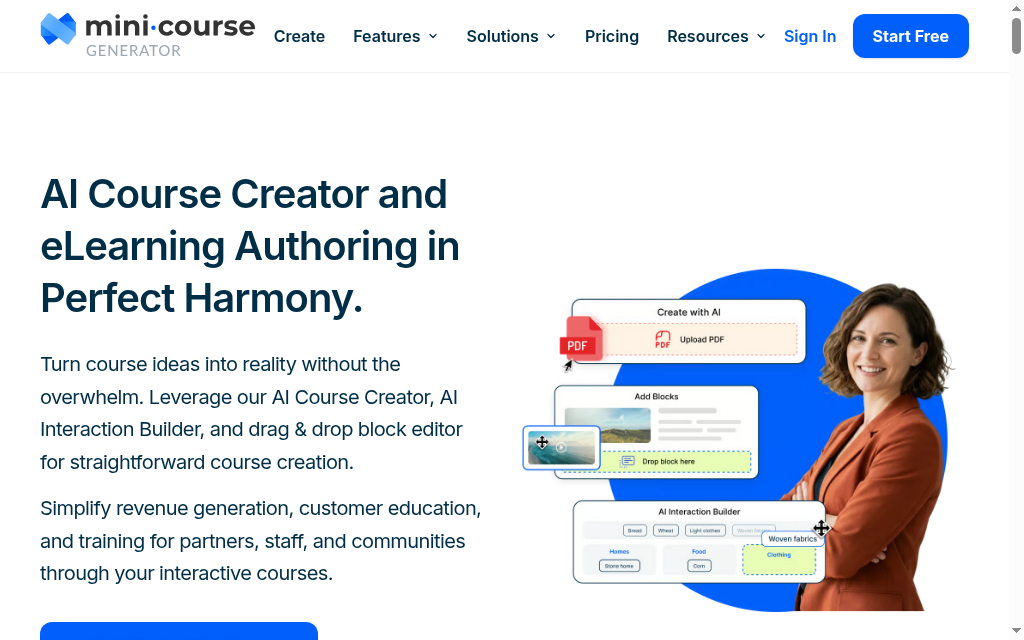
Mini Course Generator turns a topic, a YouTube video or an uploaded doc into a short, interactive, embeddable mini-course, multi-page lessons with quizzes and interactive blocks, rather than a document you export. It suits creators and coaches who want something shareable without a full LMS. There is no free-forever plan now, a 14-day trial, then Plus at $39 a month or Pro at $79.
Set expectations on scope: this is built for short mini-courses, not a full multi-module curriculum, and one verified reviewer notes “the PDF export is still a bit shaky” and needs cleanup. The interactive output is the draw, and there is a native Claude connector if you would rather draft the content in Claude and push it across.
My testing experience: I turned a short brief into an interactive, embeddable mini-course in a few minutes, and the interactive blocks were the standout, better than a flat PDF. It is a mini-course tool, though, I would not try to build a semester-long curriculum in it.
Verdict: the pick for short, interactive, shareable mini-courses. For a full curriculum, use one of the platforms above.
Three things the AI usually gets wrong: objectives that are specific and measurable (not “understand X”), a sequence that builds from one idea to the next, and assessments that test the objectives. Whatever tool you use, treat the generated curriculum as a first draft, and fix those three before you teach from it.
Every tool here writes a better curriculum when you brief it like a designer, not a search box. Give it the audience and their starting level, the one thing they must be able to do by the end, and ask for measurable objectives mapped to Bloom’s, a sequence that builds logically, and one assessment per objective. Paste your own source material so it works from that instead of filler, and tell it to flag anything it is unsure of rather than inventing it.
Prompt to steal: “You are an instructional designer. Build a curriculum for [audience] at [level] so they can [specific outcome]. Give measurable objectives mapped to Bloom’s, a module sequence that builds logically, and one assessment per objective. Use only the attached material, and mark anything you are unsure about.”
Which should you use
Match the tool to what you are making. Most people should start with ChatGPT for a fast outline they then shape by hand. If the curriculum has to become a real course you can hand to learners, that is where Coursebox fits, and K-12 teachers should reach for the teacher tools built around standards rather than a general chatbot.
One practical check before you pick: what you can actually take away. ChatGPT and Claude give you text to paste into a doc; Coursebox and LearnWorlds export SCORM or LTI, the packaging a corporate LMS can import; the teacher tools (MagicSchool, Curriculum Genie, Eduaide) push to Google Docs, Slides or Classroom, or a PDF; and Mini Course Generator hands you an embeddable interactive course. If you need one specific format, a PDF to print or SCORM for a corporate LMS, confirm the tool supports it before you build.
The line between a curriculum generator and a full AI course creation tool is thin, so if your real goal is building and shipping the whole course, that guide goes deeper.
And once you have a draft, our walkthrough on how to create a curriculum map helps you check the sequence and fill the gaps before you build. Whichever you choose, the same thing is true of all ten: the AI gets you a draft in minutes, and the curriculum, the objectives, the order, the assessments, is still yours to finish.
Frequently Asked Questions
It depends on what you are making. For a fast outline to shape yourself, ChatGPT (or Claude for long source documents). For a curriculum that becomes a real course you deliver, Coursebox builds the full course from a brief. For K-12 classroom units, MagicSchool or Curriculum Genie. The best pick depends on what you are making, an outline, a K-12 unit, or a deliverable course.
ChatGPT and Claude are free to start and enough to draft an outline. MagicSchool has a real forever-free tier for K-12 teachers. Coursebox has a free plan (watermarked, capped) to build an actual course. Most course platforms (Disco, LearnWorlds, Teachfloor) offer a free trial rather than a free plan.
The teacher-focused ones do: MagicSchool and Curriculum Genie build US state standards (and frameworks like Common Core) into the objectives. General chatbots will attempt standards alignment if you ask, but you should check it. Outside the US, standards support drops off sharply, so verify against your own framework.
A curriculum generator focuses on the plan: the outline, sequence, objectives and assessments. A course creator builds the whole deliverable: content, media, hosting and grading. Tools like Coursebox and Disco do both, planning the curriculum and then building the course. If you only need the plan, an LLM or a teacher tool is lighter.
Read it against three tests: are the objectives specific and measurable, does the sequence build logically, and do the assessments test the objectives? Fix those before anything else, they are where AI output is weakest, and check any facts it states, since these tools can be confidently wrong.
Carolina Martin
Carolina is a highly experienced learning designer with tech start-up experience. She is based in Sydney and previously designed courses alongside Coursebox founder Travis in a previous job. She is passionate about delivering engaging learning experiences and brings the same perspective to customer experience too. She manages our customer support documentation and product testing processes.

