

Teachable vs Podia: What’s the Difference and Which One Should You Choose?
Looking for an AI course creator to build and sell online courses? This Teachable vs Podia comparison will help you select the best platform for your needs.


Build high quality courses that actually sell
Choosing between Teachable and Podia isn’t about which platform has more features. It’s about how you want to create, sell, and manage your courses in practice. Both tools help creators turn knowledge into paid content, but they differ in how much structure, flexibility, and control they offer once you start building real courses.
Before most creators even reach that decision, there’s another challenge to solve: shaping the course itself. Figuring out lesson flow, content structure, and learning goals often takes more time than uploading videos. That’s why many creators start with an AI course creator to outline and organize their content before choosing any course hosting or selling platform.
In this guide to Teachable vs Podia, we will look at how each platform fits into the creator journey.
What Is Teachable?
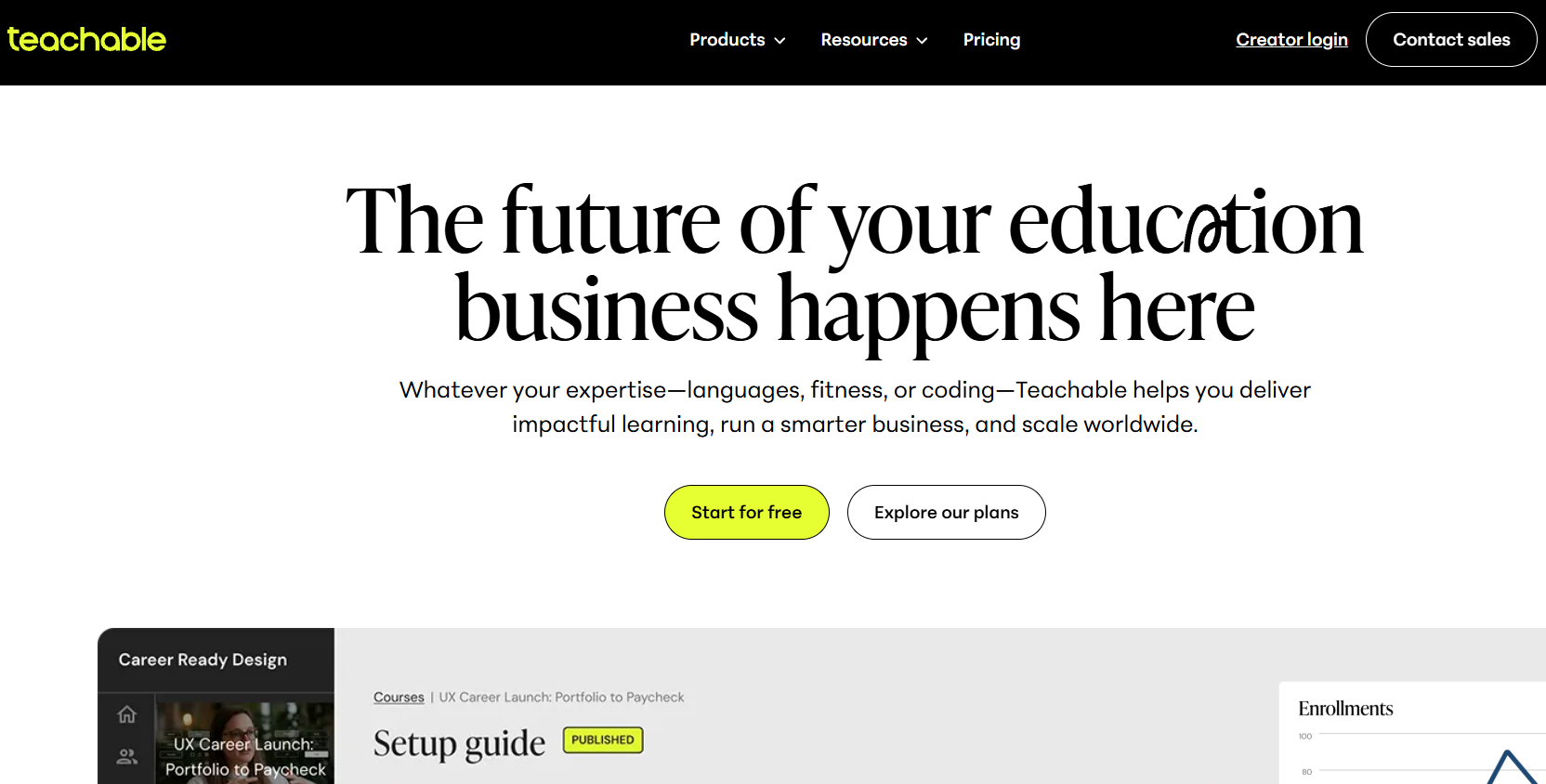
Teachable is a well-established platform that helps creators build and sell online courses and coaching programs. It provides tools for uploading videos, creating lessons, setting prices, and managing payments, all within a single system.
One of Teachable’s biggest strengths is its focus on selling. It includes built-in checkout, tax handling, and payment processing, which makes it easier for creators to monetize their courses without relying heavily on external tools. Teachable also supports quizzes, certificates, and student progress tracking.
Teachable is widely used by solo creators, coaches, and educators who want a reliable platform with minimal technical overhead.
What Is Podia?
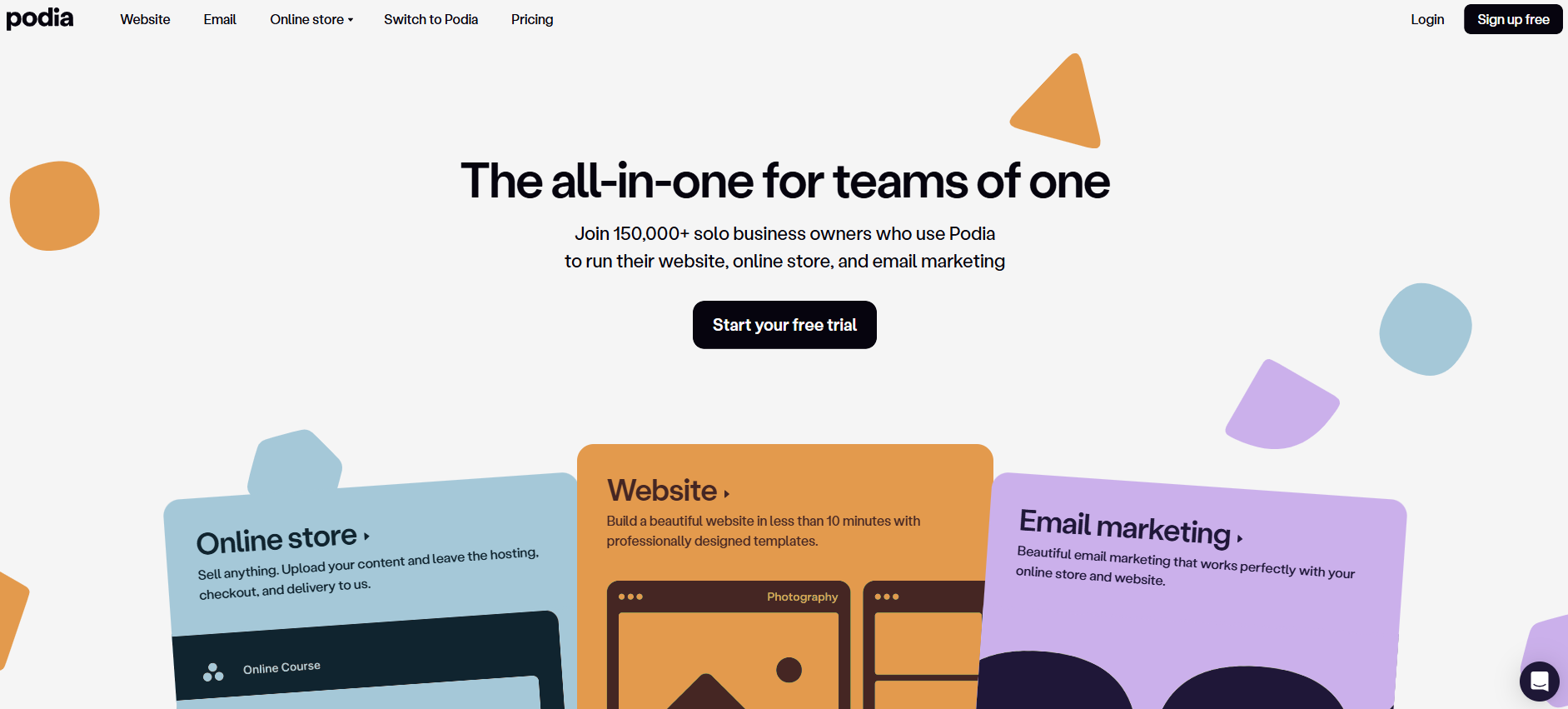
Podia positions itself as an all-in-one platform for selling digital products. In addition to courses, it supports memberships, downloads, webinars, and email marketing from a single dashboard.
Podia’s interface is intentionally simple. Creators can upload content, organize lessons, and start selling quickly without worrying about complex settings. While it doesn’t offer as many advanced learning features as Teachable, it makes up for that with ease of use and low maintenance.
For creators who want to sell multiple types of digital products alongside courses, Podia offers a flexible and beginner-friendly environment.
Teachable vs Podia: 6 Key Differences Explained
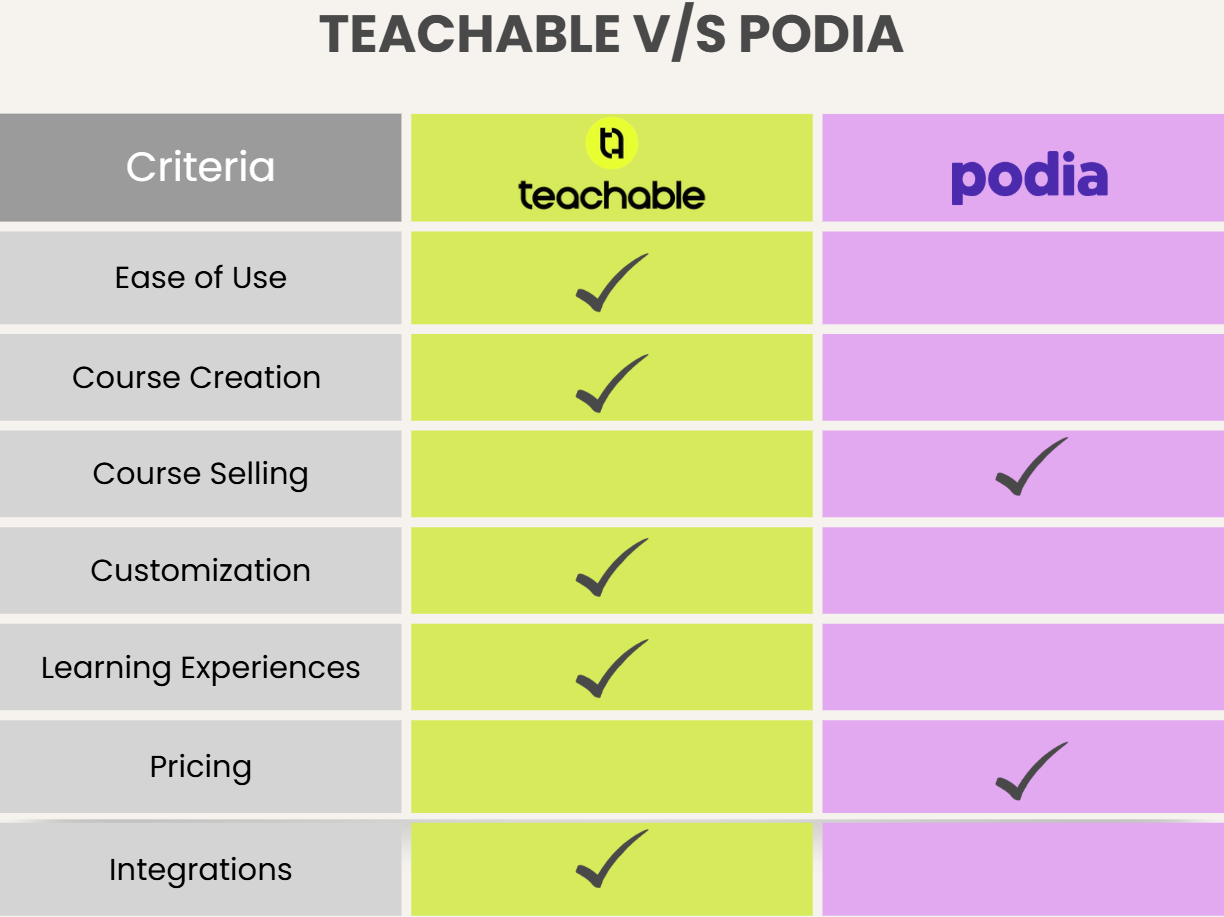
Although Teachable and Podia solve similar problems, their priorities are different. The key differences become clearer when you compare usability, course structure, selling tools, and scalability.
Ease of Use & Overall Experience
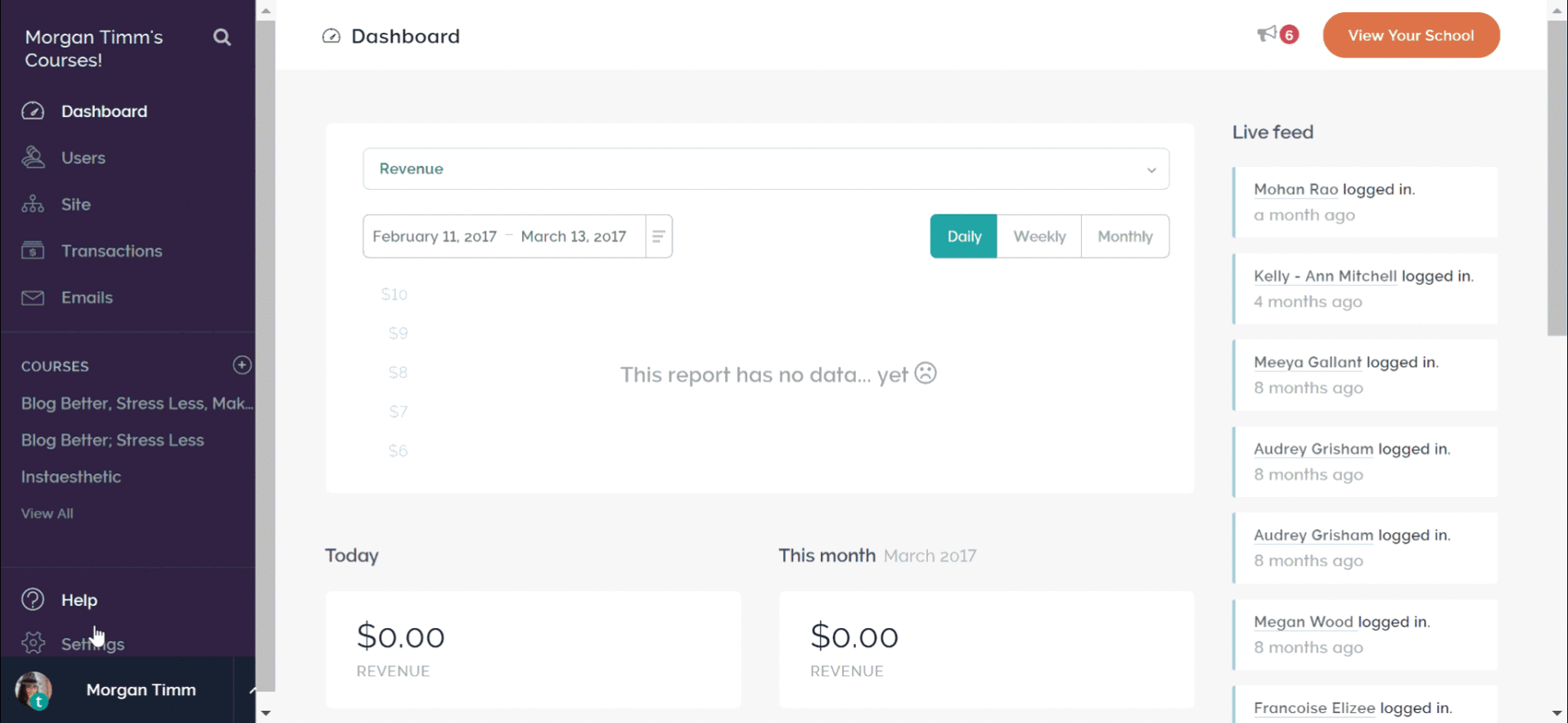
Podia is built for speed and simplicity. The interface is intentionally minimal, with very few settings or configuration steps standing between an idea and a published course. Creating a course feels intuitive even for first-time creators, and most users can upload lessons and start selling within a single session. This low learning curve is one of Podia’s biggest strengths.
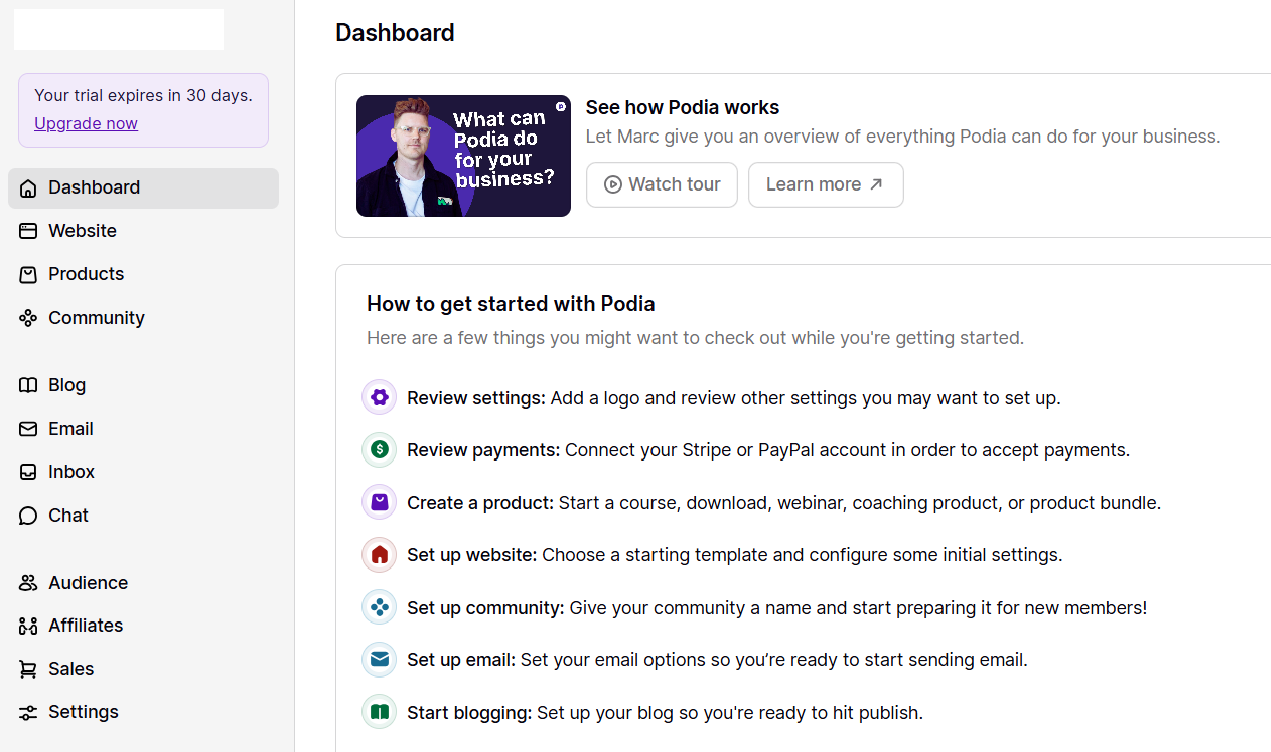
Teachable, while still user-friendly, requires more upfront decisions. You’re asked to define sections, lessons, pricing options, and course settings more deliberately. The dashboard offers more controls and options, which can feel overwhelming at first, but pays off once your course library grows.
Source: Teachable
Creators who use an AI course creator before uploading content often find Teachable easier to navigate, because the course outline and lesson flow are already clearly defined. That preparation reduces friction during setup and makes Teachable’s added structure feel intentional rather than complex.
Course Creation & Monetization
The real difference between Teachable vs Podia shows up when we compare their course creation and monetization approaches. Here is how both differ:
Course Creation
Teachable approaches course creation as a structured learning journey. Courses are divided into sections and lessons, and creators can add quizzes, track learner progress, and issue completion certificates. This makes Teachable a strong choice for educational programs, coaching certifications, or skill-based training where outcomes matter.
Podia treats courses more like content collections. Lessons are organized into sections, but there’s less emphasis on progression, assessments, or completion rules. Learners can move freely through content, which works well for creative workshops, evergreen tutorials, or membership-style education.
Many creators use an AI course creator to map learning objectives and lesson flow before choosing between these two platforms. This way, they ensure their content structure aligns with the platform’s strengths rather than forcing adjustments later.
Course Selling & Monetization
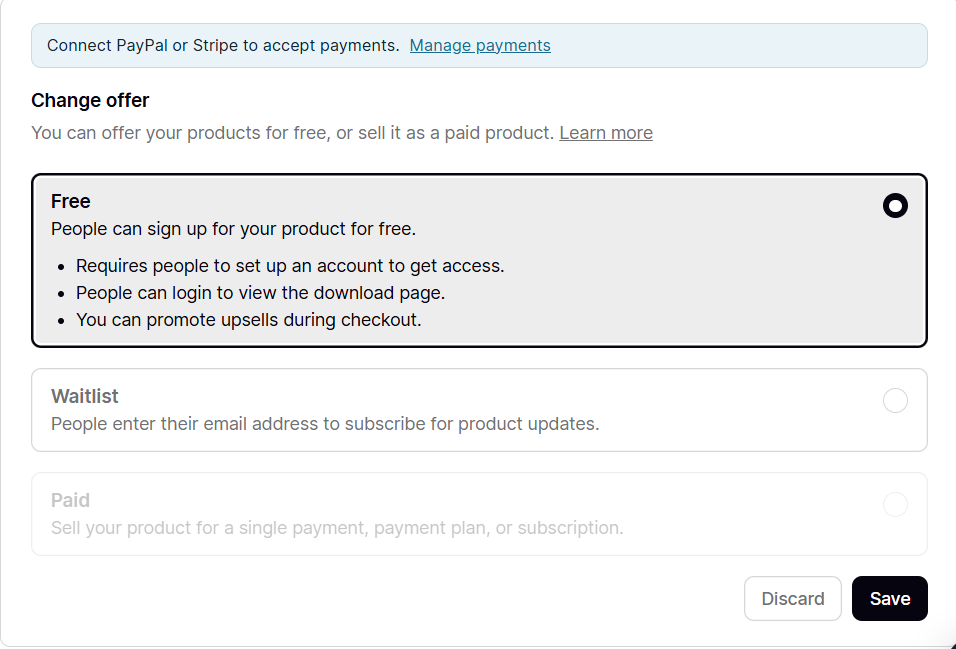
Teachable is designed for selling at scale. It supports one-time payments, subscriptions, payment plans, upsells, coupons, and multiple pricing tiers. This flexibility allows creators to experiment with pricing models, bundle courses, or sell premium learning experiences.
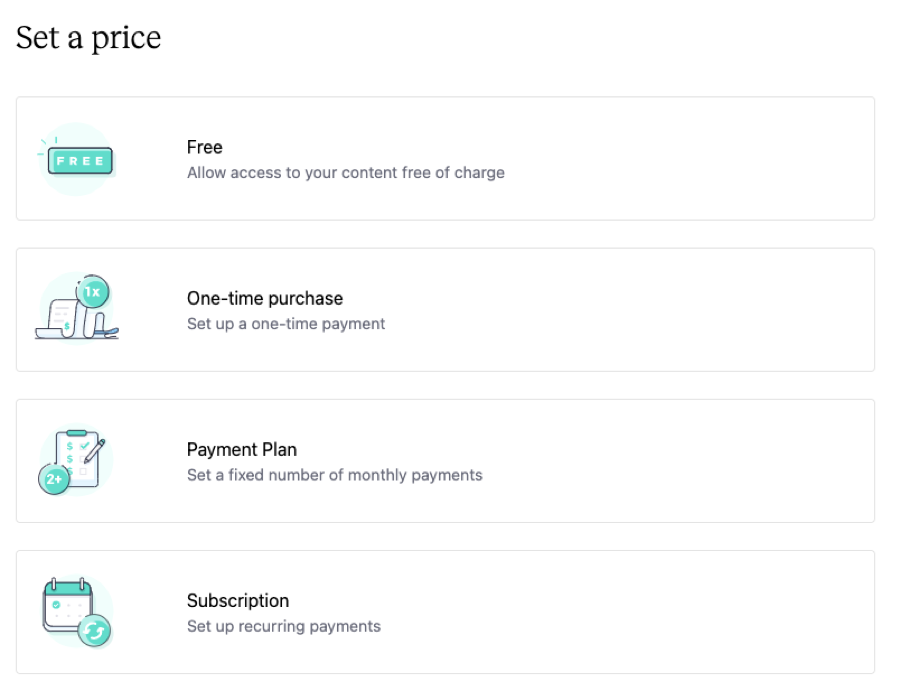
Podia simplifies monetization by bundling checkout, payments, and email marketing into one system. While it offers fewer pricing configurations, it removes technical complexity. Creators don’t need to stitch together multiple tools, which keeps sales management straightforward and beginner-friendly.
Customization & Branding
Teachable offers moderate customization options that help courses and sales pages feel polished and professional. You can adjust branding elements, page layouts, and visual components to align with your business identity. While it’s not a fully customizable website builder, it offers enough flexibility for most educational brands.
Podia limits course customization intentionally. Its templates are clean and consistent, but branding options are minimal. This reduces decision fatigue and setup time, but may feel restrictive for creators who want a highly distinctive or branded learning environment.
If visual differentiation and professional presentation are priorities, Teachable offers more room to grow.
Learning Experience & Engagement
Teachable focuses heavily on the learner journey. Features like quizzes, progress tracking, lesson completion, and certificates help keep learners engaged and motivated. These tools are particularly valuable for courses that promise measurable results or professional development outcomes.
Podia emphasizes accessibility and convenience. Learners can quickly access content, download materials, and revisit lessons without navigating complex interfaces. However, there are fewer tools for measuring engagement or guiding learners through a structured path.
Choosing between them often depends on whether learning outcomes or content access is the primary goal.
Integrations & Ecosystem
Teachable integrates with a wide range of third-party tools, including email marketing platforms, automation tools, analytics software, and CRM systems. This makes it easier to build scalable workflows around marketing, onboarding, and learner communication.
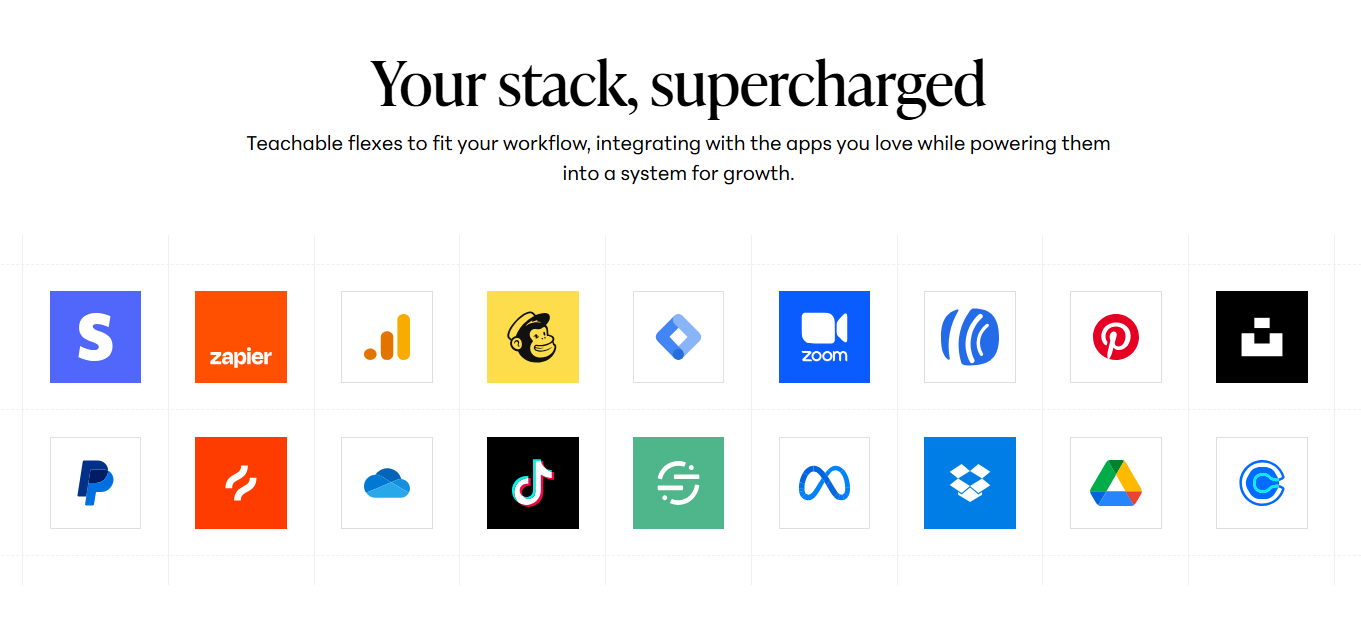
Podia relies more on built-in functionality. It includes email marketing, checkout, and content hosting within the platform, reducing the need for external tools. While integrations are more limited, many creators appreciate having fewer systems to manage.
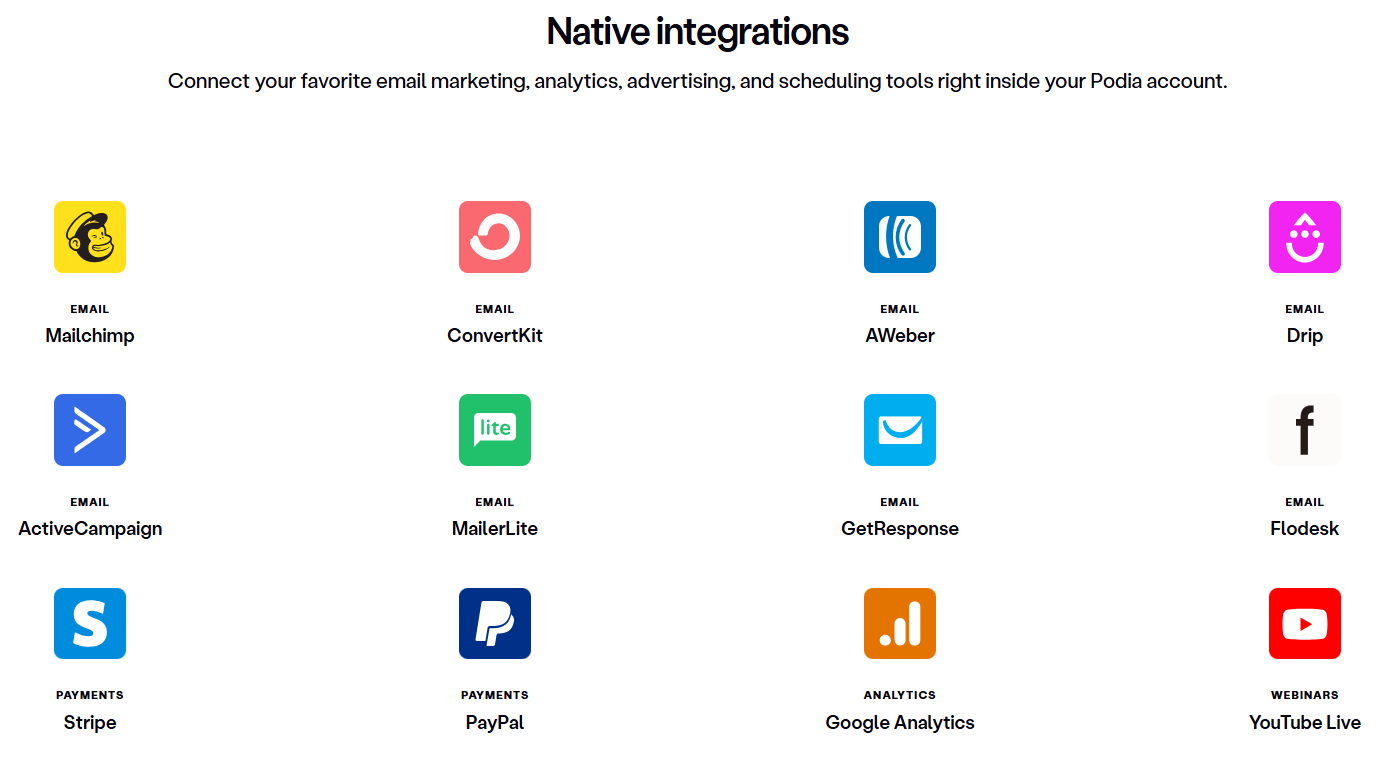
Teachable works best for creators building complex ecosystems, while Podia suits those who prefer simplicity.
Pricing
Let’s discuss the pricing in this Teachable vs Podia one-on-one.
Podia Pricing
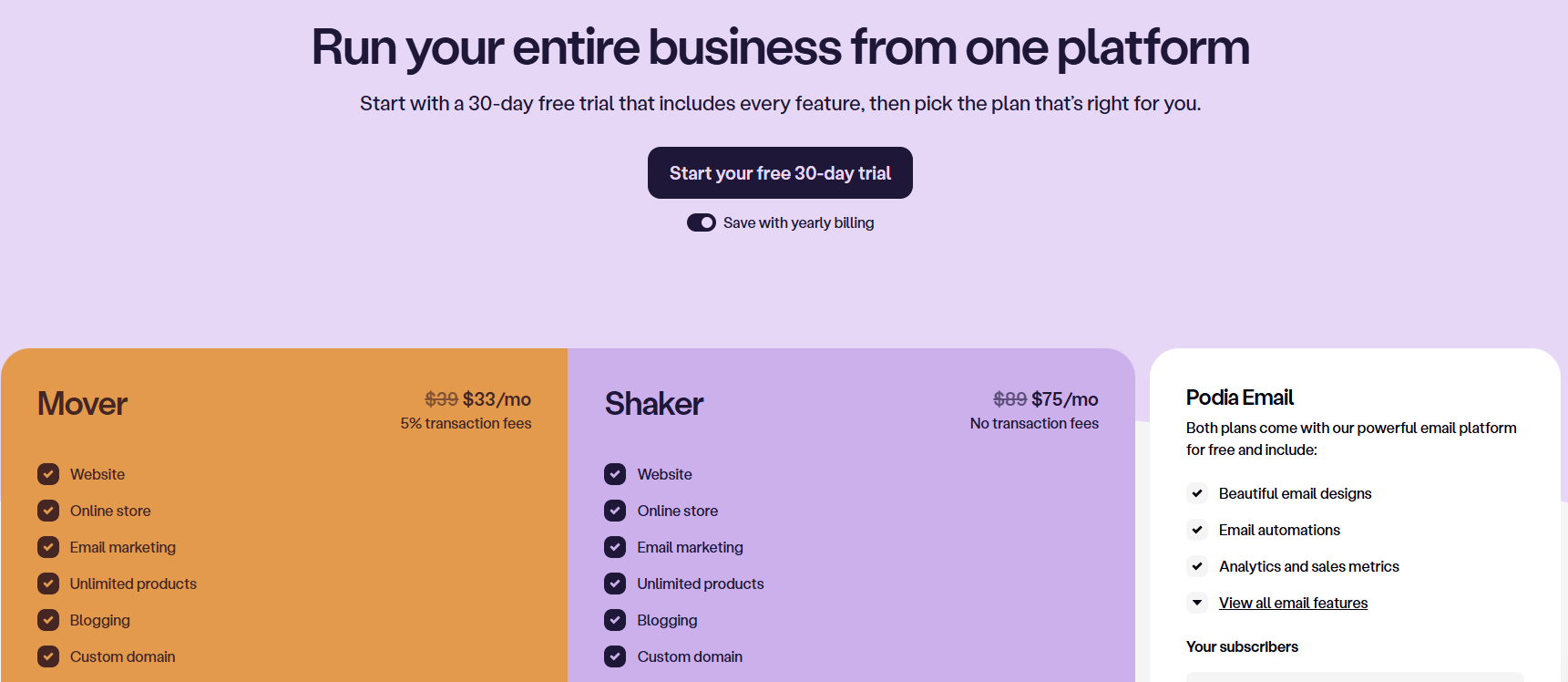
Podia uses a flat pricing model with no transaction fees on paid plans, making costs predictable as your business grows. Maintenance remains relatively low, even as content libraries expand, because there are fewer settings and dependencies to manage.
With Podia, you get three subscription plans:
- Mover: $33/mo with 5% transaction fees (billed annually)
- Shaker: $75/mo with no transaction fees (billed annually)
- Podia Email: Custom pricing
Teachable Pricing
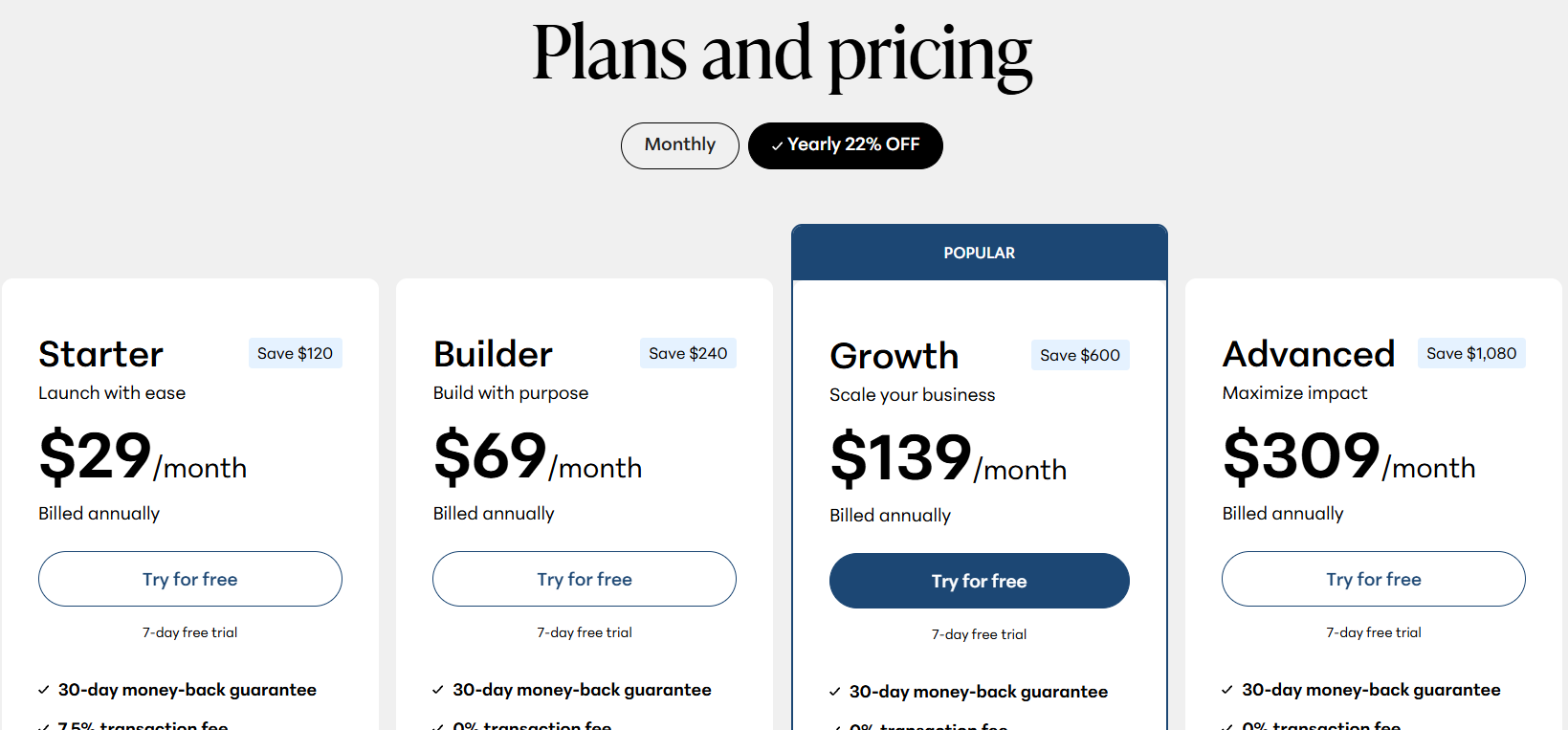
Teachable’s pricing scales based on features and usage. While it can become more expensive over time, it supports more advanced course businesses and professional training programs. The trade-off is higher capability in exchange for higher investment.
With Teachable, you get four subscription plans (annual billing):
- Starter: $29/month
- Builder: $69/month
- Growth: $139/month
- Advanced: $309/month
Teachable vs Podia: Which Is Better?
Here’s a quick comparison to summarize the differences.
| Feature | Teachable | Podia |
|---|---|---|
| Best For | Selling structured online courses | Selling courses and digital products |
| Ease of Use | Beginner-friendly with depth | Extremely simple |
| Setup Time | Moderate | Very fast |
| Customization | Moderate branding control | Limited customization |
| Maintenance | Low to moderate | Very low |
| Pricing | Scales with features | Flat, predictable pricing |
- Choose Teachable if you want to build structured courses with quizzes, certificates, and flexible pricing options. Teachable works well for creators focused on education, coaching, or premium programs.
- Choose Podia if you want to launch quickly and sell courses alongside memberships or digital products. Podia is ideal if simplicity and ease of management matter more than advanced learning features.
Where an AI Course Creator Like Coursebox Fits In
Both Teachable and Podia focus on hosting and selling courses, assuming you already know what your course looks like. They don’t help much with outlining lessons, writing content, or structuring learning.
That’s where an AI course creator like Coursebox comes in. It helps you turn raw ideas, documents, or videos into structured course content before you ever choose a platform. Instead of starting from a blank page, creators can use AI to generate course outlines, lessons, and learning materials. This dramatically reduces preparation time and improves consistency.
Coursebox doesn’t replace Teachable or Podia. Instead, it works upstream, helping creators build high-quality courses faster before choosing where to publish them. For anyone serious about scaling content creation, an AI course creator can be a powerful starting point.
Book a free demo now to see how Coursebox can help you with course creation.
FAQs About Teachable vs Podia
Teachable vs Podia: Which platform is better for beginners?
Podia is generally easier for beginners due to its simple interface and minimal setup. Teachable offers more features, which can take longer to learn but provide more flexibility over time.
Can I use an AI course creator with Teachable and Podia?
Yes. An AI course creator like Coursebox can be used before uploading content to either Teachable or Podia. This makes it easier to create structured courses quickly and reuse content across platforms.
Can you sell memberships on both Teachable and Podia?
Yes, both Teachable and Podia support membership-style offerings. Teachable allows creators to sell subscriptions with structured course access and learning progression. Podia makes memberships especially easy to manage by combining content access, billing, and email communication in one place. The choice depends on whether you want structure and tracking or simplicity and flexibility.
Which platform is better for creators with multiple courses?
Teachable is better suited for creators managing multiple courses because it offers stronger organization, learner tracking, and pricing controls. As your course catalog grows, these features help maintain clarity and consistency. Podia can still support multiple courses, but its simplified structure works best for smaller libraries or content-focused creators rather than large-scale programs.
Do Teachable and Podia support certificates?
Teachable supports course completion certificates. Podia does not offer built-in certificates, so creators would need third-party tools if certificates are required.
Travis Clapp
Educational technologist and instructional designer

